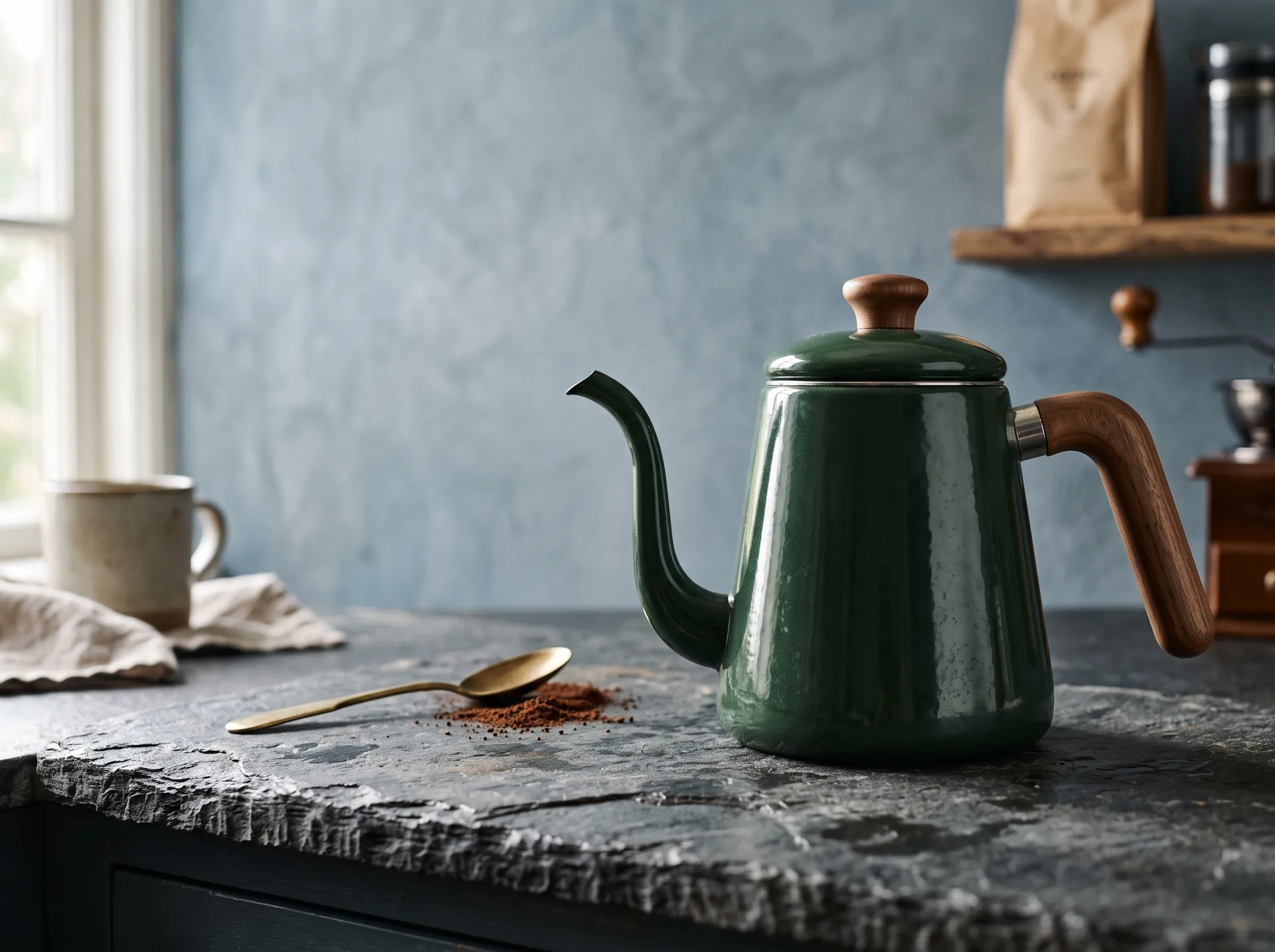
Pick an Action. Get the Result.
Ready-made AI workflows for the creative tasks you already know you need. Upload your asset, choose the result, adjust a few controls and create — without writing a prompt from scratch.
Three steps. No prompt archaeology.
Every Action follows the same pattern, so once you've used one, you know how to use all of them.
1. Upload your asset
Start from a photo, a product shot, a portrait or two frames. The Action tells you exactly what it needs.
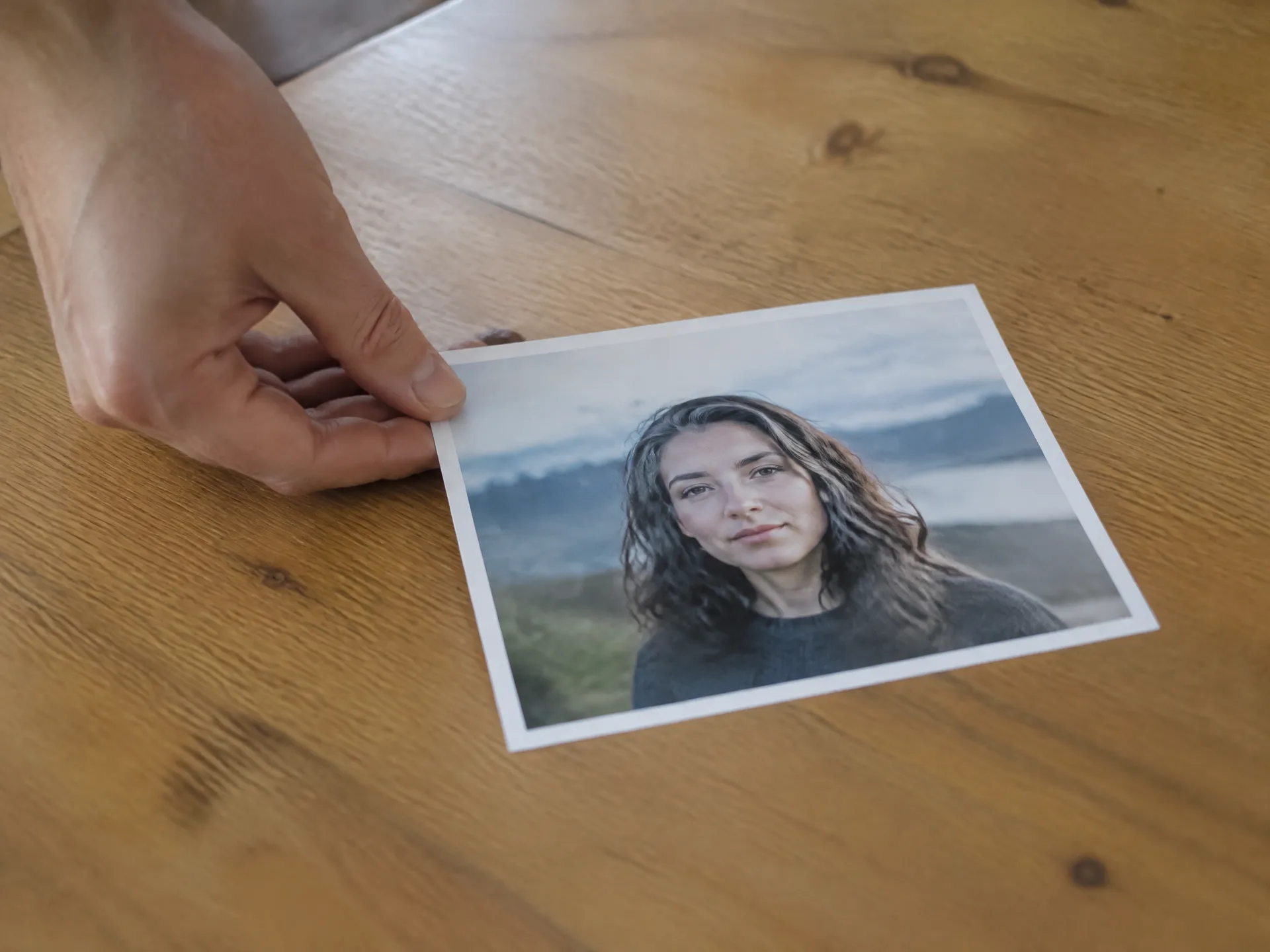
2. Choose the result and adjust
Pick the look or motion you want, then tune a few focused controls — light direction, camera move, style or background.
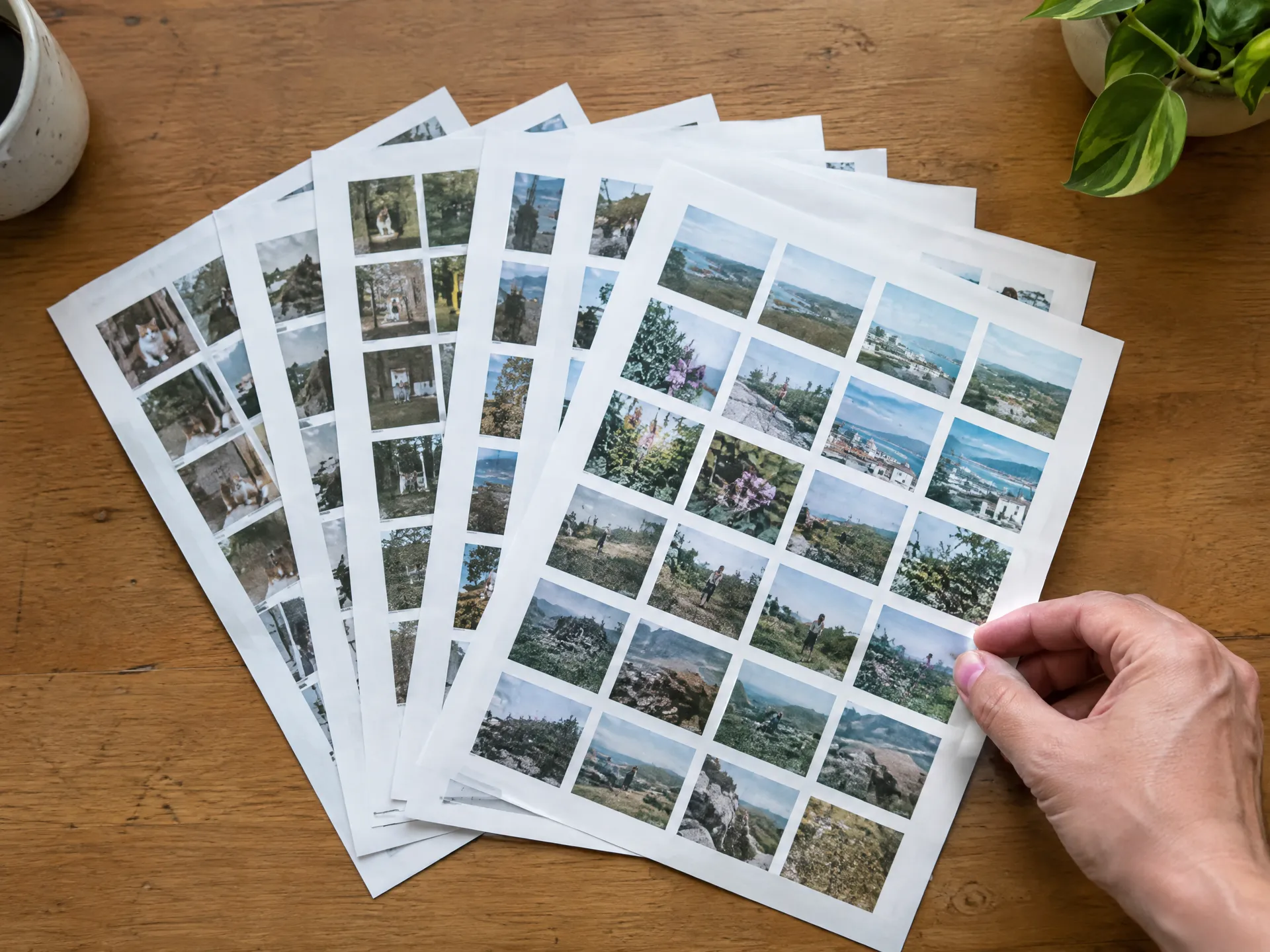
3. Create
The Action writes the instructions and routes them to the right model. You get a finished image or video, and your original stays untouched.
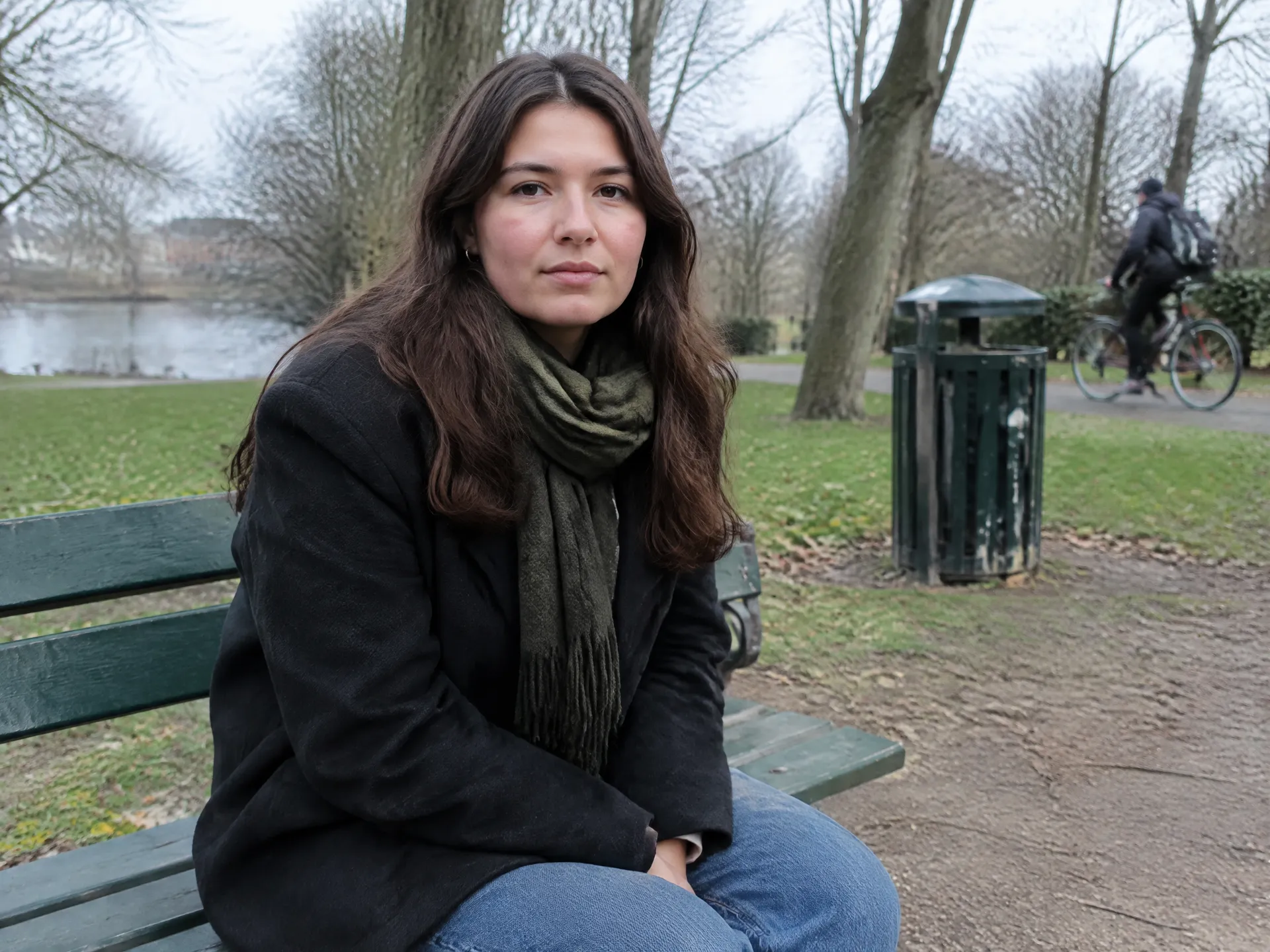
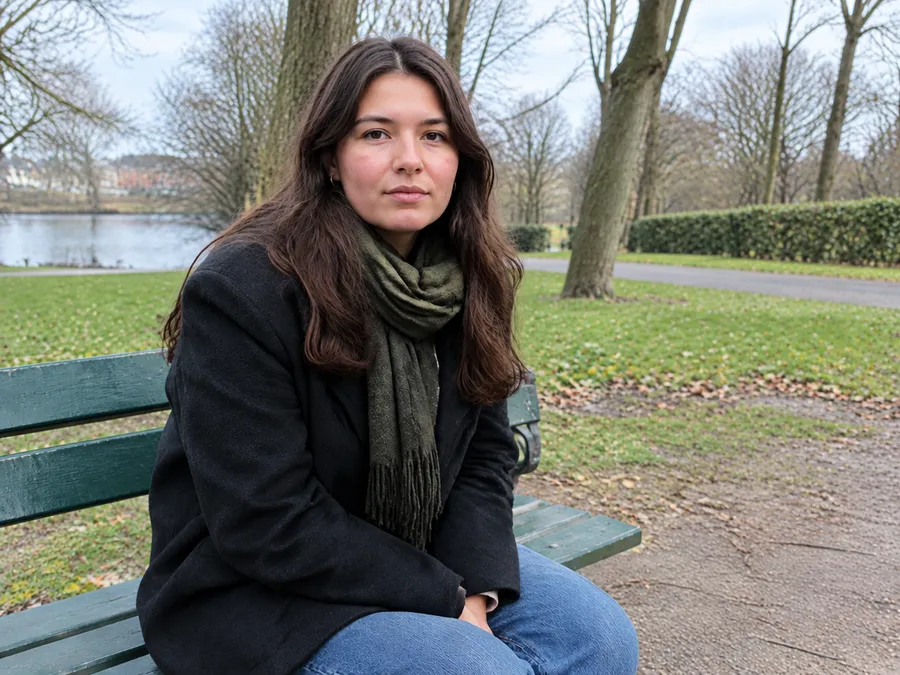
Every Action, grouped by the job you need done
Fix what's already there, create something new, or put a still image in motion.
Fix & polish
Clean up, relight and repair the photos you already have.
Cleanup
Input: any photo with clutter, people or objects you don't want. Controls: what to remove, how much to tidy. Result: the same shot, minus the distractions.
Relight
Input: a portrait, product or scene with flat or harsh light. Controls: light direction, mood, intensity. Result: new lighting that matches the look you picked.
Headshots
Input: a clear photo of a face. Controls: outfit, background, framing. Result: a professional headshot for LinkedIn, team pages or press kits.
Restoration
Input: an old, faded or damaged photo. Controls: repair level, colorize on or off. Result: scratches fixed, detail recovered, color restored.
Stop prompting. Start creating.
Actions package the prompt, the model choice and the settings into one step.
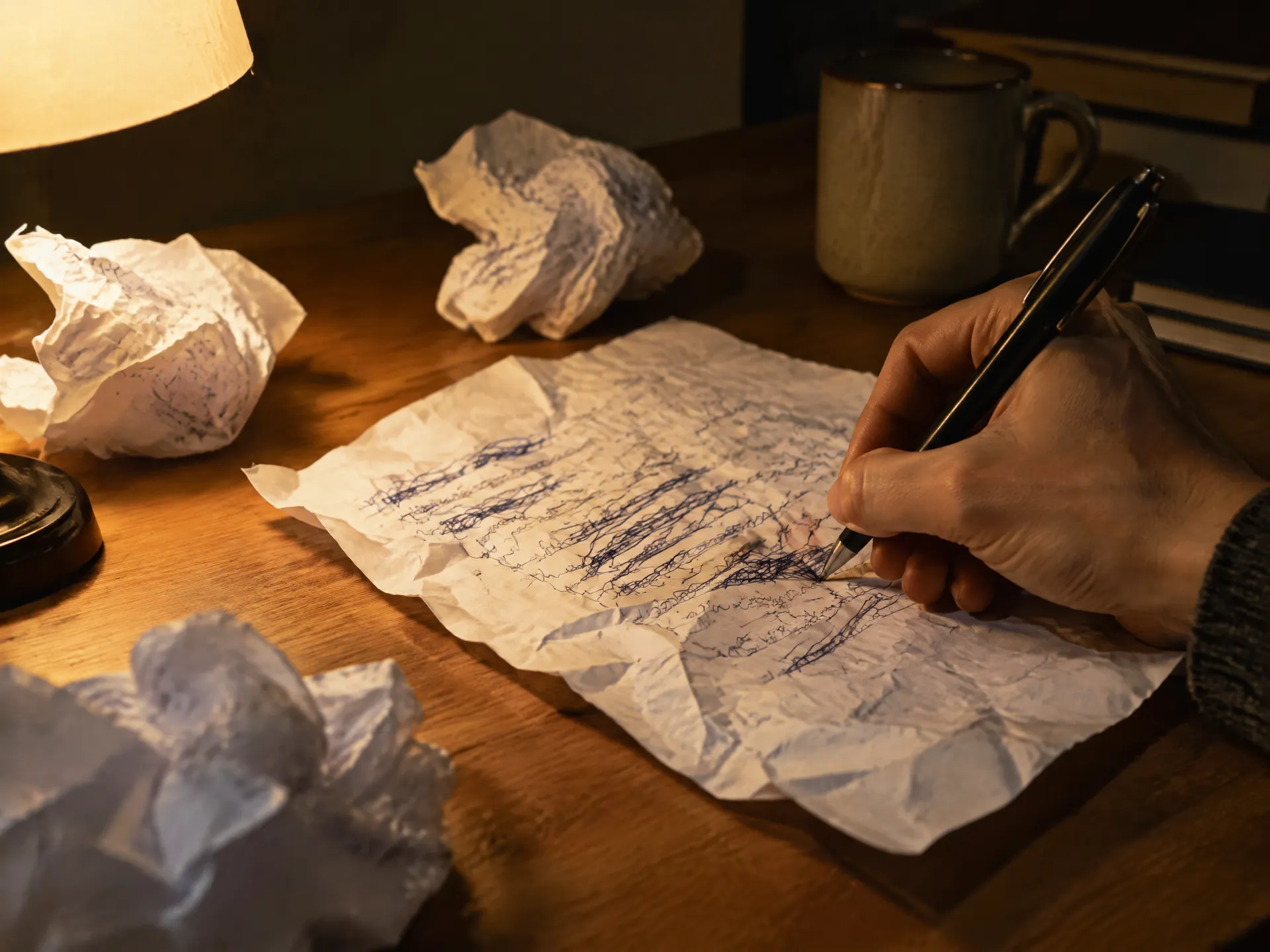
Prompting from scratch
Write and rewrite the prompt
Guess the right wording for lighting, camera moves or cleanup.
Pick a model
Research which of 29+ models handles the task best.
Iterate until it works
Spend credits and time on attempts that miss.
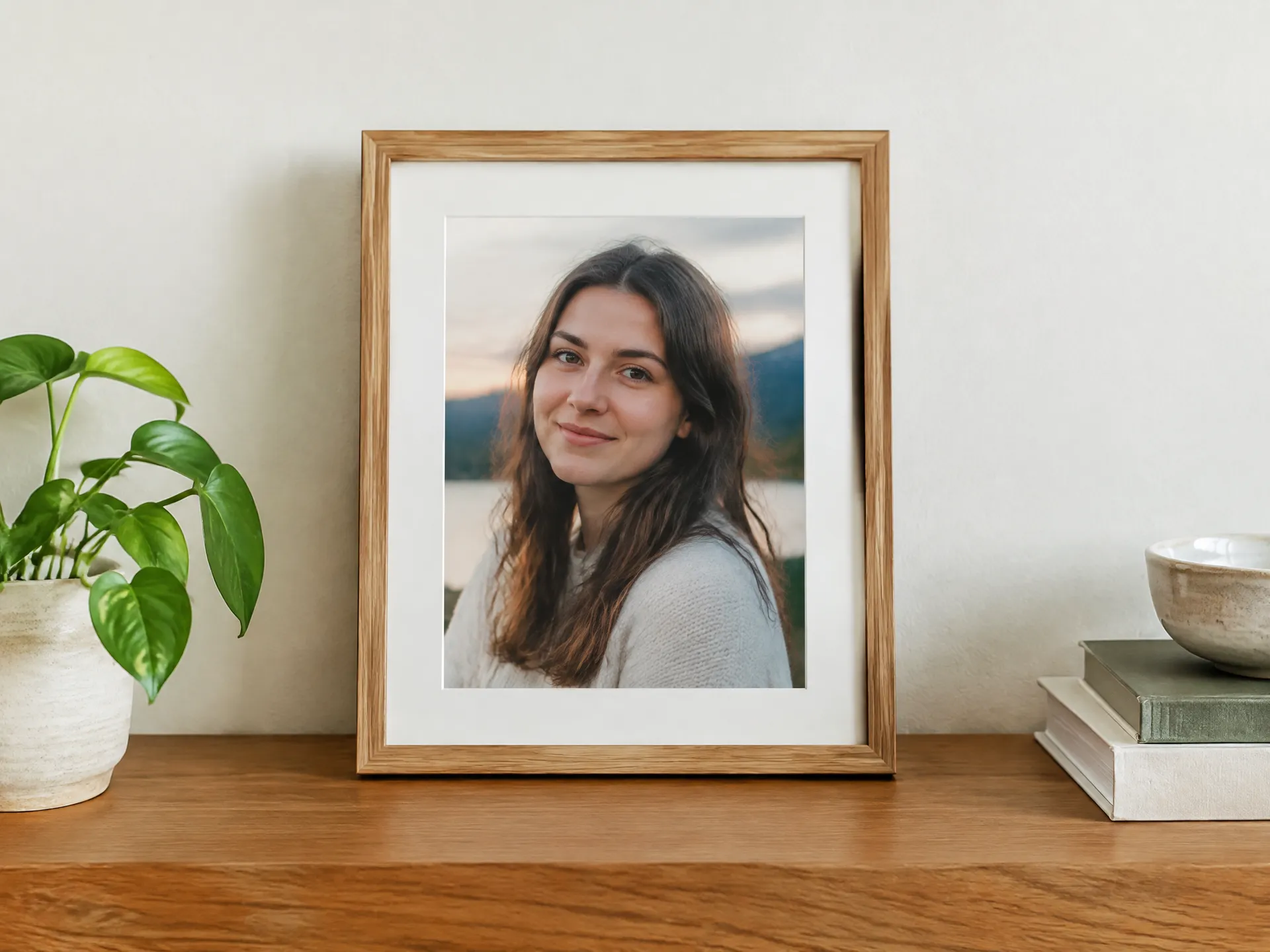
With an Action
- Upload the asset you already have
- Choose the result from clear options
- Adjust a few focused controls
- The right model is selected for you
- Your original is never overwritten
Your next asset is one Action away
Upload, choose, create. Start creating in under 60 seconds.
Frequently asked questions
An Action is a ready-made workflow for one specific creative task, like relighting a photo or turning a product shot into an orbit video. You upload your asset, pick the result and adjust a few controls. The Action handles the prompt and the model choice.
No. Each Action comes with its instructions built in. If you want full control, you can still write your own prompt in the Content Generator at any time.
Actions route each task to a suitable model from getimg.ai's library of 29+ image and video models. You don't need to research or switch models yourself.
No. Every Action creates a new version. Your original file is always preserved.
Yes. All paid plans, starting with Entry at $8/month, include commercial rights, subject to getimg.ai's use policies.