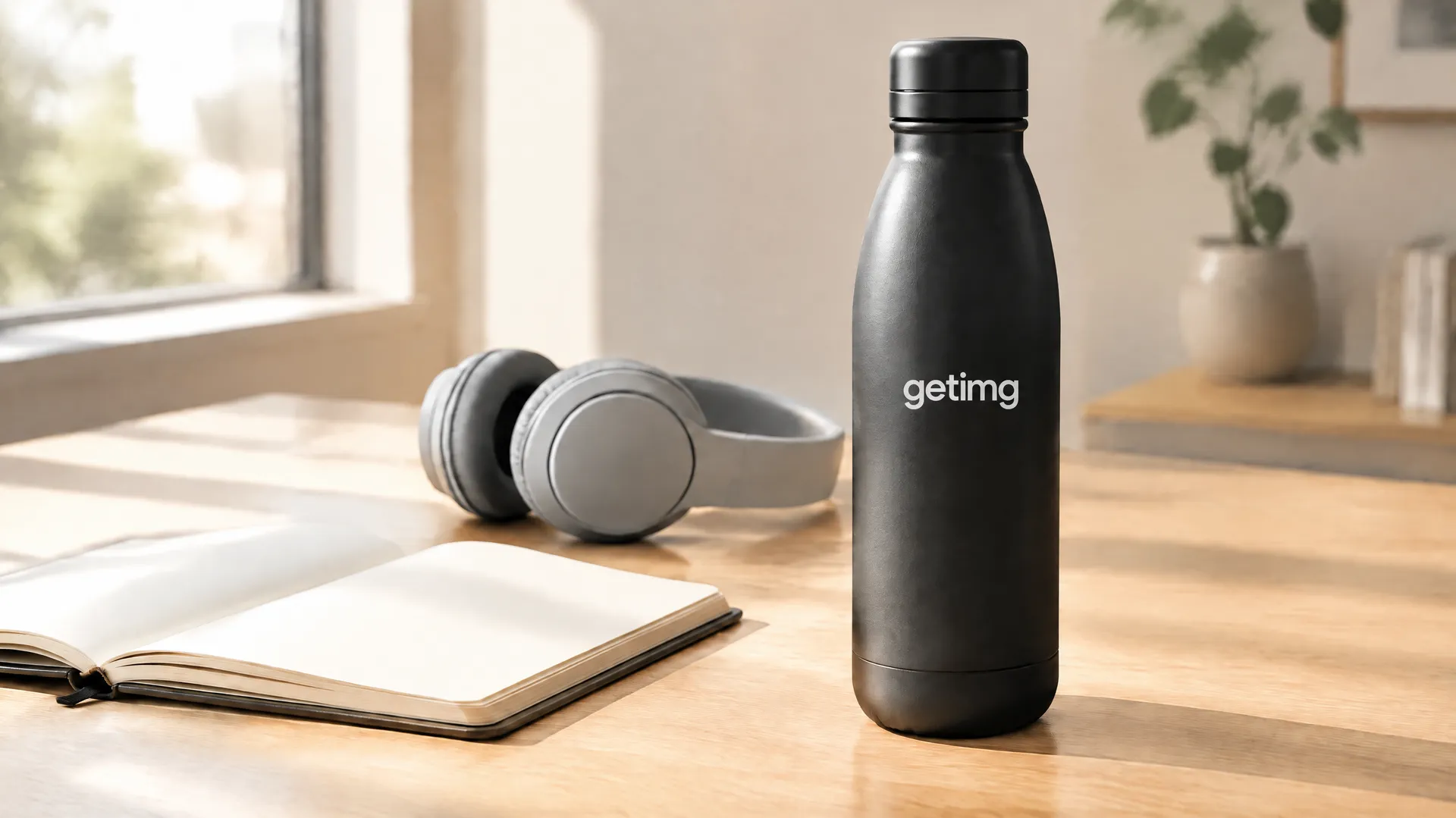
AI Lifestyle Product Photography: Turn Packshots Into Real-World Scenes
Upload a product image. Place it in a realistic setting. Create lifestyle photos for product pages, ads, social media, email, and seasonal campaigns without organizing another shoot.
Keep the product. Change the world around it.
Try industry-leading models


Show the product inside a real customer moment
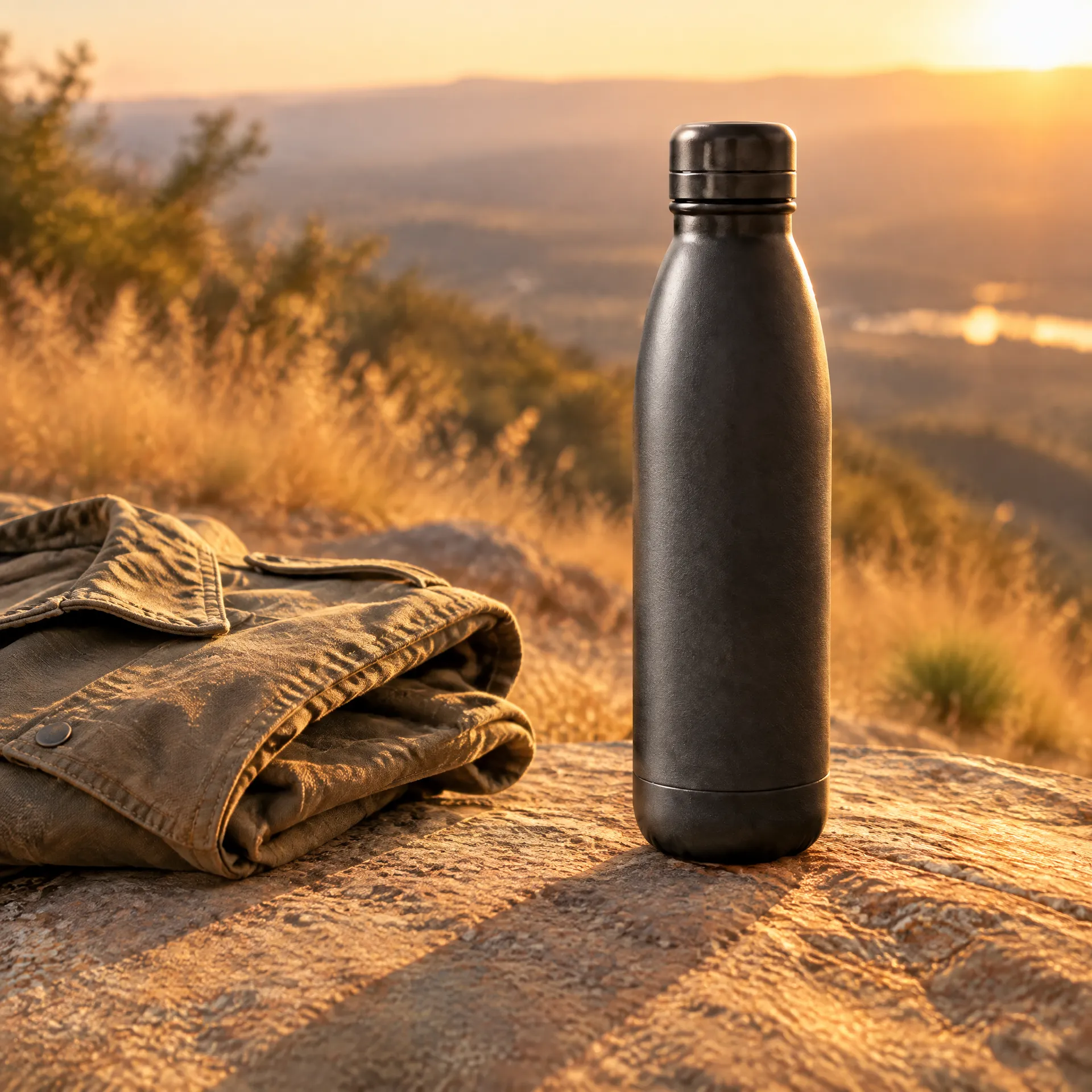
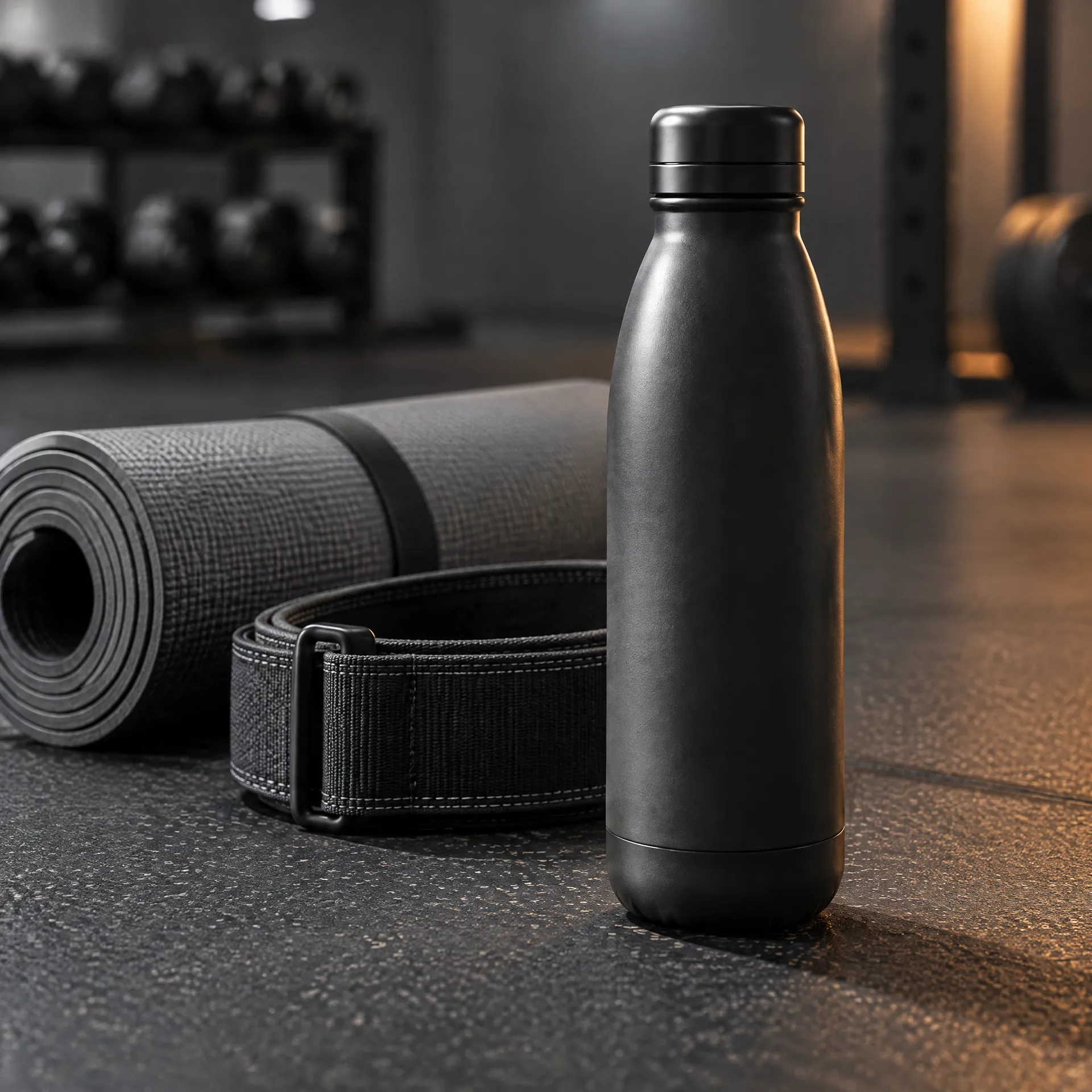
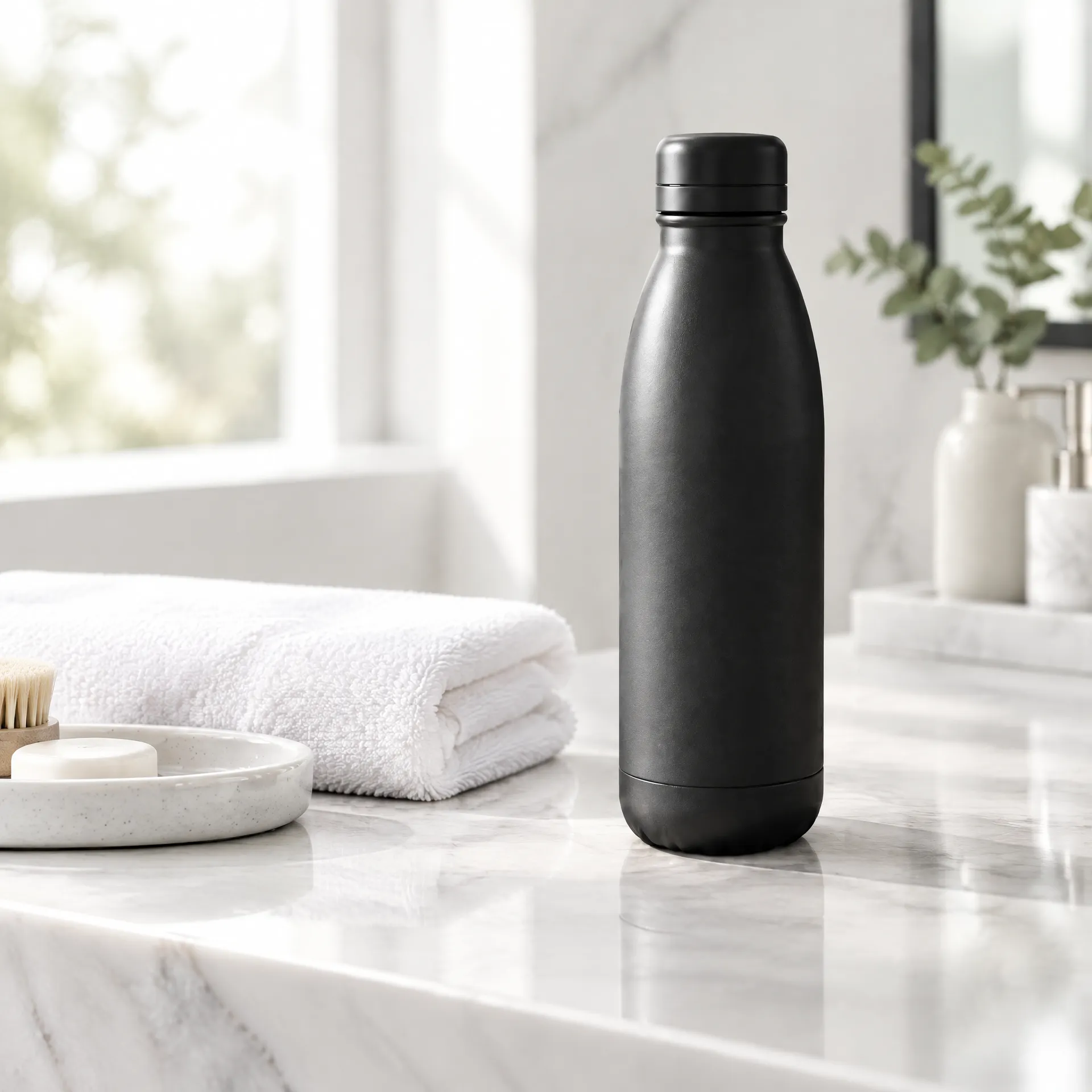
AI lifestyle product photography uses an existing product image as the reference for a new contextual scene. Instead of photographing the product again in a kitchen, bathroom, gym, street, or outdoor setting, describe the environment and generate options around it.
Use the results for:
- product pages
- paid social
- organic content
- email and homepage banners
- seasonal campaigns
- early creative testing
This is more than background replacement. A convincing lifestyle image connects the product to the light, surface, scale, props, and people in the scene, which is what makes it usable for AI for e-commerce work rather than only for moodboards.
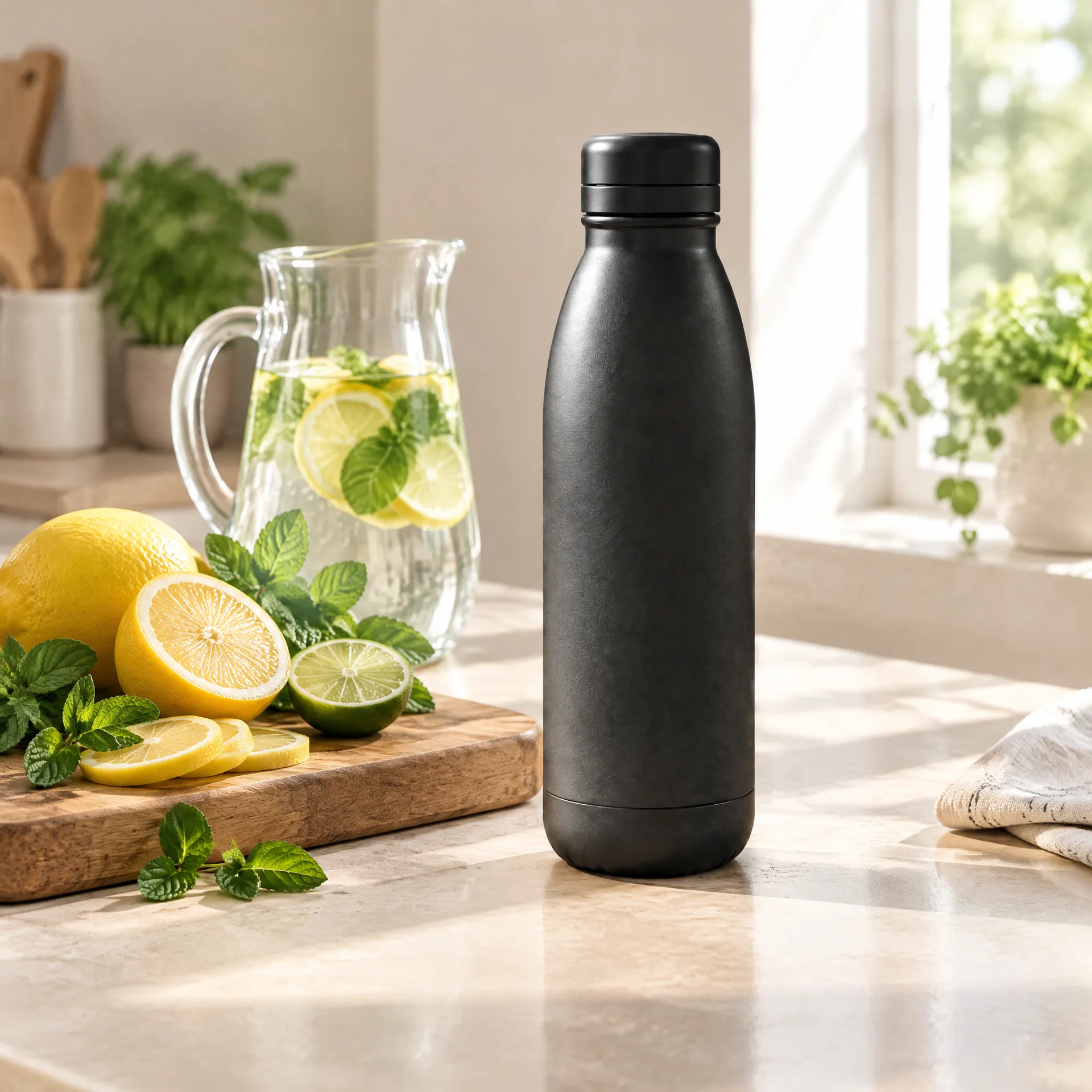
How to create lifestyle product photos with AI
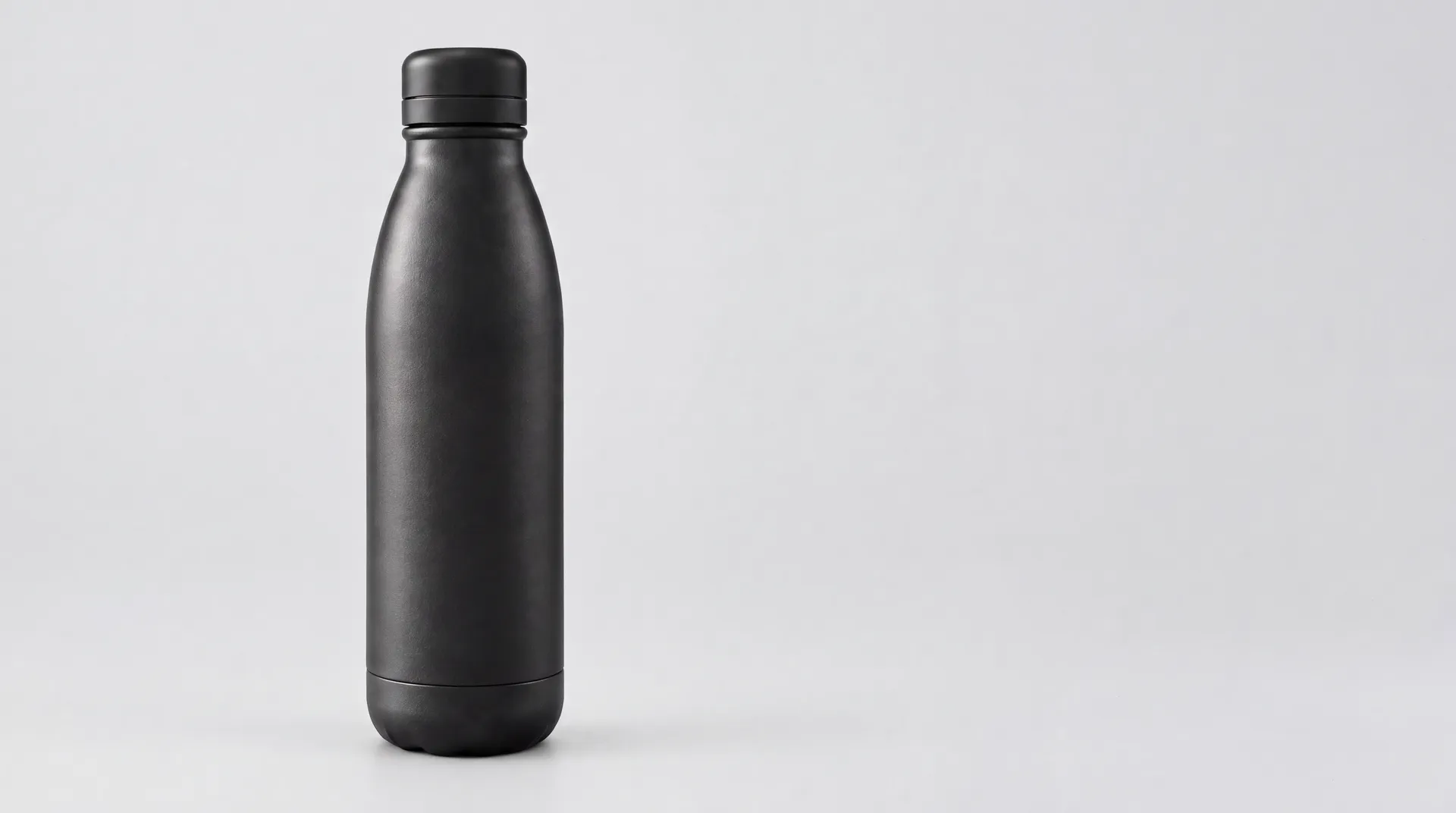
1. Upload a clear packshot
Use an image with the full product visible and as little obstruction as possible.
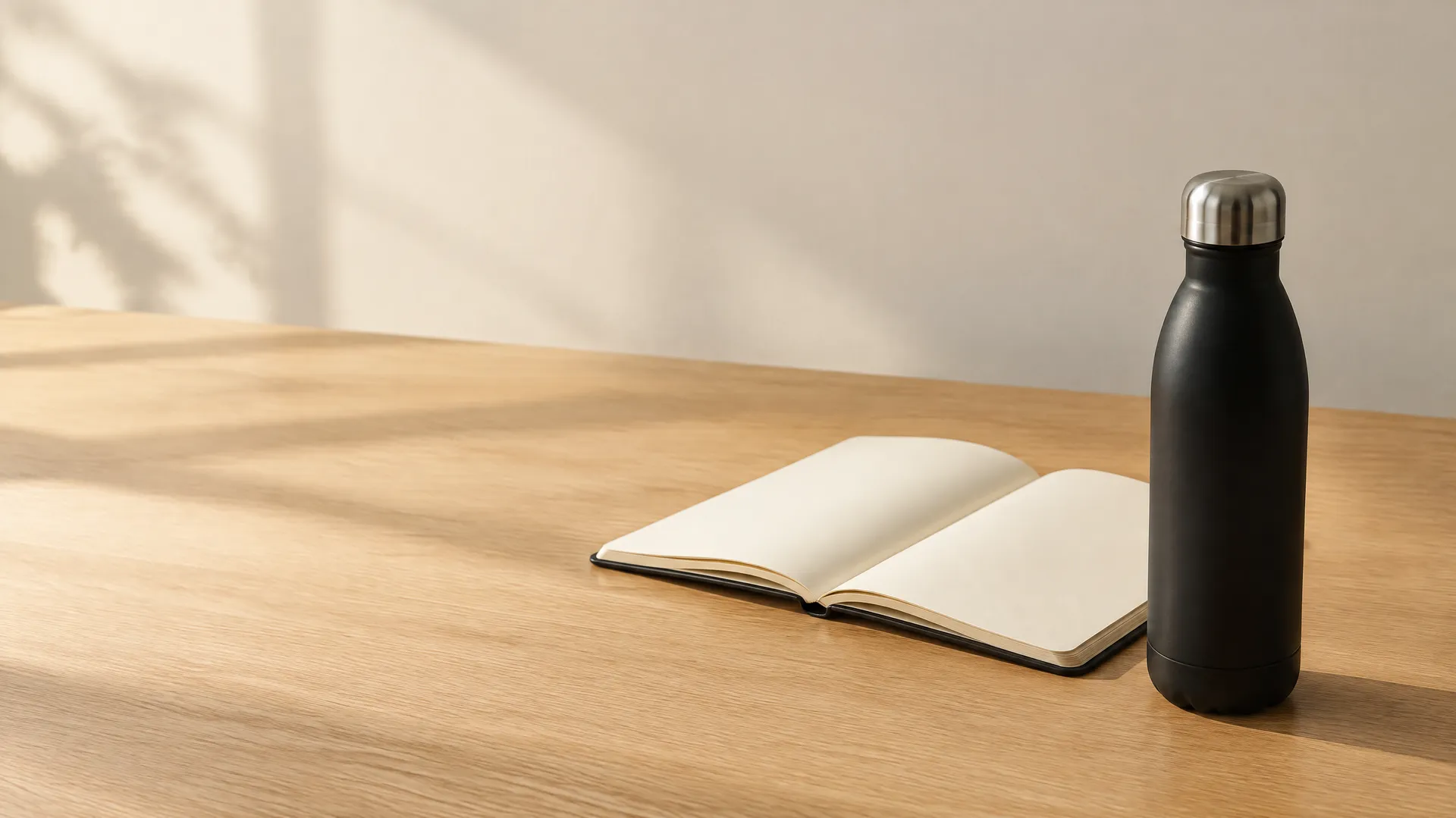
2. Describe the customer moment
Name the place, action, audience, light, and mood. A sunlit desk with an open notebook beats a generic lifestyle scene.
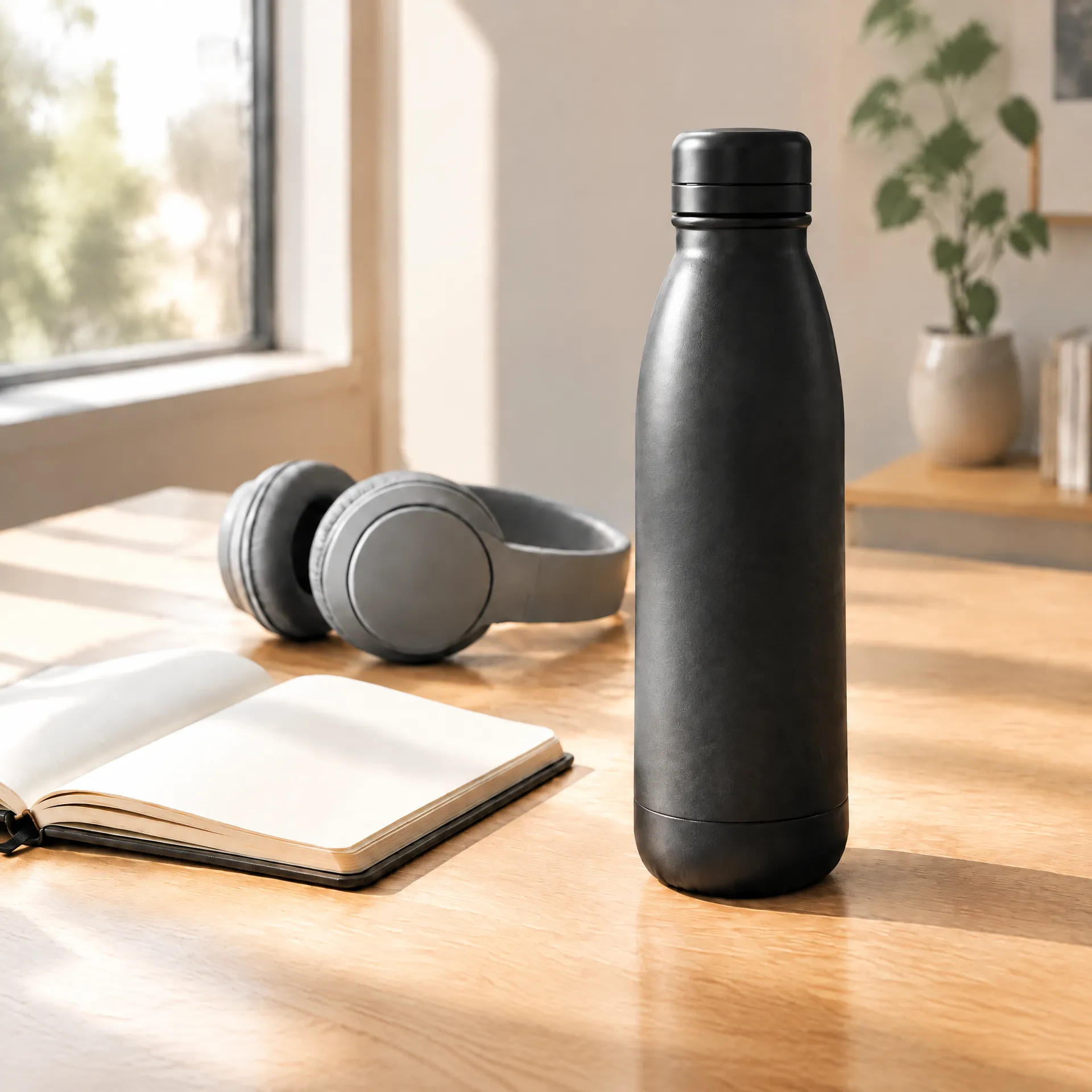
3. Set the final composition
Center the product for a listing. Leave copy space for a banner. Use a close crop for social. Show a hand when scale or use matters.
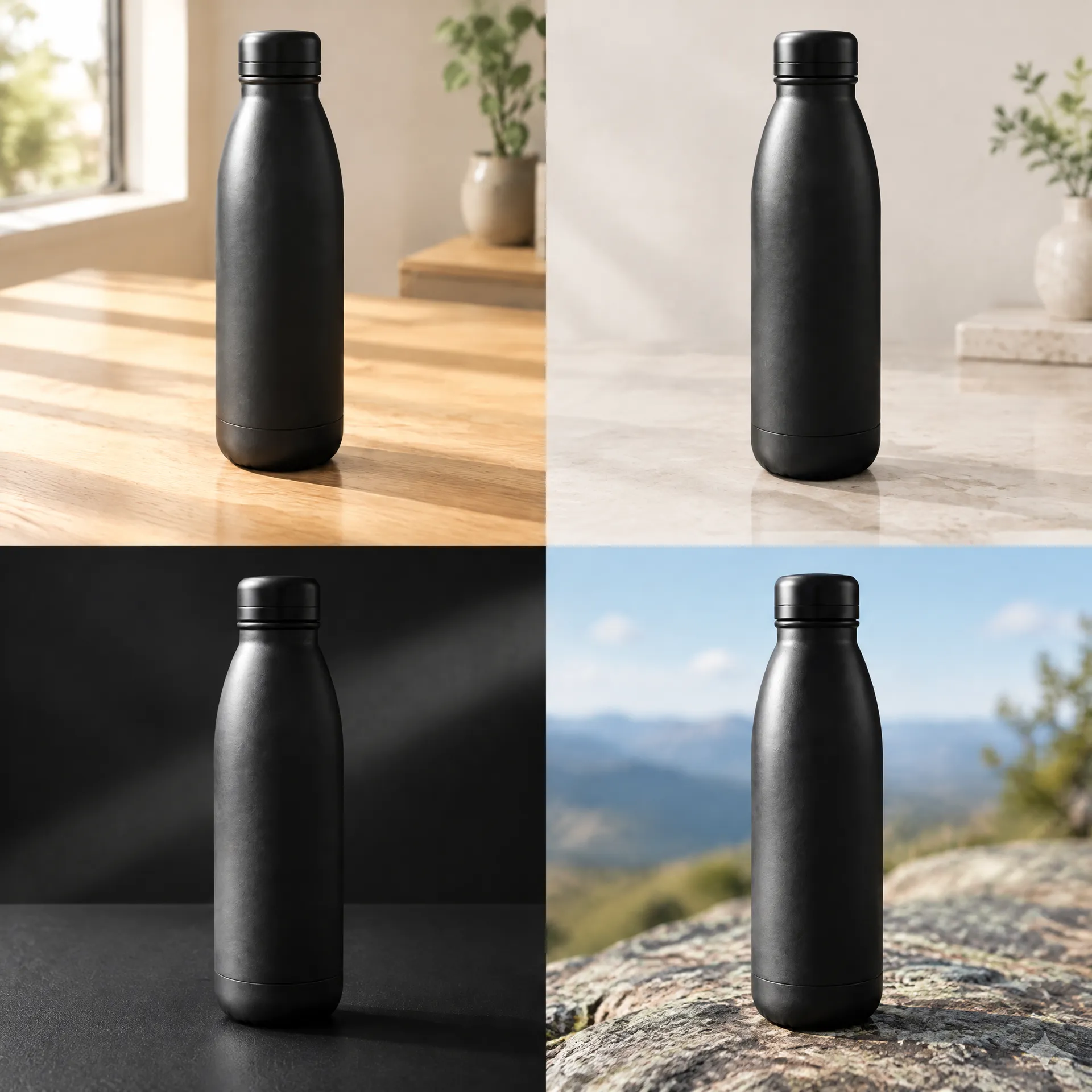
4. Generate and compare
Test different settings, camera distances, surfaces, or lighting. Choose the version that makes the product believable and the use case clear.
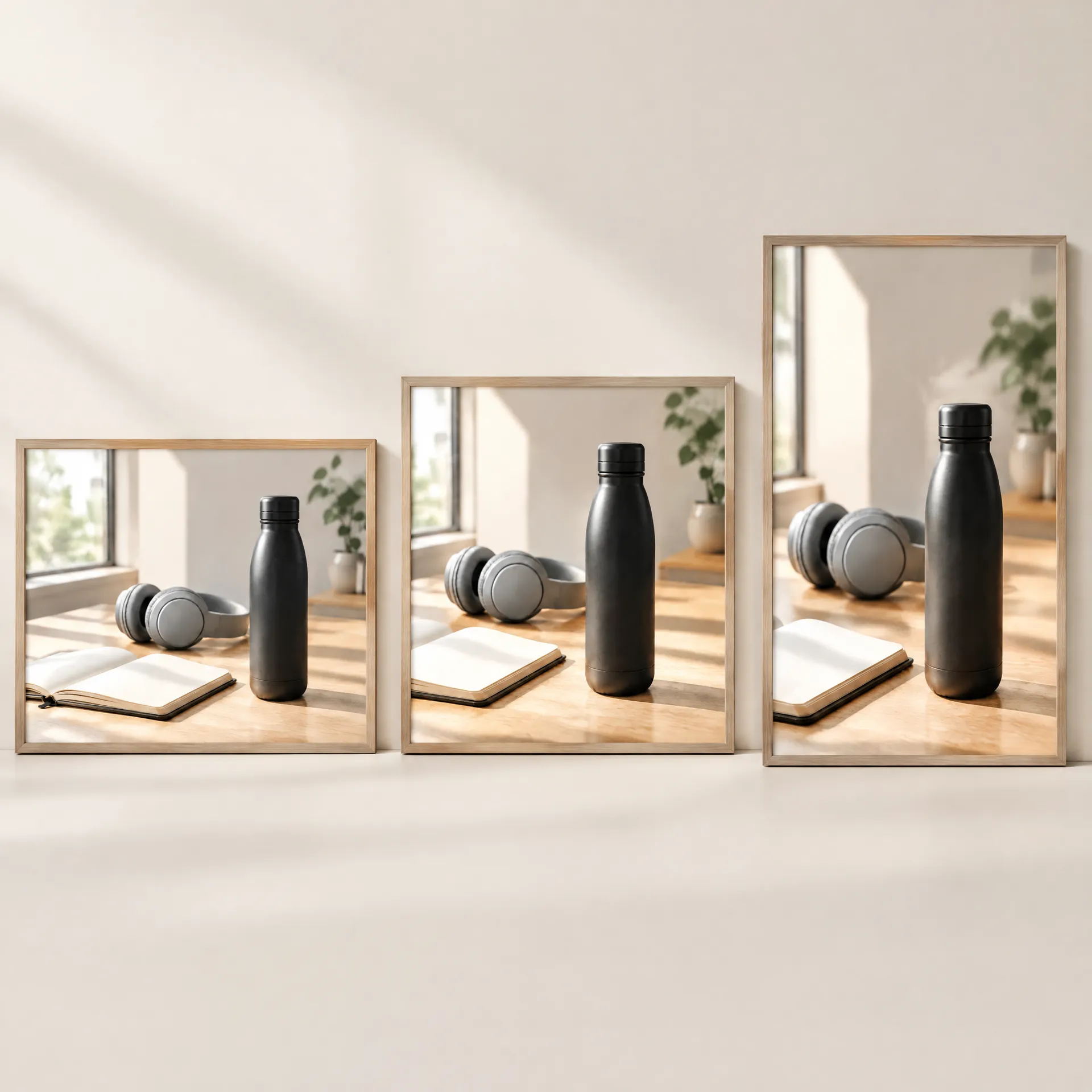
5. Refine and adapt
Adjust the shadow, prop, crop, or hand position. Then create square, vertical, and wide versions from the winning direction.
The product is already photographed
Start from the packshot on your product page and describe the moment you want it to live in.
Keep the product accurate
A lifestyle scene only works when customers still recognize what they can buy. Compare every result with the source image.
Check:
- silhouette and proportions
- logo and label placement
- packaging colors
- closures, ports, and small details
- material and texture
- product scale
Use the source image as the anchor. When one detail needs work, refine that area instead of rebuilding the whole scene.
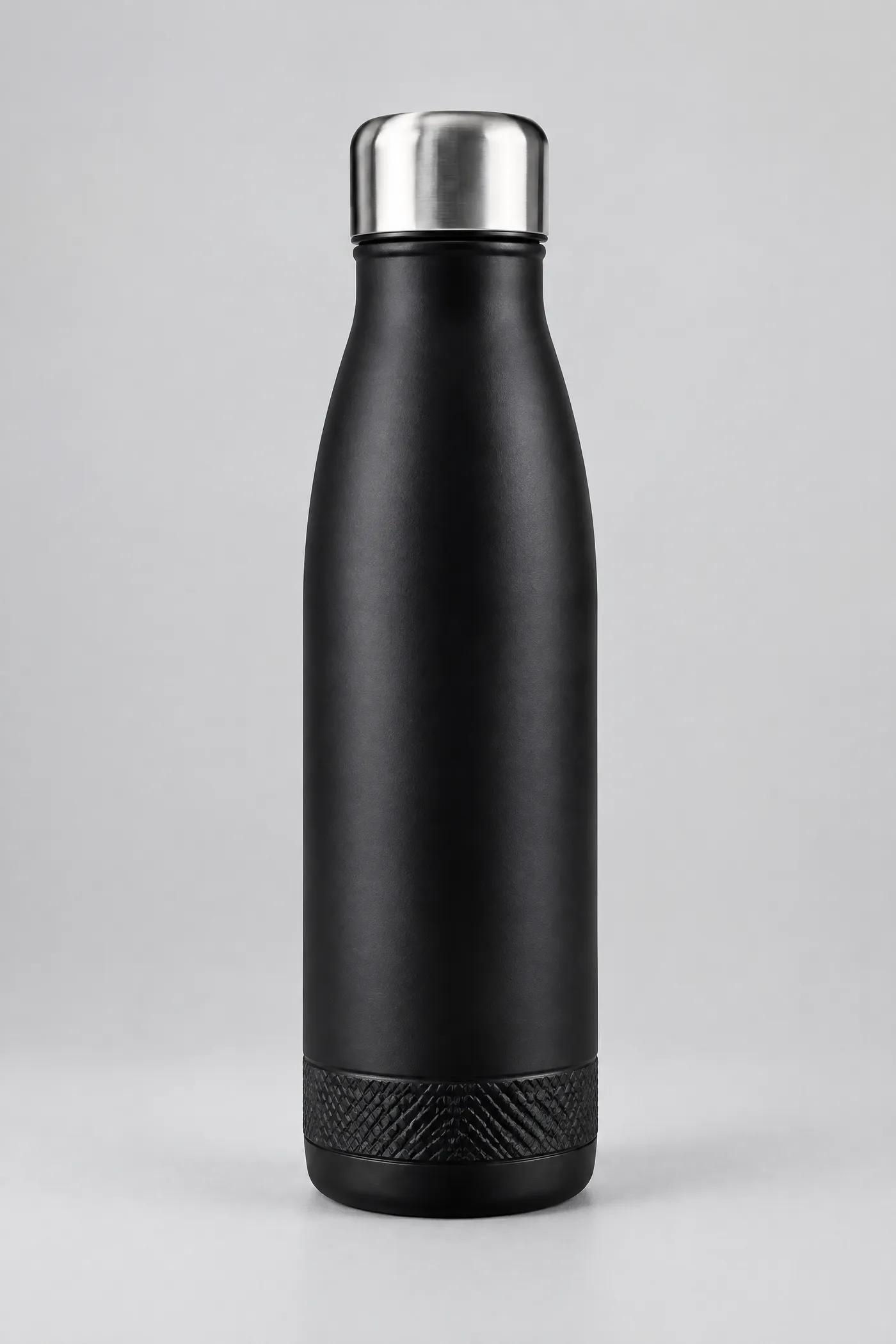
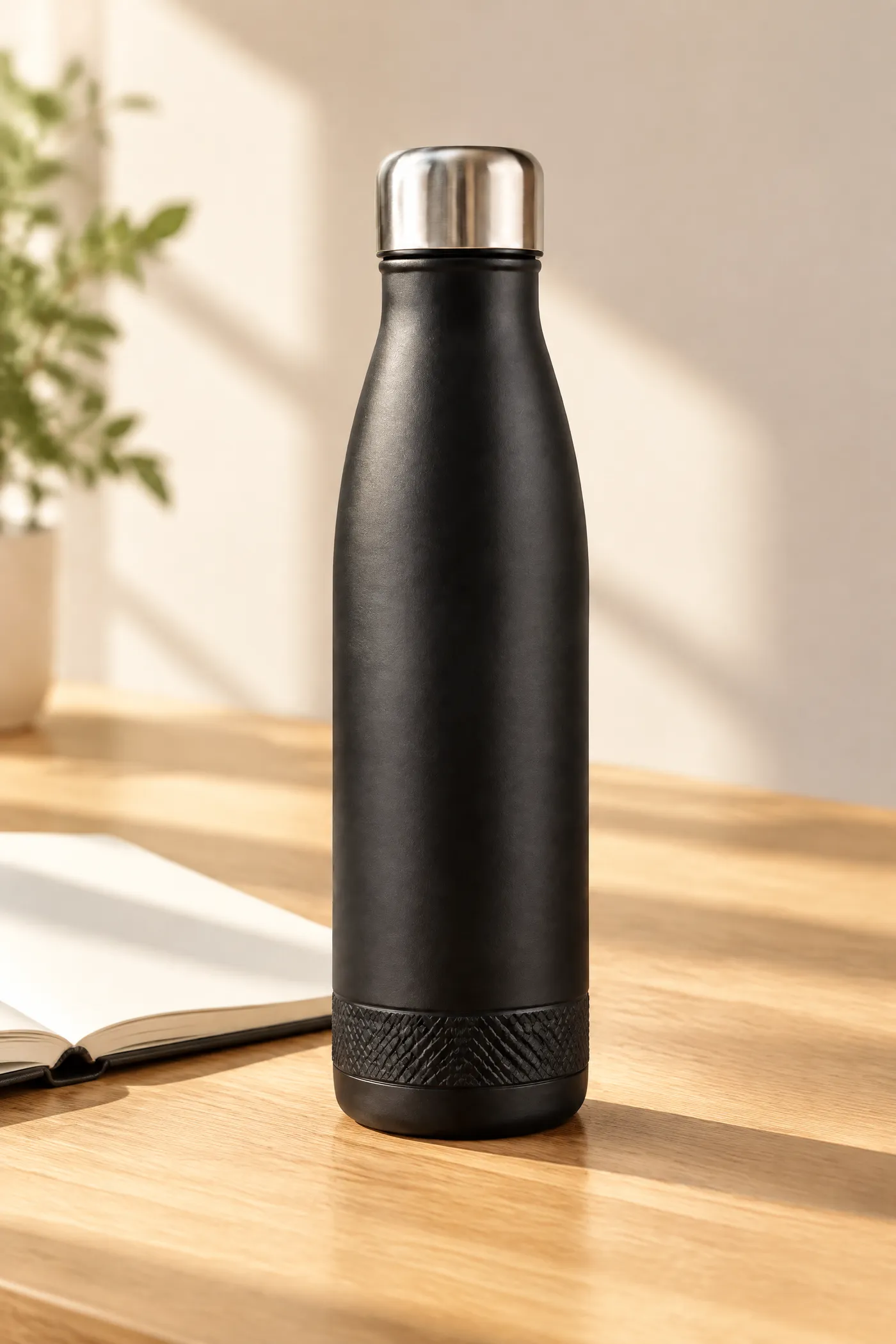
Make the product belong in the scene
The product, surface, background, and props should appear to share the same camera and light.
Keep the scale believable: hands, furniture, ingredients, and accessories give size cues the product has to match. Use purposeful props, where every object explains the audience, routine, season, ingredient, or use case.
See the full guide to making AI product photos look real.
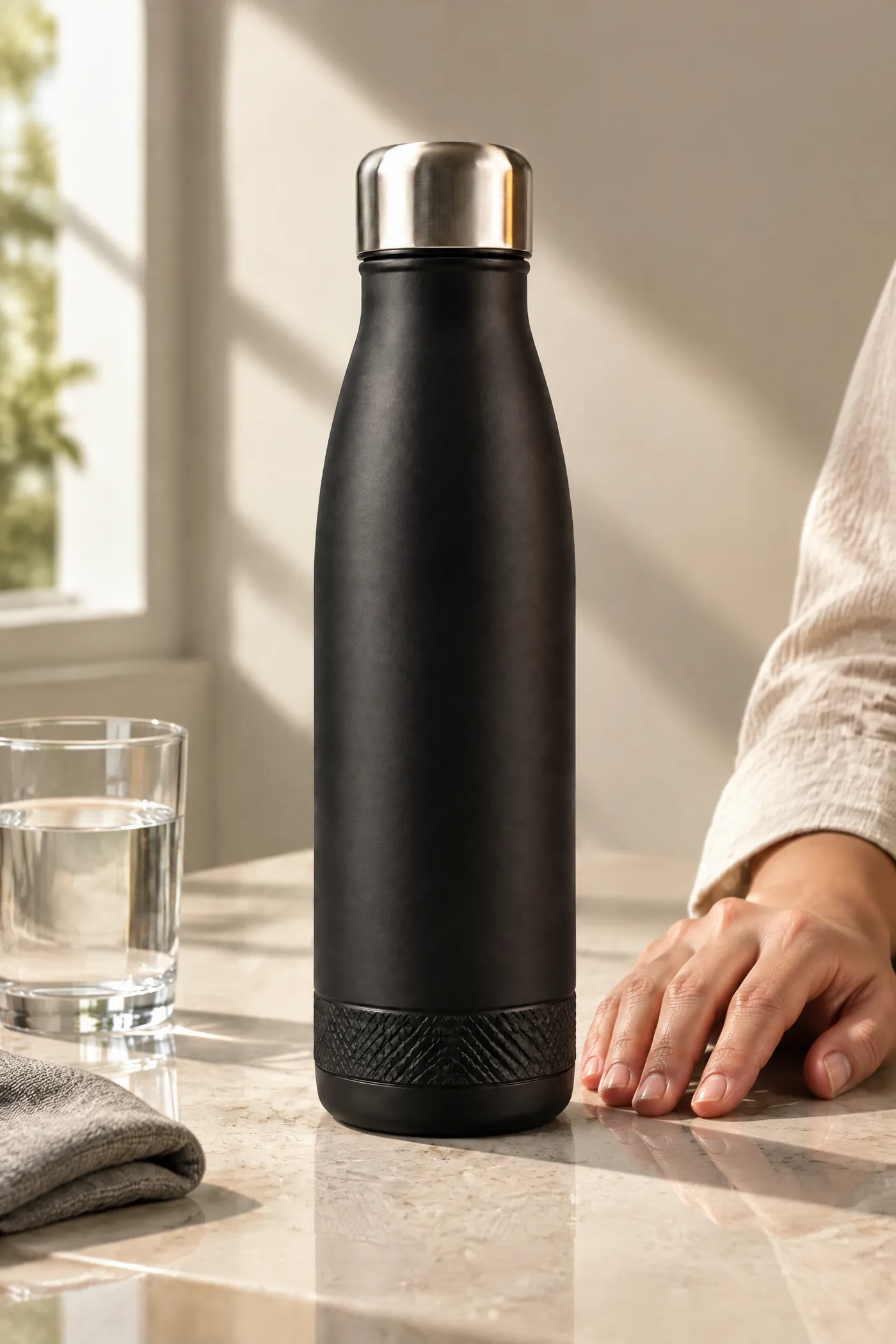
Create scenes for the product you sell
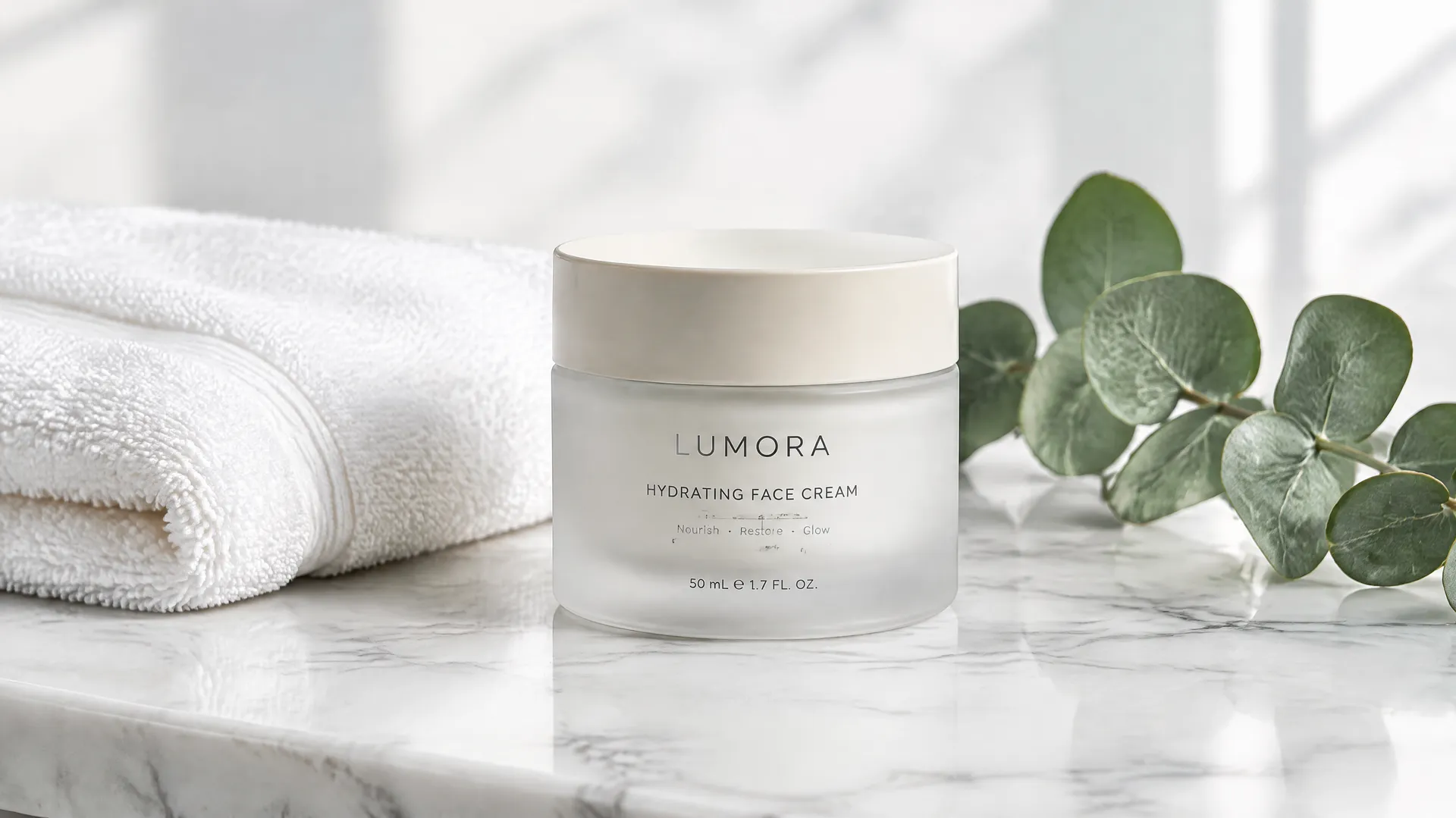
Create campaign variations without another shoot
Start with one master scene. Change one meaningful variable at a time:
- customer moment
- environment
- audience context
- camera distance
- season
- space for ad copy
This gives performance teams useful options instead of several nearly identical images. Move the strongest result into the AI Ad Generator or adapt it for paid social with the AI Social Media Ad Generator.
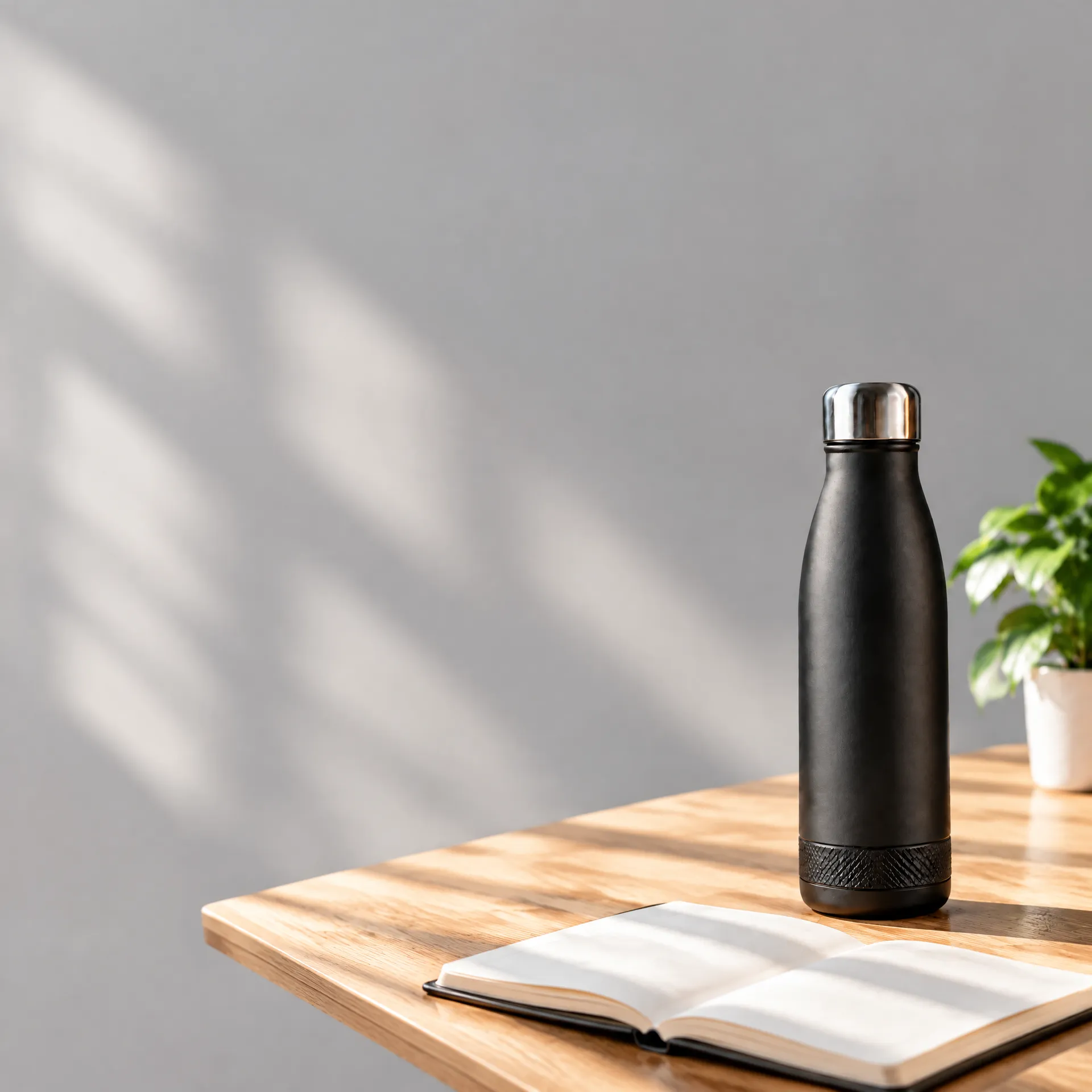
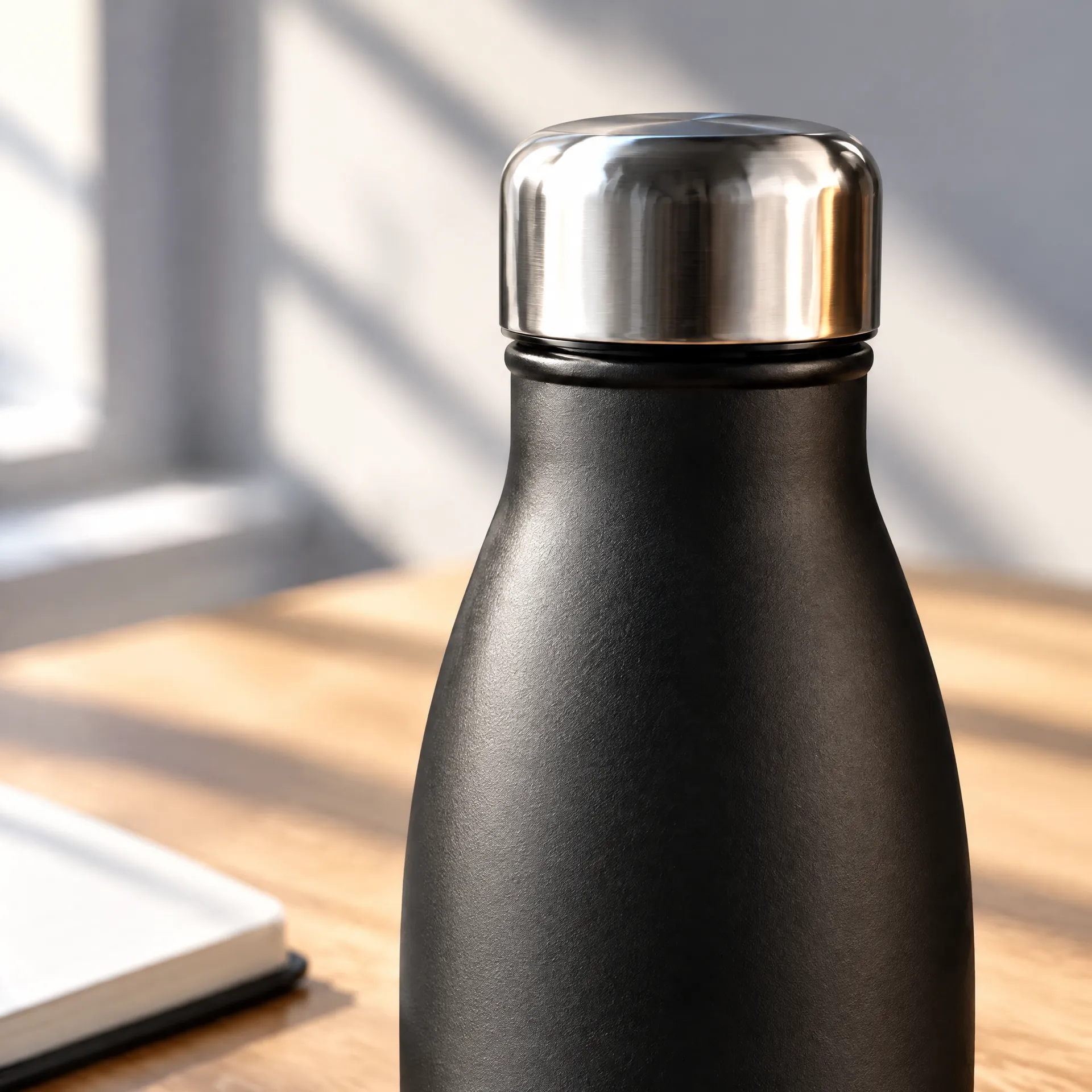
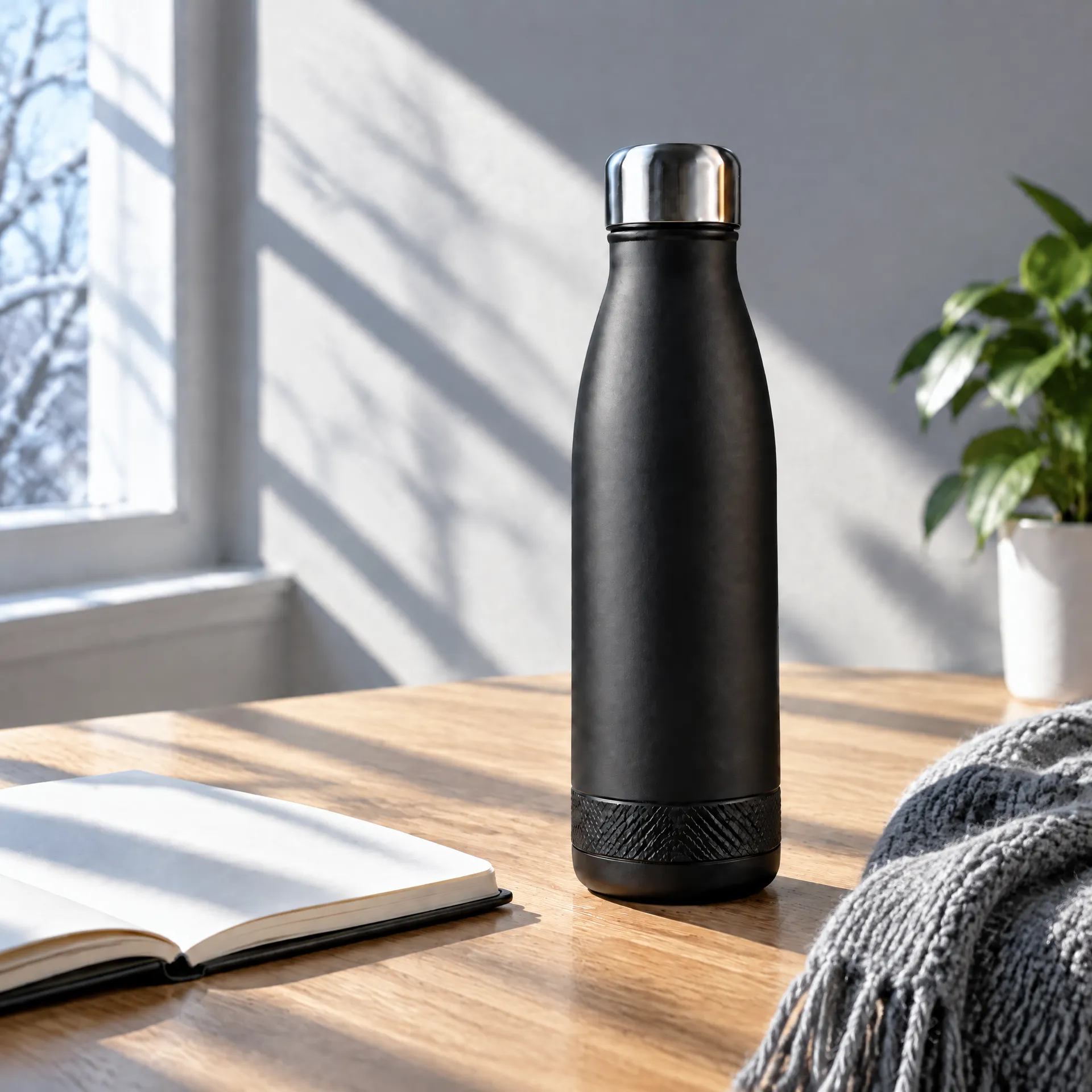
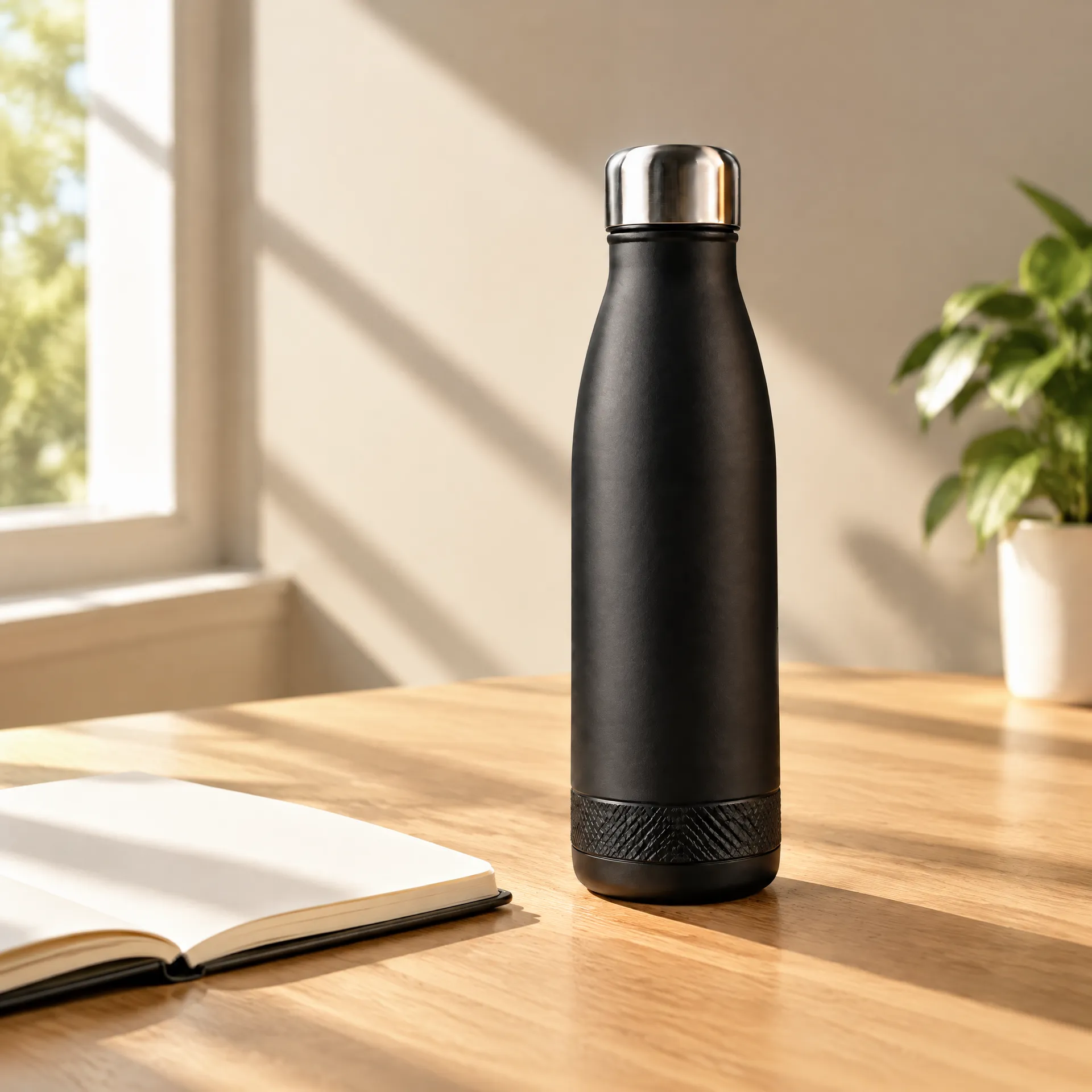
Turn the strongest photo into motion
Animate the selected lifestyle image with one purposeful movement: a camera push, changing daylight, condensation, fabric motion, or a hand entering the shot.
Use the same visual direction for a product page clip, social opener, or short ad.
One photo. One purposeful movement.
Extend the lifestyle image that already works into a short clip for the product page or the feed.
Frequently asked questions
It is the process of using AI to place a product into a new real-world or campaign setting. Start with a packshot, describe the scene, and generate contextual product images.
A packshot shows the product clearly on a simple background. A lifestyle photo shows it in an environment, routine, or moment of use.
Yes. Upload the product, describe the scene, generate options, compare them with the source, and refine the strongest result.
Yes. Lifestyle photography can include surfaces, shadows, reflections, props, hands, people, camera perspective, and a specific customer moment.
Use a clear reference image and check the shape, proportions, label, color, material, and small details before publishing.
Yes. Describe the action, hand position, scale, camera angle, and product visibility. Review anatomy and product details in the result.
Yes. Create square, vertical, and wide compositions based on where the image will appear.
Outputs created on a paid getimg.ai plan can be used commercially, subject to current terms. You remain responsible for uploaded assets, claims, trademarks, and marketplace rules.
Related use cases
Turn the packshot into the campaign
The product is already photographed. Now show where it belongs.