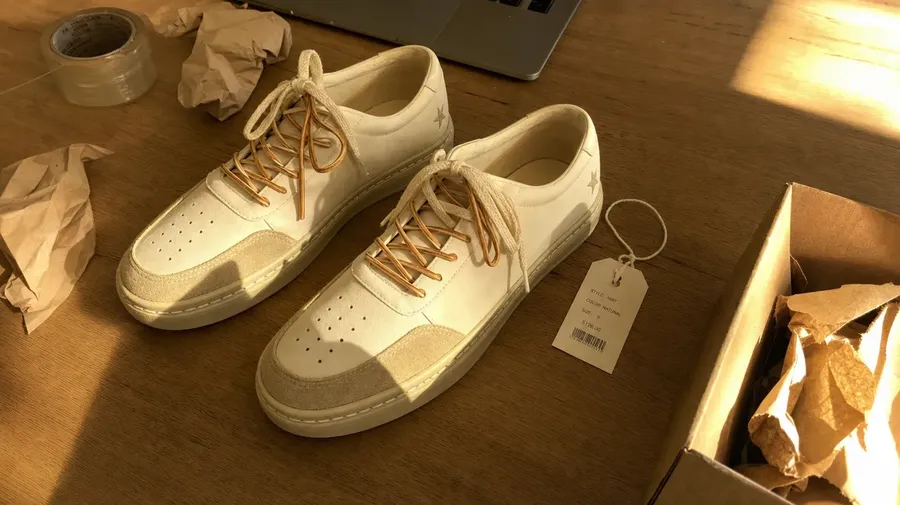
AI for E-Commerce Product Photos, Ads & Videos
Turn existing product photos into cleaner packshots, lifestyle scenes, campaign variations, marketplace formats, and short product videos. Use reusable product references to guide new generations and keep your entire creative workflow in one workspace.
Every leading image, video, and audio model, one subscription.


What you can do with your product images
Everyday e-commerce image work, starting from the product shots you already have.
-900x300.webp)
Remove backgrounds
Create clean cutouts with transparency for marketplaces and product pages.
-900x300.webp)
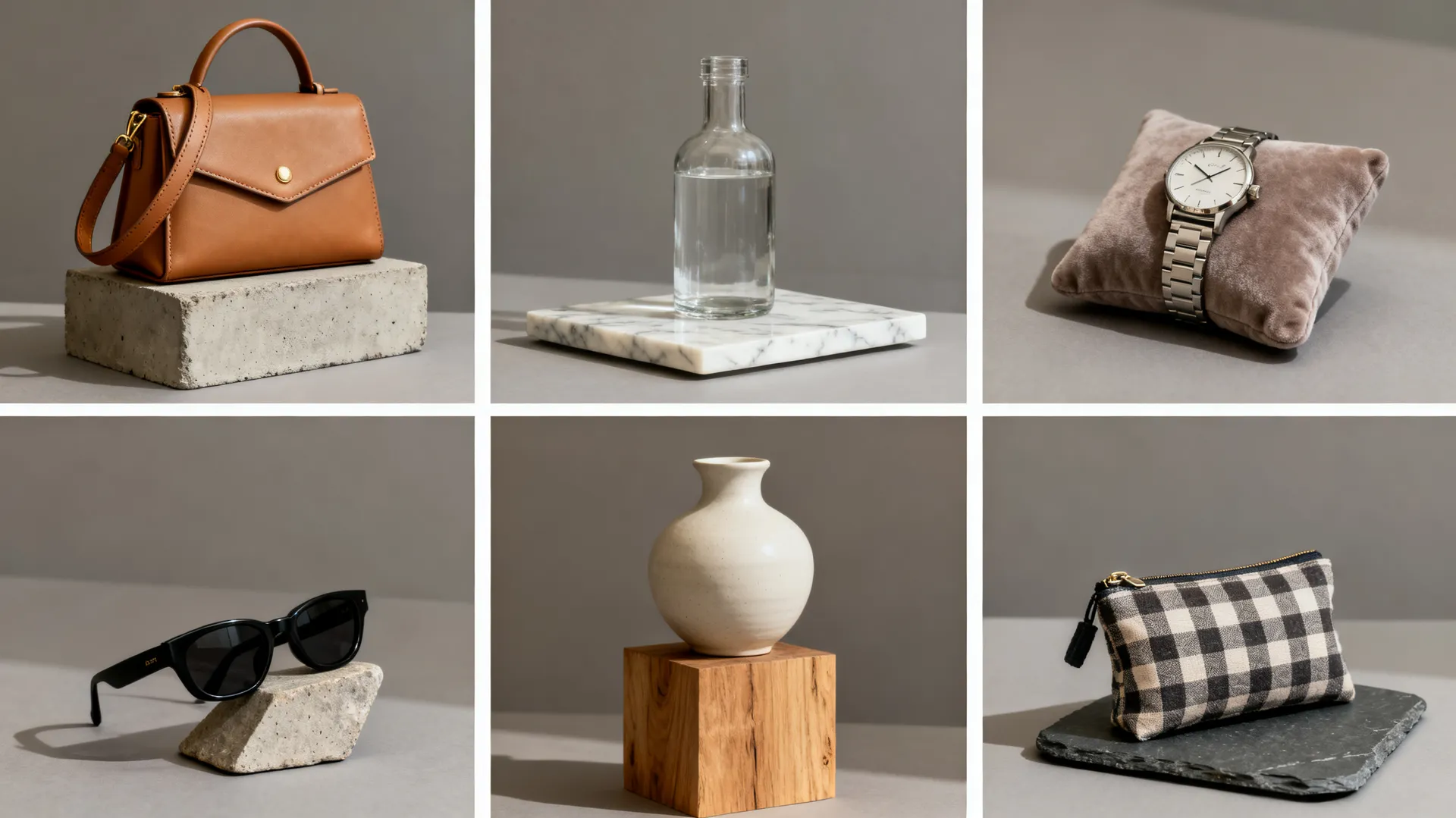
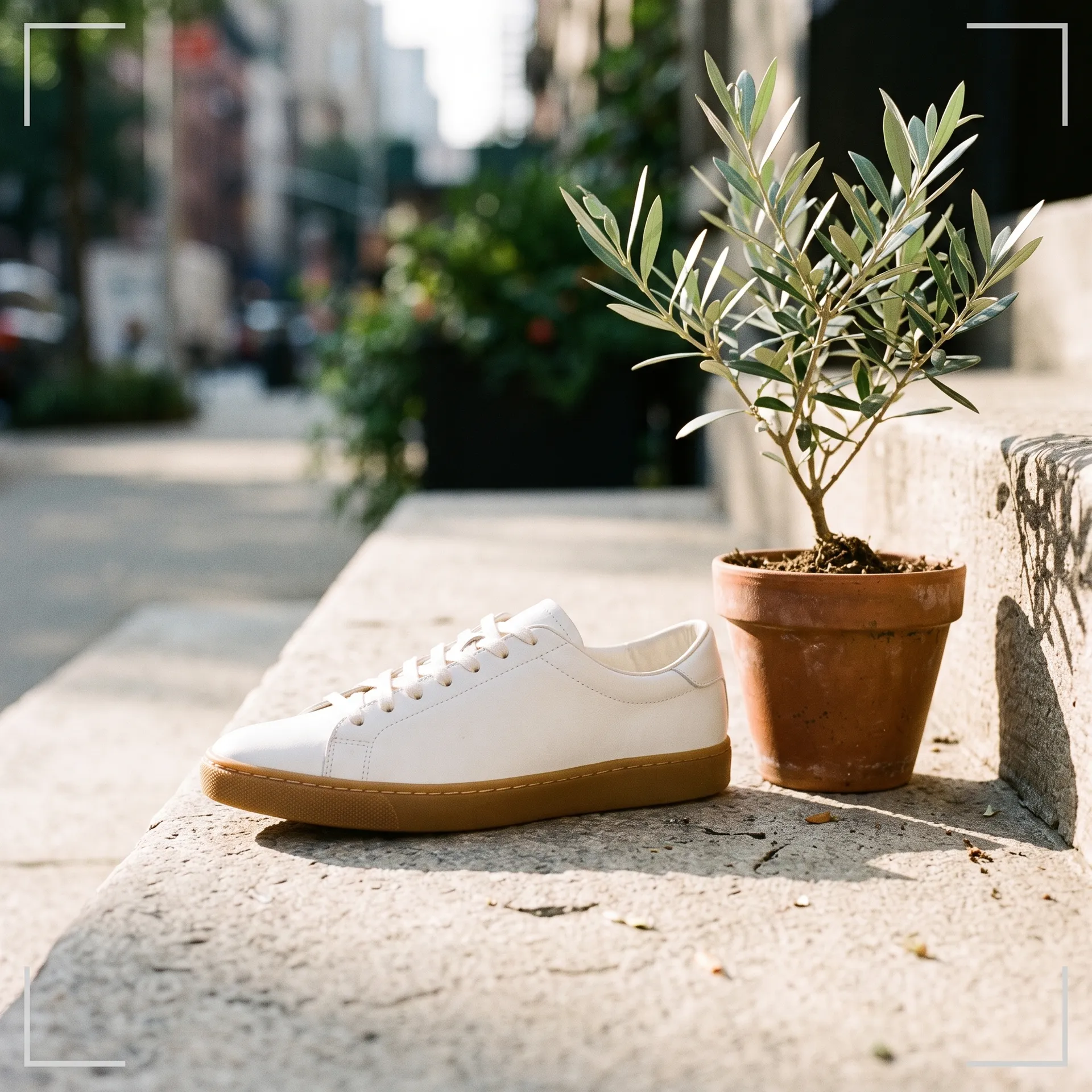
Build lifestyle scenes
Place products into kitchens, cafés, gyms, or outdoor settings.
-900x300.webp)
Clean up real product photos
Remove dust, creases, glare, reflections, or background clutter.
-900x300.webp)
Explore color variants
Generate color options from one product photo, then verify them against the real SKU.
-900x300.webp)
Explore materials and finishes
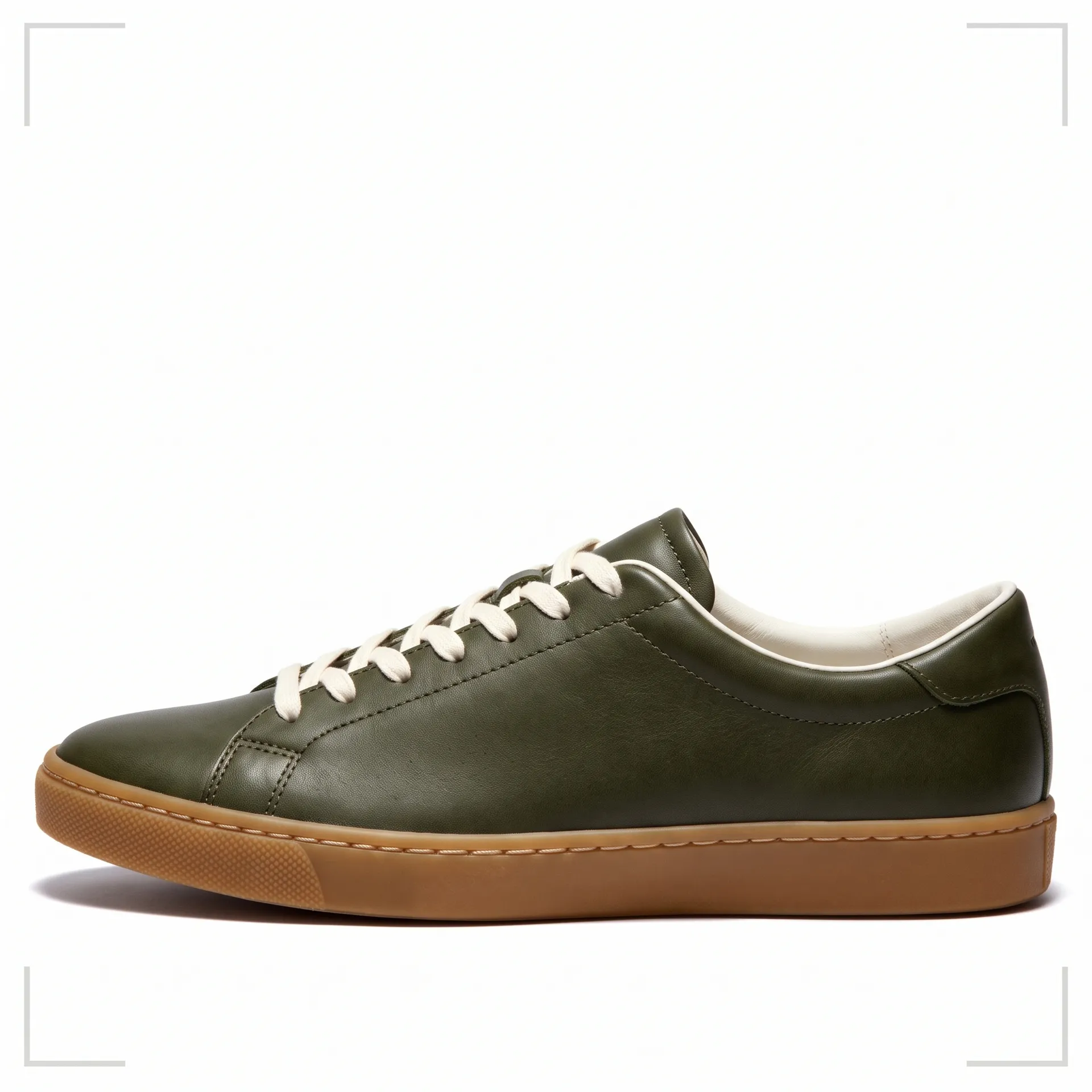
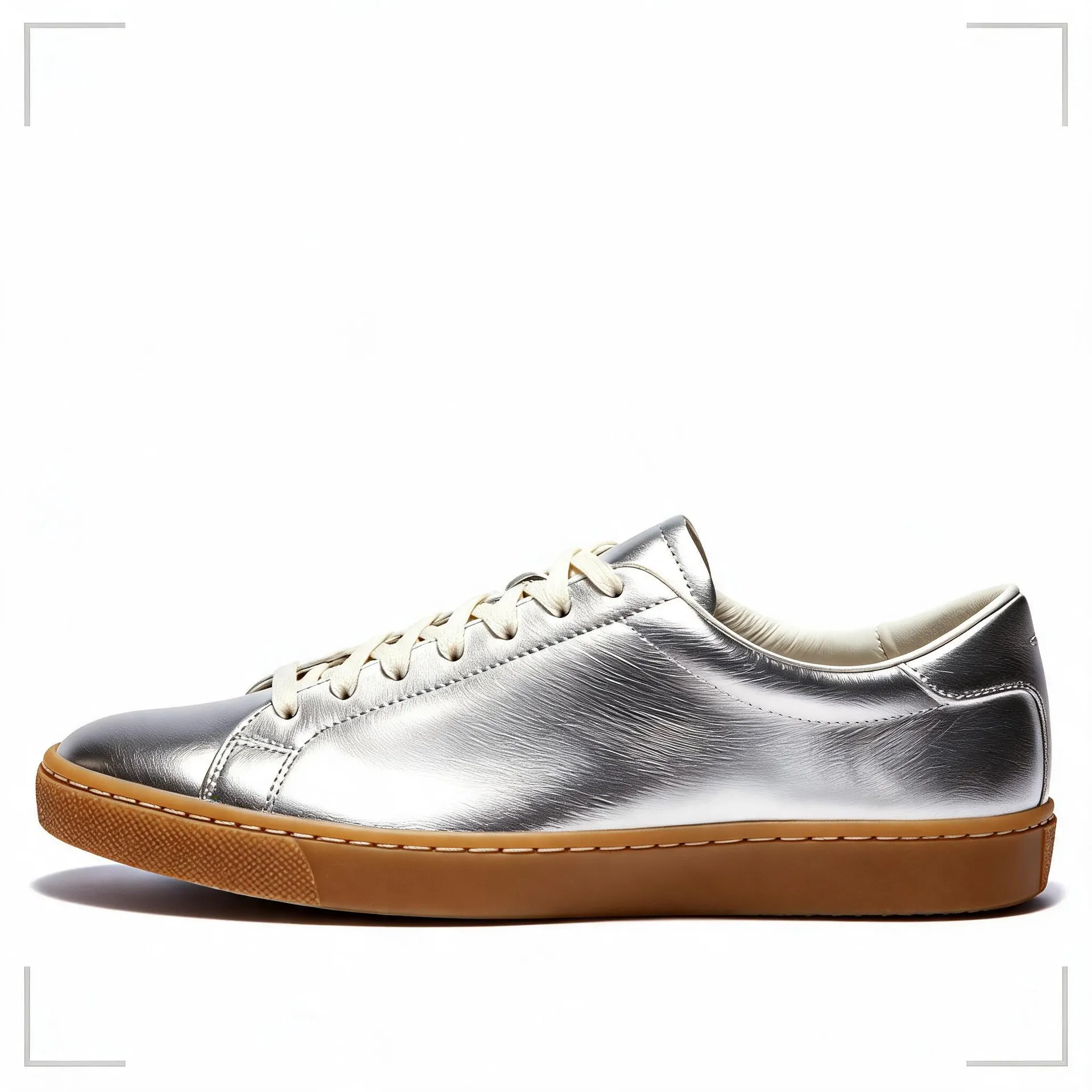
Try matte against glossy, leather against fabric, metal against plastic, as concepts.
-900x300.webp)
Create on-model and in-hand concepts
Turn flat lays into lifestyle concepts showing an item worn, carried, or held.
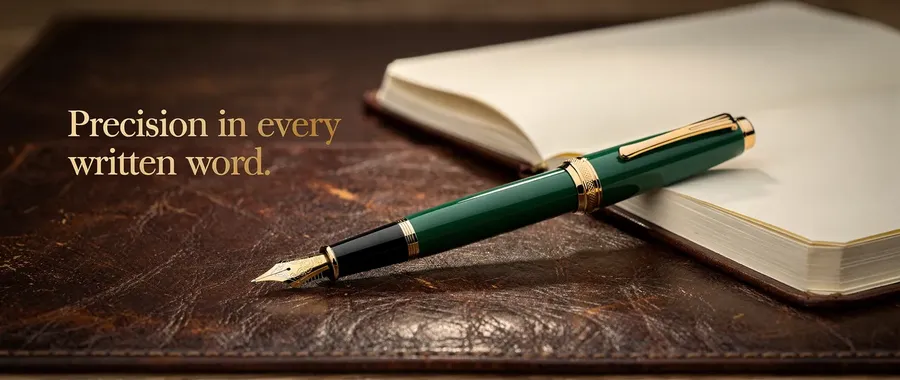
Create ads with in-image text
Generate ad concepts with headlines, offers, prices, or a CTA already placed.
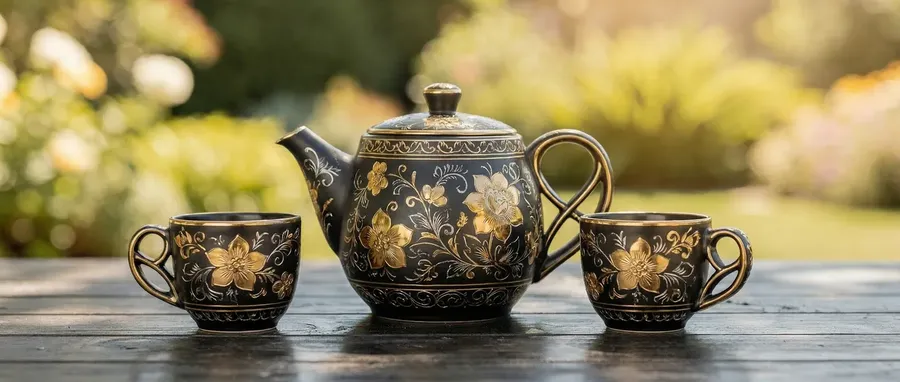
Generate new designs from text
Create product concepts, packaging ideas, or print designs from scratch.
A product workflow that starts with approved references
Four steps that cover most e-commerce image work, from a clean packshot to a campaign variation.
1. Start with approved product references
Drop in a product photo, or save it as a Product Element so the same references can guide future image generations without uploading them again each time.
2. Define the output type
Packshot, lifestyle scene, ad, concept, or short video. Each one needs a different level of accuracy, so decide before you generate.
3. Generate and compare variants
Set how many variations you want, generate, and compare them side by side. Swap in a new reference, change the aspect ratio, or rephrase the prompt if something is off.
4. Check it against the real product
Before anything reaches a listing or an ad, compare shape, branding, text, color, included parts, and scale with the real SKU. Then export the approved assets.
Built around how product content actually gets made
Every product shot involves one creative idea and a dozen small technical decisions around it. getimg.ai handles the technical ones.
Choose models for different product image tasks
Image models have different strengths in editing, photorealism, typography, reference following, and creative composition. Auto picks a model for each prompt, or you can select one yourself.
Auto selection

Nano Banana 2.1
Photo-real product edits and material swaps.

Seedream 5.0 Lite
Lifestyle scenes and on-model product shots.
As many options as you need
Set how many variations you want before generating. They come back side by side, so you can compare the looks and pick the one that fits the page.
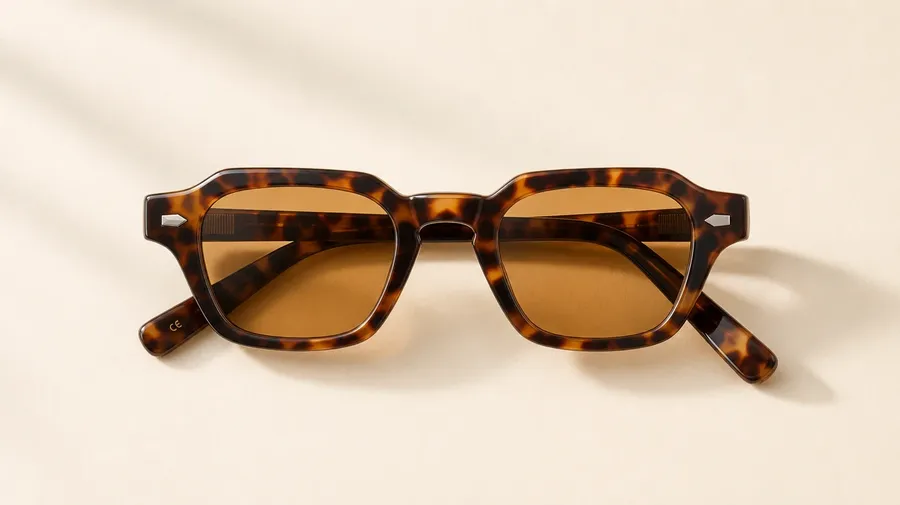
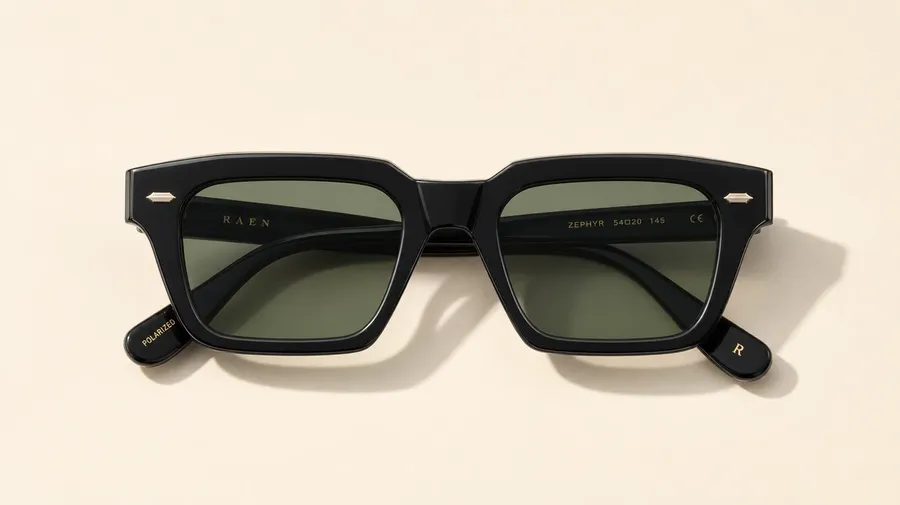
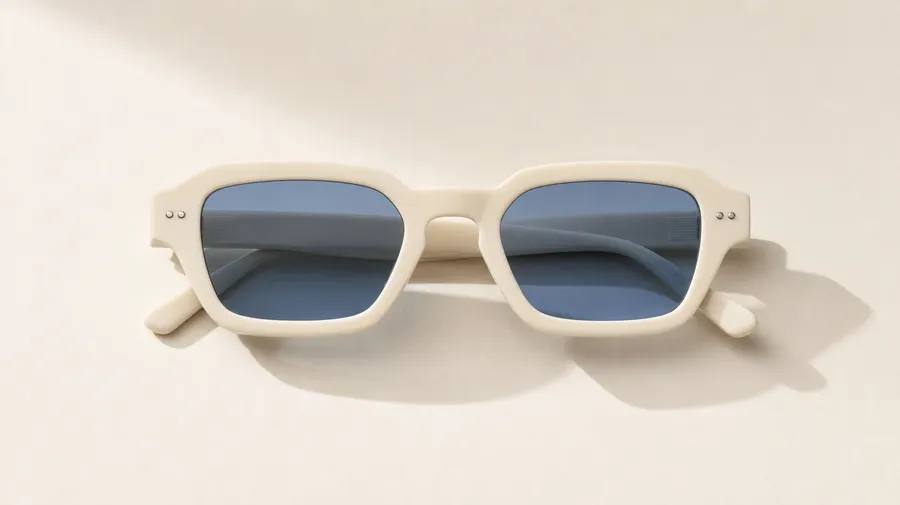
Right format for every channel
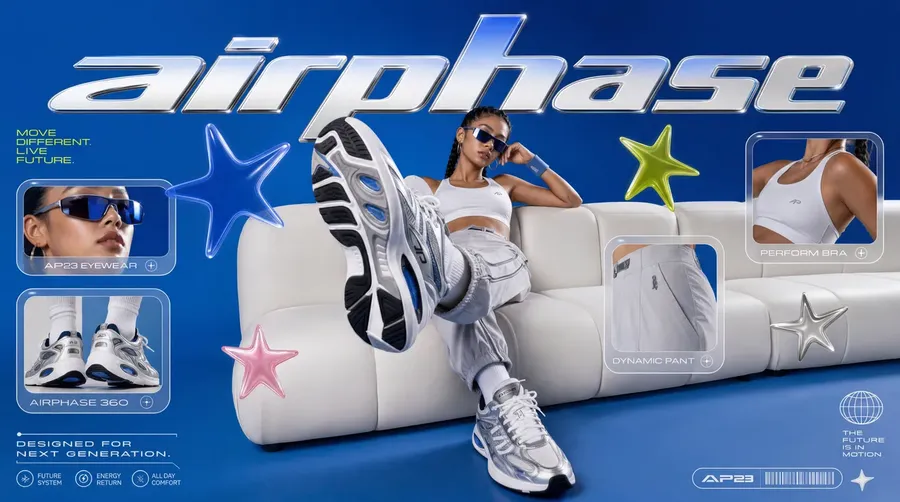
Generate or adapt product creative to common square, portrait, vertical, and landscape formats, then review the final dimensions and platform requirements before publishing.
Prompt
Generate
Resize
We Tested Leading Image Models on the Same Product
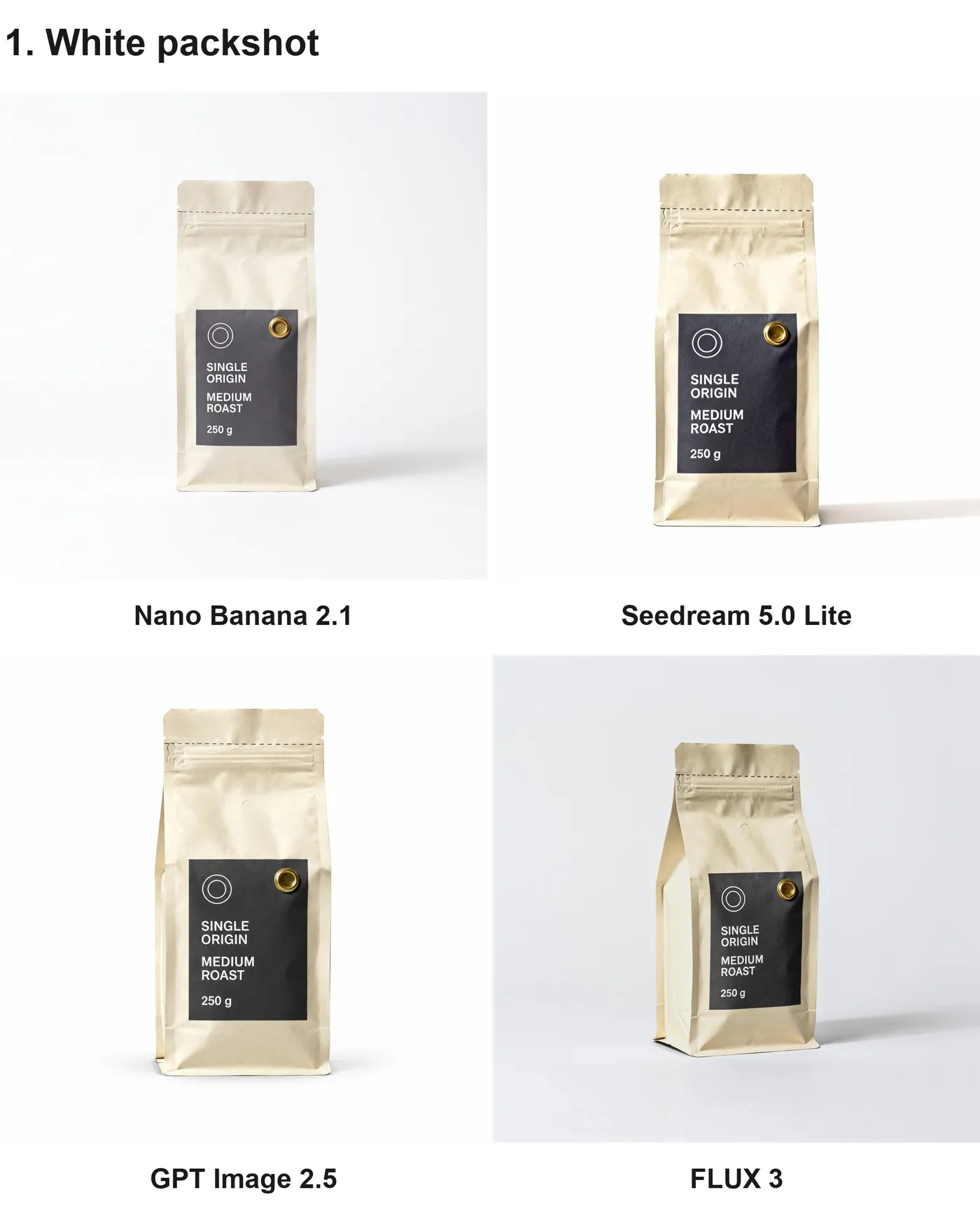
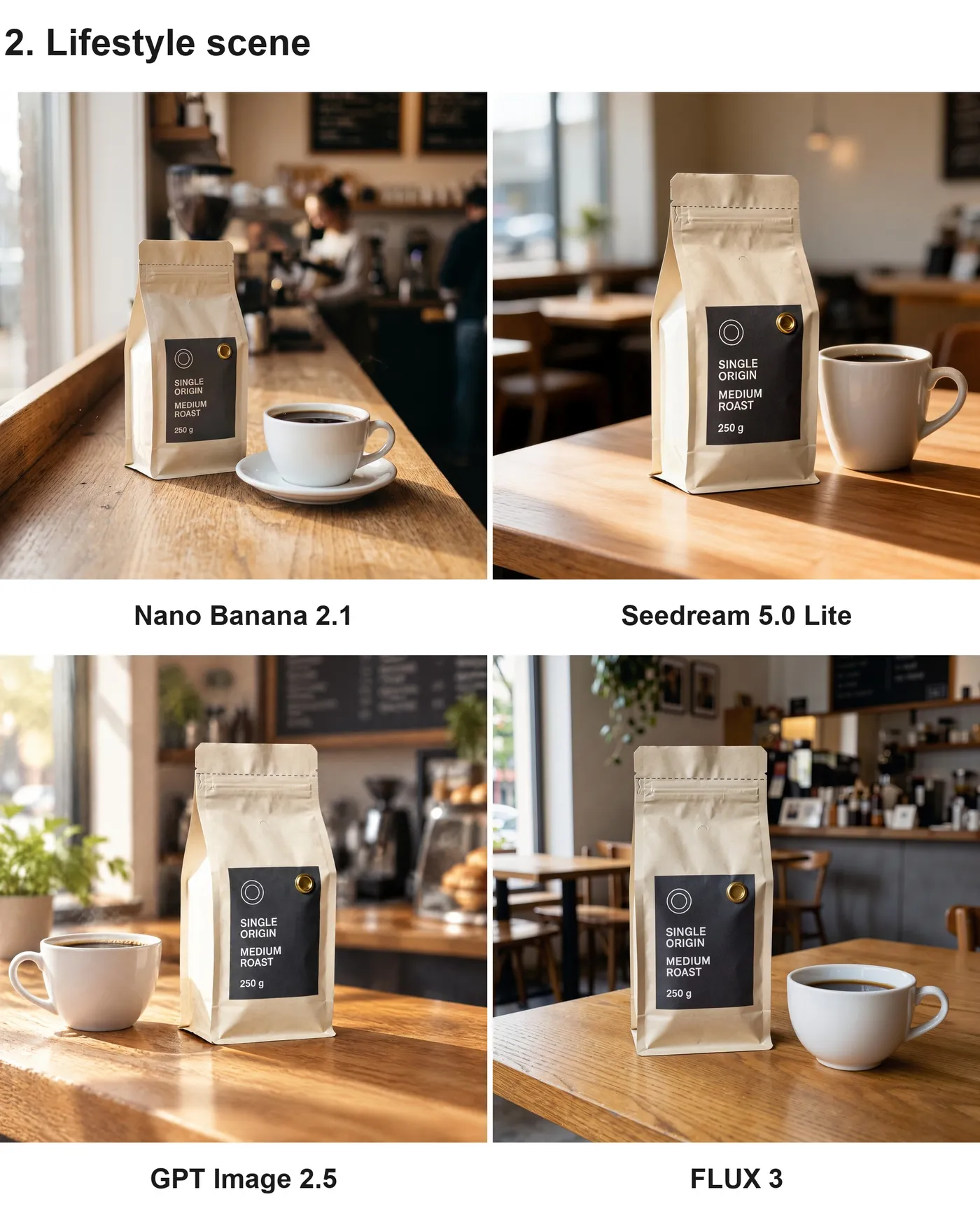
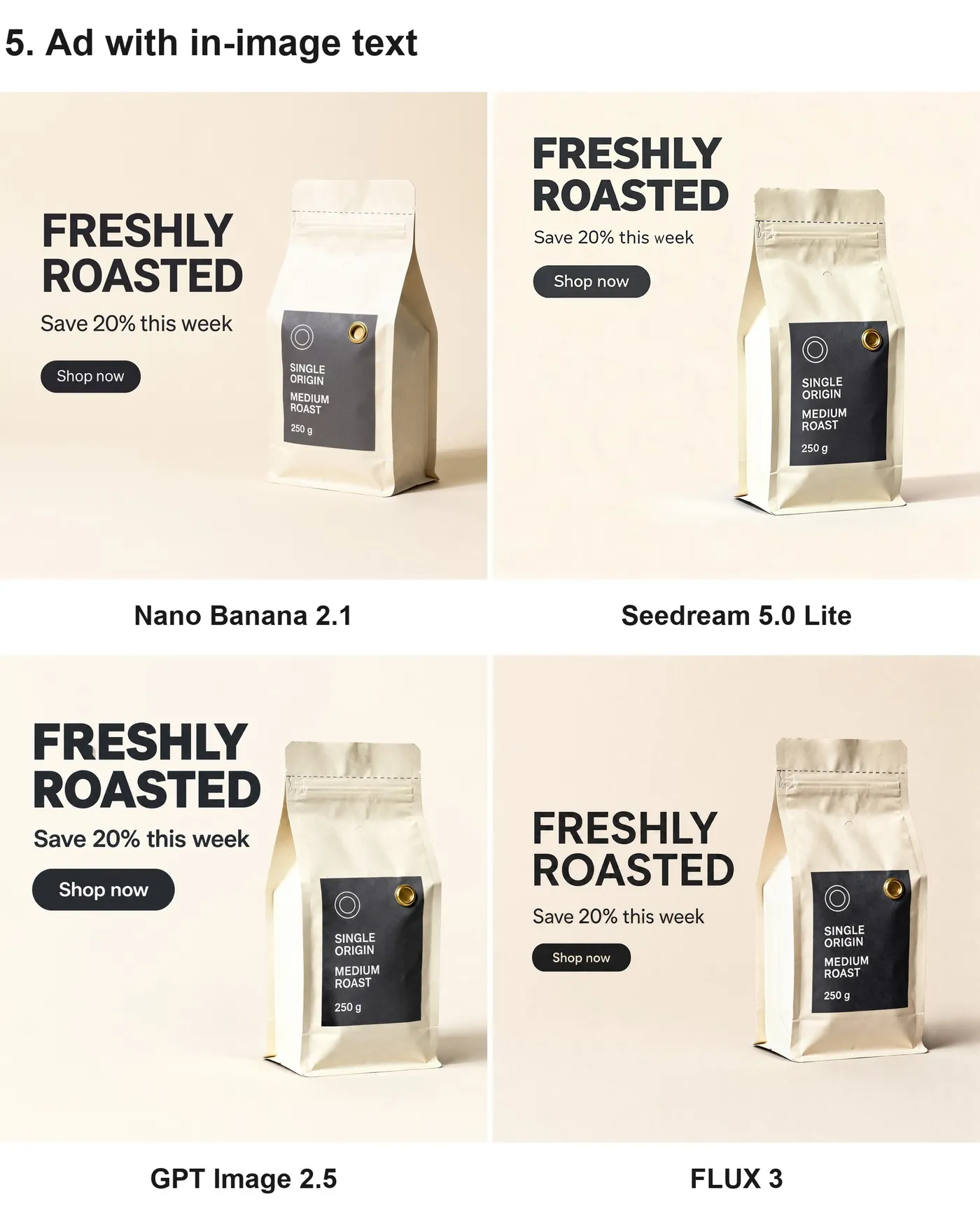
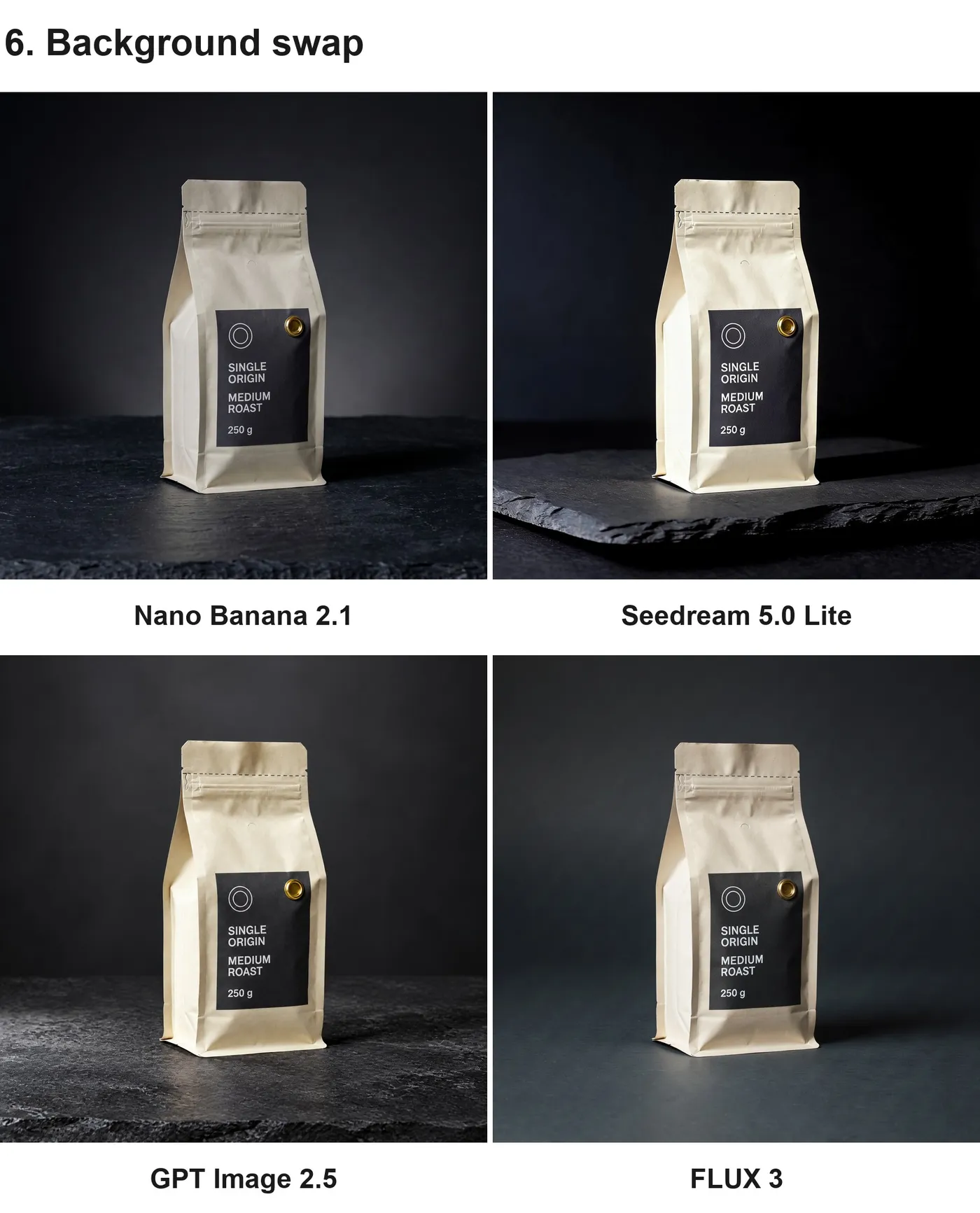
One product source image. The same prompt every time. We ran six e-commerce tasks through Nano Banana 2.1, Seedream 5.0 Lite, GPT Image 2.5, and FLUX 3, then compared each output with the original: white packshot, lifestyle scene, color edit, in-hand shot, ad with in-image text, and background swap. All six comparisons are below, and every panel is labelled with the model that produced it.
In our test, GPT Image 2.5 produced the cleanest white background for a marketplace packshot, while FLUX 3 held the source product closest but kept the original backdrop instead of switching to white. Nano Banana 2.1 built the strongest lifestyle scene and was tightest on a targeted color edit. Seedream 5.0 Lite shifted the pack's material tone the most on the packshot task.
The two comparisons here are the white packshot and the lifestyle scene. The other four tasks, and what every model got wrong in them, are in the next section.
Where Every Model Slipped
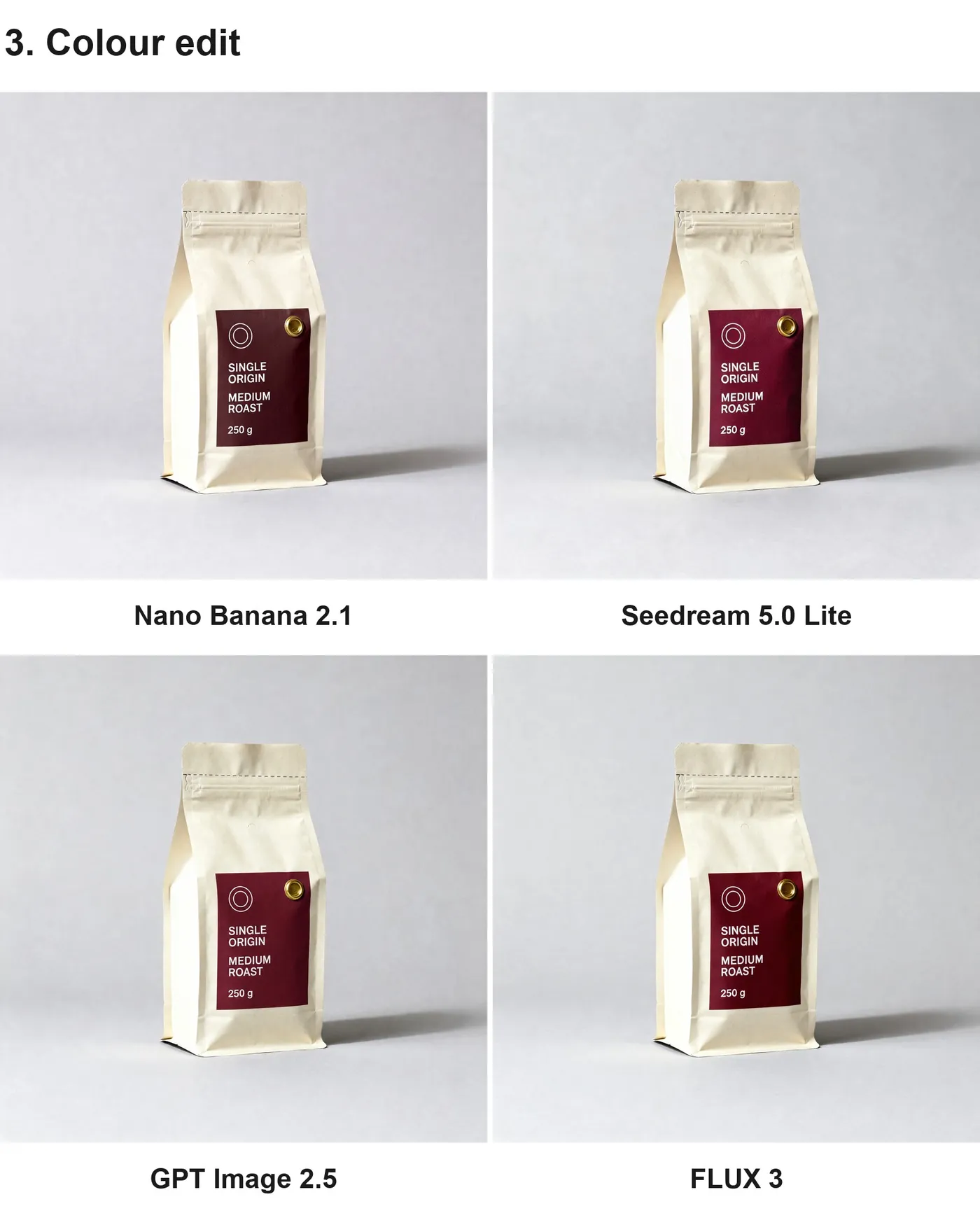
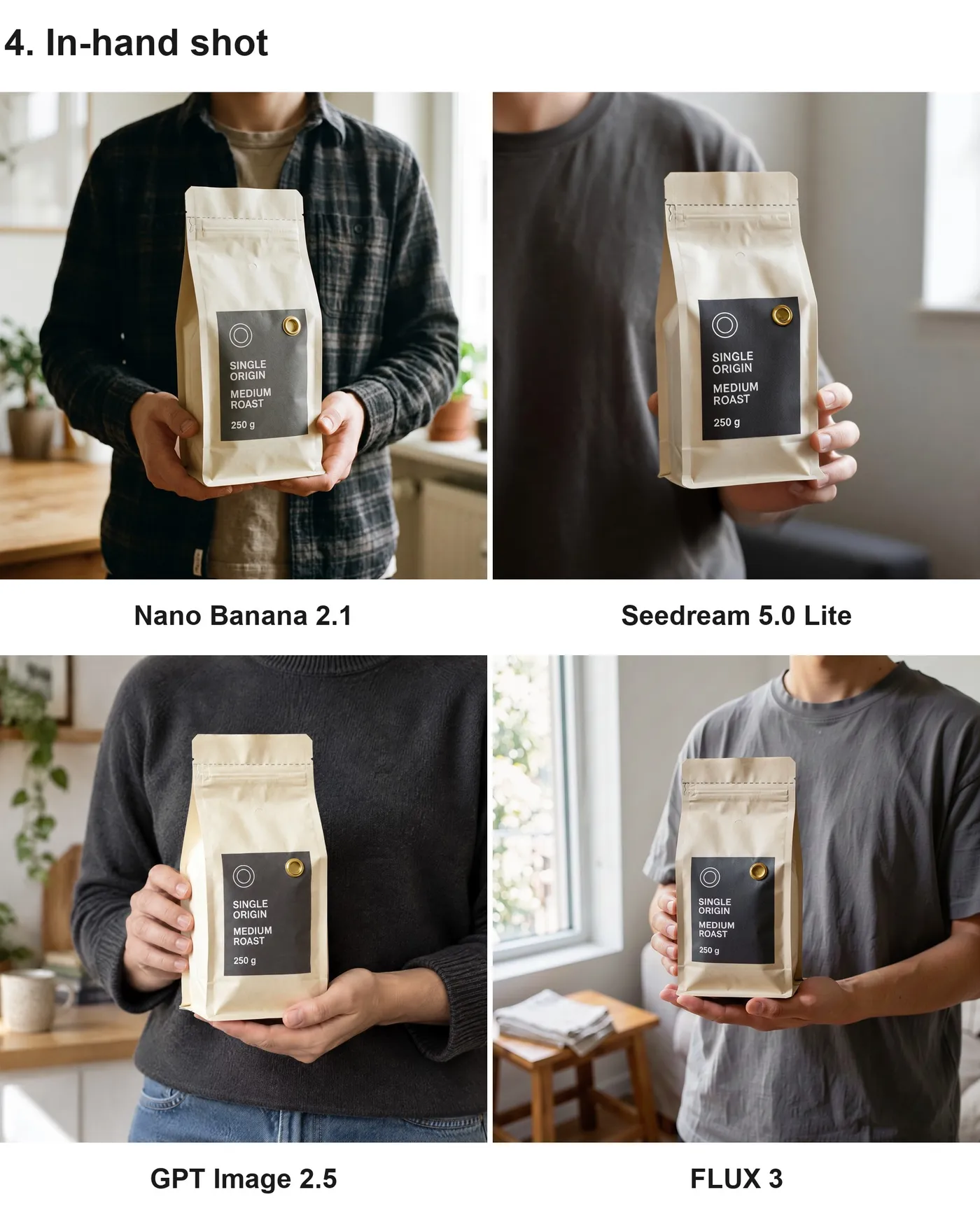
The same test continued across four more tasks: a targeted colour edit, an in-hand shot, an ad with in-image text, and a background swap. Every panel below is labelled with the model that produced it.
Nano Banana 2.1 held the rest of the frame tightest on the colour edit, while GPT Image 2.5 and FLUX 3 shifted the pack's material tone nobody had asked them to touch. All four models spelled the supplied ad copy correctly, and all four changed the product's own label geometry while doing it. On the in-hand task every model rendered a 250 g pack at roughly twice its real size. Edges held up well on the background swap; what moved was the product's tone under the new light.
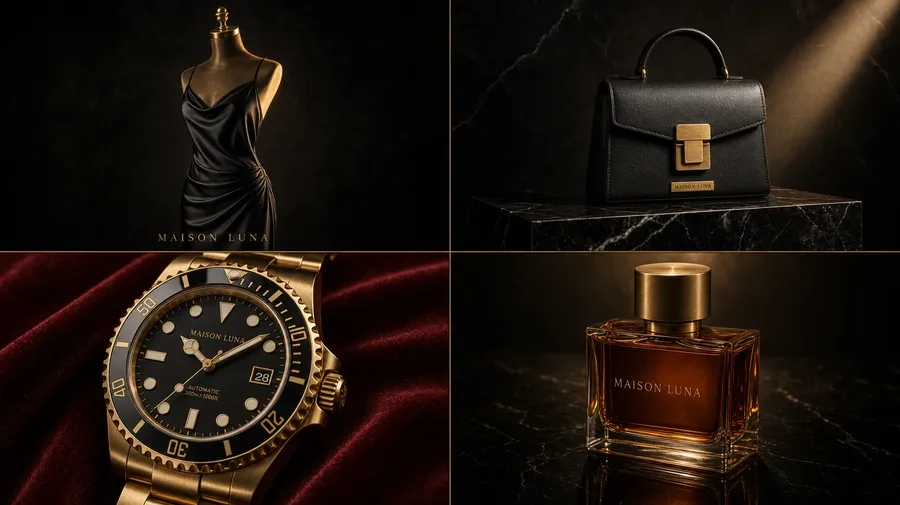
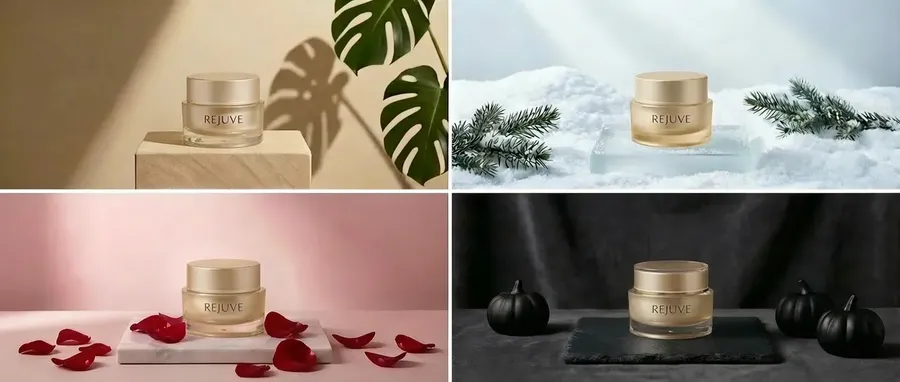
Explore different creative directions for the same product
Describe the mood and the same product takes on a different look. Five directions below.
Prepare Product Images for Marketplaces
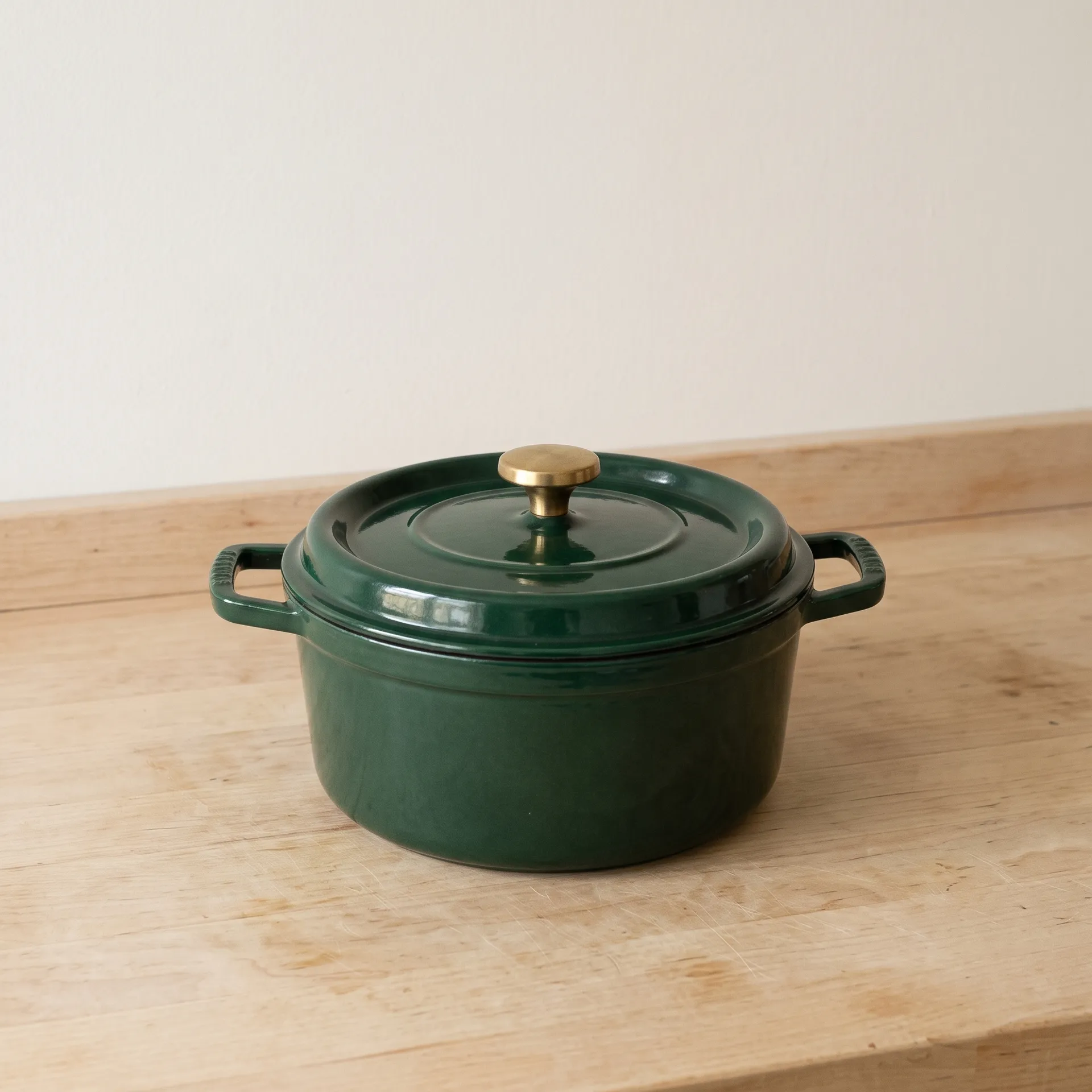
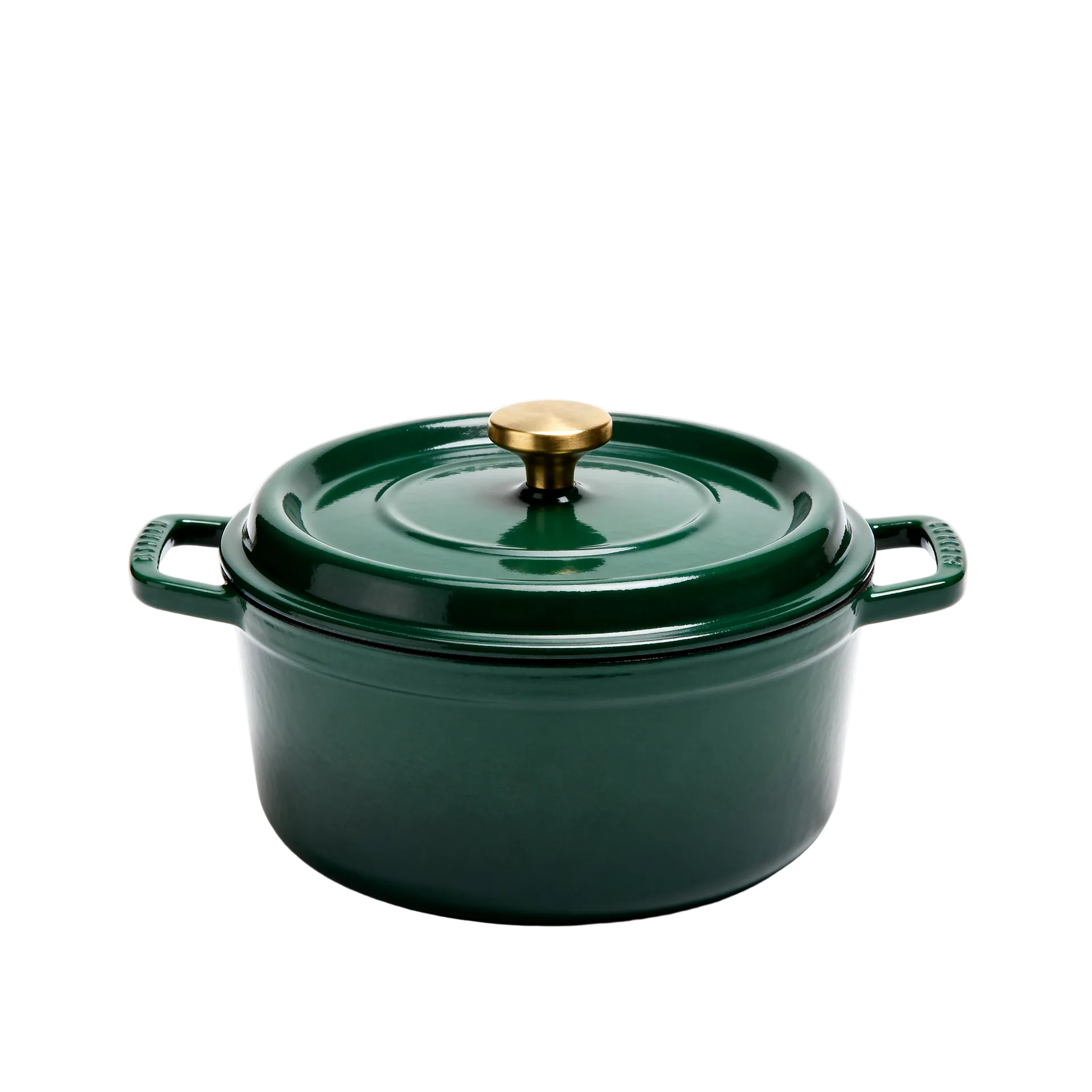
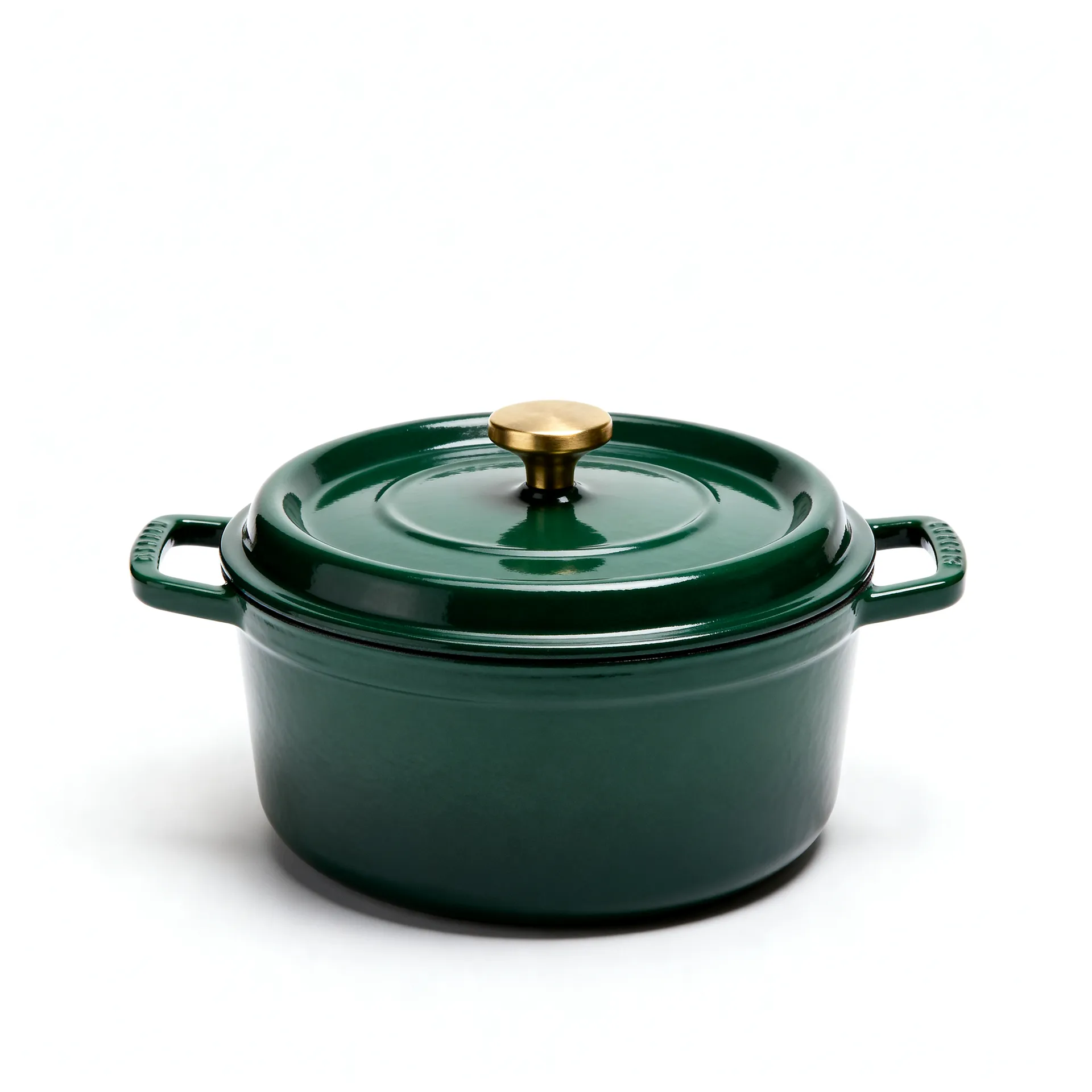
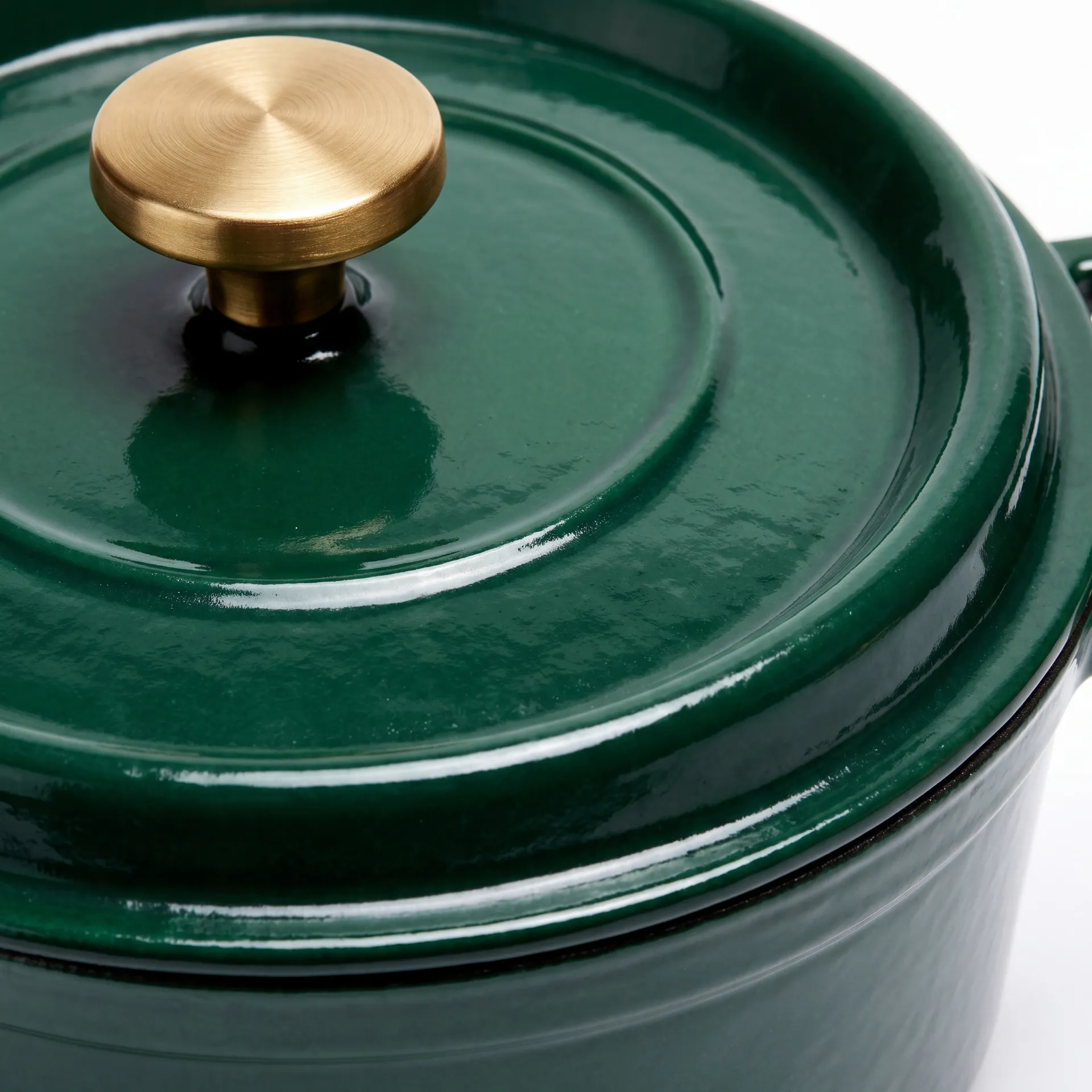
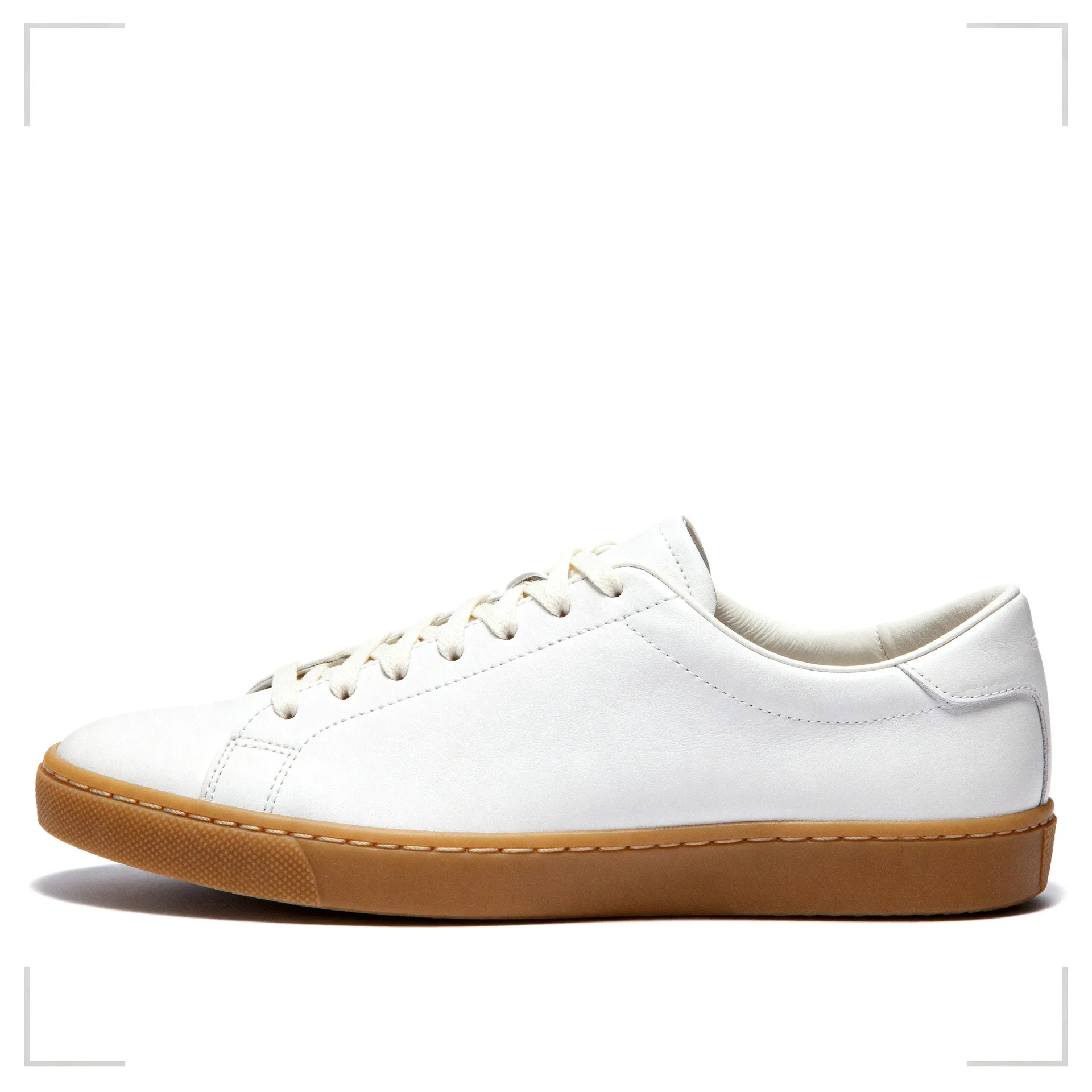
Start from an approved product photo and work through the usual listing prep in one place. The sequence below takes an ordinary product photo through a clean cutout, a centred white packshot, and a sharp detail crop for the close-up the listing needs.
A #FFFFFF background is marketplace-style, not a compliance guarantee. Exact image requirements differ per platform and change over time, so check the current rules for the channel you are publishing to before you upload.
Adapt One Product Creative Across Placements
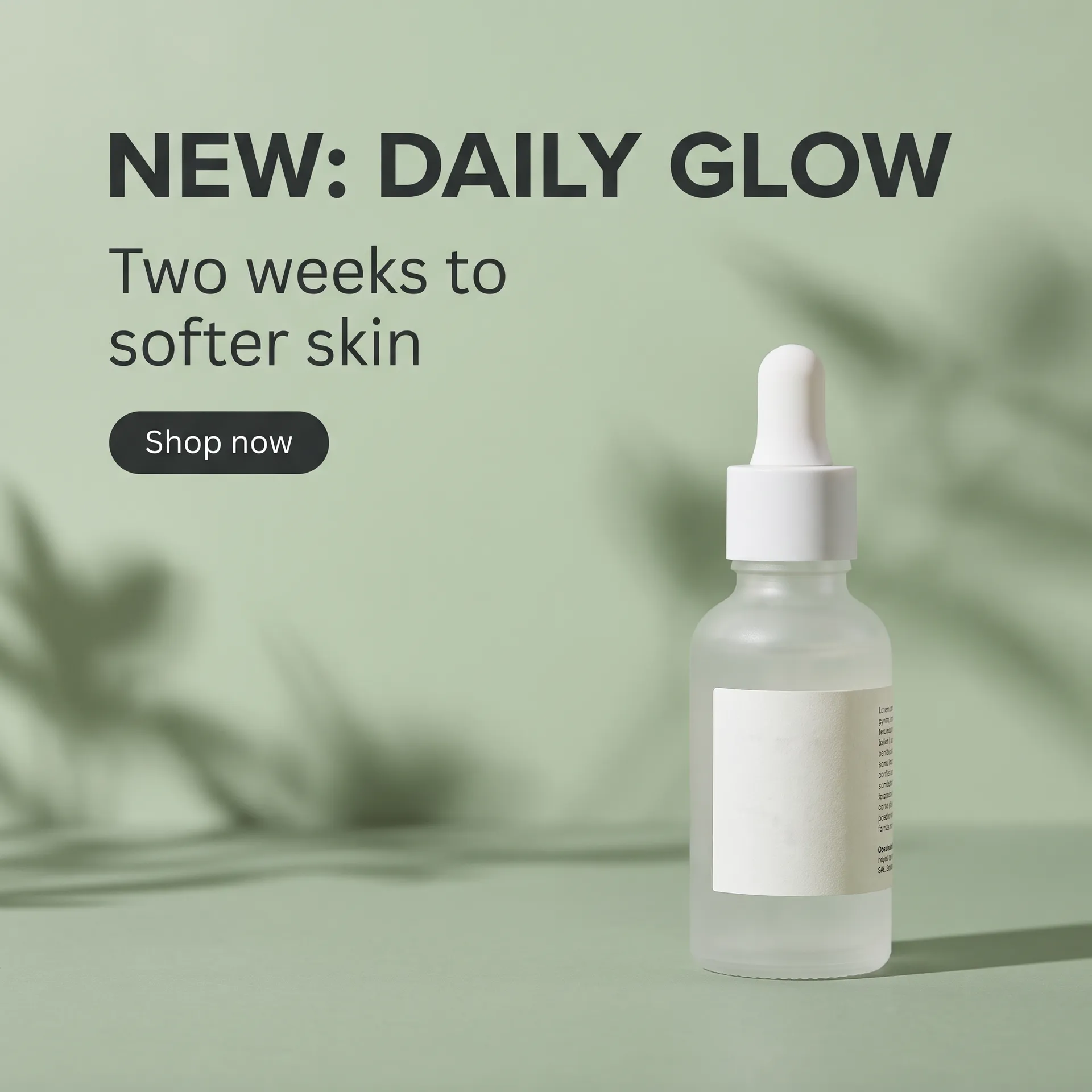
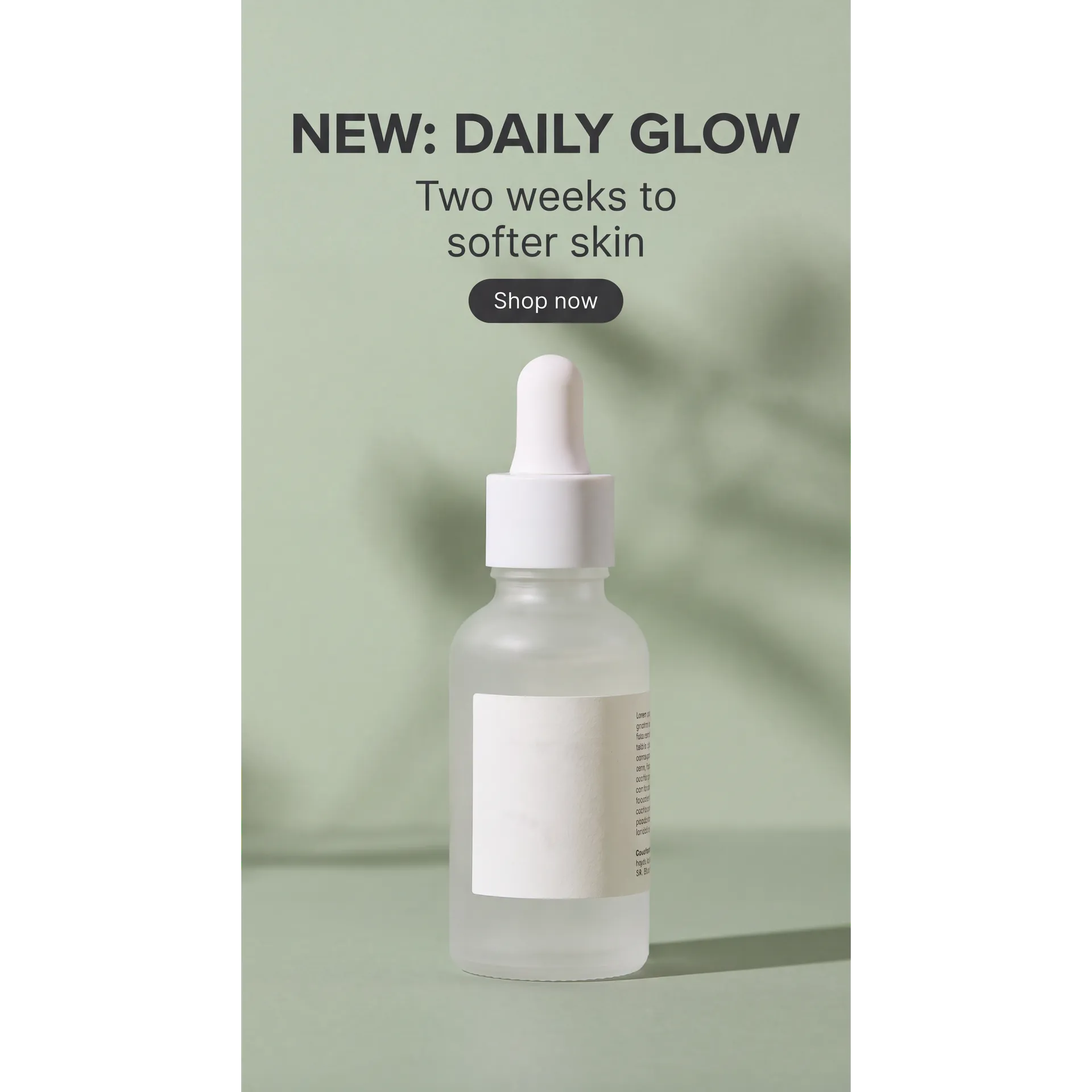
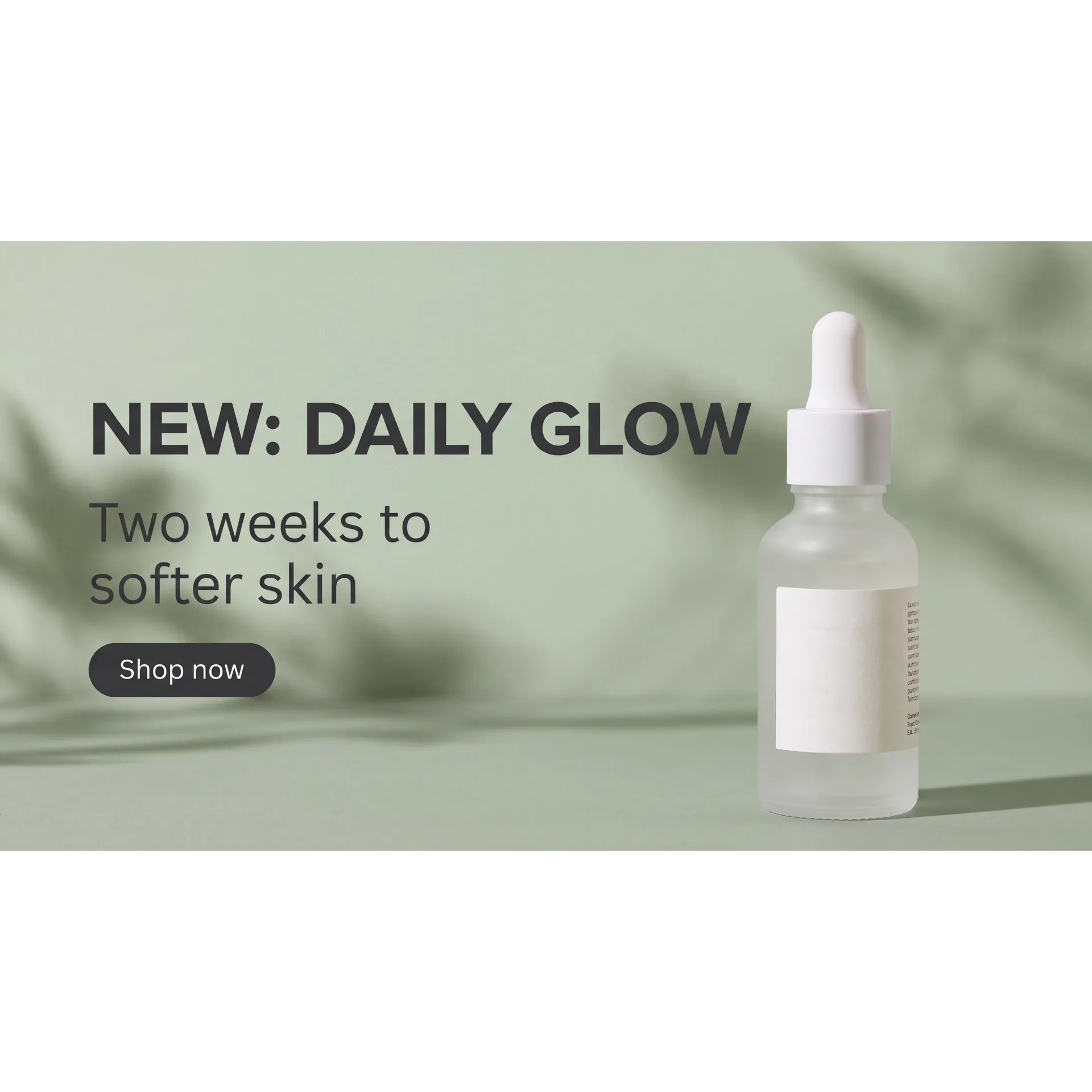
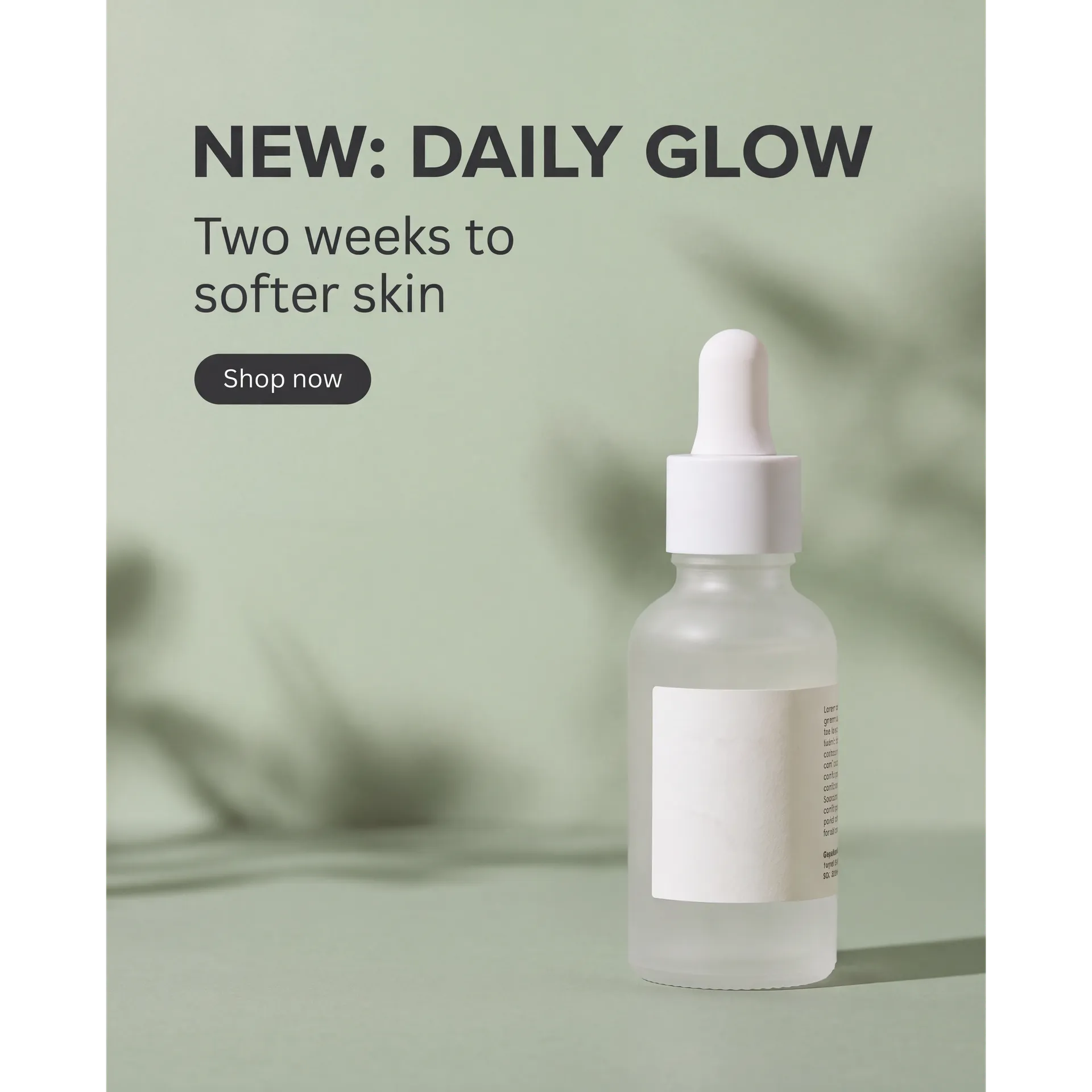
One approved product creative rarely ships in one shape. The same ad has to work as a PDP hero, a Meta ad, a Story, and a homepage banner.
Use Smart Resize when you want the composition reorganized for a new aspect ratio. Use Outpainting when you want to keep the original pixels and extend the frame outward. The examples here are one square ad reformatted to 9:16, 16:9, and 4:5 with Smart Resize.
Generative Product Images Need Product QA
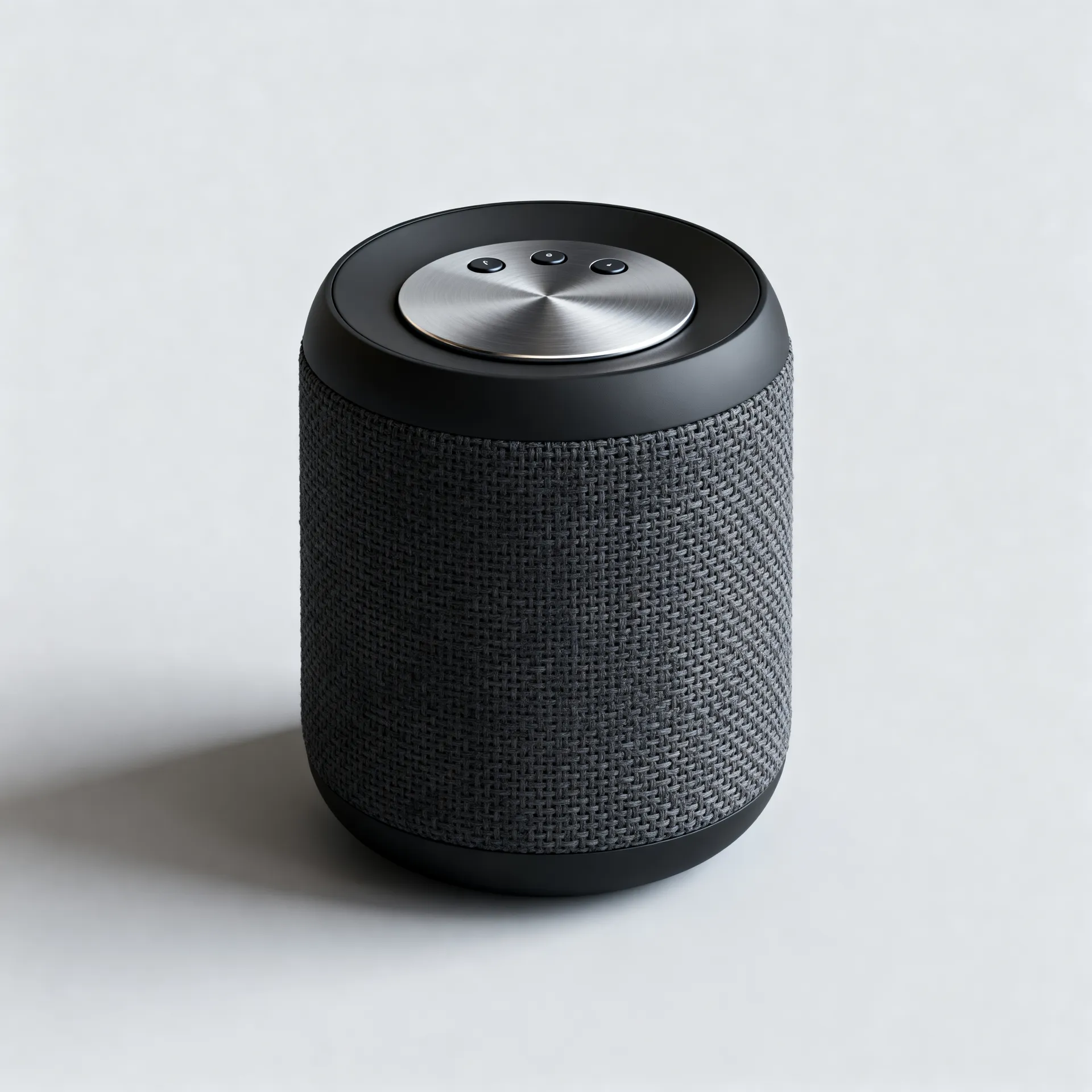
The hard problem in e-commerce isn't making an image that looks good. It's making sure the image shows the product the customer will actually receive. A generative edit can move a logo, respell label text, or change proportions, stitching, button placement, packaging geometry, reflections, texture, ports, and color. Run every customer-facing image through the same checks.
Why e-commerce teams work this way
Here's what makes getimg.ai fit real e-commerce workflows.
Fast to use, even the first time
You don't need to learn prompt engineering or model settings. Simple instructions work immediately.
Fits into real team workflows
Keep images, references, and generations together instead of scattered across tools.
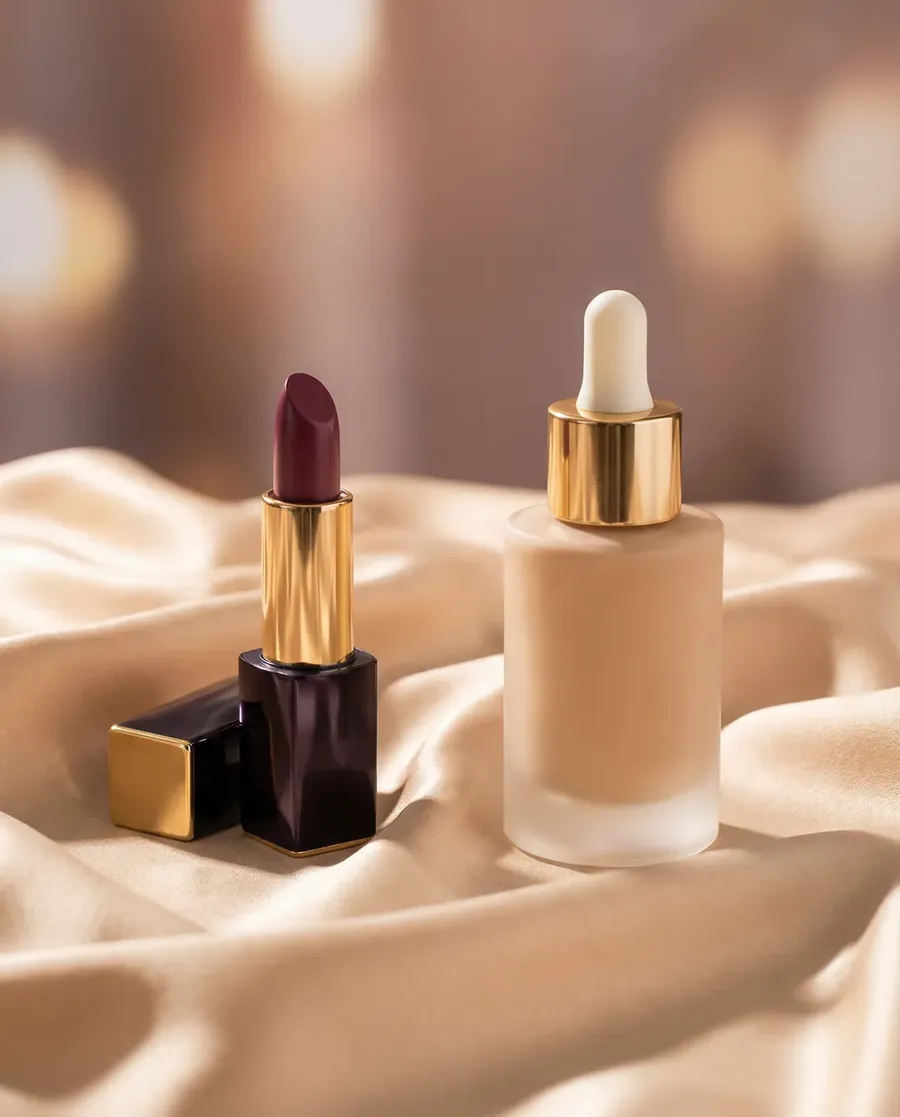
Make product-focused changes with references
Change backgrounds, styling, lighting, colors, or creative context while the original image and Product Elements guide the result.
-900x900.webp)
A more affordable way to scale content
Create more product images and variations without booking reshoots or adding more tools to your stack.
AI Generation vs New Product Photography
Use AI to expand and adapt approved product assets. Use new photography when the source itself needs to be authoritative.
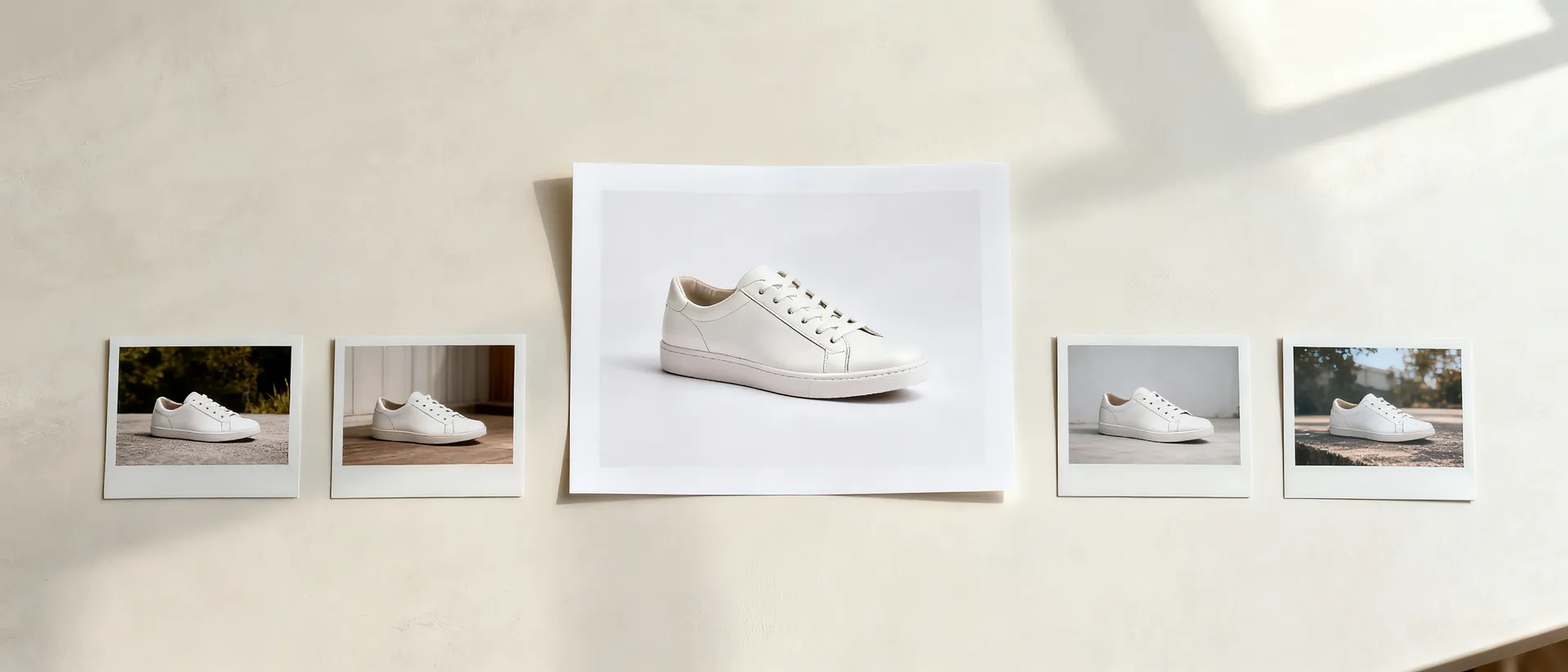
Start from approved assets
Fast creative variants
Backgrounds, campaign concepts, seasonal creative, and new formats built from a product image you already approved.
Concepts before production
Test colorways, materials, and creative directions before committing to a sample or a shoot.
Repurposing at volume
Adapt one approved asset into the placements, ratios, and campaign angles each channel needs.
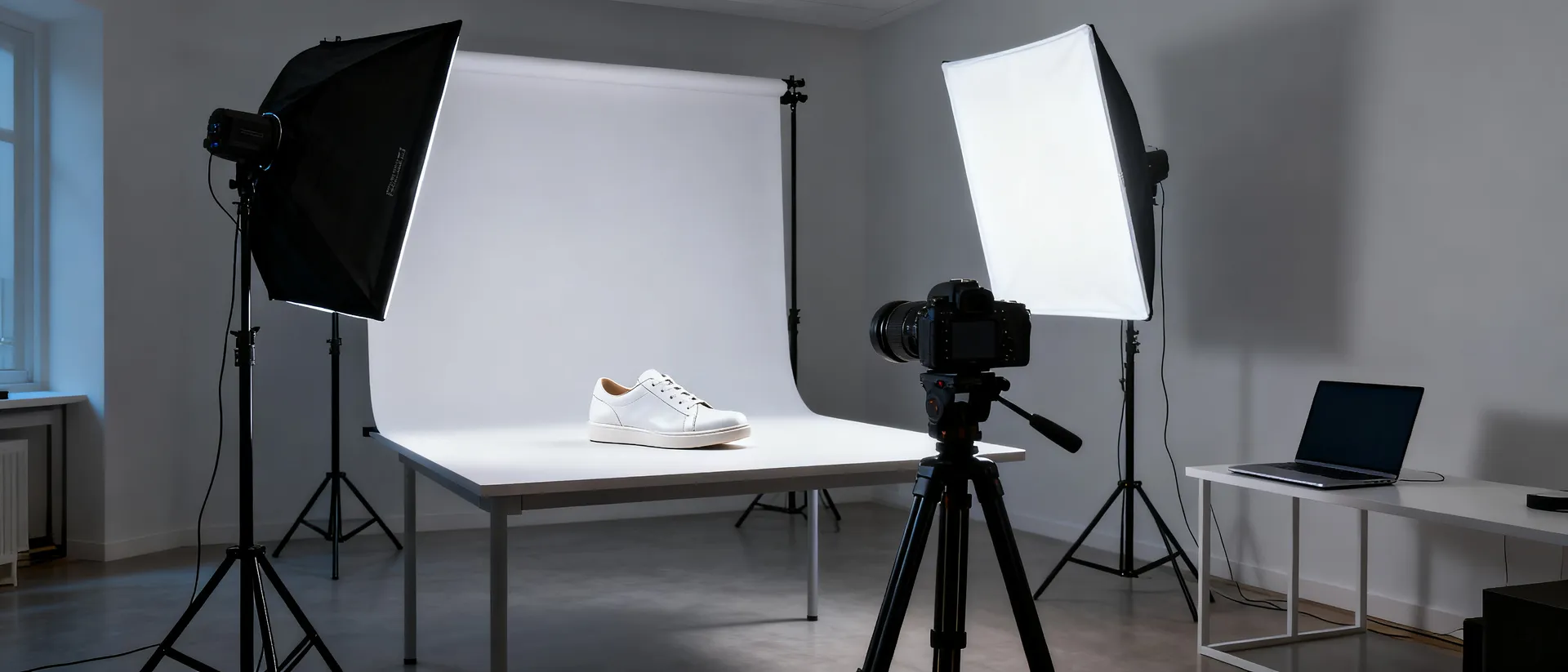
Shoot new photography when
- The exact physical appearance has to be authoritative
- Real materials, weave, grain, or reflections must be true
- You need genuinely unseen sides of the product
- Fit, drape, and scale on a real body matter
- Packaging geometry and print have to be exact
- A new SKU has no approved source image yet
- Dimensions or technical details are being claimed
- The shot becomes the reference everything else is built from
- A regulated category requires a true representation
Create together, faster than ever.
Use getimg.ai Teams to keep product references, generations, and approved assets in one shared space.
When a still image isn't enough
Short product videos help shoppers understand a product faster than a photo can. Supported video models can generate dialogue, ambience, music, or sound effects together with the visuals.
Creative product clips
Complex, attention-grabbing videos that feel like real ads.
Rotation videos
Create orbit-style product video concepts from an approved source image. When the camera reveals areas the input never showed, the model infers them, so use multiple references and verify the result when exact construction matters.
Feature focus clips
Highlight one key detail at a time, like texture, closures, buttons, or finishes.
UGC-style product creative
Casual, creator-inspired visual concepts for product marketing. Synthetic people and generated experiences shouldn't be presented as genuine customer testimonials.
First Frame, Last Frame, or References?
Three ways to steer a product video, and they are not interchangeable. Not every model supports every control, so check what the model you pick can take before you plan the shot.
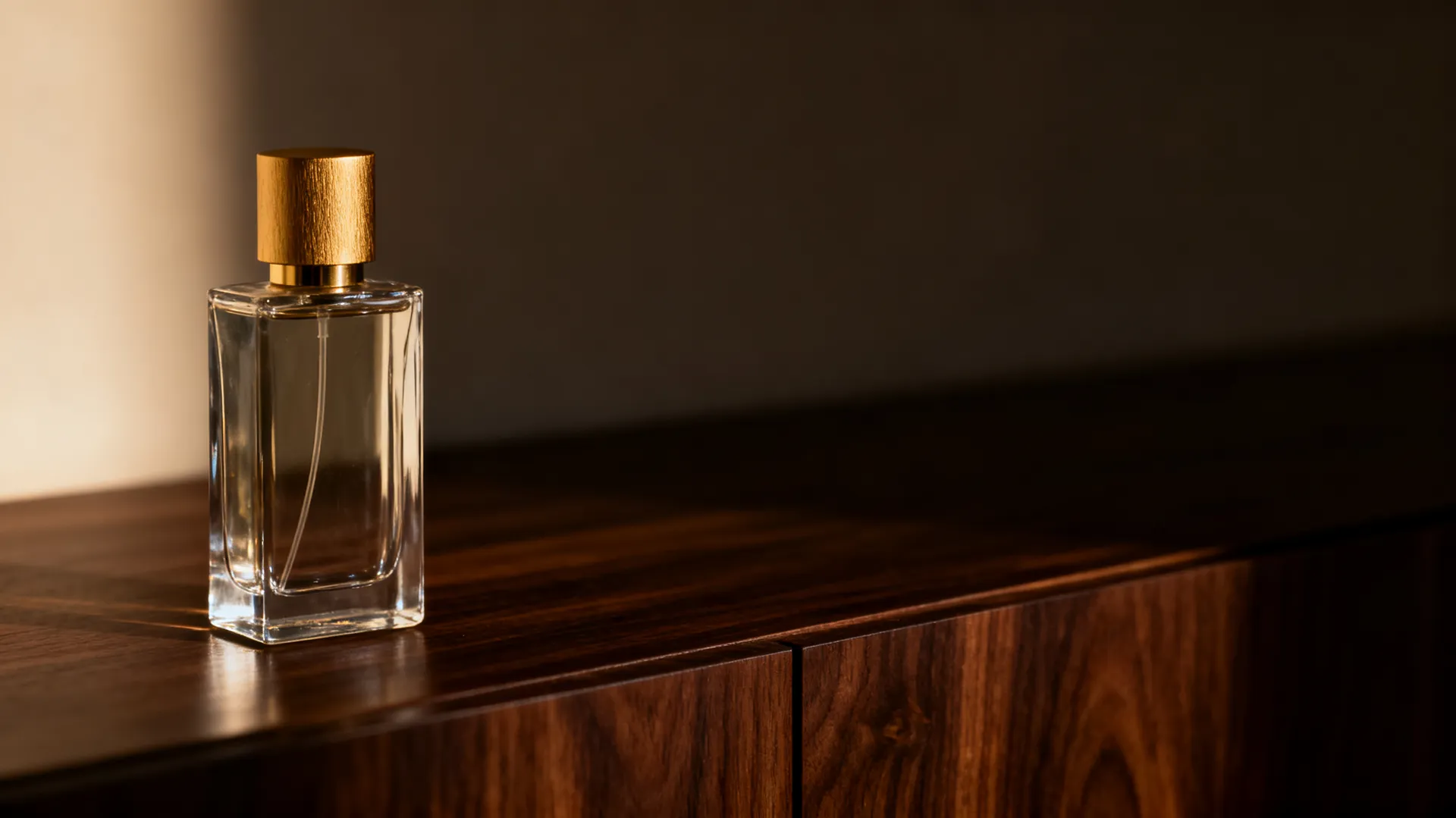
Creative Image vs Product Listing Image
Three different jobs, three different levels of required accuracy
Product listing image
The priority is SKU fidelity: exact color, shape, included accessories, and the platform's requirements. Minimal generative freedom, and every important detail checked against the real product.
Lifestyle and campaign image
The priority is visual impact: environment, styling, mood, and concept. The product still has to be recognizable, but the scene is doing the work.
Concept image
The priority is exploration. A concept can show a material, color, or design direction that does not represent any existing SKU, as long as it is never presented as one.
Add Audio to Product Videos
Supported video models can generate native dialogue, ambience, music, or sound effects together with the visuals. Silent video outputs can be paired with standalone music, speech, or sound effects in getimg.ai, and generated audio can be used commercially on a paid plan.
Folk-Pop Promo Song
Product Demo Instrumental
Product Description
E-Commerce Ad
Reusable Product References, Not Repeated Setup
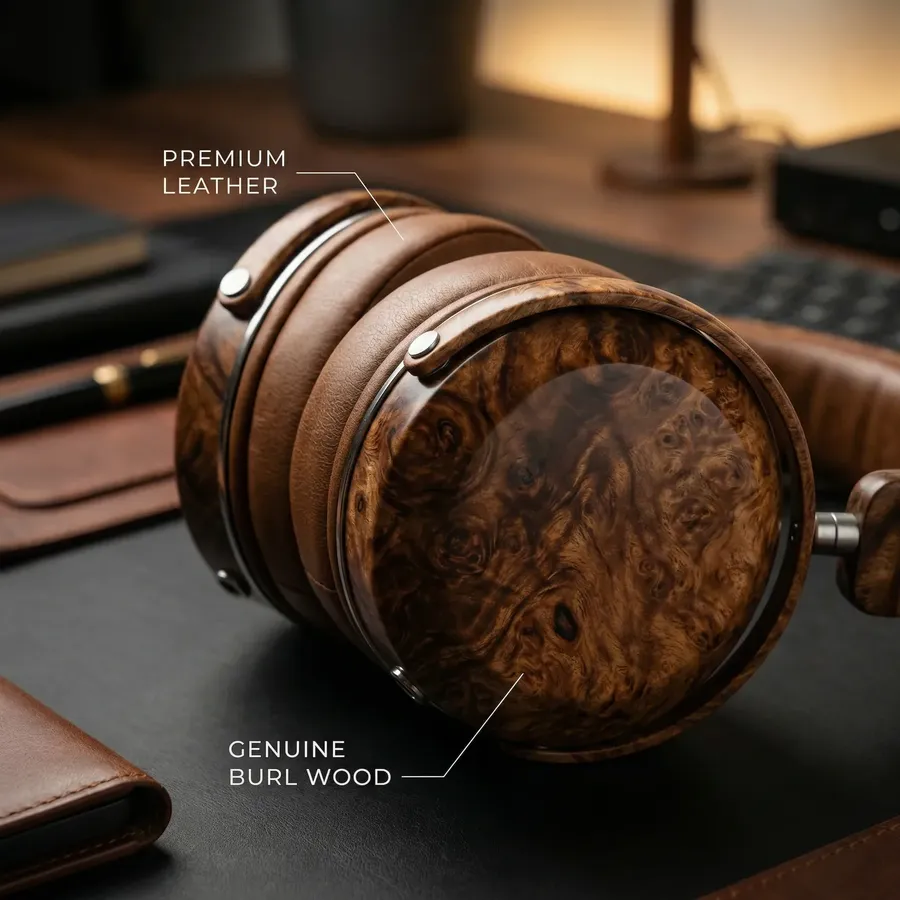
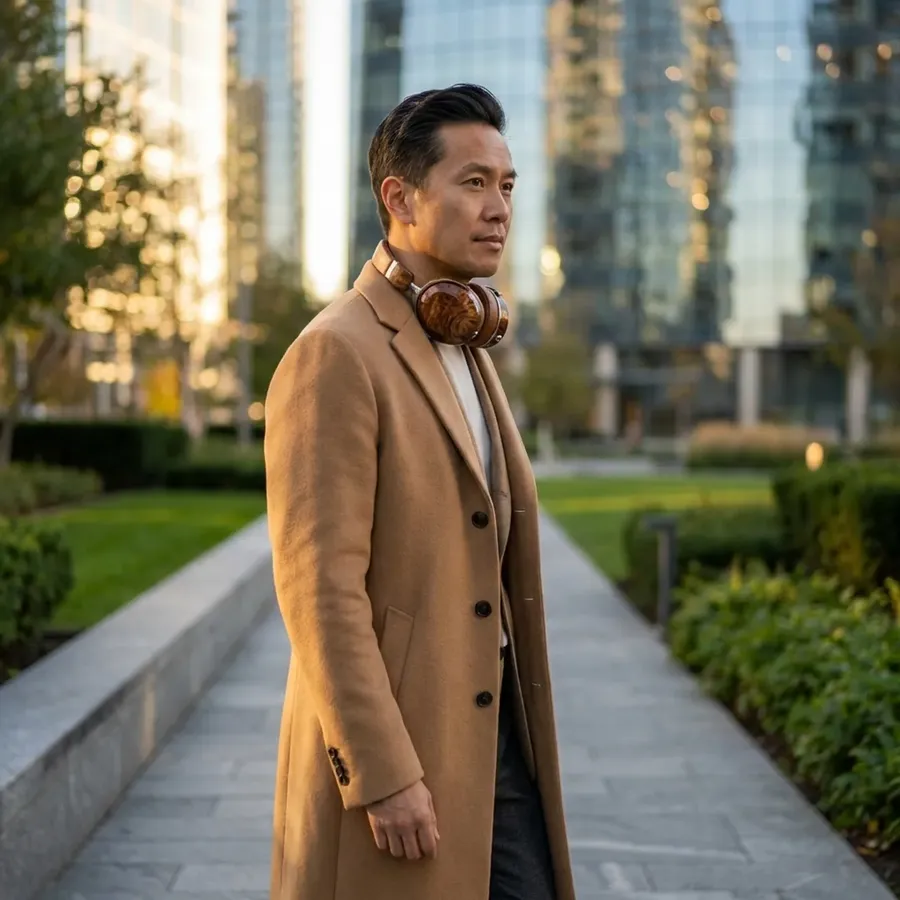
Save frequently used products as Product Elements so the same references can guide future generations without uploading them again each time. Product Elements can help maintain a more recognizable product appearance across images, and across product clips on video models that accept reference images, but important details should still be compared with the source product before publishing.
How many references you need depends on what you're generating.


E-Commerce Prompt Examples
Four prompts that cover most product image work. Background removal has its own one-click tool, so there is no prompt to write for it.
Prompts such as “keep the product unchanged” or “preserve branding” tell the model what to prioritize. They don't guarantee exact product fidelity. For customer-facing product imagery, compare generated outputs with approved product references and verify shape, labels, colors, materials, features, and text before publishing.
Clean marketplace image
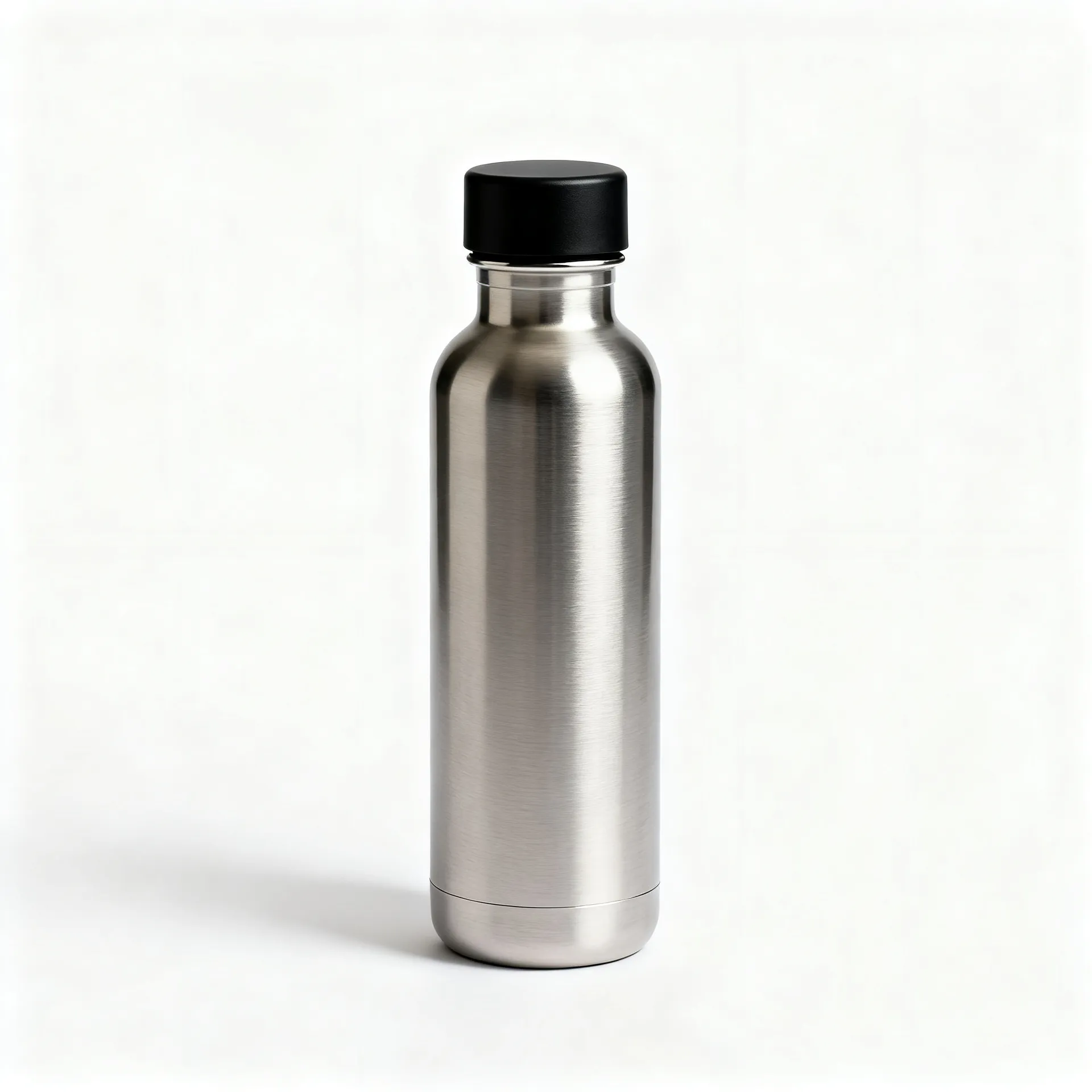
“Place this exact product on a pure white background, centered, straight-on front view, soft even studio lighting, subtle contact shadow. Keep the shape, material, printed text and hardware unchanged.”
Lifestyle scene
“Place this exact product on a sunlit windowsill beside folded linen and a sprig of dried eucalyptus, morning light from the left, shallow depth of field. Keep the product unchanged.”
Product ad
“Create a square social ad using this exact product on a warm sand background. Headline top left, offer line below it, and a small dark rounded button that reads Shop now.”
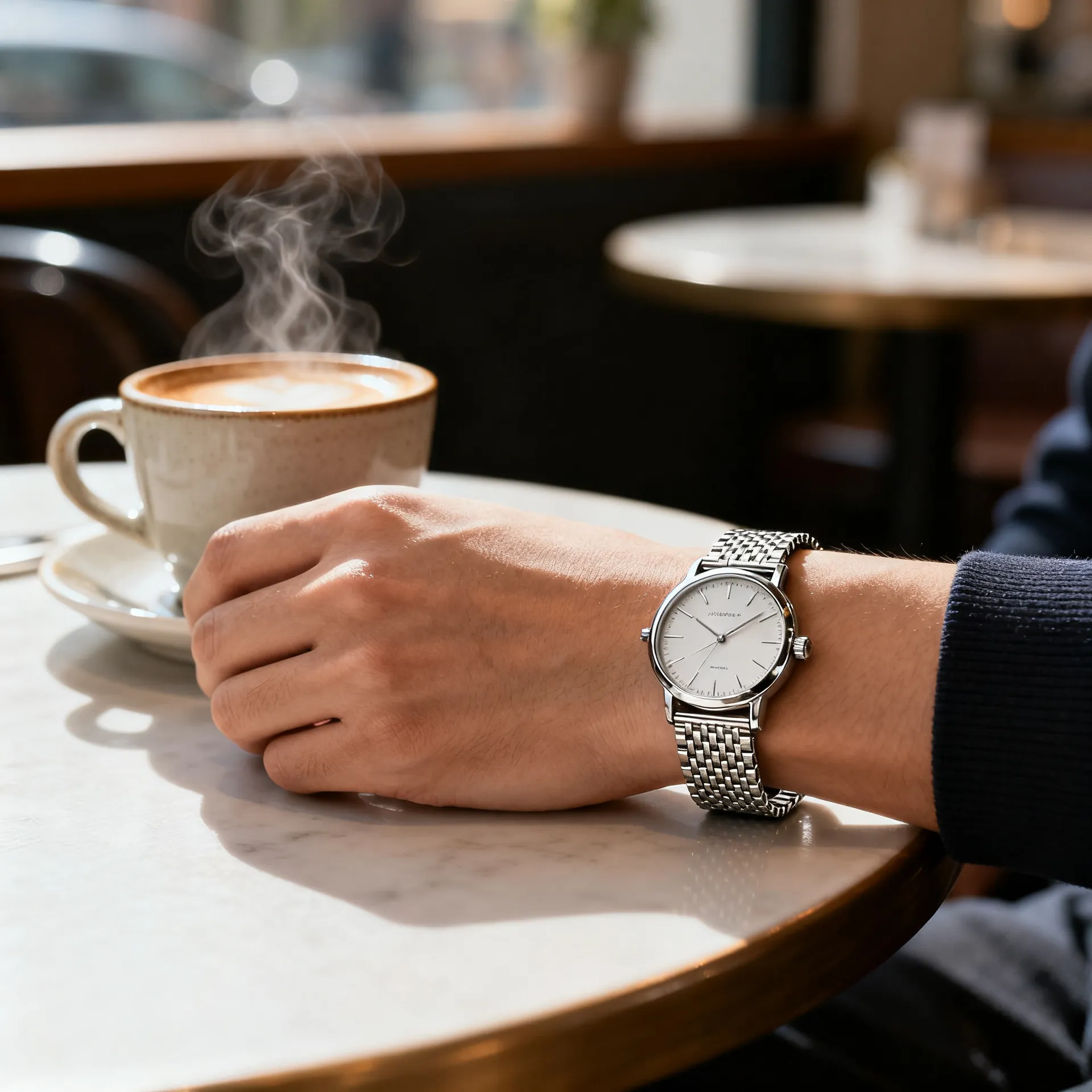
On-model concept
“Show this exact product worn on a person's wrist resting on a cafe table, soft natural daylight, face not visible. Keep the proportions, finish and dial details unchanged.”


Keep going
Frequently Asked Questions
getimg.ai is an AI workspace for creating and updating product images and short product videos. It's built for everyday tasks: cleaning up product photos, preparing marketplace listings, building lifestyle scenes, exploring variants, generating ads, and adapting one approved creative into every placement a campaign needs.
It also generates audio for everything around those visuals, including royalty-free music for footage you film yourself and voiceovers for product pages, ads, and customer messages.
getimg.ai allows you to:
🟣 edit product photos using simple text instructions
🟣 remove or replace backgrounds
🟣 clean up supplier images
🟣 create lifestyle product photos
🟣 explore color, material, and pattern variants
🟣 create on-model and in-hand product concepts
🟣 generate ads with in-image text
🟣 turn product images into short videos
🟣 generate royalty-free music for your own footage and ads
🟣 create multilingual voiceovers and spoken product descriptions.
You can generate videos using:
🟣 just text, or
🟣 text and images (a first and last frame image, or reference images to guide the product, style, or setting).
This works well for product push-ins, orbit-style rotation concepts, UGC-style clips, before and after videos, and simple ad hooks. Not every model supports every control, so check what the model you pick accepts.
Supported video models can generate their own audio when you describe the sound in the prompt. Separate music and speech generation covers silent clips and everything outside them. Use music for footage your team films, creator UGC, in-store playlists, or ads running on social and podcasts.
Use voiceovers for spoken product descriptions on your pages, customer-service and phone messages, narration over real footage, or localizing an ad into another language. Both work in multiple languages and can be used commercially on a paid plan.
You decide what changes and what stays the same. You can be very loose (“put this in a kitchen”) or very specific (“match this exact material, color, or style”). Reference images and Elements help when accuracy matters, but an instruction tells the model what to prioritize rather than guaranteeing an exact match, so compare customer-facing output with the real product before publishing.
It works for both. Teams often use it to keep product images, references, and generated versions in one shared space, instead of passing files around or recreating work.
Images and videos generated in getimg.ai on a paid plan can be used commercially, subject to the usage policies.
It's built for it. getimg.ai can generate images and video from text, but it's strongest when you're working with real products and need usable output.
You can generate product concepts, packaging ideas, and campaign visuals from scratch. You can also start from an existing product image and turn it into packshots, lifestyle scenes, variants, ads, and short videos. In both cases the focus is on guiding the product with references and keeping the output practical to publish.
No. You can use getimg.ai with very simple instructions like “remove the background” or “put this in a kitchen”.
The E-commerce AI Prompt Book is there as inspiration and guidance, not as a requirement. It shows how to describe common tasks like variants, lifestyle images, ads, or short videos, especially when you want more control.
You can follow the prompts exactly, tweak them, or ignore them entirely. getimg.ai works just as well without any prompt engineering experience.
Put the generated image next to the real product or an approved reference and compare, in this order: shape and proportions, branding and logo placement, printed text, color, material, included parts and quantity, and scale against a hand or body.
Prices, discounts, SKU codes, ingredients, coupon terms, and legal copy should never be taken from a generated image. Set those from your own data and check them in the final file.
Not entirely, and it shouldn't try to. AI generation is strongest at expanding and adapting product assets you already approved: new backgrounds, lifestyle concepts, campaign variations, seasonal creative, and formats for each channel.
New photography is still the right call when the source itself has to be authoritative: exact physical appearance, real materials and reflections, genuinely unseen angles, true fit and scale, accurate packaging, or a brand new SKU with no approved image yet.
Get More From the Product Images You Already Have
Start from an approved product photo and create new backgrounds, campaign concepts, formats, and short video directions without rebuilding every asset from scratch.