360 Product Video Generator: Turn Product Photos into Orbit Videos
Add up to three photos of your product, pick a backdrop color and one of six camera moves, and get a smooth 360° video for product pages, marketplaces and ads. No turntable, no studio, no animator.
Access 48+ leading AI models. Pay for one subscription.


How to make a 360 product video
Three choices turn a still packshot into a turning product video.
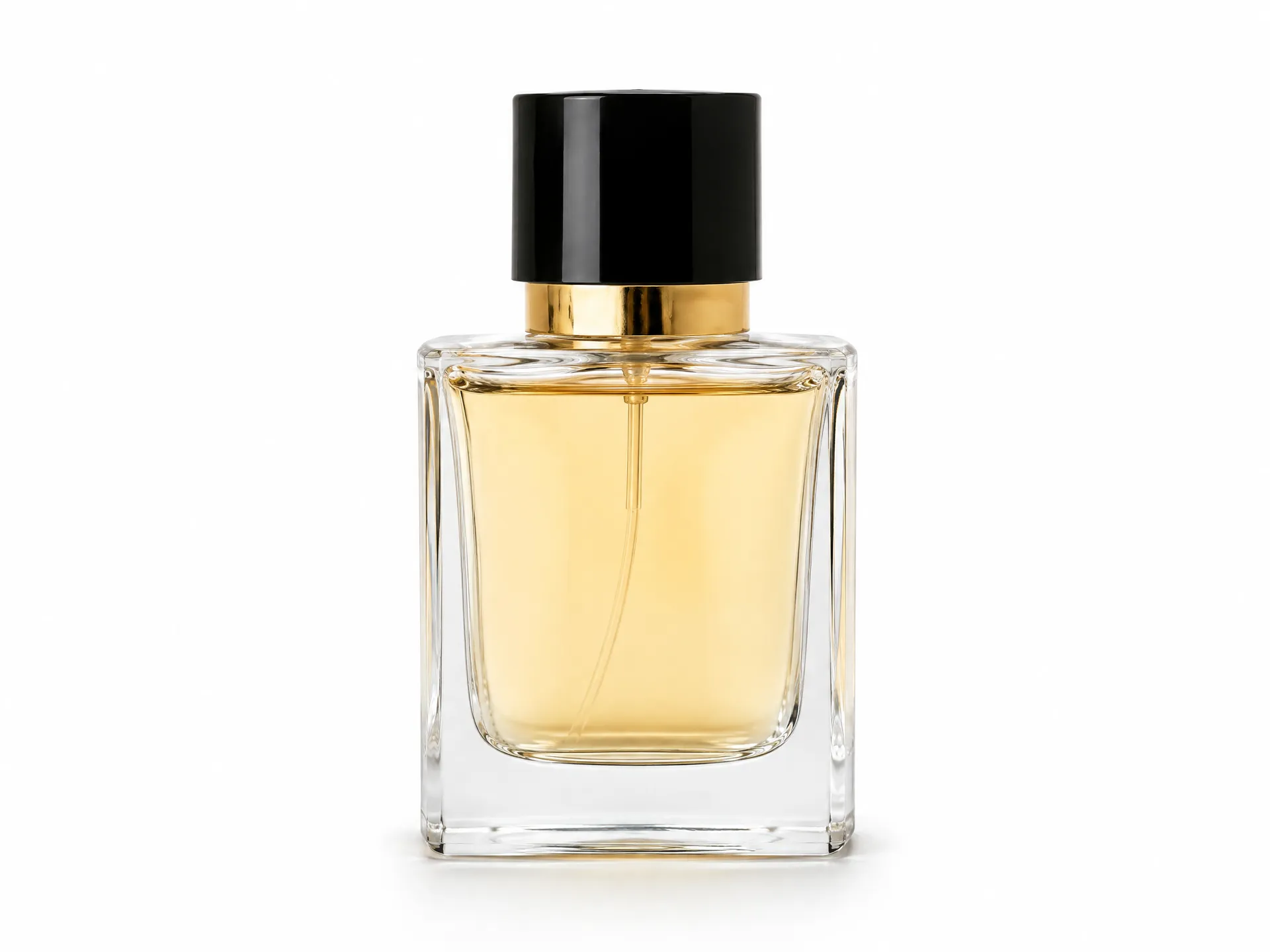
Upload product photos
One clean packshot works, and up to three angles work better. Sneakers, bottles, gadgets, furniture, jewelry, cosmetics.
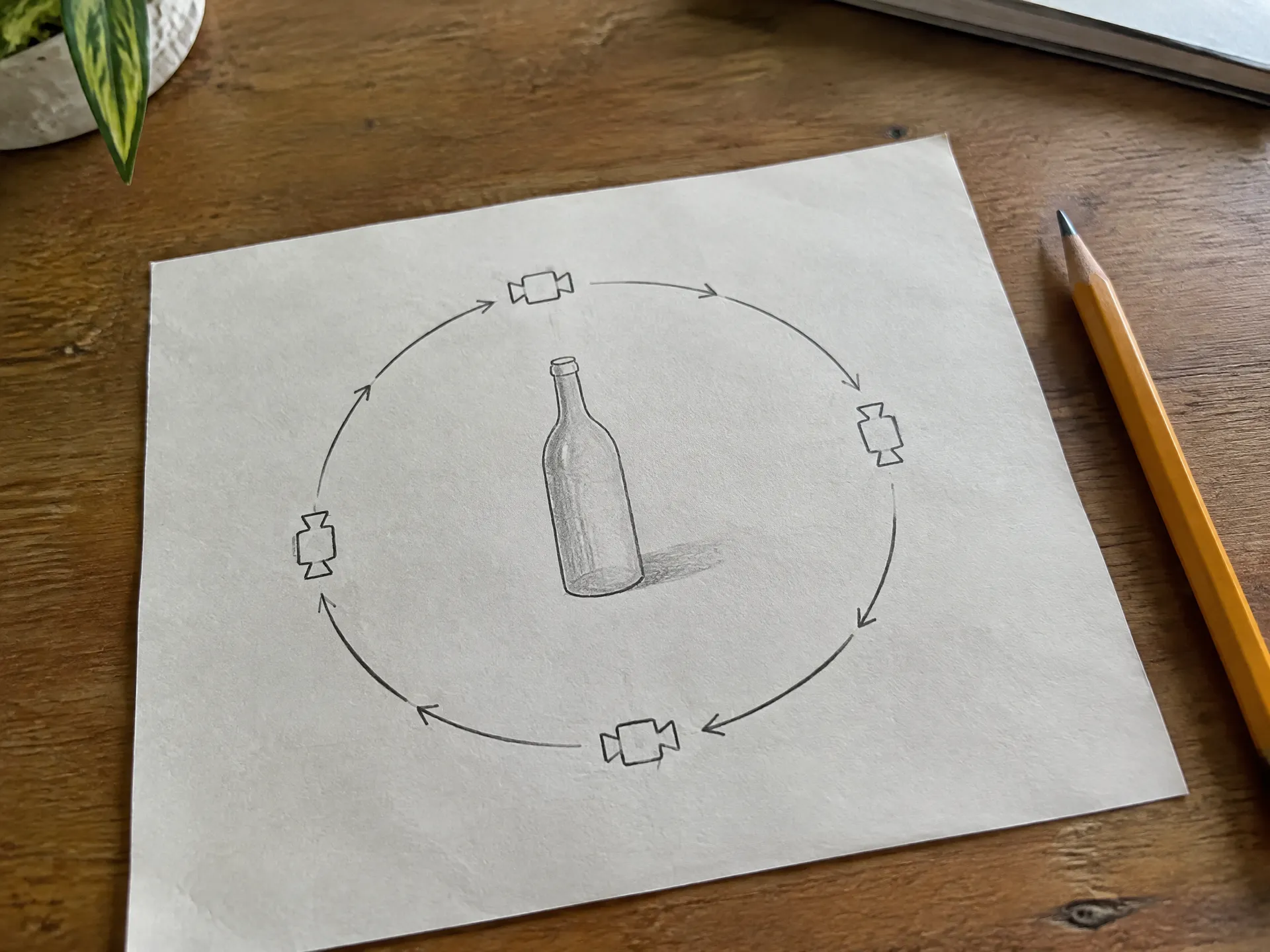
Set the backdrop and camera move
Pick a backdrop color and one of six camera moves, like rising orbit or low hero sweep. Add a setting or the light in the optional text field.
Generate the video
Get an orbit video at 720p or 1080p, 5 to 10 seconds long, ready to upload.
Give fashion accessories a hero entrance
A low hero sweep starts below the product and circles up, so a handbag looks bigger and more premium than it does in a flat packshot. This burgundy top-handle bag was a single studio photo on a beige backdrop. The orbit shows the clasp, the side gussets and the back panel in five seconds.
Use it for launch posts, product page heroes and paid social, where the first second has to look expensive.
Low hero sweep, made with Product orbit on getimg.ai from one photo.
Show small products from the angle shoppers look from
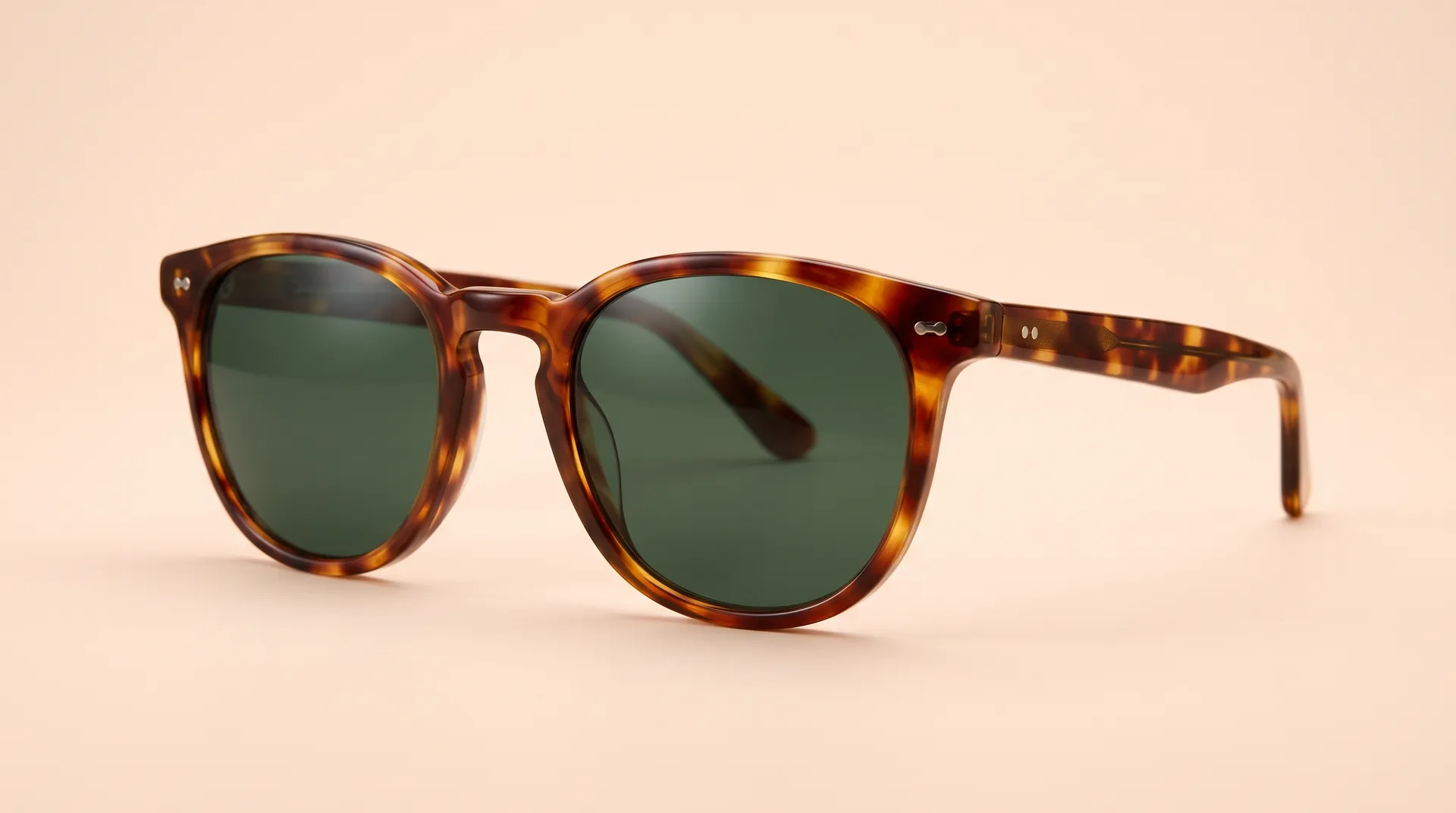
A high orbit circles above the product, which suits small or flat items like sunglasses, jewelry and watches. From one photo of the glasses on a peach backdrop, the camera reveals the frame shape, the hinges and the arms.
Match the backdrop color to your store or campaign palette, so the video sits naturally next to your other product images.
High orbit, made with Product orbit on getimg.ai from one photo.
Start from a lifestyle photo, end with a vertical studio video
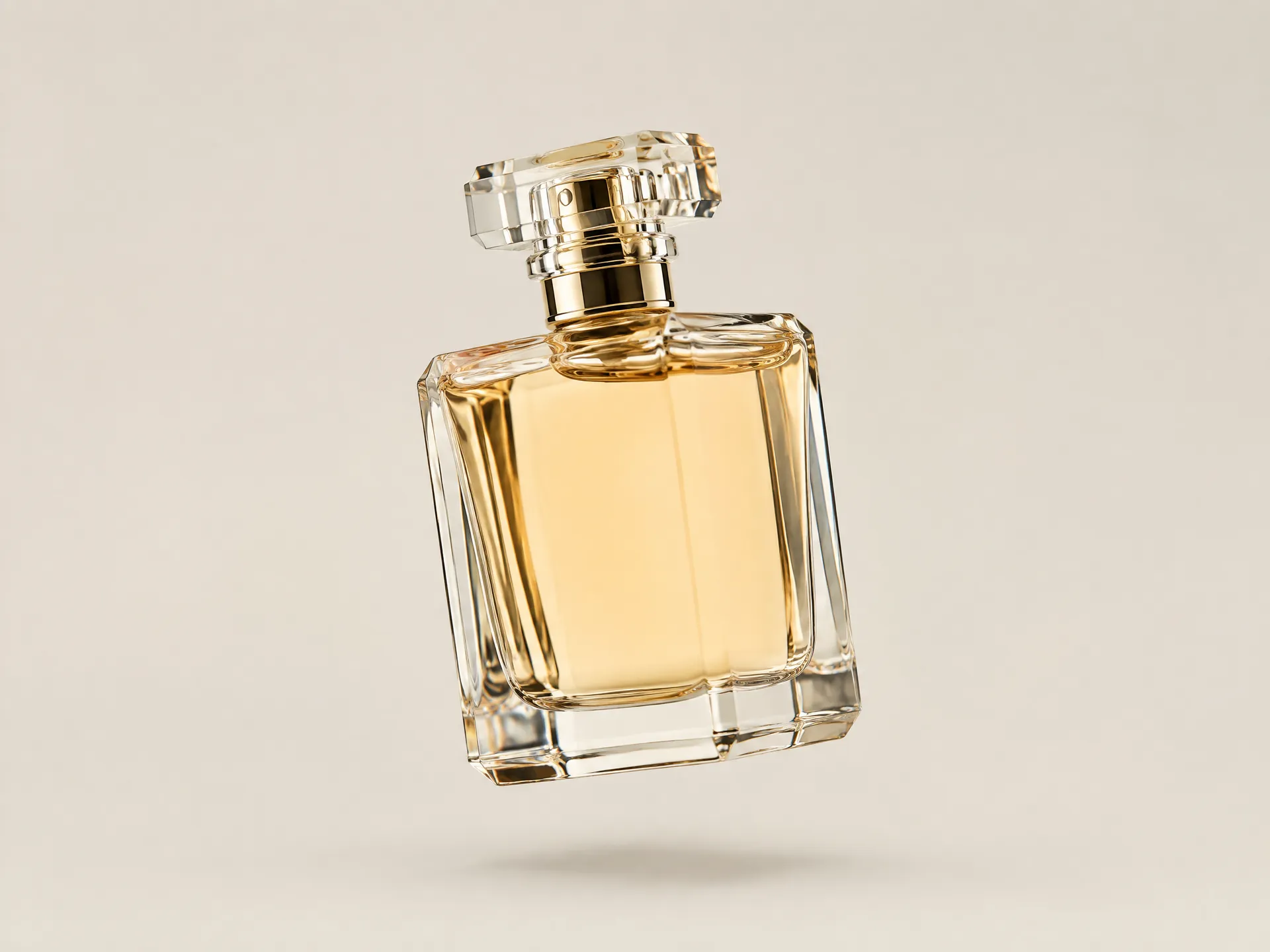
You don't need a clean packshot to start. This perfume bottle was photographed on a stone block in a sunlit colonnade. Product orbit lifted it onto a plain sand backdrop and turned it into a 9:16 rising orbit, ready for Reels, TikTok and Stories.
Choose 9:16 for vertical feeds, 1:1 for square placements, or 16:9 and 4:3 for product pages and YouTube.
Rising orbit in 9:16, made with Product orbit on getimg.ai from a lifestyle photo.
Where product orbit videos perform
Motion shows shape, finish and scale in a way a single still can't.
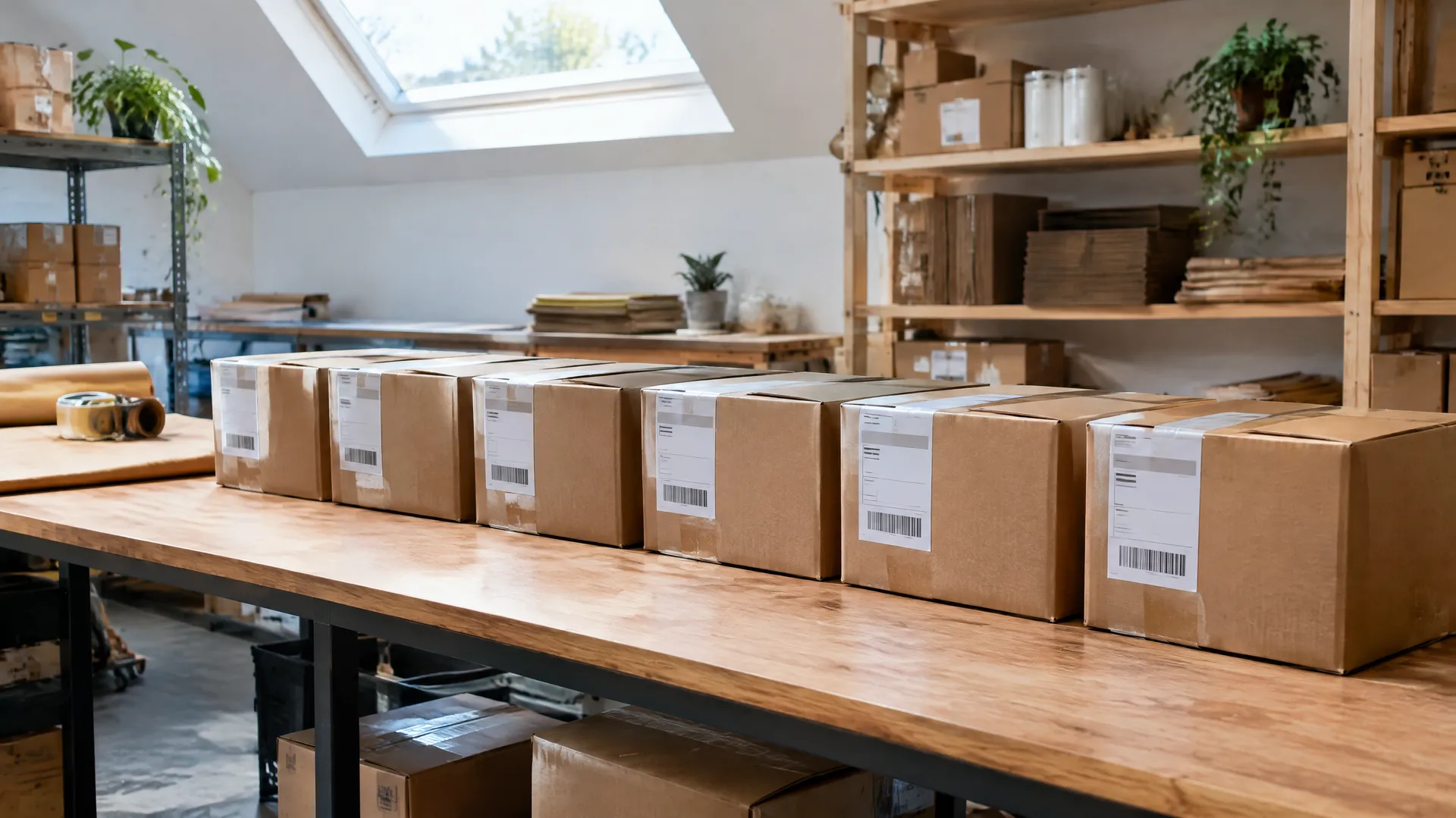
No turntable required
getimg.ai
Add up to 3 product photos
Angles, packaging or in-use shots.
Pick backdrop and camera move
Six camera moves and any backdrop color.
Get the orbit video
720p or 1080p, in 16:9, 1:1, 9:16 or 4:3.
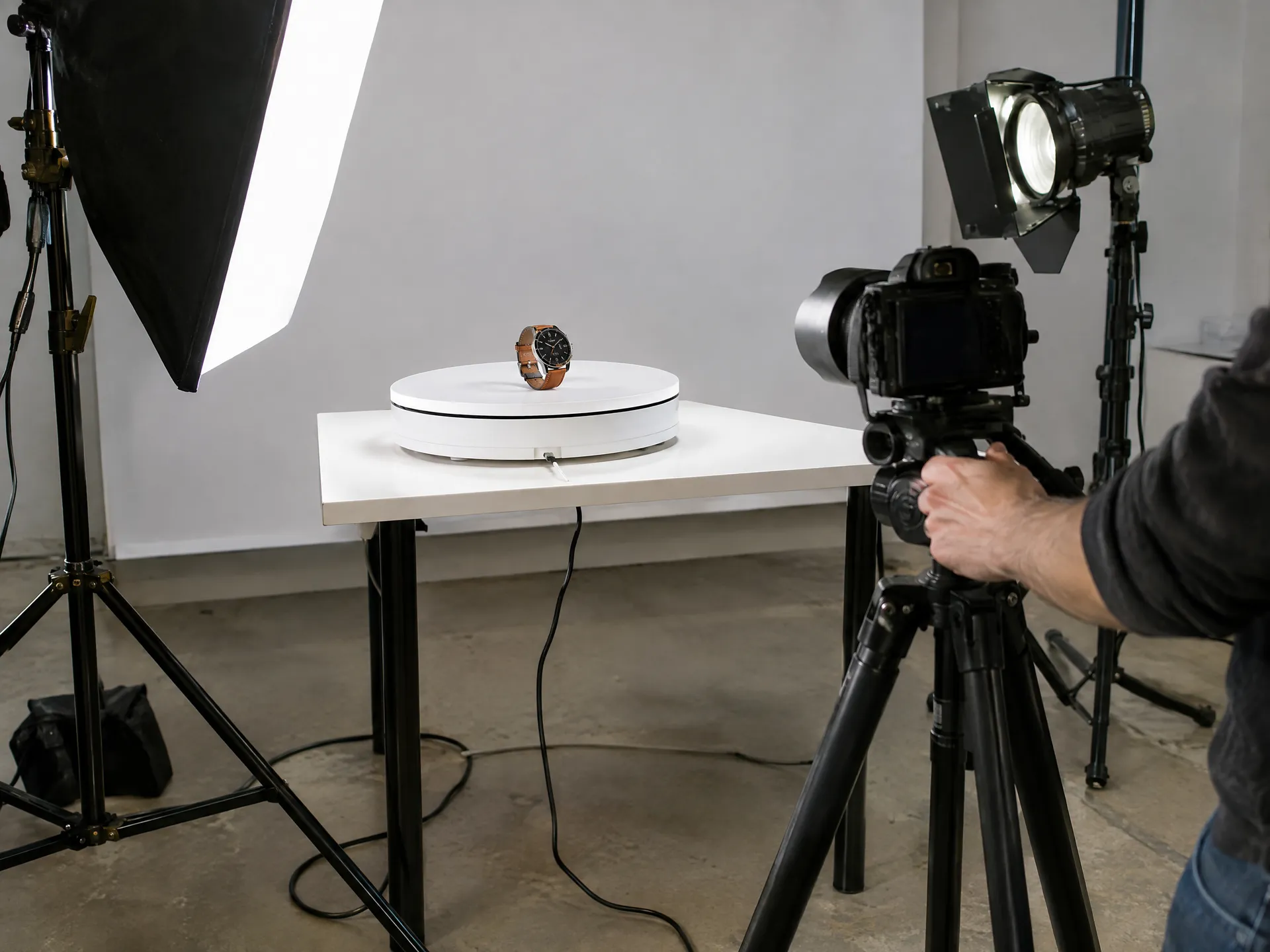
Traditional 360 product shoot
- Book a studio, a turntable and a photographer
- Shoot dozens of photos per product
- Stitch the shots together in post
- Wait days before a single product is ready
- Repeat the setup for every SKU
Get a cleaner, more convincing orbit
The camera can only show what the AI understands about your product. These habits give it the most to work with.
Frequently asked questions
Yes. One photo is enough, and you can add up to three, like the front, side and back, to give the AI more to work with. Angles your photos don't show are created by the AI, so check fine details like text and logos before publishing.
A sharp, well-lit shot with the whole product in view and a simple background. A three-quarter angle gives the AI the most information about shape.
No. You get a video file with an orbiting camera, which you can loop on product pages, listings and ads.
Yes. Pick a preset backdrop color or set a custom one. You can also describe a setting, surface or light in the optional text field.
Level orbit, rising orbit, orbit and push in, low hero sweep, pull back and high orbit.
5, 8 or 10 seconds, at 720p or 1080p.
The videos show the product floating slightly above the backdrop with a soft shadow beneath it, the clean look many product ads use. Every side of the product stays in view as the camera turns.
Yes. All paid plans include commercial rights, subject to our terms and applicable third-party rights. Plans start at $8 a month.
Show every side of your product
Add your product photos and get a 360° video back.