Packaging Mockup Generator: Your Artwork on 13 Real Package Types
Add your print-ready label, wrap or front panel, pick a pouch, can, bottle or carton, and see it as a finished product on the shelf, at a market stall, unboxed or in a studio. No 3D software, no PSD templates.
Access 48+ leading AI models. Pay for one subscription.


How to create a packaging mockup
Add your artwork
The print-ready file: a label, a wrap or a front panel. The flat design is all it needs.
Pick the package and setting
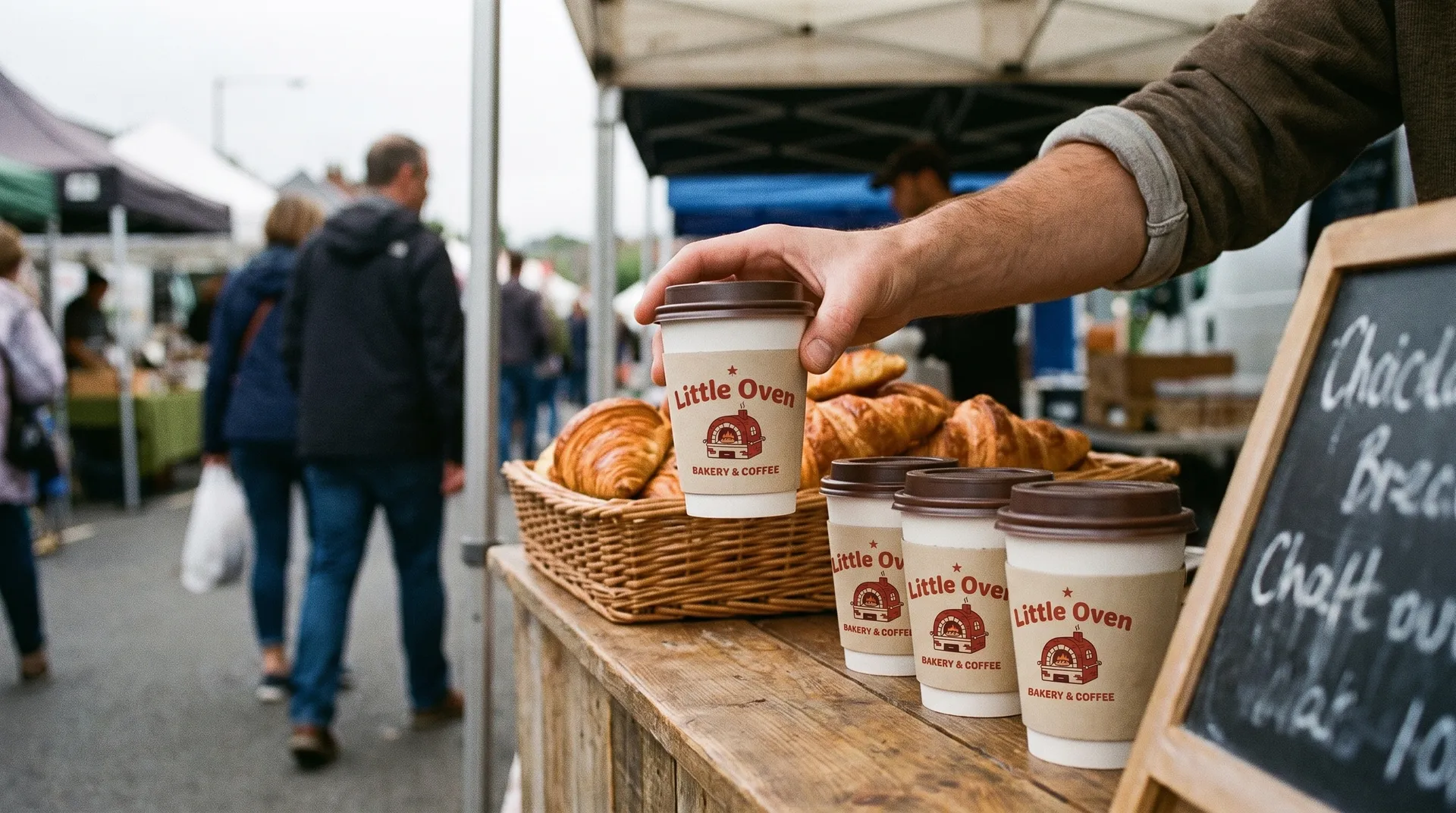
Choose one of 13 package types, then show it in use, where it lives, on the shelf, in a studio, as a flat lay, at a market stall or being unboxed.
Generate up to 4 versions
Set 1K or 2K, an aspect ratio (1:1, 4:5, 3:2 or 16:9) and 1 to 4 variations. Keep the one that sells the design.
See a tea box on a real kitchen counter
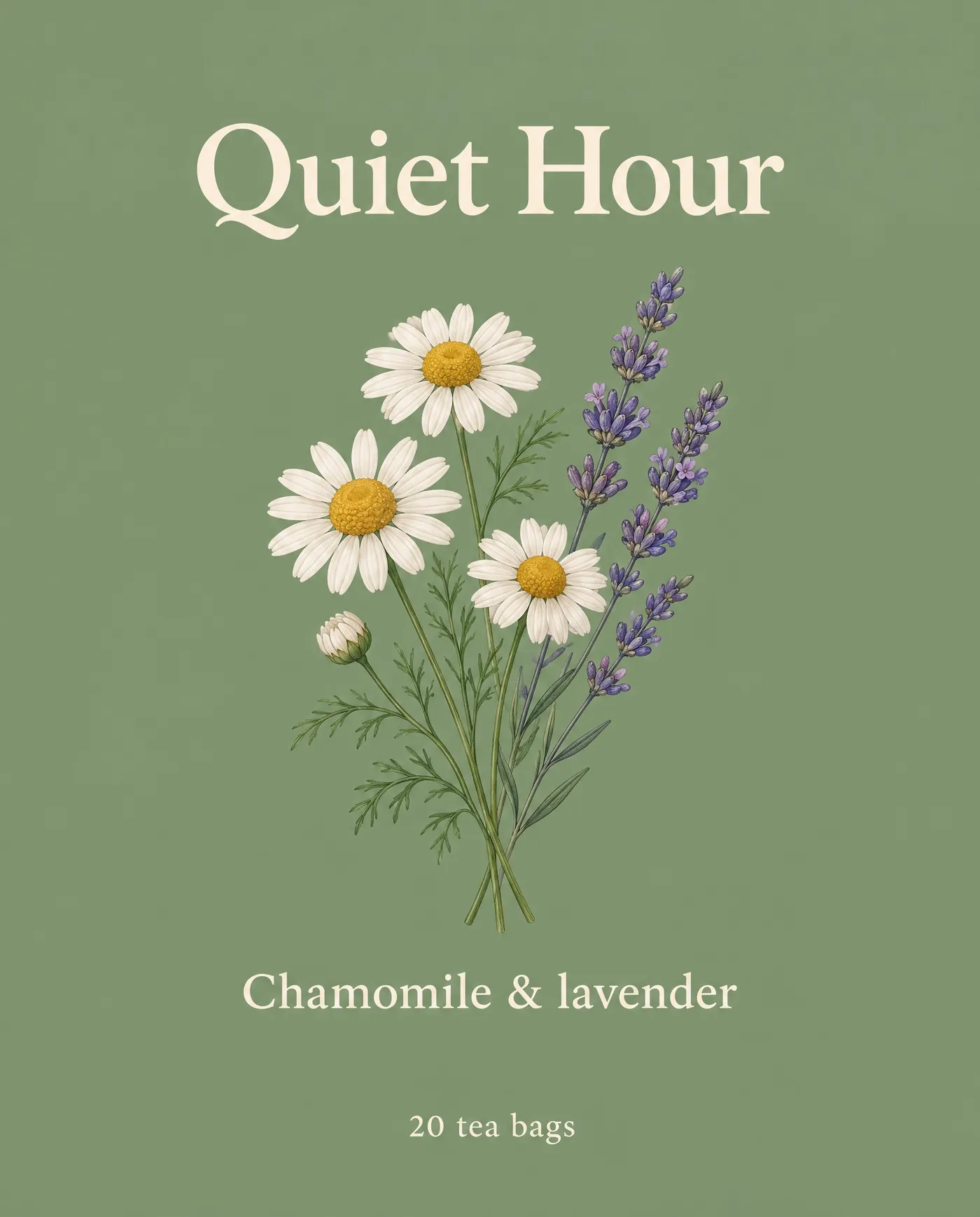
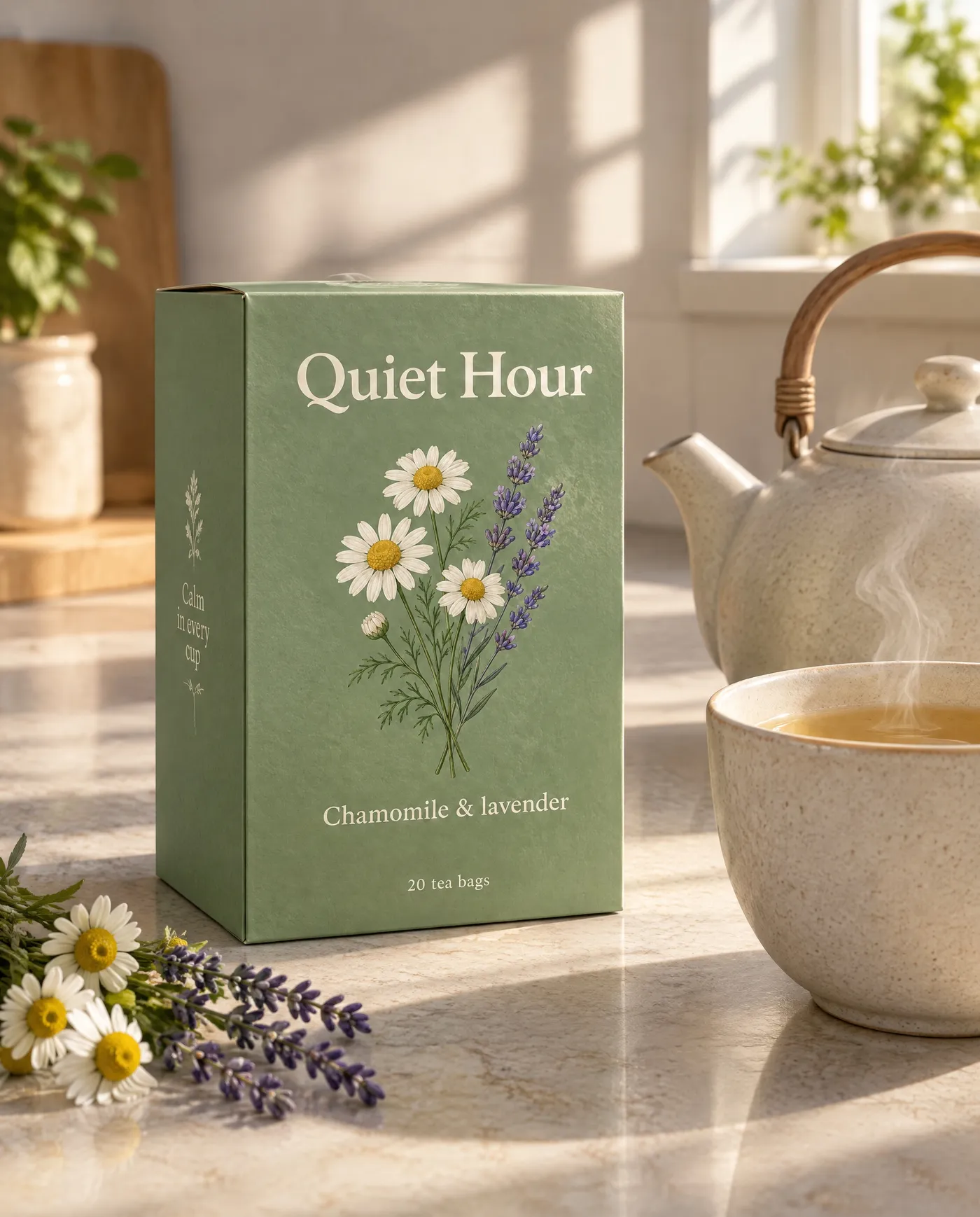
Flat artwork can't show how a box will look at home. Folding carton with where it lives puts the Quiet Hour front panel on a tea box beside a teapot and a steaming cup in morning light.
Use it to pitch a design to a client or test it with customers before you print a single carton.
Get a clean studio shot of a cosmetic tube
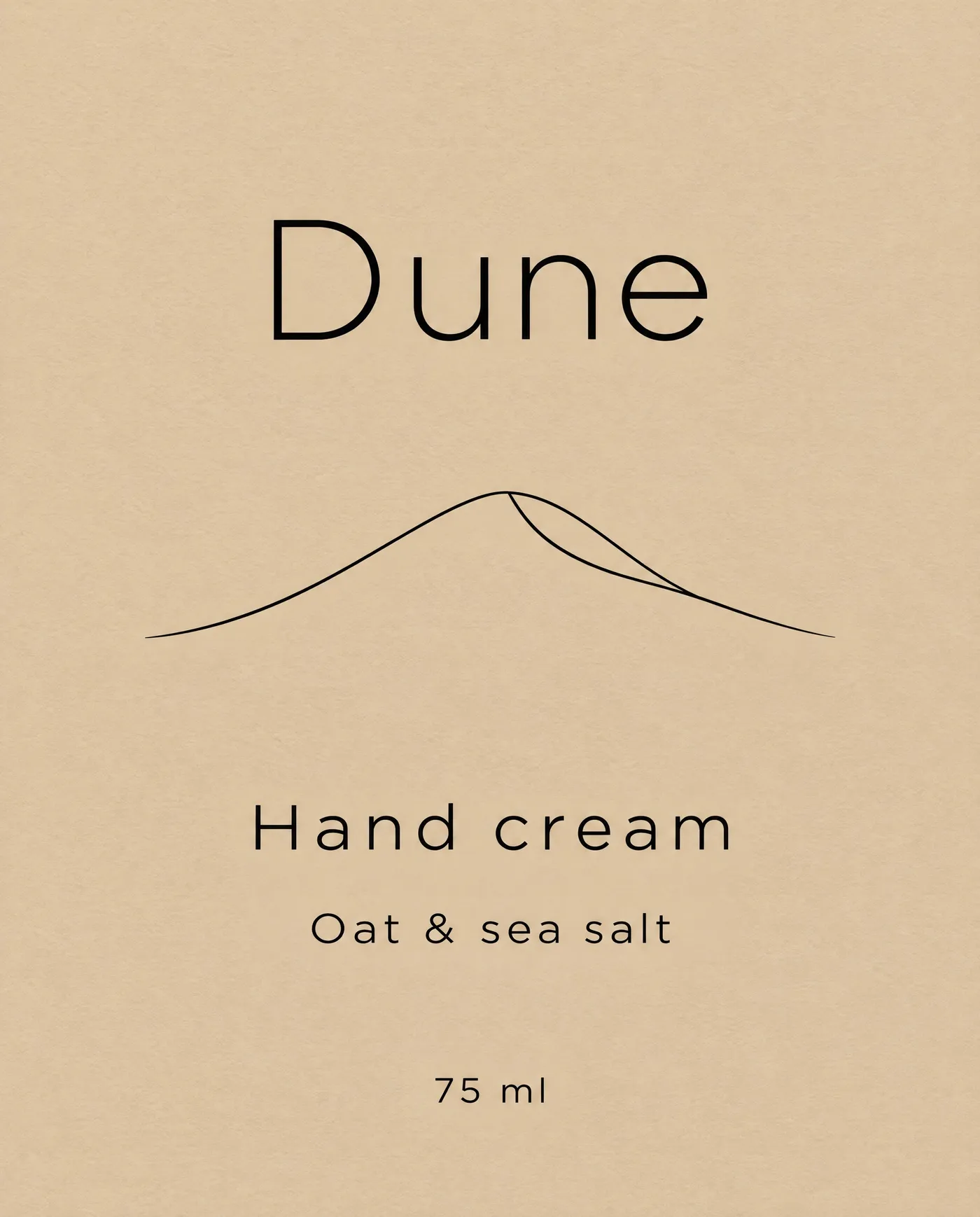
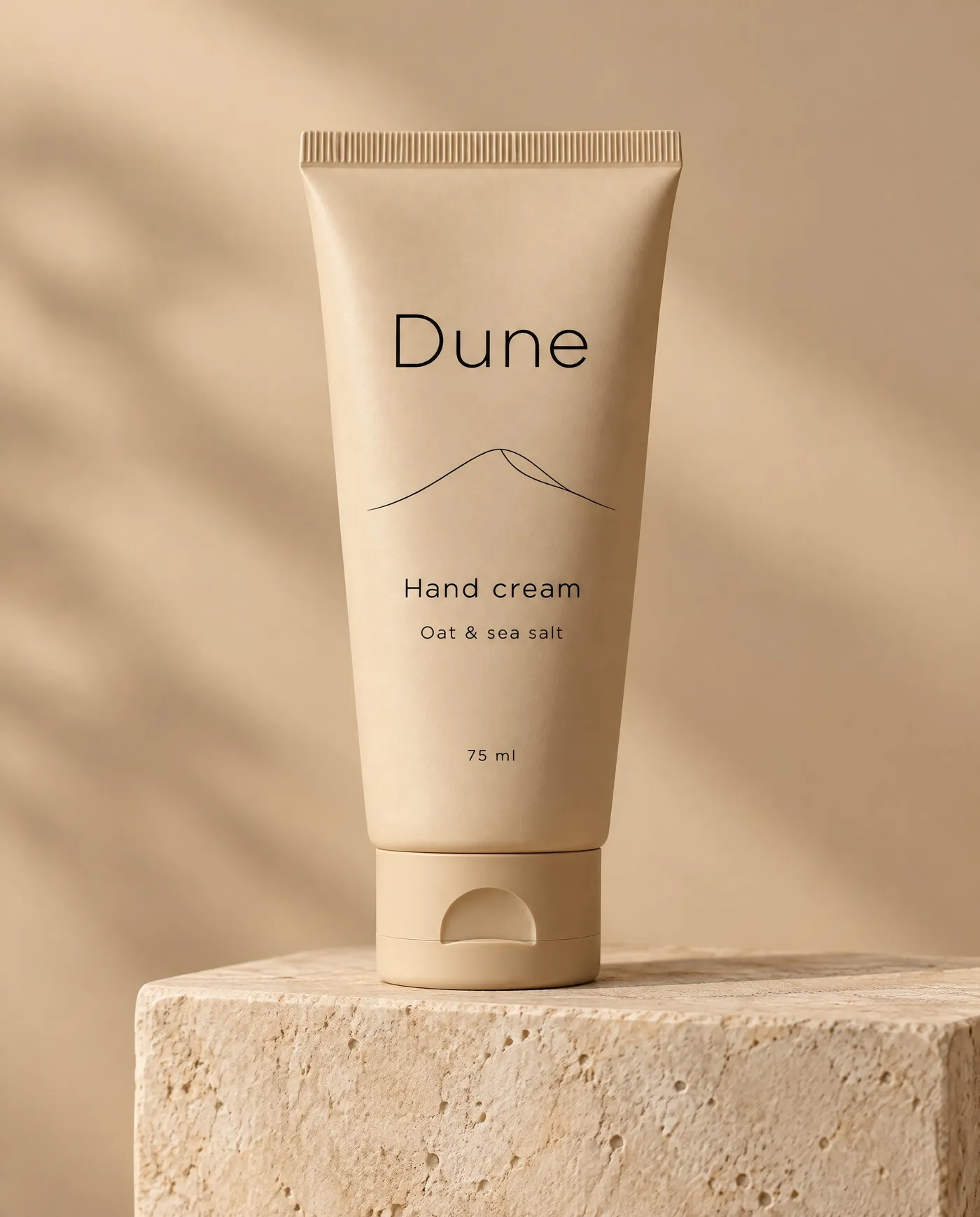
The Dune label is minimal, so it needs a minimal setting. Cosmetic tube with studio wraps it onto a squeezable tube on a stone plinth against a soft beige backdrop.
Studio shots work for product pages, crowdfunding campaigns and retailer pitches while the physical samples are still on their way.
Show a jar label in use at breakfast
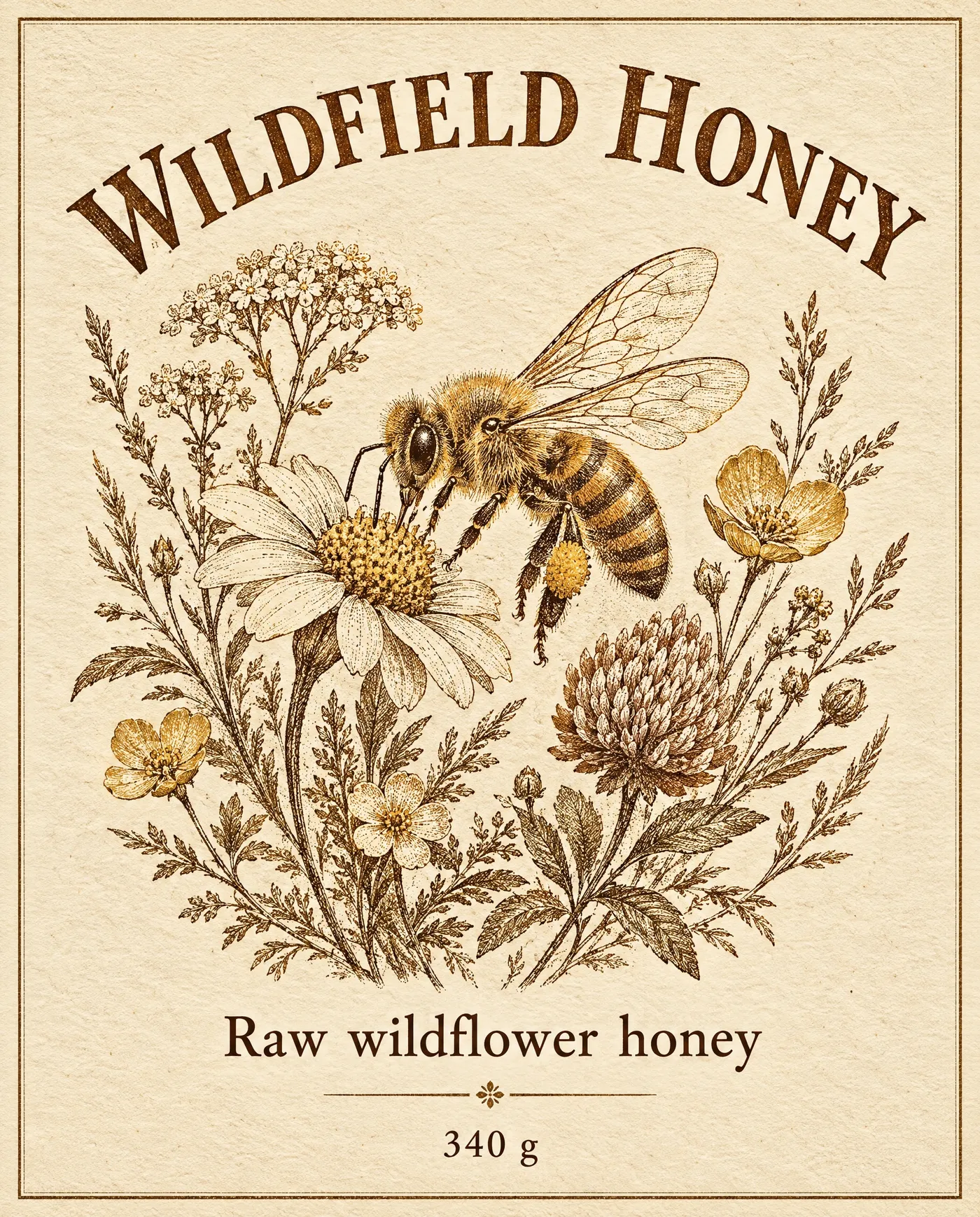
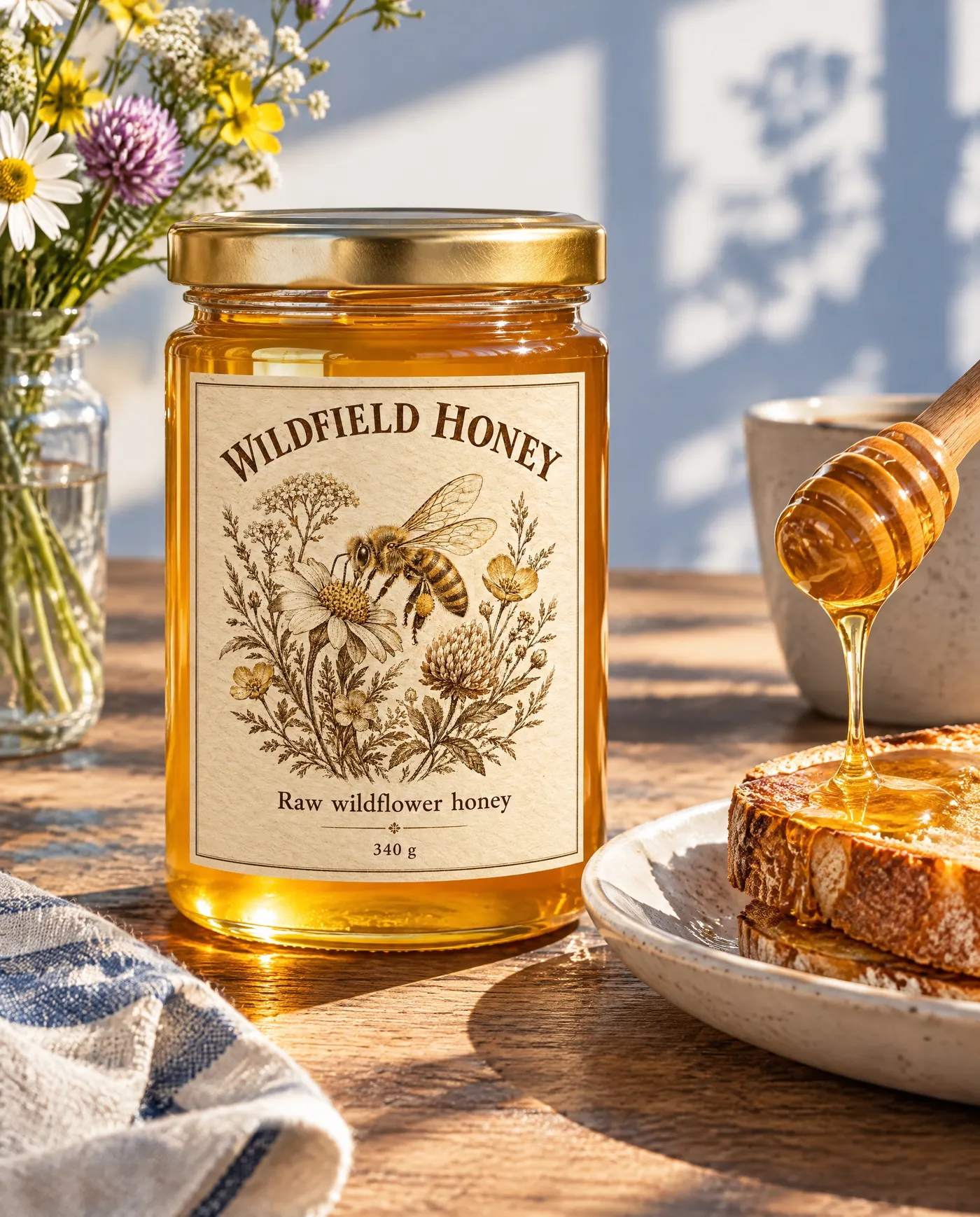
In use puts packaging where customers meet it. The Wildfield Honey label lands on a glass jar on a sunny breakfast table, next to a dipper dripping honey over toast.
Lifestyle mockups like this suit social posts, preorder pages and farmers' market listings.
Thirteen package types, seven settings
Pick the container your product actually ships in, then decide where people should see it.
Skip the mockup templates
PSD templates need the right file, the right smart object and a perspective that rarely fits your design. A mockup made from your artwork skips all of that.
getimg.ai
Add the artwork
Your flat label, wrap or panel.
Pick package and setting
Thirteen package types, seven settings.
Get realistic mockups
Up to 4 variations at 1K or 2K.
Template mockups
- Search stock sites for a template that fits
- Open it in design software
- Warp the artwork into a smart object
- Fake shadows and reflections by hand
- Start over for every new package shape
Get mockups that look printed
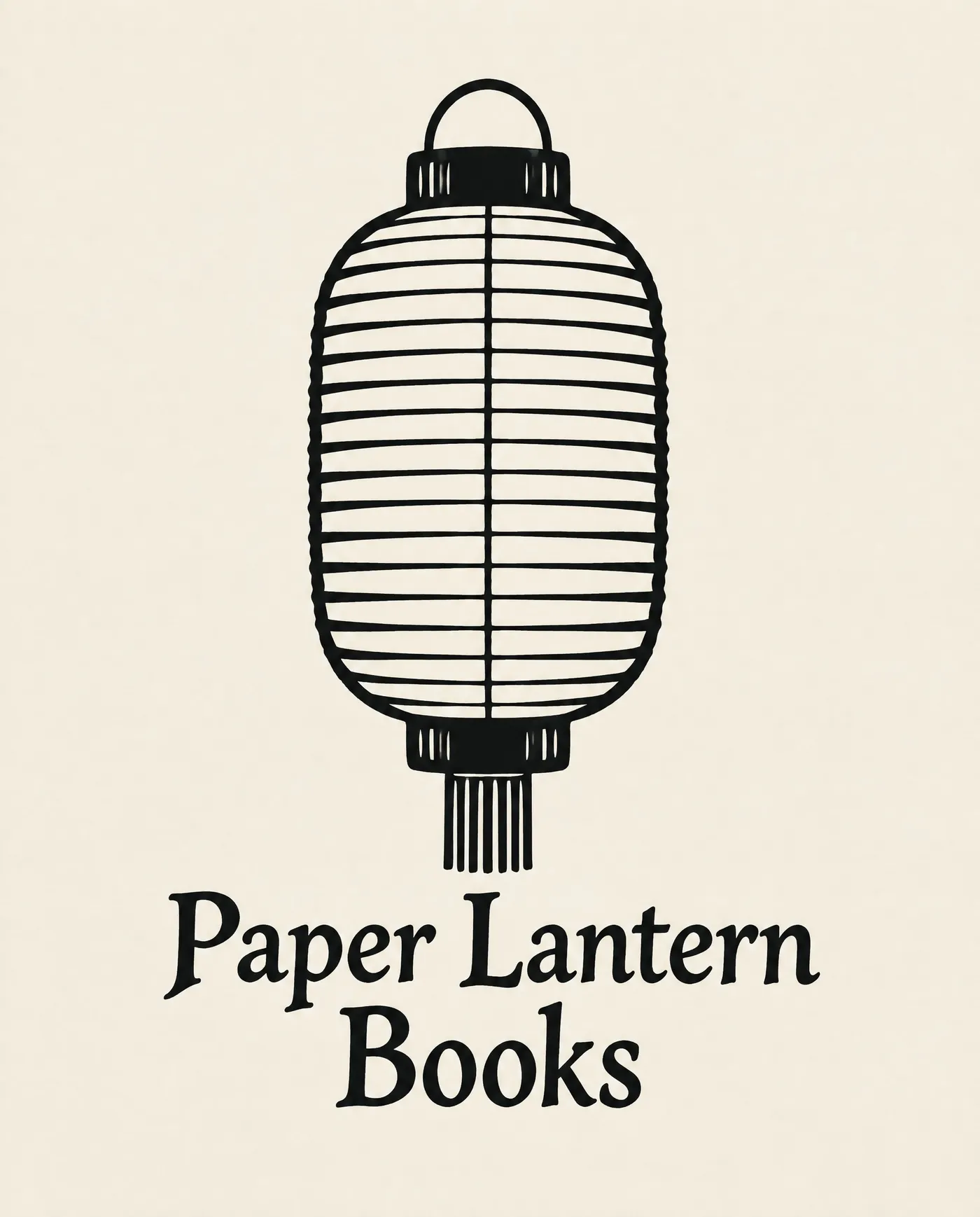
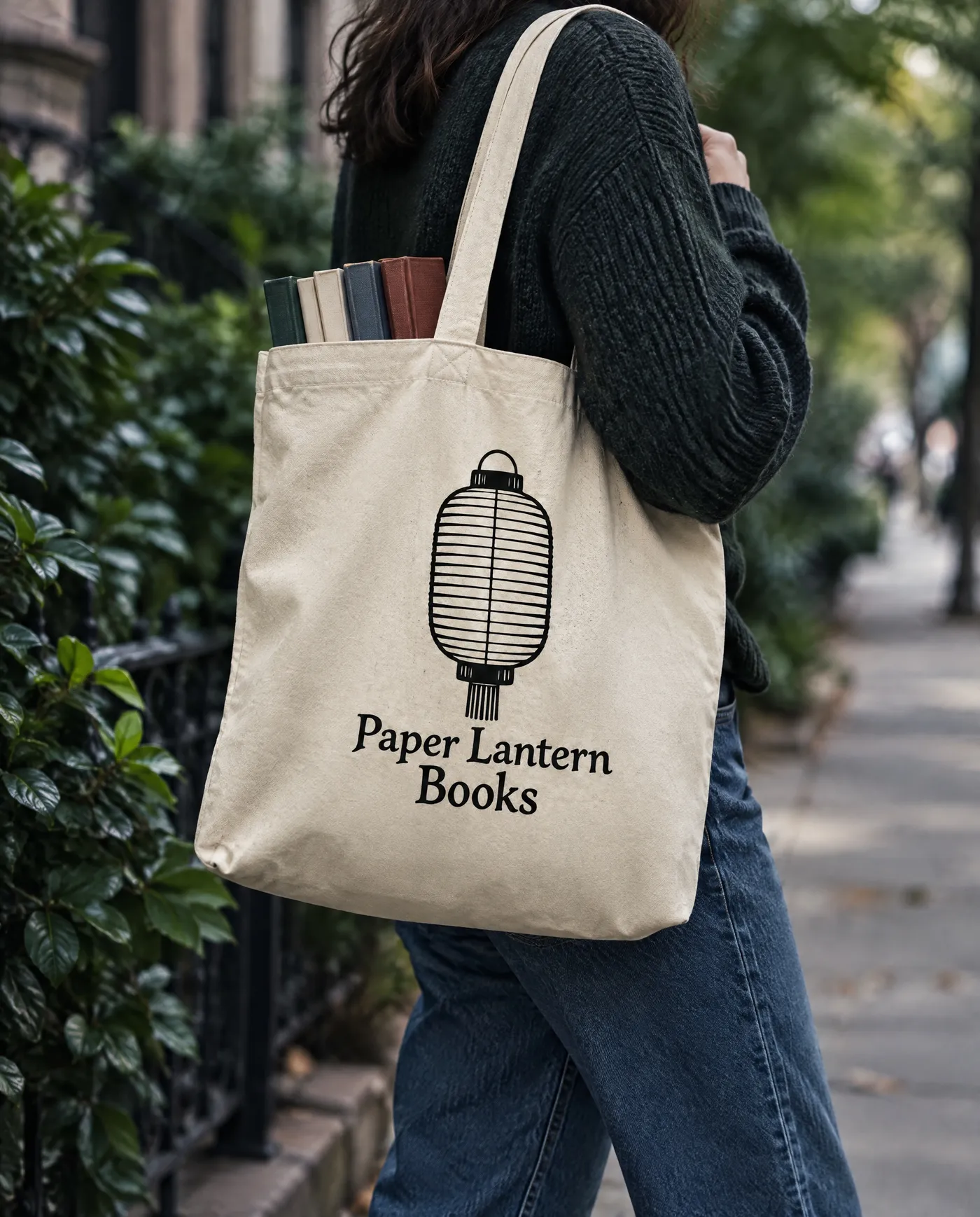
Mockups look printed when the artwork suits the packaging. This tote print is one centered illustration and a wordmark, so it sits naturally on the canvas as the bag moves.
Frequently asked questions
Open Packaging mockups on getimg.ai, add your print-ready artwork, choose a package type and a setting, then pick the quality, aspect ratio and 1 to 4 variations.
Folding carton, stand-up pouch, bottle with a label, drinks can, jar with a label, cosmetic tube, coffee bag, takeaway cup, wrapped bar, canvas tote, shipping box, blister pack and shrink sleeve. You can show each one in use, where it lives, on the shelf, in a studio, as a flat lay, at a market stall or being unboxed.
Use the finished, print-ready design as a flat image: the label, the wrap or the front panel. Clear, high-resolution artwork keeps the text and logo sharper on the package.
Yes, and that's where they help most: pitch a design to a client, test shelf appeal or build a pre-order page before the first production run. Check a printed sample before you go to press, since a mockup is a preview, not a proof.
Listings, ads and product videos built around the finished pack. Start with AI product visuals for e-commerce.
Yes. Run the same artwork with a different package, like a pouch and a box, to see which one carries the design best.
Yes, that's a common use. Tell buyers the images are renders, and swap in real photos once the product ships.
The artwork is placed as you uploaded it, but small type can soften on curved surfaces like cans, tubes and pouches. Check fine print and legal text before you share the mockup.
Yes. Every paid plan includes commercial use, subject to our terms and applicable third-party rights. Plans start at $8 a month.
See your design on the shelf before it's printed
Add your artwork, pick a package and download up to four mockups.