Grok Imagine AI Image & Video Generator
xAI's model family delivers smooth motion, stable camera work, and natural sound. No installs, no GPUs, no setup. Just write a prompt and generate.
Access 48+ leading AI models. Pay for one subscription.


Beyond the render
What surrounds the model matters as much as the clips it makes.
No setup, just a browser
Grok Imagine runs in the cloud through getimg.ai, so you can generate from any machine with a browser, no GPU or local rendering needed.
Your work stays organized
Every clip and image you generate is saved in your getimg.ai library, so a project stays in one place instead of scattered across downloads.
Commercial rights included
Paid plans include commercial usage rights for generated content, subject to our terms and applicable third-party rights.
Where Grok Imagine fits
Pick a job and see the kind of output it produces.
Grok Imagine specs
On getimg.ai, Grok Imagine's newest models are Grok Imagine Image 2.0 and Grok Imagine Video 1.5, and earlier versions stay in the model picker too. Here's what the newest ones support today. Specifics can change as xAI updates them.
How the Grok Imagine versions differ
getimg.ai keeps both the original Grok Imagine models and the newest ones in the picker. The latest versions push further on length, resolution, and formats. The earlier models stay available whenever you want them.
Why use Grok Imagine on getimg.ai?
Grok Imagine is xAI's model. Running it on getimg.ai puts it next to every other model you use, in one workflow.
One subscription, dozens of models
Grok Imagine sits alongside dozens of image and video models on a single plan, so you can switch models per shot without another signup.
First frame in one model, motion in another
Generate a first frame with a model like FLUX.2 or Seedream, then animate it with Grok Imagine. That hand-off is the point of a multi-model platform.
Image and video in one workflow
Draft images and generate video in the same app, with your prompts, references, and outputs kept in one place.
Prompt enhancement built in
Write the idea in plain language and getimg.ai helps shape it into a prompt the model handles well.
Making video, then and now
Two ways to reach a finished clip. For controlled, real-world production a traditional shoot still wins. For fast ideation and self-contained scenes, Grok Imagine collapses the workflow into a single prompt.
-1920x983.webp)
Grok Imagine on getimg.ai
Start from text or an image
Begin with a written prompt, or upload an image to animate as the first frame.
Describe motion and sound
Put the motion, camera moves, and audio you want directly in the prompt.
Generate in one pass
Get a clip with native audio in a single workflow, no separate editing or mixing.
-1400x539.webp)
Traditional Video Production
- Plan shots and shoot or source footage
- Edit motion, timing, and transitions by hand
- Record and sync audio separately
- Export, review, fix, and repeat
From cinematic to stylized
Grok Imagine is flexible about how things look. You can generate cinematic shots, stylized animation, anime-like scenes, or something more minimal and graphic. That makes it quick to explore different directions without switching models.
Animate a frame you already like
If you already have an image in mind, you can start there. Upload it, describe what should happen, and generate the video from that first frame. This gives you control over composition and mood from the start.
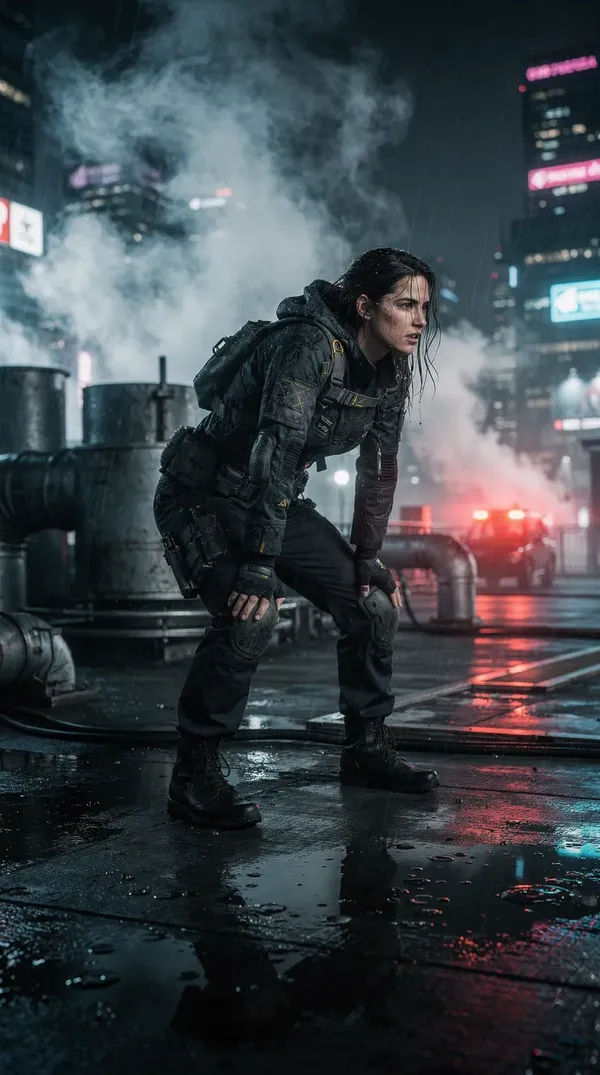
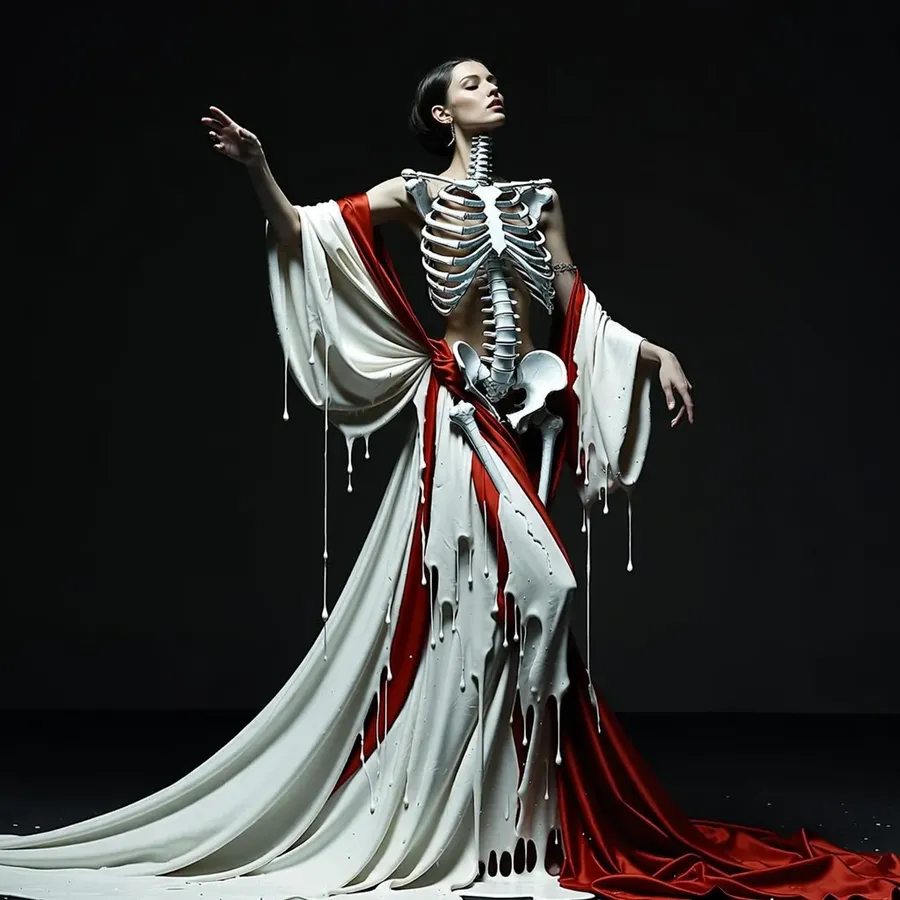
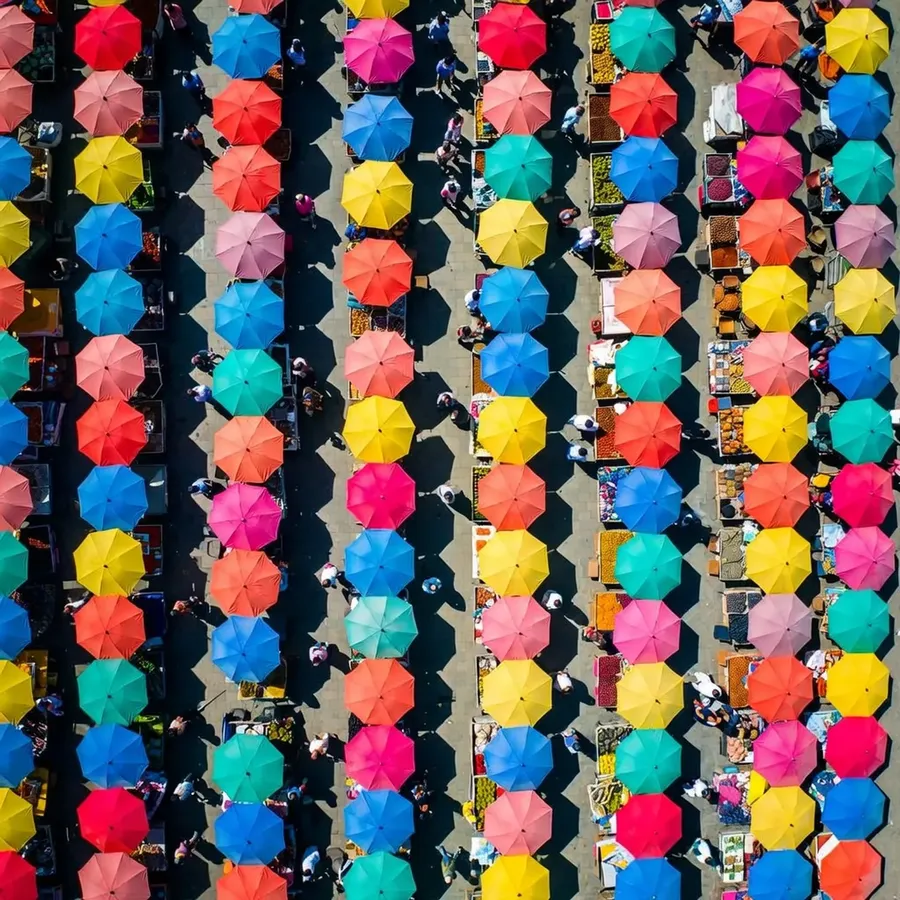
Create images with Grok Imagine
Grok Imagine is not only a video model. On getimg.ai it generates stills too, from photorealistic shots to stylized illustration, with the same prompt understanding you get in video.
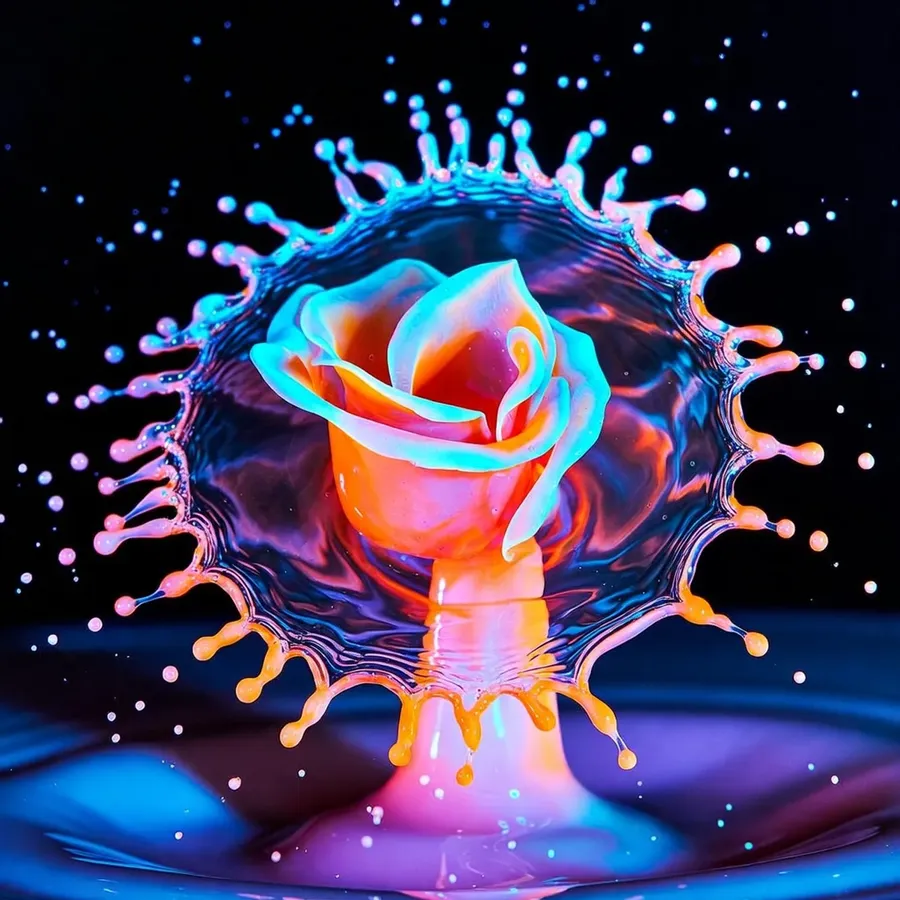
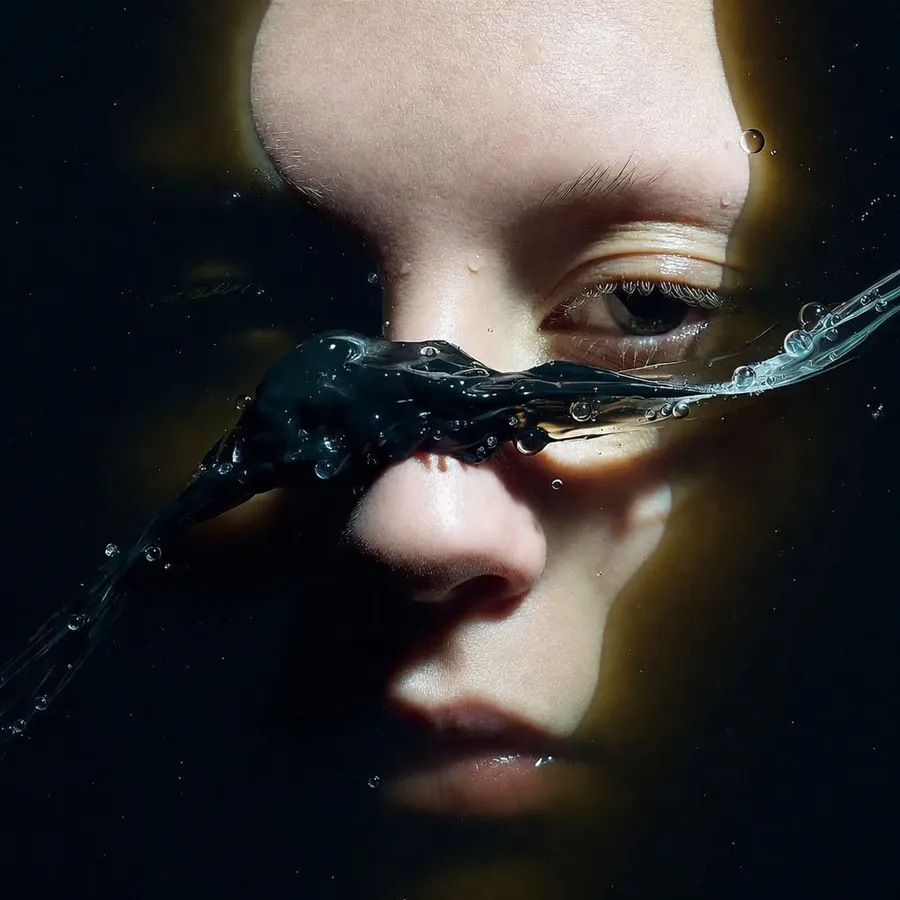
What we found testing Grok Imagine
Across our own tests, Grok Imagine proved versatile and unusually cost-effective. It handles game-style scenes, animation, realistic footage, and UGC adequately, and the native audio sounds natural for a budget-friendly model. Here is where it shines and where to keep an eye out.
When should you choose Grok Imagine?
Reach for it when speed and budget matter more than absolute top-tier fidelity. It is one of the most cost-effective models with native audio, and the quality does not fall very far behind the top video models.
Grok Imagine video prompt examples
Copy one, change the details, and generate. With native audio, prompts can describe sound as well as motion.
Product
Slow 360 orbit around a matte black smartwatch on a lit pedestal, soft studio hum, a subtle click as the screen wakes.
Dialogue
Close-up of a barista sliding a coffee across the counter, saying 'here you go, enjoy', with warm cafe ambience and light chatter behind.
Cinematic
Wide drone shot pushing over a misty pine valley at dawn, slow forward motion, wind and distant birdsong.
Social ad
Fast punchy cuts of running shoes hitting wet pavement, splashes in slow motion, upbeat footsteps and a whoosh on each cut.
Grok Imagine image prompt examples
Starting points for stills. Swap the subject, style, or format to fit the brief.
Product
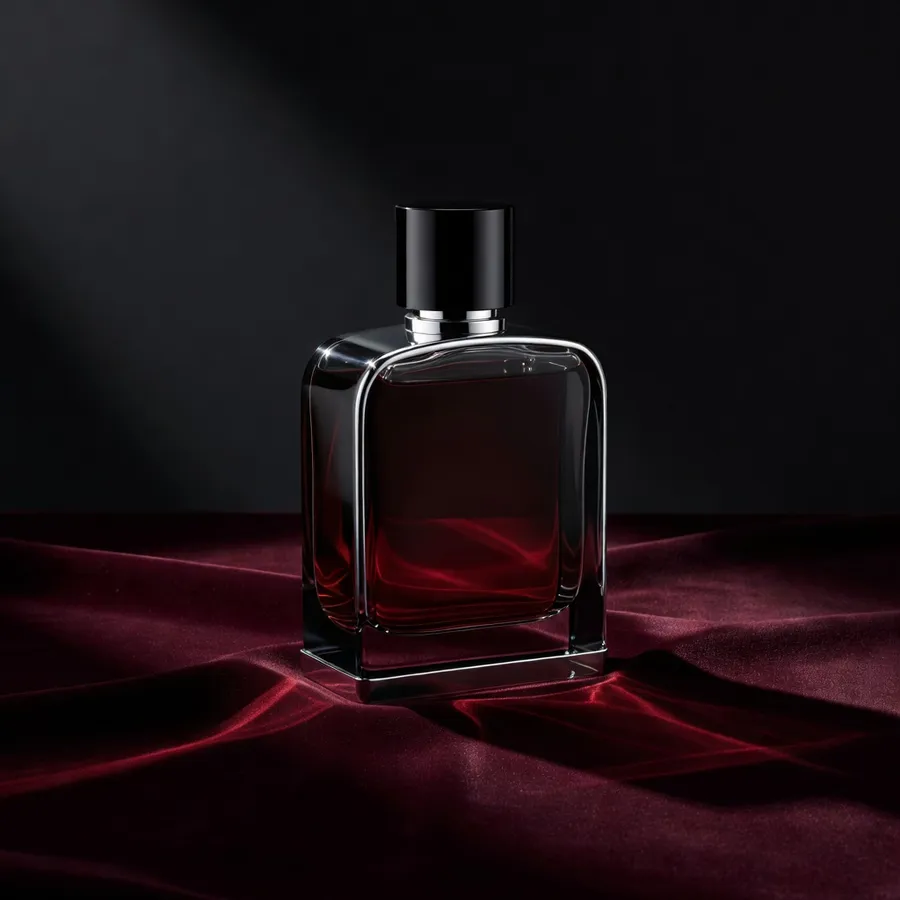
Studio product shot of an glass perfume bottle on velvet, soft directional light, shallow depth of field, 4:3.
Poster
Bold graphic poster for a jazz night, high-contrast duotone, large condensed type space at the top, 2:3.
Editorial
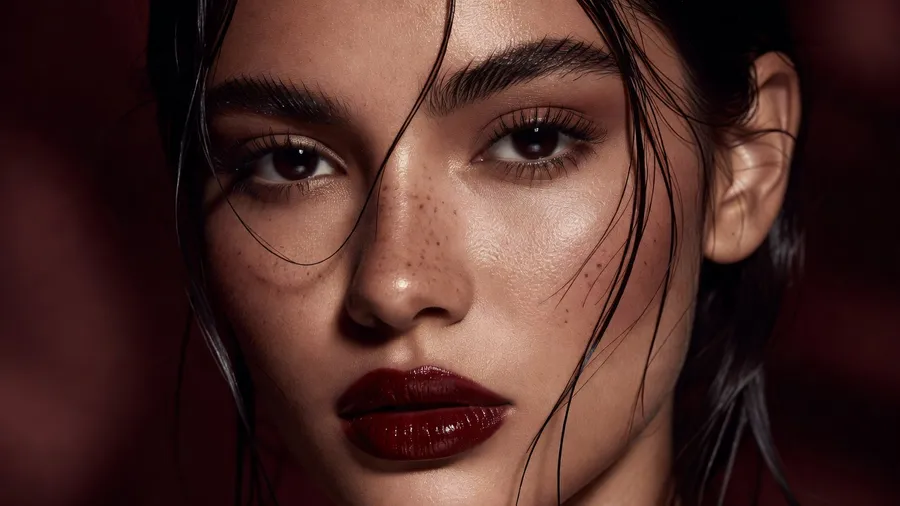
Editorial portrait of a chef in a sunlit kitchen, natural window light, candid moment, muted palette, 3:4.
Character
Character turnaround of a friendly robot barista, front and side views, soft studio light, clean flat shading, 3:4.
Explore Other AI Tools & Features
Frequently Asked Questions
Grok Imagine is a family of AI video and image generation models developed by xAI. Its video model is designed to focus on consistent motion, stable camera behavior, and usable pacing rather than flashy but unpredictable visuals. It is especially strong at following cinematic instructions and generating video with native audio.
On getimg.ai, Grok Imagine is available directly inside the getimg.ai app, so you can use it in your browser without installing software or setting up hardware.
Open the Create video generator and select Grok Imagine from the model picker in the prompt box. Then just write your prompt. You can describe the scene, camera movement, pacing, and audio in natural language. Start generating, wait a moment and review the result. If you want changes, adjust the prompt and generate again.
Yes. Grok Imagine generates native audio alongside video, including dialogue with lip sync, ambient sound, and environmental noise, all in one pass. In our testing the speech often sounds natural and the background audio generally fits the scene, though results vary by prompt.
No. Grok Imagine also supports image generation. You can use it to create first frames for your video, or just generate images on their own, from photorealistic scenes to more artistic styles.
No. Everything runs in the cloud through getimg.ai. You do not need a GPU, special software, or a high-end machine. If you have a browser and an Internet connection, you can generate videos and images in a flash.
getimg.ai runs both the original Grok Imagine models and the newest ones. Grok Imagine Video 1.5 generates clips from 1 to 15 seconds at up to 1080p, in more aspect ratios than the original's 16:9 and 9:16 at 720p. Grok Imagine Image 2.0 creates stills up to 2K and adds formats like ultrawide 21:9. Every version stays in the model picker, so you can pick whichever fits the shot.
Tired of AI video that feels random?
If motion, timing, and sound matter to you, Grok Imagine is worth testing. You can check it out on getimg.ai right now.