AI Character Generator: Design Original Characters Without Writing a Prompt
Pick who your character is and how they look, from heritage, build and skin details to hair, eyes and outfit. Choose photoreal, anime, 3D, comic or painterly, and get up to four portraits at once in 2K or 4K.
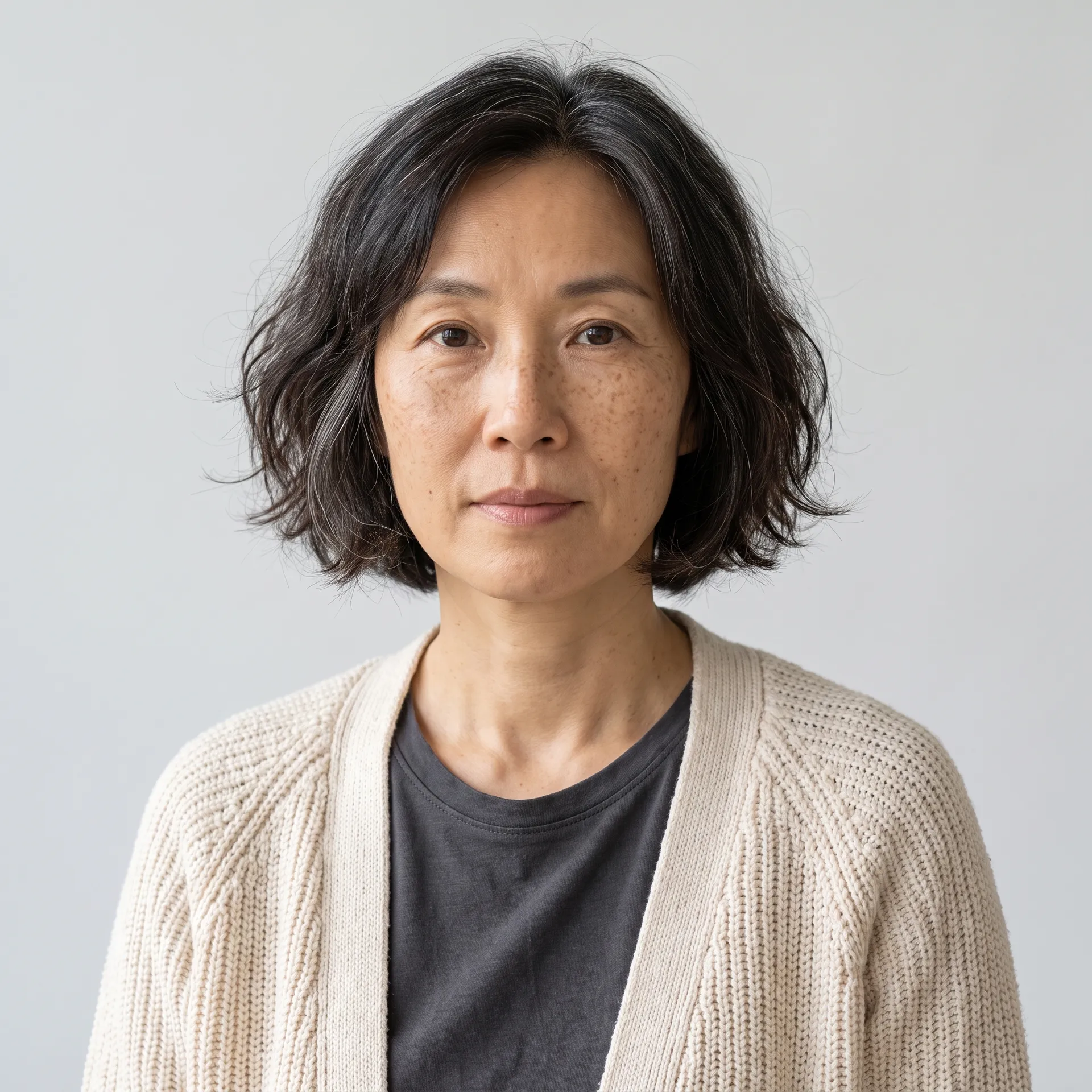
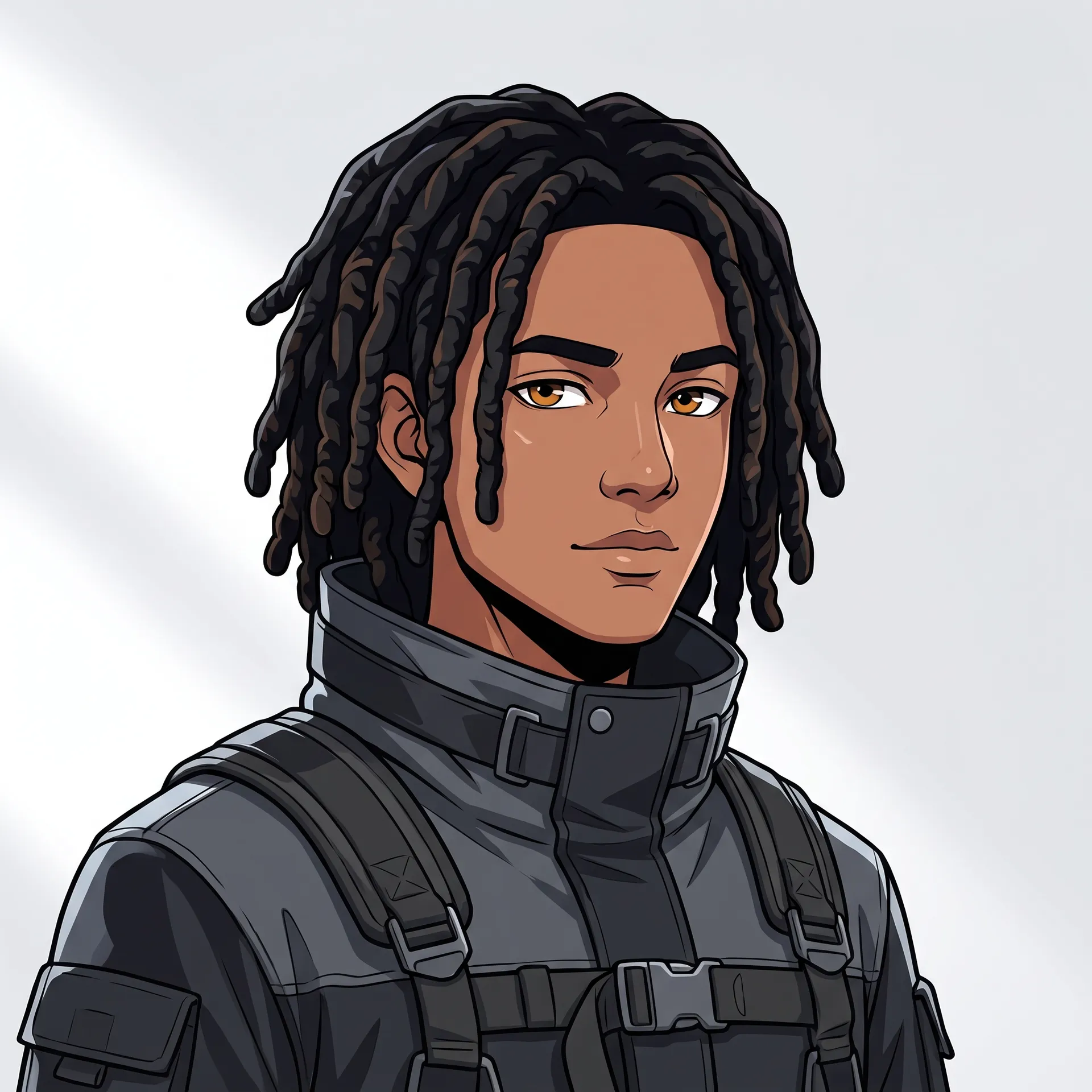
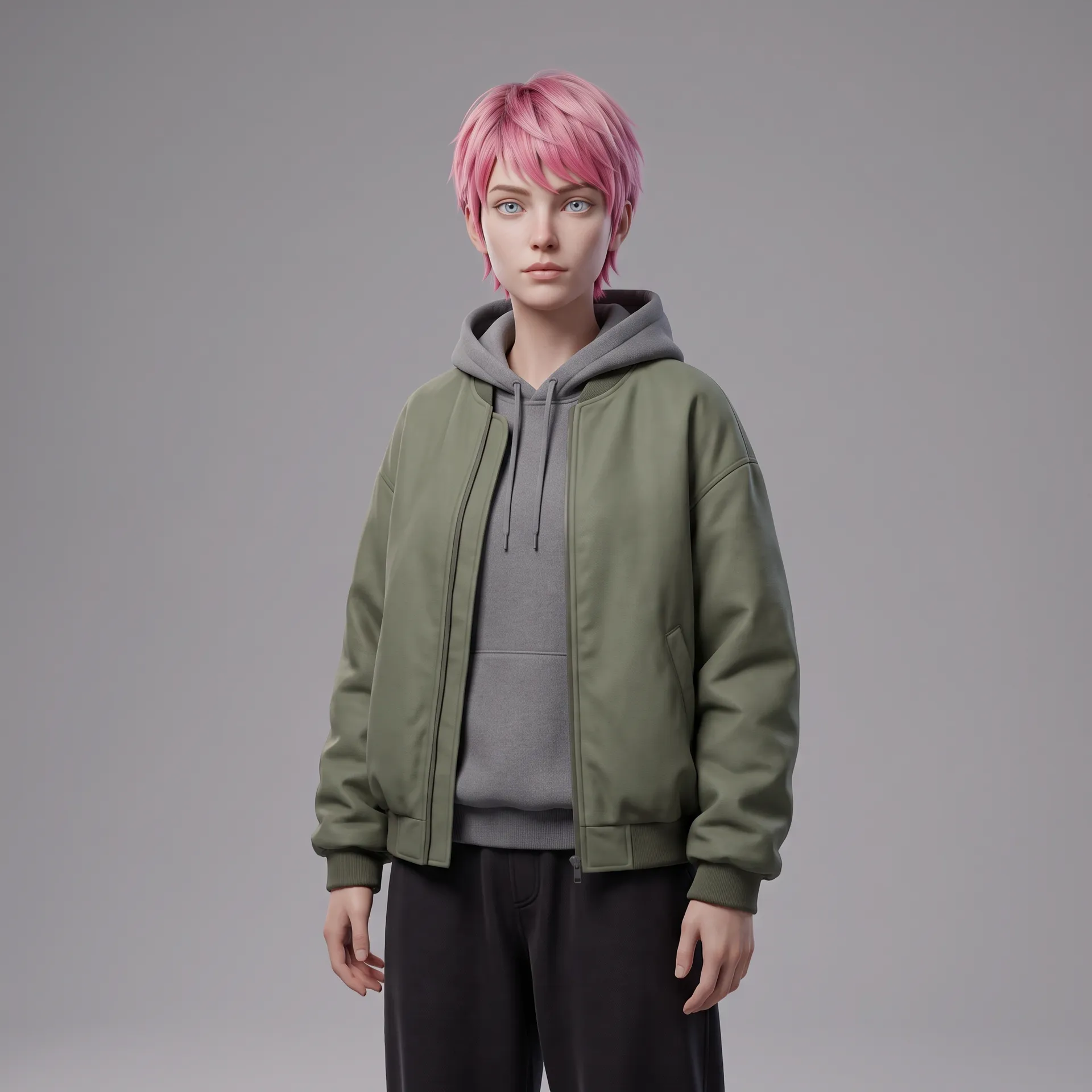
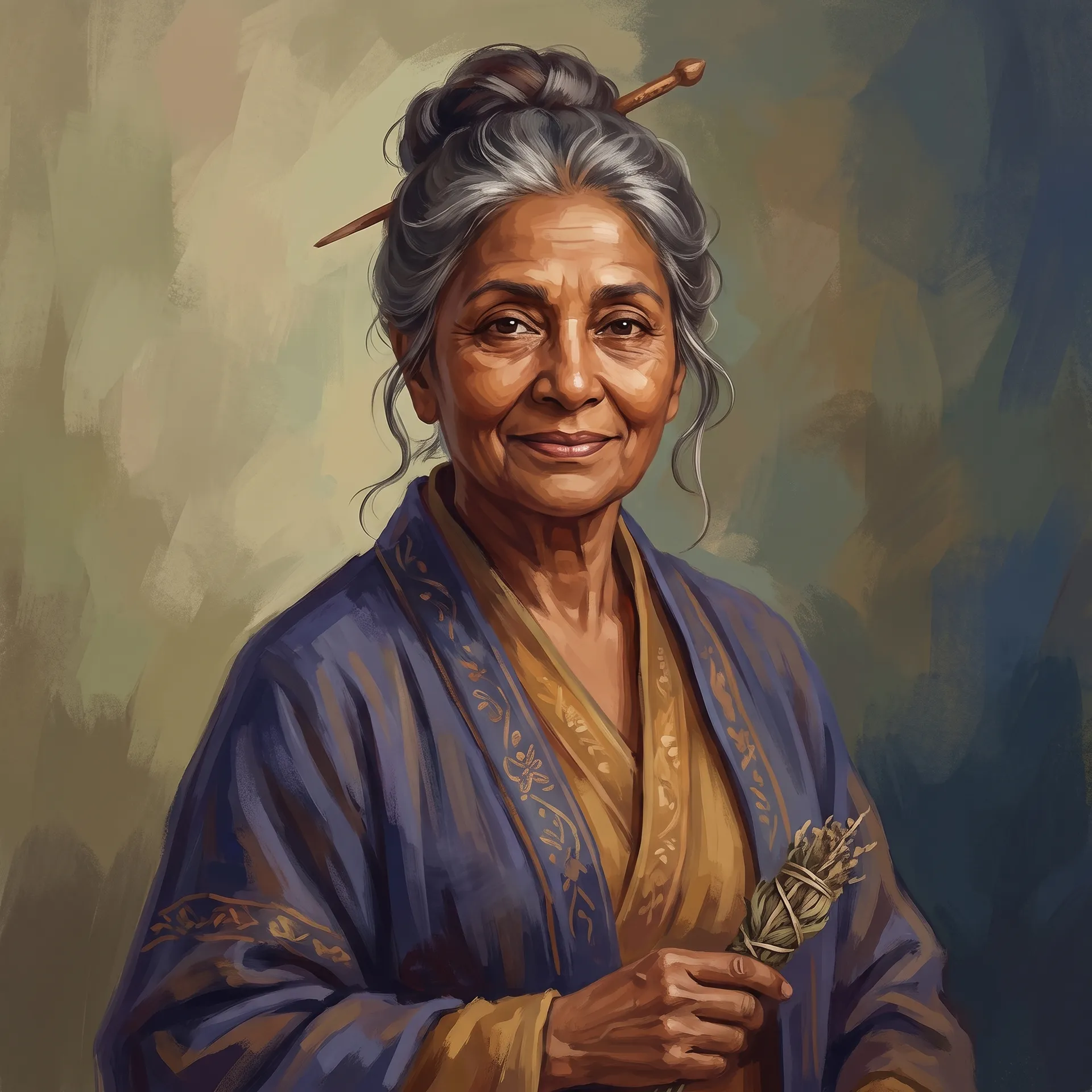
How to create a character with AI
Four choices take you from a blank page to a finished portrait. They're the same settings you'll see on screen.
1. Decide who they are
Pick gender, heritage, age and build. Everything else builds on this foundation.
2. Shape their face
Choose a skin tone, skin details like freckles, vitiligo or a scar, a hairstyle and hair color, and eye color or shape.
3. Dress them and pick a style
Choose an outfit, from a tailored suit to fantasy armour, and an art style: photoreal, anime, 3D render, comic or painterly. Add anything else in your own words.
4. Generate up to four
Pick 2K or 4K, an aspect ratio (3:4, 1:1, 4:5 or 9:16) and 1 to 4 variations. Each variation is a different take on the same settings, like the four below.
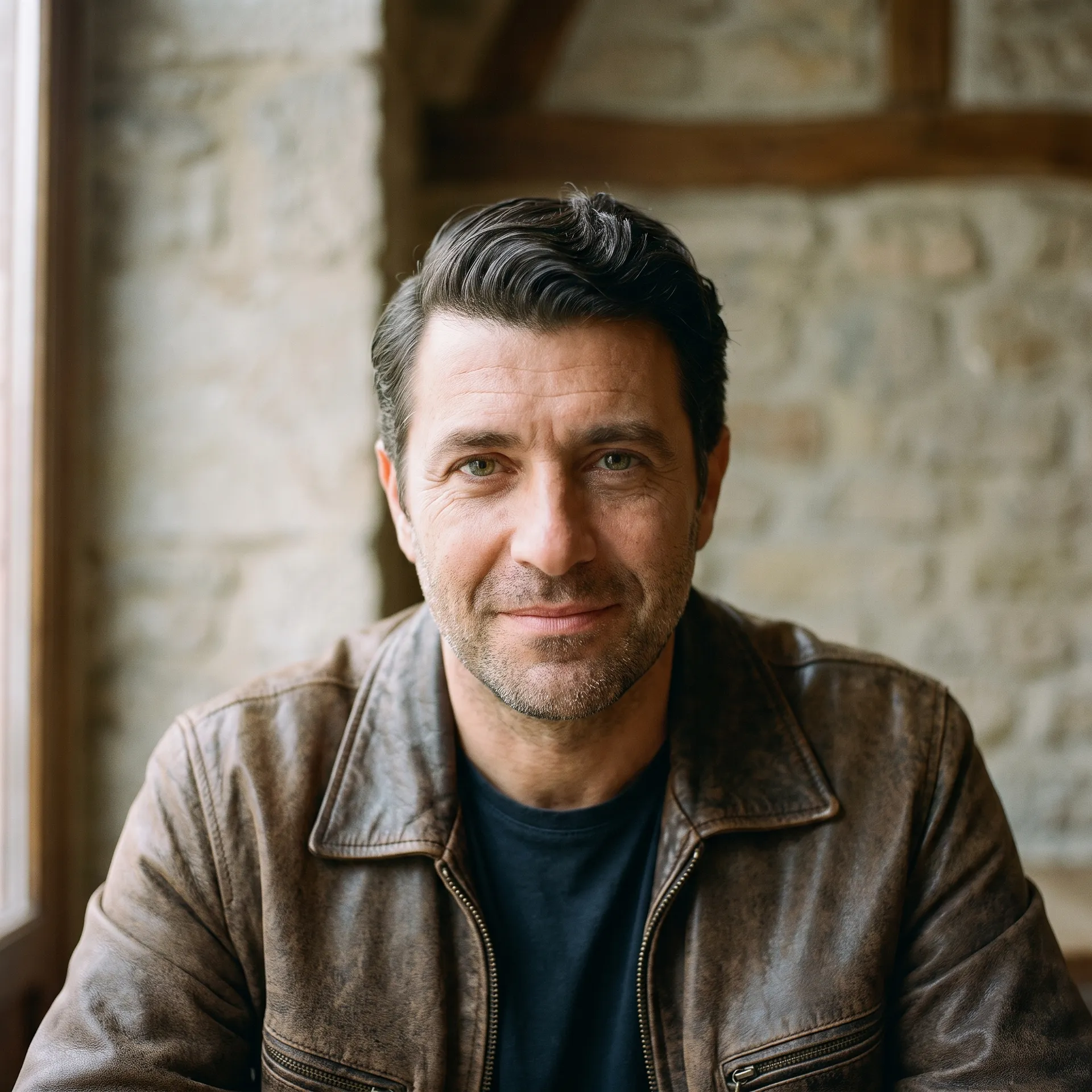
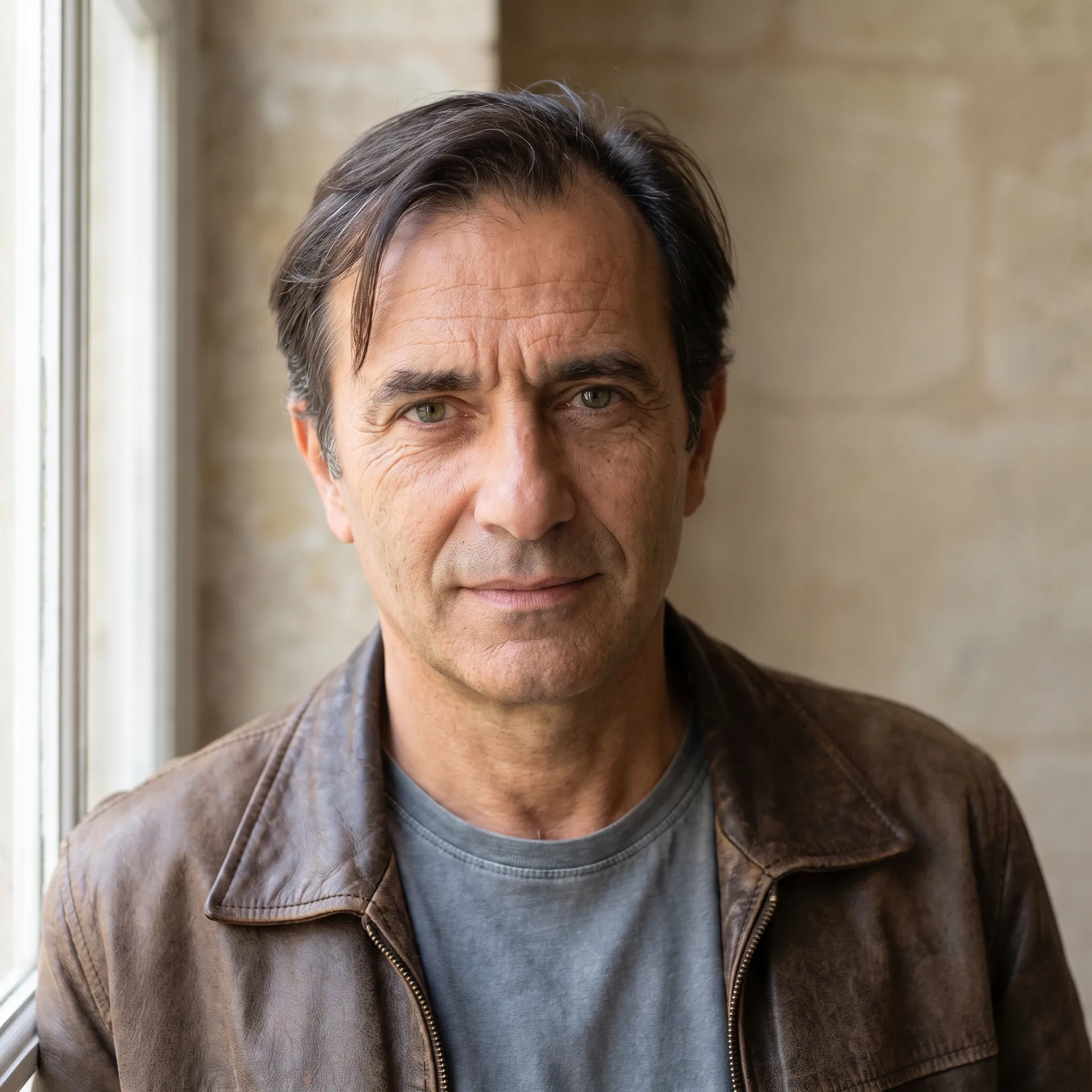
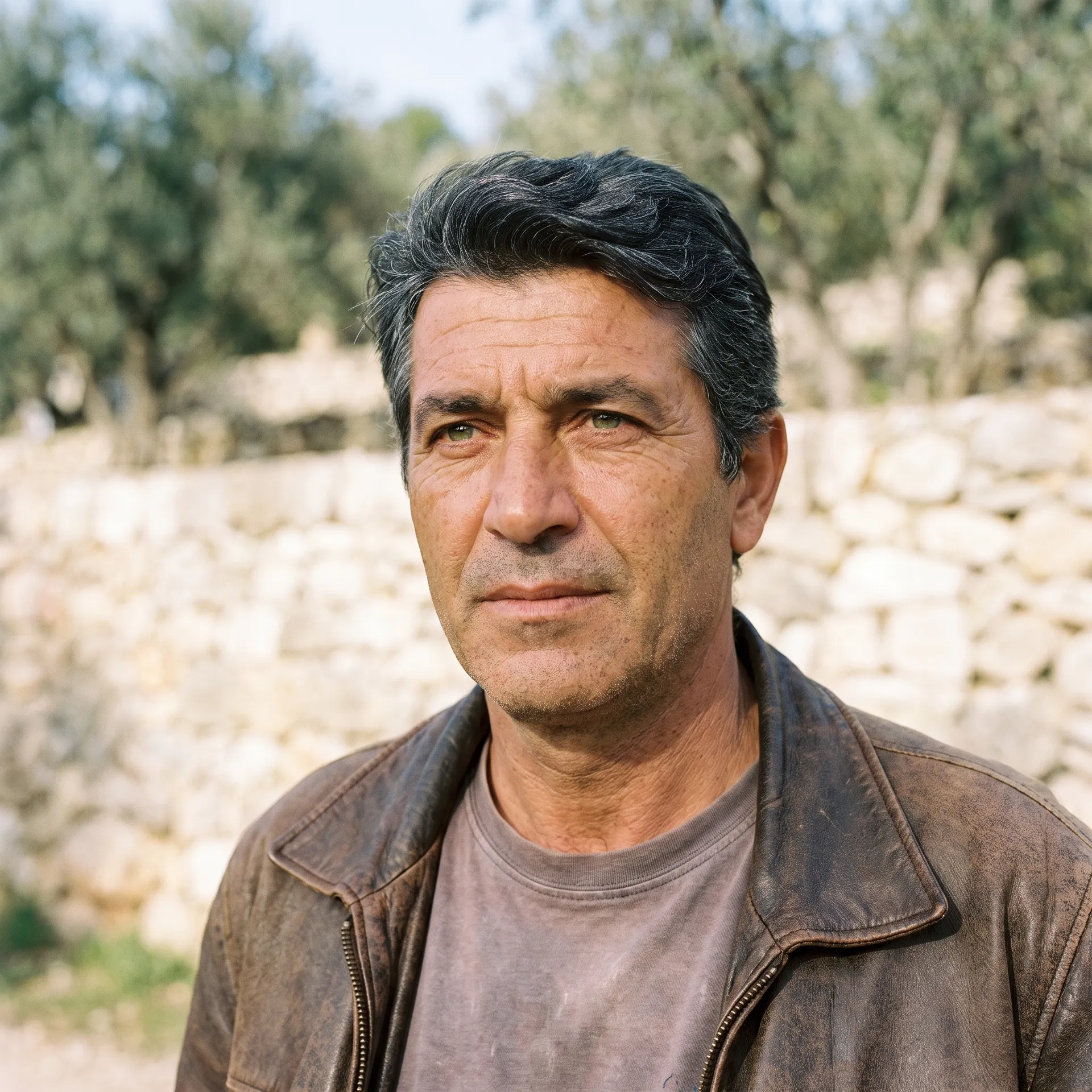
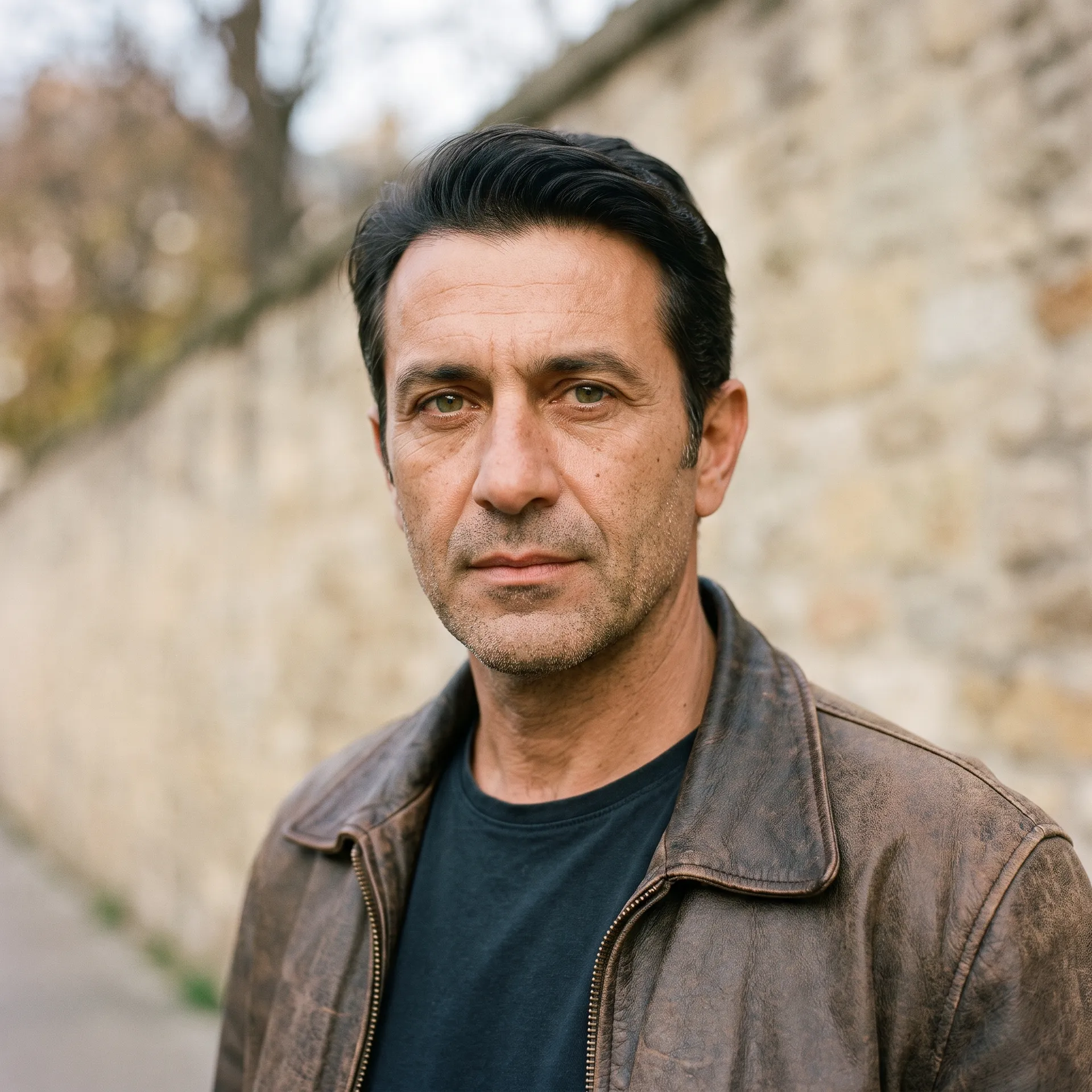
One set of traits, five art styles
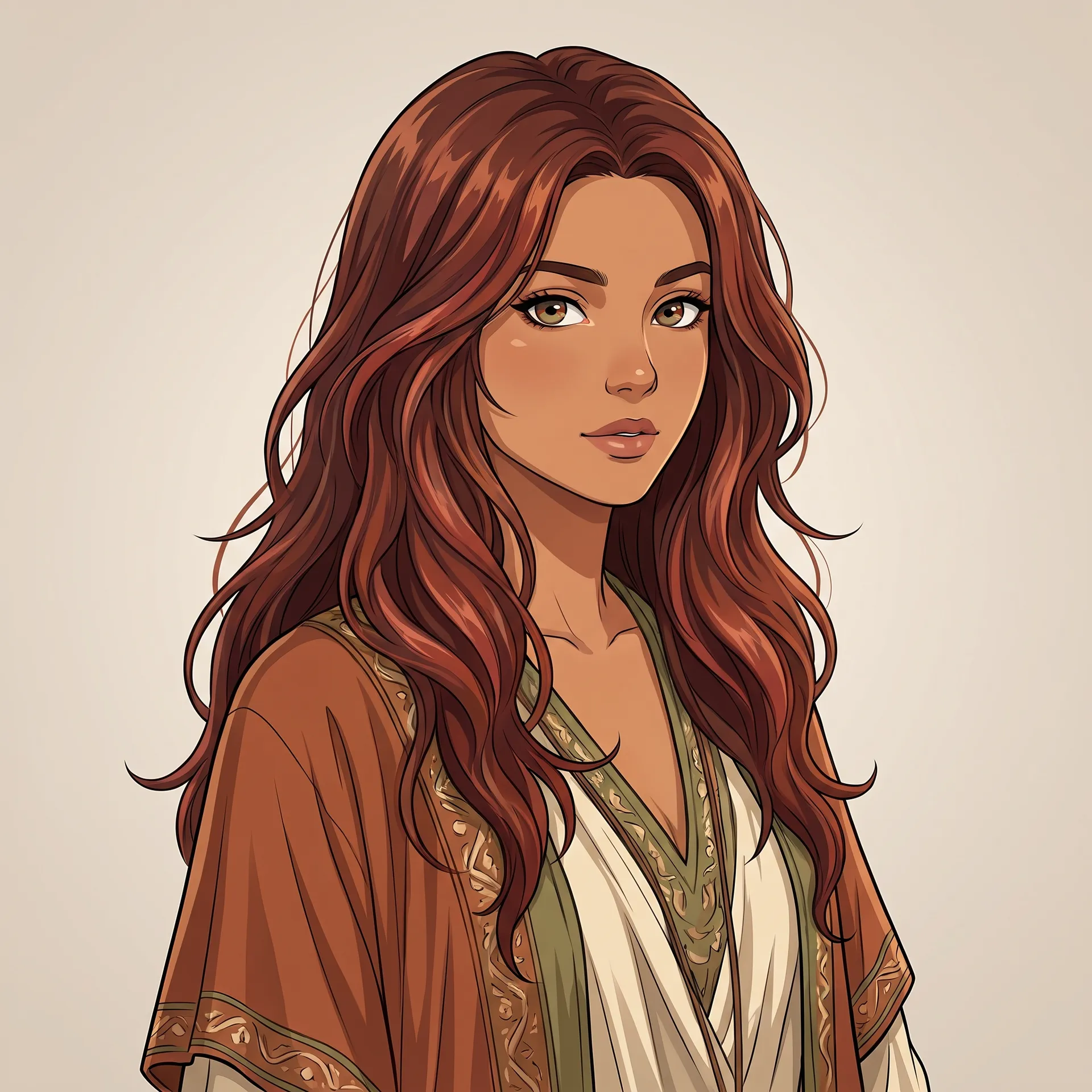
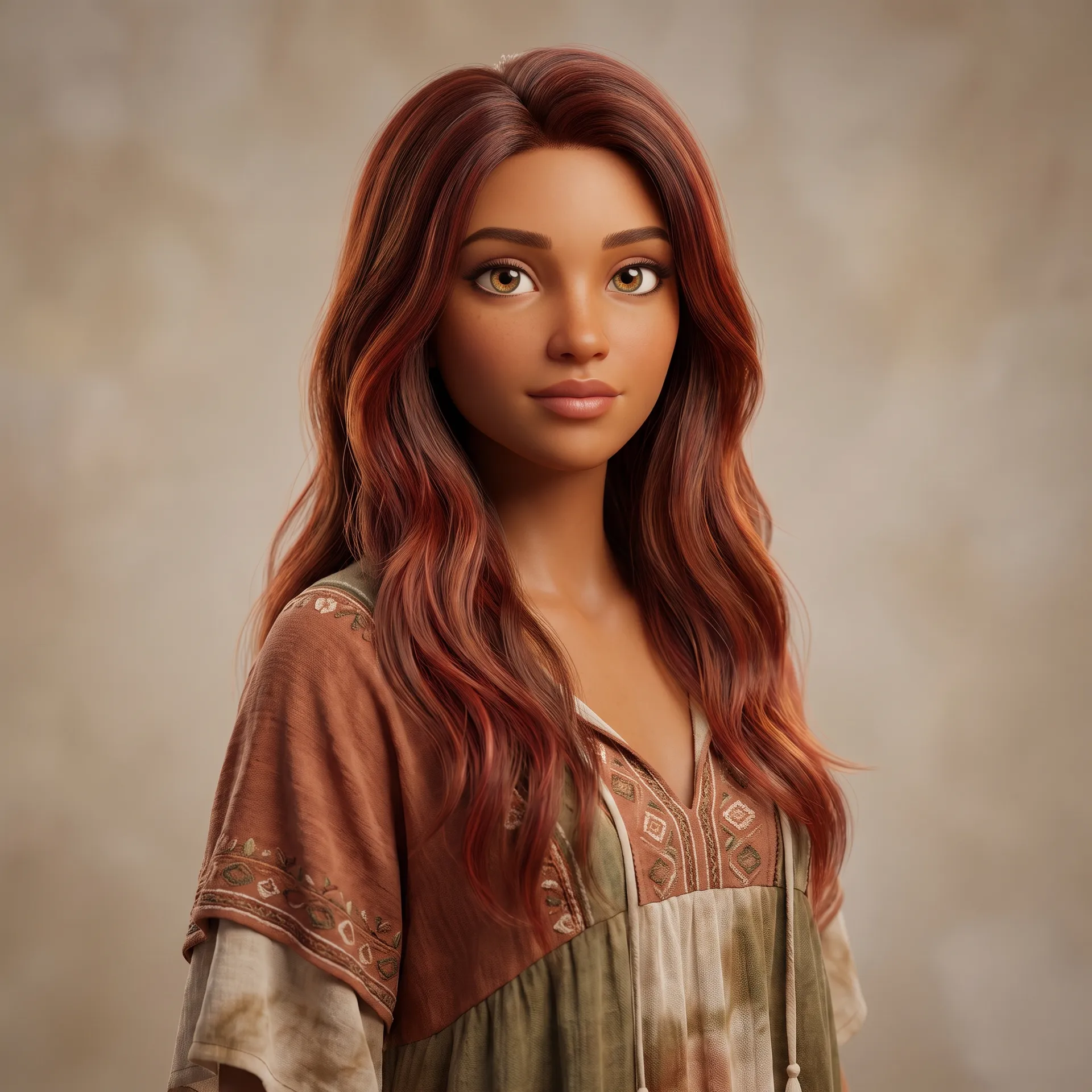
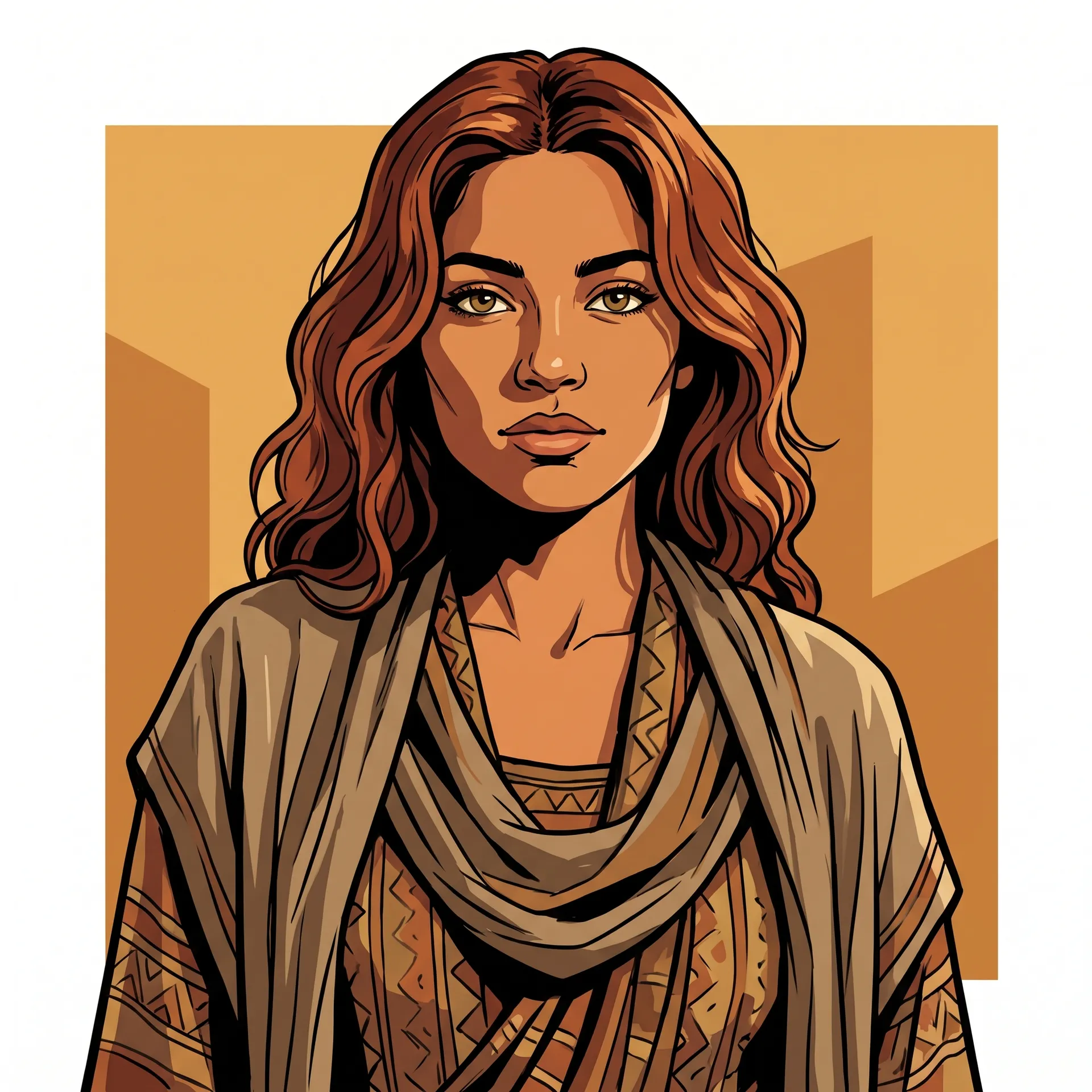
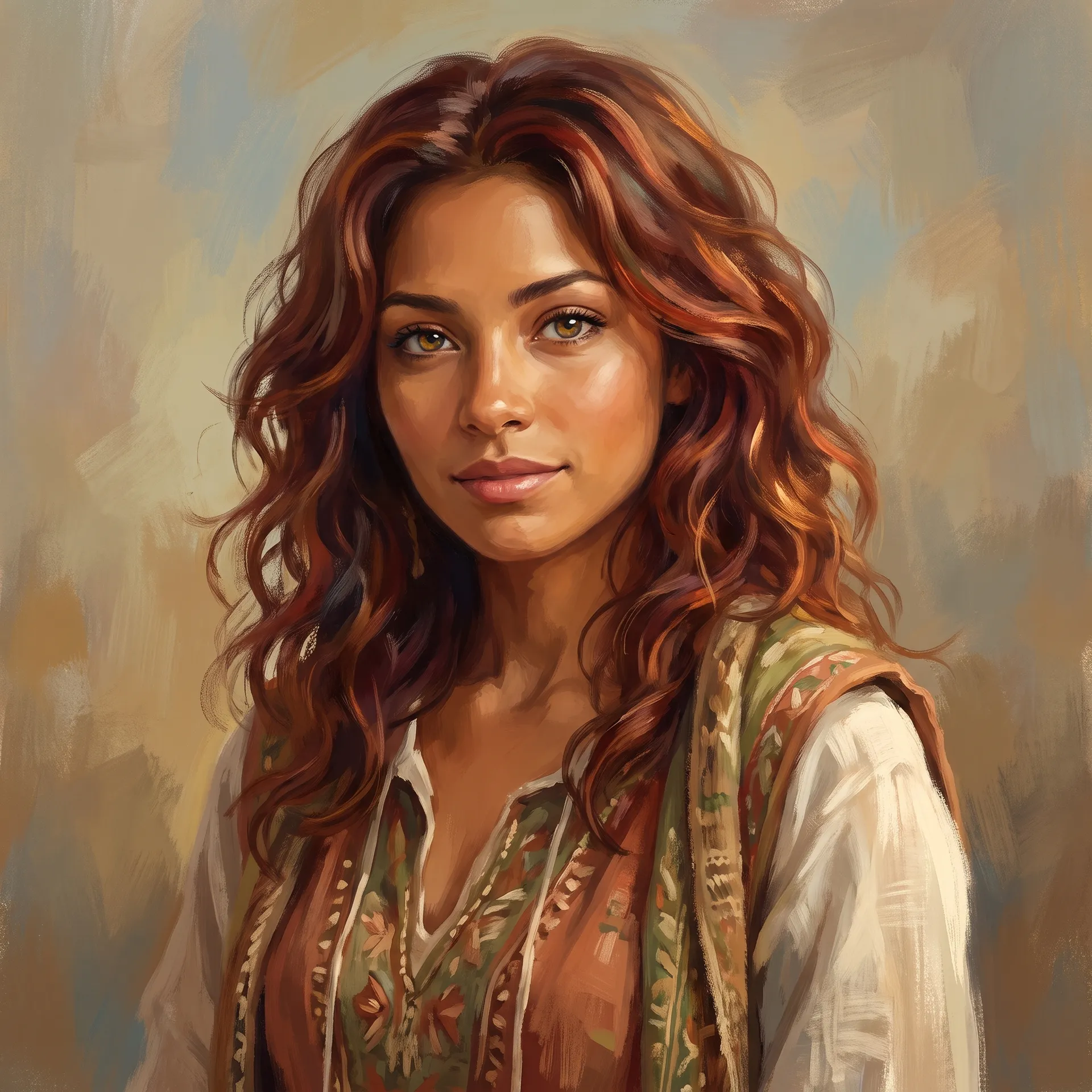
Art style is a single choice, so you can keep everything else the same and see a character as a photo, an anime still, a 3D render, a comic panel or a painting. These four portraits share the same settings: a young woman with long wavy auburn hair, hazel eyes and a bohemian outfit. Only the style changed.
Use it to find the look that fits your project before you commit, or to keep a whole cast in one style across a book, a game or a campaign.
Faces with real detail, not stock faces
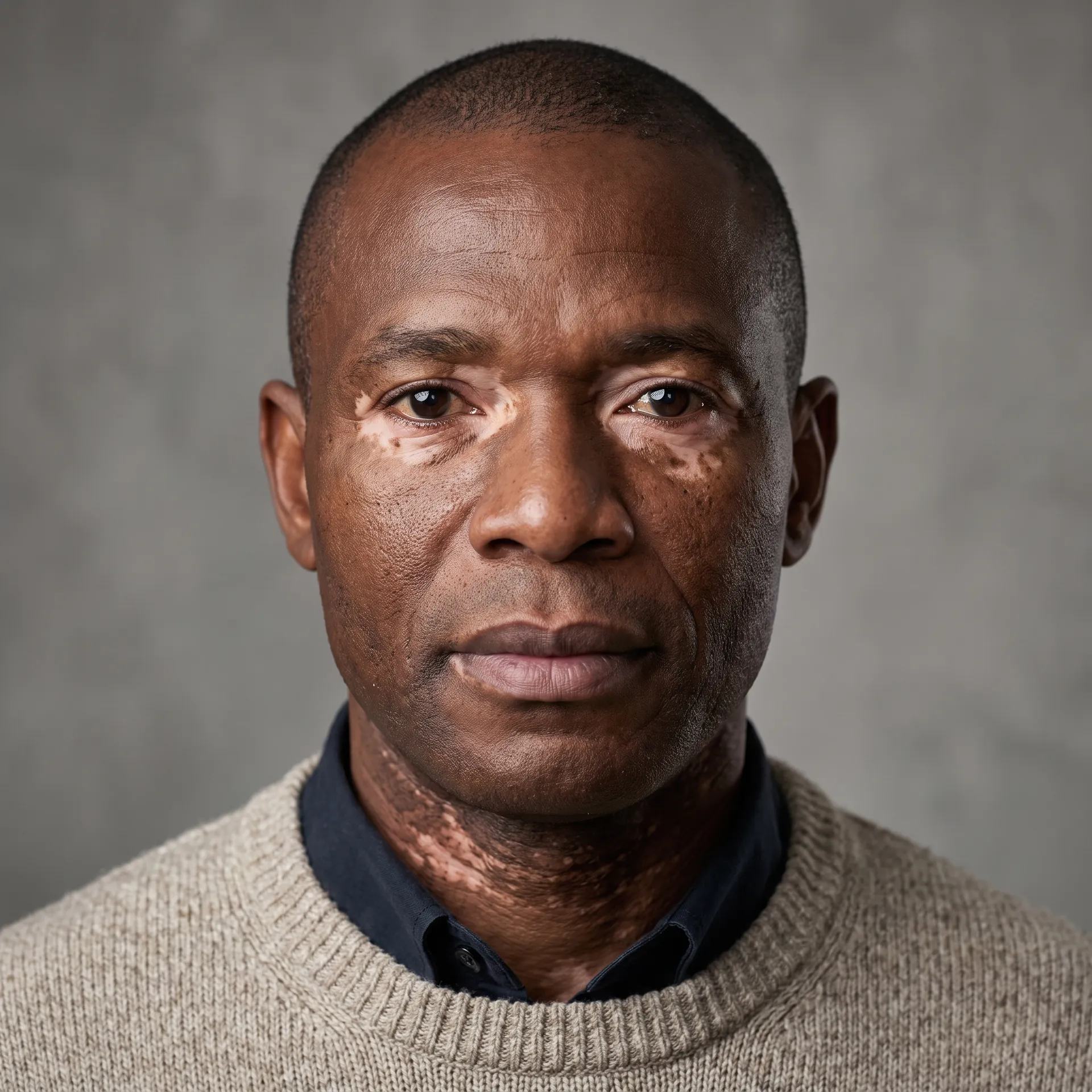
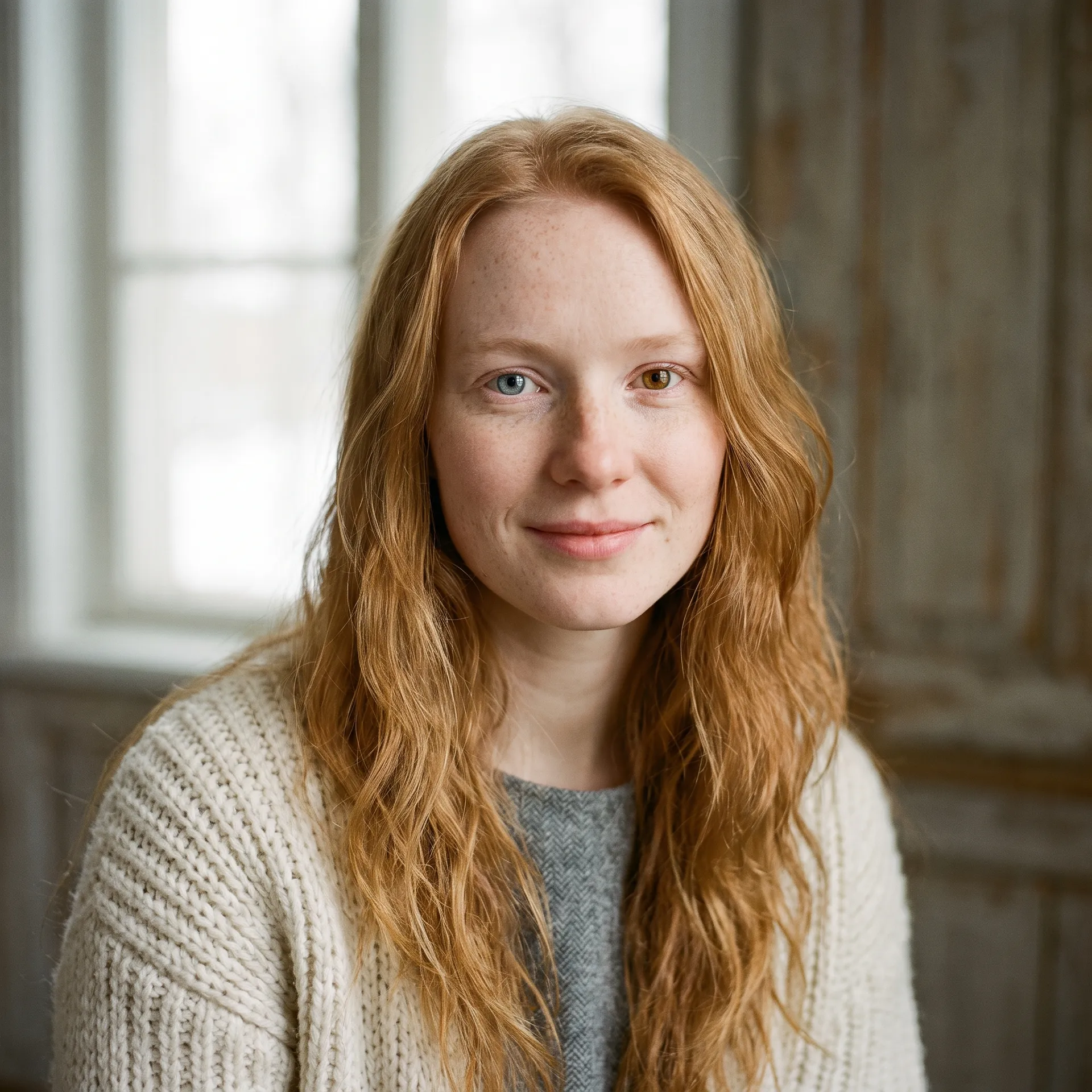
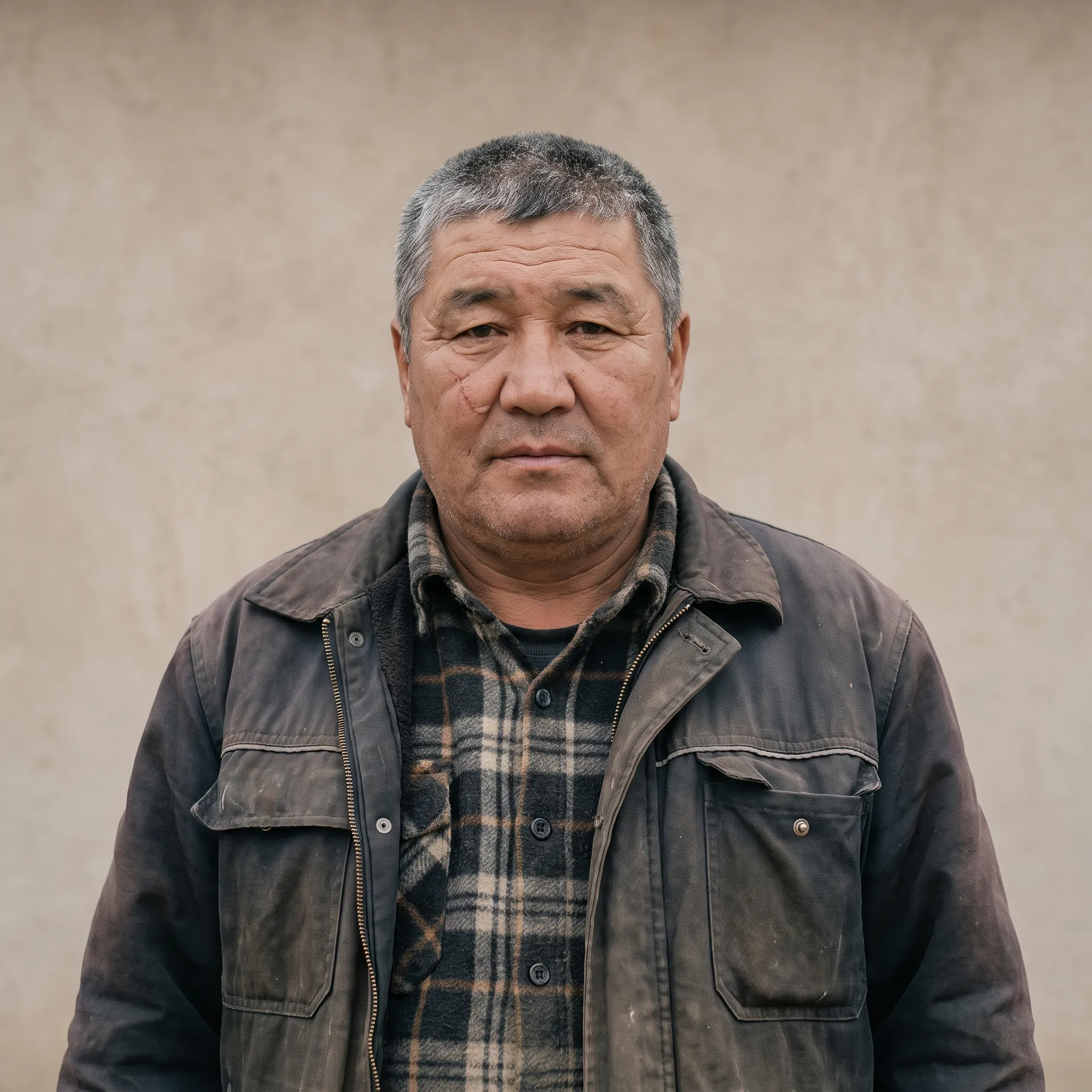
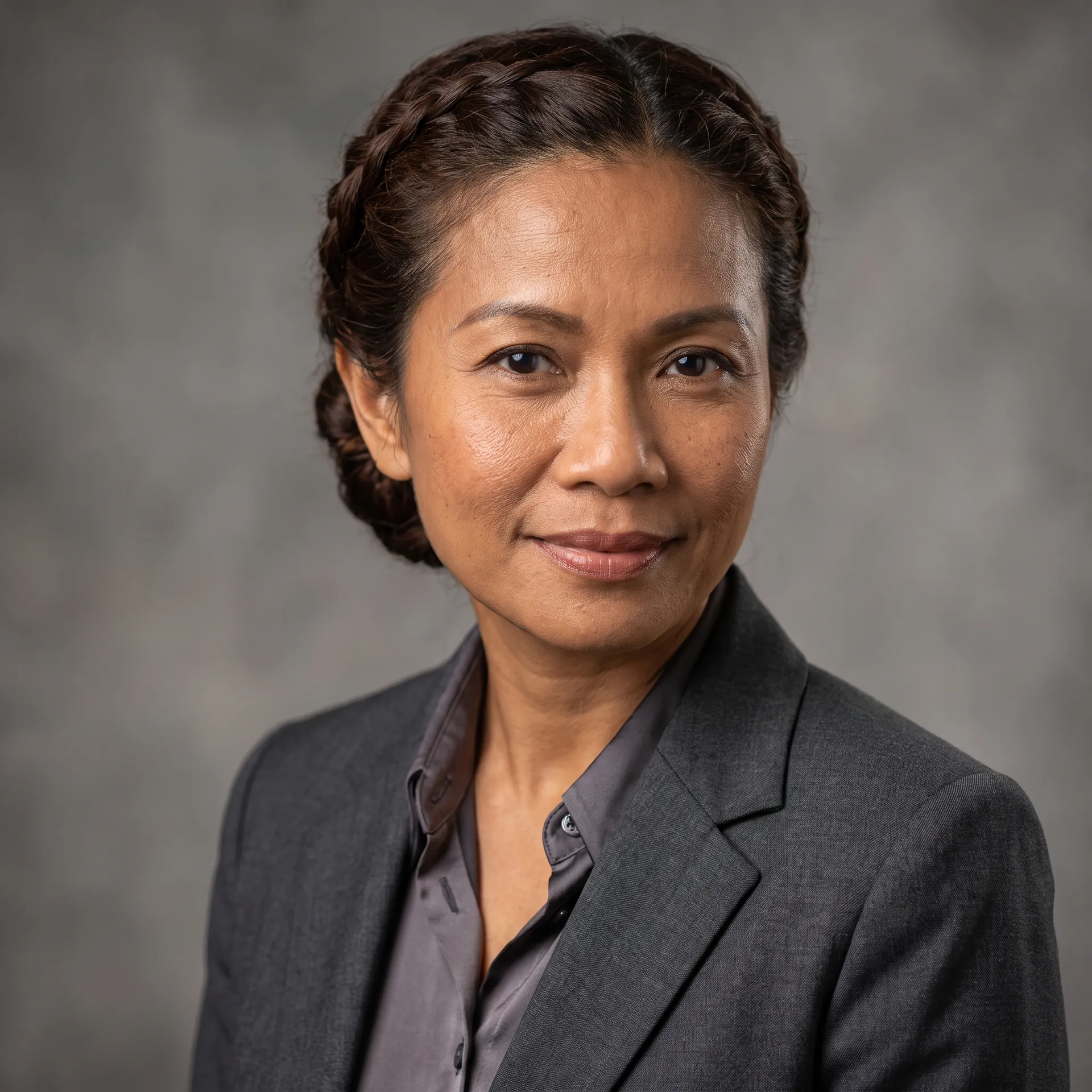
Most generators drift toward the same smooth, symmetrical face. Here you choose the details that make a person specific: freckles, vitiligo, birthmarks, beauty marks, scars, acne scarring, sun-weathered skin, rosacea and fine lines, plus heterochromia and a range of eye shapes.
With 18 heritage options, 12 skin tones and three age groups on top, it's easier to build a cast that looks like the world your story is set in.
Outfits for any story, from boardroom to battlefield
Fourteen outfits cover modern and fictional worlds: streetwear, tailored suits, smart casual, knitwear, leather jackets, workwear, uniforms, lab coats, sportswear, fantasy armour, robes, period dress, cyberpunk techwear and bohemian.
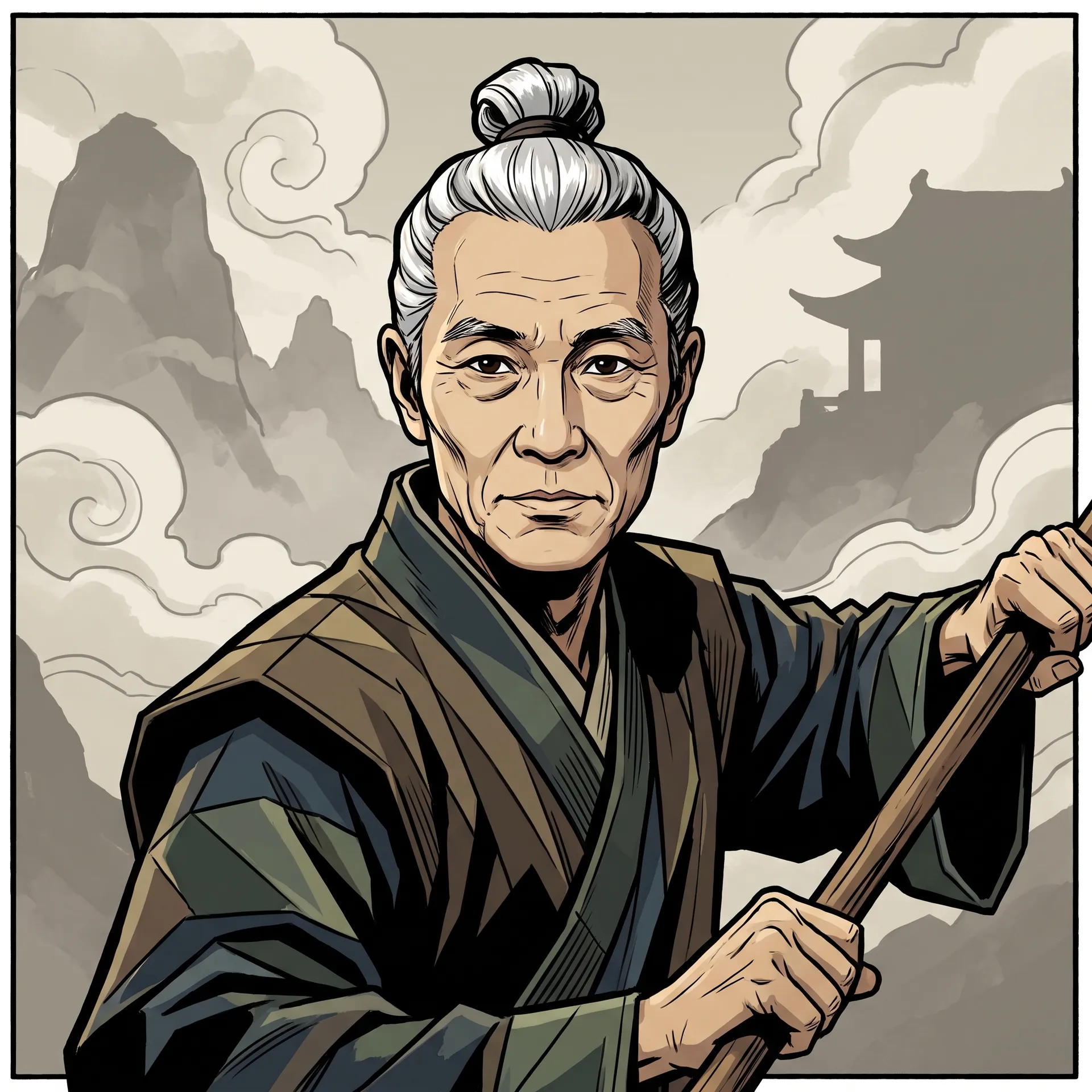
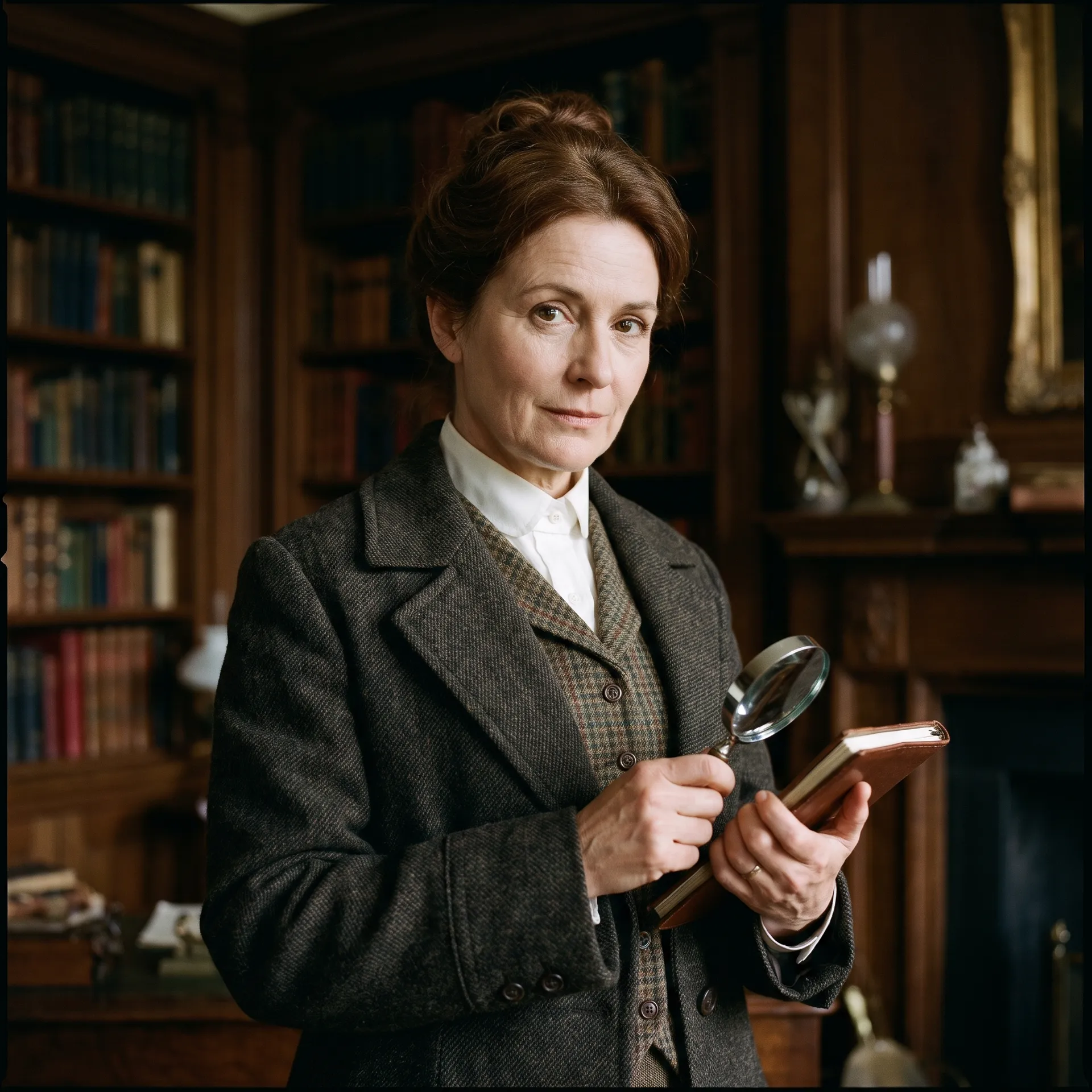
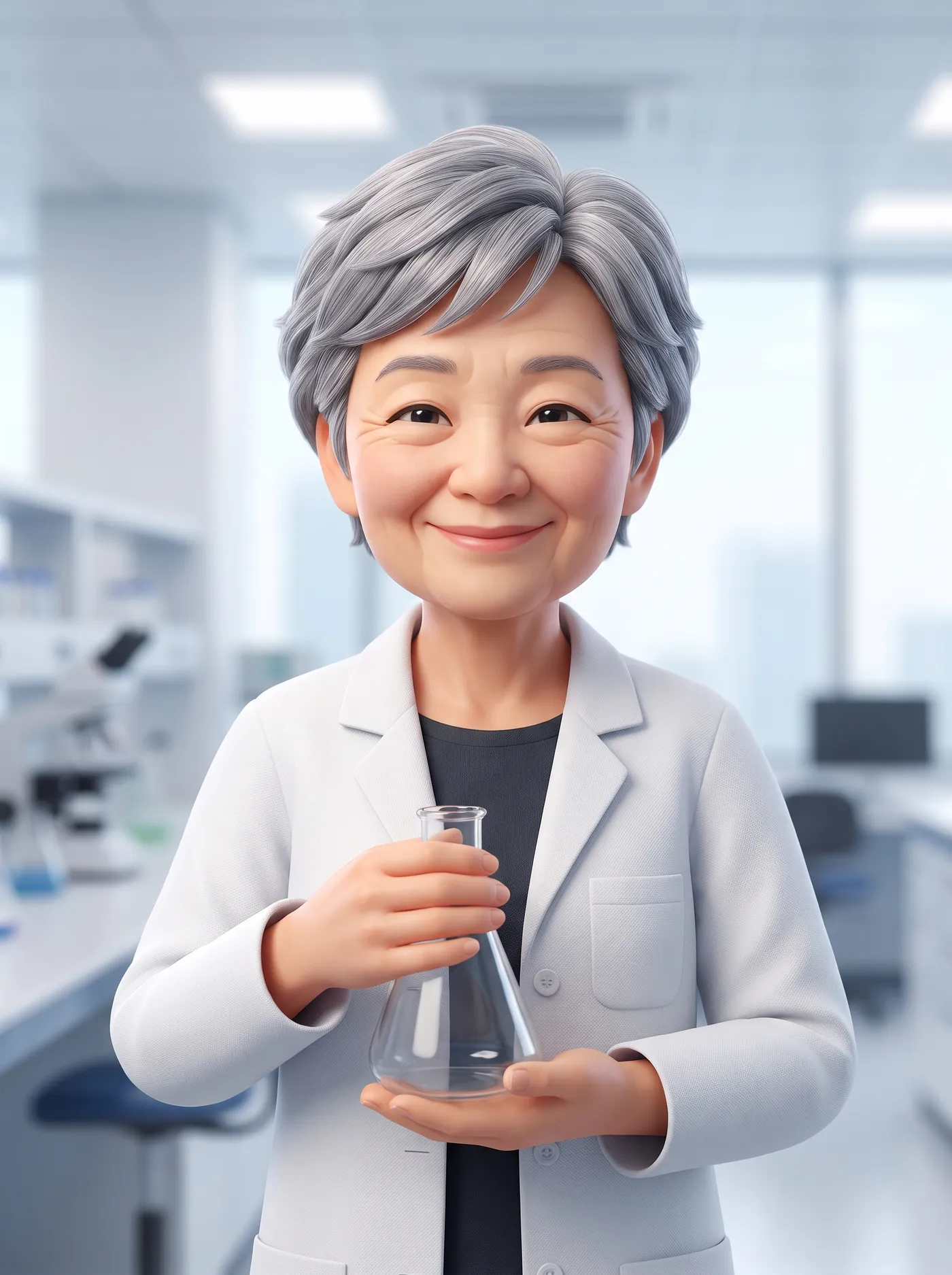
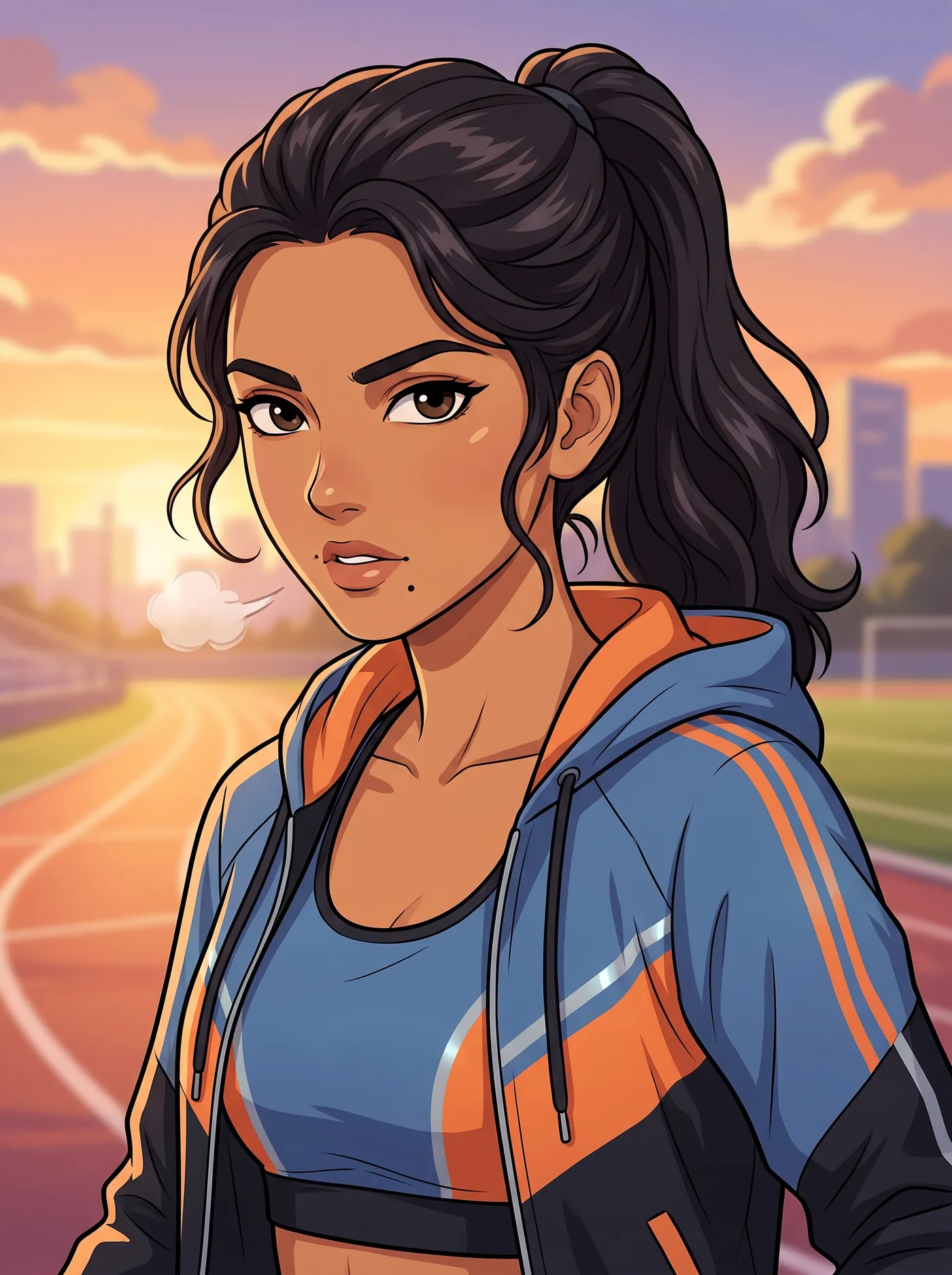
Add a role in your own words, like "an old mountain monk" or "a Victorian-era detective", and the portrait builds the character around it. Pair the outfit with a style that fits the genre: comic for adventure, photoreal for drama, 3D render for friendly explainers, anime for sport and action.
Every option in the Character creator
No prompt to write, so the options do the describing. Here's everything you can set.
Who they are
The foundation of the character.
Gender
Female, male, trans woman, trans man, non-binary.
Heritage
West, East, North and Southern African, Western and Eastern European, Mediterranean, Nordic, Middle Eastern, South, East, Southeast and Central Asian, Latin American, Indigenous American, Pacific Islander, Aboriginal Australian, Caribbean.
Age and build
Young adult, adult or senior. Slim, average, athletic, curvy or heavyset.
Keep the same character across every scene
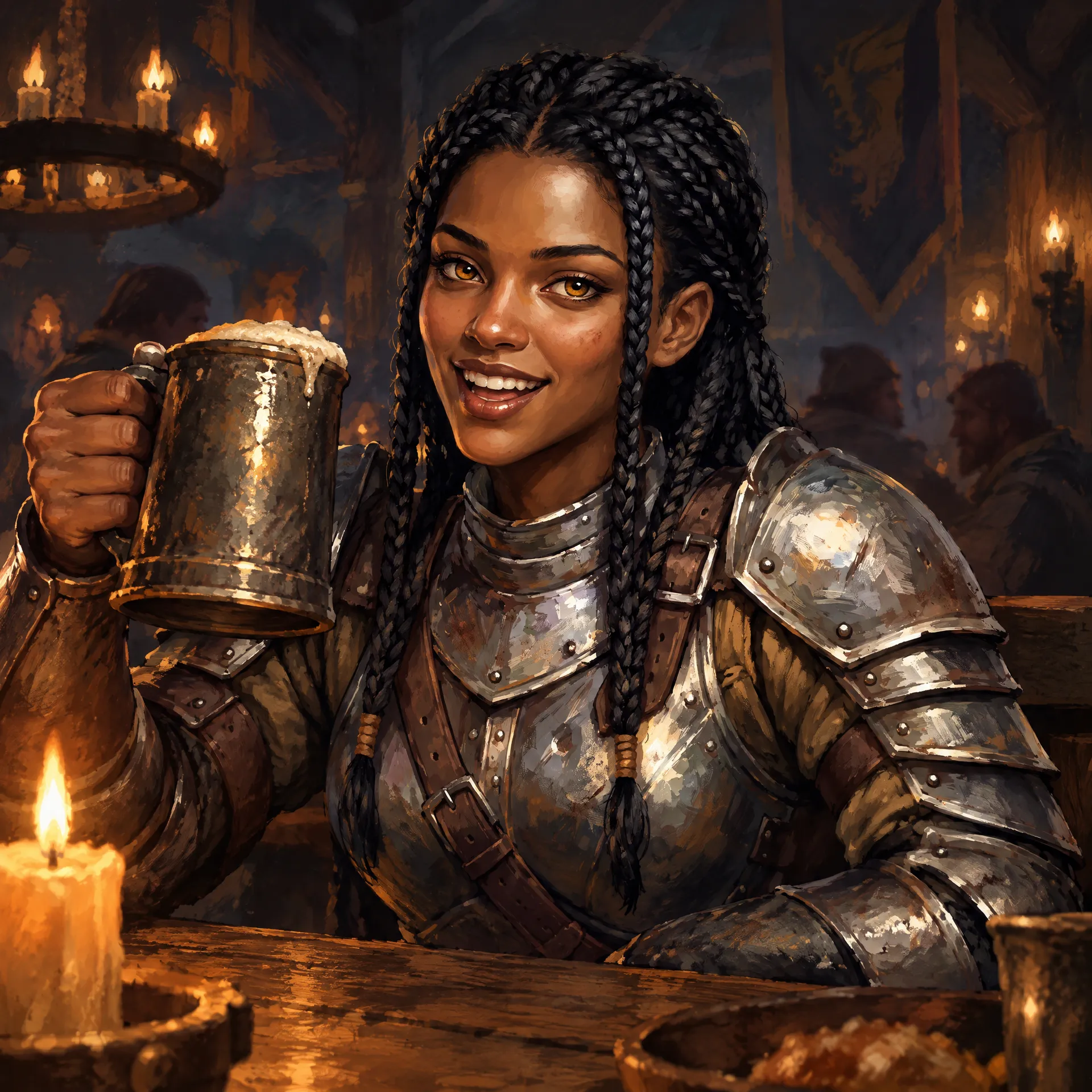
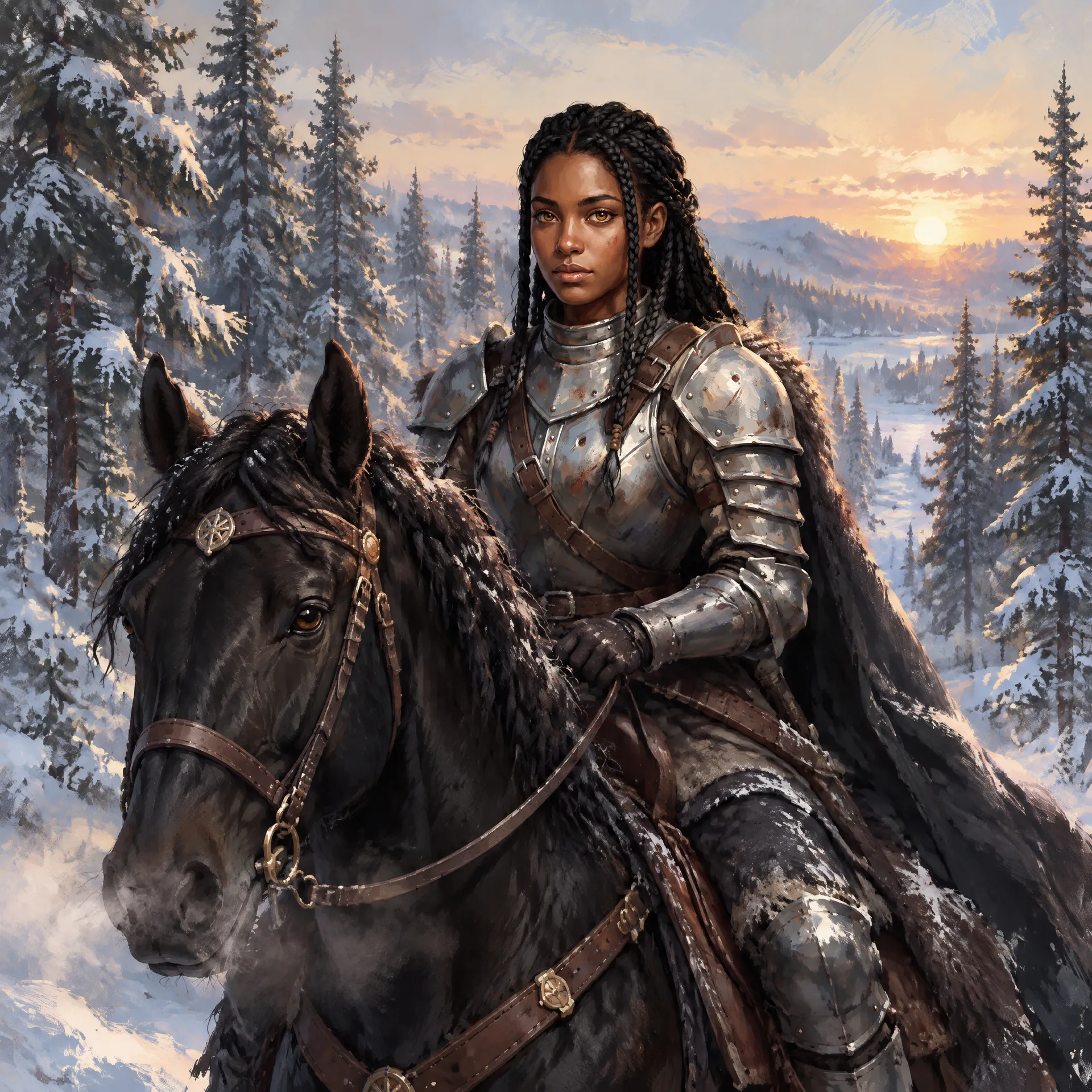
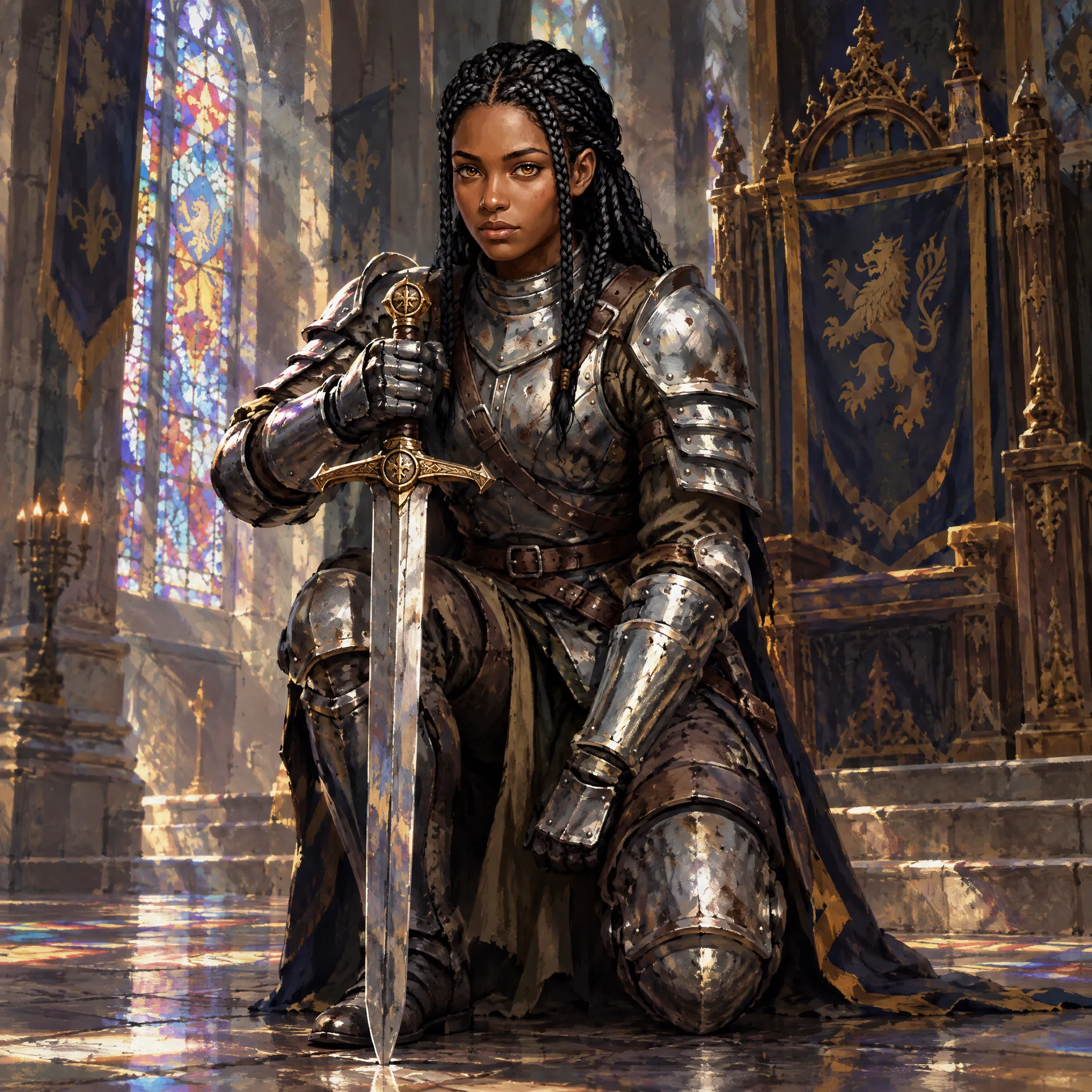
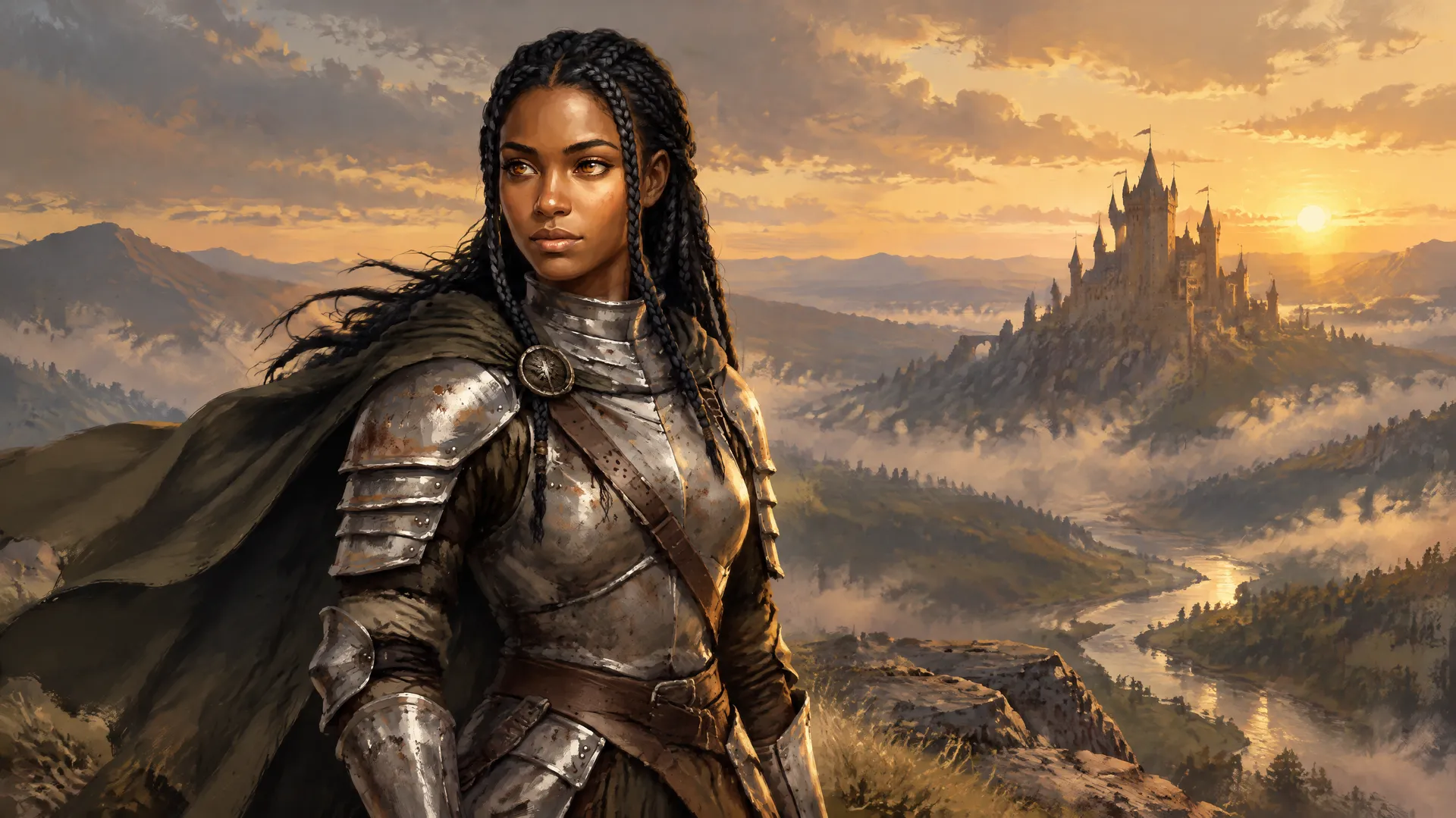
A character is only useful if they come back looking like themselves. Take the portrait you like into Create image as a reference, or save it as a Person Element, and place the same face in new scenes, outfits and moods. The knight here started as one portrait and returns in a tavern, on horseback through snow, in a throne room and on a cliff above a valley.
Elements are how getimg.ai keeps consistent AI characters across a project: identity and recognizable features carry over, while small details like armour or hair can still vary, so compare new scenes against the original portrait.
Where original characters earn their keep
A finished portrait is the starting point for a lot of creative work, long before an illustrator or a shoot is booked.
Turn a character into a video clip
Use a portrait or a scene as the opening shot in Image to Video, describe the movement, and get a short clip. This sea captain started as a Character creator portrait, was placed at the wheel of a ship in Create image, and that one still became the clip: he steers through the spray while the sails move in the wind.
Related tools and workflows
AI character generator: frequently asked questions
Open the Character creator on getimg.ai and pick gender, heritage, age, build, skin, hair, eyes, outfit and art style. Then choose the quality, aspect ratio and how many variations you want. You get finished portraits without writing a prompt.
No. The Character creator builds a new, original person from the traits you pick. If you'd rather turn an existing photo into a character, attach it as a reference in Create image and describe the character you want.
Photoreal, anime, 3D render, comic and painterly. Keep the other settings the same and switch the style to see the same character in each.
Yes. Use the optional field to add a role, a mood or a detail in your own words, like "a cheerful veteran scientist" or "an old mountain monk".
Choose 1 to 4 variations per run. Each one is a different take on the same settings, so you can pick the face that fits best.
Yes. Use the portrait as a reference in Create image, or save it as a Person Element and call it into later prompts. Identity carries over, though small details can vary between images.
The Character creator focuses on portraits, from head and shoulders to waist up. For a full-body pose or a specific scene, take the character into Create image and describe the framing you need.
No. You get image artwork, including in a 3D-rendered look. Rigged models, sprite sheets and engine-ready assets need separate production work.
Yes. Use the portrait or a scene as the opening shot in Image to Video and describe the motion. You get a short rendered clip, and small details can shift as it plays.
Yes. Every paid plan includes commercial use, subject to our terms and applicable third-party rights. Characters based on existing franchises or real people stay subject to their owners' rights.
Meet your next character
Pick their traits, choose a style and get up to four portraits at once.