AI Image Translator: Localize Your Creatives into 12 Languages
Add a poster, ad, menu or package design, pick the language, and get the same image with the text translated. The layout, colors and graphics stay as they were, so one master design becomes a version for each market.
Access 48+ leading AI models. Pay for one subscription.


How to translate the text in an image
Add the image
A poster, an ad, a menu, a package or a screenshot. Anything with text in it.
Pick the language
Spanish, French, German, Japanese, Arabic and seven more. Set the quality to 2K or 4K.
Download the localized version
The design is the same and the text is in the new language. Run it again for the next market.
Translate a restaurant menu for visitors
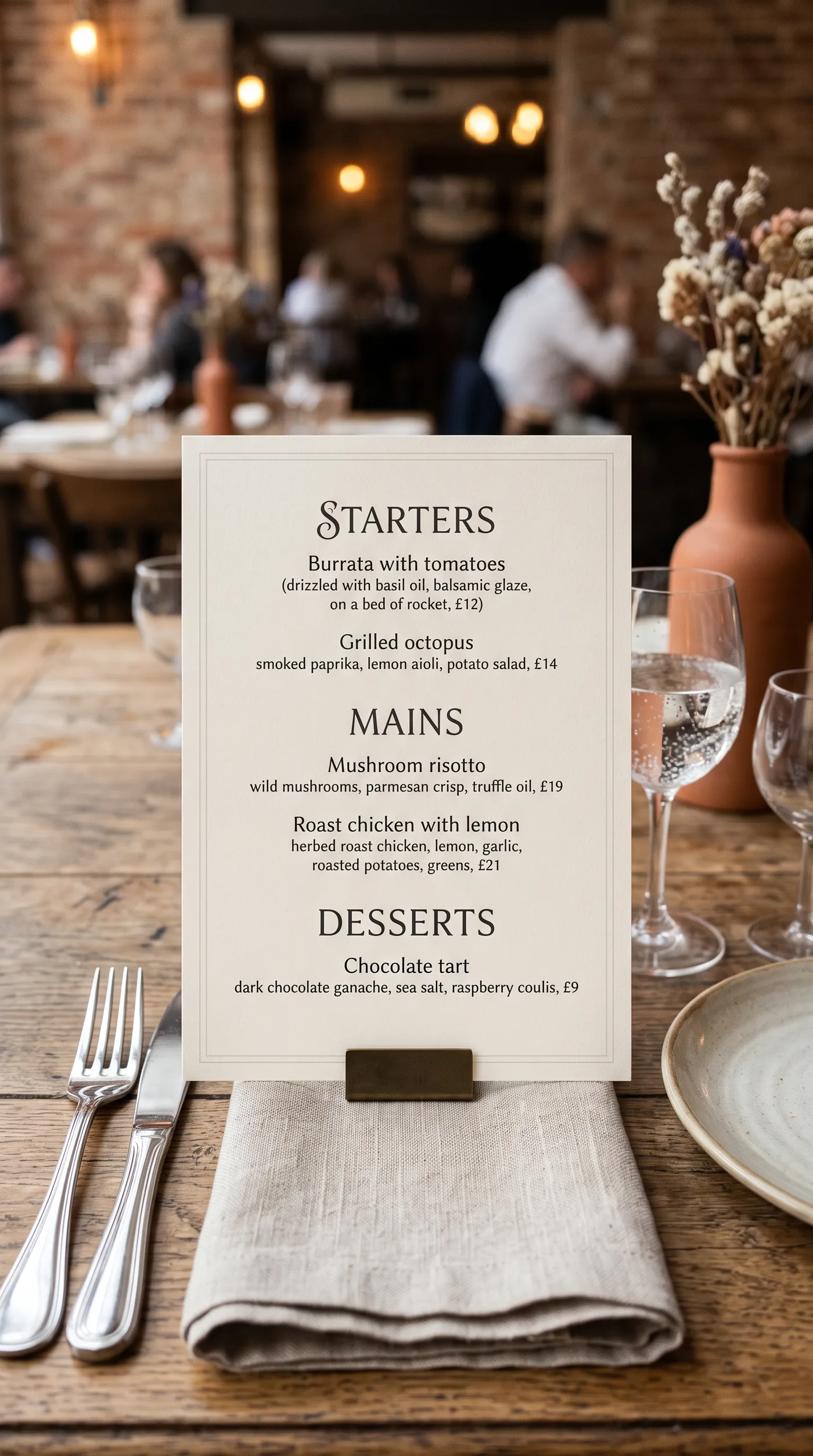
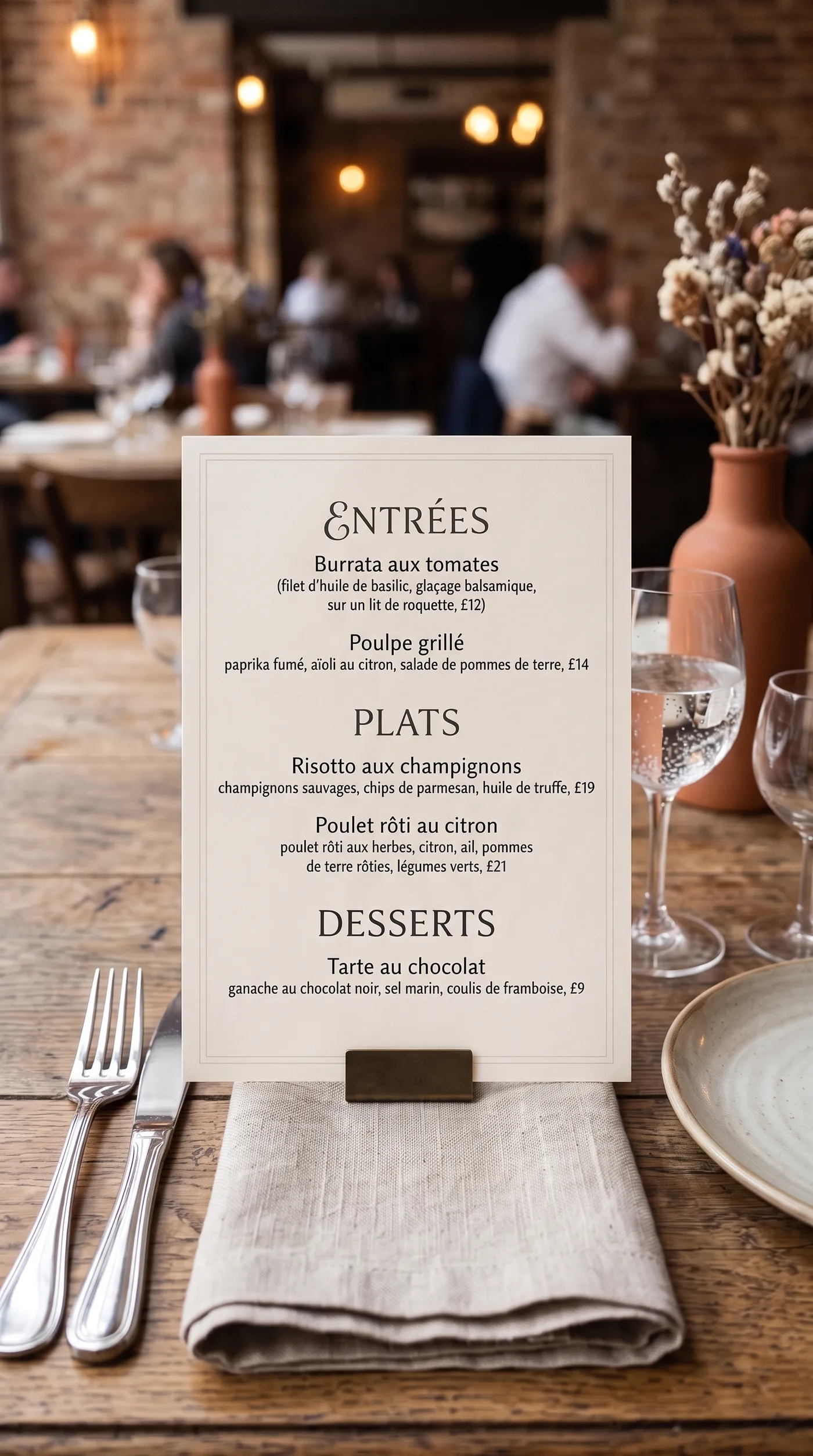
Starters, Mains and Desserts become Entrées, Plats and Desserts, and every dish is translated in the same elegant serif on the same card.
Restaurants, hotels and tour operators use it to offer menus and signs in their guests' languages without redesigning anything.
Localize app screenshots for every store
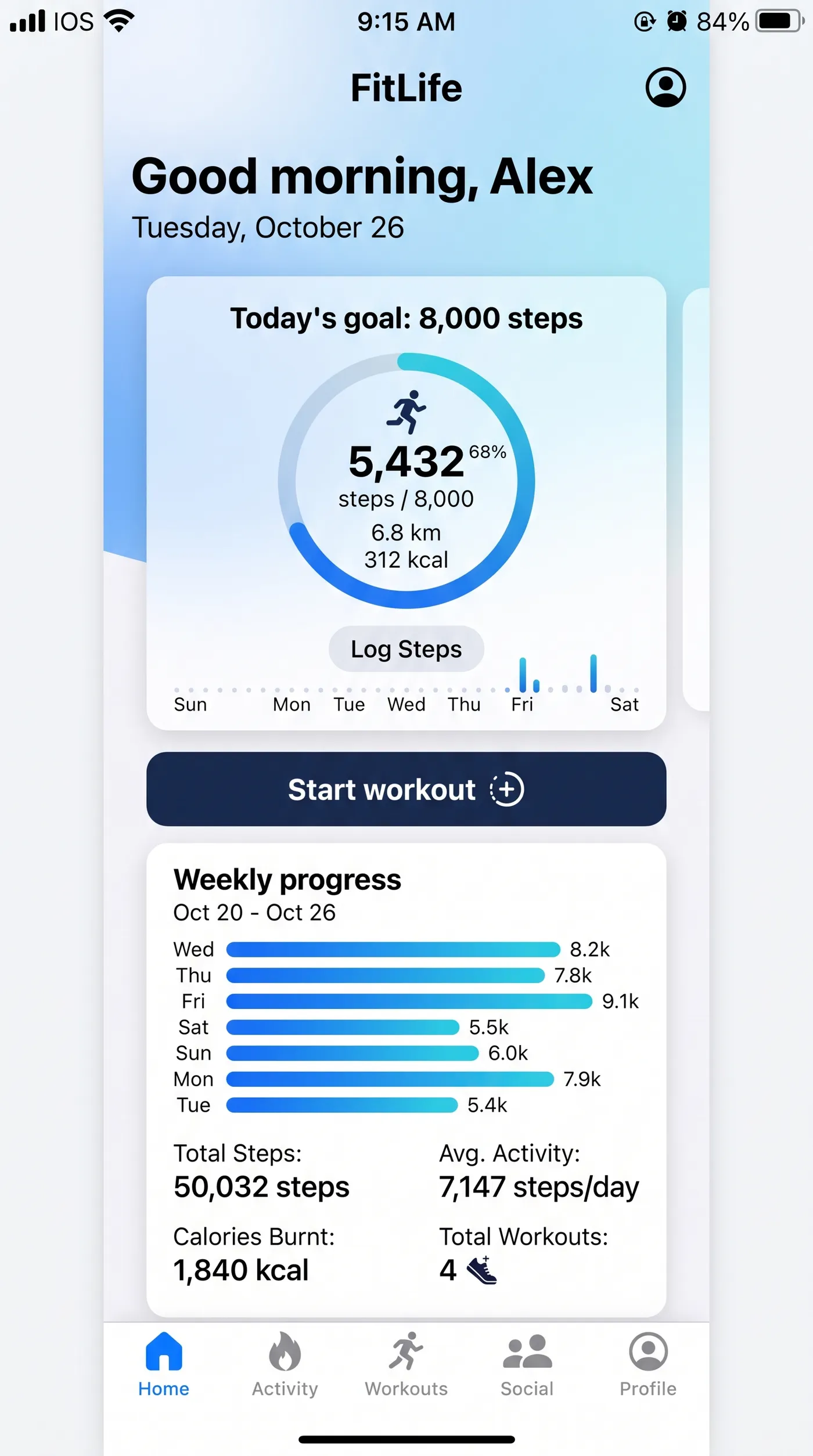
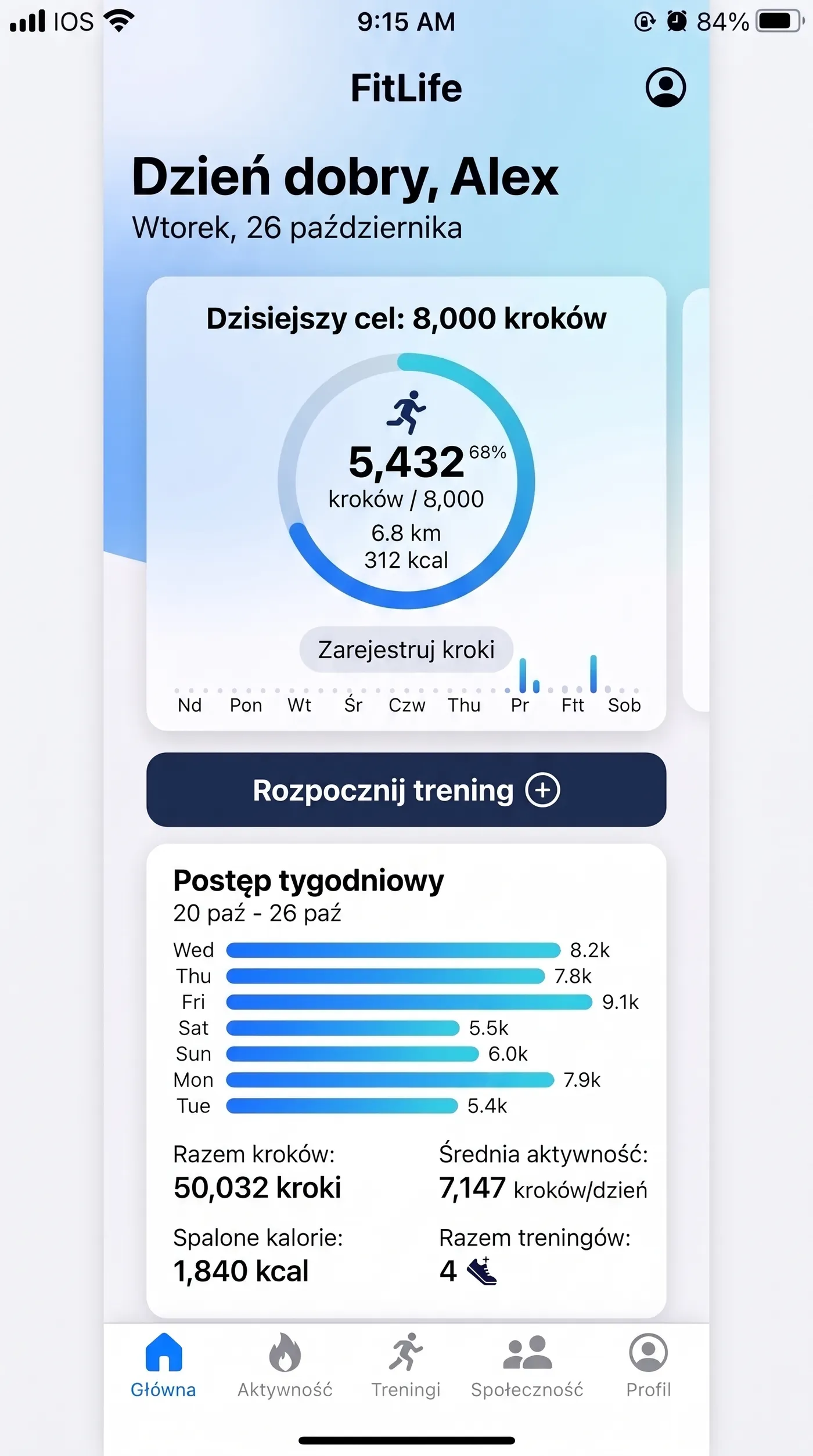
Store listings need screenshots in the store's language. This fitness app home screen now greets the user with Dzień dobry, Alex, with the goals, buttons, chart labels and navigation translated into Polish in place.
Product and growth teams use it for store listings, onboarding slides and help-center images across markets.
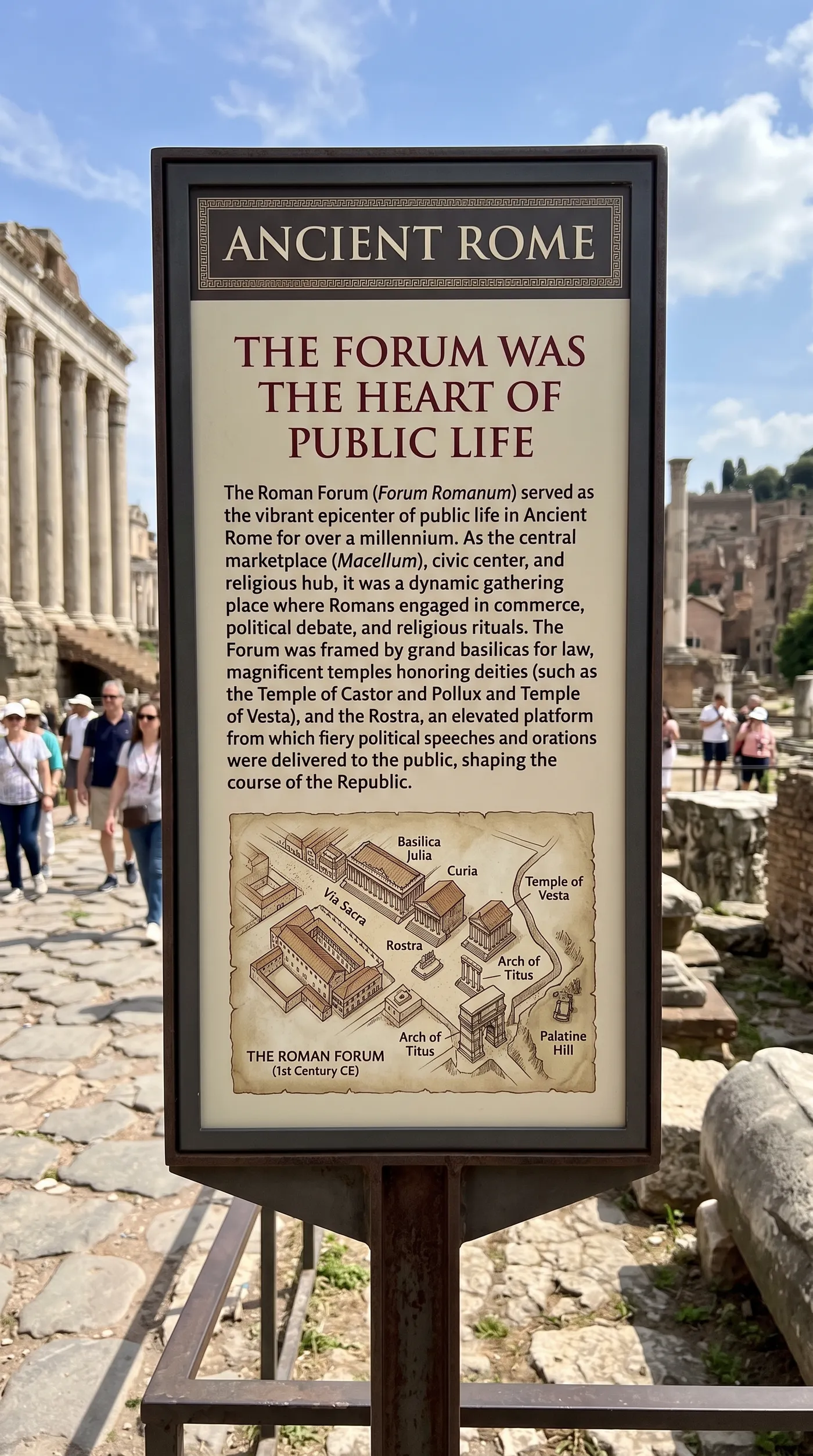
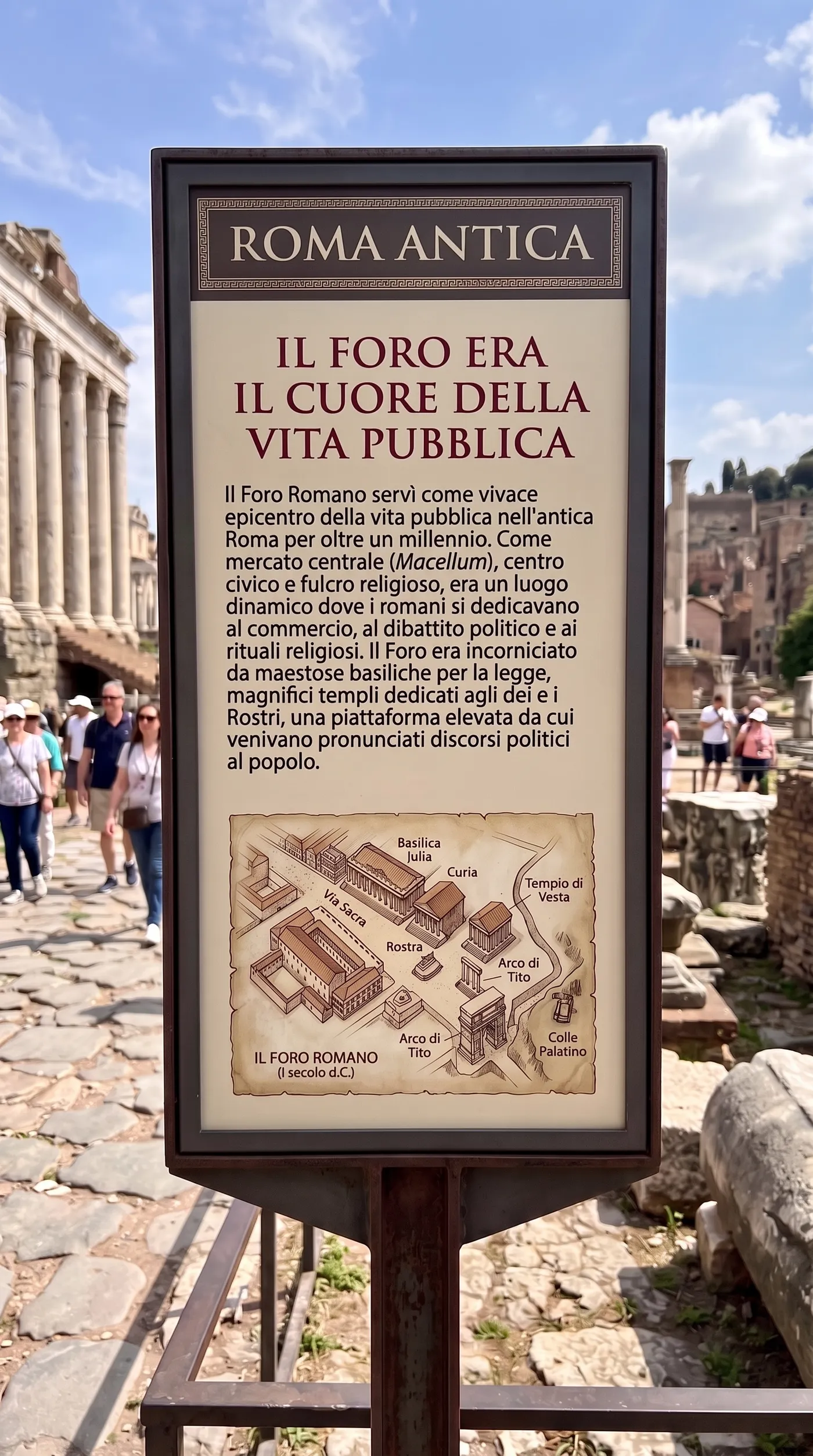
Translate signs and information panels
Museums write a panel once, but visitors read it in many languages. The Ancient Rome sign becomes Roma antica, with the title, the paragraph and the map labels in Italian.
Use it for exhibition panels, wayfinding signs and printed handouts.
Take one design into new markets
Rebuilding a creative for each language is where launch timelines slip. Translating the image keeps the design locked and only changes the words.
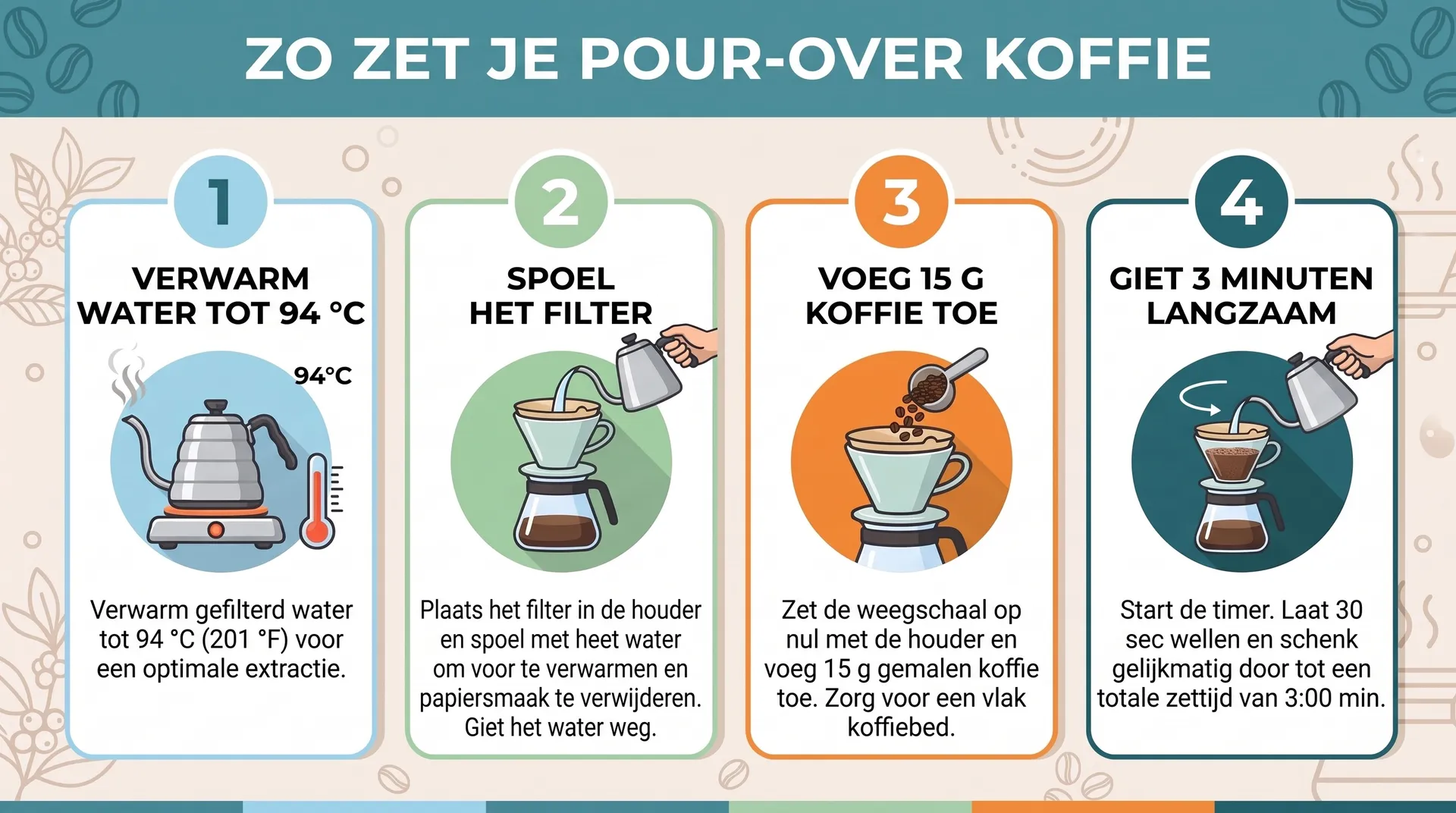
Skip the per-language redesign
The usual way means sending the text to a translator, then rebuilding the layout in each language by hand.
getimg.ai
Add the creative
The finished image with text.
Pick a language
Twelve to choose from.
Get the localized image
Same layout, new text, at 2K or 4K.
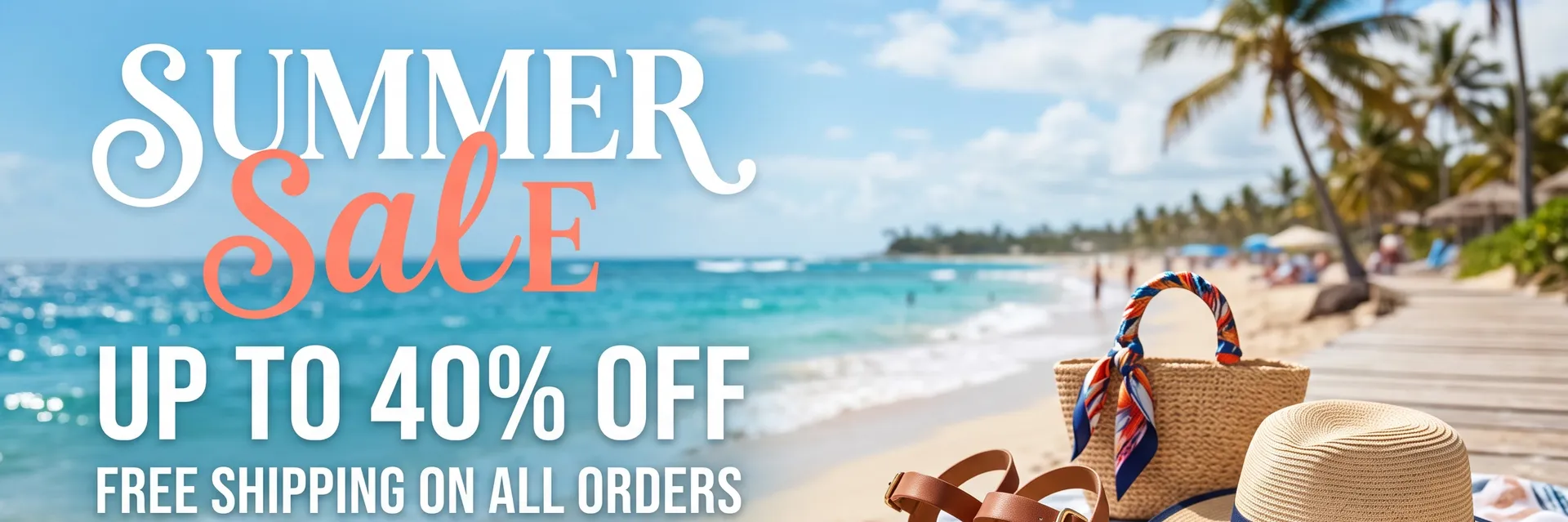
Manual localization
- Copy every line of text out of the design
- Send it out for translation
- Reopen the source file in design software
- Rebuild text boxes that no longer fit
- Export and check a separate file for each language
Get cleaner translations
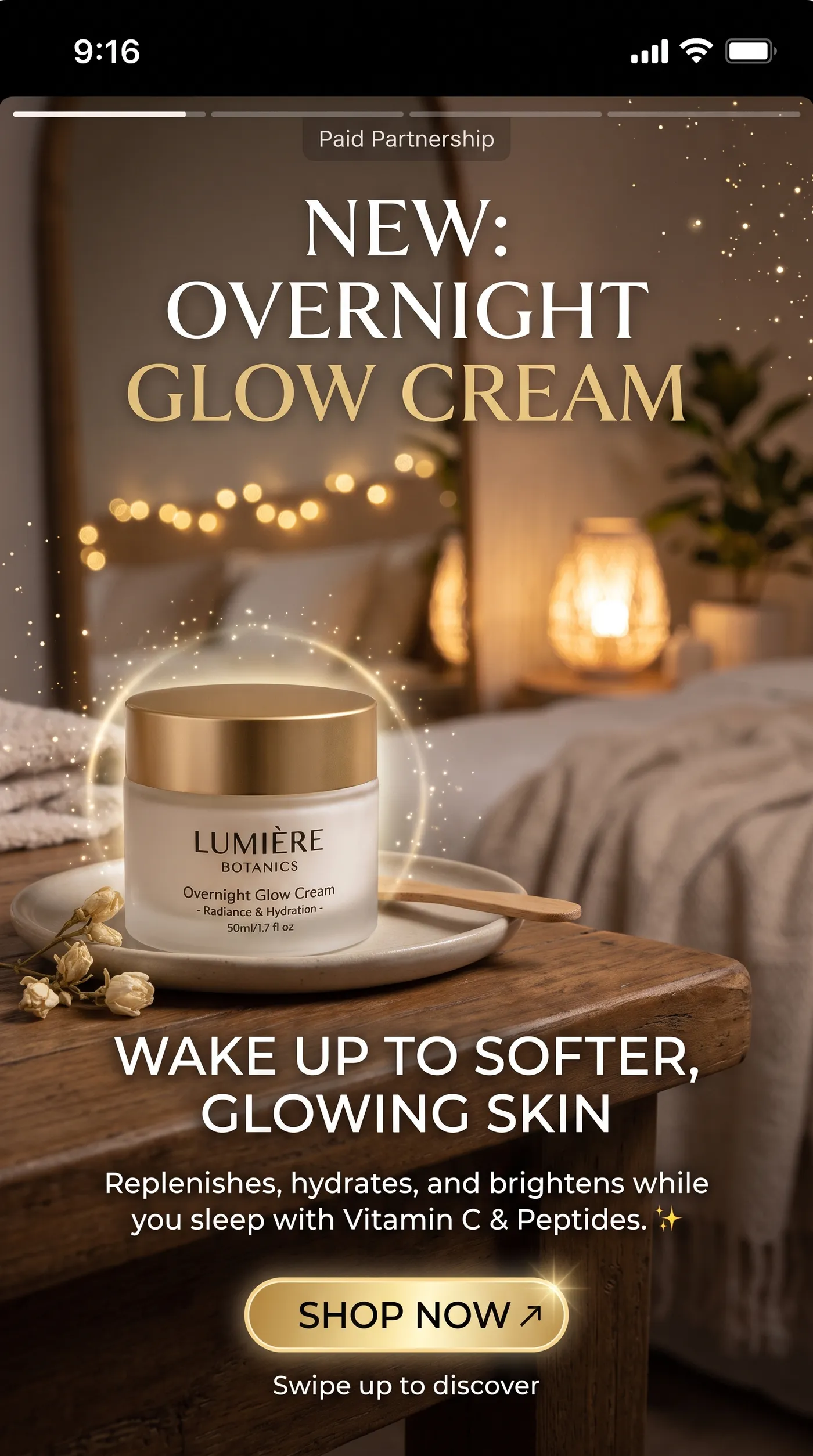
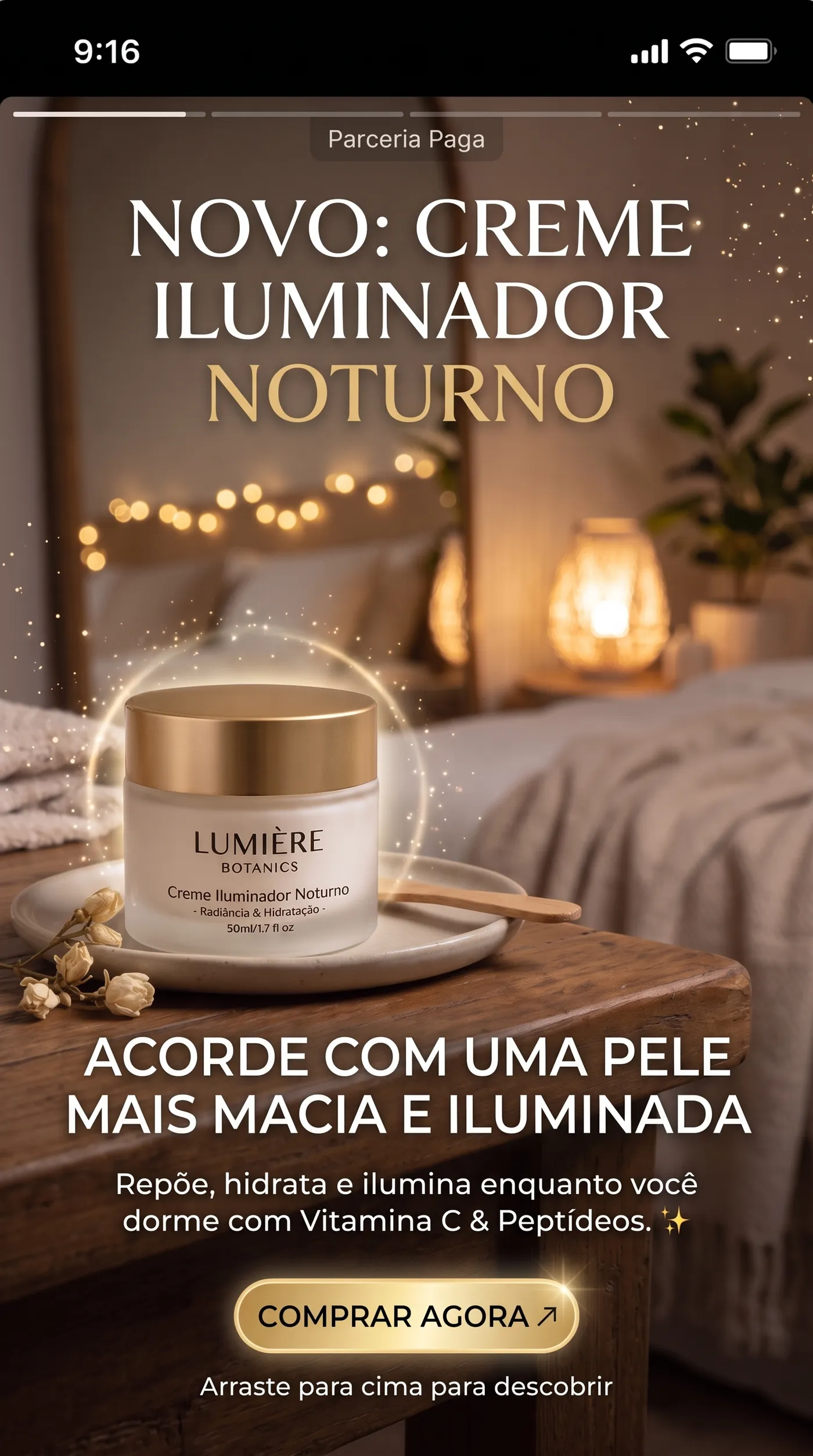
Short lines on a clean background translate most cleanly. This skincare story ad keeps the same layout in Portuguese because each line has room to grow.
Frequently asked questions
Open Image translator on getimg.ai, add the image and choose the target language. You get the same image with the text rendered in that language, at 2K or 4K.
Spanish, French, German, Italian, Portuguese, Polish, Dutch, Japanese, Korean, Chinese, Hindi and Arabic.
The layout, background and graphics stay as they are, and only the text changes. Some languages run longer than the original, so check that headlines still read comfortably.
Yes, for anything that goes to print or into a paid campaign. Have a native speaker review headlines, legal lines and prices before launch, as you would with any translation.
Yes. Build it with the AI social media ad generator, then translate the final version for each market.
Yes. Any image with text works, from a restaurant menu to an app screenshot.
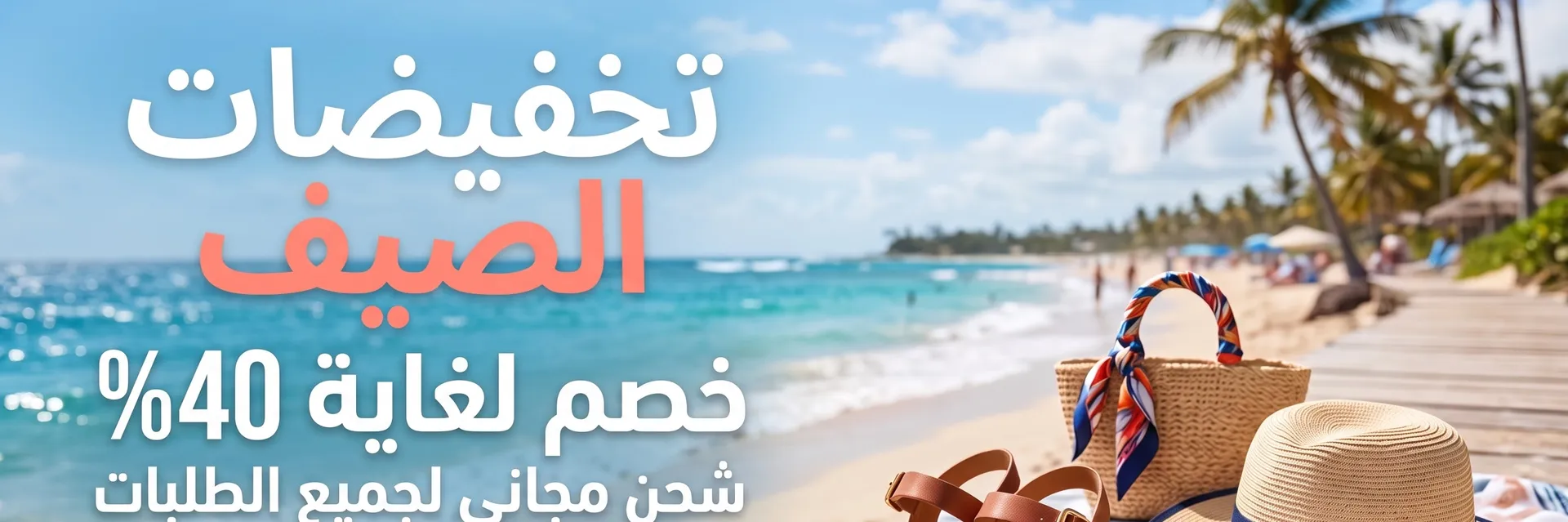
Yes. Arabic, Chinese, Japanese, Korean and Hindi are all supported. Arabic reads right to left, so review those layouts with extra care.
Printed text and chalkboard lettering translate well. Dense handwriting and heavily stylized display fonts can come back simplified, so check them before you publish.
Yes. Every paid plan includes commercial use, subject to our terms and applicable third-party rights. Plans start at $8 a month.
Take your next campaign into a new language
Add the image, pick one of 12 languages and download the localized version.