AI Product Photography: Generate HQ Studio Shots
Add a few photos of your product, pick a scene like white studio, marble or a stone plinth, and get up to four polished product shots for your store, ads and listings. No studio booking, no lighting kit.
Access 48+ leading AI models. Pay for one subscription.


How to create product photos with AI
Add your product photos
Up to three images: different angles, the packaging or the product in use. Phone photos work.
Pick a scene
Choose from 12 scenes, from white studio and marble to concrete, linen, water and a plinth. Describe your own setting or light in the optional text field.
Download the shots
Choose 1K or 2K, an aspect ratio for the channel and 1 to 4 variations. Your reference photos stay as they were.
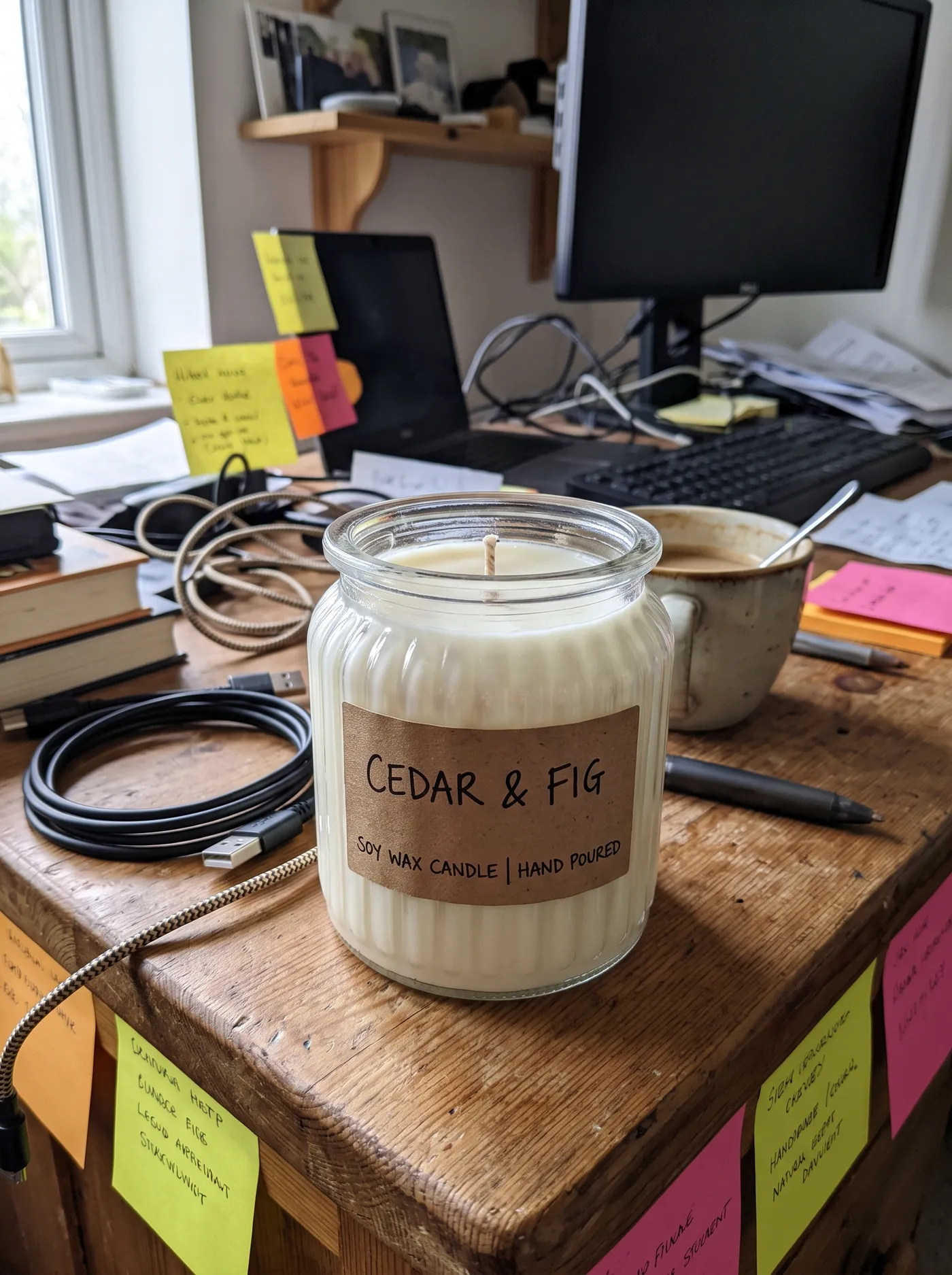
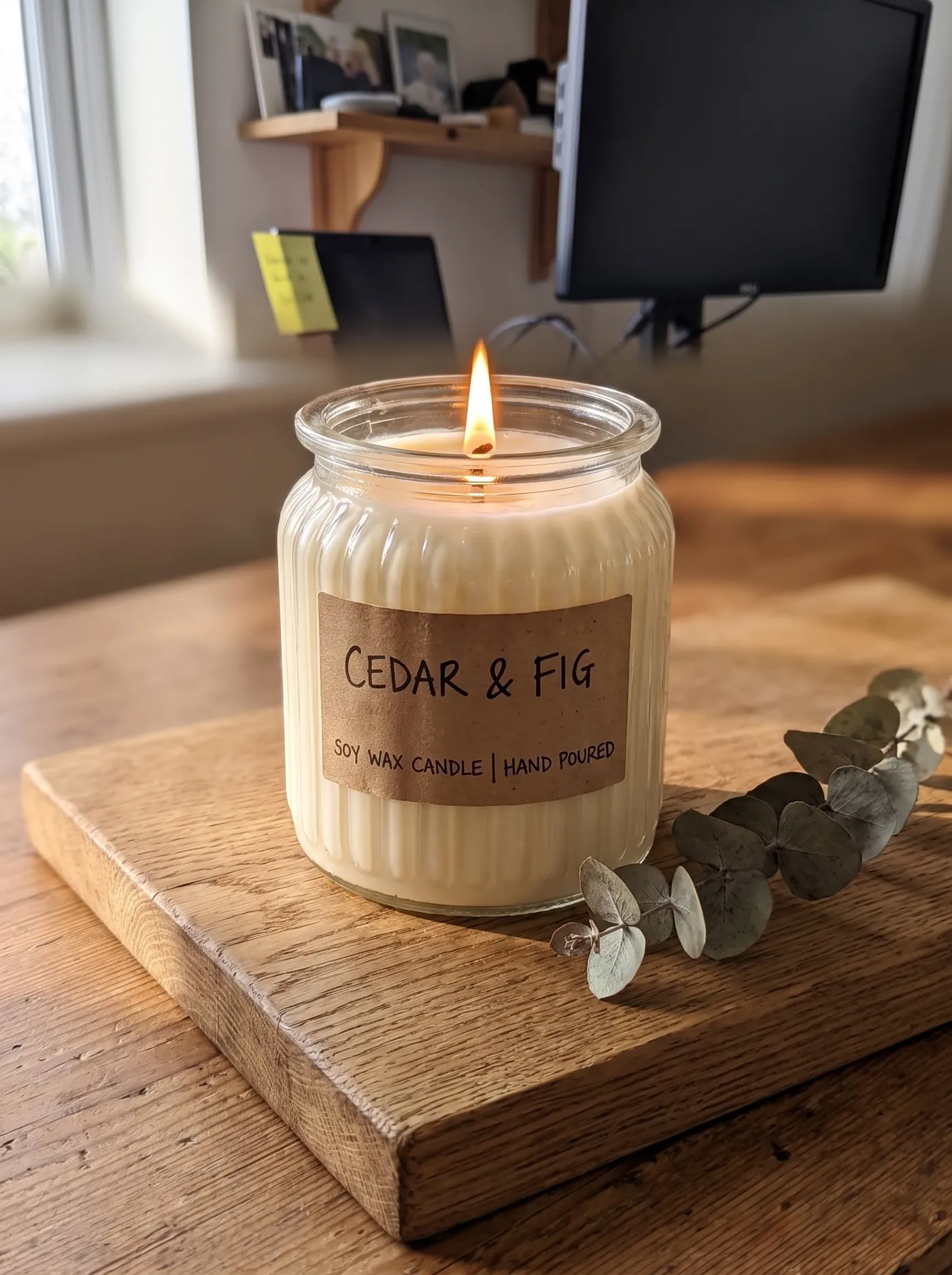
Turn a desk snapshot into a cozy product photo
This candle was photographed on a cluttered desk between cables and sticky notes. With the wood scene picked, it's lit and placed on an oak board with dried eucalyptus in warm window light. The jar and the CEDAR & FIG label stay as they were.
Use wood for candles, ceramics, coffee and anything handmade, where warmth sells more than a white backdrop.
Take a product outdoors without a shoot
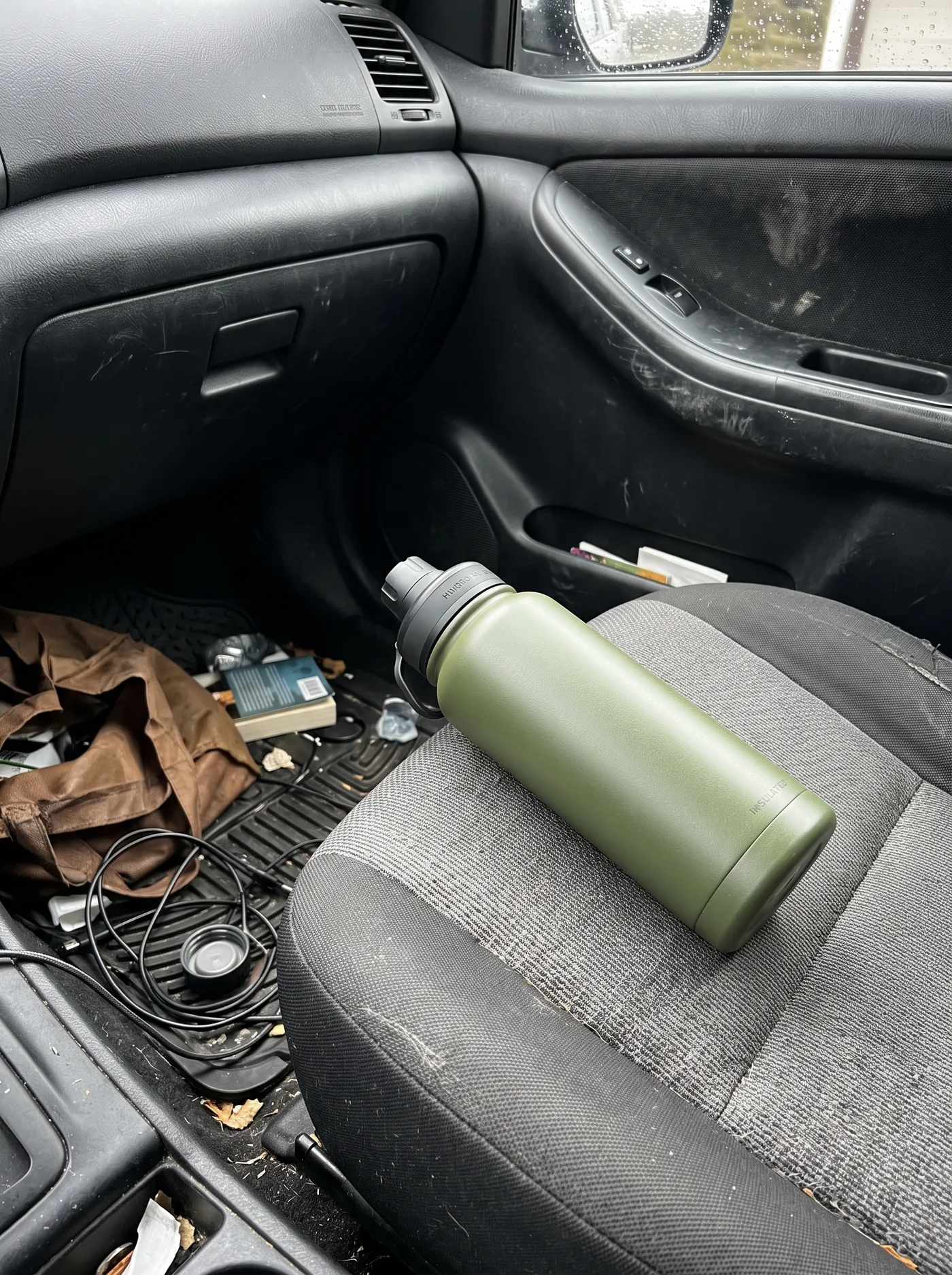
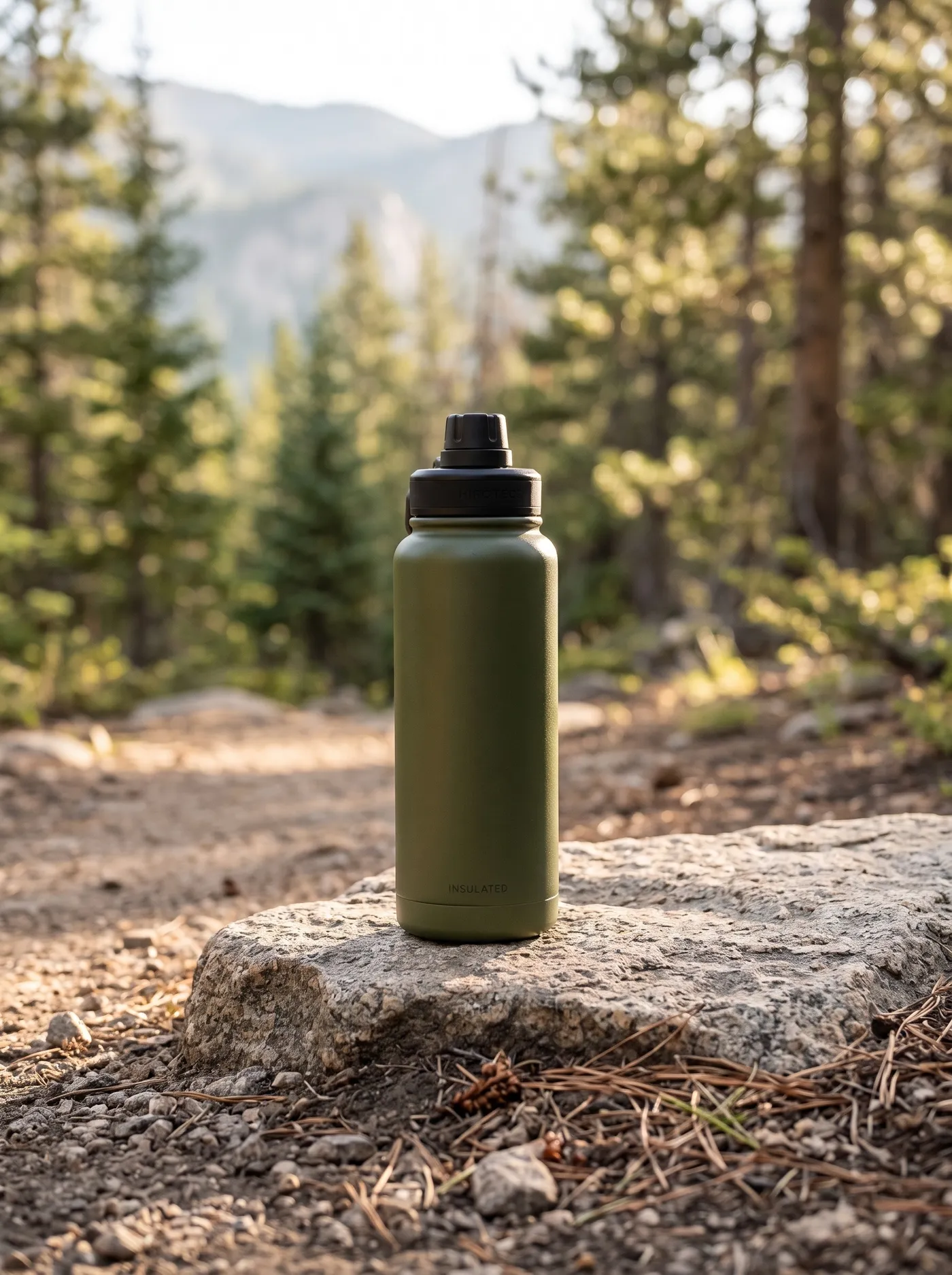
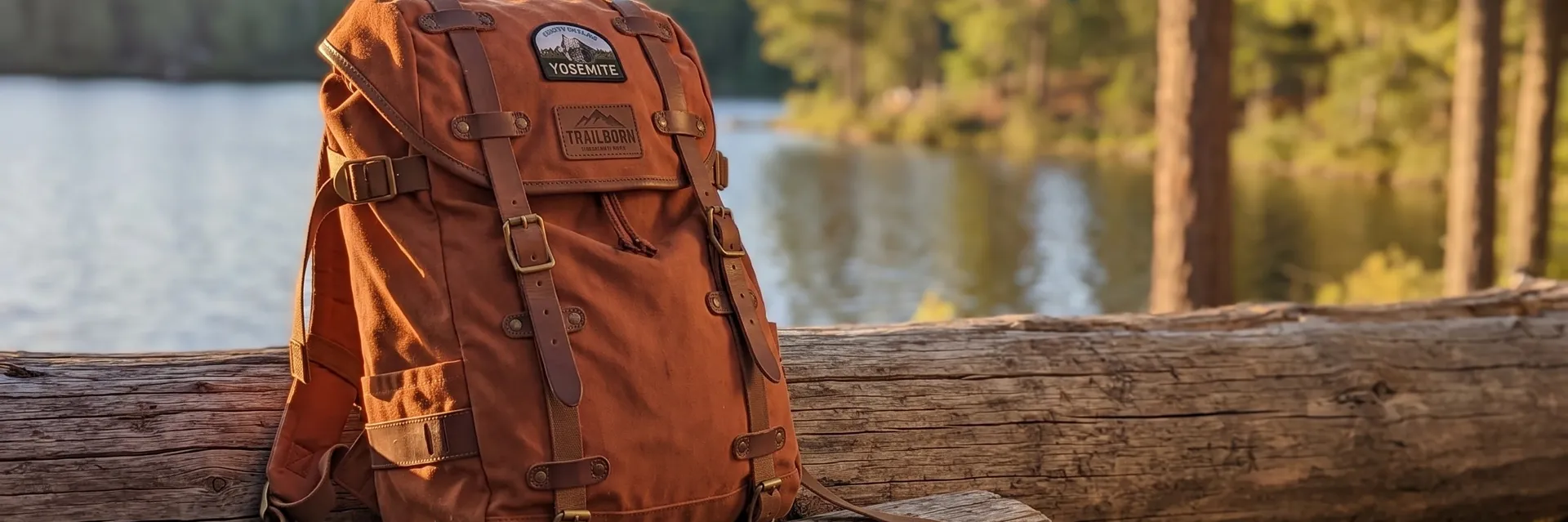
A water bottle on a car seat says nothing about where it's meant to go. The outdoor scene puts the same bottle on a granite rock by a mountain trail, with morning sun behind the pines.
Outdoor works for gear, drinkware and apparel. Add a setting in the text field, like a beach at sunset, to steer it.
Place food products in a kitchen that sells them
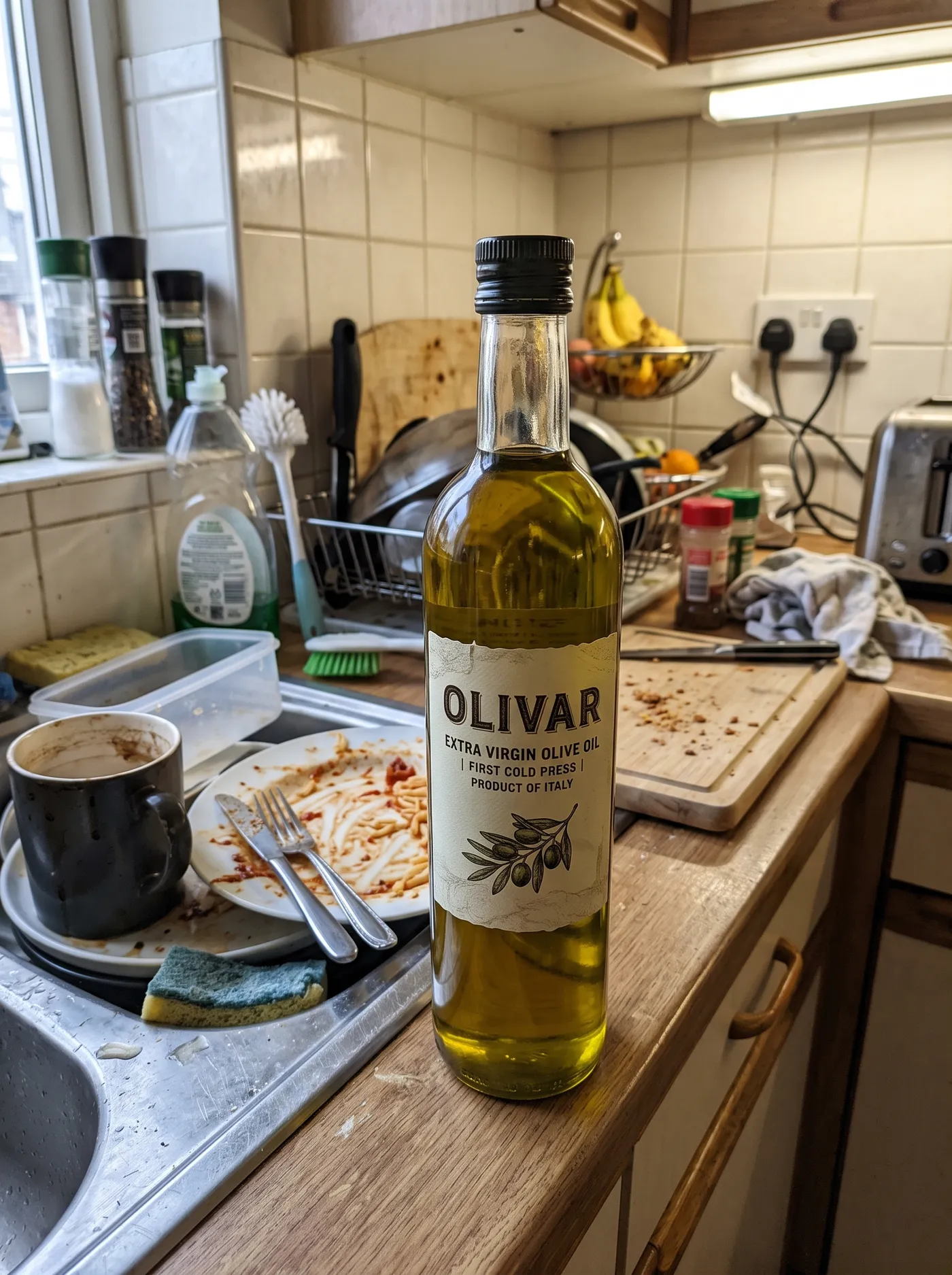
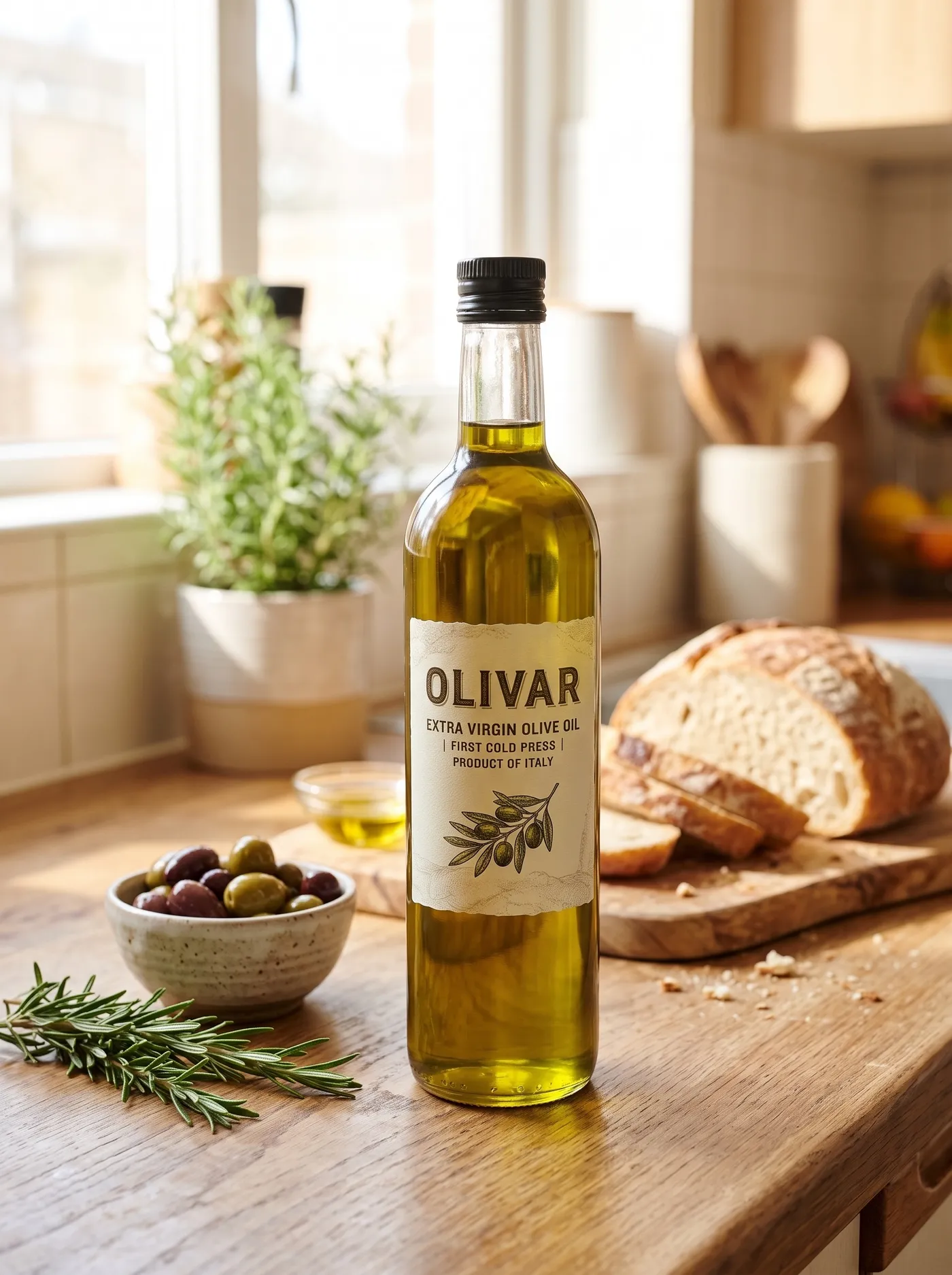
The kitchen scene moves this olive oil from a crowded counter into a bright rustic kitchen with bread, olives and rosemary, so shoppers see how it's used.
Use it for food and drink brands, recipe content and marketplace listings that allow lifestyle images.
Pick the scene that fits the channel
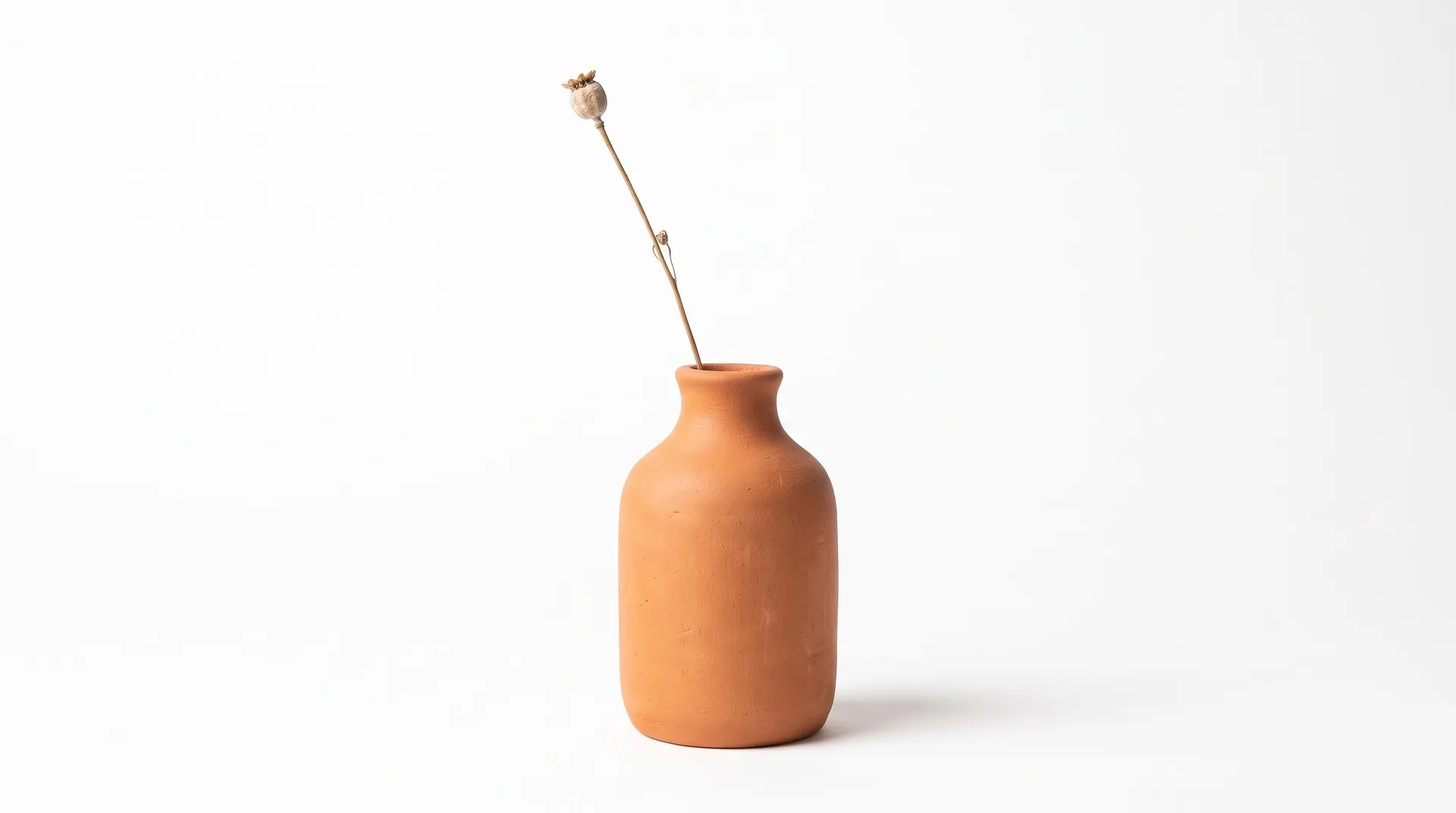
A marketplace listing, a homepage banner and an Instagram post each want a different backdrop. Start all of them from the same reference photos.
Skip the product shoot
A studio day means shipping samples, setting up lights and waiting for edits. Here the product photos you already have are the starting point.
getimg.ai
Add up to 3 photos
Angles, packaging or in-use shots.
Pick a scene
Twelve scenes, plus an optional note on surface or light.
Get studio-style shots
1 to 4 shots in 1:1, 4:3, 3:4 or 16:9, ready for the channel.
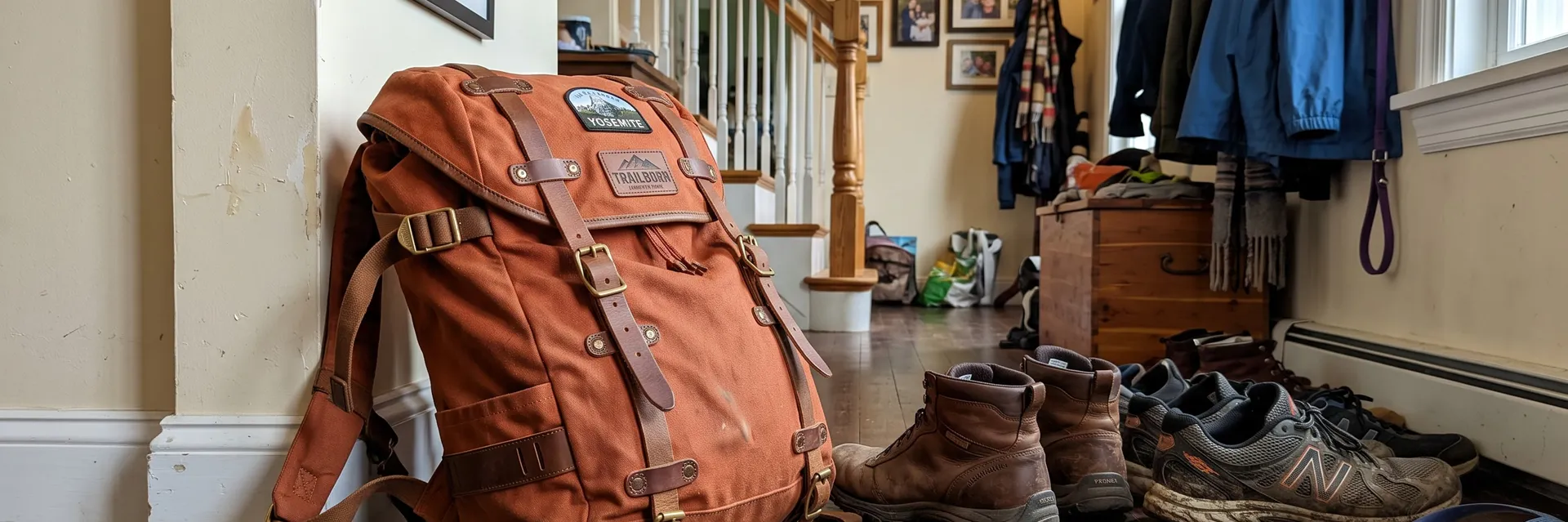
Traditional product shoot
- Ship samples to a photographer
- Book studio time and props
- Set up lighting for each surface
- Wait days for retouched files
- Pay again for every new backdrop
Get product shots that match the real thing
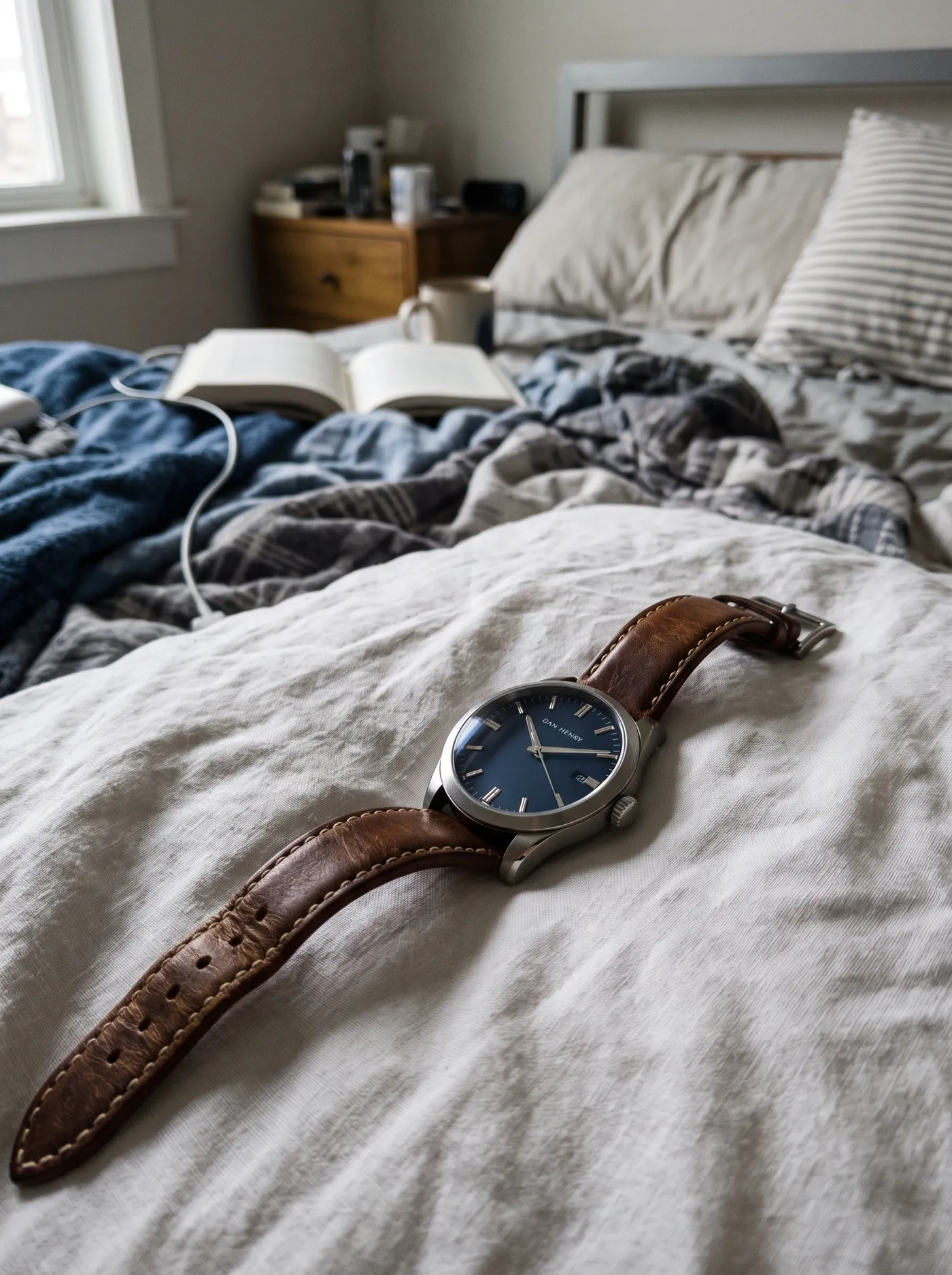
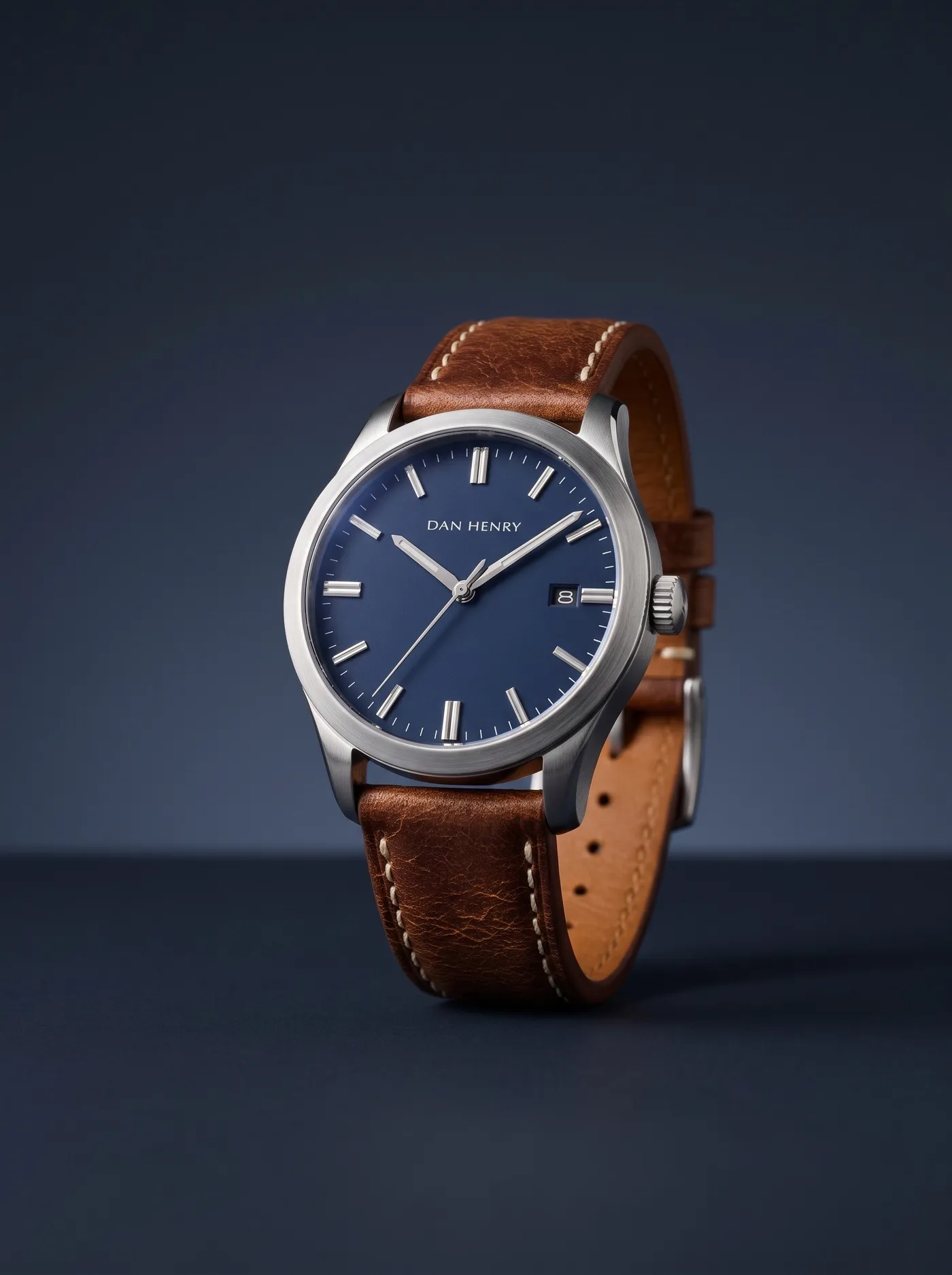
Gradient backdrops suit products with a strong shape. This watch was photographed on a rumpled bedsheet. On a navy gradient, the dial and strap stand out like a campaign image.
Frequently asked questions
Open Product shots on getimg.ai, add up to three photos of your product and choose a scene. Add details like the surface or the light if you want, pick the quality, aspect ratio and number of variations, and generate.
Clear photos that show the product accurately: different angles, the packaging or the product in use. The more accurate the references, the truer to life the shape, color and label stay.
Scenes: white studio, dark studio, marble, wood, concrete, linen, plinth, water, gradient, kitchen, bathroom and outdoor, plus a text field to describe anything else. Quality: 1K or 2K. Aspect ratios: 1:1, 4:3, 3:4 and 16:9. Variations: 1, 2, 3 or 4 per run.
The product is rebuilt from your reference photos, so its shape, color and label usually carry over. Small print and fine details can shift, so check each shot before it goes on a listing.
The 12 scenes cover studio-style setups. For a full lifestyle setting with people, rooms or a story around the product, use AI lifestyle product photography, where you describe the whole scene yourself.
Yes. Pick the closest scene, then use the optional text field to name a surface, a setting or the light, like a terrazzo counter or late-afternoon sun.
Yes. White studio at 1:1 suits marketplace main images. Check each marketplace's image rules, since some require the product to fill most of the picture.
Yes. Run the same product through several scenes, for example white studio for the main listing image and kitchen or outdoor for lifestyle shots.
Yes. Every paid plan includes commercial use, subject to our terms and applicable third-party rights. Plans start at $8 a month.
Turn the photos on your phone into studio product shots
Add up to three photos, pick a scene and download shots for your store.