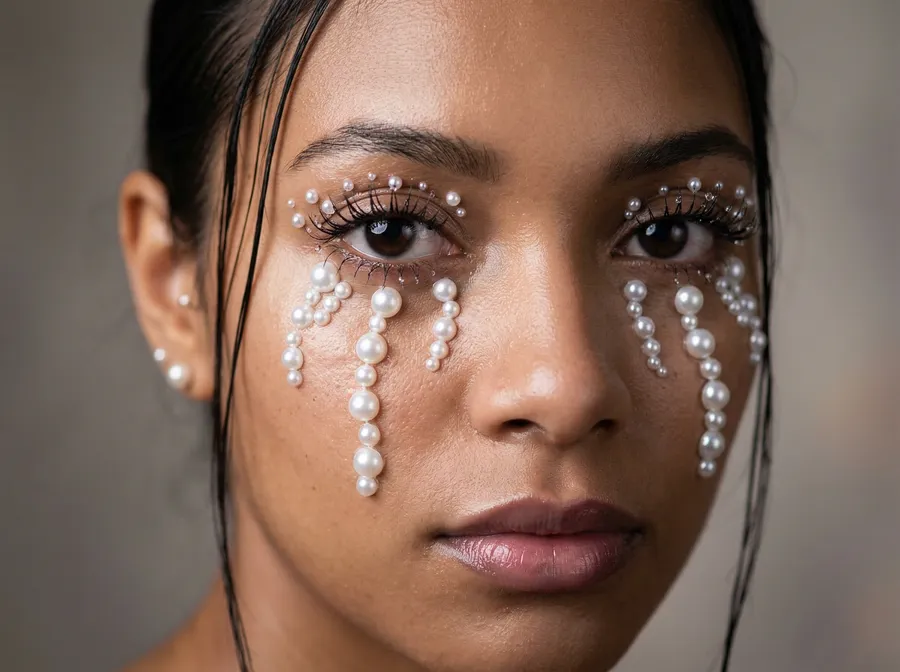
Realistic AI Image Generator
Create realistic AI images in minutes from a text prompt or reference image. getimg.ai helps you generate lifelike portraits, product photos, branded visuals, and polished scene renders without booking a shoot or searching stock libraries.


Why getimg.ai works for realistic AI images
Different prompts need different models. getimg.ai gives you access to plenty of top AI models in one platform, so you can choose the tool that fits the shot instead of forcing every portrait, product image, or campaign visual through the same generator.
Realistic results you can actually publish
Many tools can make an AI image. Fewer can make one you would put in front of customers. getimg.ai gives you models capable of natural lighting, detailed textures, realistic facial features, and believable materials, so your outputs read as finished photography rather than rough AI drafts.
Create or refine realistic images
Start from scratch with a prompt or upload a reference to guide the result. You can create realistic AI photos from text, or use image-to-image workflows to make an existing visual look more realistic, more polished, or more on-brand.
Fast from prompt to finished image
You can go from idea to realistic image in minutes. Describe the scene, choose a format, generate variations, and keep refining without switching tools. That makes the workflow useful for marketers, ecommerce teams, creators, and anyone who needs visual output on the same day.
Generate realistic images from text
Turn plain-language prompts into polished visuals with a realistic AI image generator built for fast iteration. Describe the subject, setting, lighting, camera angle, and mood, then generate multiple options in seconds.
This is useful when you need:
- realistic AI portraits and headshots
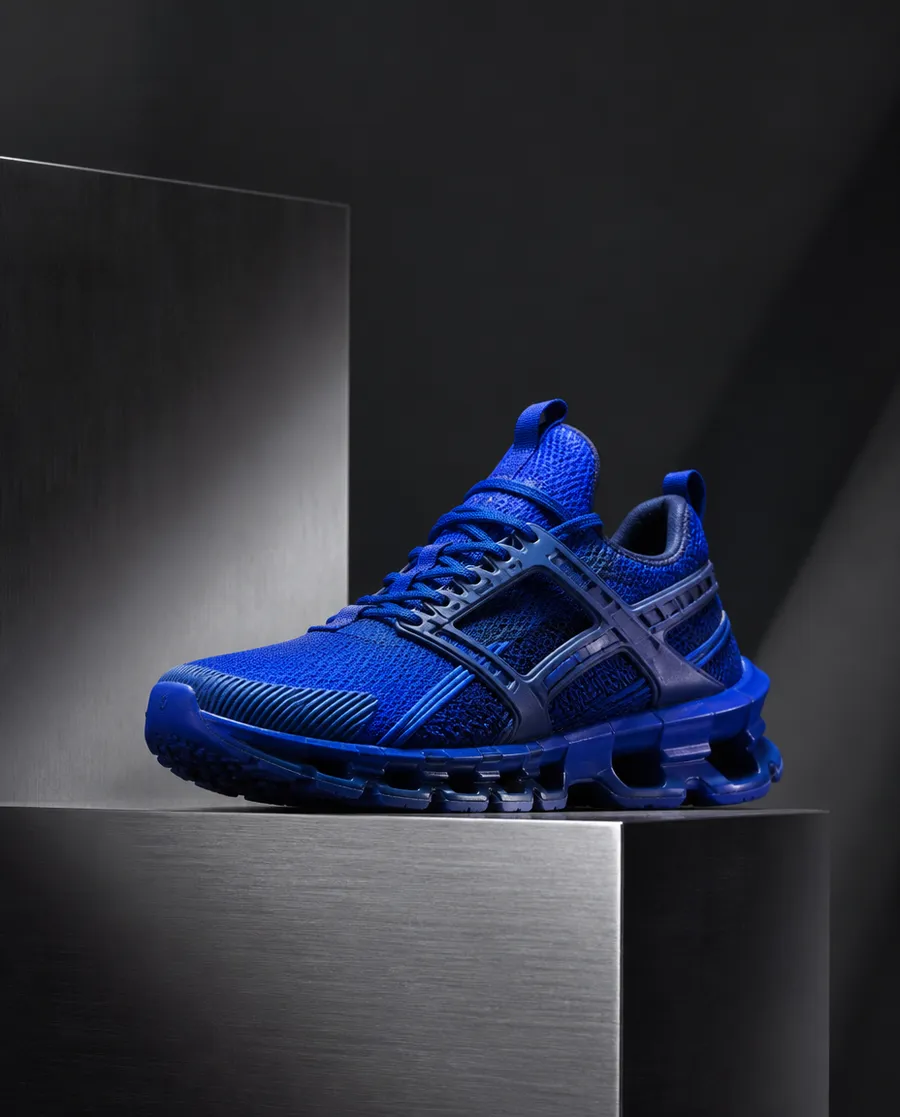
- realistic product and lifestyle images
- photorealistic blog, ad, and landing page visuals
- custom scenes that stock libraries rarely have.
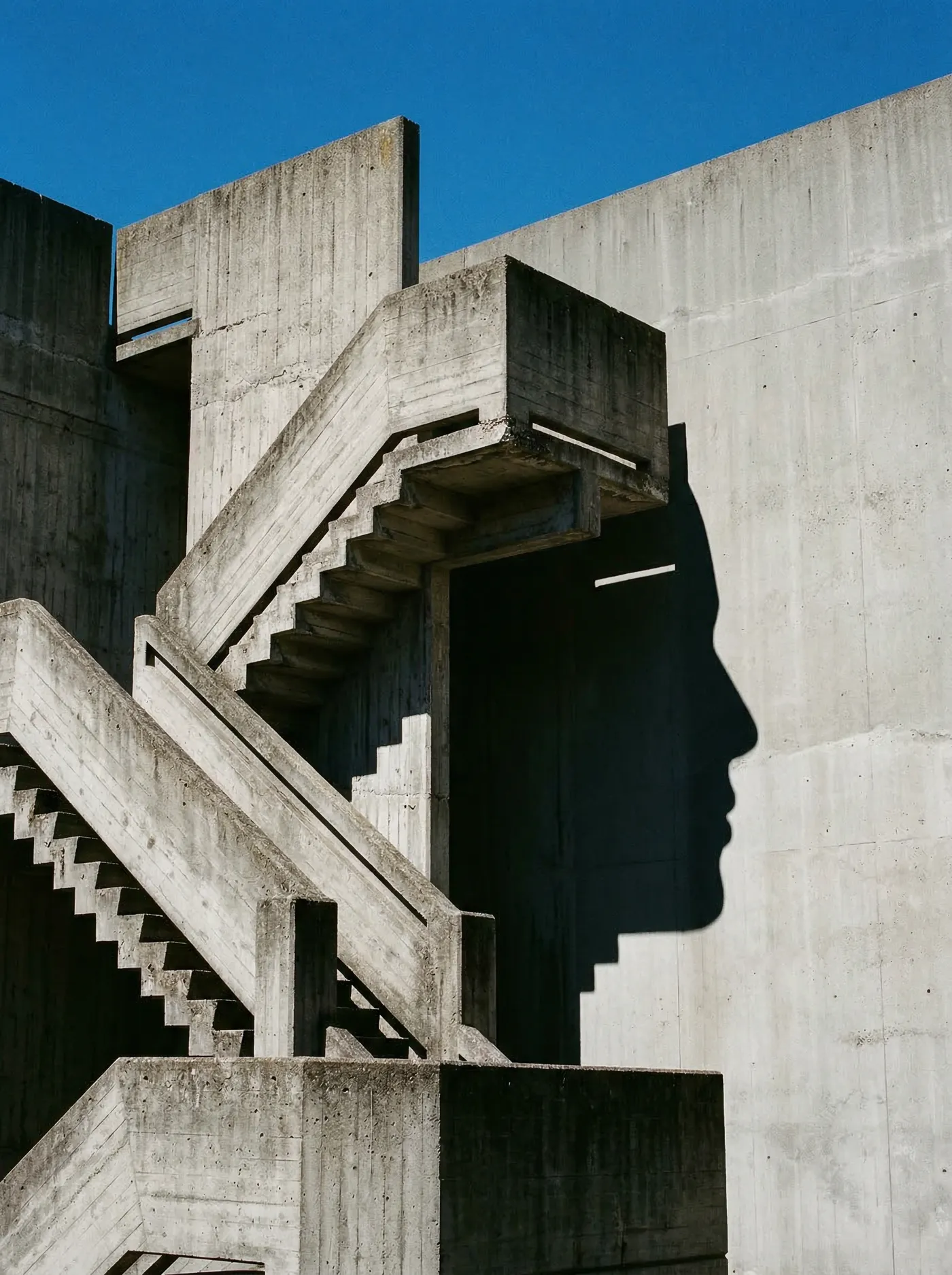
a hyperrealistic staircase in a modern concrete space, from one angle it looks ordinary, from another it forms a human profile in shadow, sharp sunlight, architectural surrealism, gallery-like atmosphere, fine art photography, surreal realism
What makes an AI image look realistic?
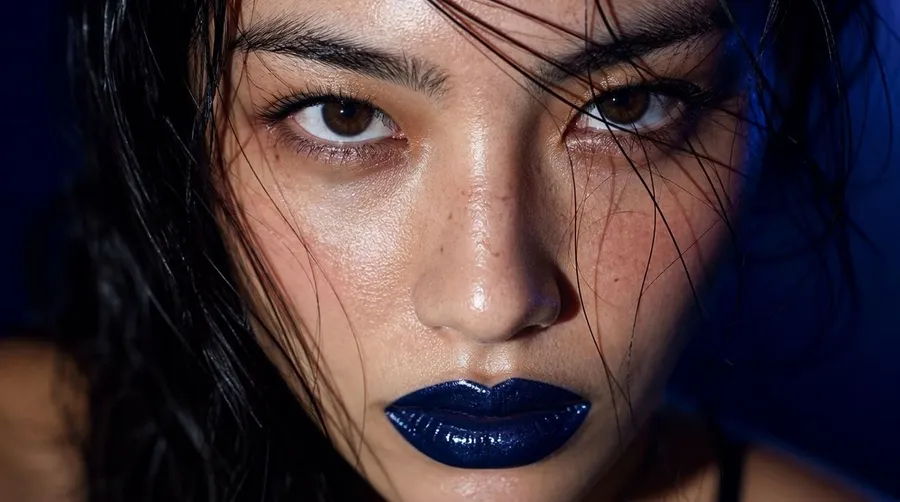
Realism is not one setting. It comes from a few visual ingredients working together. Name them on purpose and the model stops guessing.
How to prompt photorealistic AI images
A useful realistic prompt reads like a photographer planning a shoot. Describe what is in the shot, how it is lit, and how it is captured. A simple structure covers most of it.
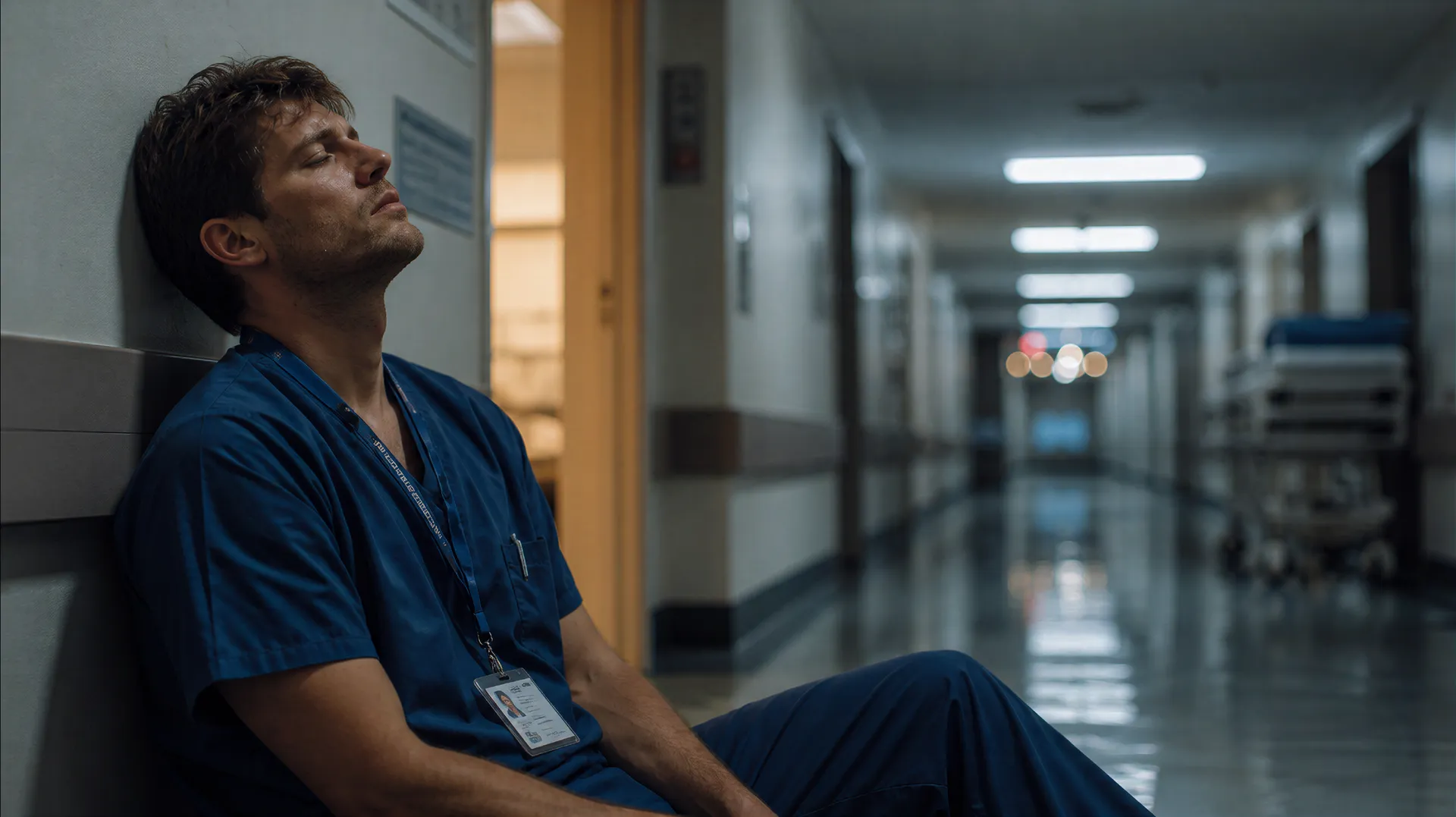
Put together, that looks like: a night-shift nurse leaning against a hospital corridor wall, cold fluorescent ceiling light mixing with a warm glow from an open doorway, shot on a 35mm lens at f2.0, shallow focus with a blurred gurney further down the hall, creased scrubs and a lanyard catching the light, quiet and worn-out.
What you can create with a realistic AI image generator
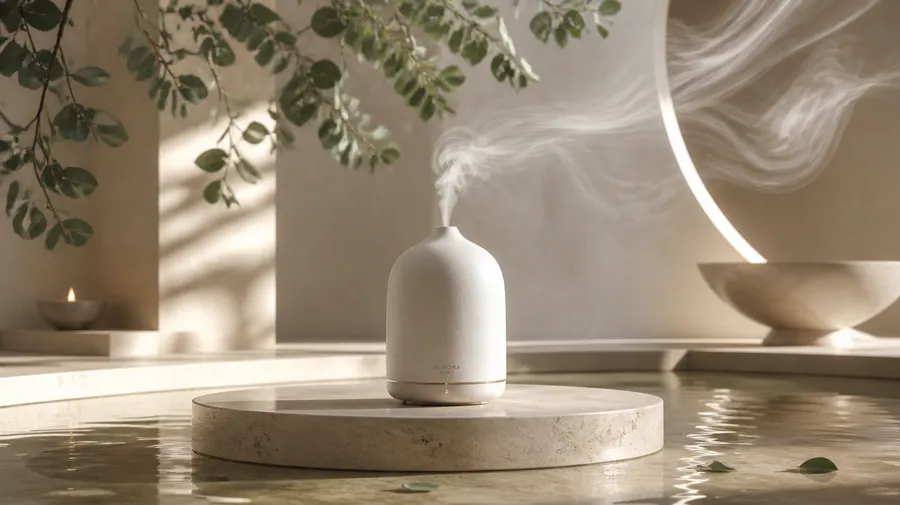
Create realistic product photography
Product visuals are where realistic AI generation pays off fastest. Put the same item in a clean studio setup or a lived-in scene, then produce the variations each channel needs. It fits naturally into an e-commerce content workflow when you are producing catalog and campaign images at volume.
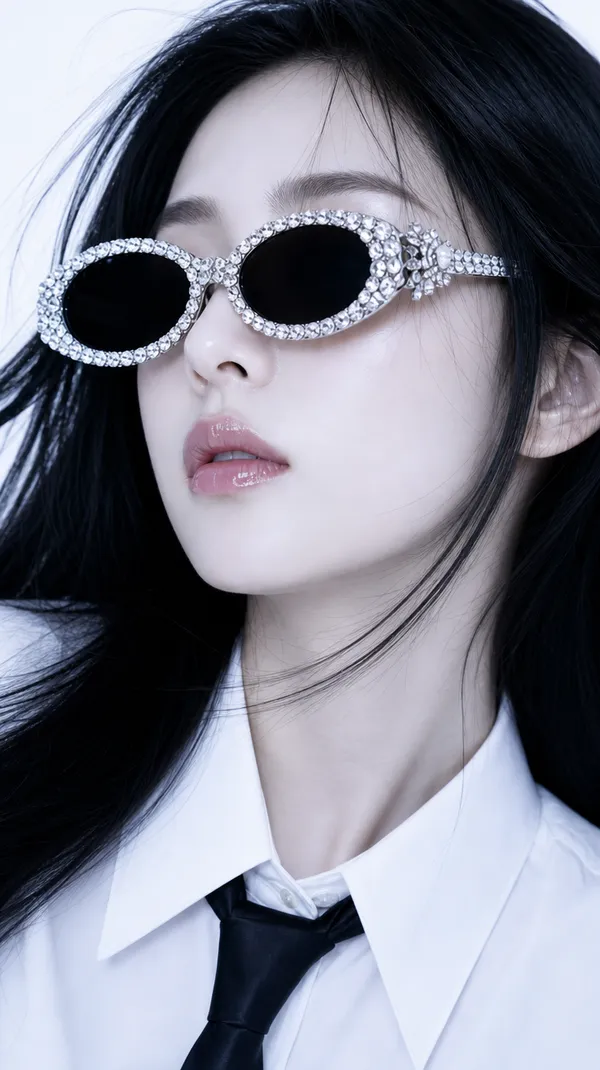
Generate realistic AI people and portraits
A lot of realistic-image searches are really about people. getimg.ai can create believable portraits and characters, from quick concepts to polished, professional-looking headshots. Set expectations sensibly: for important assets, review the fine details before you publish.
The details AI still gets wrong most often are facial features, hands, accessories, and the background, so check those on any people shot that matters.
Convert an existing image into a realistic AI image
Not every project starts from a blank prompt. Sometimes you already have a product image, a concept render, a rough mockup, or an AI draft that needs a more believable finish. Upload your source, describe what should change, and generate a more polished result while keeping the original subject and layout as guidance.
- 3D render to realistic product image
- Rough interior render to photographic concept
- AI draft to more believable lighting and materials
- Product cutout to lifestyle shot
- Use the original subject as a reference while refining texture, lighting, and depth
- Explore multiple realistic directions from one starting image.
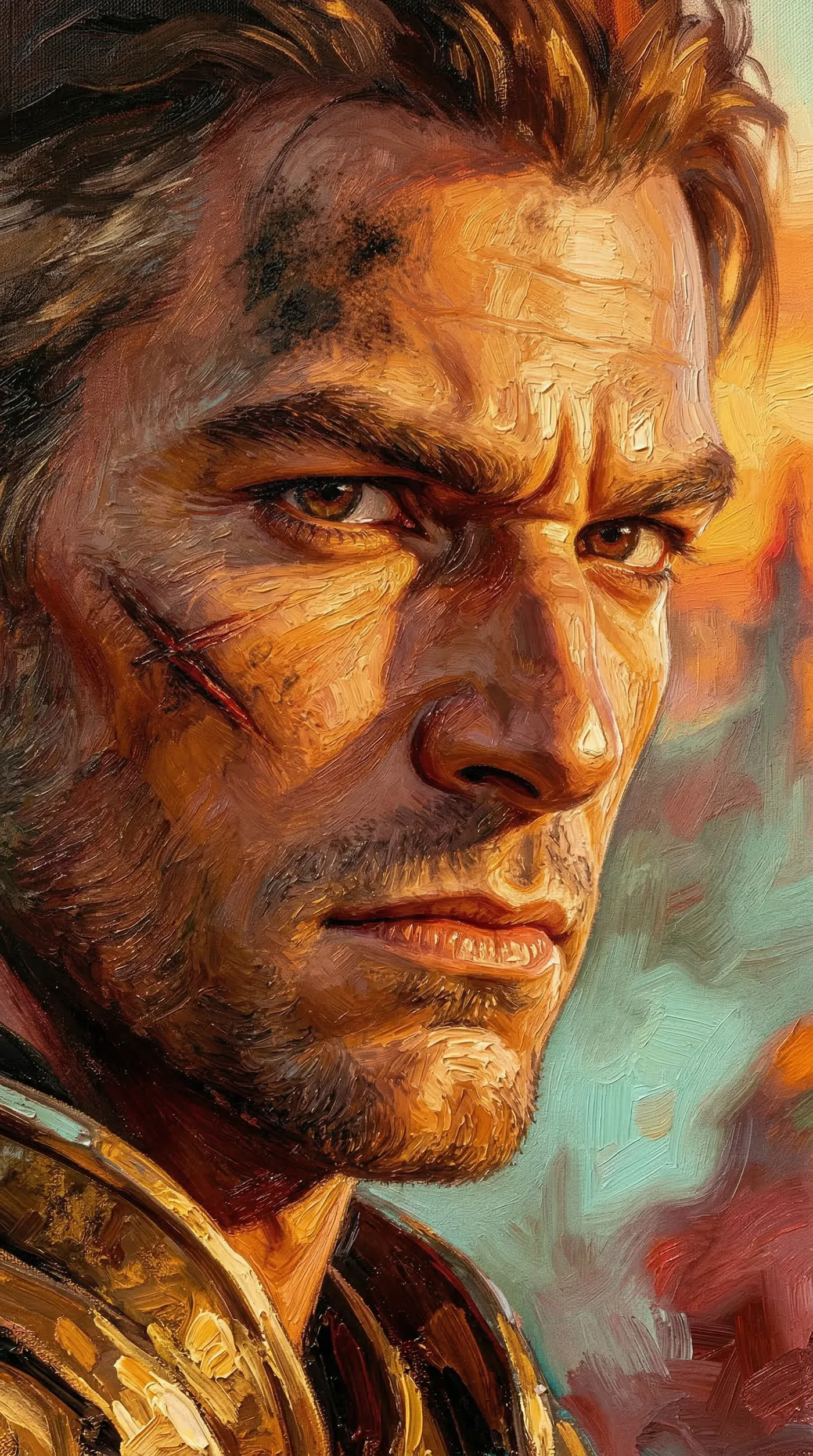
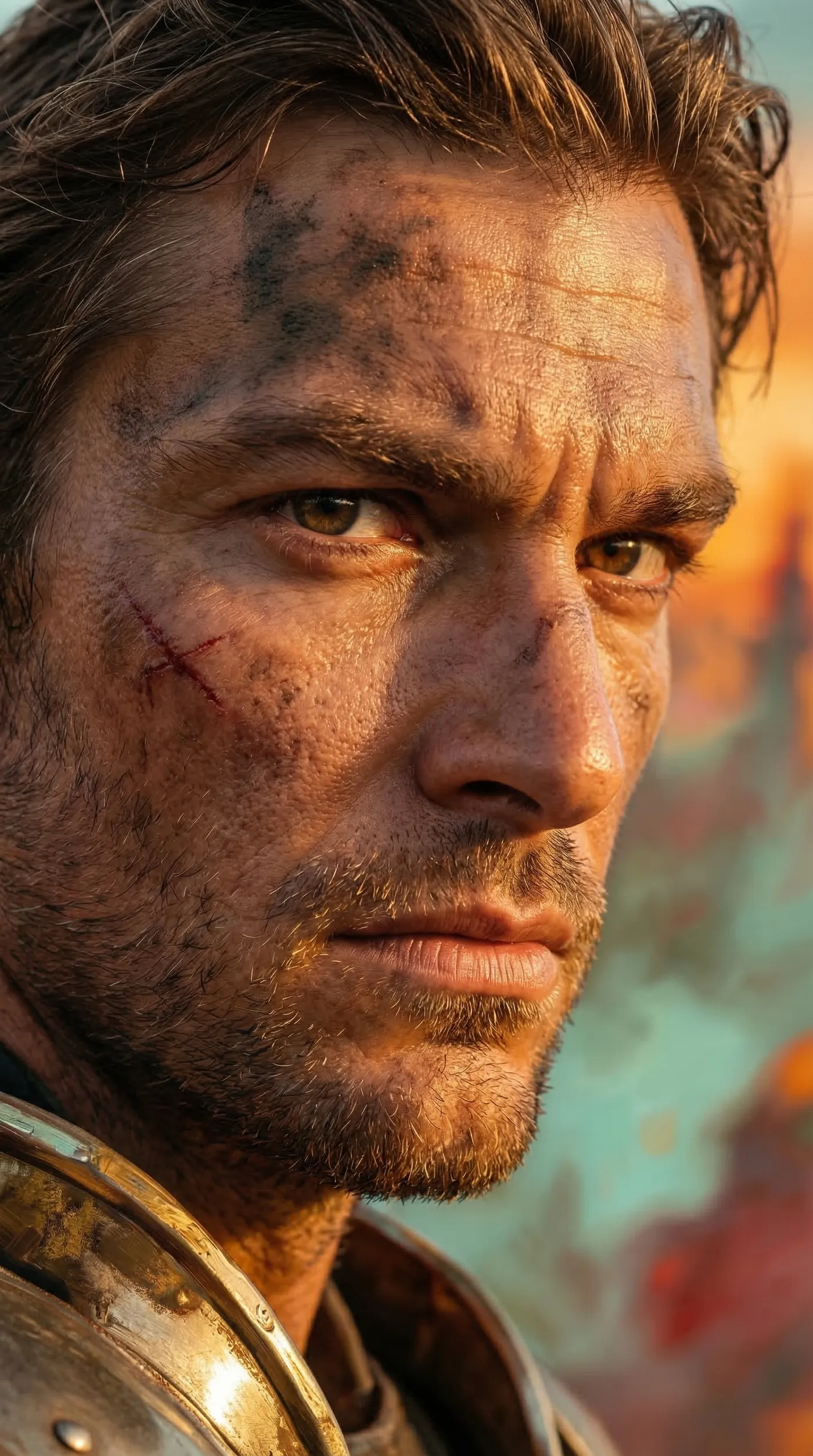
Realistic AI image prompt examples
Six prompts you can adapt. Each names the subject, the light, and the way it is captured instead of stacking quality words.
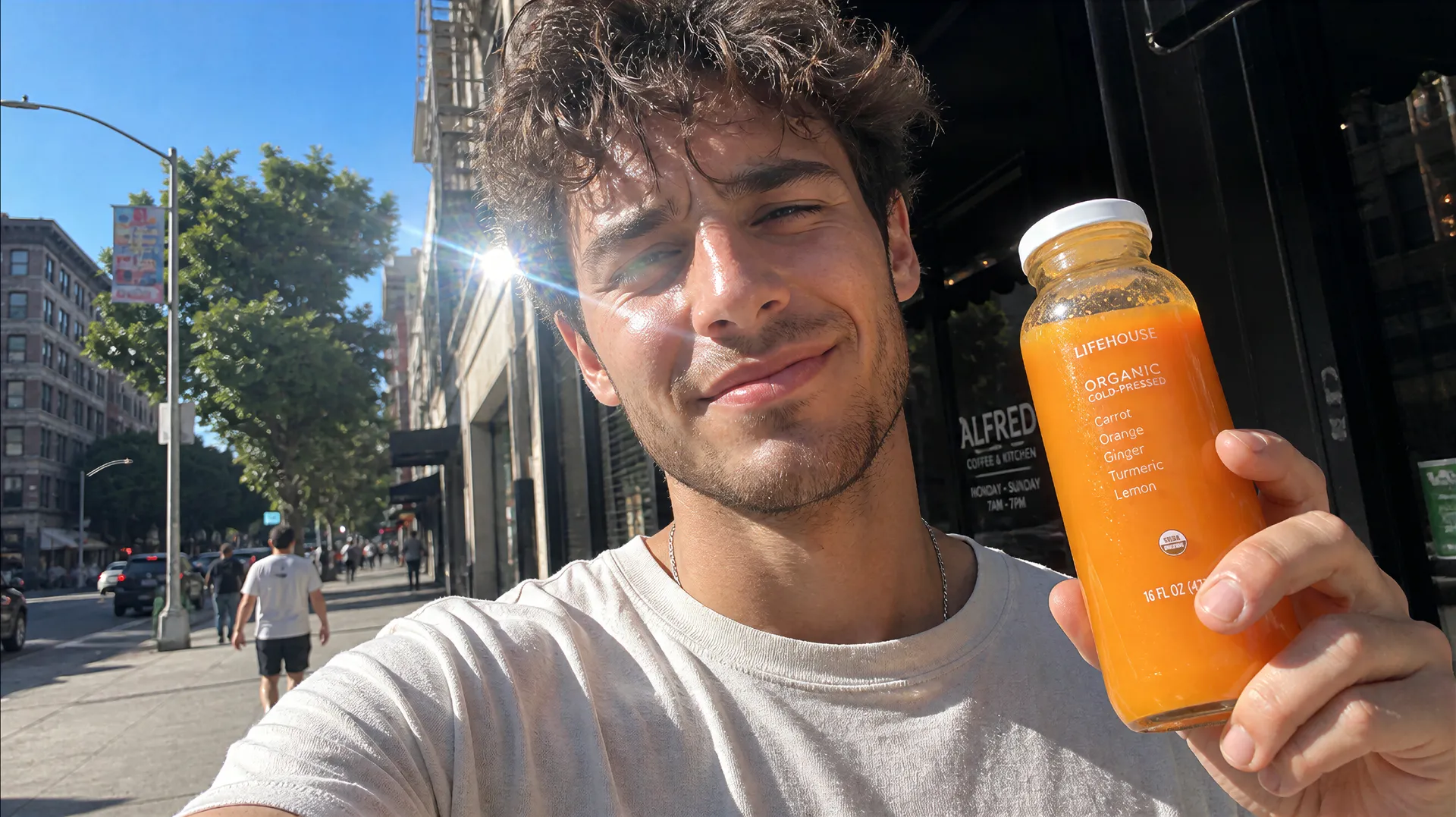
When realistic AI images make sense
AI generation is not a replacement for every photo. It earns its place where speed, control, and volume matter more than capturing a real moment.
Rapid concept exploration
When you need to see an idea before committing to production, generate and compare directions in minutes instead of scheduling a shoot.
When stock does not fit
When no library image matches the exact product, person, setting, or message you have in mind, describe the scene you actually need and generate it.
Many campaign variations
When one concept has to run across formats, audiences, and channels, produce a set of on-brand variations without reshooting each one.
When a real photo shoot is still the better choice
AI is not the right tool for everything, and pretending otherwise sets you up for disappointment. Some work still calls for a camera.
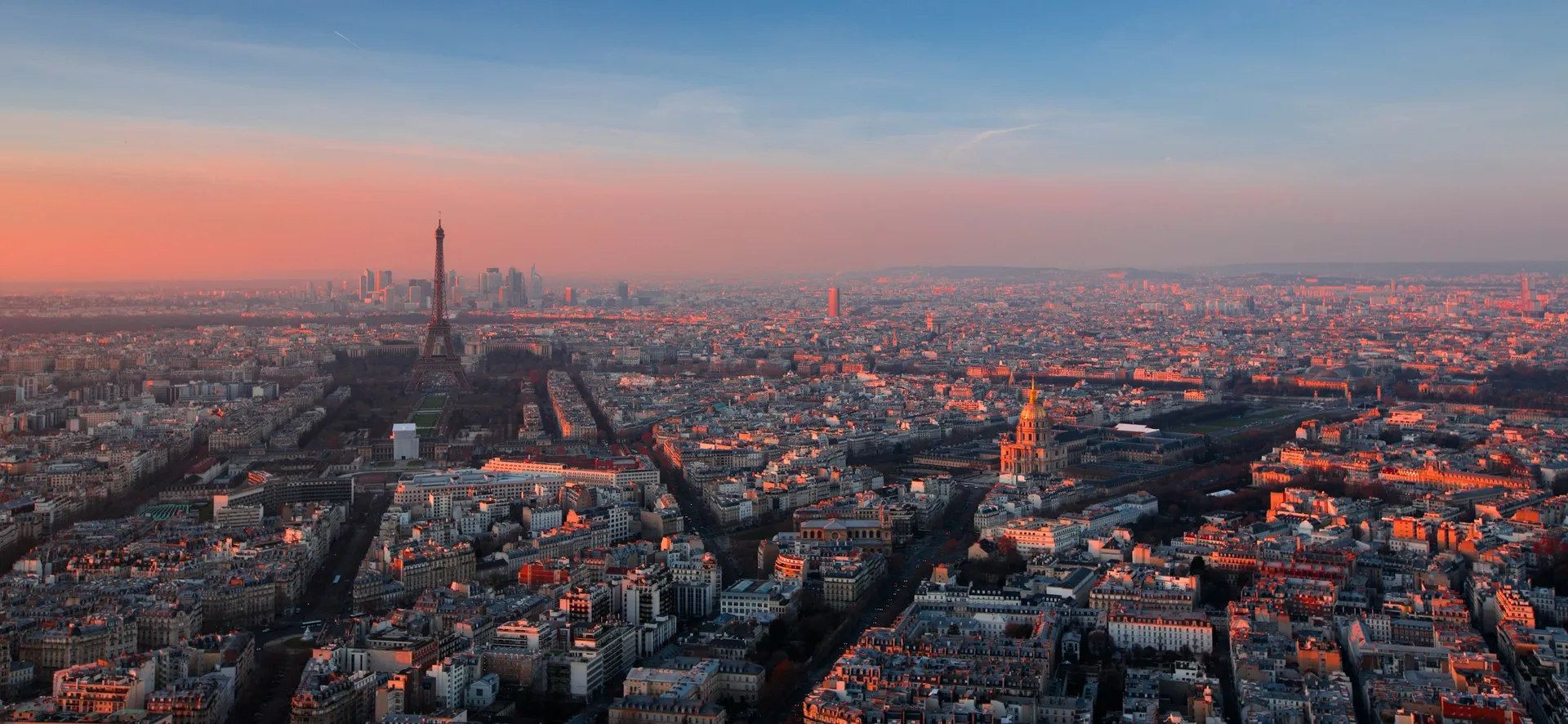
One workflow for realistic AI images, edits, and variations
Some models are stronger for clean product visuals, others for people, scenes, or precise prompt following. getimg.ai lets you compare and iterate without switching platforms, then move between three paths in the same place.
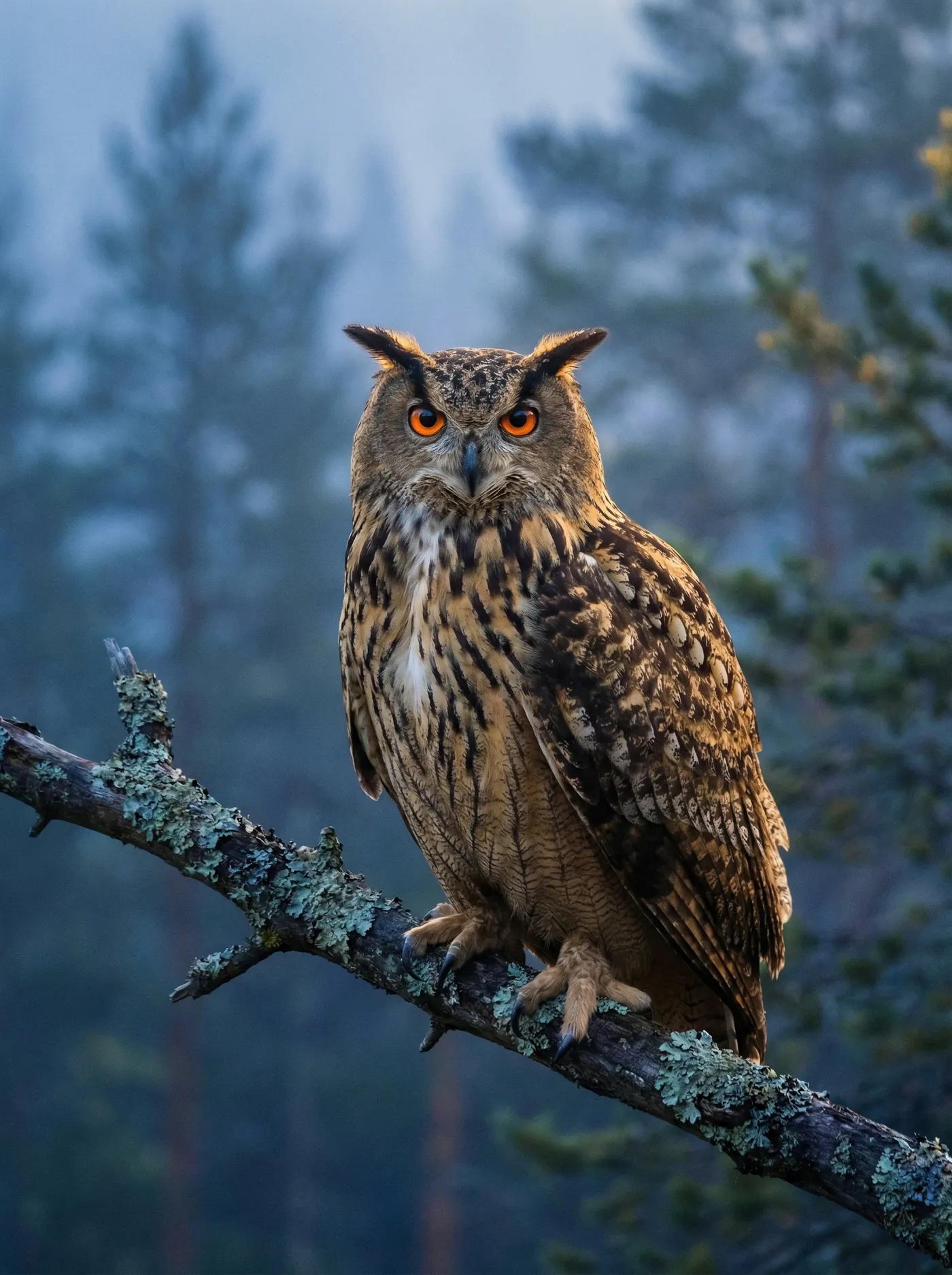
Which AI model is best for realistic images?
There is no single best model. The right choice depends on what you are making, so here is what led in our own testing, use case by use case. You can select any of these directly or let getimg.ai pick for you.
Explore Other AI Features & Tools
Frequently Asked Questions
A realistic AI image generator creates lifelike images from text prompts or reference images. Instead of producing stylized art only, it focuses on photographic qualities such as believable lighting, natural textures, depth, and proportion. With getimg.ai, you can generate realistic AI images from scratch or refine an existing image into a more realistic result.
Describe the shot the way a photographer would plan it, not with a list of quality words. Name the subject and what they are doing, the environment, the lighting, the framing, and the lens or focal length, then add depth of field, key materials, and the overall mood.
Start with a clear subject and describe the scene in concrete terms. Mention lighting, camera angle, framing, materials, and environment instead of relying on generic adjectives alone. You can also use a reference image or image-to-image workflow when you need stronger realism, more consistency, or a closer match to an existing concept.
It depends on the use case. AI generation gives you more control over the subject, setting, composition, and lighting, and it is faster when you need something specific or many variations. Stock and real photography still make sense when you need an actual photo of a real person, place, or event, or documentary content where authenticity matters. Many teams use both: AI for tailored concepts and variations, real photography for genuine moments.
The most realistic AI image generator depends on what you need to create. Some tools are stronger for portraits, others for product visuals, scene control, or prompt accuracy. getimg.ai is a strong option when you want realistic AI images and the flexibility to try multiple leading models in one workflow instead of being locked into a single generator.
For realistic photos, the right AI image generator should give you strong image quality, reliable prompt control, and room to refine the result. getimg.ai is built for that kind of workflow, with text-to-image, image-to-image, and 29+ models available in one platform.
Yes. If you want to convert image to realistic AI output, upload your source image, describe the changes you want, and use image-to-image or reference-guided generation to create a more lifelike result. This works well for product images, sketches, drafts, and visuals that need a more photographic finish.
Yes, with a paid plan. Paid plans include commercial rights subject to your current plan terms and usage policies, which makes getimg.ai suitable for client work, ecommerce, ads, branded content, and other business use cases.
Yes. You can use getimg.ai as a realistic AI photo generator for headshots, portrait concepts, product visuals, social content, and other commercial work. To generate realistic AI people, start with a detailed prompt or a portrait reference image, then refine for facial detail, lighting, and composition before you publish.
Create realistic AI images without slowing down your workflow
Generate realistic portraits, product photos, and marketing visuals, compare multiple models, refine the result, and download when it is ready.