AI Image Resizer: Change Aspect Ratio with AI
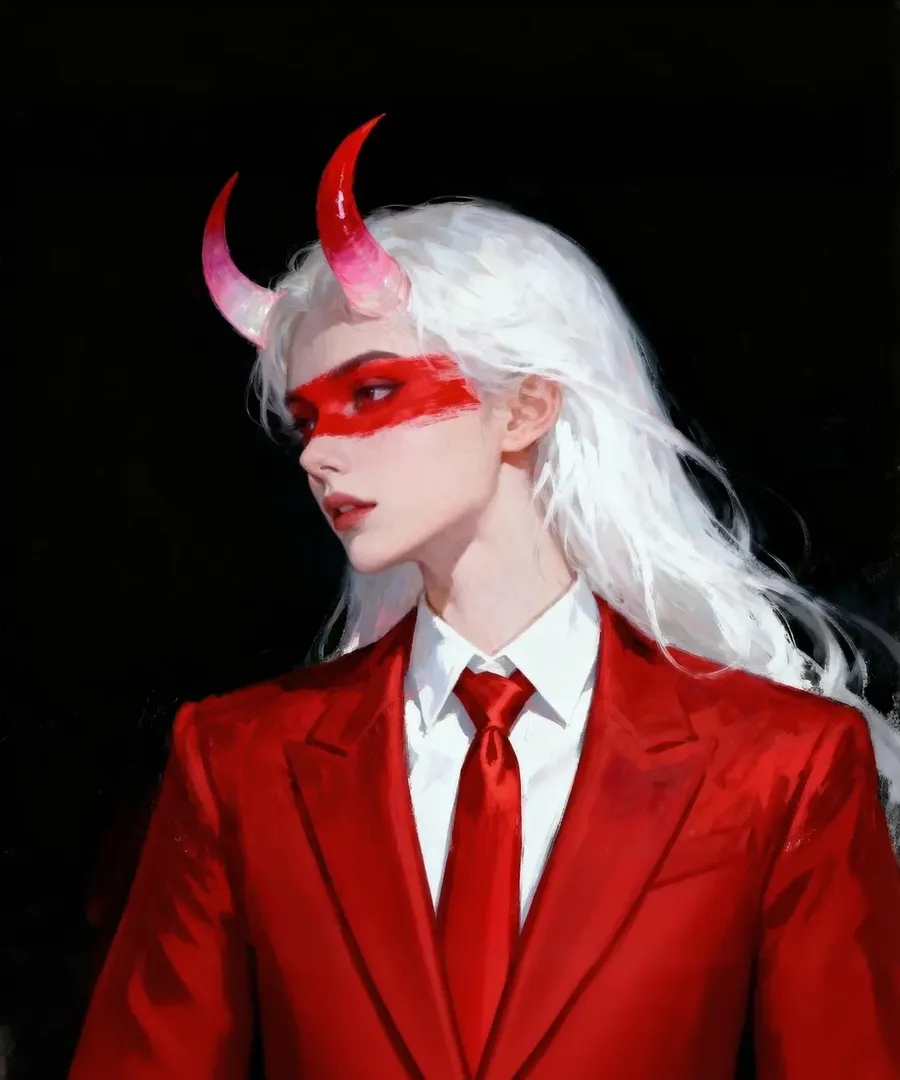
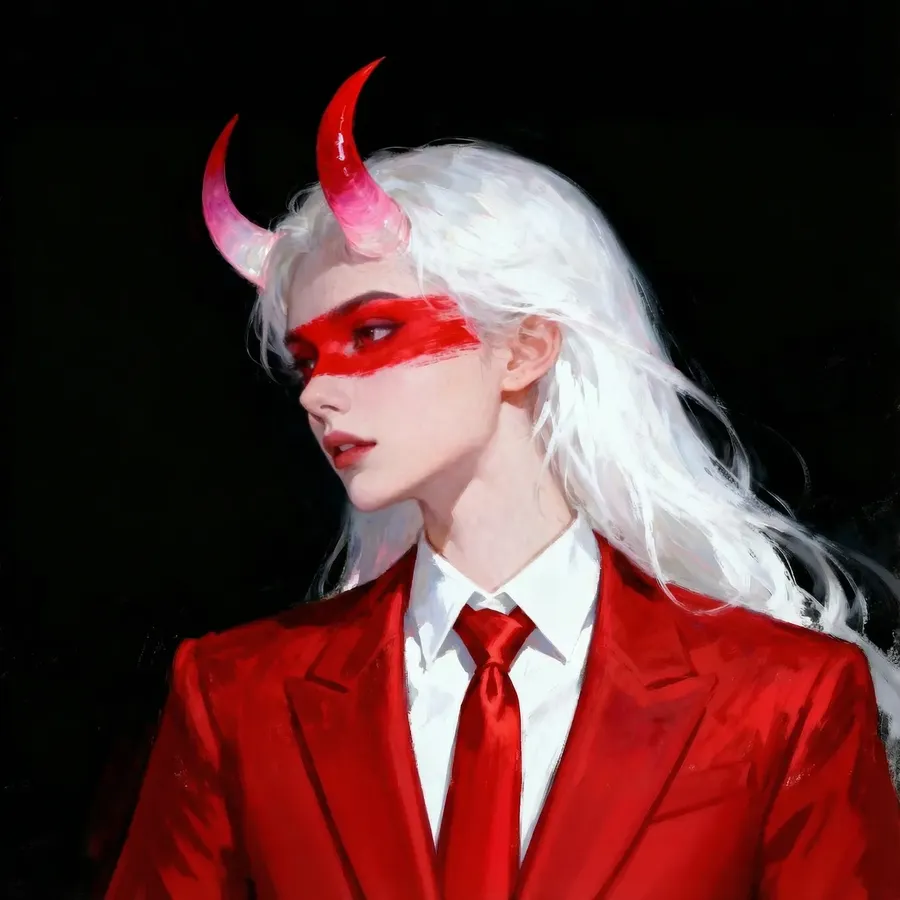
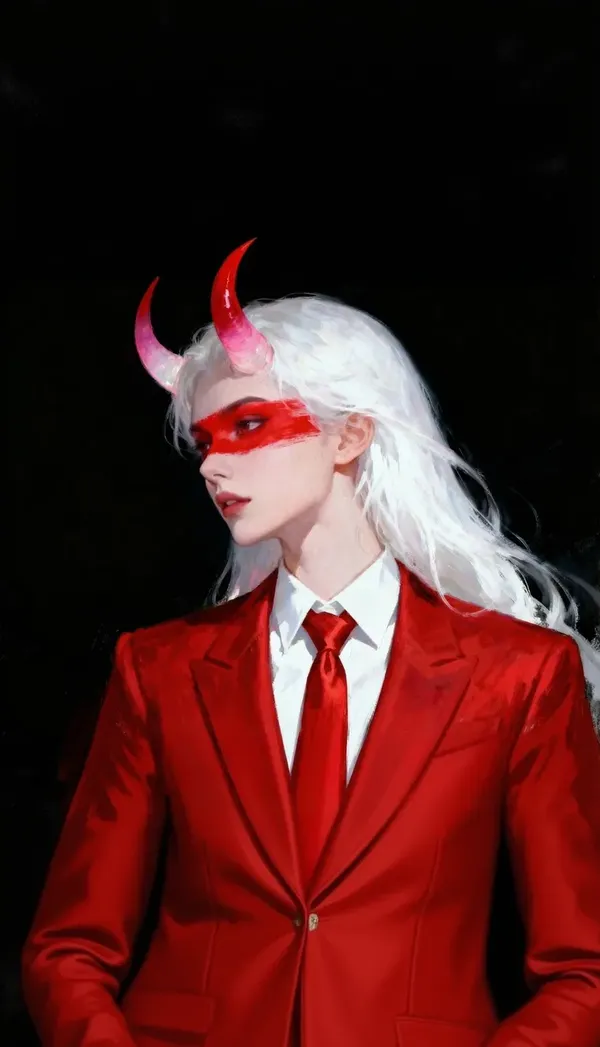
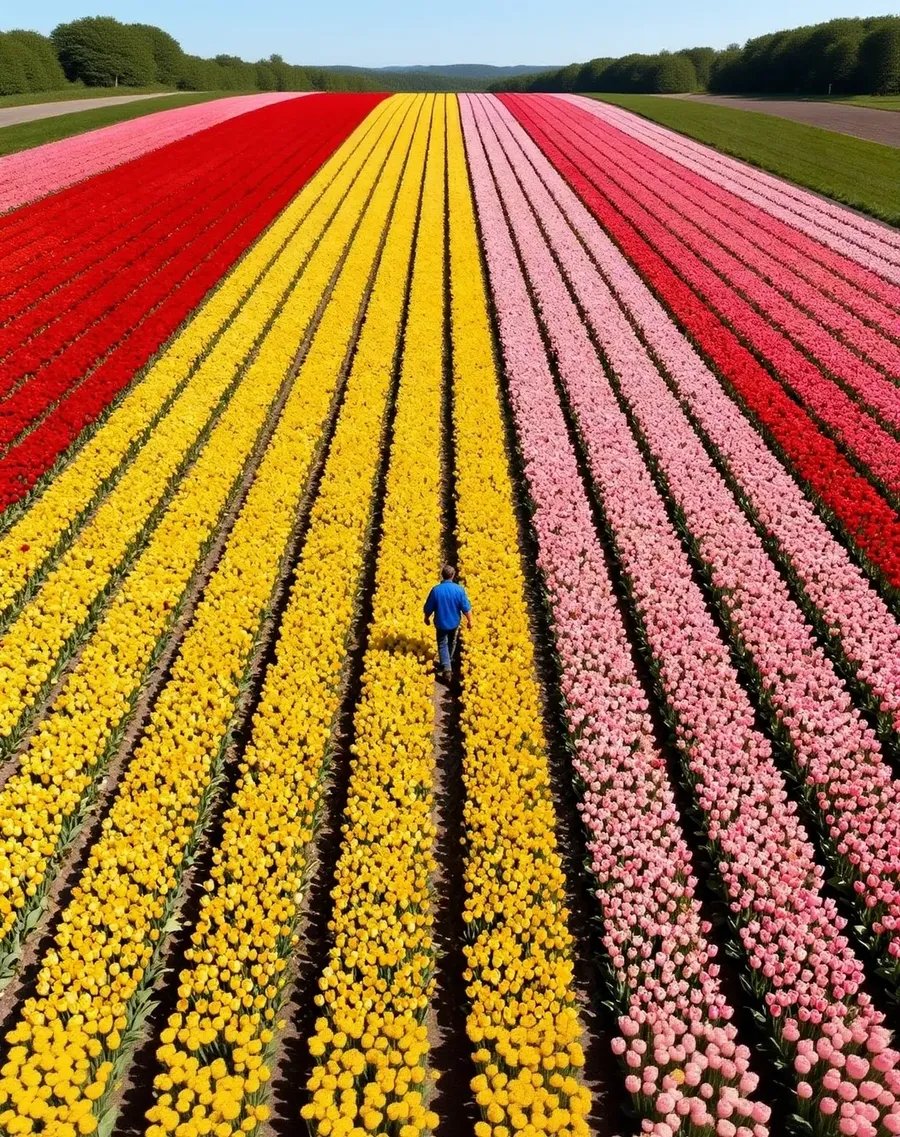
Two ways to reach a new format. Smart Resize regenerates the composition for the ratio you picked. Outpainting keeps your original and generates only the canvas around it. Ten aspect ratios, no manual cropping.
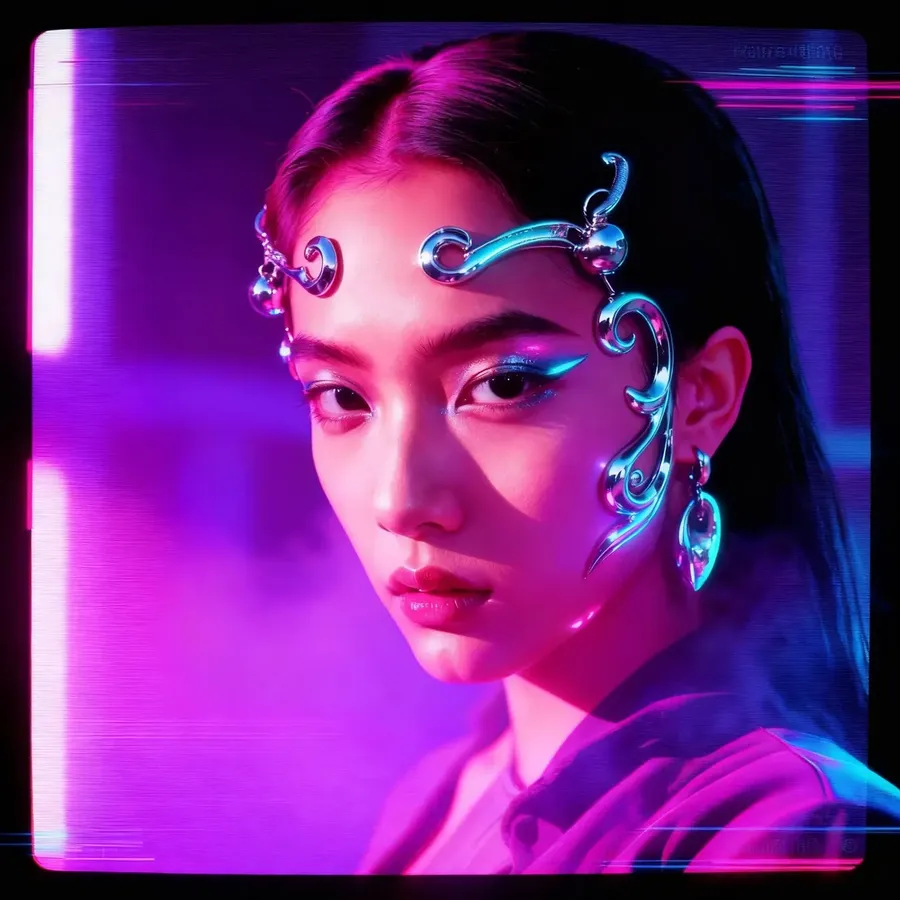
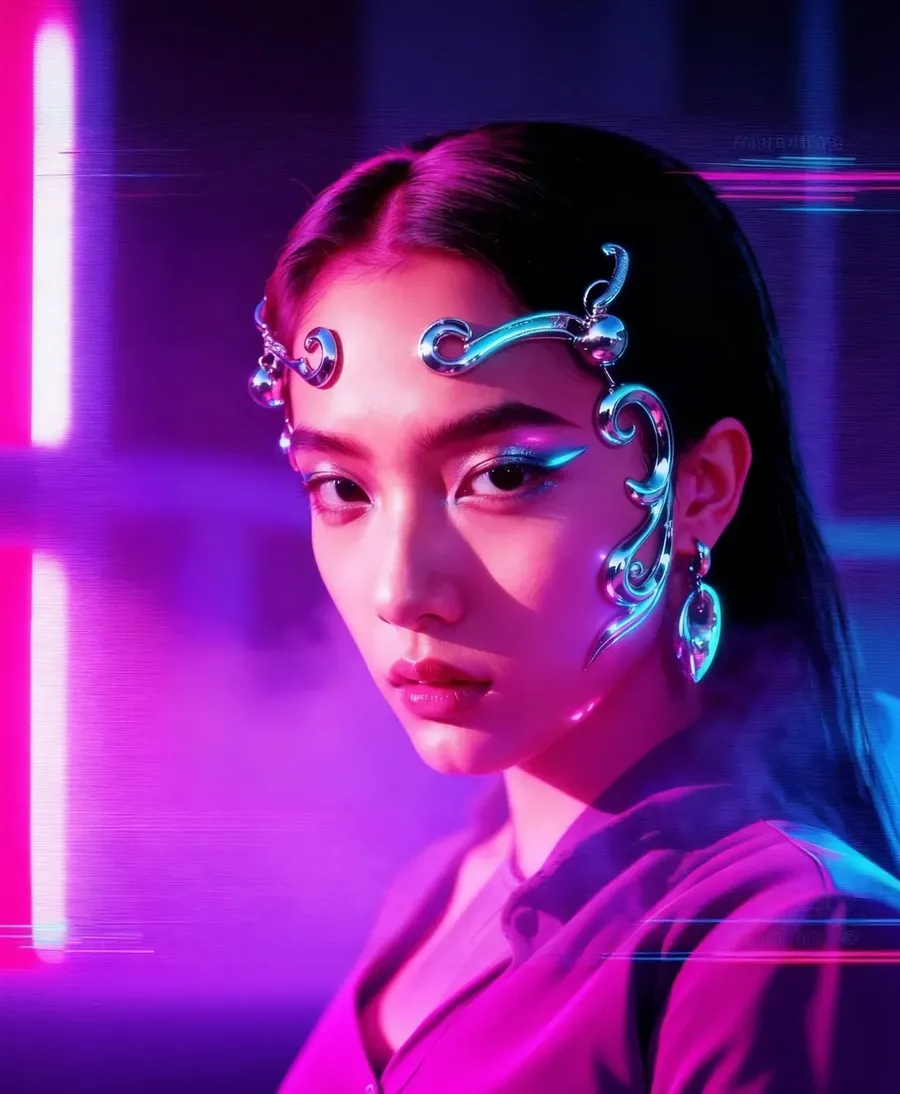
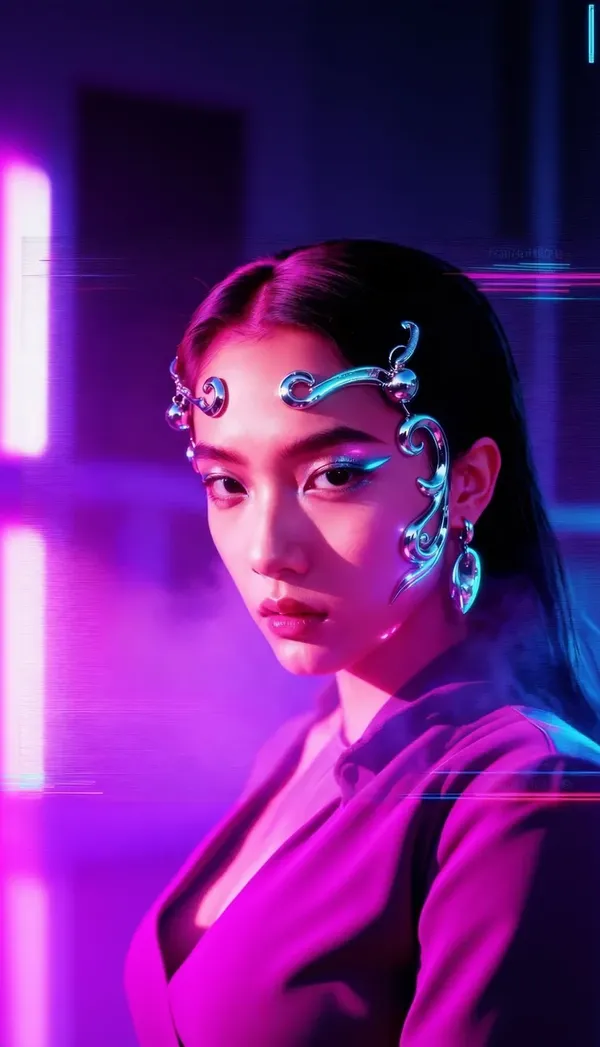
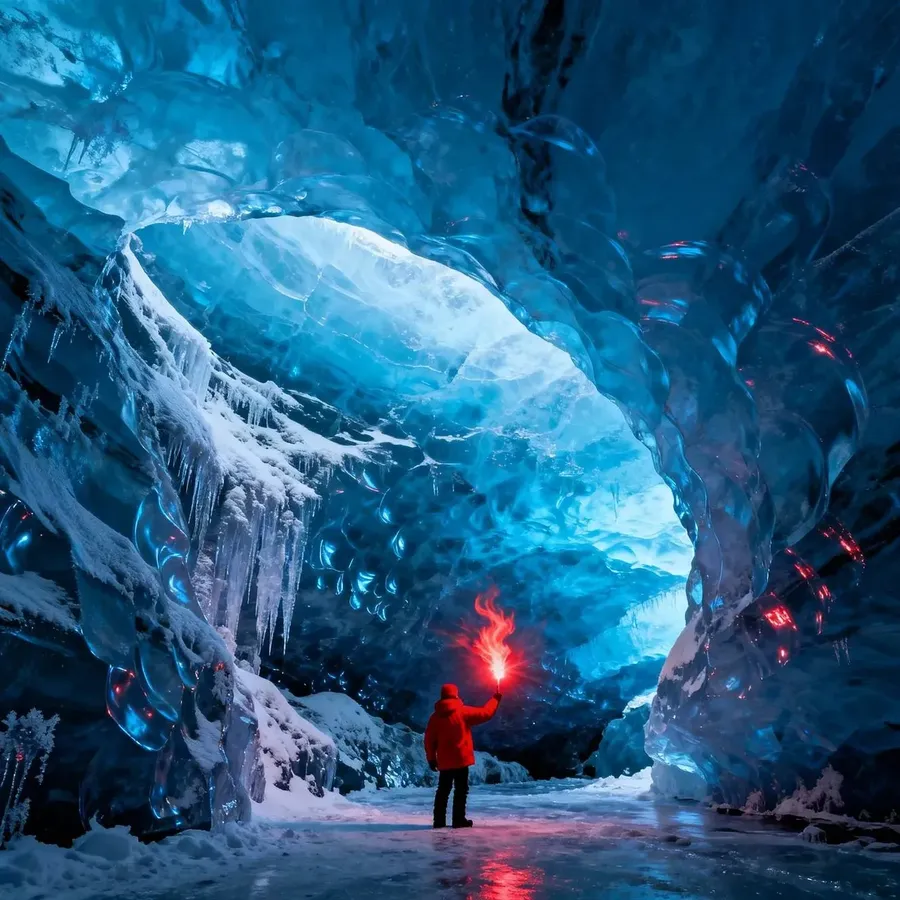
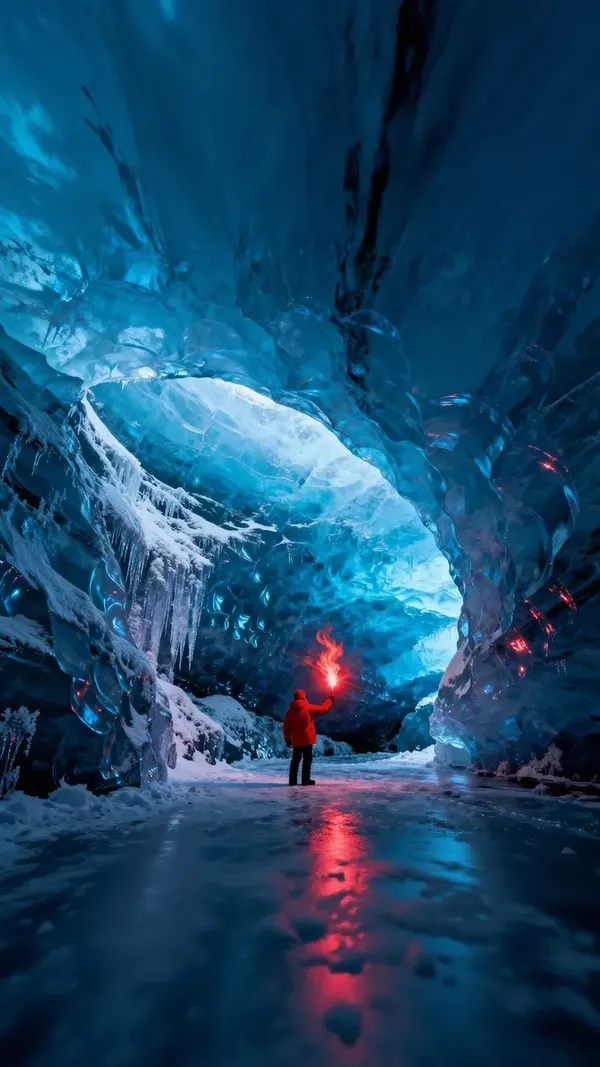
-900x900.webp)
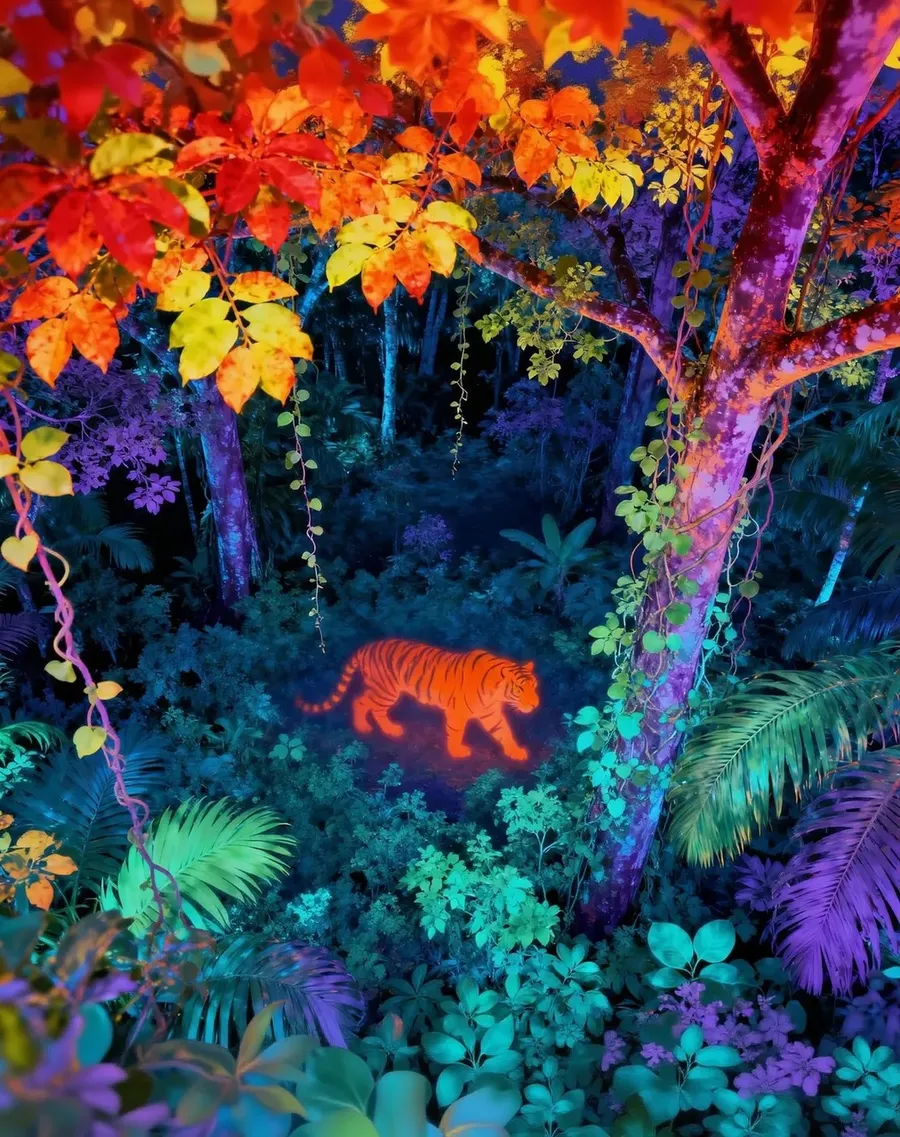
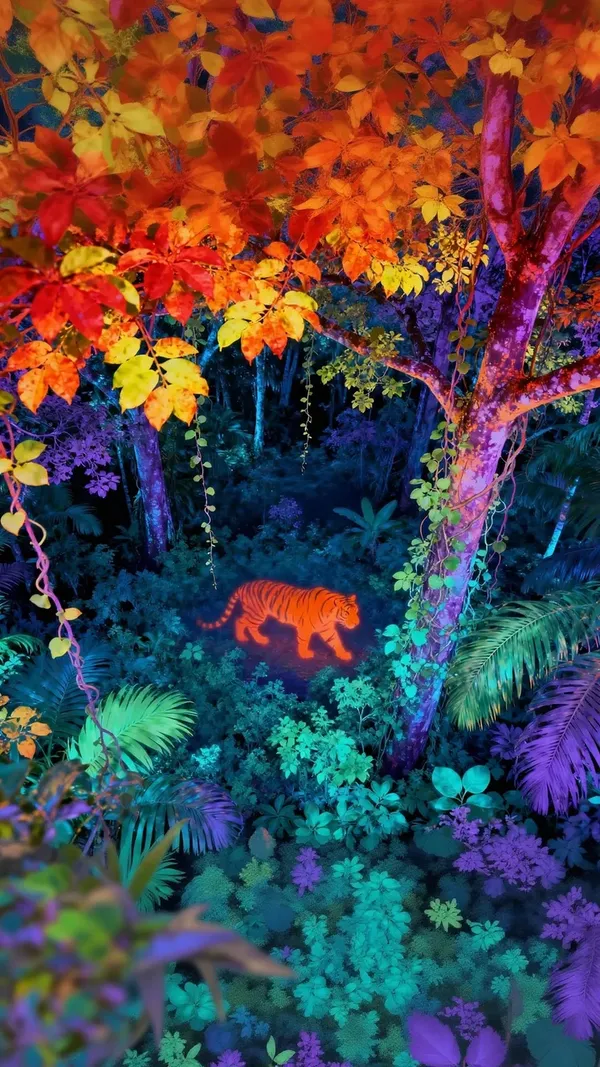
-900x900.webp)
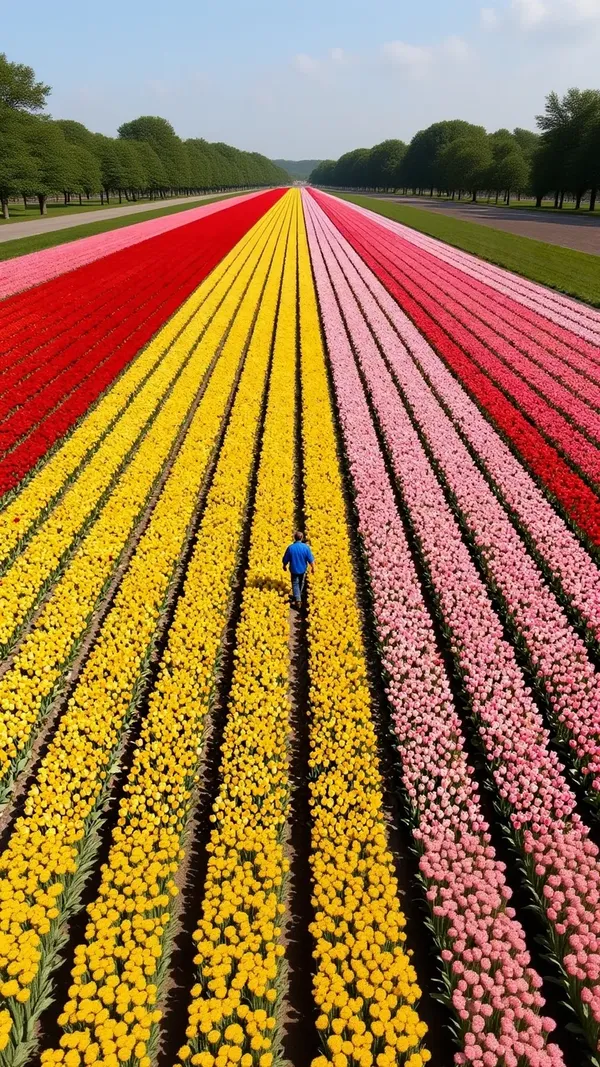
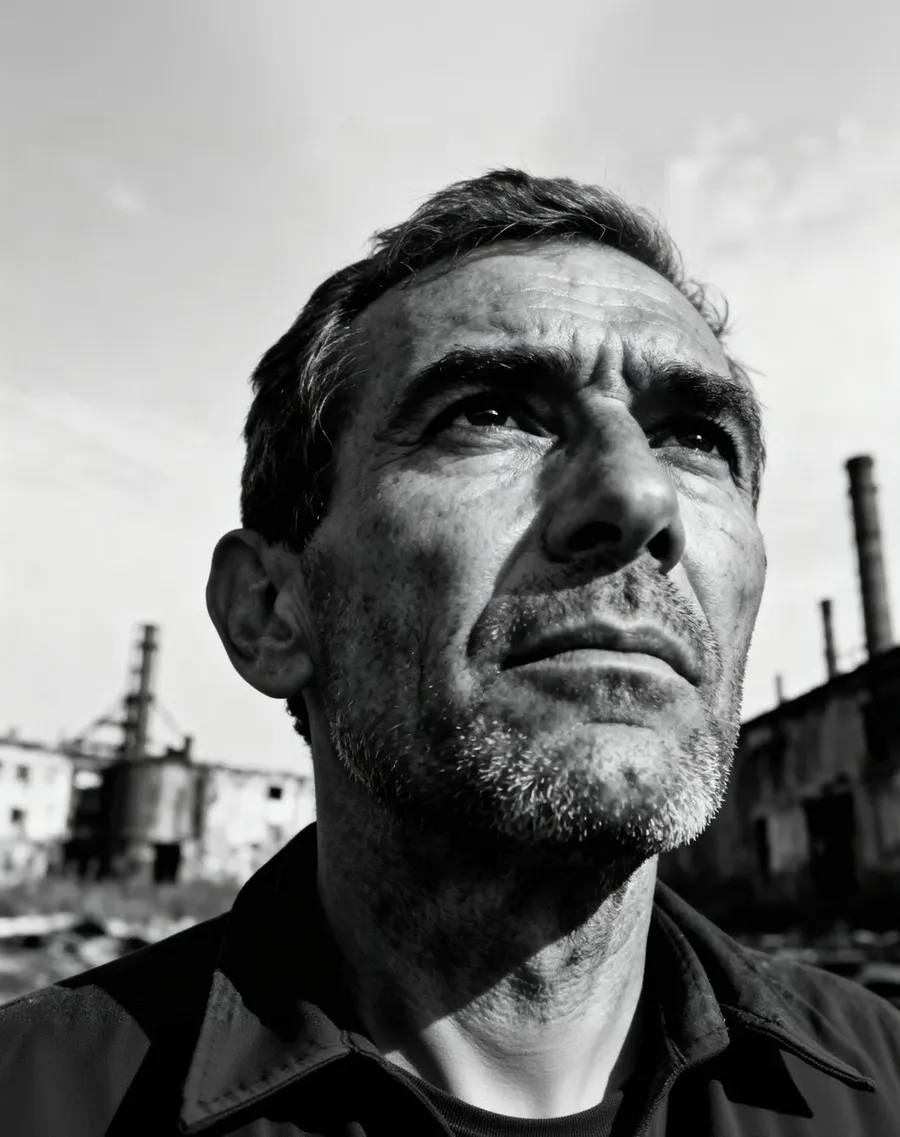
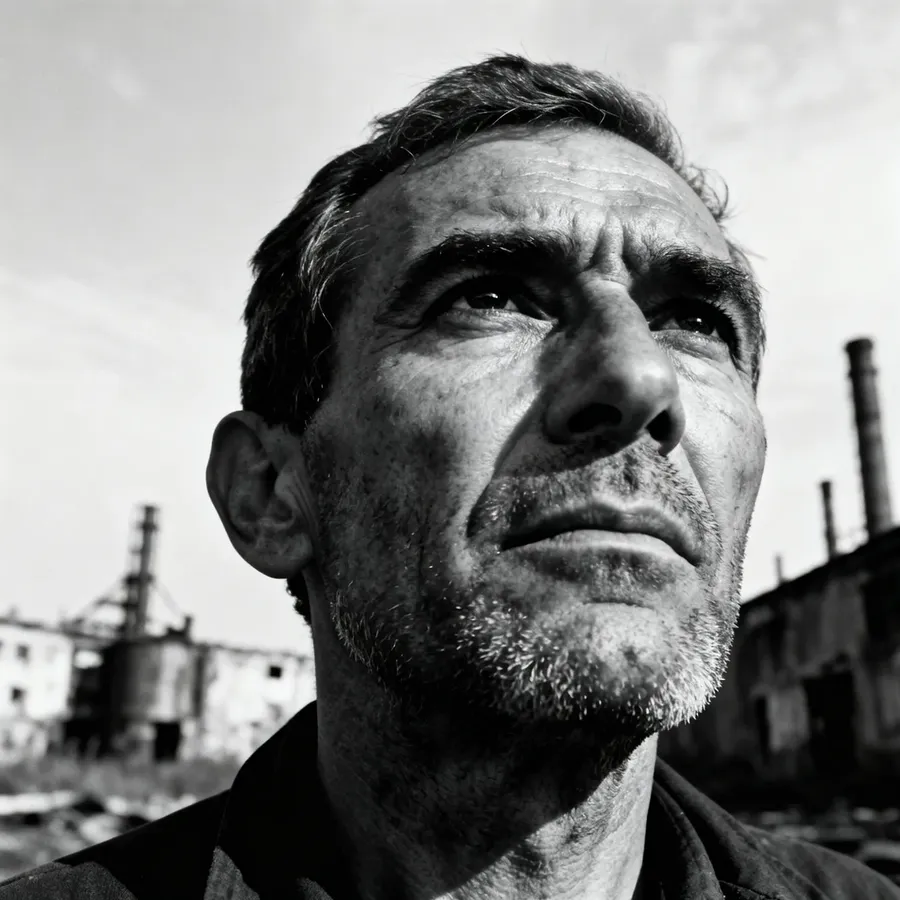
More Than Basic Image Resizing
A classic resizer changes the dimensions of pixels you already have. Crop, scale, compress, done. Anything outside the new frame is gone for good.
This one works differently. Give it a target aspect ratio and AI builds the image for that shape, either by regenerating the composition or by generating the area around your original. Your subject does not have to lose its edges to fit a new format.
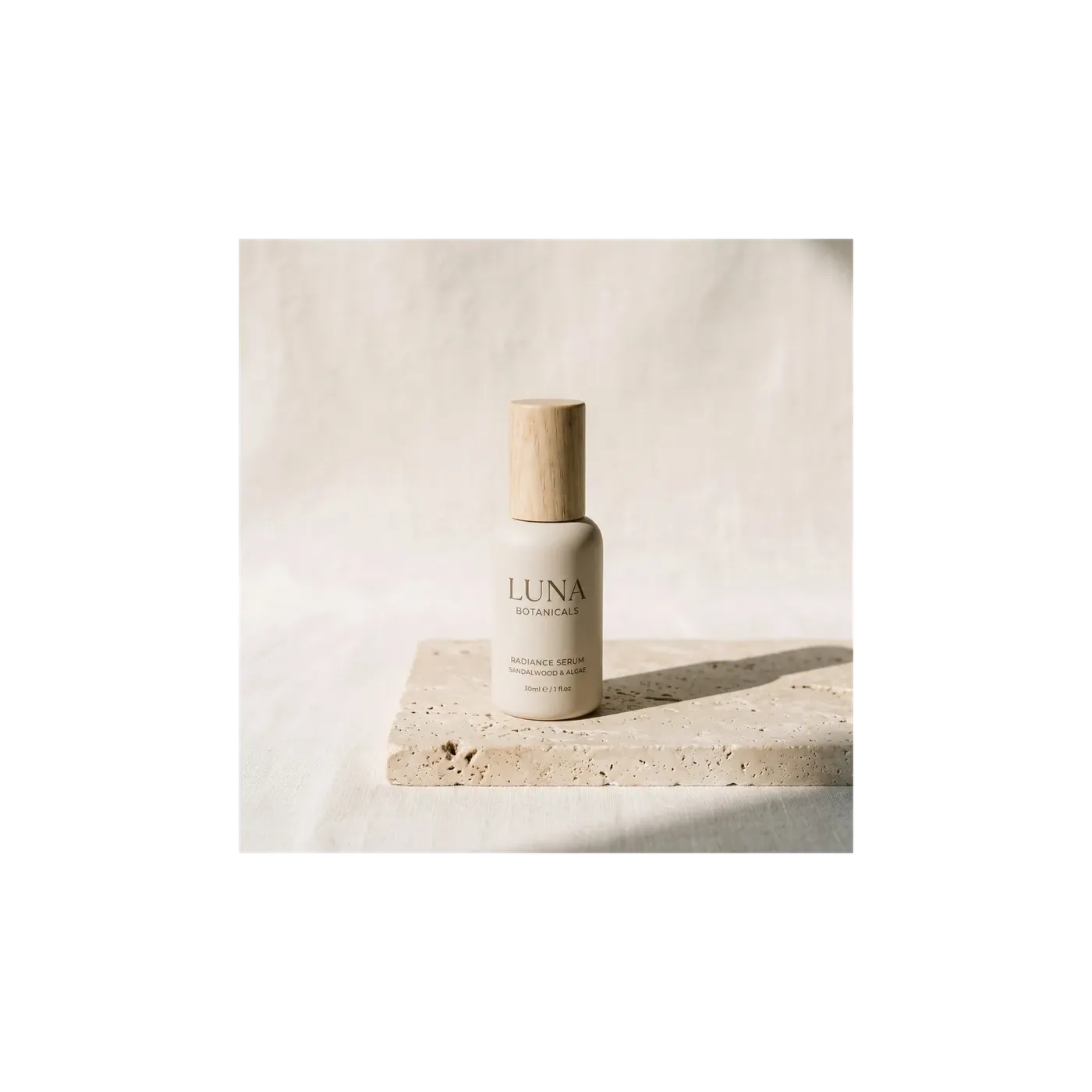
Smart Resize vs Outpainting
Both change the aspect ratio. They solve different problems, so the choice is worth making on purpose. These are two separate workflows, not one button.
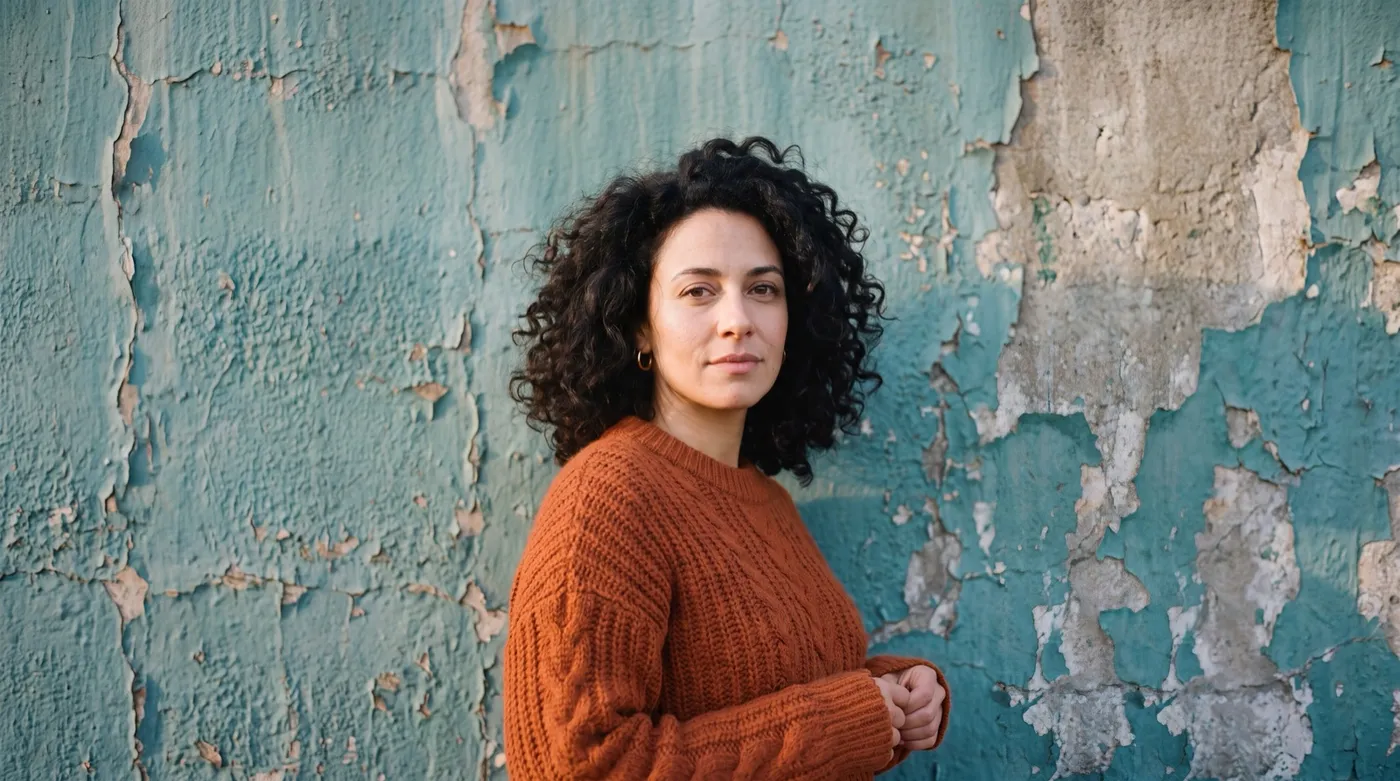
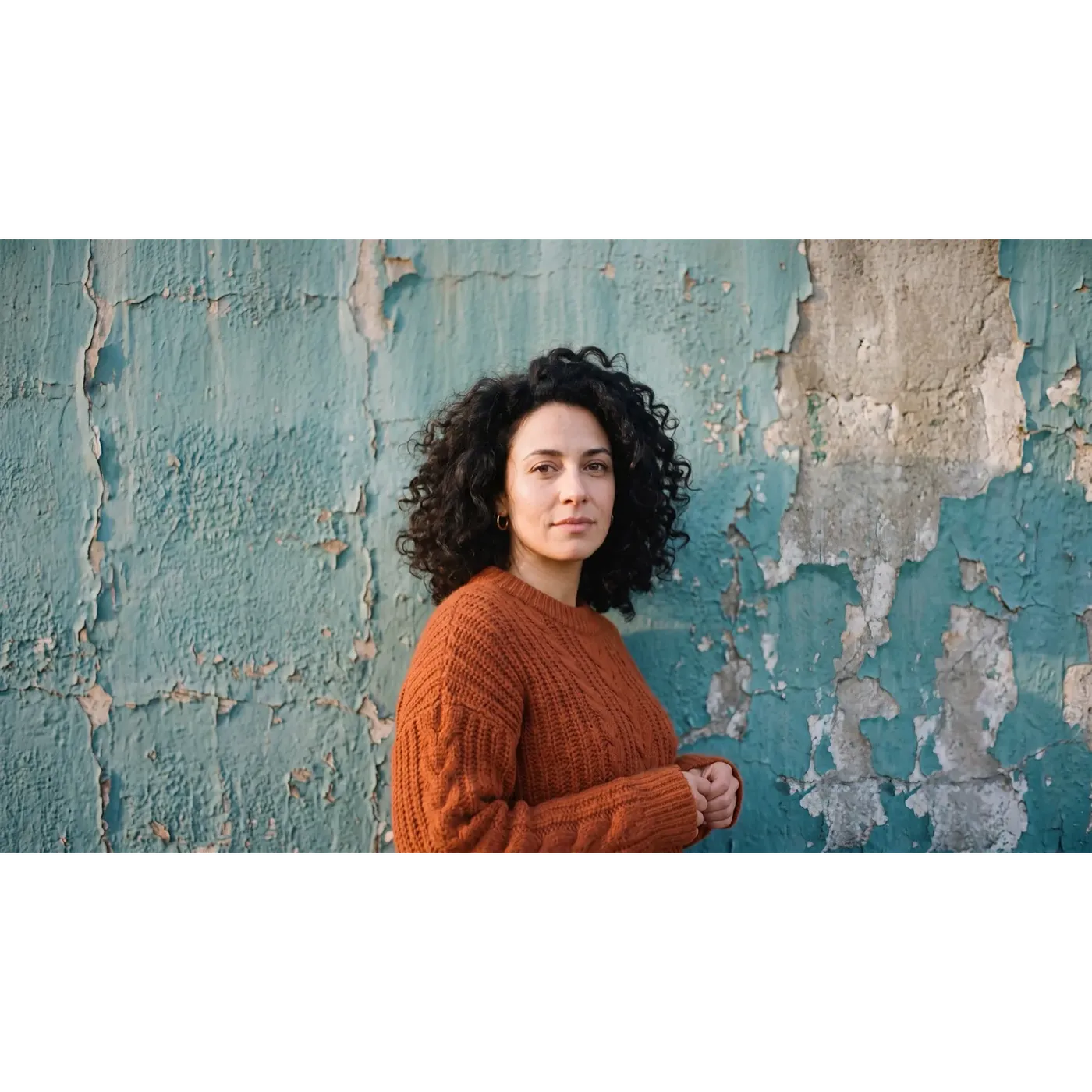
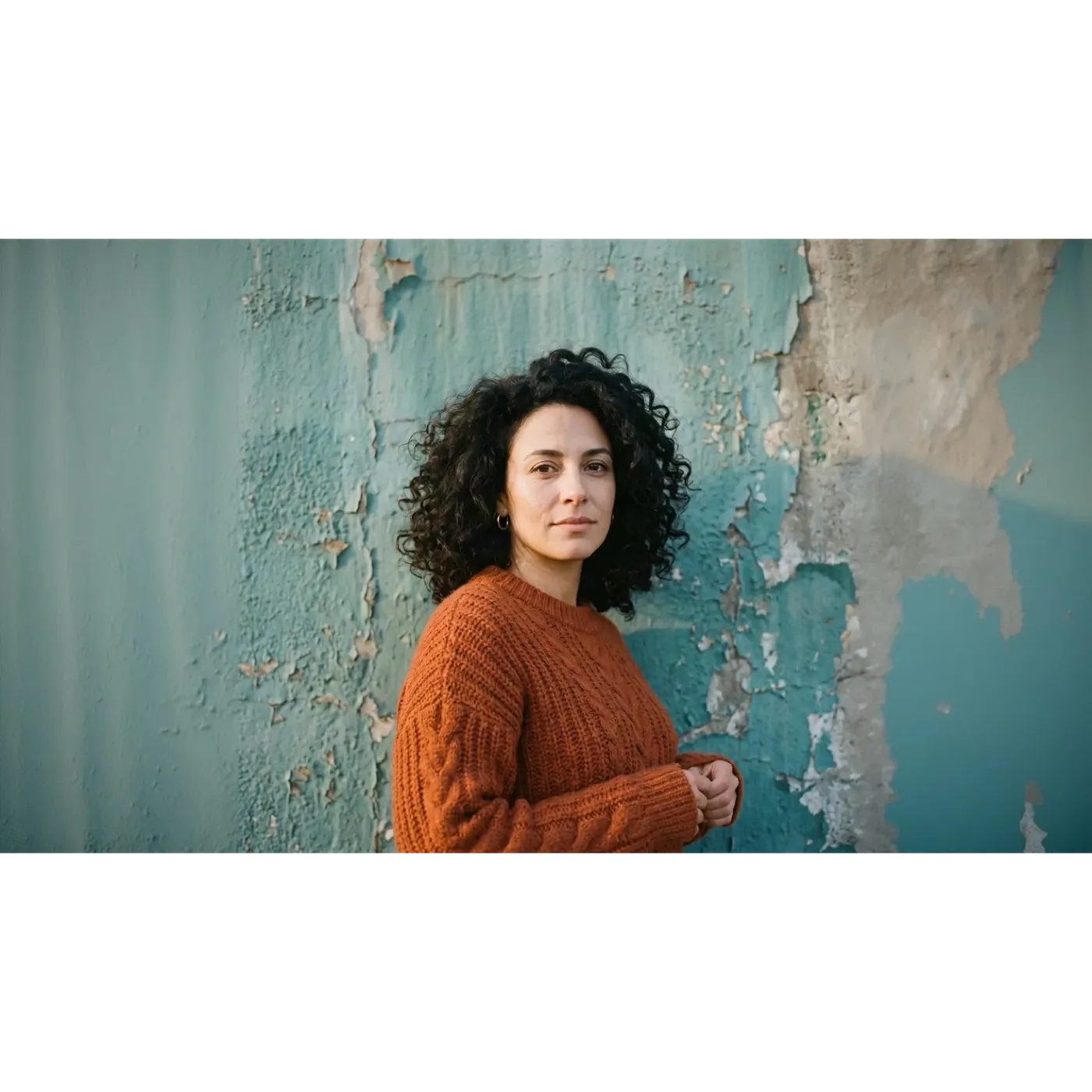
Same Image, Same Ratio: Smart Resize vs Outpainting
One square 1:1 portrait, one 16:9 target, two modes. Drag the slider to wipe between the two results, both generated on getimg.ai.
Both fill the same 16:9 frame, and almost nothing in them matches. Smart Resize returned a fresh render: the peeling paint is rebuilt in a different pattern, the light falls across the frame differently, and the face is close to the original without being identical to it. Outpainting kept the original square untouched in the centre and generated new wall only to the left and to the right, so the middle of the frame still matches the file that was uploaded.
If a face, a logo or a line of text has to survive the resize, that is the difference that decides which mode you pick.
The Same Test, Reversed: 16:9 to 9:16
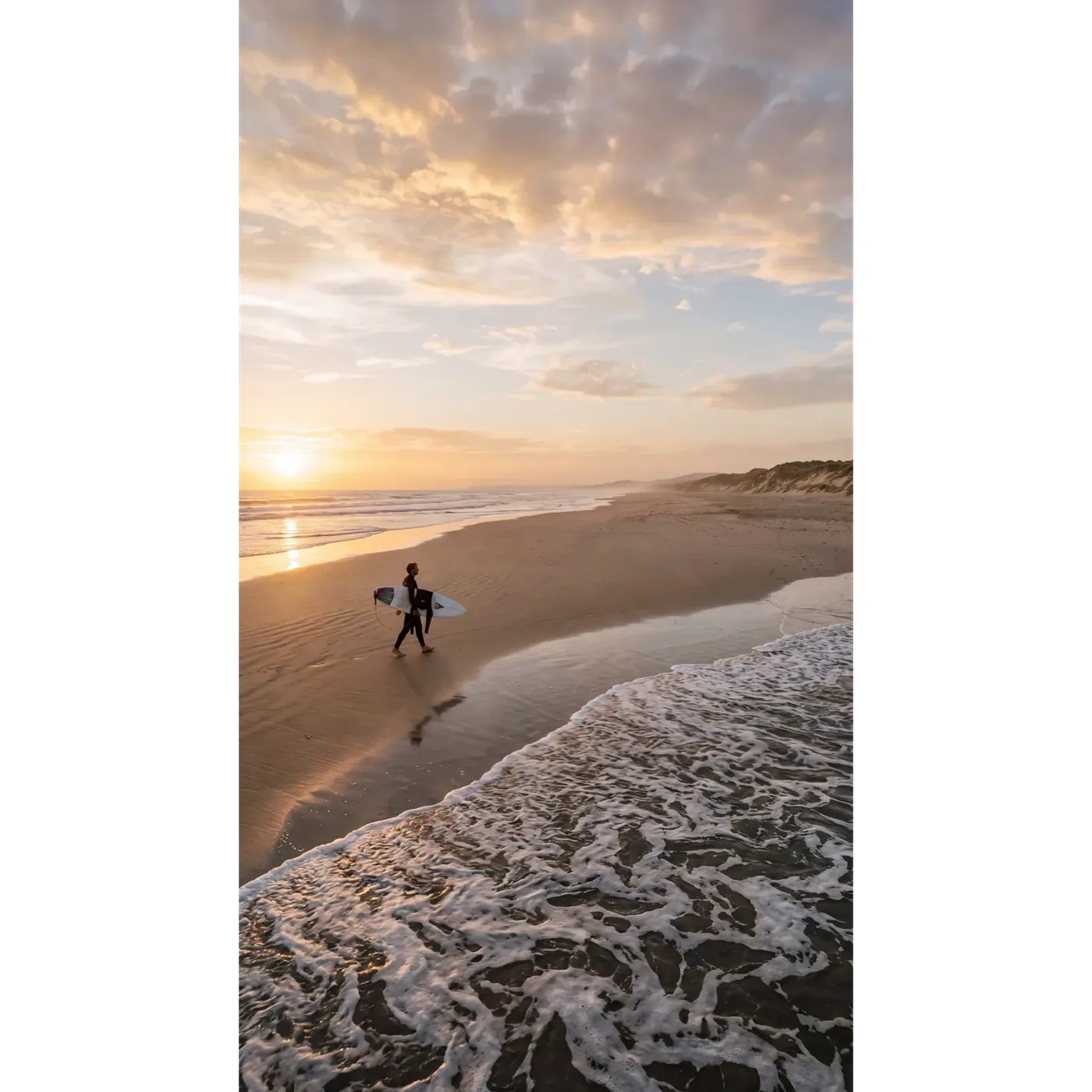
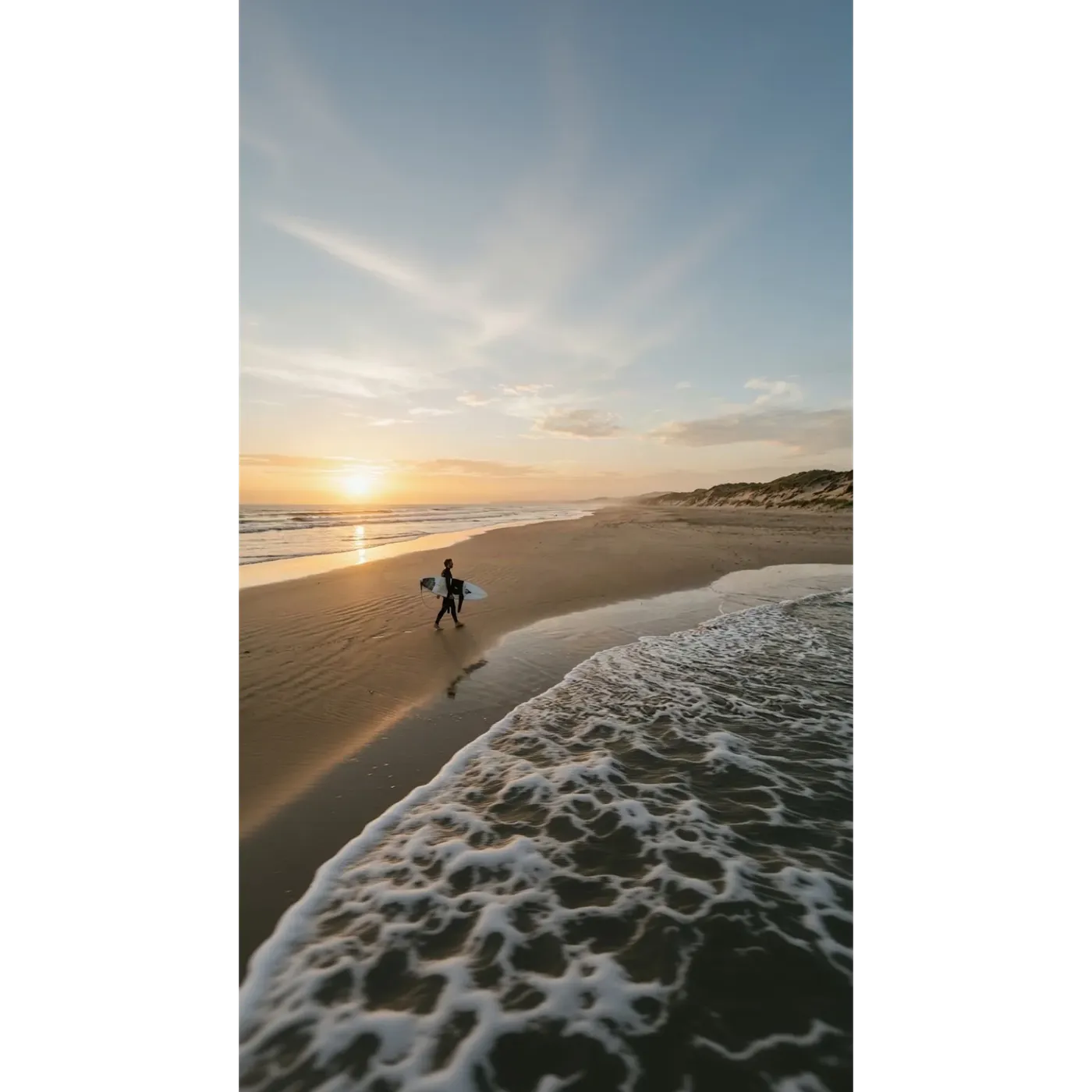
This time the source is a wide 16:9 beach frame and the target is a vertical 9:16 for Stories and Reels. Same slider, same two modes.
Smart Resize rebuilt the scene for the tall format, so the sky, the cloud structure and the surf are all new. Outpainting kept the original strip of beach exactly where it was and generated sky above it and water below it.
Neither one is the right answer on its own. Smart Resize gives you a composition made for the vertical frame. Outpainting gives you the shot you already approved, in a taller canvas.
AI Resizing vs Traditional Cropping
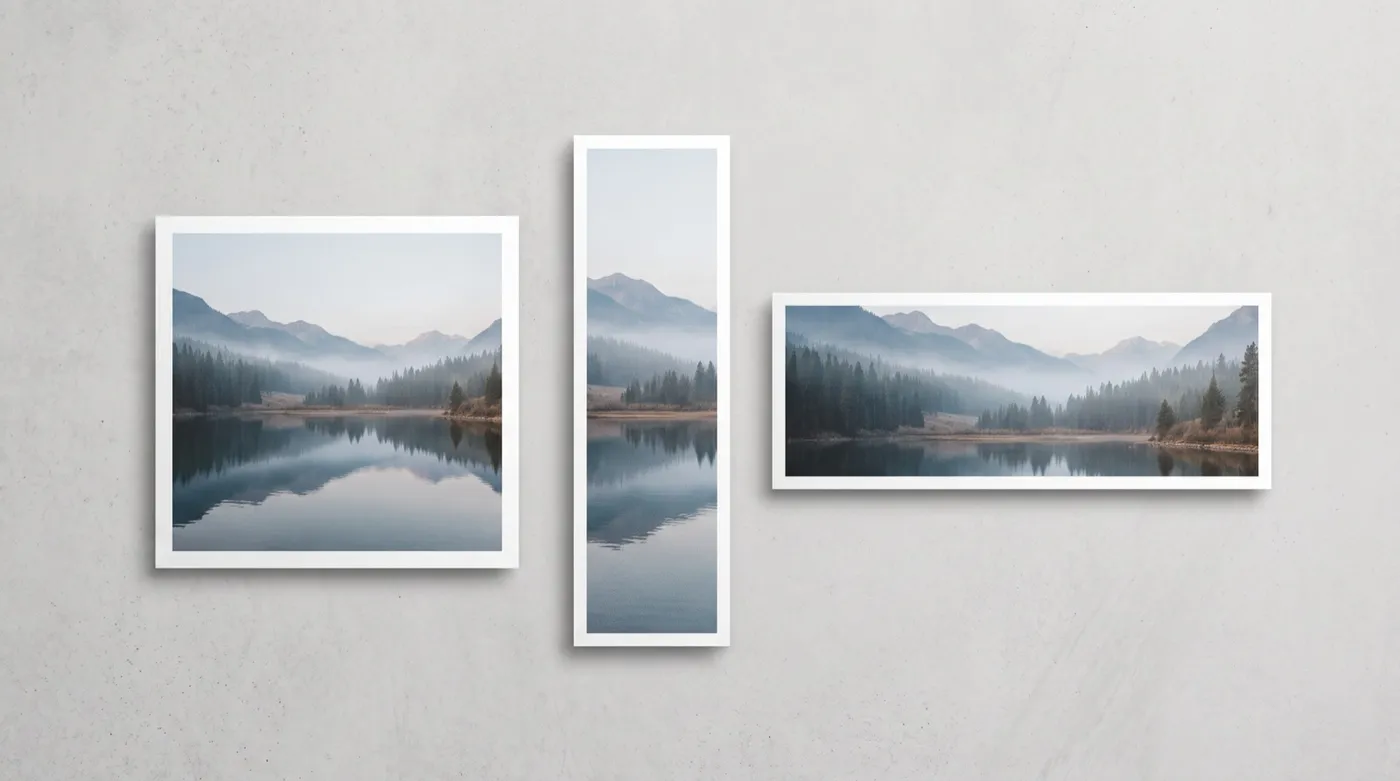
Cropping only ever uses pixels you already have. AI resizing can build what the new frame needs. Different trade-offs, not a winner and a loser.
Resizing with getimg.ai
Open Resize image
Go to Resize image in the sidebar, then drop in a file or pick one from your gallery. You can load several at once.
Pick the target aspect ratio
Choose from 1:1, 4:5, 5:4, 3:4, 4:3, 2:3, 3:2, 16:9, 9:16 and 21:9.
Choose Smart Resize or Outpainting
Smart Resize regenerates the composition and adds a 1K, 2K or 4K quality switch. Outpainting keeps the original and extends the canvas around it.
Generate
Your original is never overwritten. Every run saves a new file next to the one you started with.
Cropping by hand
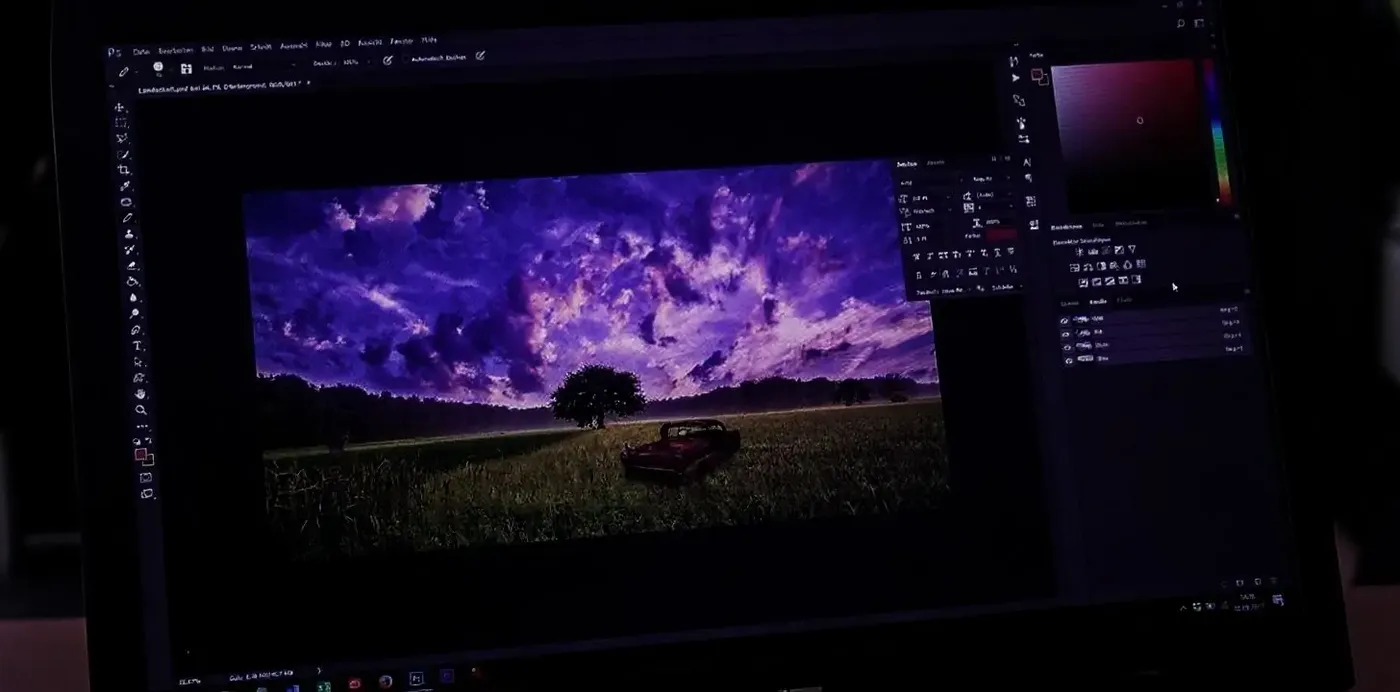
- Open the file in Photoshop, Figma or Canva
- Crop to each target ratio, one format at a time
- Accept that whatever sits outside the new frame is cut
- Rebuild missing background with clone stamp or content-aware fill
- Re-check the focal point and any text or logo placement
- Export a separate file for every format
- Repeat for the next image
- The upside: full predictability, and nothing in the frame is generated
Resizing vs Upscaling: Not the Same Job
These two get mixed up constantly, and they are separate tools doing separate jobs.
Resizing changes the shape of the image: the aspect ratio, and what fits inside the frame. A 1:1 photo becomes a 9:16 Story or a 16:9 banner. Upscaling leaves the shape alone and raises the resolution, so the same frame comes back with more pixels and more detail. Going from a square post to a Story is the Resizer. Needing a bigger, higher-resolution file of the frame you already have is the Image Upscaler.
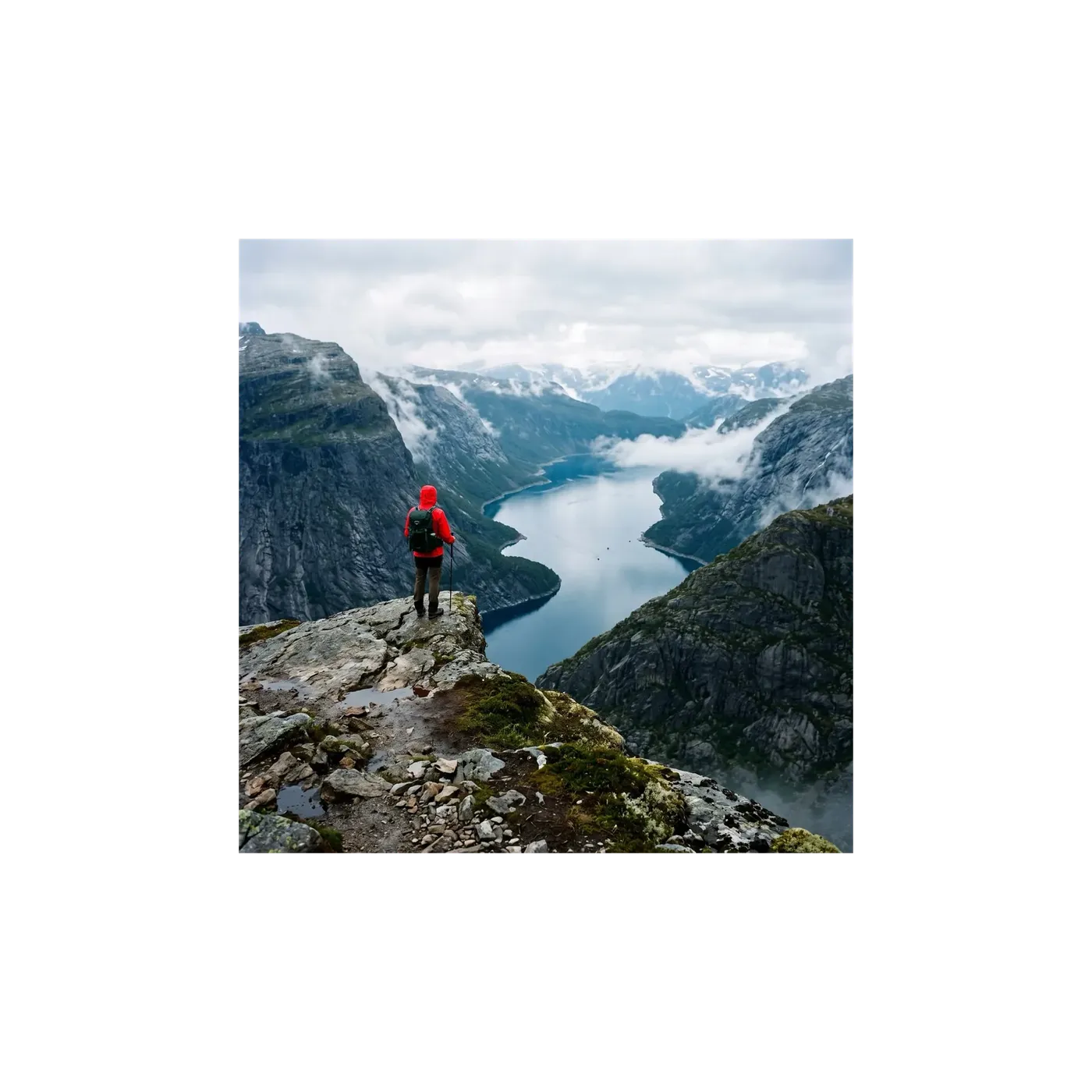
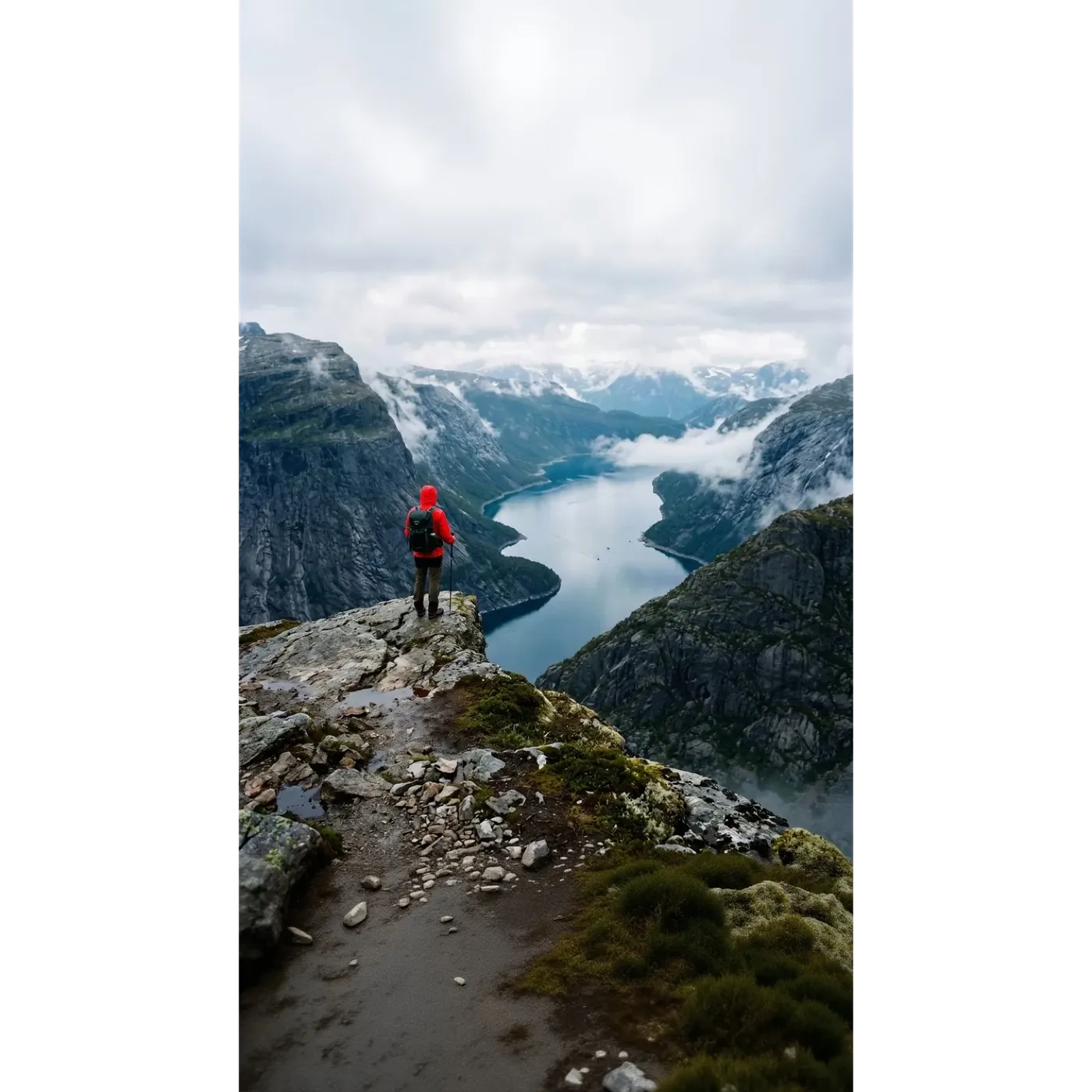
Why Teams Use the getimg.ai Resizer
One source image, every format your channels need, without rebuilding the frame by hand.
Two modes, one tool
Smart Resize for creative reframing, Outpainting when the original has to stay intact. Switch between them on the same image.
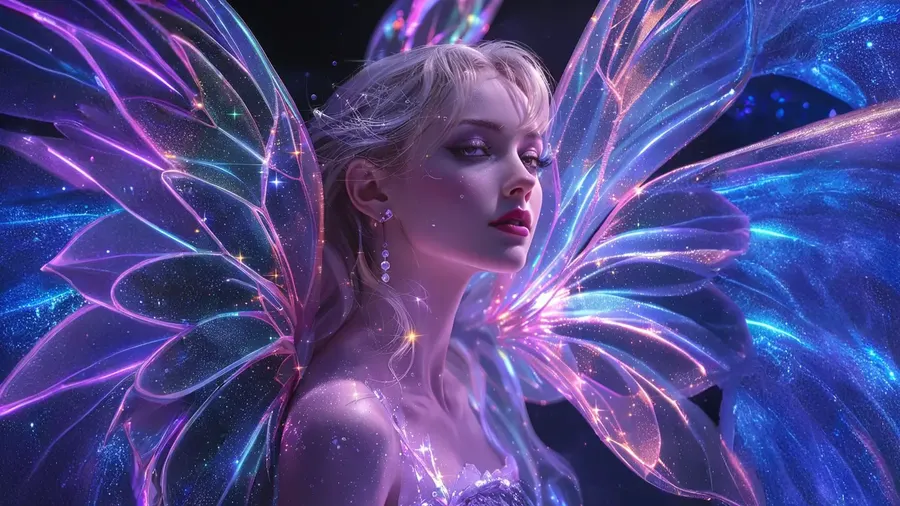
Generated, not stretched
Nothing is squashed or duplicated. Outpainting generates new canvas around your image. Smart Resize builds a new version made for the target shape.
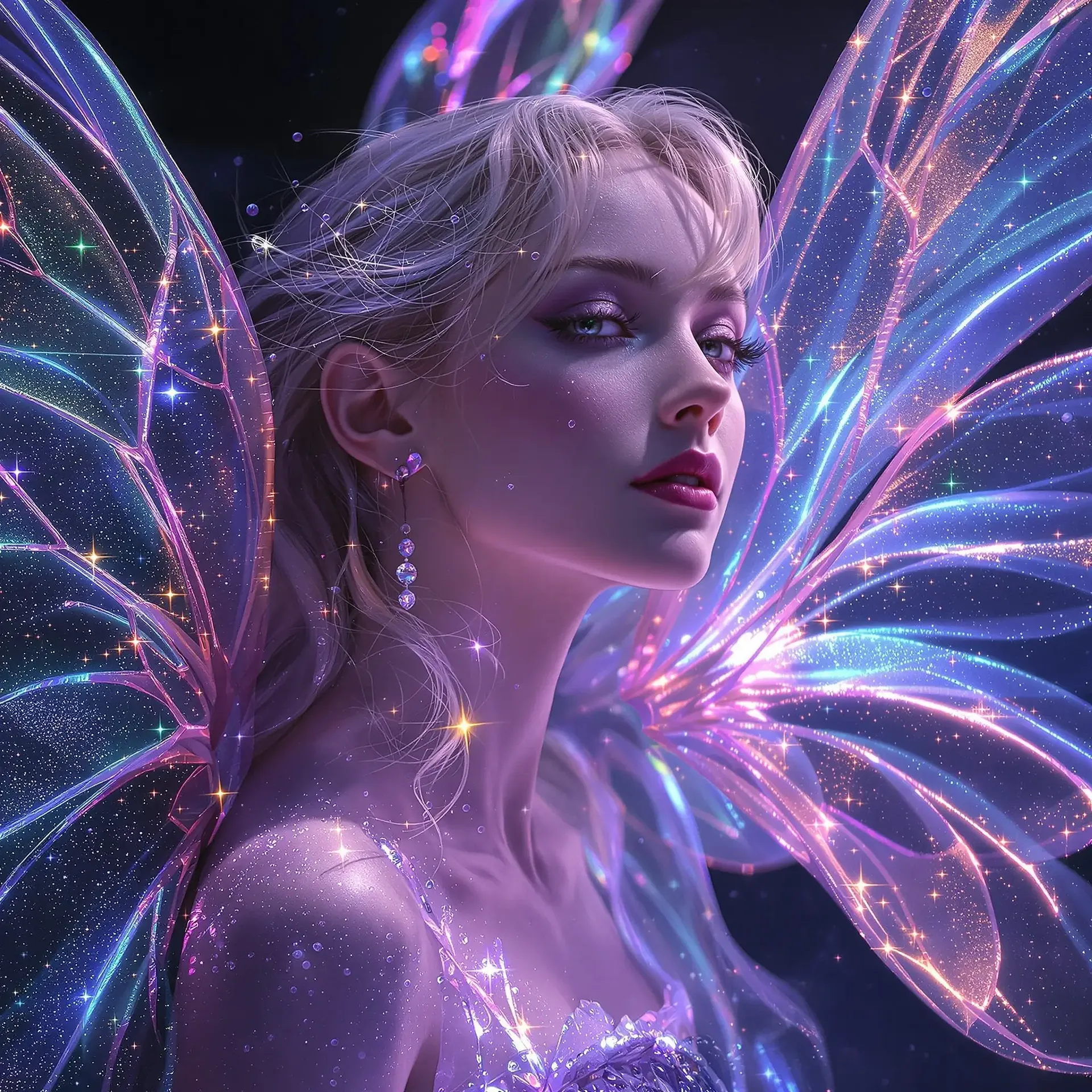
Every ratio your channels need
1:1 and 4:5 for feeds, 9:16 for Stories, Reels and TikTok, 16:9 for thumbnails and banners, 21:9 for wide hero images.
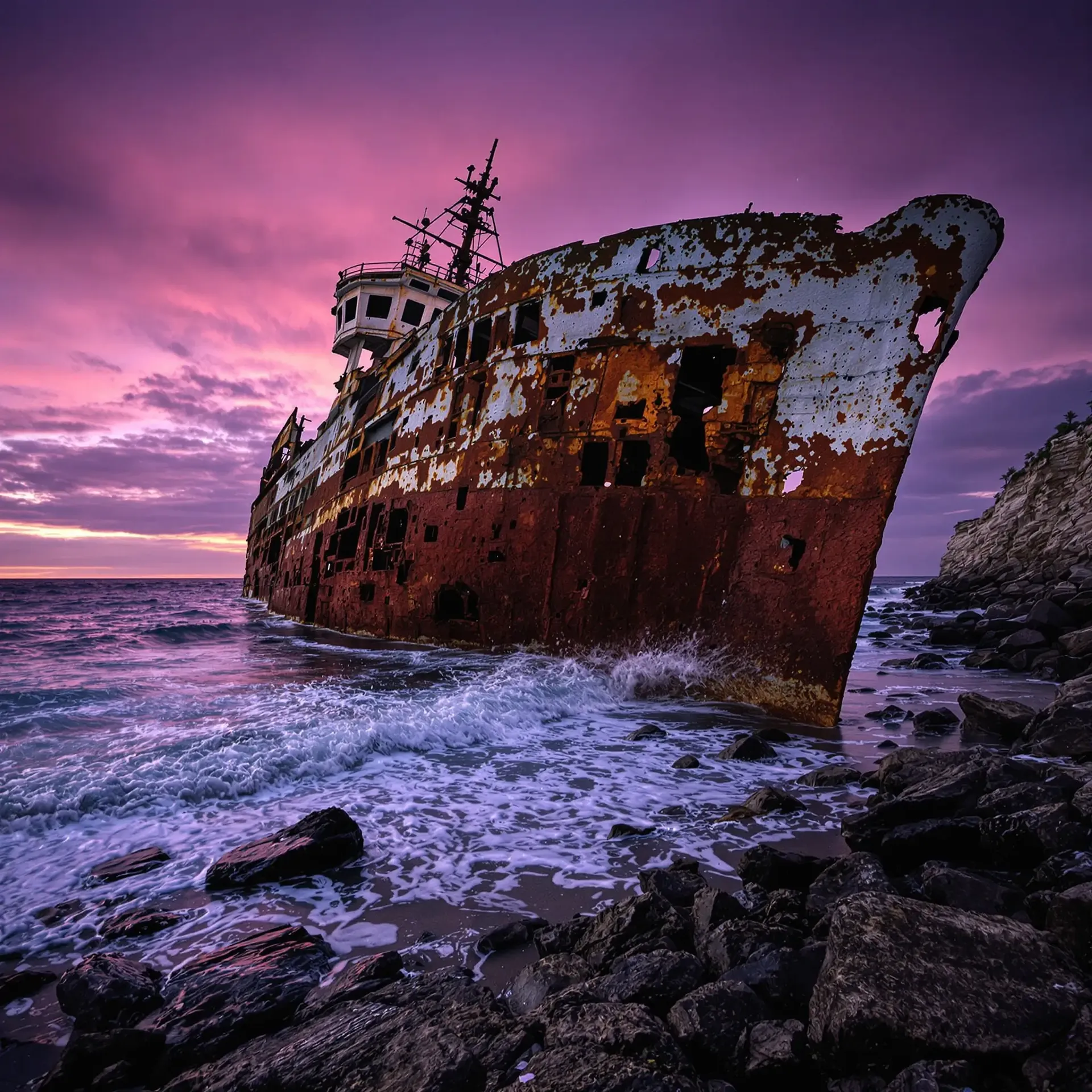
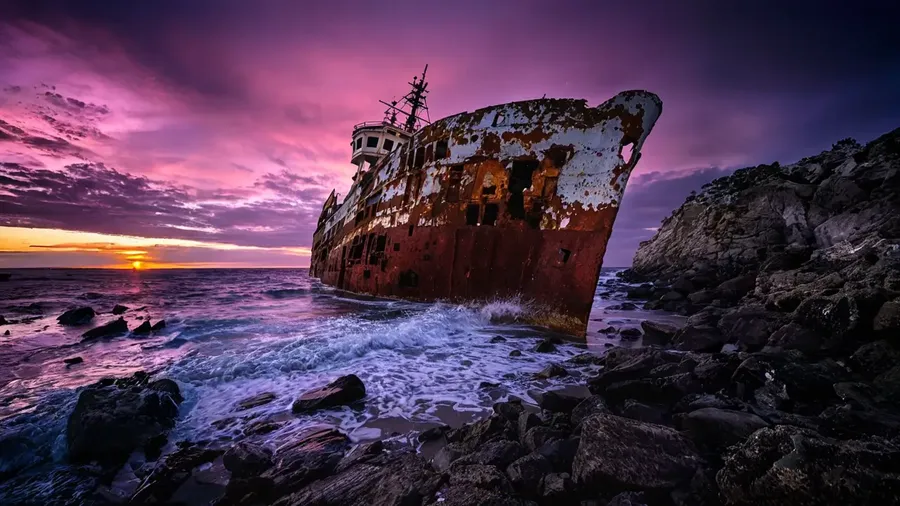
Batch in, originals untouched
Drop in several images at once. Every run saves a new file and leaves the source exactly where it was.
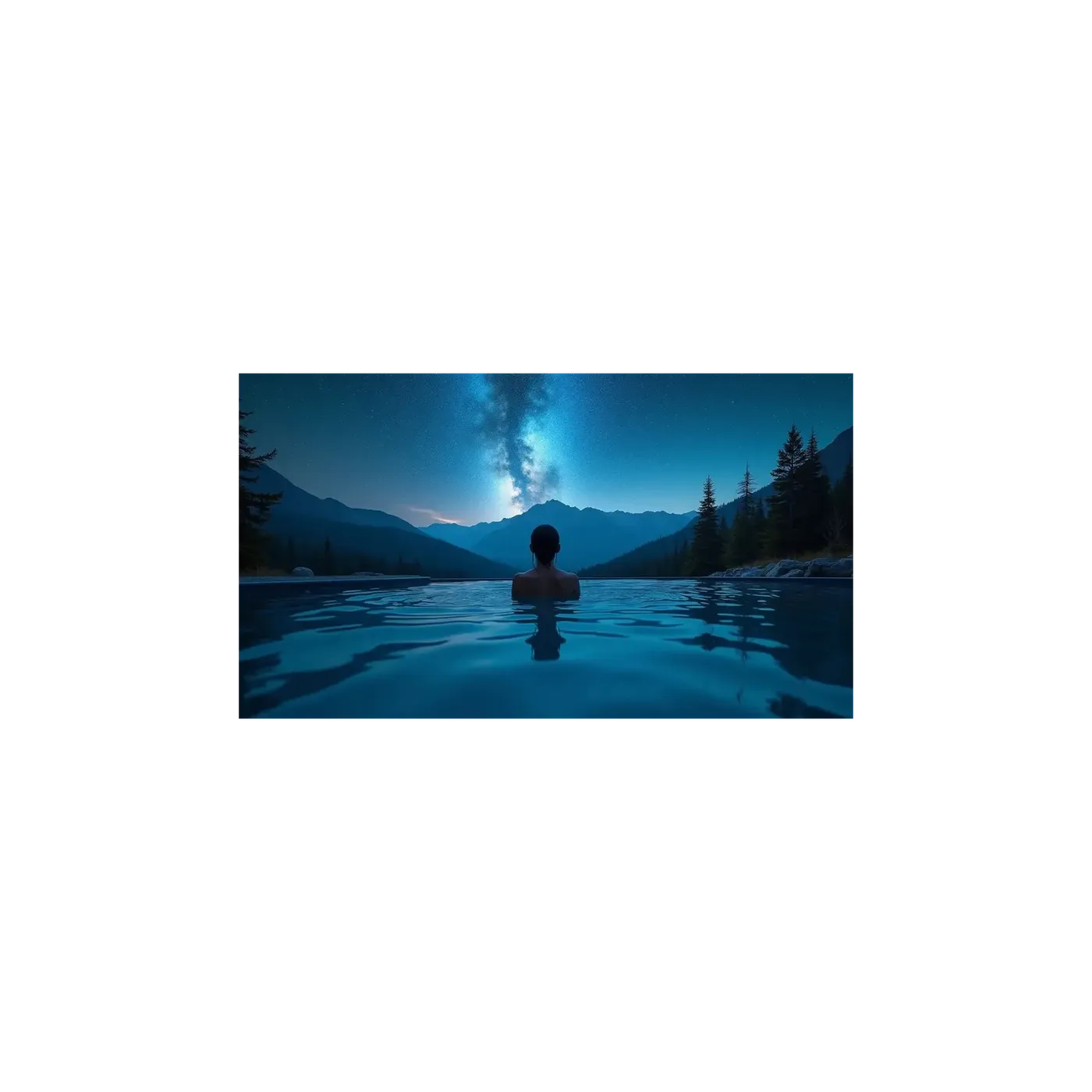
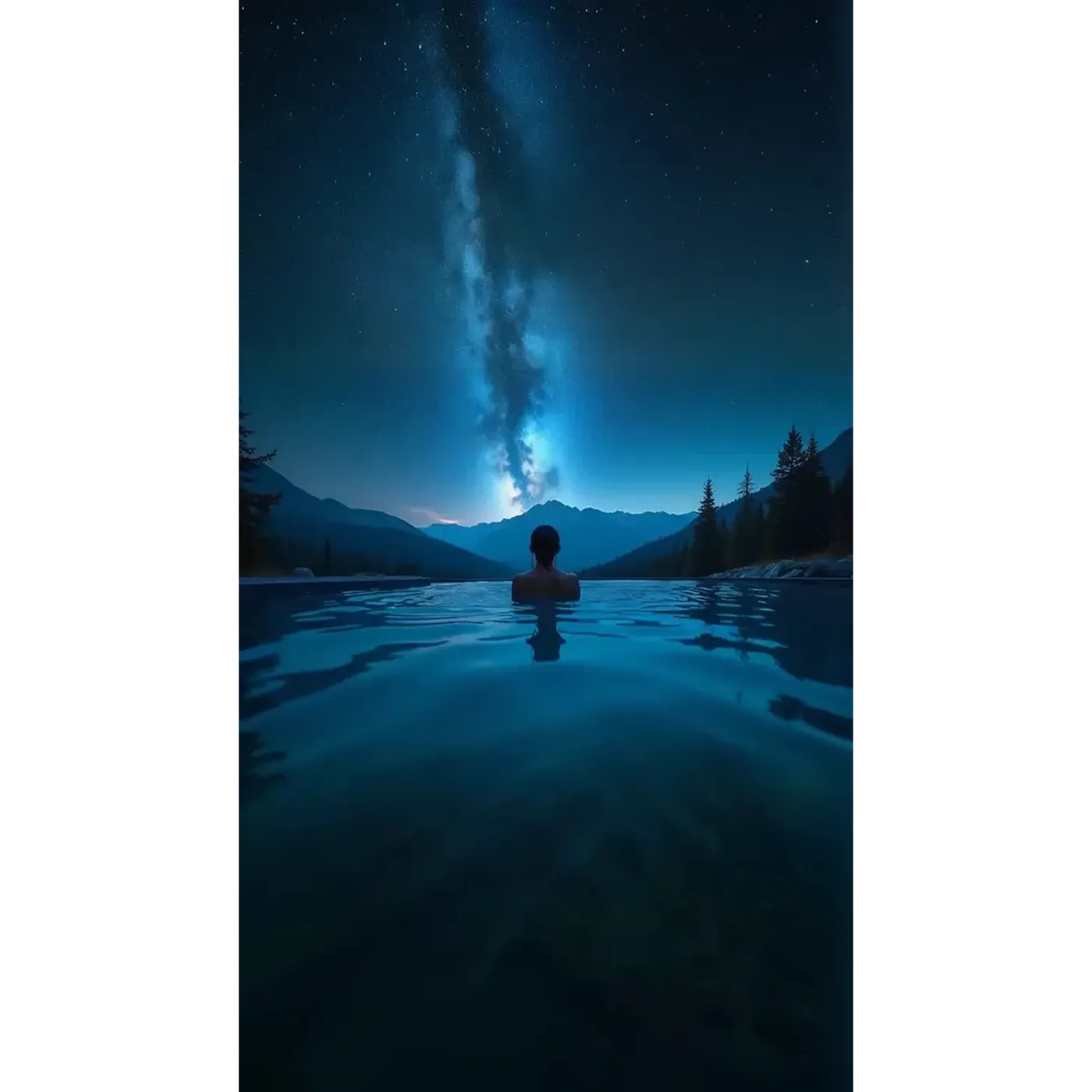
Designed for Clean, High-Quality Reframing
Smart Resize renders a fresh version of your image at the ratio you picked, so the result follows the original closely rather than copying it pixel for pixel. Outpainting takes the opposite route and leaves your original untouched, generating only the area around it. That is why the same file can come back looking quite different depending on the mode, and why the mode is worth choosing on purpose.
Aspect Ratios for Every Platform
Smart Resize covers ten aspect ratios: 1:1, 4:5, 5:4, 3:4, 4:3, 2:3, 3:2, 16:9, 9:16 and 21:9. Outpainting covers the same list except 5:4.
In practice that maps to an Instagram post at 1:1 or 4:5, a Story or Reel at 9:16, TikTok at 9:16, a YouTube thumbnail at 16:9, a website banner at 16:9 or 21:9, and a poster or book cover at 2:3 or 3:4. Ratios rather than fixed pixel dimensions, so your assets stay correct when a platform changes its spec.
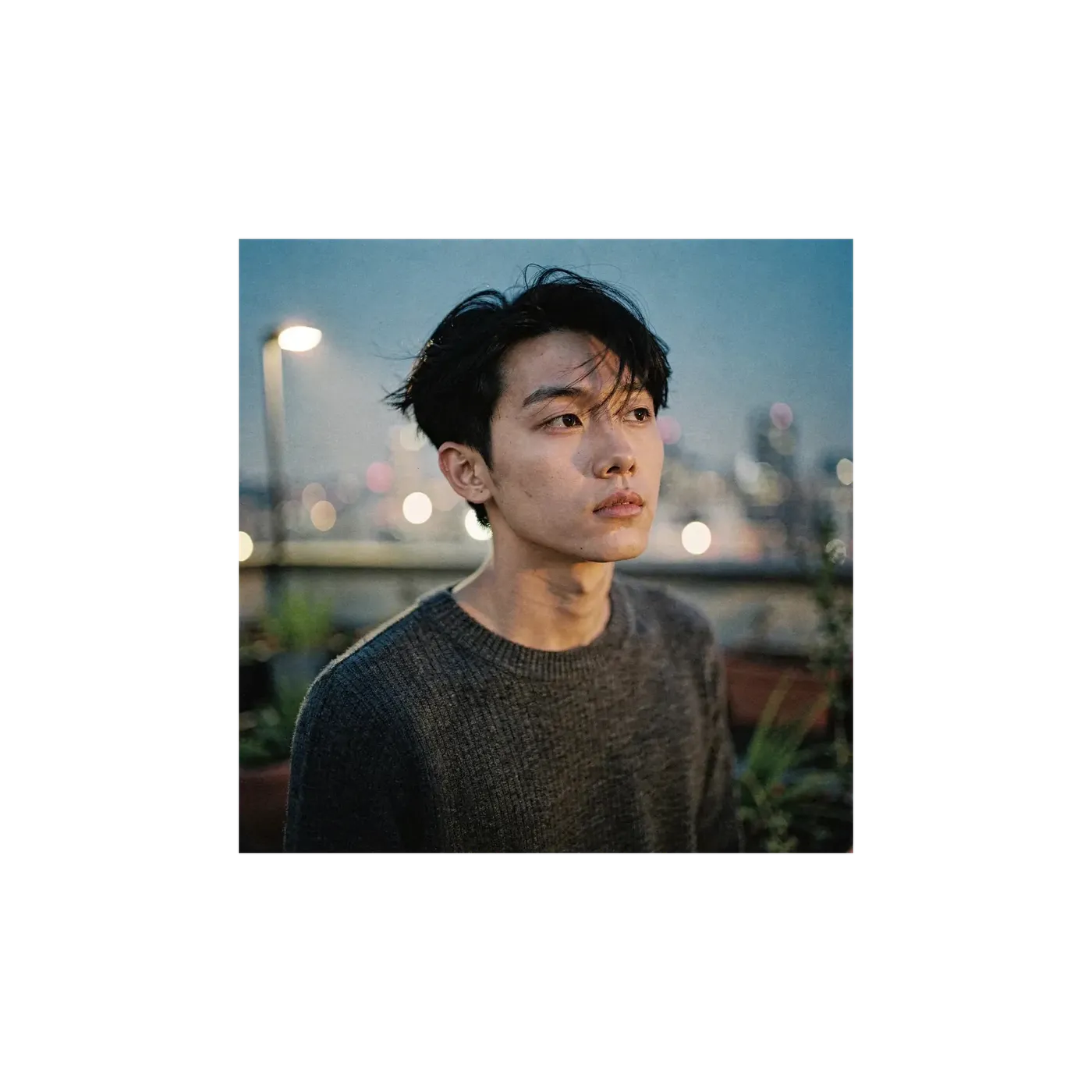
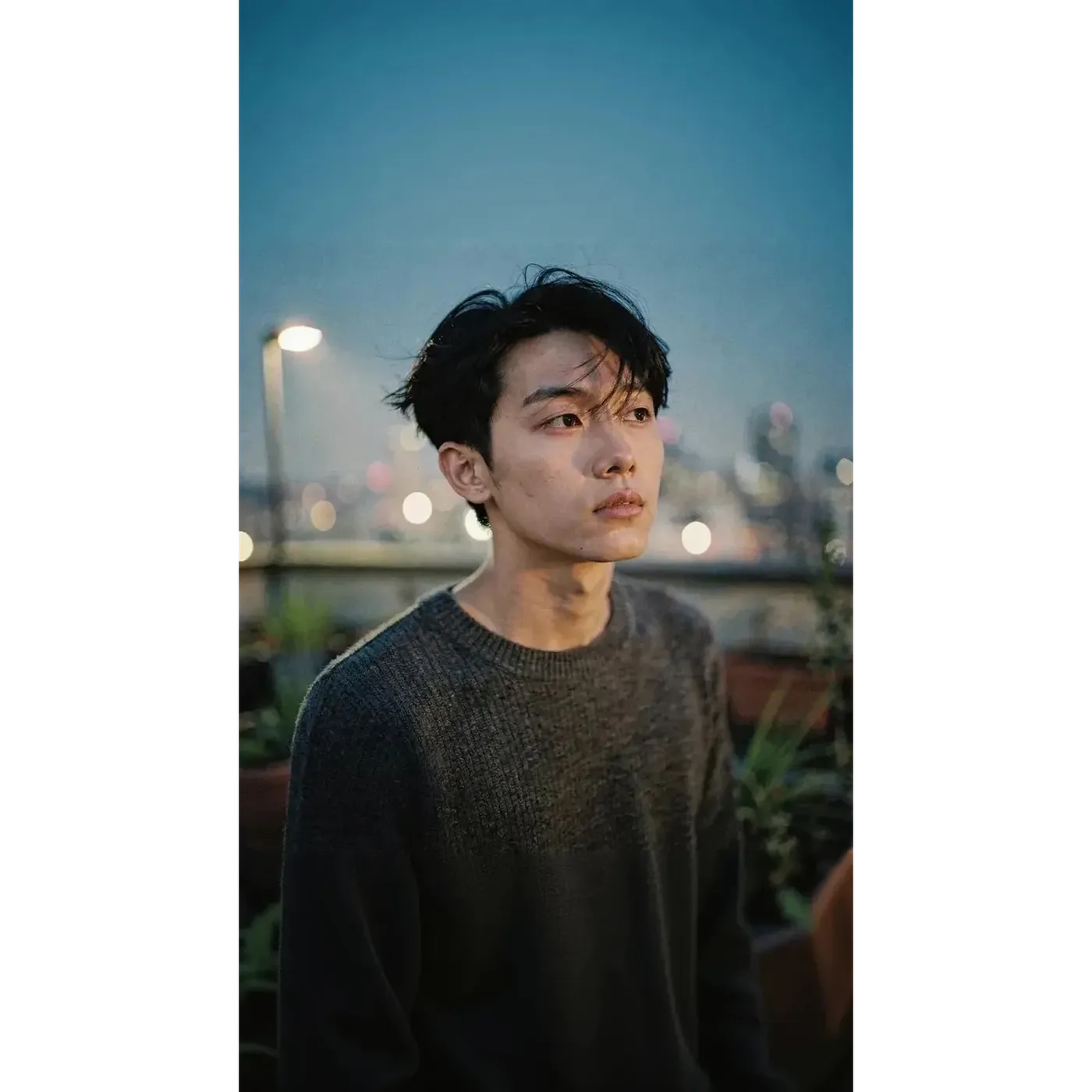
One Source Image, Every Channel
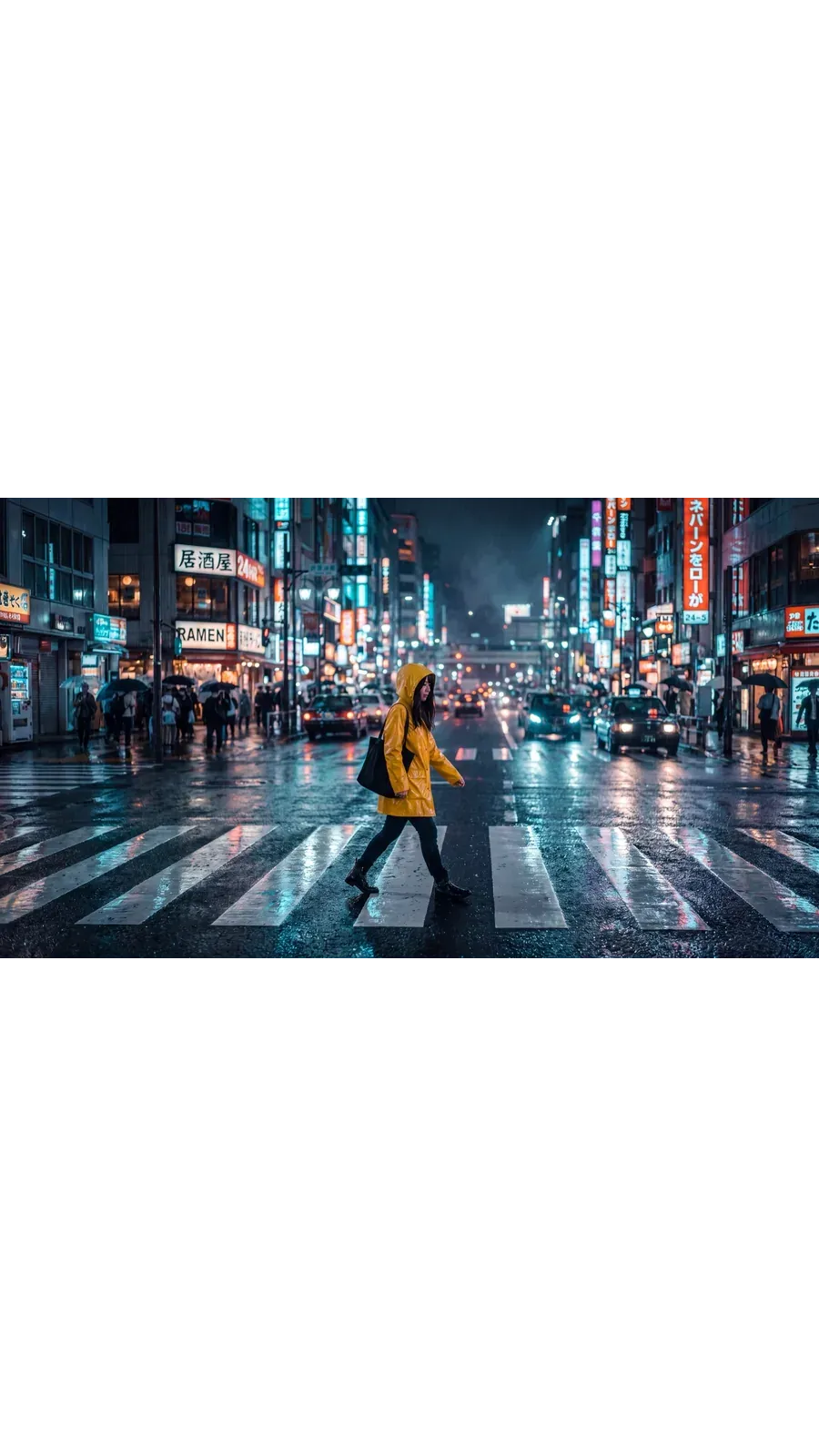
The same night street shot, resized twice. Nothing was reshot, and nothing was cropped by hand.
1:1 for the feed
The source frame. Square posts for Instagram, Facebook and LinkedIn. Switch to 4:5 when you want more height in the feed.
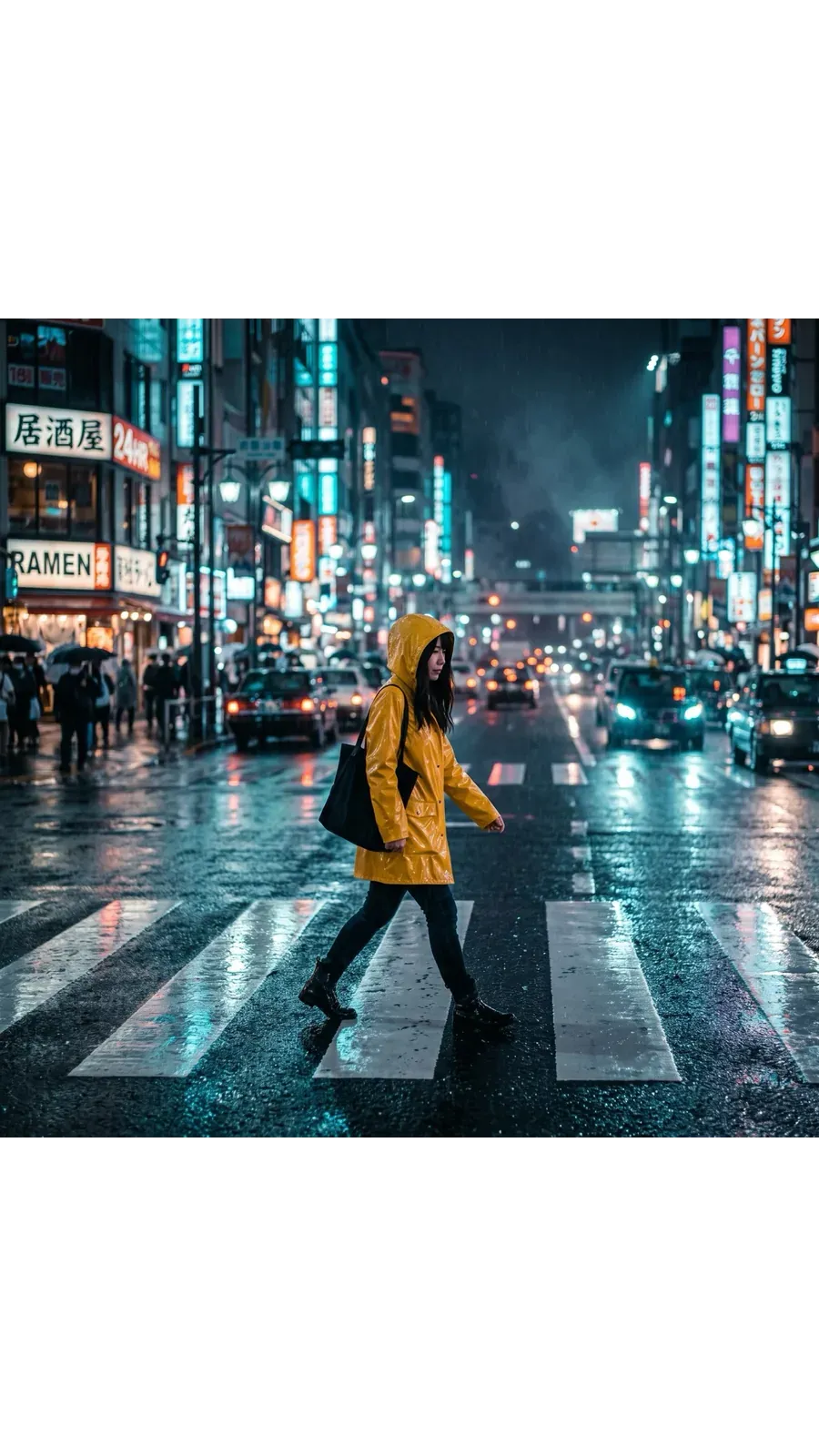
9:16 for Stories and Reels
Smart Resize rebuilt the scene for vertical. The same subject in a composition made for a full phone screen, rather than a crop of the square.
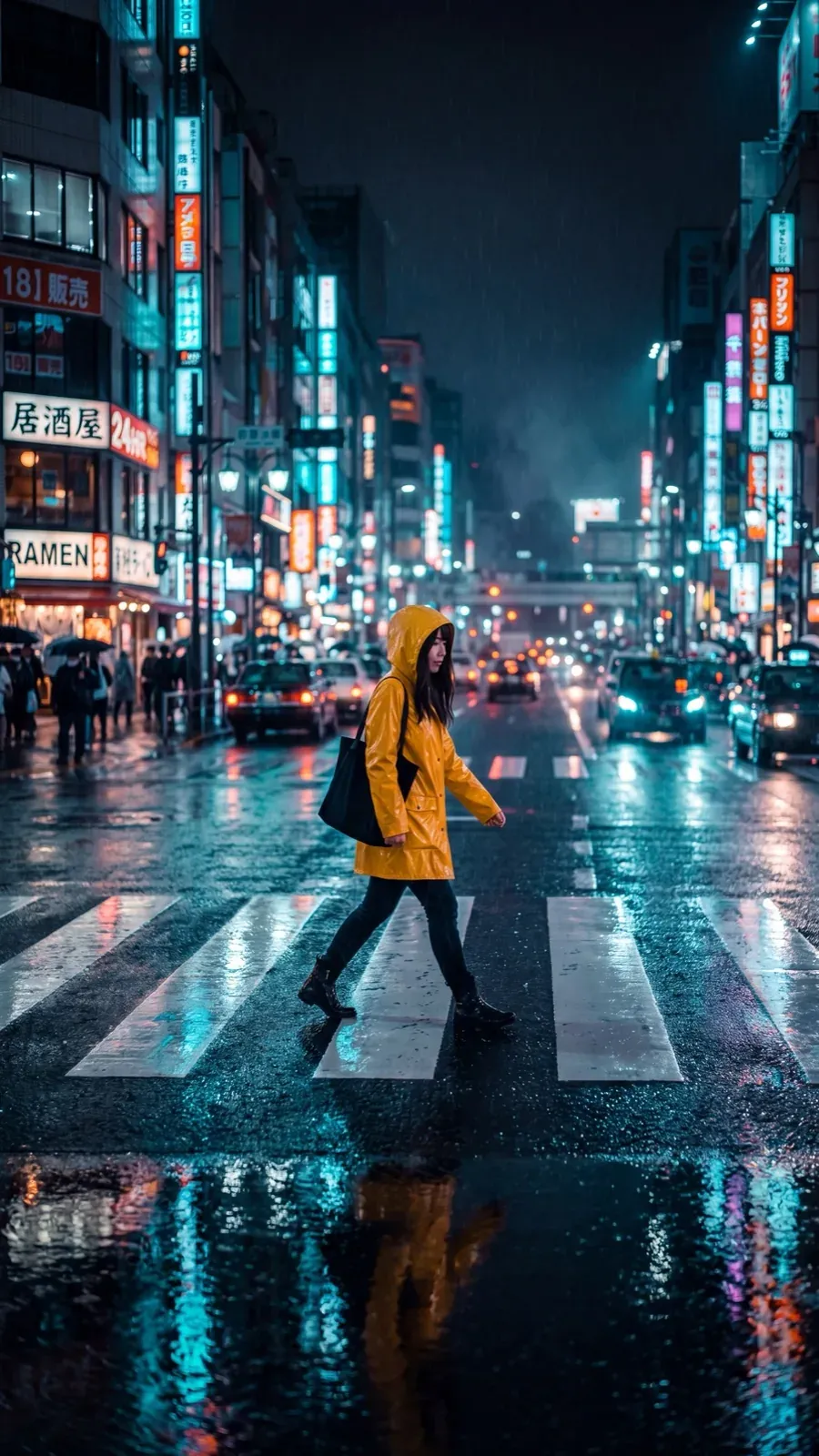
16:9 for thumbnails and banners
The wide version for YouTube thumbnails, website banners and email headers. Go to 21:9 when the hero needs to be wider still.
What Teams Actually Use It For
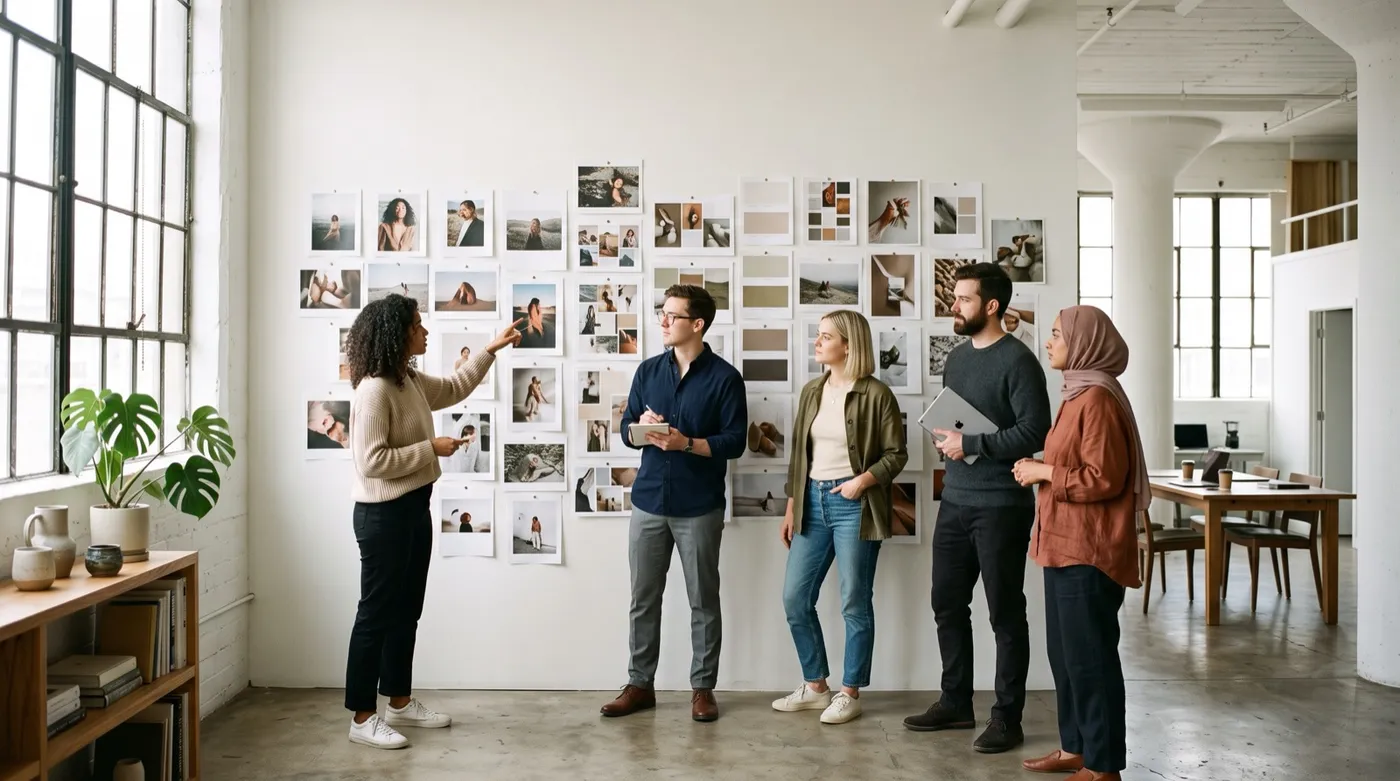
Six workflows that come up on every campaign, each starting from an image that already exists.
Explore other AI tools and features
Frequently Asked Questions
Open Resize image in the getimg.ai sidebar, drop in your file or pick one from the gallery, choose a target aspect ratio, then pick Smart Resize or Outpainting and generate. It runs in the browser, so the steps are identical on Windows, macOS, iOS and Android.
Neither mode crops to fit. Outpainting keeps every pixel of your original and generates the extra canvas around it. Smart Resize regenerates the image at the new ratio, so the composition is built for that shape instead of being trimmed down to it.
Both modes work on photographs, illustrations and realistic AI images alike. Which mode you pick matters more than the kind of image you start from.
It depends on the mode. Outpainting reads the edges of your image and continues the scene outward, matching the lighting and perspective already in the frame. Smart Resize does not fill a gap at all: it generates a new version of the whole image at the target ratio, so parts of the composition can shift.
Taking a square beach shot to widescreen with Outpainting, for example, might extend the ocean, add more sand, or introduce elements that were not in the original, such as extra beachgoers. That is generative behaviour working as intended, not a bug. Review the generated areas before you publish, especially when the image contains people, products, text or anything factual. The same applies to AI art and photographs alike.
Photographs, illustrations, renders, digital art and PNG files such as AI tattoo designs all work. The mode you choose matters more than the file type.
Smart Resize regenerates the entire image, which makes it risky for logos, packaging, UI screenshots, diagrams, text-heavy designs and exact product labels. For those, use Outpainting: the original stays untouched and only the surrounding area is generated.
Cropping only ever uses pixels that already exist. You pick a window inside the frame and everything outside it is discarded. That is completely predictable, and it costs you part of the picture. AI resizing can produce content that was not in the source: Outpainting generates the area around your image, Smart Resize generates a new version of it at the target shape. You keep the full scene, and in exchange results vary between runs.
Use Outpainting whenever exact source details matter. Logos, packaging, text-heavy designs, UI screenshots, diagrams, product labels and recognisable faces all need the original pixels to survive, and Outpainting only generates the canvas around them.
Use Smart Resize when you are happy for part of the composition to change and you want a frame built for the new format. It is the faster route when the goal is a layout that fits, not a pixel-exact copy of what you uploaded.
No. Every run saves a new file and leaves the source where it was. Outpainting keeps your original pixels inside the new, larger frame. Smart Resize creates a separate, newly generated version at the target ratio. Either way, the file you uploaded is still in your gallery, unchanged.
Resizing changes the aspect ratio: the shape of the frame and what fits inside it. Upscaling keeps the shape and raises the resolution, so the same frame comes back with more pixels. If you want a square image to become a Story or a banner, use the Resizer. If you want a bigger, higher-resolution file of the frame you already have, use the Image Upscaler, which reaches 2K, 4K and up to 16K on some models.
Smart Resize supports ten: 1:1, 4:5, 5:4, 3:4, 4:3, 2:3, 3:2, 16:9, 9:16 and 21:9. Outpainting supports the same list with the exception of 5:4. Smart Resize also has a quality switch for 1K, 2K or 4K output; Outpainting works from the resolution your source already has.
Yes. Drop or select more than one file in Resize image and the whole set is processed to the ratio you picked. Each image produces its own new file, and every original stays in your gallery.
Change the ratio. Keep what matters.
Pick a target format, choose Smart Resize or Outpainting, and generate. Your original stays where it is.