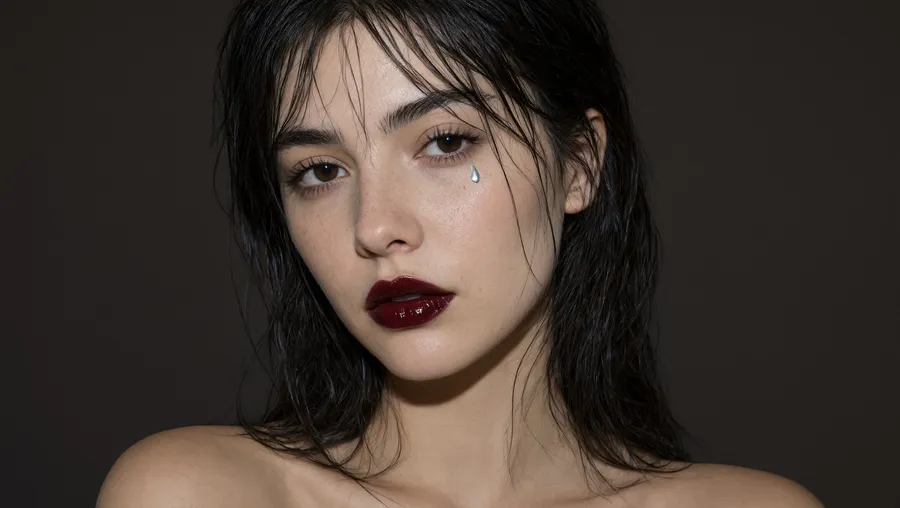
MiniMax H3 AI Video Generator
One prompt, a whole sequence. MiniMax H3 turns a script or an image into several shots in a single generation, cut together with clean transitions and synced sound. Hold the same character across every shot, in 2K, from 5 to 15 seconds, in six aspect ratios.
Access 48+ leading AI models. Pay for one subscription.


Build a whole sequence in one generation
MiniMax H3 does not stop at one shot. Describe a sequence and it returns several shots together, five three-second cuts if you want, with transitions and pacing that follow your script.
A multi-shot scene comes back as one finished clip, not separate renders you stitch by hand. Longer sequences and fast action are harder to hold, so keep each shot's direction clear and generate a couple of options.
From script to a cut sequence in 3 steps
Nothing to install, no shots to stitch, no editing suite.
1. Open the Create video tool
Sign in, then open the Create video tool and select MiniMax H3 from the model menu in the prompt box.
2. Describe the shots
List each shot: the action, the camera, and any dialogue or sound. Our video prompt guide and the example below show how to structure a sequence.
3. Set the specs and generate
Pick an aspect ratio, set the length from 5 to 15 seconds, then press the arrow.
Dialogue, effects, and score in the same pass
MiniMax H3 generates sound with the picture, not in a later step. Ask for a spoken line, an effect on a beat, or a music bed under the cut, and it comes back matched to the action across every shot. That drops the separate sound pass, so social and ad work reaches a finished cut sooner.
Reference consistency
Keep the same characters and props across every shot
Give MiniMax H3 up to nine reference images and it carries the same face, wardrobe, and product from one shot to the next. A sequence that used to drift between cuts stays on model, so a brand film or a recurring character holds together, no reshoot required.
Video and audio references
Hand it a clip to match, or a track to move to
References in MiniMax H3 are no longer limited to stills. Attach a video file and the model reads the motion in it. Attach an audio file and it has a sound to work against, rather than inventing one from the prompt alone.
Up to three video references and three audio references per generation, mixable with your reference images in the same shot. Each file you attach can run up to 15 seconds, audio as well as video, so a full-length music track needs trimming first. MiniMax H3 Max accepts the same allowance.
Per-shot cinematography
Call the lens, the move, and the timing shot by shot
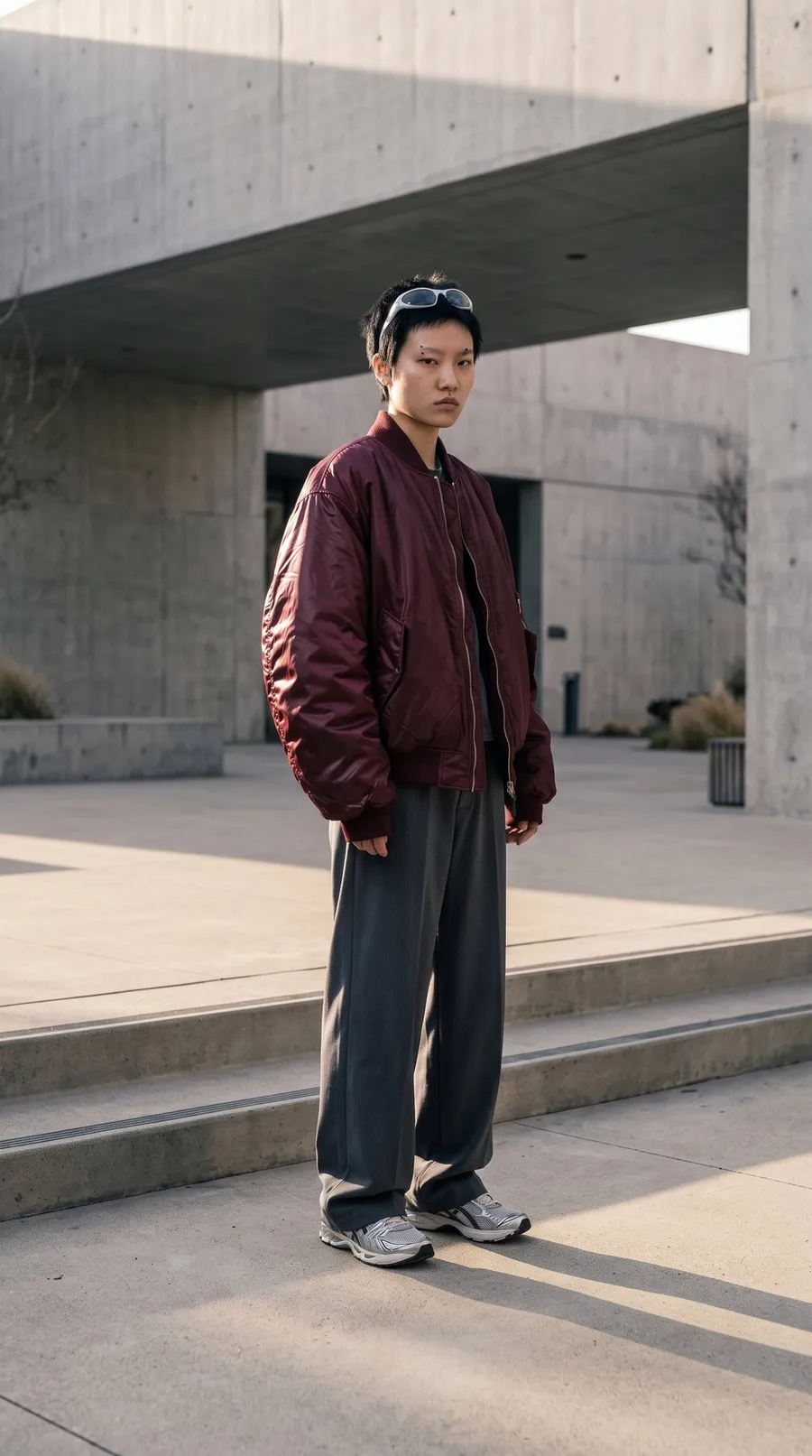
Set a focal length of 35, 50, 65, or 100mm, a camera move, and a duration for each shot. MiniMax H3 follows the direction shot by shot, so the cut arrives with the framing and pacing you asked for, not one fixed look. You block the scene the way a director of photography would.
Explore More AI Features & Models
Frequently Asked Questions
Everything runs in the Create video generator on getimg.ai, in your browser. Pick MiniMax H3 from the model menu, describe the shots you want along with any dialogue or sound, then set the length from 5 to 15 seconds and choose one of six aspect ratios: 21:9, 16:9, 4:3, 1:1, 3:4, or 9:16.
Press the arrow and the model renders the shots and their audio in one pass, up to 2K. There is nothing to install and no GPU to rent, and you can queue the next generation while this one renders.
Yes. MiniMax H3 and H3 Max are among the models behind the getimg.ai AI video editor. Add a clip as a video reference in Create video, describe what should change, and get a new version that closely follows the original movement and timing. Each reference clip can be up to 15 seconds long, and your original stays as it was.
It generates a sequence, not just a single clip. Several shots come back cut together, with the same characters and props held across each one and per-shot control over the lens and camera move, so a scene arrives already edited.
Sound lands in the same pass. Run it through our AI video generator and each shot returns with its dialogue, effects, and music already matched to the picture, so a finished cut is where you start.
MiniMax H3 suits work that needs more than one shot. A few examples:
🟣 Ads and trailers: cut between several shots in one generation for a spot that already has pacing.
🟣 Brand and product films: hold the same product and set across every shot, no reshoot required.
🟣 Story and explainer sequences: direct the lens and timing shot by shot for scenes that need to build.
Yes. Every paid getimg.ai plan comes with commercial rights, so clips you make with MiniMax H3 can go straight into client campaigns, paid ads, social, and product pages. Commercial use is covered from the Entry plan up, subject to the usage policy.
Give MiniMax H3 up to nine reference images and it holds the same character, product, and style across the whole sequence. Reach for it when consistency across shots matters more than pinning an exact opening image.
Short, plain descriptions already work, because getimg.ai fills in sensible detail in the background. Add specifics like a focal length, a camera move, or an exact line of dialogue when you want tighter control over a shot, and leave them out when you are happy to let the model decide.
Yes. Set a first and last frame to pin where a shot starts and ends, or set just the first frame to start from a still. You pick one guidance mode per generation: reference images, a first frame, or a first and last frame.
Yes. The same model is available programmatically through the MiniMax H3 API, billed pay-as-you-go and separate from the main getimg.ai app subscription. You only pay for the generations you run.
Write the scene. Get the cut.
Describe your shots, set the lens and the length, and MiniMax H3 returns a cut sequence with sound. One generation, not a timeline to assemble.