AI Room Restyle: See Your Room in 12 Interior Styles Before You Buy Anything
Add a wide photo of a furnished room, pick a style like Scandinavian, japandi or art deco, and see the same space redesigned. The walls, windows and layout stay where they are.
Access 48+ leading AI models. Pay for one subscription.


How to restyle a room with AI
Add a photo of the room
A wide shot that shows the walls and windows. A phone photo is enough.
Pick a style
Choose from 12 styles, from Scandinavian and japandi to art deco and dark and moody. Set the quality to 1K or 2K.
Compare up to 4 versions
Generate 1 to 4 variations and see different takes on the same style side by side.
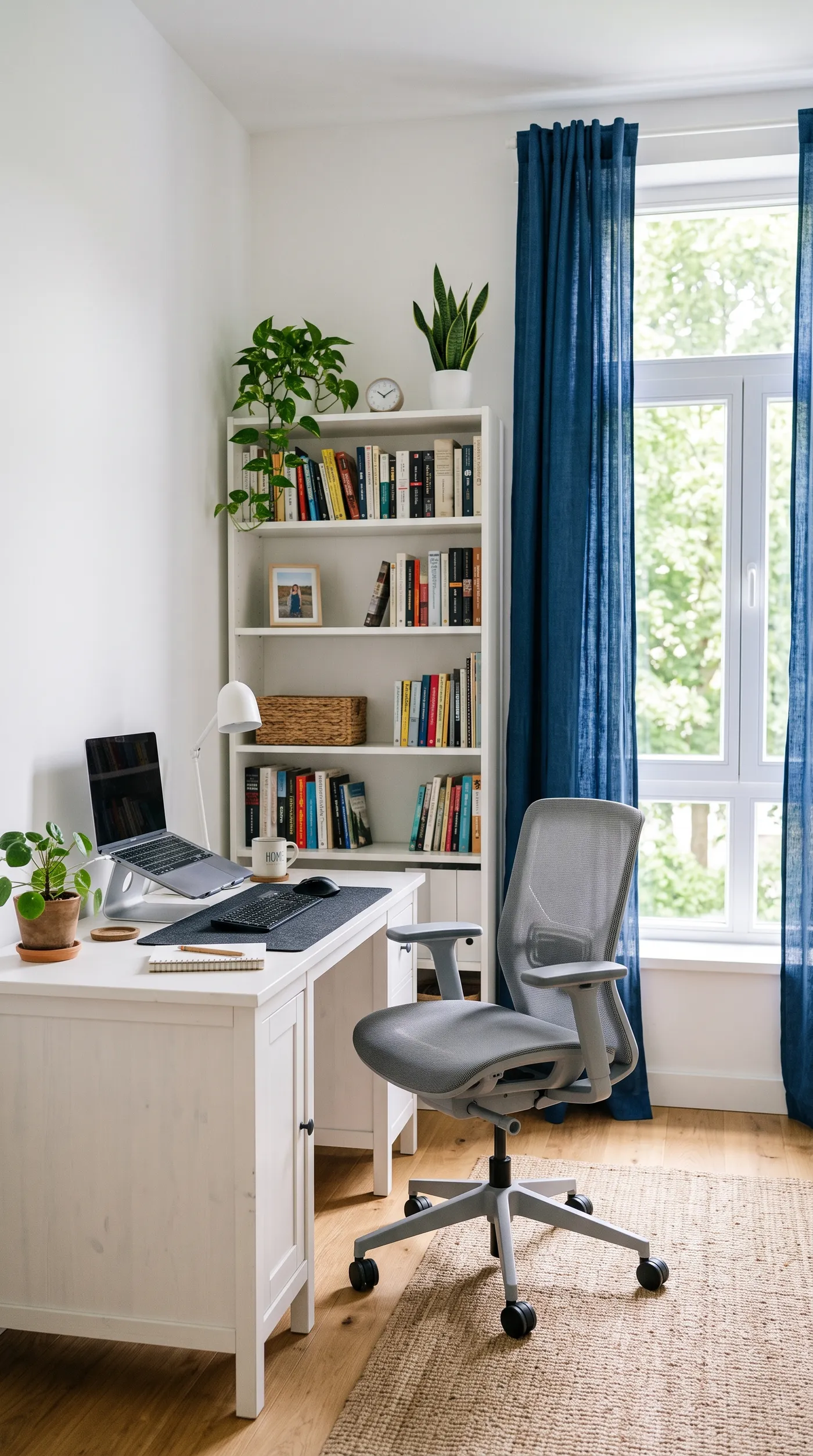
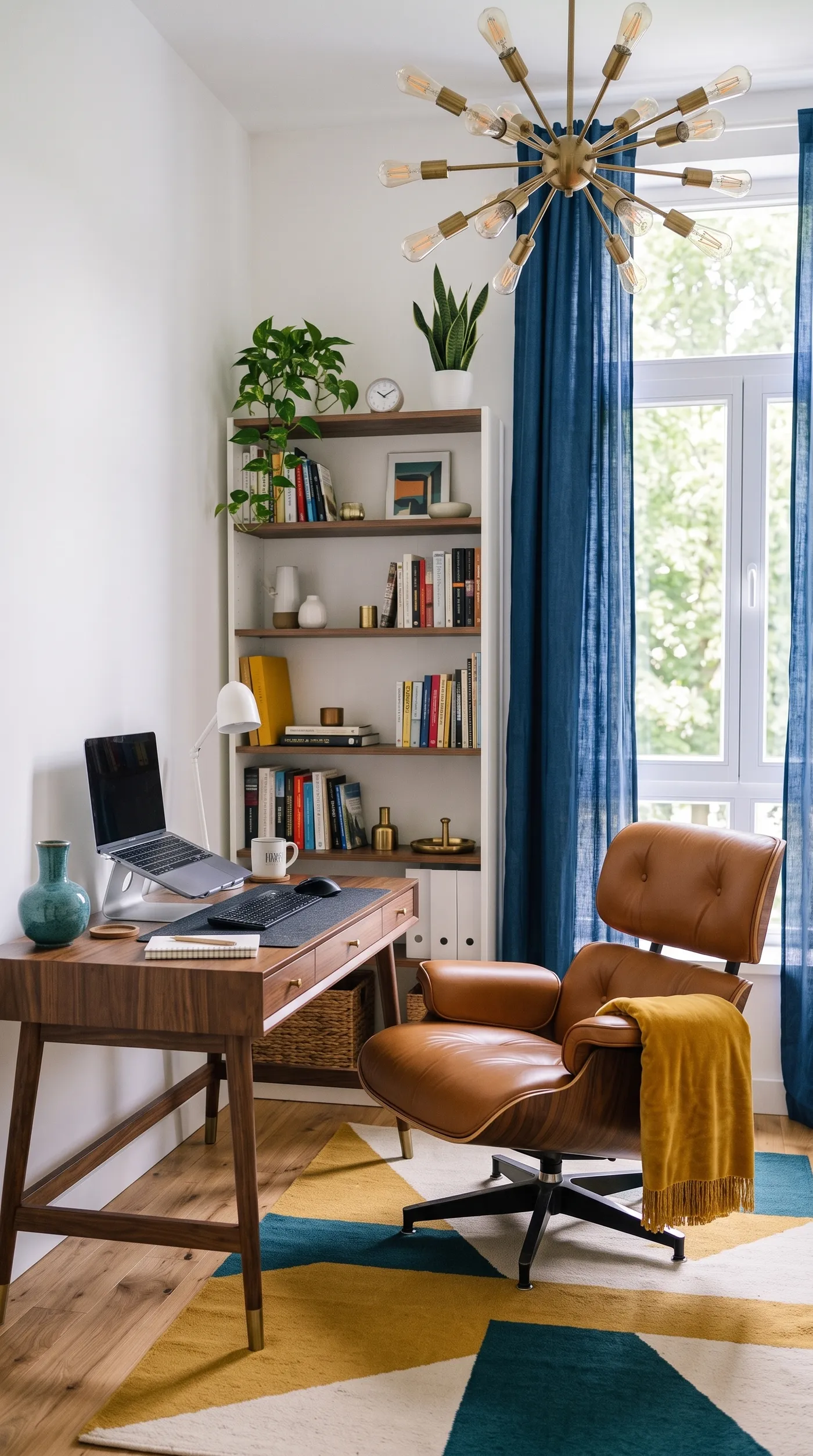
Try a mid-century home office before you buy anything
This corner had a plain white desk, a mesh chair and blue curtains. Mid-century swaps them for a walnut desk, a leather lounge chair, a sputnik lamp and a geometric rug, while the window, the walls and the floor stay where they are.
Use it to test a style before you shop, to pitch a direction to a client, or to show buyers what a dated room could become.
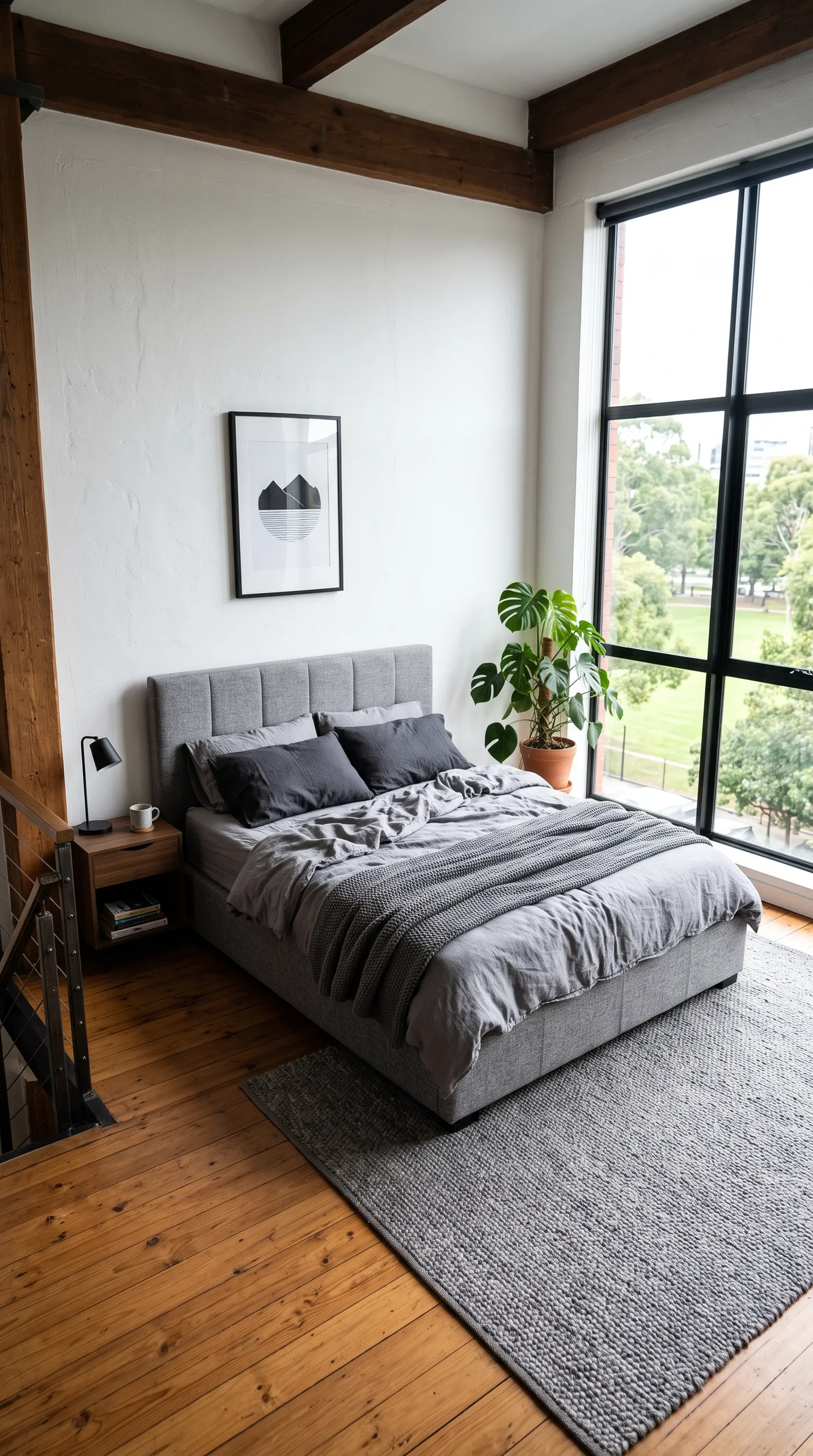
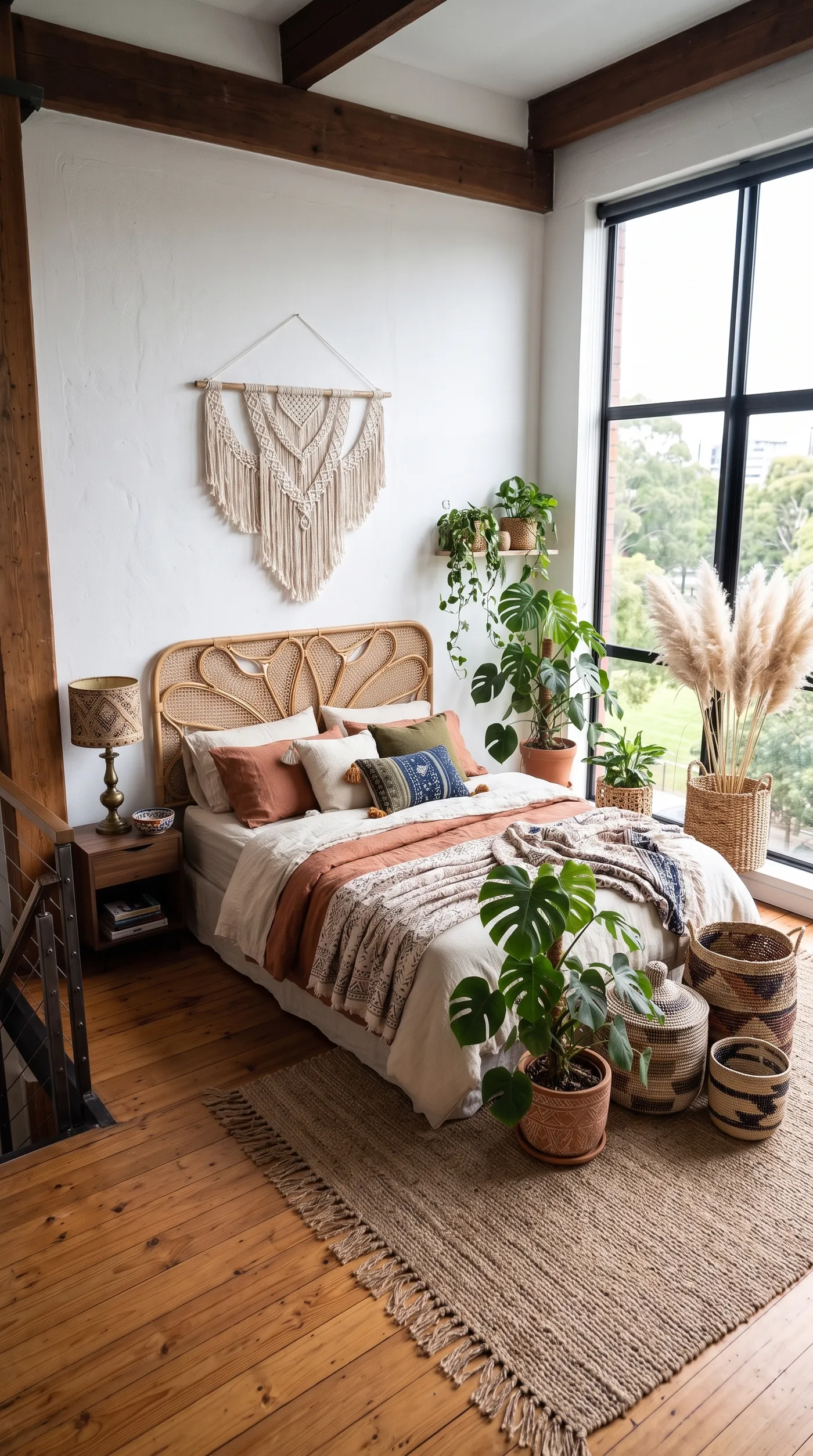
Turn a grey bedroom into a warm boho retreat
Grey bed, grey bedding, grey rug. Boho brings in a rattan headboard, layered terracotta and cream textiles, a macrame hanging and plants, so the same loft finally feels lived in.
Interior designers use it for quick mood options, and hosts use it to picture a refresh before spending on one.
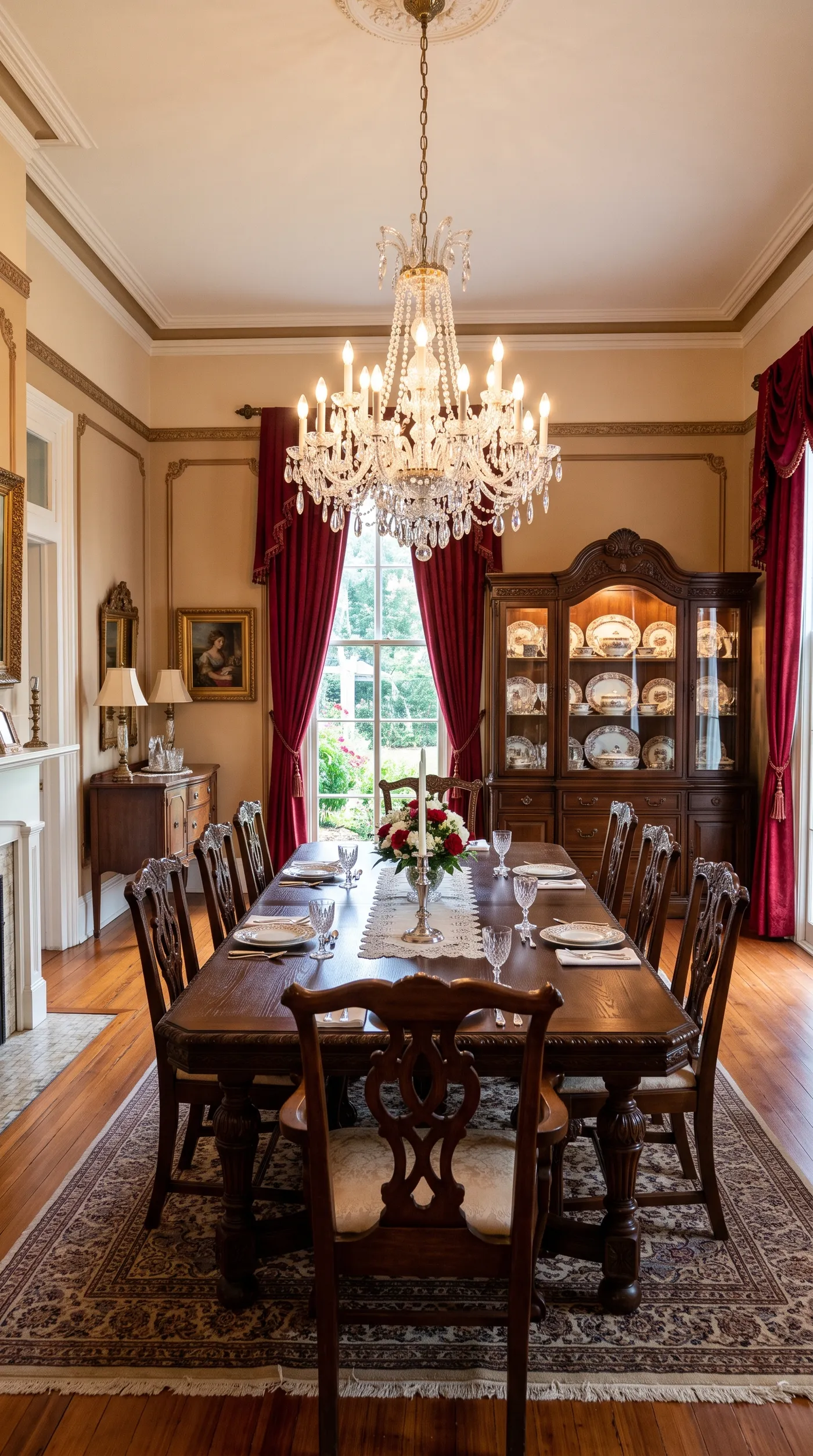
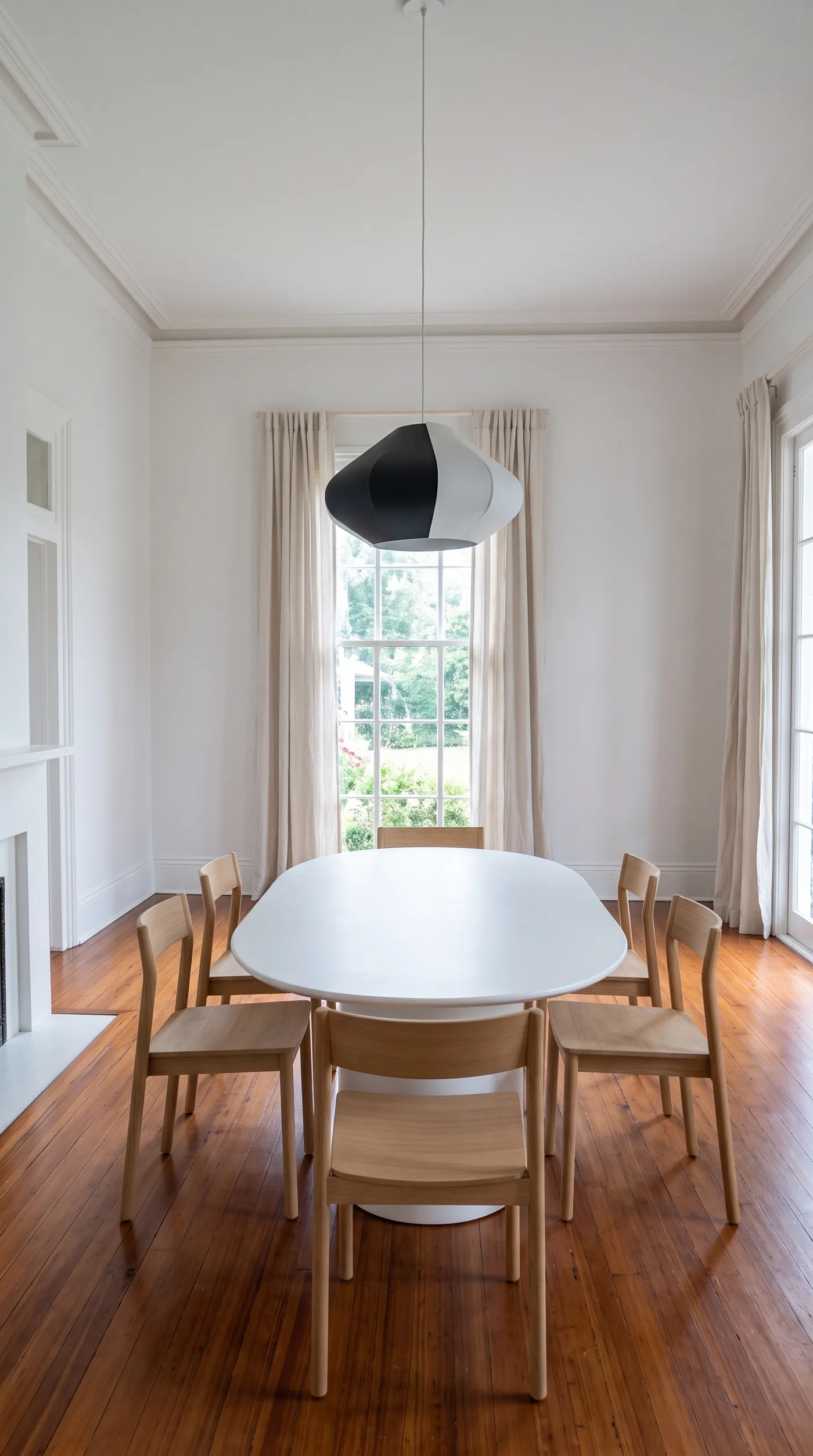
Strip a formal dining room back to minimalist
Carved chairs, a crystal chandelier and a full china cabinet make this dining room feel dated. Minimalist replaces them with a simple oval table, light wood chairs and one sculptural pendant. The windows, moldings and parquet stay, so it's clearly the same room.
That's what makes a restyle useful for real estate and renovation planning: people see their own space, not a stock interior.
Who restyles rooms with AI
A new style is a big decision. Seeing it in your own room first takes the guessing out of it.
Skip the mood board guesswork
Mood boards show furniture on a white background. A restyle shows the style in your room, with your light and your floor plan.
getimg.ai
Add the room photo
One wide shot of the space.
Pick a style
12 interior styles to choose from.
See it redesigned
Up to 4 versions, with walls and windows unchanged.
Planning by hand
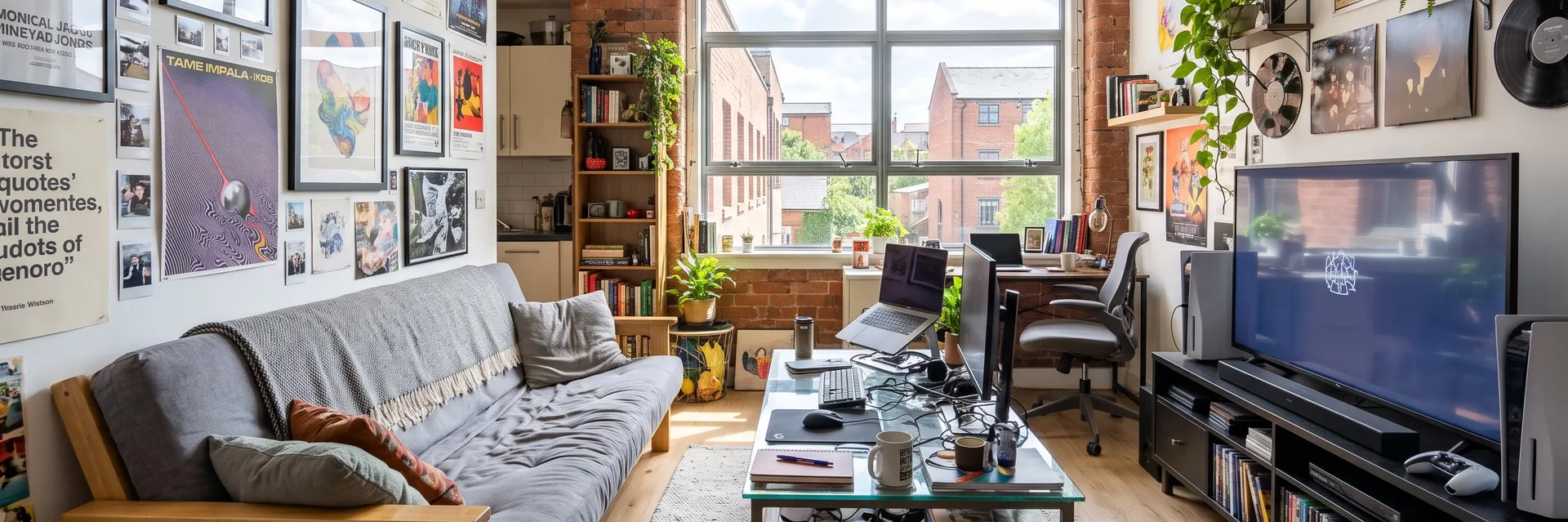
- Collect inspiration photos of other people's rooms
- Build a mood board that ignores your layout
- Guess how the style works with your light
- Pay for a 3D render or a designer visit
- Commit to purchases before seeing the result
Get a restyle that still feels like your room
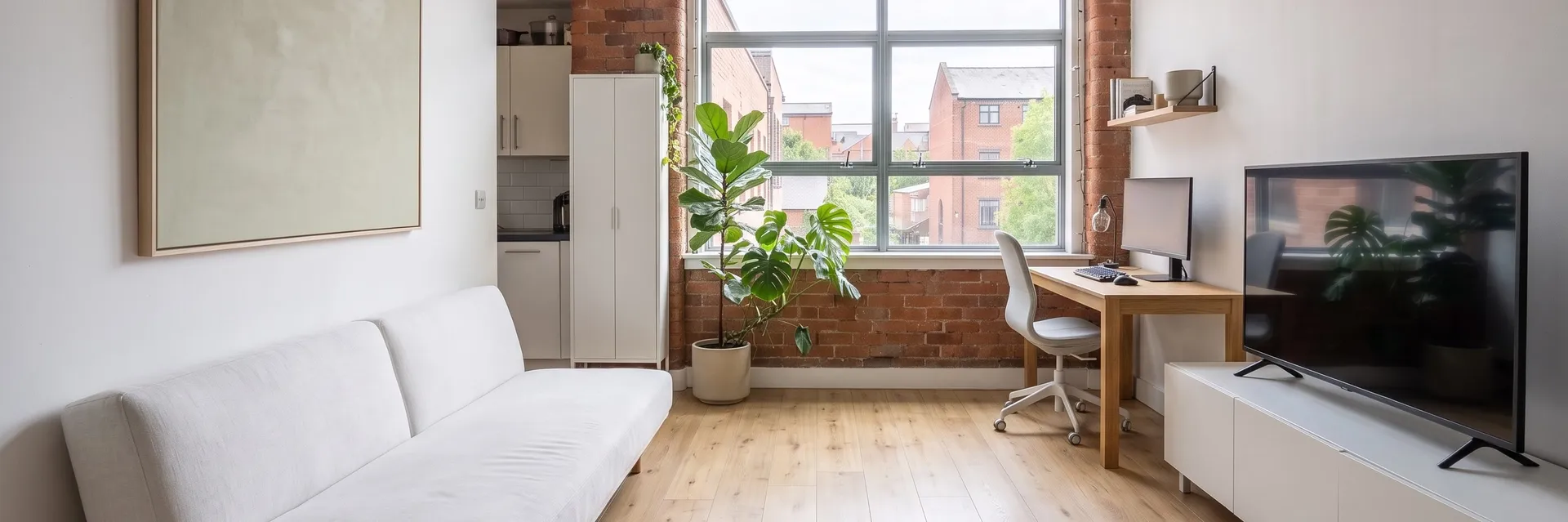
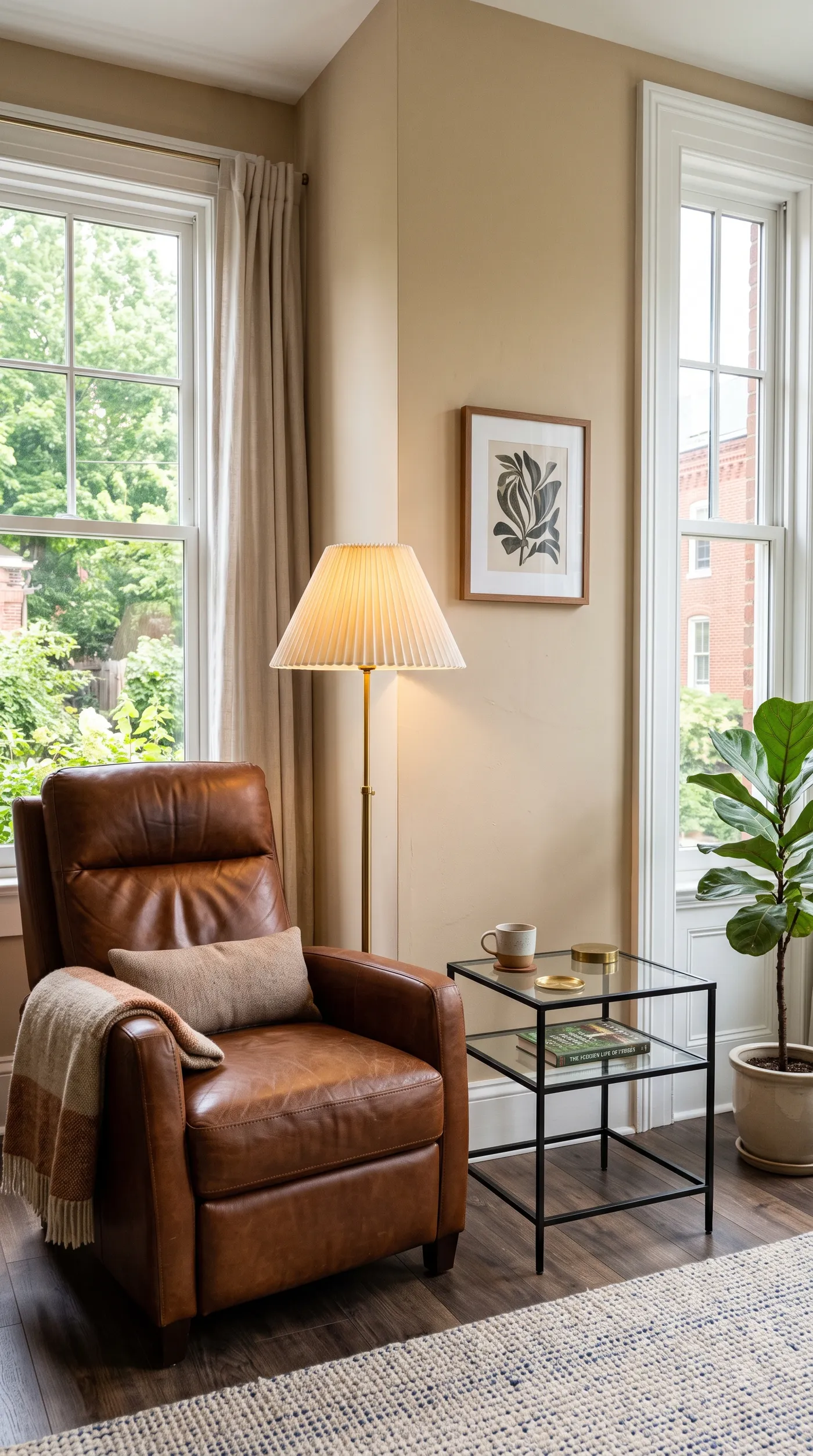
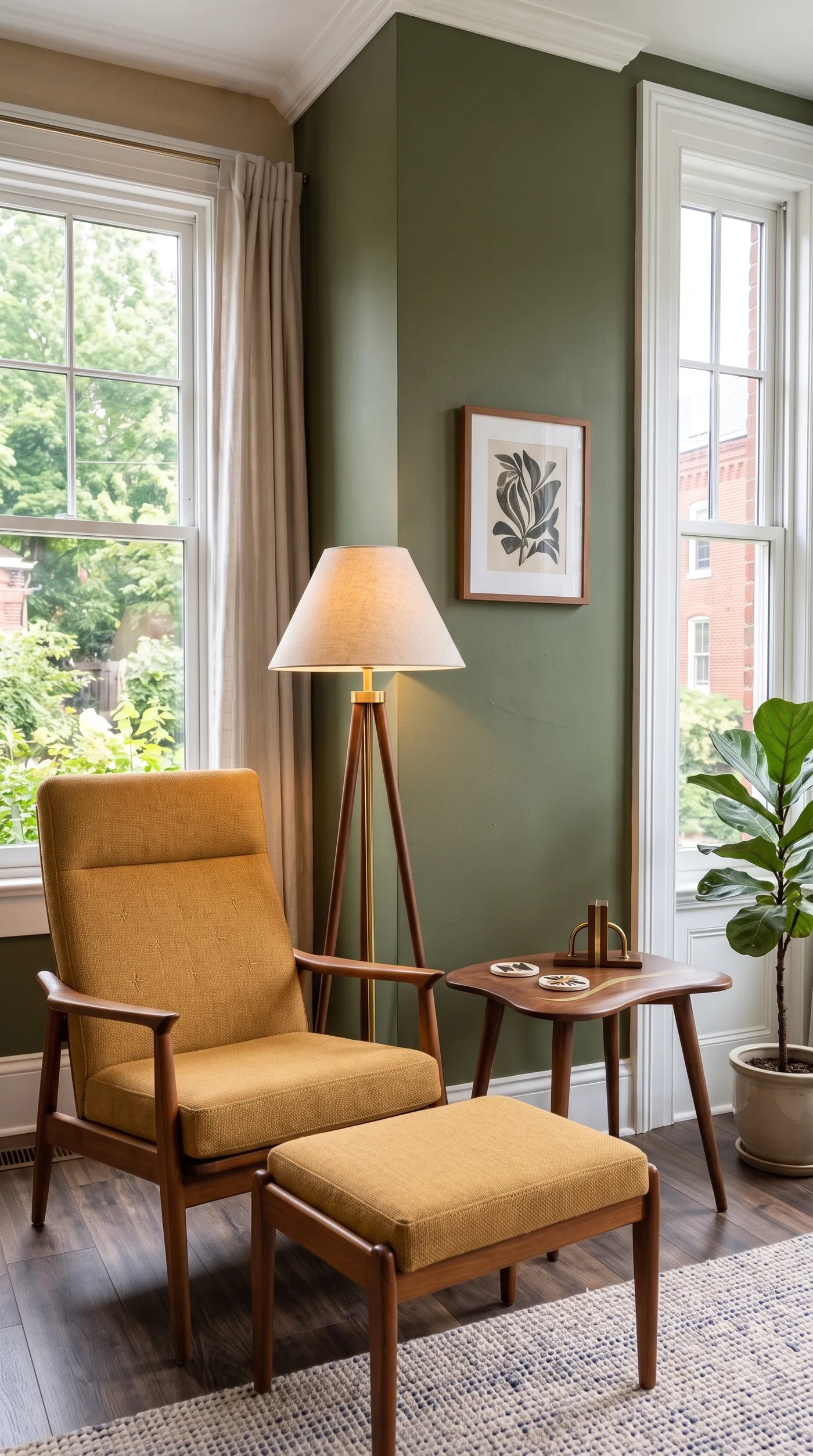
A restyle looks believable when the room's shell is clearly visible. Here the tall window, the floor and the layout carry through, while the furniture, decor and wall color move to mid-century.
Frequently asked questions
Open Room restyle on getimg.ai, add a wide photo of the furnished room, pick a style and choose 1 to 4 variations. You get the same room redesigned in that style.
There are 12: Scandinavian, japandi, industrial, mid-century, minimalist, boho, maximalist, art deco, coastal, farmhouse, dark and moody, and traditional. Run the same photo in two styles to compare directions.
It's built to restyle the furniture, colors and decor while the walls, windows and shape of the room stay as they are, so the result still looks like your room.
Restyling works on a furnished room. For an empty one, AI virtual staging adds furniture and decor from scratch.
Room restyle is for interiors that are already furnished. For exteriors and new design ideas from a description, try the AI home design generator.
Start with the style closest to the furniture you're thinking of buying. If you're undecided, run the same photo in two or three styles and compare.
Room restyle redesigns the furniture and decor in the chosen style. To keep a specific piece, add the photo as a reference in Create image and describe what should stay.
Yes, as long as the photo is sharp and wide enough to show the walls, windows and floor. Very dark or tightly cropped photos give the restyle less to work with.
Yes. Every paid plan includes commercial use, subject to our terms and applicable third-party rights. Plans start at $8 a month.
See the new style in your own room first
Add a photo, pick a style and compare up to four versions.