AI Sound Effect Generator
Describe a sound in plain language, choose how long it runs, and generate finished audio you can drop straight into the timeline. Sound effects on getimg.ai are generated with Eleven Sound Effects 2.
Crackling Fire
Sci-Fi Cannon Blast
Rain & Thunder
Wolf Howls
Powered by Eleven Sound Effects 2
Sound effects on getimg.ai are currently generated with Eleven Sound Effects 2. Describe a sound in natural language, choose 5, 10, 20, or 30 seconds, and generate one, two, or four variations per run.
Vintage Cash Register
What sourcing sound effects used to involve
Finding one second of audio could eat an afternoon. Search the library, audition the near-misses, check what the license covers, settle for close enough. And when nothing fit, the fallback was recording it yourself.

With getimg.ai
Describe the sound
Type what you want to hear in plain language: glass shattering on concrete, rain on a tent roof, a heavy vault door sealing shut.
Choose the length
Pick 5, 10, 20, or 30 seconds.
Generate and download
Hear the finished effect in seconds and download it as an .mp3 file.
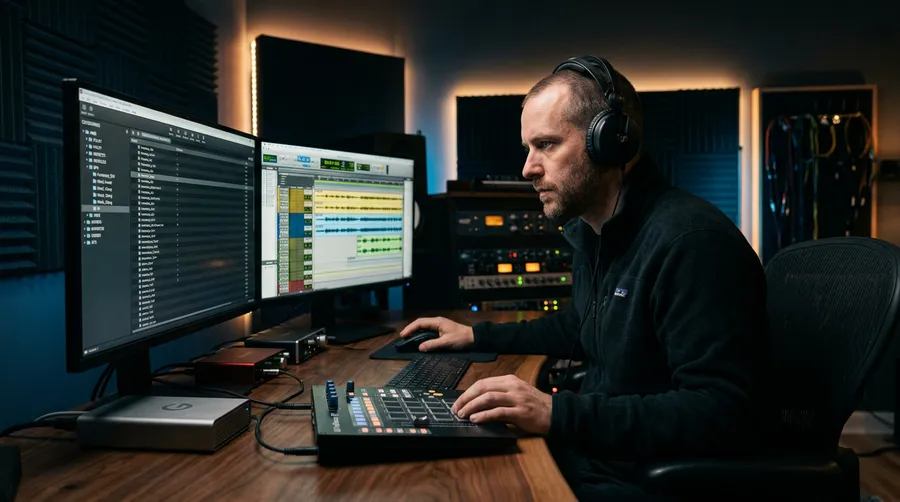
Traditional SFX sourcing
- Search a sound effect library for something close to the scene
- Audition dozens of near-misses one by one
- Check what each license covers before the project ships
- Pay per download, per seat, or per year for library access
- Record your own Foley when the search comes up empty
- Set up mics and find a quiet room for one second of audio
- Edit, trim, and pitch-shift the take until it fits the cut
- Start the search over when the client changes the scene
- Track the terms of every source file across the project
How to Write an AI Sound Effect Prompt
A sound effect prompt works best when it answers what a Foley artist would ask before recording: what is making the sound, what is it doing, what is it made of, and where are we standing. Use this order and drop whatever does not matter for your scene.
The formula
Source + action + material or surface + environment + distance + intensity + acoustic character. None of it is required. Each part you add is one more decision the model does not have to make for you.
What each part controls
Source and action decide what happens. Material and surface decide the texture. Environment, distance, and acoustic character decide how the sound sits in space, which is usually what separates a usable take from a generic one.
A weak prompt
door
One word leaves everything else open: which door, how heavy, opening or slamming, and in what room. You will get a door. Which door is up to the model.
A stronger prompt
Heavy wooden door slamming shut in a narrow concrete stairwell, close perspective, deep low-frequency impact, short natural reverb.
Same door. The weight, the action, the room, the microphone position, and the decay are now decisions you made rather than defaults you accepted.
Hear What a Detailed Prompt Changes
Four takes generated with Eleven Sound Effects 2, with nothing changed between them but the wording of the prompt. The vague version is not broken. It is the model choosing everything the prompt left open.
Simple Effect or Sound Sequence?
A prompt can describe one sound or a short chain of events. Both work. The choice changes how much control you keep once the audio reaches your editor.
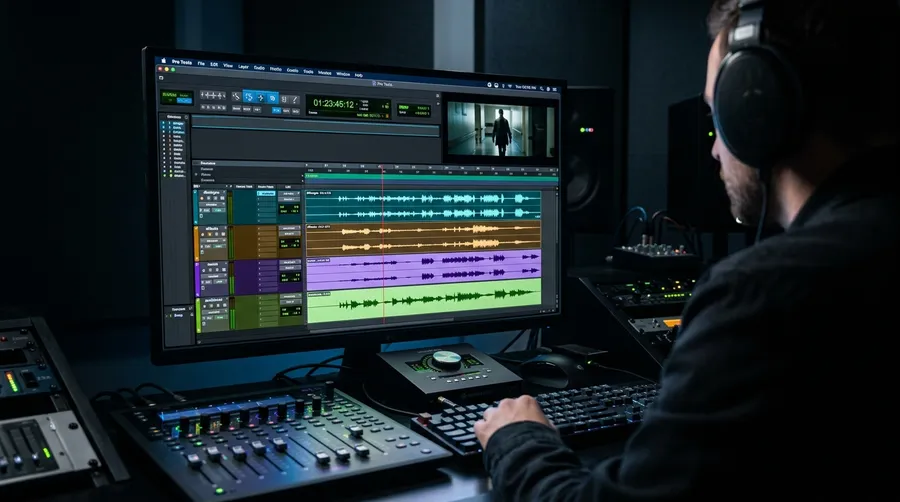
Generate Multiple Variations for the Same Sound
A repeated action gives itself away when the same file plays twice. Change one element of the prompt and you get a different take of the same sound. Six takes below, all Eleven Sound Effects 2 at 5 seconds and 1 variant, each changing a single part of the base line.
Audio Terminology for Sound Effect Prompts
Sound libraries and sound designers share a vocabulary. You do not need it to write a prompt, but naming the right category gets you closer on the first take.
Impact
A hit or collision: a body landing, a crate dropping, metal striking stone. Loud at the front, and defined by the weight and material you name.
Whoosh
A movement or transition: something passing the camera, or one shot turning into the next. Shaped by speed, air, and direction of travel.
One-shot
A single short effect that plays once and stops. Clicks, confirms, ticks, and most small interface sounds are one-shots.
Ambience
Environmental background that establishes a place: rain on a roof, a cafe at lunch, a forest at dawn. Usually generated at a longer duration.
Drone
A continuous tonal background that holds under a scene. Less about events than about mood and pressure, and common in sci-fi and horror.
Braam
A heavy cinematic hit, brassy and low, used to punctuate trailers. Named after the sound it makes, and best prompted by naming it directly.
Glitch
Digital malfunction: stutters, data corruption, bit-crushed static, dropouts. Reads to an audience as technology failing in front of them.
Loop
A segment intended to repeat without an audible seam. In game and interface audio, loops cover sustained states such as engine hum or wind.
AI Sound Effect Prompt Examples
Ten takes you can copy and adapt. Each one lists the model, the full prompt, the length, and the number of variations it was generated with.
Steel Impact
From a pin drop to a building collapse
If you can describe it, you can generate it. These are the categories editors reach for most.
When to Generate a Sound Effect Instead of Searching a Library
Generated audio and recorded libraries solve different halves of the same problem. The useful question is not which one wins, but which one fits the sound you need right now.
Generate when the sound is specific
Prompt-specific takes, fast exploration, and a change of direction that costs one rewrite. Suits unusual, stylised, and fantasy sounds that were never recorded anywhere.
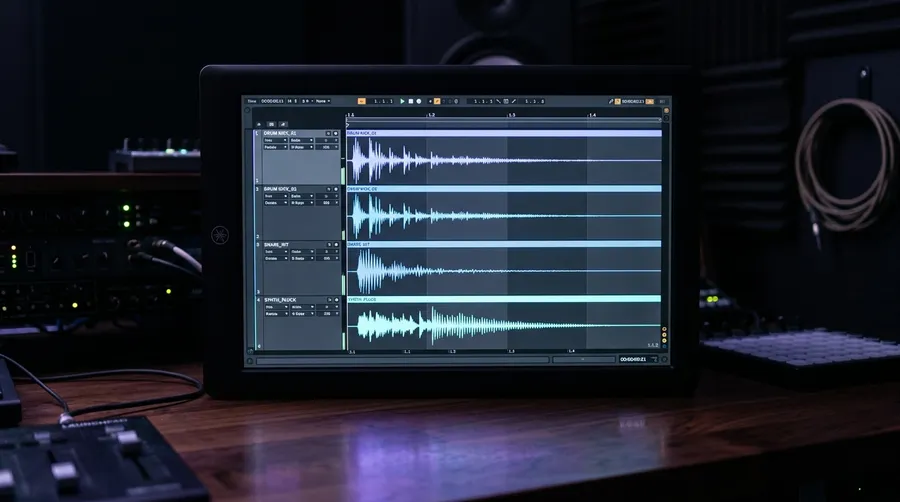
Search a library when the take is known
A recording you can audition before committing, with the same playback every time. Suits real-world Foley and professional field recordings of a specific source.
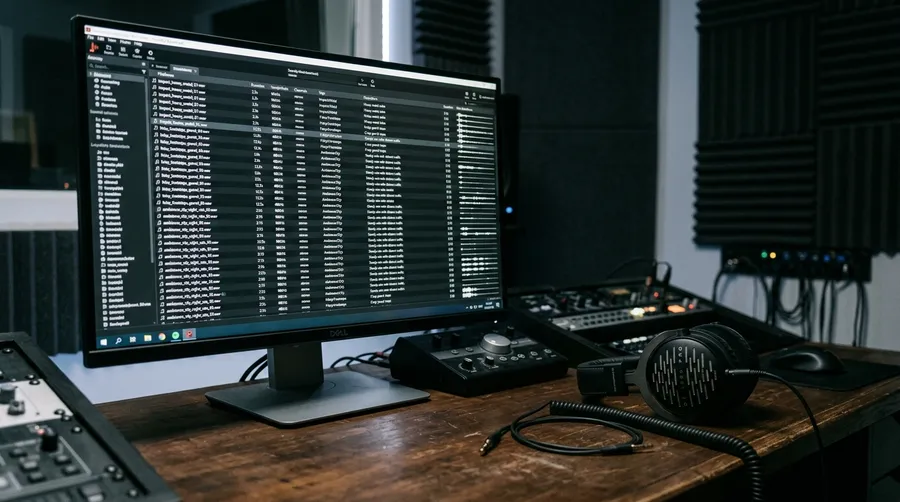
Most projects end up using both
Recorded Foley for the grounded layers, generated audio for the parts no library holds. The two sit together in the same mix without any conflict between them.
Built for work that burns through sound effects
A film mix needs one impact that lands. A game needs a footstep that can play a few hundred times without wearing out. The same generator has to cover both, and the projects in between.
AI Music vs AI Sound Effects
Music and sound effects are different jobs, and getimg.ai keeps them in separate tools. Sound effects cover impacts, Foley, ambience, interface sounds, and the short pieces of sound design that sit on a single moment. Music covers songs, scores, instrumentals, and tracks with musical structure. Need a full track instead? Try the AI Music Generator.
Sound Effect Generation Specs
What the Create sound effect tool does today.
AI Sound Effect Generator Examples
Frequently Asked Questions
An AI sound effect generator creates audio from a text description. Instead of searching a library of pre-recorded files, you type what AI audio you want to hear, choose how long it should run, and the model generates the sound: a door slam, a thunderstorm, a laser blast, a busy street.
On getimg.ai, sound effects are generated with Eleven Sound Effects 2 and download as .mp3 files. They are used in film and video post-production, game development, podcasts, ads, and app design, anywhere a project needs specific audio faster than recording or licensing can deliver it.
Open Create sound effect, describe what you want to hear in plain language, pick a length, and choose 1, 2, or 4 variations to compare. Download the results as .mp3 files right away, or adjust the description and rerun until the sound matches what you had in mind. Naming the source, the surface, the space, and the distance usually gets you closer than a single word.
Choose 5, 10, 20, or 30 seconds depending on the type of sound. Short durations work well for impacts and transitions, while longer options give ambience and multi-part sequences more room to develop. Trim the generated effect in your editor when the final cut needs a more specific duration.
Yes. Set 1, 2, or 4 variations before you generate and the same description comes back as a set of related but distinct takes. For repeated actions such as footsteps or impacts, you can also change the surface, distance, intensity, speed, or environment in the prompt to build a wider set of takes for the same action.
Sound effects are impacts, Foley, ambience, interface sounds, and short pieces of sound design that land on a specific moment. Music is songs, scores, instrumentals, and tracks with musical structure. They are separate tools on getimg.ai, so for a full track use the AI music generator instead, and keep this page for the sounds that sit on top of it.
Paid plans include commercial usage rights for eligible generated sound effects under our terms. Third-party intellectual property and source materials remain subject to applicable rights and restrictions, so check the terms against your specific use case.
The things that decide whether an effect is actually usable in production: available durations, how many variations you get per run, how much of the sound the prompt lets you control, output format, commercial usage terms, the cost of a generation, and whether the result drops cleanly into the rest of your workflow.
On getimg.ai today that means Eleven Sound Effects 2, lengths of 5, 10, 20, or 30 seconds, up to four variations per run, MP3 downloads, and a flat cost per generation whichever length you pick.
Type the sound. Hear it in seconds.
Describe what you want to hear, choose 5, 10, 20, or 30 seconds, and generate up to four takes to compare. Download the one that fits as an MP3 and drop it into the timeline.