
AI Workspace for Creative Teams
One creative workspace for the whole team. Generate, edit, organize, and deliver images, video, and audio with shared assets, folders, and reusable brand references.
Leading AI image and video models in one team workspace
Auto can pick the model for your prompt, and anyone on the team can choose a specific model when the brief needs more control.


What does a getimg.ai Team share?
Shared workspace means something specific. This is what everyone in a Team space can see and work from.
Generations and uploads
Every image, video, and uploaded source file lands in the same Team space, so everyone can see the current creative direction without a single export.
Folders you generate into
Organize by client, campaign, or deliverable. Generate directly into the active folder so new assets arrive already filed.
-1400x1400.webp)
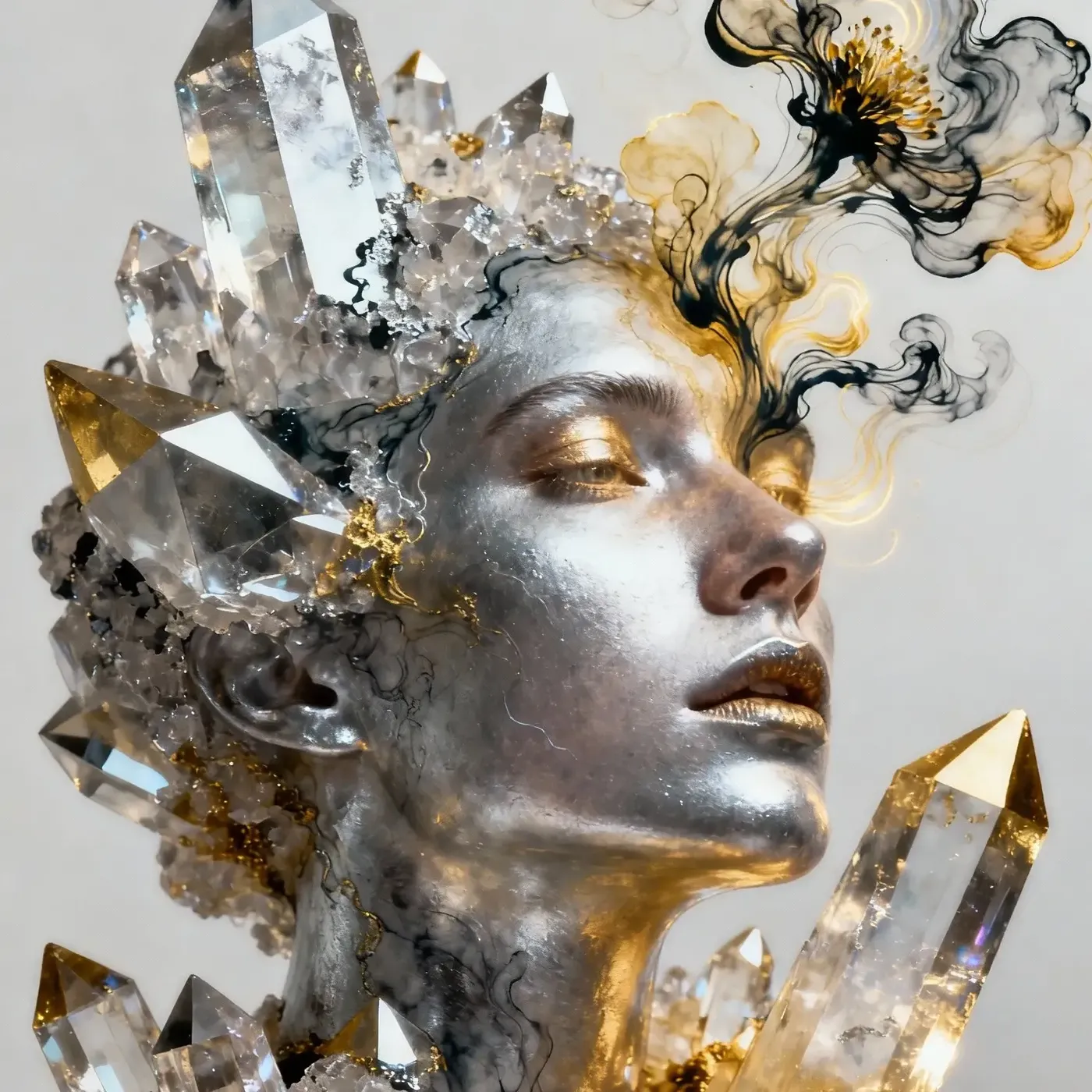
Elements and references
Reusable people, products, styles, and color palettes that any member can call into a prompt with @ElementName.
Creator attribution and likes
Each asset shows who created it, and shared likes let the team mark the versions worth keeping.
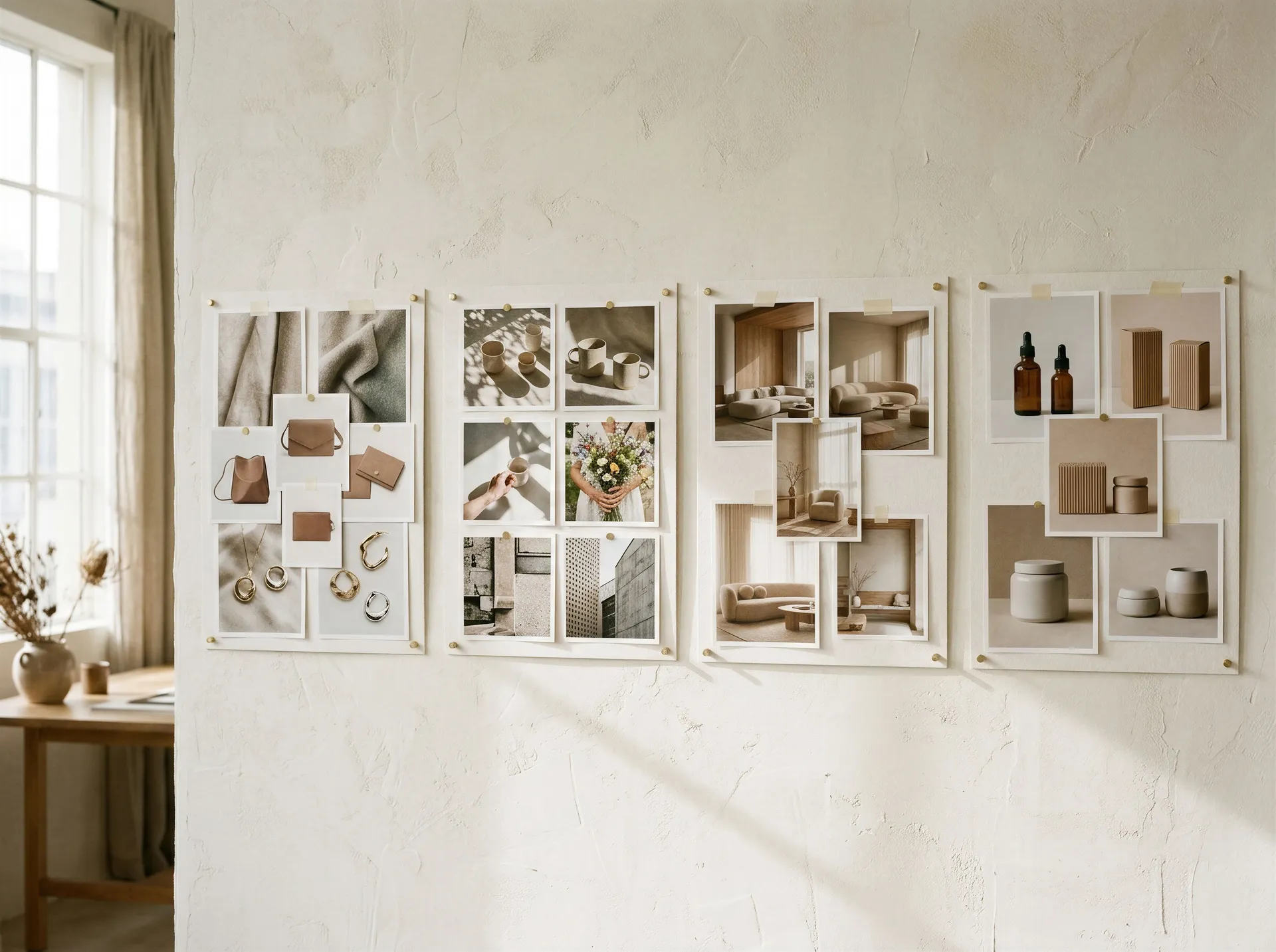
Organize work into separate Team spaces
A Team space holds one stream of work. Run Brand, Social, Client A, and Product Photography side by side, and keep each one's assets where they belong.
Control who works where
Two roles, set per Team. Admins run the space, Creators run the work.
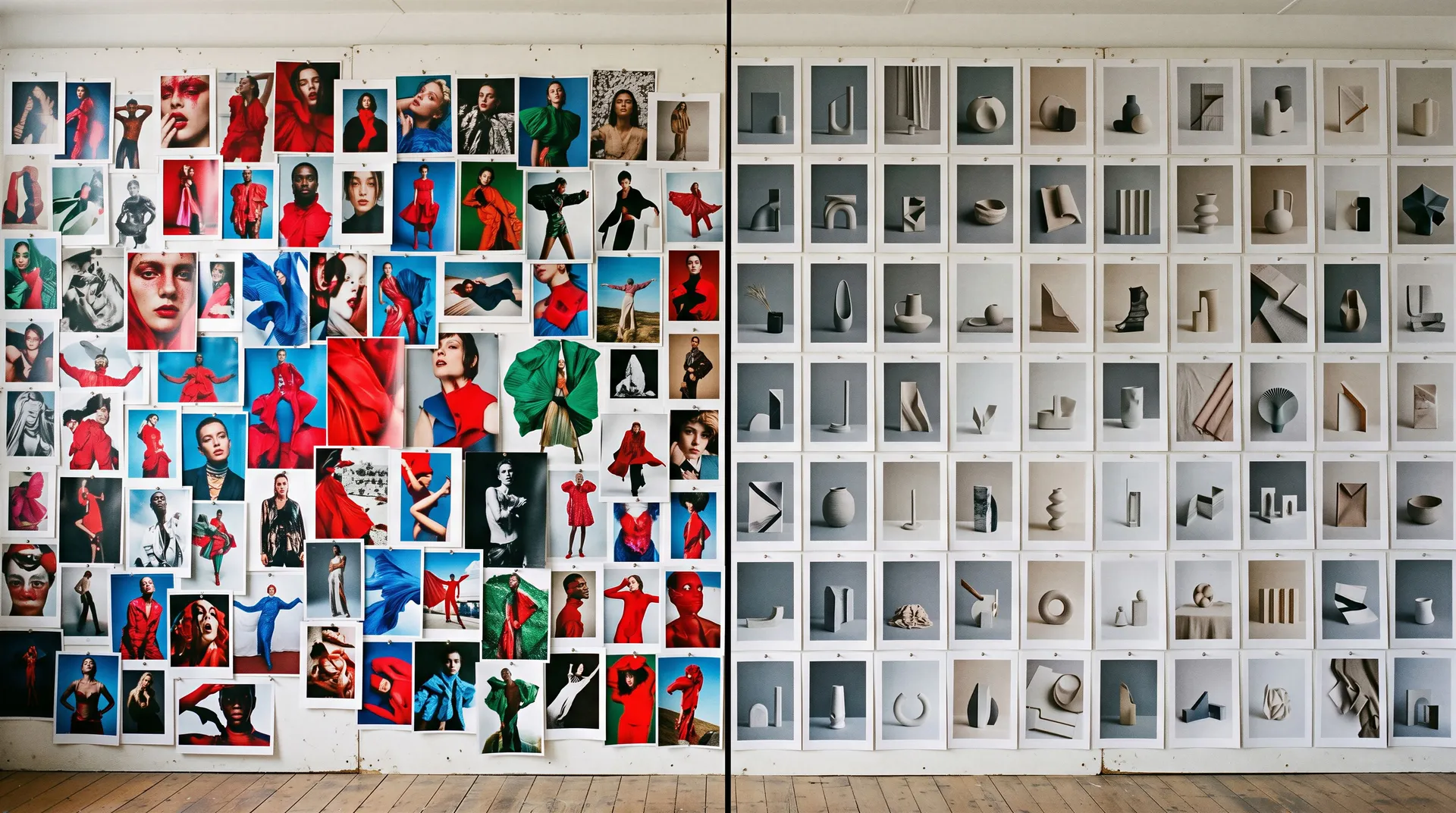
Shared Elements for more consistent creative
Save reusable people, products, styles, colors, and other visual references as Elements. Team members can call the same Element into their prompts to help maintain a more recognizable brand or character direction across generations.

One campaign, one shared AI workspace
A campaign moving through a single Team space. Every step picks up the asset the last one left behind, and everything stays in the shared folder.
1. Creative lead sets the references
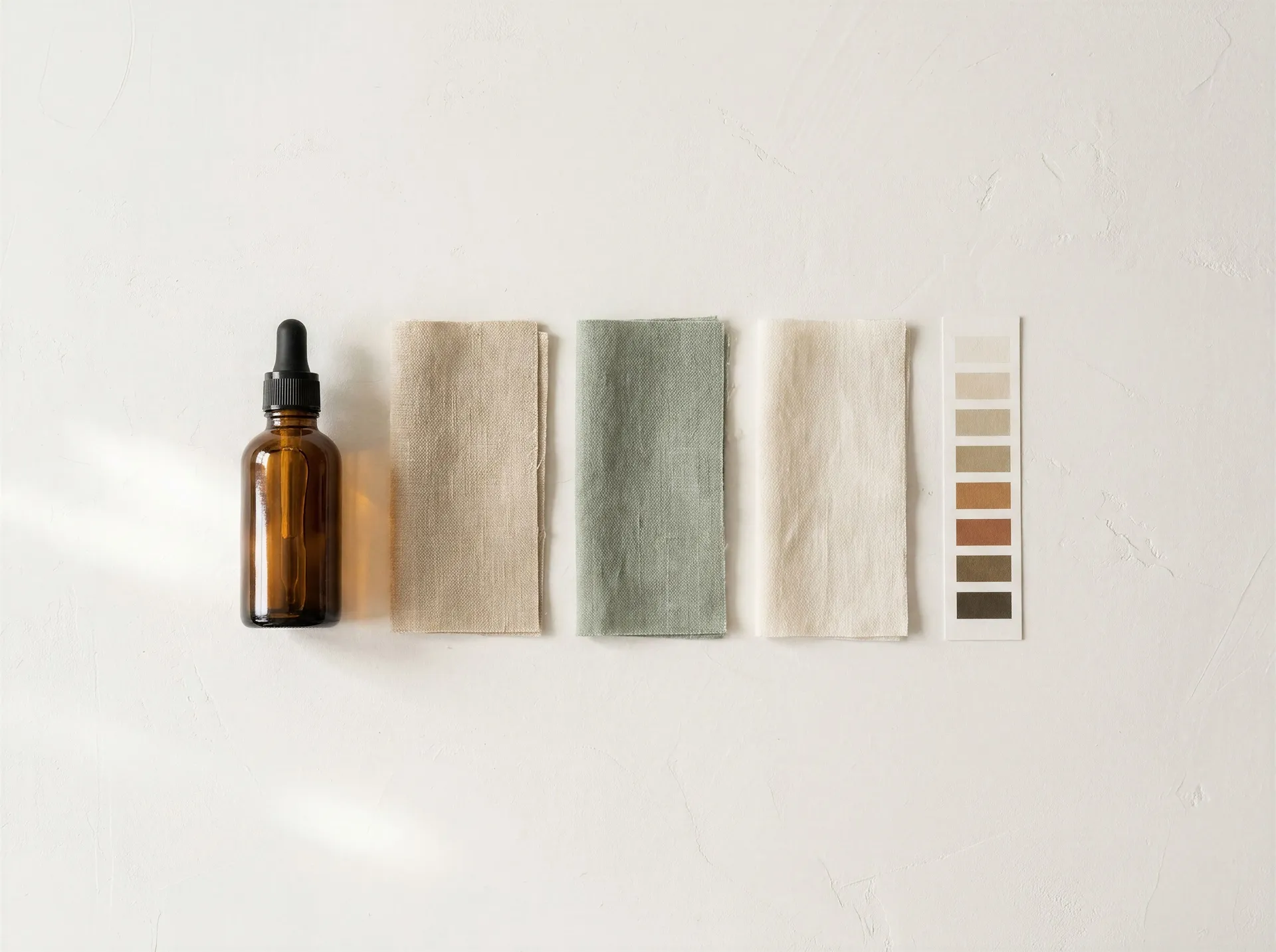
Saves @Product, @BrandStyle, and @ColorPalette as Elements the whole Team can use.

2. Designer generates the hero concepts
Calls the Elements into a prompt and generates several directions for the campaign visual.

3. Marketing builds the social variants
Takes the chosen concept and generates variants per channel, without re-uploading anything.
4. Video creator animates the winner
Uses the approved visual as the first frame and turns it into motion content.

5. Social manager resizes for every placement
Resizes the finished assets for Reels, Stories, and feed, then leaves them in the campaign folder.
Always know who created what
Each generated asset shows its creator, making it easier to trace a prompt, ask for context, or continue a teammate's direction.

Who works in a getimg.ai Team
Campaign teams, agencies, content studios, in-house marketing, and design studios run the same shared workspace, organized differently.
Keep the creative workflow in one workspace
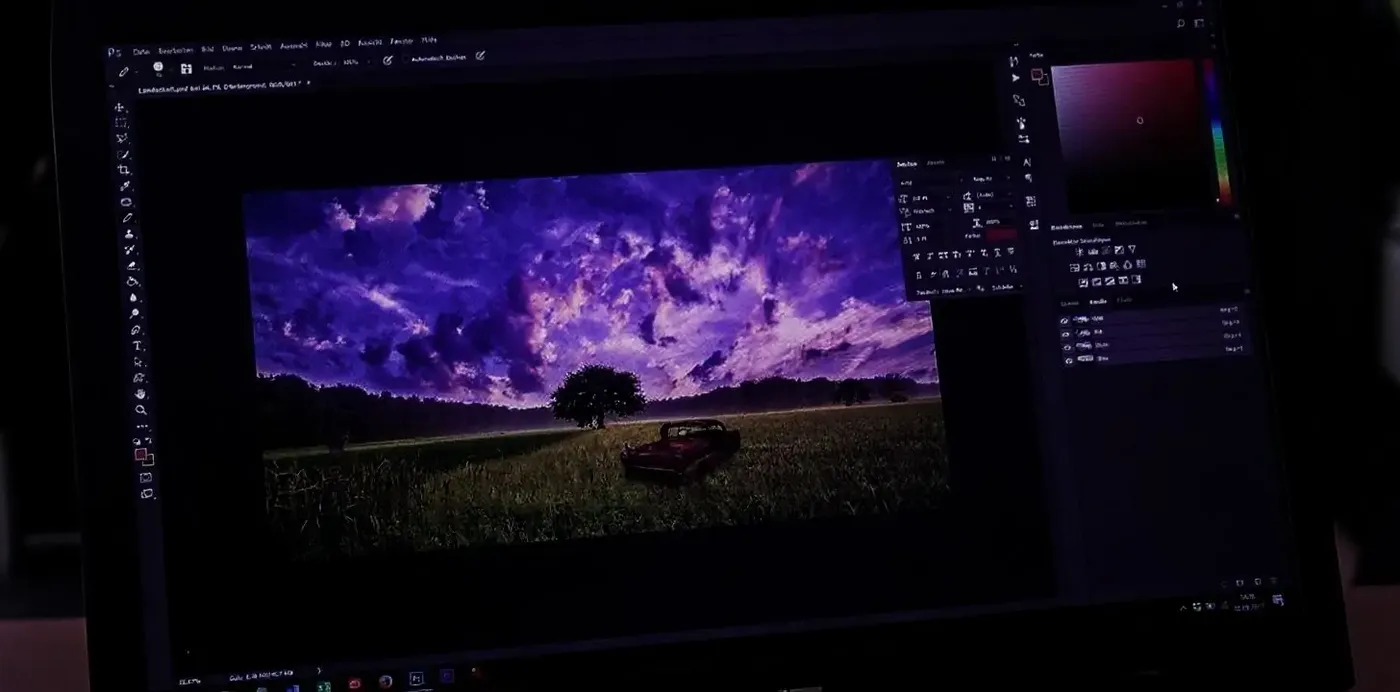
Create, edit, and deliver without exporting an asset every time it moves to the next step.
-1920x983.webp)
getimg.ai Teams
Create
Generate images, video, music, and speech in your shared Team space.
Edit
Upscale, retouch, swap backgrounds, or resize, all on the same asset in the same place.
Deliver
Export or hand over final files straight from the shared folder.
Across separate tools
- Generate in one tool
- Export the file
- Upload it somewhere else to edit
- Share a link or send the file over
- Collect feedback in another thread
- Re-upload the revised version
Built into every paid plan
Model access, commercial usage rights, and multilingual prompts come with the plan, not as add-ons.
Leading AI models in one team workspace
The whole team works with leading image and video models in a single interface. Auto can handle model selection, and anyone can pick a specific model when the brief needs more control.
Commercial usage rights
Paid plans include commercial usage rights for eligible generated content under our terms. Third-party intellectual property, uploaded source materials, and model-specific conditions may still apply.
Prompts in 20+ languages
Write prompts in 20+ supported languages, including Spanish, French, Japanese, Arabic, Mandarin, and more.
Plans that scale with the team
Start with a small creative team and add seats or additional Team spaces as your workflow grows. Available Team limits depend on the selected plan.
Built for growing creative teams
Compare what each plan includes for seats, Team spaces, model access, and credits.
Keep reading
Frequently Asked Questions
Generations, uploads, folders, Elements, likes, and the generated history are visible to everyone in the Team space. Each asset also shows who created it.
Assets stay inside the Team they were made in. They do not cross over into other Team spaces on their own.
A Public Team is accessible to everyone in your workspace. It suits company-wide creative, shared inspiration, and internal projects anyone should be able to open.
A Private Team is invite-only. Members have to be added by an Admin, which suits client projects and work that should not be visible to everyone in the workspace.
An Admin can invite and remove members, change Team settings, and delete the Team.
A Creator can generate, edit, organize, and delete assets inside the Team, but cannot change Team settings, manage members, or see billing and invoices.
Team limits depend on the plan. Core includes up to 2 Team spaces, Plus up to 5, and Ultra up to 10. Entry is for personal use.
Plan contents change over time, so check the pricing page for the current limits before you buy.
Credits come with a getimg.ai subscription, and the monthly allowance depends on the plan you choose. Creating a Team space does not add credits on its own.
The current allowance for each plan is listed on the pricing page.
Yes. Team members create in parallel in the same shared workspace, so nobody has to wait for someone else's batch to finish before starting their own.
Your plan sets how many generations can run at once: 2 on Entry, 4 on Core, 8 on Plus, and 10 on Ultra.
Yes. Each generated asset shows its creator, making it easier to trace a prompt, ask for context, or continue a teammate's direction.
Deleted assets move to Trash first, reducing the risk of losing team work by accident.
Creators can delete assets inside a Team. Removing members and deleting the Team itself are Admin actions.
Yes. Elements saved in a Team space are available to everyone in that Team, so the same @Product, @BrandStyle, or @Character reference can be called into anyone's prompt.
Elements guide image generation. For video, carry the same look across by using a finished image as the first frame or as a reference.
Paid plans include commercial usage rights for eligible generated content under our terms. Third-party intellectual property, uploaded source materials, and model-specific conditions may still apply.
Agencies usually run a separate Private Team per client, so each client's assets stay inside their own space.
Ready to create together?
Create a Team and invite your collaborators in a few steps.