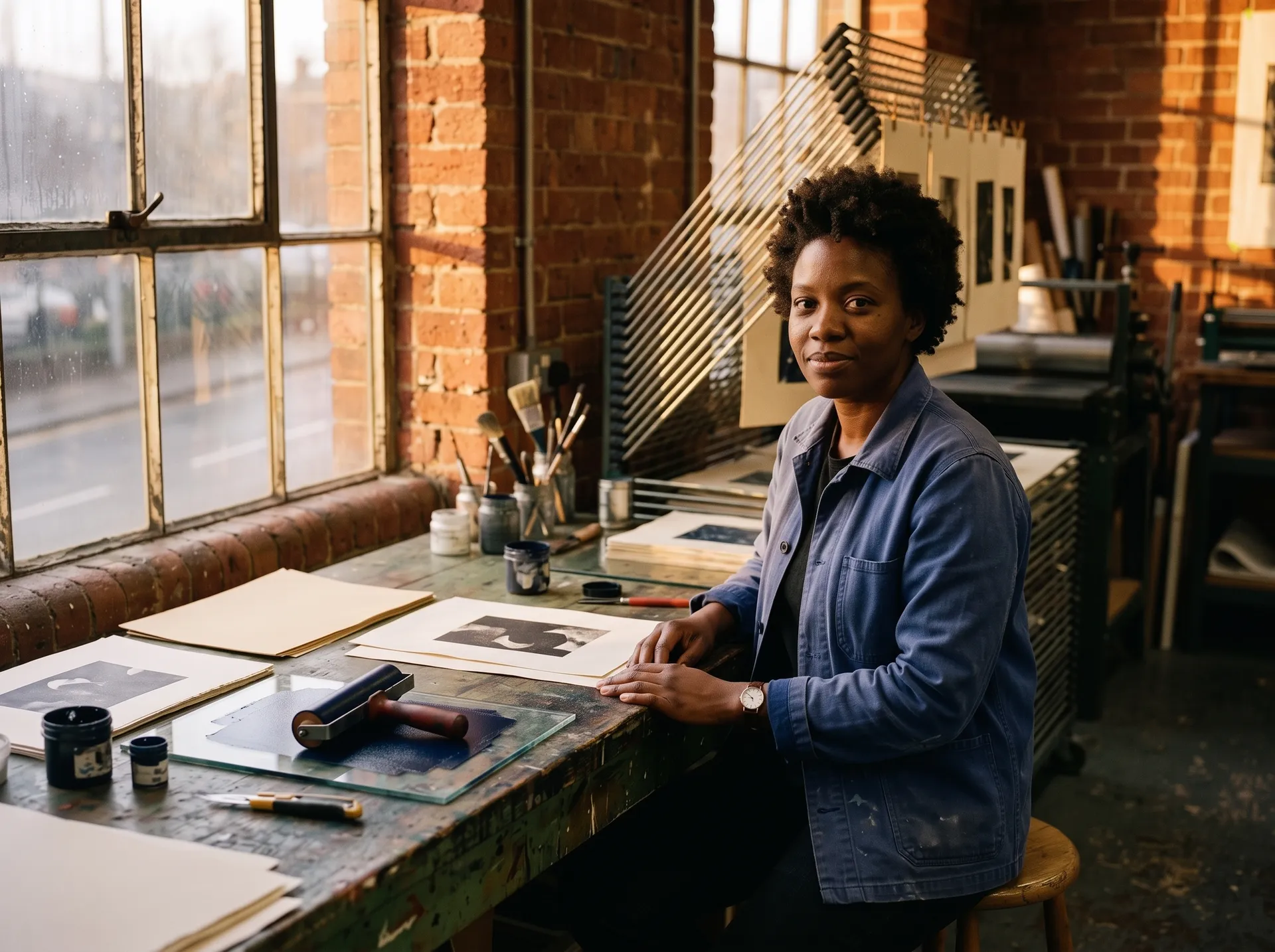
AI Relight Photo: Fix the Light Without a Reshoot
Flat office light, harsh midday sun, a product shot that looks lifeless. Upload the photo, pick the light you want — golden hour, studio softbox, neon, rim light — and the Relight Action rebuilds the lighting while keeping your subject intact.
How AI image relighting works
Upload your photo
A portrait, a product shot or a full scene. Any photo where the light doesn't match the look you need.
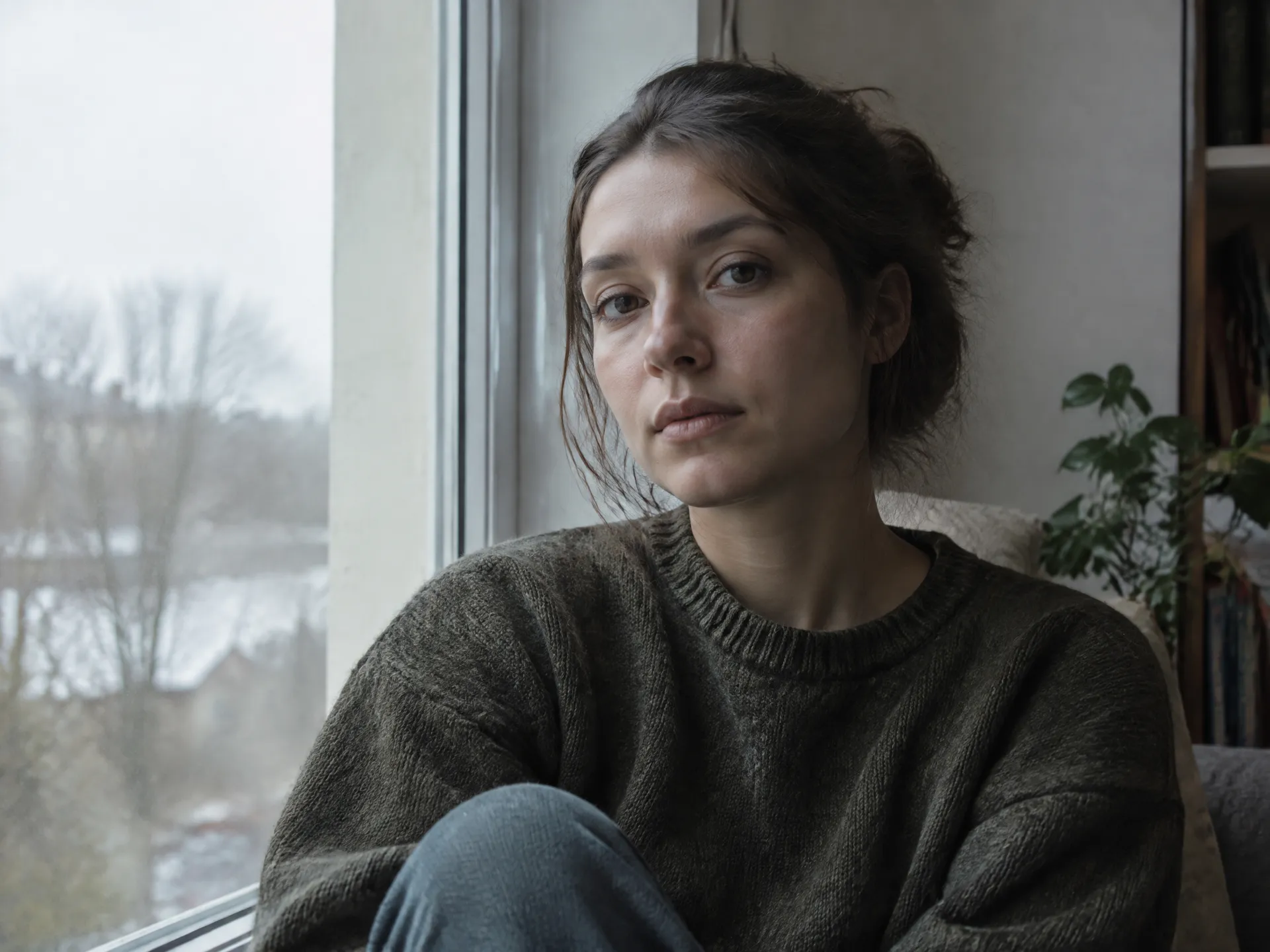
Pick the light
Choose a lighting style and direction, then adjust intensity and warmth. No lighting terms or prompts required.
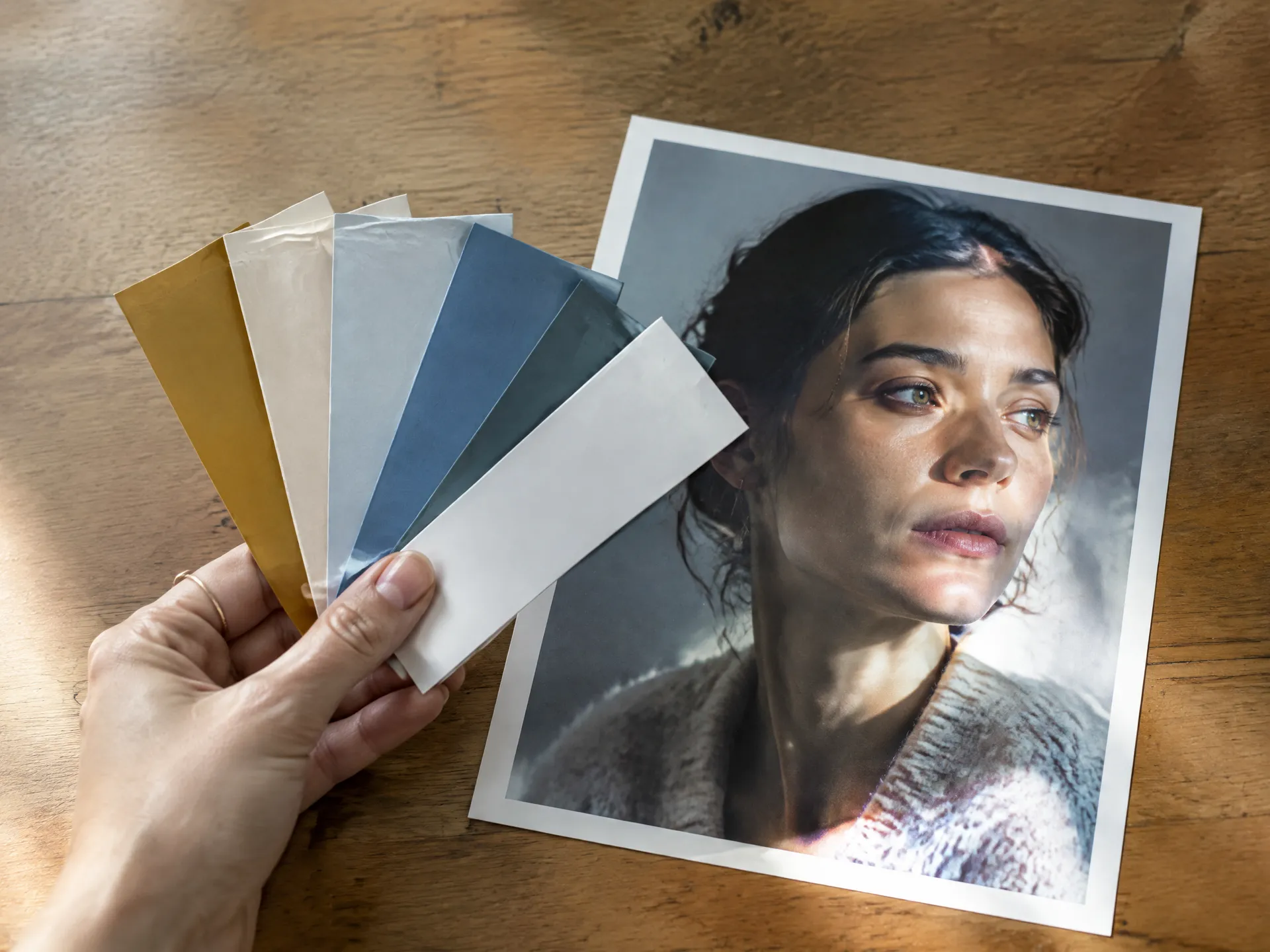
Get the relit version
Shadows, highlights and reflections update to match the new light. Your original photo stays untouched.
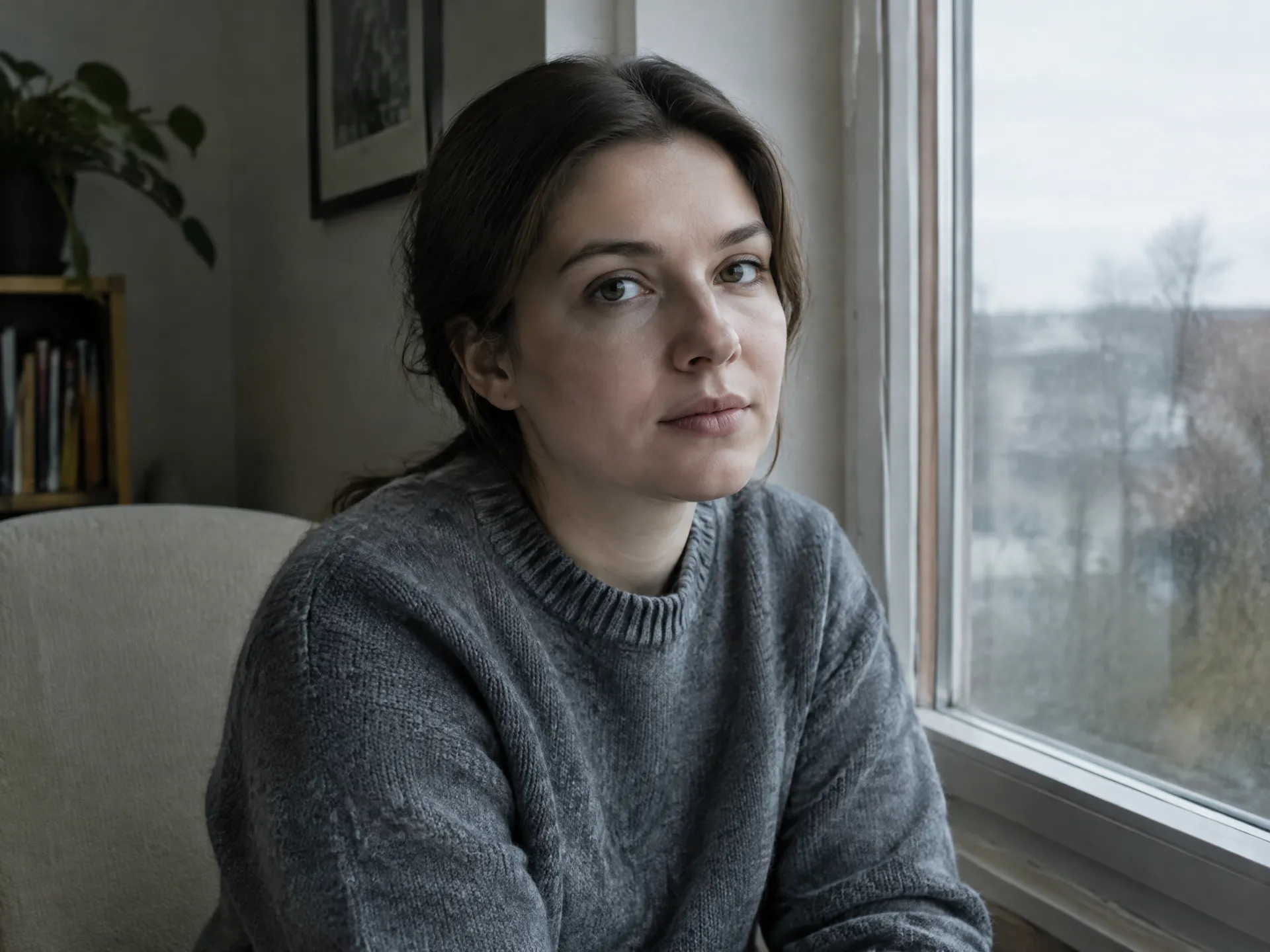
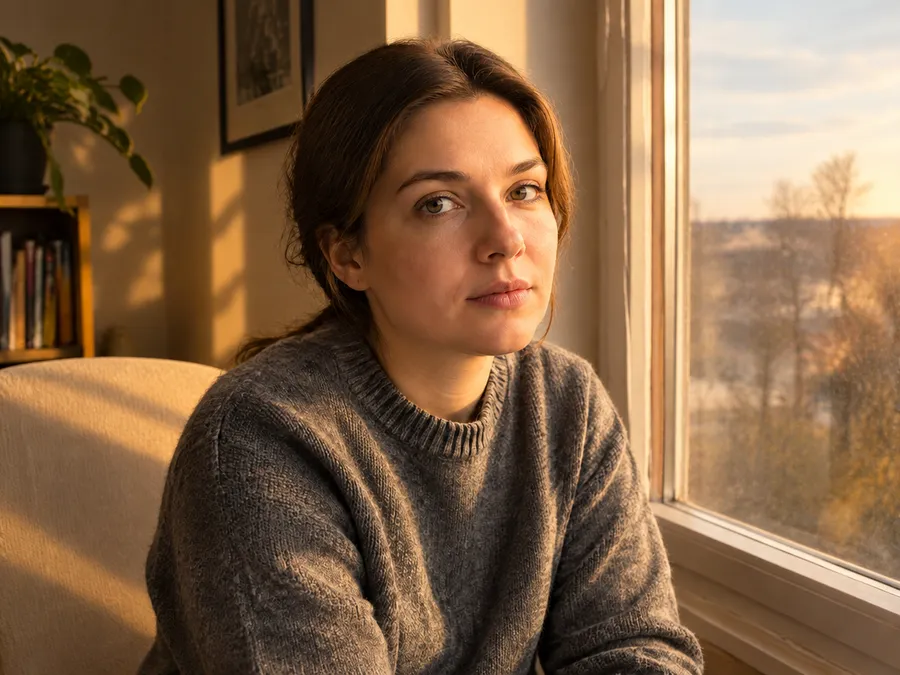
One photo. Any lighting setup.
Get the look of a different time of day, a different studio or a different campaign — from the shot you already have.
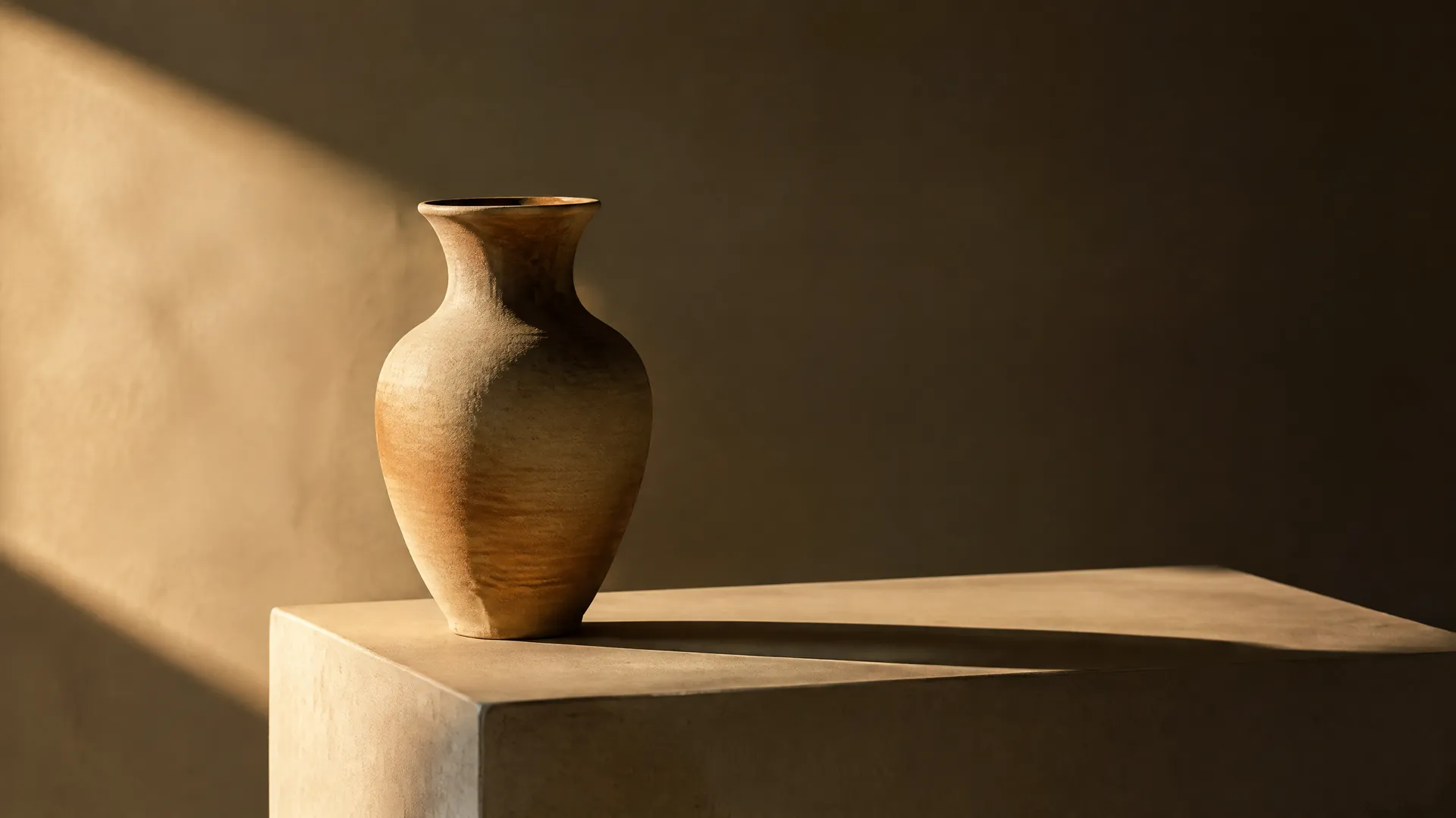
Relight in seconds, not in a studio
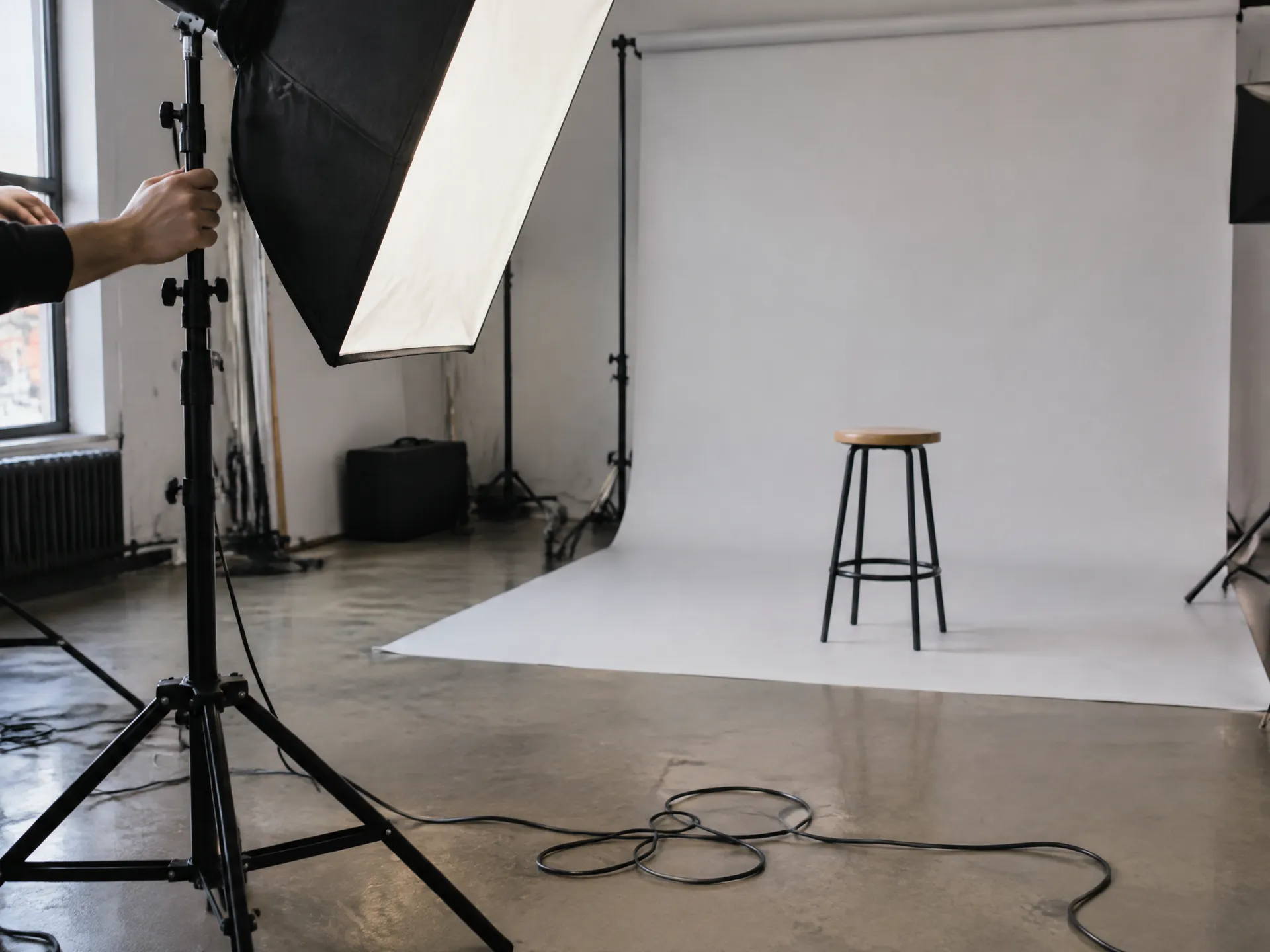
Reshoot or manual editing
Book a reshoot
New lights, new session, new costs.
Paint light by hand
Dodge, burn and masks that rarely look natural.
Wait on retouchers
Days of back-and-forth for one look.
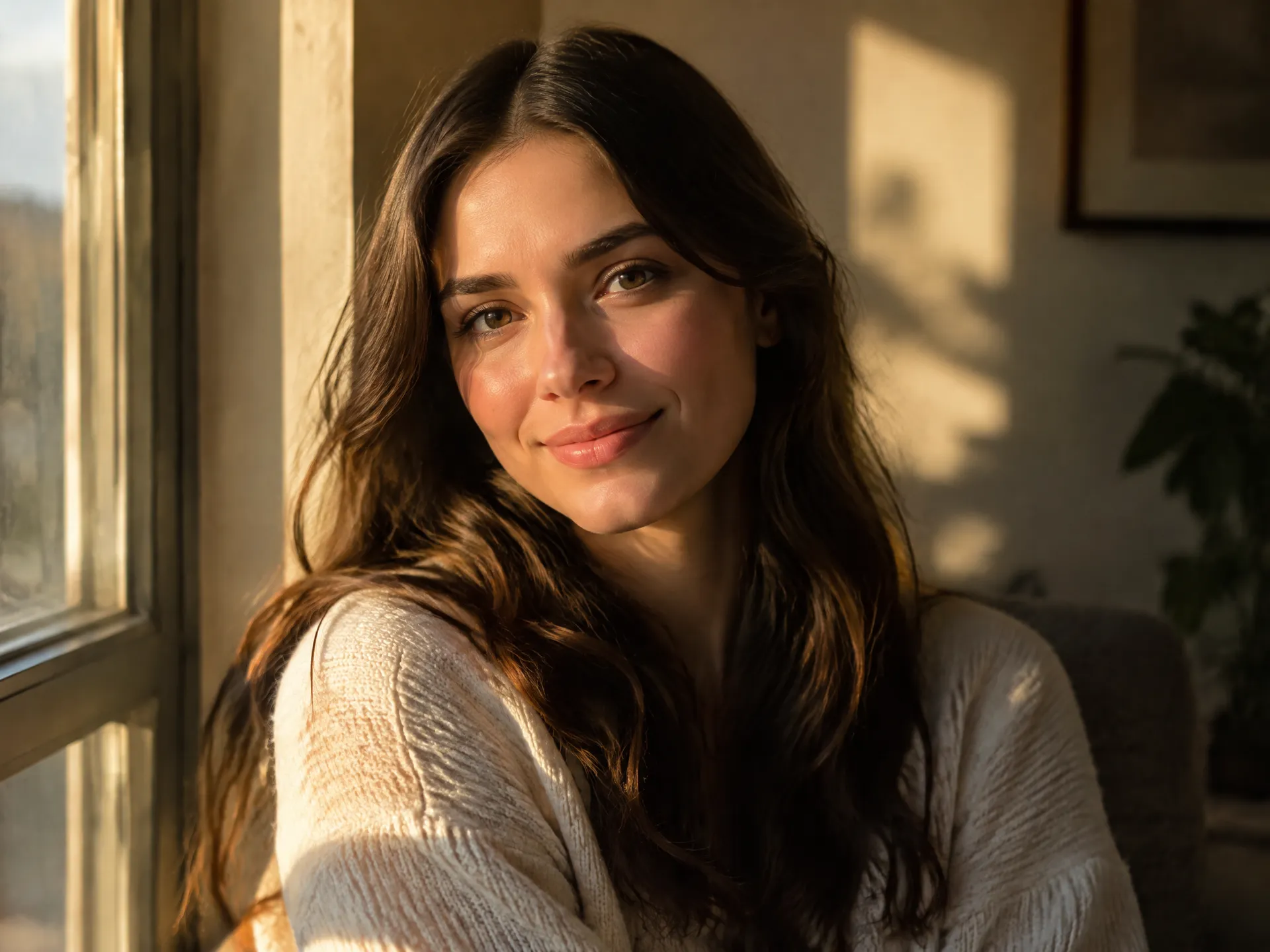
With the Relight Action
- Pick a lighting style from clear options
- Control light direction and intensity
- Shadows and highlights update realistically
- Try several looks from one photo
- Original photo is never overwritten
Frequently asked questions
AI relighting changes the light in an existing photo — its direction, color and softness — while keeping the subject, pose and composition the same.
Yes. The Relight Action is built to change light only. The person's features, expression and outfit stay as they were.
Yes. It's a quick way to match product shots to a campaign look or turn a flat catalog photo into a hero image.
No. You choose from ready-made light styles and simple controls. The Action writes the instructions for the model.
Yes. All paid plans include commercial rights, subject to getimg.ai's use policies. Plans start at $8/month.
Change the light. Keep the shot.
Try Relight, or browse every ready-made Action.