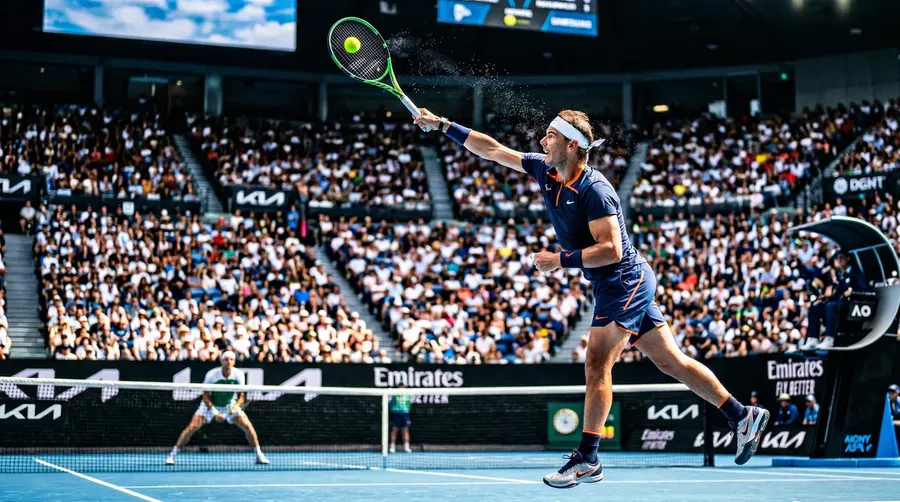
AI Image Editor Online: Edit Any Photo with a Prompt
No Photoshop Required.
Type what you want changed (remove a person, swap a background, restyle an outfit) and the AI does it instantly. Upload any image and start editing in your browser right now. No downloads, no learning curve, no wasted afternoon.
Powered by the world's most advanced AI models
Access every leading image model in one place, with no API keys, no setup, no switching tools.


The AI image editor that actually works
Most editing tools make you do the work. getimg.ai does it for you: faster, cleaner, and without the frustration.
Results in under a minute
You type the change, hit the button, and it's done. No endless rendering queue, no waiting around. Most edits are ready before you've even had time to second-guess yourself.
Auto Model Selection

Nano Banana 2
Excellent at rendering typography and prompt following.

FLUX.2 [max]
An incredibly photorealistic model, perfect for the most challenging tasks.
No manual selection tools. Ever.
Forget lasso tools, masks, and manual cutouts. Just describe what you want changed and the AI finds it, isolates it, and edits it precisely, all without you touching a single pixel.
Original Image
Prompt
Edited Image
Works on any image you have
Upload JPG, PNG, or WebP images across a wide range of styles and subjects: photos, screenshots, illustrations, or AI-generated images.
-900x502.webp)
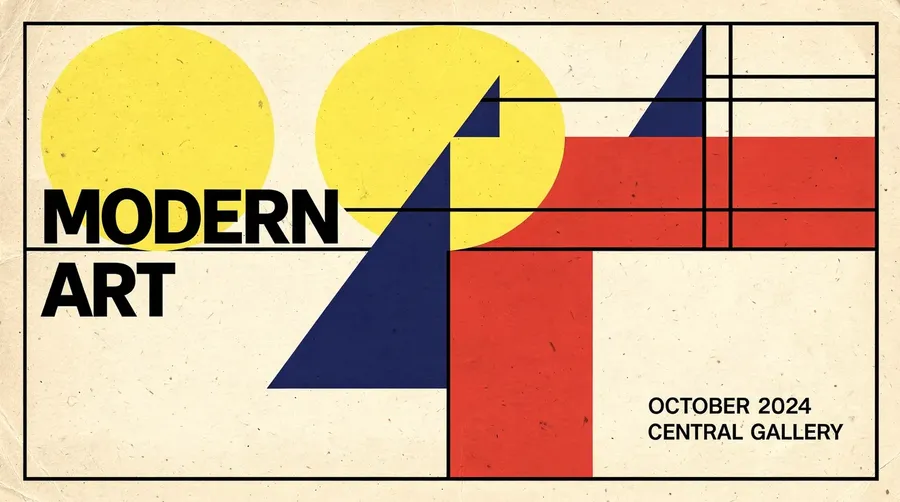
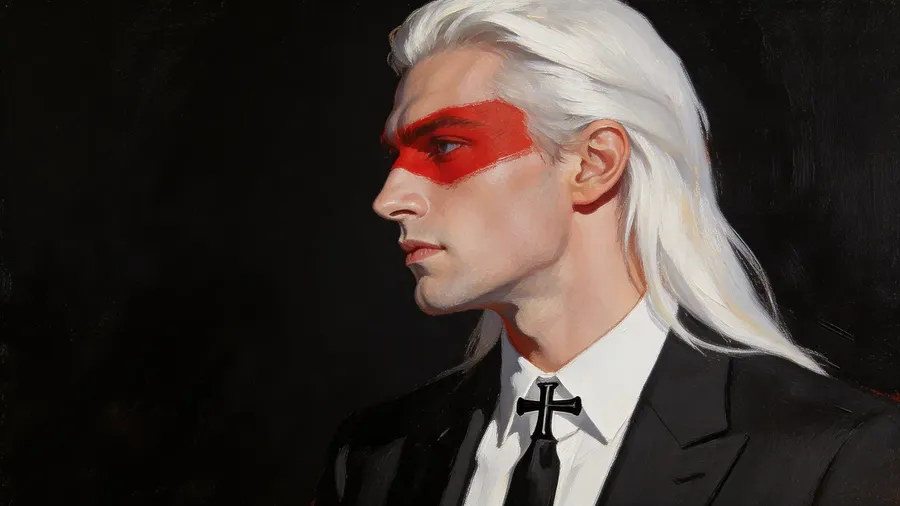
The tool makes the technical decisions. You make the creative ones.
You shouldn't need to know which AI model handles portraits better than landscapes, or how to phrase a prompt so the model interprets it correctly. getimg.ai handles both automatically: selecting the right model for each edit, and enhancing your prompt so the instruction is precise even when your description is rough. The gap between "what you typed" and "what you meant" closes before the edit even runs.
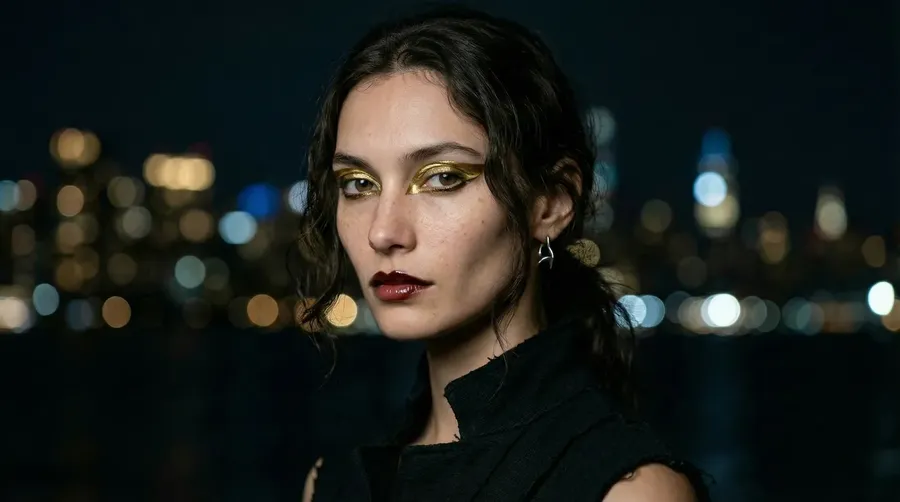
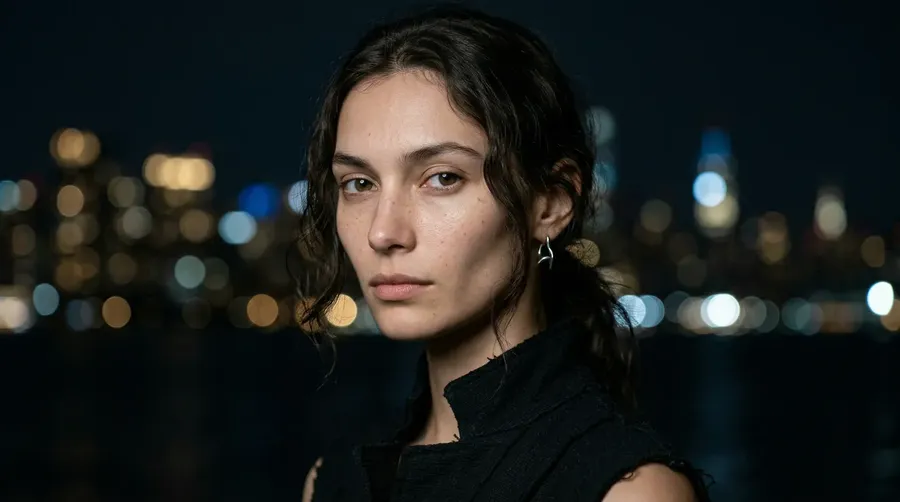
apply avant-garde editorial makeup
Everything You'd Hire a Retoucher For
From quick fixes to full transformations, here's what our editor handles in seconds.
-1920x1080.webp)
Perfect for marketers, photographers and graphic designers
Built for professional-quality output
Professional editing software has a steep learning curve. getimg.ai gives your team polished results from day one: faster, simpler, and more affordable.
Replace expensive editing software
Most editing software charges for features many users only need once a week. getimg.ai gives you professional editing capability without the license cost, IT setup, or mandatory onboarding training your team will ignore.
Move faster on every edit
An edit that takes real time in traditional software takes seconds here. When each change is that fast, your team gets through far more in a day and stops treating small fixes as a project.
No designer bottleneck
When anyone on your team can make a quick image edit, you stop waiting on designers for tasks that don't require one. Marketing, sales, ops, and other departments can move without creating a queue or a revision thread.
Three simple steps. Zero experience with AI tools needed.
Open the editor, describe what you want, get the result. That's the whole process.
1. Upload your image
Open Create image Action and upload any photo from your device, or pick one you've already created on getimg.ai. Works with JPG, PNG, and WebP.
2. Describe the change
Type what you want edited: "remove the background," "make the jacket blue," "add sunglasses." Plain English is fine, no special syntax required.
3. Download your result
Press the arrow, wait a few seconds, and your edited image is ready. High resolution, ready to publish, with full commercial rights on all paid plans.
-900x506.webp)
Inpainting
Change or add new elements to any picture
Inpainting lets you rewrite any part of an image without touching the rest. Change the color of a jacket, replace a bag with a different one, add a prop to a flat lay, or remove an unwanted object entirely.
The AI reads the scene (lighting direction, shadow depth, texture, perspective) and makes your change look like it was always there. This isn't cloning or stamping; it's scene-level understanding that produces results a professional retoucher would approve.
You can use inpainting to:
- Swap clothing colors and textures for e-commerce product variants
- Remove distracting objects or people from the background
- Add accessories, props, or brand elements to existing photos
- Fix portrait imperfections without affecting the rest of the image.
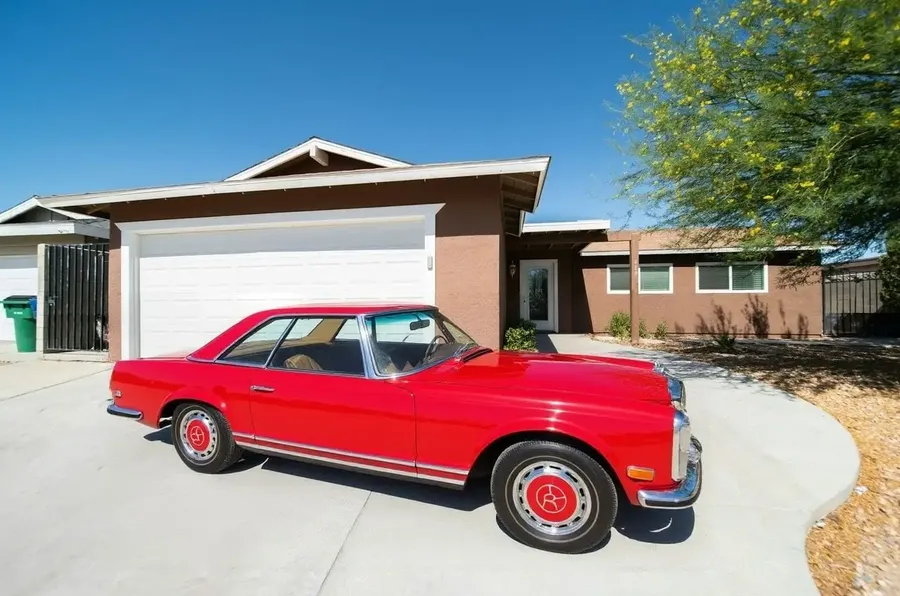
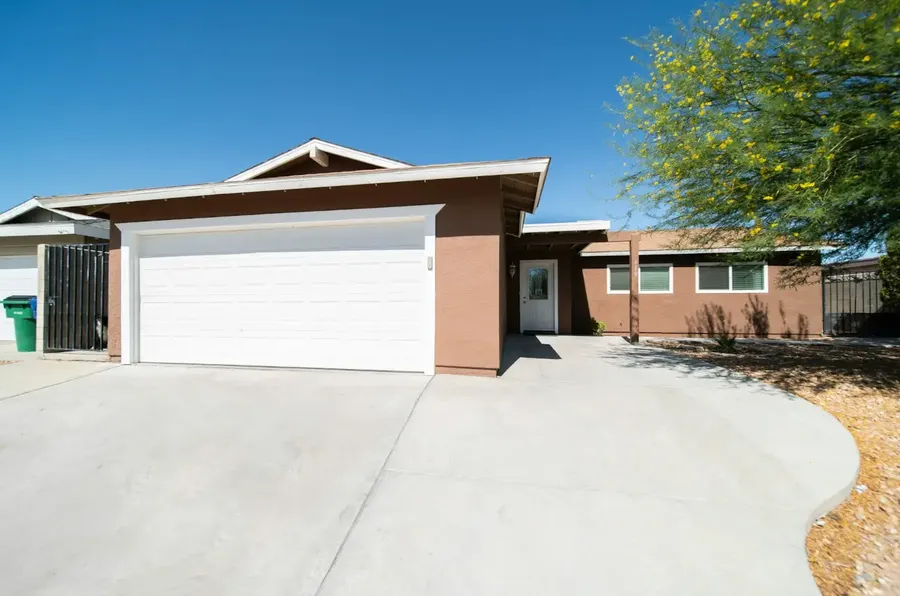
add a vintage red car to the driveway
Background Change
Replace image backgrounds instantly
Changing a background used to mean hours with the pen tool: cutting out hair strand by strand, fighting edge detection, hoping the composite didn't look pasted together. Our AI handles all of that in seconds.
Describe the background you need ("a clean white studio," "a sunset in Tokyo," "an outdoor café") and the AI removes the original, isolates your subject down to fine details, and composites the new scene with matched lighting. The edges are clean. The lighting transitions naturally.
This is especially useful for:
- E-commerce products that need a consistent white or branded background
- Portraits that need a professional or lifestyle setting
- Real estate and interior photos that need seasonal updates
- Social media content requiring visual consistency across a feed.


replace background with a moody, dimly lit, high-end speakeasy
Restyling
Restyle your photos in one prompt
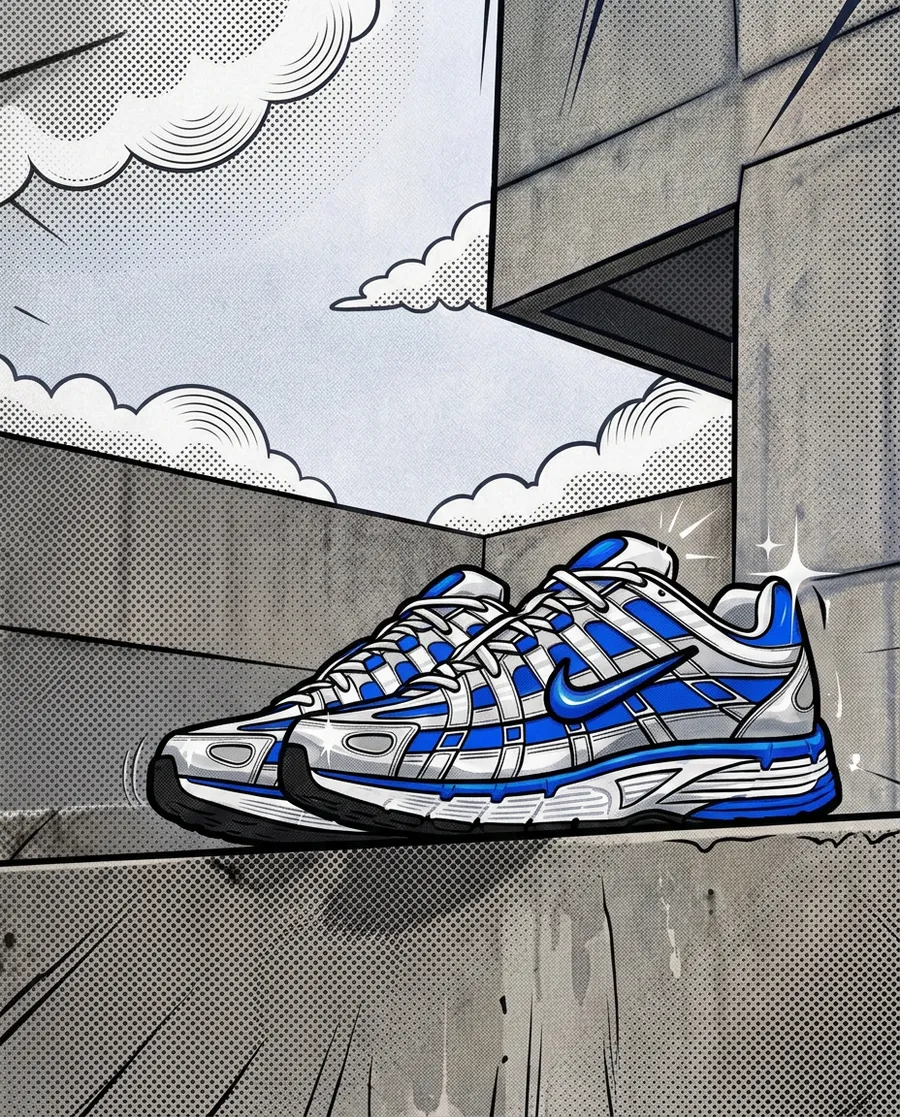
Restyling transforms the visual language of your entire image in a single step. Switch a photograph to a charcoal sketch. Take a realistic portrait to a neon-lit 80s sci-fi scene. Apply a painterly illustration treatment or a gritty urban mural aesthetic.
Restyling works especially well for:
- Content creators who need consistent visual branding across formats
- Marketers testing different visual identities before committing to a shoot
- Artists exploring multiple aesthetic directions quickly
- Designers producing style explorations for client presentations.
The AI doesn't just apply a color filter: it rebuilds the image in the target style from the ground up, preserving your composition and subject while completely transforming the look and feel. The structure stays intact; the aesthetics change.
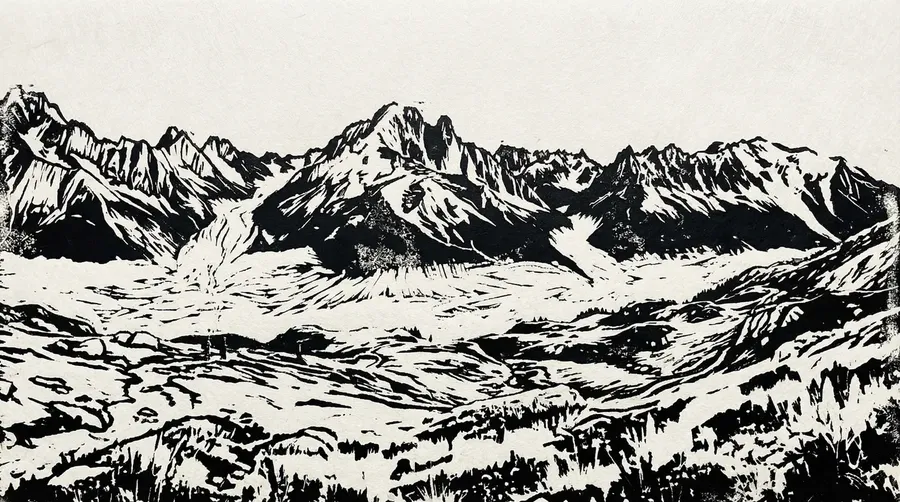
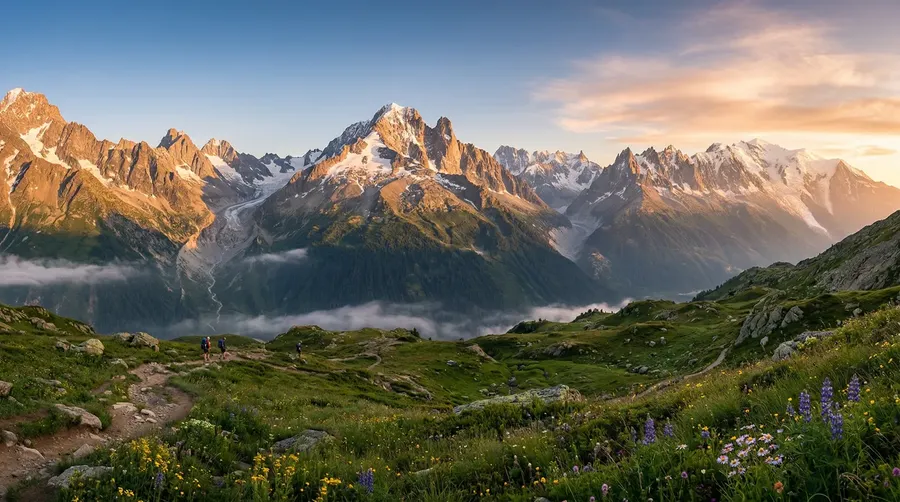
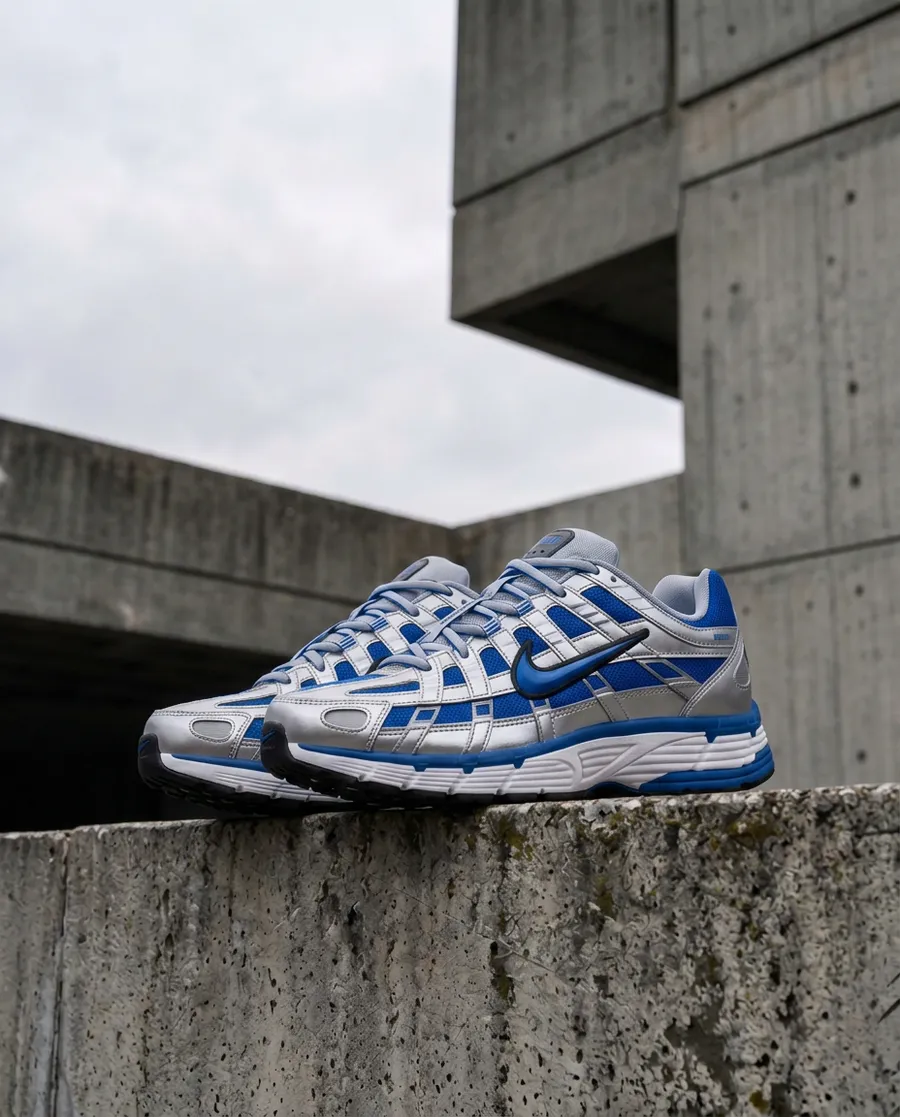
restyle as a handmade, graphic linocut block print
Example prompts to try
Editing starts with a sentence. Describe the change the way you'd say it out loud, and the AI does the rest. Copy any of these, swap in your own details, and run it on any image.
Remove an object
- "remove the person walking in the background"
- "erase the trash can on the sidewalk"
- "take out the power lines in the sky".
Change clothes
- "change the jacket to a beige trench coat"
- "make the t-shirt navy blue"
- "swap the sneakers for black leather boots".
Replace the background
- "place this on a clean white studio background"
- "put the subject on a sunny beach at golden hour"
- "change the background to a modern office interior".
Restyle the image
- "turn this photo into a pop-art style image"
- "make it look like a 1980s film photograph"
- "redraw it in a soft watercolor style".
Explore More AI Features & Tools
Frequently Asked Questions
getimg.ai's AI Image Editor is built for anyone who works with images: e-commerce store owners updating product photos, marketers creating campaign assets, photographers making quick client fixes, or individuals editing personal photos. You don't need design experience.
If you can describe what you want in plain English, you can get professional results in under a minute. There’s no steep learning curve; even basic Text to Image prompts yield stunning results quickly and effortlessly.
Absolutely! Manual image editing typically involves downloading and mastering complex, often expensive software, requiring significant experience to use effectively. Our AI image editor eliminates these hassles, enabling you to make professional-looking edits in seconds. Tasks that used to take considerable time and effort can now be completed almost instantly, with no prior experience needed.
With AI, you don’t need any drawing or painting skills. Many of our features, like the inpainting tool, work through simple text prompts. Others, such as the ability to remove the background, require just a few clicks. Enjoy the speed of AI-powered editing and see how it can revolutionize your workflow.
You can edit any image: photos from your phone, images you've generated on getimg.ai, product photography, illustrations, screenshots, AI art, or scanned artwork. The editor handles JPG, PNG, and WebP formats across a wide range of styles and subjects. If you can upload it, you can edit it.
The point of getimg.ai is that the editing gets your attention, not the app. You say what you want changed in ordinary language, and the tool quietly matches it to the model that handles that kind of edit best, whether you're clearing out an object, dropping in new backgrounds, or giving a shot a completely different look. No advanced settings to select, nothing to mask, no jumping between apps for each task.
Behind that is a curated, deliberate model lineup rather than a pile of choices to sort through. Because images, video, voiceover, and music all sit under one subscription, an edited shot can move straight into the rest of a project instead of being exported and re-uploaded between apps. The whole thing is tuned to hand you a usable result and let you go, not to keep you clicking.
Yes, e-commerce is one of the most common use cases. You can change product backgrounds to white or branded scenes, swap color variants without reshooting, remove reflections or unwanted objects, and maintain visual consistency across an entire catalog. Brands use getimg.ai to cut photo production costs significantly by generating ready-to-publish product images in minutes instead of booking a studio.
No. NSFW image editing and other explicit sexual content are not allowed. For more detailed information about prohibited uses, please refer to the Use Restrictions.
Your next great image is one sentence away.
Stop paying for tools you need a course to use. getimg.ai's image editor runs in your browser, requires no experience, and produces results you can publish immediately. Every edit you've been putting off because it seemed too complex? You can do it right now, in under a minute.