-1920x886.webp)
Your Ultimate Z-Image Turbo Generator
Create high quality images at a low cost.
Access Alibaba’s efficient Z-Image Turbo AI model directly in your browser. Get photorealistic details, crisp text, and lightning-fast generation without the premium price tag. Just type, click, and create.
Experience top-tier quality on a budget
Z-Image Turbo is a "budget" model that doesn't look cheap. Whether you need photorealism or bilingual typography, it delivers results that punch way above their weight class.
Easy on your wallet
Z-Image offers the best price-to-performance ratio in the industry, making high-end generation affordable for everyone.

Fast and steady
Since Turbo is extremely compact, generations appear very quickly.
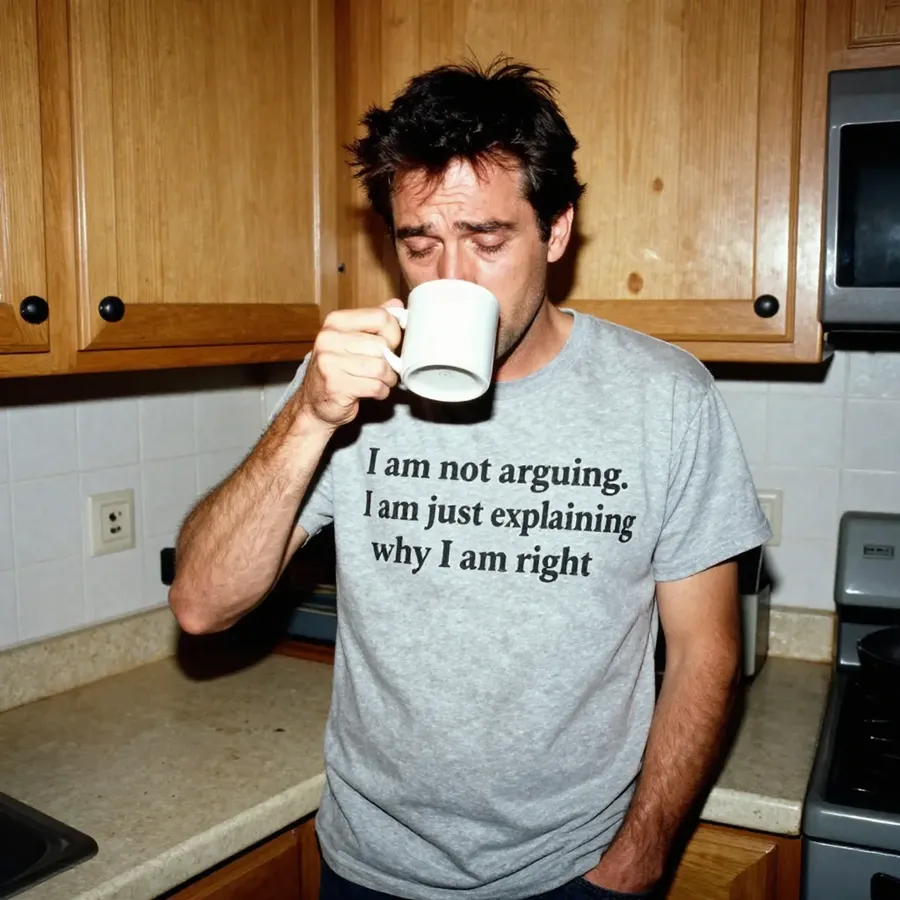
Photography-level realism
With Z-Image Turbo, you don’t have to settle for "AI-looking" gloss.

Better text handling than most
Most models struggle with English. Z-Image Turbo is dependable when generating text inside images in both English and Chinese.

See what’s possible with Z-Image Turbo
Use Z-Image for everything from social media content to professional mockups. It proves that efficiency doesn't mean compromising on details.

Create, don’t calculate
Why waste time optimizing local weights or fighting with Python scripts? See how simple creating with getimg.ai can be.
-1920x983.webp)
getimg.ai's Content Generator
Select Z-Image Turbo
In Content Generator, switch to Custom Settings and pick Z-Image Turbo.
Write your prompt
Describe your scene: you can be as brief or as detailed as you'd like.
Generate instantly
Blink and you might miss it. Watch your idea materialize faster than ever.
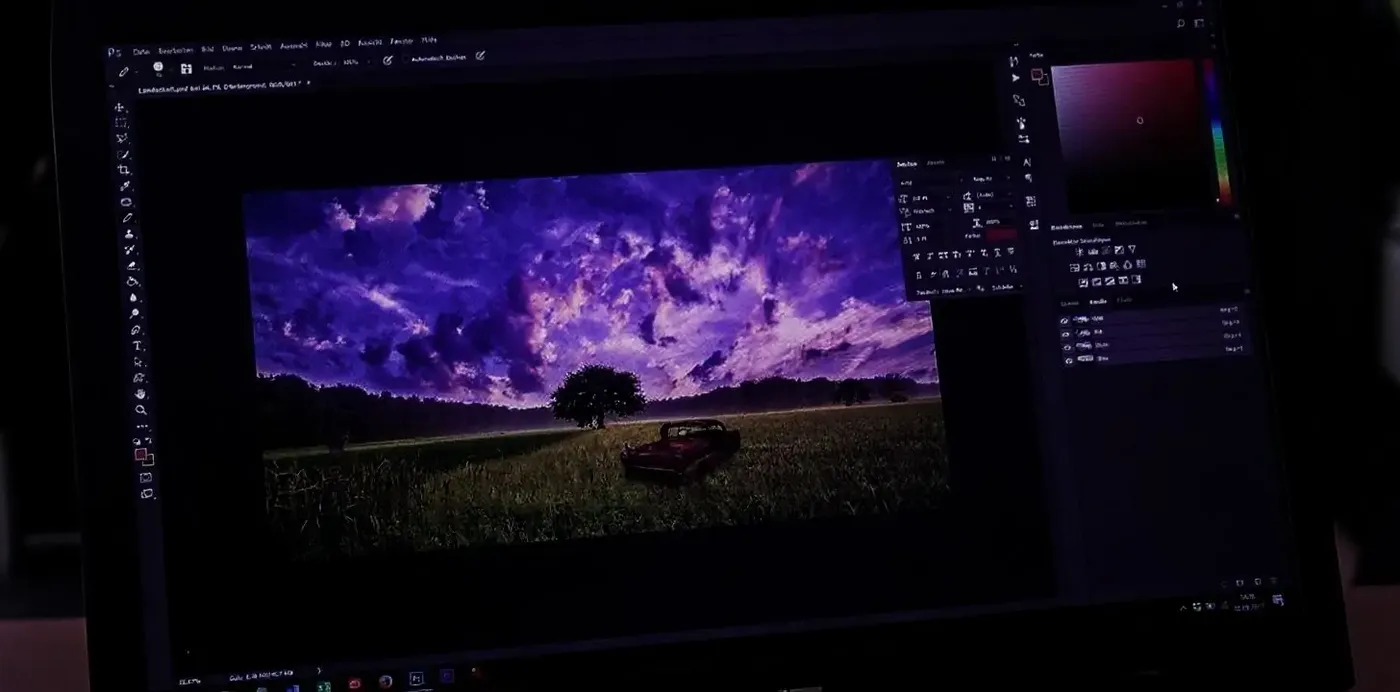
Running Z-Image Locally
- Clone the model repository
- Install Python and system dependencies
- Set up a virtual environment
- Install all required libraries.
- Download and place the model weights
- Configure CUDA and drivers
- Run test scripts and fix errors
- Repeat setup whenever something updates
Ready to try Z-Image Turbo?
You do not need special hardware or a deep understanding of AI tools. Turbo is fast, affordable, and easy to work with.
Frequently Asked Questions
Z-Image Turbo is an efficient, 6-billion parameter model developed by Alibaba’s Tongyi MAI team. It uses a unique "Single-Stream Diffusion Transformer" architecture. Unlike traditional models that process your text prompt and the image pixels in separate "lanes," Z-Image fuses them into a single flow. This allows the model to deeply understand how your words relate to the visual elements, resulting in smarter instruction following and higher fidelity, all while remaining lightweight and affordable to run.
It’s incredibly simple. Head to getimg.ai, open the Create image generator, and select Z-Image Turbo from the model picker. You can adjust your aspect ratio and number of variations just like any other model. Because it is so efficient, it generates images very quickly, allowing you to iterate on your ideas without waiting.
Yes! This is one of Z-Image’s superpowers. Unlike many older models that produce gibberish, Z-Image is trained to render legible text. It is particularly unique because it handles both English and Chinese characters well. Whether you need a sign on a shop front, text on a t-shirt, or a title on a poster, just include the text in quotes in your prompt (e.g., a sign that says "Coffee").
Not at all. While running Z-Image Turbo locally would require a GPU with at least 16GB of VRAM and technical know-how, using it on getimg.ai's Content Generator requires nothing but a web browser. We run the model on our high-speed cloud servers, so you can generate stunning 6B-parameter images on your phone, tablet, or laptop without your device breaking a sweat.
When on a paid plan with getimg.ai, you get full commercial rights to the images you generate with Z-Image Turbo. You can use them for advertising, website design, merchandise, and more.
getimg.ai provides access to the Z-Image Turbo API for anyone who wants to generate images directly from their own setup.
It’s a good option if you’re building something that needs fast, cost-efficient image generation at scale. Instead of using the browser interface, you can send prompts through the API and get results back in seconds.
Usage is credit-based, so you’re not locked into a subscription. You can top up as needed, keep an eye on your usage, and adjust based on how much you’re generating.
Because the model is lightweight and fast, it works especially well for high-volume workflows where speed and cost matter just as much as quality.