AI Text to Speech Generator for Natural Voiceovers
Generate natural-sounding voiceovers from text, with multiple voices and languages for ads, narration, training, podcasts, and video. Choose a voice, direct tone and pace with inline cues, and download the generated speech as WAV.
Language Lesson
Product Ad
Fantasy Game Narration
Nature Documentary
Built for Teams Shipping Voice Work Daily
Three things that decide whether speech generation stays a demo or becomes part of production.
Pick the Voice That Fits the Read
Choose from multiple voices with different tonal characteristics. A warm narrator for an audiobook, a bright read for an ad, an even delivery for training content.
Regenerate Lines Without Rebooking a Session
If a script changes, edit the text and generate a new take. Keep the same voice or try another one, then replace the affected audio in your editing workflow.
Pay per 1,000 Characters
Speech generation is priced by script length, per 1,000 characters. It runs on the same paid plans as image and video, with no per-tool surcharge.
Direct Tone and Emotion Inside the Script
You are not limited to picking a voice. Add a bracketed cue before any line and the delivery shifts from that point in the read:
[calm, warm] Welcome back.
[bright, energetic] And this is where things get interesting.
[quiet, serious] But there's one detail we shouldn't ignore.
The sample on the right is that exact script, read by one voice in a single generation.
Choose from 30 AI Voices
The library covers 30 voices with different tonal characteristics, filterable by language and gender. Every voice is multilingual, so the same character can carry a script across markets. Below are four reads from four different voices, generated on getimg.ai.
From Script to WAV in Three Steps
Generating a read and booking one are different workflows. Here is what each involves.
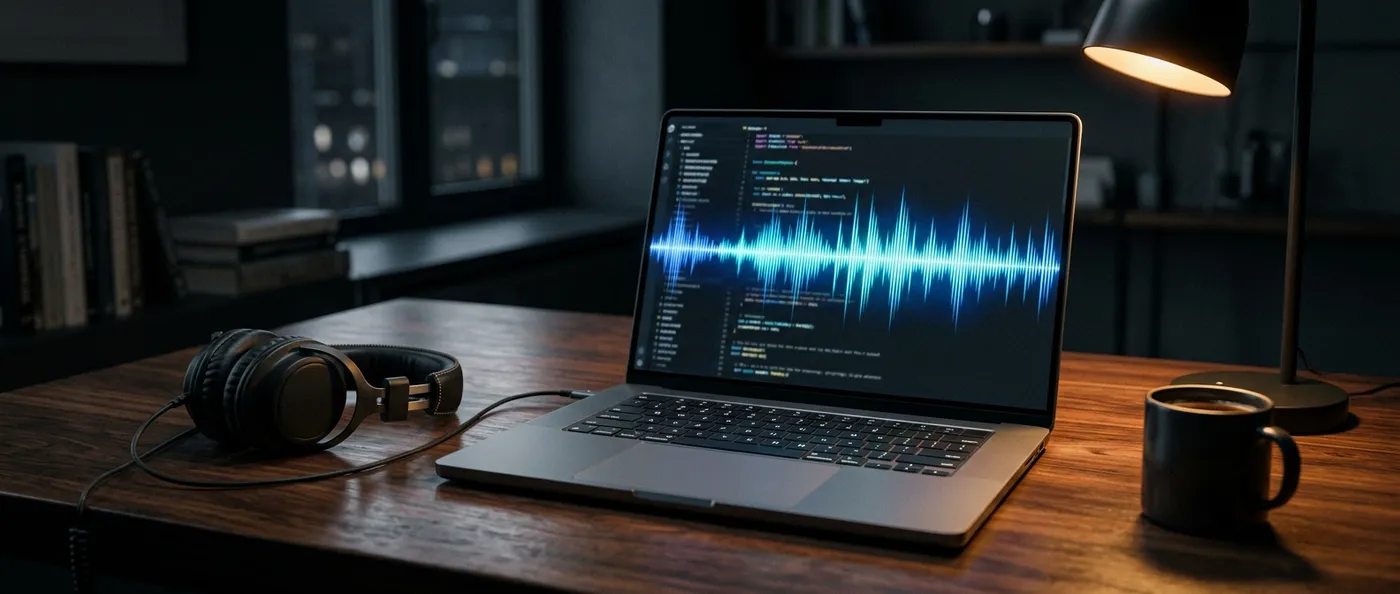
With getimg.ai
Paste your script
Drop in the text, with bracketed cues on any line where the delivery should change.
Pick a voice
Filter the library by language and gender, choose a voice, and generate.
Download the WAV
Drop it into your editor, podcast feed, or video timeline. If a line changes later, generate a new take instead of rebooking.
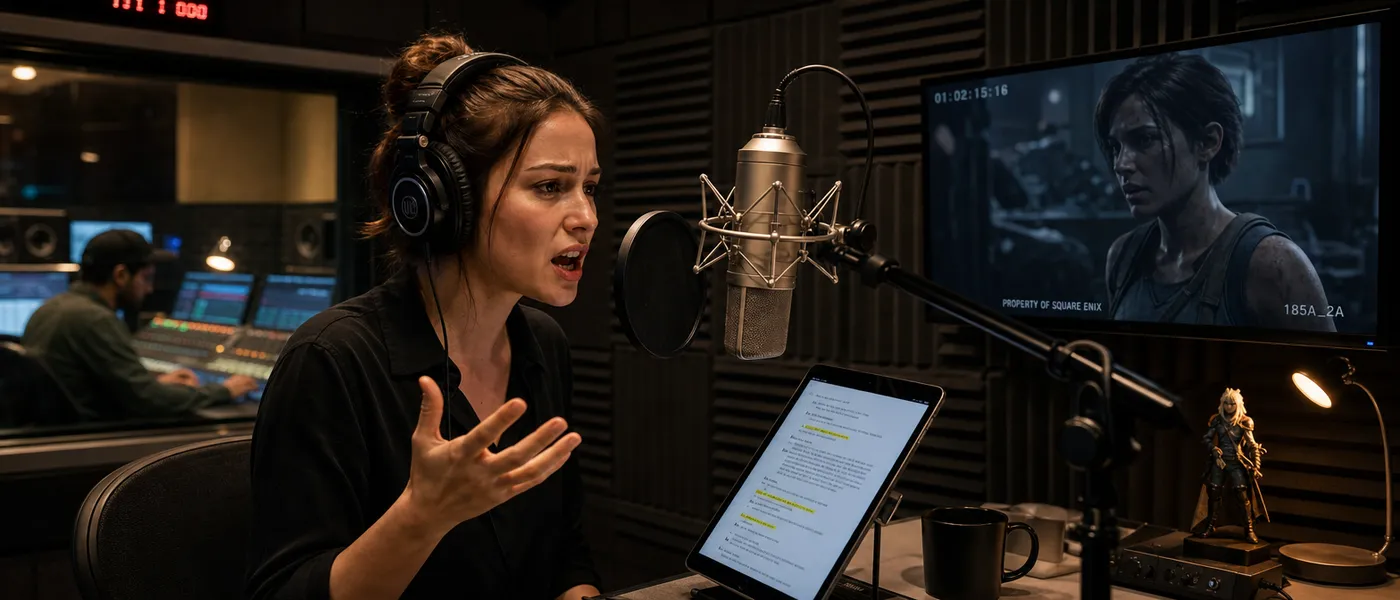
Booking a recording session
- Source and audition voice talent for the language, accent, and tone
- Negotiate rates, usage rights, and exclusivity terms
- Schedule a studio session that fits everyone's calendar
- Pay for studio time, engineer time, and talent fees
- Book a pickup session when a single sentence changes
Voice Work, Split by Use Case
Different projects ask different things from the read. The same generation flow handles each one.
How to Write for Text to Speech
A script written for the page and a script written for the ear are not the same document. These six habits do most of the work.
We Tested Difficult Text to Speech Phrases
Natural narration is the easy part. The hard part is currency, dates, acronyms, and brand names. We generated three test scripts on getimg.ai, kept one voice per case, and published the audio next to the script along with what we found.
Natural-Sounding Speech with Controllable Delivery
Modern speech generation produces varied pacing, emphasis, and pauses rather than a flat monotone. How a line lands still depends on how it is written.
In getimg.ai, punctuation and inline cues are the two levers you have. Write the script the way it should sound, then add a bracketed cue such as [gentle, emotional] before a line to guide its tone and pace. Each voice brings its own character on top of that direction.
Video Game Audio
Text to Speech Specs
What the Create speech action in getimg.ai does today, without the marketing adjectives.
How getimg.ai Text to Speech Compares
Three comparisons worth making before you pick an approach, or another page on this site.
vs human voice recording
Both produce spoken audio, and they are good at different things. For most teams the honest answer is that each wins a different brief.
AI text to speech
Fast iteration, a preset voice library, localization across markets, predictable per-character pricing, and quick regeneration when the copy changes.
Voice, Image, and Video on One Subscription
Most teams running content production juggle three subscriptions: voice in one app, images in another, video in a third. getimg.ai consolidates the workflow, so your script, your visuals, and your final cut never leave the same project.
YouTube Video Essay
Related Speech and Audio Tools
Text to speech is the technology. These pages cover the voice library, the voiceover use case, and the rest of the audio toolkit.

Frequently Asked Questions
Text-to-speech, or TTS, converts written text into spoken audio using speech-synthesis models. AI text-to-speech generates voices that sound natural across multiple languages, with delivery shaped by punctuation, sentence rhythm, and word choice.
The output is a downloadable audio file used for podcasts, video voiceover, e-learning, advertising, and accessibility tools.
30 voices, filterable by language and gender. Each one carries a short descriptor for its character, such as soft, bright, firm, warm, informative, or casual, so you can shortlist by the read you need rather than by name.
Every voice in the library is multilingual, so you can write your script in languages other than English and generate it with the same voice. Review pronunciation of names, numbers, and brand terminology in the target language before publishing a localized version.
Not currently. getimg.ai Create speech uses a preset voice library. You choose a voice from the available options and direct its delivery with the script and inline cues.
Yes. Add a bracketed cue such as [calm, warm] or [bright, energetic] directly in the script. Punctuation and sentence length also help guide pacing and phrasing, so shorter sentences generally read more predictably than long ones.
Yes. Cues apply from the line they appear on, so a single generation can move from calm to energetic and back. For example:
[calm, warm] Welcome back.
[bright, energetic] And this is where things get interesting.
Generate the difficult line on its own as a short test passage, then adjust the script before committing to the full read. Respelling a term the way it should be said is the most reliable fix, and it worked for our own brand name. It did not rescue every case in our testing, so verify personal names in particular rather than assuming a respelling will carry them.
Often, but invented product names and brand terms are the least predictable case, because there is no single correct reading to infer. We hit this with our own name: written as getimg.ai it was read as one word, and respelling it as "get I-M-G dot A-I" in the script fixed it. Test brand terms in a short passage first, then respell the ones that do not land.
Dates, currency, times, and abbreviations are interpreted from context, so the same figure can be read more than one way depending on the sentence around it. If a number has to land exactly, write it out in words.
Speech downloads as a WAV file, ready to drop into an editing timeline, a podcast feed, or a video project.
Speech generation is priced by script length, per 1,000 characters, on the same paid plans as image and video generation.
Paid plans include commercial usage rights for eligible generated speech under our terms. Rights to the underlying script, names, trademarks, or other third-party material remain your responsibility.
Start with voice quality and the size of the voice library, then check supported languages, delivery controls, how the system handles pronunciation of names and numbers, output format, script length limits, pricing, and commercial terms.
Beyond the speech itself, getimg.ai combines text to speech with image, video, music, and sound effect generation in the same workspace, so a voiceover and the visuals it sits under can come from one project.
Generate Voiceovers Without a Recording Session
Create downloadable WAV voice tracks for videos, podcasts, training, ads, and other spoken-content workflows.