AI Background Cleanup: Remove People, Objects and Clutter from Photos
Tourists behind you, cables in a listing photo, a mess around the product. Add the photo and get the same shot back with the distractions gone and the background filled in to match. Nothing to mask, brush or select, and you can download it at up to 4K.
Access 48+ leading AI models. Pay for one subscription.


How to remove distractions from a photo
There's no brush and no selection. The AI works out what belongs in the shot and what doesn't.
Add your photo
Travel shots, product photos, listings, portraits and event photos. Any picture where something in the background pulls attention away from the subject.
Generate
The AI finds the people, objects and clutter around your subject, removes them and rebuilds the background behind them.
Download the clean version
Pick 1K, 2K or 4K. The cleaned photo is saved as a new version, and the original stays in your library.
Save the wedding photo a passer-by almost ruined
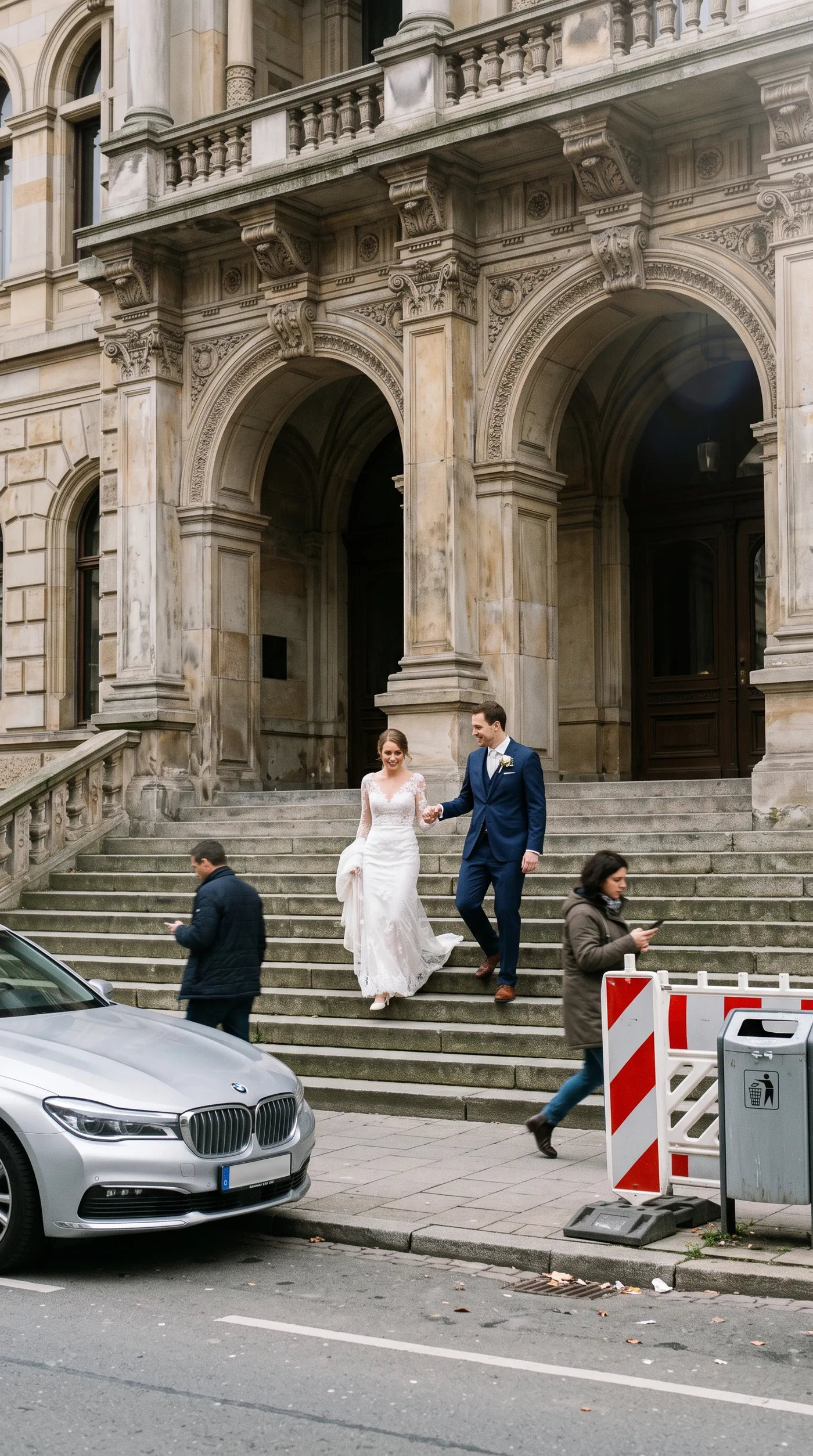
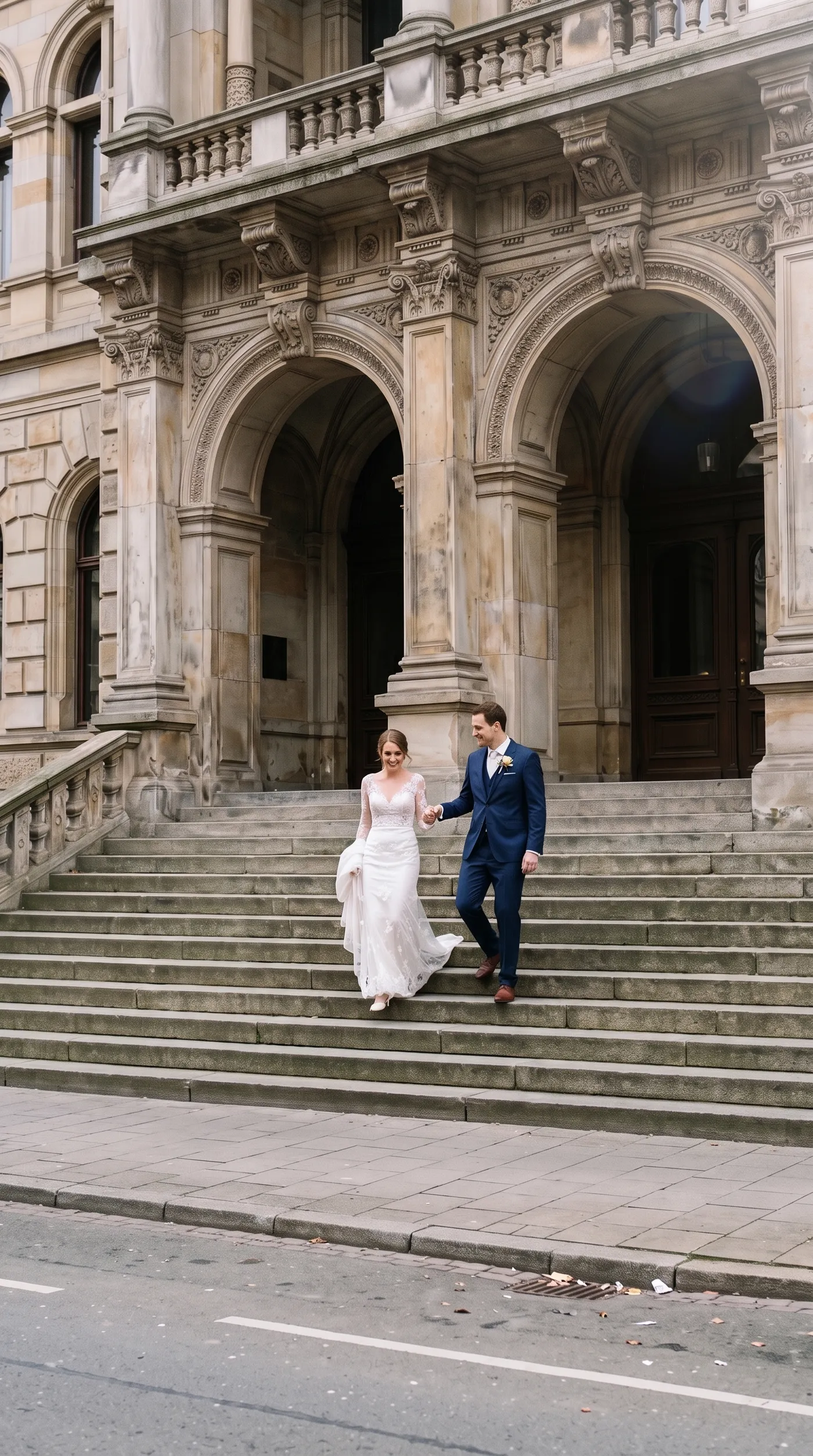
Some moments only happen once, and you can't ask the street to clear. This couple was photographed on the town hall steps with a parked car, two people on their phones, a construction barrier and a bin around them. One run removed all of it and rebuilt the steps, the pavement and the road behind.
It works for weddings, graduations, family trips and any event photo where the crowd wouldn't step aside. The people you want to keep stay as they were, and the place still looks like the place.
Erase power lines and poles from travel and property photos
Overhead cables and utility poles are the clutter nobody notices until they look at the photo later. In this island alley they cut across the sky and the view of the sea. Background cleanup removed the cables, the leaning pole, the bins and the traffic cone, and filled in the sky, the walls and the steps behind them.
Use it on hotel and rental listings, destination marketing and travel content, where one stray wire can make a premium place look neglected.


Give team and brand portraits a clean background without losing the setting
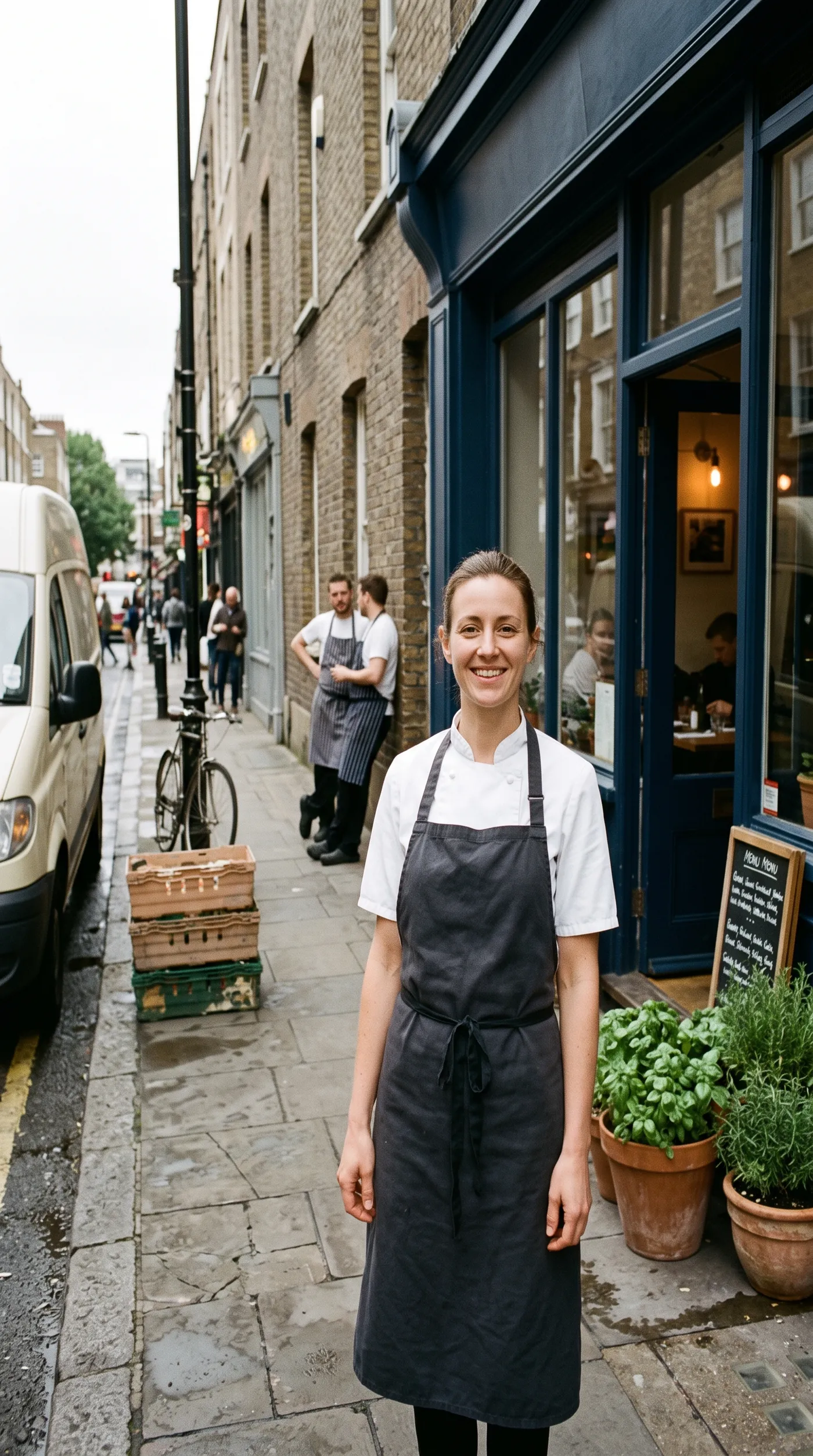
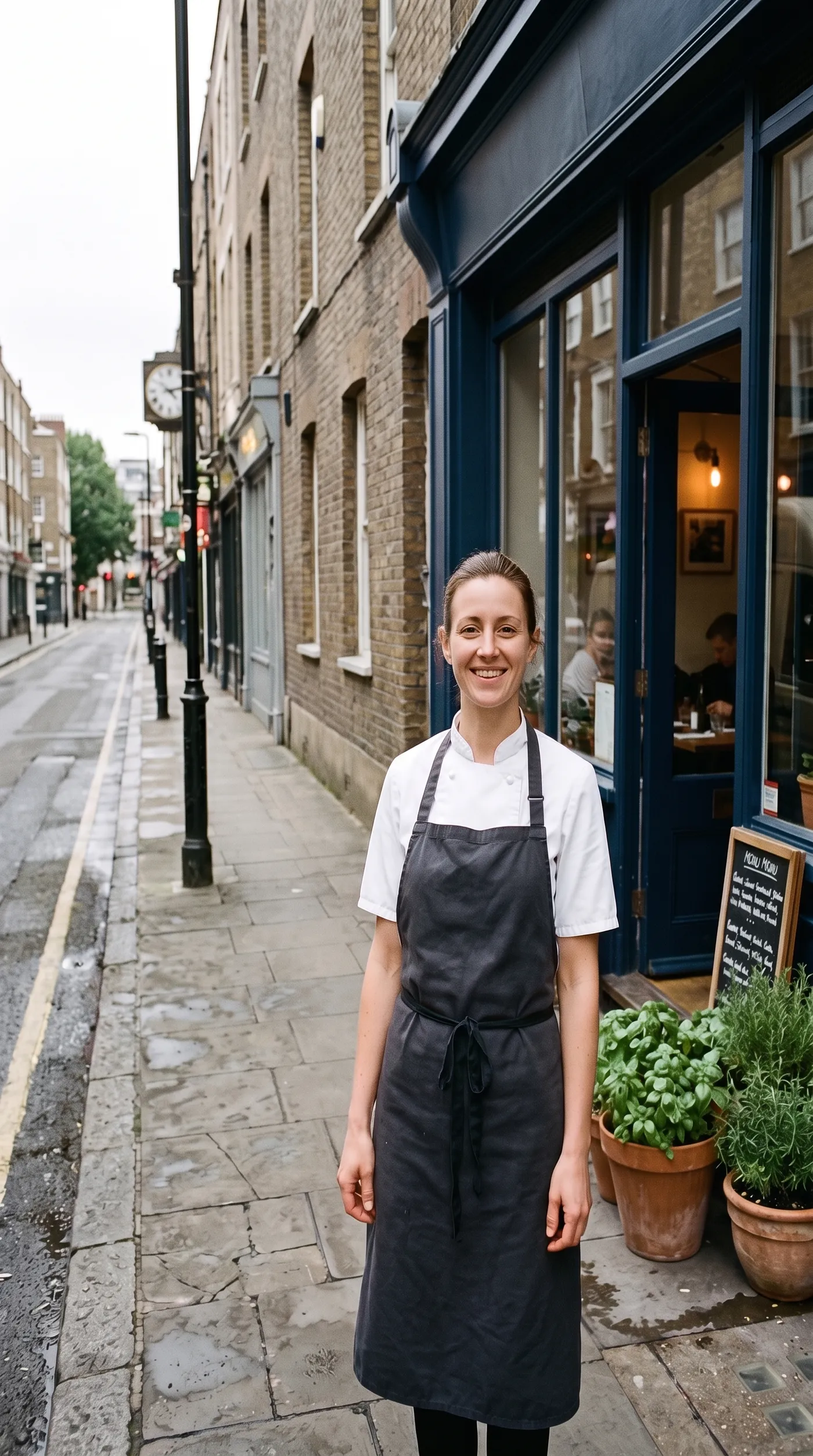
Portraits shot on location rarely come with an empty street. Here a delivery van, two staff on a break, stacked crates and a bicycle all compete with the chef. After cleanup she stands in front of her bistro on a clear sidewalk, ready for a website, a press kit or a menu.
Because the setting stays, the photo keeps its sense of place. That's the difference from removing the background entirely, which leaves the person on a blank or transparent backdrop.
What you can clean up
Keep the moment. Lose everything that competes with it.
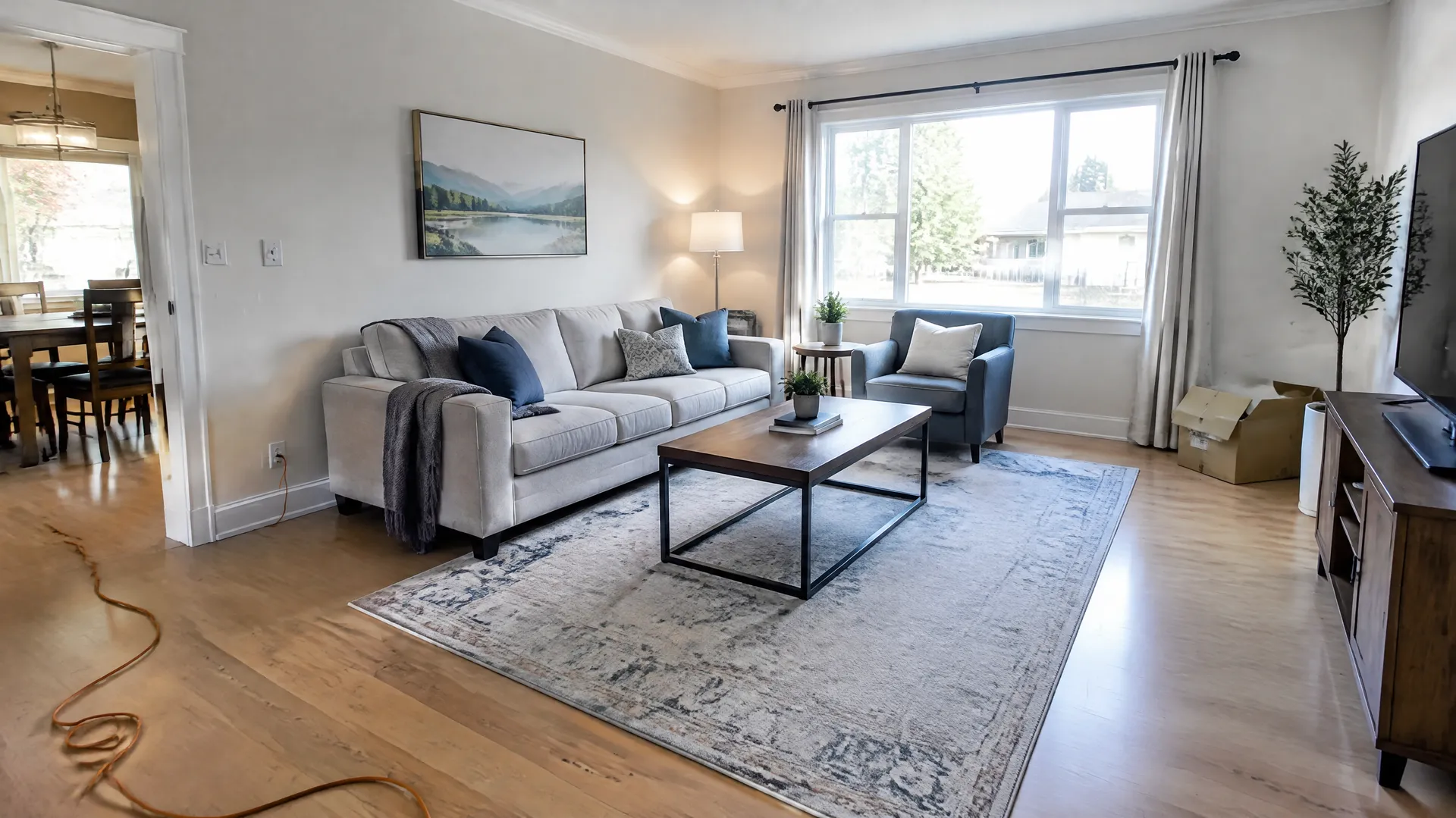
Skip the clone stamp
Removing a distraction by hand means selecting it, cloning the background over it patch by patch and checking that the repair doesn't show. Background cleanup does the whole job in one run.
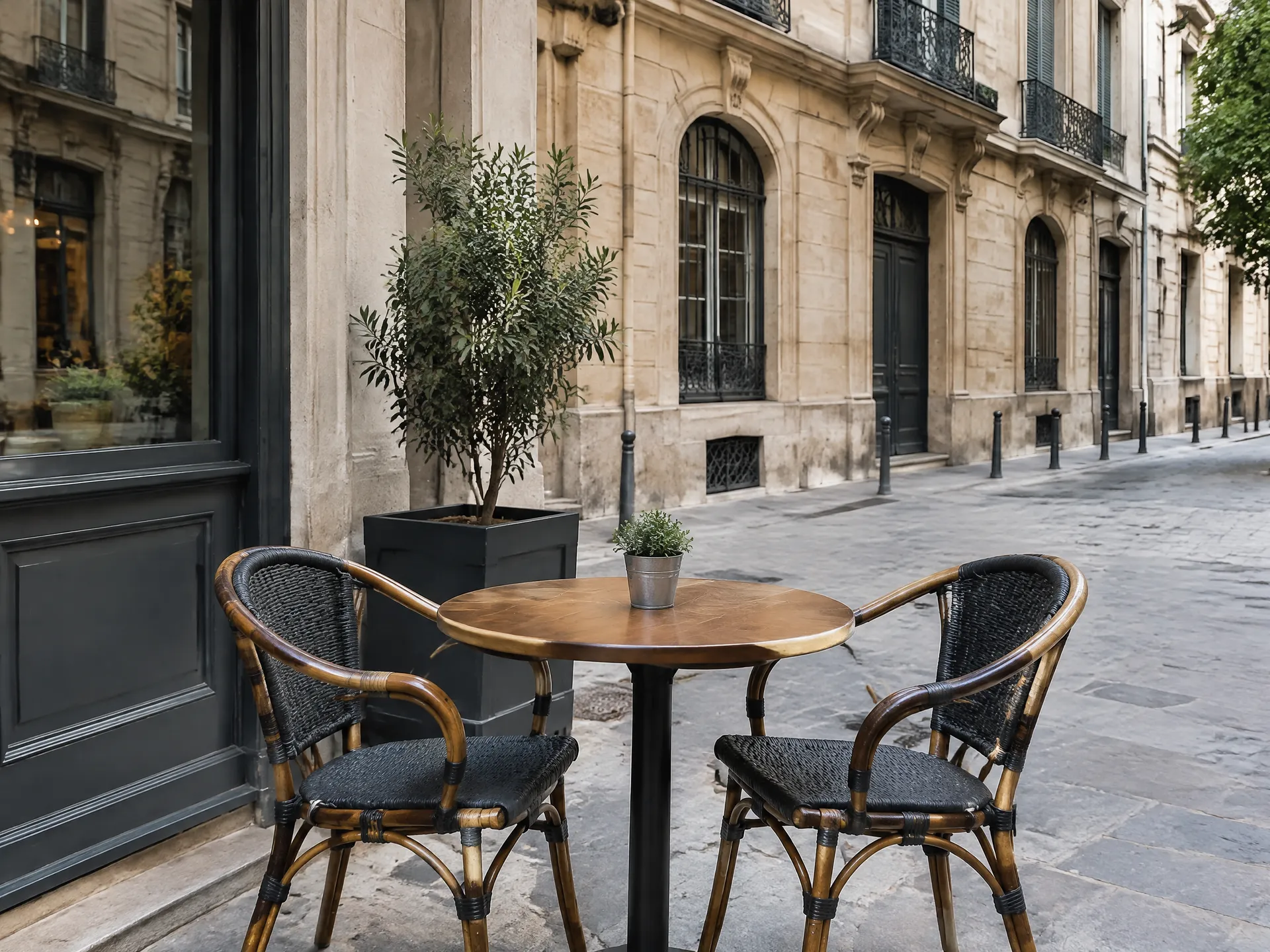
getimg.ai
Add your photo
Any photo with people or objects you want gone.
Generate
The background is rebuilt to match the scene.
Download the clean shot
Up to 4K, with the original kept as it was.
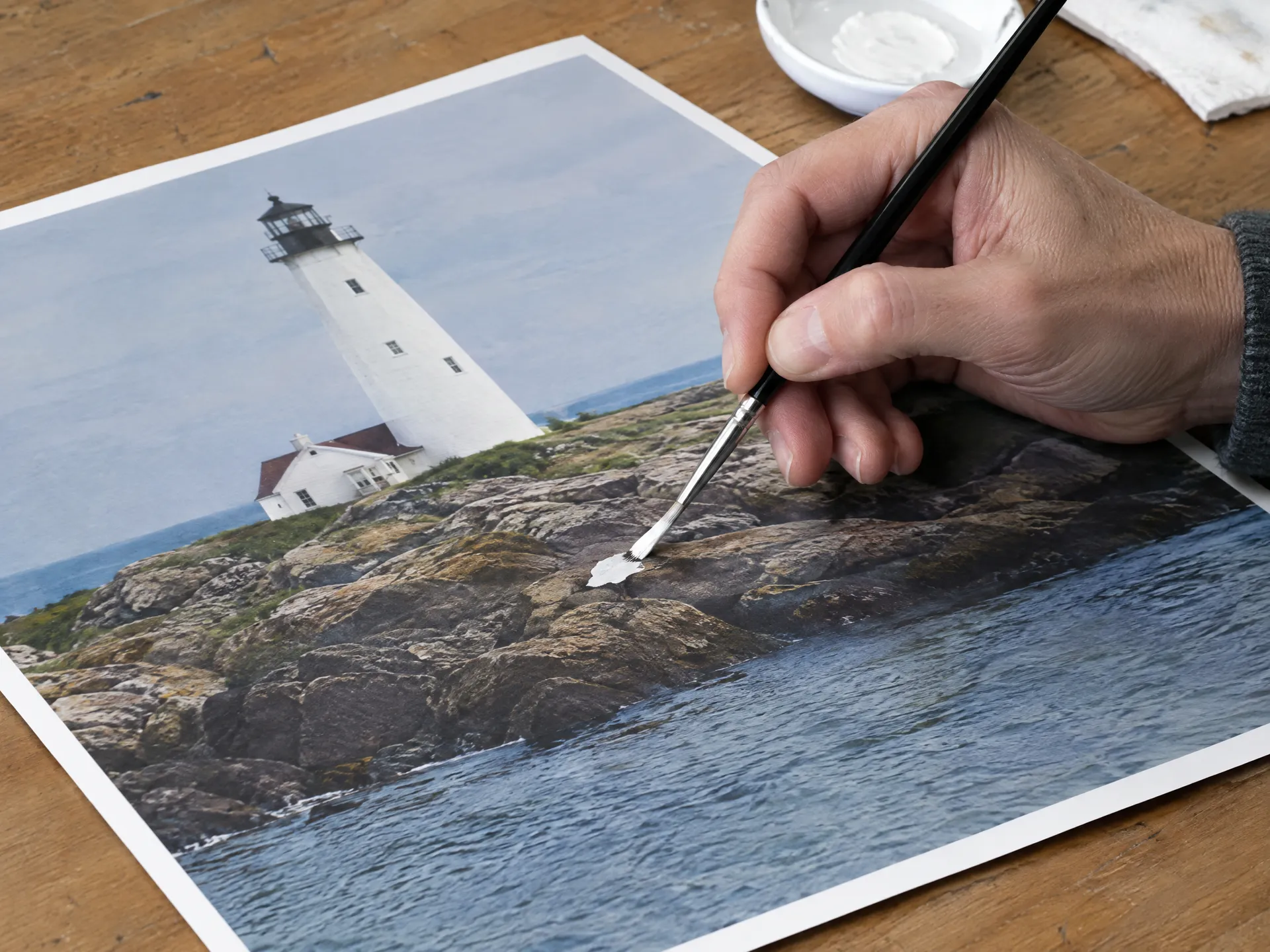
Manual retouching
- Mask every distraction by hand, edge by edge
- Clone and heal the background patch by patch
- Check that each repair blends with the scene
- Repeat the whole job for every photo
- Spend minutes to hours per image
Get the cleanest result
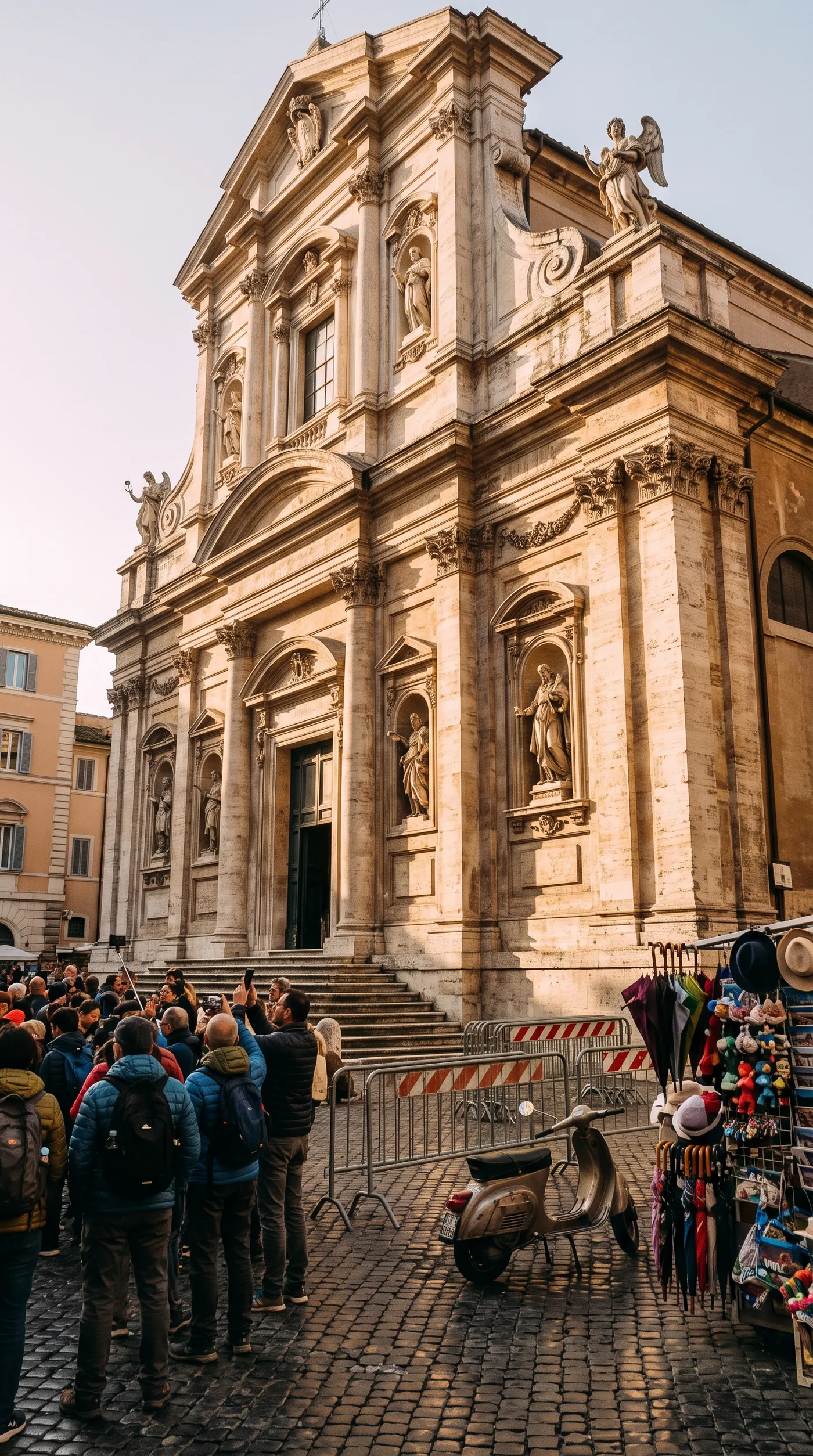
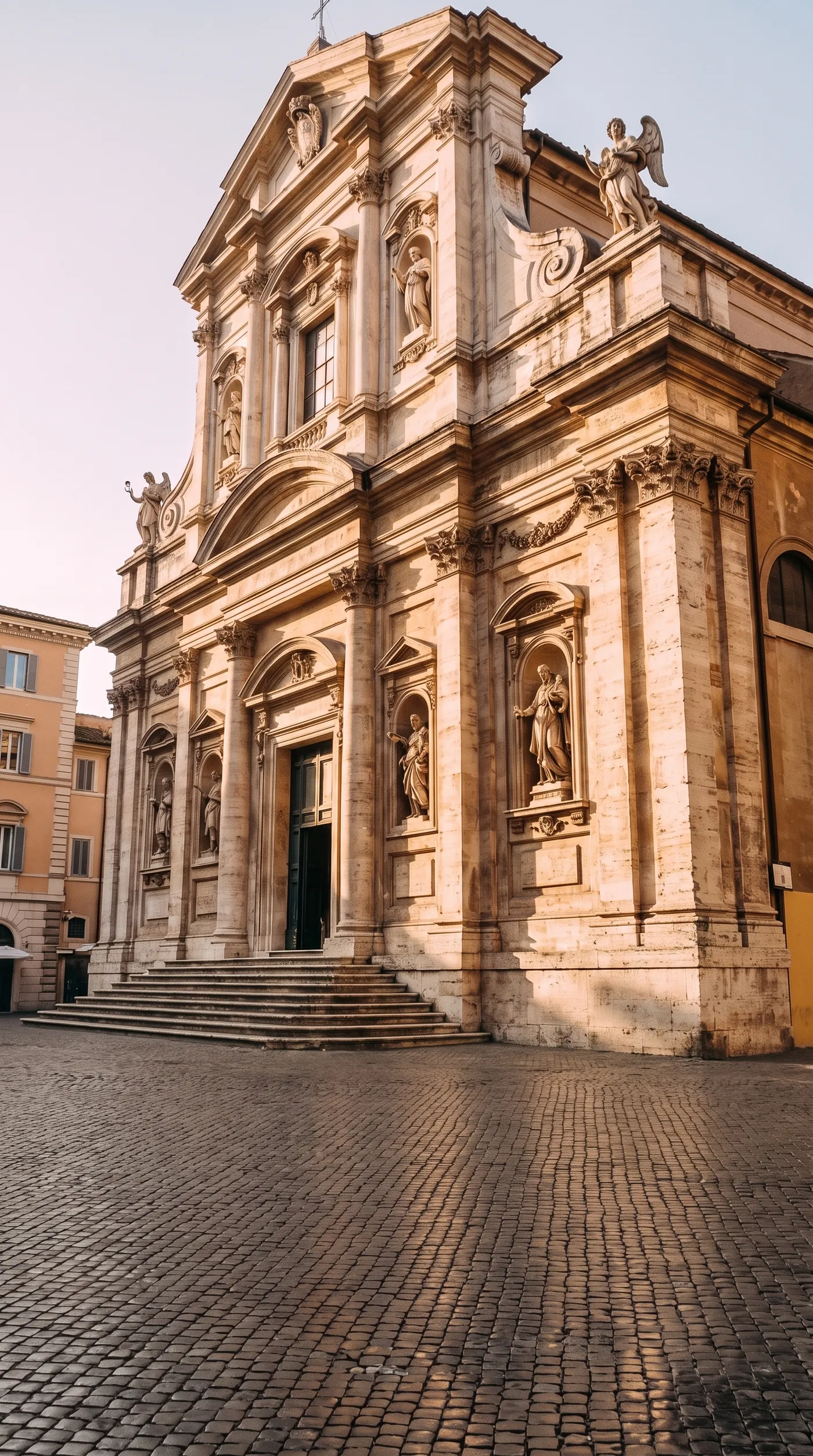
The AI decides what belongs in the shot by looking at it. This baroque church in Rome was hidden behind a tour group, a souvenir stand, a scooter and crowd barriers. One run cleared the piazza and rebuilt the steps and cobblestones behind them.
Frequently asked questions
Open Background cleanup on getimg.ai, add your photo and generate. The AI removes the people, objects, text and clutter that pull attention from your subject, and returns a clean version of the same shot.
No. Cleanup keeps your background and removes the unwanted things in it. If you need a transparent background instead, use the Background Remover.
Yes. Removing passers-by and photobombers is one of the most common uses. The main subject stays exactly as it was.
No. Every edit on getimg.ai creates a new version. Your original is always preserved.
No. Add the photo and the AI picks out the distractions around your subject. There's nothing to brush, mask or select.
Choose 1K, 2K or 4K. The cleaned photo is saved as a new version next to the original.
Not in background cleanup. The AI decides what counts as a distraction around your subject. If you need to remove one specific thing, or bring back something it took out, add the photo as a reference in Create image and describe the change.
Yes. All paid plans include commercial rights, subject to our terms and applicable third-party rights. Plans start at $8 a month.
Get the shot back without the clutter
Add your photo and download a clean version at up to 4K.