AI Zoom on Details: Up to 8 Close-Up Shots from One Photo
Add a photo of a product, a room or a garment, choose how many details you want, and get close-ups of the textures, materials and finishing touches. No macro lens, no second shoot.
Access 48+ leading AI models. Pay for one subscription.


How to create detail shots from one photo
Add the picture
An object, a room, a garment or anything else with details worth a closer look.
Choose how many details
Pick 4, 6 or 8 close-ups, then set the quality and aspect ratio, including the same ratio as your photo.
Download the close-ups
Each detail is a new image you can post, list or crop. The original stays in your library.
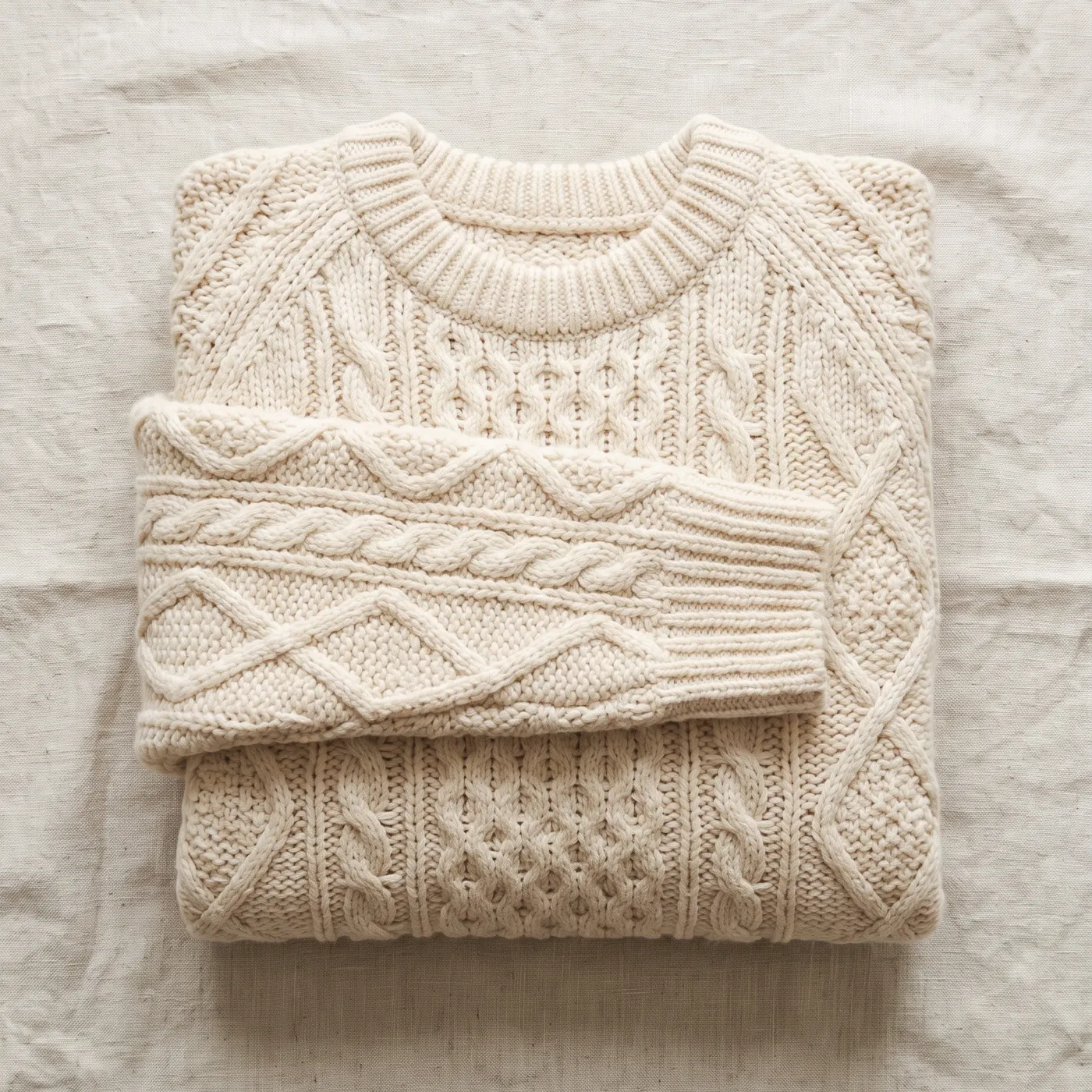
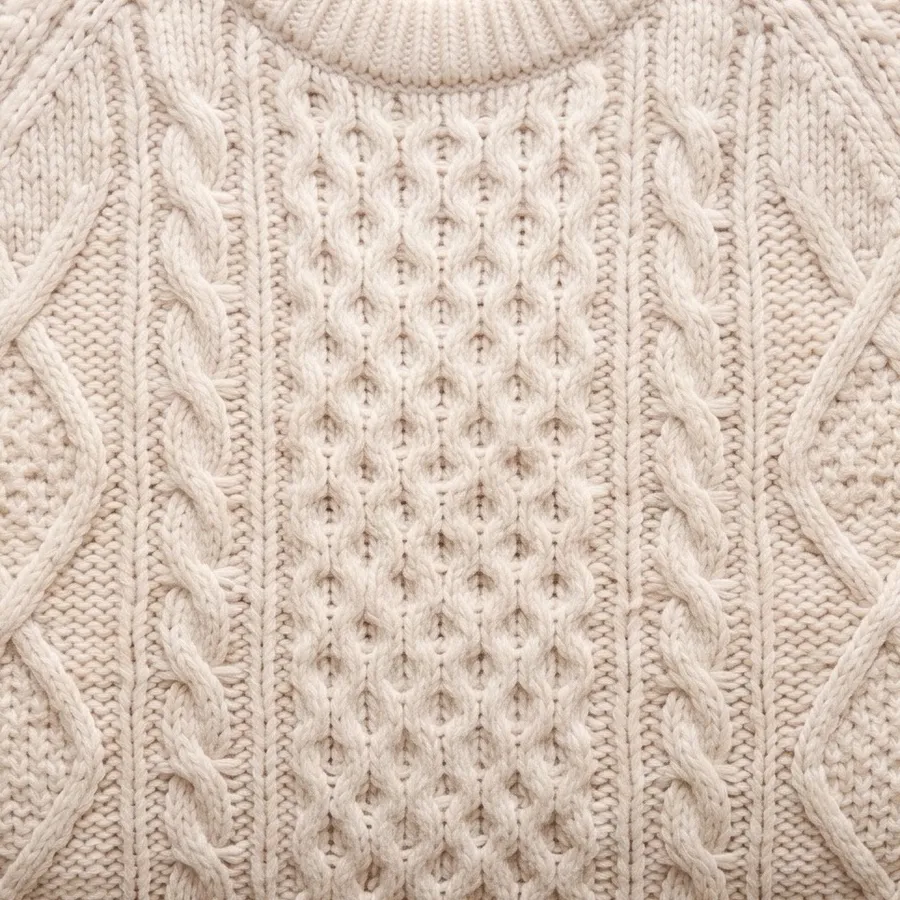
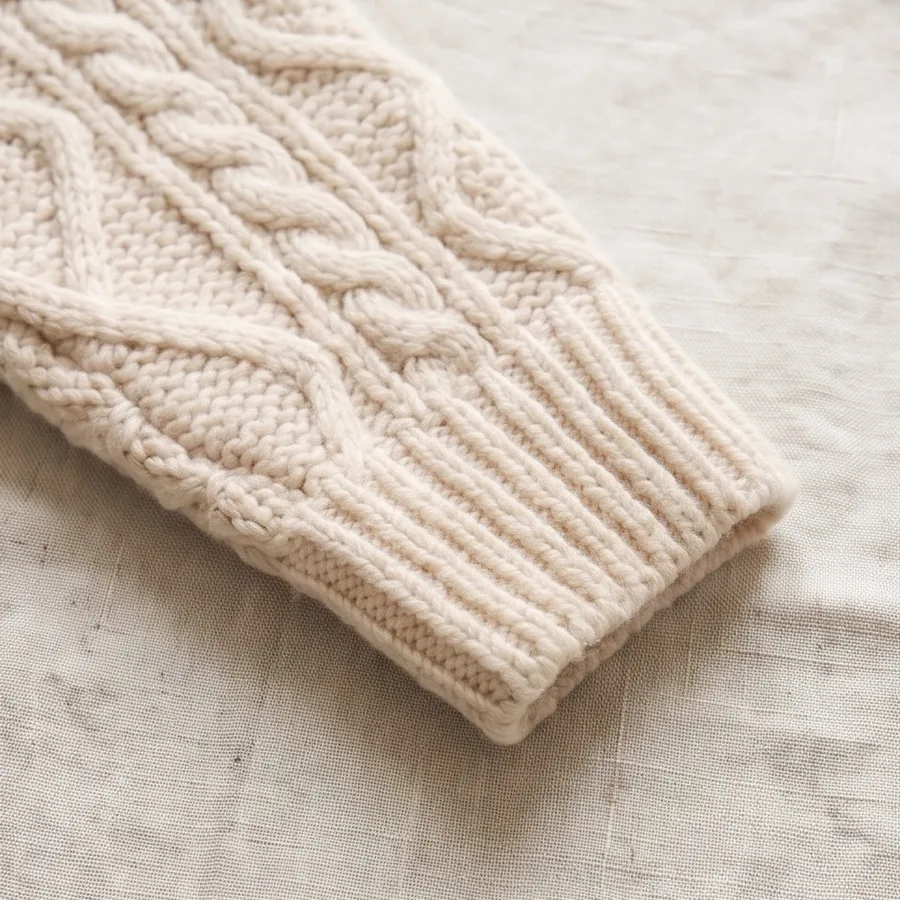
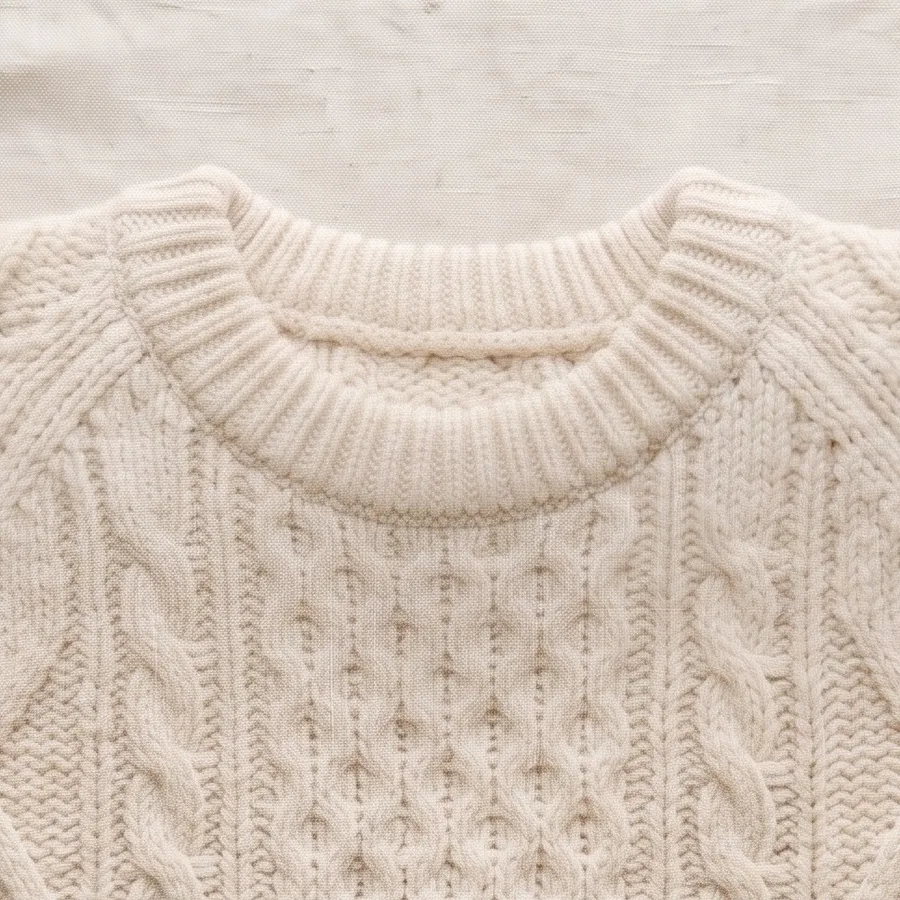
Show the knit up close
Online shoppers can't touch a sweater, so they zoom. From one flat-lay photo, 4 details shows the central cable pattern, the ribbed cuff, the neckline and the chunky yarn up close.
Use detail shots on product pages and in ads to answer the question every shopper has: what is it really like?
Sell the craftsmanship, not just the shape
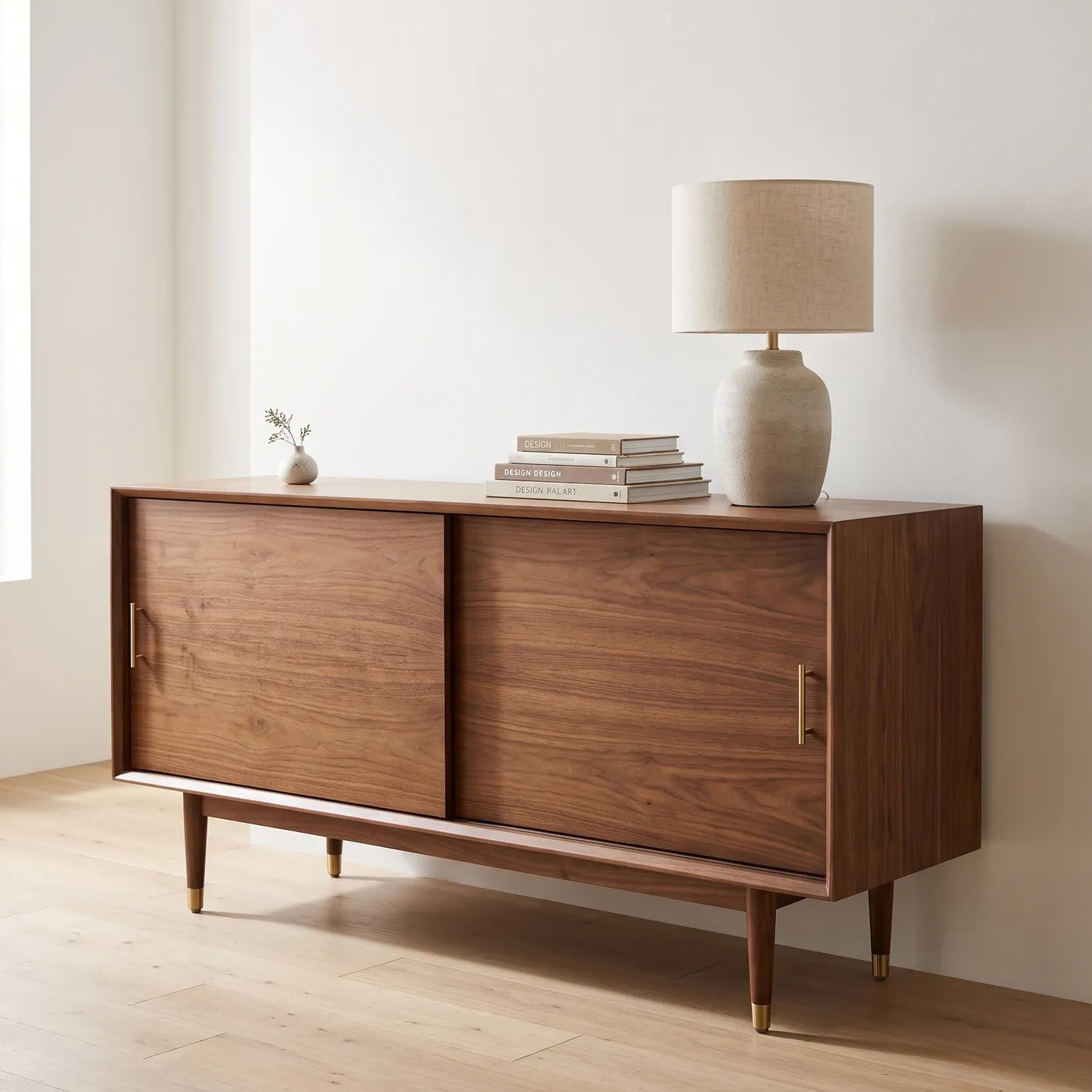
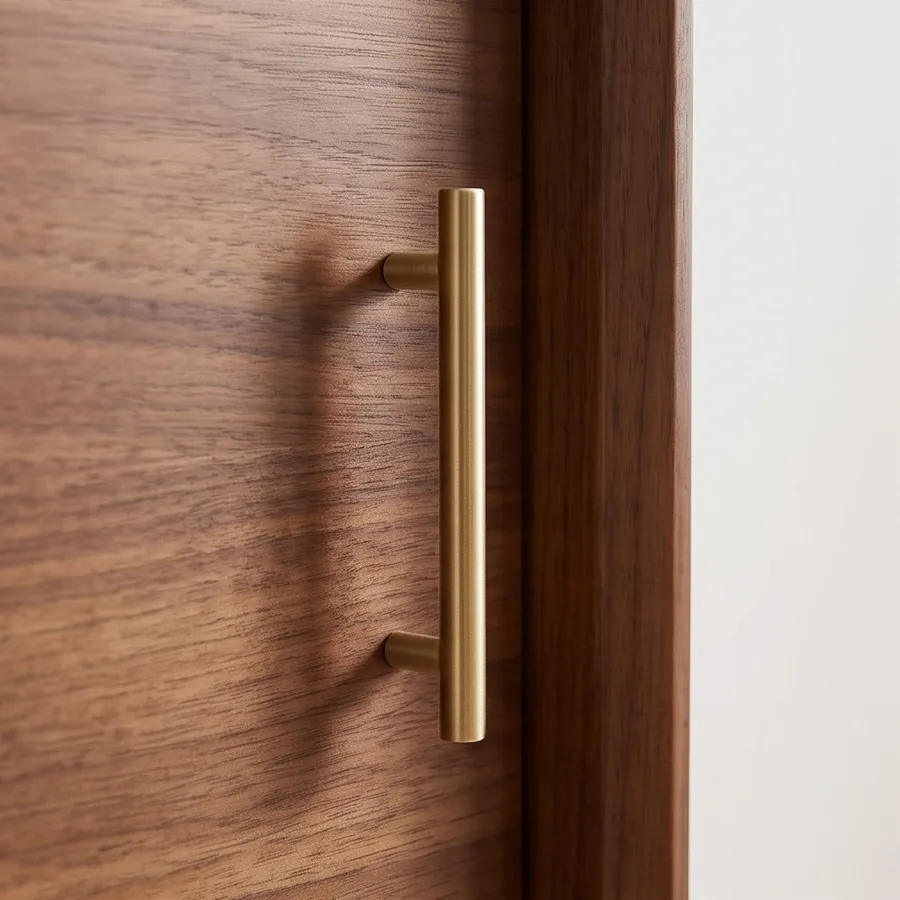
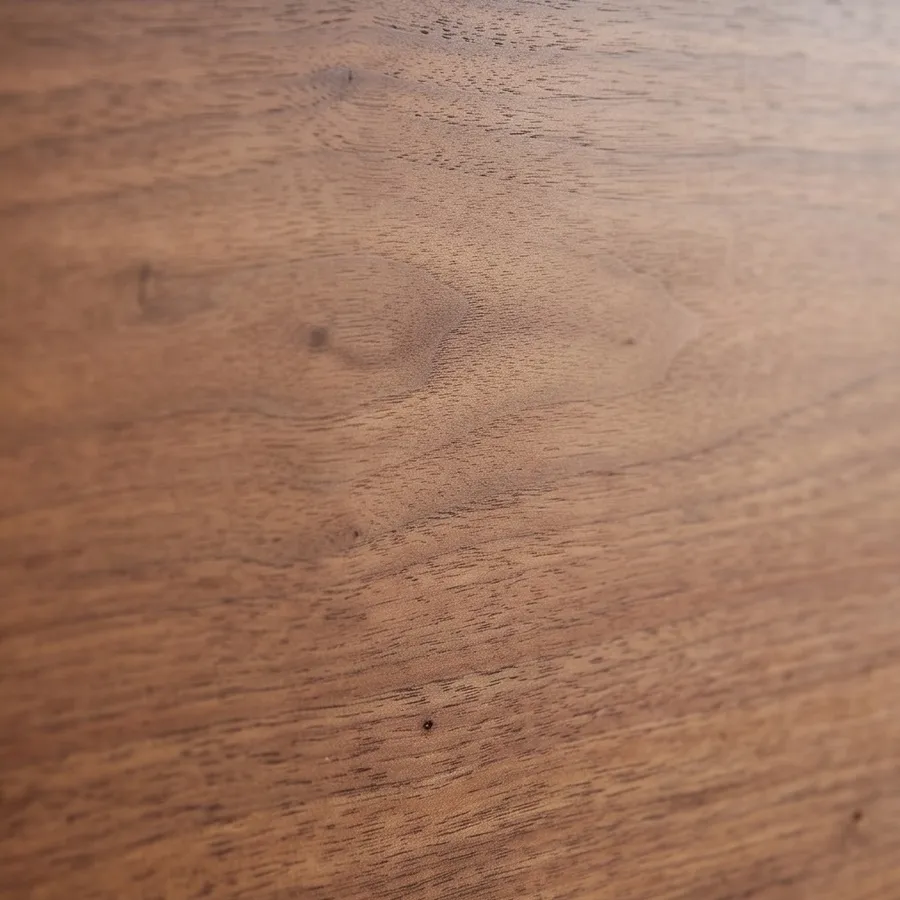
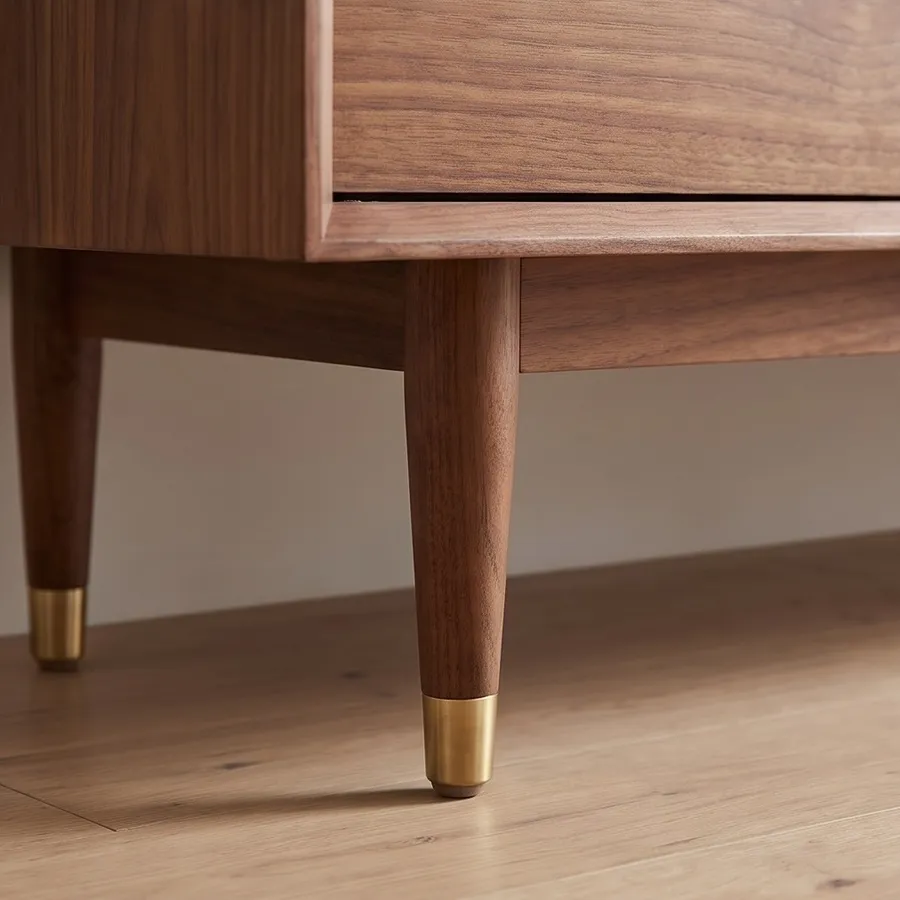
Furniture buyers look at hardware, grain and joinery. One photo of this walnut sideboard becomes four close-ups: a brass handle, the wood grain, a tapered leg with its brass cap and the corner of the top.
It gives furniture and homeware listings the detail shots that usually need a macro lens and a second shoot.
Turn one counter shot into a set of close-ups
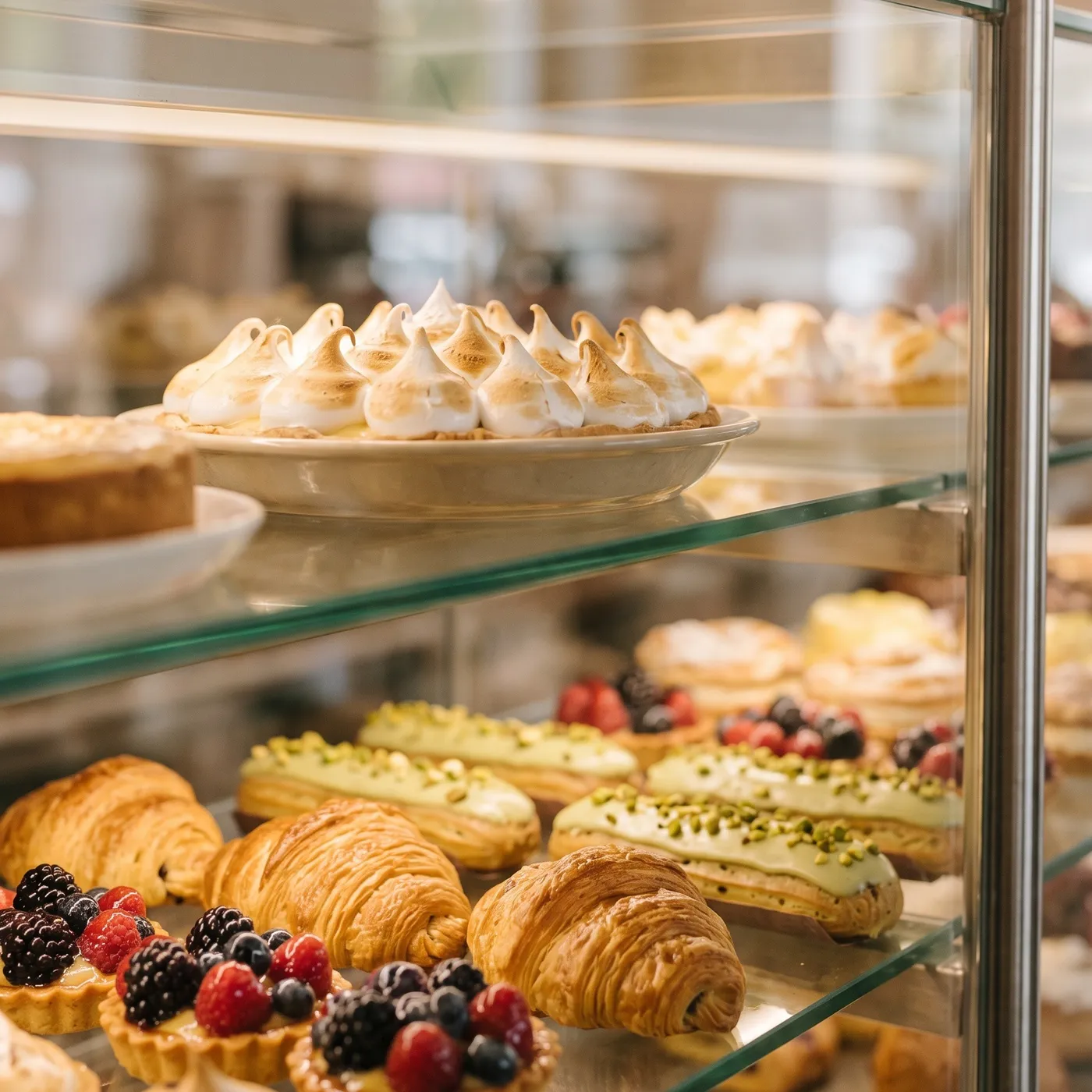
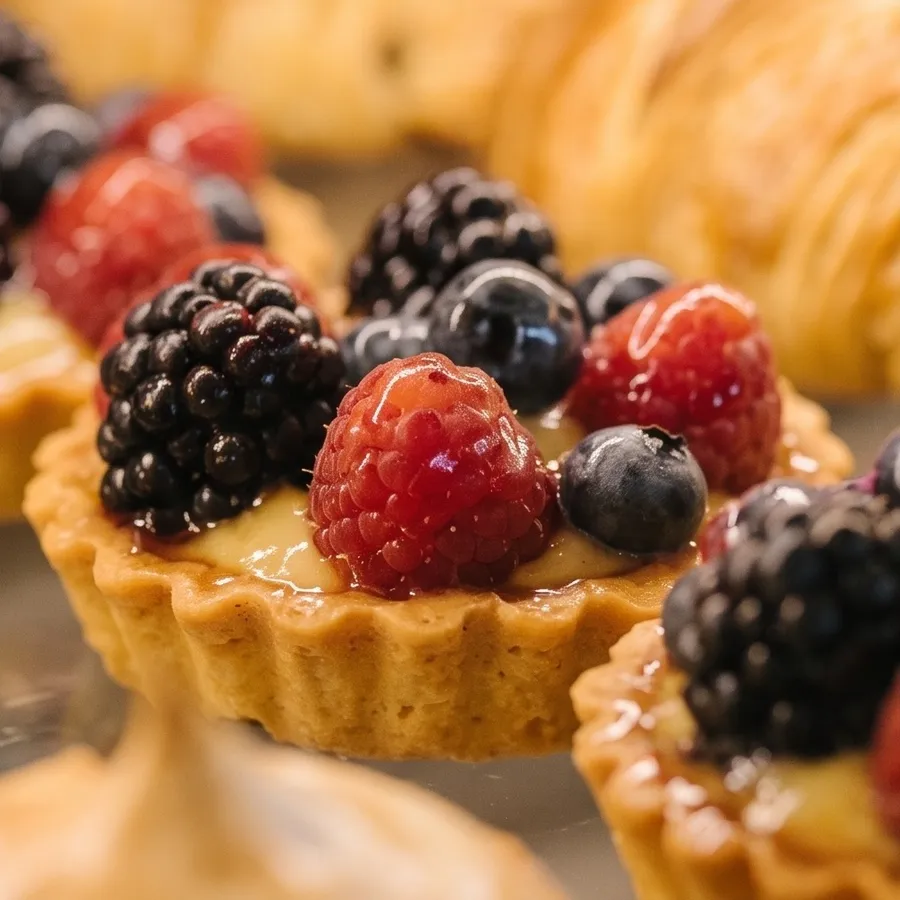
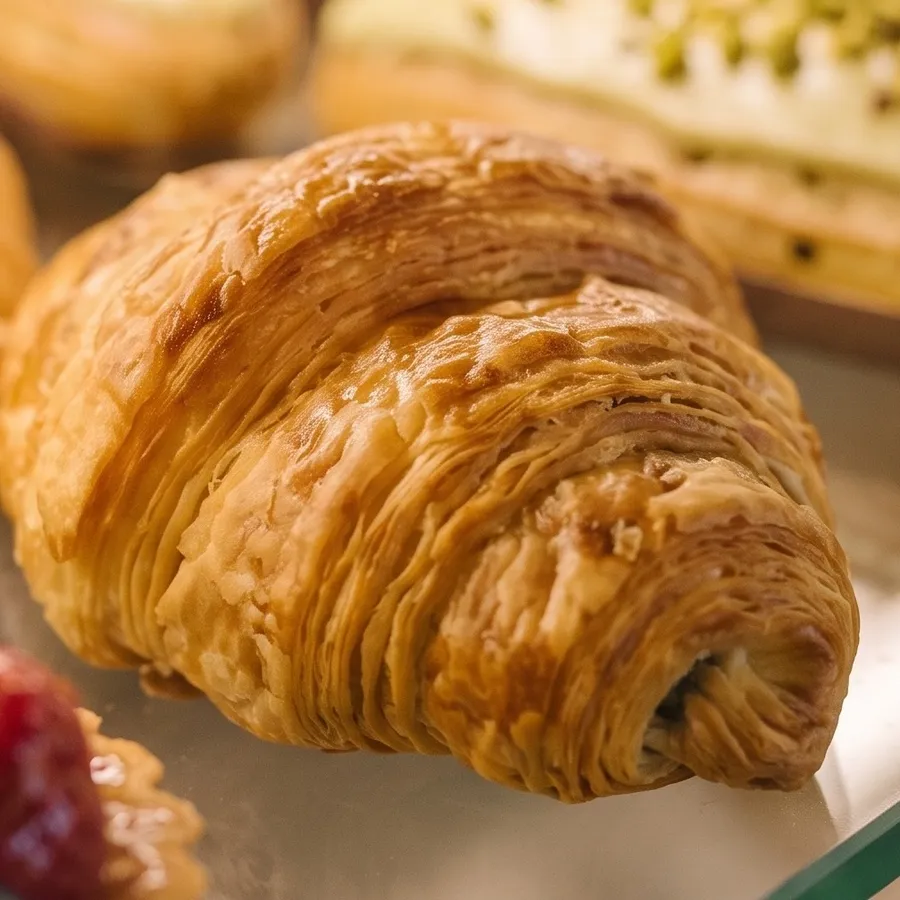
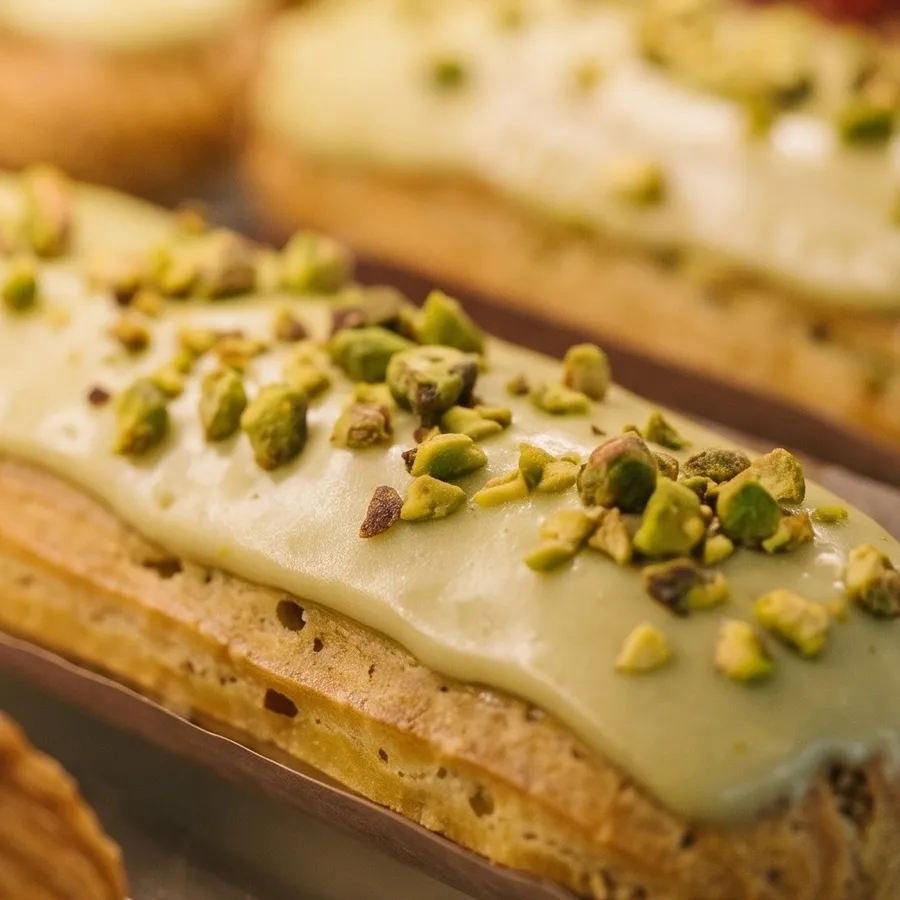
A display case full of pastries is a great overview and a weak close-up. 4 details pulls out the glazed berries on a tart, the layers of a croissant, the pistachios on an eclair and the torched meringue.
Bakeries, cafes and food brands use the close-ups for social posts, delivery app listings and menus.
Show what makes it worth buying
Shoppers zoom in before they buy. Detail shots answer the questions a single wide photo can't.
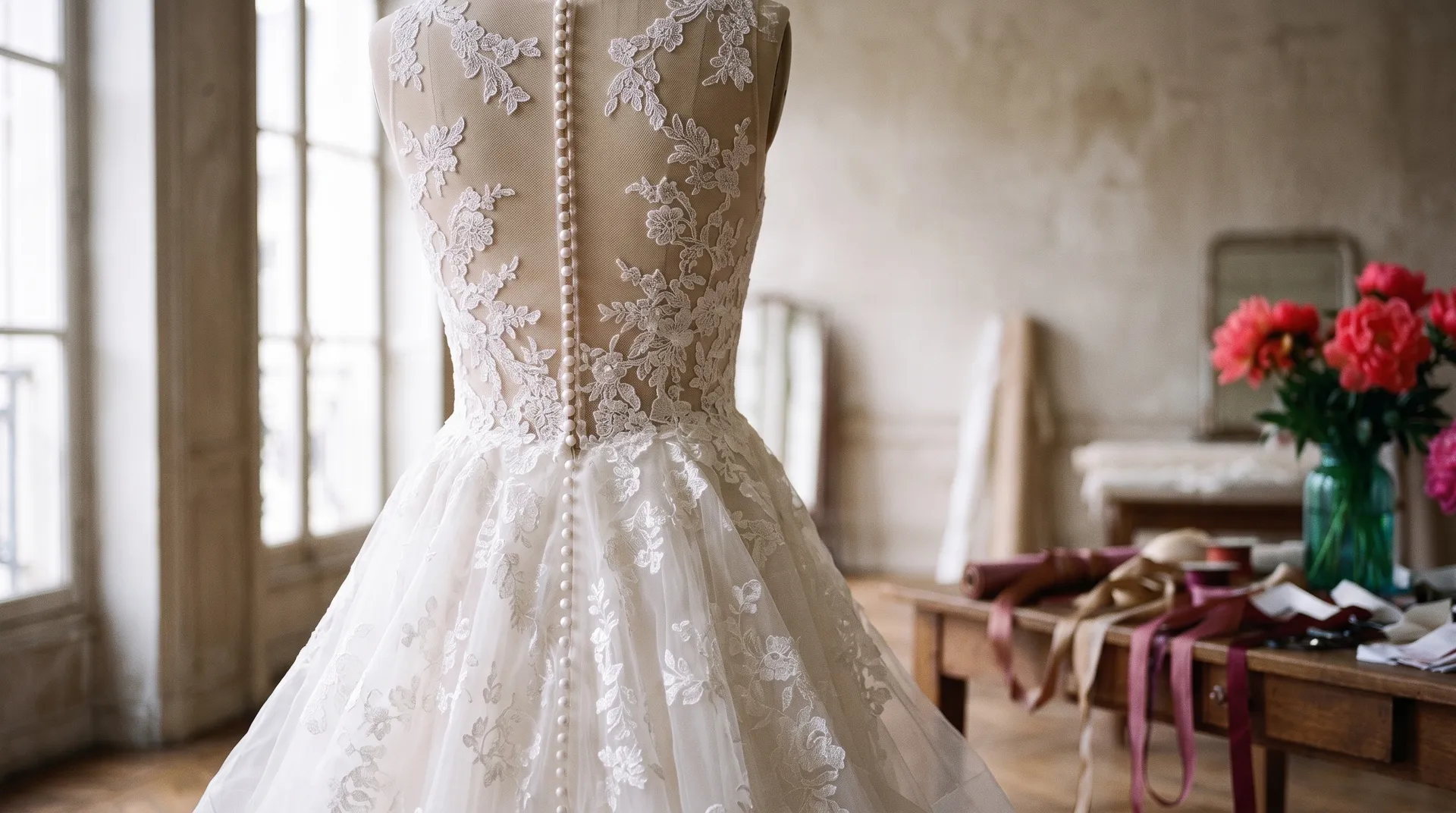
Skip the macro shoot
Detail photography usually means a second session with a macro lens, careful focus and a lot of light.
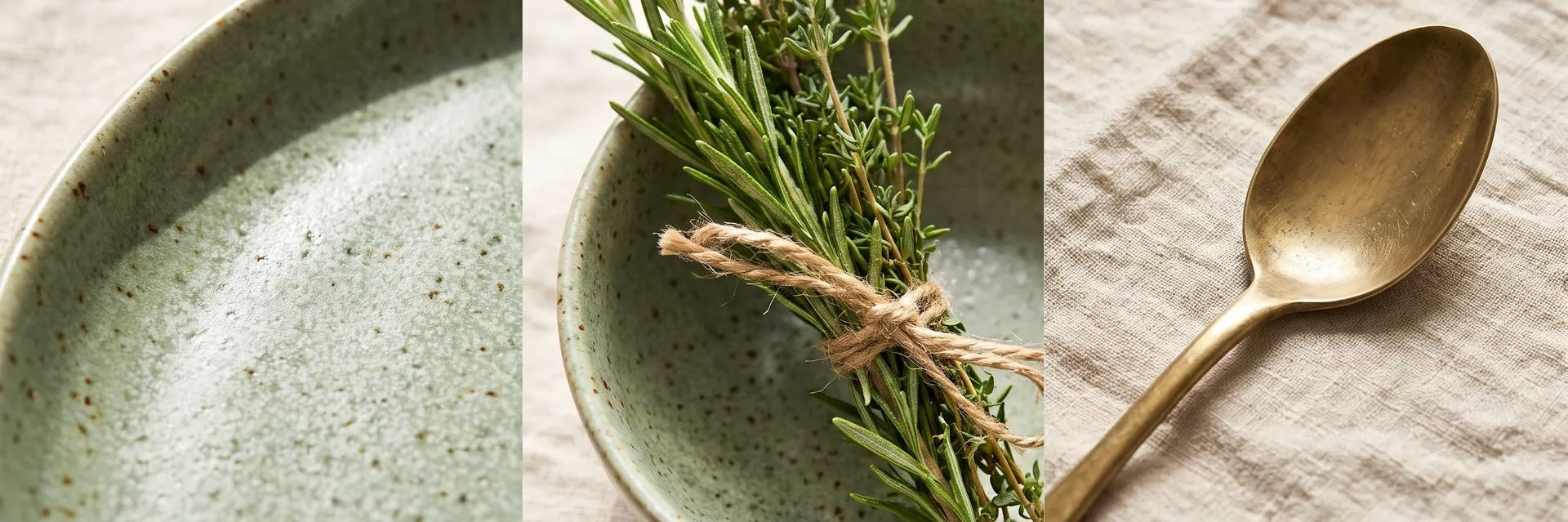
getimg.ai
Add one photo
Your existing product or room shot.
Pick 4, 6 or 8
Choose how many close-ups you want.
Get detail shots
At 1K, 2K or 4K.
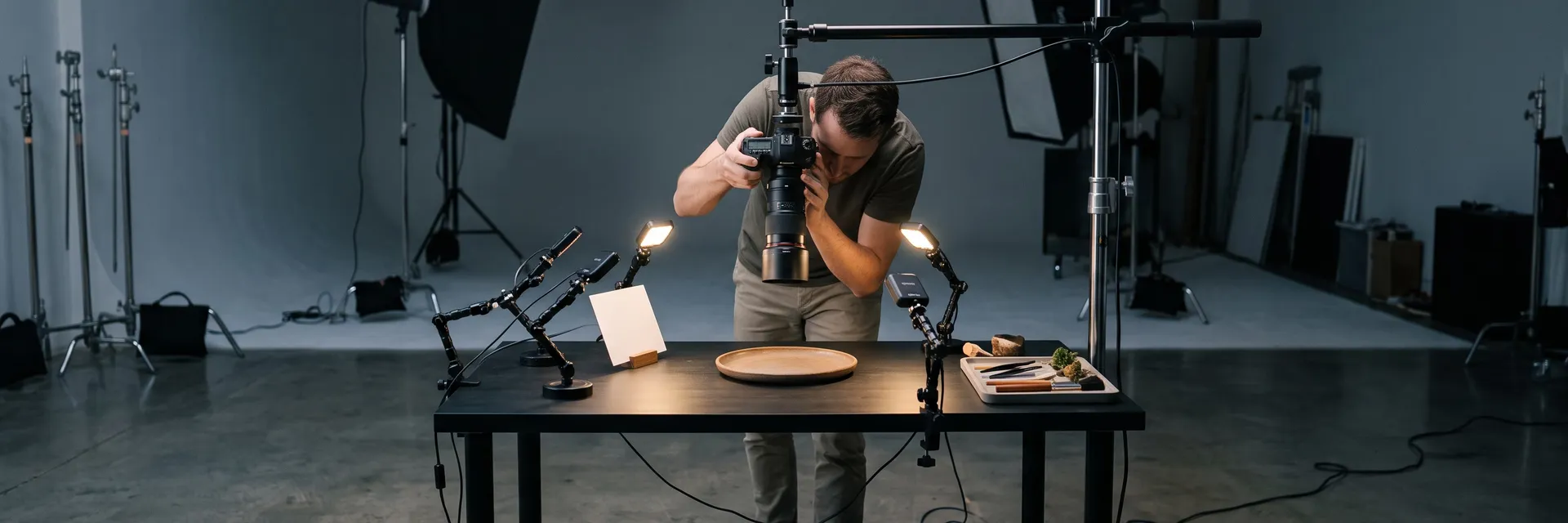
Macro photography
- Set up a second shoot for close-ups
- Buy or rent a macro lens
- Fight shallow focus and reflections
- Light tiny areas evenly
- Edit every close-up separately
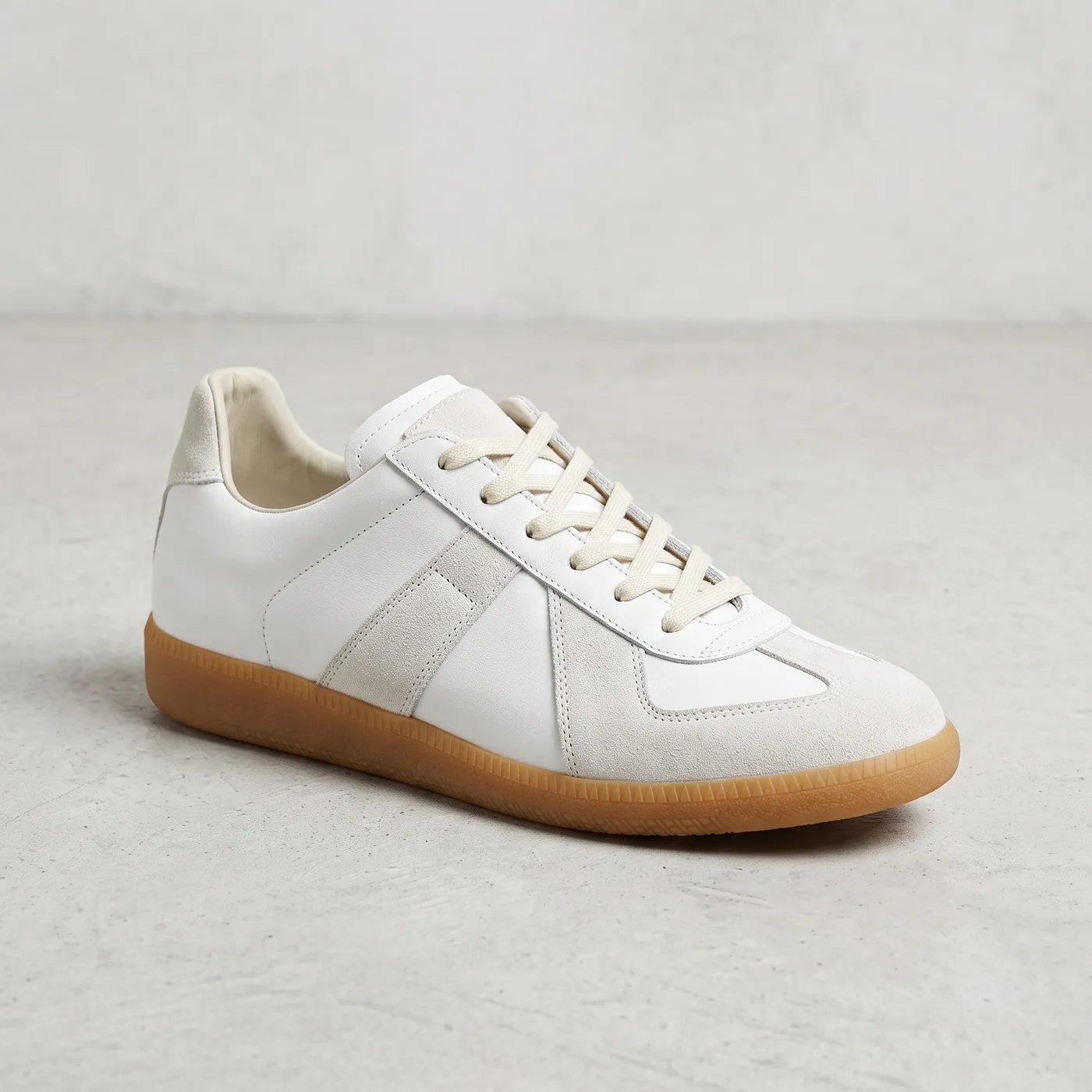
Get sharper, truer close-ups
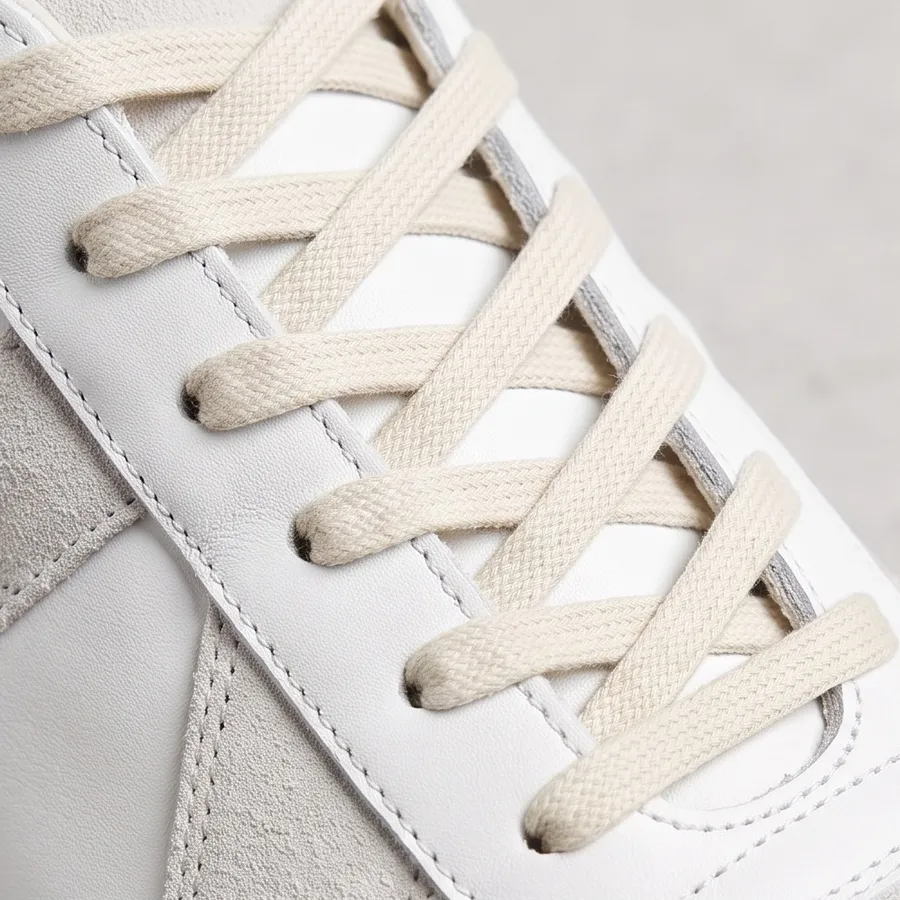
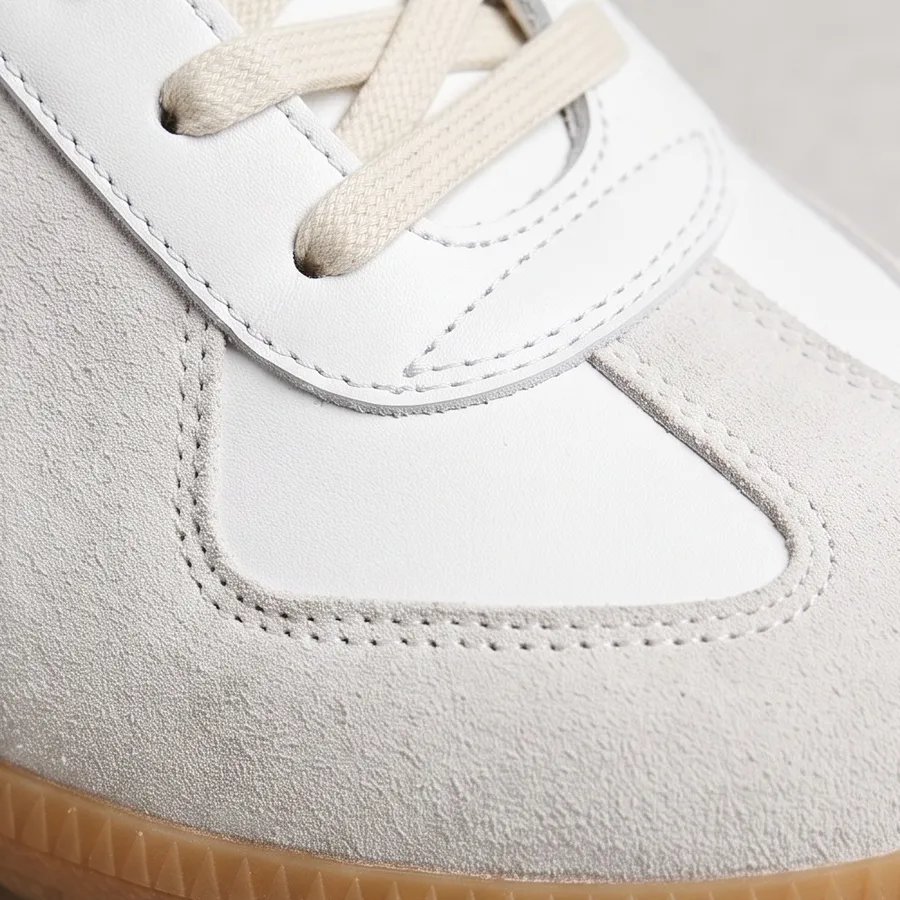
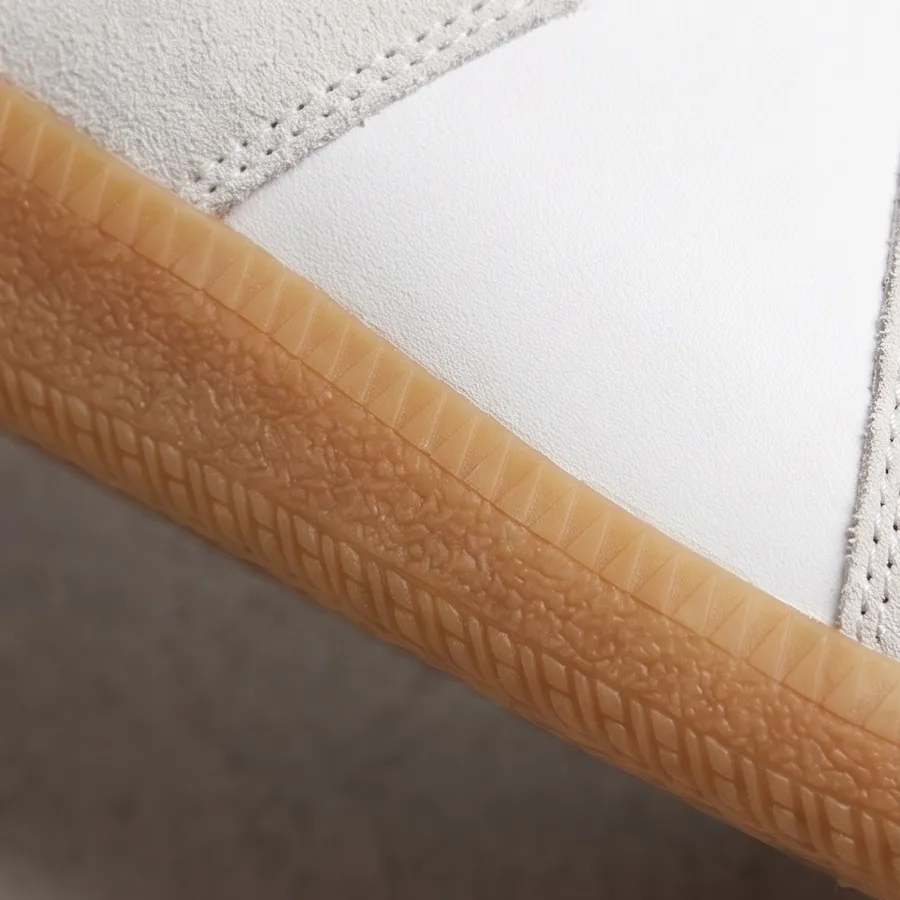
Details come out sharpest when the original shows them clearly. This sneaker photo is evenly lit and in focus, so the laces, suede stitching, gum sole and heel all come out crisp.
Frequently asked questions
Open Zoom on details on getimg.ai, add your picture and choose 4, 6 or 8 details. Pick the quality and aspect ratio, and you get a set of close-up shots of the same subject.
No. A crop only enlarges the pixels you already have, while this generates new close-up shots with their own texture and sharpness. If you need the same photo at a higher resolution, use the AI image upscaler instead.
They're generated from your photo, so they follow its materials, colors and shapes. Fine details the camera never captured, like an exact stitch pattern or a tiny engraving, are filled in by the AI. Check close-ups of real products against the item before you publish them.
A sharp, well-lit photo where the subject fills most of the picture. The more visible detail the original has, the closer the close-ups stay to the real thing.
Quality: 1K, 2K or 4K. Aspect ratio: same as your photo, 1:1, 4:5 or 16:9.
The details are picked from the photo for you. To focus on one area, crop your photo to that part before you add it.
Yes. They work well in a listing gallery next to the main photo. Since fine details are generated, compare them with the real item first.
Yes. Anything with texture and small parts works well: a styled room, a bakery counter, a garment or a piece of furniture.
Yes. Every paid plan includes commercial use, subject to our terms and applicable third-party rights. Plans start at $8 a month.
Show the details that sell the product
Add one photo, pick how many details and download the close-ups.