AI Dolly Zoom Generator: The Vertigo Effect from One Photo
Add one photo and get the shot Hitchcock made famous in Vertigo: the camera moves while the background stretches or closes in around your subject. Pick one of three moves and an intensity from 1 to 5, and get a clip of up to 10 seconds at 1080p. No dolly track, no zoom lens, no crew.
Access 48+ leading AI models. Pay for one subscription.


How to make a dolly zoom with AI
Three choices stand between a still photo and the finished shot.
Add one photo
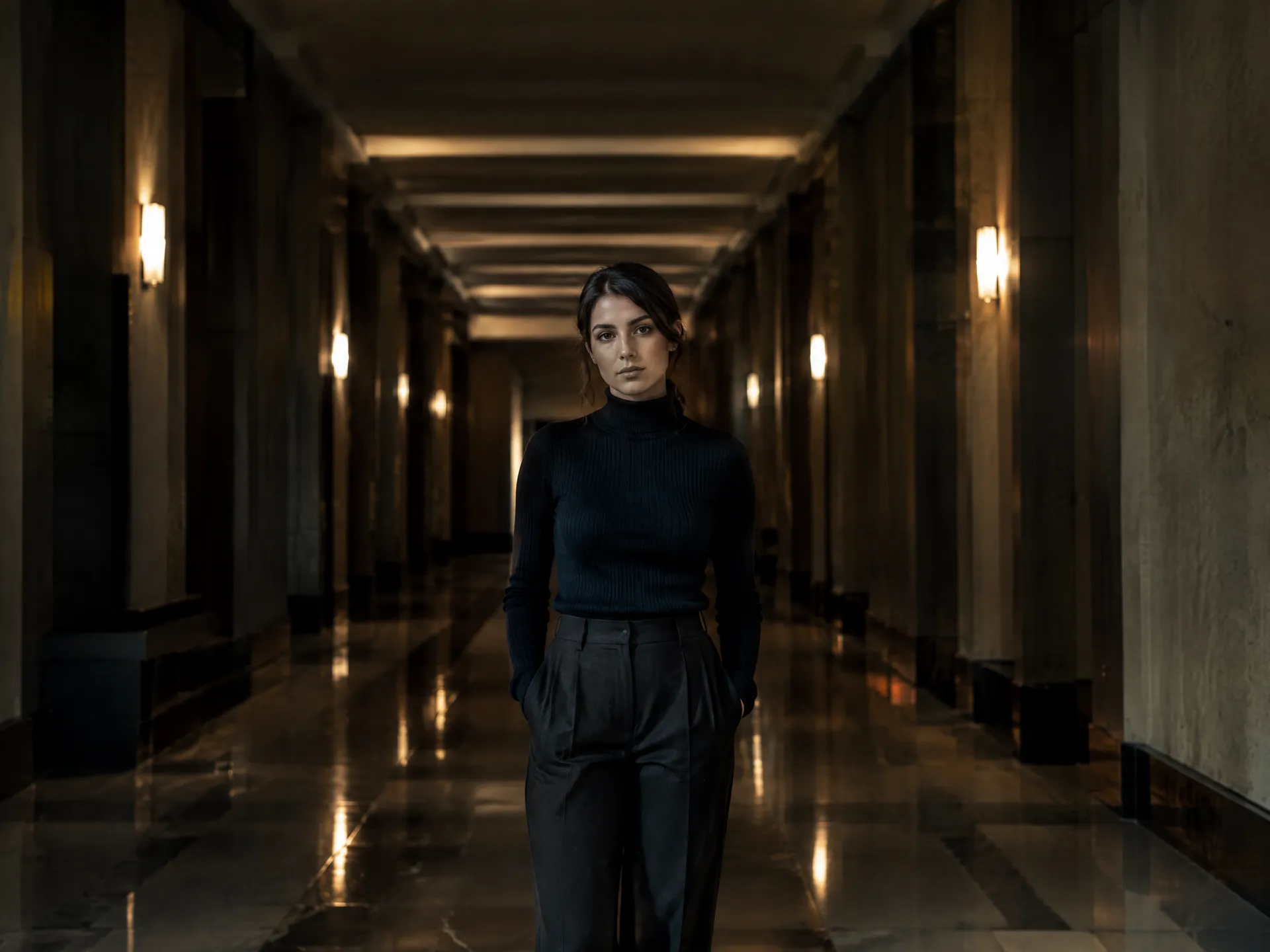
Pick a shot with a clear subject and depth behind it: a road, a pier, a street, a hallway. Vehicles, products, people and places all work.
Choose the move and how hard it hits
World falls away, world closes in, or there and back. Set the intensity from 1, a slow build, to 5, a full vertigo moment. Add an optional note on the setting or on what should stay put.
Pick the format and generate
Choose 480p, 720p or 1080p, a length of 5, 6 or 10 seconds, and keep the photo's ratio or switch to 16:9, 9:16 or 1:1. The clip lands in your library next to the original.
Keep the car still while the world moves around it
Automotive spots usually need a camera car, a stabilized rig and a closed road to pull this off. This one started as a single photo of a red convertible on a desert highway. With world closes in, the car holds its place in the shot while the road and the mesas behind it press toward it, so all the motion lives in the background and every eye stays on the car.
Use it for launch teasers, dealership reels and the first second of a paid social ad. Made with world closes in at intensity 4, 5 seconds at 1080p.
Turn a quiet portrait into a moment of realization
In film, the dolly zoom is the shot for a character's world shifting around them. Here the woman on the pier stays exactly where she is while the forest on the far shore pushes forward out of the fog. Nothing about her changes, and that stillness is what makes the moment land.
It works best on calm, centered compositions with a long line leading away from the subject: piers, bridges, empty roads and long hallways. Made with world closes in at intensity 4, 5 seconds at 1080p.
Give a travel or lifestyle shot a cinematic opening
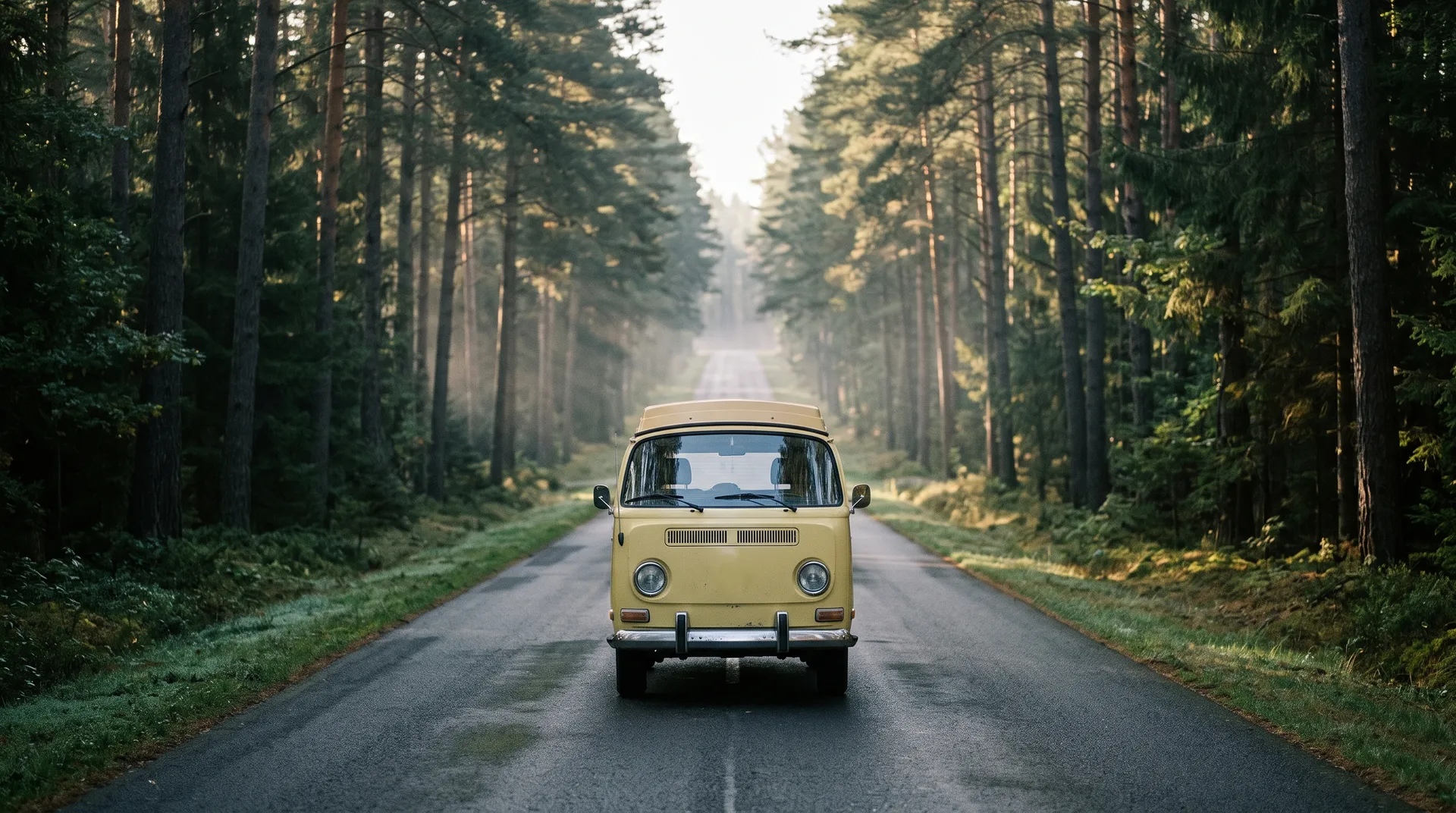
A parked camper van on an empty forest road is a calm, pretty photo. Run it through a dolly zoom and the pines and the road behind it fold in toward the van, which turns the same picture into an opening shot for a travel reel, a brand film or a YouTube intro.
Static subjects like vehicles, buildings and products give the cleanest results, because nothing in the shot needs to move except the camera. Made with world closes in at intensity 4, 5 seconds at 1080p.
Where a dolly zoom earns its place
A dolly zoom is punctuation, not wallpaper. Save it for the one beat you want people to feel, and it does more work than a minute of regular footage.
The vertigo effect, minus the rig
A real dolly zoom means pushing the camera on a track while a focus puller zooms the lens the opposite way, in perfect sync, take after take. Here the move is generated from one photo you already have.
getimg.ai
Add one photo
Any shot with a clear subject.
Pick effect and intensity
World falls away, world closes in, or there and back, at intensity 1 to 5.
Get the dolly zoom
5, 6 or 10 seconds, up to 1080p.
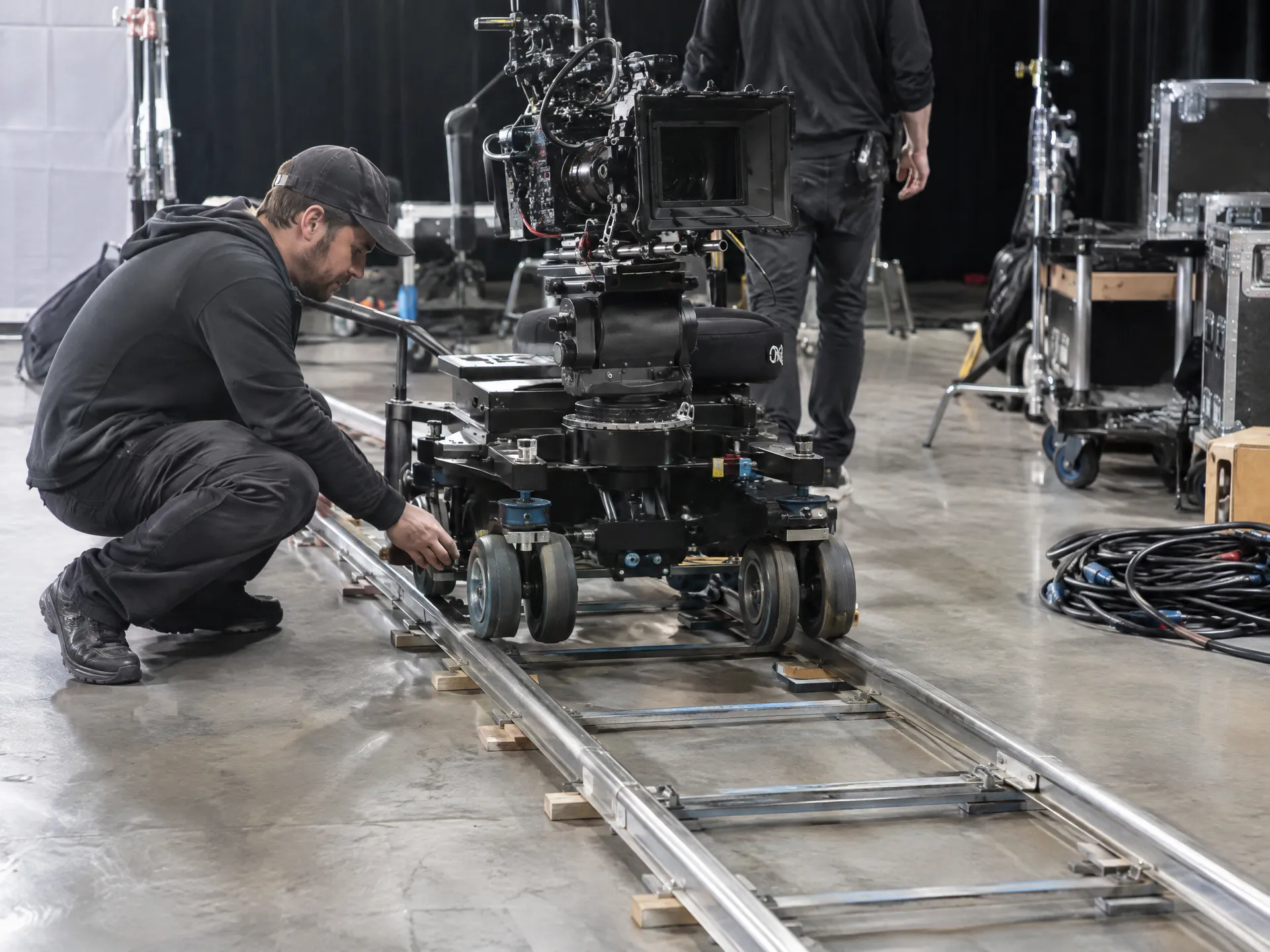
Shooting it for real
- Rent a dolly track and a zoom lens
- Hire a crew to operate them
- Shoot many takes to keep the subject the same size
- Only shoot where you can lay track
- Pay for the whole setup again for the next shot
Choose a photo that gives the effect room to work
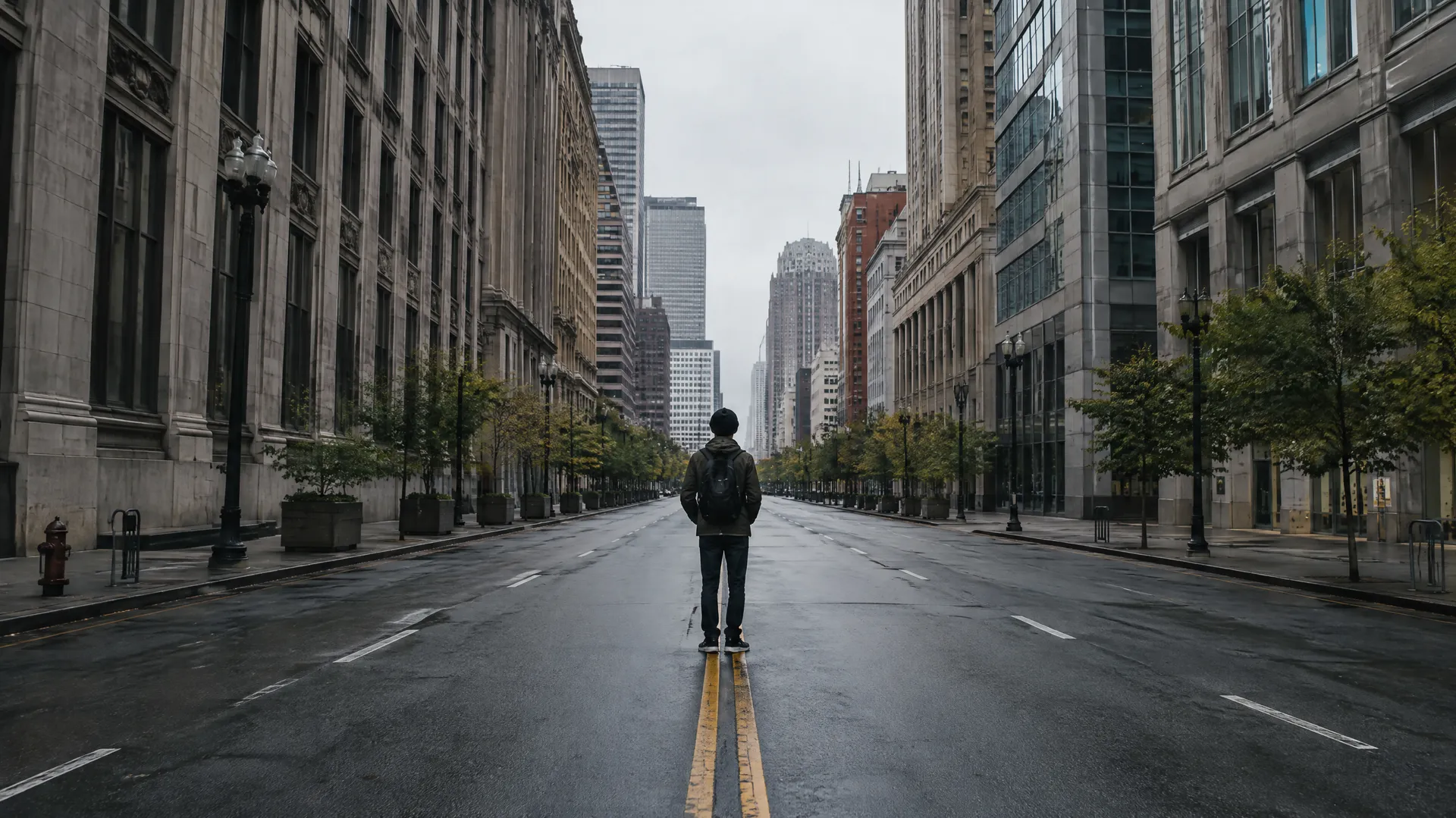
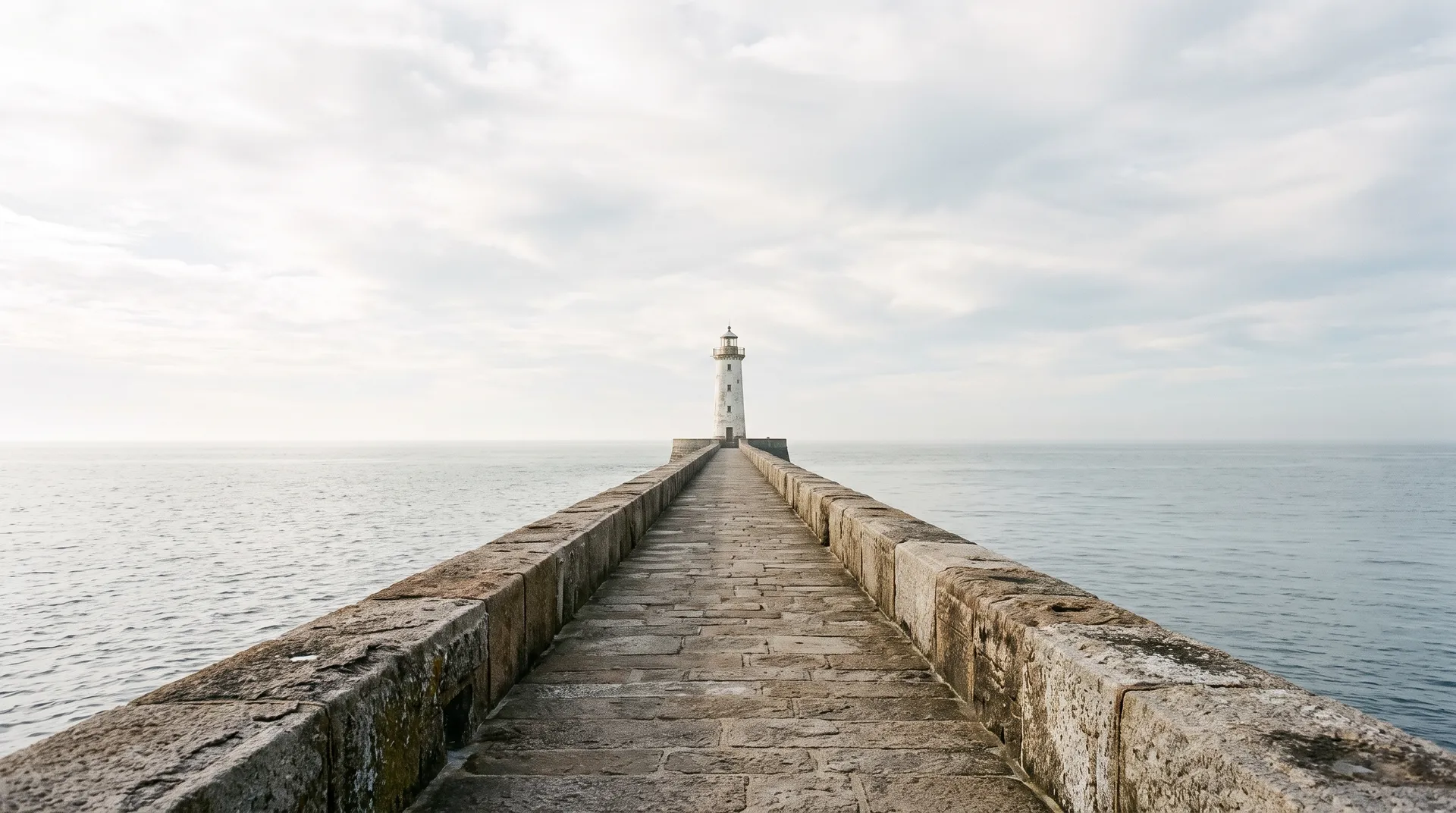
The dolly zoom lives in the background. Your subject only has to hold still, and everything behind it does the work, so the photo you pick matters more than any setting.
Frequently asked questions
A dolly zoom, also called the vertigo effect or a trombone shot, moves the camera toward or away from the subject while the lens zooms the opposite way. The subject holds its size while the background seems to stretch or compress around it. Alfred Hitchcock made it famous in Vertigo (1958), and Steven Spielberg used it for the beach scene in Jaws (1975).
Yes. getimg.ai treats your photo as the opening shot and generates the camera move as a video, so you don't need footage, a dolly or a zoom lens. A clear subject and a background with depth give the strongest effect.
World closes in pulls the background toward the subject, which suits tension, reveals and product shots. World falls away pushes the camera forward while the background drifts back, so the subject usually grows in the shot. There and back runs the move and returns in one clip.
Start with world closes in. It keeps the subject steadiest while the background moves, which is the look most people mean when they say dolly zoom.
A centered subject in front of a background with depth: a road, a pier, a street, a hallway or a landscape. Static subjects like vehicles, buildings and products give the cleanest results. Flat backgrounds like a plain wall show little of the effect.
Intensity runs from 1 to 5 and sets how far the background travels. 1 and 2 give a slow build you notice halfway through. 4 and 5 give the full, disorienting vertigo beat.
Yes. Pick 9:16 for vertical platforms, 1:1 for feeds or 16:9 for YouTube and trailers. If your photo is horizontal, keep the subject centered so it stays in view in the vertical version.
No. The effect starts from a still photo. To change footage you already have, use the AI video editor, which edits a clip from a text description.
Yes. Every paid plan includes commercial use, subject to our terms and applicable third-party rights. Plans start at $8 a month.
Turn your next still into a vertigo shot
Add one photo, pick a move and an intensity, and download the clip.