AI Face Swap: Put a Person into Any Photo at 2K or 4K
Add the scene you want to keep and a clear photo of the person. The pose, clothing and background stay as they were, and the person in them changes. No cutting out, warping or blending by hand.
Access 48+ leading AI models. Pay for one subscription.


How to face swap a photo with AI
Add the scene
The photo you want to keep: a campaign shot, a styled portrait or a lifestyle picture. Its pose, outfit and background stay.
Add the person
One clear, well-lit photo of the face you want in the scene. Front-facing works best.
Pick the quality and generate
Choose 2K or 4K. You get the scene with the new person in it, and both source photos stay untouched.
Put a new face on a finished campaign shot
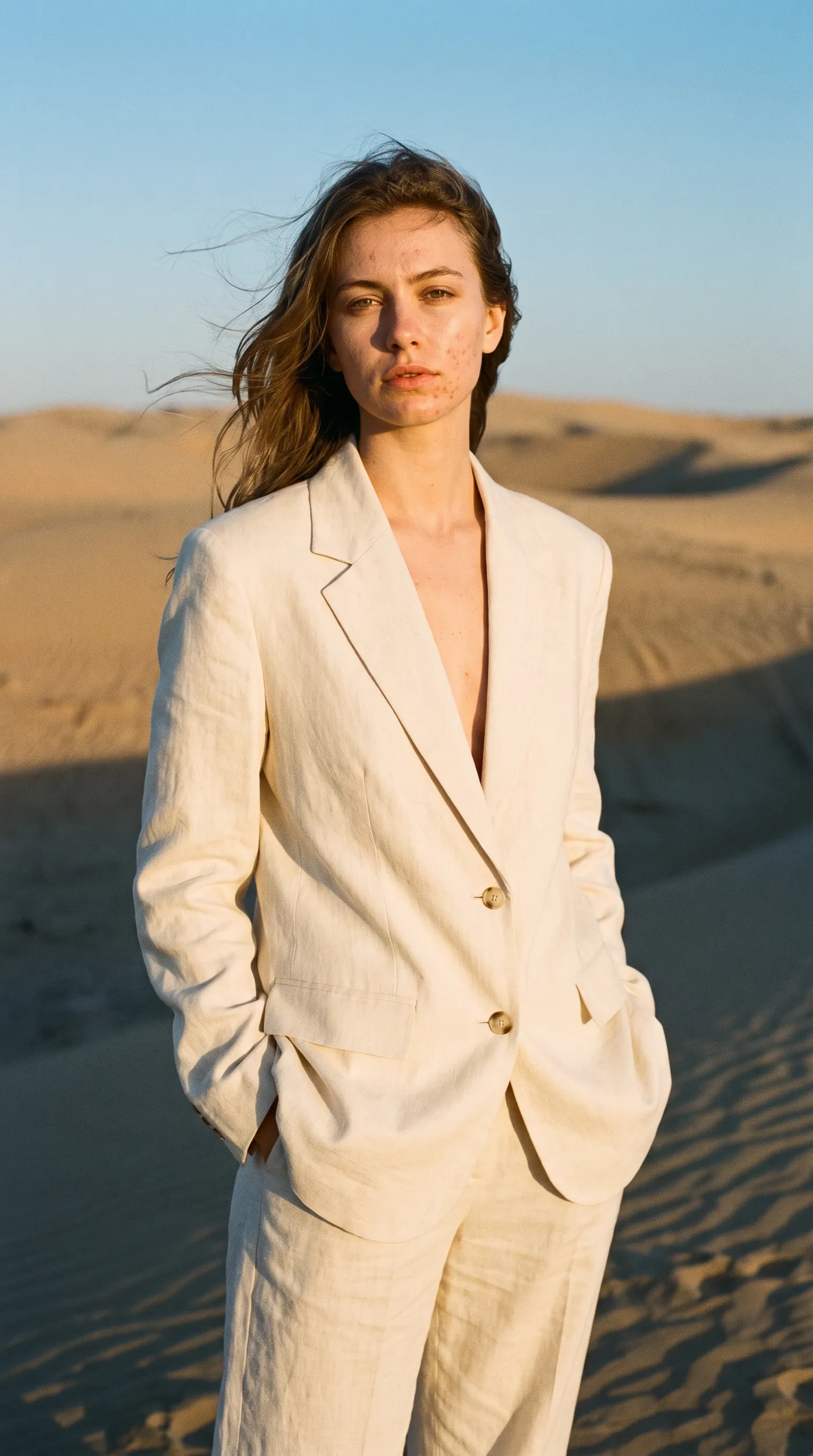
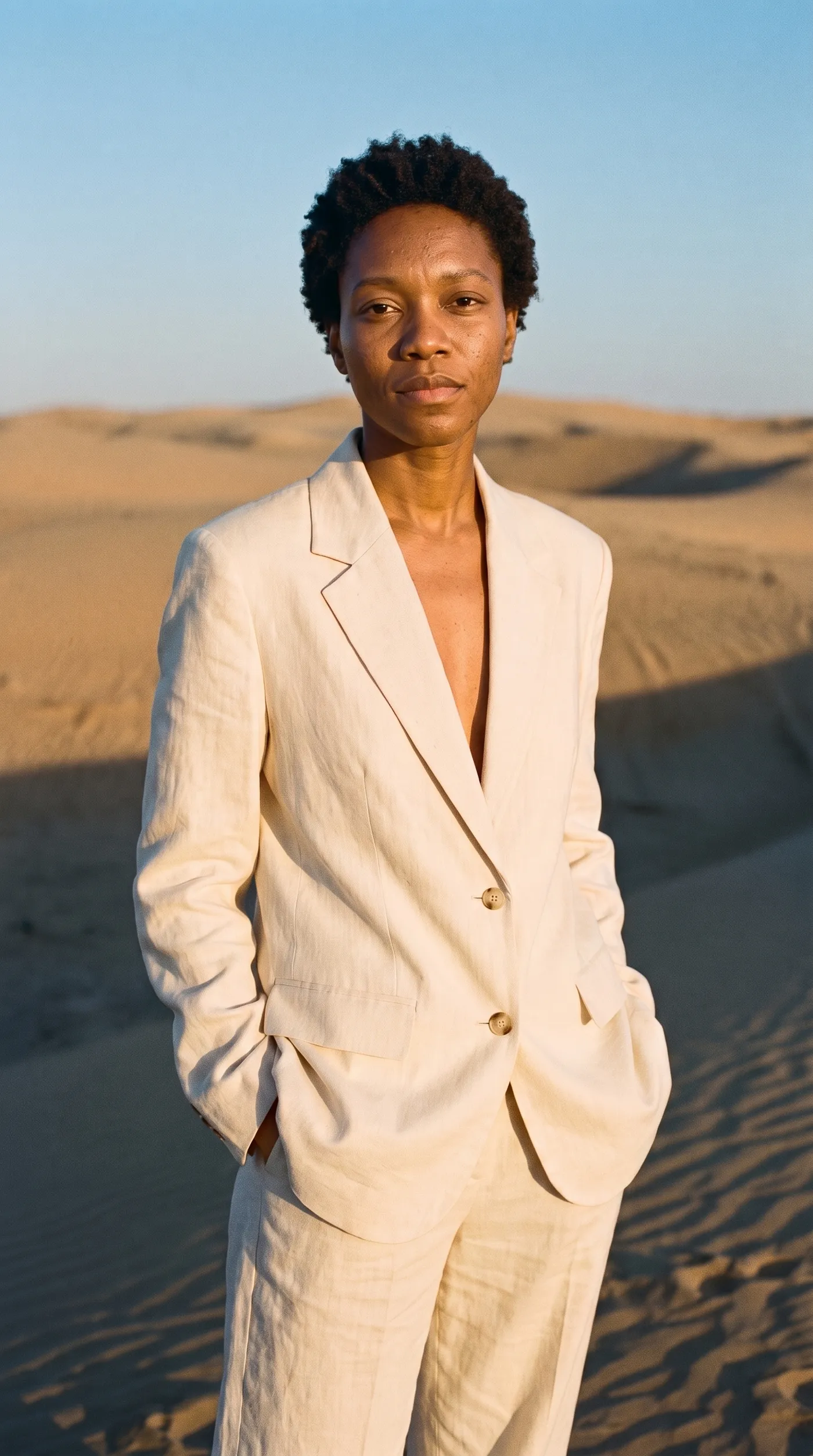
The styling, light and location of this desert campaign were already right. Character swap kept the cream suit, the pose and the sunset, and placed a different model into the shot from one clear portrait.
Use it to localize campaigns for different markets or to test which face fits a brand, with consent from the people in both photos.
Cast someone in a scene you could never shoot
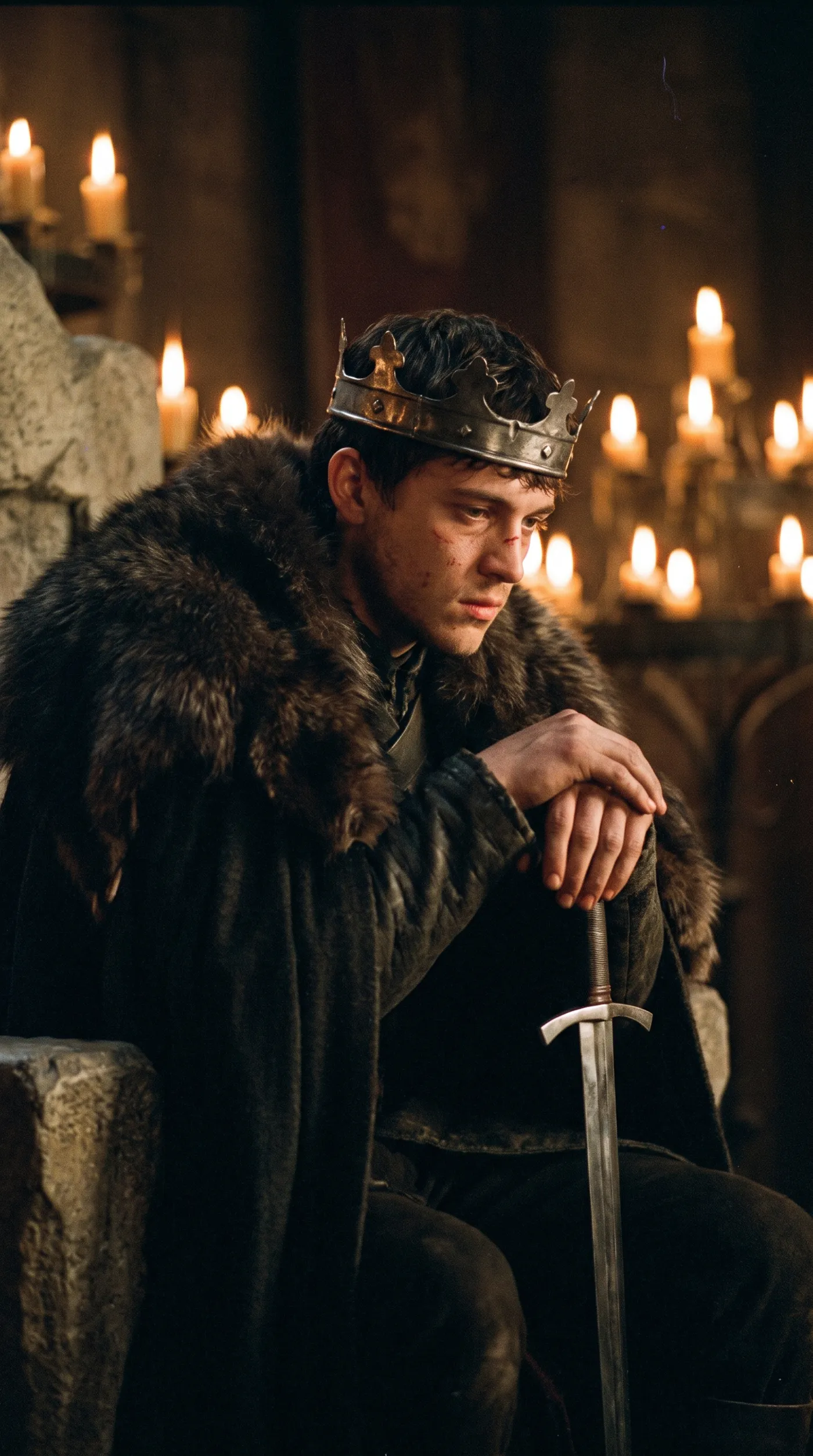
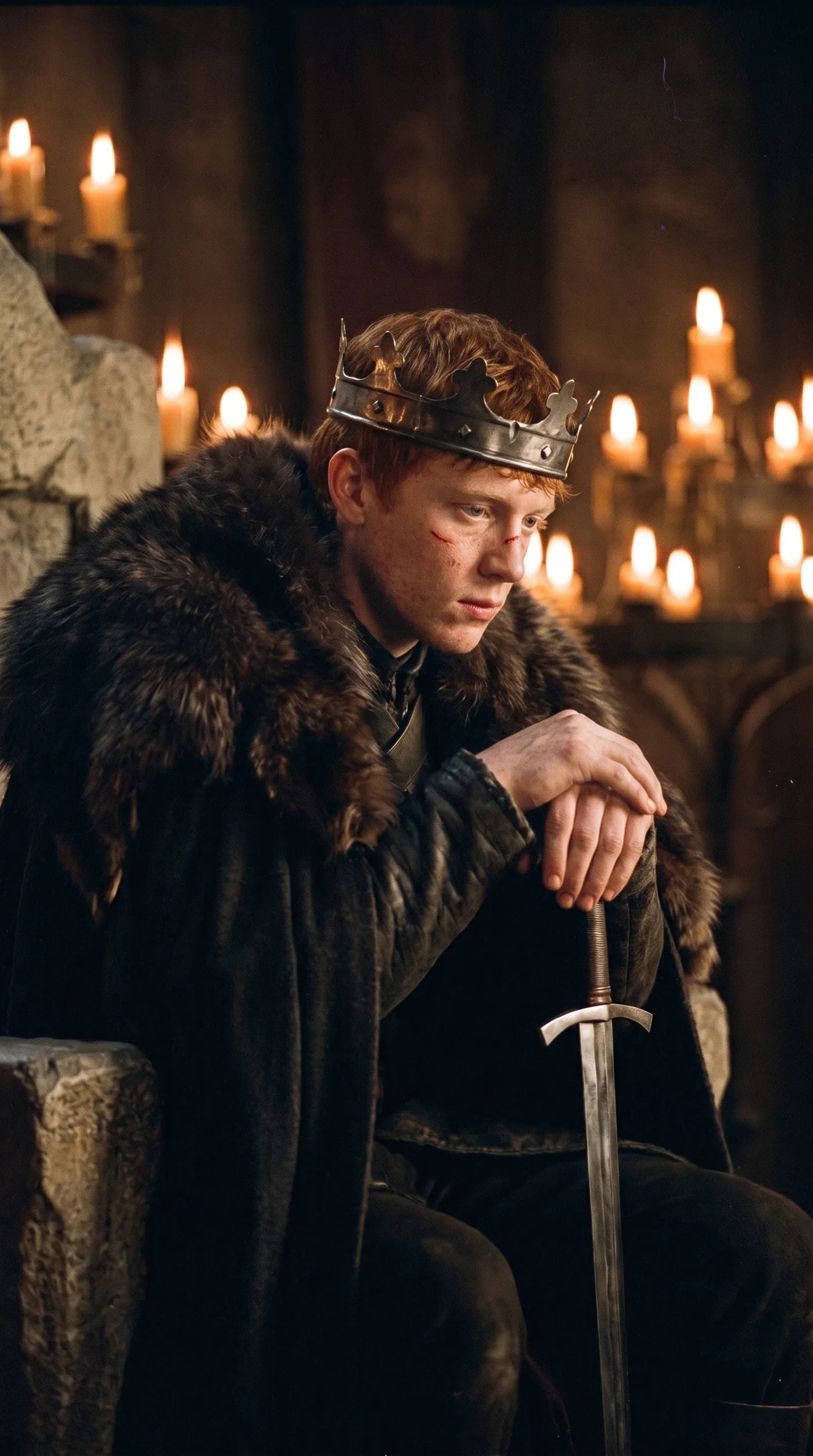
A throne, a fur cloak and a candlelit hall are hard to arrange. With a scene like this and a clear photo of the person, the result keeps the costume and the hall and swaps in a new face, red hair and freckles.
It works well for book and game promos, costume concepts and party invitations.
Keep the energy of the original moment
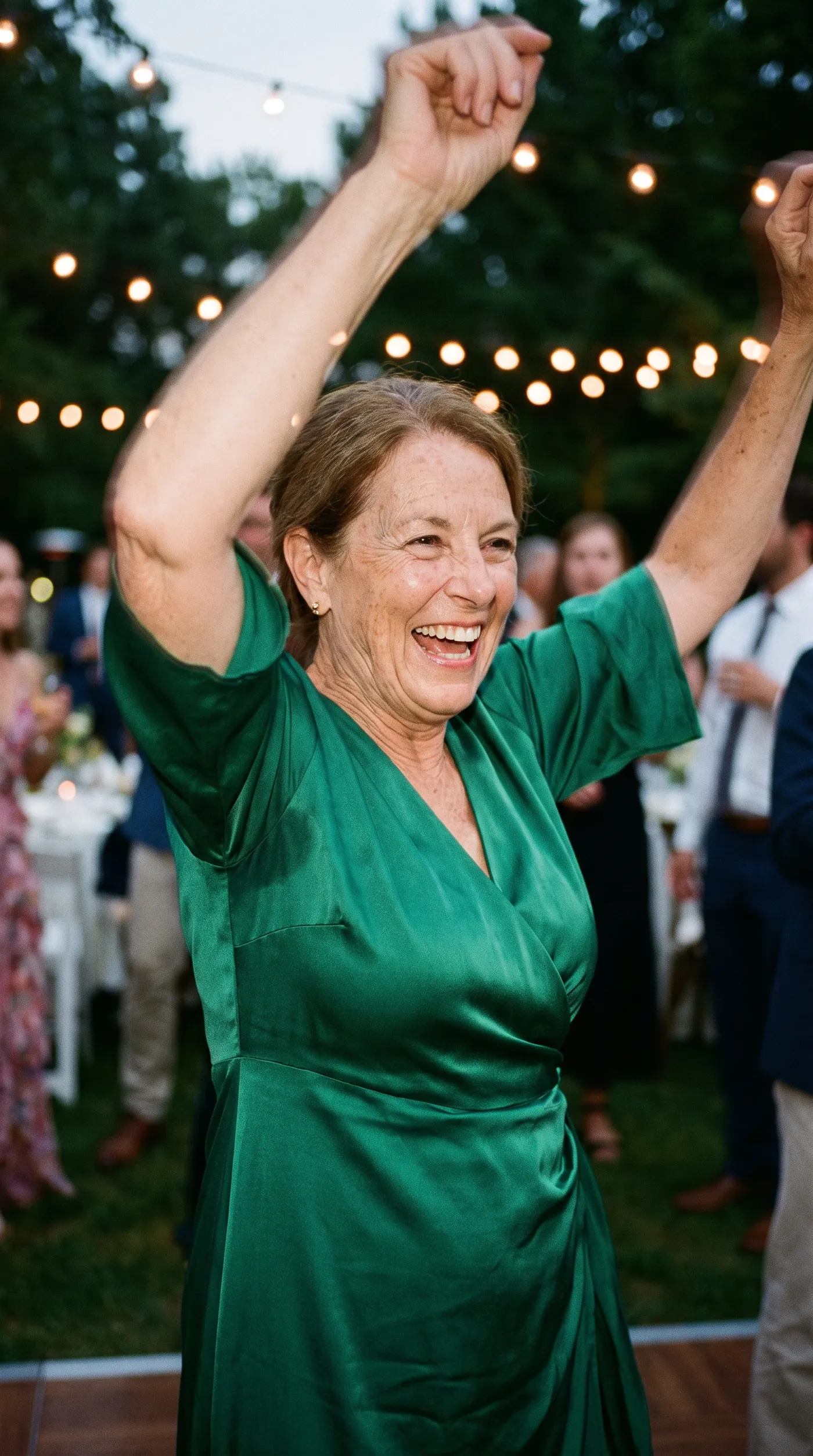
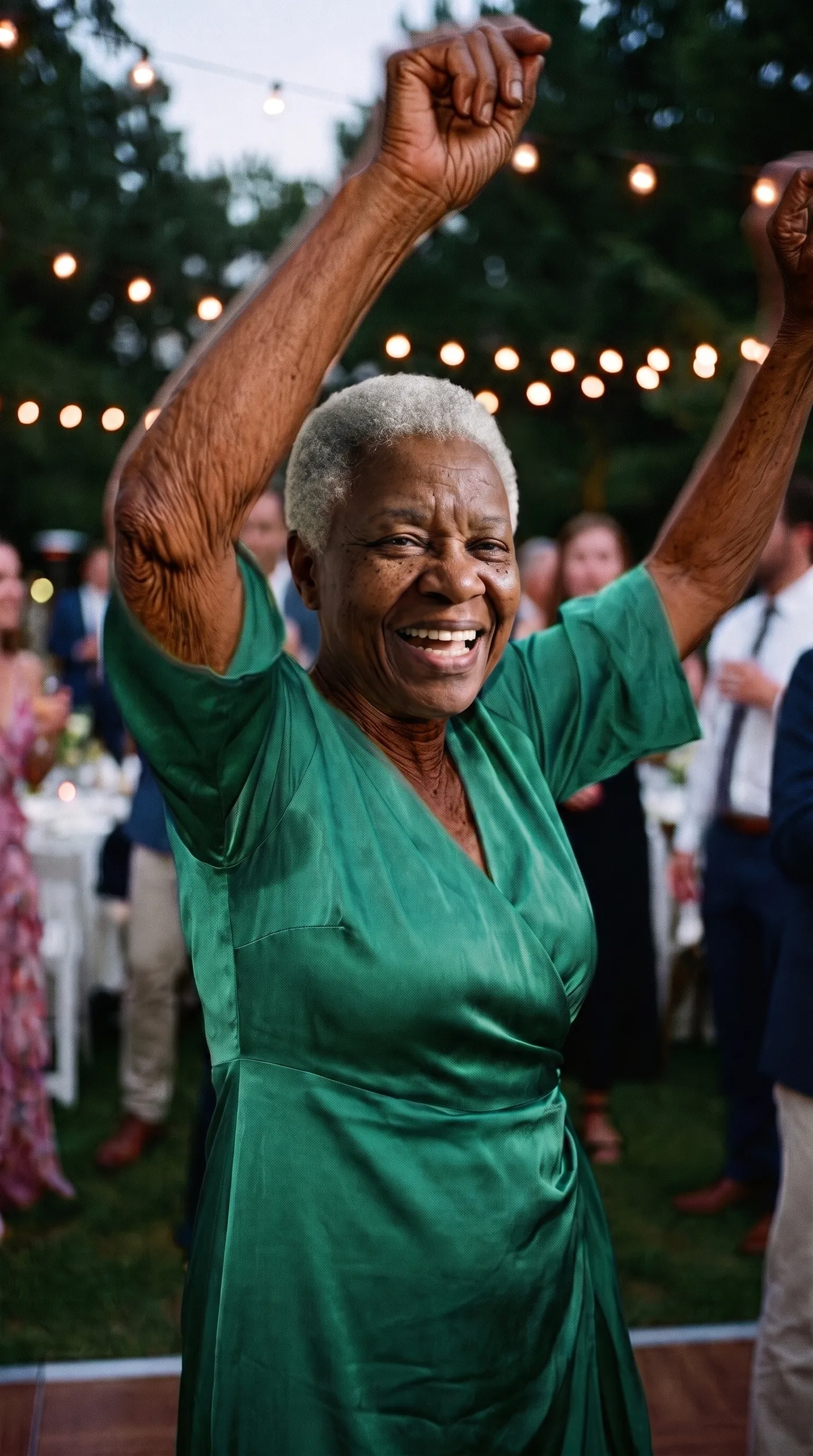
Character swap keeps the pose, the clothes and the moment. The guest dancing in a green silk dress becomes a different woman of the same age, still mid-laugh with her arms in the air under the string lights, and her face, arms and hands all match.
Choose scenes where the pose and expression suit the person you're adding. It's the surest way to a natural result.
What people use face swap for
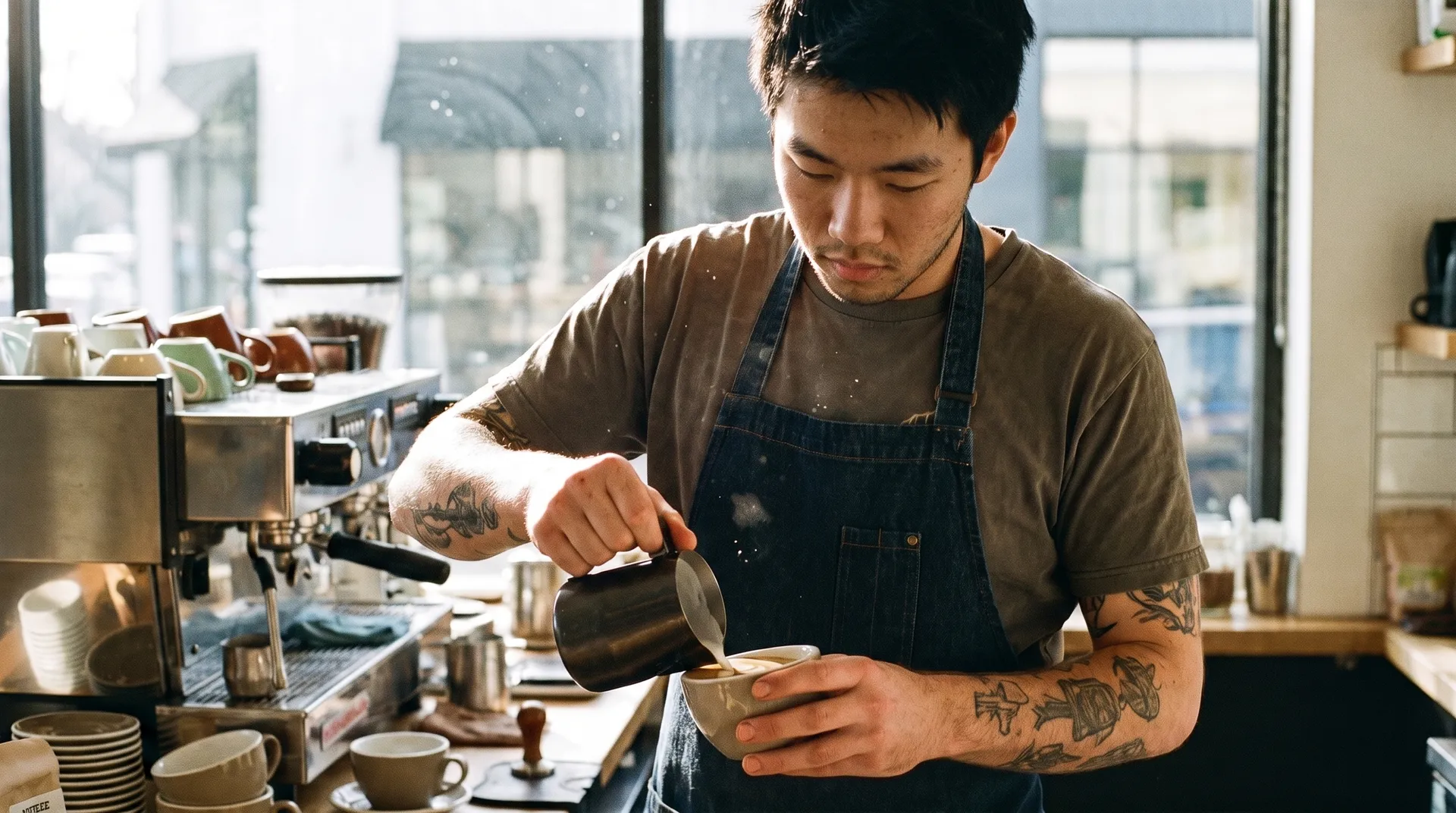
Most swaps start with a photo that already works. You keep the styling and the setting, and change who's in it.
Skip the manual face swap
Doing it by hand means cutting out a face, matching the angle and blending skin tones until the seam disappears.
getimg.ai
Add the scene
The shot whose pose, outfit and background you want to keep.
Add the person
One clear photo of who should appear in it.
Get the swapped photo
The person is fitted to the scene's light and angle, at 2K or 4K.
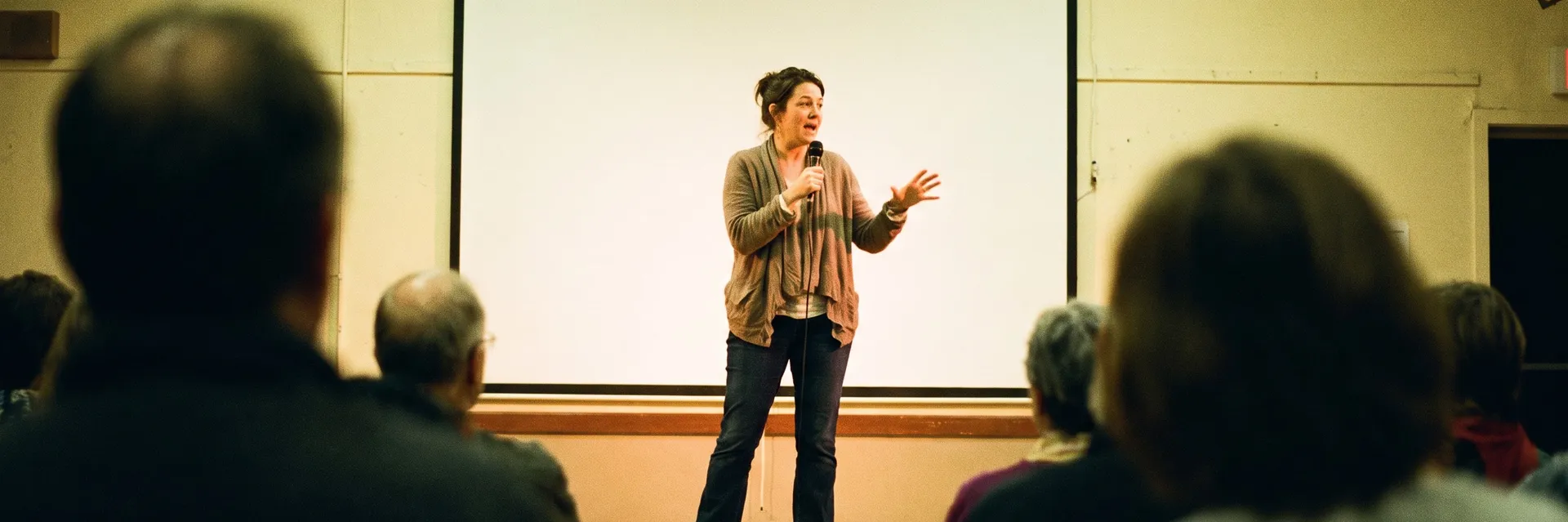
Manual face swapping
- Find a source photo with the same head angle
- Cut out the face and mask the hairline
- Warp it to fit the pose
- Match skin tone and lighting by hand
- Hide the seams around the jaw and neck
Get a convincing swap
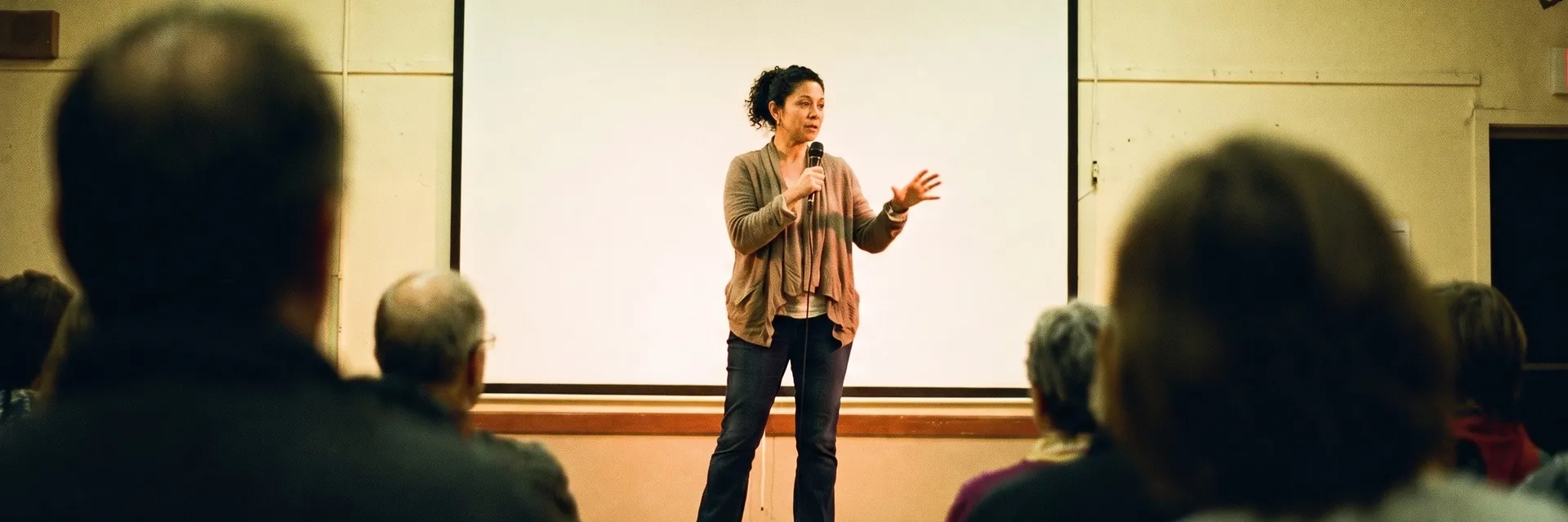
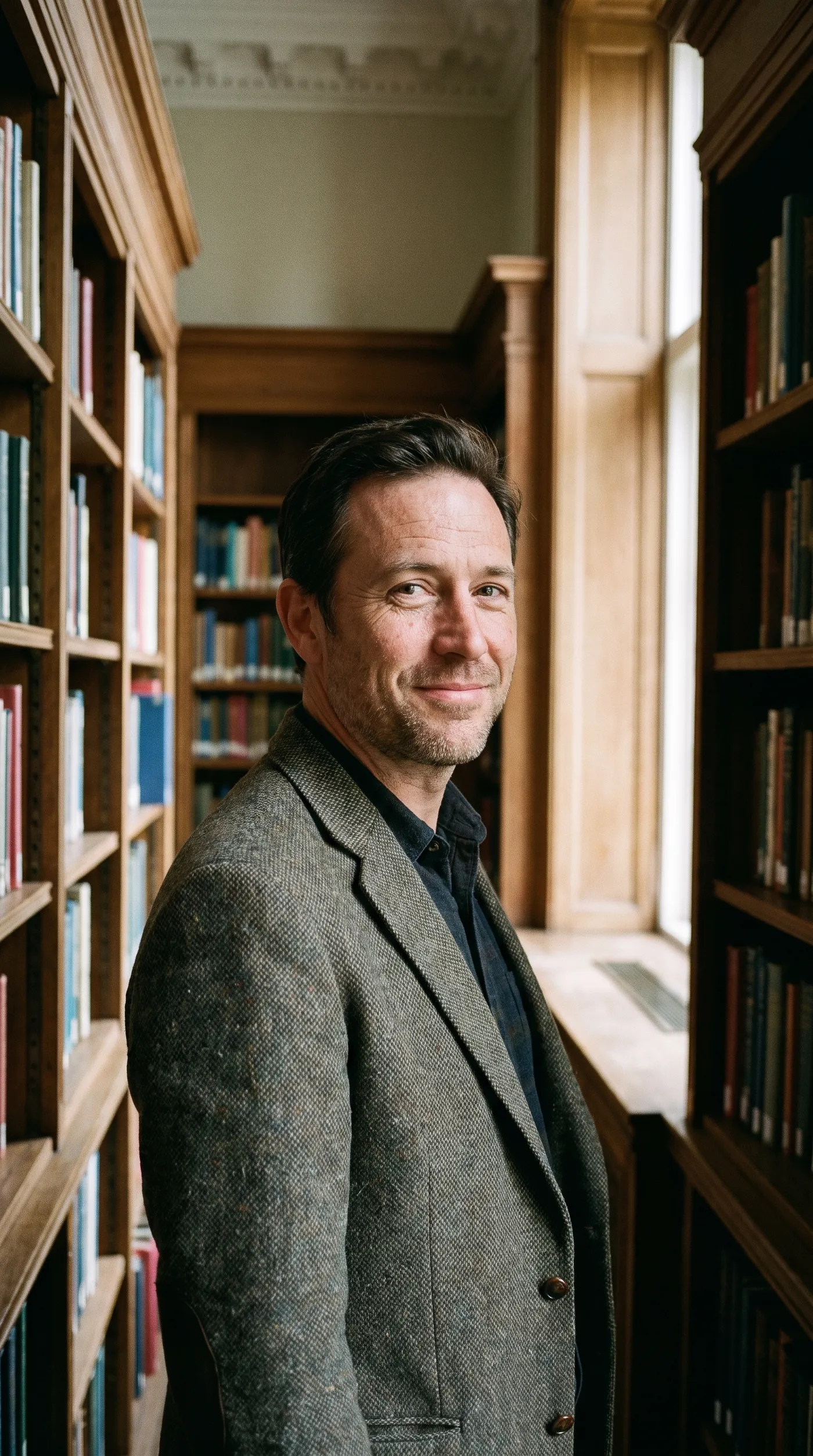
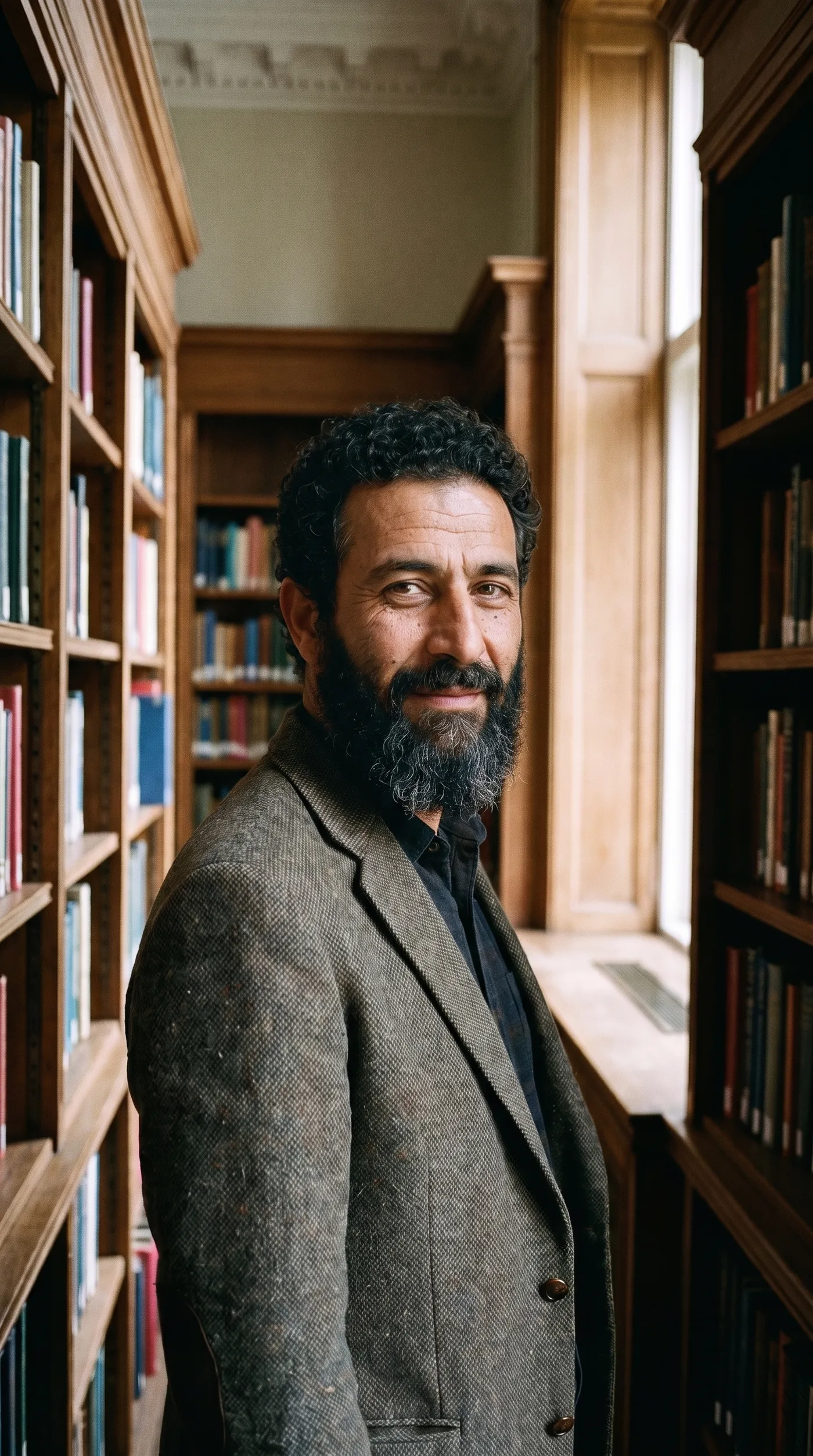
The person photo decides the result. This portrait was a sharp, front-facing head and shoulders shot in soft light, so the face carried over cleanly into the library scene.
Frequently asked questions
Open Character swap on getimg.ai, add the scene you want to keep and a clear photo of the person to place in it, then choose 2K or 4K. You get the scene with the new person, and both originals stay in your library.
The scene's pose, clothing and background. The person changes, so the photo keeps its styling and setting with someone new in it.
A clear, well-lit, front-facing photo with the face fully visible. A scene where the head angle is close to the one in your person photo gives the most convincing result.
This tool works on photos. For clips, face swap video recasts the person in a video from one face photo.
Only swap people who've agreed to it, like yourself, your team or models you've hired. Don't use it to impersonate anyone, mislead people or create content about someone without their consent. Our terms apply to every generation.
It places the person you add into the scene's main pose. Photos with one clear main person give the most predictable result.
It's built to keep the person recognizable, guided by the photo you add. A clear, high-quality face photo gives the closest likeness, so check the result before you share it.
One main person whose face is clearly visible and not too small, in a pose and outfit you want to keep. Busy group shots and faces in deep shadow are harder to swap.
Yes. Every paid plan includes commercial use, subject to our terms and applicable third-party rights. You also need consent from the people shown. Plans start at $8 a month.
Put the right person into the photo you already have
Add a scene and a face photo, then download the swap at 2K or 4K.