AI Music Generator for Songs, Soundtracks & Instrumentals
Generate soundtracks, instrumental music, and vocal songs from a text prompt. Choose a music model, describe the genre, mood, instruments, vocals, and lyrics, then generate multiple versions in the same workspace as your images, videos, and voiceovers.
Warm Acoustic Folk Song
Hyperpop Electronic Track
Glam-Punk Rock
Dark Aggressive Rap
Choose Your AI Music Model
getimg.ai gives you more than one music model inside the same Create Music tool. Pick the one that fits the brief, or run the same prompt through both and keep the take that works.
Google Lyria 3 Pro
Google's music generation model, available on getimg.ai. Generate vocal songs or instrumentals, describe the singer and the arrangement, or paste your own lyrics.
Eleven Music 2
The ElevenLabs music generation model, available on getimg.ai. Same prompt box, same track lengths, same variation counts, and a different reading of the same brief.
Switch between them
The model is a dropdown, not a separate product. Generate a brief in one model, switch, and generate it again to compare before you commit to a direction.
Turn Text Into Music
Your prompt is the brief. One short line already works, because the model fills in the rest, so detail is a way to take control rather than a requirement. You have up to 4,056 characters to spend on it.
How to Write an AI Music Prompt
A music prompt works best when it covers the same ground a composer would ask about. Use this order and drop whatever you do not care about: genre, era or style, mood, tempo, instruments, song structure, vocal direction, lyrical theme.
The formula
Genre + era or style + mood + tempo + instruments + song structure + vocal direction + lyrical theme. None of it is required. Each part you add is one more decision the model does not have to make for you.
A vocal song prompt
Warm indie folk song, 92 BPM, acoustic guitar, brushed drums and soft piano, intimate female vocal, restrained verses building into a wide emotional chorus, lyrics about returning to your hometown after years away.
An instrumental prompt
Same shape, minus the singer: genre and mood, BPM, instruments, dynamics, structure, and what the track will sit under. Naming the final use tends to keep the arrangement open enough to leave room for it.
Say it when you want no vocals
The model is free to add a vocal when the prompt leaves the question open. If you need an instrumental, write instrumental or no vocals explicitly.
Build a Better Music Prompt
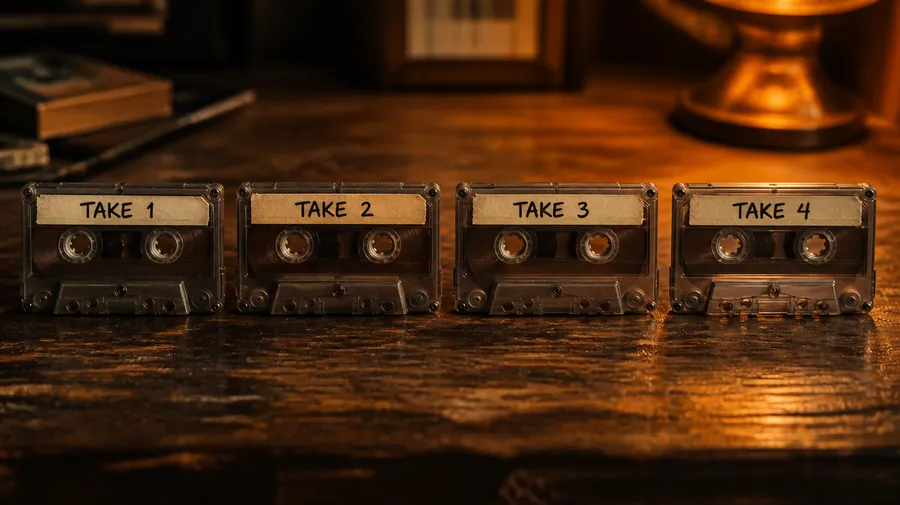
The same idea, prompted four ways. Each step adds one layer of direction, and you can hear what that layer changes. All four takes were generated with Google Lyria 3 Pro, with nothing changed but the prompt on each card.
Same Prompt, Two Music Models
Four briefs, each run through Google Lyria 3 Pro and Eleven Music 2 with nothing changed between the two runs. The point is not which model wins. It is that the same words get two usable readings, and which one you want depends on the job. Credit cost differs by model and by track length, and the app shows it before you generate.
AI Music Prompt Examples
Eight briefs you can copy and adapt. Each one lists the model that generated it, the full prompt, and whether the take has vocals.
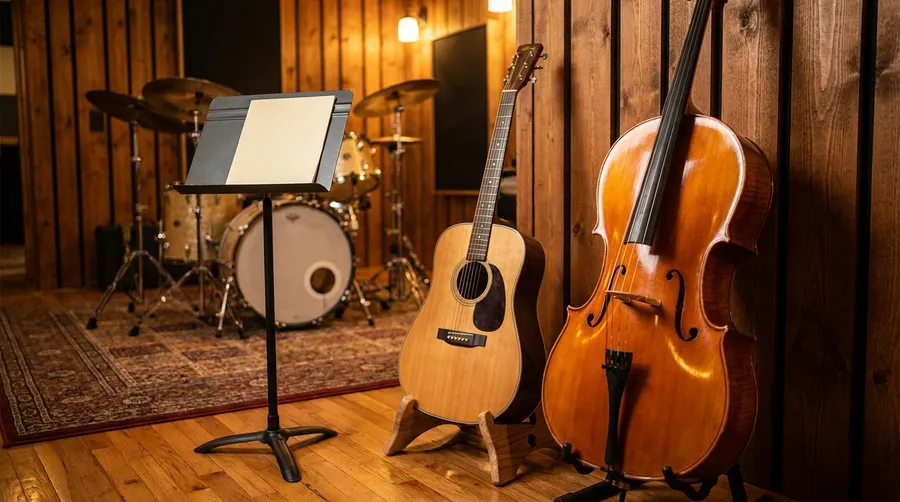
Create Instrumental Music
Instrumental tracks exist to sit under something else: a video, a narration, a game, a presentation. Write instrumental or no vocals in the prompt and the model leaves the singer out.
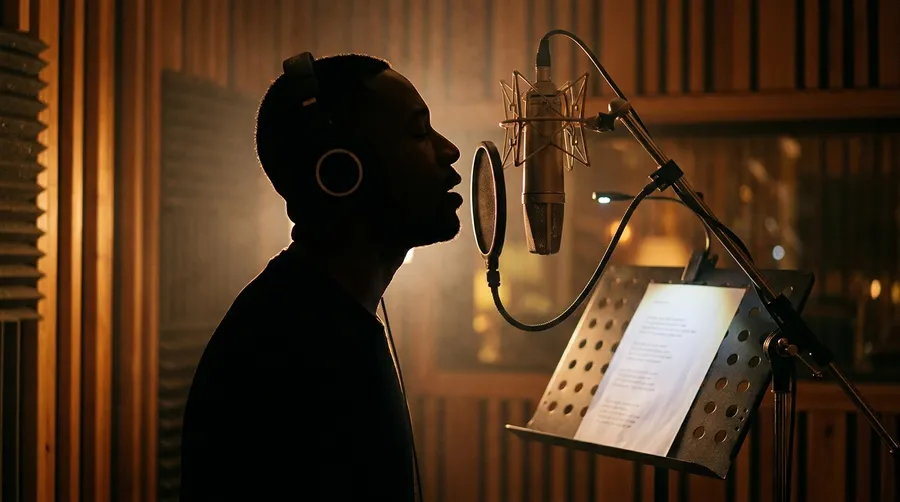
Create Songs with Vocals
A vocal song is the deliverable itself, not a bed under something else. Demos, social music content, branded songs, and full song ideas all start the same way: describe the singer and give the lyrics a subject.
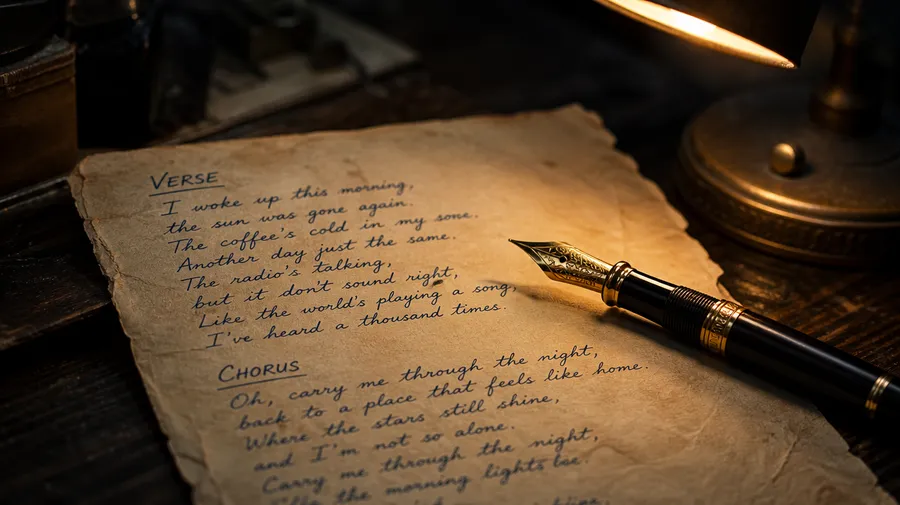
Write Your Own Lyrics, or Describe a Theme
Paste your own lyrics to guide the vocal performance, or describe a theme and let the model generate lyrics. Review the final wording and pronunciation before publishing.
Choose the Track Length
Length is a setting below the prompt box, not something you write into the prompt. Choose from 30-second, 1-minute, 2-minute, or 3-minute generations, then select or edit the version that best fits the project.
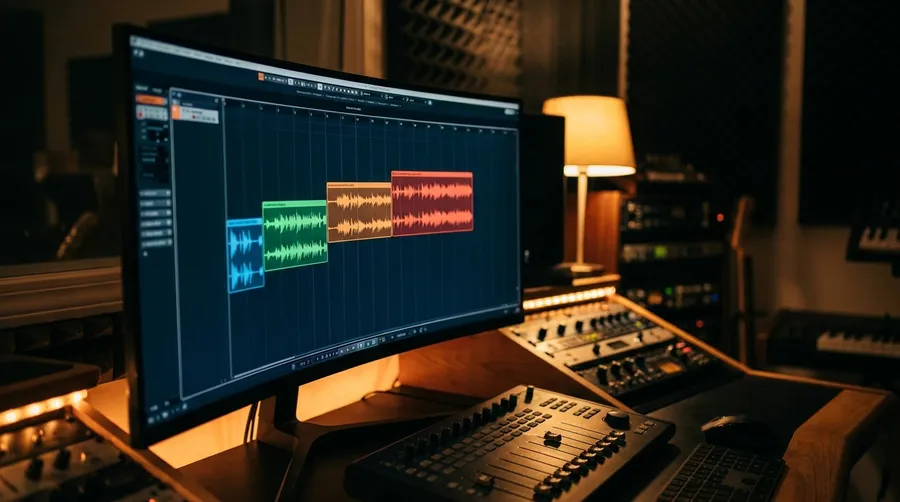
Generate Multiple Takes
Create up to four versions from the same brief, compare how each model interprets the genre, vocal delivery, melody, and arrangement, then continue with the strongest direction.
Genres for Every Project
From premium cinematic to gritty lo-fi. Name the genre in the prompt, generate a few takes, and keep the one that fits.
How to Mix Genres
Naming one genre gets you a competent version of that genre. Combining two is where a prompt starts sounding like your project instead of a catalog entry. A brief like 90s trip-hop drums with a modern alt-pop vocal and chamber strings has no stock category to fall back on.
AI-Generated Music vs Stock Music vs Custom Composition
Three different ways to get music onto a project. They trade off differently on speed, control, and how much of the result you get to direct.
AI-generated music
Generate from your own prompt in seconds, direct it with genre, instruments, tempo, and lyrics, and regenerate as many versions as the brief needs. Results vary between generations, and licensing depends on the platform's terms.
Stock music
You hear the finished track before you commit, and you choose from an existing catalog rather than describing something new. Licensing depends on the specific library and the terms attached to the track you pick.
Custom composition
The highest level of bespoke control and direct human collaboration. Commissioned music usually asks for more briefing, feedback, production time, and budget than quick AI concept generation.
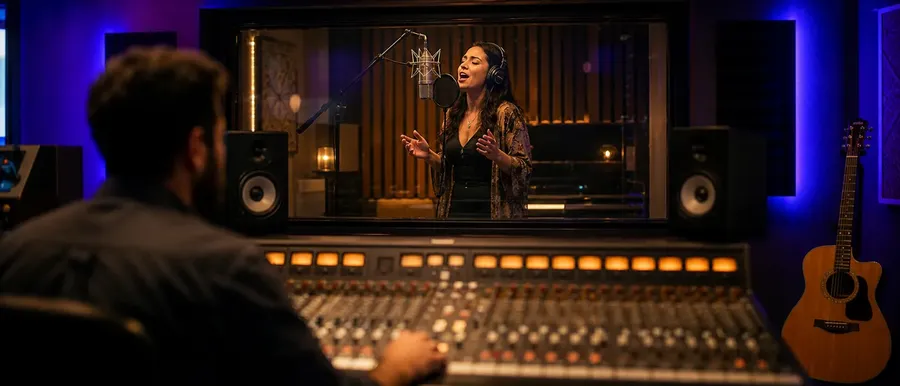
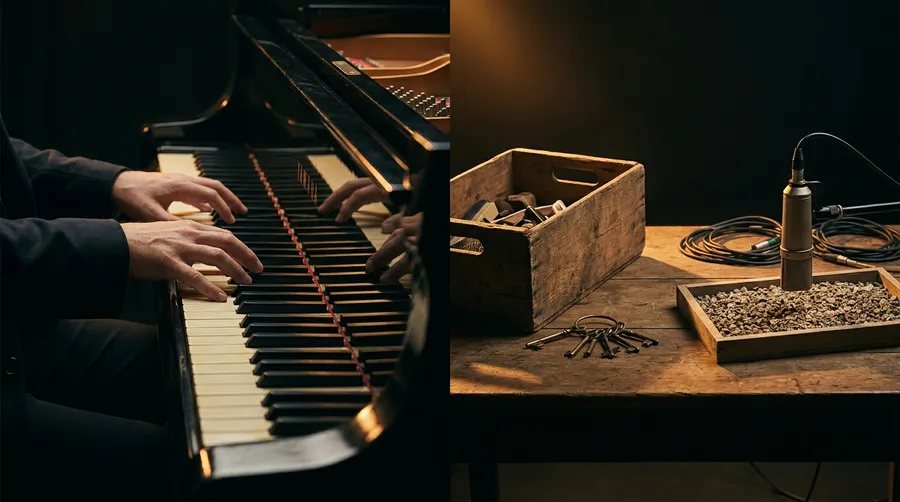
AI Music vs AI Sound Effects
Music and sound effects are different jobs, and getimg.ai keeps them in separate tools. Music means songs, scores, beds, vocals or instrumentals, and longer musical structure. Sound effects mean impacts, Foley, ambience, and shorter single sounds.
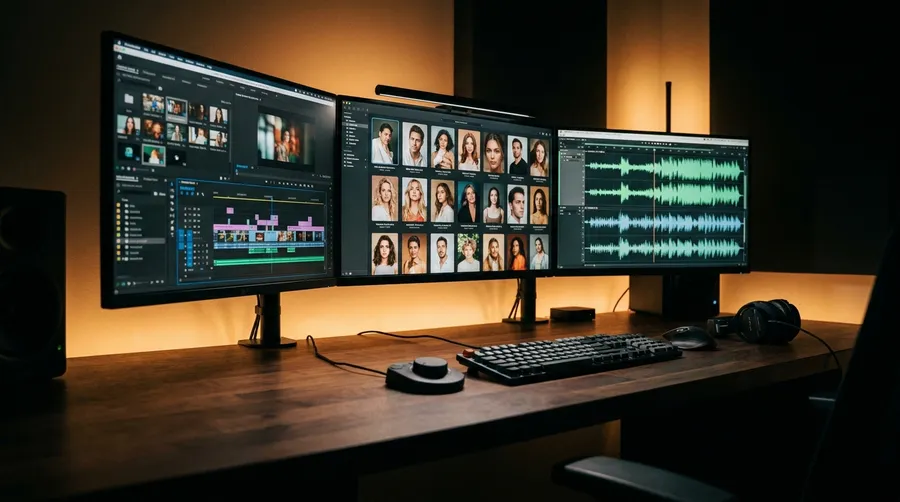
Music, Picture, and Voice in the Same Project
A spot needs a track, a key visual, a shorter cut, and often a voiceover. getimg.ai keeps music, image, video, and speech generation in the same project so every part of the asset lives together.
Music Generation Specs
What the Create Music tool does today.
Related Tools and Guides
The rest of the audio toolkit, plus the prompting guides behind this page.

Frequently Asked Questions
AI music generation creates music from a text description using models trained on a wide range of recordings. Instead of picking a finished cue out of a catalog, you describe the genre, mood, tempo, instruments, vocals, and lyrical theme, and the model generates a track from that brief.
On getimg.ai, music is generated in the Create Music tool with a choice of Google Lyria 3 Pro or Eleven Music 2, and tracks download as MP3 files. It is used for video soundtracks, podcast beds, ad scoring, game audio, and song demos.
Two: Google Lyria 3 Pro and Eleven Music 2. Both use the same prompt box, the same track lengths, and the same variation counts, and both can generate vocal songs or instrumentals and work from lyrics you write yourself. The model is a dropdown in Create Music, so you can run the same brief through each one and compare. Credit cost differs by model and by length, and the app shows it before you generate.
Both. Describe the singer and give the lyrics a subject for a vocal song, or write instrumental or no vocals in the prompt for a track with no singer. If you leave the question open, the model decides.
You choose 30 seconds, 1 minute, 2 minutes, or 3 minutes before generating. There is no free-form length field, so a cut that needs 43 seconds or 2:30 means generating the nearest available length and trimming or arranging it in your editor.
Yes. Paste your own lyrics to guide the vocal performance, or describe a theme and let the model generate lyrics. Section labels like [Verse 1] and [Chorus] help shape where the words land. Review the final wording and pronunciation before publishing, especially for brand names, product names, and multilingual lyrics.
Paid plans include commercial usage rights for eligible generated music under our terms. Third-party intellectual property, uploaded material, lyrics, trademarks, and model-specific restrictions may still apply, so check the terms against your specific use case.
The things that decide whether a track is actually usable: track length options, whether it handles vocals as well as instrumentals, support for custom lyrics, language support, model choice, output format, commercial usage terms, cost per generation, and whether you can generate several versions of one brief and compare them.
getimg.ai combines two music models with image, video, speech, and sound effect generation in one workspace, so the soundtrack, the visuals, and the voiceover come out of the same project.
Start with one line about the song.
Pick a model, describe the genre, mood, instruments, and vocals, choose a length, and generate a few versions. Instrumental or vocal, cinematic to lo-fi.