Multi-Angle Generator: Up to 12 Views of Your Subject from One Photo
Add one photo of a product, a person or a room, choose how far around to go, and get a set of consistent views from every side. No reshoot, no turntable.
Access 48+ leading AI models. Pay for one subscription.


How to generate multiple angles from one photo
Add the subject
A product, a person, a room or almost anything else. One clear photo is enough to start.
Choose how far around
Pick 4, 8 or 12 angles, then set the quality and an aspect ratio, including the same ratio as your photo.
Get the full set
Every view shows the same subject from a new side. Download the angles you need and keep the original.
Show the whole outfit, front to back
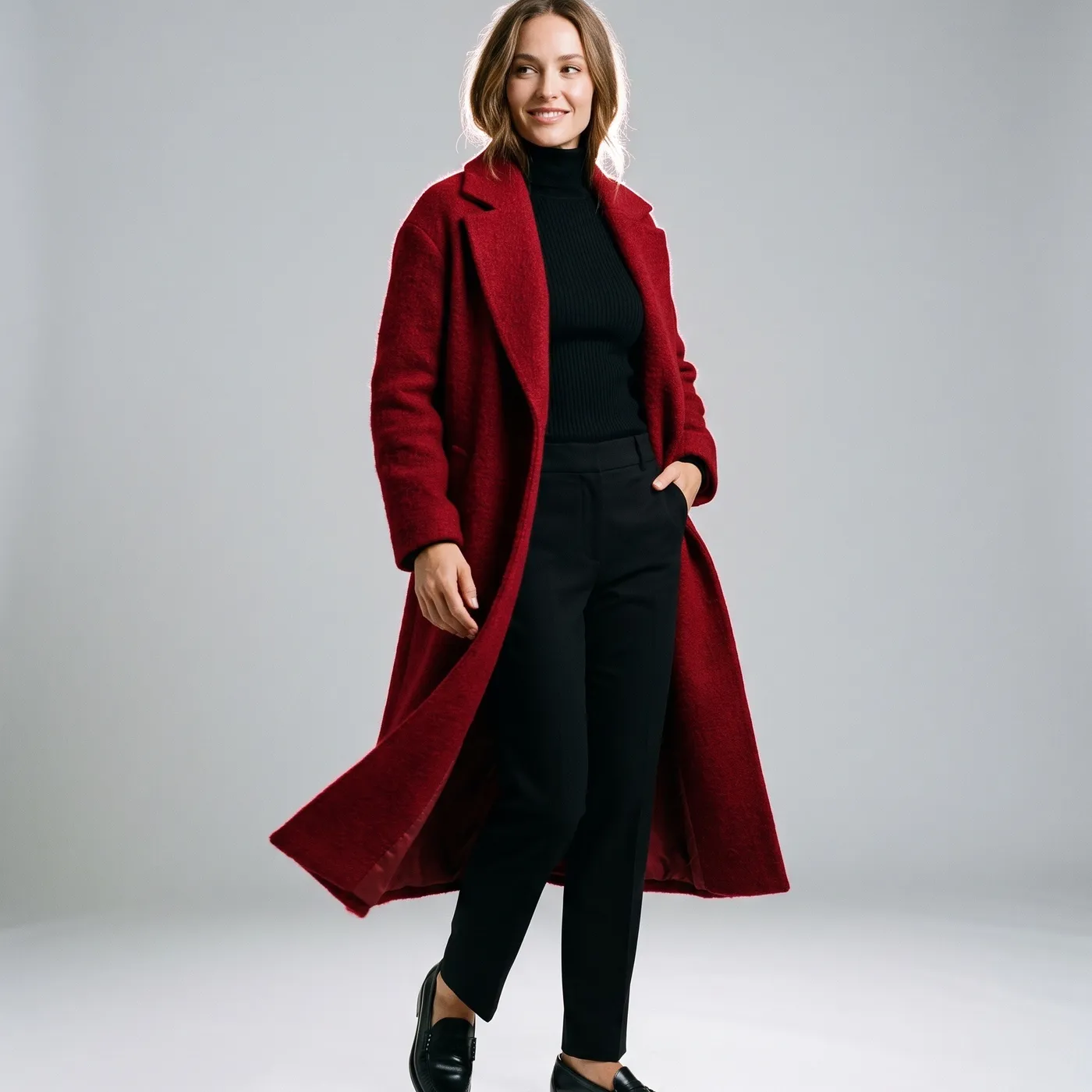
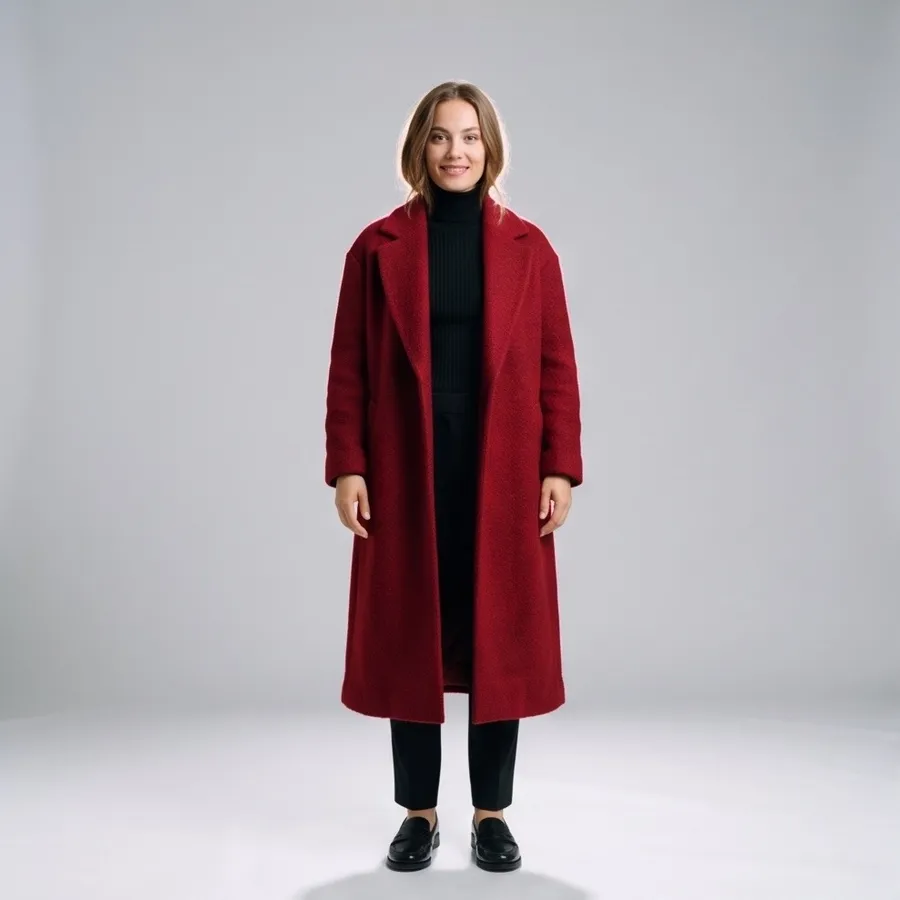
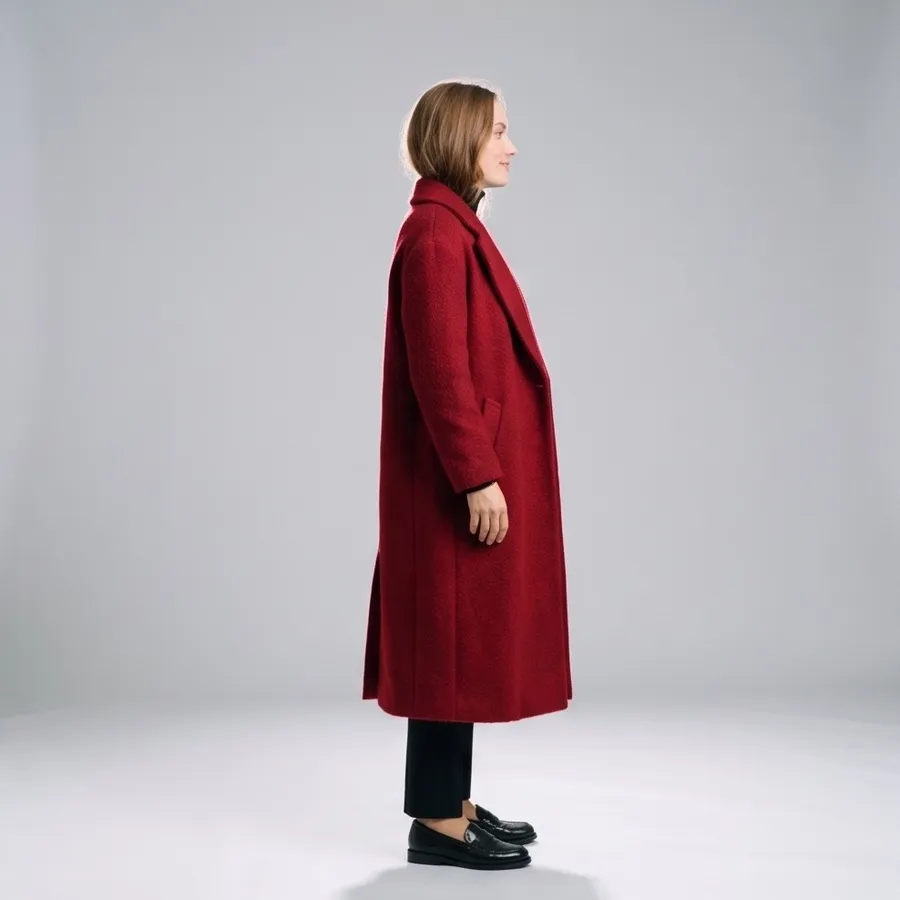
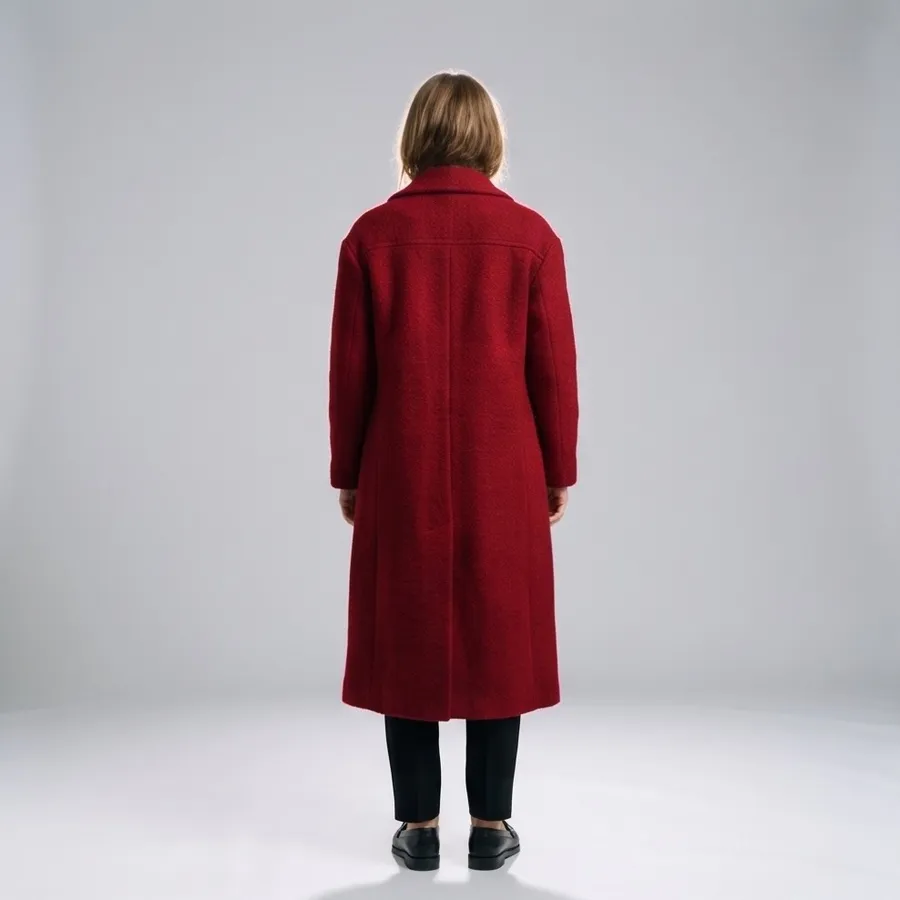
A single front photo hides half the design. From one studio shot of this red wool coat, 4 angles adds a straight front view, a side profile and the back of the coat, with the same model, outfit and light.
Fashion brands use it for product pages that need a full set of views, and for lookbooks when only one shot was taken.
Fill a product gallery from one photo
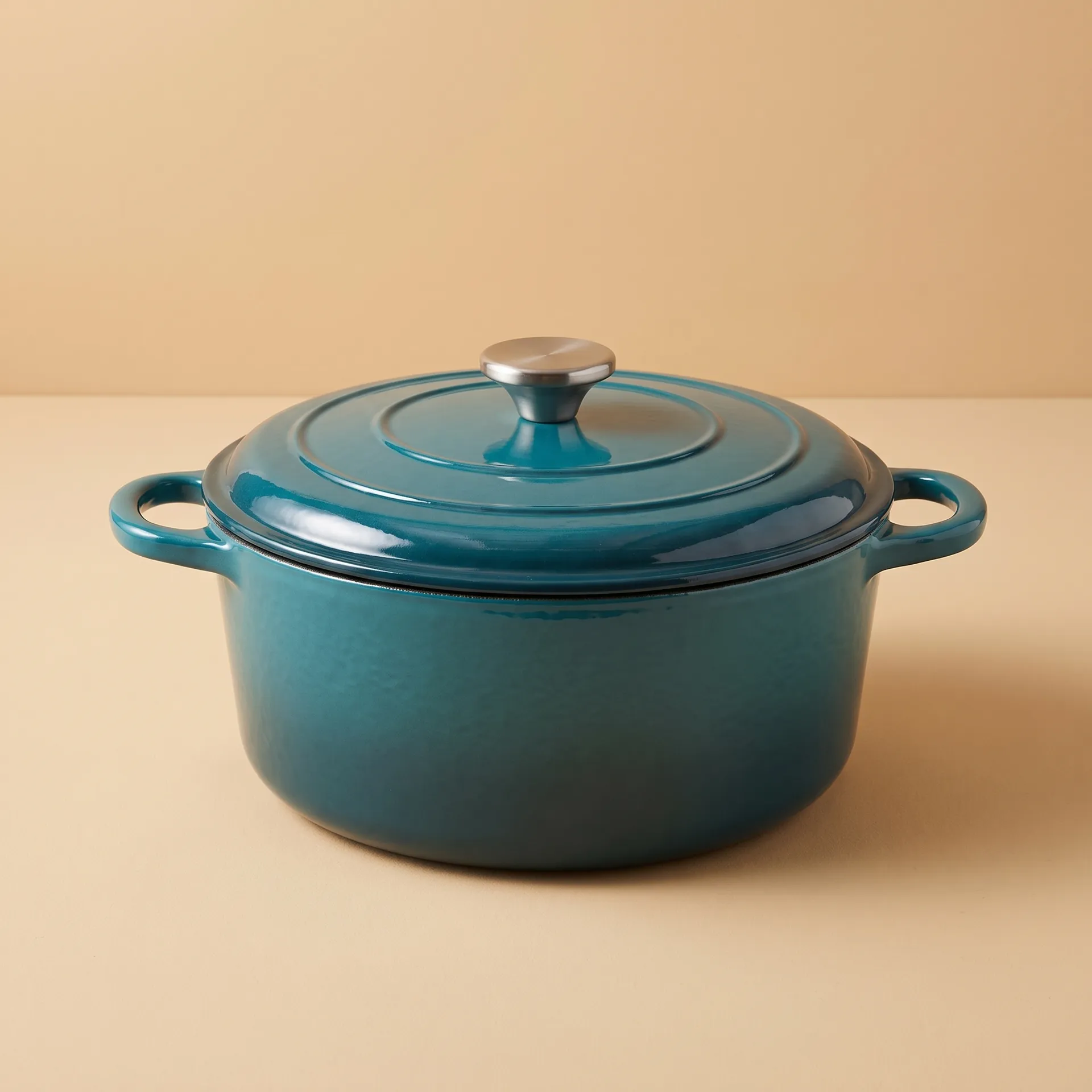
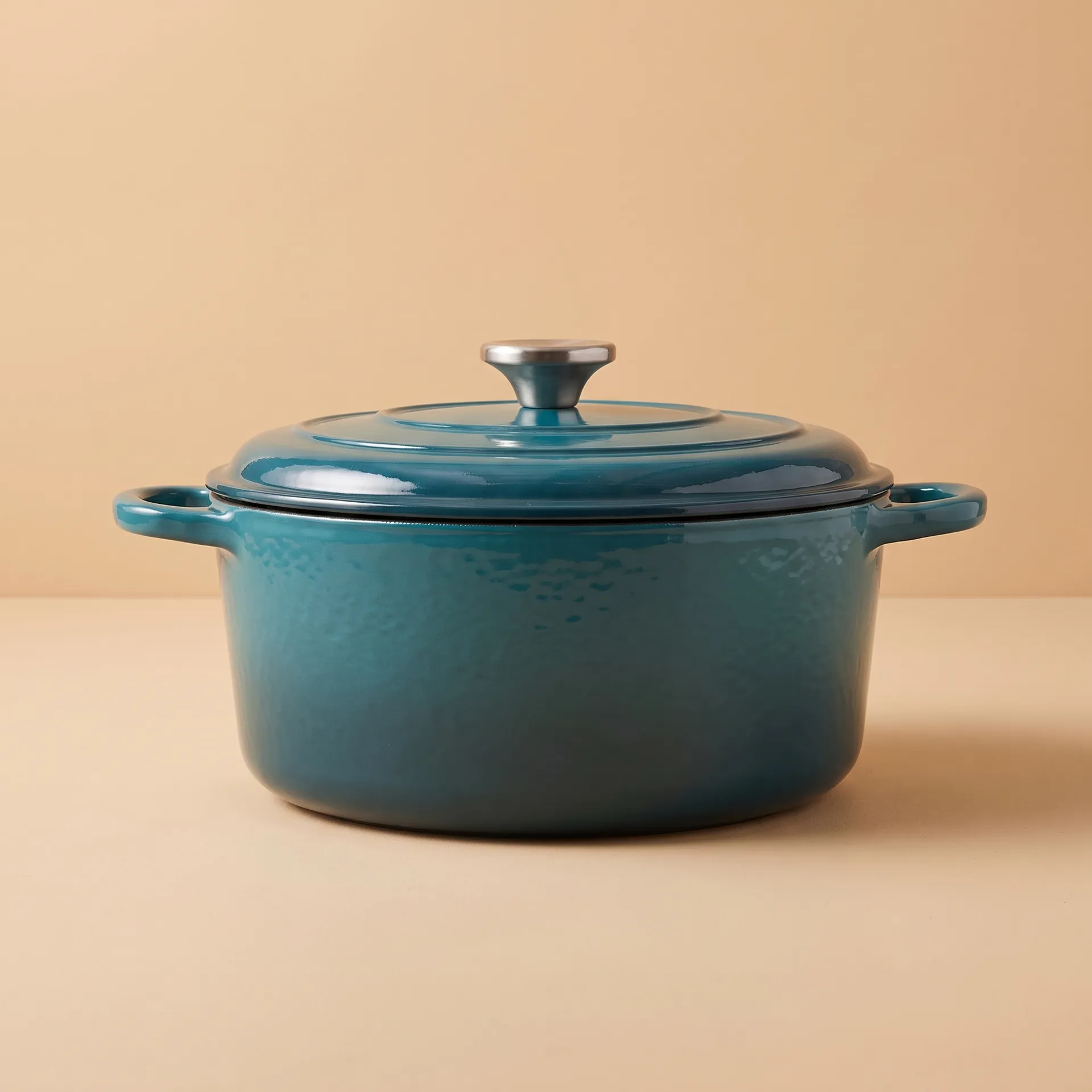
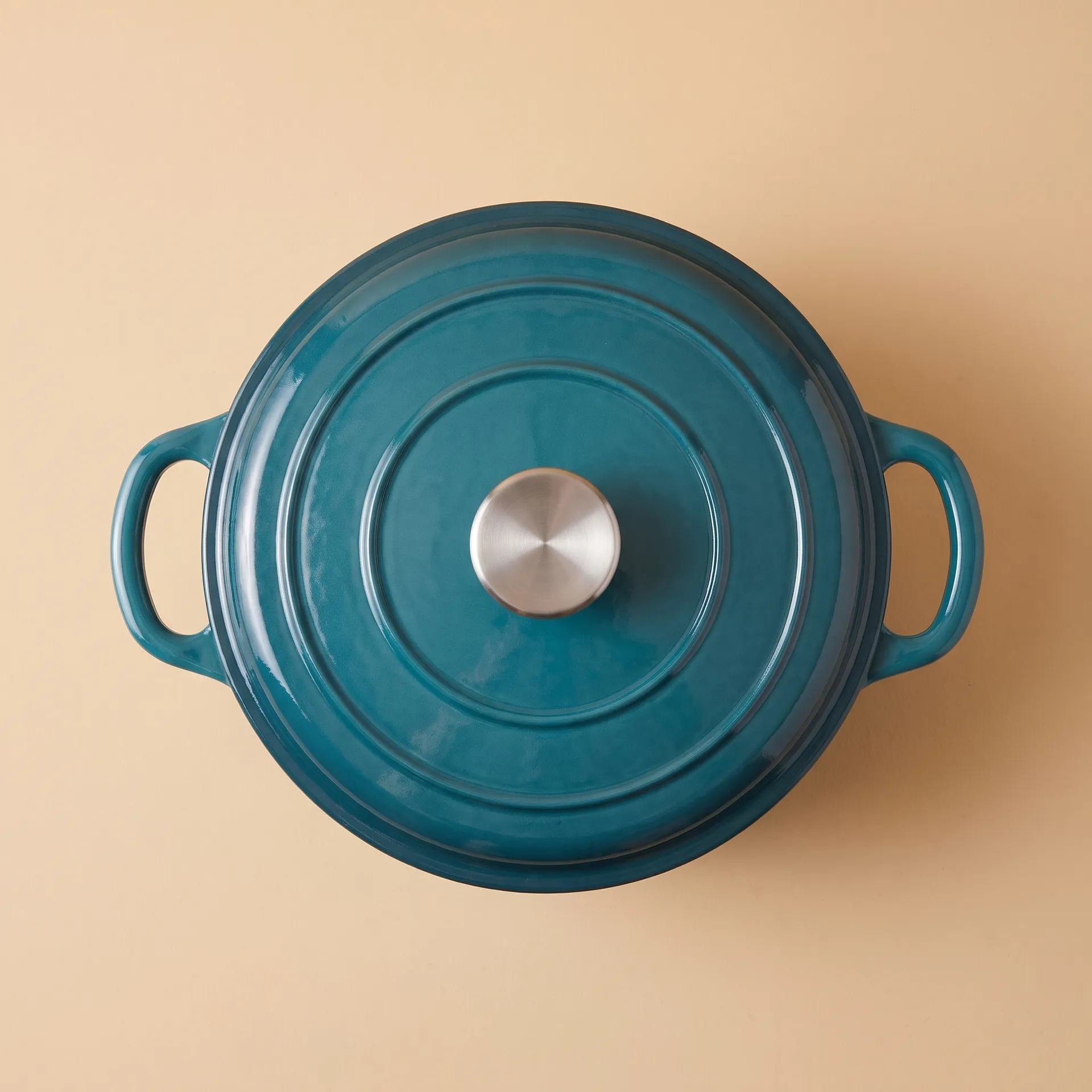
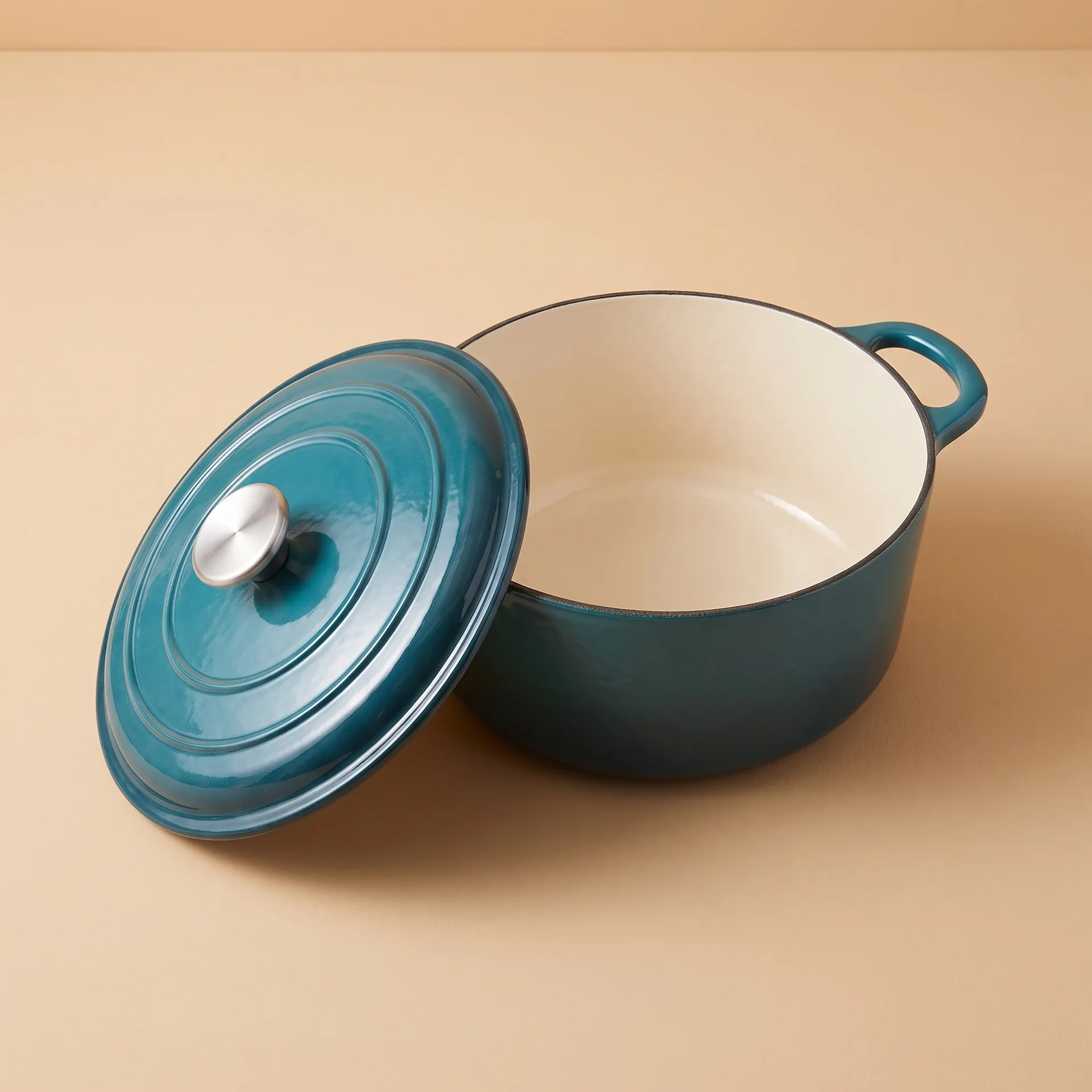
Shoppers want to see a pot from the side, from above and with the lid off. One three-quarter shot of this Dutch oven became a straight side view, a top-down view of the lid and a view of the cream enamel inside.
Use it to complete marketplace galleries that ask for several images per listing, then check the views against the real product.
Build a character turnaround in minutes
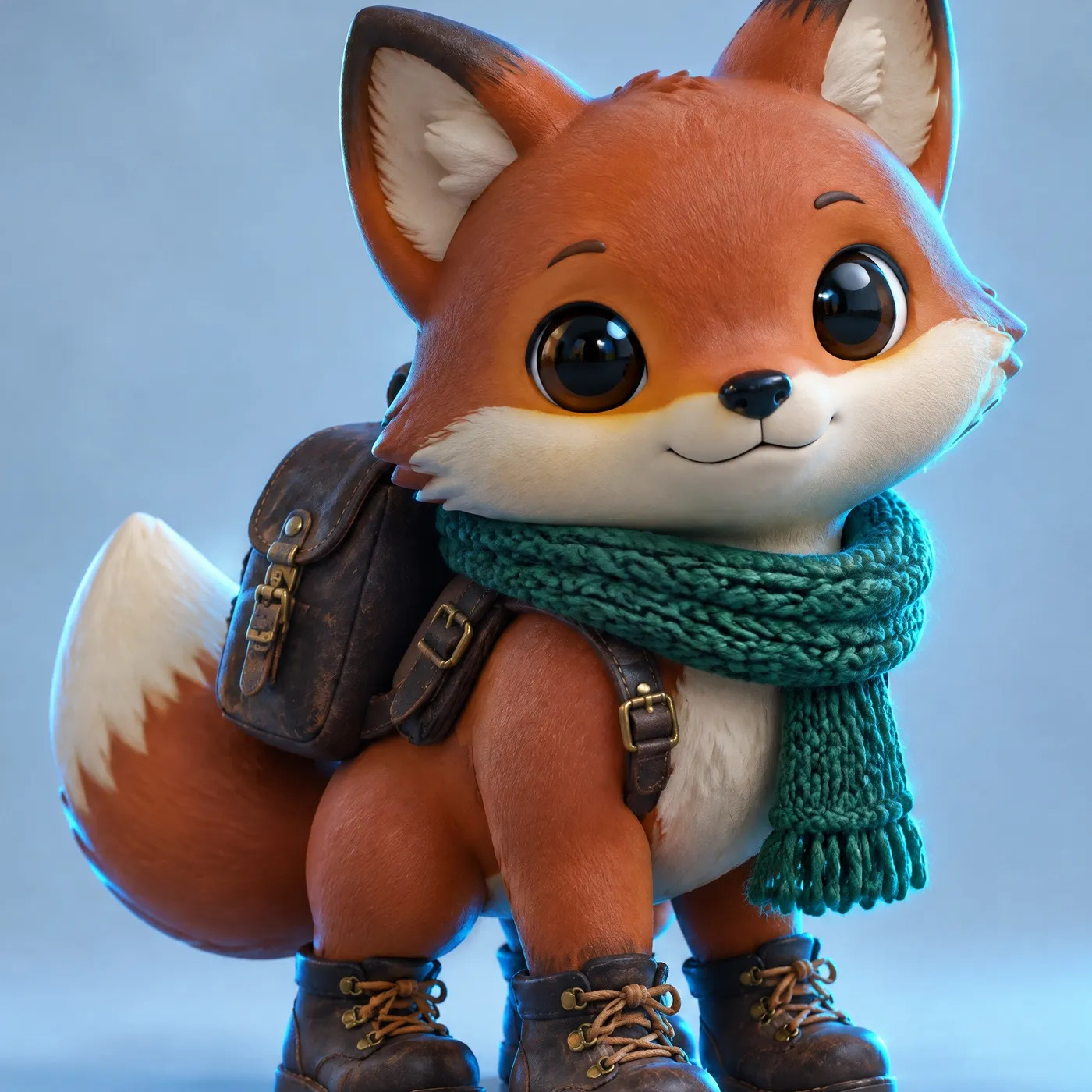
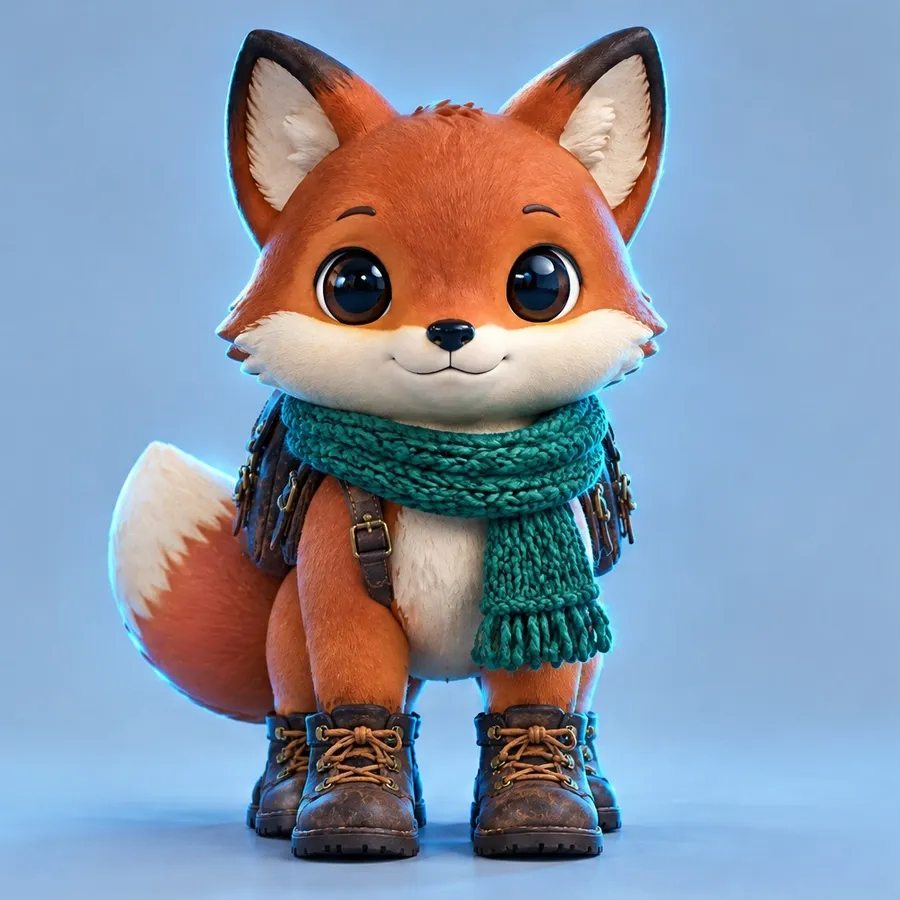
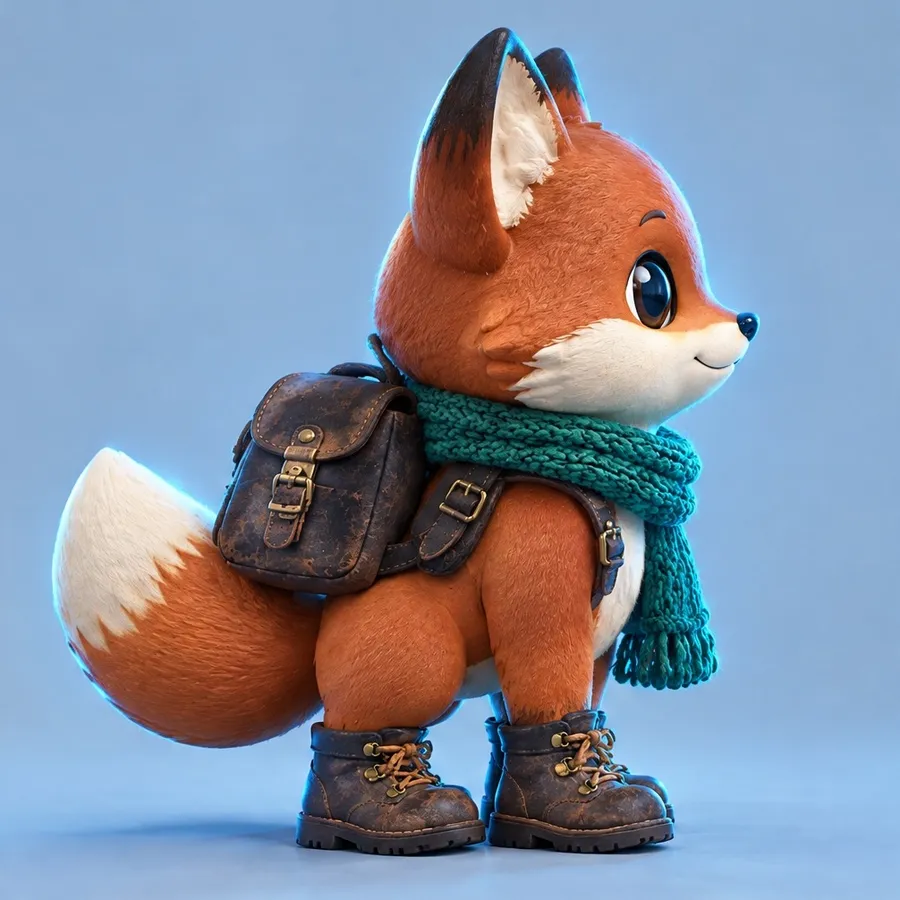
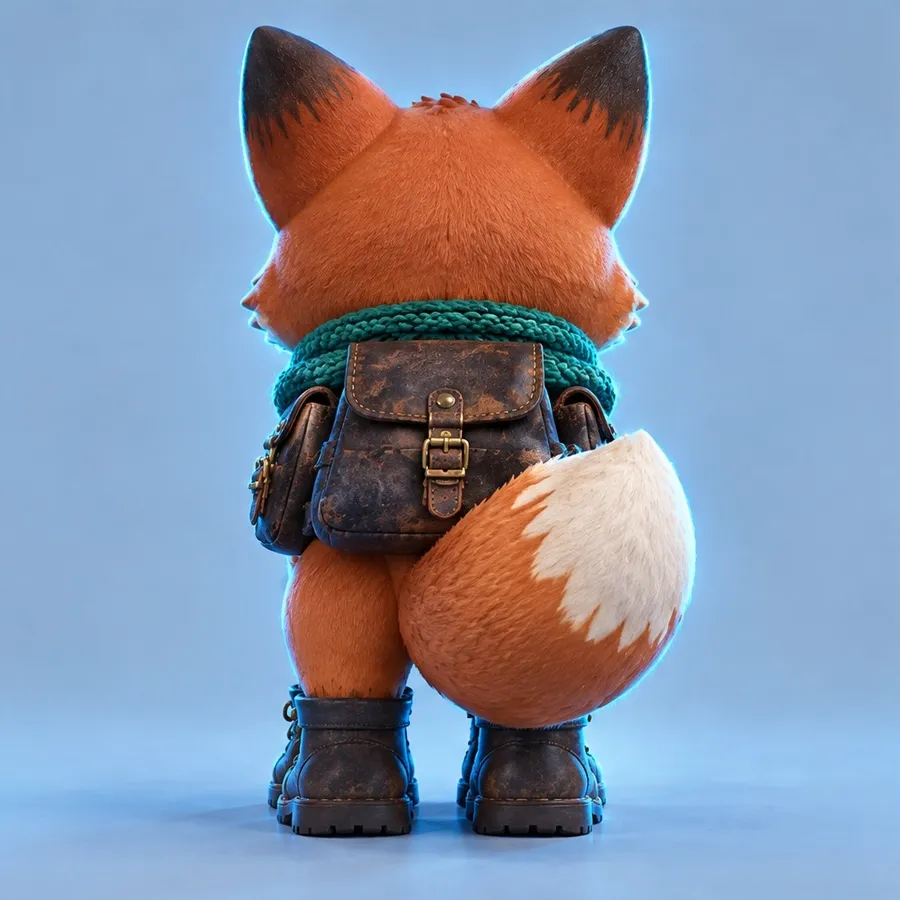
Animators and game artists need a character from every side before they model or animate it. This 3D fox explorer gets front, side and back views, with the scarf, backpack and boots in the same place in every one.
Use it for concept sheets, pitch decks and handoffs to 3D artists.
Fill the gaps the original shoot left
Most projects need more than the one angle you shot. These are the places a full set of views helps most.
Skip the reshoot for missing angles
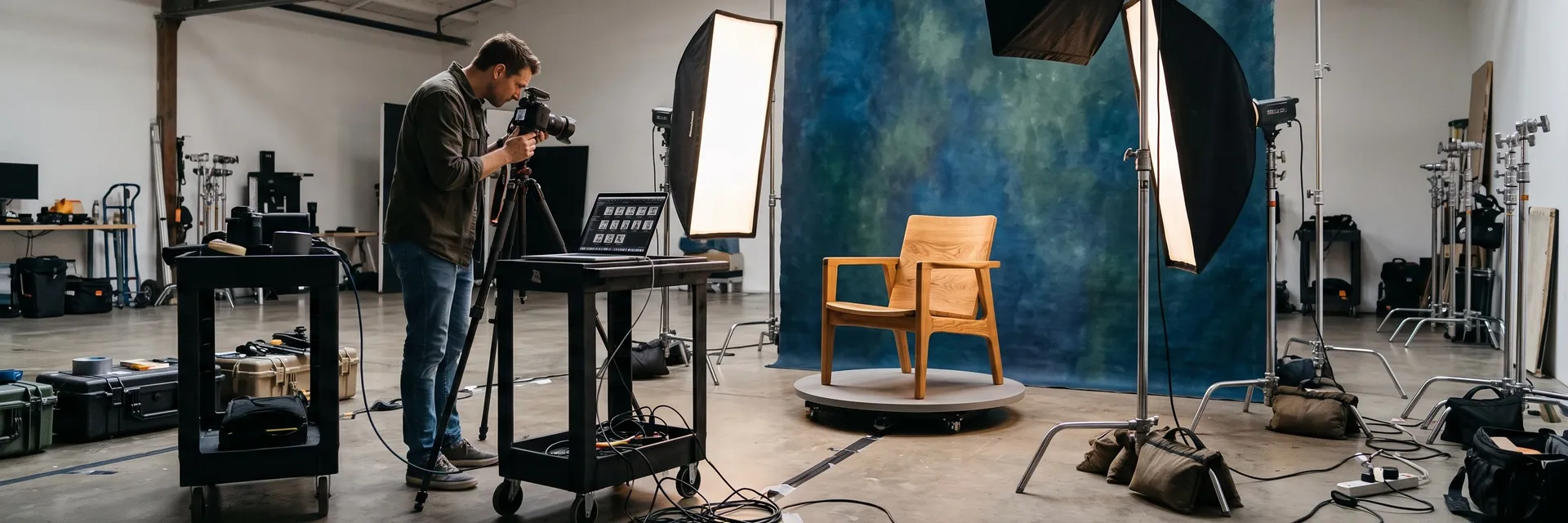
Getting more angles the usual way means setting the shoot up again, with the same light and the same product, and hoping the new shots match.
getimg.ai
Add one photo
The subject you already have.
Pick 4, 8 or 12 angles
Choose how far around the views should go.
Get consistent views
One subject seen from around it, at up to 4K.
Reshooting angles
- Book the studio or location again
- Rebuild the same lighting setup
- Turn the product on a turntable shot by shot
- Match color and exposure across the set
- Retouch every angle separately
Get a more consistent set
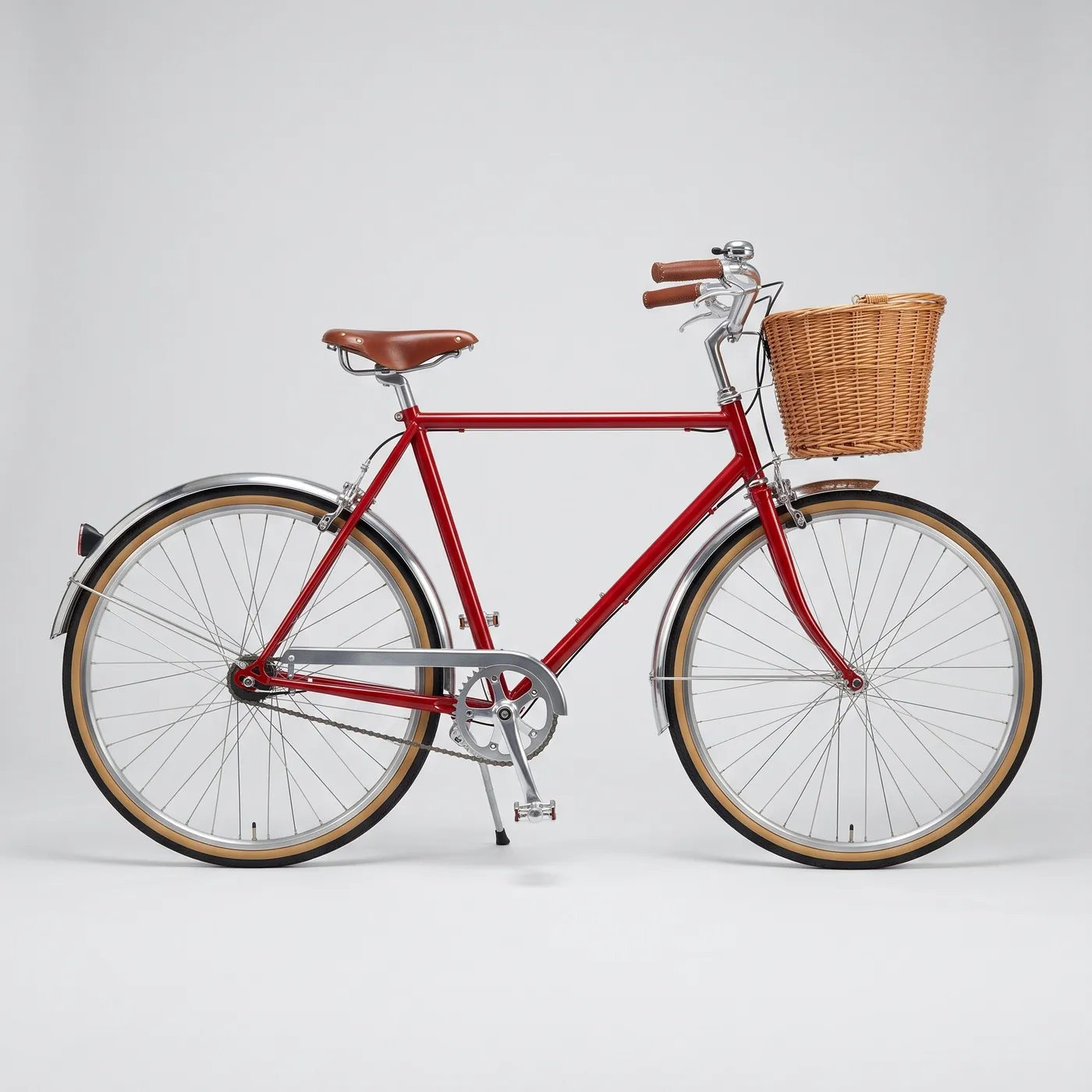
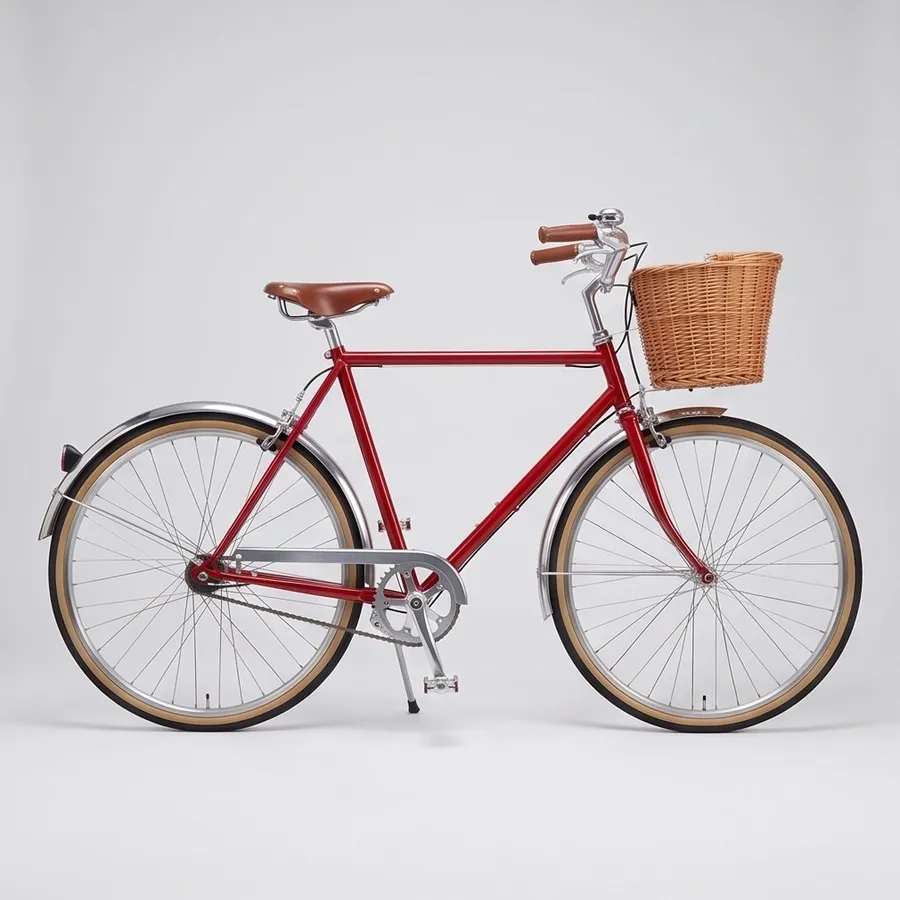
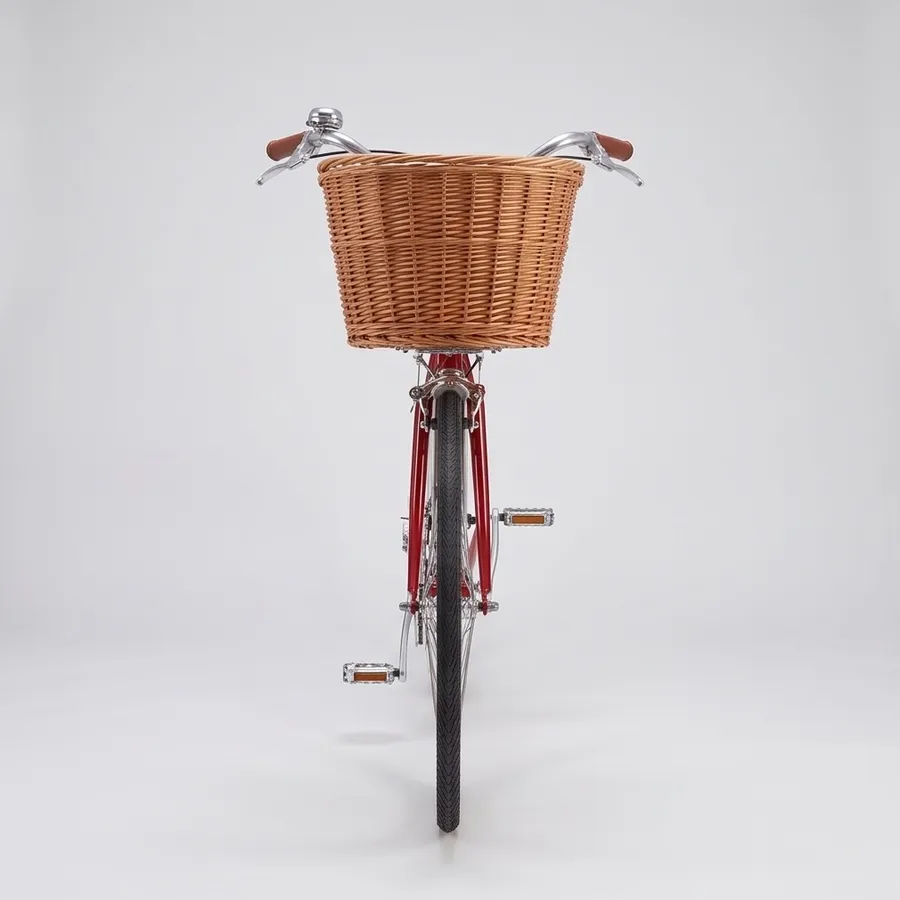
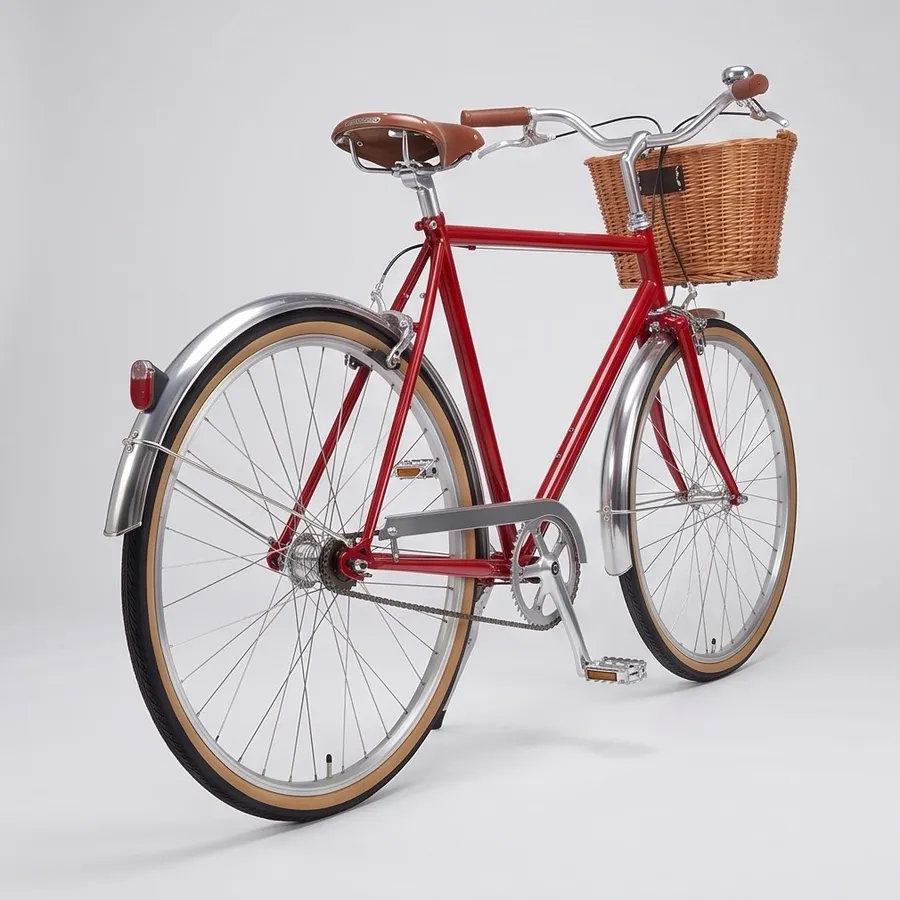
Objects with a clear structure turn most convincingly. The bicycle's frame, wheels and basket are fully visible in the original photo, so the new angles keep the same parts in the same places.
Frequently asked questions
Open Every angle on getimg.ai, add a photo of your subject and choose 4, 8 or 12 angles. You get a set of views of the same subject from around it.
People, products, rooms and most other subjects. A clear photo with the whole subject in view and even light gives the most consistent set.
Quality is 1K, 2K or 4K. The aspect ratio can match your photo, or be 1:1, 4:5, 3:4 or 16:9.
That's the point of the set: each angle is generated from your photo, so the subject stays recognizable. Sides you never photographed, like the back of a product, are filled in by the AI, so check them before you publish.
For products, a 360 product video gives you a smooth camera turn around the item instead of separate stills.
Four angles cover the front, back and sides for a listing gallery. Eight or twelve add the in-between views for a turnaround sheet, an animation reference or a fuller gallery.
Yes. The angles land in your library like any other image, so you can add them as references in Create image to keep the subject consistent in new scenes.
Yes. Add a wide photo of a room and you get the same room from other viewpoints, which helps listings and design presentations. Parts of the room the photo doesn't show are filled in, so check the details.
Yes. Every paid plan includes commercial use, subject to our terms and applicable third-party rights. Plans start at $8 a month.
Get every side of your subject from the photo you have
Add one photo, choose 4, 8 or 12 angles and download the set.