GPT Image 2.5 Generator
OpenAI's GPT Image 2.5, in two variants. Sunburst renders heavier, more precise detail. Flare runs faster. Both generate and edit at up to 2K resolution across nine aspect ratios, on getimg.ai.
More than just GPT Image 2.5.
Get access to all top AI image + video models.


Built for precision. Fast when you need it.
See what GPT Image 2.5 brings to every visual format.
Outputs that don't look AI-generated
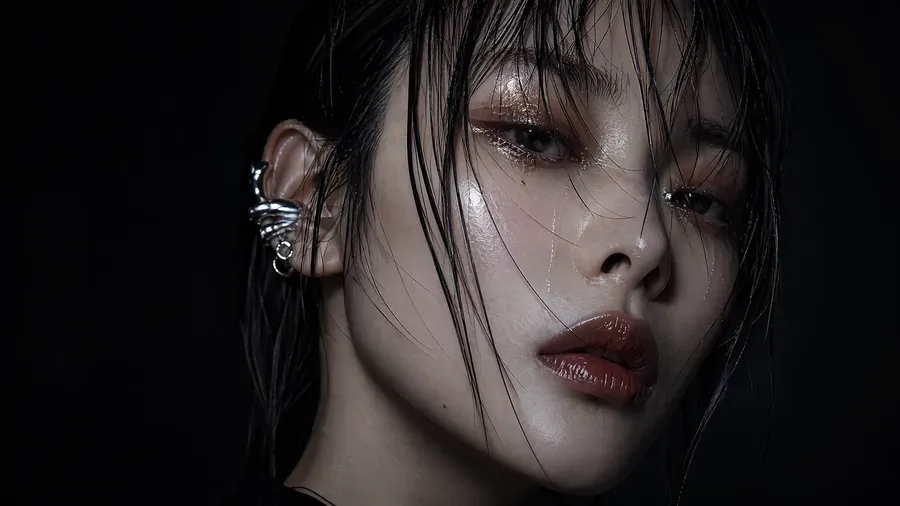
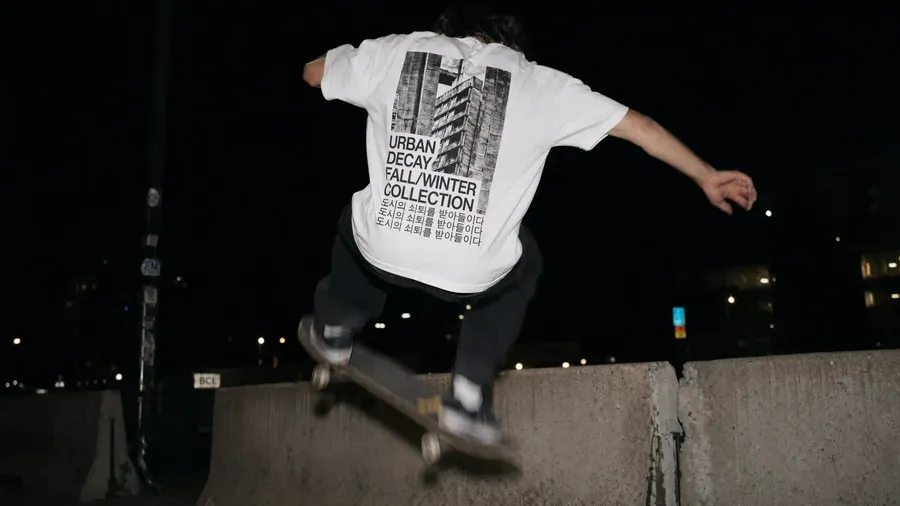
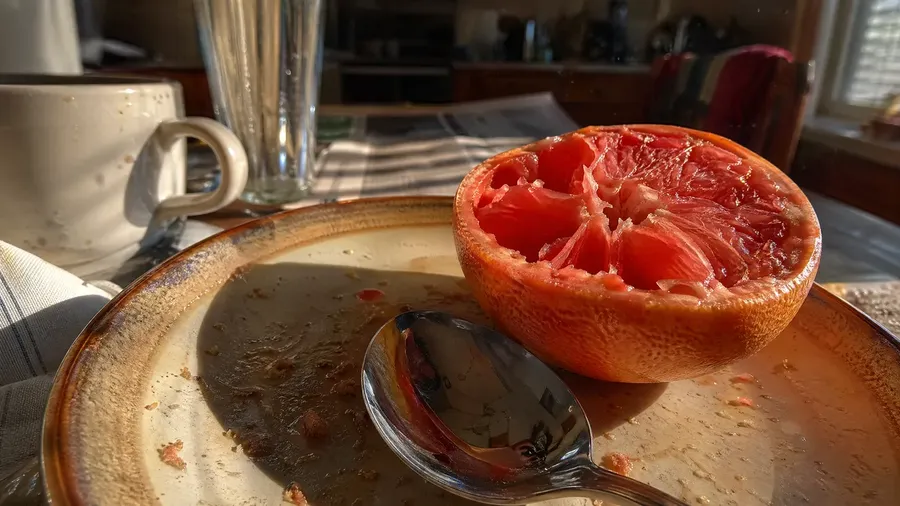
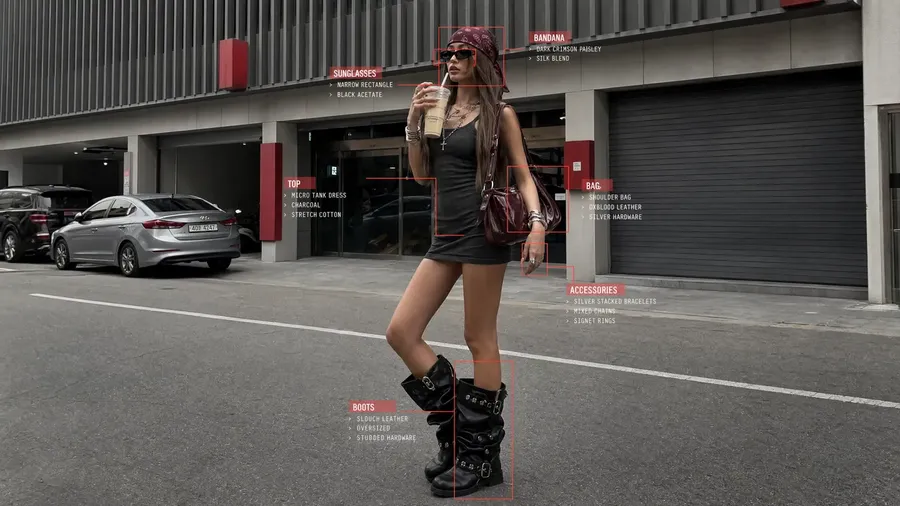
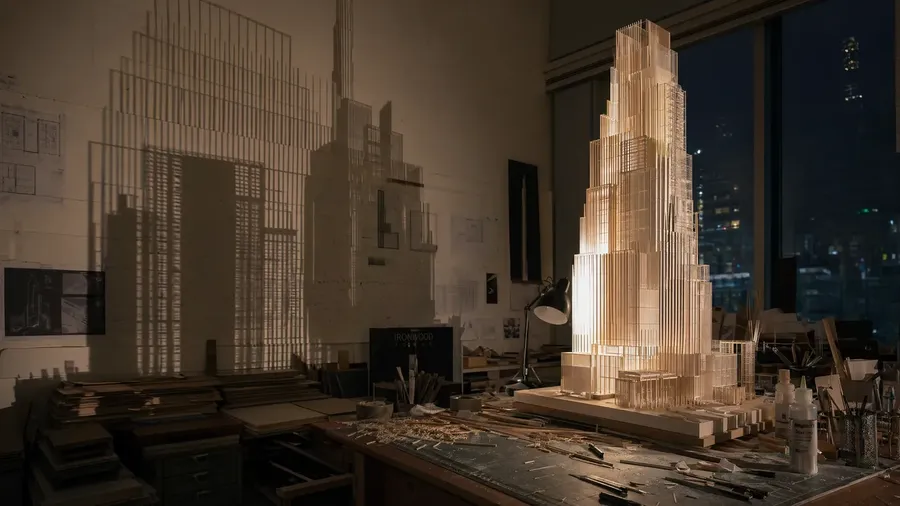
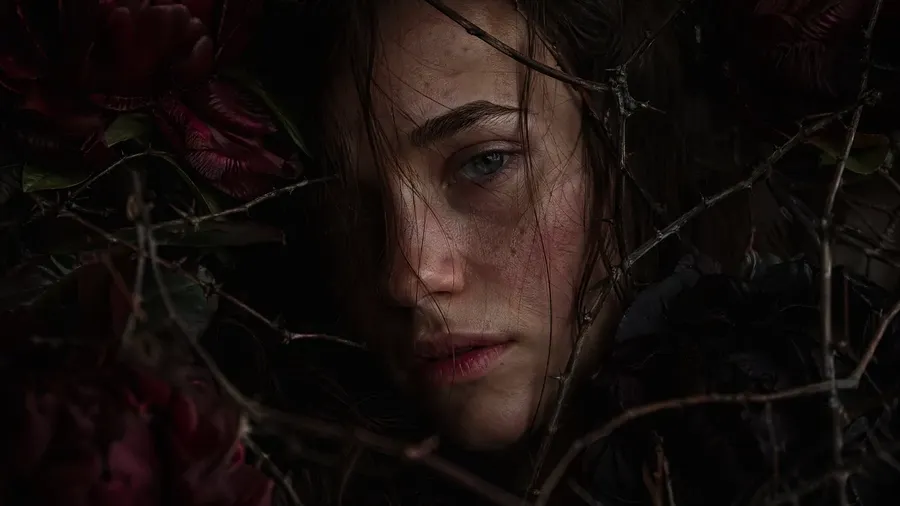
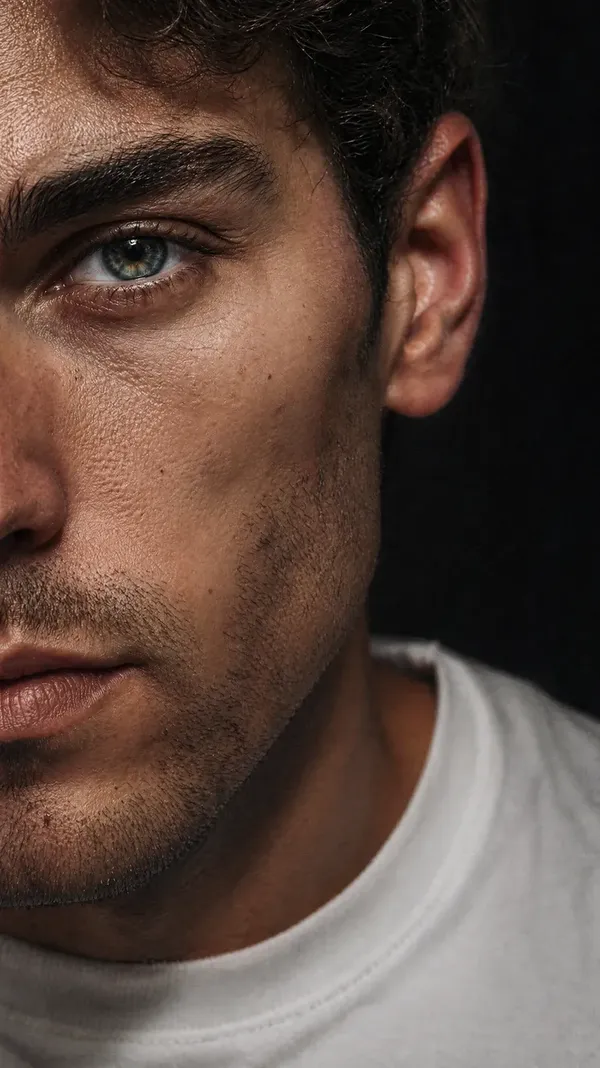
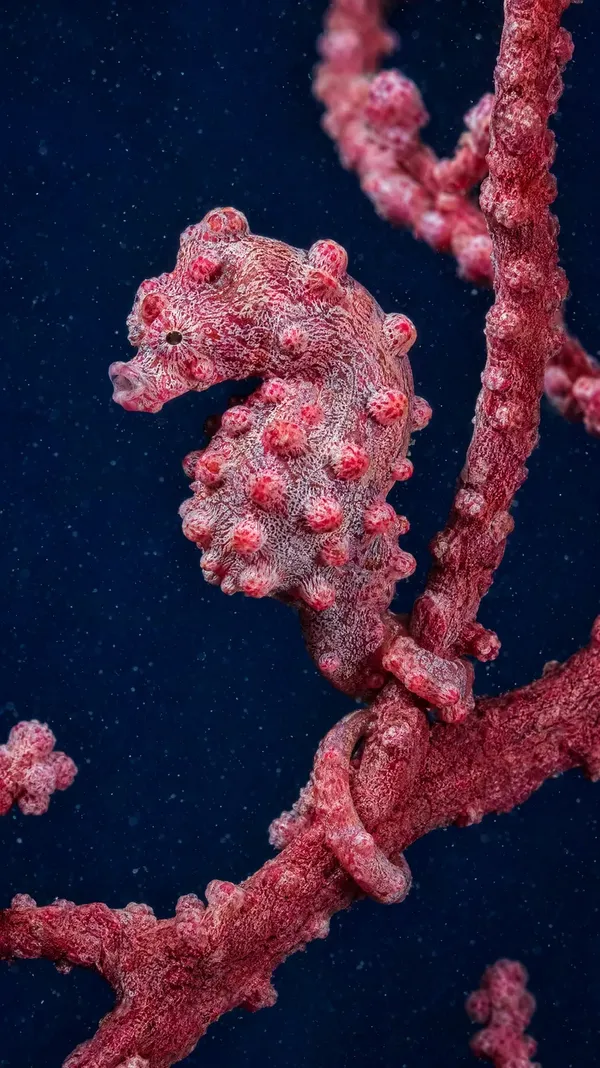
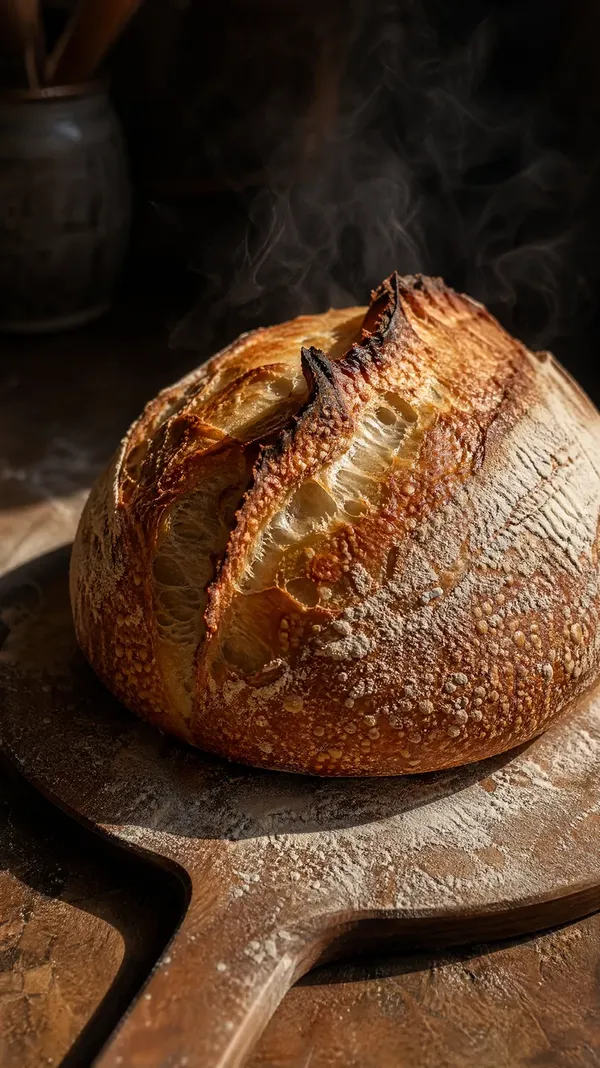
Across photorealism, cinematic stills, and illustrated styles, GPT Image 2.5 captures the details that make images feel real: grain, ambient light variation, natural framing, consistent texture. Sunburst pushes the finest detail. Flare gets you there faster.
A step up in instruction following
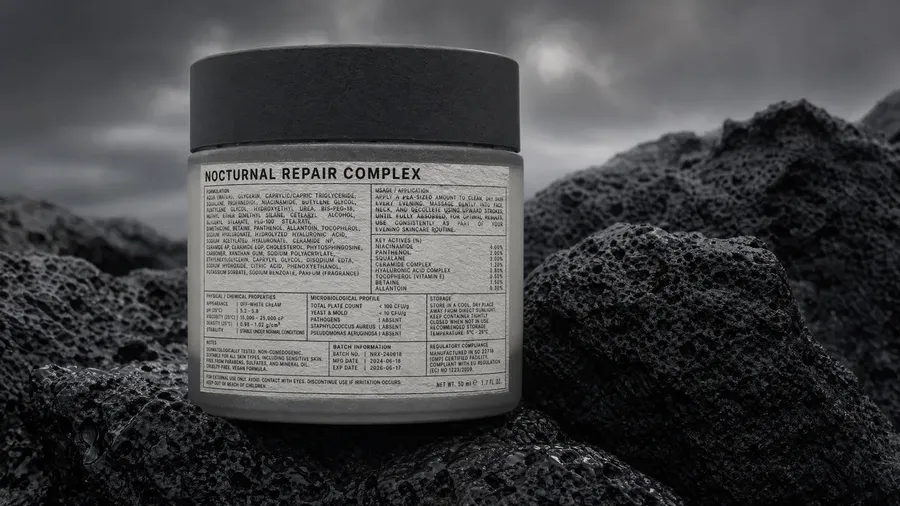
GPT Image 2.5 places objects where you specify, respects spatial relationships, and handles complex multi-element scenes accurately. Small text, UI labels, iconography, and timestamps render as described rather than approximated.
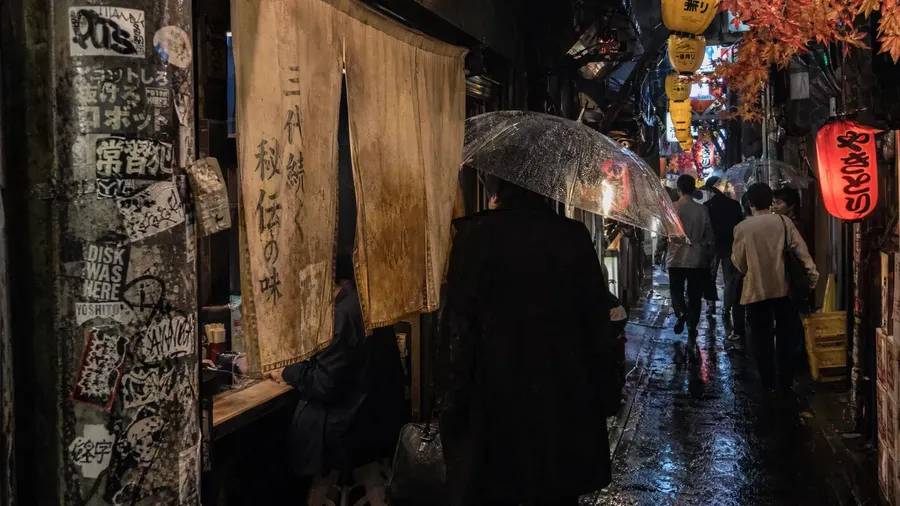
Dense text and multilingual rendering
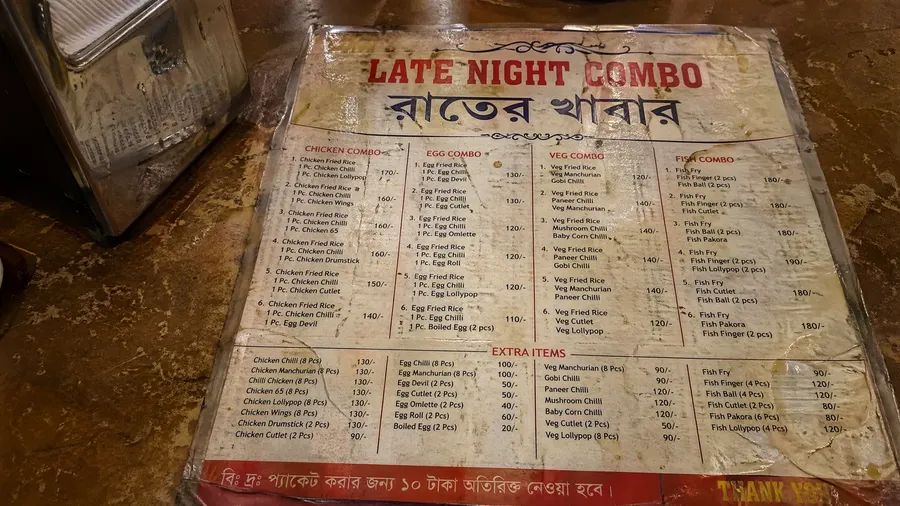
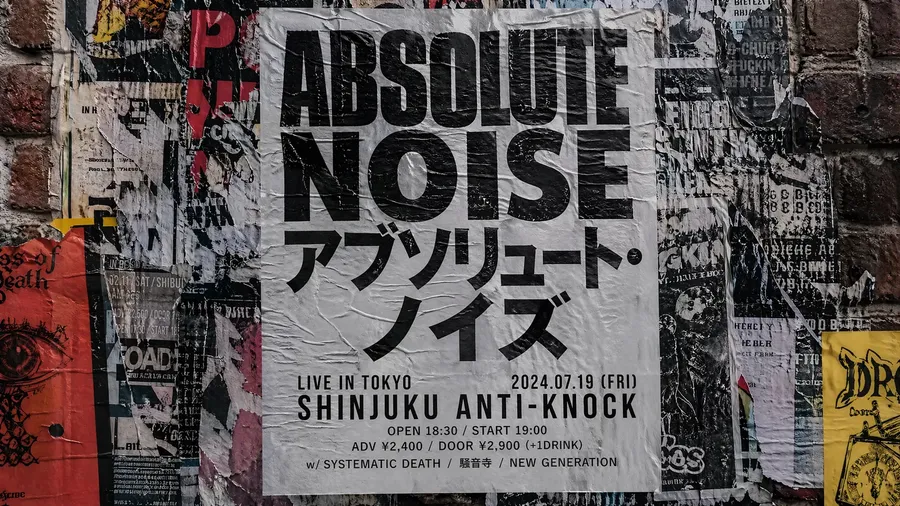
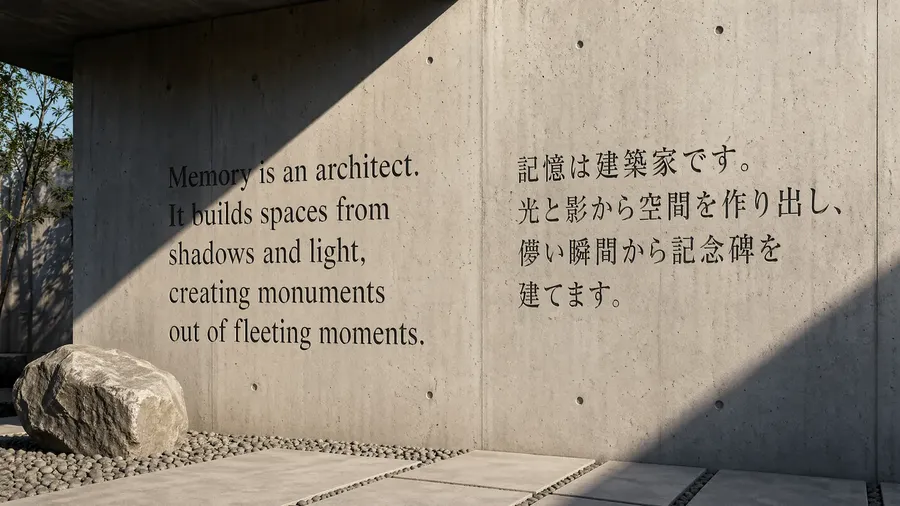
Strong text-in-image work across the GPT Image family. GPT Image 2.5 handles small type, UI labels, timestamps, and multilingual scripts - Japanese, Korean, Chinese, Hindi, Bengali - with coherent visual layout, not just correct characters.
What GPT Image 2.5 produces best
Edit images with the same precision you get from generation.
GPT Image 2.5 isn't only a generation model - both Sunburst and Flare apply the same instruction-following precision to editing. Attach an existing image and describe what to change: swap a background, modify an object, adjust lighting, or remove an element. The model applies the edit precisely, without degrading the areas around it.
- Swap backgrounds while preserving subject detail and lighting
- Completely change the image style
- Add, modify, or remove objects with accurate spatial placement
- Adjust color, lighting, and style without rebuilding the composition
- Fix imperfections and refine details in existing assets
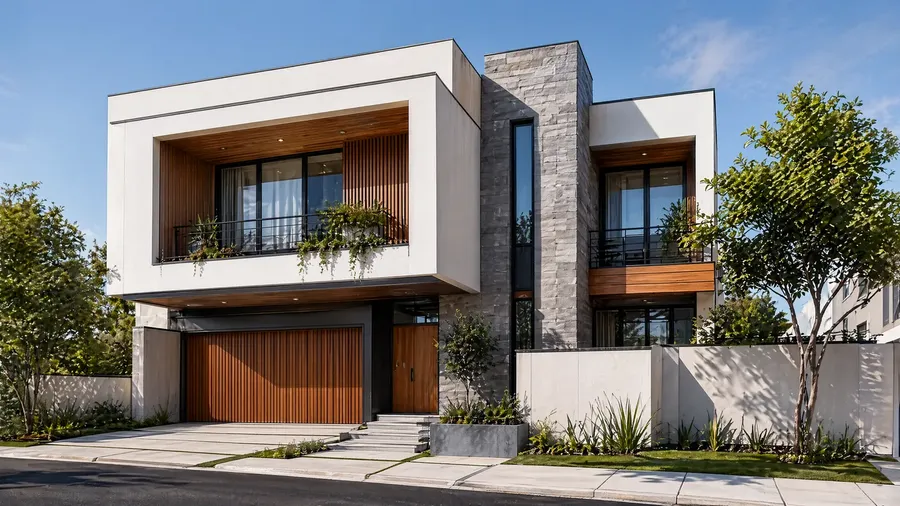
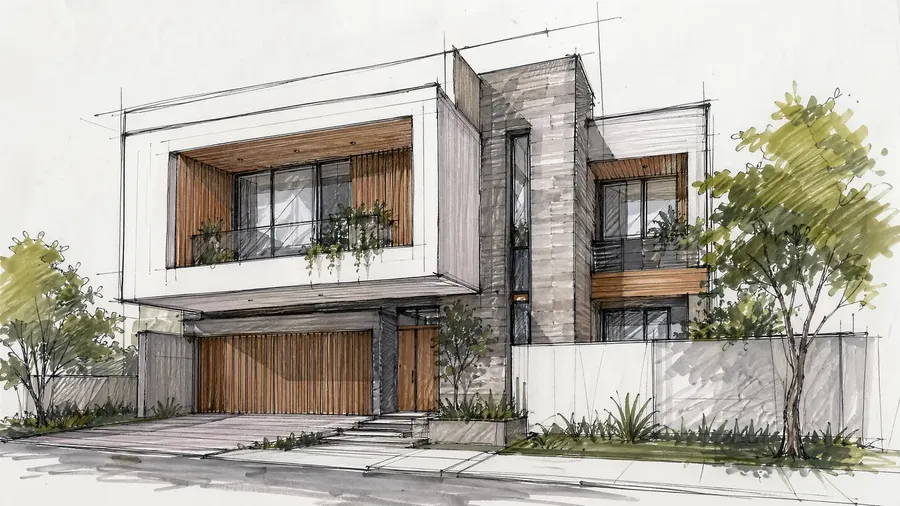
change the dawing to an ultra-detailed, realistic photo
Up to 2K resolution. Nine aspect ratios. Two variants.
GPT Image 2.5 generates at up to 2K resolution across nine aspect ratios - social, editorial, widescreen, portrait, and standard blog formats - without upscaling or cropping separately. Pick Sunburst for the heaviest detail or Flare for speed; the formats are the same on both.
All generated and edited images include full commercial rights on paid plans. Use them in client work, paid campaigns, merchandise, and social media without additional licensing. Commercial rights are included in every paid plan, not locked behind an enterprise tier.
Frequently Asked Questions
GPT Image 2.5 is OpenAI's latest GPT Image generation, available on getimg.ai in two variants: Sunburst, tuned for heavier, more precise detail, and Flare, tuned for faster generations. Both create images from text prompts and edit existing images from a description, at up to 2K resolution across nine aspect ratios.
GPT Image 2.5 is the newer generation. It keeps the GPT Image family's strengths - precise instruction following and strong text rendering - and splits into two variants so you can trade off quality and speed: Sunburst for the finest detail, Flare for quicker results. GPT Image 2, 1.5, and 1 stay available in the Create image generator if you want to keep using them.
Yes. All paid getimg.ai plans include commercial rights. Images generated or edited with GPT Image 2.5 can be used in client work, paid campaigns, social media, and merchandise - included from the Entry plan, not locked behind an enterprise tier. Use is subject to getimg.ai's terms and content policies.
GPT Image 2.5 carries the GPT Image family's strong text rendering. It handles small type, UI labels, icon text, timestamps, and dense typographic compositions. For multilingual content - Japanese, Korean, Chinese, Hindi, Bengali, and Latin scripts - it renders not just correct letterforms but coherent visual layout, from posters to infographics.
On getimg.ai, both GPT Image 2.5 variants support nine aspect ratios: 1:1, 2:3, 3:2, 4:3, 3:4, 4:5, 16:9, 9:16, and 21:9. They generate at up to 2K resolution, covering social, editorial, widescreen, portrait, and standard blog formats - without needing to upscale or crop separately.
Yes. You can use the GPT Image 2.5 API through getimg.ai to generate and edit directly in your own tools.
This is separate from the browser experience and is aimed at developers or teams who want to automate image creation. You send prompts or images through the API and get back results that match the quality you see in the app.
It runs on a prepaid, pay-as-you-go basis, so you're not tied to a subscription. Scale usage up or down as you need, with clear pricing and no hidden limits.
It's a practical choice if you're building automated design generation, content pipelines, or anything that needs reliable image output without manual work.
Both are GPT Image 2.5. Sunburst is the heavier variant, tuned for the most precise detail and instruction following - reach for it when the output has to hold up on close inspection.
Flare is built for speed, so you can generate and iterate faster when turnaround matters more than maximum detail. Both support the same nine aspect ratios, up to 2K resolution, and image editing, and both are selectable in the Create image generator.
OpenAI's GPT Image line has moved through several generations. GPT Image 1 introduced native text-to-image generation and editing. GPT Image 1.5 improved quality and instruction following. GPT Image 2 sharpened instruction following and text rendering and added higher resolution.
GPT Image 2.5 is the current generation, split into Sunburst for precision and Flare for speed. All of them (GPT Image 1, 1.5, 2, and 2.5) stay available in the Create image generator on getimg.ai, so you can pick the version that fits the job.
Precise generation. Precise editing. Your choice of speed.
GPT Image 2.5 is available on getimg.ai now - Sunburst and Flare, up to 2K resolution, nine aspect ratios, and full commercial rights on paid plans. Describe what you want, and the model builds it.