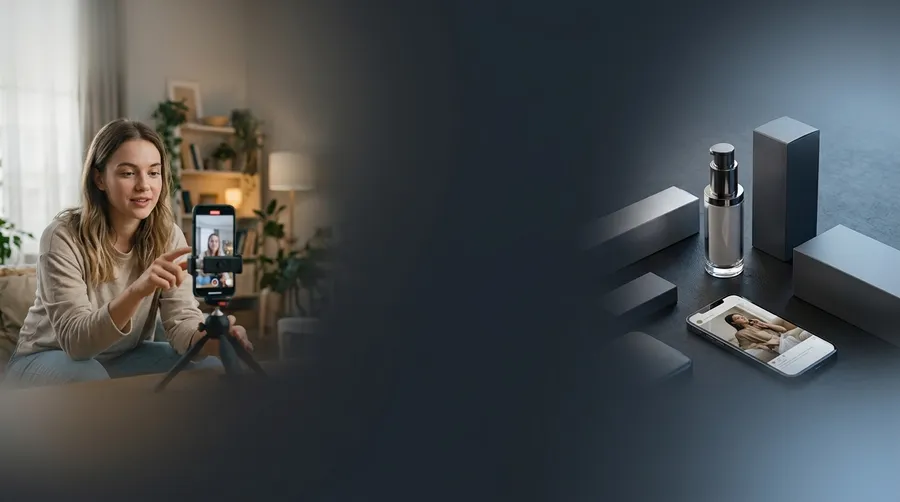
AI UGC Ad Generator: Creator-Style Ads Without the Shoot
Turn a product, app, or service into short UGC-style ads for TikTok, Instagram Reels, and paid social. Start with the UGC Video Action: upload a product photo, pick a creator style and script, and get a vertical ad — then test new versions from one concept.
Try industry-leading models


Create ads that feel native to the feed
UGC-style ads borrow the direct structure of creator content: one person, one problem, one product, one next step. The goal is not to fake a customer review. It is to make the product easy to understand inside a believable social moment.
Use AI to explore hooks, creator settings, product demonstrations, voiceovers, and vertical video variations before committing to a larger production. The same workflow sits behind AI for social media content, so paid and organic assets can share one creative direction.
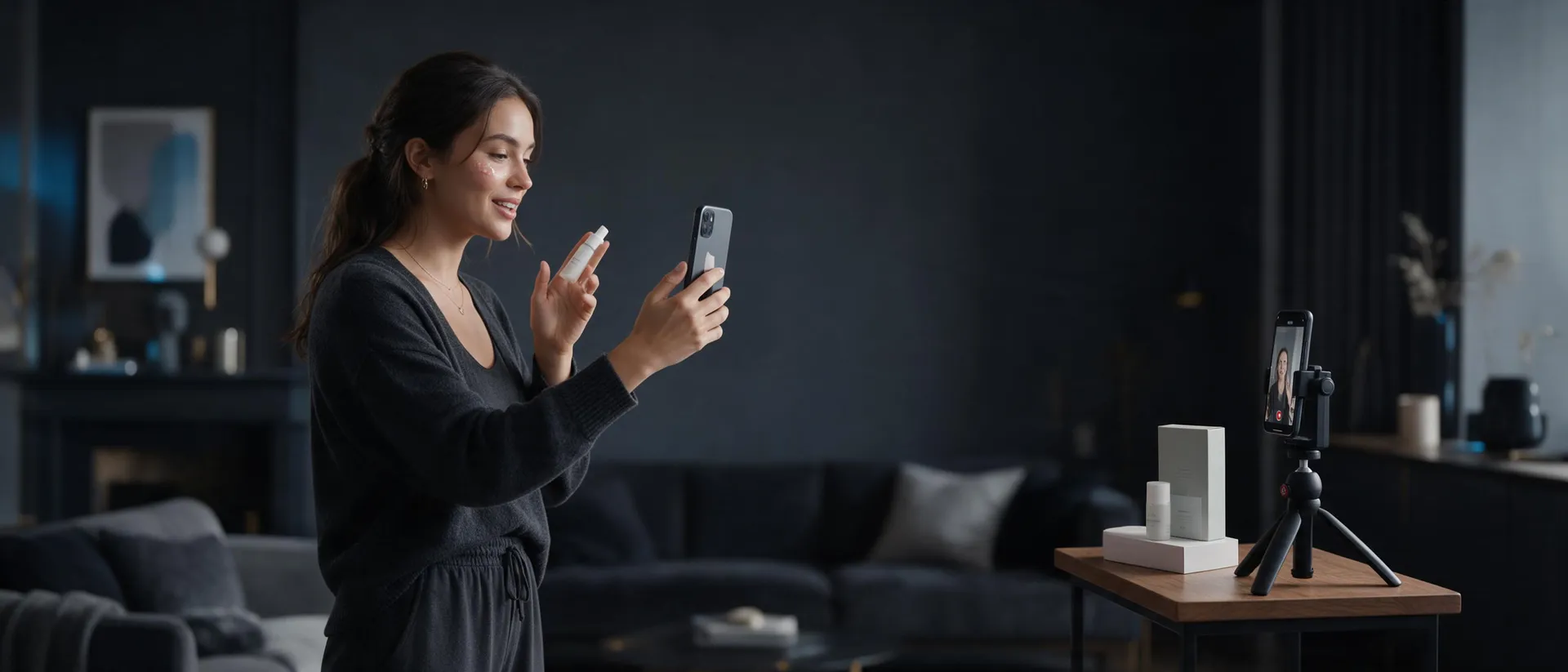
Build the ad around one believable moment
Start with the problem
Open inside a recognizable situation. Dry skin before makeup. A missed deadline. An overpacked travel bag. A checkout problem.
Give the product a job
Show what the product does in that moment. Avoid a generic beauty shot with no context.
Show proof
Use a demonstration, screen moment, texture, comparison, or visible result that fits the claim.
End with one action
Keep the closing simple: try the product, visit the page, download the app, or see how it works.
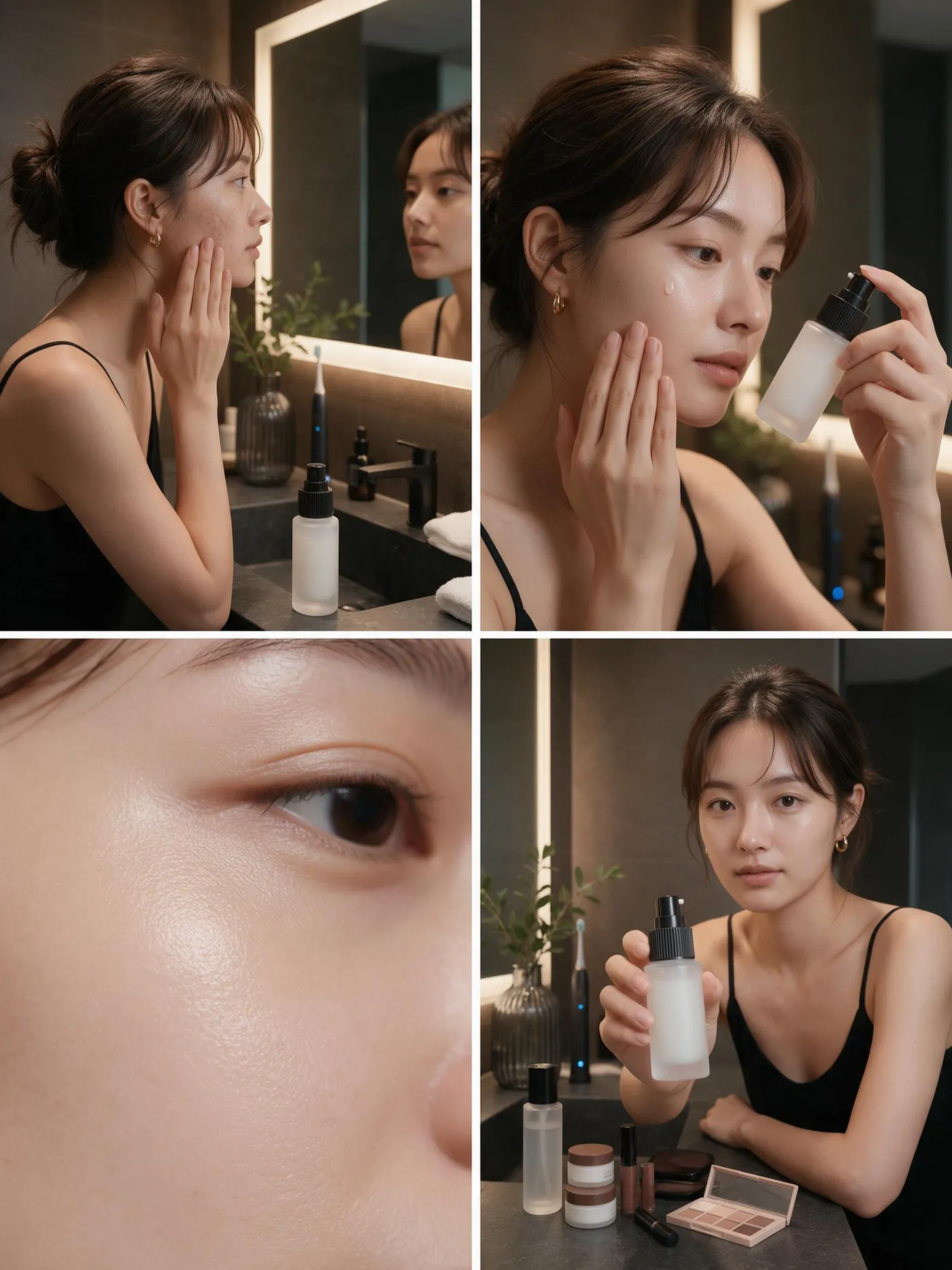
One person. One problem. One product.
Start from the moment your customer already recognizes and build the ad around it.
How to create an AI UGC ad
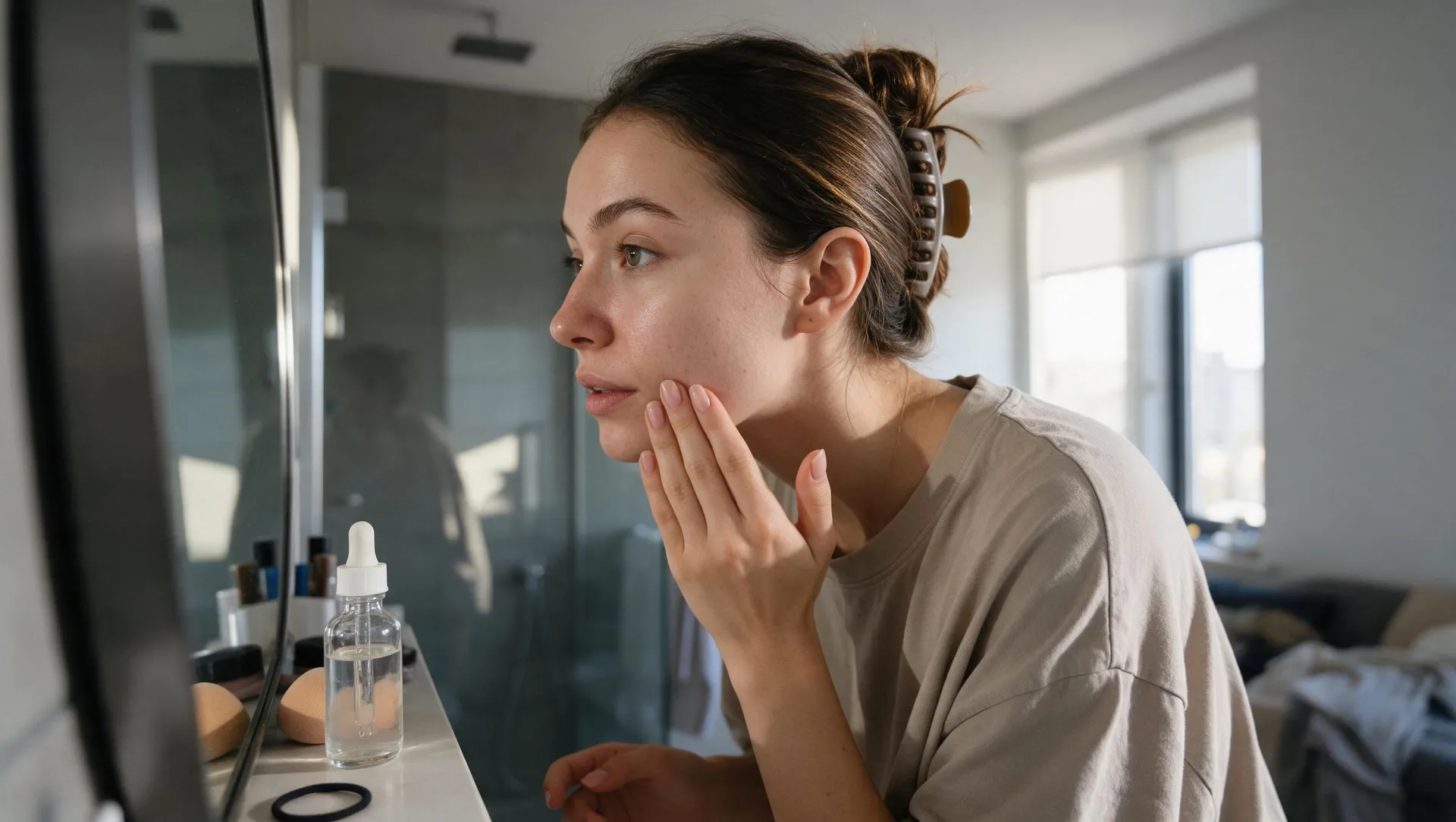
1. Choose the angle
Pick one idea: problem and solution, routine, product discovery, demonstration, before and after, or feature reaction.
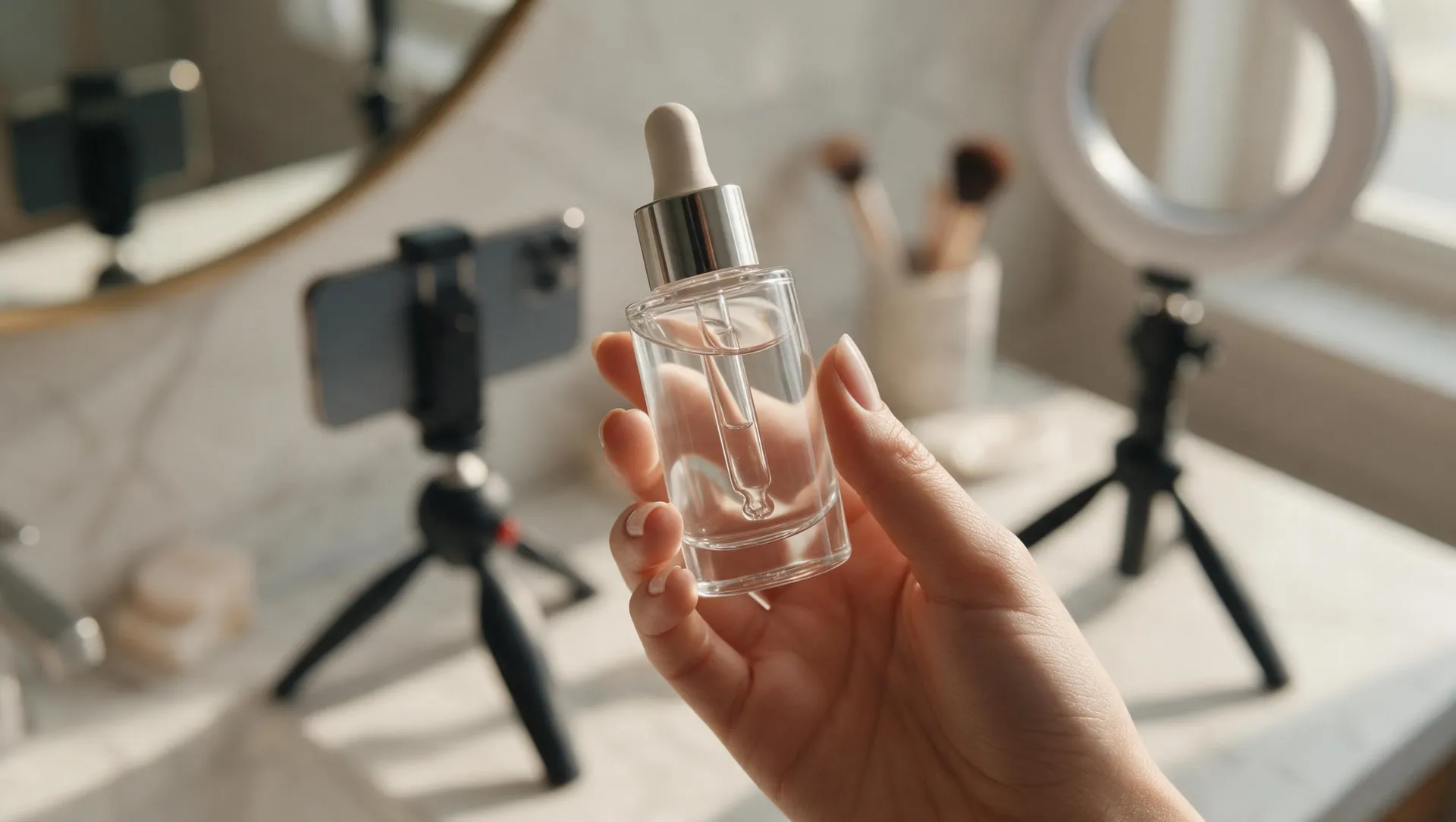
2. Add the product or reference
Upload the product image, app screen, or visual reference that needs to stay recognizable.
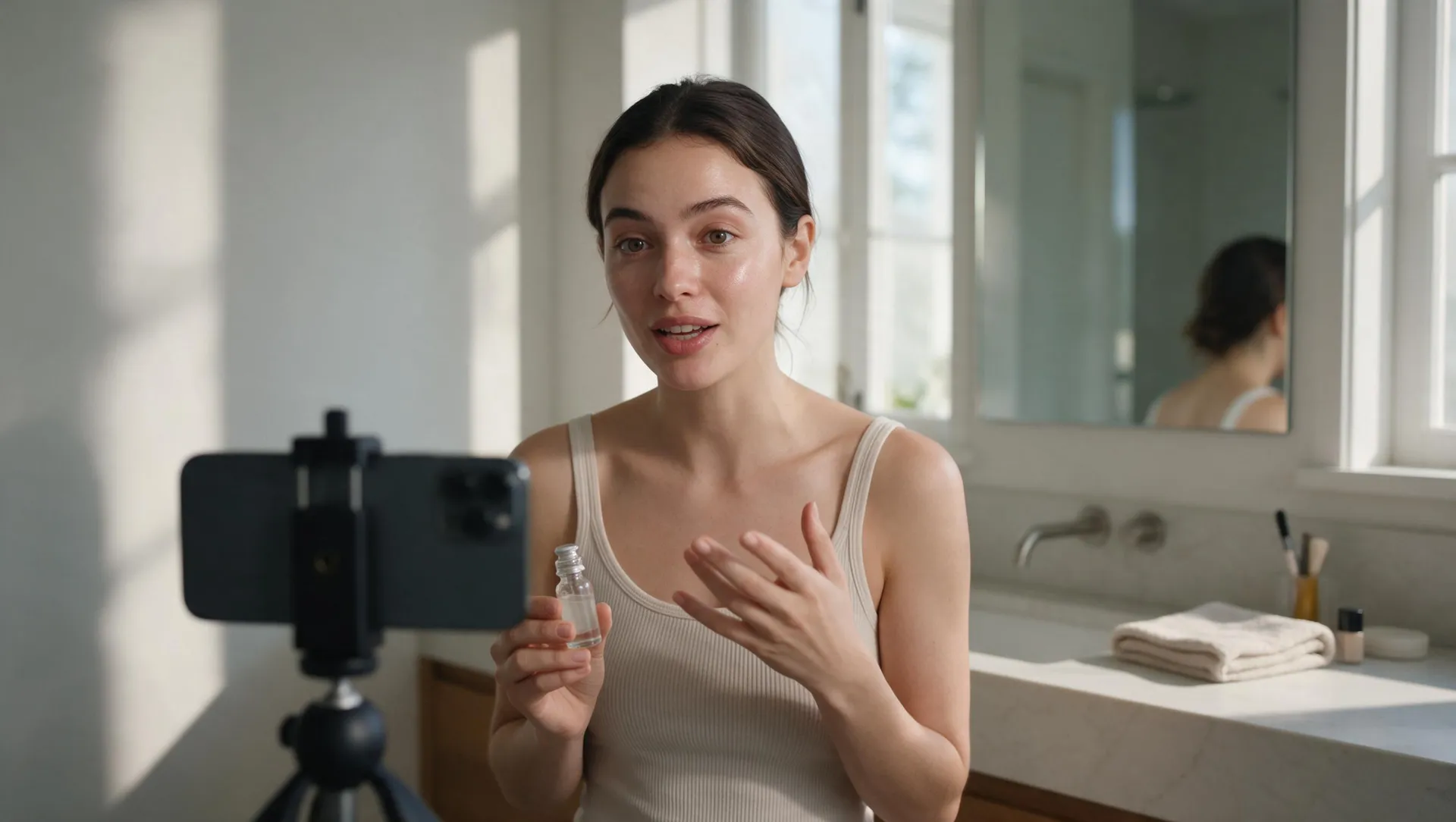
3. Describe the creator and setting
Name the person, location, camera feel, action, and product moment. Keep the scene specific and natural.
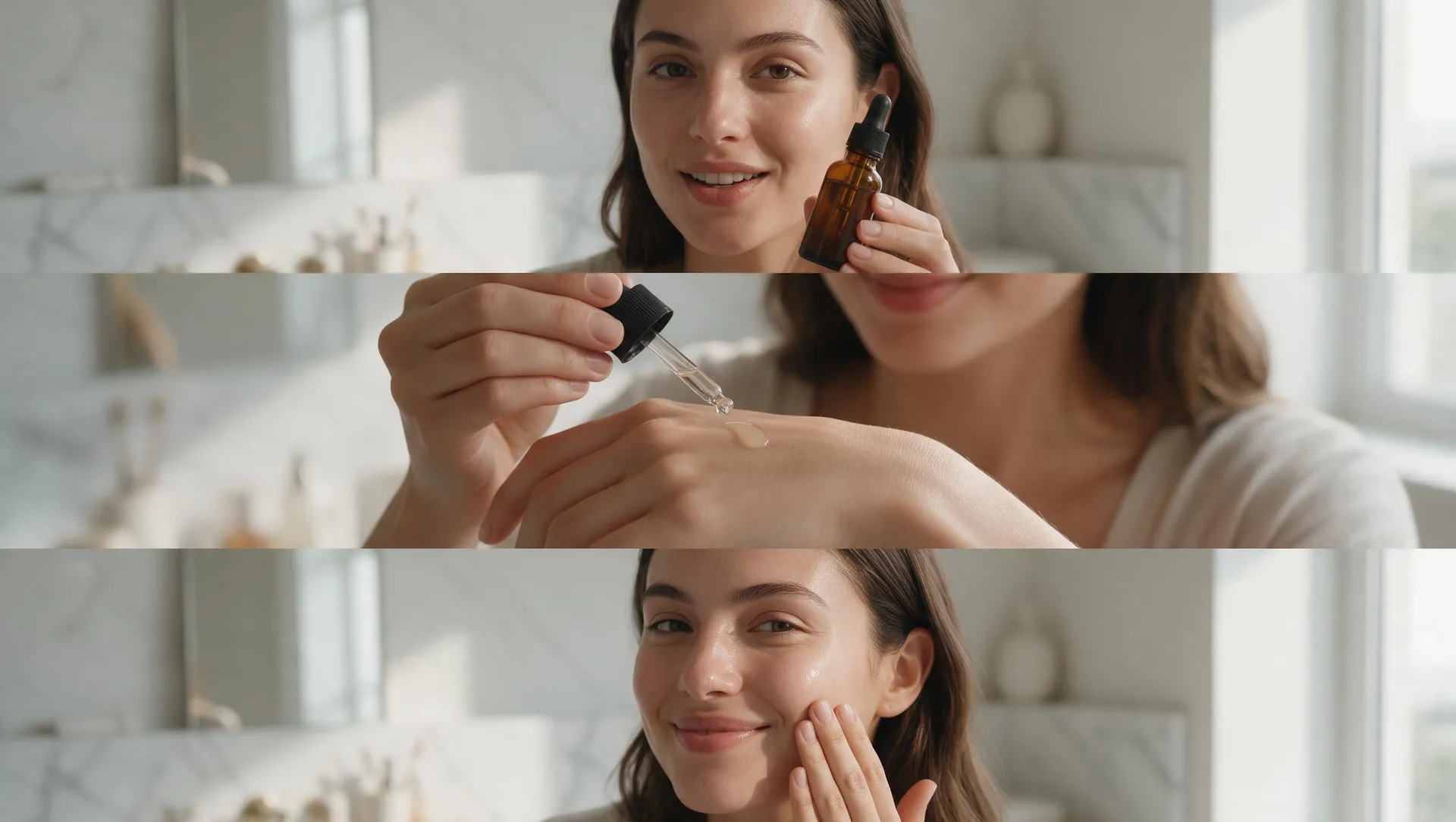
4. Generate the opening and animate it
Create the first shot, refine the details, then turn it into a short vertical video.
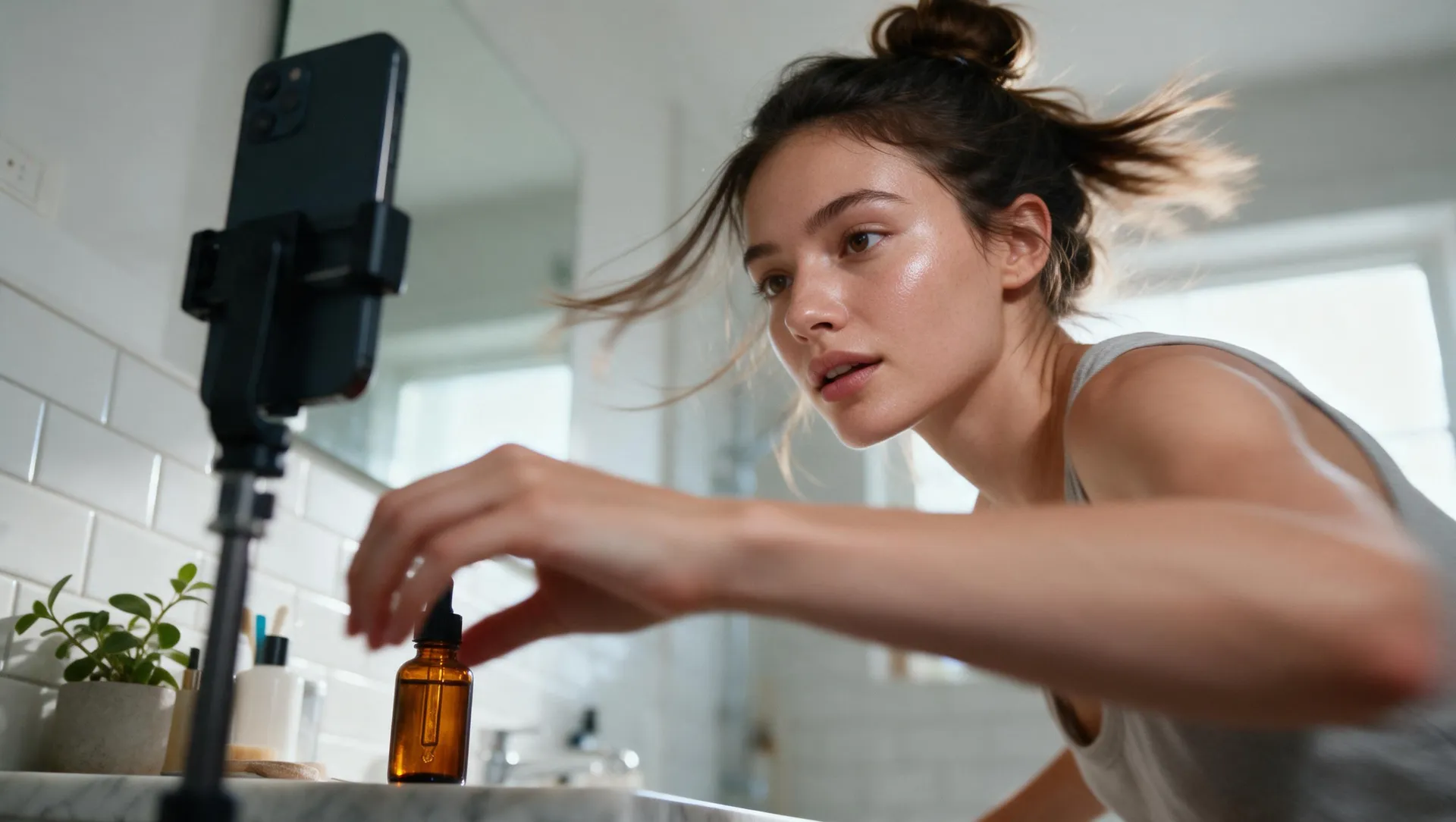
5. Add voice and make variations
Write a concise script, choose the delivery, and test new hooks or settings without rebuilding the entire concept.
From angle to finished vertical video
Five steps, one workspace. Generate the opening frame, animate it, add the script, and keep the variations coming.
Use a clear 15-second structure
0 to 3 seconds: Hook
Show the problem, outcome, or surprising product moment immediately.
3 to 7 seconds: Context
Explain why this matters to the person in the scene.
7 to 12 seconds: Product proof
Demonstrate the feature, texture, workflow, or result.
12 to 15 seconds: Next step
End with one clear action and keep the product visible.
Create UGC-style ads for what you sell
Test hooks without recreating the whole ad
Keep the product, offer, and core scene. Change one variable:
- the first line
- the opening visual
- the creator context
- the demonstration
- the voice delivery
- the final action
This creates variations that answer a real creative question. For polished campaign assets beyond creator-style video, use the AI Ad Generator. For platform-native paid social across every feed, use the AI Social Media Ad Generator.
Keep creator-style ads honest
Do not present a fictional AI character as a real customer. Avoid invented testimonials, results, endorsements, and claims. Review the disclosure and advertising requirements for the market and platform where the ad will run.
Creator-style describes the format. It should not misrepresent who created the content or what the product can do.
Create the hook. Show the product. Test the next version.
Start with one product or offer. Build a creator-style ad and generate the variations your campaign needs.
Frequently asked questions
It is a tool for creating creator-style advertising concepts and videos from text, product images, app screens, visual references, and scripts.
UGC is created by a real user or customer. UGC-style content uses similar direct visual language but may be produced by a brand, studio, actor, or AI workflow.
Yes. You can create UGC-style concepts, scenes, voiceovers, and short videos without a new creator shoot. Do not describe synthetic content as a real customer testimonial.
Yes. Create vertical videos and adapt the hook, pacing, crop, and safe areas for the placement.
Yes. Upload the product, place it in a believable creator setting, and animate the strongest image.
Yes. Focus on a recognizable user problem, a clear interface or feature moment, and the practical outcome.
Yes. Turn a short script into speech and adjust the wording or delivery for new versions.
Outputs created on a paid getimg.ai plan can be used commercially, subject to the current terms. You remain responsible for claims, rights, disclosures, and ad-platform rules.