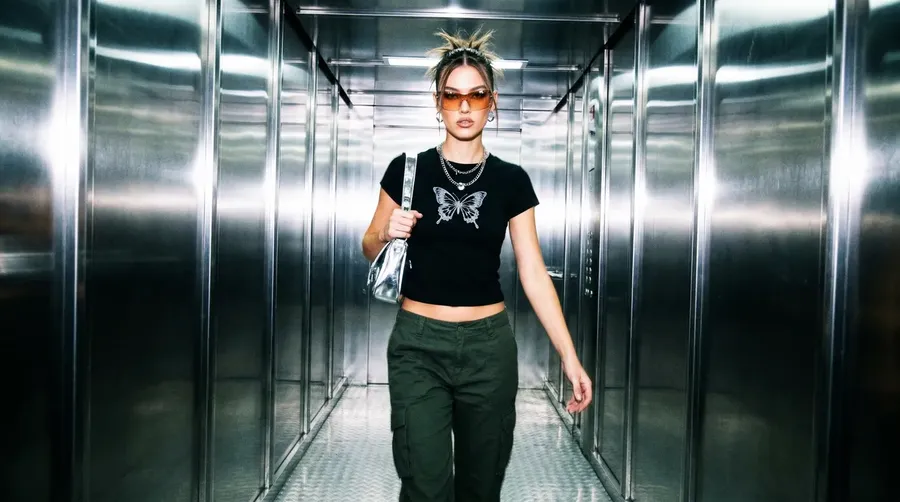
AI Creative Platform for Marketing Teams
Create ad concepts, campaign visuals, social assets, short videos, voiceovers, and music in one connected creative workflow.
Multiple leading image, video, and audio models in one workspace.
One workflow. One subscription. Choose the model that fits the campaign asset.


From One Campaign Brief to a Full Asset Pack
A campaign brief is never one asset. It is a pack: ad concepts, campaign visuals, a version for every channel, a product video, and the audio that finishes it.
Start from the brief, not from tool setup
Describe the campaign the way you already write it: product, audience, message, brand constraints, channels. Set the prompt, add a reference, pick the aspect ratio, and generate the first direction. Nothing here asks you to learn a production pipeline before you get something concrete to react to.
Prompt
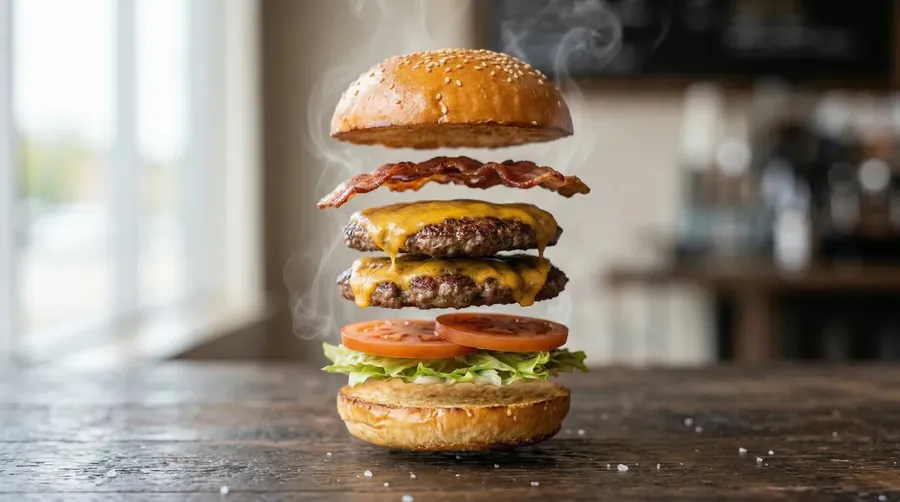
First Frame
Last Frame
Different models for different creative tasks
Use Auto mode when you want automatic model selection, or choose a model manually when a campaign needs a specific balance of realism, text rendering, prompt following, editing, motion, speed, or output resolution.
Auto selection

Nano Banana 2
Strong text rendering and photoreal product detail for ad creatives.

Seedance 2.5
Cinematic camera moves and longer clips for campaign video.
Image, video, and audio in one workspace
Campaign production rarely stops at one asset. Generate the still, adapt it for each placement, turn the approved frame into video, then add a voiceover or a music bed without exporting into another tool.
One Brief, One Campaign Pack
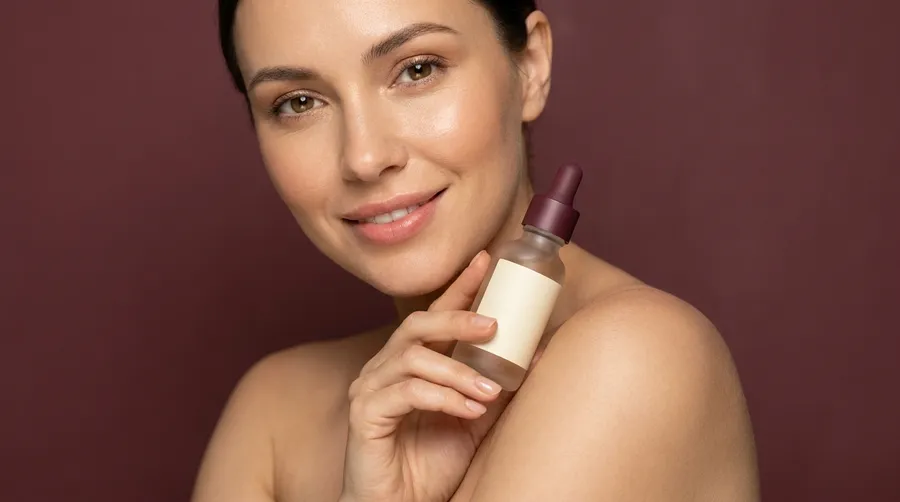
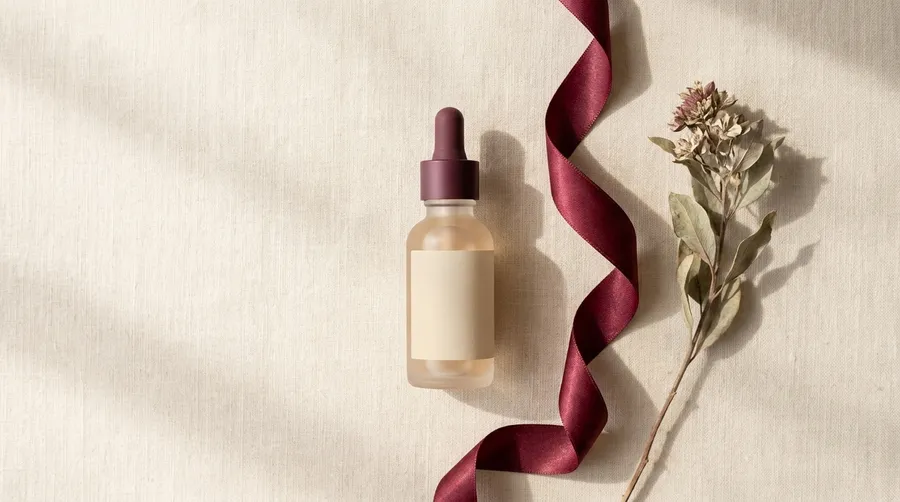
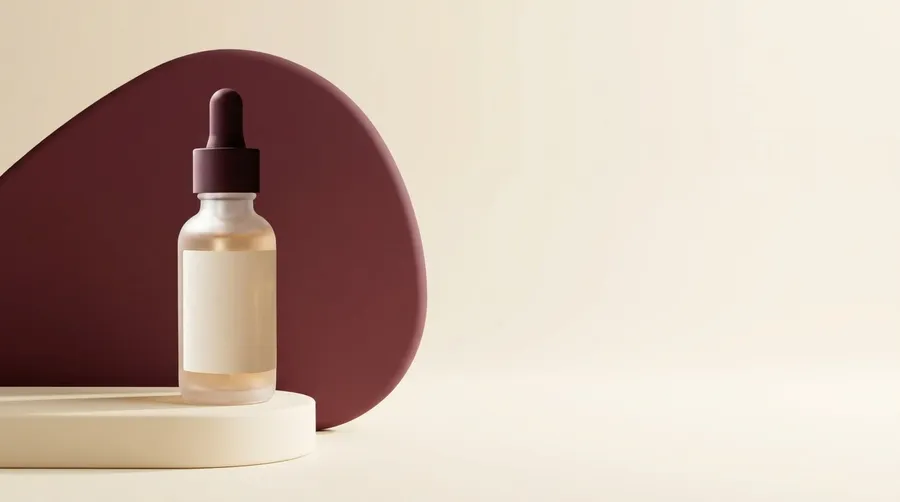
The brief below runs through the rest of this page: a premium hydrating serum launch for women aged 25 to 40, warm minimalism, cream and burgundy, premium but approachable.
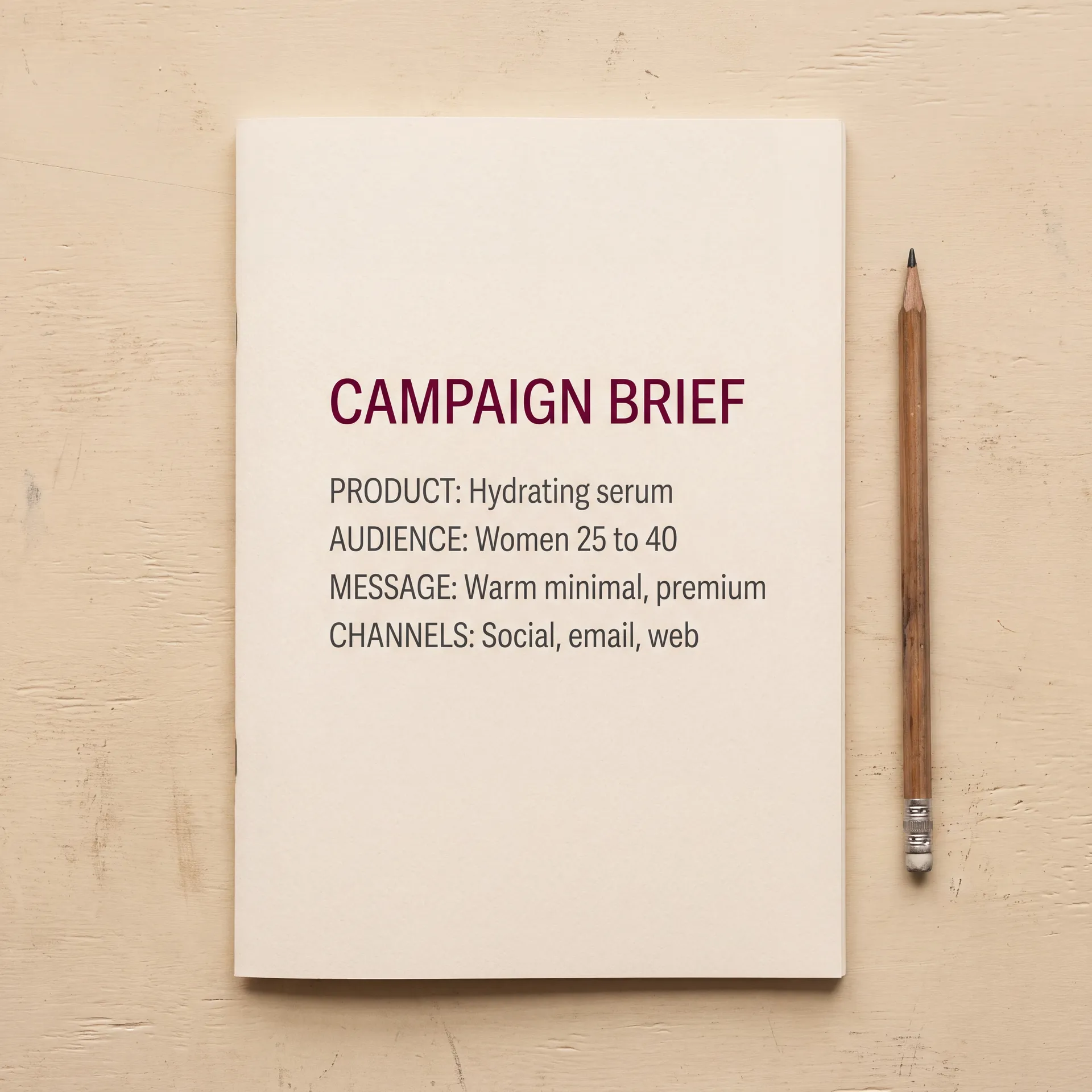
The brief
Premium hydrating serum. Women aged 25 to 40. Warm minimalism, cream and burgundy, premium but approachable.
The deliverables
Paid social, Stories, a landing hero, an email creative, and a product video. Five placements, one direction.
The production
Generate the hero visual, save the product as an Element, then build every other asset from the approved direction instead of starting over.
The adaptation
Resize the approved concept for each placement, generate the ad copy into the creative, and finish the video with a voiceover or a music bed.

Five Stages, One Campaign Workflow
Campaign production usually breaks between stages, not inside them. This is the shape of the workflow getimg.ai is built around.
1. Brief
Product, audience, message, brand constraints, and the channels the campaign has to run on.
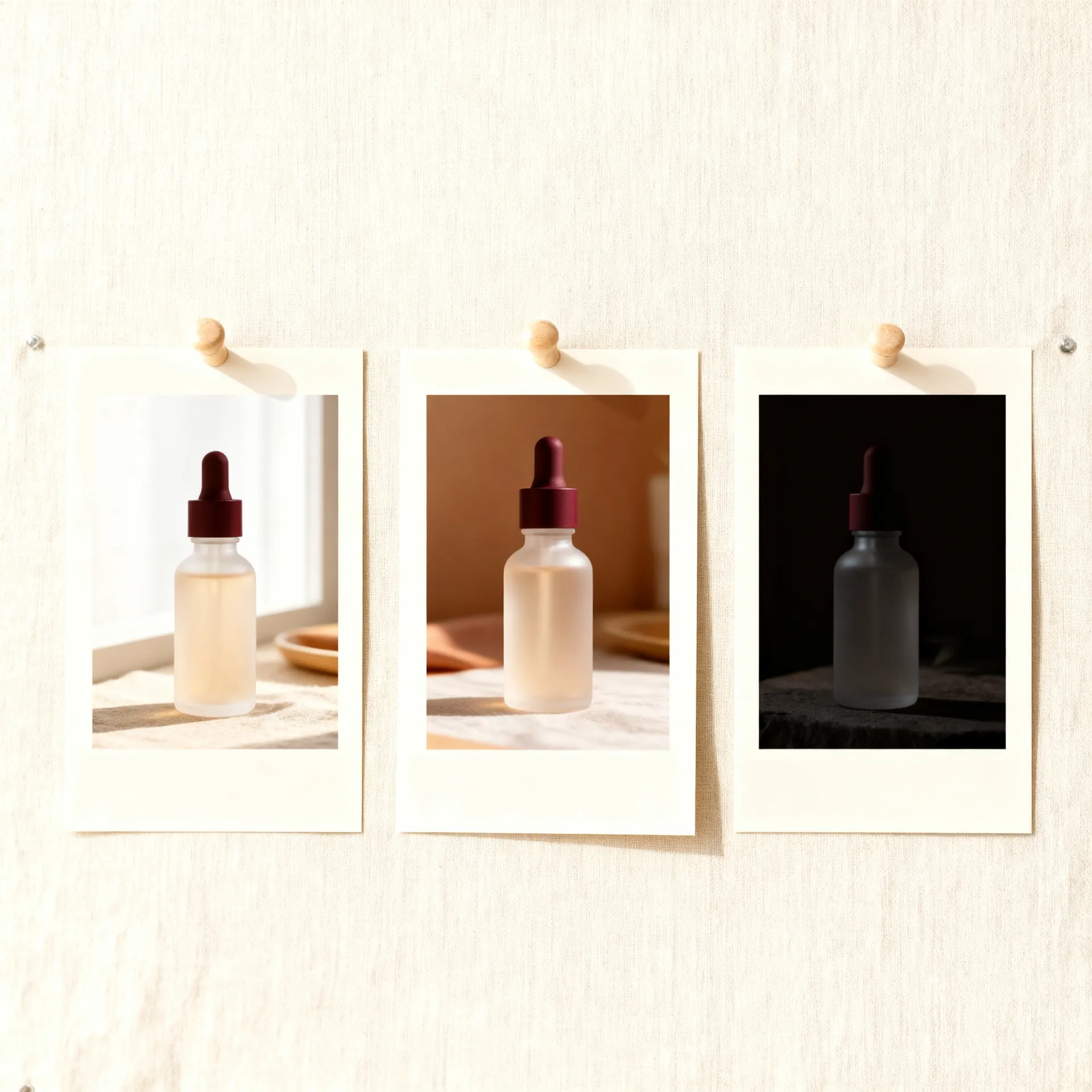
2. Concept
Explore several creative directions from the same brief before committing to one.
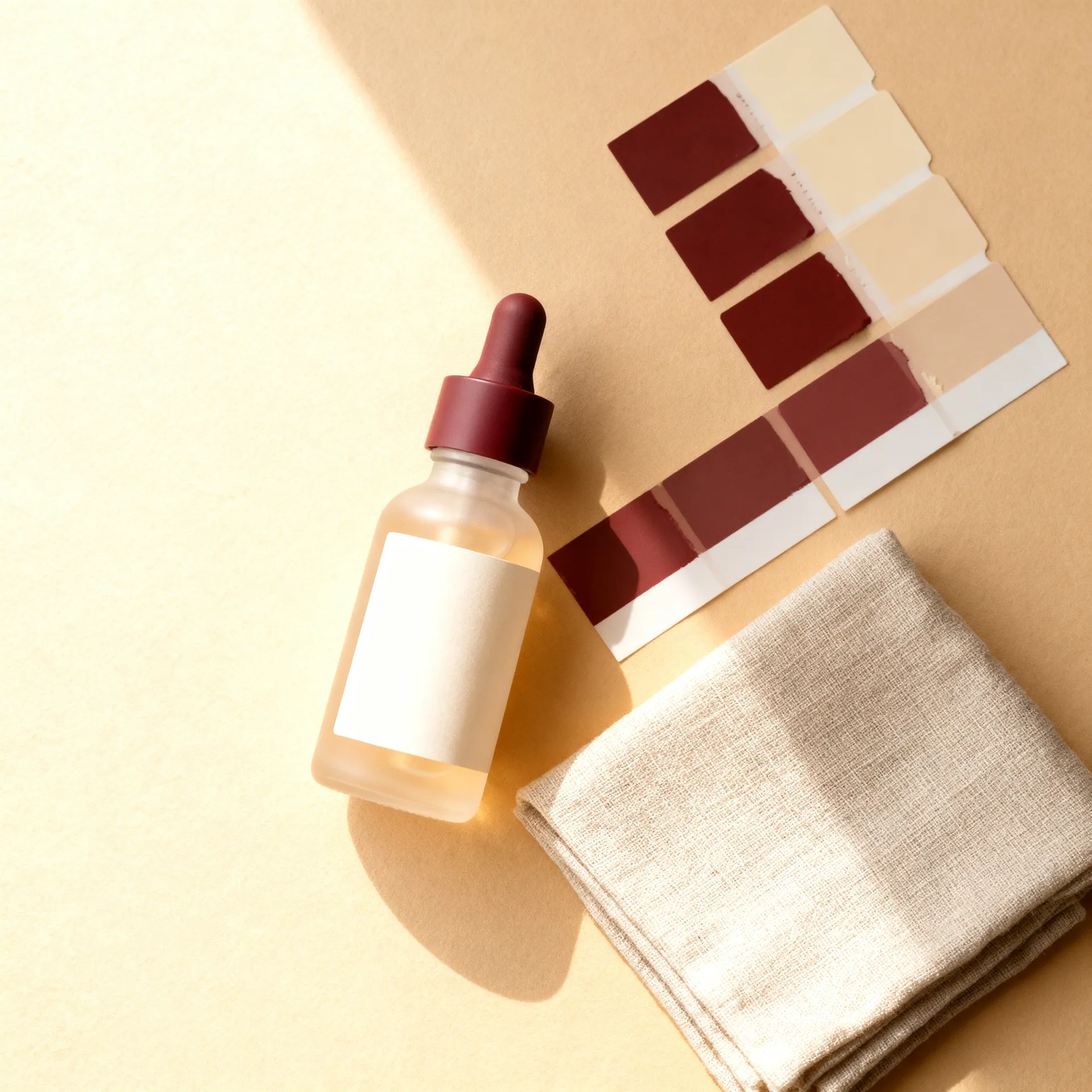
3. On-brand production
Pick a direction, save the product and style as Elements, and use them to guide the next assets.
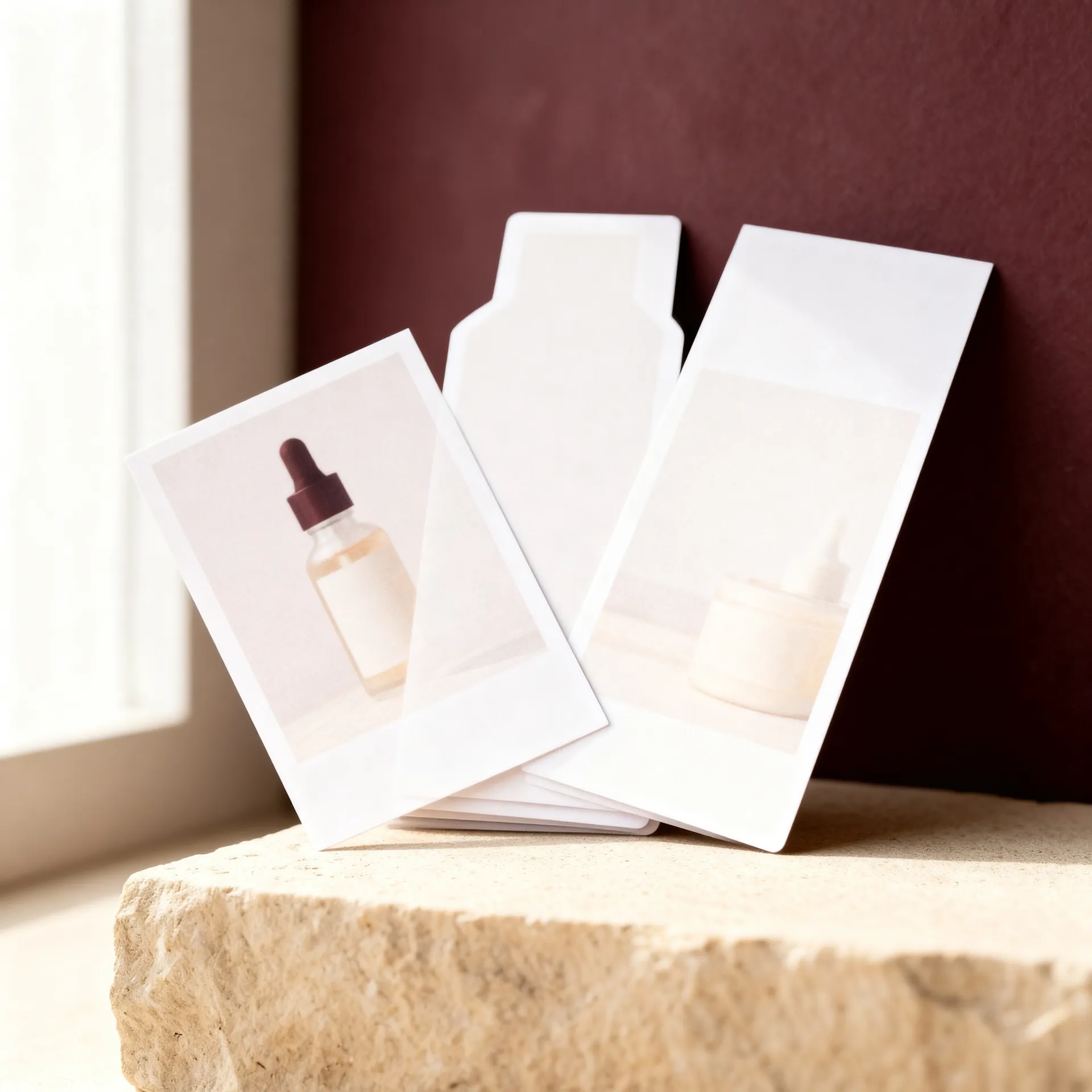
4. Channel adaptation
Rebuild the approved concept for every aspect ratio and placement the campaign needs.
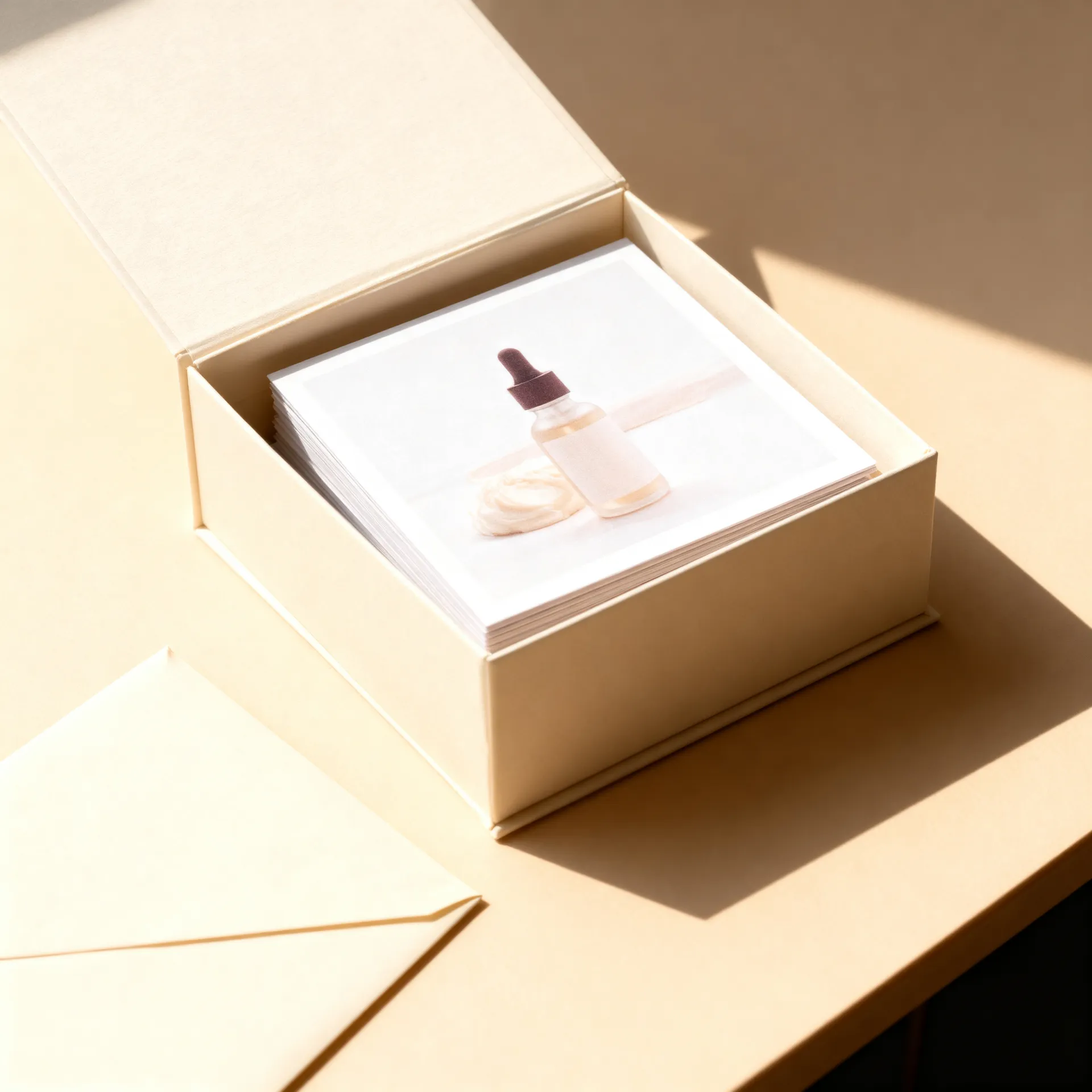
5. Delivery
Upscale to final resolution, review the details, and export the pack.
Build a Reusable Brand Visual System
Consistency is the hardest part of campaign production. Elements help. Save a product, a style, a colour palette, or a lighting setup once, then call it into any prompt with @Product, @BrandStyle, @BrandColors, or @Lighting.
Reuse brand references to help maintain a more recognizable visual direction across campaign assets. Combine several Elements in one prompt, and add a one-off reference image when a single asset needs different framing or a different setting.
Elements work in image generation and in video models that accept reference images. On other video models, guide the clip with First Frame or Last Frame. For audio, direction comes from the prompt, the voice, and the music description.
Treat this as guidance, not a guarantee. Review every asset against your approved brand references before it goes live.
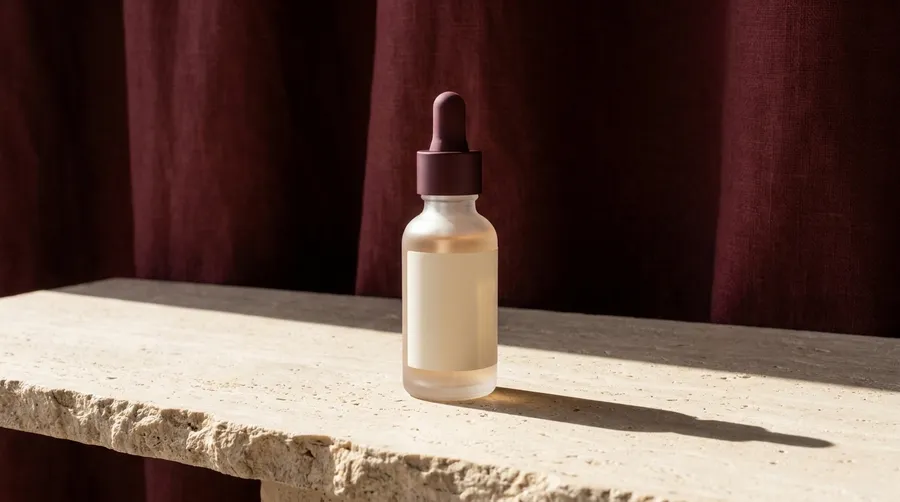

@Product on a travertine ledge with a burgundy linen drape behind it, hard morning light
Create Structured Creative Variants
Volume is not the hard part. Comparable volume is. Change one variable at a time and the test tells you something you can act on.
Hook: benefit-first or problem-first. Visual: studio or lifestyle. Tone: premium or playful. Composition: product close-up or human context. Background: light or dark. CTA area: top or bottom.
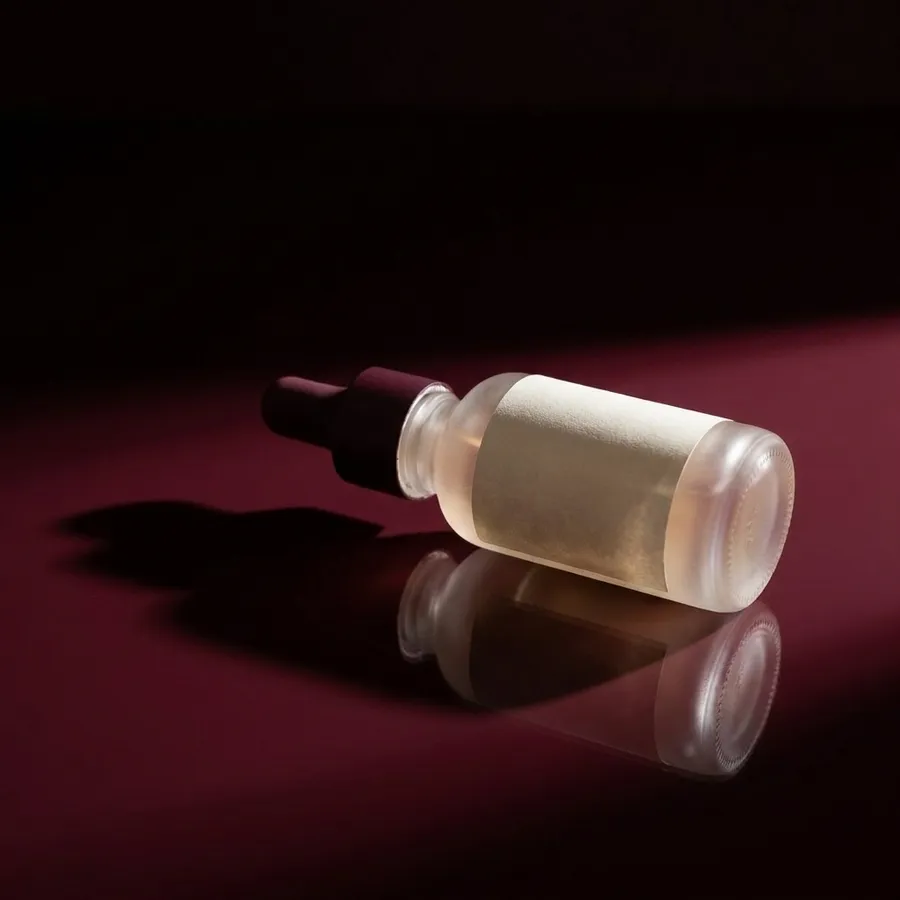
The four creatives below hold the product and the palette steady and move two variables: studio or lifestyle, light or dark. Nothing else changes, so the result of a test is readable.
Generate variants for testing, then use actual campaign performance data to decide what works.


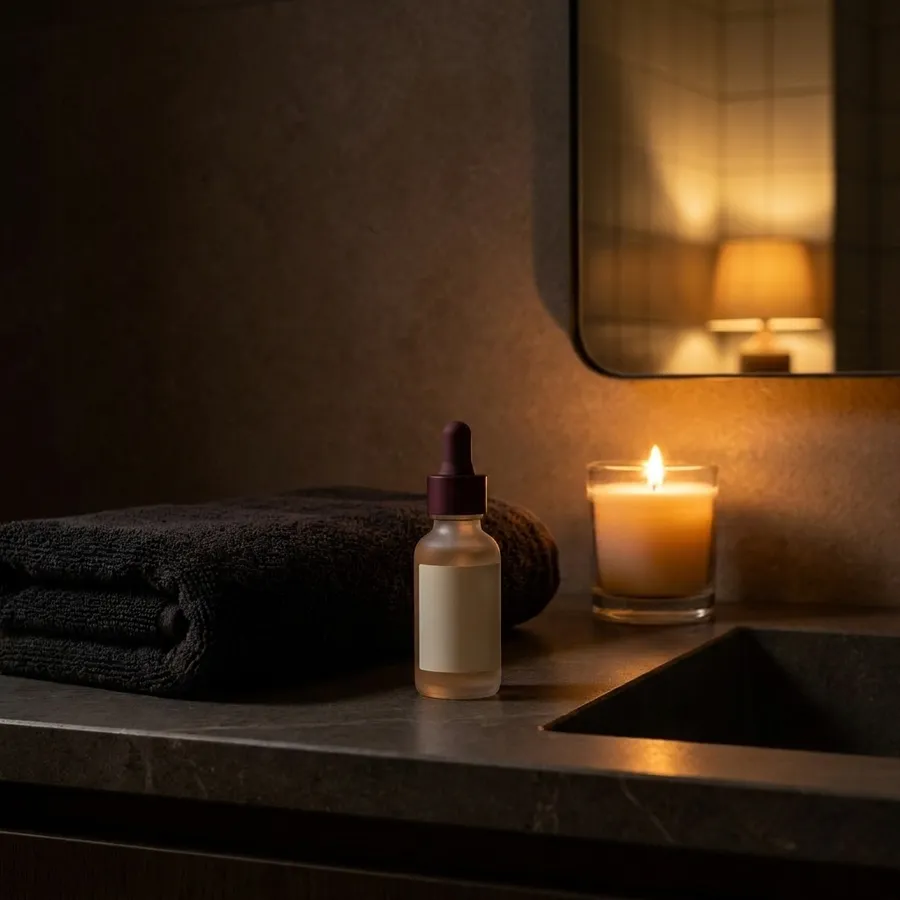
Adapt One Approved Direction Across Channels
One idea has to land as a landing hero, a paid social creative, a feed post, a Story, and a web banner. Smart Resize regenerates the composition at the new aspect ratio. Outpainting keeps the original pixels and extends the canvas.
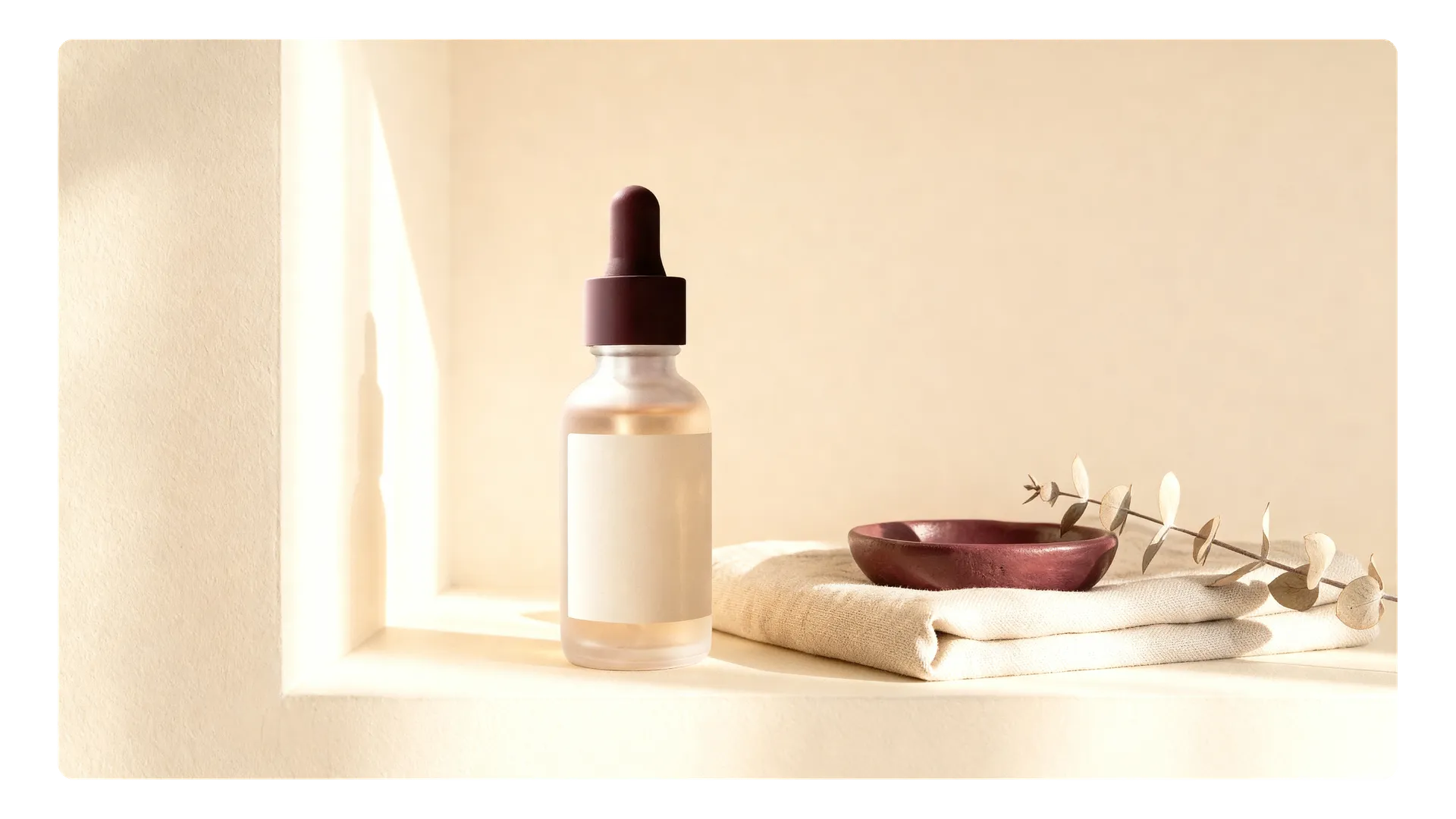
Create Ad Concepts with Text
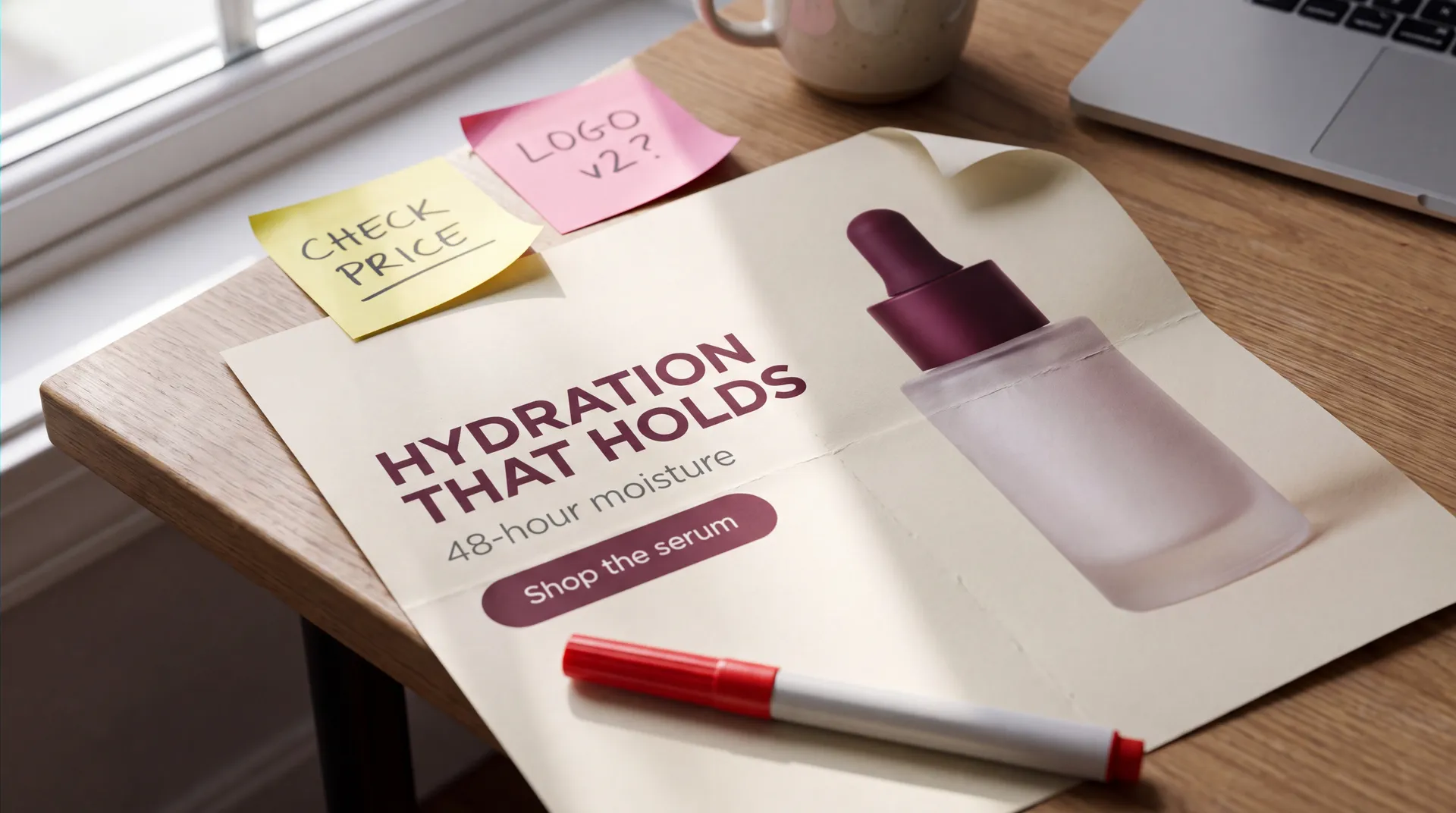
Marketing assets usually carry copy: a headline, a price, an offer, a product name, a call to action. Describe the layout and the wording in the prompt and generate the whole creative in one pass.
For example:
“cream background, serum on the right, HYDRATION THAT HOLDS headline on the left, burgundy Shop the serum button”
“burgundy background, product centred, NEW SERUM above, cream Shop now button below”
“wide banner, LAUNCH OFFER headline, Save 20% this week subline, burgundy call to action”
Then check it. Spelling, prices, percentages, dates, product names, disclaimers, and legal copy all need verifying before publishing. Text rendering keeps getting better, but a model is not a source of truth for any of those.
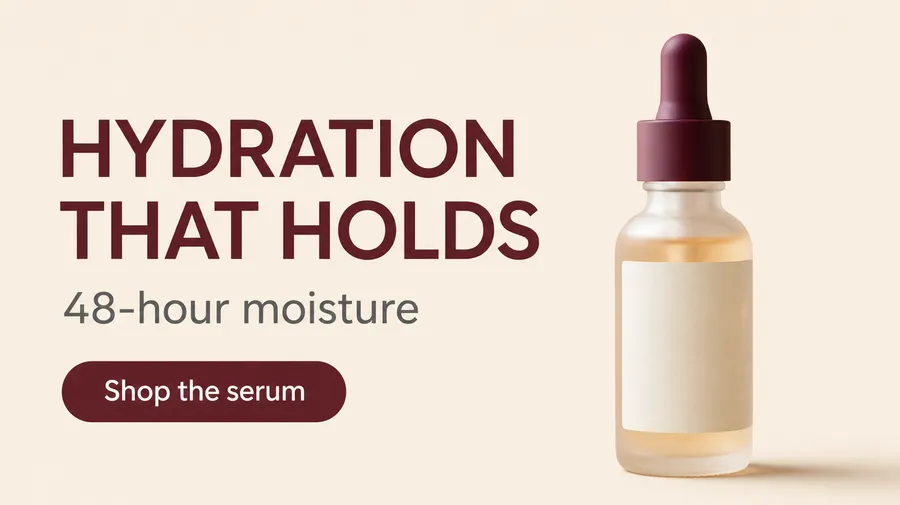


Turn an Approved Image into Video
When a still already works, there is no reason to start the video from zero. Use it as the First Frame and animate from there, so the product, the lighting, and the framing stay close to what was signed off.
First Frame, Last Frame, and reference images are available on supported video models. Duration, resolution, and native audio also vary by model, so check the current Video Models Guide before building a workflow around a specific capability.
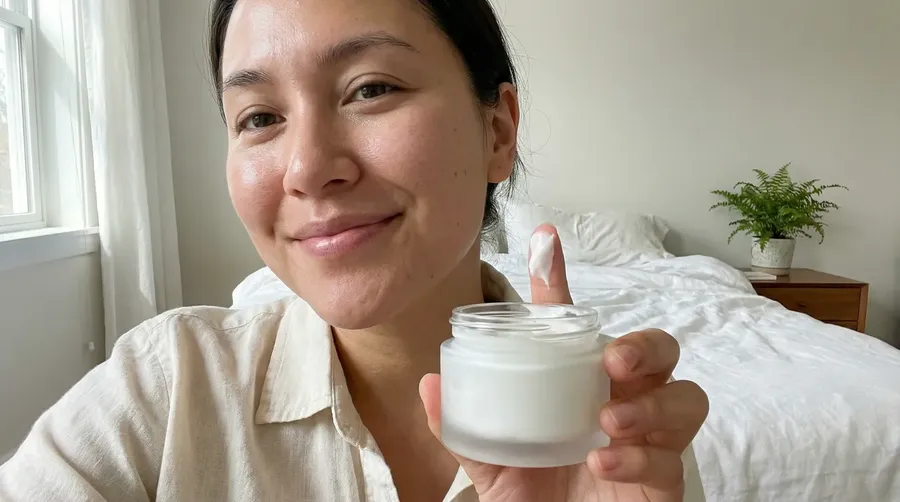
create review video, woman saying "this texture is so incredibly smooth and hydrating"
Finish Video Campaigns with Audio
On supported video models, the same prompt can also guide dialogue, ambience, music, and sound effects. Other models generate silent video that you can pair with standalone speech, music, or sound effects inside getimg.ai.
- Native audio on supported video models
- Standalone voiceover from a written script
- Original music beds generated from a text description
- Sound effects for transitions and product moments
Turn approved scripts into downloadable AI voiceovers using available preset voices and inline delivery cues. For localized campaigns, bring translated scripts and review the pronunciation of brand names, numbers, and product terminology.
K-Pop
Polish Pop Duet Ballad
Company Explainer
Space Documentary
Run Campaigns in a Shared Workspace
Campaign assets scatter fast. Drafts in one tool, exports in another, feedback in chat, final files on somebody's desktop.
Teams give marketers one place to run a campaign together: a shared workspace, campaign folders, shared Elements, and visibility over who created what. Public and private Teams, roles, spaces, and billing are covered on the Teams page.
- Organise assets in folders per campaign or client
- Share Elements so everyone works from the same brand references
- See the generations your teammates created
- Hand off without hunting for the latest version
Review Before Publishing
AI speeds up production. It does not take over approval. Before a campaign asset ships, check it the way you would check any other creative.
Commercial Usage Rights on Paid Plans
Paid plans include commercial usage rights for eligible generated content under our terms. Brand assets, uploaded materials, third-party IP, trademarks, and copyright considerations still need to be reviewed for the final campaign.
Where to Go Next
Frequently Asked Questions
Marketing is the campaign production system. Social is the platform-native content system.
Use this workflow when you start from a campaign brief and need a full asset pack: ad concepts, campaign visuals, channel versions, video, and audio. Use AI for Social Media when the job is platform-native content, posting formats, and cadence for a specific network.
Product and catalogue production has its own page, and so does team collaboration. This one stays focused on getting a campaign from brief to finished assets.
Up to a point, and the point matters.
Save the product, the style, the colour palette, or the lighting as Elements, then call them into prompts with @ElementName. Add a one-off reference image when a single asset needs different framing or a different setting.
This helps maintain a more recognizable visual direction across campaign assets, in images and in clips made with video models that accept reference images. It does not guarantee pixel-perfect fidelity.
For video, guide the clip with First Frame, Last Frame, or supported reference images instead. For audio, direction comes from the prompt, the voice, and the music description.
Yes. Upload your product photos, save them as a Product Element, and reuse that Element across backgrounds, scenes, and formats.
Generative edits can still change details, so compare the output against the real product before publishing. That check belongs inside the workflow, not after it.
For catalogue-scale product work, packshots, colour variants, and marketplace assets, the AI for E-Commerce page goes deeper.
Yes, and the useful way to do it is to change one variable at a time.
Hold the product, the palette, and the offer steady, then move hook, visual style, tone, composition, background, or CTA placement. That gives you creatives you can actually compare.
Generate variants for testing, then use actual campaign performance data to decide what works. The platform gives you supply, not a verdict.
Yes, and it is usually the better path when a still already works.
Use the approved image as the First Frame and generate video from it, so the product, the lighting, and the framing stay close to what was signed off. First Frame, Last Frame, and reference images are available on supported models.
Duration, resolution, and native audio also vary by model. Check the current Video Models Guide before locking a workflow around a specific capability.
No. On supported video models, the same prompt can also guide dialogue, ambience, music, and sound effects.
Other models generate silent video. For those, pair the clip with standalone speech, music, or sound effects generated inside getimg.ai.
Yes. Teams share one workspace, so everyone sees the same generations, the same campaign folders, and the same shared Elements.
Campaign folders keep assets grouped by initiative, and shared Elements keep brand references consistent across the team. Roles, spaces, and billing are covered on the Teams page.
Paid plans include commercial usage rights for eligible generated content under our terms. That covers campaigns, ads, e-commerce assets, and client work. Brand assets, uploaded materials, third-party IP, trademarks, and copyright considerations still need to be reviewed for the final campaign.
Yes. Smart Resize regenerates the image at the new aspect ratio, so the composition stays close to the original but the render is fresh. Outpainting keeps the original pixels and extends the canvas outward.
Pick Smart Resize when the subject has to move for the new shape, and Outpainting when the approved crop has to stay exactly as it is.
Yes. Prompts work in 20+ languages, so teams can brief in the language they actually work in.
For voiceover, bring the translated script and generate speech from it. The output language follows the language of the script you write. Review the pronunciation of brand names, numbers, and product terminology before anything ships.
Go From Campaign Brief to Finished Assets
Write the brief, generate the first direction, save what works as a reusable reference, and build the rest of the pack around it. Image, video, and audio stay in one workspace.