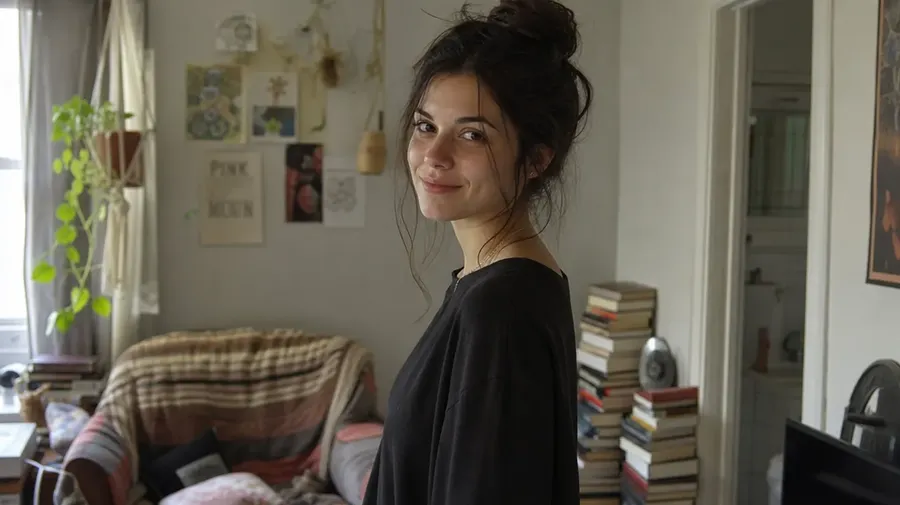
AI for Photographers: Edit, Retouch & Enhance Photos
Upload a photo and use AI to remove distractions, retouch portraits, replace backgrounds, explore lighting and styling changes, create client variations, resize formats and upscale selected images. Your original file stays where it is: every edit comes back as a separate version.
Leading AI models in one photography workflow.
Auto mode selects a model based on your prompt. You can also pick a specific model yourself when you want more control.


What You Can Do With an Existing Photo
Four kinds of edit, one workflow. Three of them are below: clean up what distracts, make a generative change, restore and enhance. The fourth, expanding one photo into new deliverables, has its own section further down. The difference matters: a cleanup keeps the scene you shot, a generative change creates a new interpretation of it.
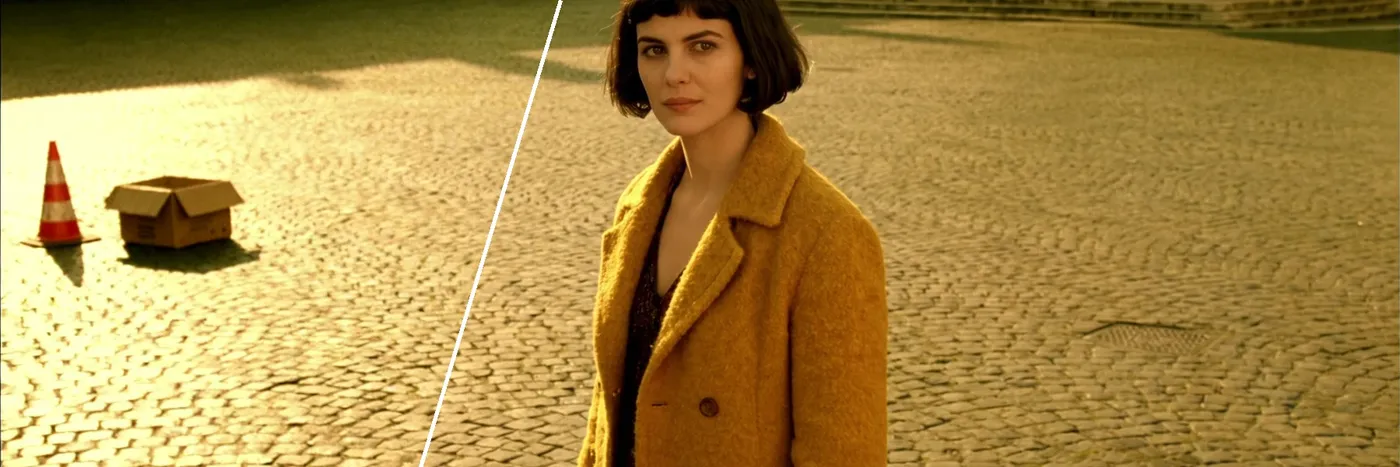
Clean up: remove distractions
Delete photobombers, cables, bins, signage or background clutter. The area behind them is generatively rebuilt, so review the repaired patch at full size.
-900x300.webp)
Clean up: retouch skin and glare
Reduce blemishes, redness, stray hairs and reflections on glasses while keeping pores and real skin texture.
-900x300.webp)
Generative change: replace the location
Move a subject from a studio to a beach, a rooftop, a forest or an interior, and ask the model to match the light direction.
-900x300.webp)
Generative change: restyle hair and wardrobe
Try different clothing, colours, hairstyles or accessories as concepts, without booking a reshoot.
-900x300.webp)
Generative change: explore lighting
Turn flat light into directional, golden-hour or dramatic lighting, and compare several directions side by side.
-900x300.webp)
Generative change: explore colour-grading directions
Try cinematic, editorial or film looks on a frame to find a direction. The final, repeatable grade still belongs in your usual tools.
-900x300.webp)
Restore and enhance: repair old photos
Remove scratches, stains and creases, and colourise black-and-white prints. Reconstructed detail is interpretation, not recovered data.
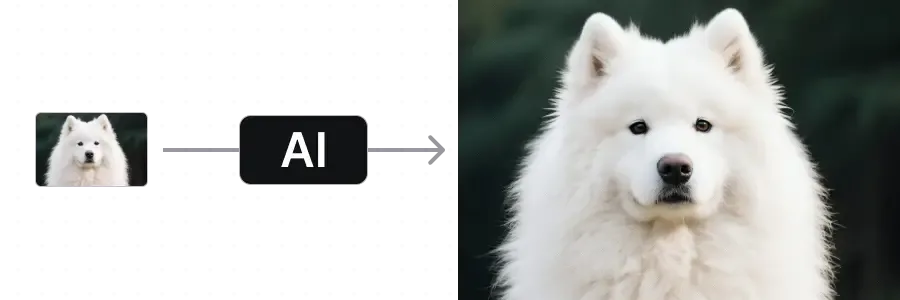
Restore and enhance: upscale for larger delivery
Increase resolution for bigger outputs. Creative upscalers add texture, so compare against the source before you deliver.
Built for the Way Photographers Actually Work
The parts under the hood that make editing feel less like fighting software and more like briefing a second pair of hands.
Auto mode picks a model for you
Photoreal portraits, reference-led composites, lifestyle scenes. Auto mode selects a model that suits the prompt, and you can override it whenever you want a specific one.
Models behind the edit

FLUX 3
Photoreal portraits and natural skin

Nano Banana 2.1
Reference-led composites and targeted edits
Up to 16 variations at once
Run one prompt and get a row of options. Compare multiple generated interpretations of the same edit direction side by side, then refine the strongest one.
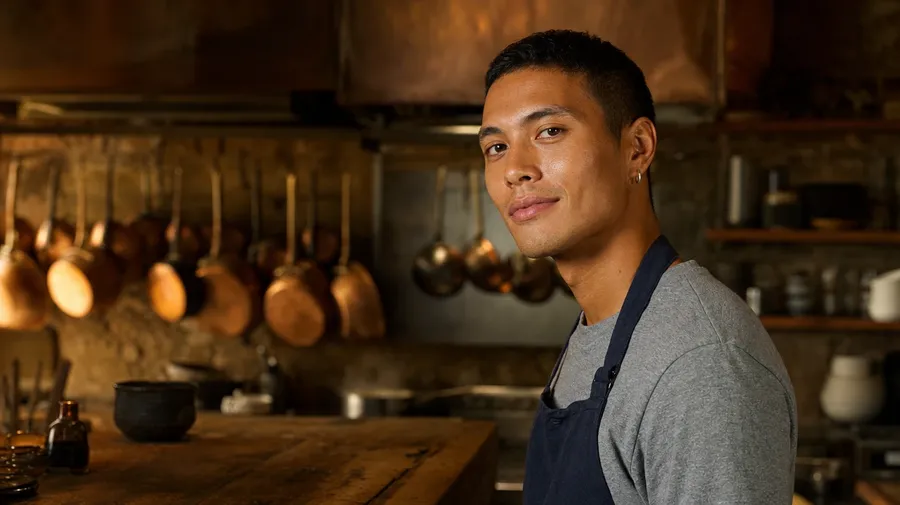
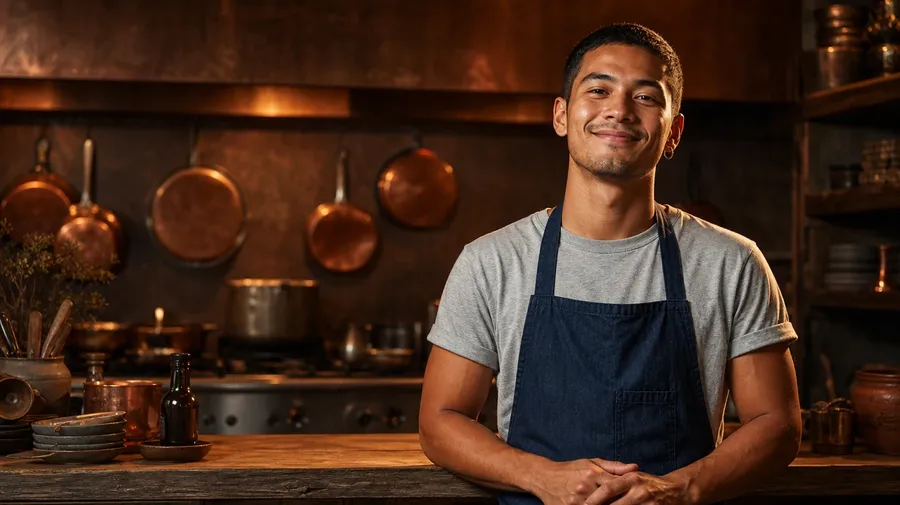
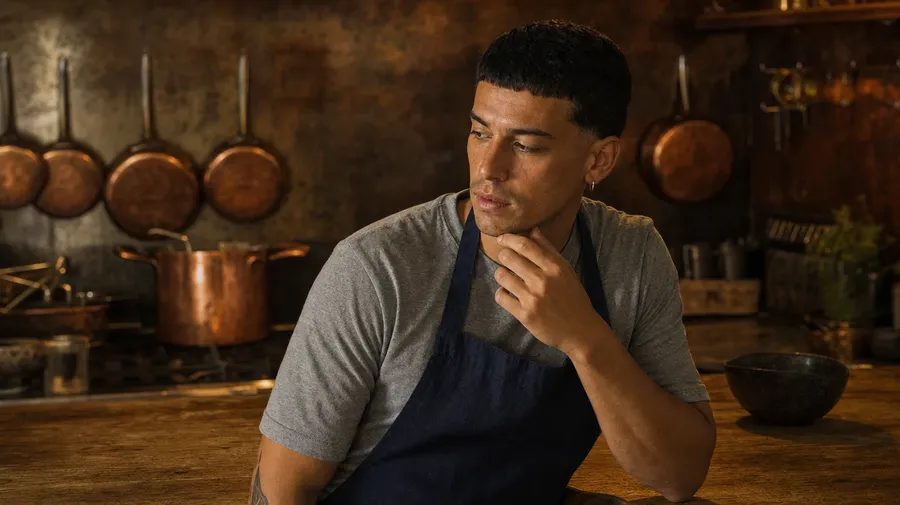
Guide with multiple reference images
Attach reference images to guide a face, a palette, a wardrobe or a location. How many a model takes varies, and the ones you reuse can be saved as Elements and called by name.
Upload an image
Edit
Download
Why Photographers Choose getimg.ai
A few things that make editing faster and client revisions less painful.
Describe the edit in plain language
No prompt syntax and no model settings to learn. Write the change the way you would say it to a retoucher.
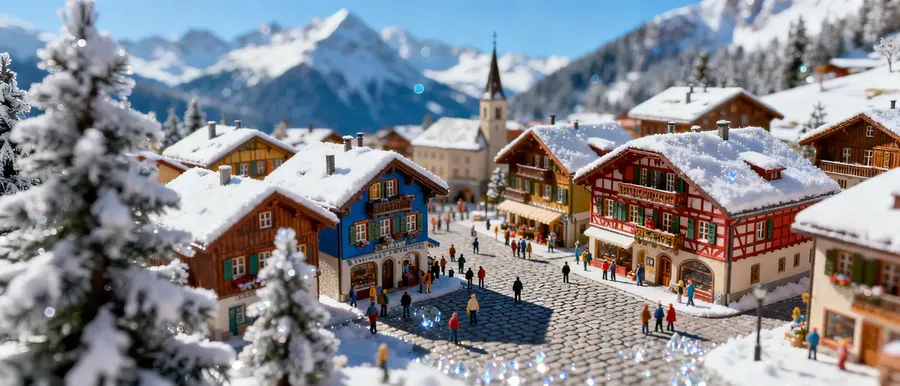
Built for photorealistic editing and generation
Models chosen to suit photographic aesthetics. Check skin, lighting, materials and fine details at full size before client delivery.
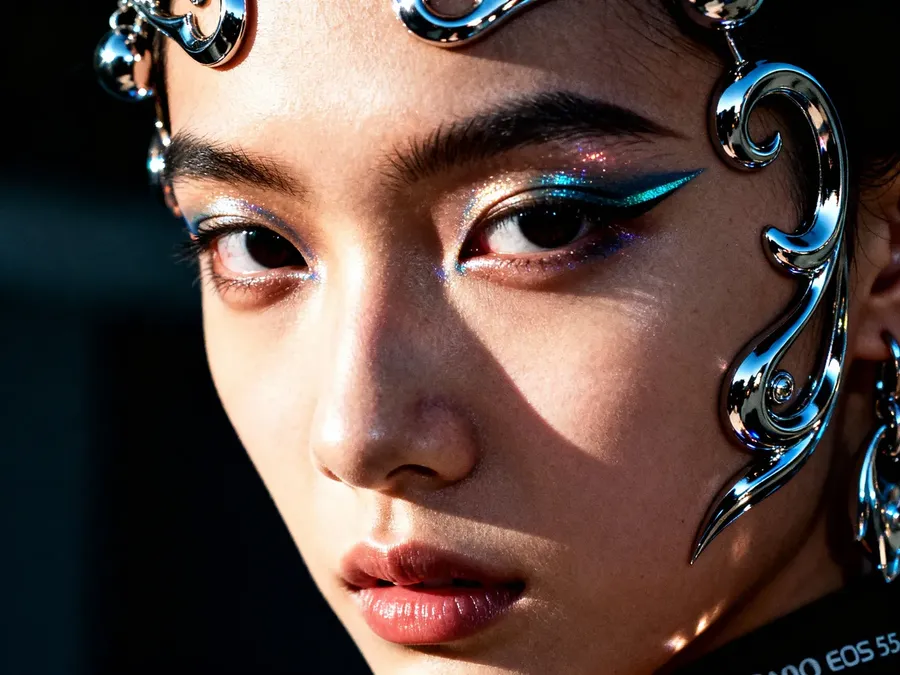
More deliverables from the same shoot
More variations, more formats, more concepts, without booking extra studio time.
-900x900.webp)
First edits in a single line
Photobombers, glare, stray objects, flat lighting. The small problems that normally mean opening Photoshop are often one prompt, then a review.
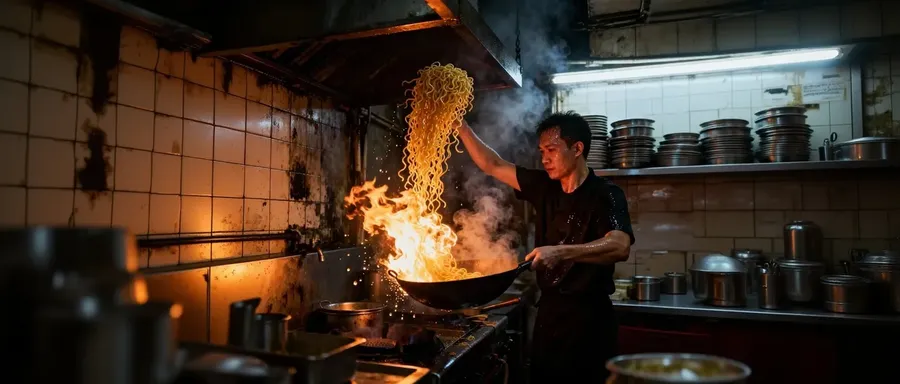
Generative Edit or Traditional Retouch?
Both belong in a photography workflow. Generative editing is for speed, variants and ideation. Traditional retouching is for exact, repeatable, calibrated work. Knowing which one a job needs is most of the skill.
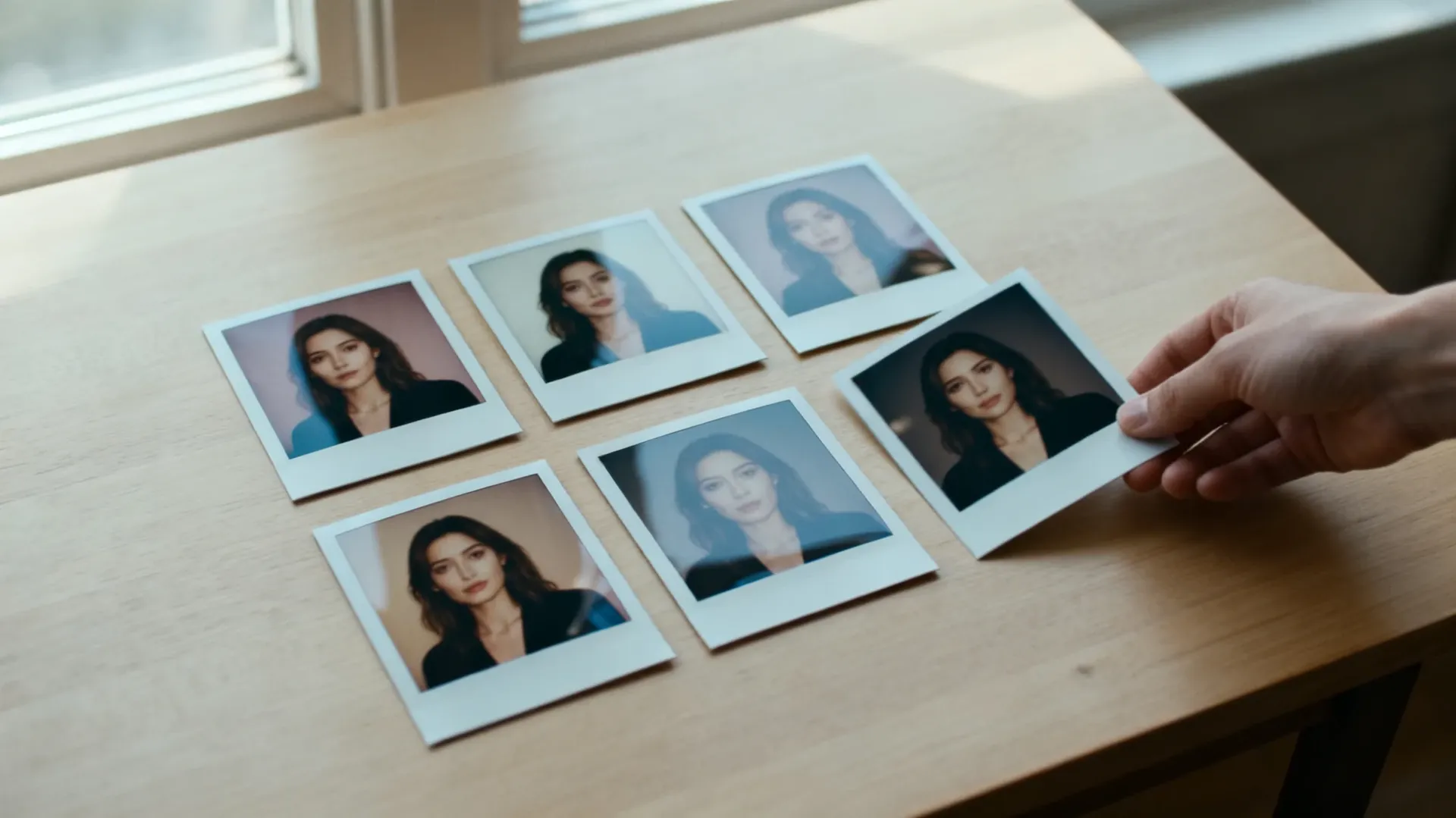
Generative edit (getimg.ai)
Fast variants and ideation
Generate several directions from one frame in minutes, then pick the one worth finishing.
Scene, styling and light replacement
Swap a location, a wardrobe, a season or a lighting direction without a reshoot.
Natural-language instructions, variable output
You describe the change and the model interprets it. Two runs of the same prompt will not match pixel for pixel.
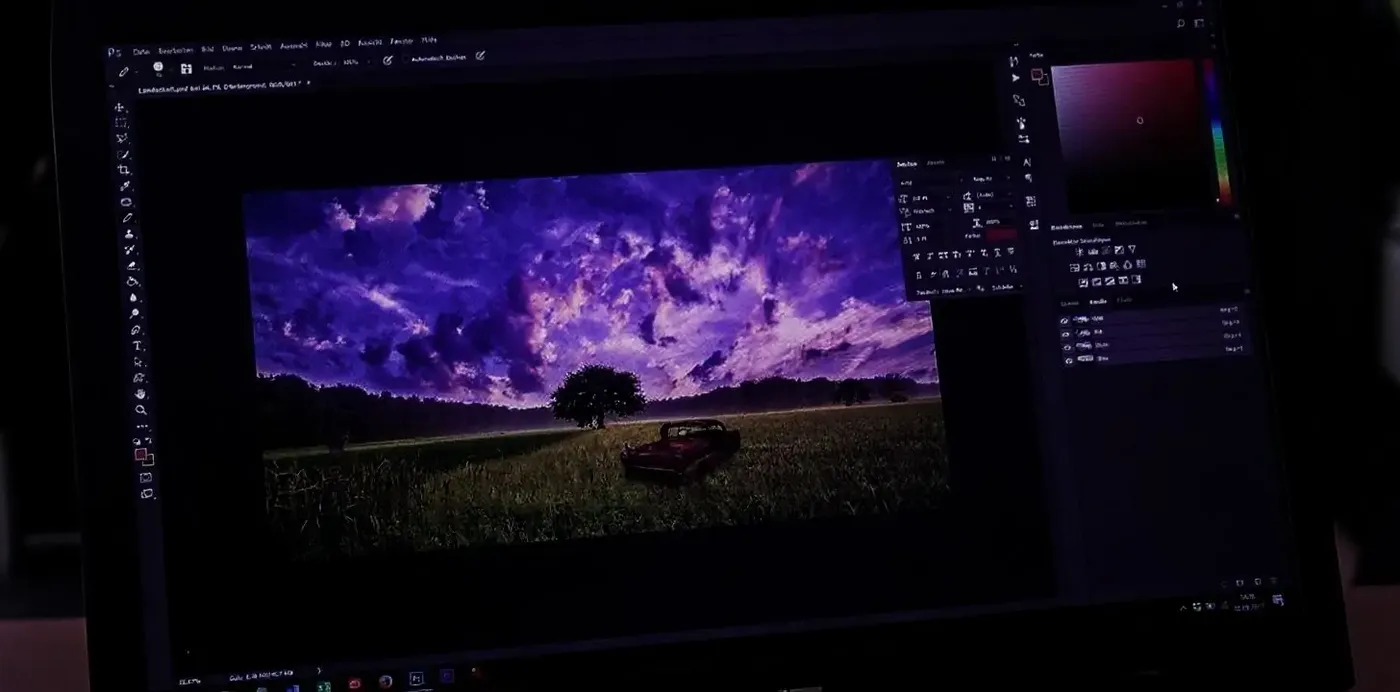
Traditional retouch (Lightroom, Capture One, Photoshop)
- RAW development from sensor data
- Calibrated, repeatable colour
- Lens and perspective corrections
- Precise white balance
- Deterministic tonal corrections
- Exact masks and selections
- Pixel-level control
- Catalogue and version management
- Final master retouch
- Soft proofing for print
Three Steps From an Existing Photo to an AI-Edited Version
No layers, no masks, no presets to manage. Your source file stays untouched: every edit comes back as a new version.
1. Upload your photo
Drop a portrait, packshot, wedding frame or travel photo into the prompt box. Standard web formats: JPEG, PNG and WebP. Camera RAW files need exporting first.
2. Describe the change in plain language
Write it the way you would brief a retoucher. "Remove the photobomber." "Make this golden hour." "Restyle the outfit for evening."
3. Review, refine, export
Generate up to 16 variations and compare them side by side. Refine the strongest with another short prompt, then export at full resolution and upscale if the delivery needs it.
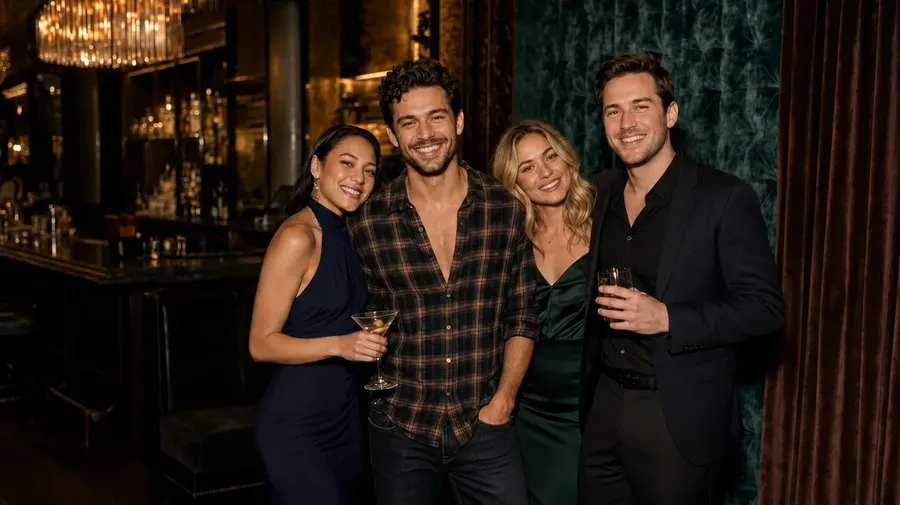
We Tested AI Editing on Five Real Photography Problems
Five jobs photographers actually get asked for, run inside getimg.ai with one prompt each. Every result below is the first output, not a best-of-ten. Drag each slider to compare, and read what changed that we did not ask for.
Portrait: subtle blemish cleanup
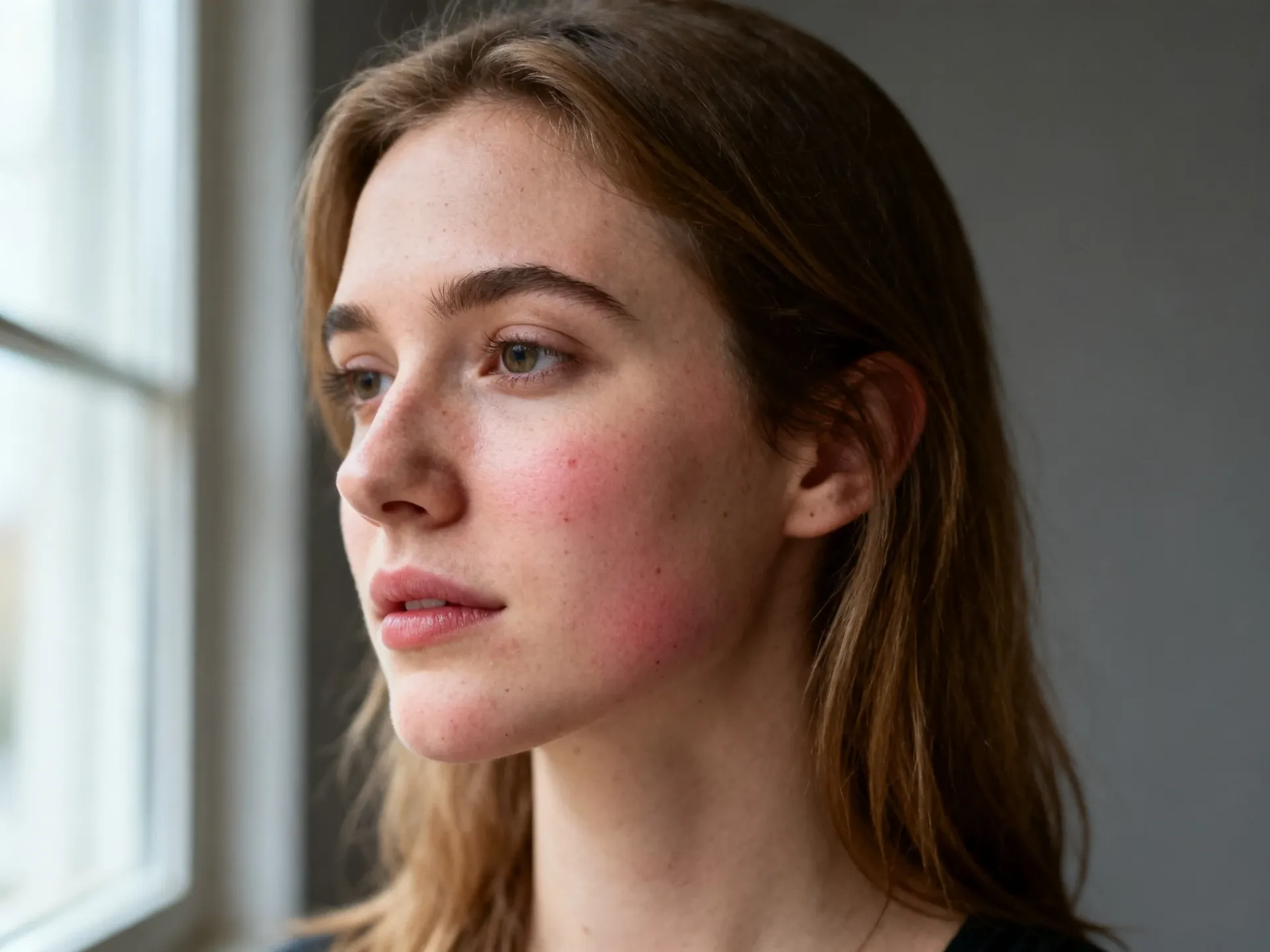
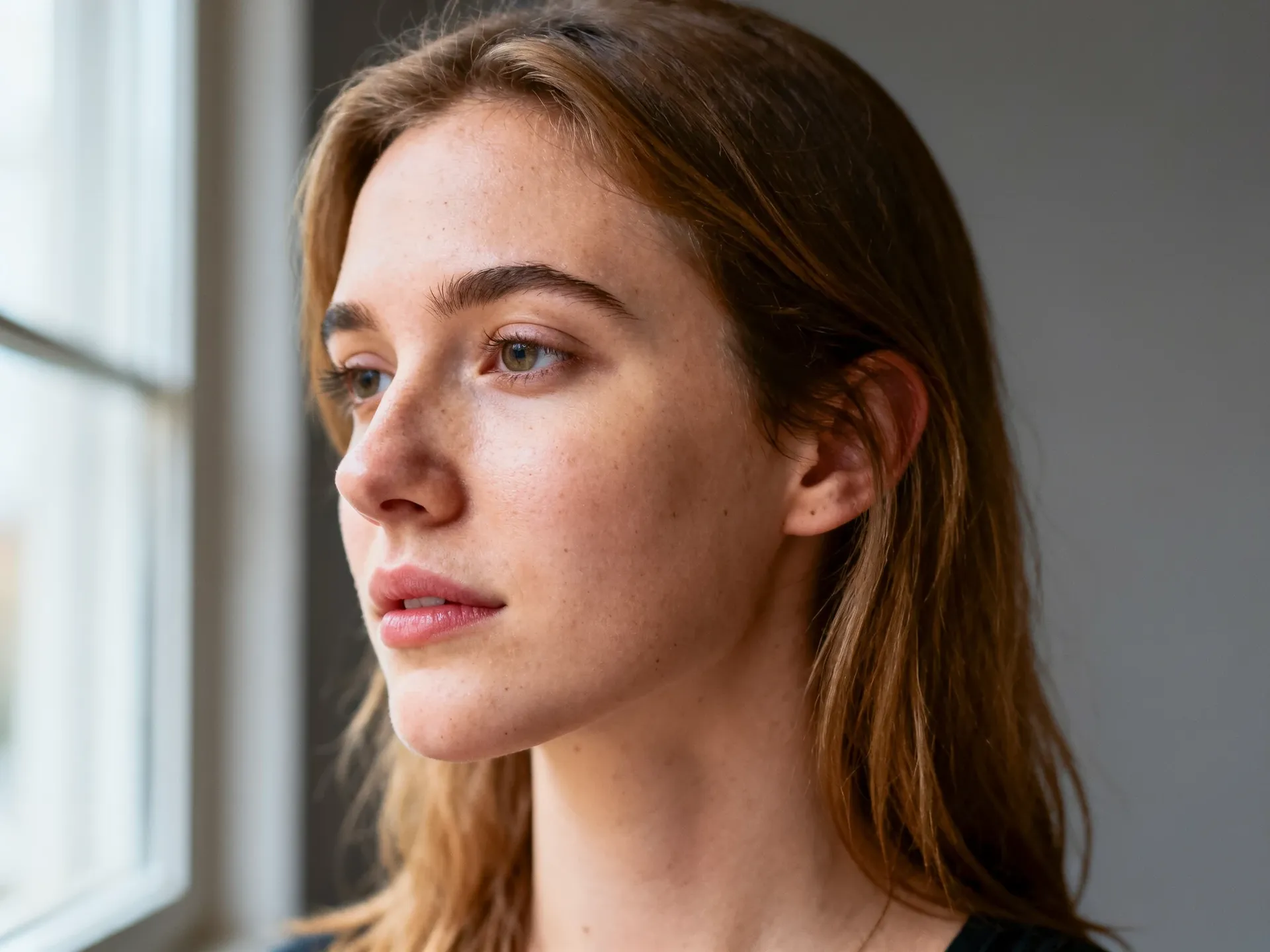
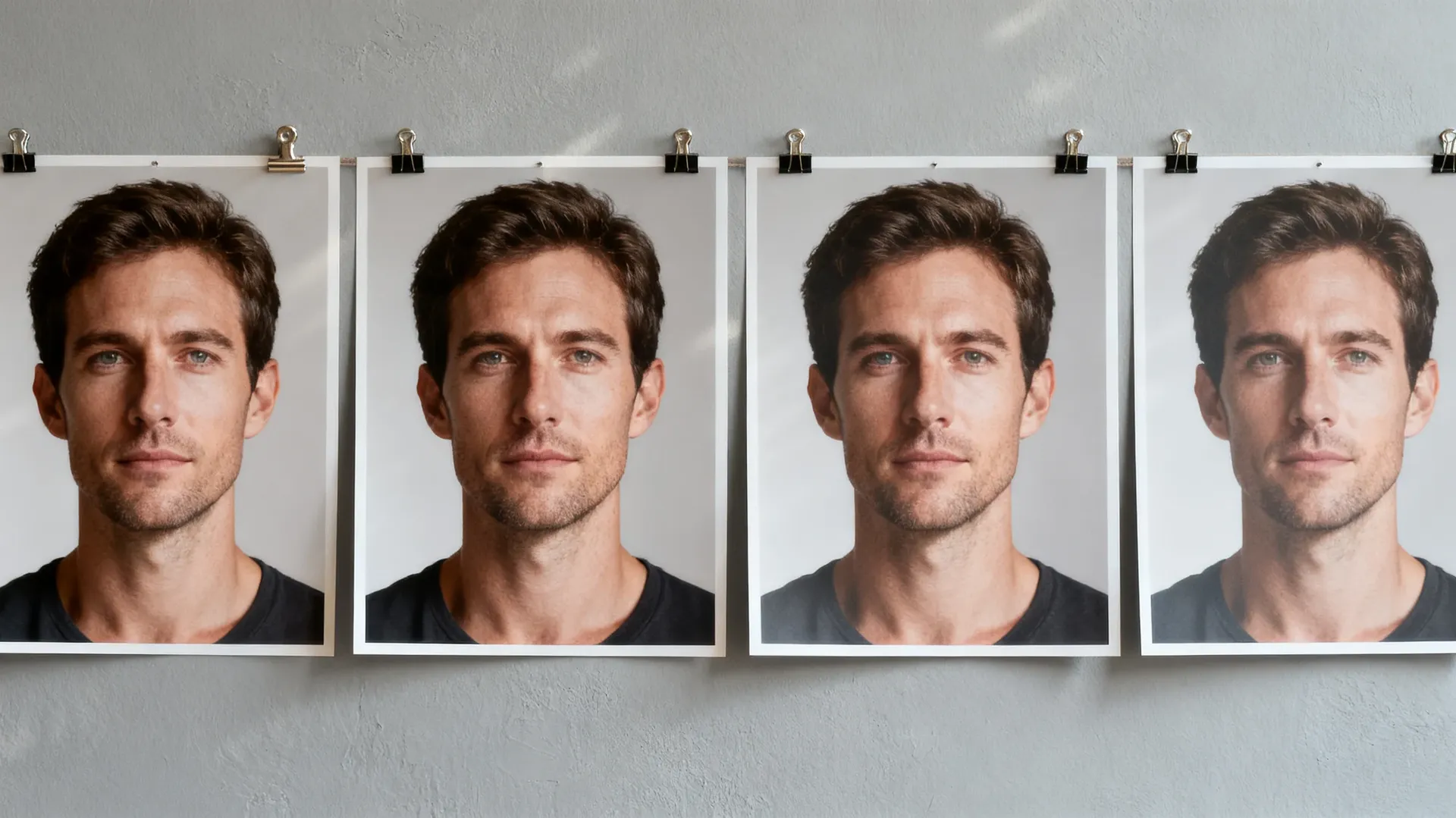
Prompt: reduce the redness and clear the small blemishes while keeping pores, freckles and texture. Model: FLUX 3. Result: blemishes and redness gone, pores and freckles intact. What changed unexpectedly: the hairline and flyaway strands were redrawn, the ear sits differently, and the crop tightened slightly.
Wedding: remove a photobomber
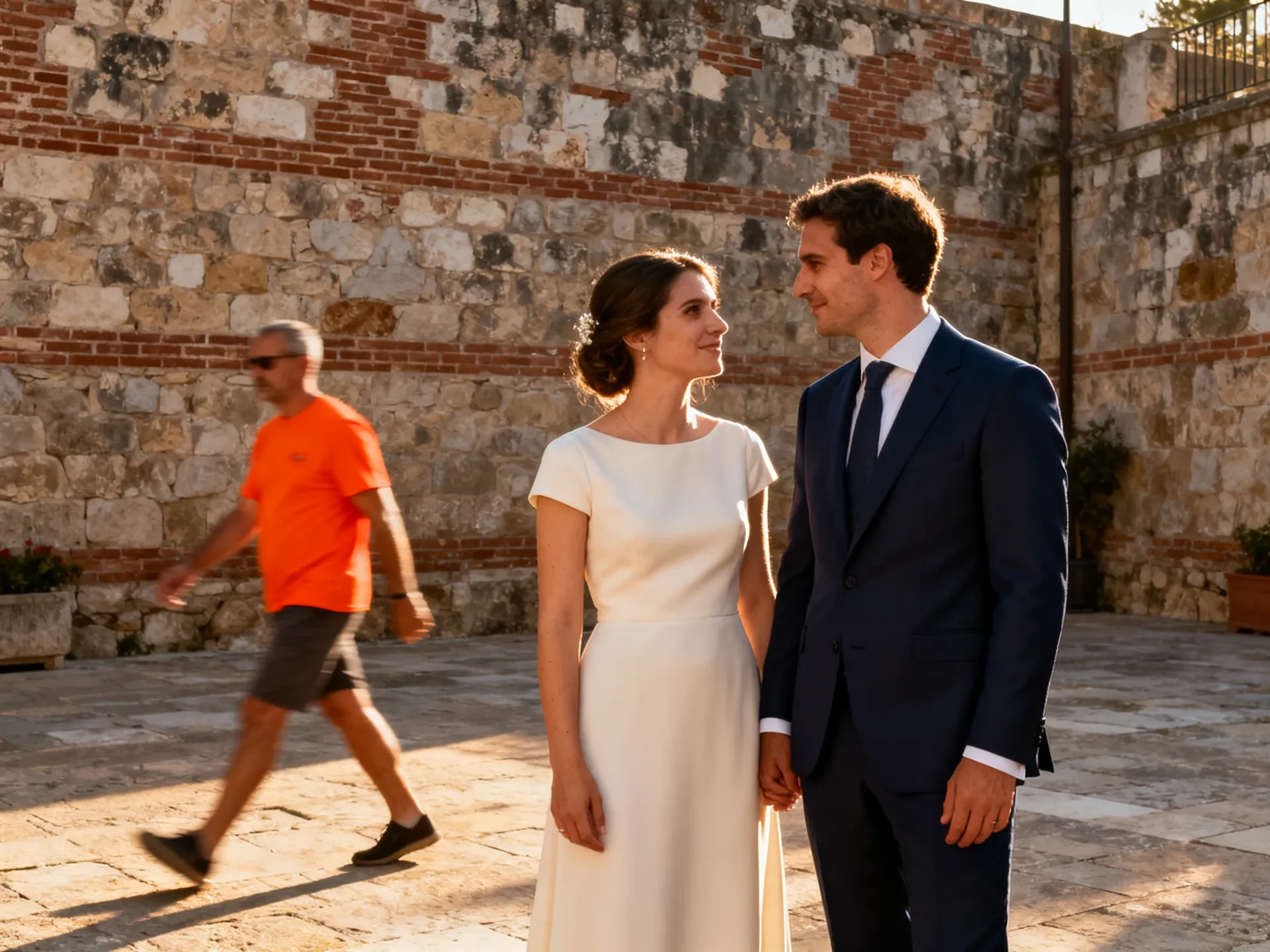
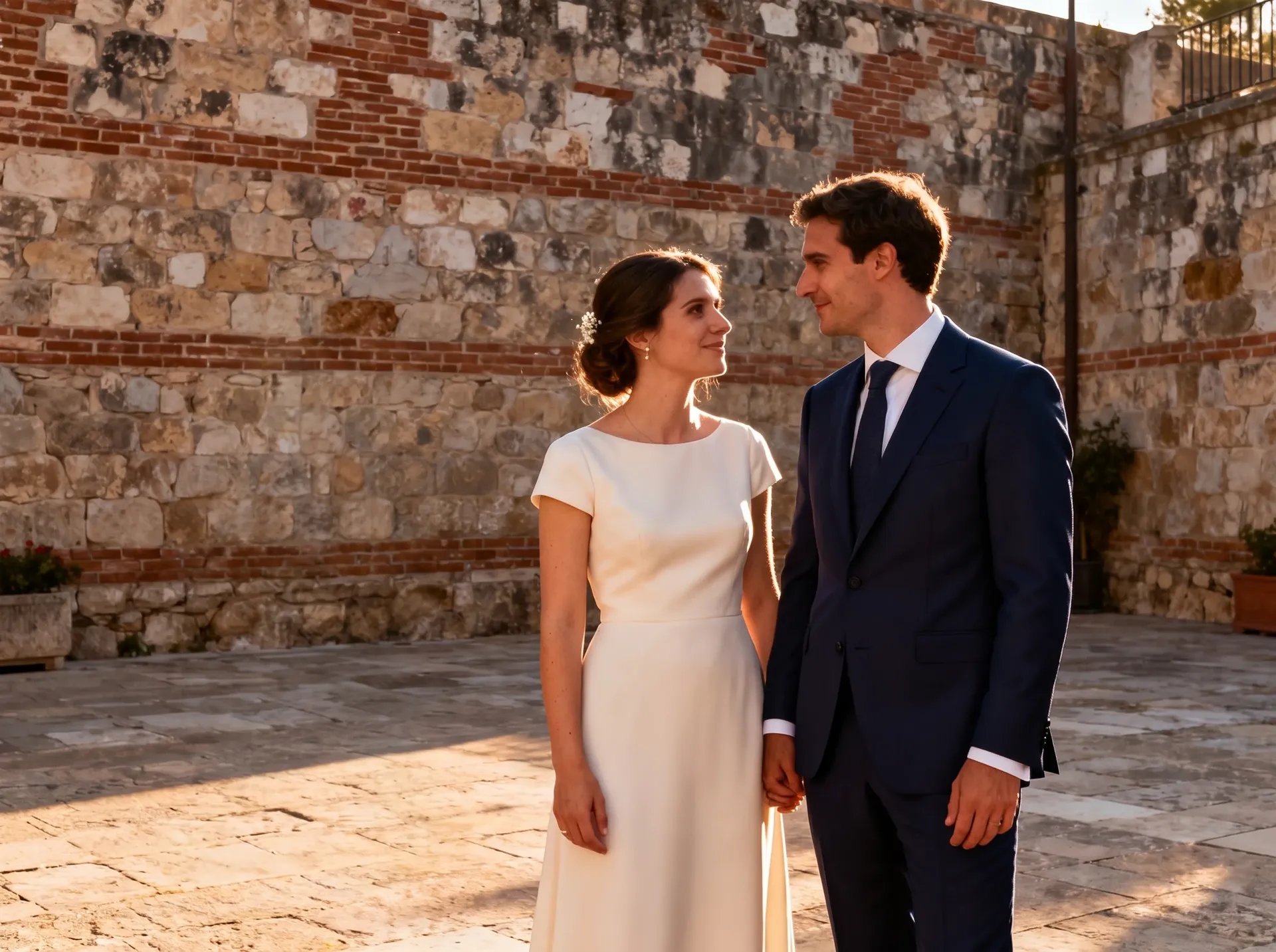
Prompt: remove the man in the orange t-shirt and rebuild the wall and paving behind him. Model: Nano Banana 2.1. Result: a clean removal, including his cast shadow. What changed unexpectedly: the paving pattern was regenerated, the planter flowers shrank, and the couple's faces were re-rendered, so identity needs a close look.
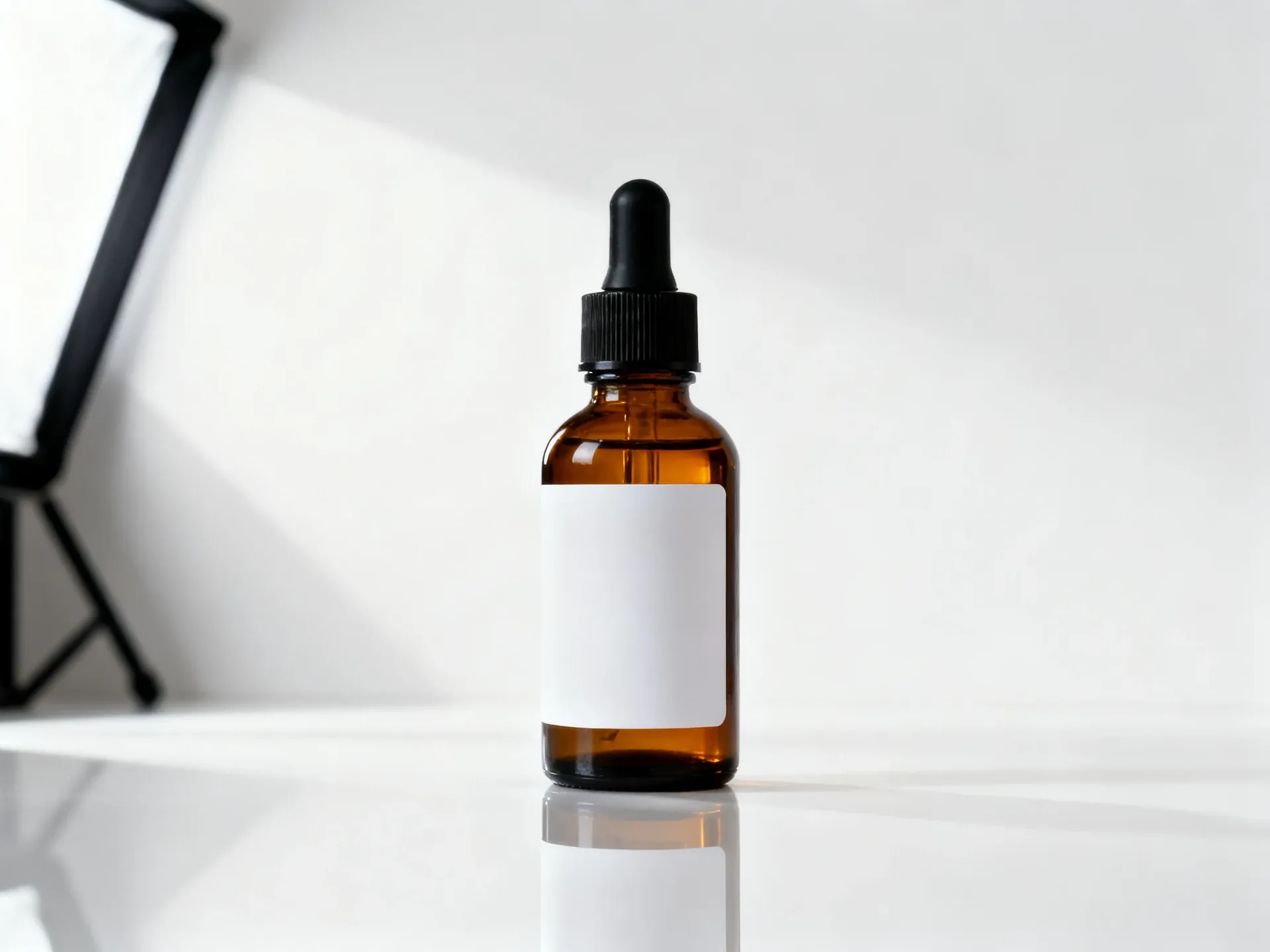
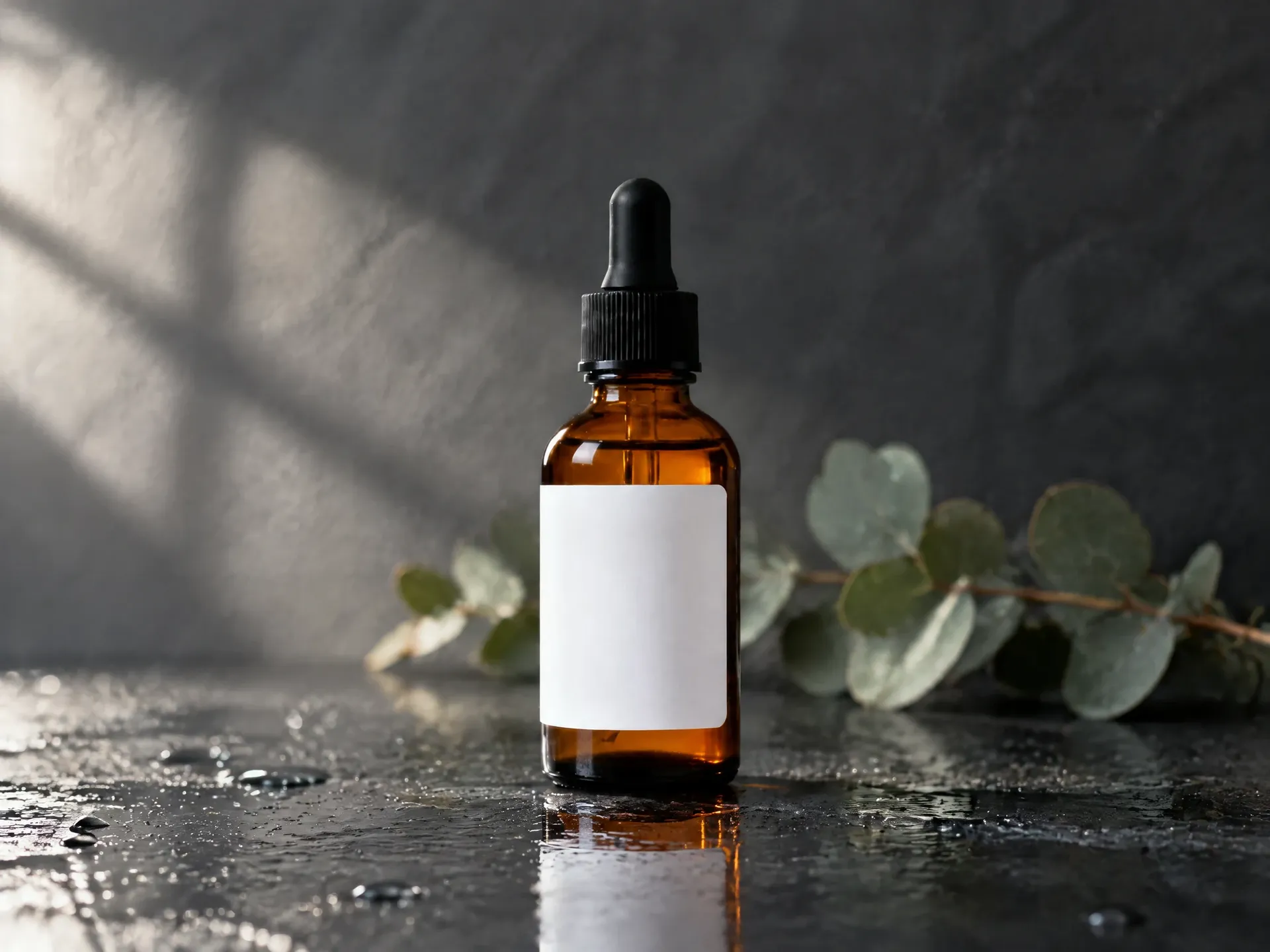
Product: replace the background
Prompt: keep the bottle in exactly the same position and scale, change only the surface and background to wet slate in soft daylight. Model: GPT Image 2.5 Flare. Result: position, scale and framing held, so the before and after line up. What changed unexpectedly: the label grew slightly taller, the dropper bulb is a little longer and the glass reads darker, so a catalogue shot would still need verifying against the real product.
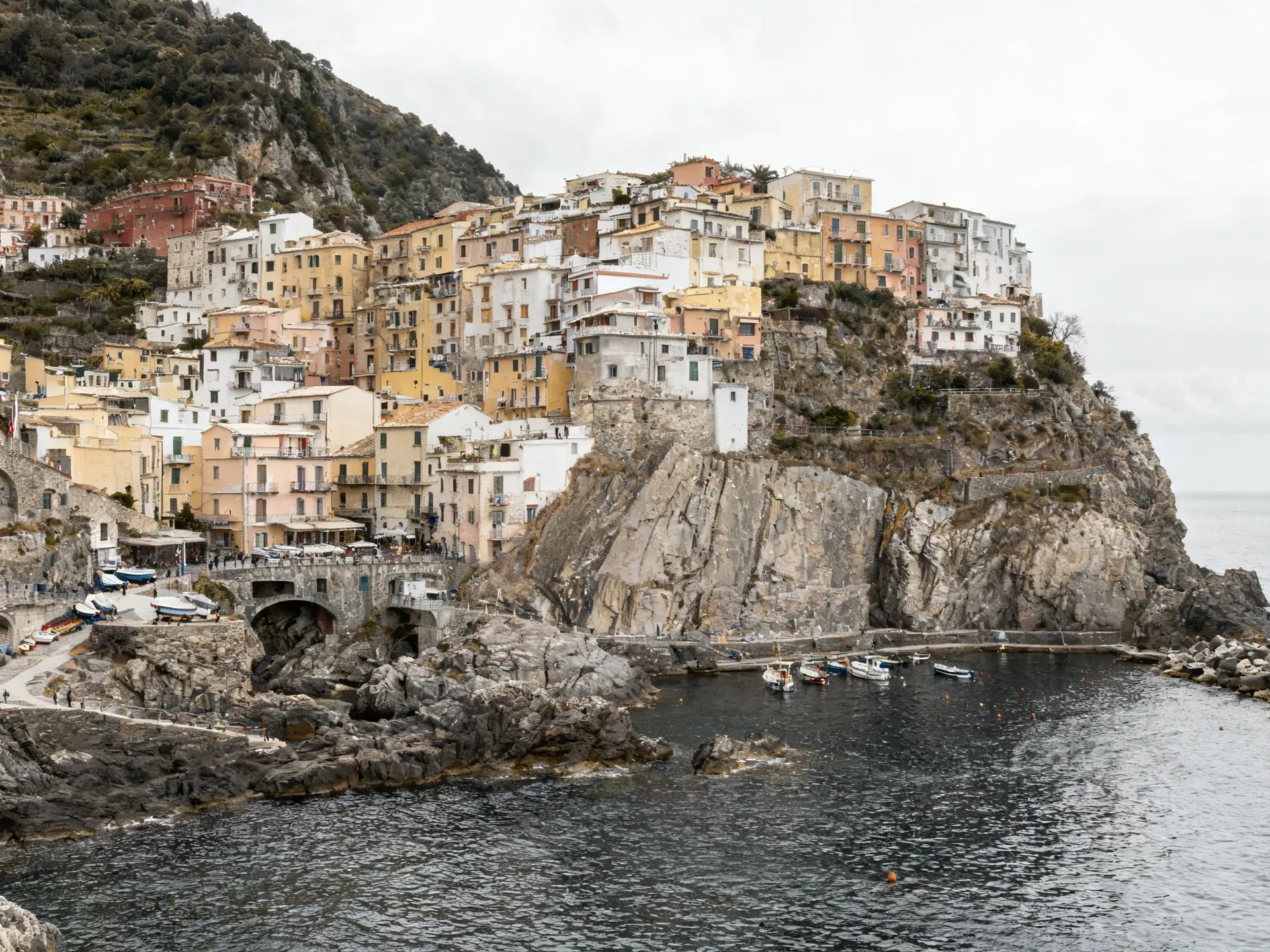
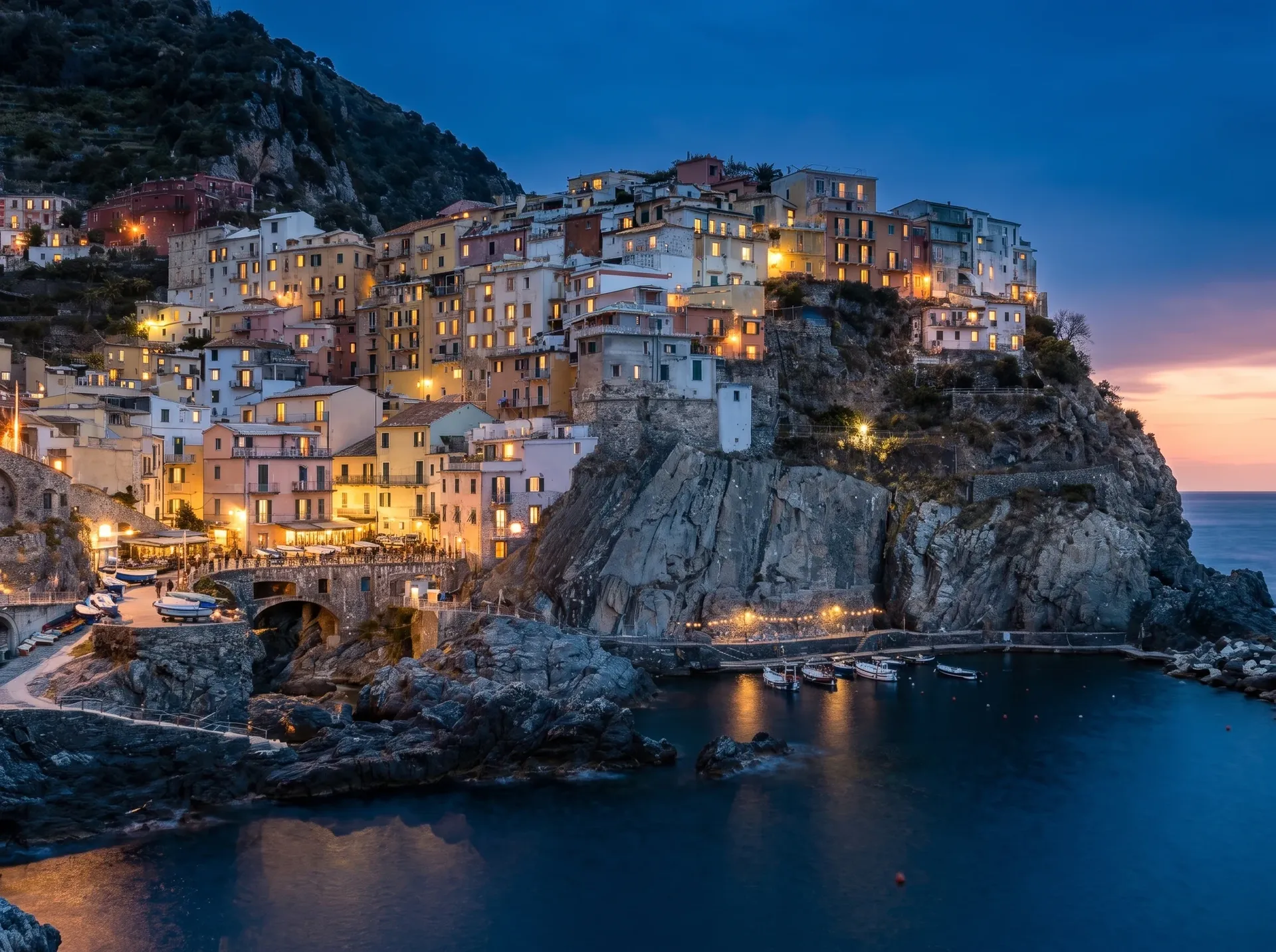
Travel: change the time of day
Prompt: take this from overcast midday to blue hour with the lights on. Model: Nano Banana 2. Result: convincing blue-hour light and window glow. What changed unexpectedly: the framing widened, the rock face was redrawn, string lights appeared along the harbour, and several window layouts changed.
Old photo: restoration
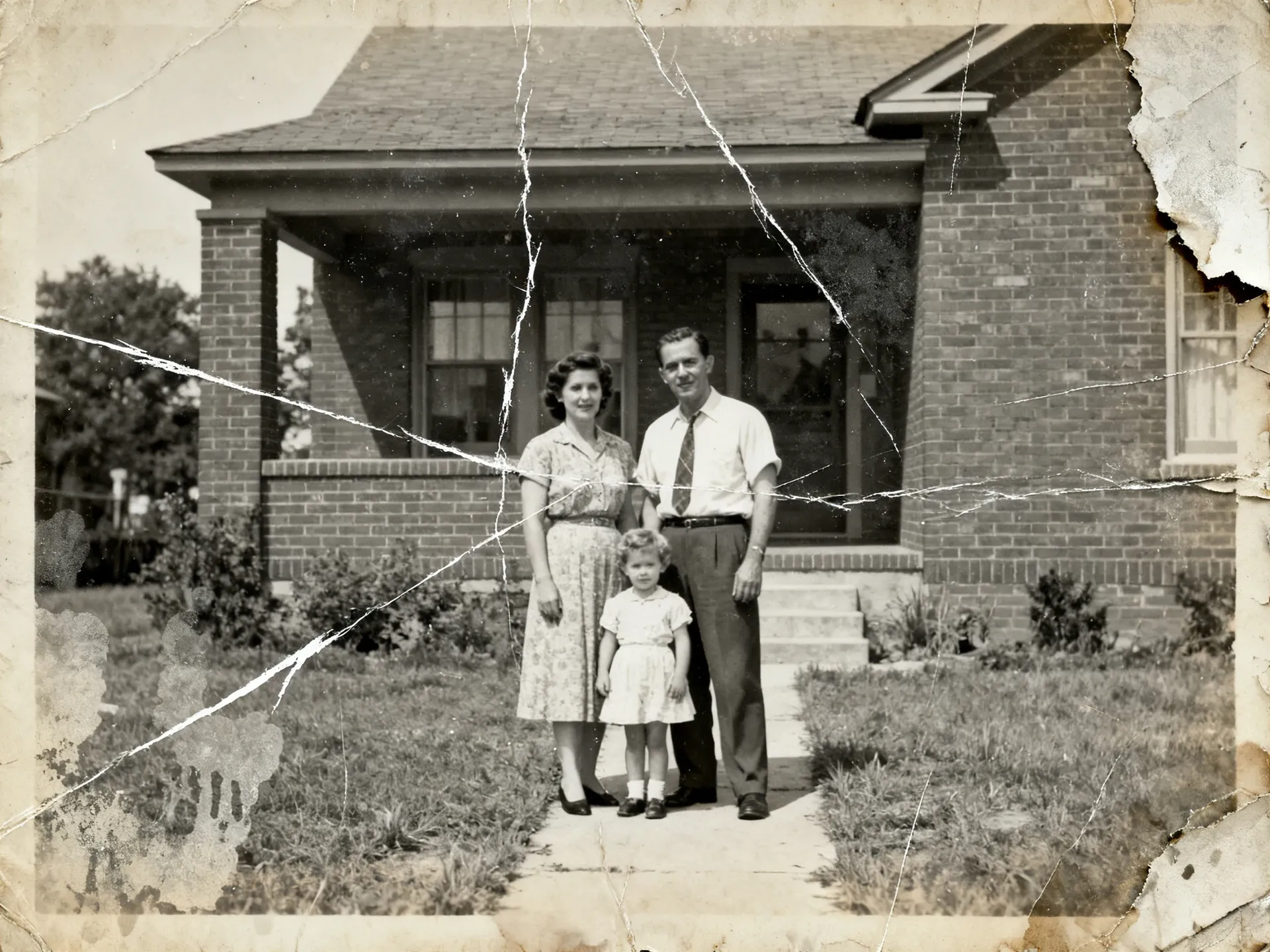
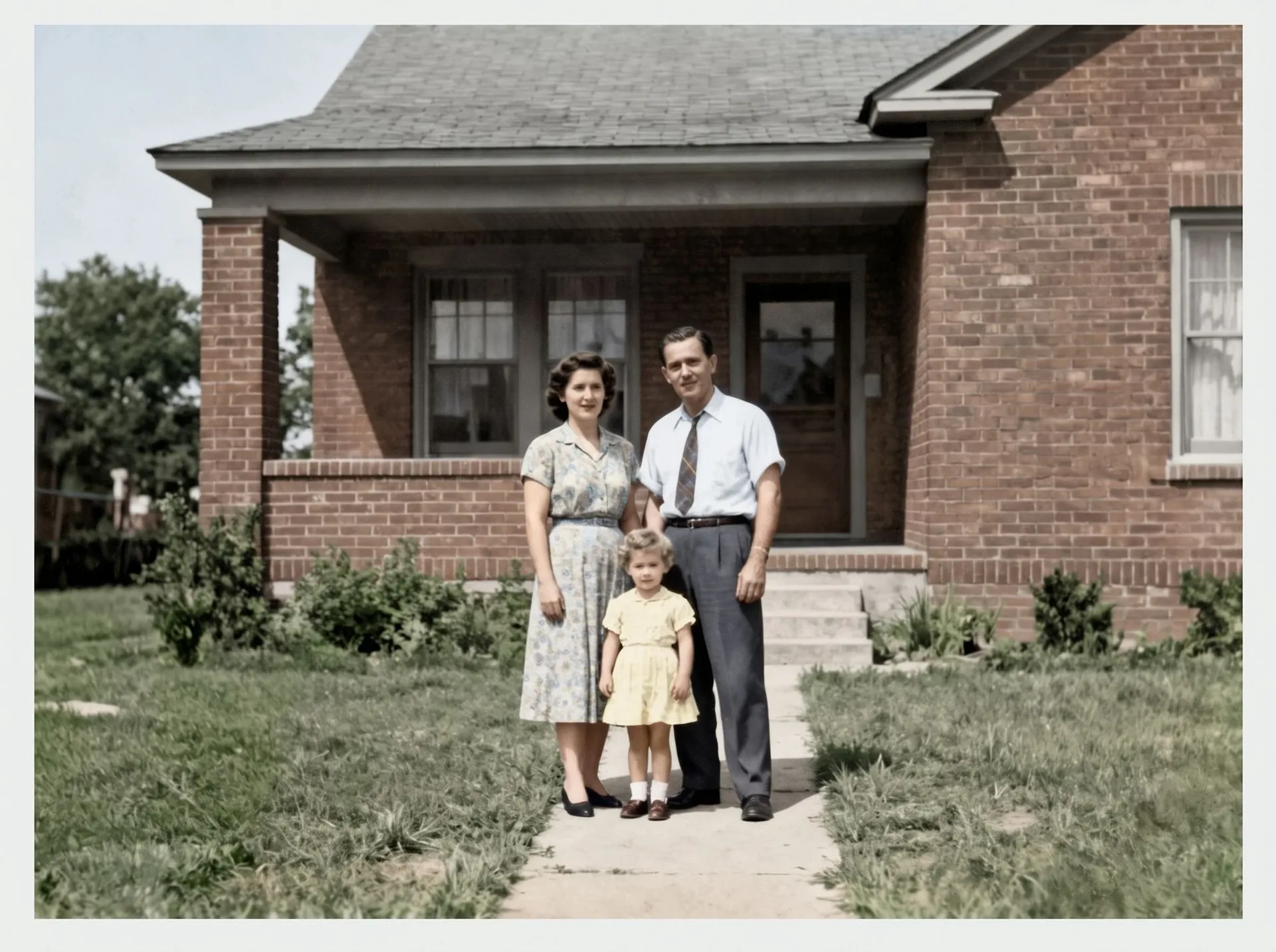
Prompt: restore and colourise, using the Photo restoration Action. Result: creases, scratches, staining and the torn corner gone, with plausible colour across skin, clothing and garden. What changed unexpectedly: the faces were soft in the original, so eyes, mouths, hair and the tie pattern are the model's reconstruction. Treat it as an interpretation, not a recovery.
What we checked in every test
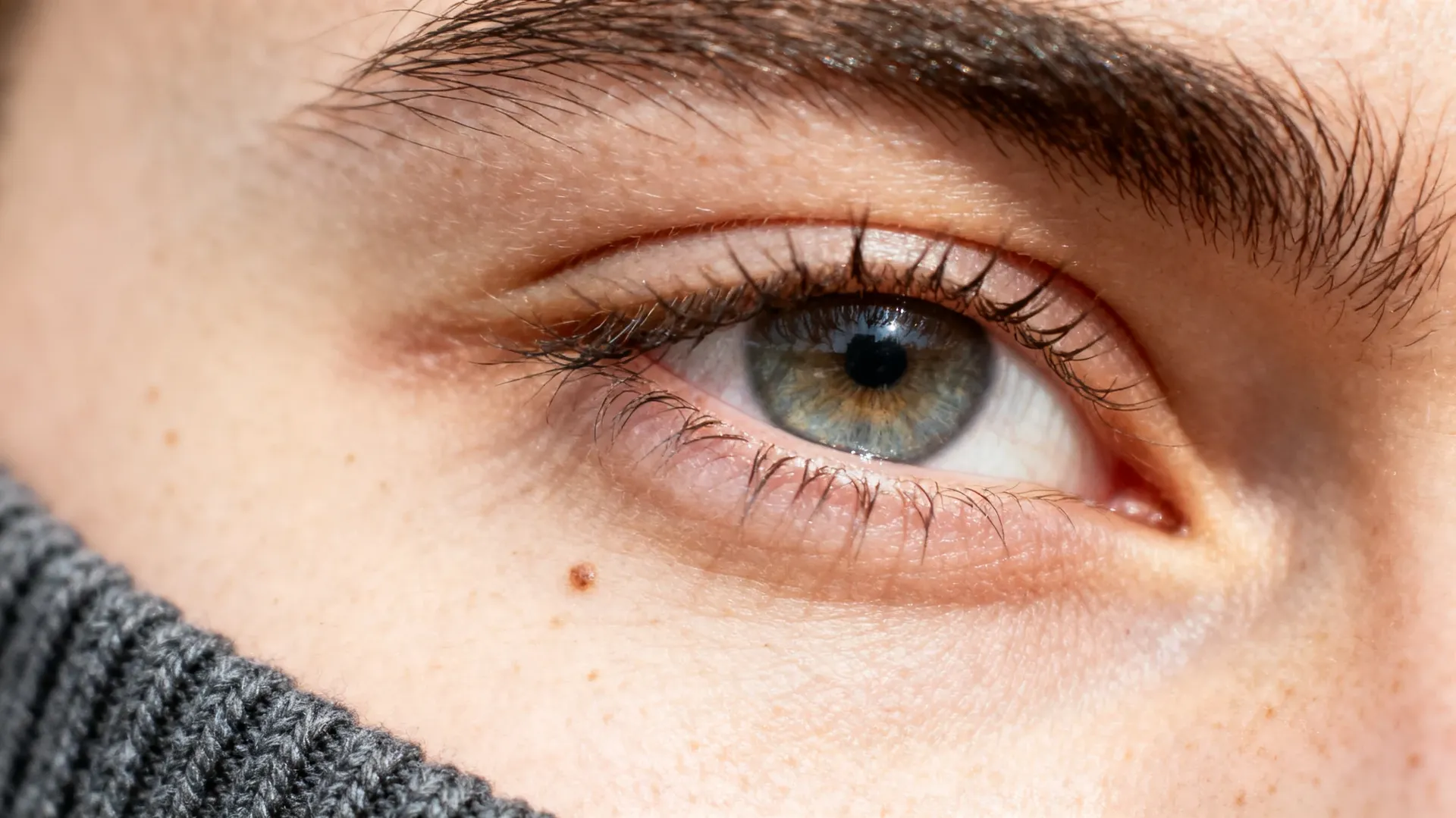
Every result was reviewed at one hundred percent: skin texture and face shape, hands and clothing edges, product geometry and labels, rebuilt backgrounds, and any text in frame. That review is the part you cannot skip before client delivery.
Which Image Model Should Photographers Use?
Auto mode is a sensible default: it selects a model based on your prompt. When you want control, these are the picks our own tests above pointed to. Run the same frame through two or three models before you commit a client job, because the right answer moves every time a model updates.
Try These Photography Edit Prompts
Six instructions that work on a real frame. Copy one, attach your photo and change the nouns. For the full set, open the AI Photography Prompt Book.
One caveat worth knowing: an instruction like "keep the subject unchanged" tells the model what to prioritise. It is not a guarantee. Review identity, text, product geometry and fine details after every generative edit.
Not working solo?
Share one workspace with your second shooter, retoucher or studio manager. Everyone sees the same generations, Elements and folders.
Create a Subtle Moving Portrait
A selected still can become a short clip: a slow camera push, hair moving in the breeze, fabric shifting, an ambient light change across the frame. Keep the motion small and it still reads as your photograph. Useful for reels, client previews and gallery openers.
Expand One Photo Into New Deliverables
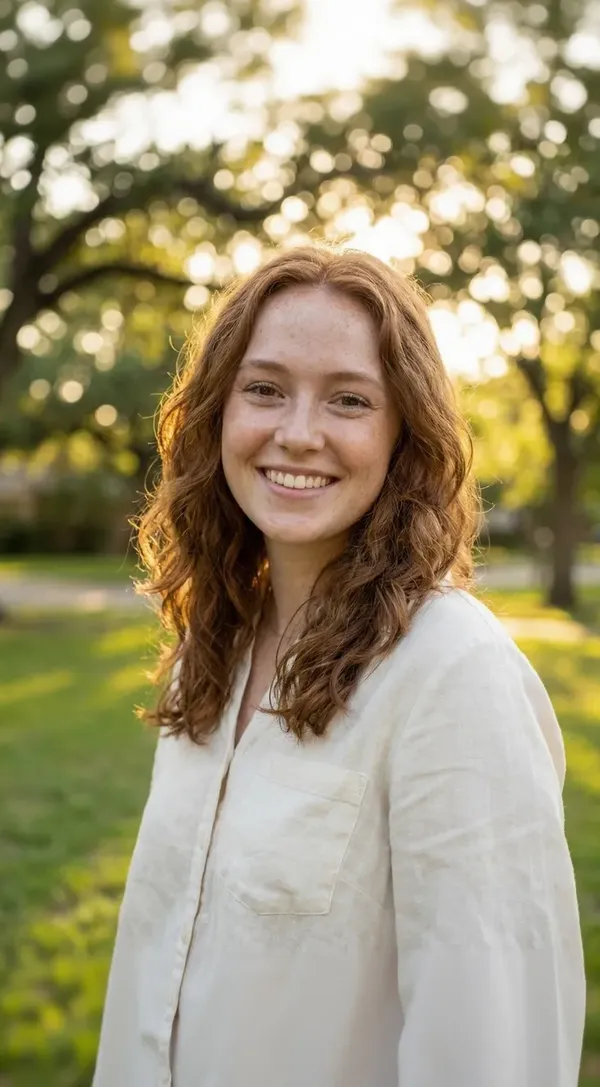
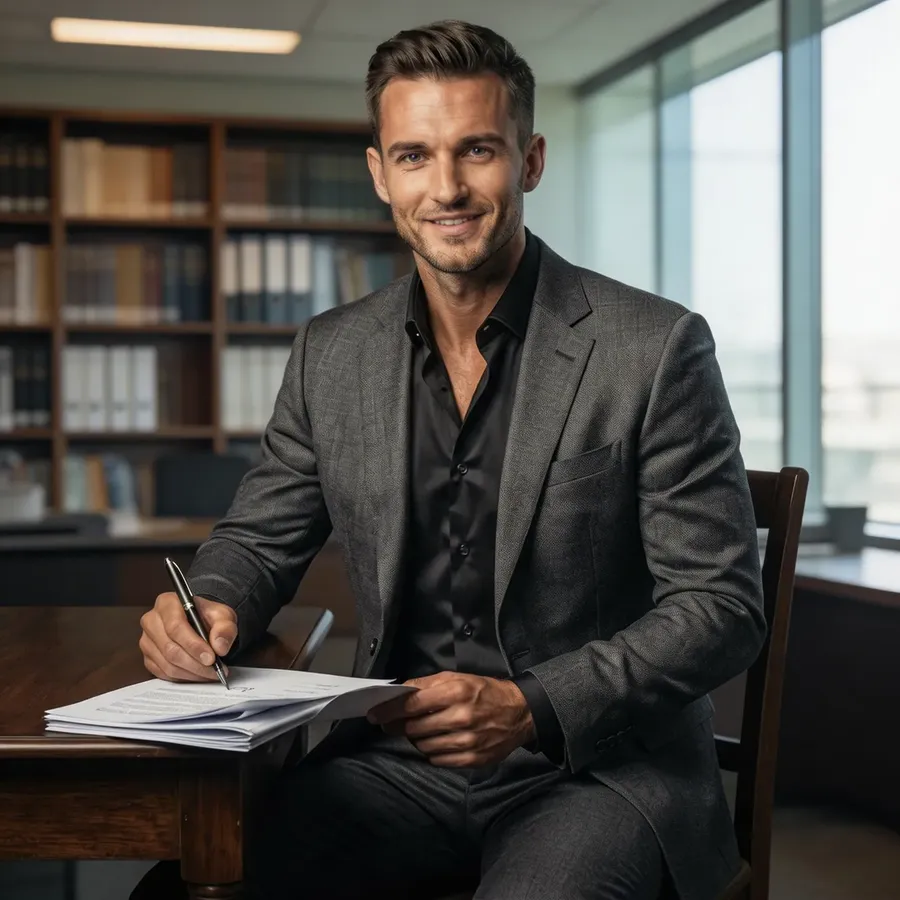
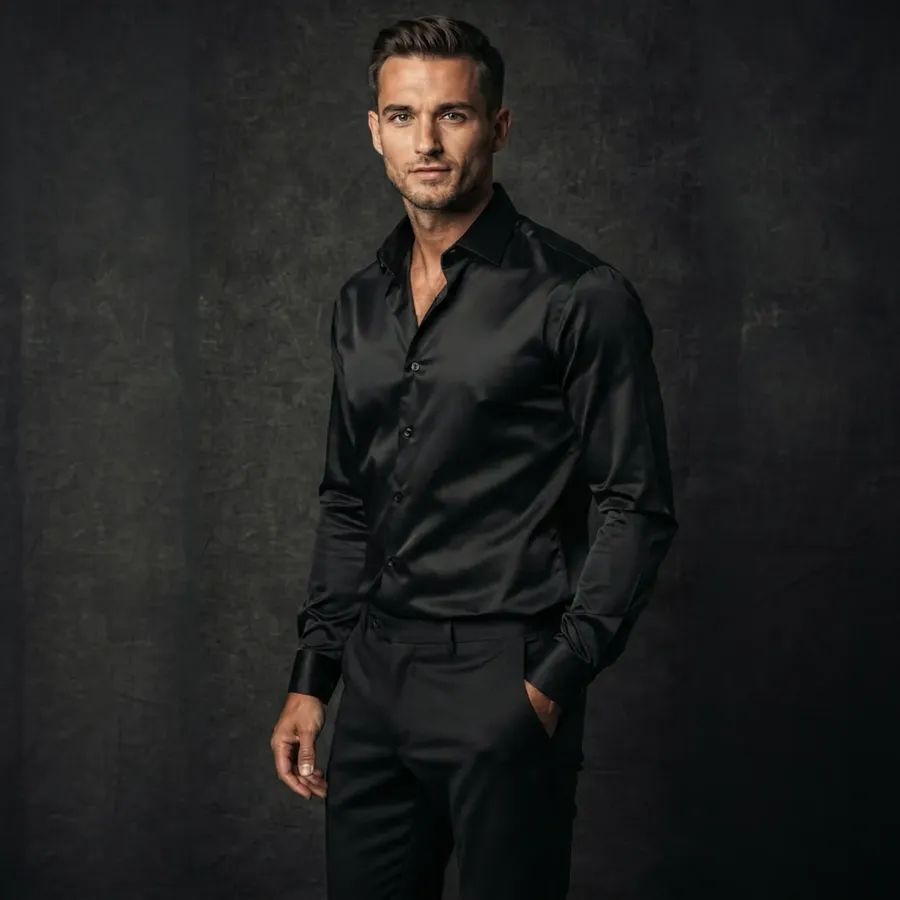
A shoot rarely ends as one image. Clients want a hero frame, a few crops, something for social, sometimes a different mood. Generate variations from the photo you already delivered instead of rebuilding edits or booking another session.
Restore, Enhance and Resize What You Already Shot
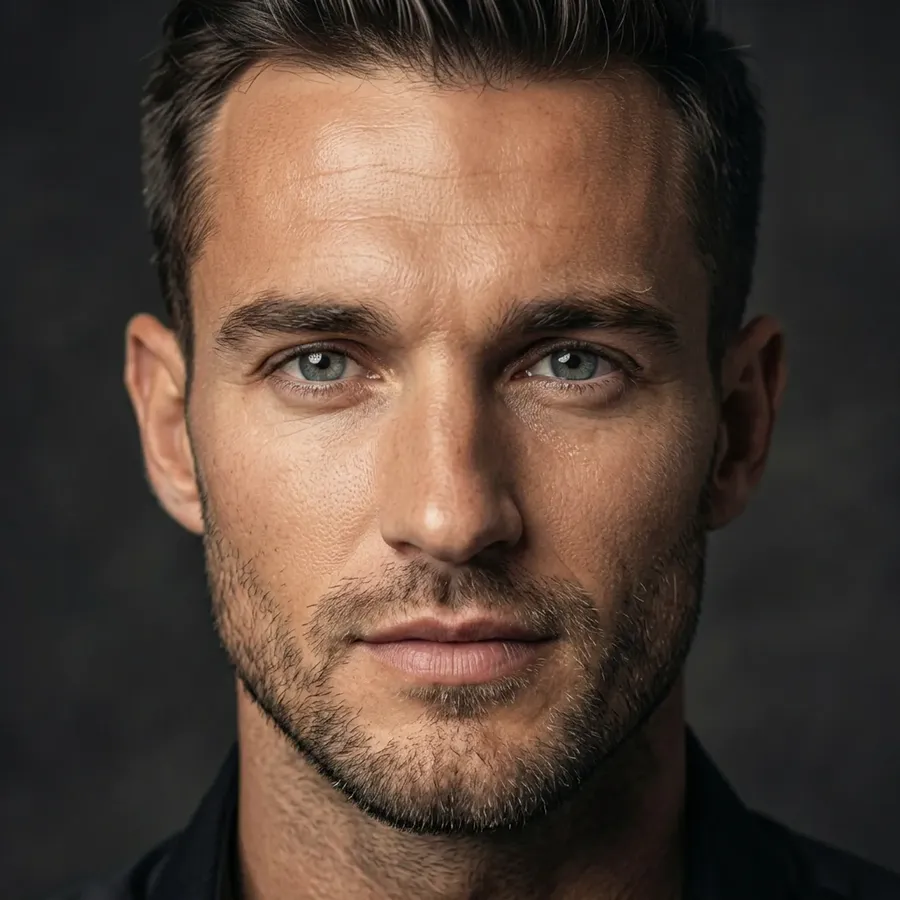
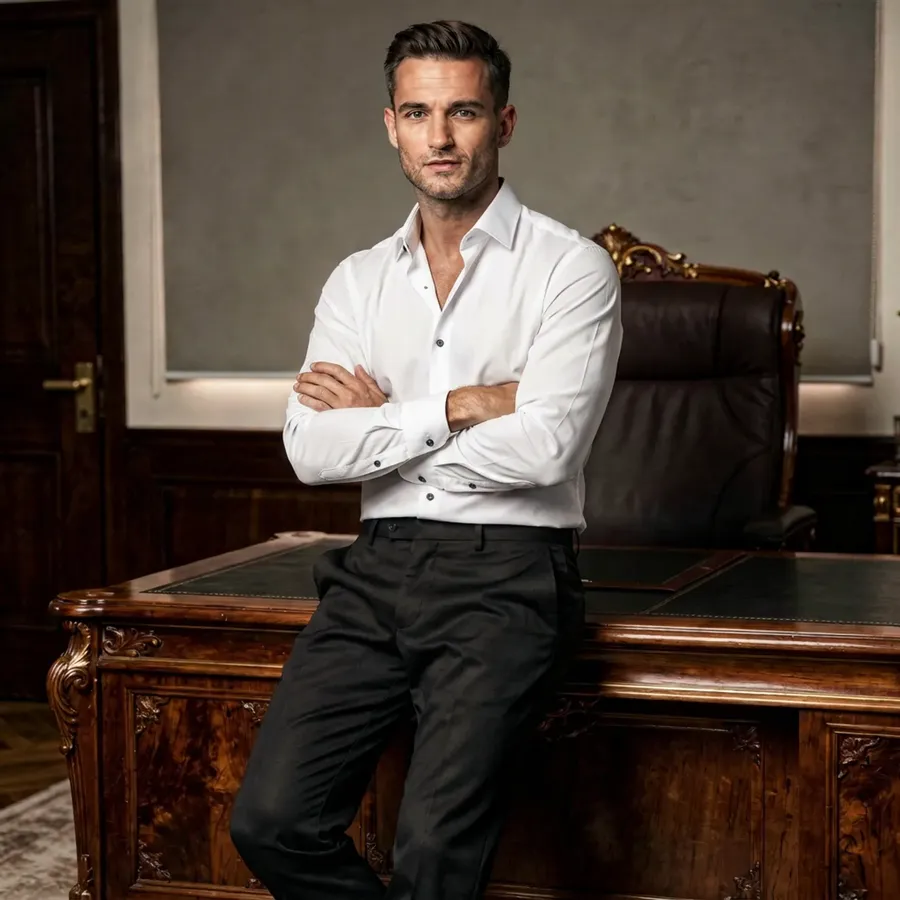
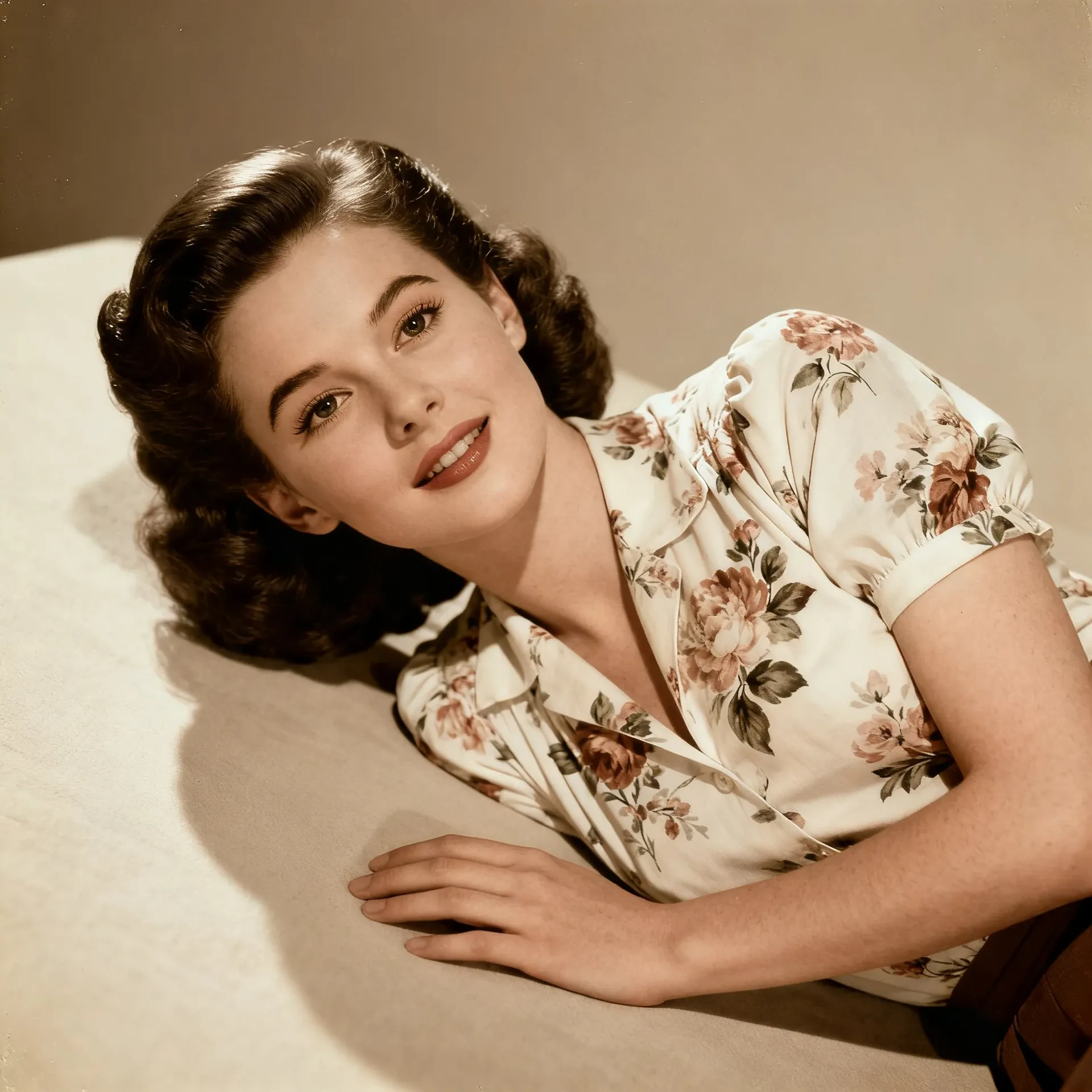
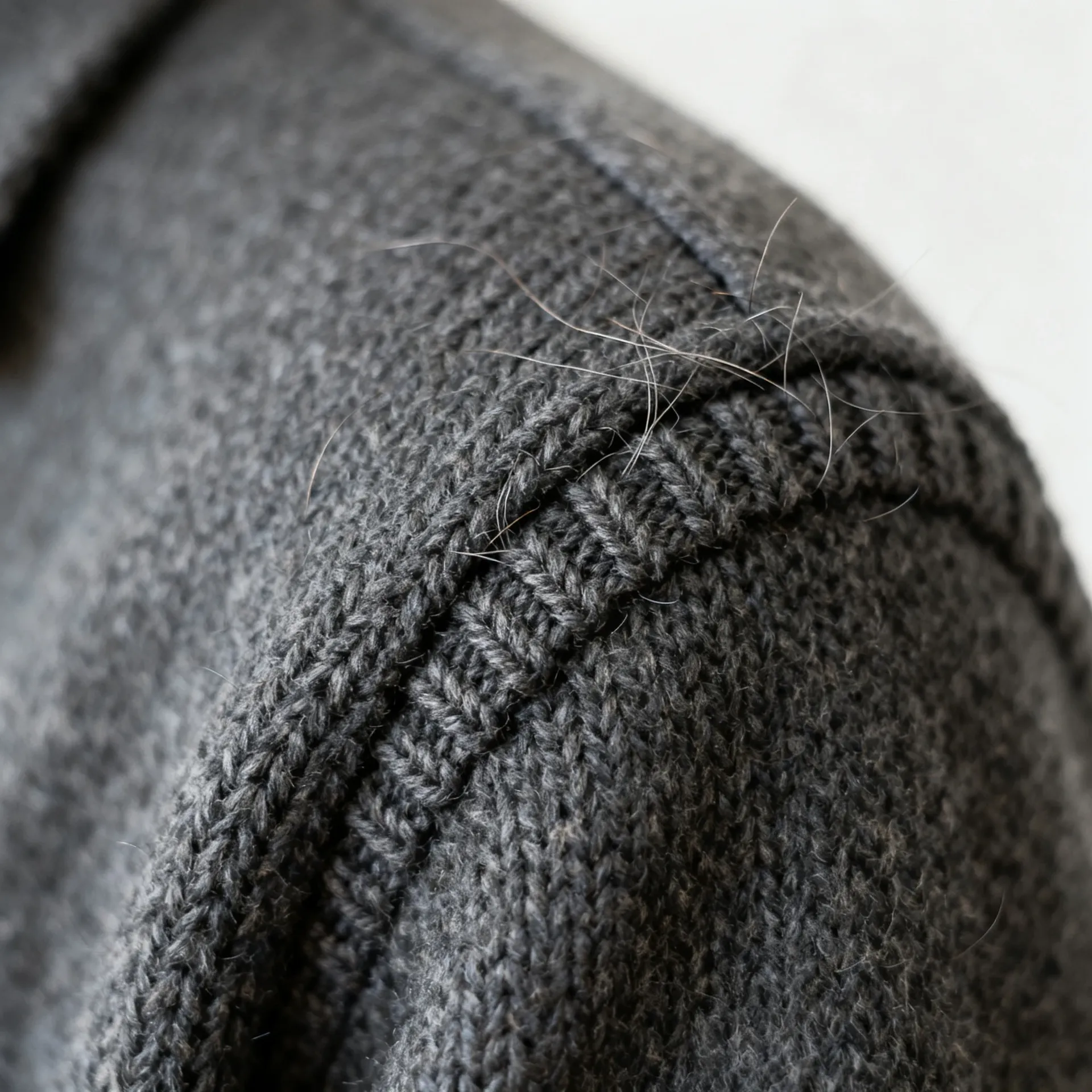
The quieter half of the work: older files, bigger prints, more formats. Each one produces a new file and leaves your source untouched.
Add Voiceover and Music to Video Deliverables
Slideshow recaps, highlight reels, behind-the-scenes cuts. Write the script, pick a voice, describe the mood of the track, and the audio is generated in the same workspace.
Wedding Reel Voiceover
Gallery Narration
Indie-Pop for Wedding Reels
Ambient Instrumental for Family Slideshows
What This Looks Like Across Different Shoots
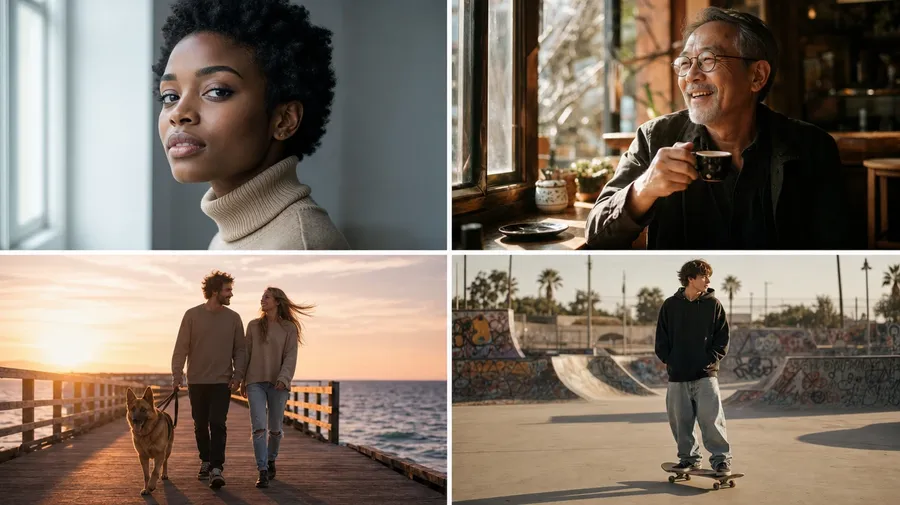
AI does not replace the shoot. It expands what you can explore or deliver from the frames you already have.
Reuse Your Visual Direction Across Images
Save the references you keep coming back to and call them by name.
Turn recurring references into reusable Elements
Save recurring subjects, products, lighting references, styles or palette directions as Elements, then type @ElementName in any prompt. An Element can be built from up to 20 photos.
Keep a set visually aligned
Reusing the same Elements across related images can help a gallery, campaign or portfolio feel more consistent. It guides the direction rather than locking it, so final colour matching should still be reviewed across the delivered set. Elements also work in video models that accept reference images.
Frequently Asked Questions
Uploads are standard web image formats: JPEG, PNG and WebP. Camera RAW files such as CR3, NEF, ARW, RAF and DNG are not accepted as direct input. Export a JPEG from Lightroom, Capture One or your usual converter first, then bring that file in. Everything on this page assumes you are working from an exported frame, not from the RAW itself.
No. RAW development works on the image data your sensor captured: white balance, exposure, tone curves, lens corrections and calibrated colour, all deterministic and repeatable. Generative editing interprets an existing image and generates new pixels for the parts you asked to change. The two are complementary. getimg.ai is not a replacement for a RAW development workflow, and it does not claim to be one.
Not guaranteed. For a targeted edit the model can often preserve much of the original subject and composition, but generated details may vary: face details, hair, fingers, jewellery, fabric, reflections, edges and geometry. Reference images and a clear instruction help steer it. Review identity-sensitive facial details closely whenever eyes, expressions, teeth or hair are being generated, and check them at full size before delivery.
Not in the sense a RAW developer means. If a highlight is genuinely clipped, the information is not in the file and nothing can recover it from the sensor data. What AI can do is clean up distracting highlights and reconstruct visually plausible detail where source information is limited. That result is a new interpretation of the area, not recovered data, so treat it as a creative fix rather than a correction.
It can guide a similar visual direction across a set, and saving the look as an Element makes that easier to repeat. It is not a calibrated preset or profile workflow: results vary between images and between runs of the same prompt. For a delivered gallery, review the set together and finish the grade in your usual tools.
It can create concepts. From a single photo the model does not know the unseen sides of a product, the exact ports, hidden labels or real geometry, so anything it generates for those views is invention. Use product references to create lifestyle concepts, alternate compositions and new presentation directions. For catalogue imagery that has to match the physical product exactly, verify geometry, labels, colours and details against real product references. Deeper product workflows are covered on AI for E-Commerce.
Yes. Describe who should go and the model removes them and generatively reconstructs the background behind them. In our own test it also removed the person's cast shadow from the paving. The rebuilt area is new pixels, not recovered ones, so check the repaired patch, nearby hands and clothing edges at full size. You can also edit the frame again with a second prompt if the first rebuild is not clean enough.
In our own tests FLUX 3 held skin texture, pores and freckles best on a subtle blemish cleanup, while redrawing the hairline and tightening the crop slightly. Nano Banana 2.1 was the stronger choice for removing something from a frame and rebuilding the background behind it, though it re-rendered nearby faces. Auto mode is a reasonable default, and running the same frame through two models before a client job is worth the few minutes. Model rankings move as new versions ship, so re-test rather than trusting a fixed list.
We have not run a controlled test on this yet, so we are not going to hand you a universal rule. In practice: if the source is small and soft, upscaling first gives the editing model more detail to work with; if the source is already large, retouch first and upscale only the frames you are delivering. Either way, compare the upscaled file against the source at full size, because creative upscalers can add texture that was not in the original.
Spend more time shooting. Less time in the edit.
Run portrait, wedding, product and travel work in one place. Clean up, restyle, restore, resize and upscale your photos, then build the extra deliverables from the frames that already work.