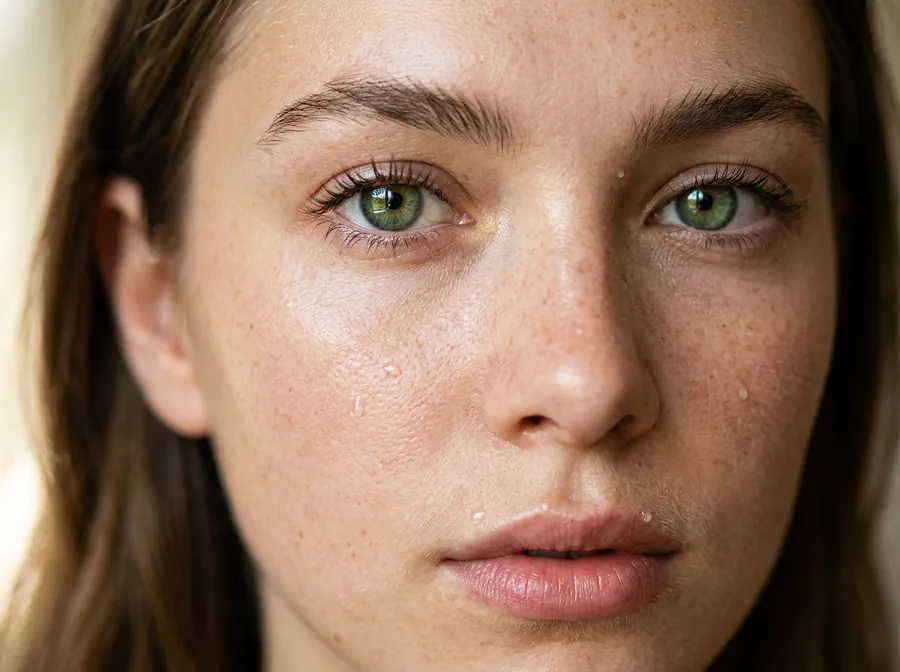
Nano Banana 2.1 Image Generator & Editor
Generate and edit with Nano Banana 2.1. Codenamed Spicy Mayo in testing, it is Google's fast general-purpose model for image generation and editing. Create images from text, edit existing visuals, render text, work with references, and generate up to 4K on supported settings inside getimg.ai.
Access 48+ leading AI models. Pay for one subscription.


The Nano Banana Family on getimg.ai
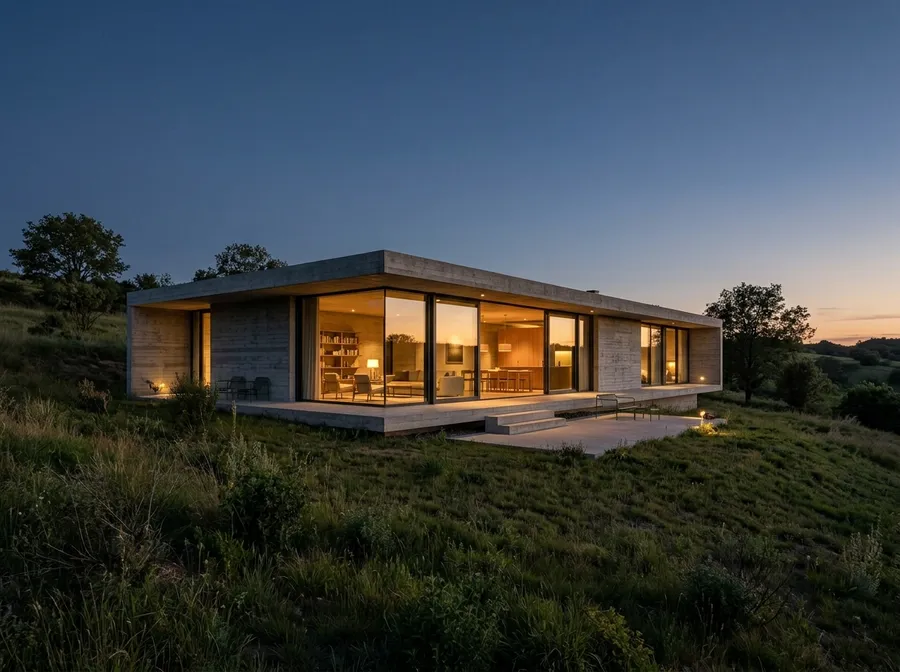
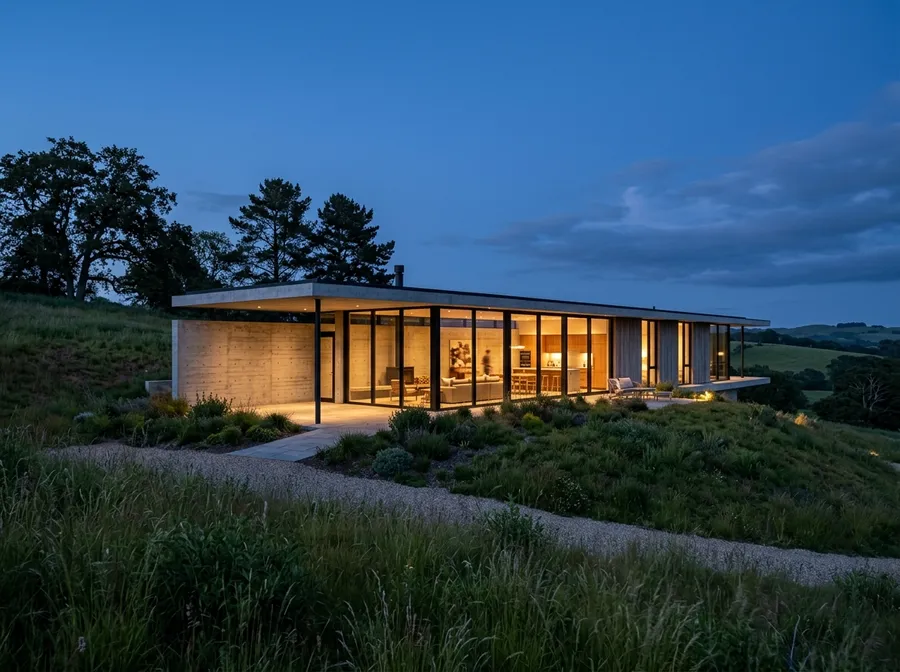
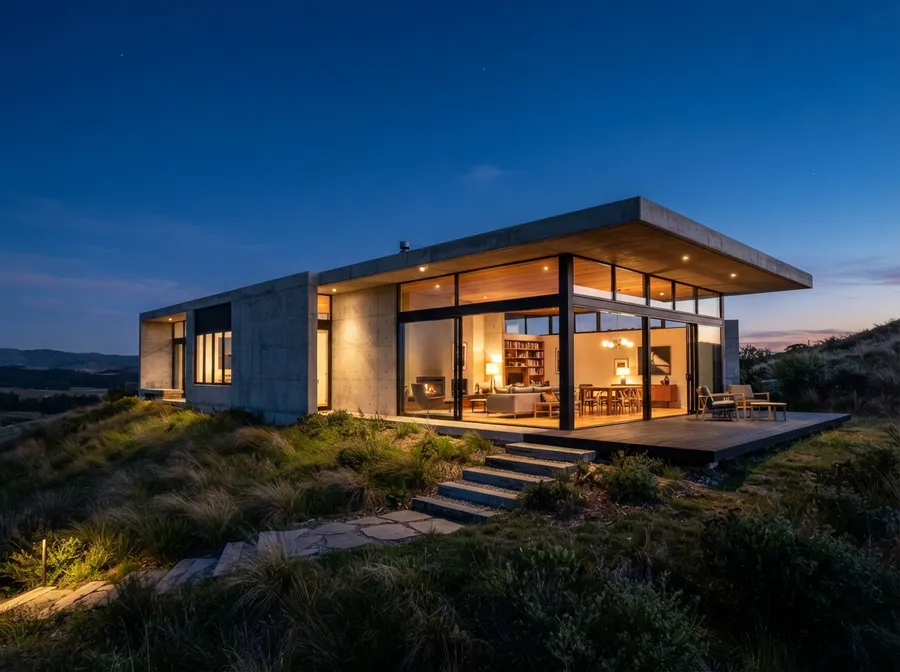
The family is a set of trade-offs, and not a straight line. Nano Banana 2.1 is the newest release. Nano Banana 2 and Nano Banana 2 Lite run on the same Gemini 3.1 Flash generation. Nano Banana Pro comes from the earlier Gemini 3 generation, so it is the older pro-tier model rather than a step up from the newer ones. The original Nano Banana (Gemini 2.5 Flash Image) is still in the model picker too. Every image below came from the model named on its card, from one shared prompt.
Nano Banana 2.1 (Spicy Mayo)
The newest model in the family. Up to 4K, eleven aspect ratios, and up to 14 reference images, more than any other image model on getimg.ai.
Nano Banana 2
The general-purpose default, on Gemini 3.1 Flash Image. Balanced quality, speed and cost, with 1K to 4K output and API access.
Nano Banana 2 Lite
The speed and cost option, for drafts, variations and high-volume batches. 1K output, up to 3 reference images.
Nano Banana Pro
The Gemini 3 Pro Image model, from the generation before Nano Banana 2. Still strong on dense layouts, and the most expensive of the four to run.
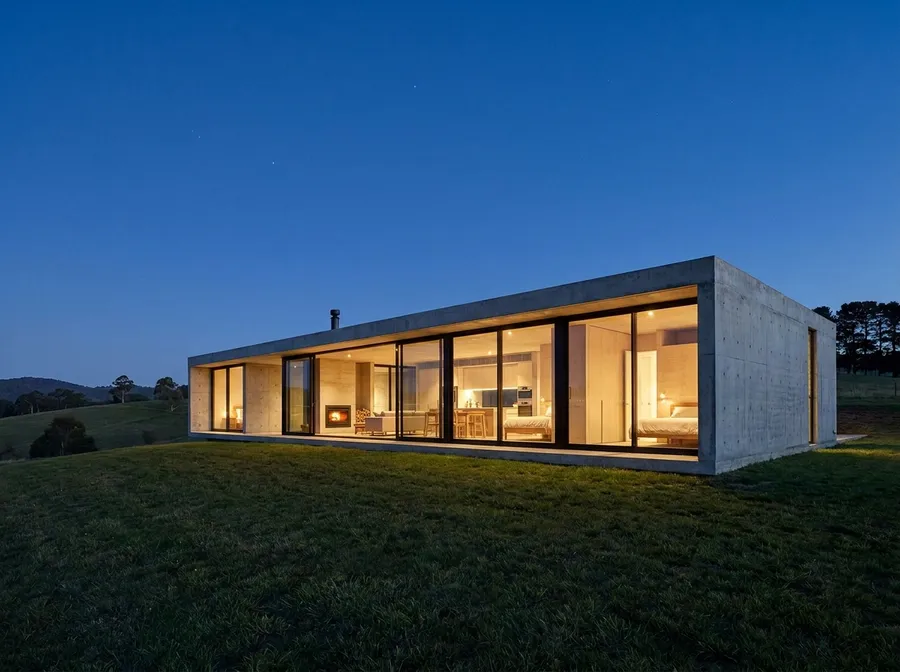
What Nano Banana 2.1 Is Built For
Nano Banana 2.1 generates from text, edits existing images, renders in-image text, and takes reference images to steer a result. These are the areas where it tends to earn its place in production work.
Stronger subject consistency
Nano Banana 2.1 is designed to maintain stronger subject consistency across edits and reference-guided generations, helping reduce unwanted visual drift when we iterate on the same concept.
Built-in world knowledge
The model draws on world knowledge, so it handles common objects, concepts, diagrams, and structured visuals without a long prompt. Verify any factual detail it produces before you publish.
Structured visuals from short prompts
Posters, infographics, diagrams, and multi-section explainers come back with readable text and clean spacing. A short description is usually enough to get a usable first layout.
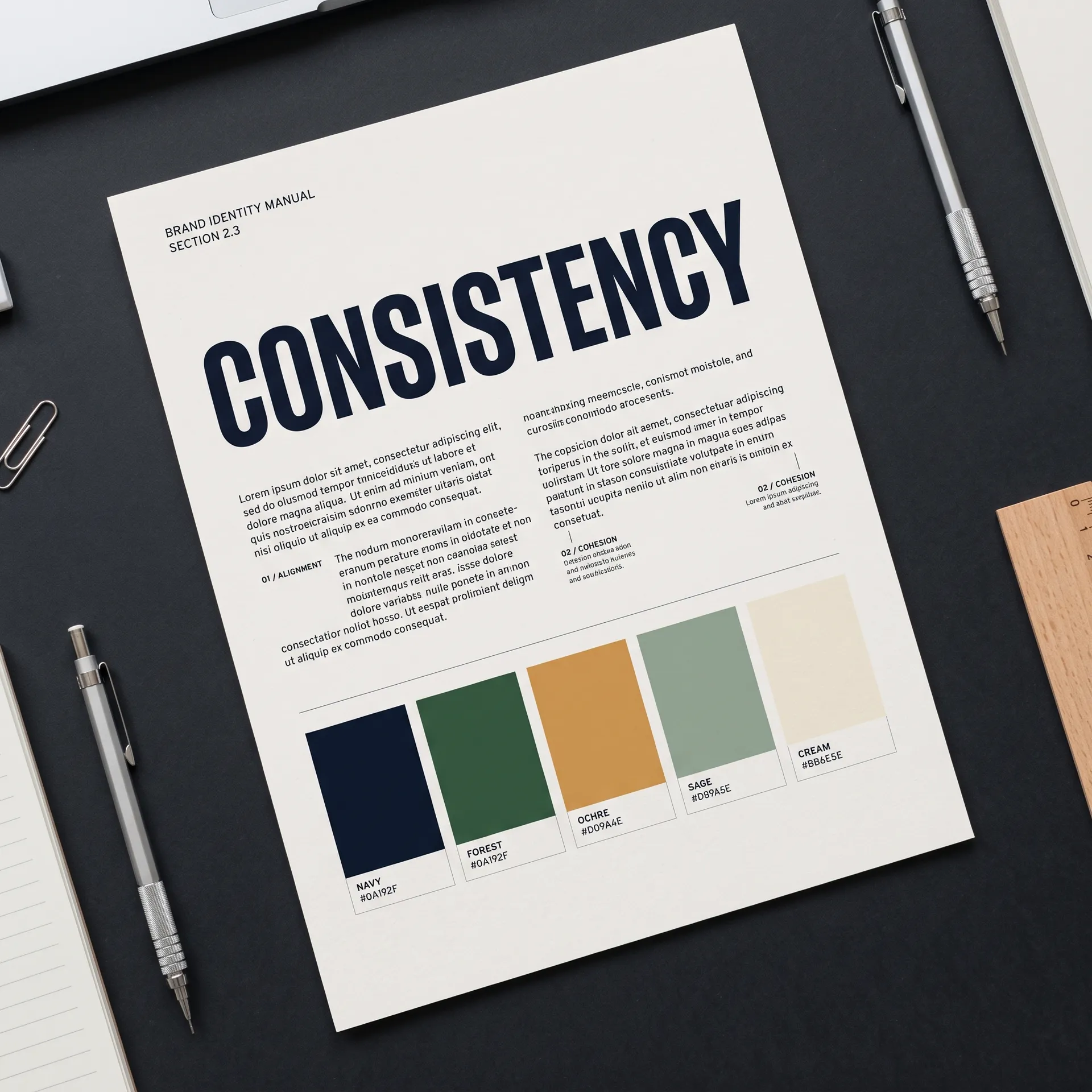
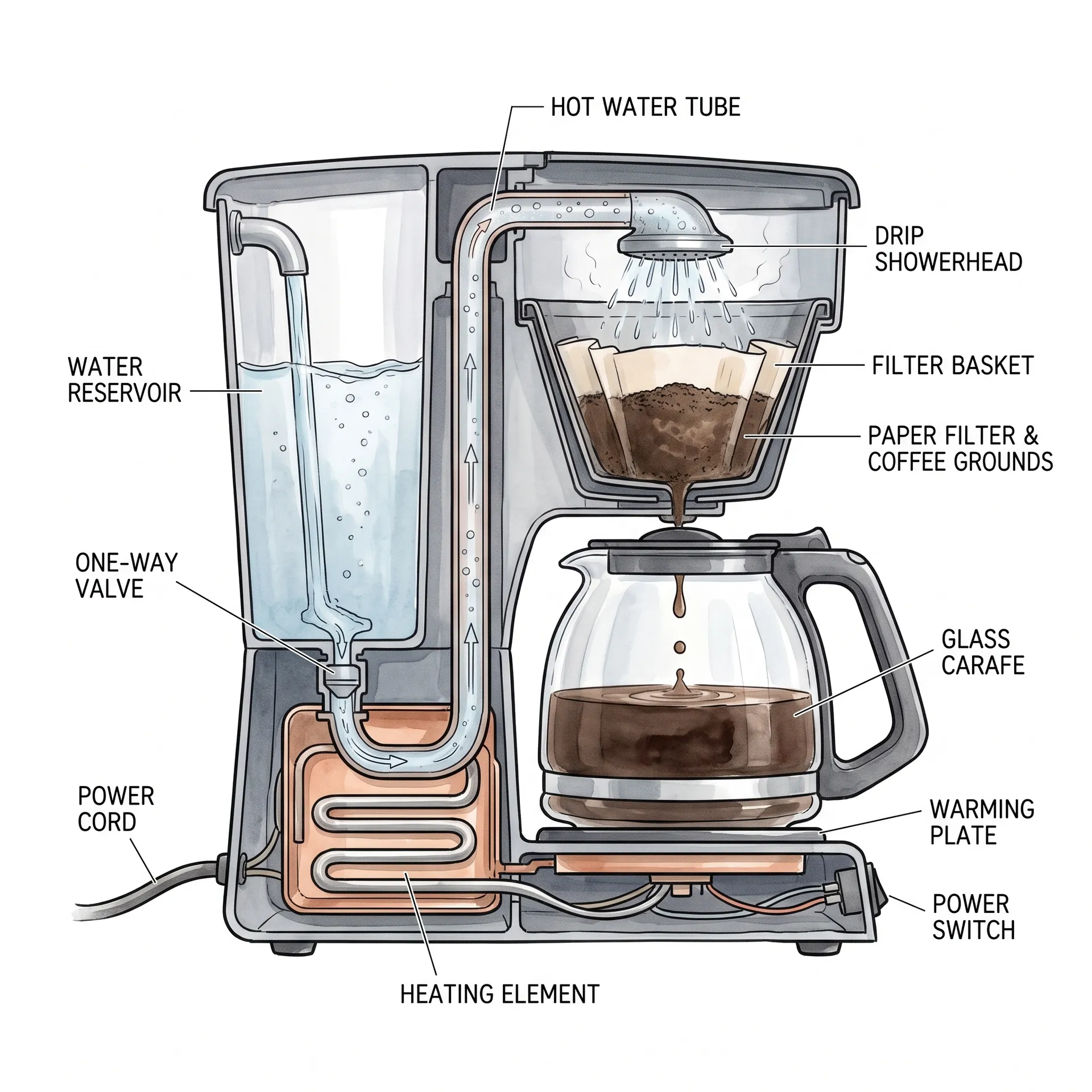
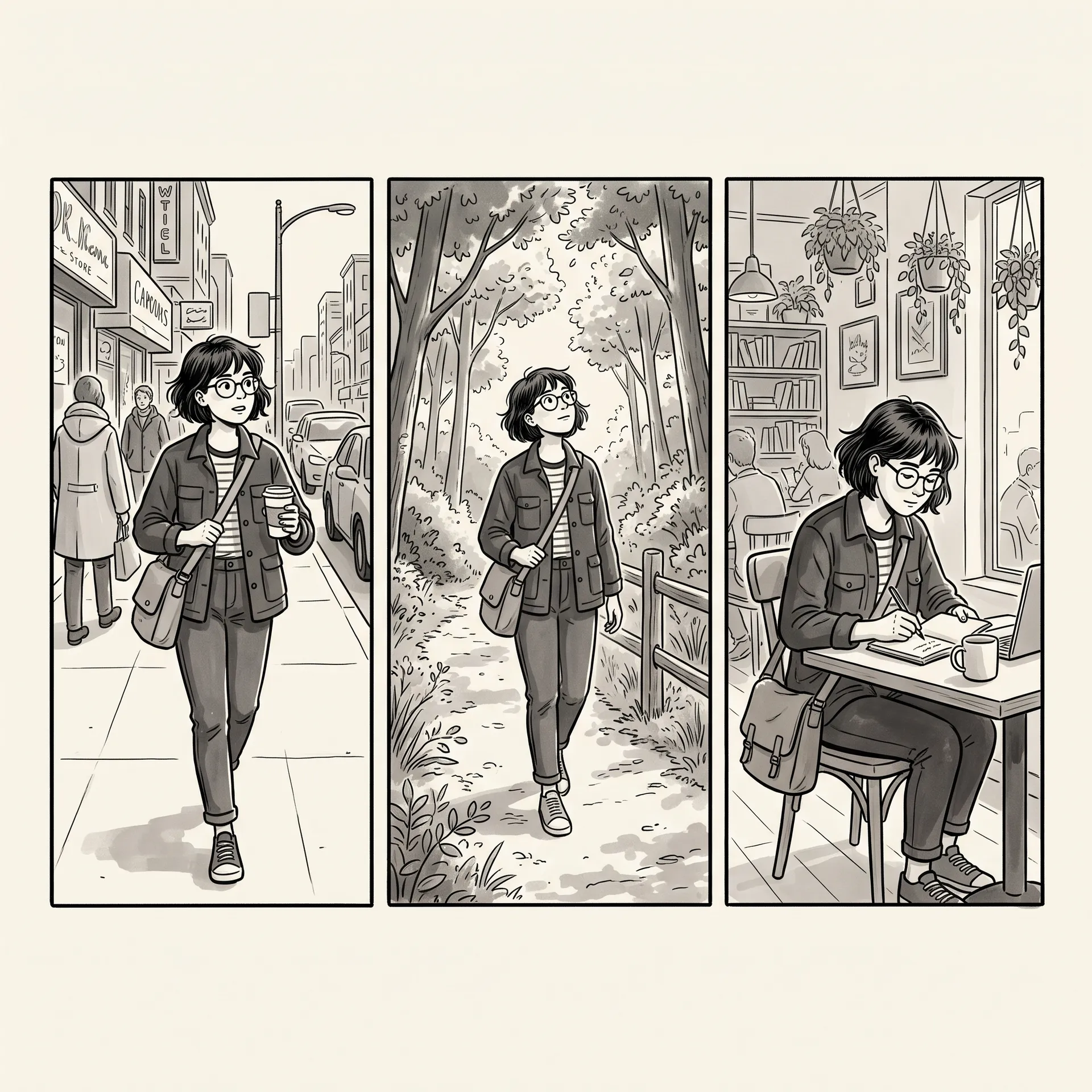
We Tested the Same Prompts Across the Nano Banana Family
One pass per model, same prompt, same settings: 16:9 at 1K, no re-rolls and no prompt tweaking between models. Each card steps through all four outputs, labelled with the model that made them, in the order Nano Banana 2.1, Nano Banana 2, Nano Banana 2 Lite, Nano Banana Pro. Pro is in the run as the earlier Gemini 3 generation's pro model, not as a newer tier. Single-pass results are a snapshot, not a score.
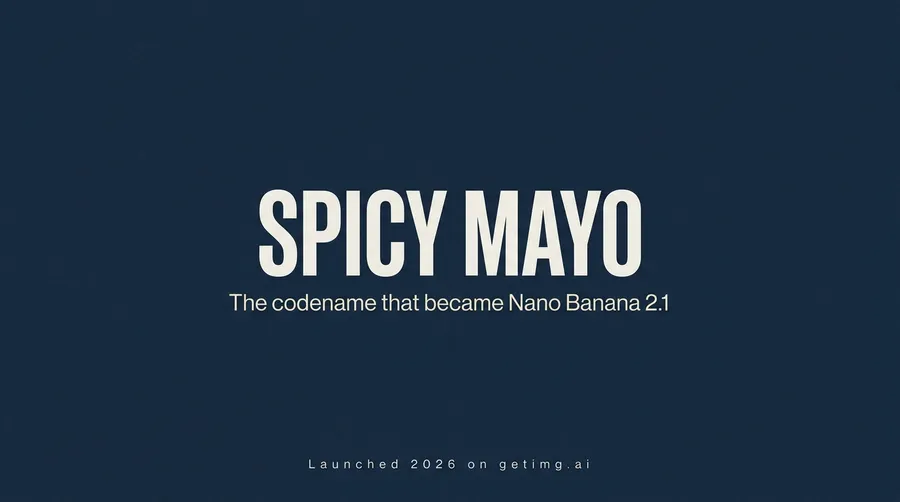
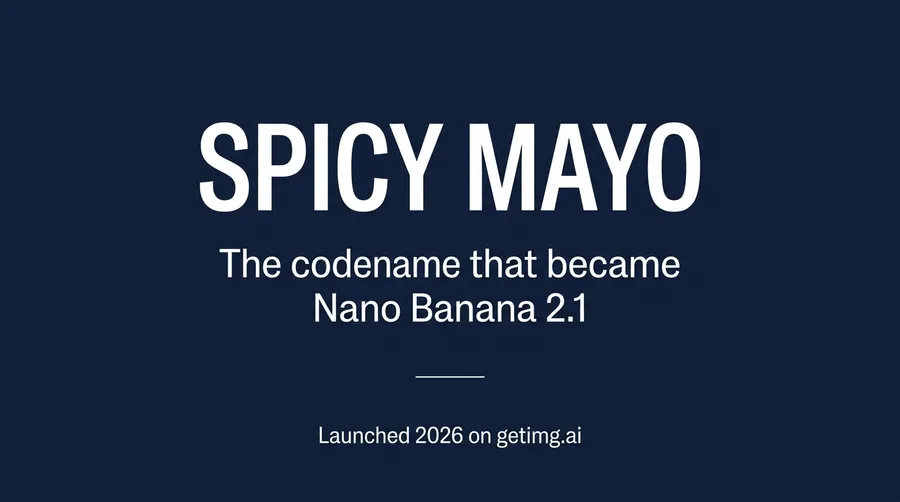
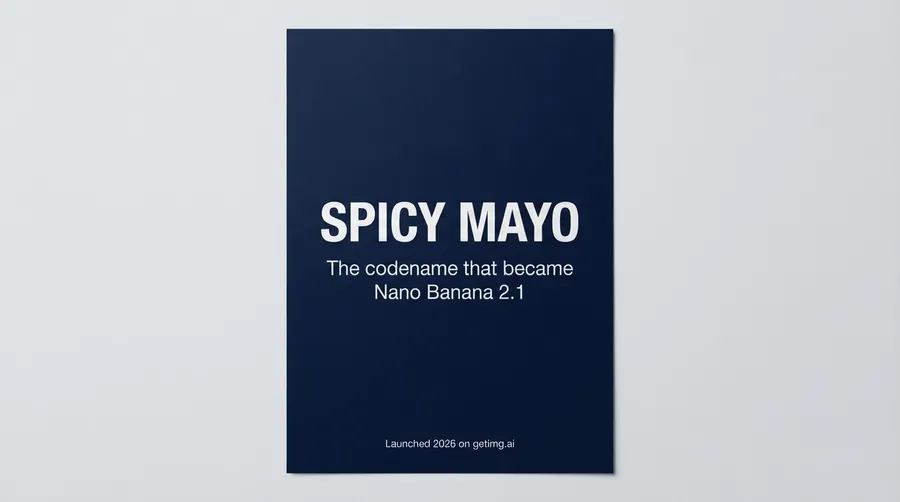
Typography: a headline plus smaller copy
We asked for a navy poster with the headline SPICY MAYO, the line The codename that became Nano Banana 2.1, and a footer reading Launched 2026 on getimg.ai. All four spelled every word correctly, so the difference is layout. 2.1 and Pro filled the frame with the headline on one line. Nano Banana 2 wrapped the subhead onto two lines. Lite read the brief as a photograph of a printed poster rather than a flat design.
Product ad: product, label and environment
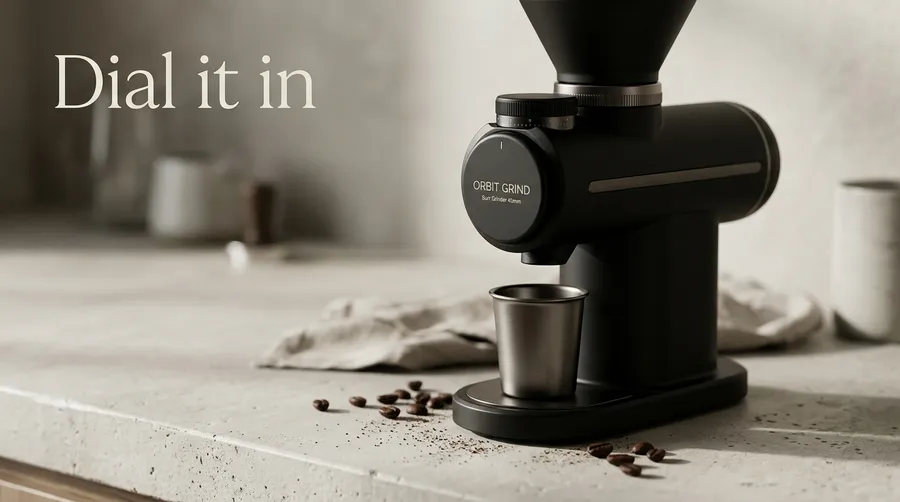
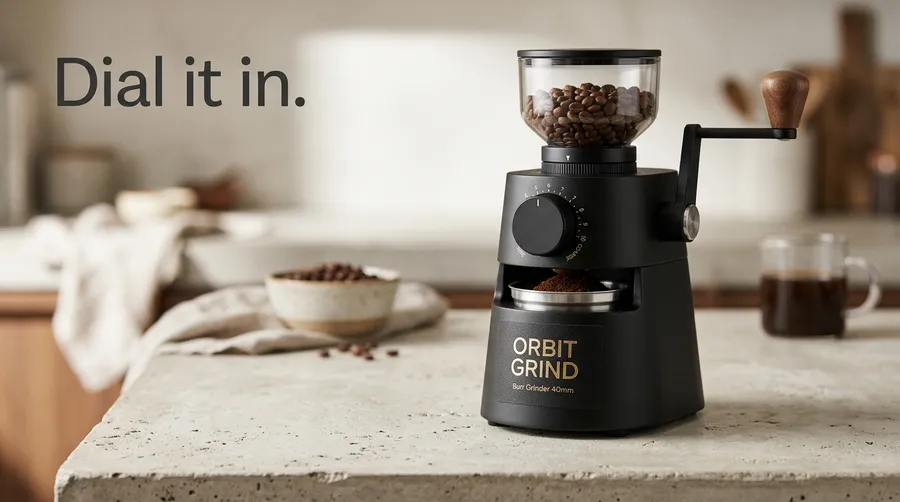
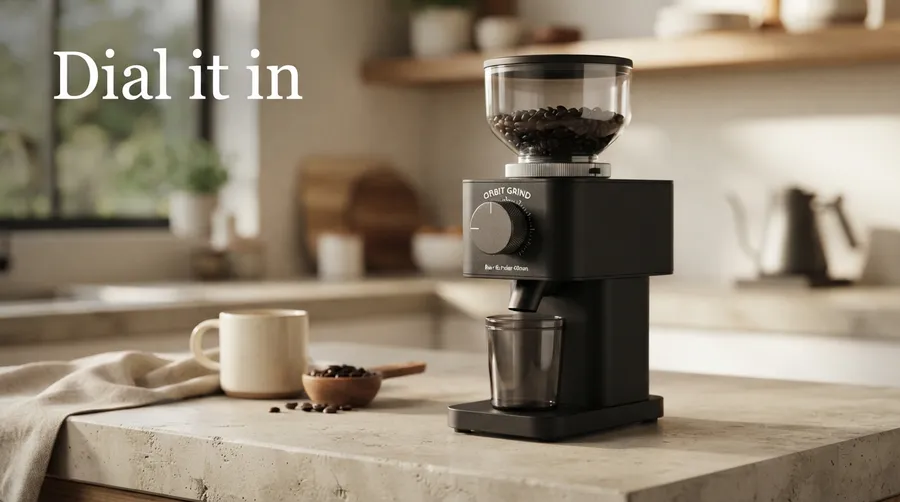
A matte black coffee grinder with a label reading ORBIT GRIND, a smaller line reading Burr Grinder 40mm, and a headline reading Dial it in. Every model got the brand name right. 2.1 put both label lines on the dial face. Nano Banana 2 set them on the base and added a full stop to the headline. Lite rendered the second line too soft to read. Pro pulled Burr Grinder 40mm out of the label entirely and set it as a separate caption in the left margin.
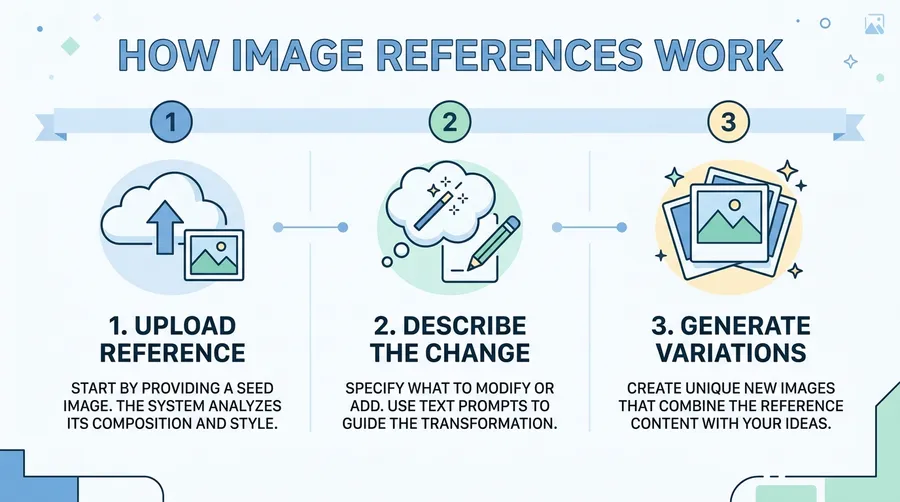
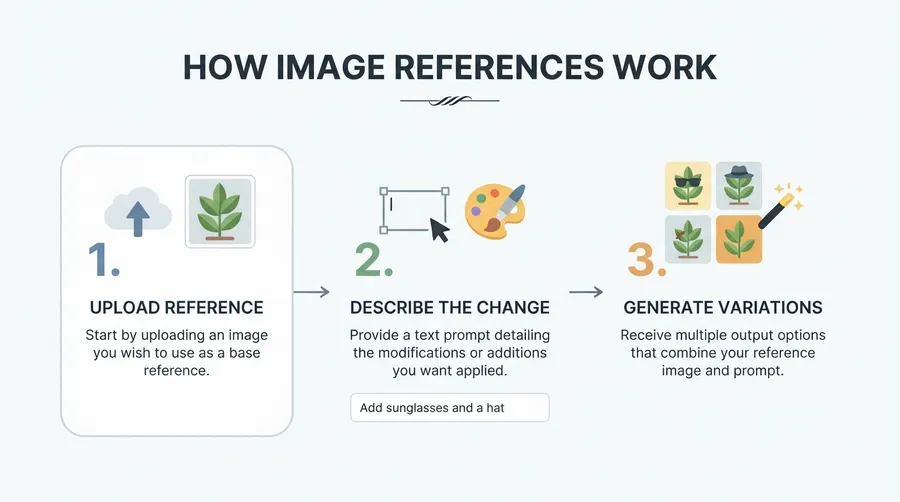
Infographic: layout, labels and structure
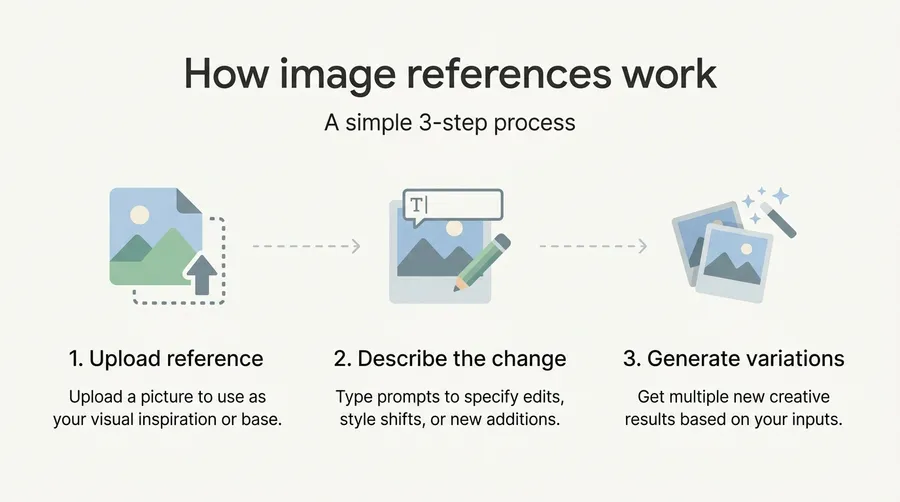
A three-step infographic titled How image references work, with numbered steps and a short caption under each. All four produced a usable three-column layout with the step labels correct. 2.1 stayed closest to the muted brief but added a subhead we never asked for. Nano Banana 2 set its captions in all capitals. Lite invented an interface chip reading Add sunglasses and a hat. Pro returned the most minimal version.
Same Test, Harder Jobs: Edits, References and Photorealism
The second half of the run covers an edit from a fixed input image, a two-reference composite, and a plain photorealistic prompt. Same settings, same four models, same order on every card.
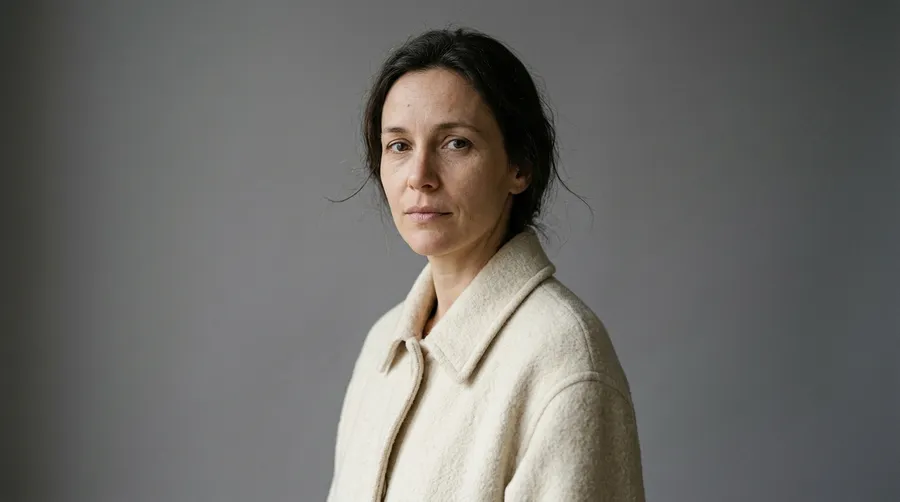
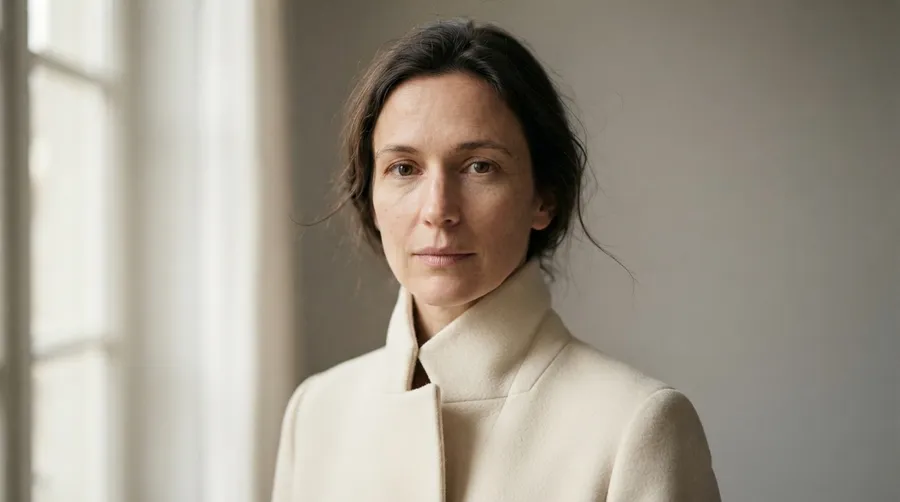
Portrait edit: clothing and lighting without drift
One studio portrait went into all four models with the same instruction: change the top to a cream wool coat, relight from the left, keep the face, hairstyle and pose. 2.1 and Nano Banana 2 both held the identity and the original grey backdrop. Pro held the identity too and kept the black turtleneck from the input visible under the coat. Lite kept the face but replaced the studio backdrop with an invented interior and window.

Multi-reference: a product dropped into a scene
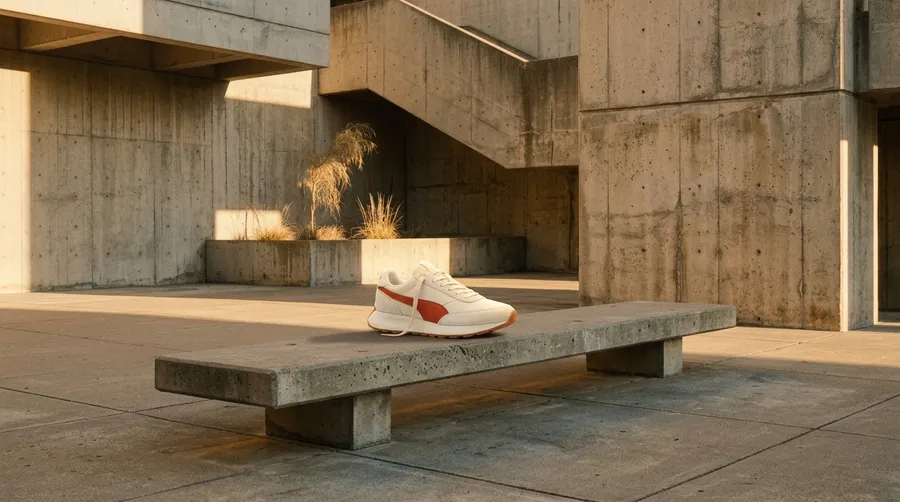
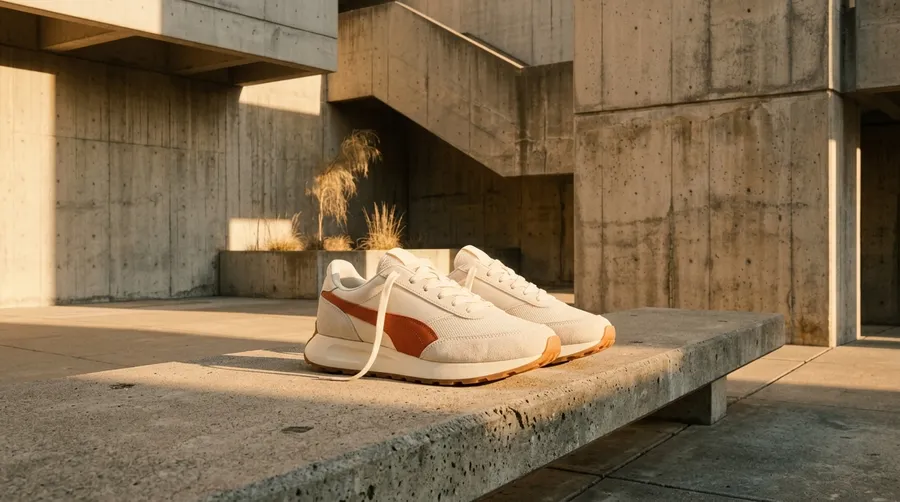
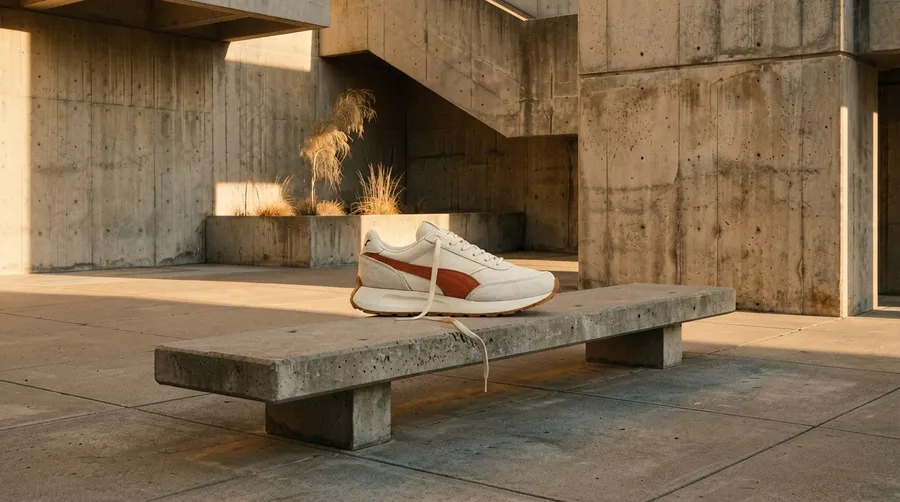
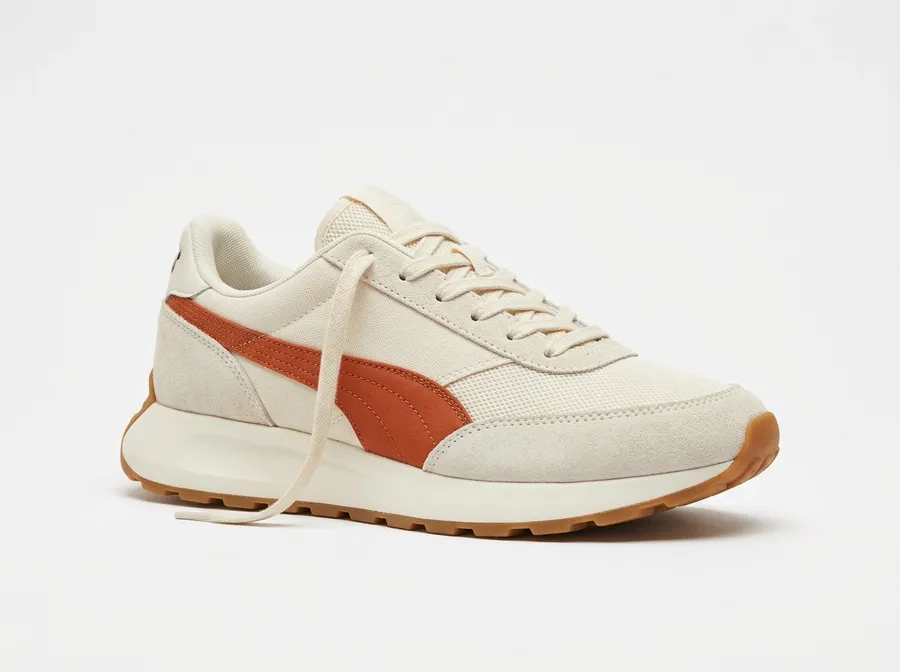
Two references went in: a cream sneaker with a burnt-orange side stripe, and an empty concrete bench in a sunlit courtyard. 2.1, Lite and Pro each placed a single shoe with the colorway and gum sole intact and the contact shadow matched to the late-afternoon light. Nano Banana 2 returned a pair instead of the single shoe the prompt asked for.
Photorealism from a plain text prompt
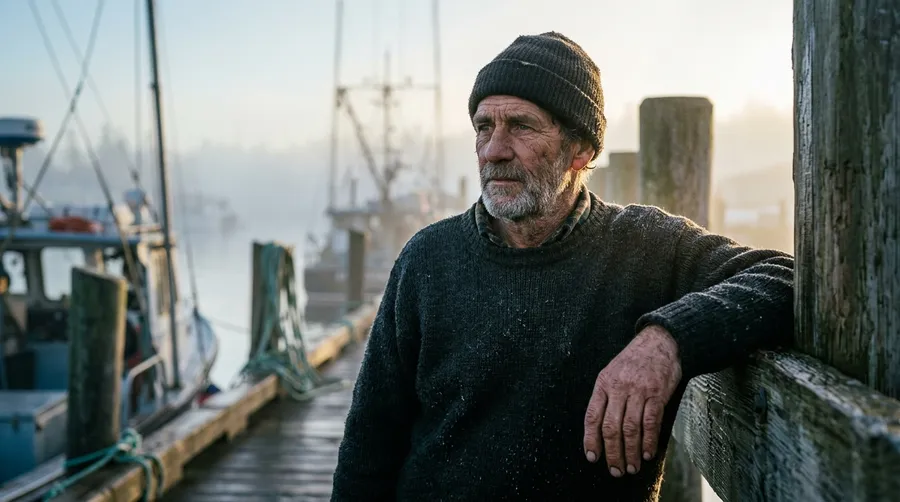
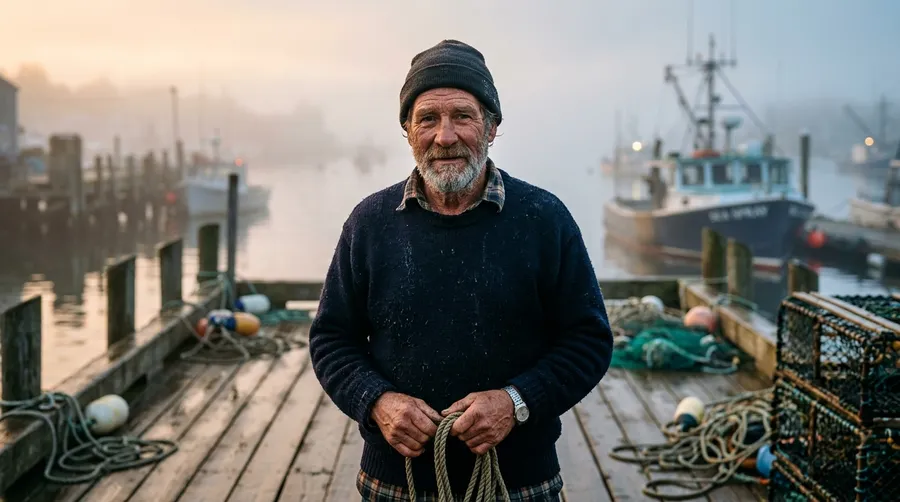
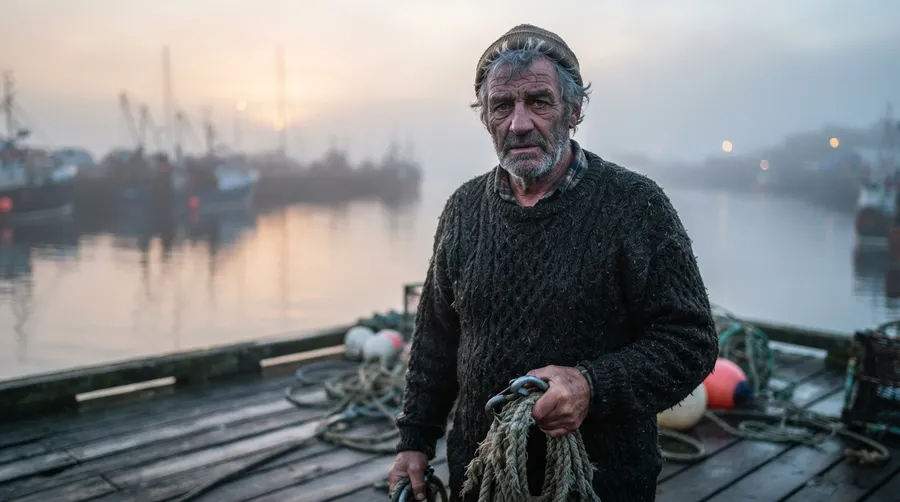
A 60-year-old fisherman at dawn on a wooden dock, 85mm, sea mist. All four returned a clean single-subject frame with convincing skin, wool and backlight, so here the differences are art direction rather than quality: 2.1 leaned the subject against a piling, Nano Banana 2 and Lite put rope in his hands, and Pro seated him with the sun burning through the fog behind.
Edit Images with Natural-Language Instructions
You can change several elements in one prompt: lighting, clothing, background, and text. If you need pixel-level precision or exact production specs, traditional editing tools can still give you more control.

Editing with Nano Banana 2.1
Open Create image
Upload your photo or artwork as a reference image.
Describe all your changes
Lighting, text, background: bundle them in one prompt.
Generate and iterate
Generate a new version and iterate as needed.
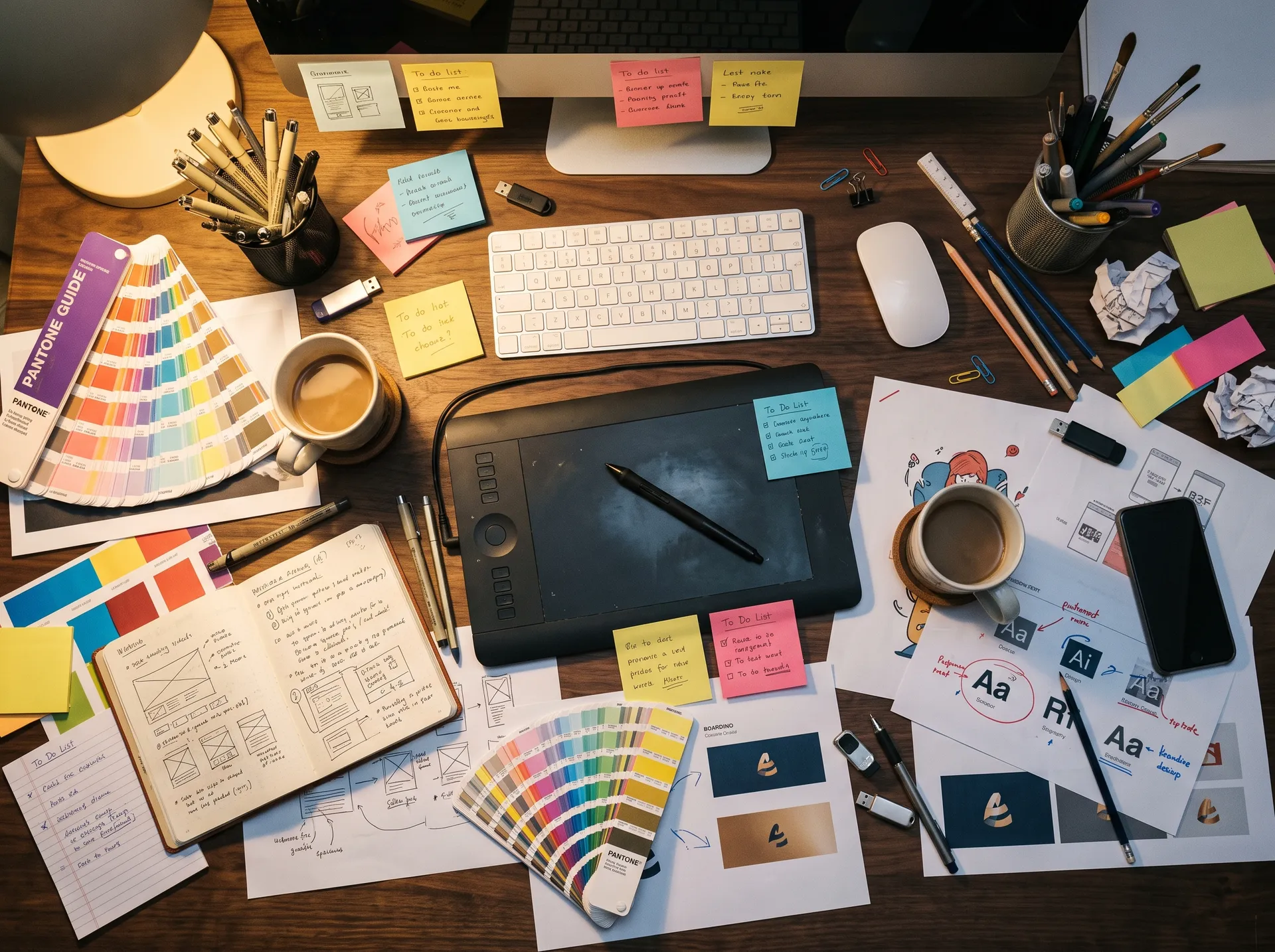
The same edit by hand
- Open your editor and import the source file.
- Duplicate the layer so the original stays intact.
- Mask or select the area you want to change.
- Match color and lighting across the new region.
- Set, place, and kern any type by hand.
- Composite added objects and match perspective.
- Clone out seams and artifacts at pixel level.
- Check alignment, proportions, and edges.
- Export, review on screen and in print, adjust.
- Repeat the whole pass for every new variation.
Generate Images with More Reliable Text Rendering
Nano Banana 2.1 is designed for stronger in-image text rendering across posters, infographics, diagrams, UI concepts, and marketing visuals. For final production assets, review spelling, numbers, labels, and brand terminology before publishing.
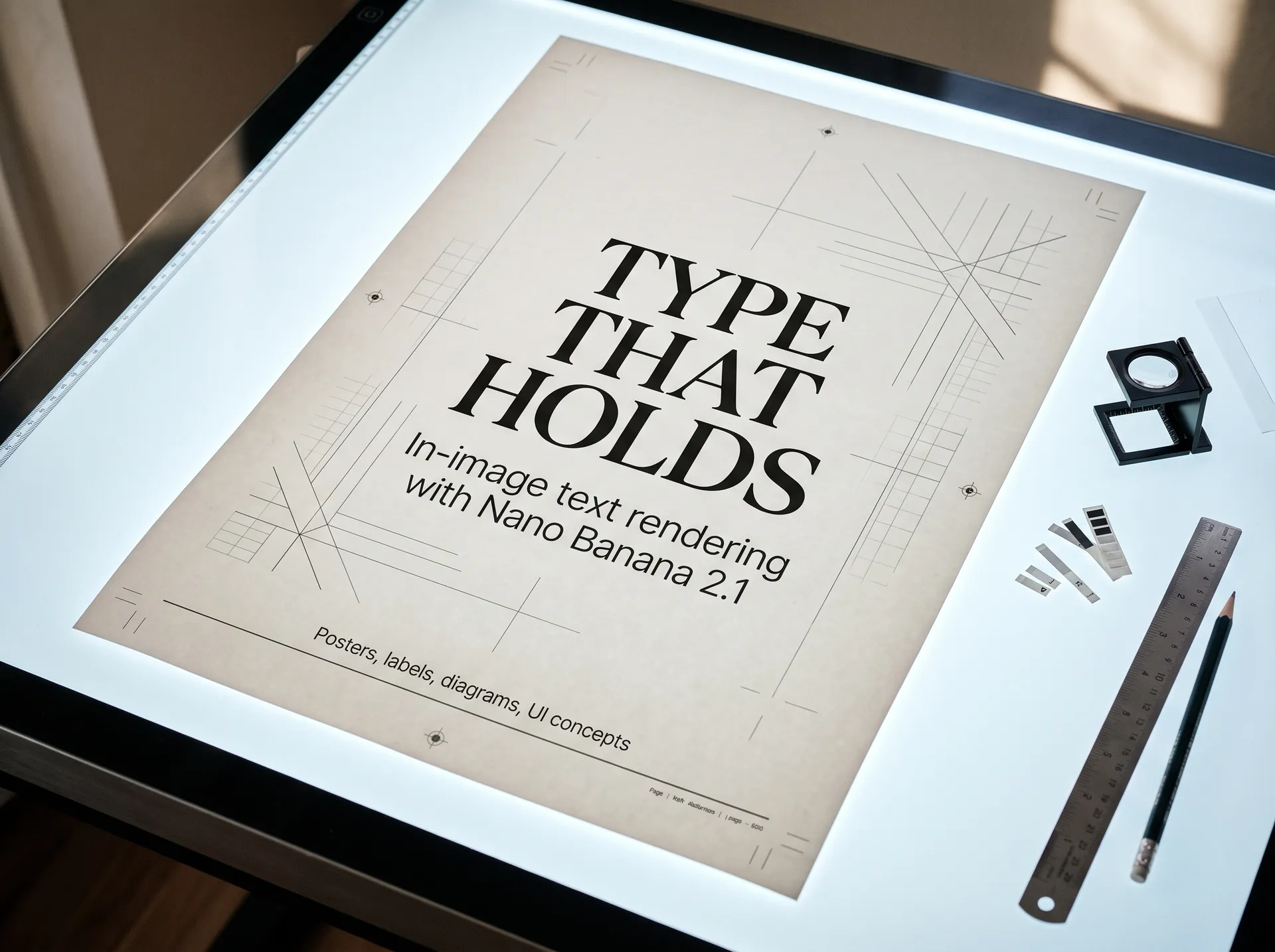
We Tested Nano Banana 2.1 with Difficult Text
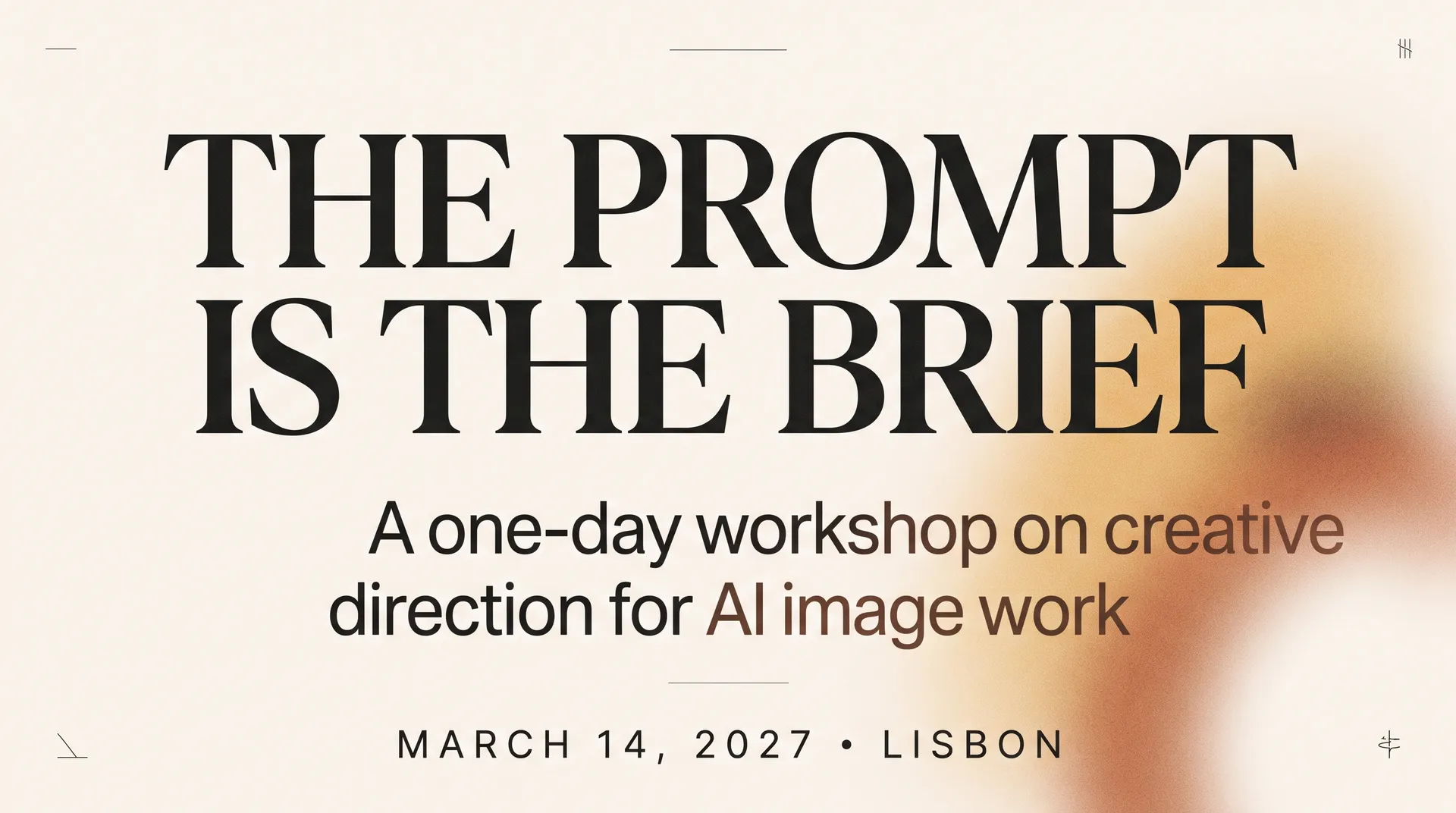
Five prompts that usually break in-image text: a headline with a subhead, a product label, a data infographic, two non-Latin scripts, and a block of prices and figures. Every image below is a single Nano Banana 2.1 pass at 2K. Here is what came back, and what we would still check before publishing.
Advanced Editing Workflows with Nano Banana 2.1
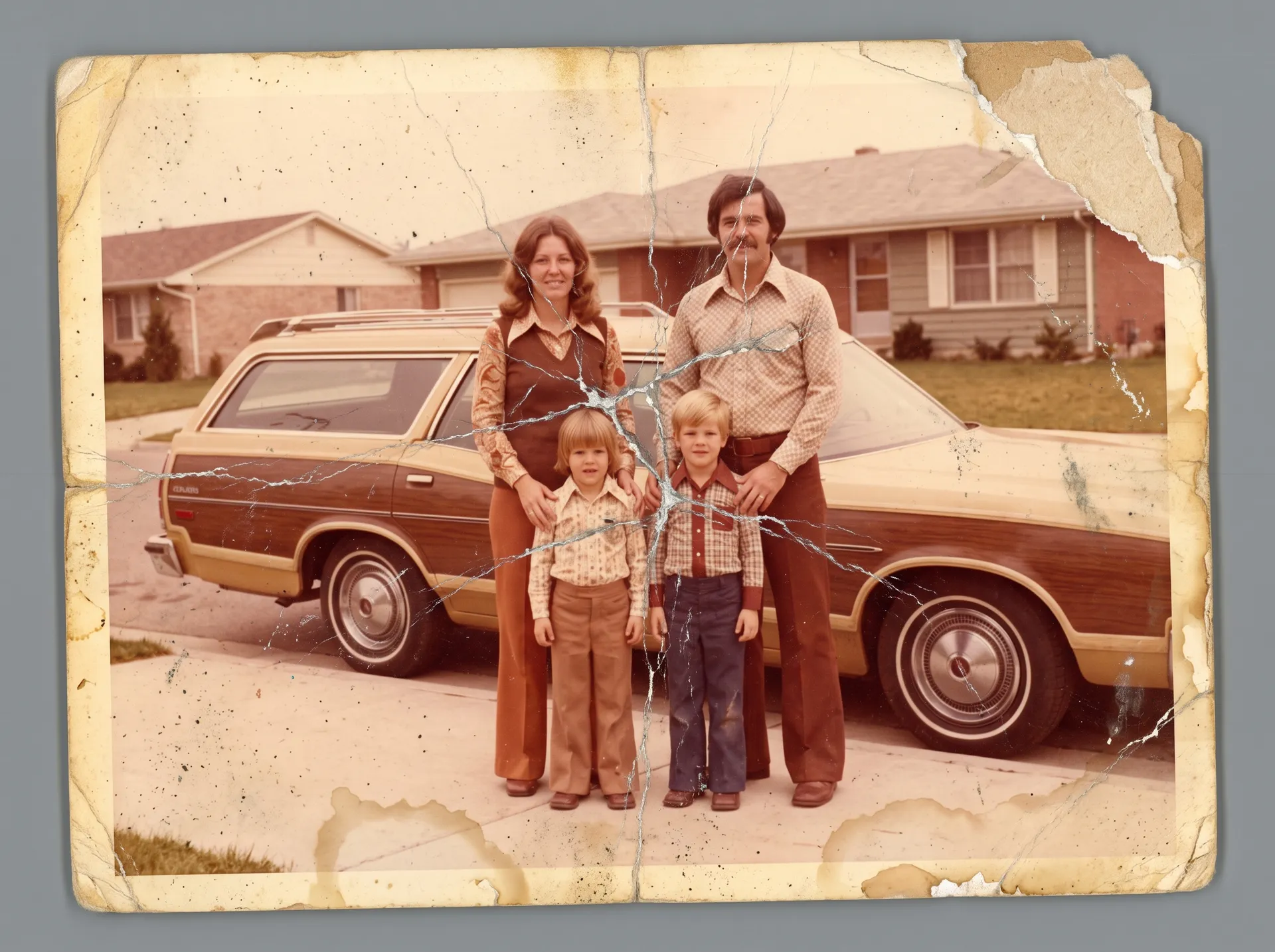
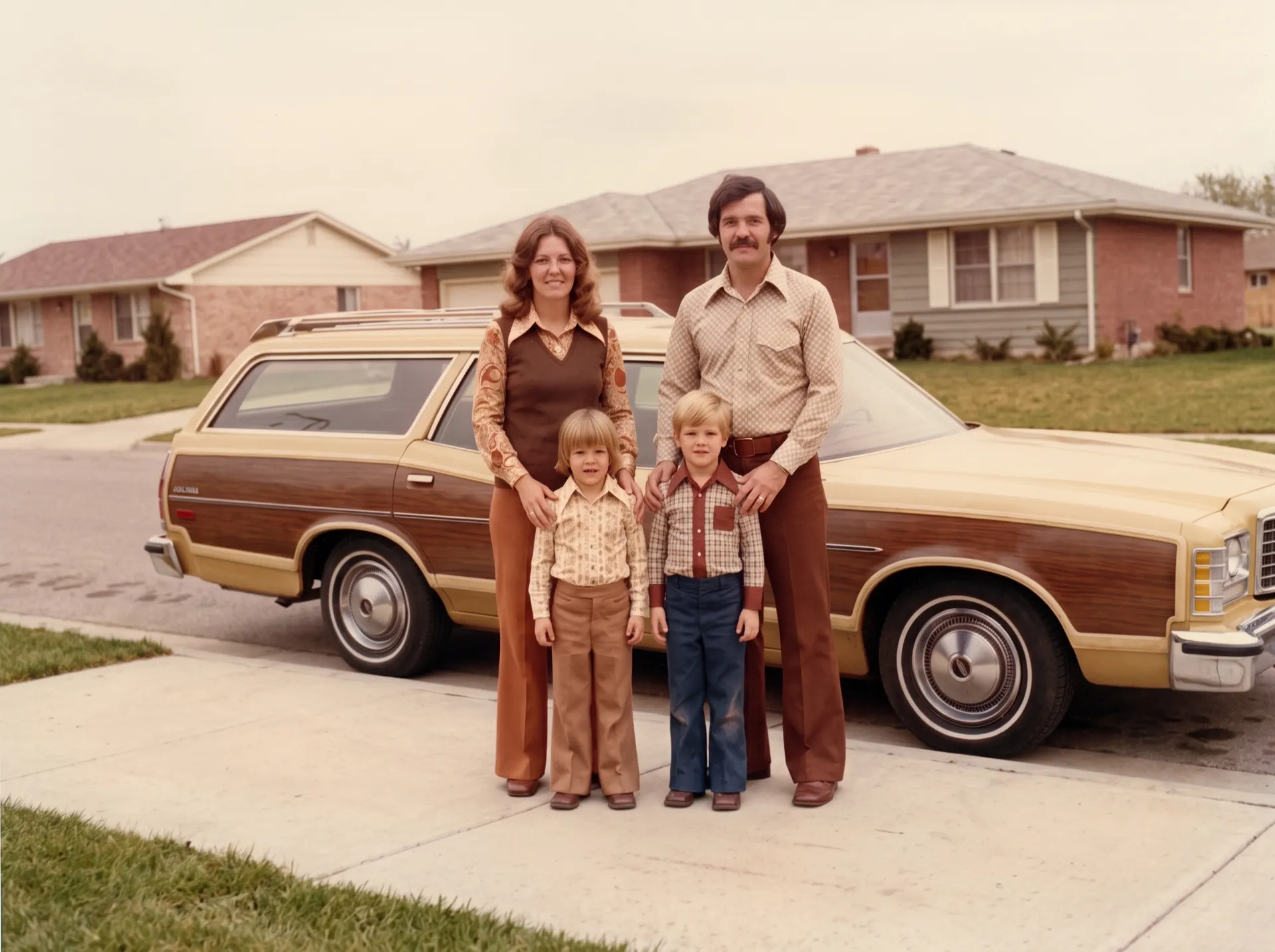
Restoration, compositional changes, background changes, in-image text, and multi-reference generations all run from the same prompt box. Repair scratches, add color, and reconstruct damaged or low-quality areas. When source information is missing, some restored detail may be model interpretation rather than recovered original information.
Guide Nano Banana 2.1 with Reference Images
Add up to 14 reference images to steer a person, a product, a style, a composition, or a general visual direction. References work for new generations and for edits, and they are the most direct way to keep a series looking related.
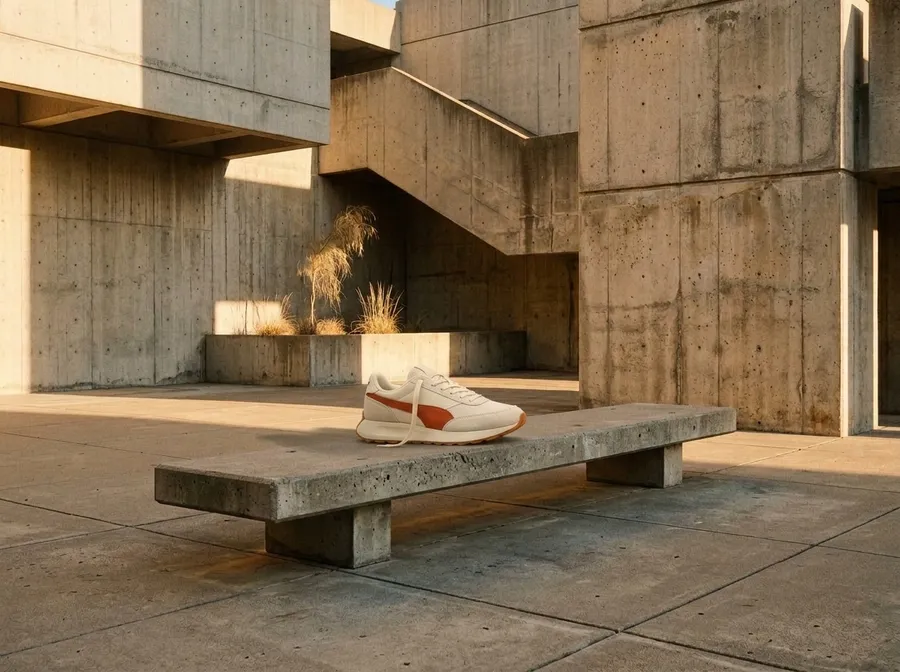
Where Nano Banana 2.1 Fits in Production
Text, structure, and reference-guided composition are the model's strongest areas. Pick a use case to see an example generated with Nano Banana 2.1.
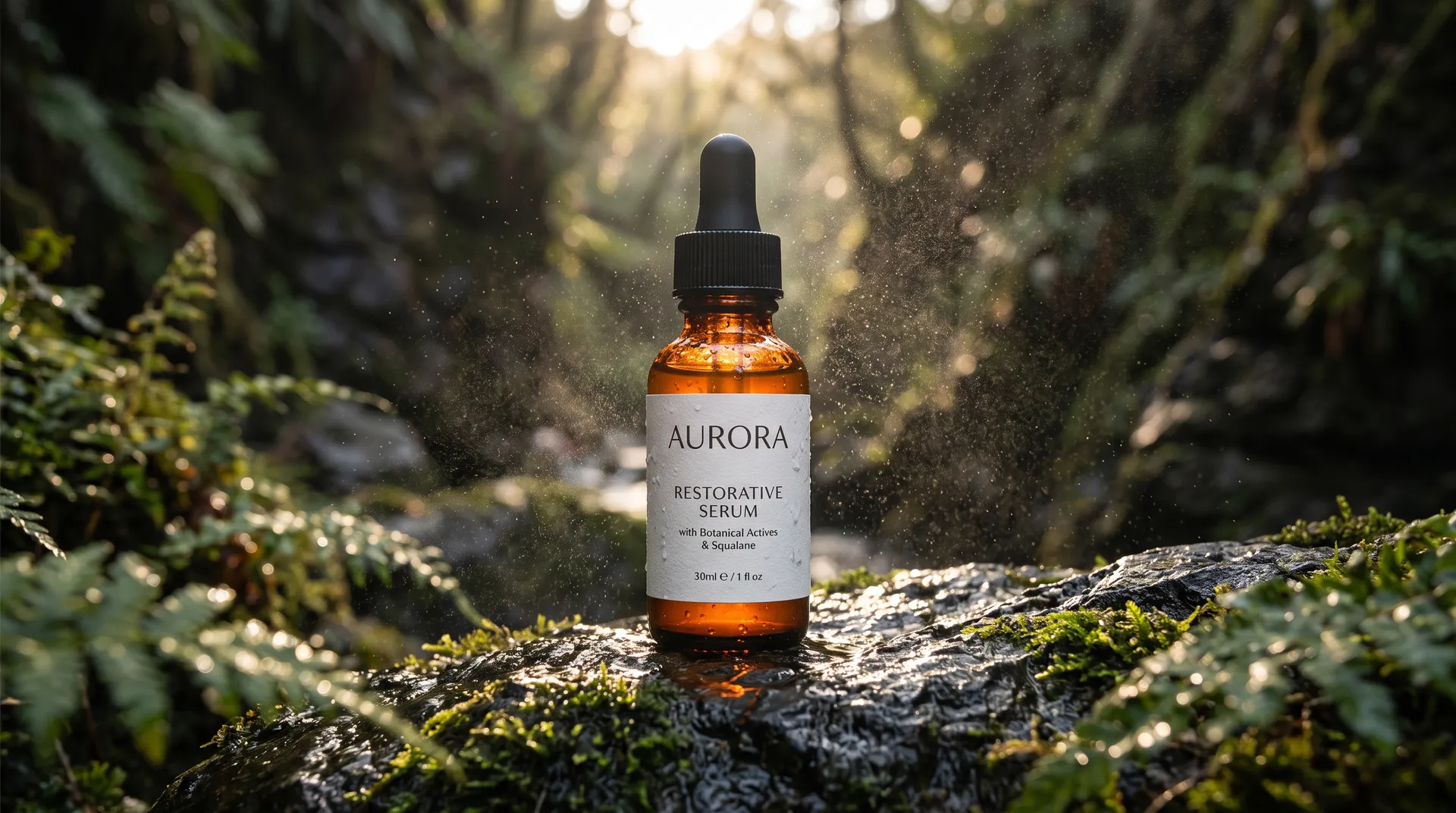
Controls Around the Model in getimg.ai
Nano Banana 2.1 is the engine. These are the controls around it that make it usable for repeatable production work.
Generate up to 4K Across Wide, Square and Vertical Formats
Nano Banana 2.1 outputs at 1K, 2K, or 4K across eleven aspect ratios, from ultra-tall 1:8 to ultra-wide 8:1, plus the standard square, portrait, landscape, and social formats.
Reuse People, Products and Styles with Elements
Save frequently used visual references as Elements and call them with @ in future prompts. Reusing the same Element can help maintain a more recognizable subject, product, or visual direction across multiple generations.



Prompt in 20+ Languages
Describe what you want in your own language. getimg.ai reads prompts in 20+ languages, so your whole team can create without translating to English first.
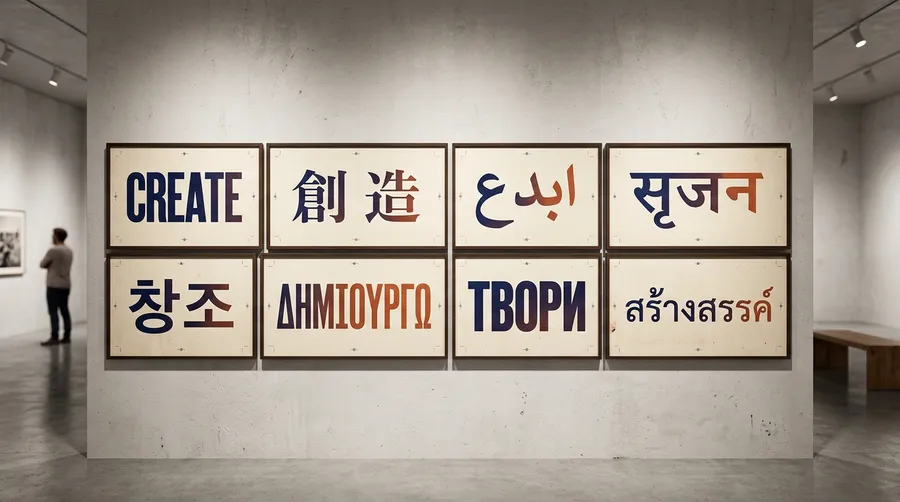
Nano Banana 2.1 Specs on getimg.ai
Generation and editing, in-image text rendering, and reference-guided results, all from the Create image generator. Nano Banana 2.1 is not in the public API yet, so for an API build, Nano Banana 2 is the model to use.
Frequently Asked Questions
Nano Banana Pro runs on Gemini 3 Pro Image, which is the generation before Nano Banana 2, so it is the older pro-tier model rather than a step up from the newer Flash releases. It still handles dense layouts well, and it is the most expensive of the family to run. Nano Banana 2 is the current general-purpose default on Gemini 3.1 Flash Image, with balanced quality, speed and cost, 1K to 4K output, and API access. Nano Banana 2 Lite is the speed and cost option, built for drafts, variations and high-volume batches at 1K.
Nano Banana 2.1, the release that tested under the codename Spicy Mayo, is the newest Flash-tier model. It outputs up to 4K and accepts up to 14 reference images, the highest of any image model on getimg.ai. The original Nano Banana, also known as Gemini 2.5 Flash Image, is still in the model picker as well. None of these is simply the winner. Pick 2.1 for the newest capabilities, Nano Banana 2 when you need the API, Lite for volume, and compare against Pro when a layout is unusually dense.
Yes. Alongside editing, Nano Banana 2.1 works as a full Text to Image model. Describe what you want in plain language, and steer the result with up to 14 reference images when you need a specific person, product, or style.
That means one model covers both sides of the workflow. Start from a blank prompt or from an existing image, and keep iterating in the same place.
When you're on one of our paid plans, your use of image generation, image editing, and other features comes with full commercial rights. You can use your Nano Banana 2.1 images in marketing campaigns, products, social media, and more. Logos, trademarks, and third-party likenesses that appear in an image are a separate question, so clear those before you publish.
Multi-part edits in a single prompt. Instead of splitting your request into fragments, you can bundle instructions like “make the lighting warm, recolor the dress red, and add ‘Spring 2027 Collection’ text to the wall.” Nano Banana 2.1 can handle multiple instructions in one prompt, but for important edits it's still worth checking which requested details changed and which were preserved.
It also covers workflows that used to need several passes: restoring old photos, shifting perspective, changing a background, or extending a series in the same style. Results vary with the source material, so treat the first output as a starting point rather than a finished asset.
“Nano Banana” started as a community nickname for Gemini 2.5 Flash Image. The model appeared quietly on public testing sites before Google confirmed it was theirs, and testers had only the nickname to go on.
The name stuck, and Google kept it. It now works as a wider label across the Gemini Image family, covering Nano Banana 2, Nano Banana 2 Lite, Nano Banana 2.1, and Nano Banana Pro.
New Gemini image models still show up on ranking sites under a food codename before they get a number. That is exactly how Spicy Mayo became Nano Banana 2.1.
Nano Banana 2.1 handles natural-language instructions well, so prompts can describe several coordinated edits without relying on specialized syntax. Bundle them in one go: “make the sweater navy blue, brighten the background with studio lighting, and add a small text overlay in the bottom corner that says ‘Winter Lookbook’.” Then check which of the details changed and which were preserved.
If you want to protect something, say it directly: “preserve the original hairstyle,” “keep the leather texture,” or “don’t alter the company logo.” And when describing style or lighting, concrete photography terms like “sharp contrast, rim light on the left, matte finish” usually give the model clearer visual direction than vague words like “make it nicer.” Clearer direction, fewer rounds.
Yes, in-image text is one of its stronger areas. Posters, diagrams, multi-section infographics, step-by-step explainers, and editorial-style pages all work from a single prompt. The text rendering tests further up this page show how it handled headlines, labels, foreign-language copy, and numbers.
It also handles large text blocks, small annotations, labels, and multi-column layouts. Spelling, numbers, and alignment still deserve a read-through before publishing, so for design-heavy work like pitch decks, storyboards, packaging, or social graphics, treat the output as a strong draft.
Spicy Mayo was the codename Google used while testing this model anonymously on public ranking sites. It appeared with no branding and no announcement, scored well against named models, and testers had only the codename to go on. Because the quality jump was obvious, a lot of the early coverage assumed it would launch as Nano Banana 2.5.
It didn’t. Google released it officially as Nano Banana 2.1, so Spicy Mayo and Nano Banana 2.1 are the same model under two names, and Nano Banana 2.5 was never a real release. If you came here looking for Spicy Mayo or Nano Banana 2.5, this is the model you want, and you can run it in getimg.ai right now.
Yes, getimg.ai offers access to Nano Banana 2 API at competitive prices. Nano Banana 2.1 is currently available in the getimg.ai app only, so if you need API access today, Nano Banana 2 is the one to build on.
The API is a separate product from the subscription you use in the getimg.ai app. Instead of a monthly plan, it works on a prepaid balance model. You top up your credits and only pay for what you use.
It’s straightforward to integrate into your own tools, apps, or workflows. Pricing is transparent, and you have full control over usage, so you can scale without surprises.
Start creating with Nano Banana 2.1
Generate from text, edit what you already have, render in-image text, and steer results with references. The rest of the Nano Banana family is in the same model picker whenever a job needs a different trade-off.