AI Social Media Ad Generator: One Idea, Ads for Every Feed
Create paid social images and videos for Instagram, TikTok, Facebook, LinkedIn, and Pinterest. Start with one campaign direction. Adapt it to how people use each platform.
Try industry-leading models


Create ads built for the platform
A social ad has to fit the feed before it can earn attention. A polished Instagram image, fast TikTok opening, clear Facebook offer, professional LinkedIn proof, and useful Pinterest visual should not look identical.
Use getimg.ai to build the master campaign direction, then create the version each placement needs. Paid creative and your organic calendar can share it, the same way AI for social media content keeps a posting schedule recognizable.
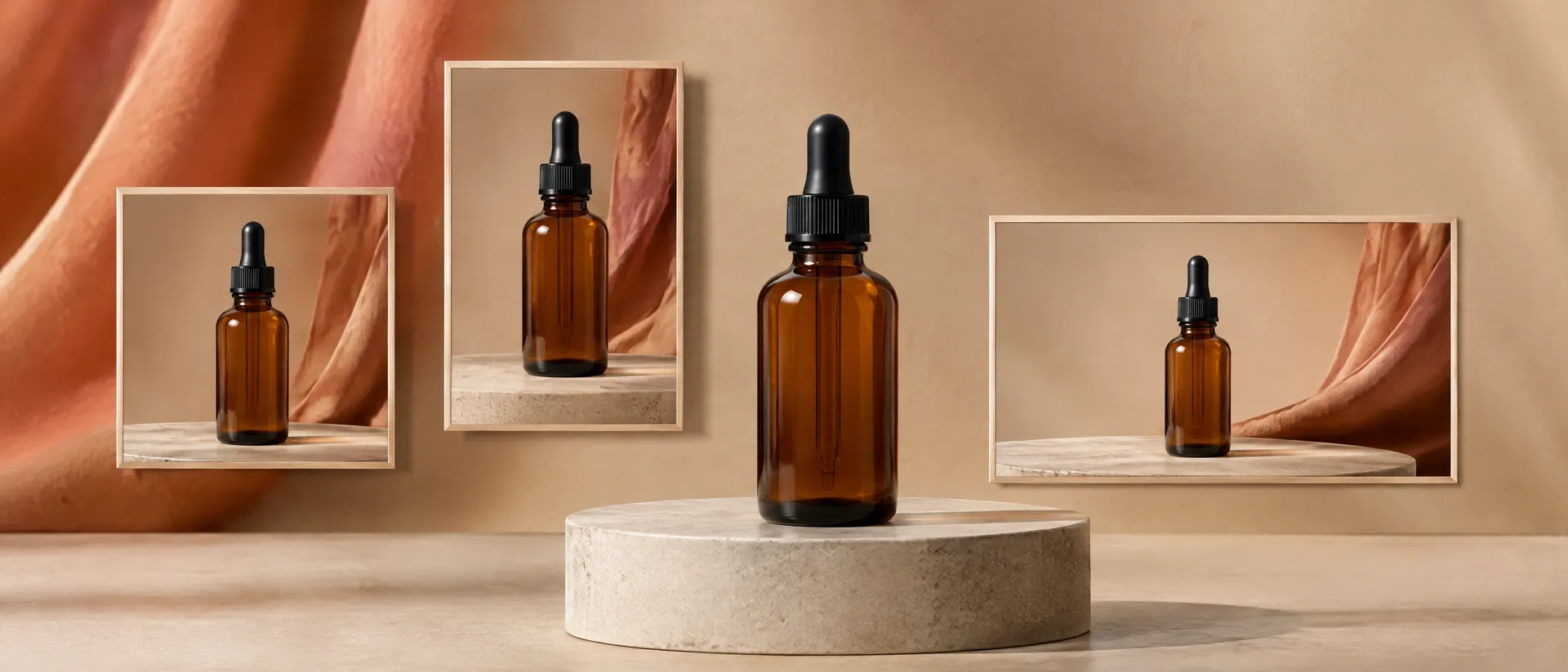
One direction. Five feeds.
Start from the campaign idea you already believe in and build the version each placement needs.
Create Instagram ads people want to look at
Lead with a polished visual result. Keep the composition clean, the product recognizable, and the message short.
Create square and portrait feed ads, then build vertical versions for Stories and Reels. Use movement when it helps reveal the product, not only to make the ad busier.
Example: a fragrance launch moves from a still editorial image to a vertical bottle reveal with the same light and styling.

Slow push-in medium shot with shallow depth of field on an unbranded matte glass perfume bottle standing on a pale stone ledge, the bottle held still while soft daylight drifts across its surface and the shadow beside it shortens, warm neutral backdrop with a dried branch out of focus behind, calm editorial fragrance look with warm highlights and fine film grain.
Create TikTok ads that start with the hook
Show the problem, movement, or product moment immediately. Use vertical composition, direct pacing, and a scene that feels natural beside creator content.
Build several openings around the same offer. Change the first action, angle, or line while keeping the rest of the ad stable.
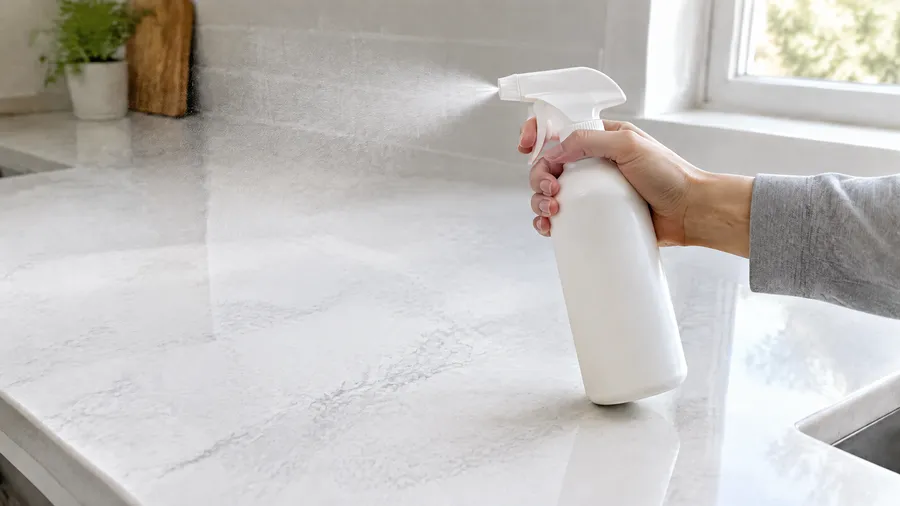
Example: a cleaning product appears mid-spill, shows the result, then ends on the product in use.


Create Facebook ads that make the offer clear
Put the product, benefit, and message in a hierarchy that works at feed speed. Use lifestyle context when it supports the offer and cleaner product focus when clarity matters more.
Create versions for different audience situations without changing the core campaign.
Example: the same travel bag appears in a weekend, work-trip, and family-travel context.


Create LinkedIn ads that show the business outcome
Start with the work problem. Show the product, interface, process, or result that supports the claim. Keep the message concrete and professional.
Use single images, short product videos, and carousel concepts to explain one business benefit at a time.
Example: a project-management app ad shows the problem, one interface moment, and the simplified workflow.

Create Pinterest ads people can use
Use a strong vertical image and show the finished possibility. Pinterest creative works best when the product connects to an idea, project, routine, or future plan.
Create seasonal and search-led versions from the same product reference.
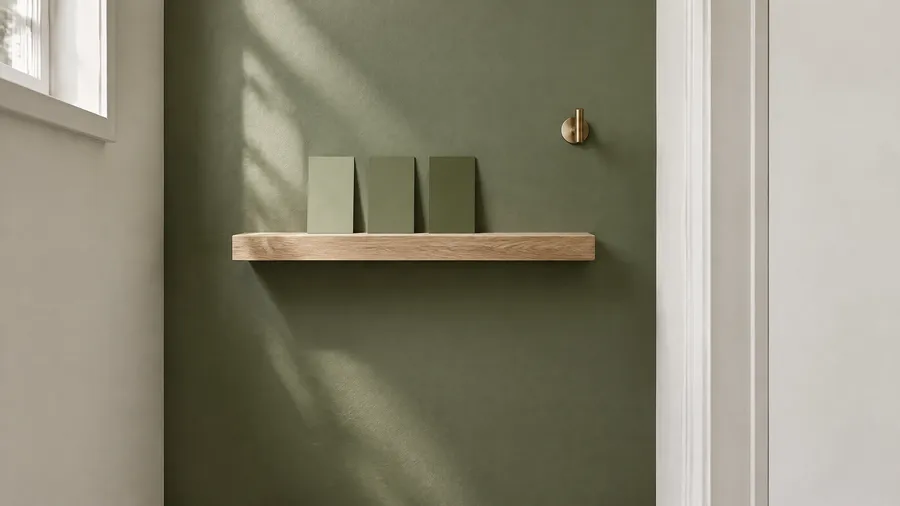
Example: one paint brand becomes a kitchen palette, bedroom update, and small-space color guide.
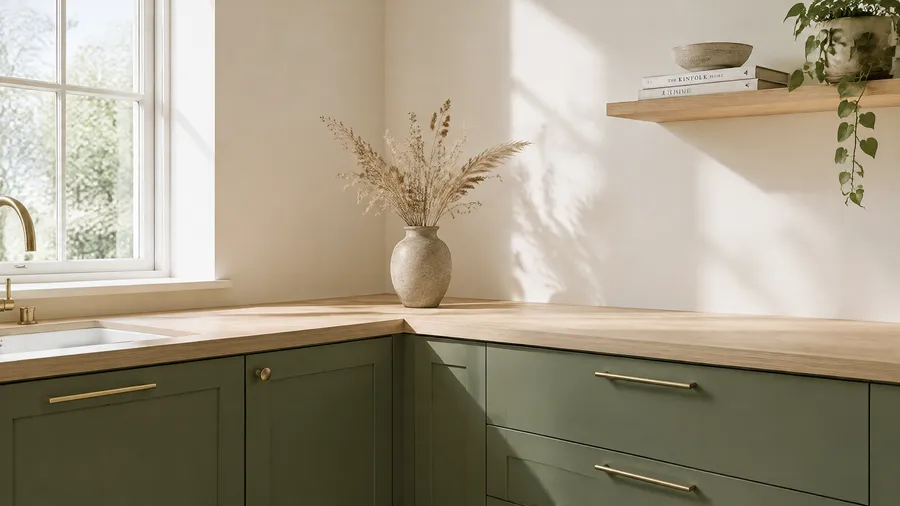
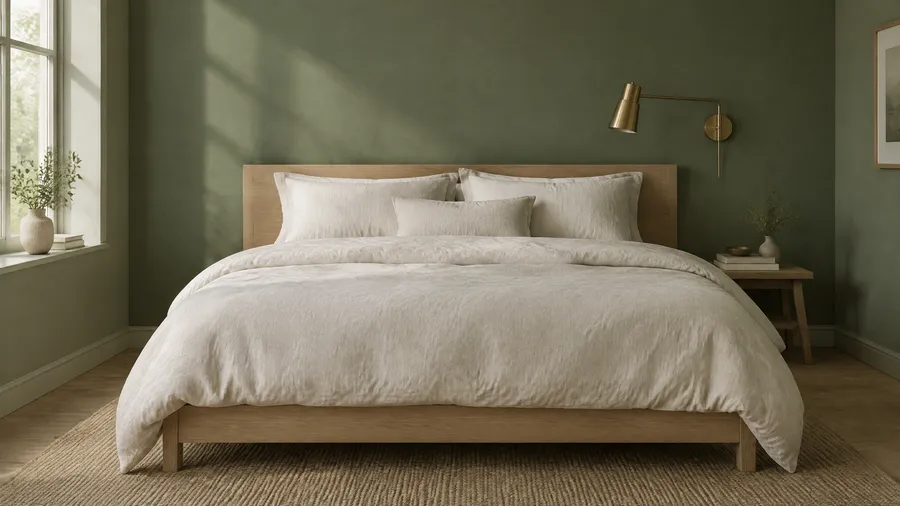
How to create social media ads with AI

1. Name the campaign job
Define the product, offer, audience, and action.
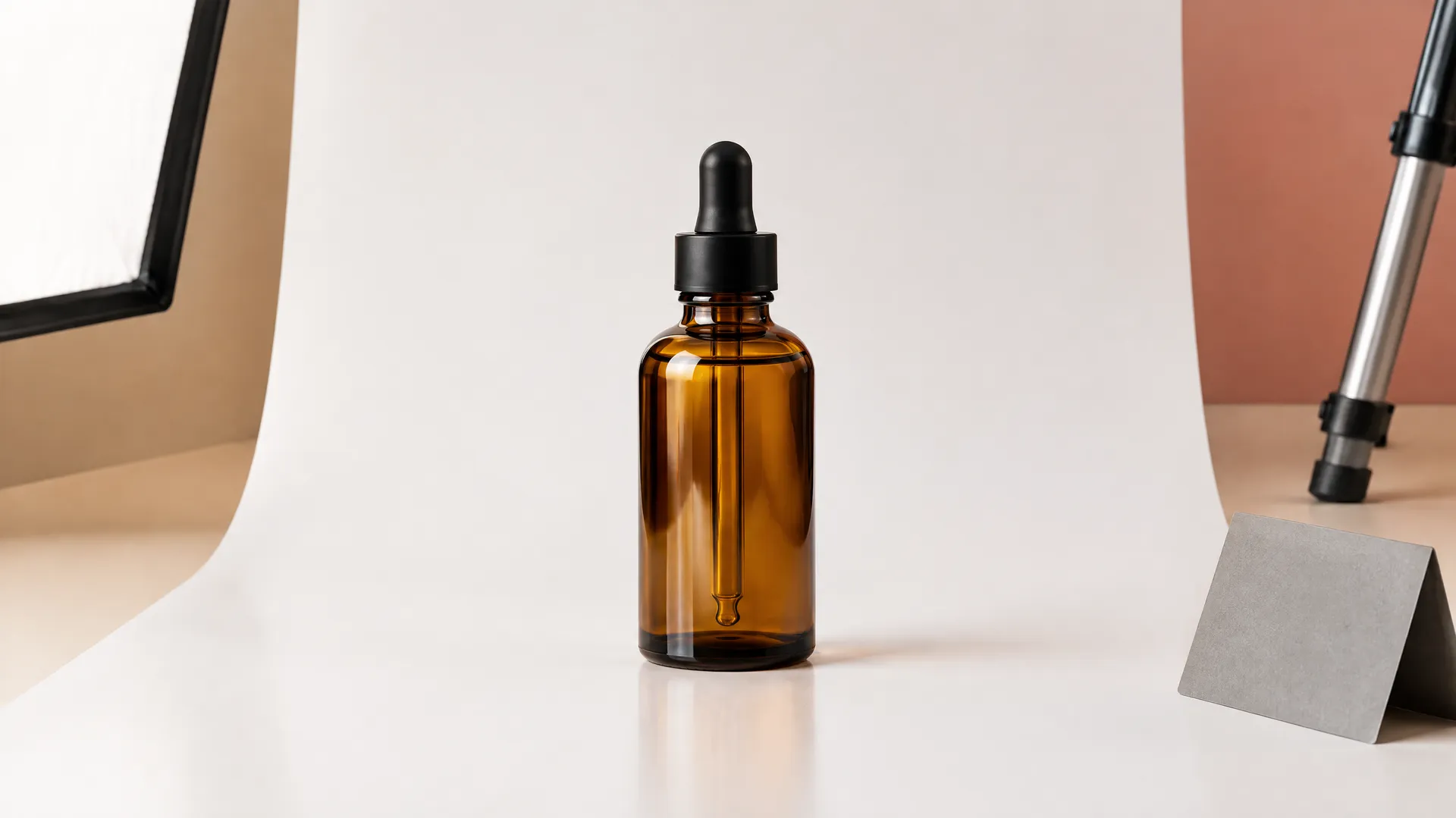
2. Add the product or visual reference
Upload what needs to stay consistent across the campaign.

3. Create the master direction
Choose the strongest setting, color, light, composition, and message.
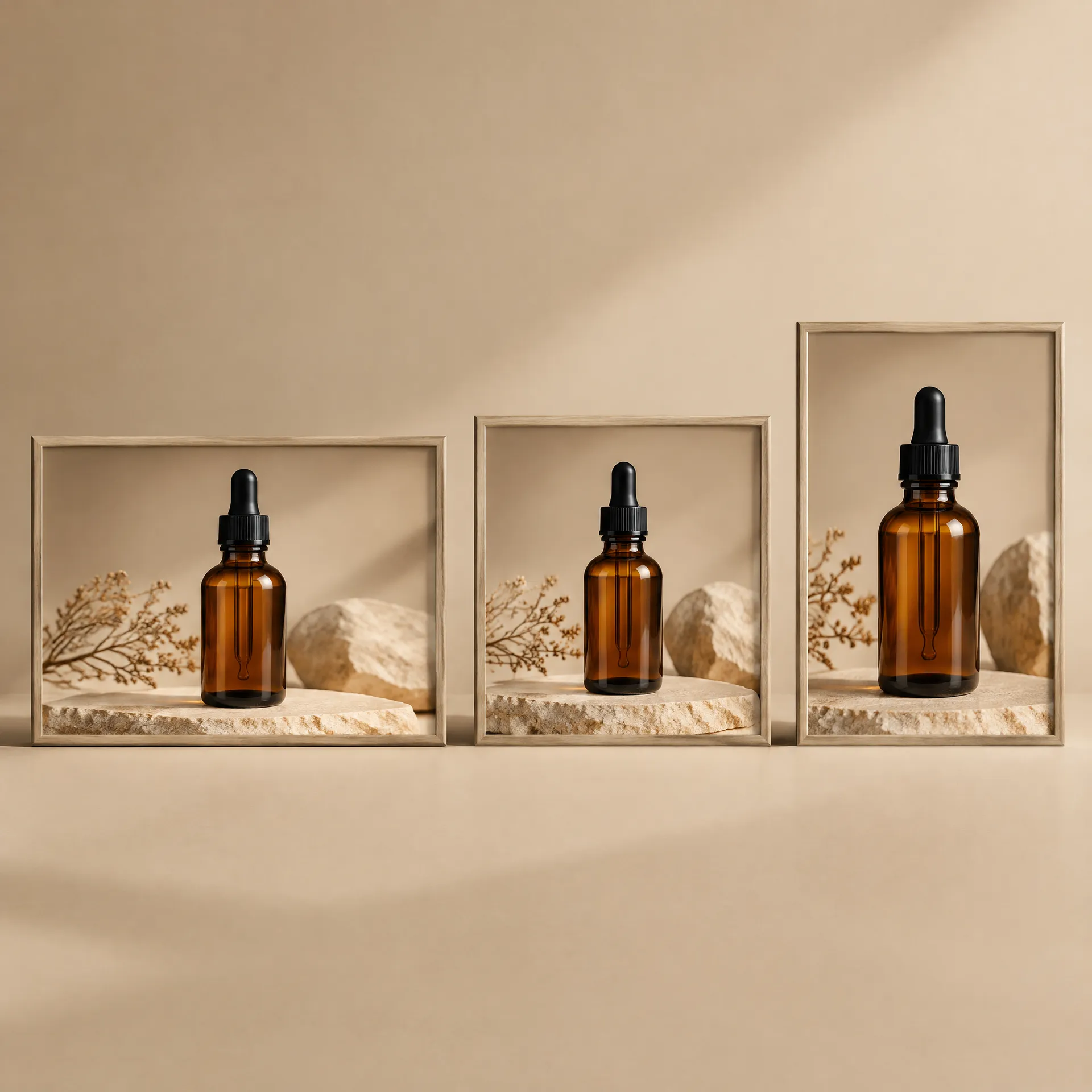
4. Adapt it for each feed
Change the hook, crop, motion, proof, and pacing to fit the platform.
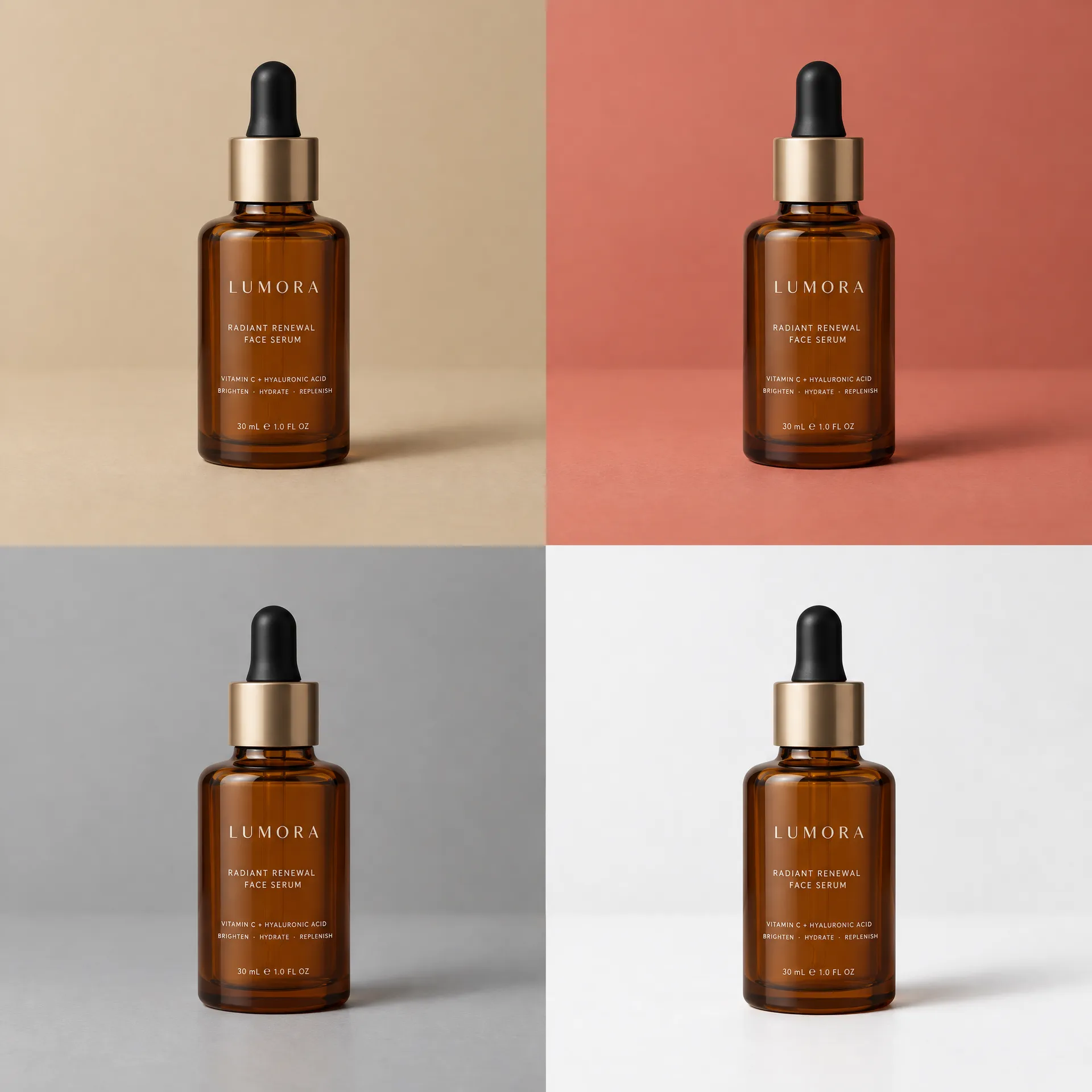
5. Test useful variations
Change one meaningful variable at a time so each version supports a decision.
Master direction first, formats second
Five steps from campaign job to a set of platform-native ads that still look like one campaign.
Adapt the creative instead of only resizing it
Resizing changes dimensions. Adaptation changes how the idea works.
- Instagram: lead with visual desire. Start from a polished image or short reveal.
- TikTok: lead with an immediate hook. Start from vertical action or a creator-style moment.
- Facebook: lead with a clear offer. Start from the product plus the benefit.
- LinkedIn: lead with business proof. Start from the outcome, process, or interface.
- Pinterest: lead with a useful possibility. Start from a vertical idea or finished result.
Keep the campaign recognizable through the product, palette, styling, and core promise. Change how it earns attention.
For broader static, video, and display creative, use the AI Ad Generator. For creator-style TikTok and Reels concepts, use the AI UGC Ad Generator.
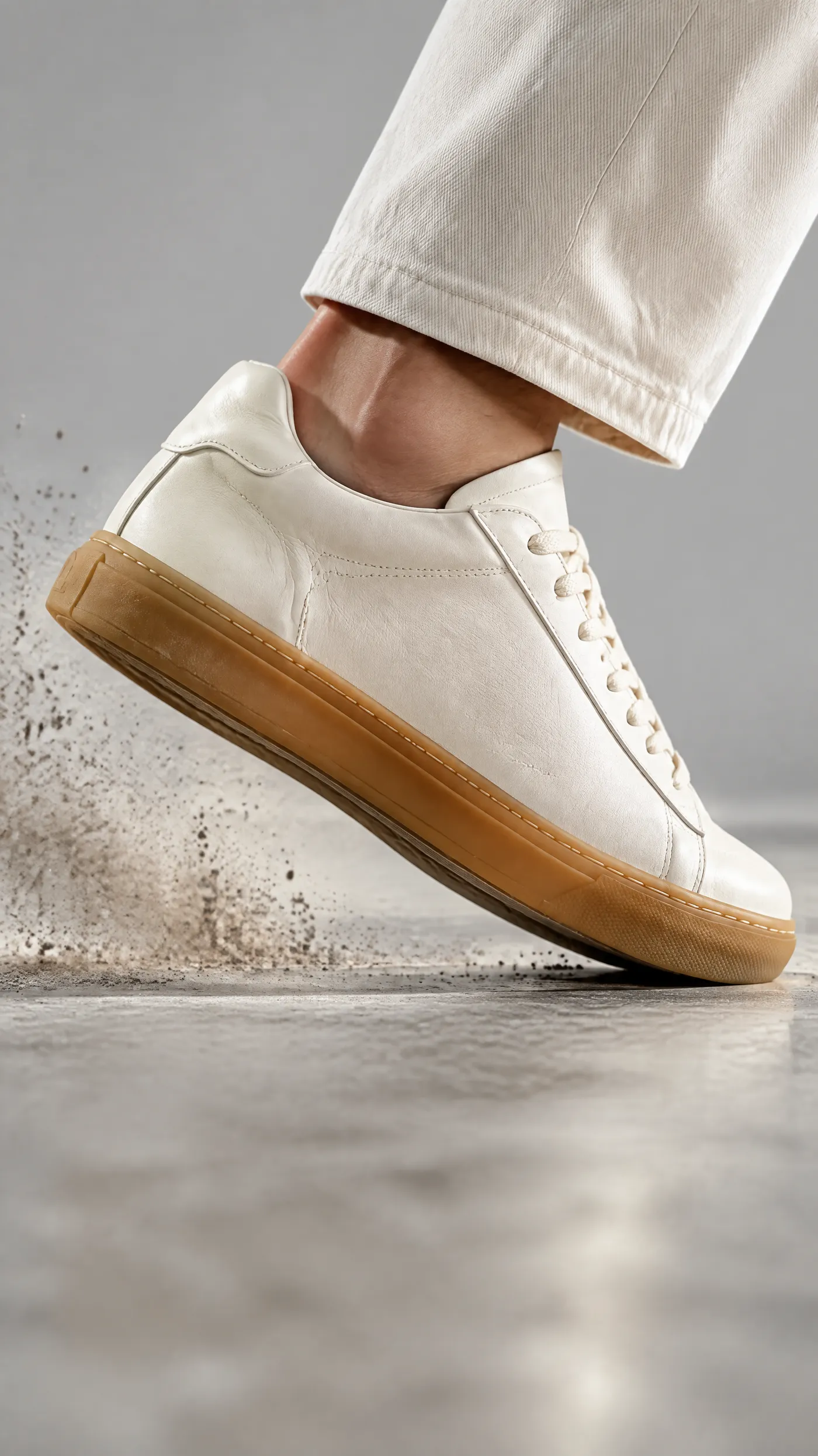
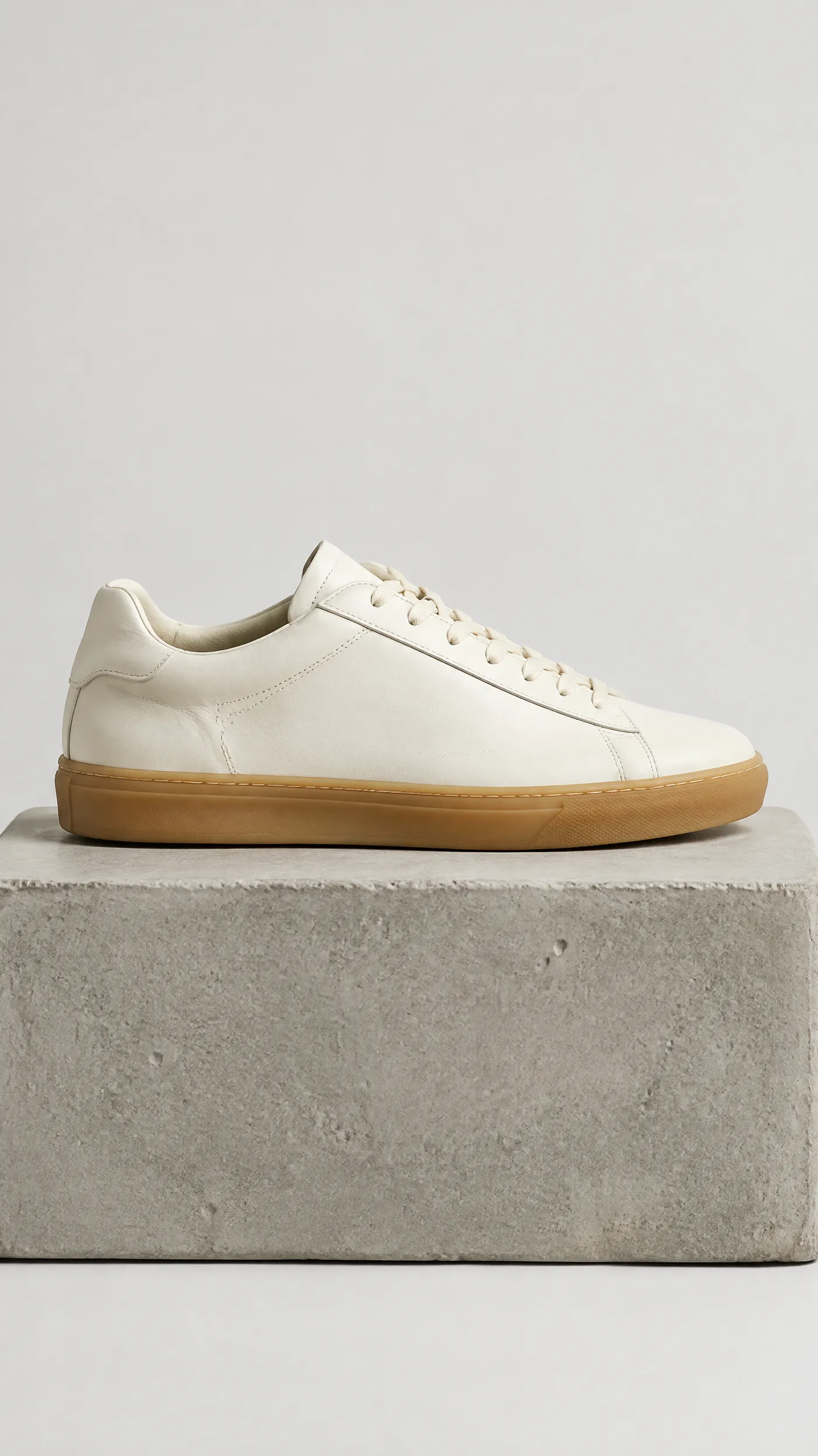
Create one campaign direction. Make it work across social.
Build the master creative. Adapt the hook. Create the formats each feed needs.
Frequently asked questions
It is a tool for creating paid social images and videos from text, product photos, and visual references. It helps build and adapt campaign creative for different feeds.
You can create assets for Instagram, TikTok, Facebook, LinkedIn, Pinterest, and other social placements that use image or video creative.
Keep the same campaign direction, but adapt the hook, composition, pacing, and proof to the platform and placement.
Yes. Upload the product, create a master direction, and adapt it into platform-specific images and videos.
Yes. Generate a video from text or animate the strongest campaign image.
Choose the ratio required by the current placement. Compose for that ratio from the start and verify platform specifications before publishing.
No. Create and export the assets in getimg.ai, then publish them through the social or advertising platform you use.
Outputs created on a paid getimg.ai plan can be used commercially, subject to current terms. You remain responsible for rights, claims, disclosures, and platform rules.