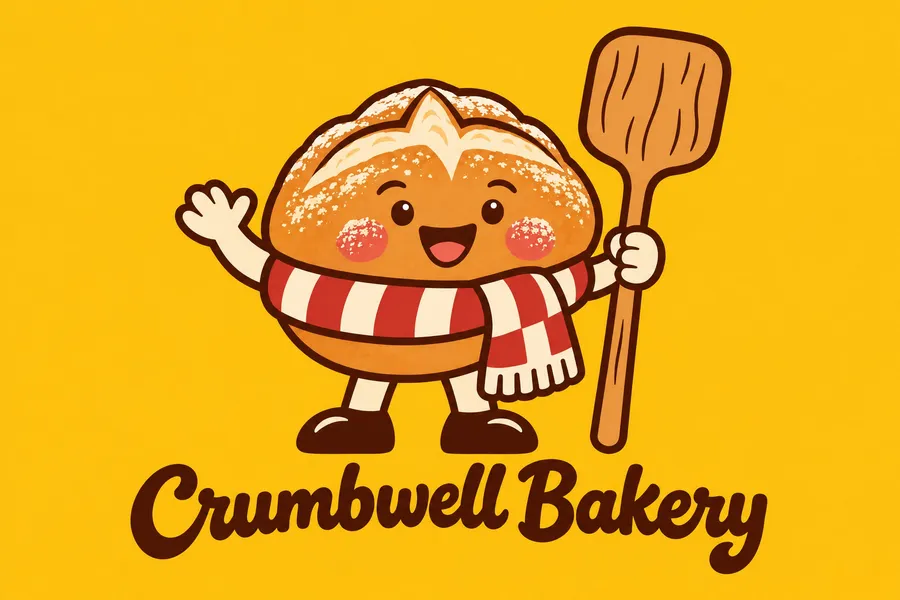
AI Mascot Generator for Brands
Describe your business and the character you have in mind, and get a mascot with a personality, a clear style and your name lettered next to it. Then add it as a reference to put the character in new poses, products and signs.
Models that draw characters and lettering well.
Auto picks a model that handles character design and clean lettering. Switch the model manually any time if you want to compare.


One mascot, four styles
The character is half of a mascot. The other half is the way it's drawn, and that decides where it fits: on a jersey, a beer can, an app screen or a shop window.
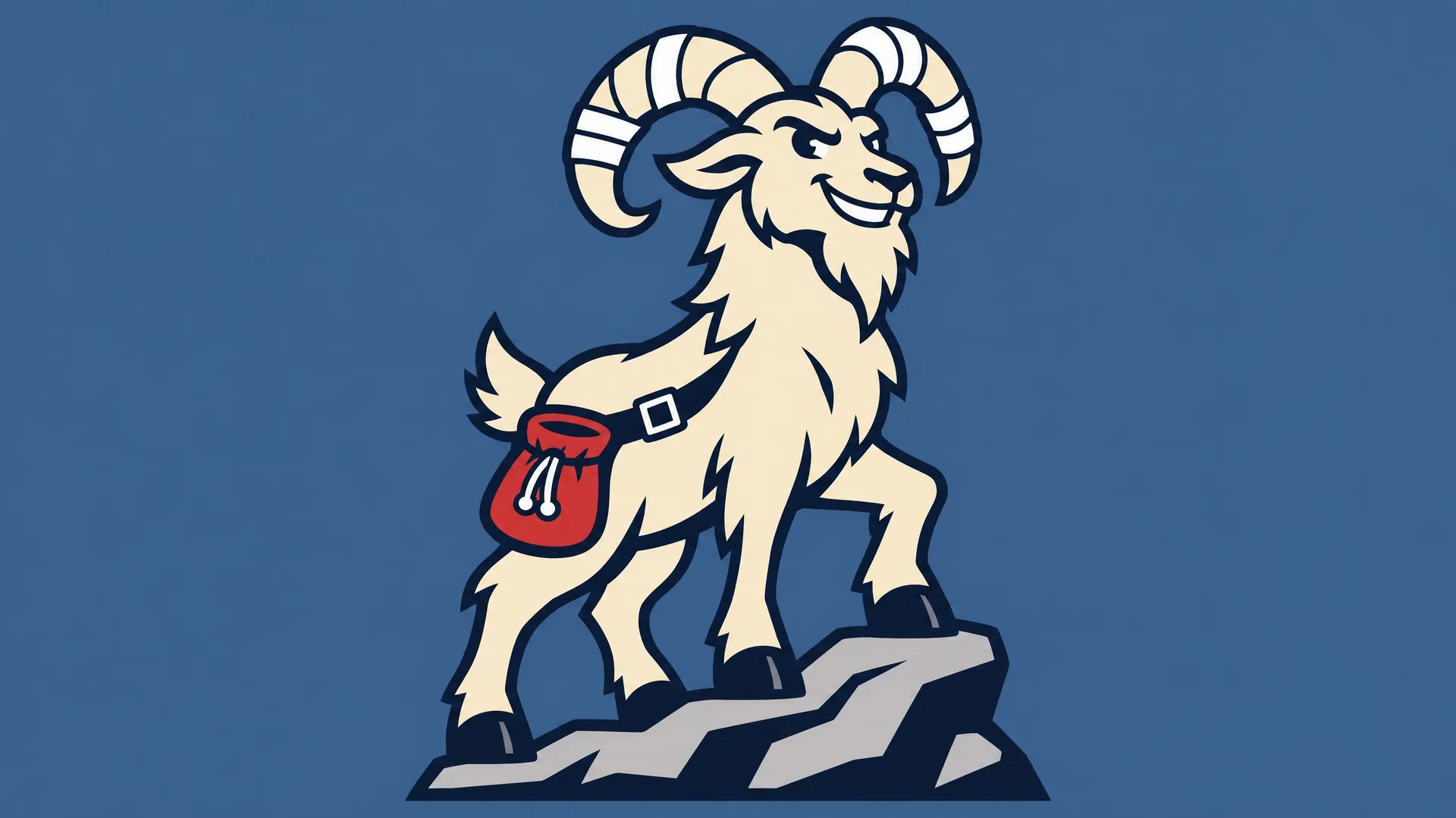
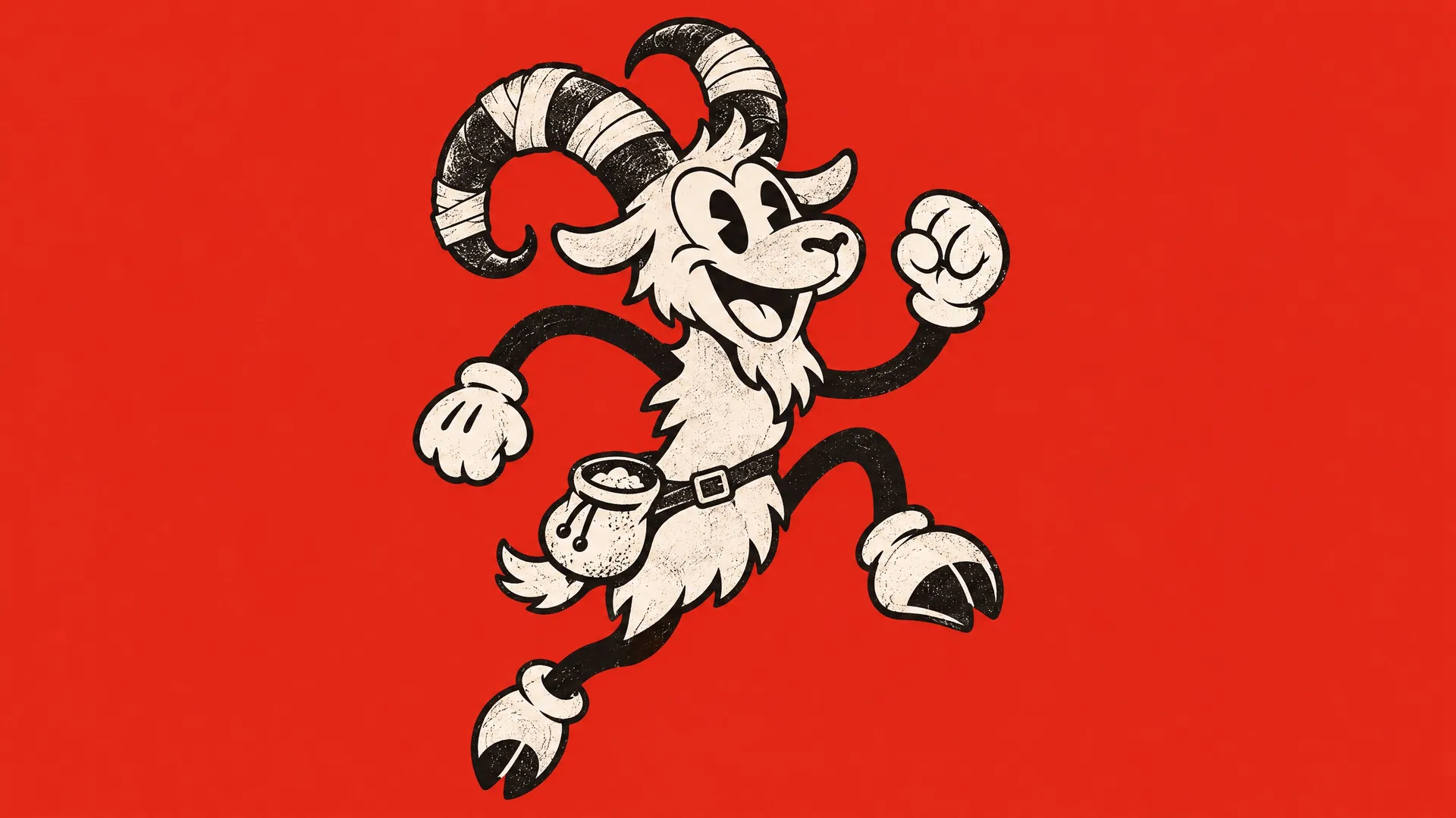
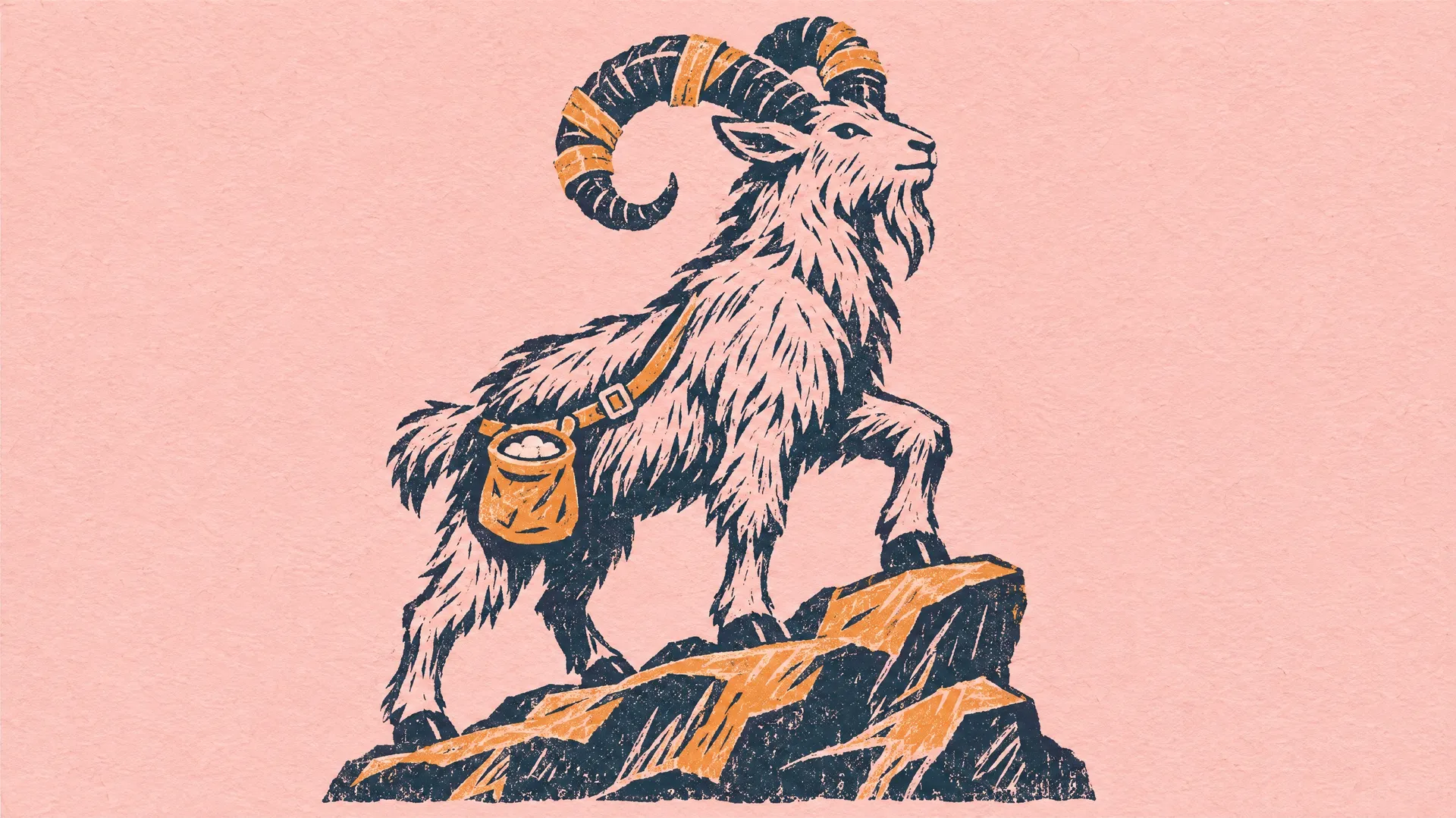
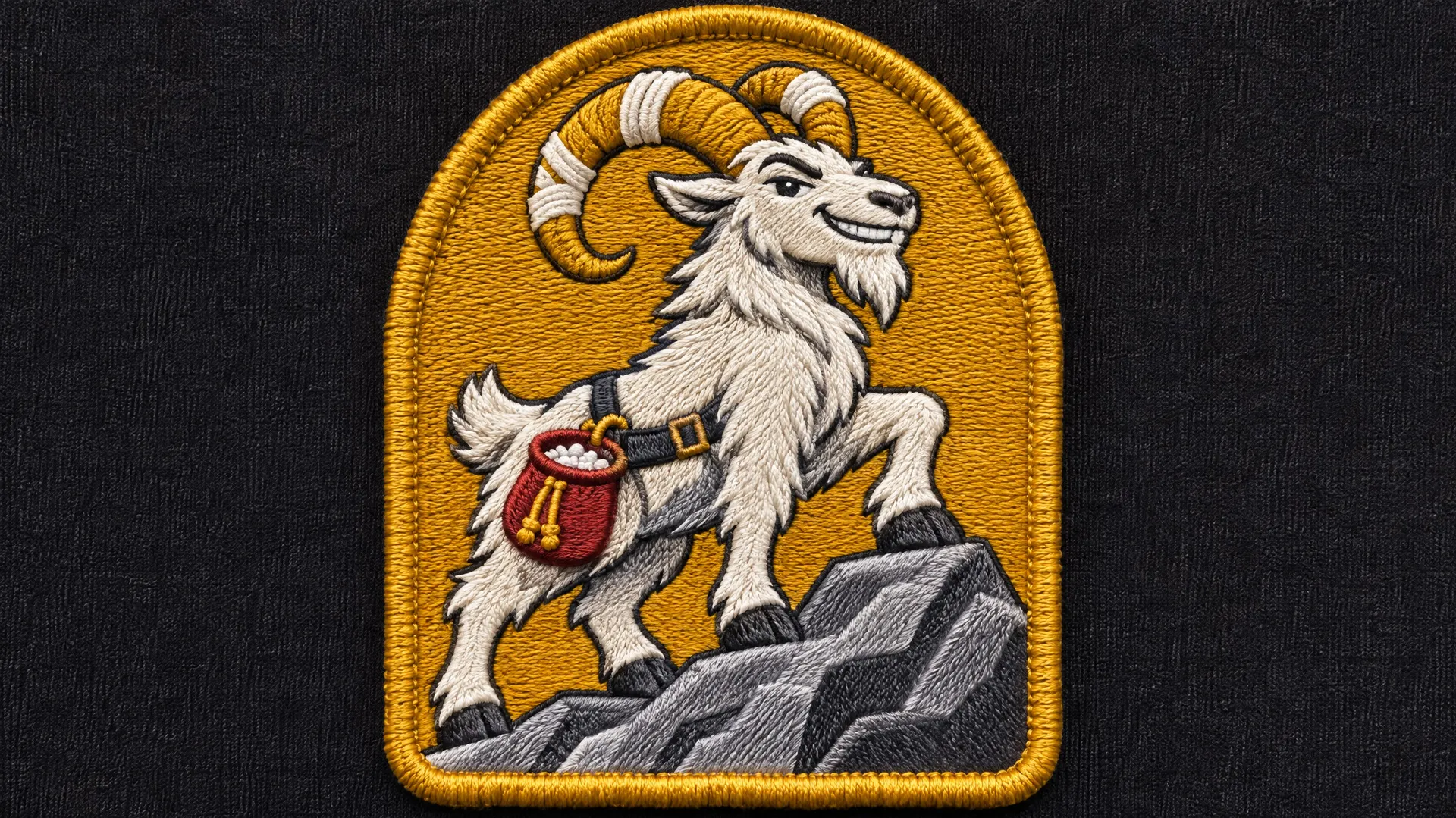
These four are the same mountain goat for a climbing gym, from four prompts. Only the style changed: a bold flat logo, a 1930s rubber hose cartoon, a two-color linocut and an embroidered patch.
How to make a mascot with AI
Good mascots start from the business, not from a favorite animal. Three steps take you from an idea to a character you can use everywhere.
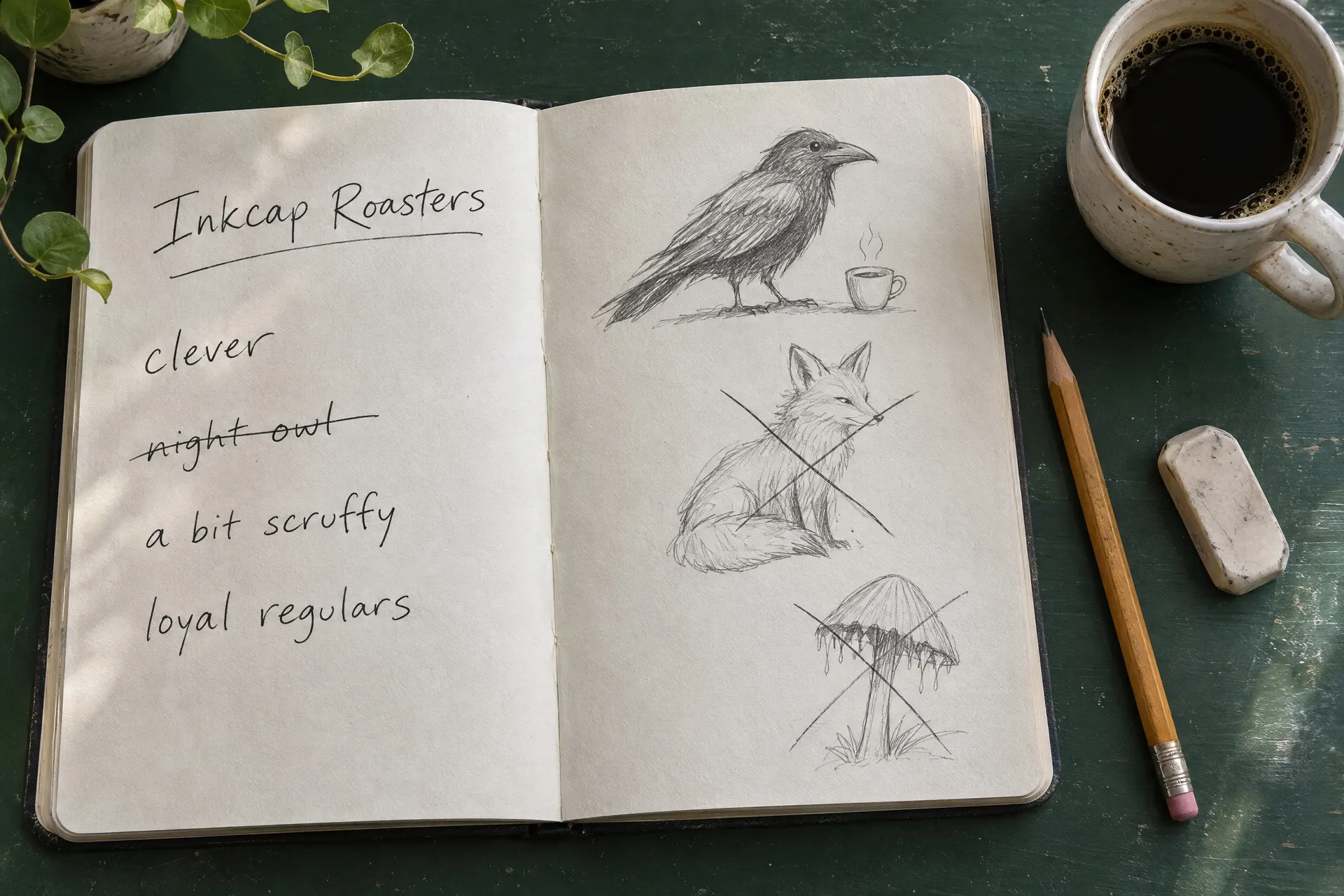
Start from the brand
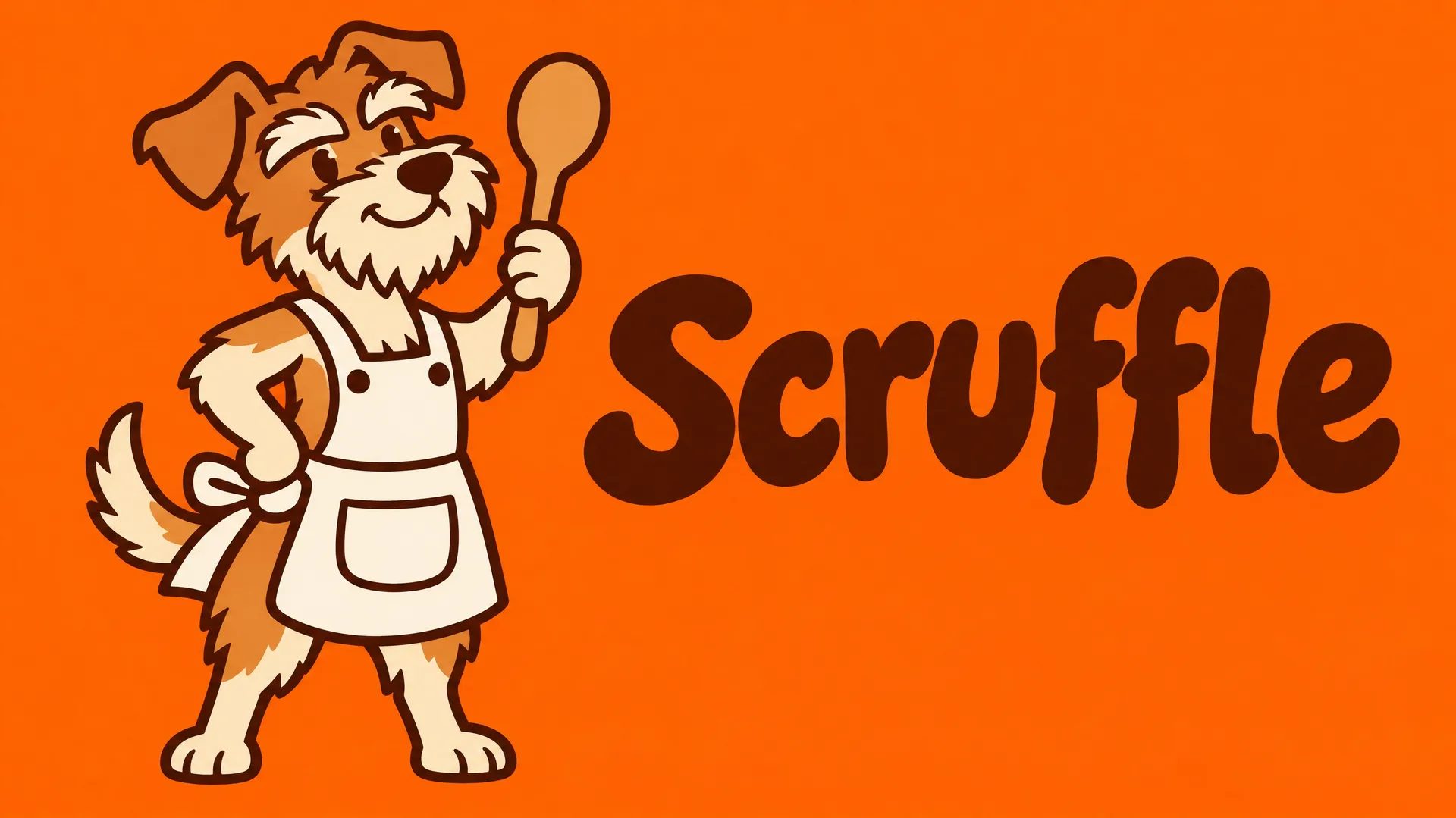
Write down three or four traits your customers should feel, then pick a character that carries them. A coffee roaster for night owls and loyal regulars might land on a scruffy, clever crow.
Describe one character
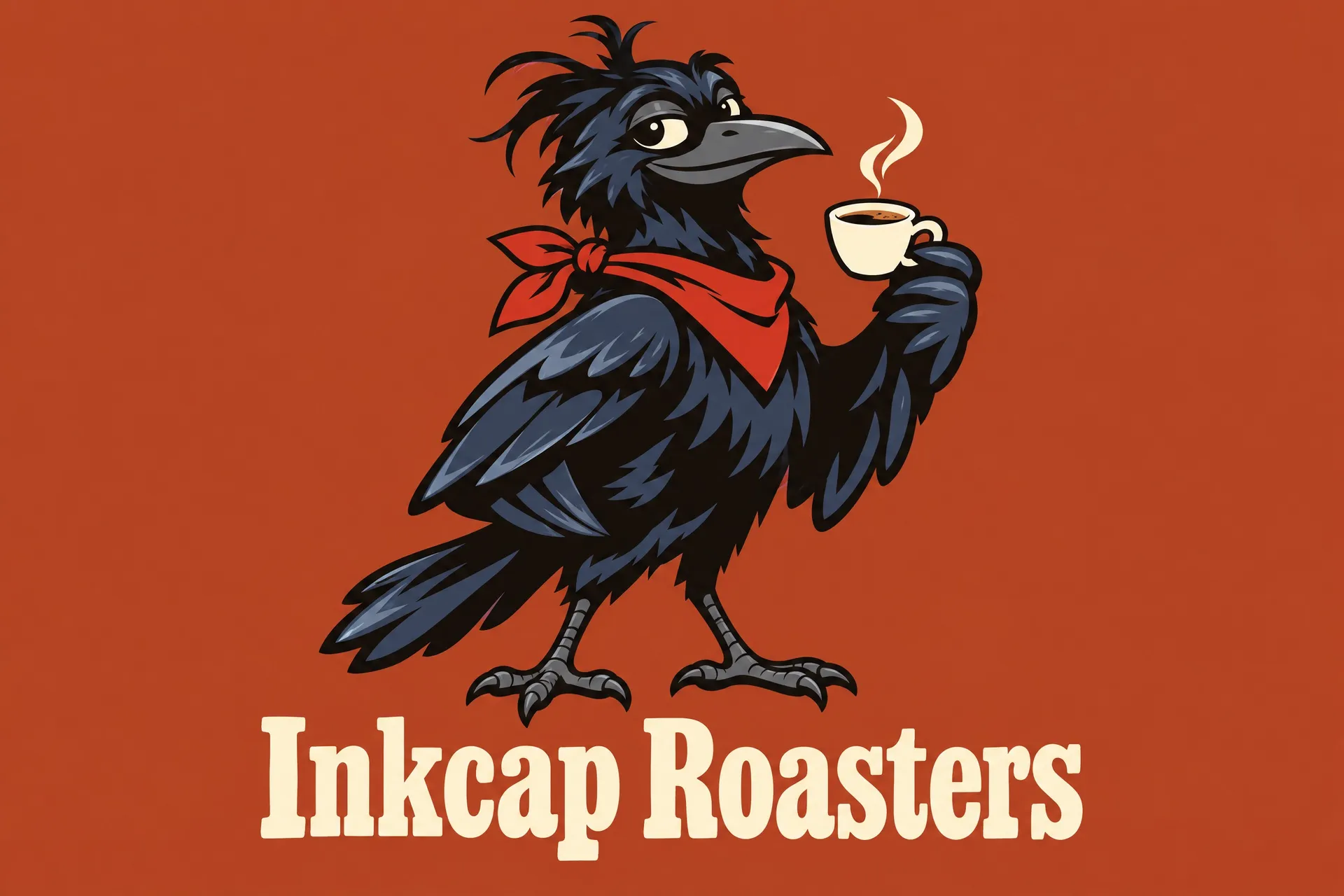
Name the species or object, one distinctive detail, a drawing style and a few colors, and put your brand name in quotes if it should appear. Generate a few versions and pick the one with the most personality.
Reuse it as a reference
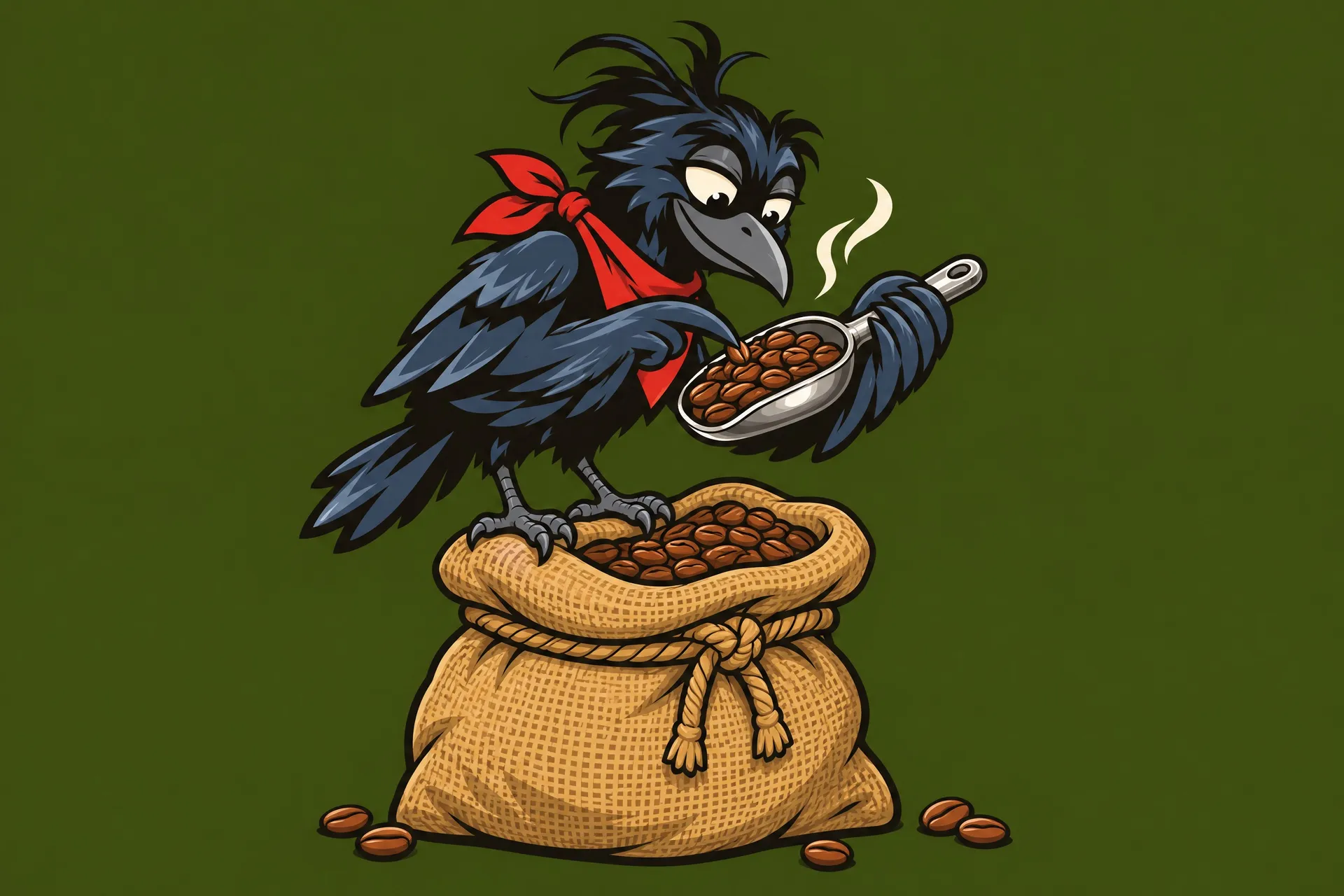
Add your favorite version as a reference image and describe the next pose or scene. The face, colors and details carry over from the reference, so the new image looks like the same character.
AI mascot prompt examples
Each mascot below came from the prompt in its tab. Copy one, swap in your business, your character and your colors, and generate your own version.
Turn your mascot into a logo
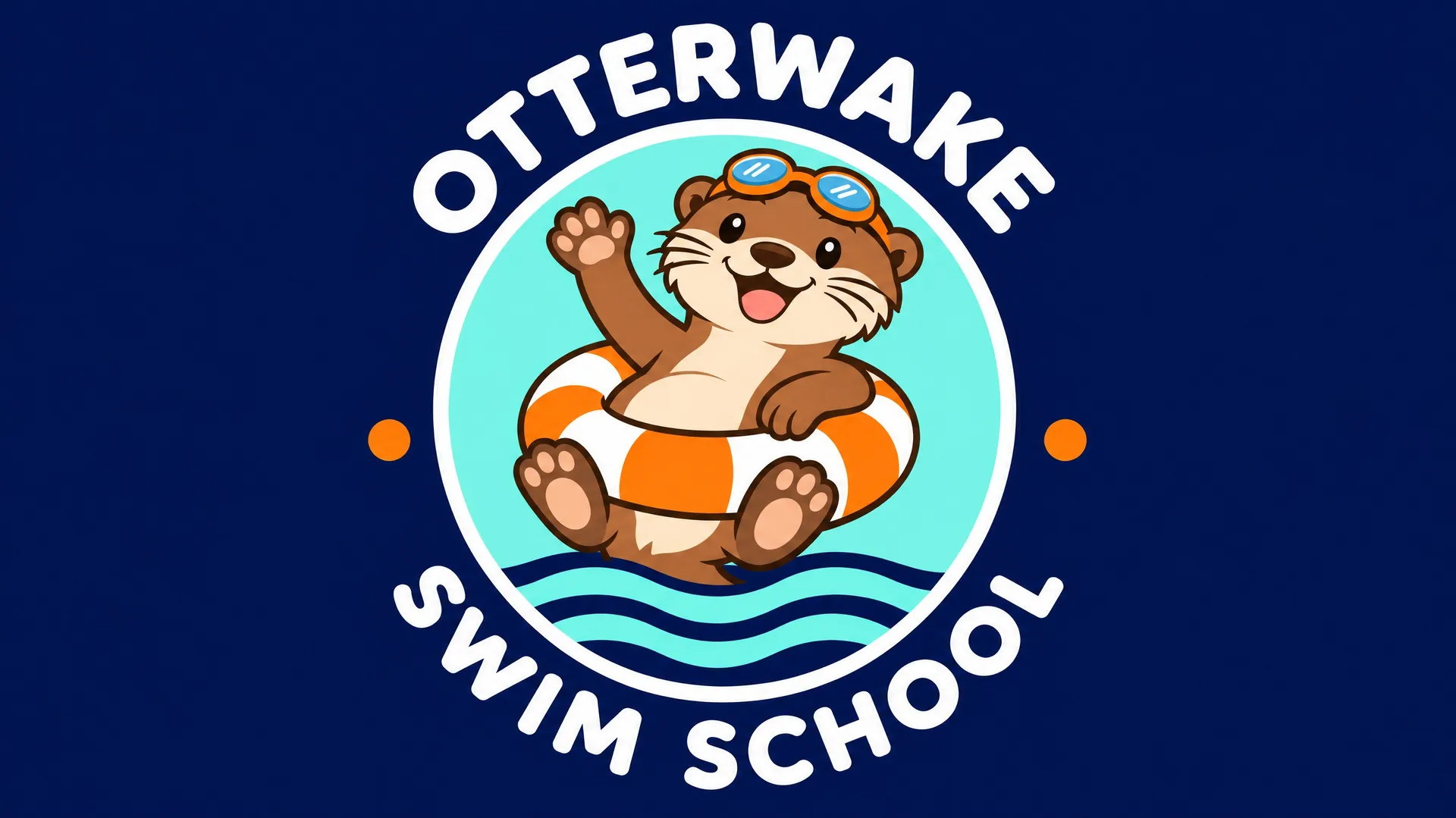
A mascot logo puts the character and the name together in one mark that fits on a jersey, a sign or a profile picture. Add your mascot as a reference image and describe the lockup: a circular badge, a shield or the name set underneath.
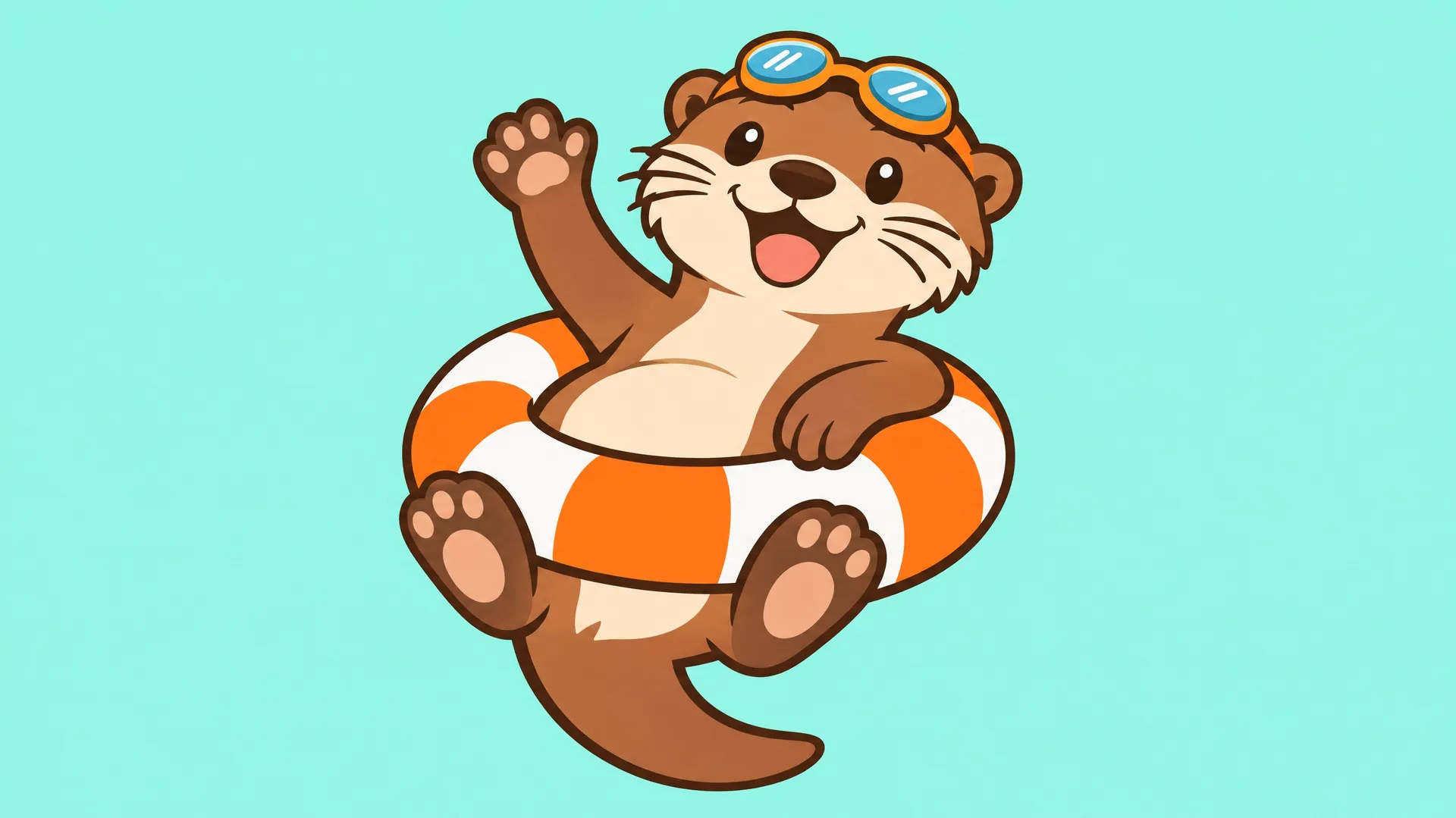
This swim school's otter went in as a plain character on aqua. One prompt placed it inside a badge with water lines and the school's name around the ring, with the same face, goggles and swim ring.
Your mascot in new poses and expressions
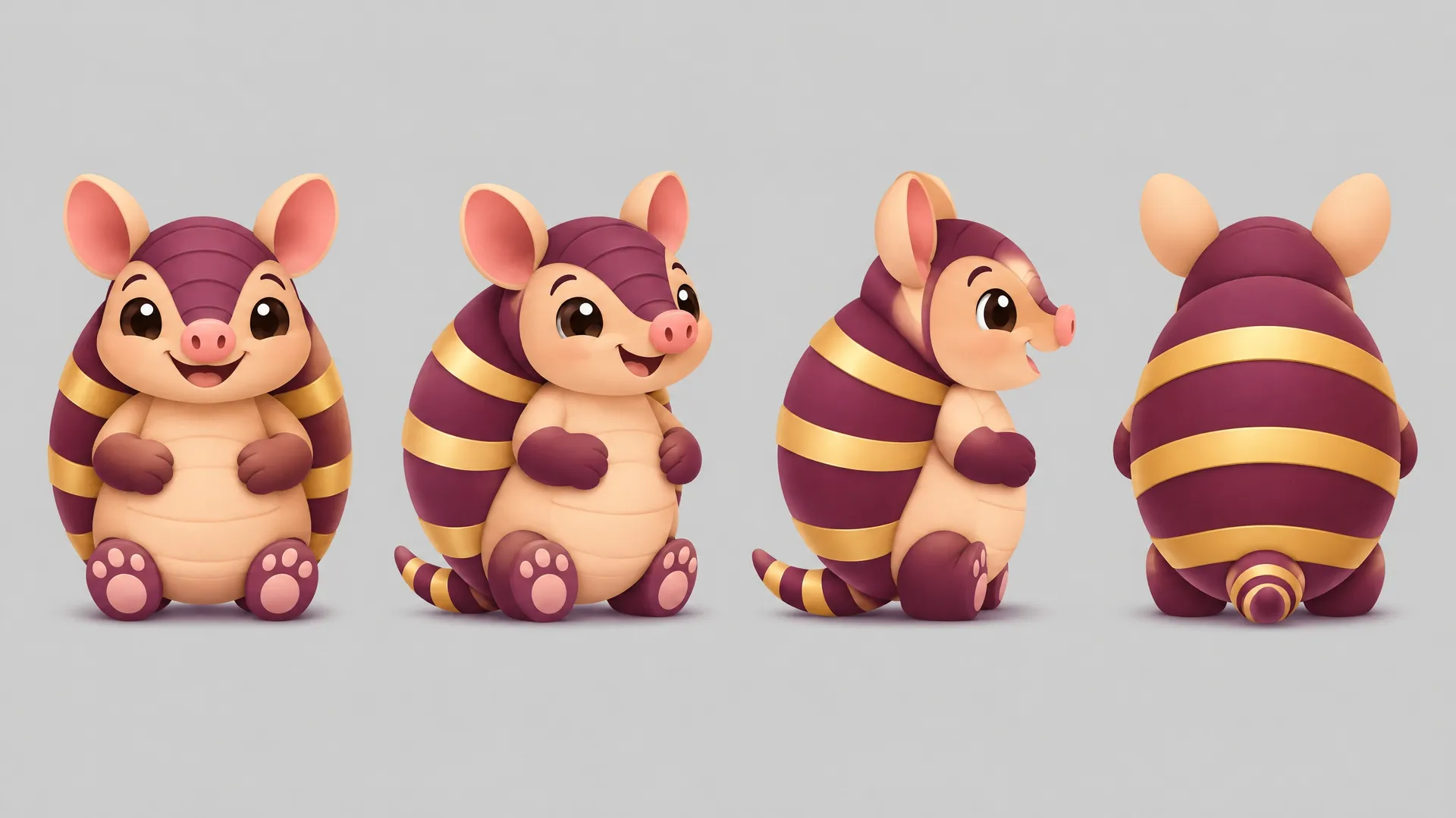
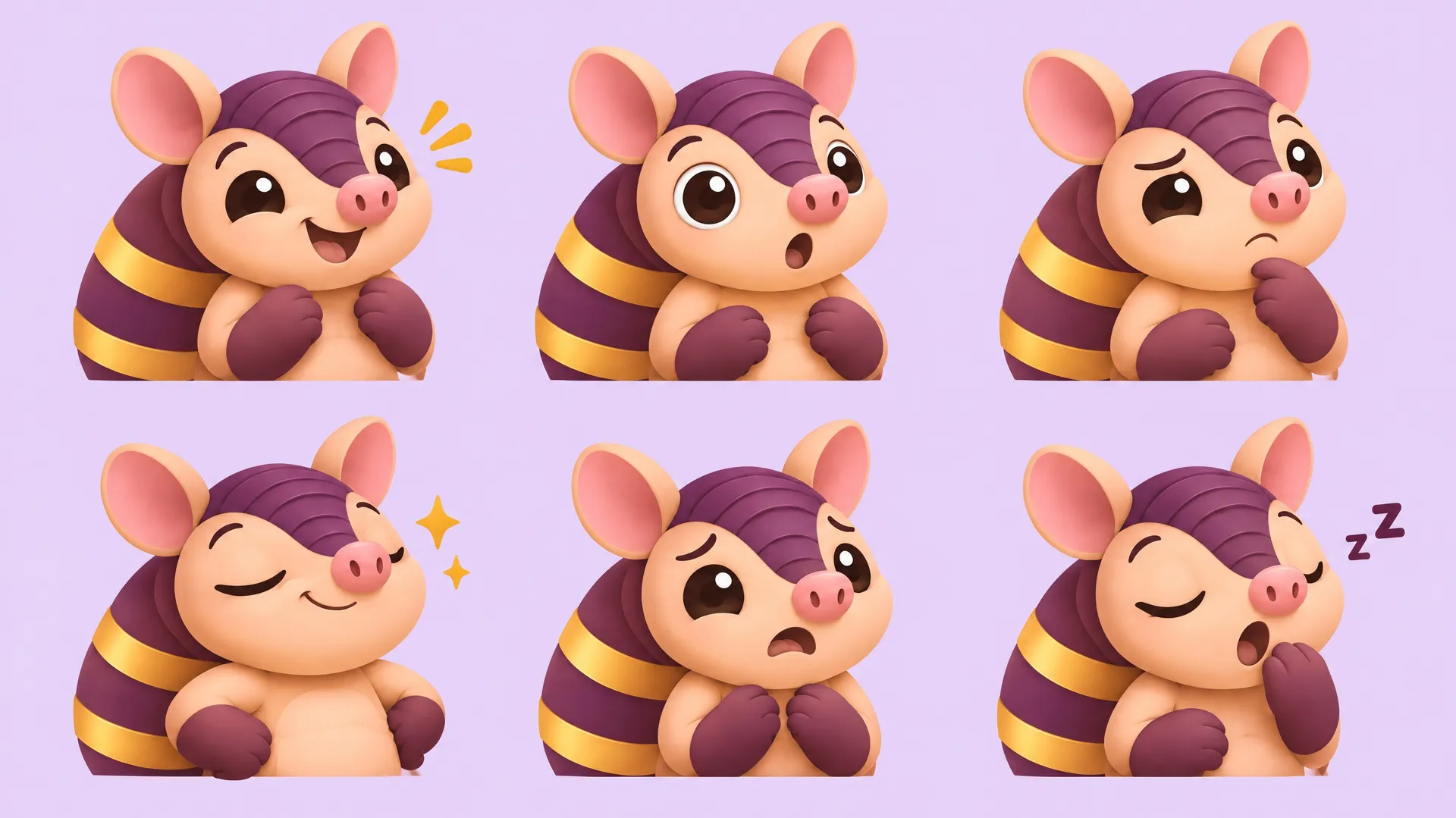
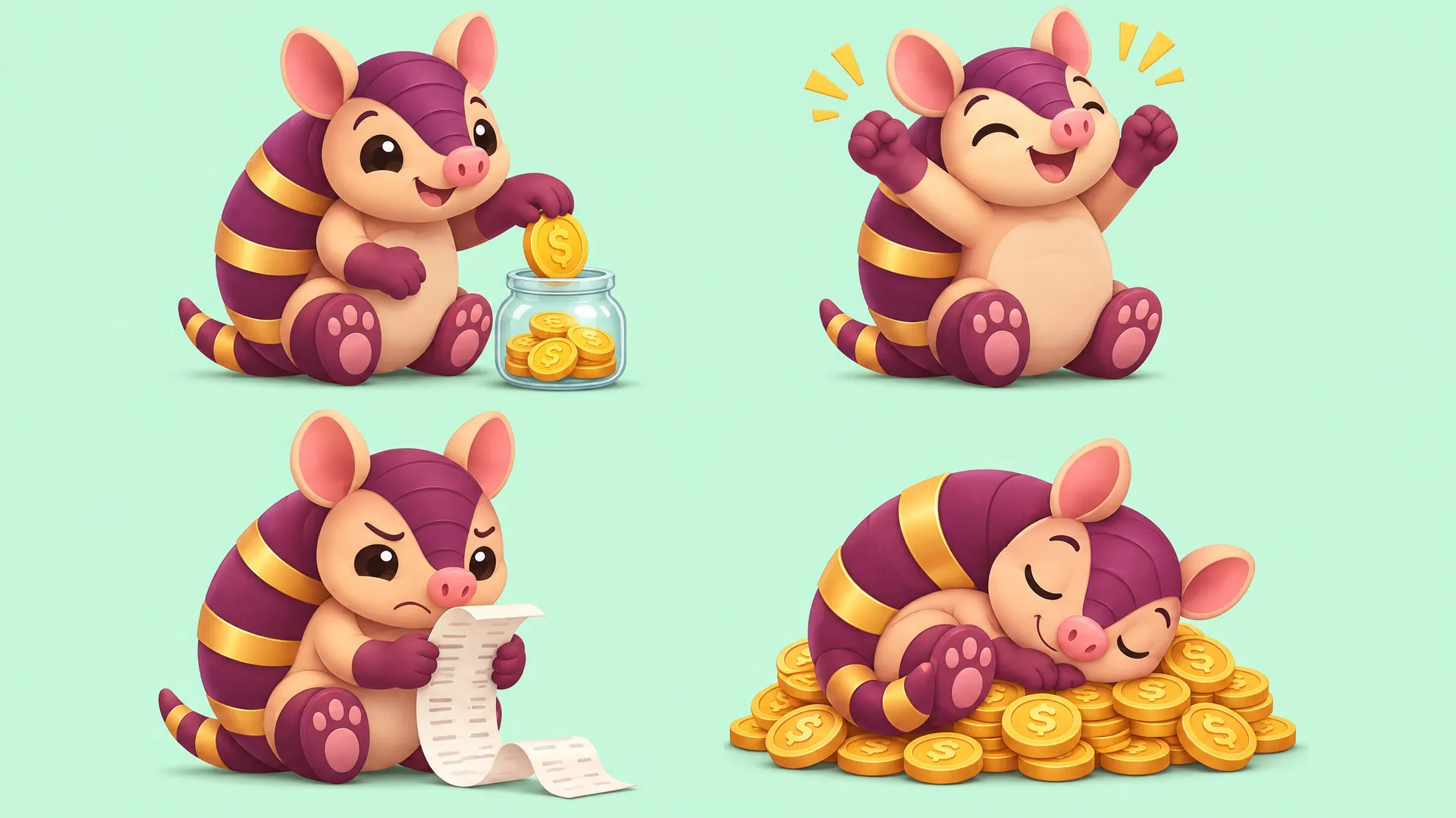
A mascot earns its keep when it can react: cheer on a sale, look worried at an error, sleep through a holiday notice. Use your mascot as a reference and ask for a turnaround, an expression sheet or a set of poses.
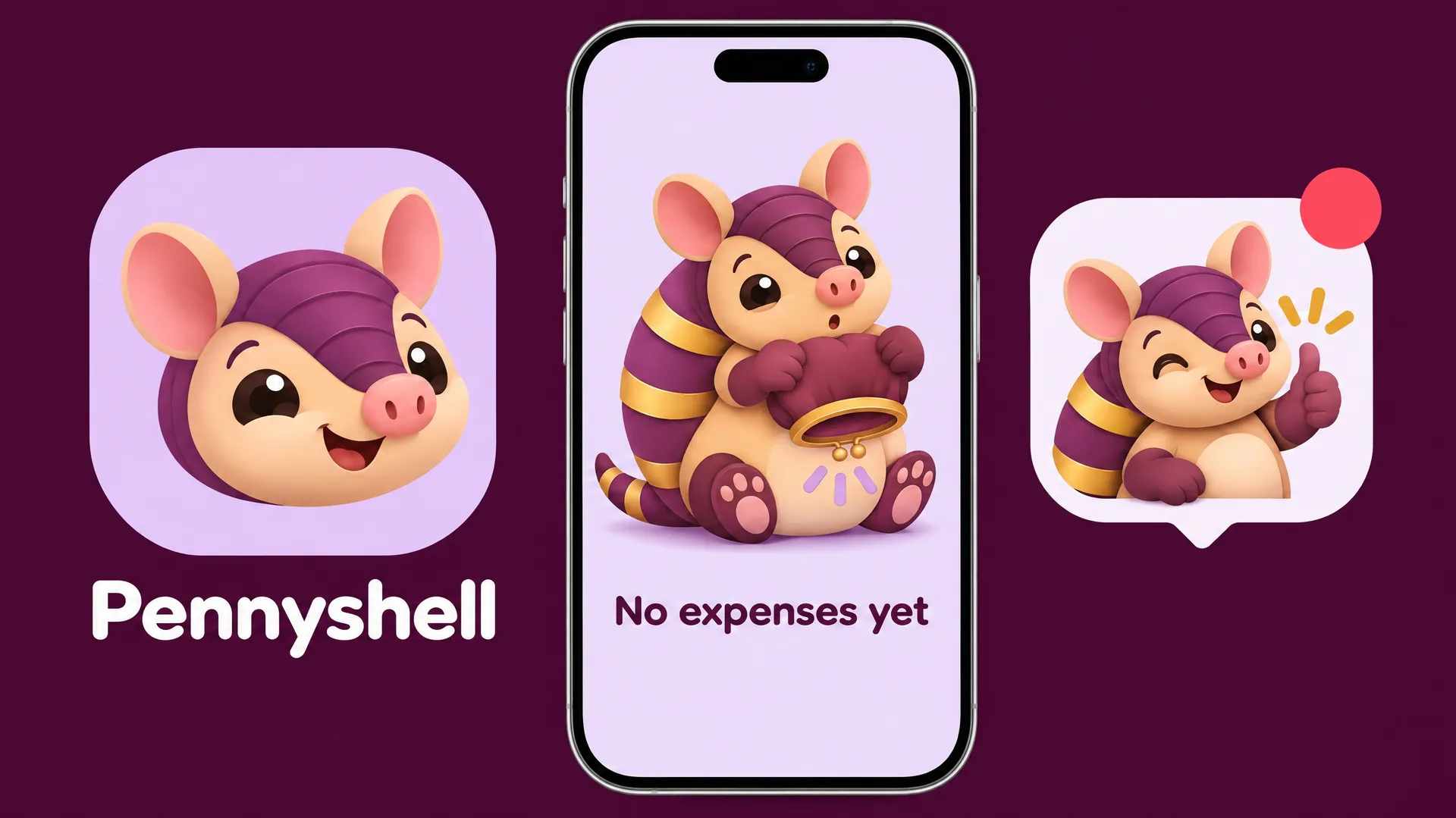
This budgeting app's armadillo came from one image. The sheets here, down to the app icon and the empty state screen, kept its shell, face and colors.
Put your mascot to work
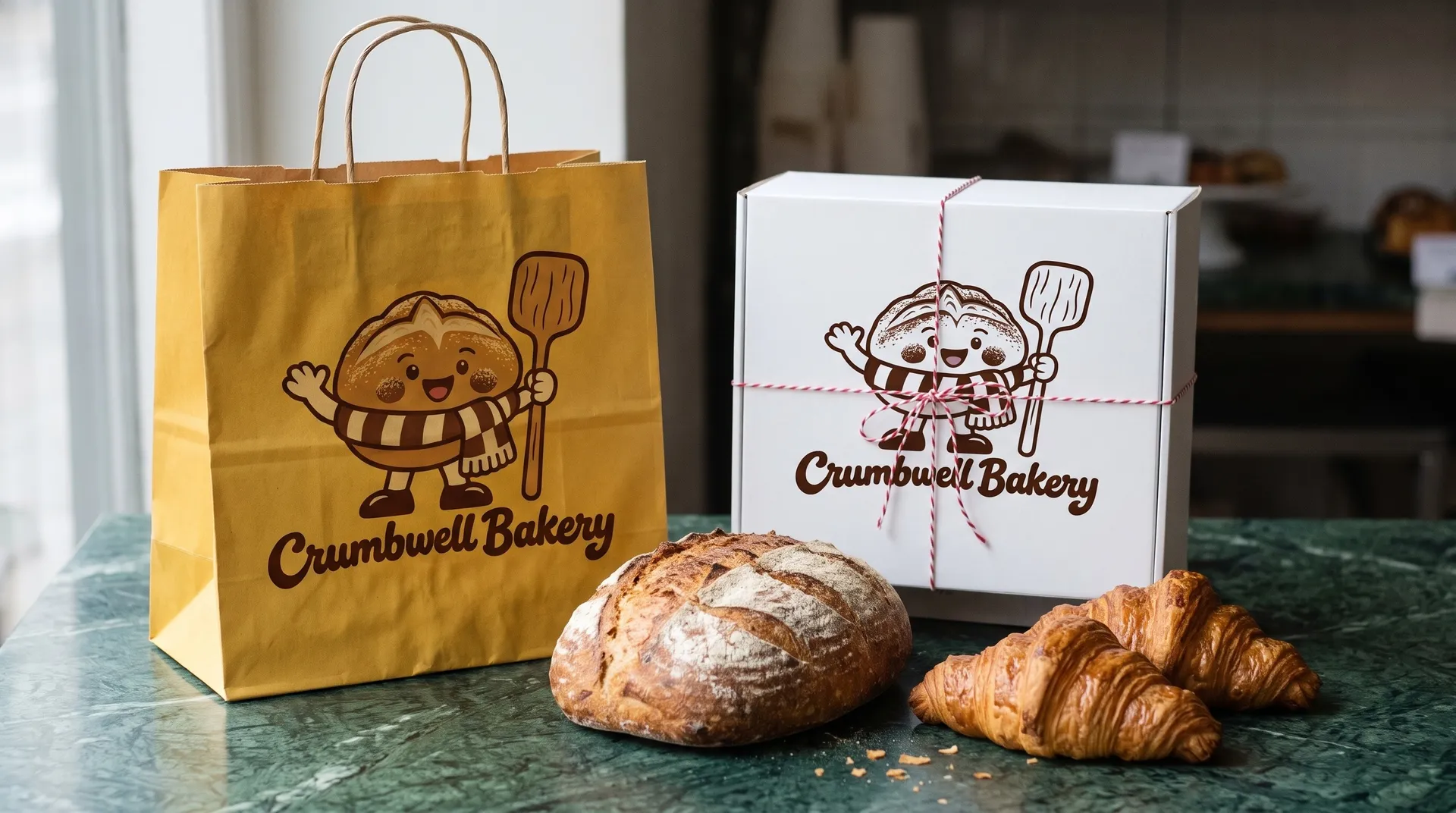
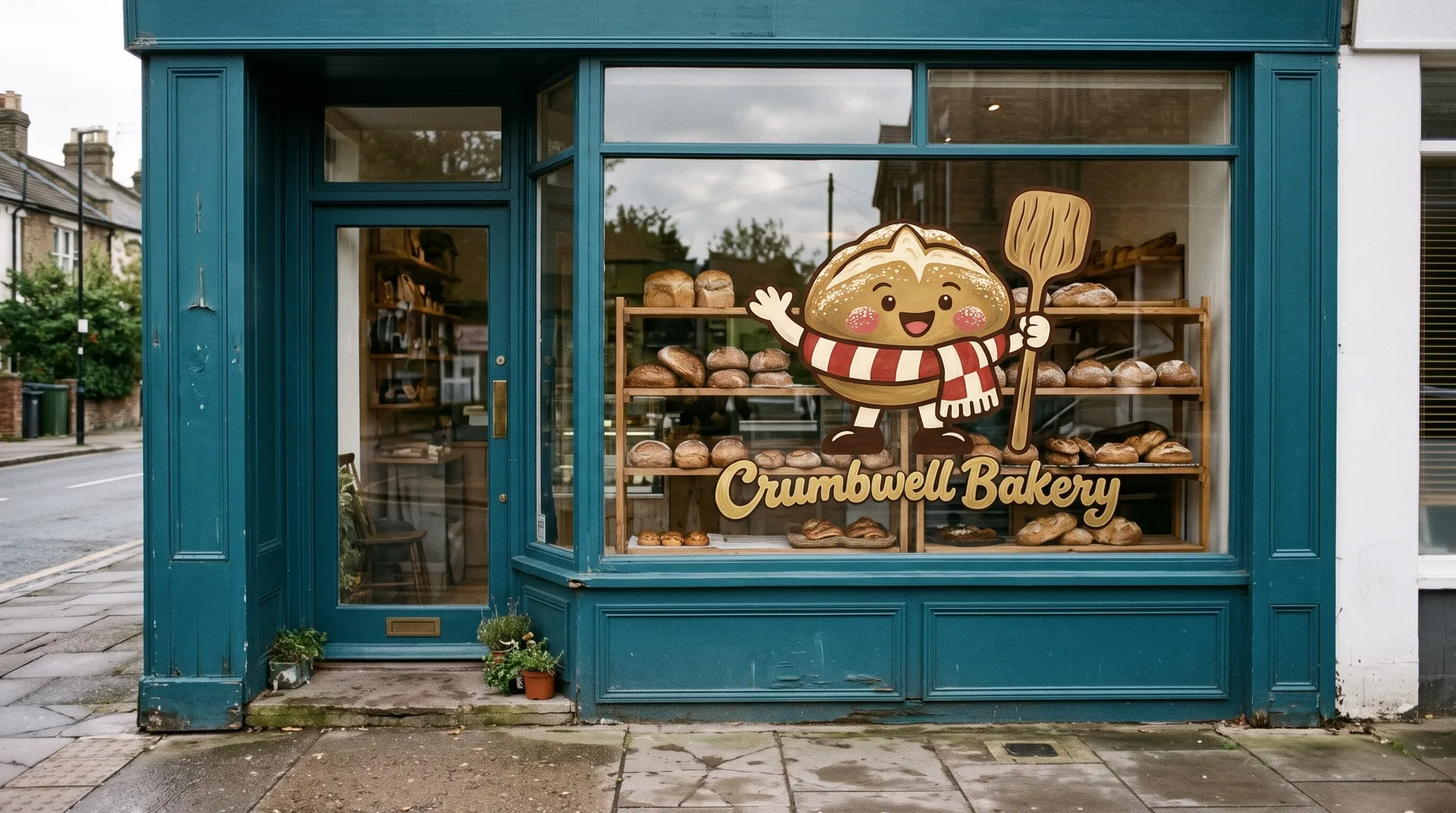
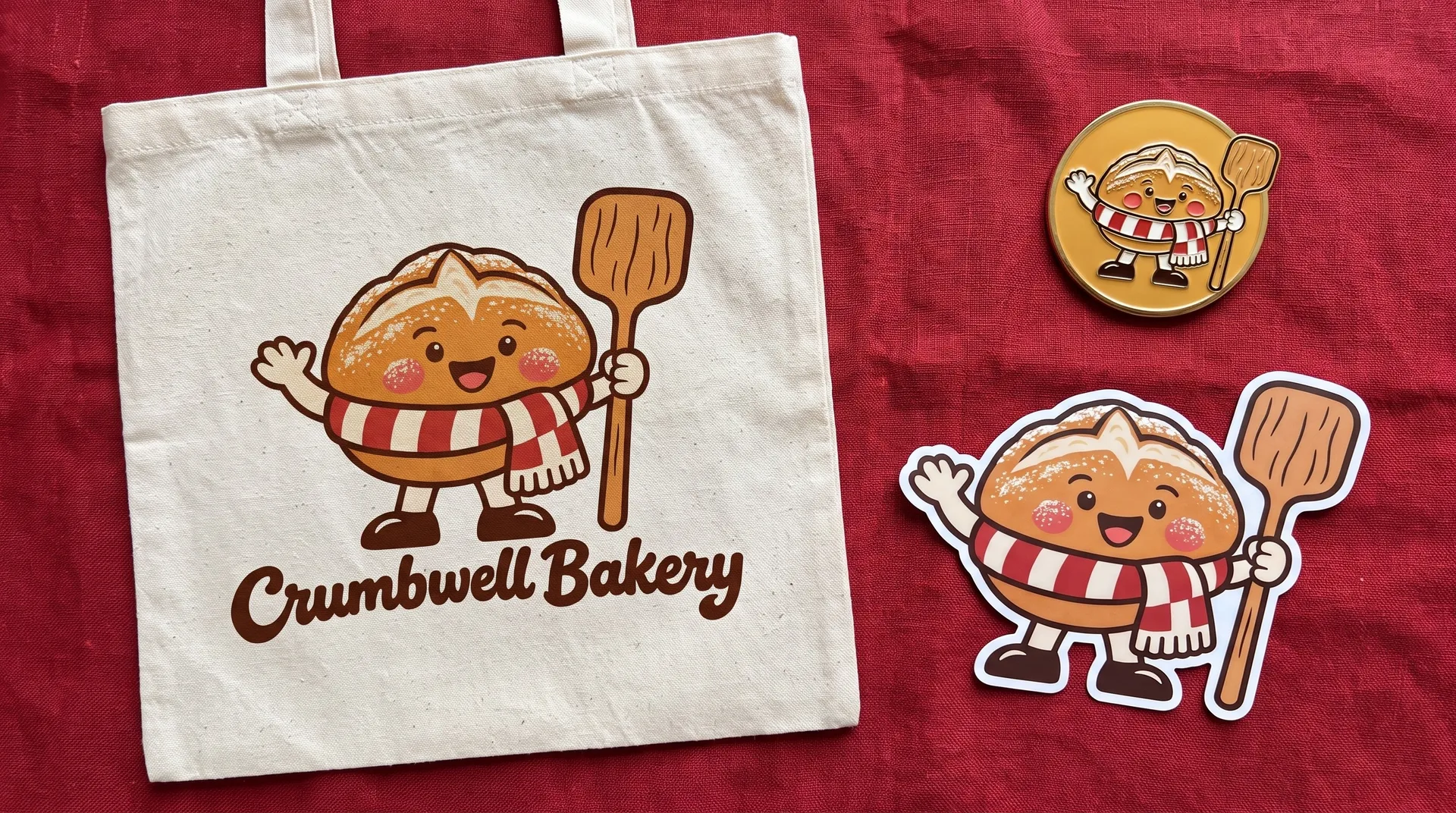
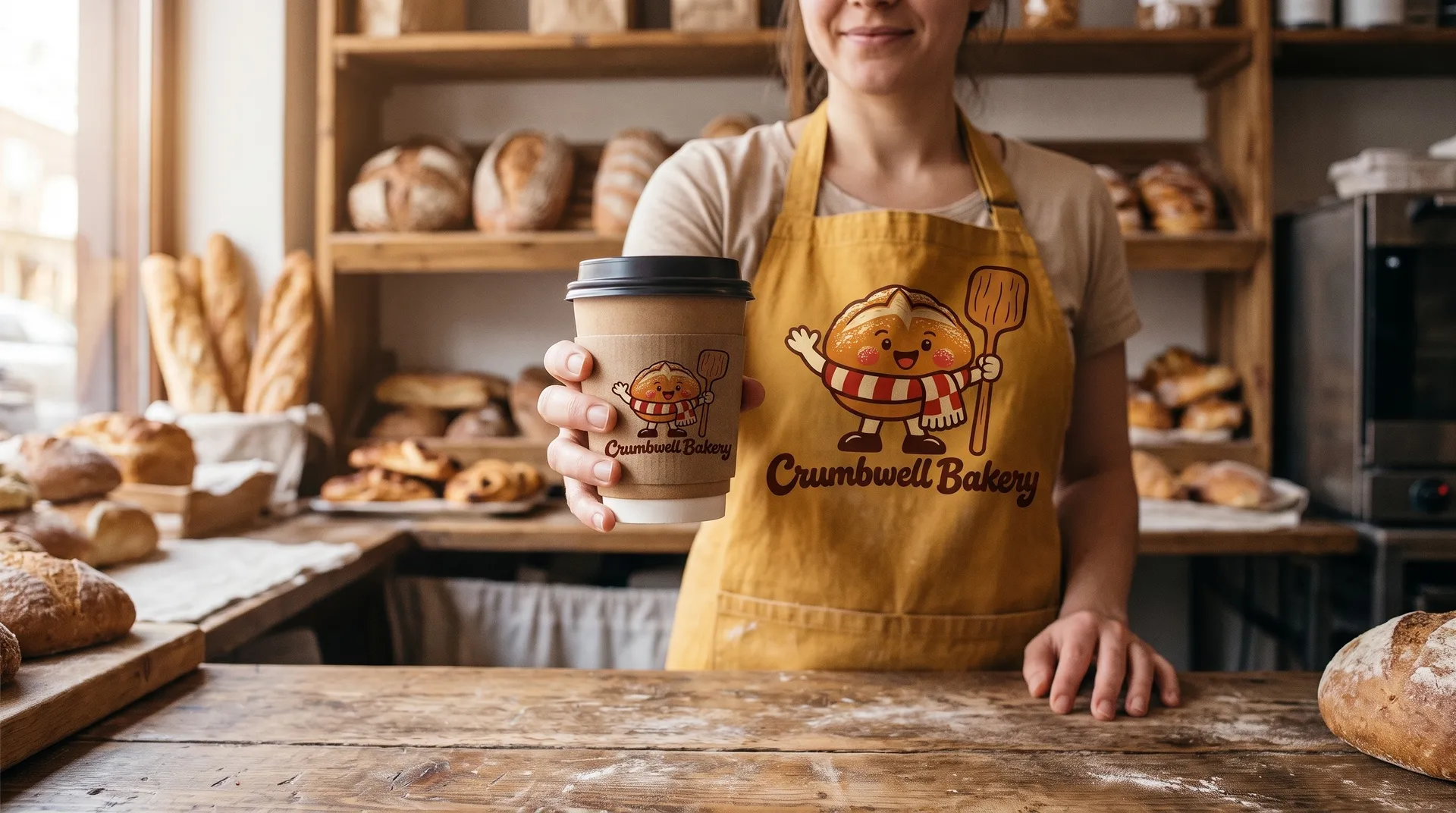
Once the mascot is settled, it can show up on everything the business touches. Add it as a reference and describe the object: a paper bag, a shop window, an apron, a pin.
This bakery's sourdough loaf went onto its bags and boxes, the front window, an enamel pin and tote, and the barista's apron and cup sleeve, all from the one mascot image.
Who uses an AI mascot generator
Any brand that wants a face people remember, without commissioning a character for every new idea.
More tools and guides for your brand
Frequently asked questions
Yes. Describe your business, the character, one distinctive detail, a drawing style and a few colors, and put your brand name in quotes if it should appear. Each run gives you a different take, so generate a few and keep the one with the most personality. Our guide to brand mascot ideas covers how to choose the character.
Add your chosen mascot as a reference image every time you generate a new pose, scene or product, and say "this exact character" in the prompt. A turnaround and an expression sheet made the same way give you a set of approved views to start from. Compare small details such as markings and colors with the original, and regenerate if something drifts.
Yes. Describe the lockup around your character, such as a circular badge, a shield or the name set underneath, and spell the name exactly in quotes. Models that handle lettering well set short names cleanly. Check every letter before you use it.
You get a high-resolution image. For print, you can upscale it. If you need a vector file for large signs or embroidery, a flat style with a thick outline and a few colors traces cleanly in a vector tool.
Yes. Add your logo or an existing character drawing as a reference image and describe what you want: a mascot in the same colors, the character in a new pose, or a badge built around it.
A clear link to the business, one memorable detail, a simple silhouette and a personality you can describe in three words. It should still read at the size of an app icon and work in one color.
Images you create on paid plans come with commercial usage rights, subject to our terms and applicable third-party rights. Don't copy another brand's mascot or a famous character.
Give your brand a face
Describe your business and your character, pick the version with the most personality, then put it to work.