AI Business Card Generator
Type your name, title and contact details, then name a look, from letterpress on cotton card to a Swiss grid. You get a business card with every line set in clean type and a style that fits your business, ready to print or share.
Models that handle small text well.
Auto picks a model that sets names, phone numbers and emails cleanly. Switch the model manually any time if you want to compare.


One person, four business card styles
A business card has a few seconds in someone's hand to say who you are. The ones that get kept have one clear idea, a short palette and type that matches the work.
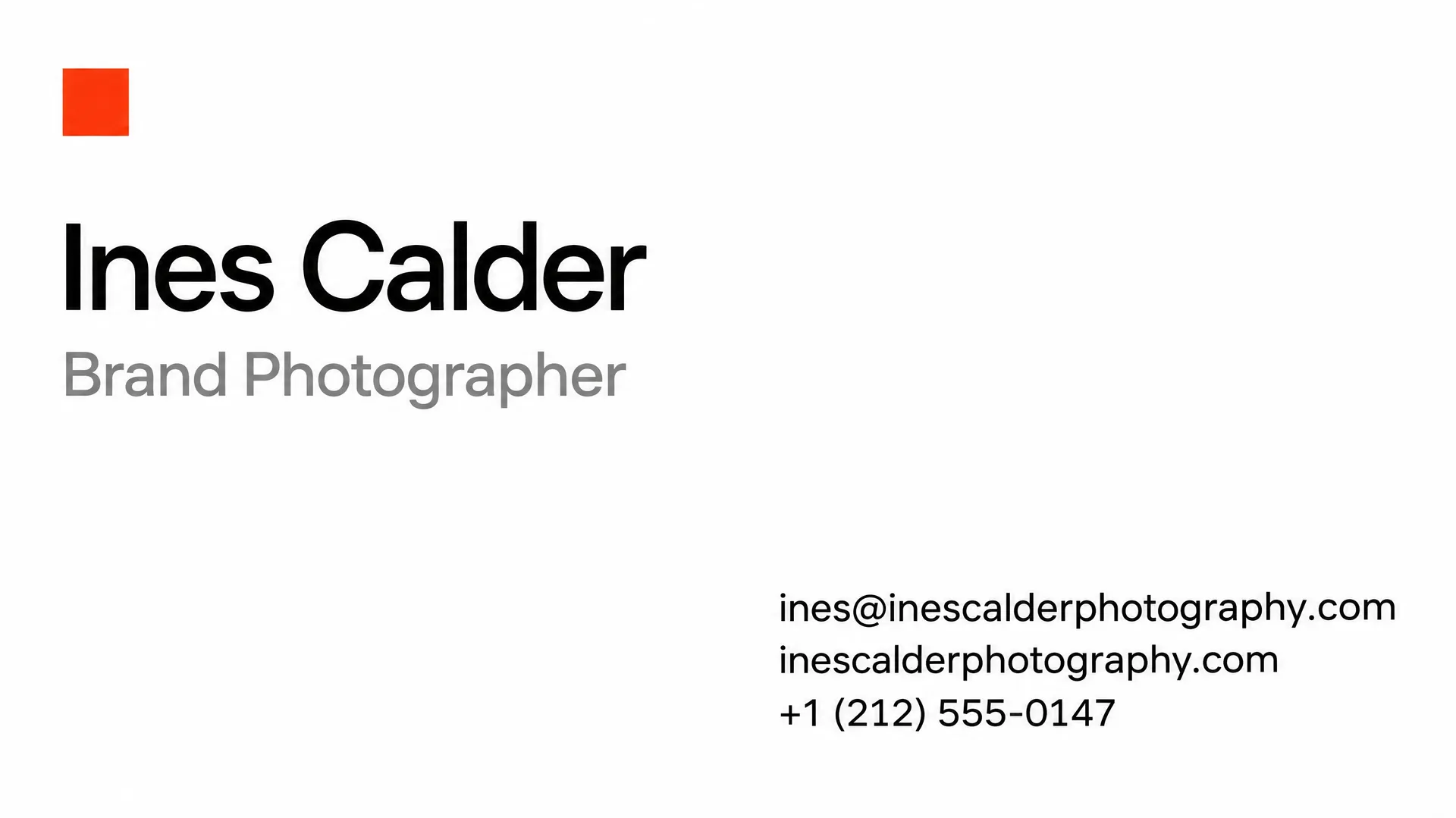
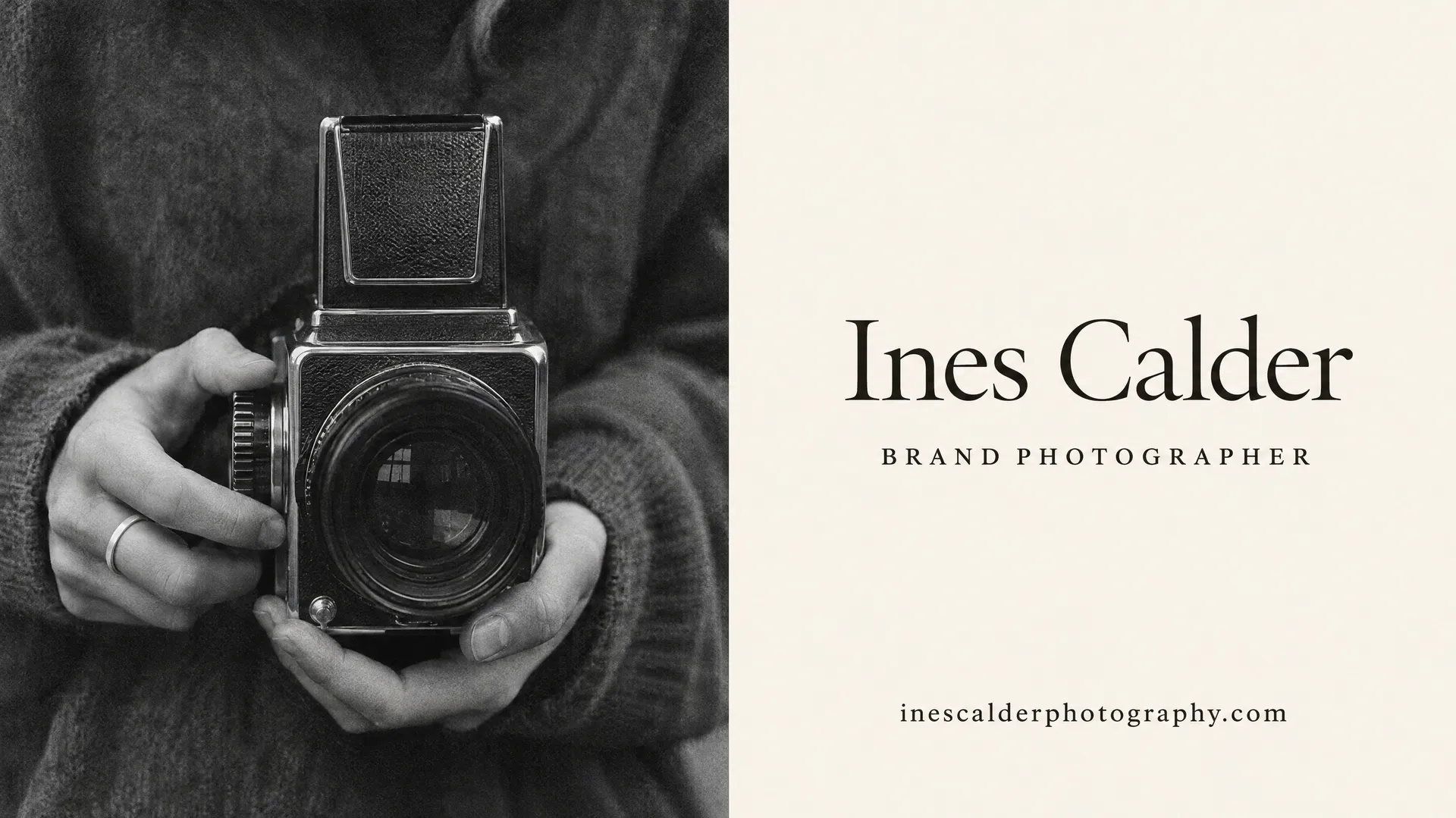
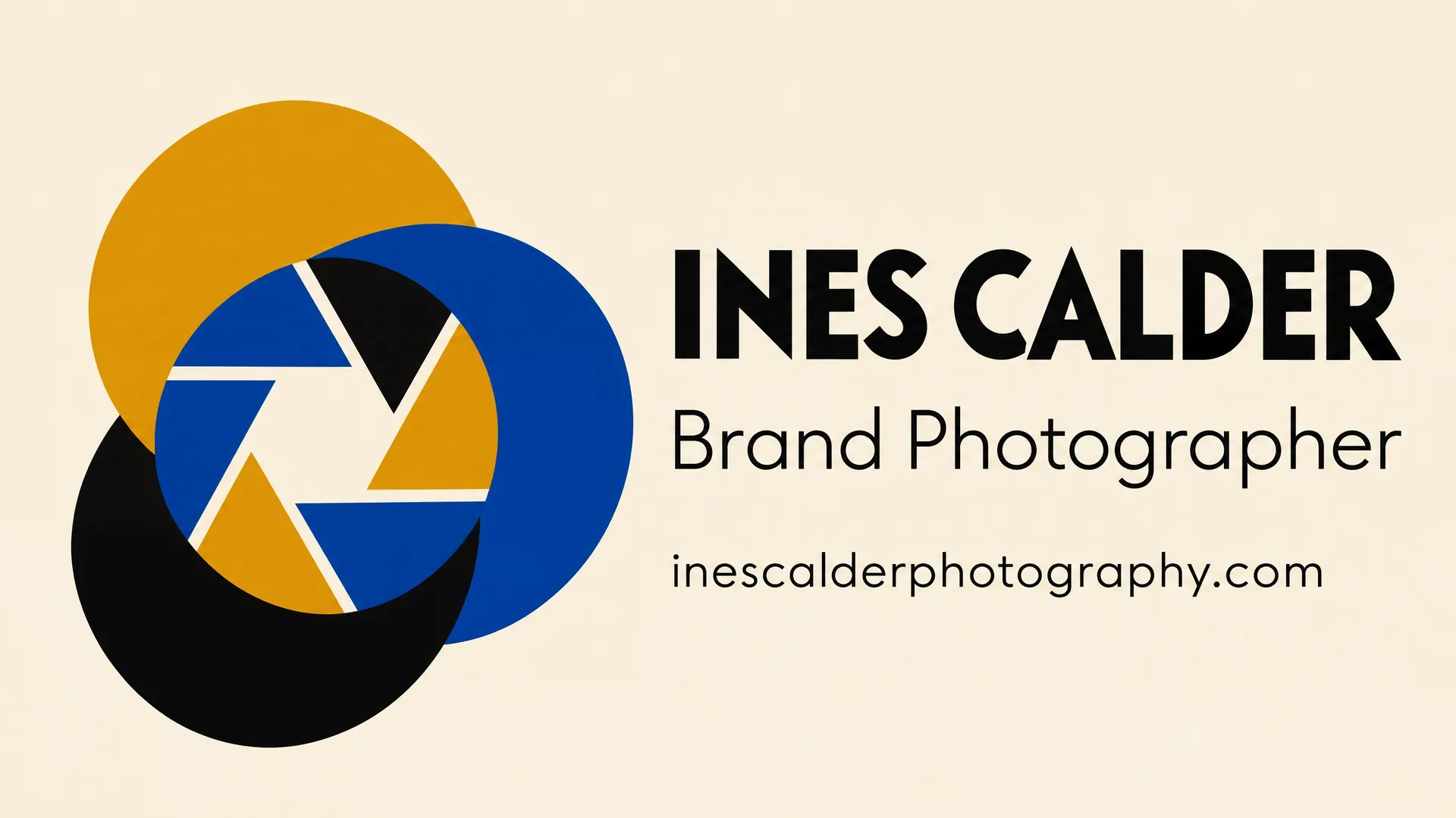
These four cards are for the same photographer, from four prompts. The details stay the same. Only the direction changes: a Swiss grid, a photo-led layout, Bauhaus shapes and a handwritten signature.
How to make a business card with AI
Your details are already in your email signature. A card that looks designed takes a few more decisions.
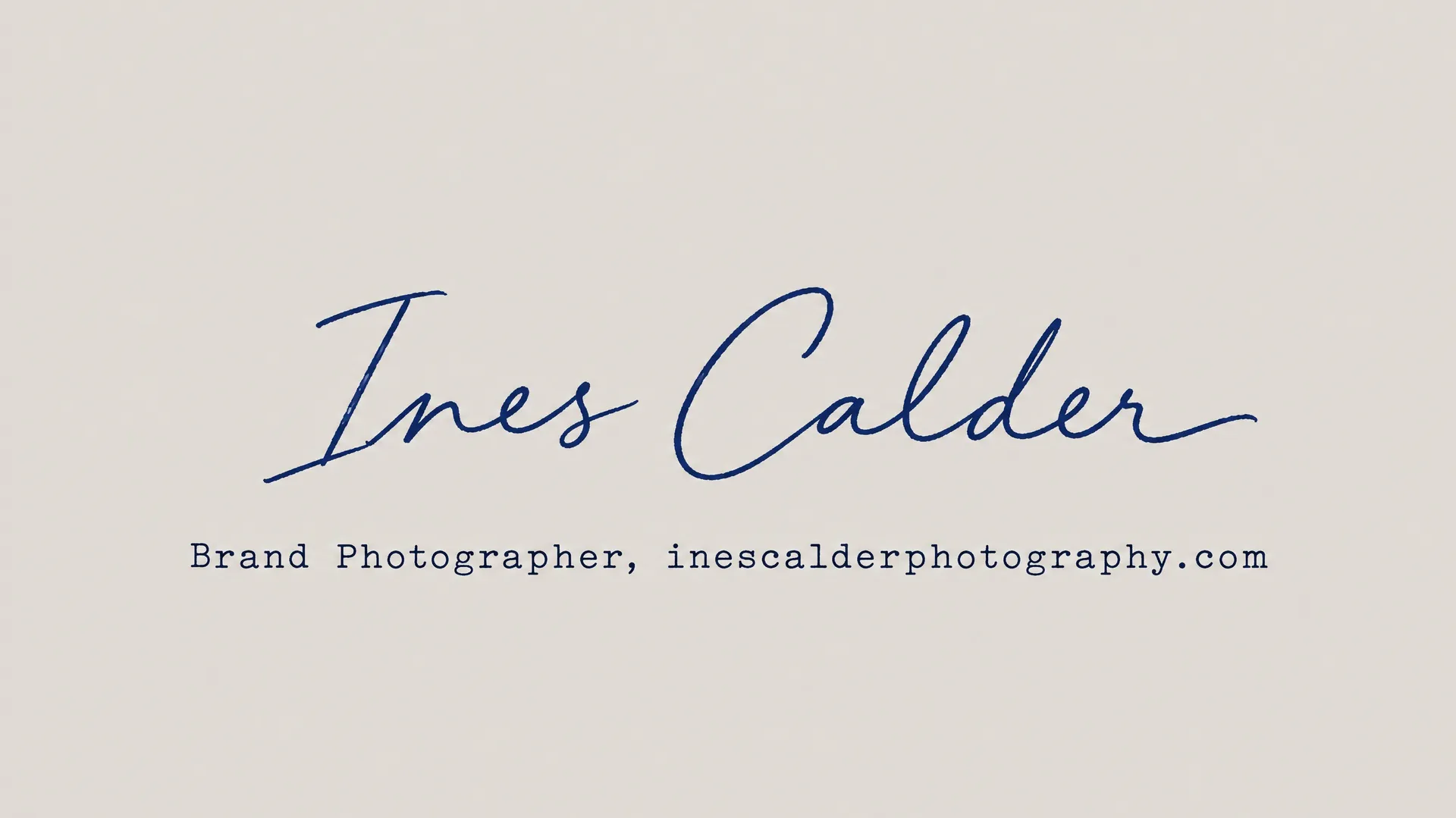
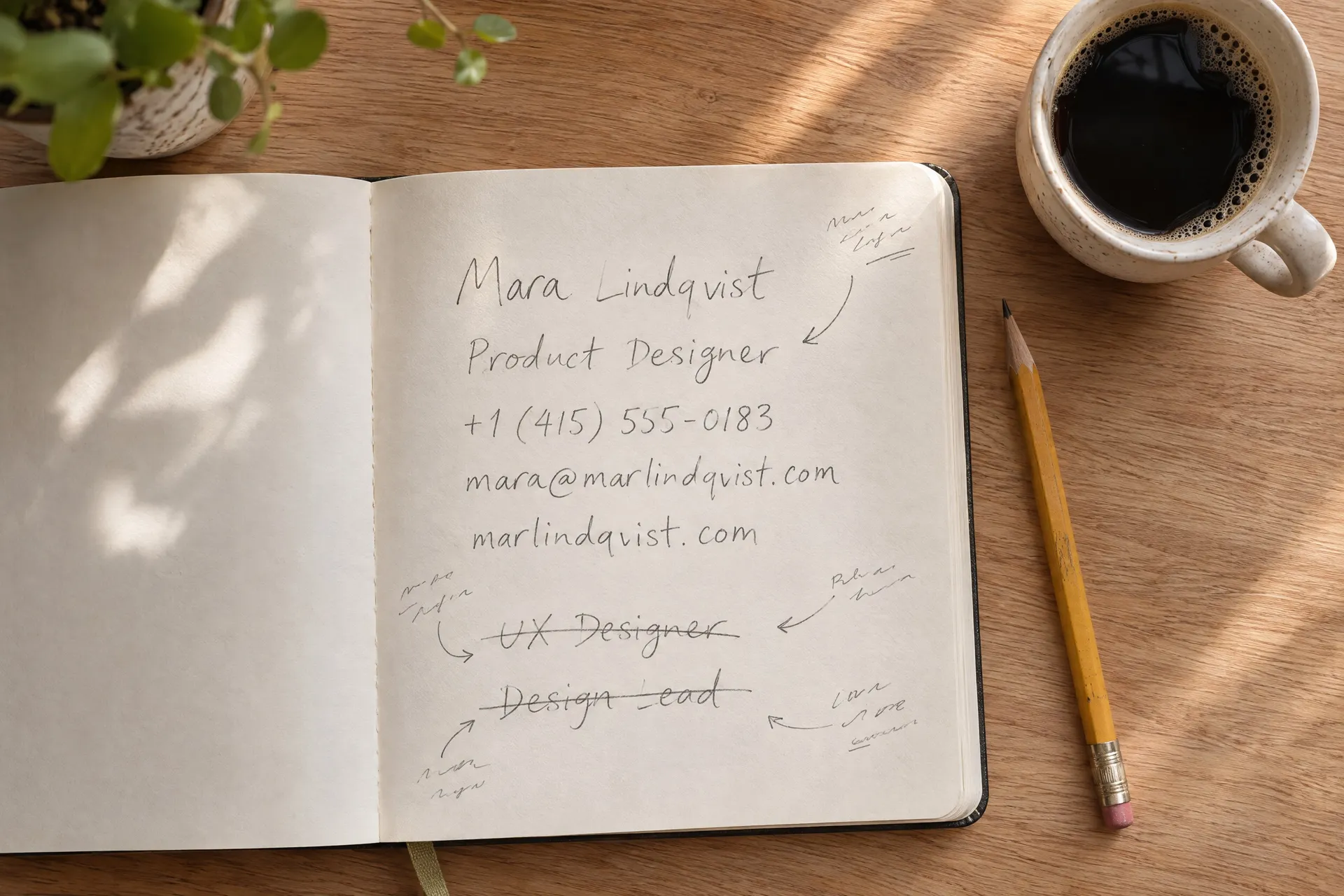
Write the details
Put your name, title, phone, email and website in the prompt exactly as they should appear. Cut anything people can find on your website, because fewer lines read better at card size.
Choose a direction
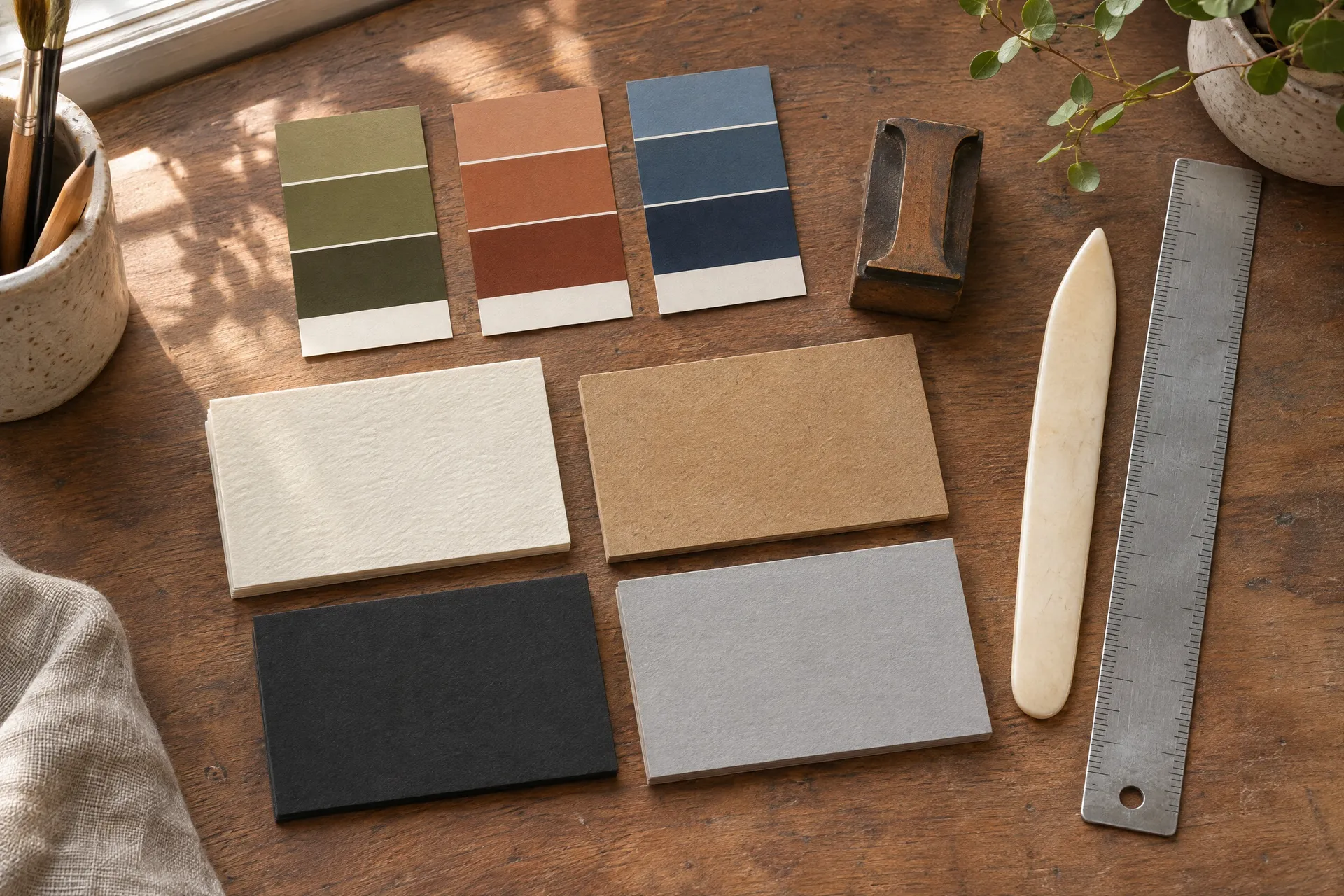
Name a print finish, a typeface style and two or three colors, or describe the photo or illustration you want. A clear direction is what separates a designed card from a template.
Check every character
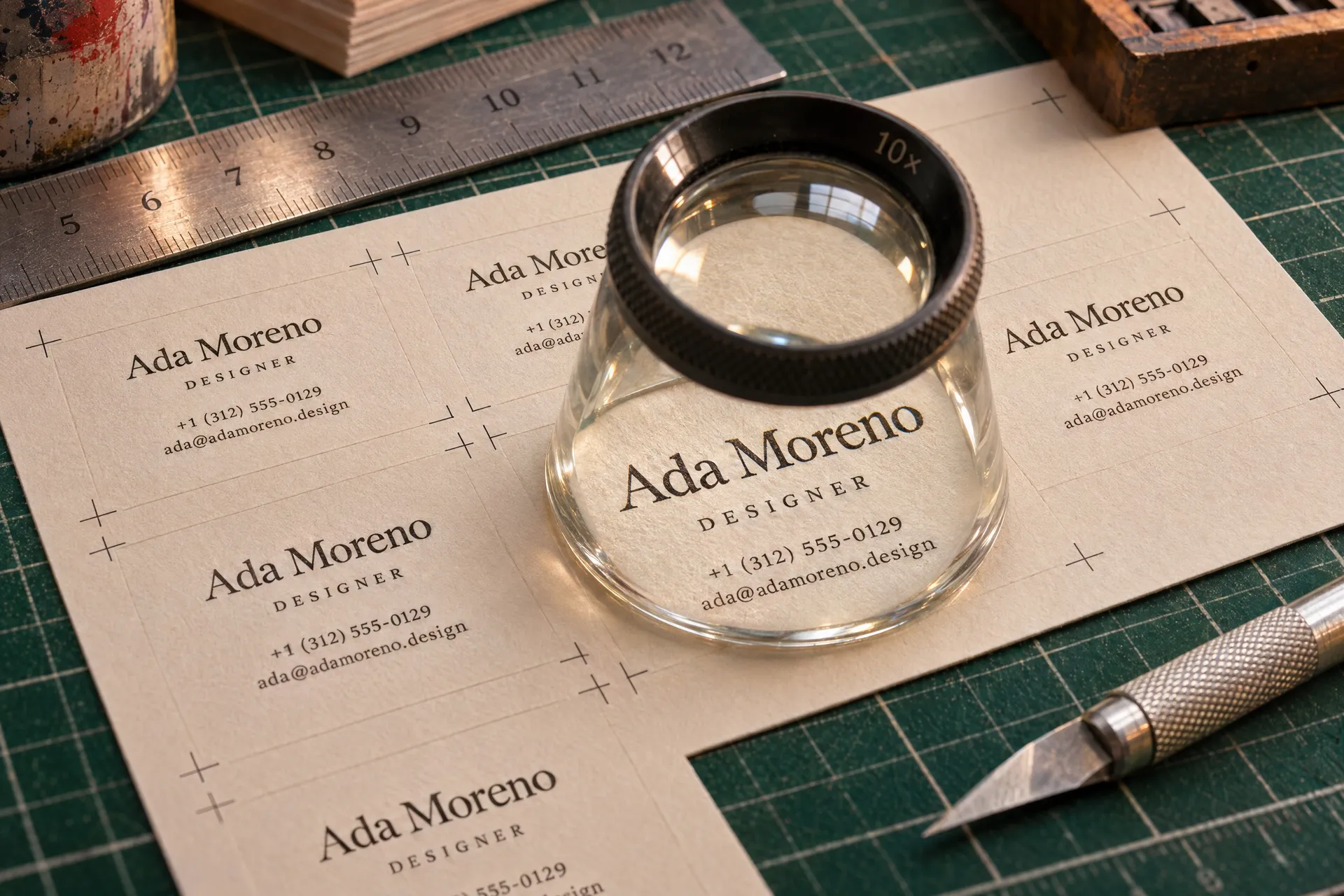
Read each digit of the phone number and each letter of the email before you print. Models are good with short text but can still swap a character, so regenerate if a line is off.
AI business card prompt examples
Each card below came from the prompt in its tab, generated at 16:9, which is within a few percent of a standard 3.5 x 2 inch card. Copy one, swap in your own details and generate your version.

Business card ideas by type of business
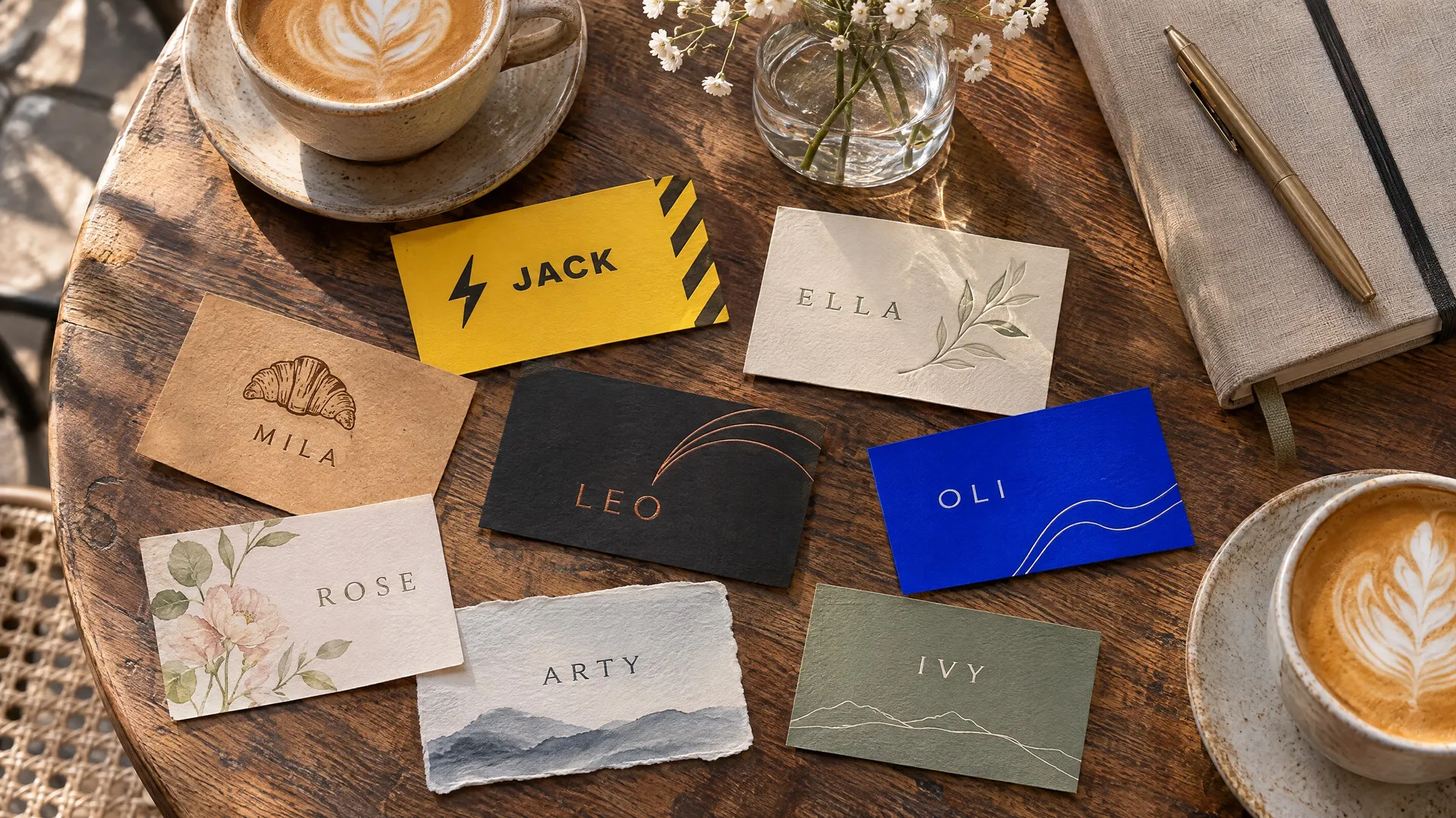
Clients judge a card by whether it looks like the business. Borrow the visual language of your trade and the card does that job.
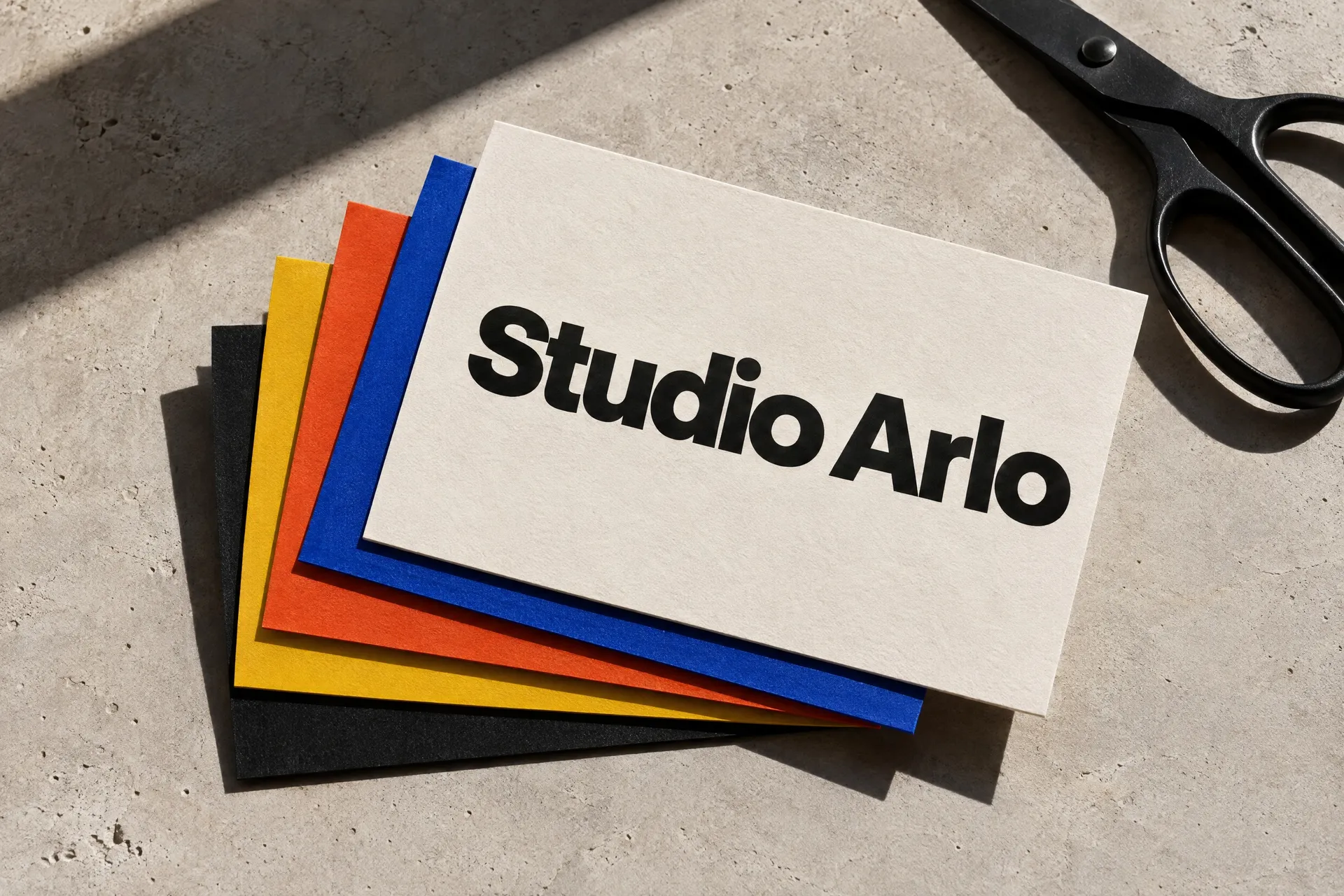
Studios and creative businesses
Designers, photographers and architects can be bolder. One strong typeface and a color on the back, with the rest left empty, shows taste in a single glance.
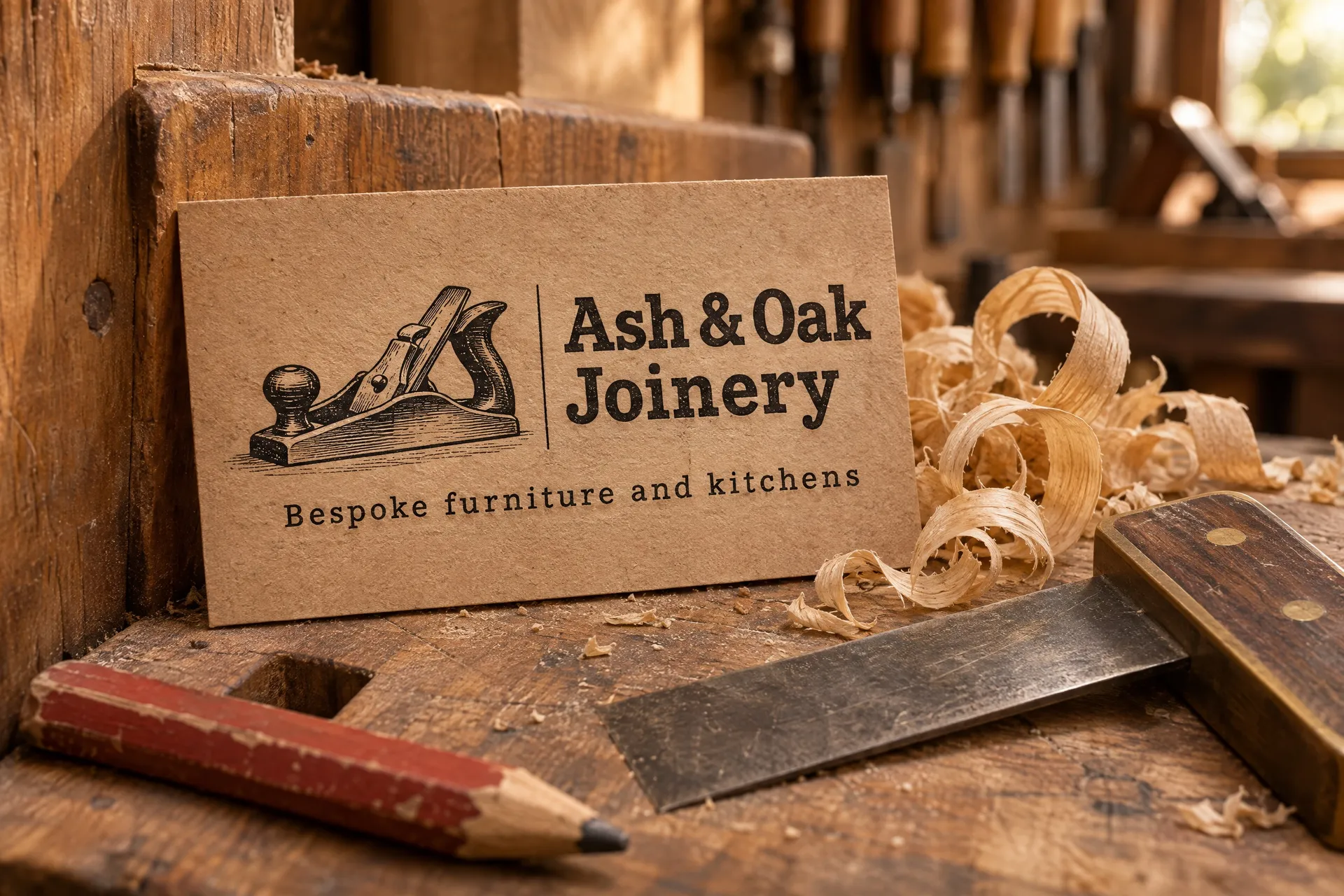
Trades and local services
Joiners, electricians, cleaners and gardeners need the phone number to read first. Kraft card, a woodcut of a tool and a sturdy slab serif feel honest and hard-wearing.
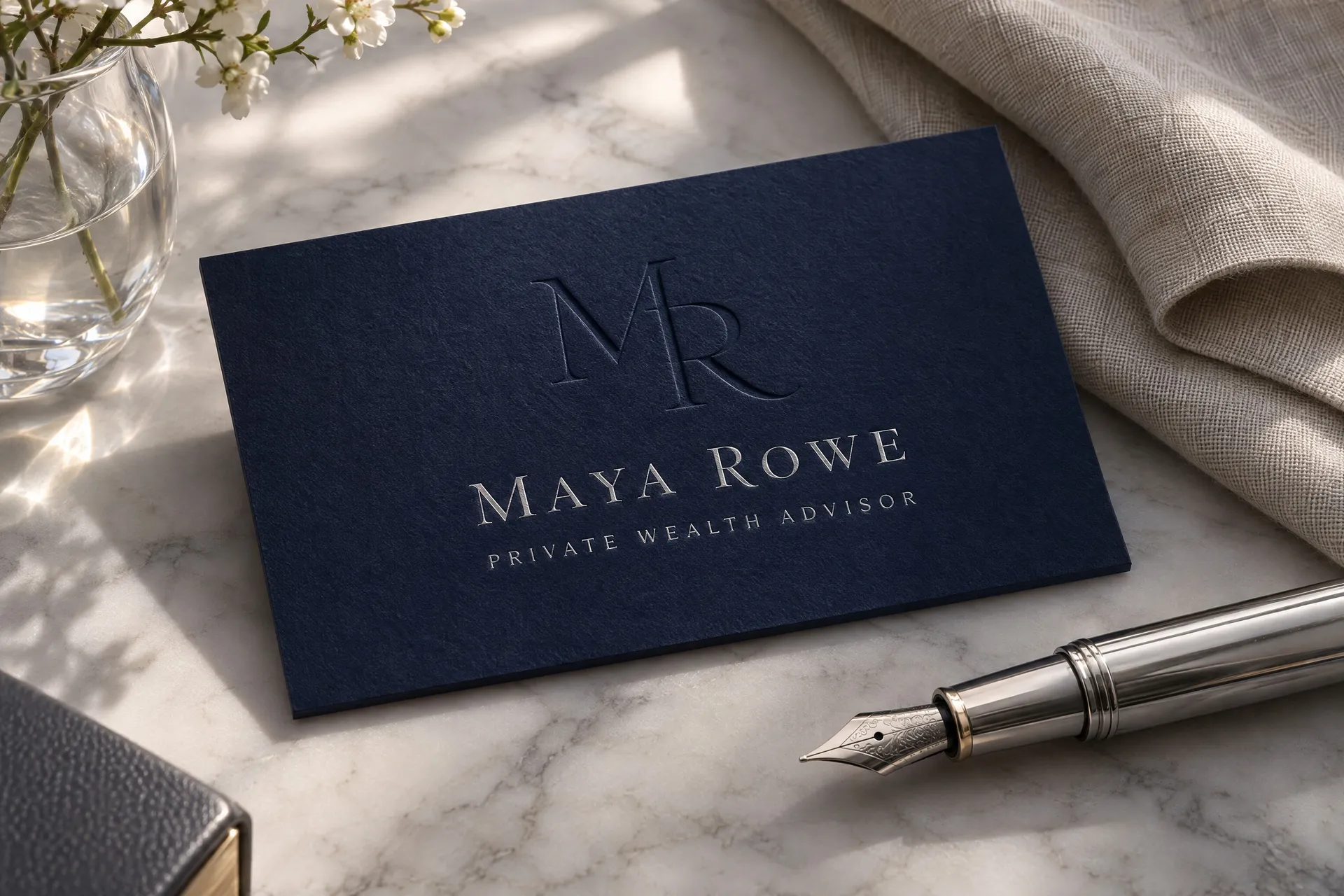
Professional services
Lawyers, advisors and consultants sell trust. Deep colors, a blind-embossed monogram and a fine foil serif say discreet and established without a word of copy.
Build the card around your logo
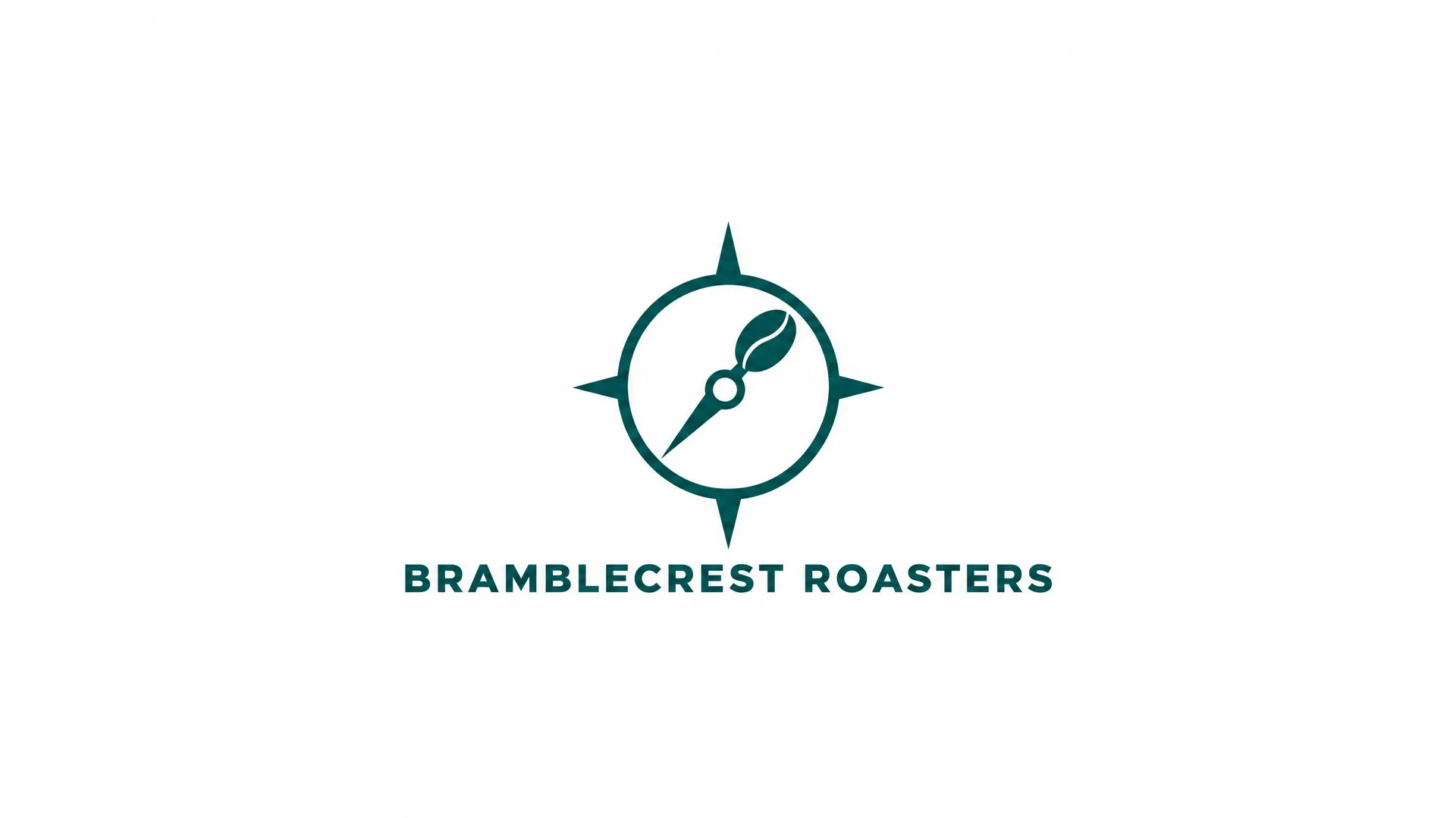
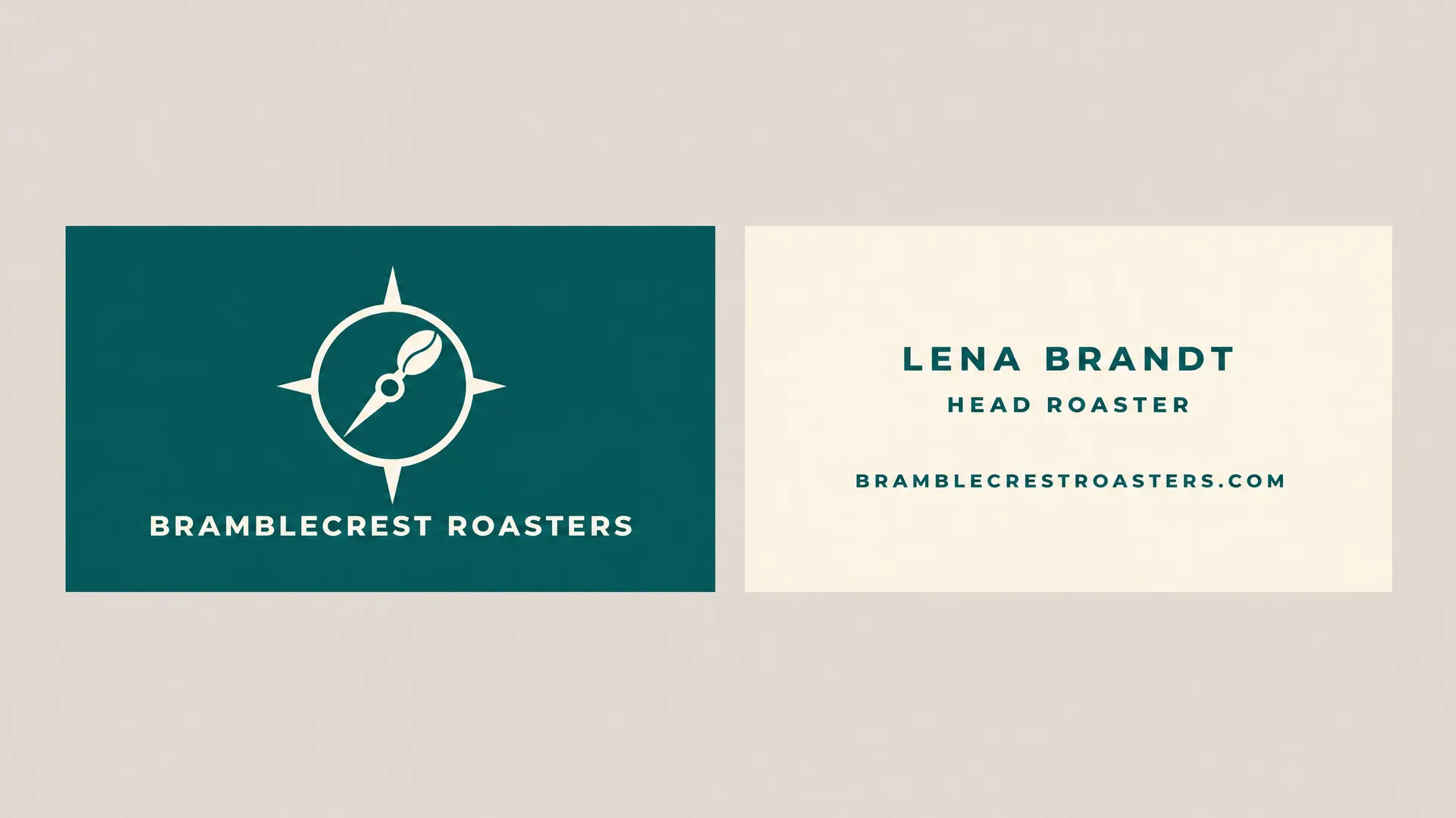
Already have a logo? Add it as a reference image and describe the card around it: the colors, the paper, what goes on the back. The model keeps the mark as it is and designs the rest of the card to match.
This coffee roaster's logo went in as a flat file. One prompt turned it into a two-sided card, teal on the front and cream on the back with the roaster's name and website.
Matching letterhead, envelopes and signs
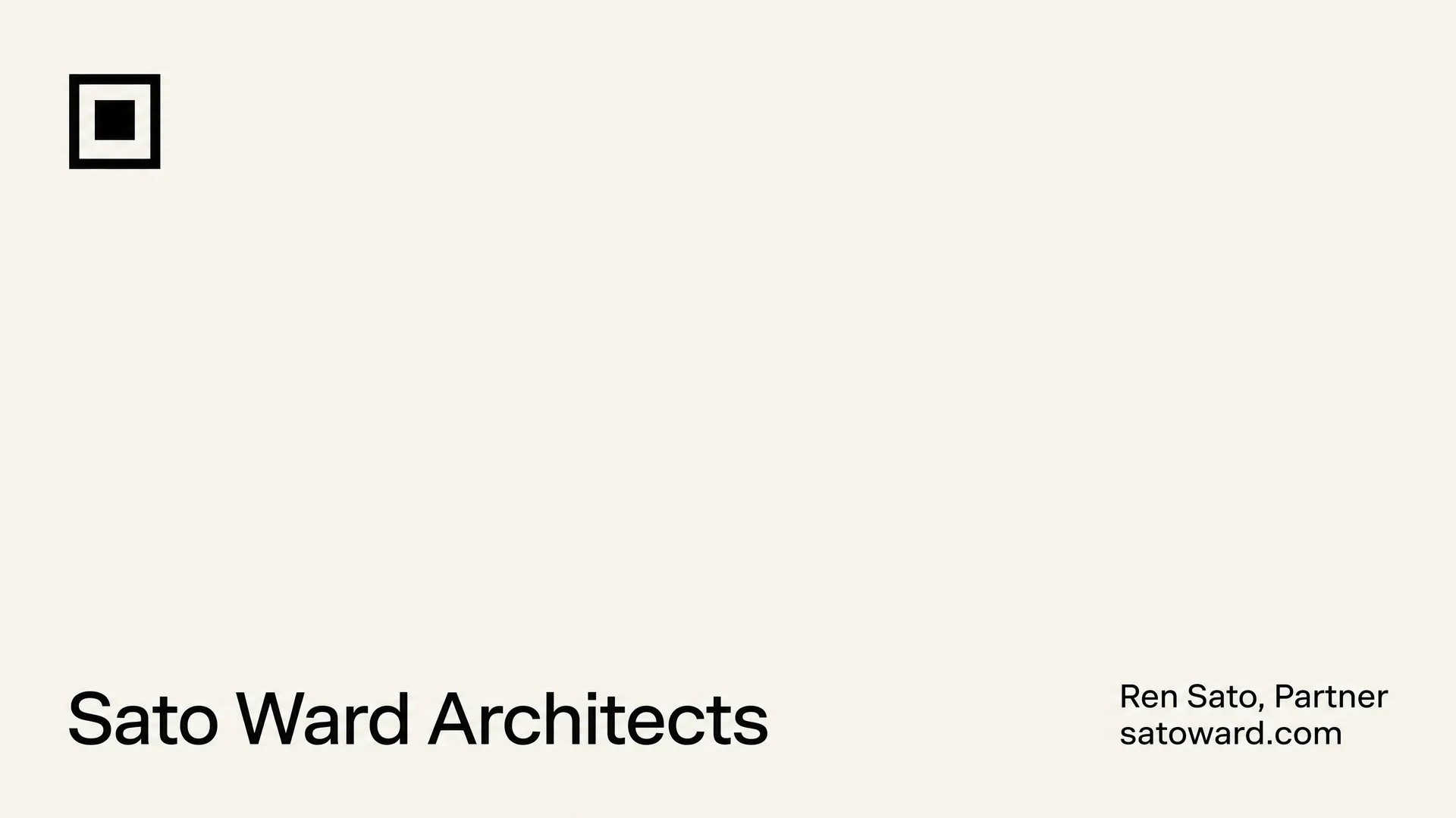
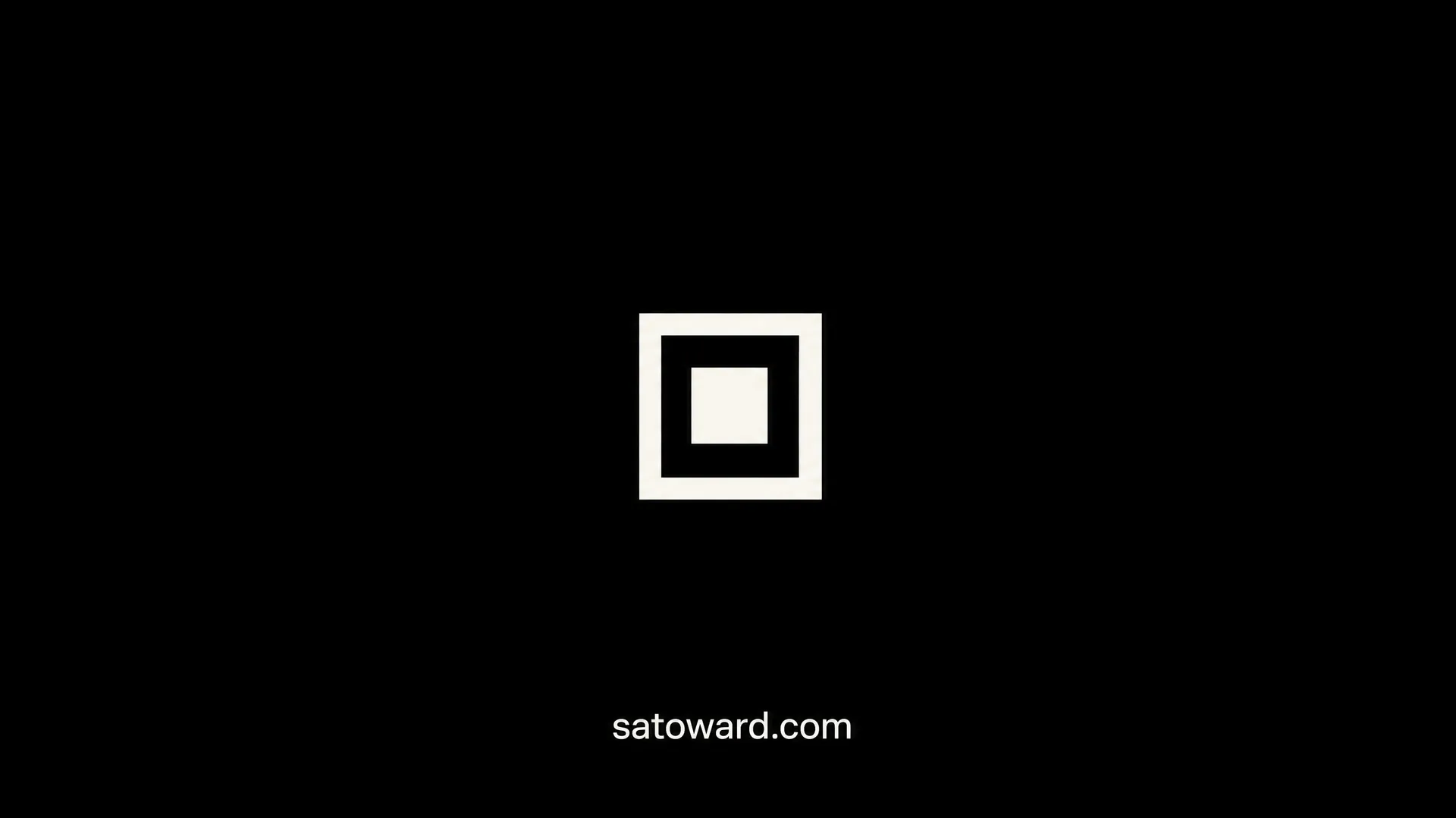
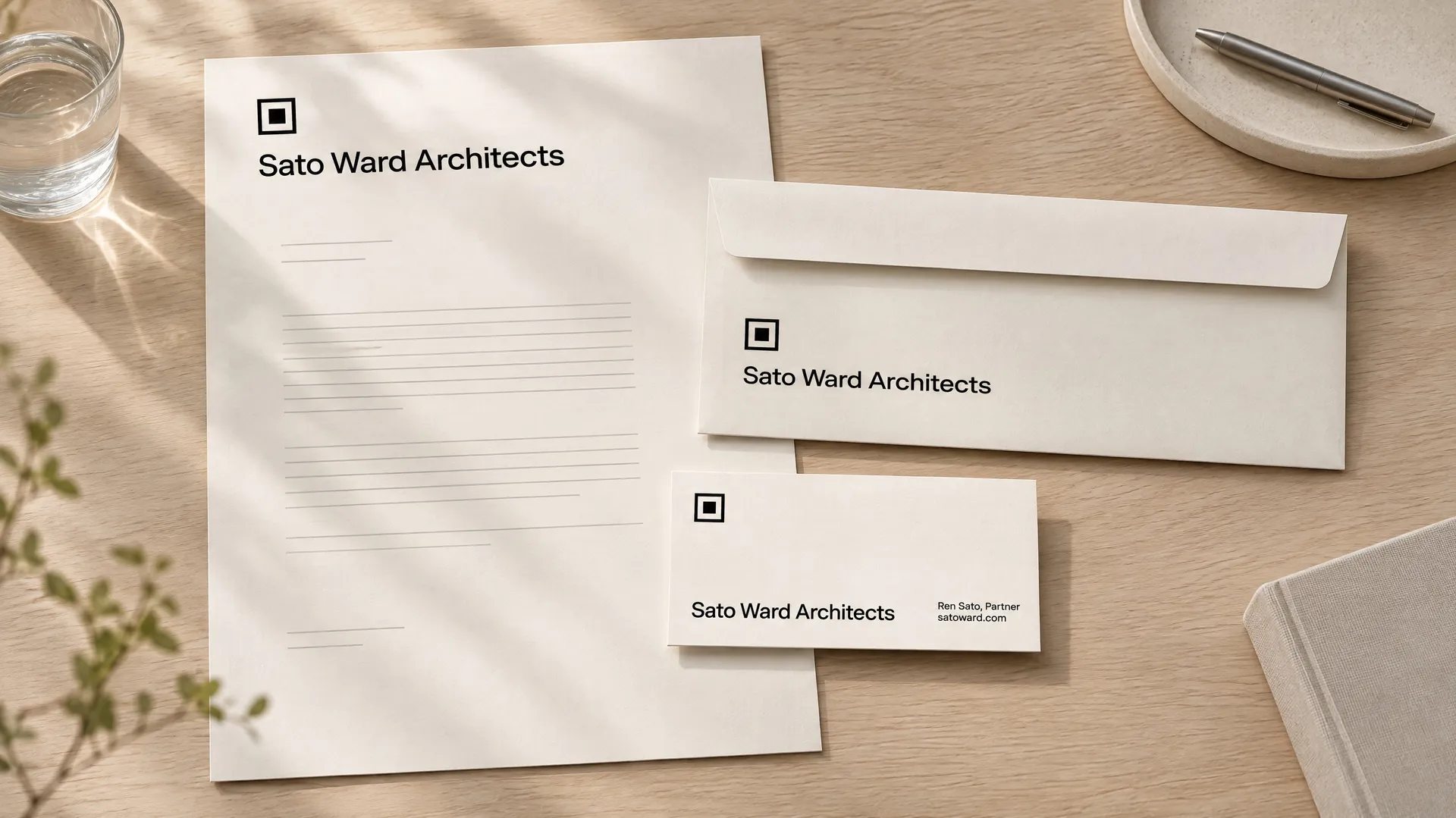
A business card rarely travels alone. Once one card works, add it as a reference and describe the next piece, and the mark, type and colors carry over.
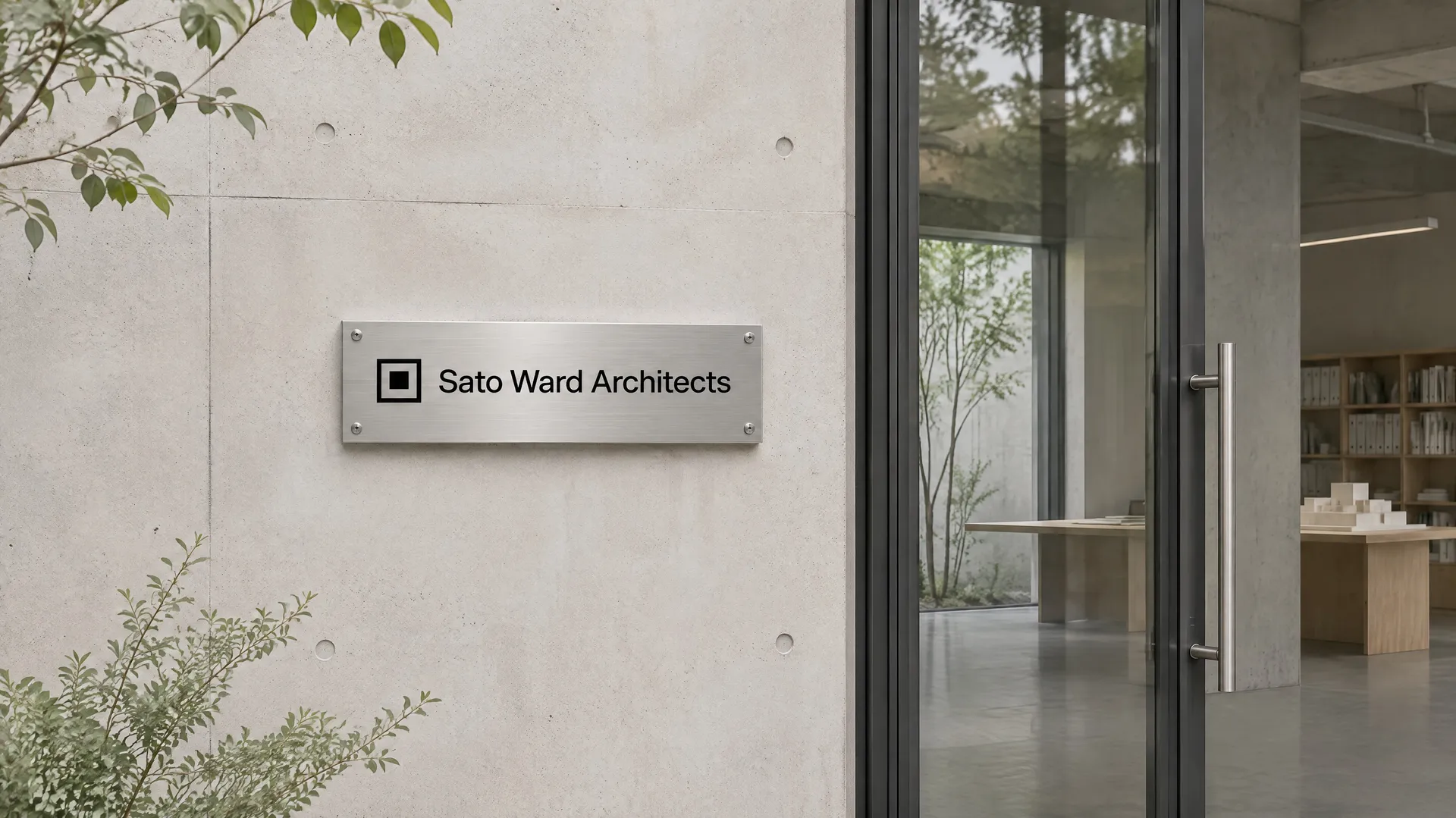
Everything for this architecture practice came from one card front: the black back, the letterhead and envelope, and the plaque by the studio door.
Who uses an AI business card generator
Anyone who hands over a card and wants it to look like their business, not like the printer's default template.
More tools and guides for your brand
Frequently asked questions
Yes. Write your details into the prompt exactly as they should appear, describe the style and generate. Models that handle text well set names, phone numbers and emails in clean type, and each run gives you a different take on the same prompt.
Use 16:9 for a standard US card. A 3.5 x 2 inch card has a ratio of 1.75, so a 16:9 image needs only a sliver trimmed from the sides. For the European 85 x 55 mm card, use 3:2. Keep text away from the edges so nothing important sits in the trim area.
Usually, with short lines. Models keep improving at small text, but they can still swap a digit or a letter, so read every character before you print. Fewer lines give the most reliable results.
Yes. Add your logo as a reference image and describe the card around it. The model keeps the mark and designs the layout, colors and back of the card to match.
Generate the card with an empty space where the code should go, then place a real QR code from a code generator in a design tool. A QR code drawn by an image model looks right but won't scan.
Yes. A 2K image at 16:9 gives far more detail than a 3.5 inch card needs at 300 dpi. Most printers ask for a PDF with bleed, so place the image in your printer's business card template, or upscale it first if you plan larger formats. Order a proof before a full run. Our guide to business card design ideas covers sizes and bleed in more detail.
Images you create on paid plans come with commercial usage rights, subject to our terms and applicable third-party rights. Don't copy another business's logo or trademark.
Your details, a card that looks designed
Write your details, name a style and pick your favorite version. Then print it or send it.