AI Logo Generator for Custom Logo Concepts
Describe your brand, generate several directions, refine the strongest one
Write what the brand is, the kind of logo you want, the colors and the name, and getimg.ai generates several logo concepts from the same prompt. Compare wordmarks, symbols, mascots and emblems side by side, refine your favorite and download it as a transparent PNG.
Leading image models in one place.
Auto picks the model that fits your prompt best. Switch the model manually any time if you want to experiment.


How to generate logo concepts with AI
Four steps, from a written description to a refined concept.
1. Open Create image
Open the Create image generator in getimg.ai. Leave model selection on Auto, or pick a model yourself.
2. Describe the logo direction
Start with the brand name and logo type, then add the symbol, visual style, color palette, typography direction, composition and background.
3. Generate several concepts
Generate a few images from the same prompt, or change one word between runs. Comparing different directions tells you more than polishing the first output.
4. Refine the strongest version
Open the concept you like and keep editing it in Create image: adjust the background, the colors or the level of detail.
What types of logos can an AI logo generator create?
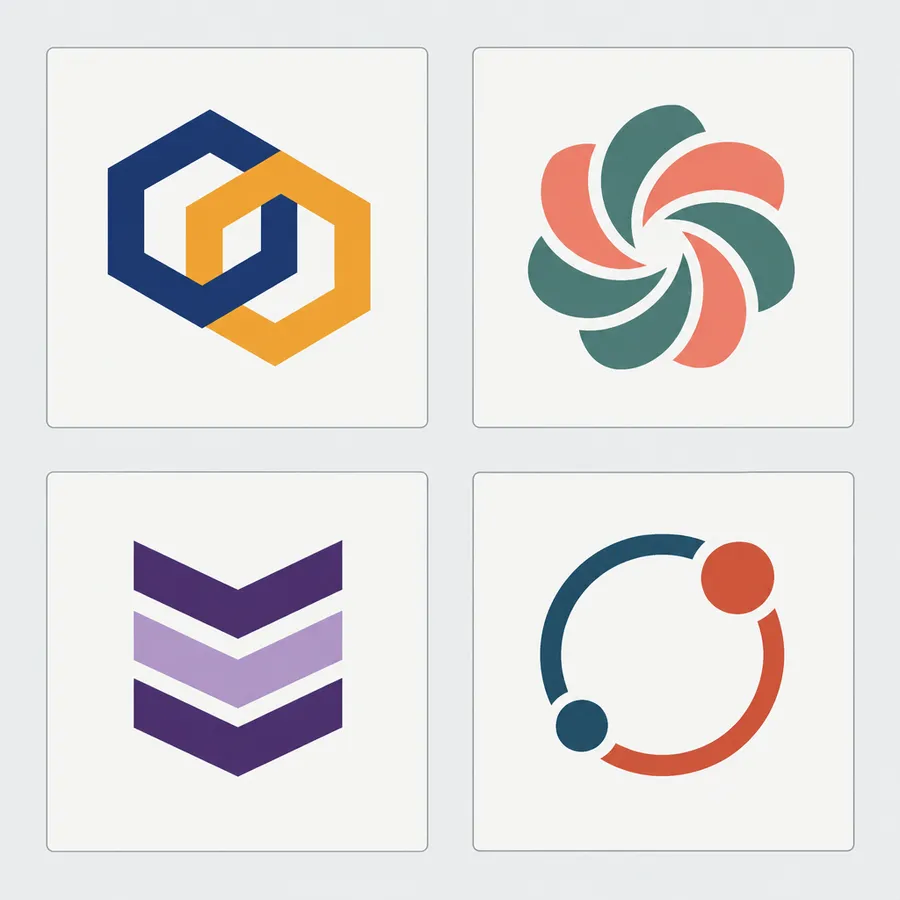
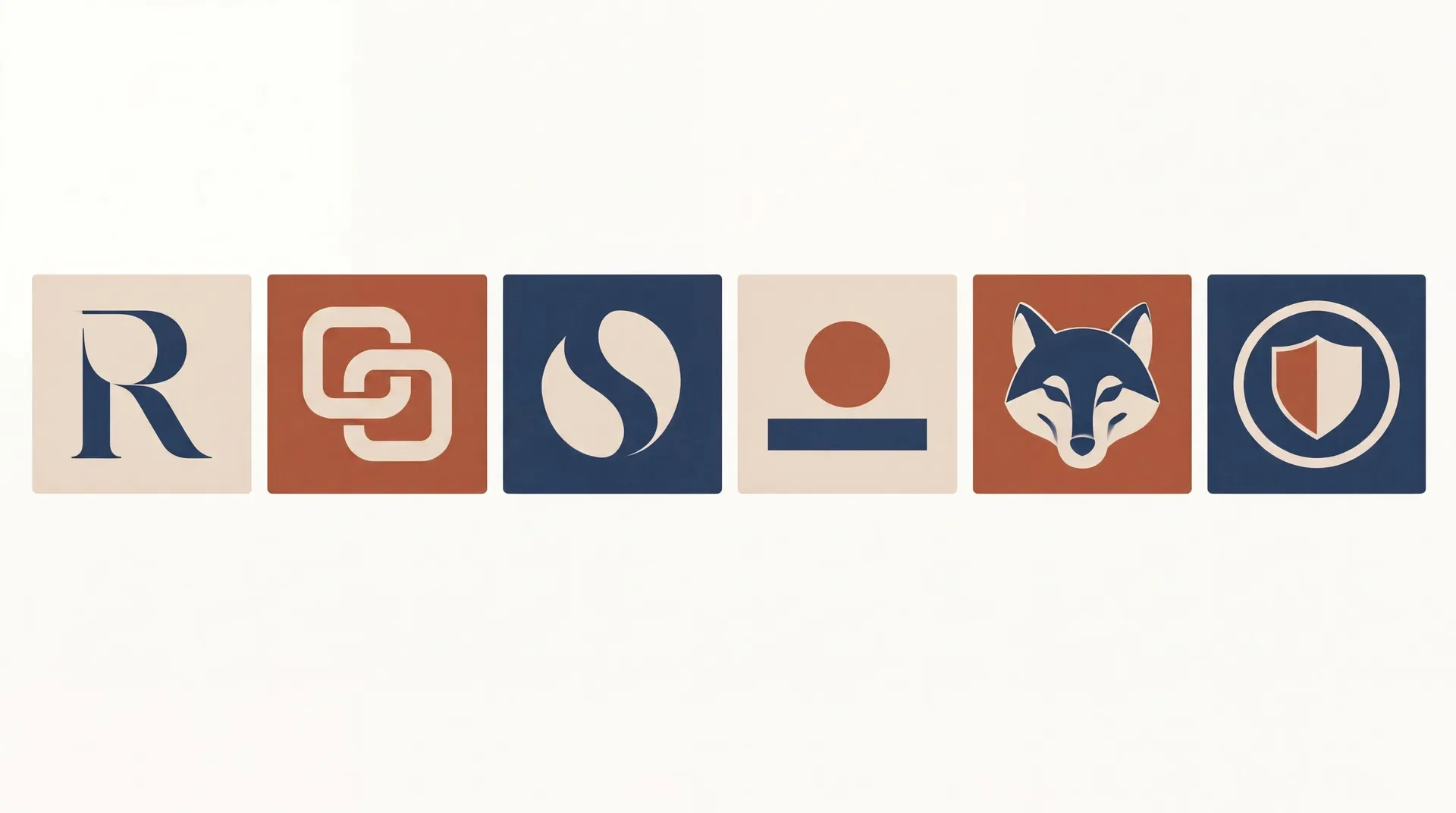
Name the logo type in your prompt and the output matches the format you need. These six cover most brand marks.
How to write an AI logo prompt
A good logo prompt reads like a note to a designer: what the business is, what kind of mark you want, what the symbol shows and how it should look. The more of that you spell out, the closer the first round lands.
Short prompts work too. Prompt enhancement fills in the details, so you can start with one line and add specifics once you know what you like.
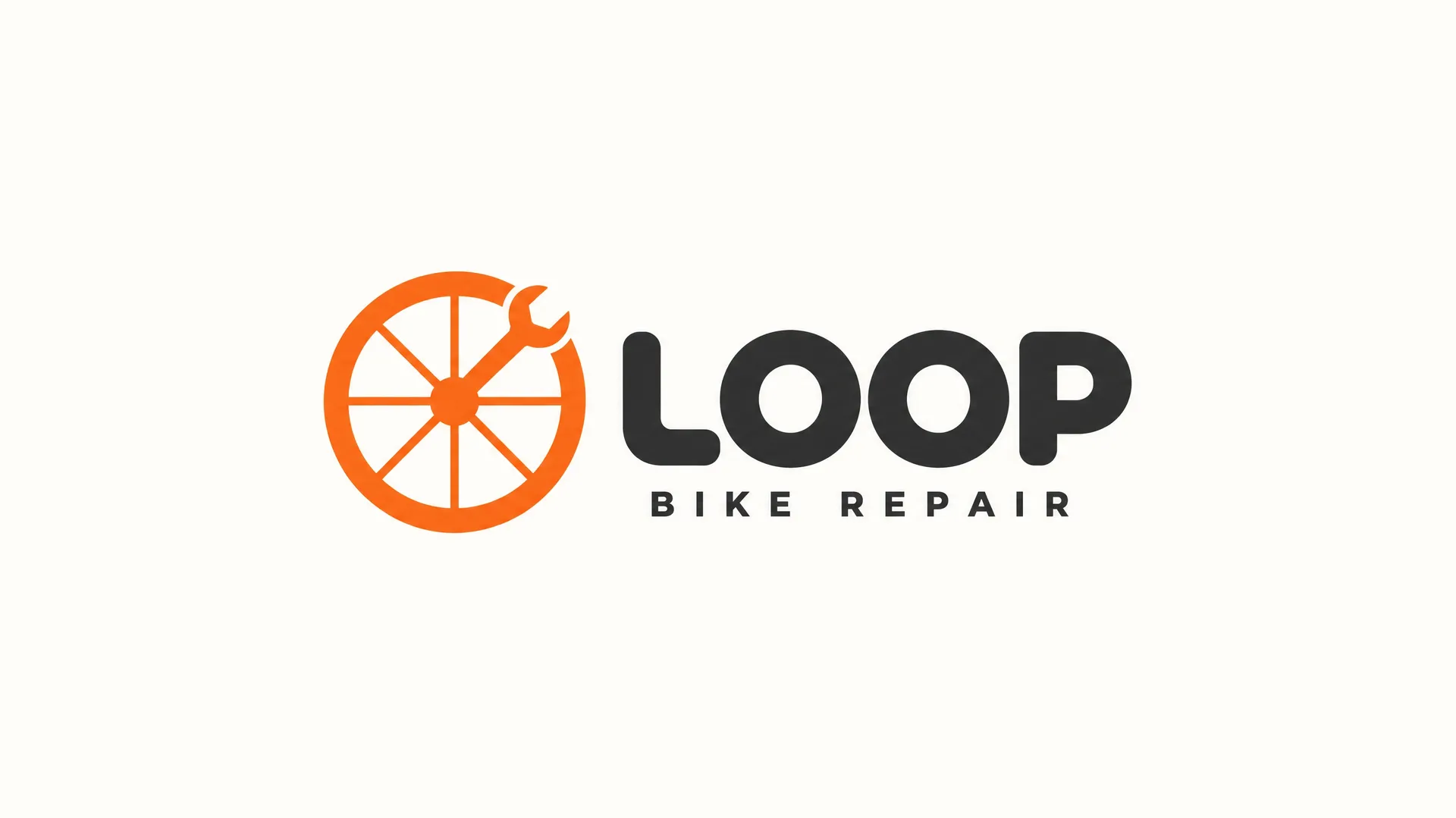
Combination mark logo for LOOP, a neighborhood bicycle repair shop in Amsterdam. The symbol is a bicycle wheel drawn as a single thick circle, with a spanner wrench forming one of the spokes and its jaw biting the rim. To the right of the symbol, the wordmark "LOOP" in a heavy rounded geometric sans-serif, with "BIKE REPAIR" in small spaced caps under it. Flat vector, solid shapes, consistent stroke weight, no gradients, no shadows. Two colors: signal orange symbol and charcoal type on an off-white background. Horizontal lockup centered with generous empty margins on all sides.
AI logo prompt examples
Each logo below came from the prompt in its tab. Copy one, swap in your brand name, symbol and colors, and generate your own version.
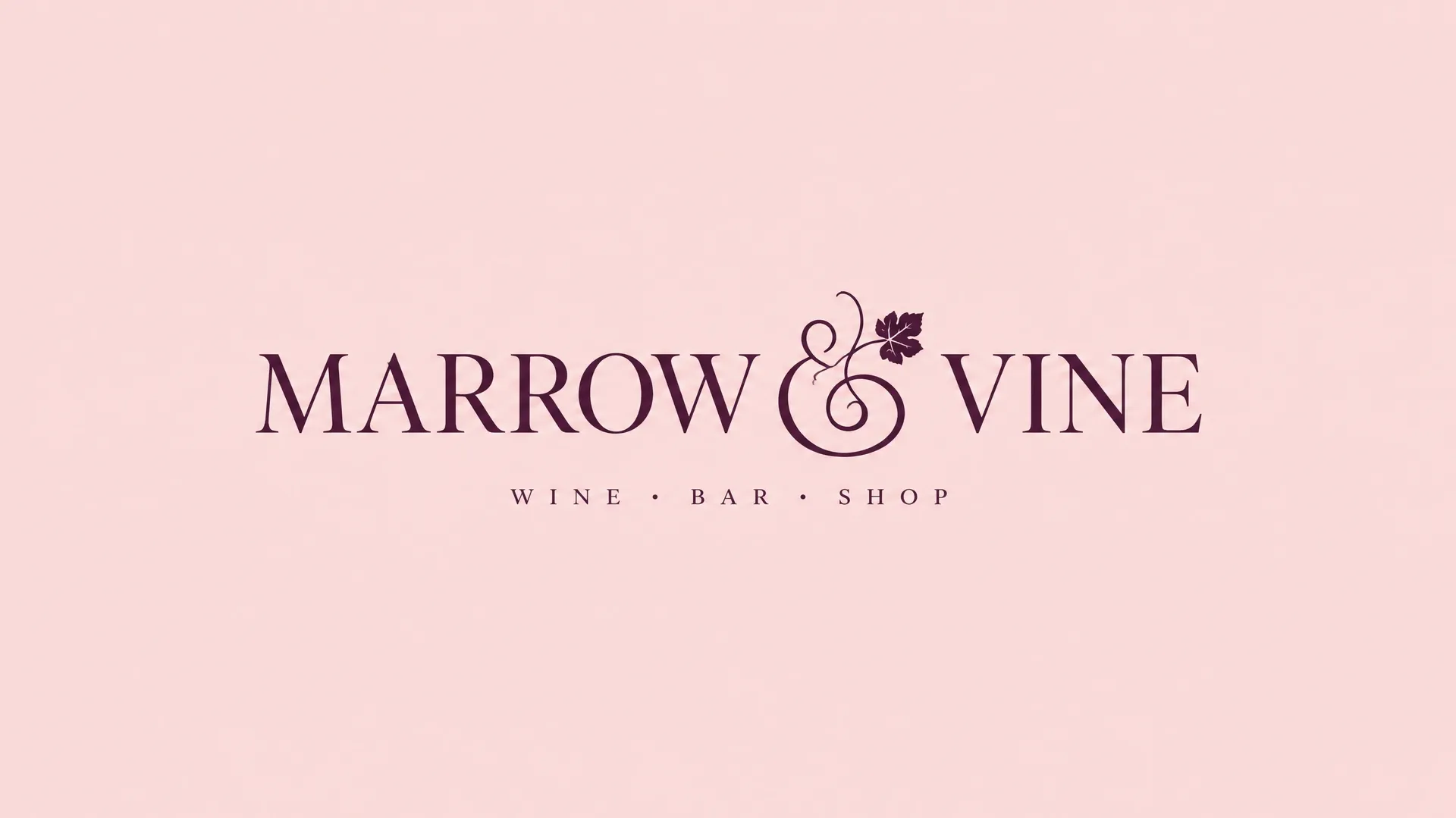
Explore more logo directions before you commit
Generate several concepts from the same prompt, compare symbols, lettering and palettes, then refine the strongest idea. Fast exploration is where AI helps most. A designer still brings discovery, strategy, typography refinement and the final vector files.
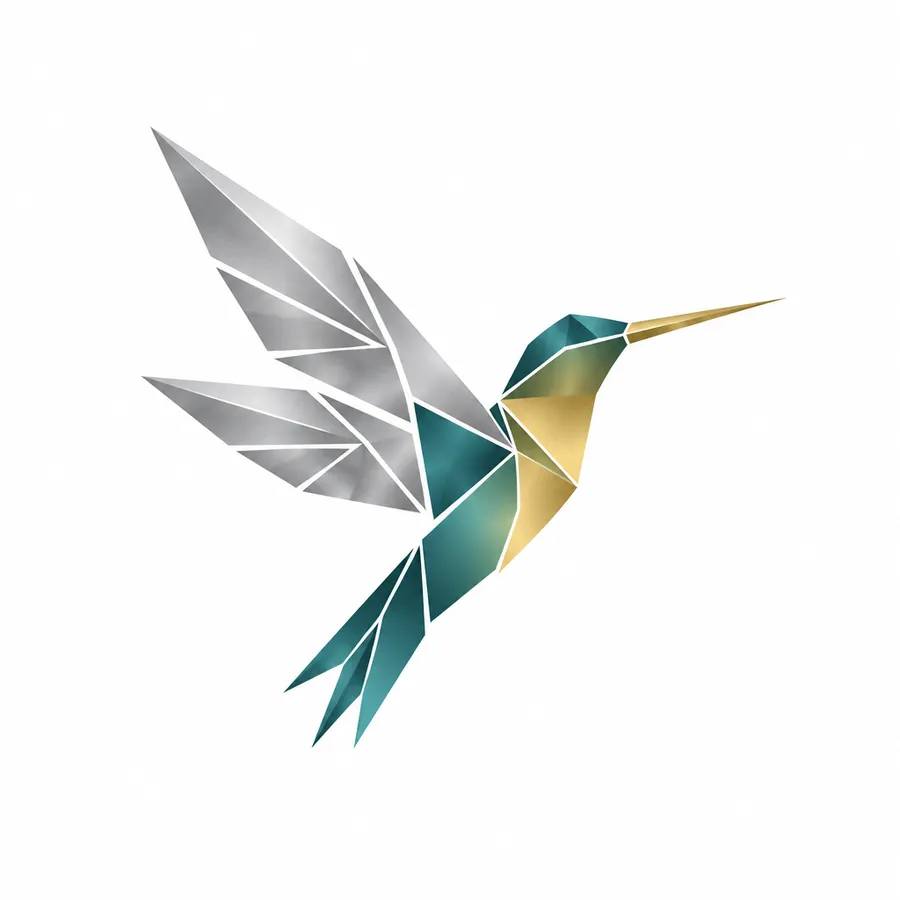
Prompt: a logo mark of a single geometric hummingbird in flight, constructed from sharp triangles and clean lines, gradient from teal to gold across the body, wings in metallic silver, bird facing upward, centered on a plain white background, no lettering.
Explore different logo styles
Modern, vintage, geometric, watercolor, art deco or hand-drawn. Change one style word in the prompt and generate a new direction.
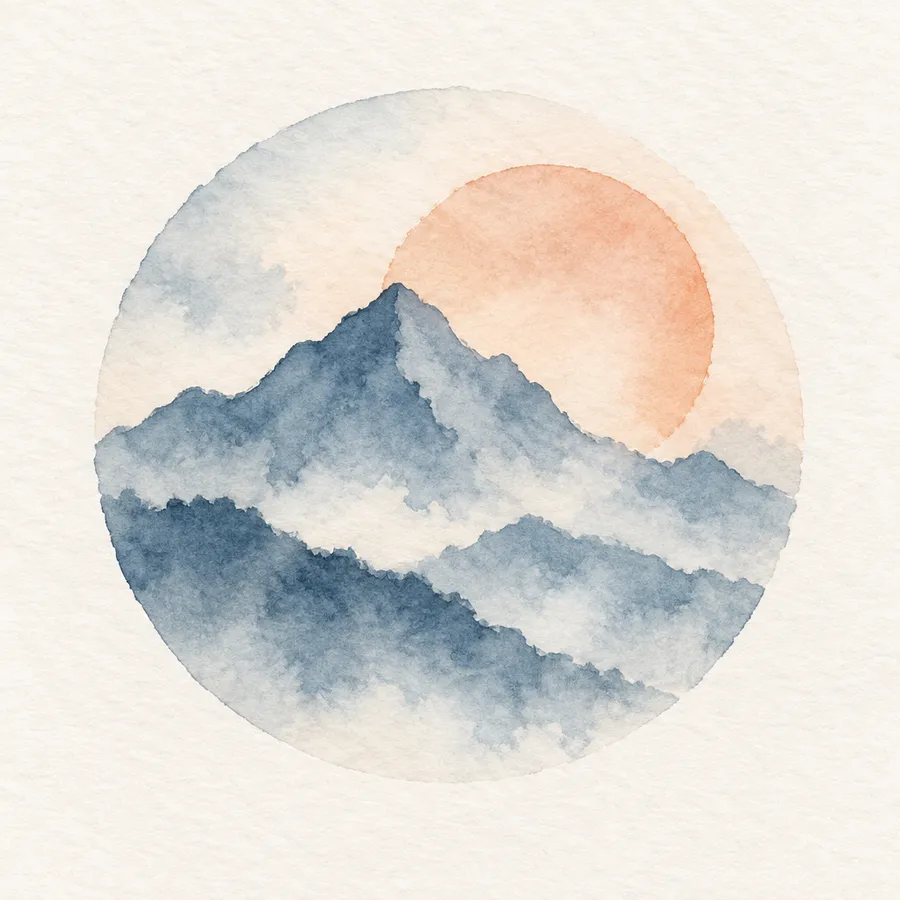
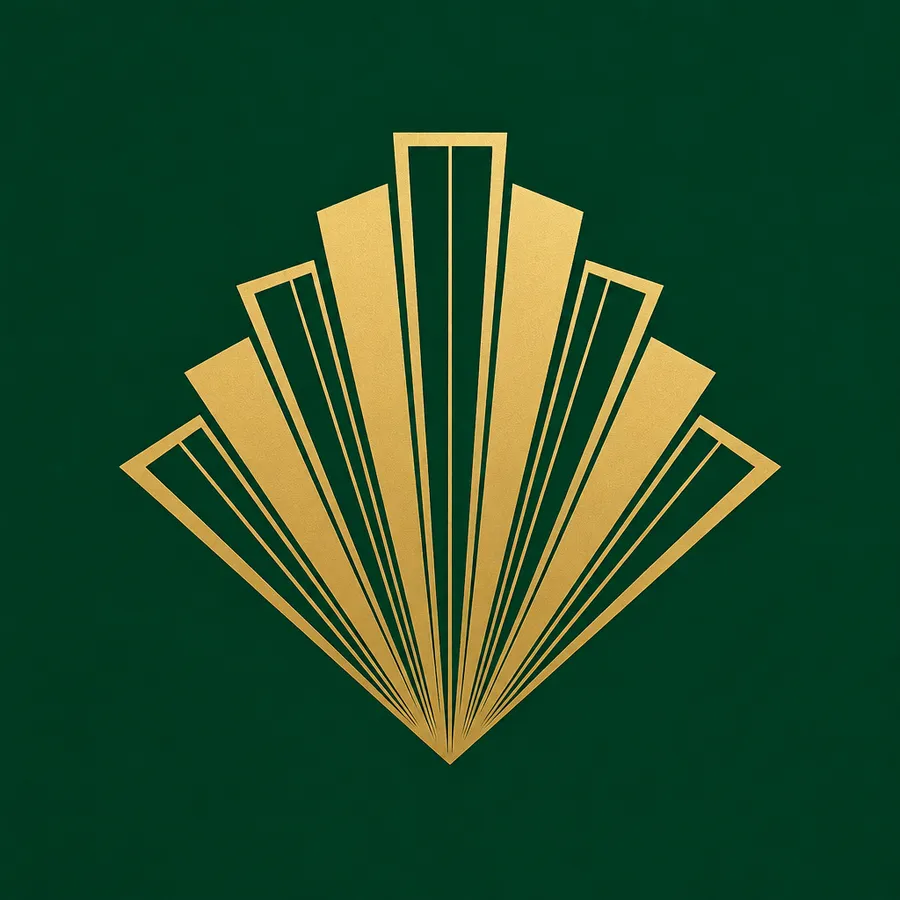
Generate the direction, then refine it
A first output is a starting point, not a finished mark. Open the concept you like and keep editing it in Create image: change the background, adjust the palette, simplify the detail or push the symbol in a different direction. Every edit produces a new version, so the original stays intact.
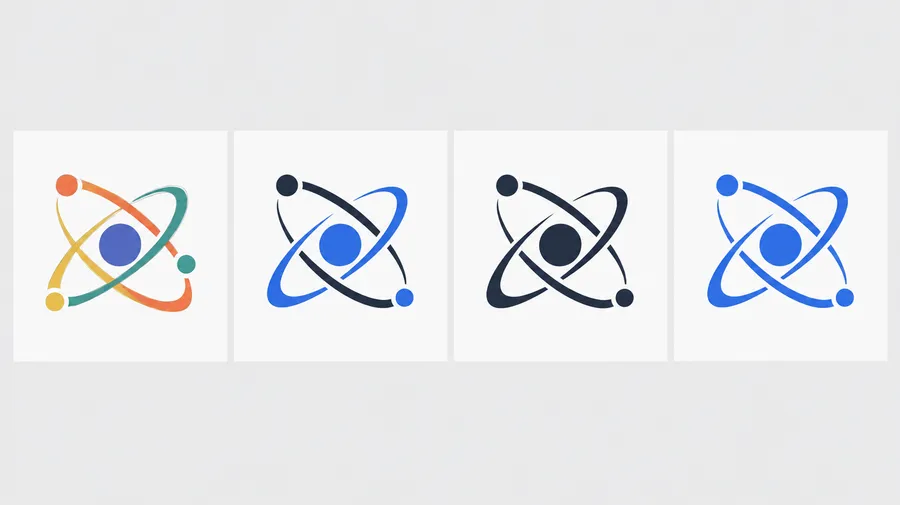
Logo concepts for brands, projects and communities
Explore logo concepts for businesses, personal brands, blogs, communities, events, bands, gaming teams and side projects.

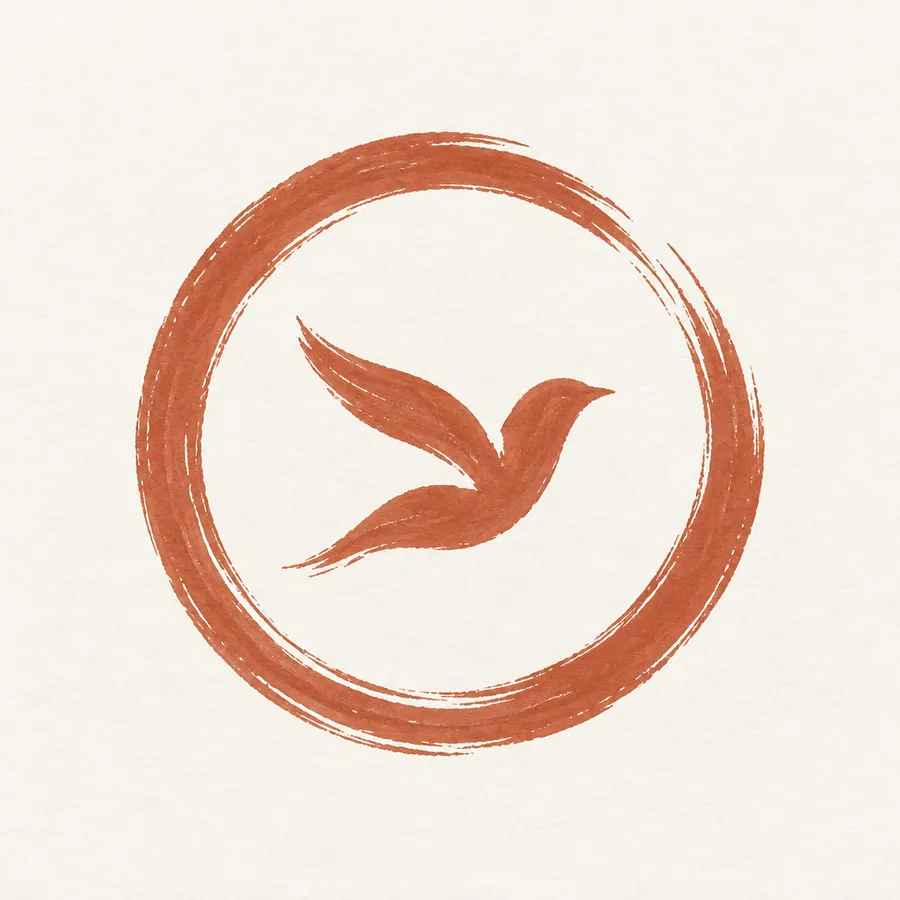

Prepare your logo for different backgrounds
Ask for your logo on a plain, solid-colored background, then open it in Remove background. You get a transparent PNG you can place on your website, social profiles, packaging mockups and slides, over any color or photo.
Getting better logo results
Three things worth knowing before you treat a generated concept as a brand mark.
Better results
You get better logos from a clear prompt and from comparing directions, not from polishing the first result.
Ask for one idea
Describe one symbol in one style per prompt. Several ideas squeezed into one prompt tend to produce a cluttered mark.
Generate symbol-first versions
Ask for the mark without lettering, then decide whether the brand name belongs in the image at all.
Keep text short
If you do include a name, keep it to one or two words. Long strings are where letterforms break down.
AI logo concept vs. final brand identity
AI is strong at exploration and concepting: directions, symbols, compositions and styles, fast. A brand identity asks for more. Before a concept becomes your main mark, review the spelling and readability, check how it behaves at different sizes, and check for similar existing marks in the markets where you plan to use it. The USPTO recommends a clearance search across both word and design elements before filing. Visually or phonetically similar marks can be a problem even when they are not identical.

Explore more AI design tools
Frequently Asked Questions
Choose the logo type first, describe the visual concept, keep the palette limited, and generate several genuinely different directions. Then test the result at small size and in monochrome, verify any lettering, and refine the strongest version before you prepare it for use.
Brand name, logo type, symbol, visual style, color palette, typography direction, composition and background. Start with the main subject, then add style and detail. Pixel-level instructions such as font size are less useful here than a clear typography direction. Change one variable at a time between generations.
Wordmarks, lettermarks, abstract or pictorial symbols, combination marks, mascots, and badge or emblem designs. Style words such as geometric, vintage, watercolor or art deco steer the aesthetic on top of the type. Naming both the type and the style in the prompt gives you more usable directions than asking for a logo alone.
Newer image models can generate on-image text, but spelling, letterforms and spacing should be reviewed before a logo is finalized. Two workflows work well: generate the symbol with AI and add or refine the typography separately, or generate symbol and wordmark together and then review and iterate the lettering. Keep any brand name short, because long strings are where letterforms break down.
Yes. Generate the logo on a plain background, then open it in Remove background to get a transparent PNG for websites, social profiles and mockups.
Generated logos are raster images. If you need a vector file for print or signage, trace or rebuild the final mark in a vector design tool.
On paid plans, your generated images come with commercial usage rights, subject to our terms and applicable third-party rights. If you plan to register a generated logo as a trademark or rely on exclusive rights, check the trademark and copyright rules in your jurisdiction. A usage license is not the same as trademark availability or exclusive ownership of a design.
There is no single global answer. Trademark eligibility depends on distinctiveness, existing marks in your class and territory, and the rules of the office you file with. The USPTO recommends a clearance search covering both word and design elements before filing, because visually or phonetically similar marks can block a registration even when they are not identical. Treat a generated concept as a starting point and take it through your normal clearance process.
Generation can produce a new visual direction, but the tool cannot guarantee that a similar symbol or mark does not already exist on the market. Nothing in the generation step checks existing trademarks. If the mark is going to represent a business, run a clearance search in the markets where you plan to use it.
Look for a recognizable silhouette, readability at small size, and a version that still works in monochrome. Rule out concepts that are overloaded with detail, that drift from the brand direction, or that sit too close to an obvious competitor. Judging how the mark behaves is more useful than judging how the full-size render looks.
Ready to explore logo directions?
Create an account and generate your first set of logo concepts.