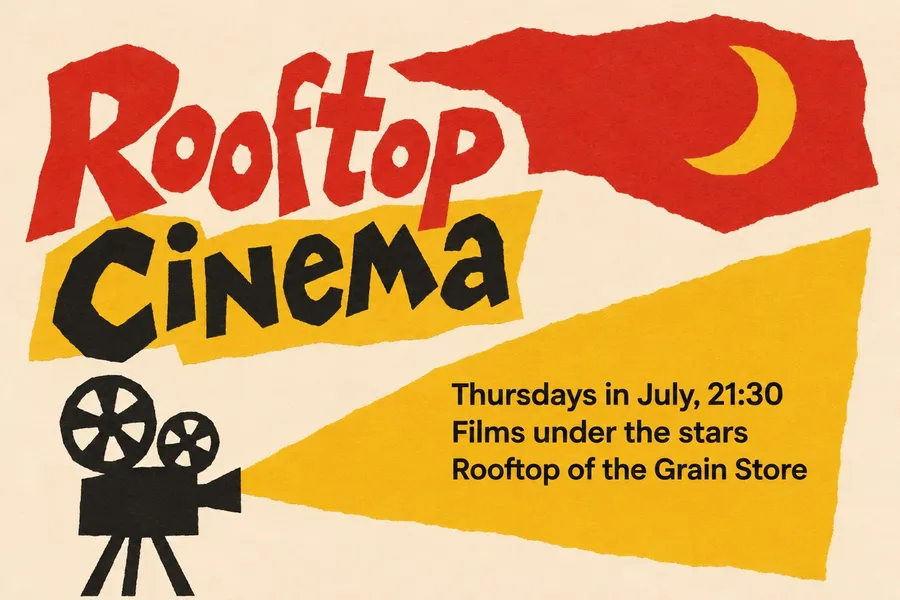
AI Flyer Generator for Events, Venues and Brands
Type the event details and name a design direction, from cut-paper film poster to linocut print. You get a flyer with your date, time and venue set in clean type, in a style that doesn't look like every other flyer on the wall.
Models that handle text well.
Auto picks a model that sets dates, times and names cleanly. Switch the model manually any time if you want to compare.


One event, four design directions
A flyer competes with every other poster on the wall and every post in the feed. The ones people stop for have one clear idea and a look that belongs to the event.
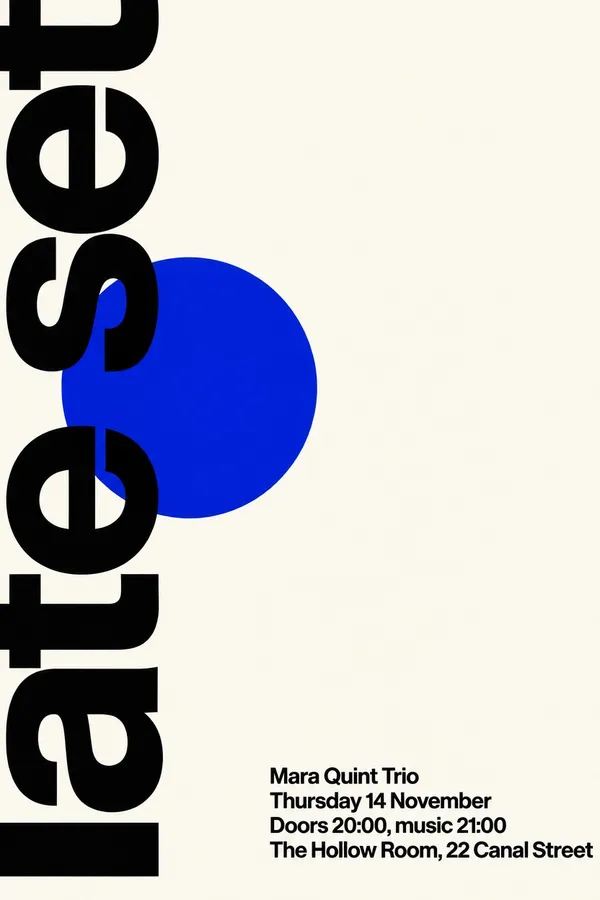
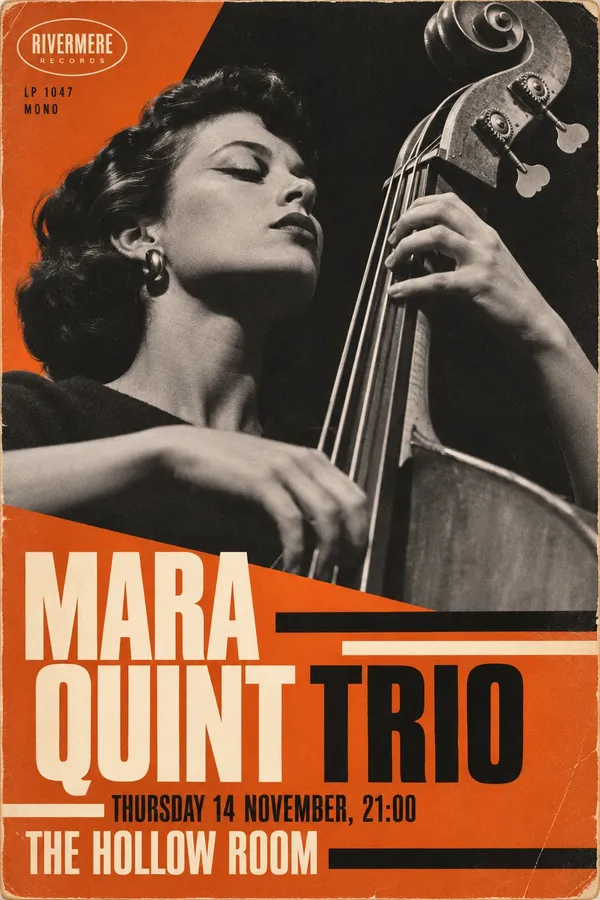
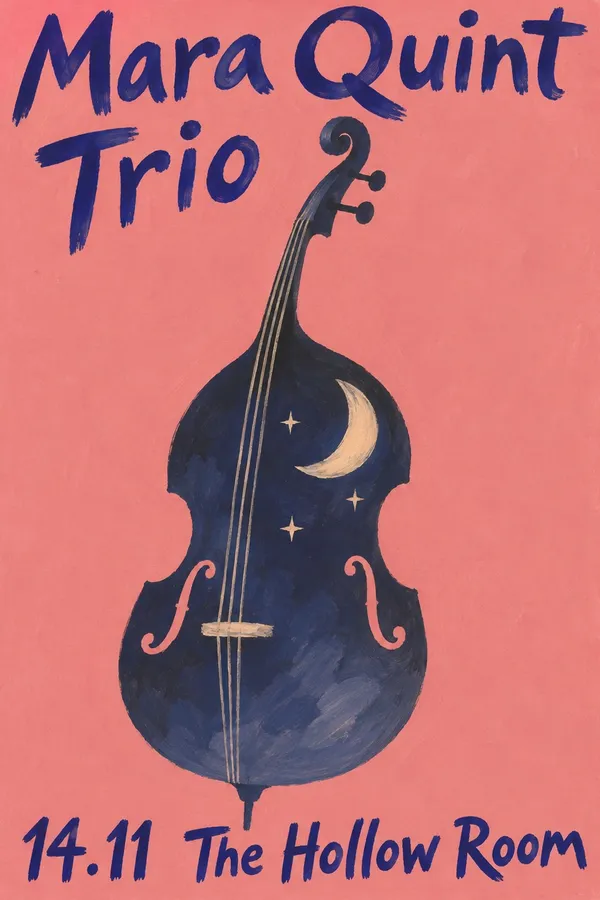
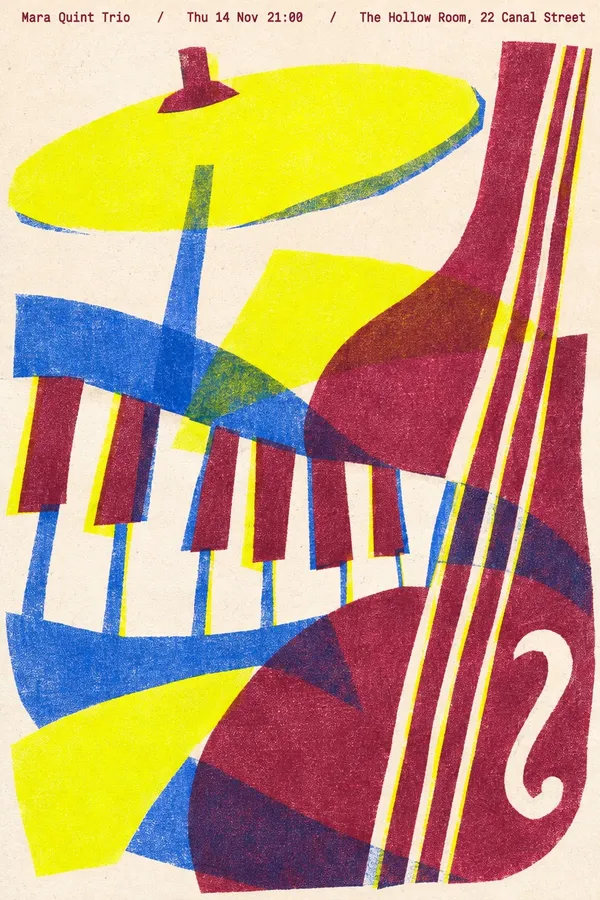
These four posters are for the same jazz night, from four prompts. The details stay the same. Only the design direction changes: Swiss type, a 1950s record sleeve, a painted Polish-school poster and a three-color risograph.
How to make a flyer with AI
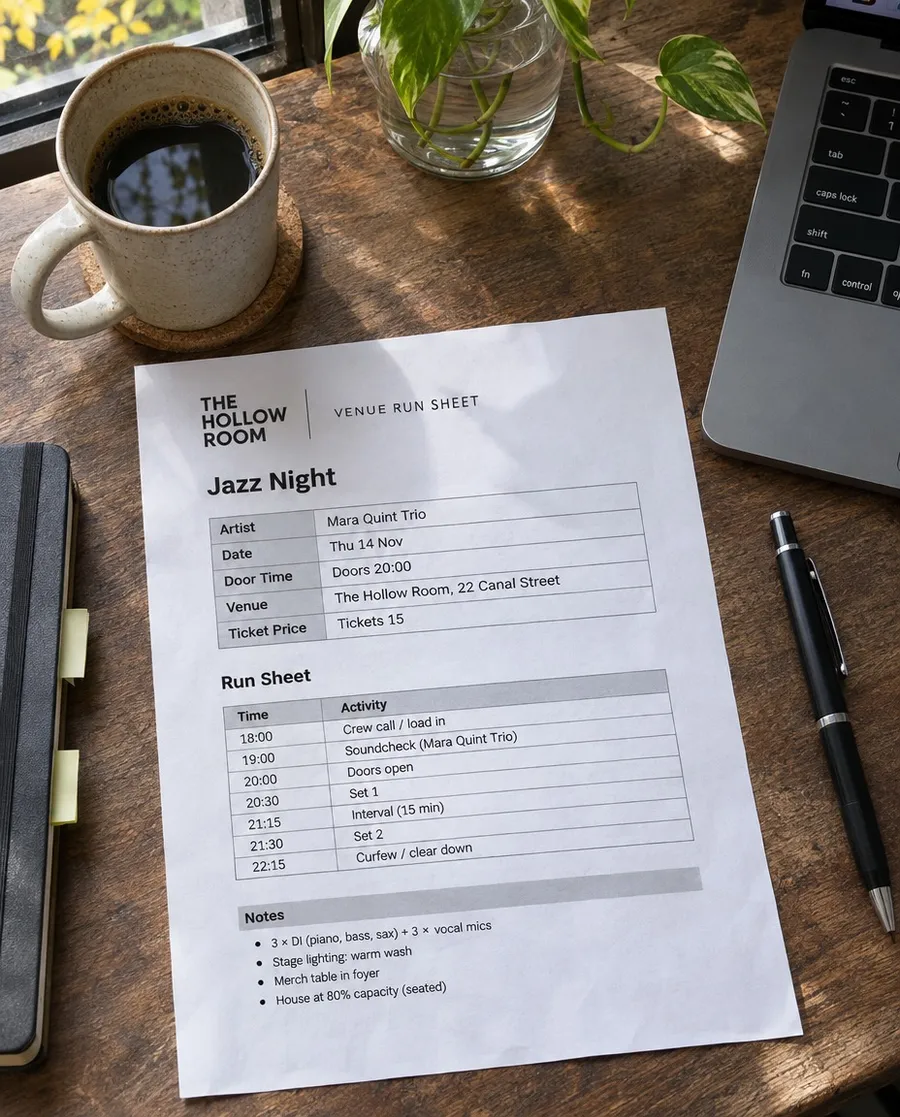
The details are already on your run sheet. Getting a flyer that looks designed takes a few more decisions.
Write the details
Put the event name, date, time and venue in the prompt exactly as they should appear. Fewer lines read better from across the street, so keep only what people need to show up.
Choose a design direction
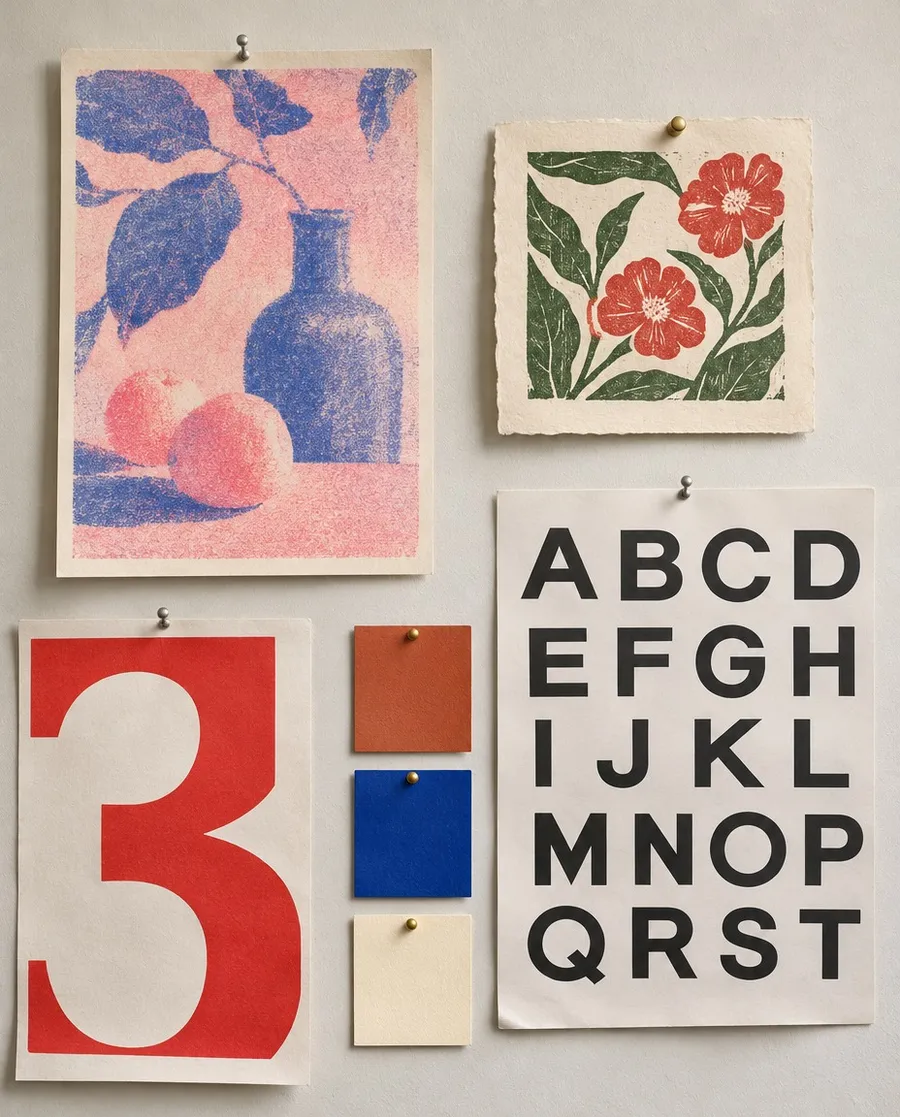
Name a print style, the type and two or three colors, or describe the photo you want. A clear direction is what separates a designed flyer from the generic AI look.
Check every line
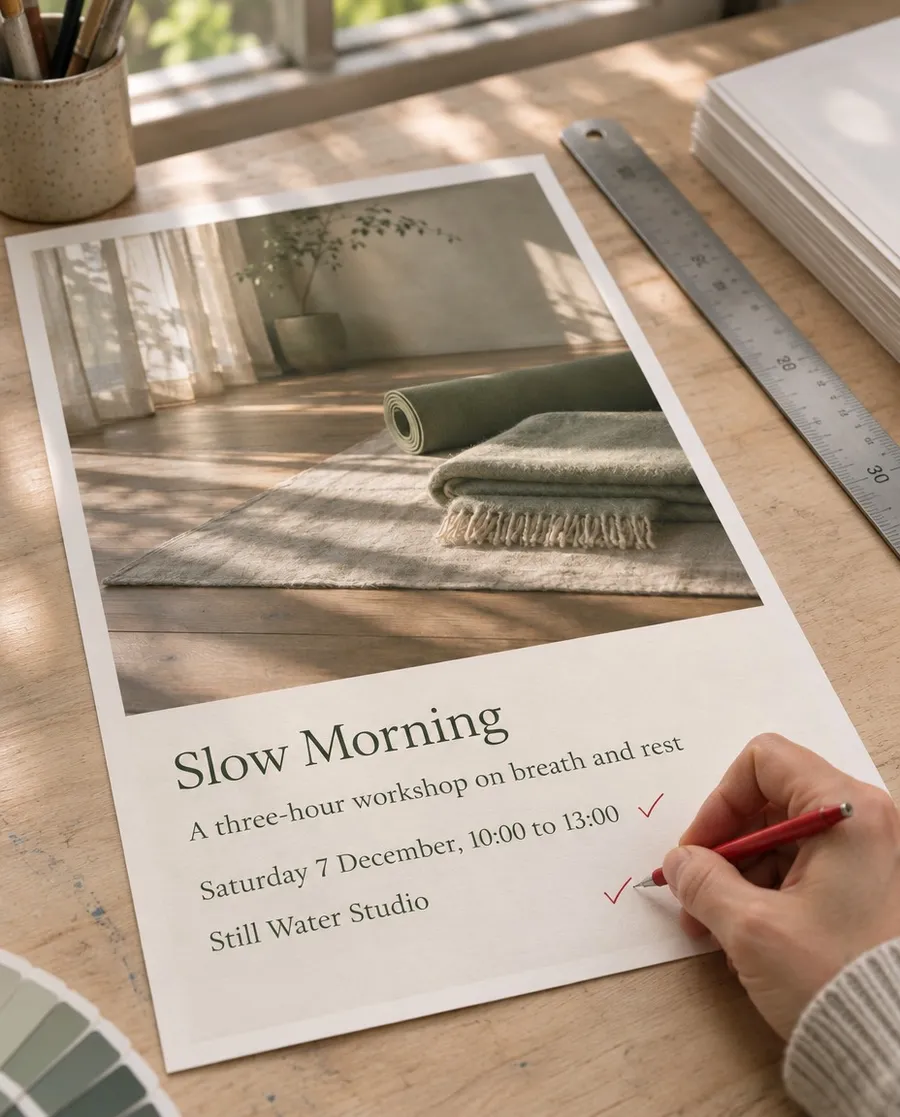
Read the date, time and address before you print or post. Models are good with short text but can still swap a digit or a letter, so regenerate if a line is off.
AI flyer prompt examples
Each flyer below came from the prompt in its tab, with no reference image. Copy one, swap in your own event details and generate your version.
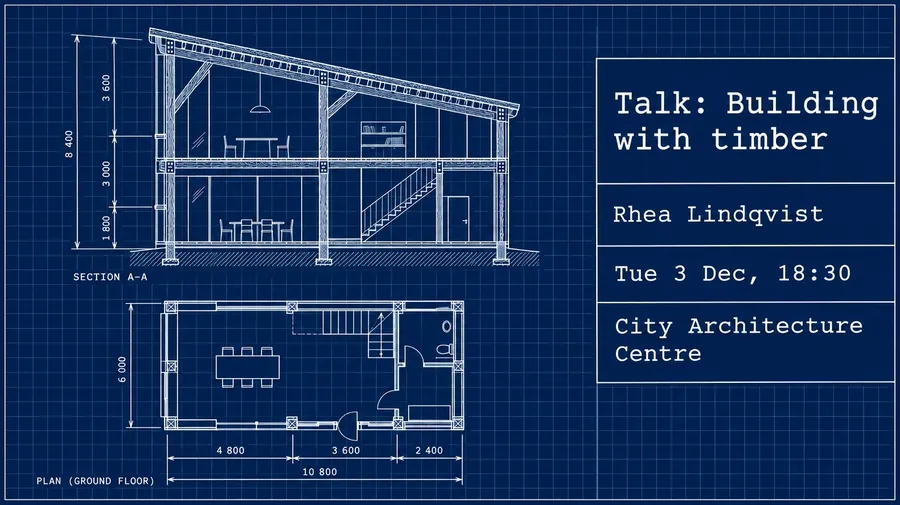
Flyer ideas for clubs, restaurants and businesses
Every kind of business has its own visual language. Borrow the right one and the flyer looks like it belongs to the place.
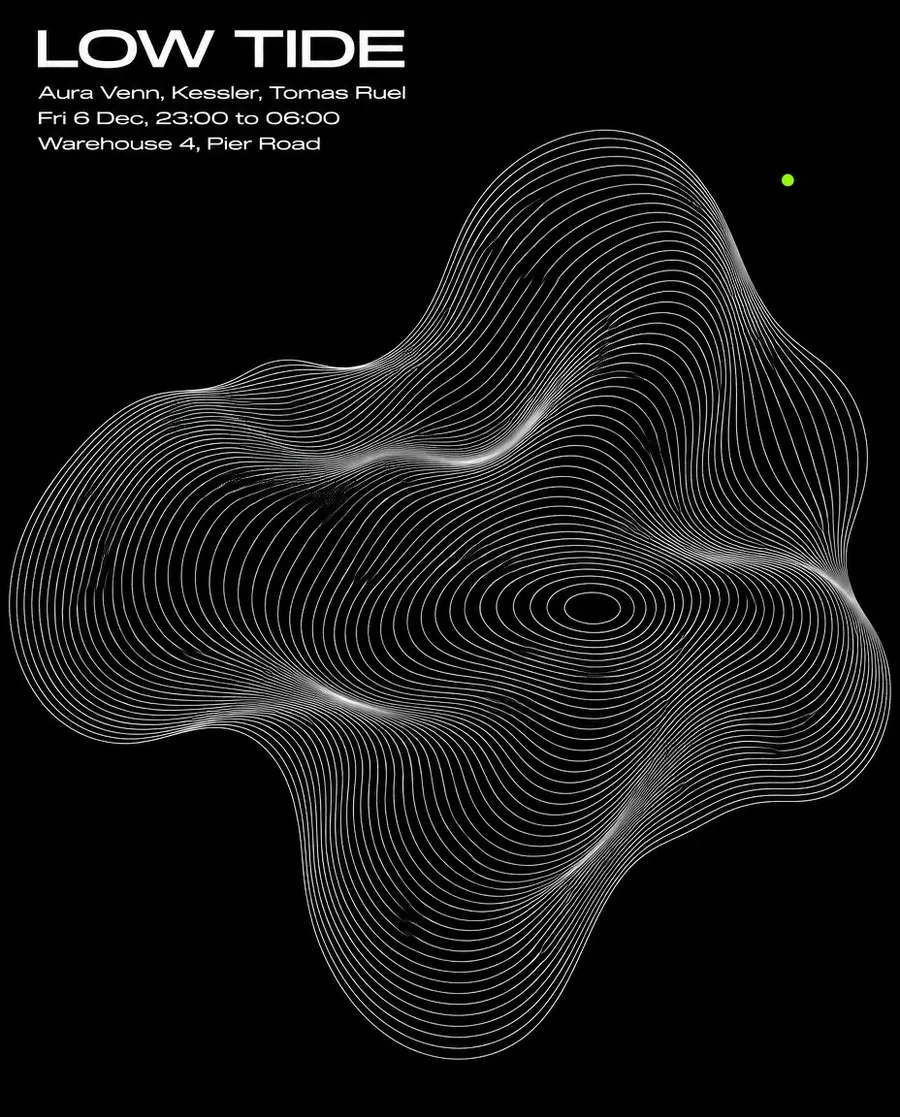
Club and gig flyers
Lineups need to read in a second. One strong graphic, a wide grotesk and a single accent color look like a real promoter's flyer, not a festival template.
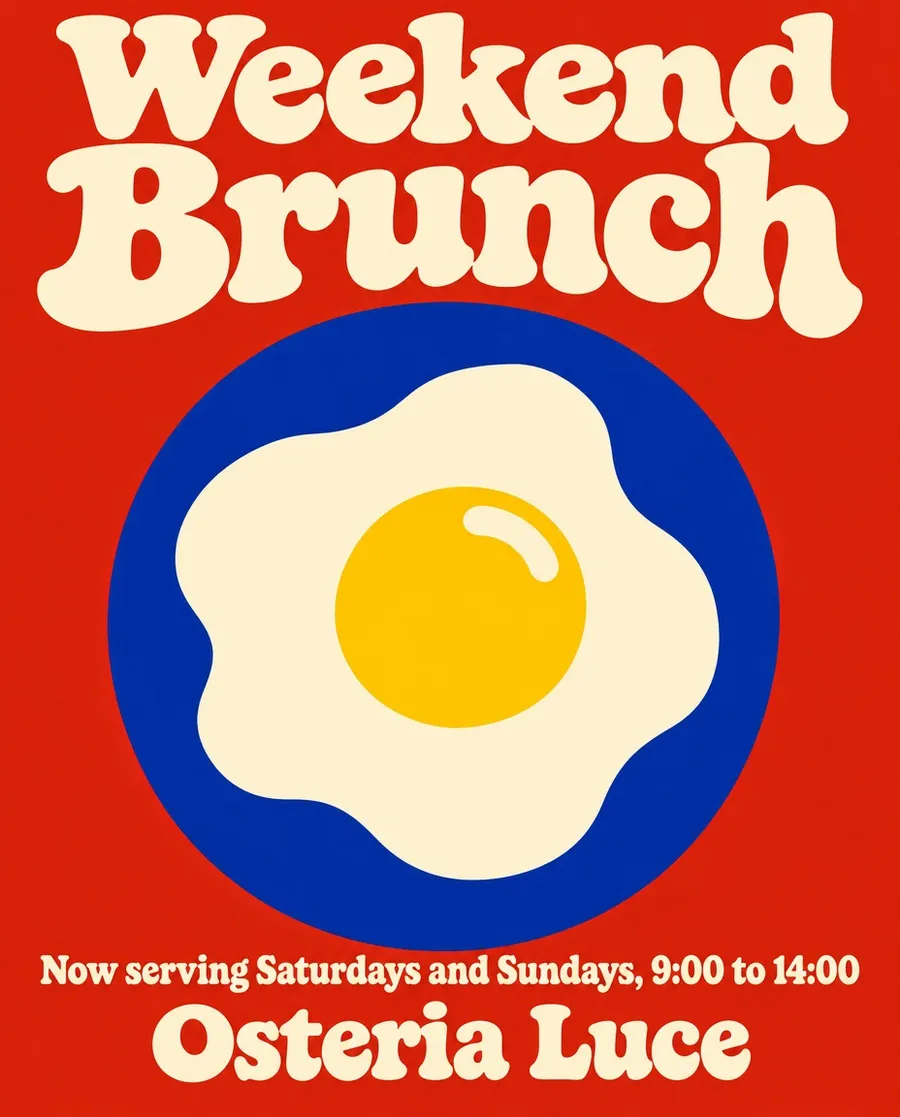
Restaurant and bar flyers
Brunch launches, tastings and supper clubs sell on appetite. Borrow from old food packaging, menus and shop signs instead of stock photos of plates.
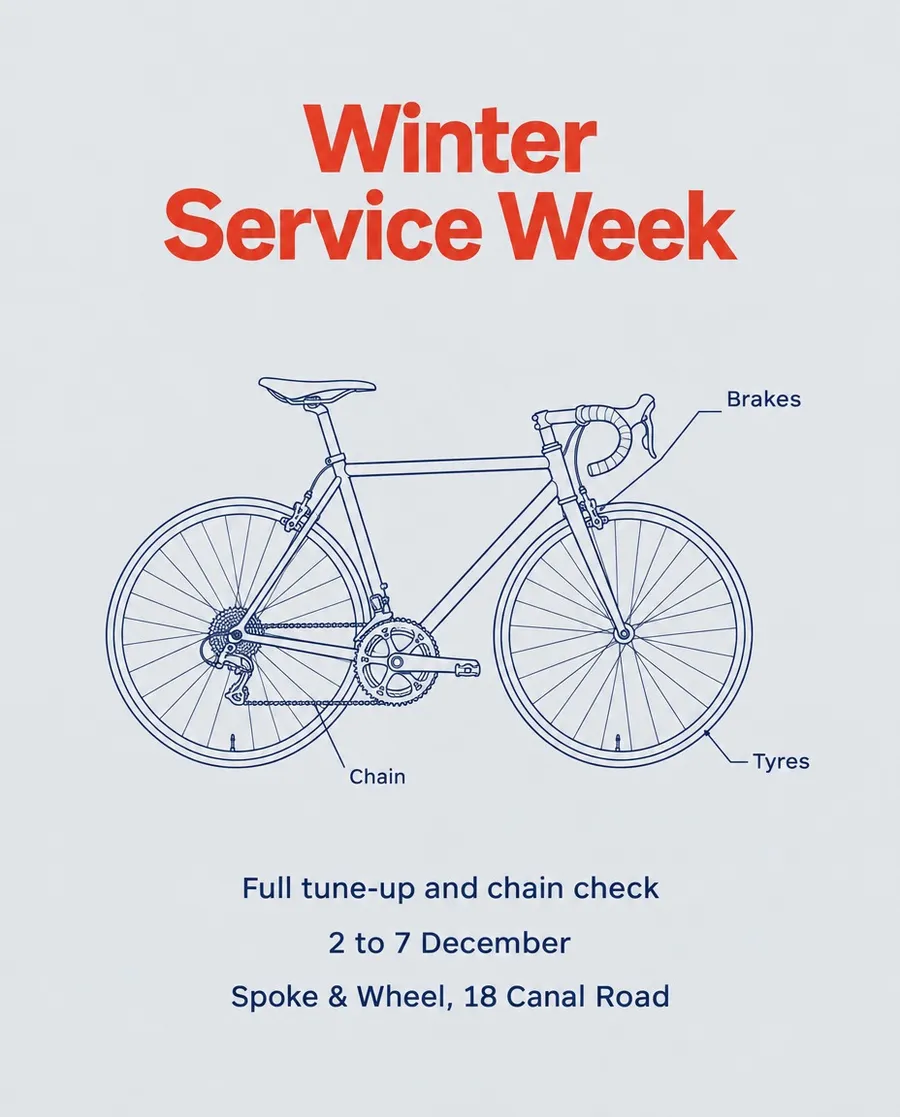
Business and promotional flyers
Sales, service weeks, openings and hiring posters. A clear offer, the dates and one image that explains the business at a glance.
Build the flyer around your own photo
Add a photo of your product, your room or your performer as a reference, and the flyer is built around the real thing instead of an invented one.
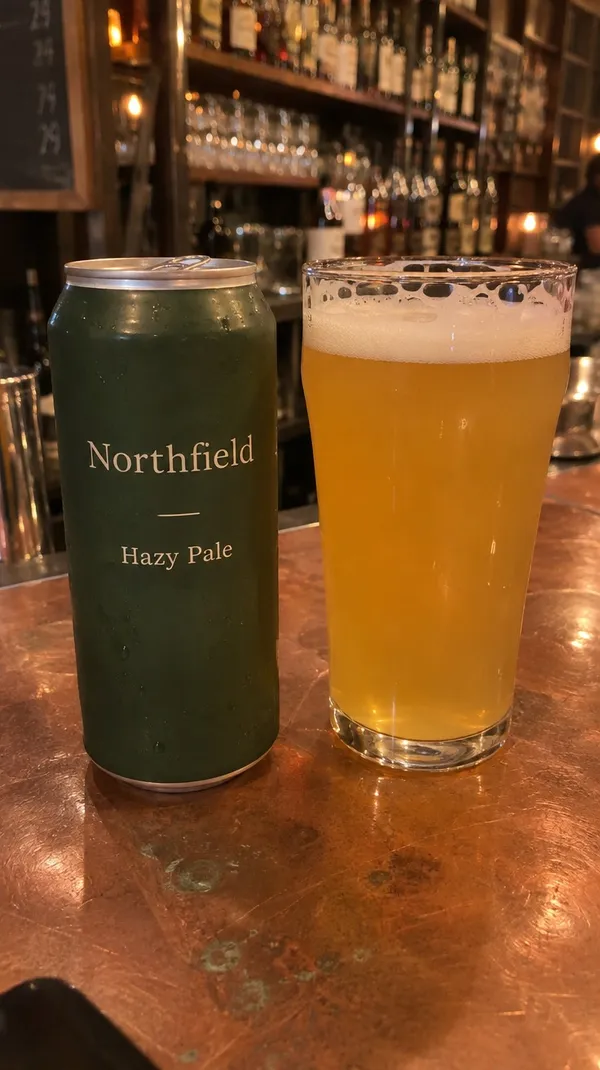
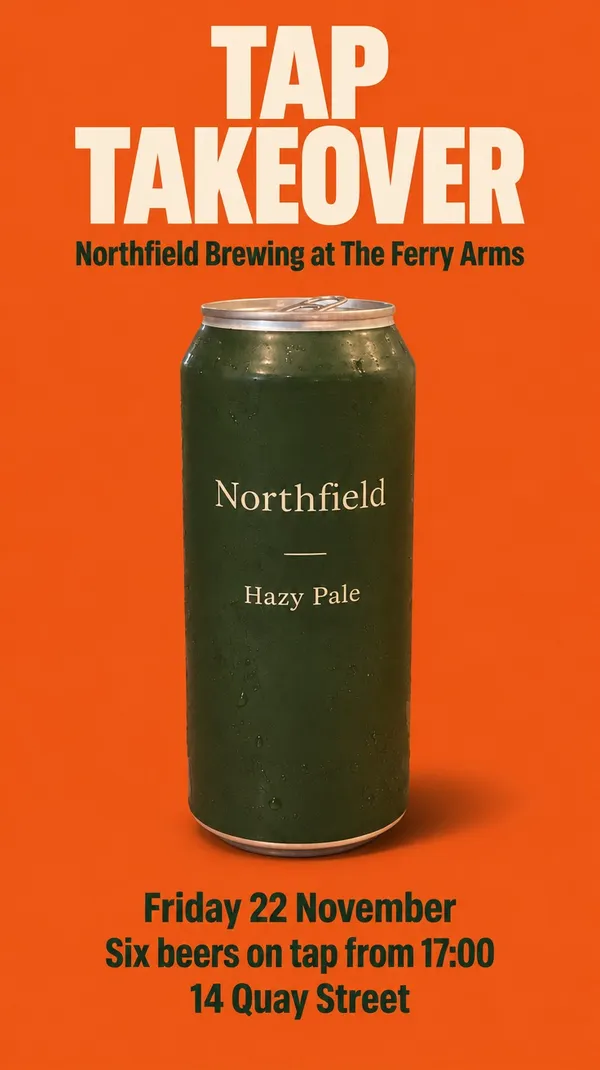
This can was a quick photo on the bar. One prompt turned it into a tap takeover poster with the label, the color and the condensation kept as they were.
One look for the whole campaign
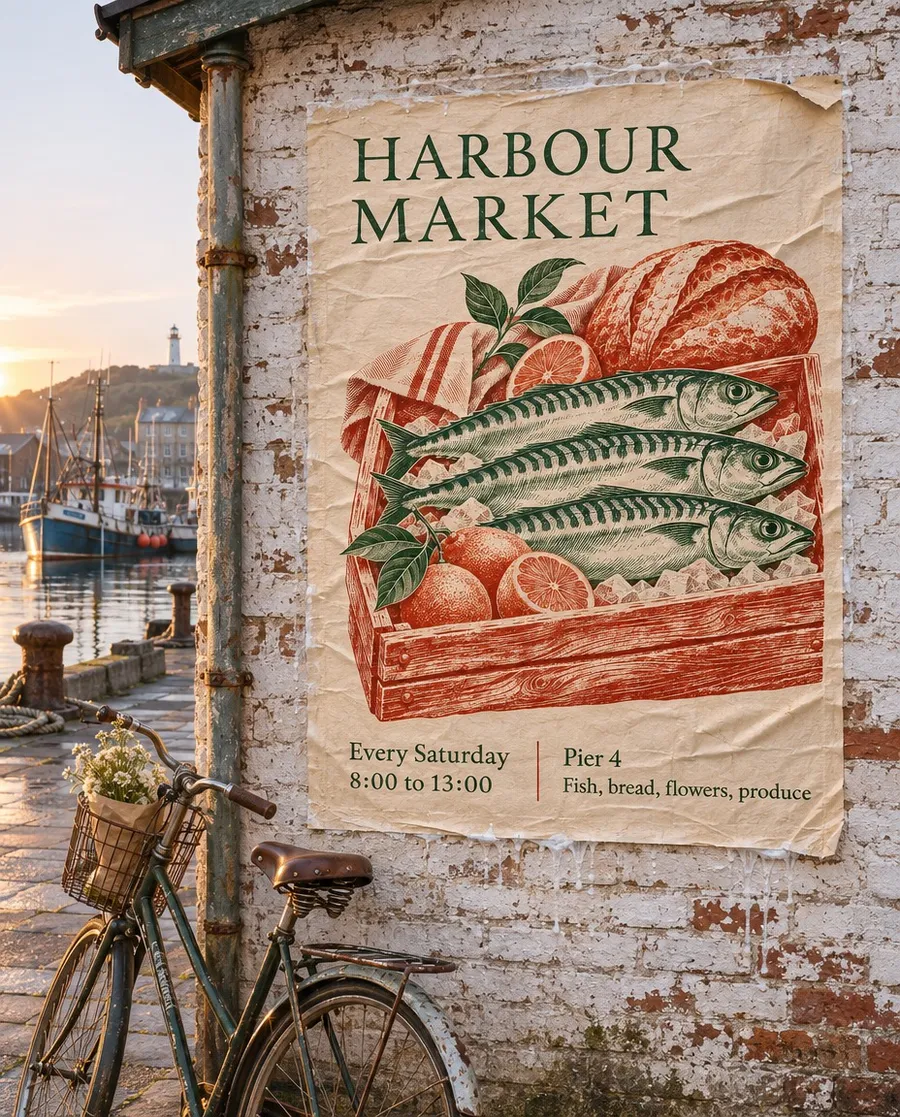
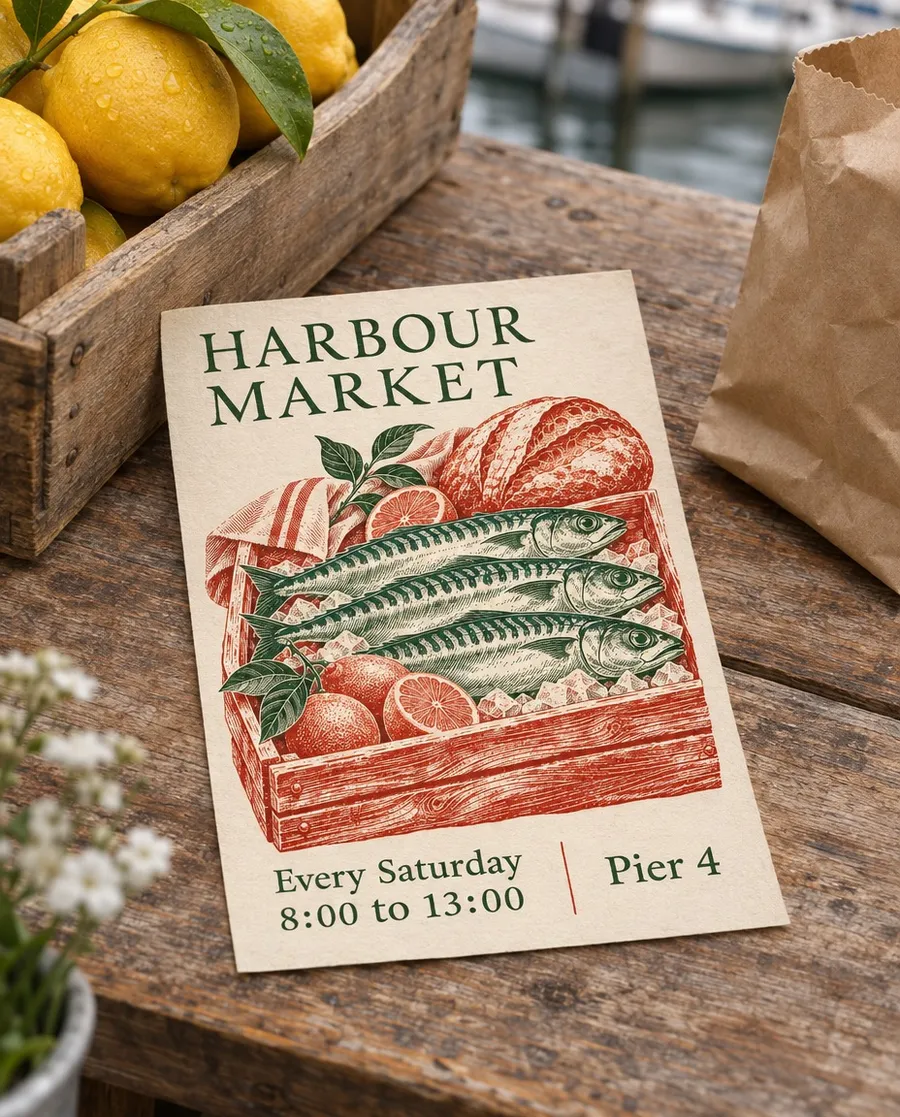
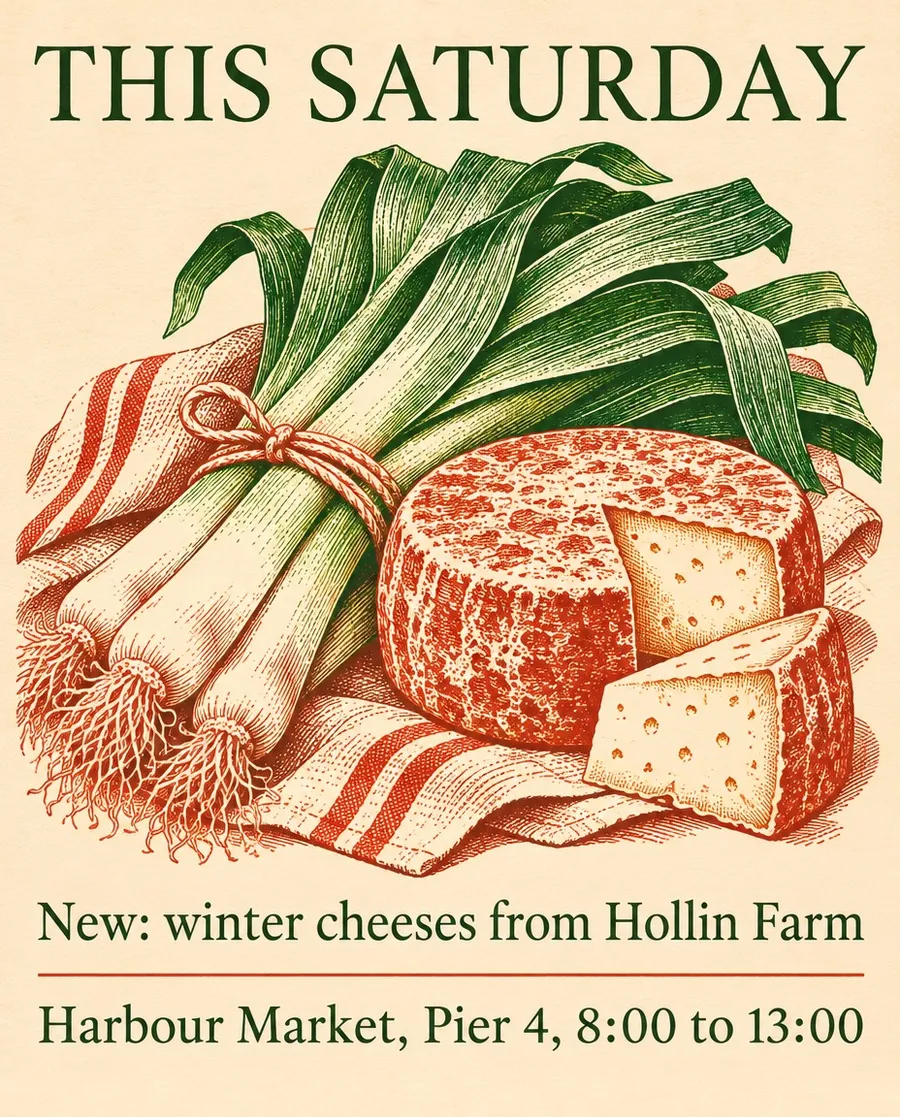
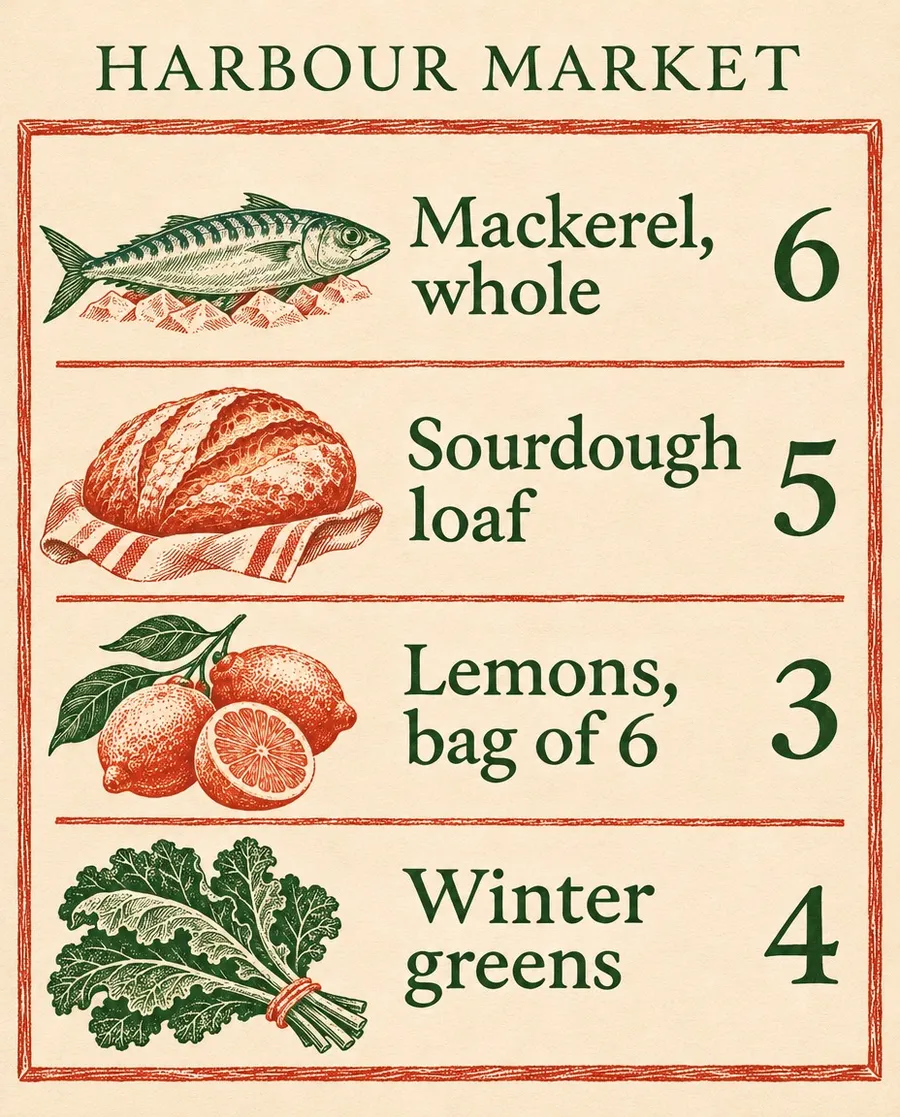
An event rarely needs just one flyer. There's the street poster, the handout, the feed post and the sign on the day. Add the first design as a reference and describe the next format, and the type, colors and illustration style carry over.
Everything for this market came from one poster: the wall version, the A5 handout, a weekly post and a price card.
Who uses an AI flyer generator
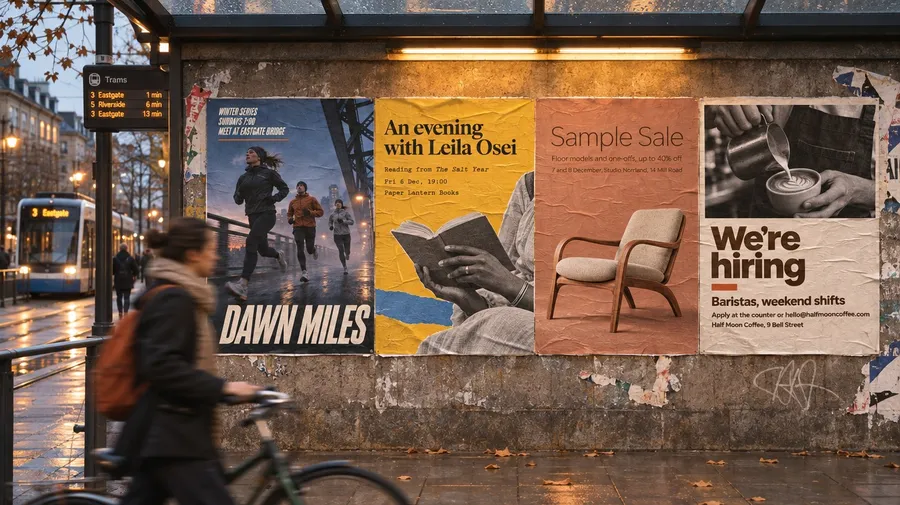
Anyone who announces something every week and needs it to look like their place, not a template.
More tools and guides for event marketing
Frequently asked questions
Yes. Write the event details into the prompt, describe the design direction and generate. Models that handle text well set the names, dates and venue in clean type, and each run gives you a different take on the same prompt.
Usually, with short text. Models keep improving at text in images, but they can still swap a digit or a letter, so read every line before you print or post. Short lines and fewer details give the most reliable results.
Give it one idea and a named print style, one or two typefaces and two or three colors, and leave out glow, chrome, mascots, badges and emojis. Our guide on how to make a flyer with AI compares the typical AI look with flyers made this way.
Yes. Add a photo of your product, venue or performer as a reference image and say where it goes in the layout. The flyer is built around the real photo, so it shows what people will actually find.
Yes. Add the finished flyer as a reference, describe the new format, such as a 9:16 story, a square post or an A5 handout, and the type, colors and style carry over.
Yes. Generate at the highest resolution available for the model. For large posters, upscale the image before printing, and print a test copy to check the type at a distance.
Images you create on paid plans come with commercial usage rights, subject to our terms and applicable third-party rights. Don't copy another business's logo or artwork.
Your event, a flyer that looks designed
Write the details, name a design direction and pick your favorite version. Then print it or post it.