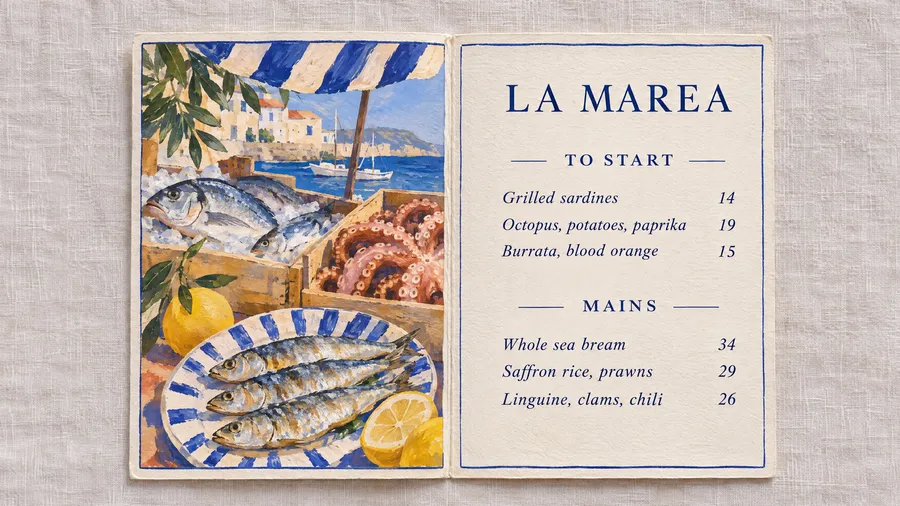
AI Menu Maker for Restaurants, Cafés and Bars
Write your dishes and prices and describe the look you want, from engraved oyster bar to hand-painted taqueria. You get a finished menu with your own items set in clean type. Add a photo of your food if you want it on the menu.
Models that handle text well.
Auto picks a model that handles text in images well. Switch the model manually any time if you want to compare.


How to make a menu with AI
Most of the work is already done: you know your dishes and your prices. The rest takes a few minutes.
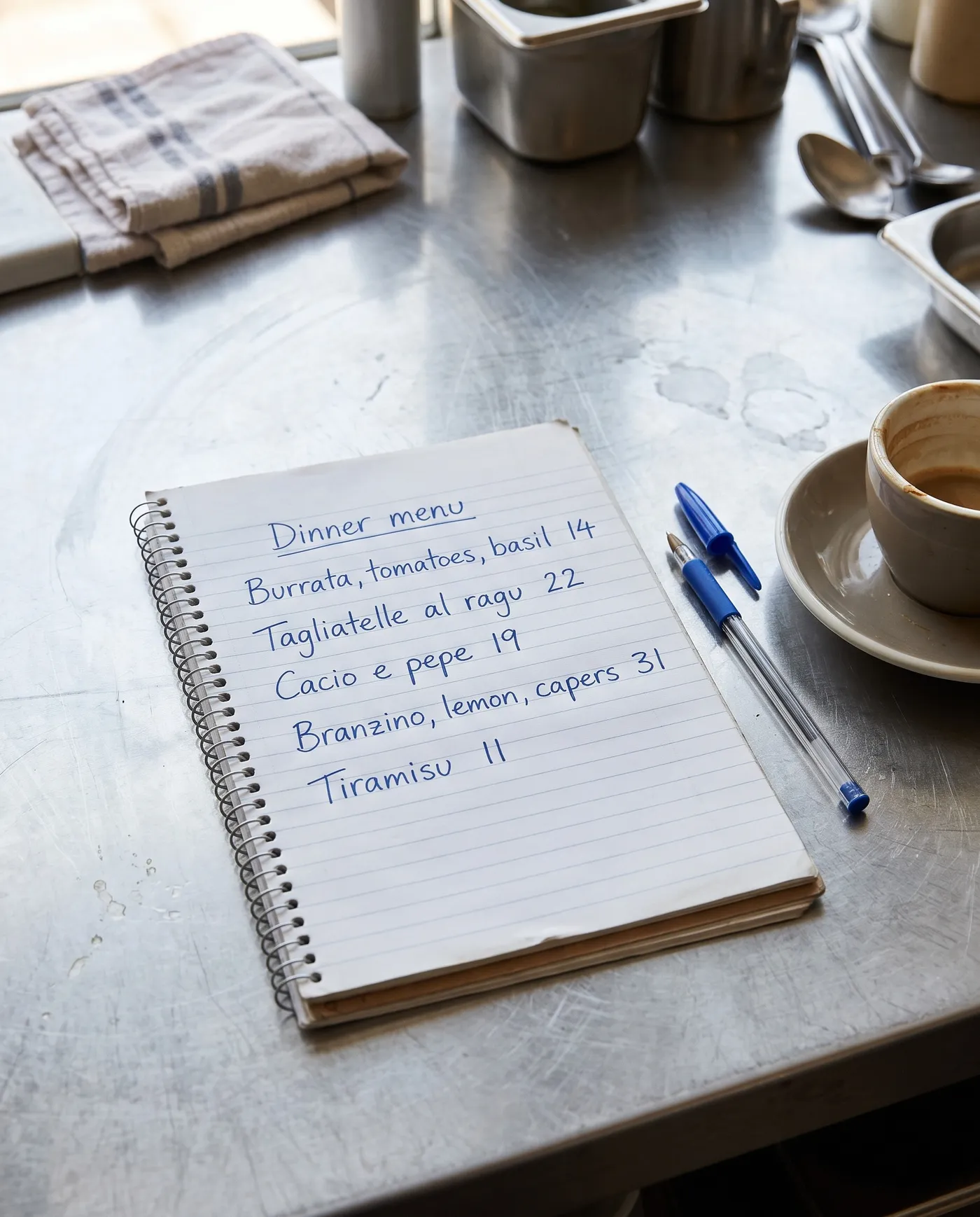
Write the dishes and prices
List every item the way it should appear, with the price next to it. Keep descriptions short. Shorter lists come out sharper, so split a long menu into sections.
Describe the look
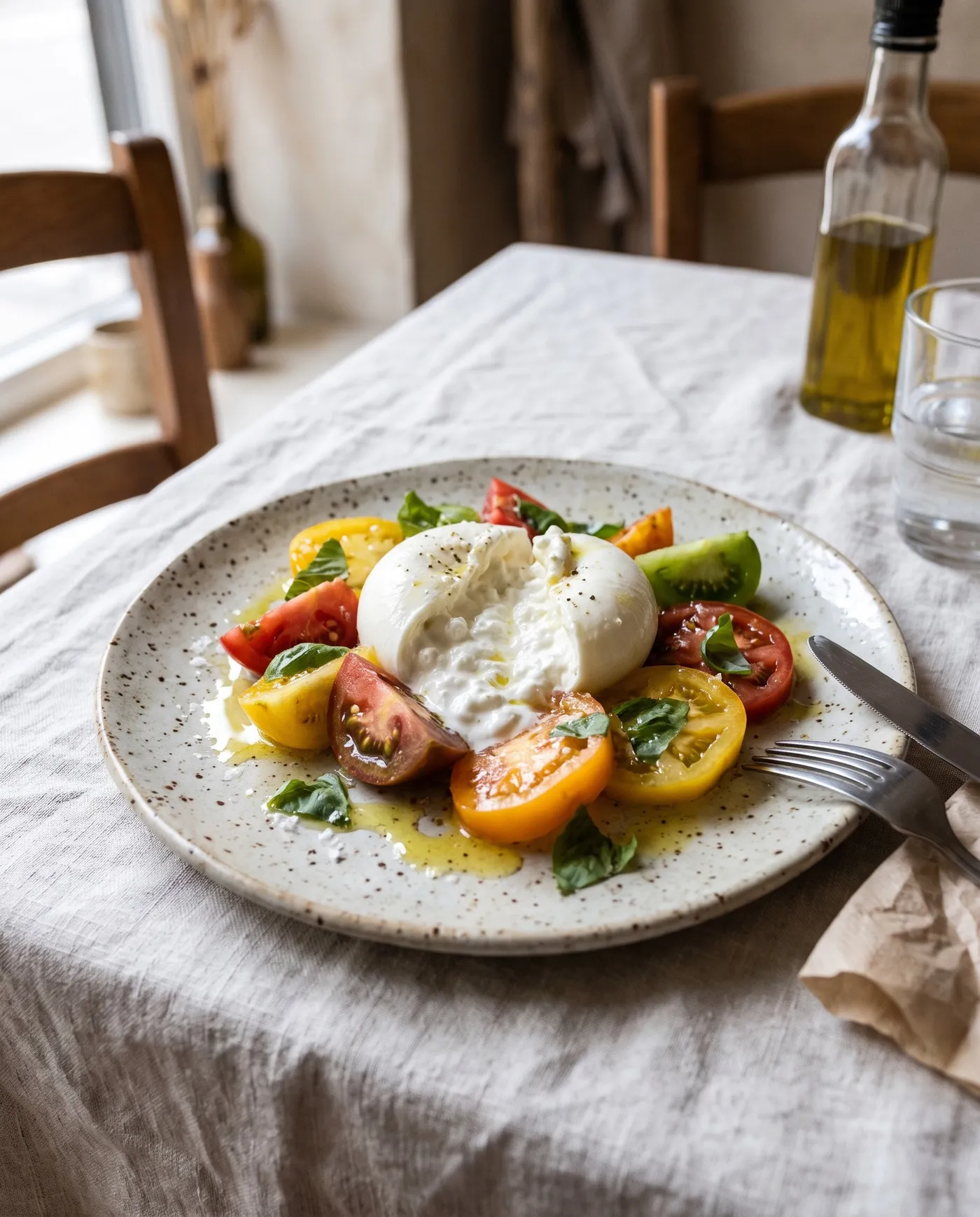
Name a print style and the colors: an engraved oyster bar card, a risograph brunch menu, hand-painted sign lettering. If you want your own food on it, add a dish photo as a reference.
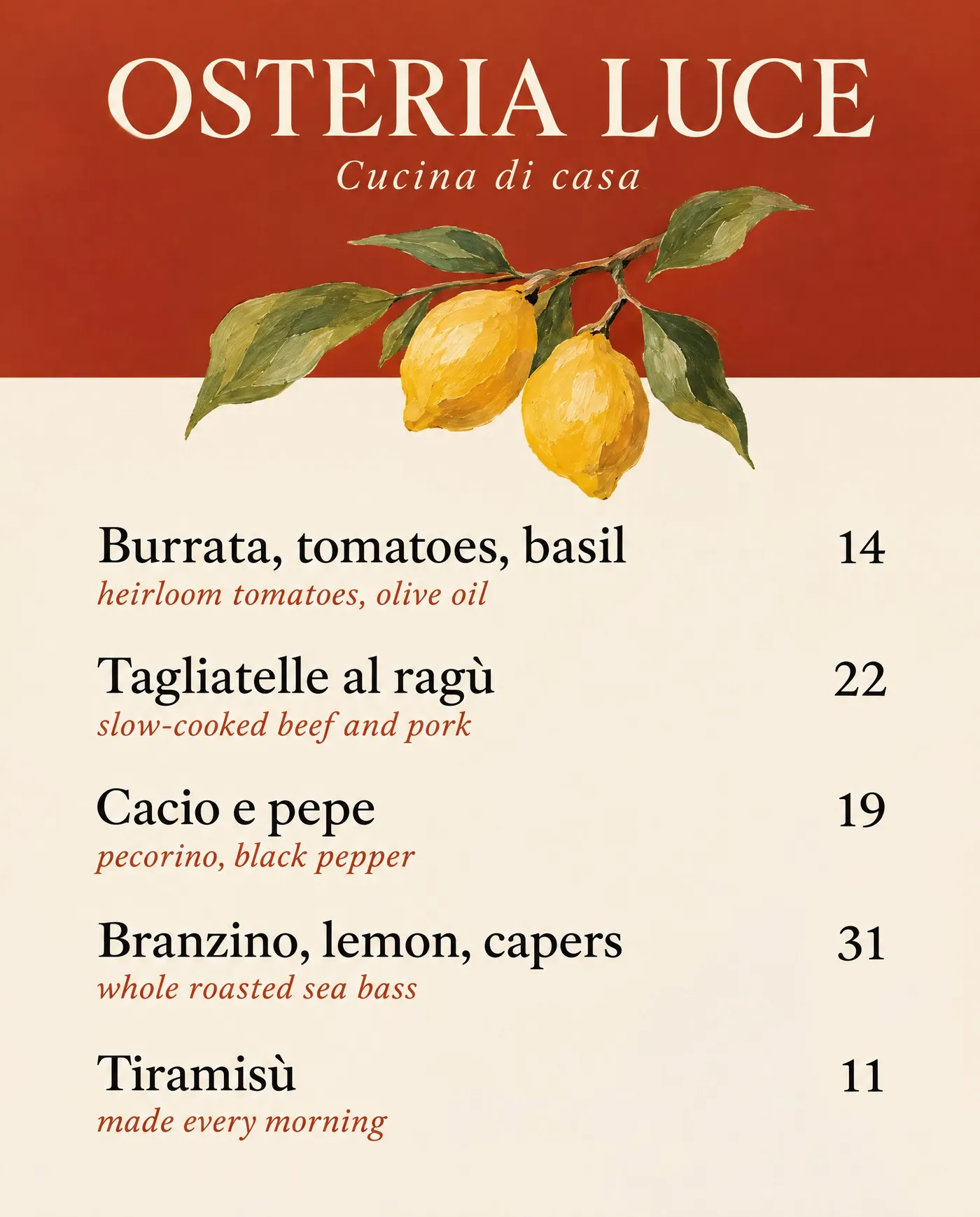
Check every line
Read every name and price before you print. Models are good with short lists but can still swap a letter or a digit, so regenerate if one line is off.
AI menu prompt examples
Each menu below came from the prompt in its tab, with no reference image. Copy one, swap in your name, dishes and prices, and generate your own version.
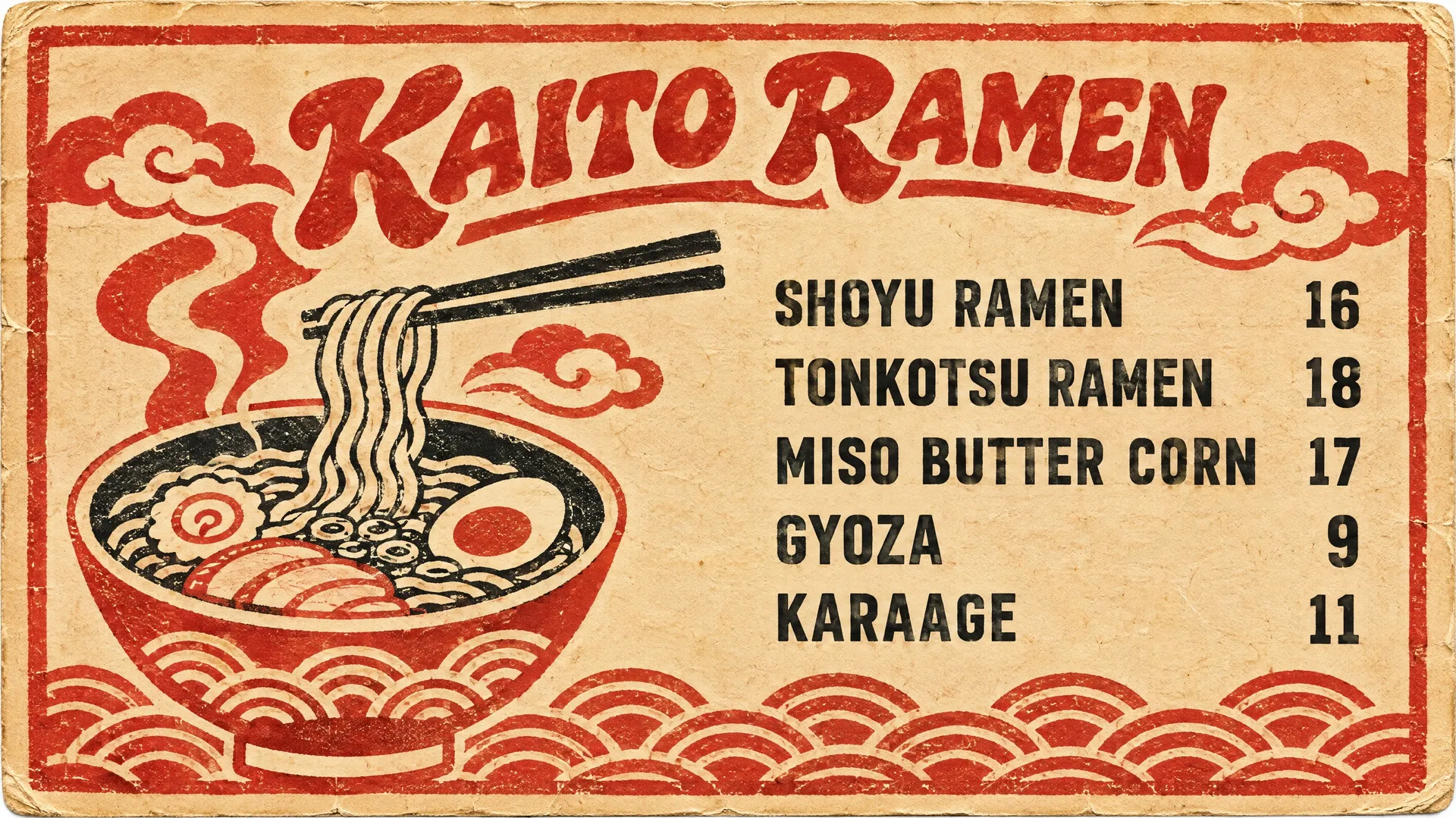
Any cuisine, any style
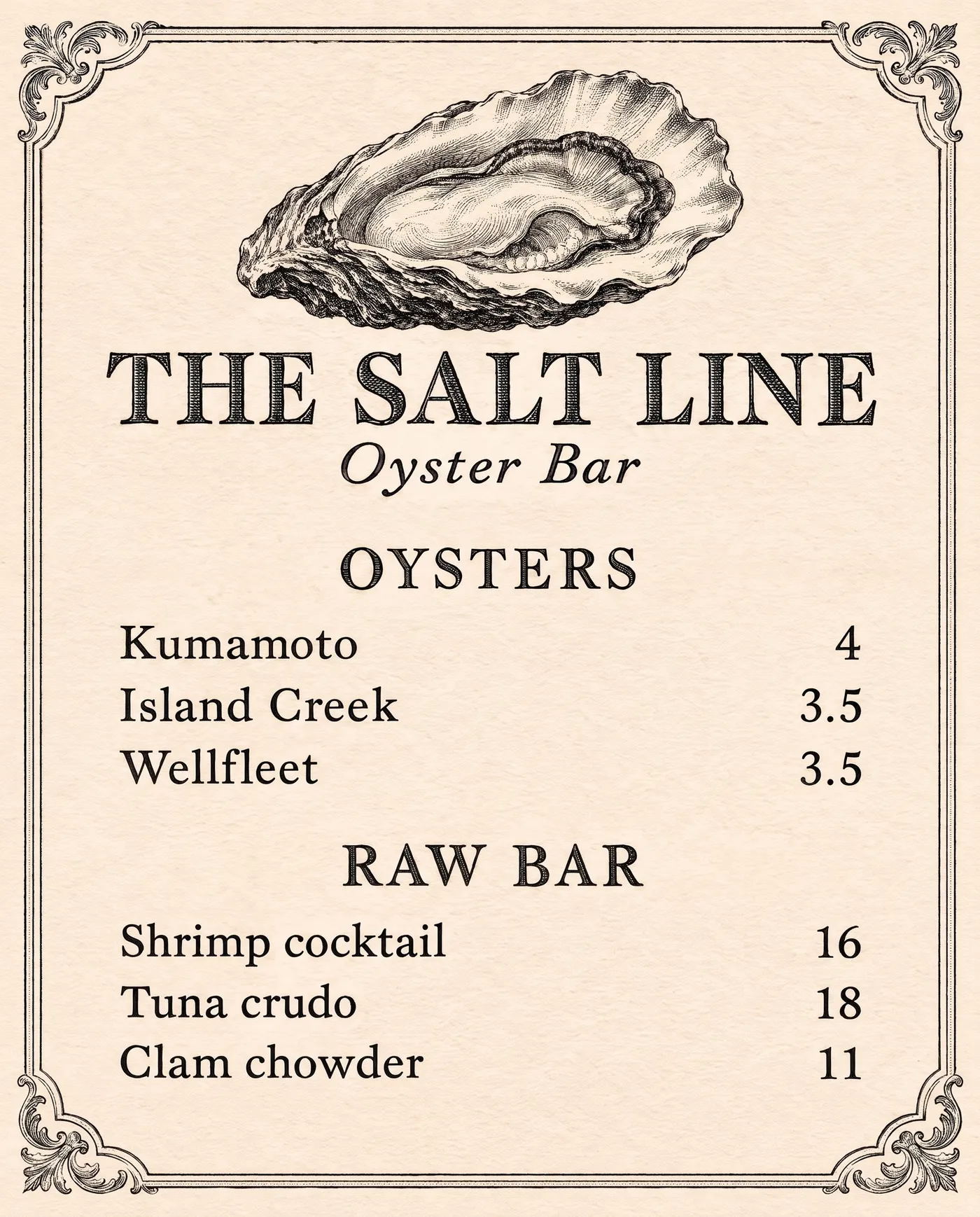
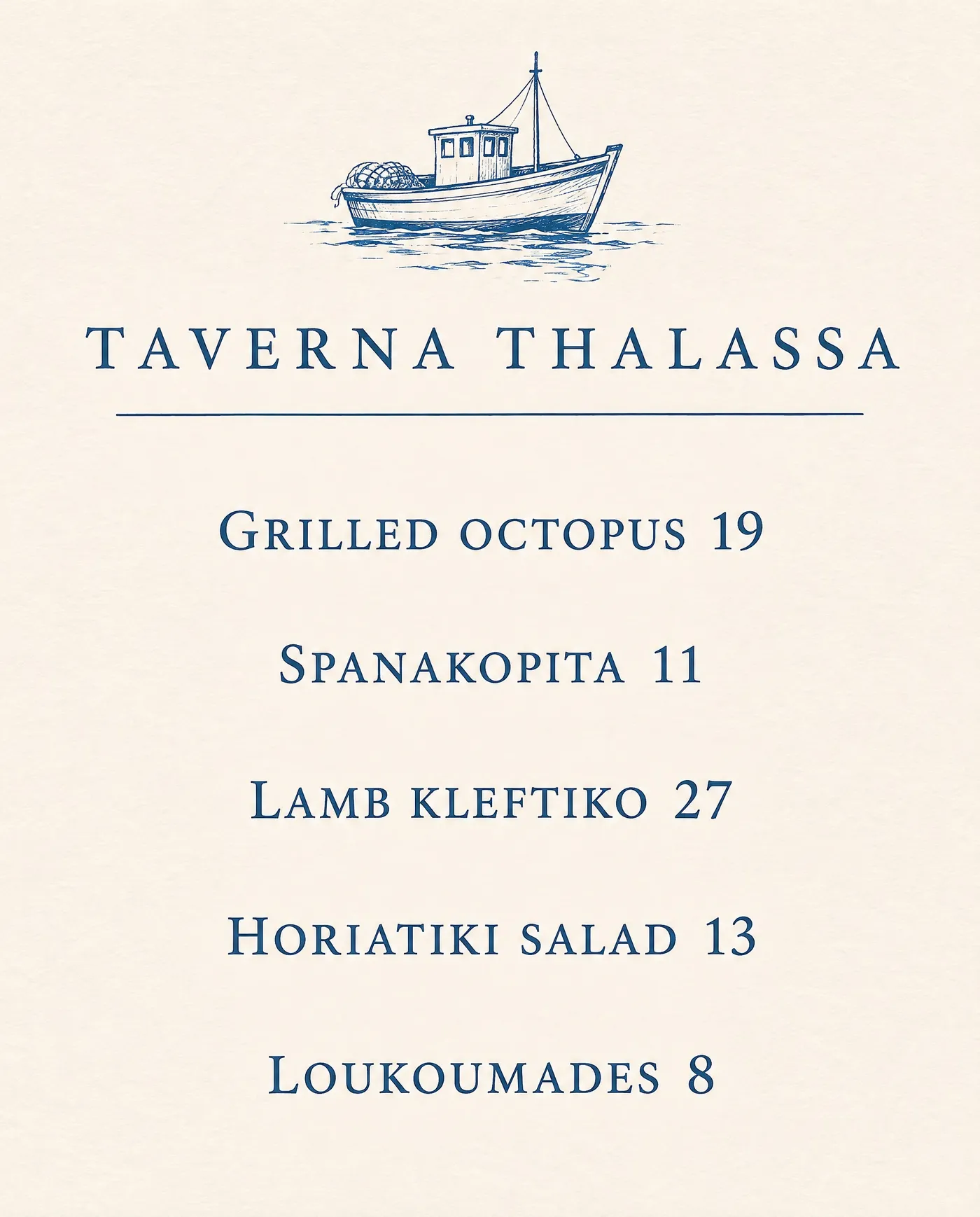
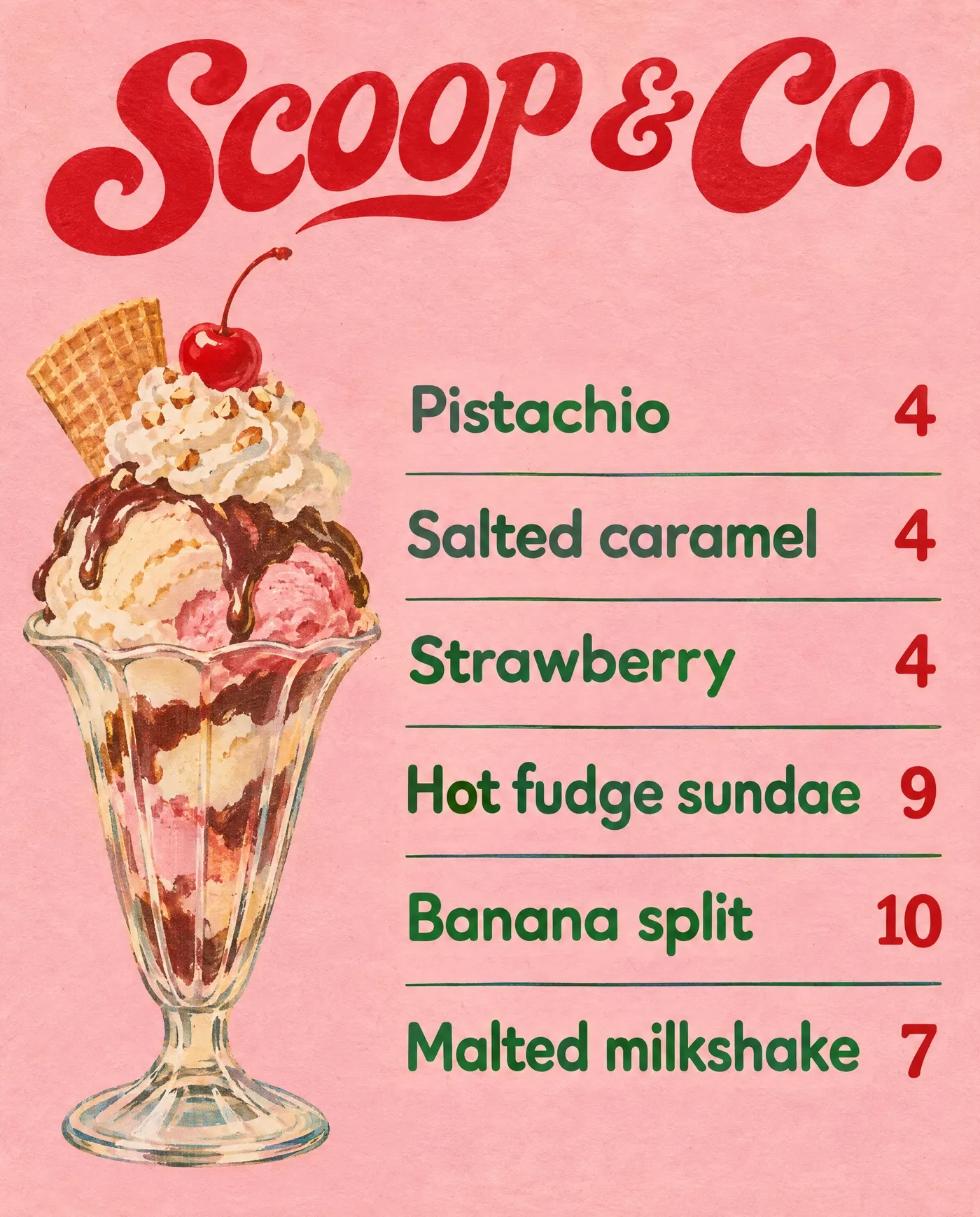
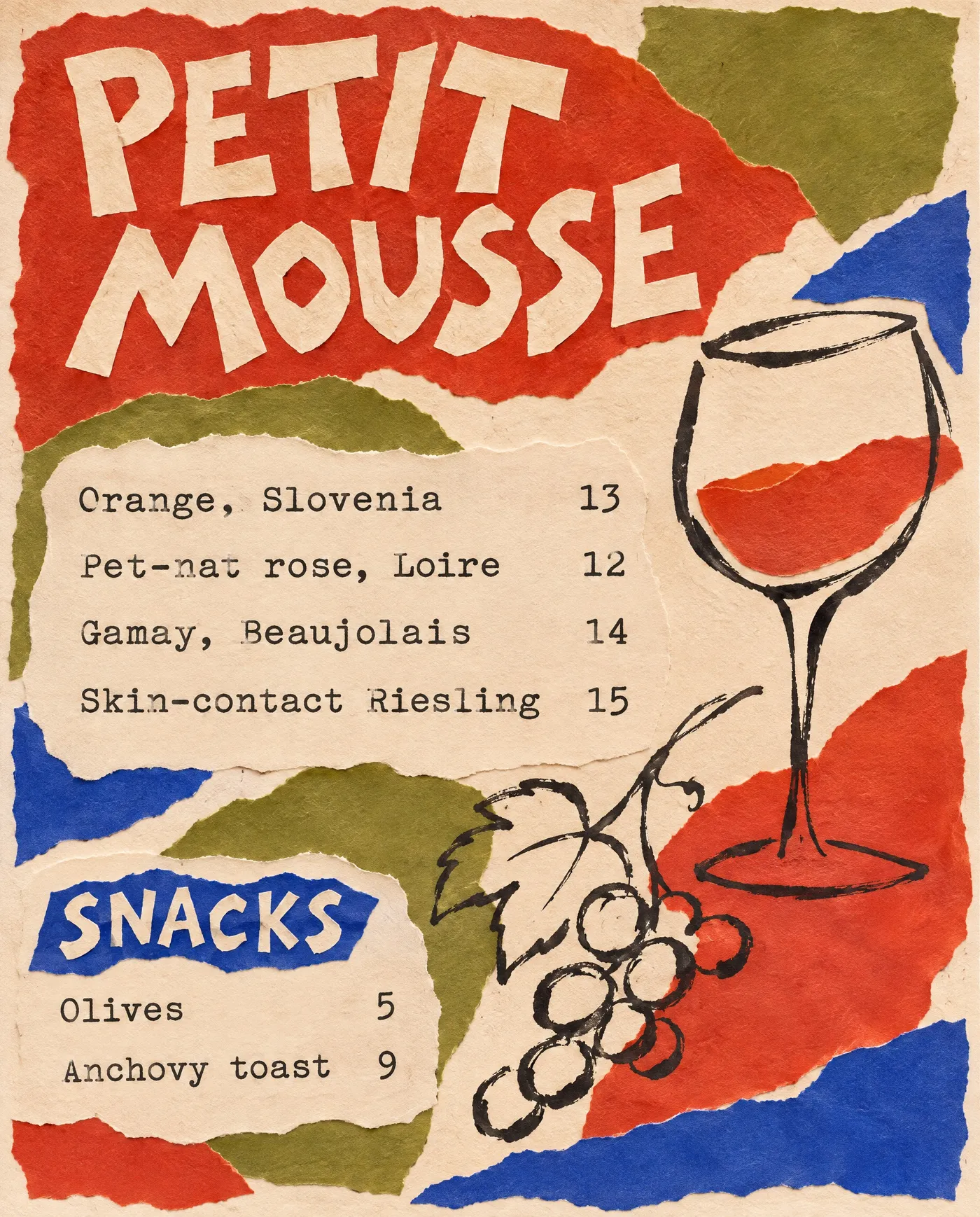
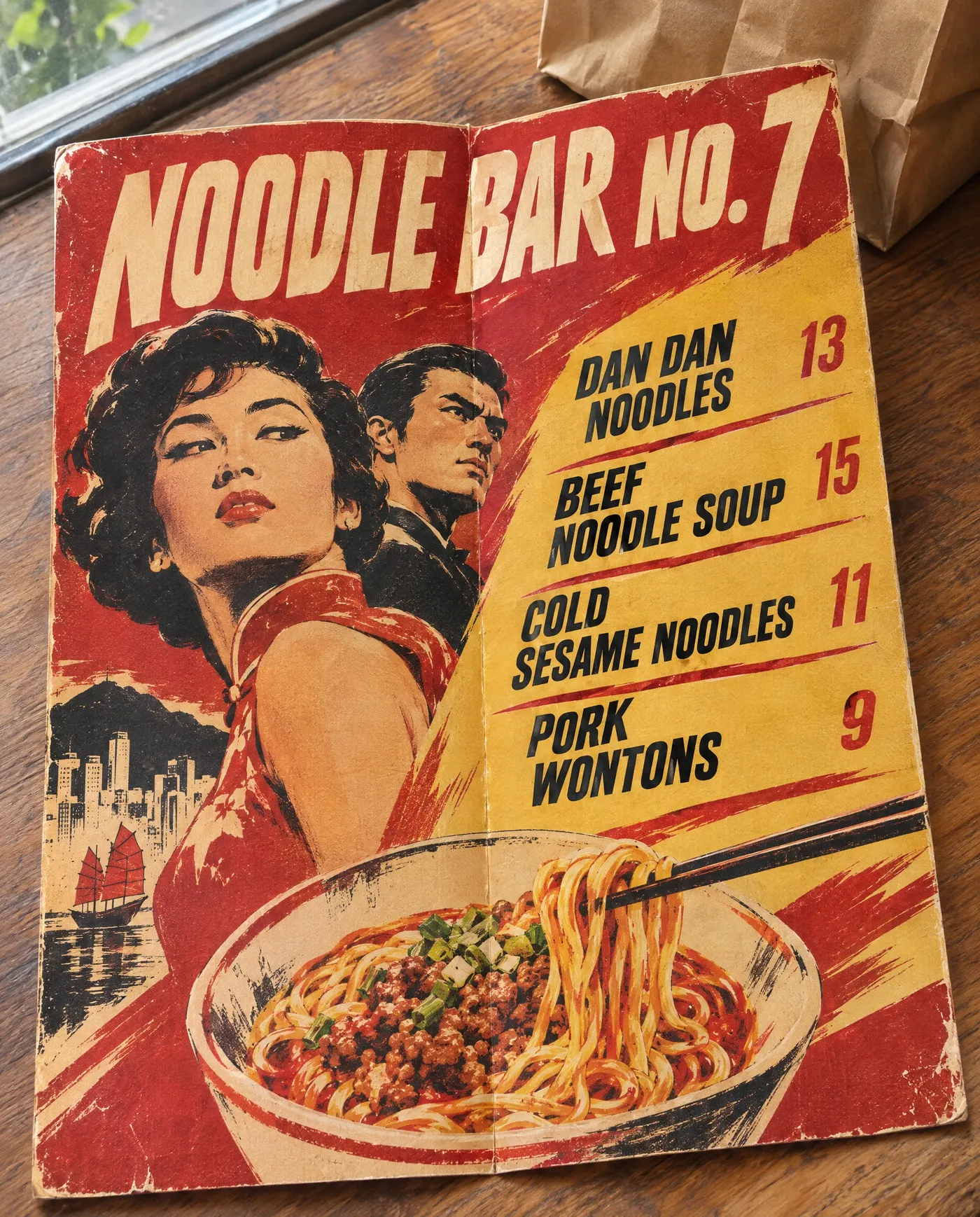
A menu sets expectations before the first dish arrives. A Victorian engraving says oysters and martinis, a single blue ink drawing says a taverna by the sea, a torn-paper collage says natural wine.
These four menus came from four prompts. Each one names a real print style instead of asking for something "modern" or "elegant".
Have photos of your dishes? Put them on the menu
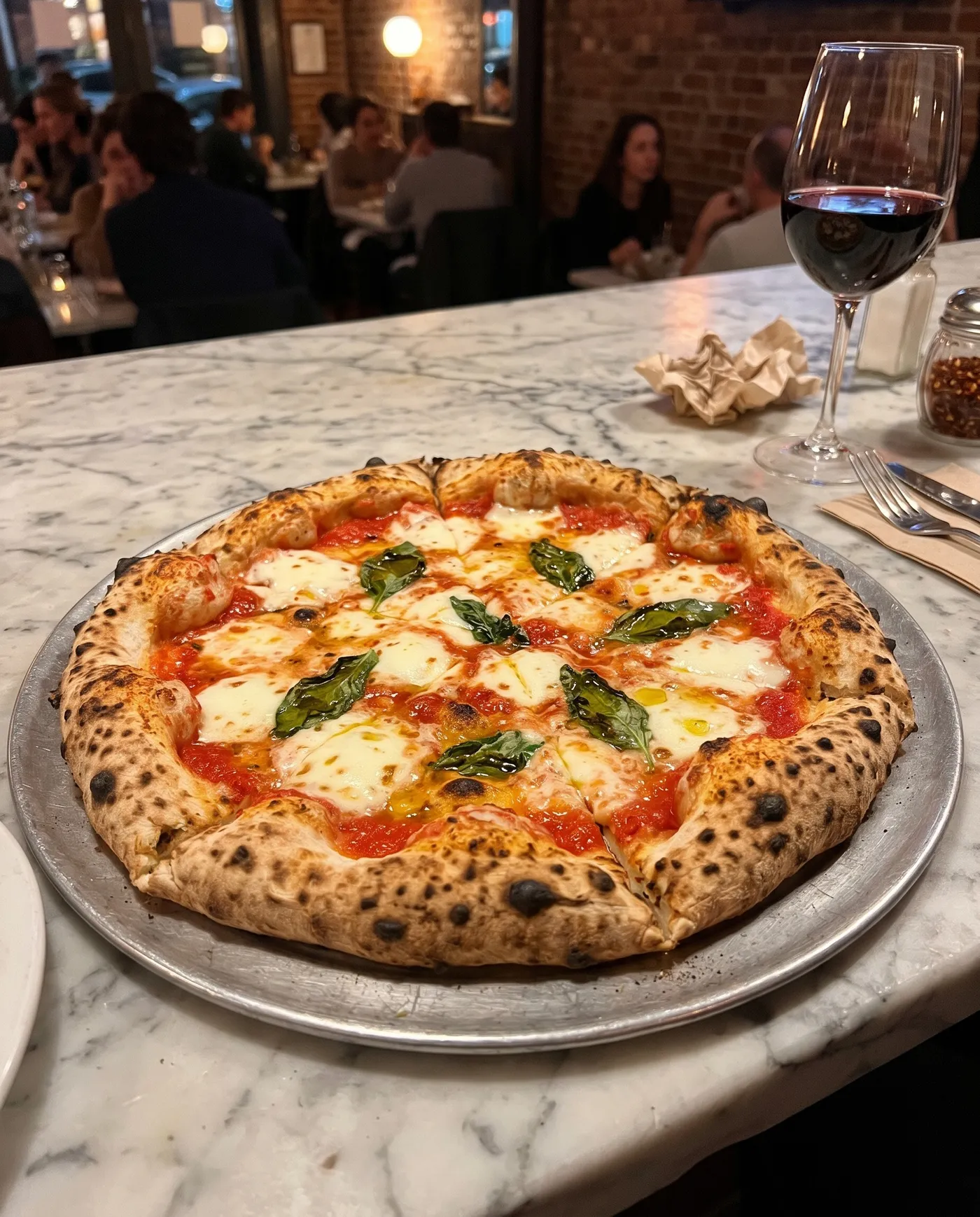
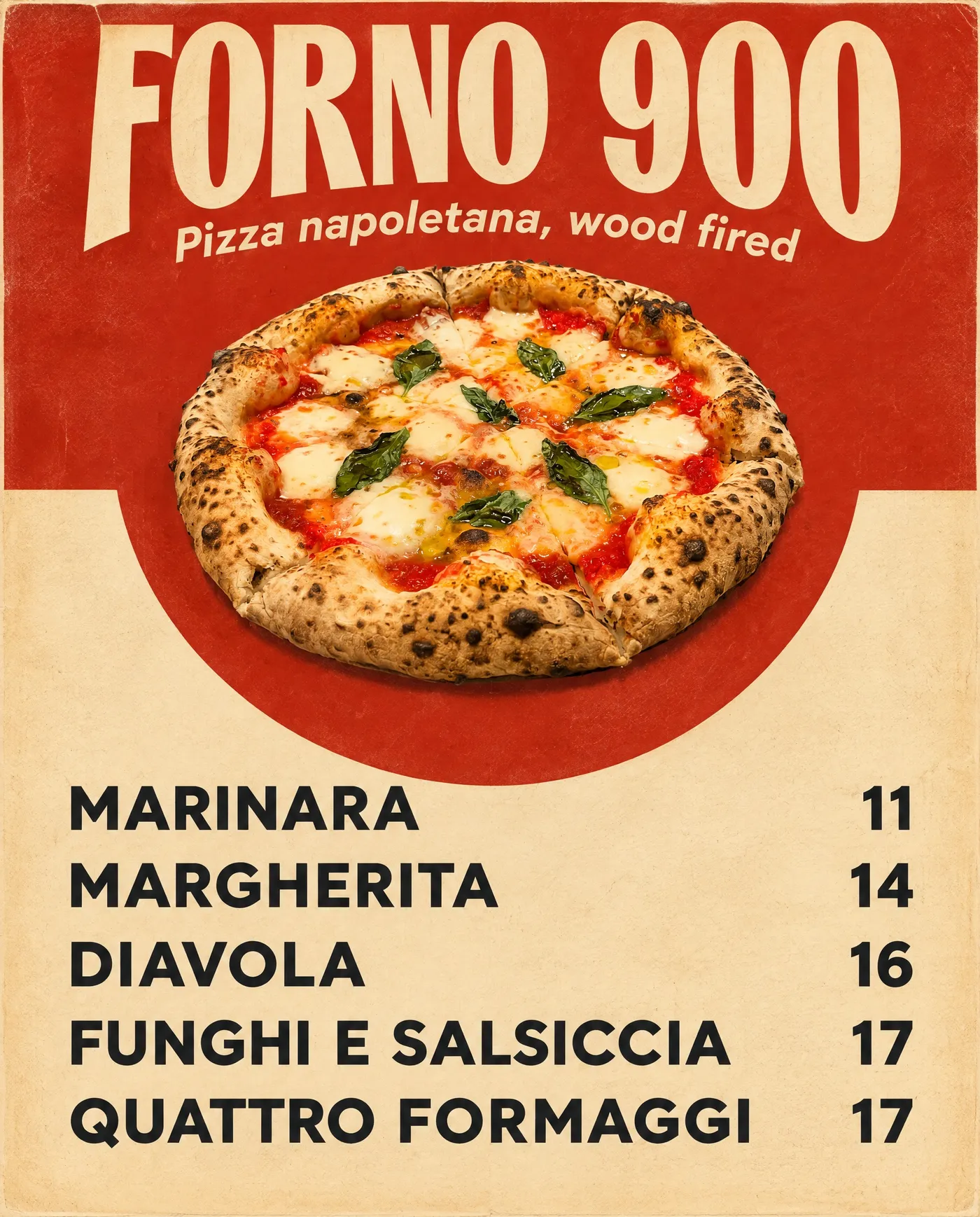
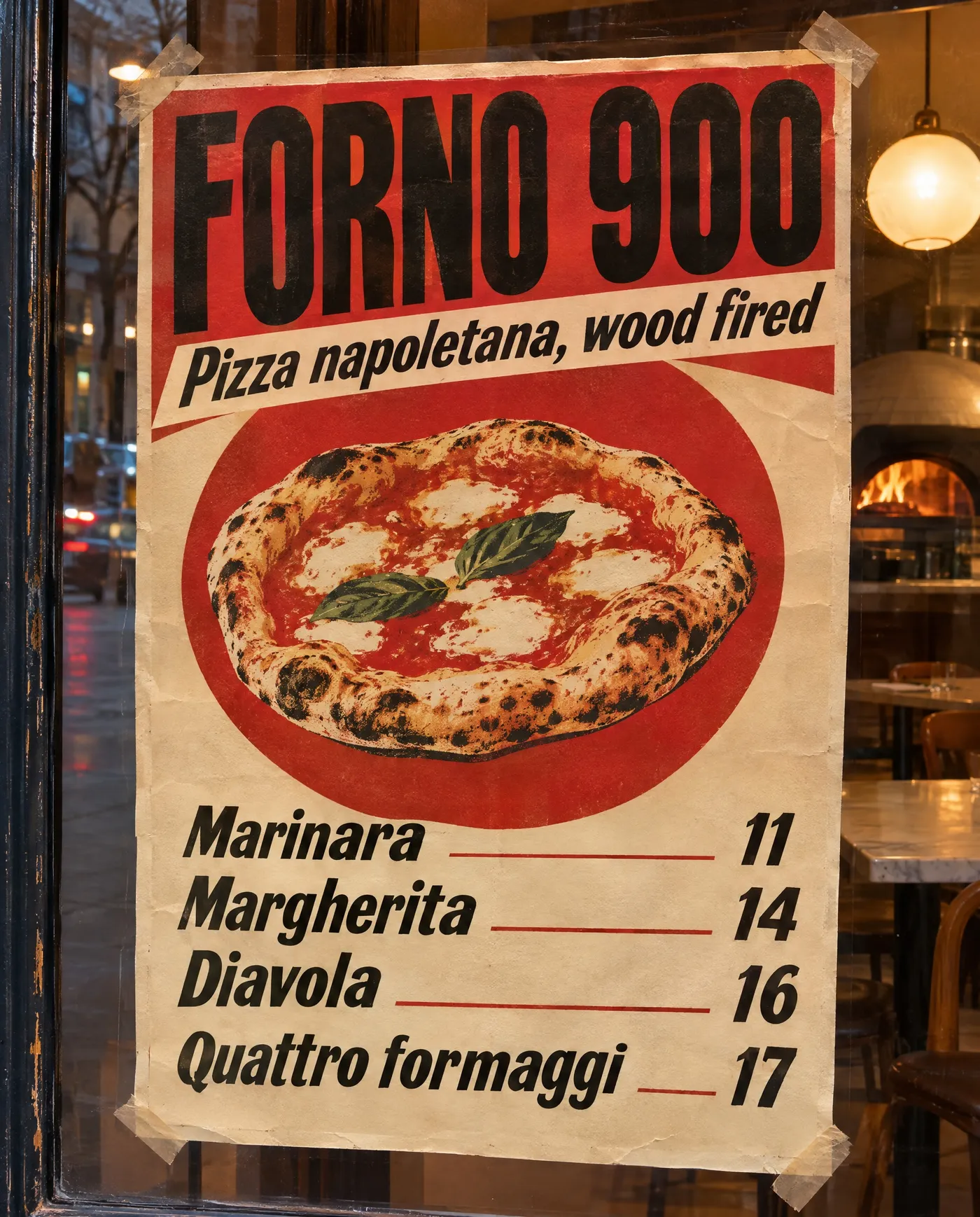
Most menus don't need photos, and every menu above was made from a text prompt alone. When you do want one, add a photo of your own pizza, bowl or dessert, and the design uses it as the centerpiece.
This margherita was a quick photo on the pizzeria counter. One prompt turned it into a poster-style menu for the window.
Every menu your place prints or posts
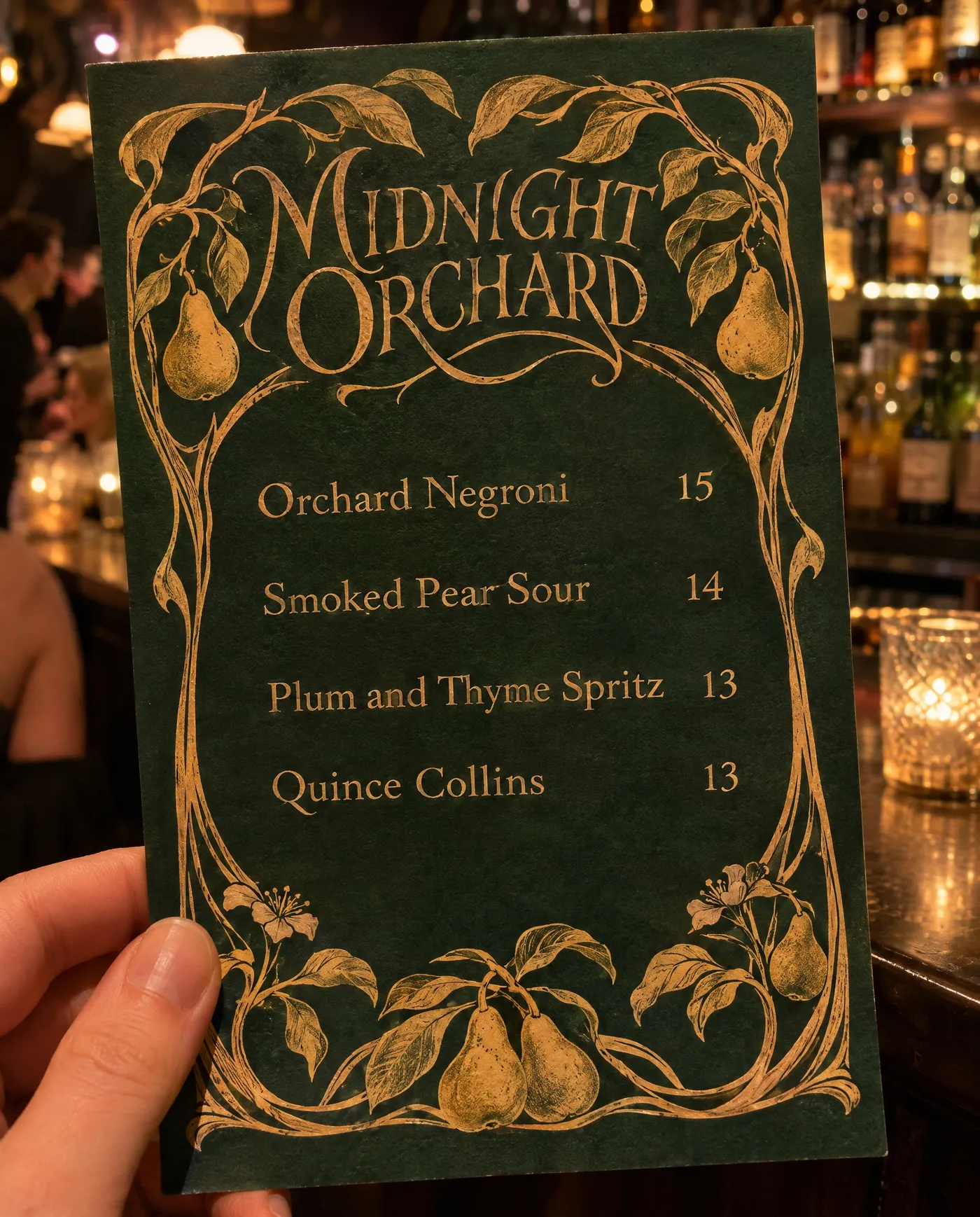
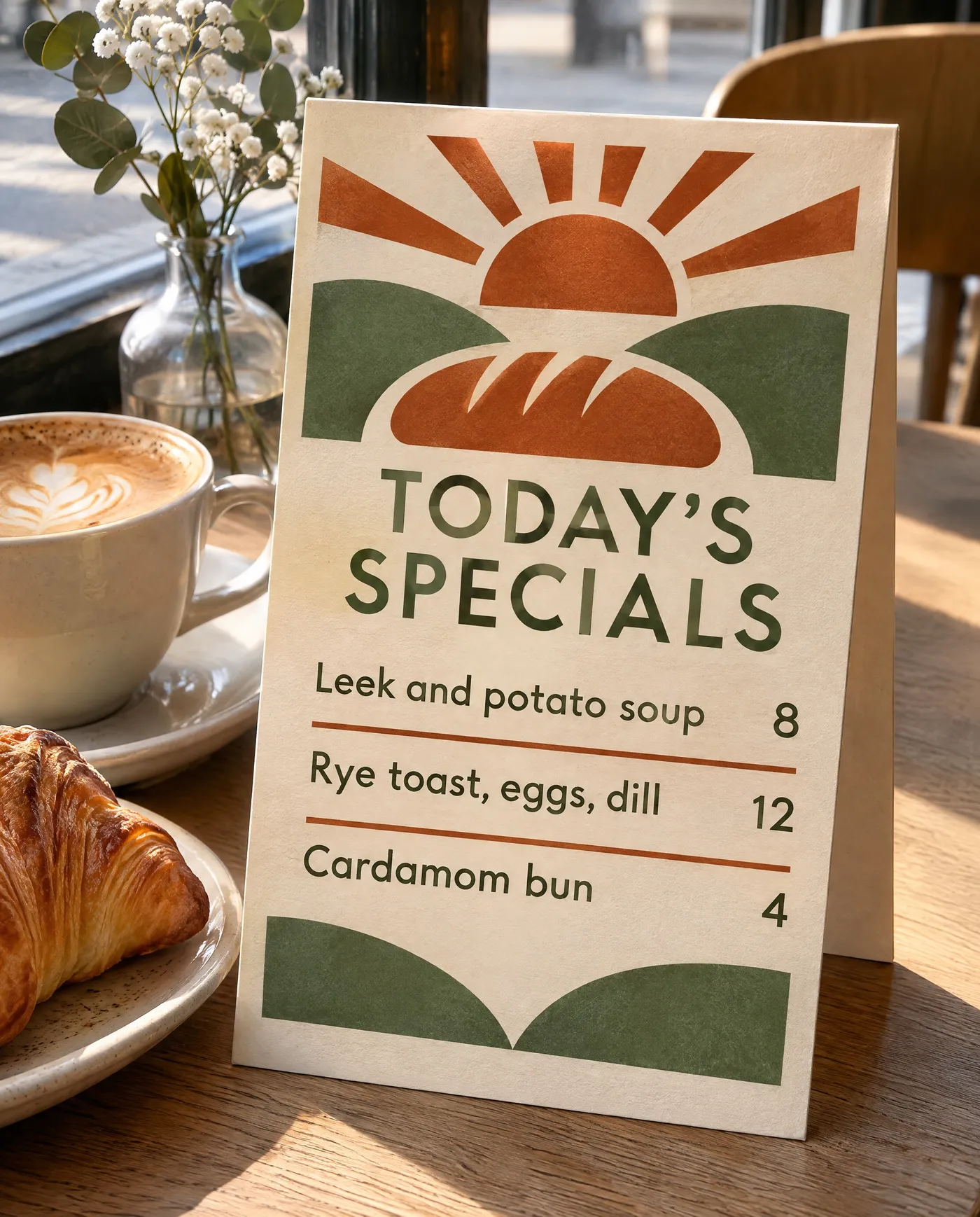
A restaurant rarely has just one menu. There's the drinks list, the takeaway leaflet, the specials card and the poster in the window. Make them all in the same style so they look like they belong to the same place.
Who uses an AI menu maker
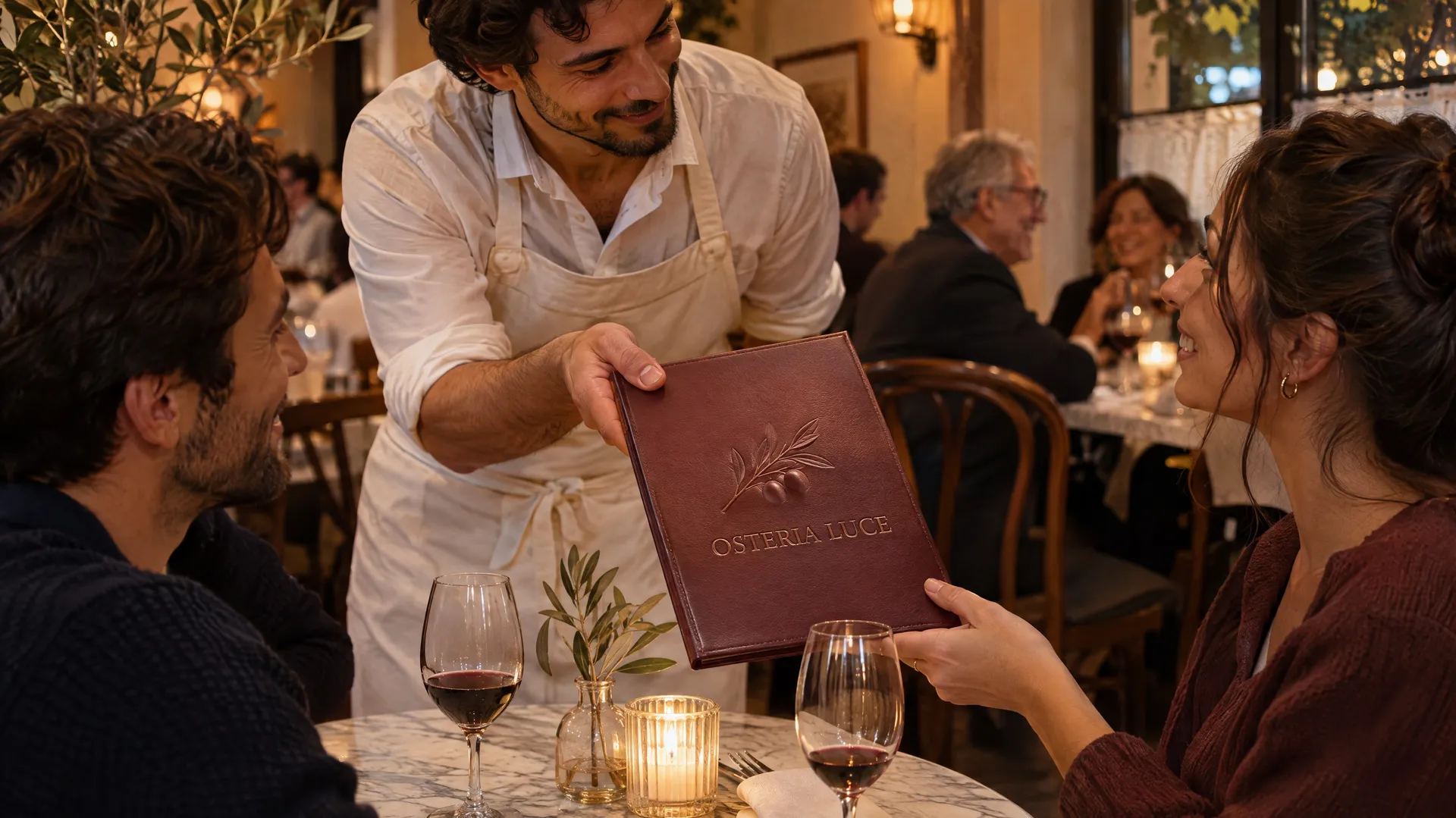
Anyone who changes a menu more often than they can afford to call a designer.
More tools for restaurants and food brands
Frequently asked questions
Yes. Write your dishes and prices into the prompt, describe the style and generate. Models that handle text well set the names and prices in clean type. Each run gives you a different take on the same prompt to choose from.
Usually, with short lists. Models keep improving at text in images, but they can still swap a letter or a digit, so read every line before you print. Shorter lists, up to about ten items per image, give the most reliable results.
No. A text prompt with your dishes, prices and a print style is enough for most menus. If you want your own food on the menu, add photos as reference images and say where they go in the layout.
Name a real print style and two or three colors, and skip cartoon icons, badges and starbursts. Our guide on how to make a restaurant menu with AI compares the typical AI look with menus made this way.
Yes. Generate at the highest resolution available for the model and send the file to your printer. For large boards or posters, upscale the image before printing.
Yes. Write the dishes in the language you need. Languages with Latin script give the most reliable spelling; check accents and special characters carefully.
Images you create on paid plans come with commercial usage rights, subject to our terms and applicable third-party rights.
Your dishes, your prices, a menu that looks designed
Write the list, describe the style and pick your favorite version. Then print it or post it.