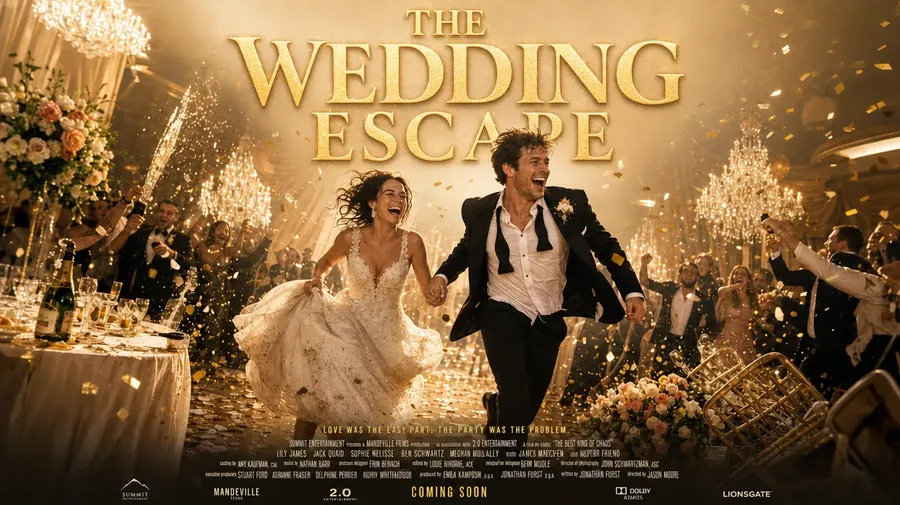
AI Movie Poster Generator for Key Art, One-Sheets & Teasers
Start from a logline, cast photo or visual reference. Define the genre, key visual, character hierarchy, title treatment and campaign format, generate several poster directions, then refine and adapt the strongest artwork across print, streaming and social placements.
Access dozens of leading image and video models in one workspace for movie poster artwork.
One workflow. One subscription. The right model for each campaign asset.


Why film teams use getimg.ai for movie poster artwork
More control than a one-shot generator
A basic generator gives you a single image. Posters need more than that. Generate a key visual, refine the composition, adapt it across formats — one-sheet, streaming banner, social cut, festival lock-up — and keep building from the same direction instead of starting over. One concept becomes a campaign's worth of artwork.
Prompt
Generate
Edit
Better fit than a one-model tool
Different genres need different visual languages. Photoreal drama calls for realism. Animated features need stylized rendering. Festival indies need atmosphere. getimg.ai gives you dozens of leading image and video models in one workspace, so each title gets the engine that matches its tone — not the one your tool happens to bundle.
Auto selection

Nano Banana 2
Excellent typography generation, high-quality realism.

GPT Image 2
OpenAI's top model with precise prompt following.
From early key-art exploration to campaign-ready visual assets
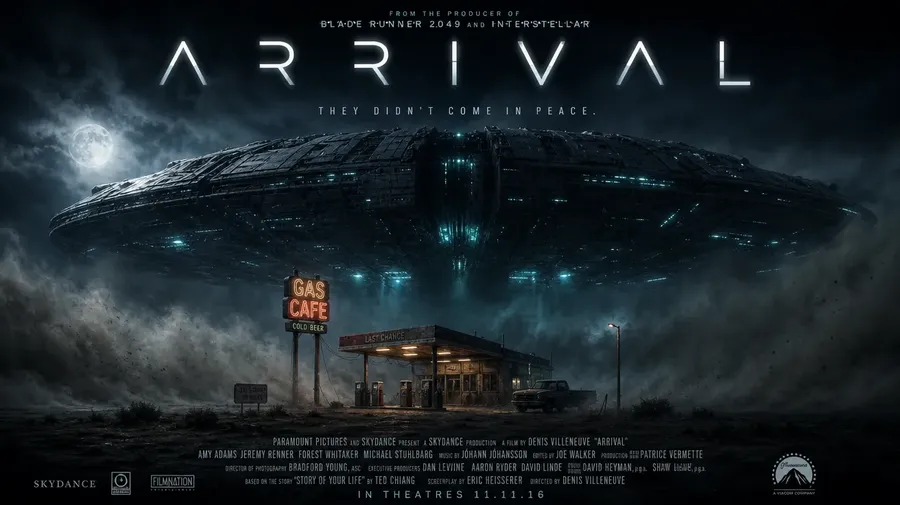
Use getimg.ai to explore campaign directions, pitch key art, teaser imagery, streaming tiles and social adaptations before moving selected artwork into final delivery. Concept exploration and production adaptation live in the same workspace, so the approved direction carries through every format.
-900x505.webp)
How to create movie poster artwork with AI
1. Start with the logline
Describe the film the way you'd pitch it. Genre, tone, lead character, the key visual moment, and the campaign format you need. Add cast, location or style references where identity matters.
2. Generate several directions
Get cinematic poster artwork in minutes. Start with a hero portrait, ensemble composition or environment shot, and put several directions side by side before committing to one.
3. Refine, adapt and prepare for layout
Adjust the mood, reserve space for the title block, resize for streaming tiles or festival banners, and keep refining until the artwork is ready for final layout and print preparation.
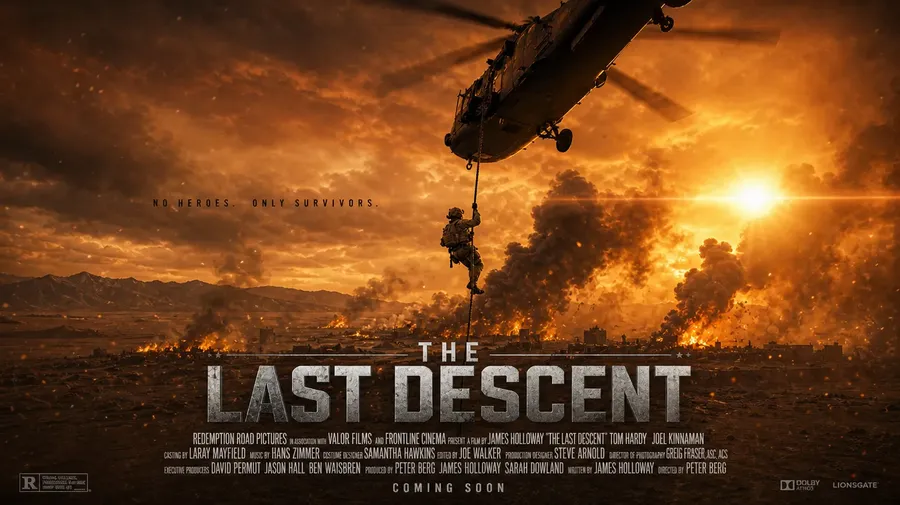
wartime drama one-sheet artwork, soldier silhouetted against a burning horizon, negative space reserved above for the title
Build key art around your cast and film references
A poster rarely starts from nothing. You already have headshots, costume tests, location stills, a hero prop, or an existing campaign palette. Attach up to 10 reference images to a generation and say what each one contributes.
References guide identity and appearance, but generative outputs can still alter smaller facial, costume or prop details. Review key cast and production details before publishing. See the guide to image references for how each reference type behaves.
Creative AI that starts from the logline, not a design tutorial
getimg.ai fits the way filmmakers and studios already work. You begin with the story you need to communicate, not a tool you need to master first.
That means the platform feels less like operating software and more like art-directing a poster session. You can move from concept to draft to final campaign artwork without losing momentum between rounds.
Turn one logline into multiple poster directions
The hardest part of a poster campaign isn't ideas. It's volume. You rarely need one piece of art. You need options:
- character-led vs. environmental
- minimal indie vs. blockbuster
- festival cut vs. streaming thumbnail
- domestic vs. international art.
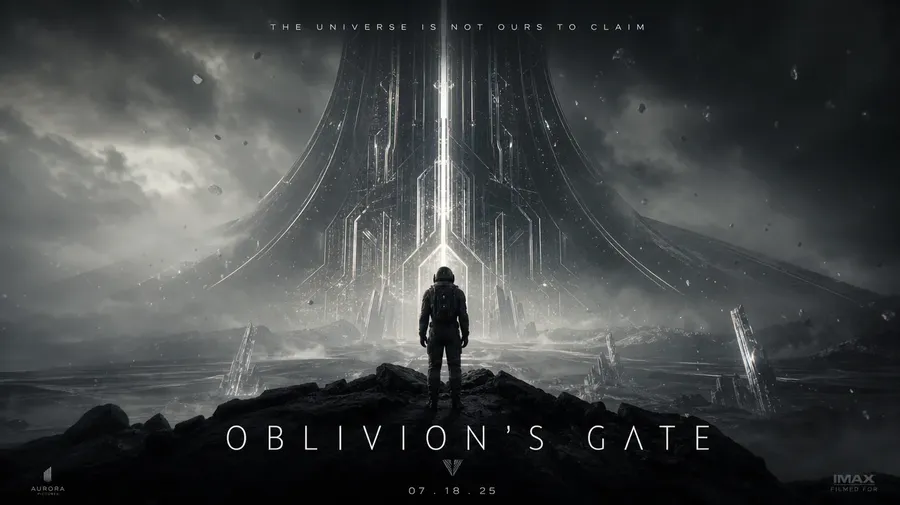
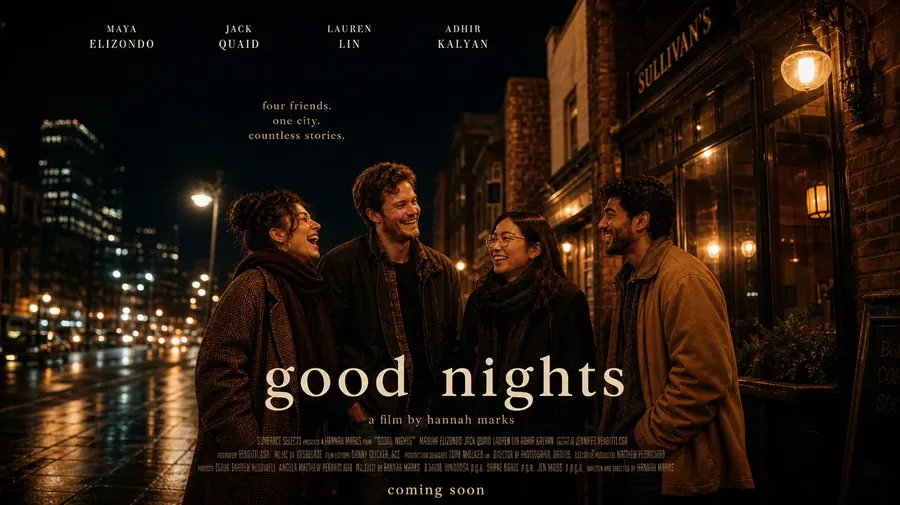
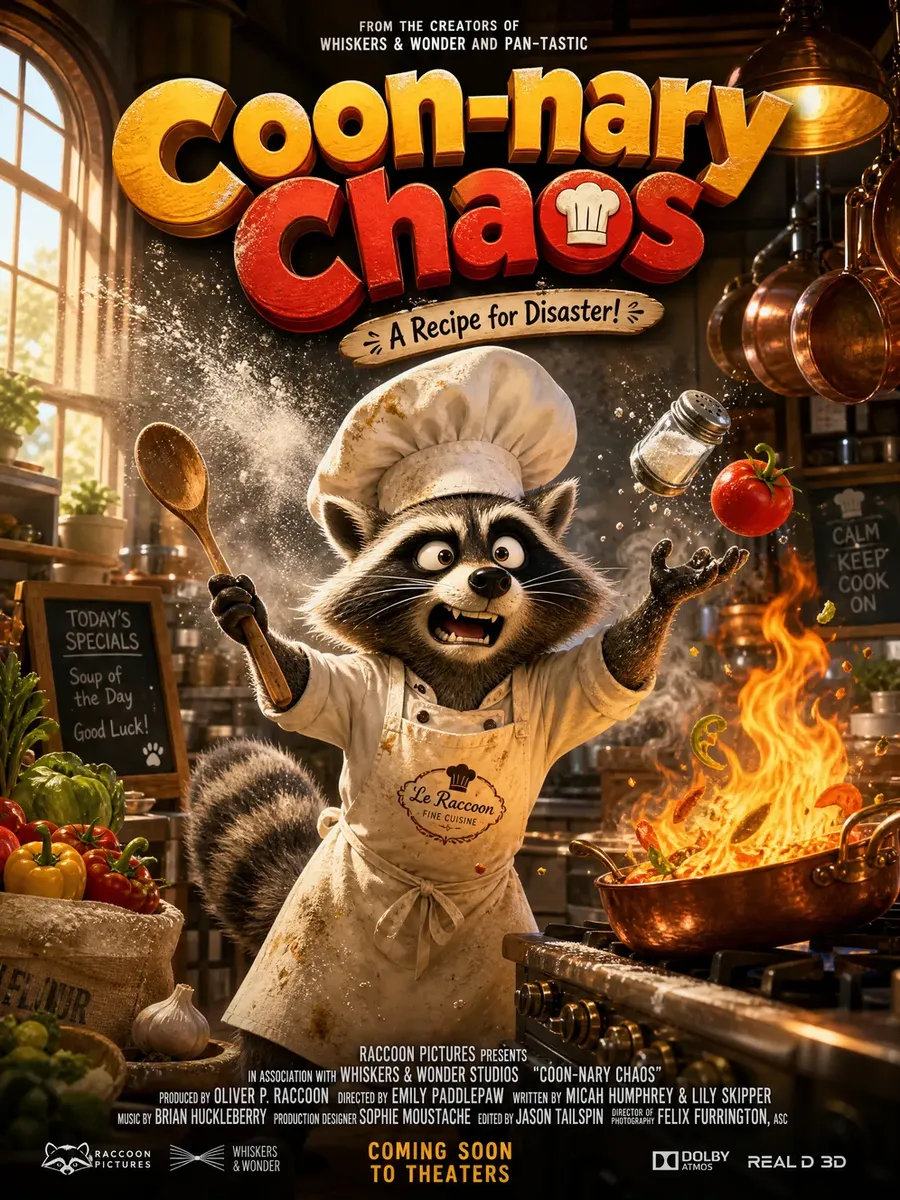
Take a single concept and generate multiple directions quickly. Try the same logline as a noir portrait, a photoreal environment, a painterly illustration or a graphic object-led teaser. Instead of committing to a direction too early, explore — then decide with the room.
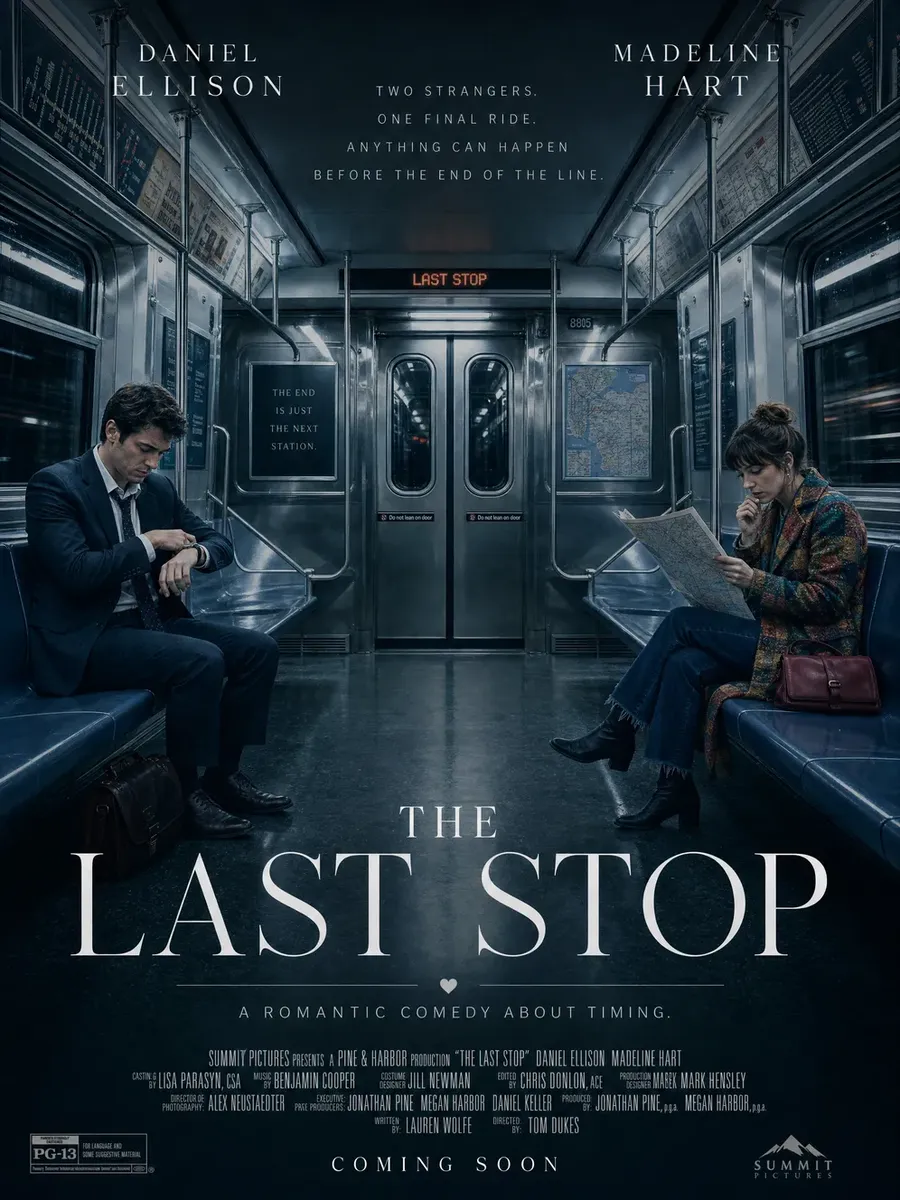
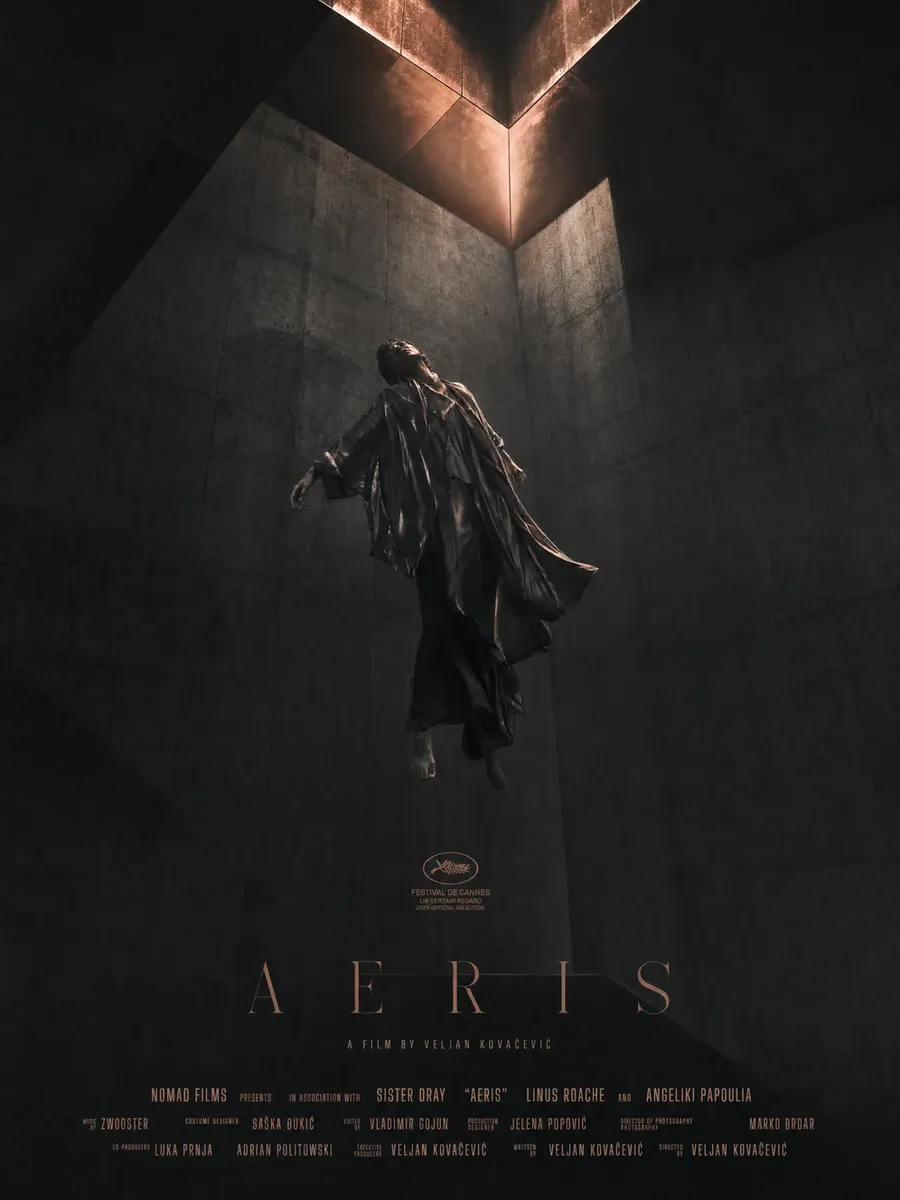
Create posters for different film genres
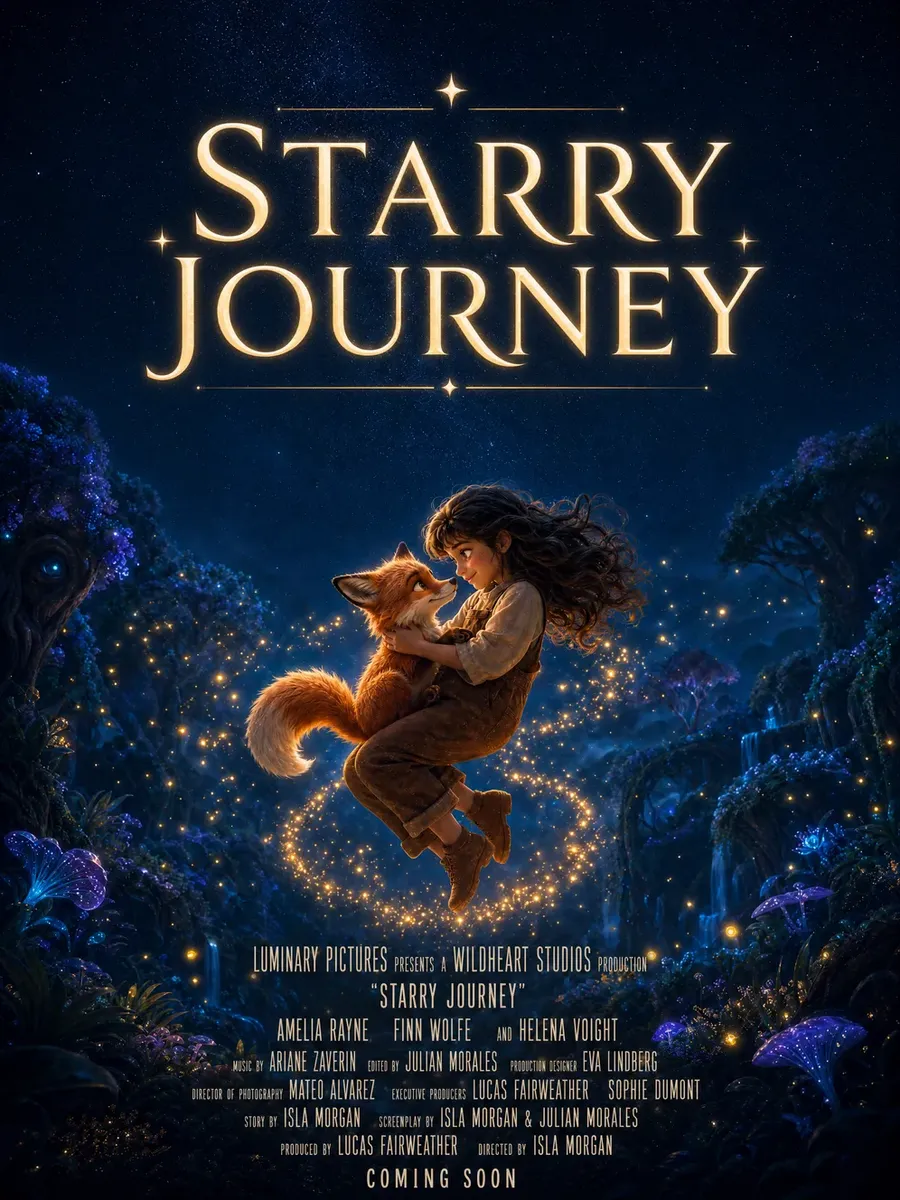
Every genre carries its own visual grammar. Name it in the prompt and the artwork lands closer on the first pass.
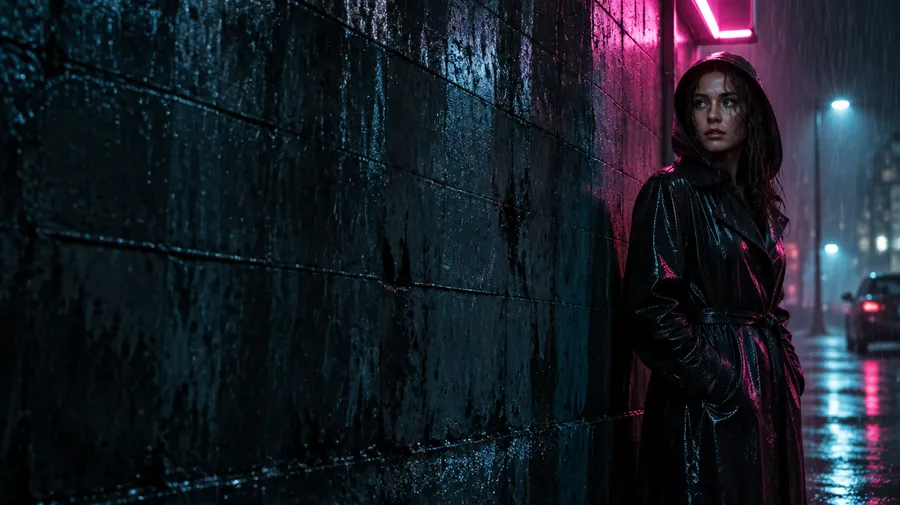
Horror & thriller
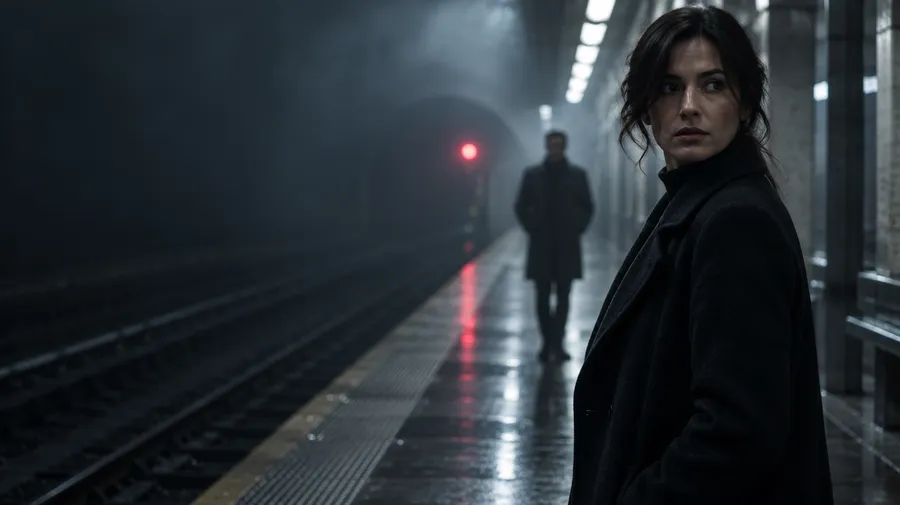
Horror leans on negative space, a single unsettling focal point, high contrast and grain. Thriller keeps the palette cold and the lead isolated in the frame.
Add the movie title, tagline and release copy
Put exact text in quotation marks and say where it sits. The model treats quoted strings as literal text and the placement instruction as layout direction.
Try: title "LAST SIGNAL" in large condensed white serif lettering at the top; tagline "SOME MESSAGES SHOULD STAY BURIED" centered above the title in small uppercase text; "COMING OCTOBER 18" aligned at the bottom. The prompt book covers placement, font direction, size and text effects in more depth.
AI movie poster prompt examples
A working movie poster prompt names the logline, genre, lead subject, key visual, composition, lighting, palette and the areas you want left clean.
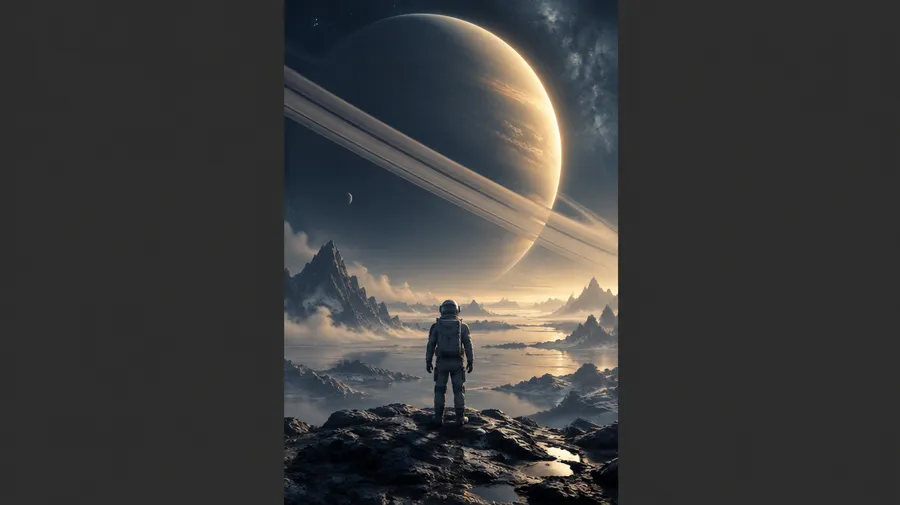
Sci-fi one-sheet
Structure: logline + genre + lead subject + key visual + composition + lighting + palette + reserved text areas.
"Theatrical sci-fi thriller one-sheet for a film about a radio astronomer receiving a signal from her future self. Lone female lead standing beneath a massive radio telescope at night, tiny against the structure, cold blue-black palette with one red warning light, atmospheric fog, large negative space above, title 'LAST SIGNAL' centered at top in condensed serif, tagline 'SOME MESSAGES ARRIVE TOO LATE' above the billing area."
Adapt one key visual across poster, streaming and social
Once the hero artwork works, resize or outpaint it into other campaign formats instead of regenerating the entire composition from scratch. This helps preserve the core visual while giving titles and supporting copy room in each layout.
Resize handles 2:3, 16:9, 9:16, 4:5 and 21:9. Outpainting keeps the original pixels and generates the new area around them when a format needs more canvas. Upscale the approved direction before it goes into layout.
One place for film teams, not scattered files
Poster work breaks down when assets live in too many places. Comps in one tool. Final files in another. Notes in chat. Delivery exports on someone's desktop.
getimg.ai gives teams one place to create, organize, and review poster work together, so the process stays clean across rounds and stakeholders.
- Campaign folders per title, region or release phase
- Approved directions, alternate crops and regional variants together
- Shared Elements so recurring cast and style stay aligned
- Poster-to-motion assets stored next to the stills they came from
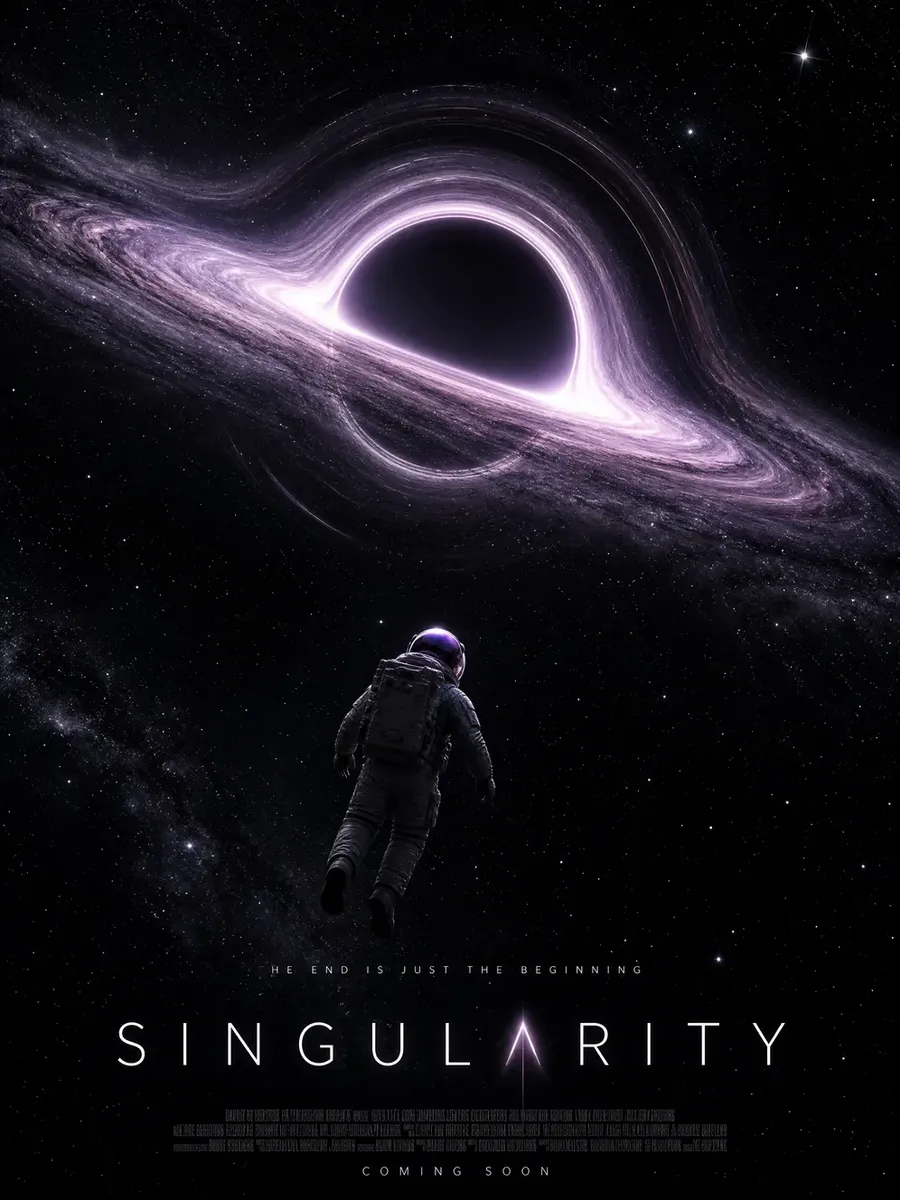
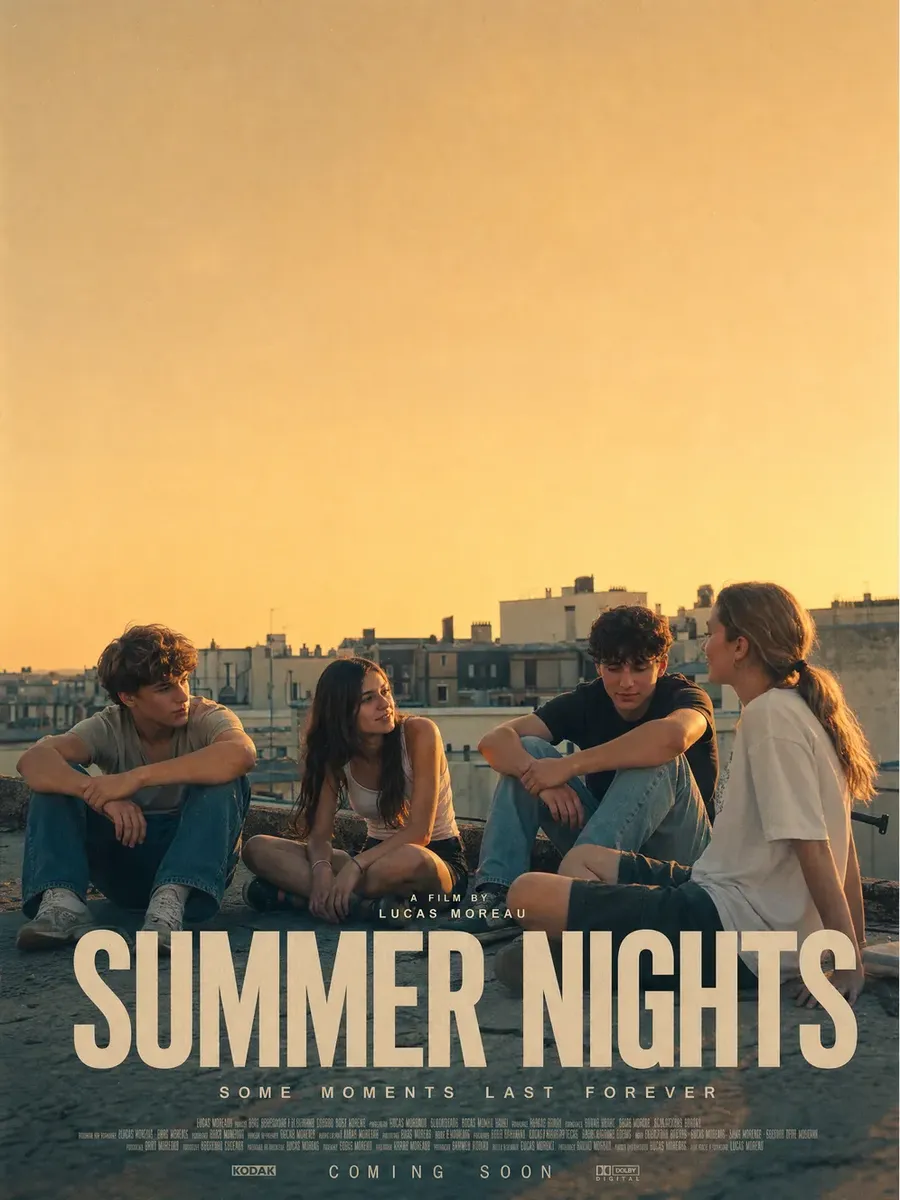
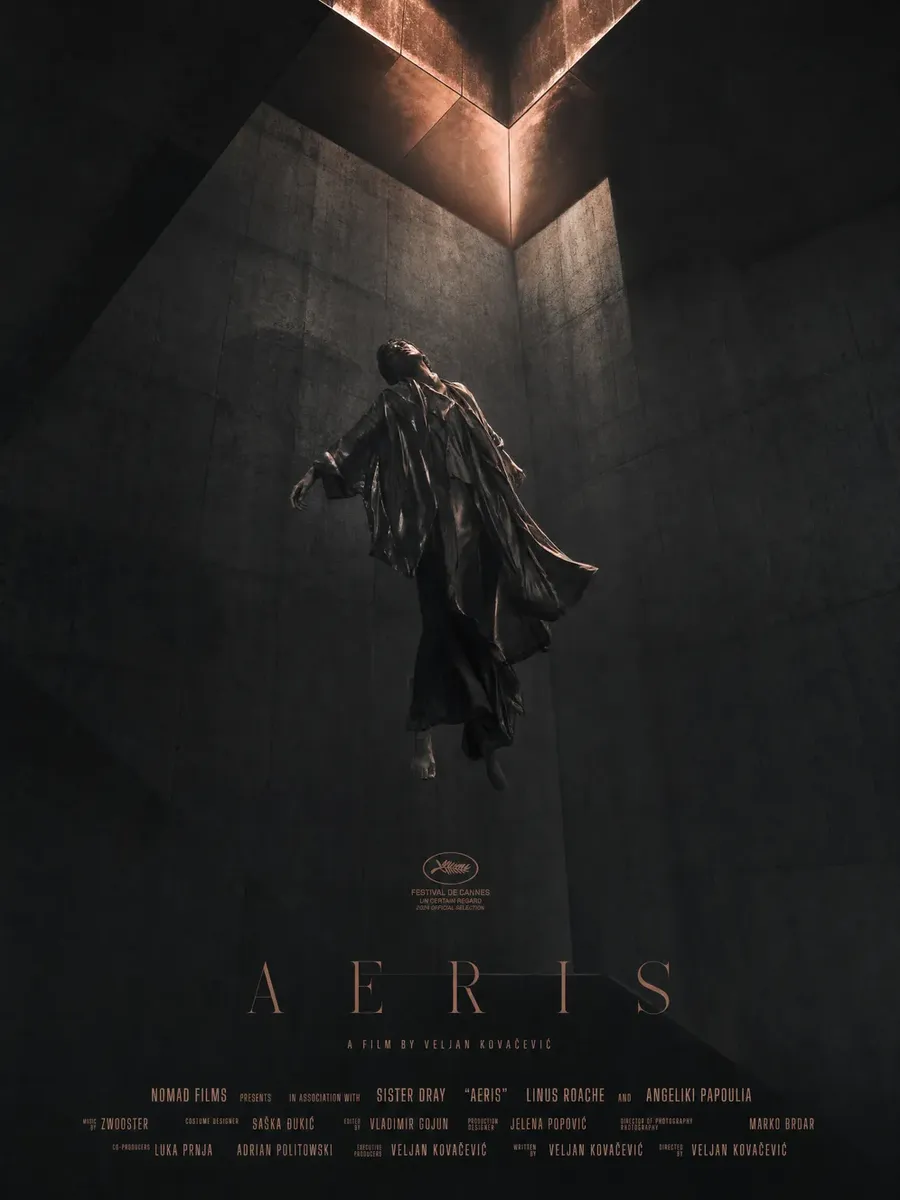
Turn poster artwork into a motion teaser
Motion key art is one of the fastest ways to make a poster stand out on streaming and social. With getimg.ai you can animate finished poster artwork in the same workspace: use the approved still as the first frame and describe the motion you want.
For example:
"Slow push-in on the hero character, atmospheric haze drifting"
"Subtle parallax between foreground figure and background skyline, title treatment held static"
"Rain falling, neon flickering, the protagonist's eyes opening".
For exact titles and legal copy, keep typography static or add it during final video editing rather than asking the video model to regenerate the words.
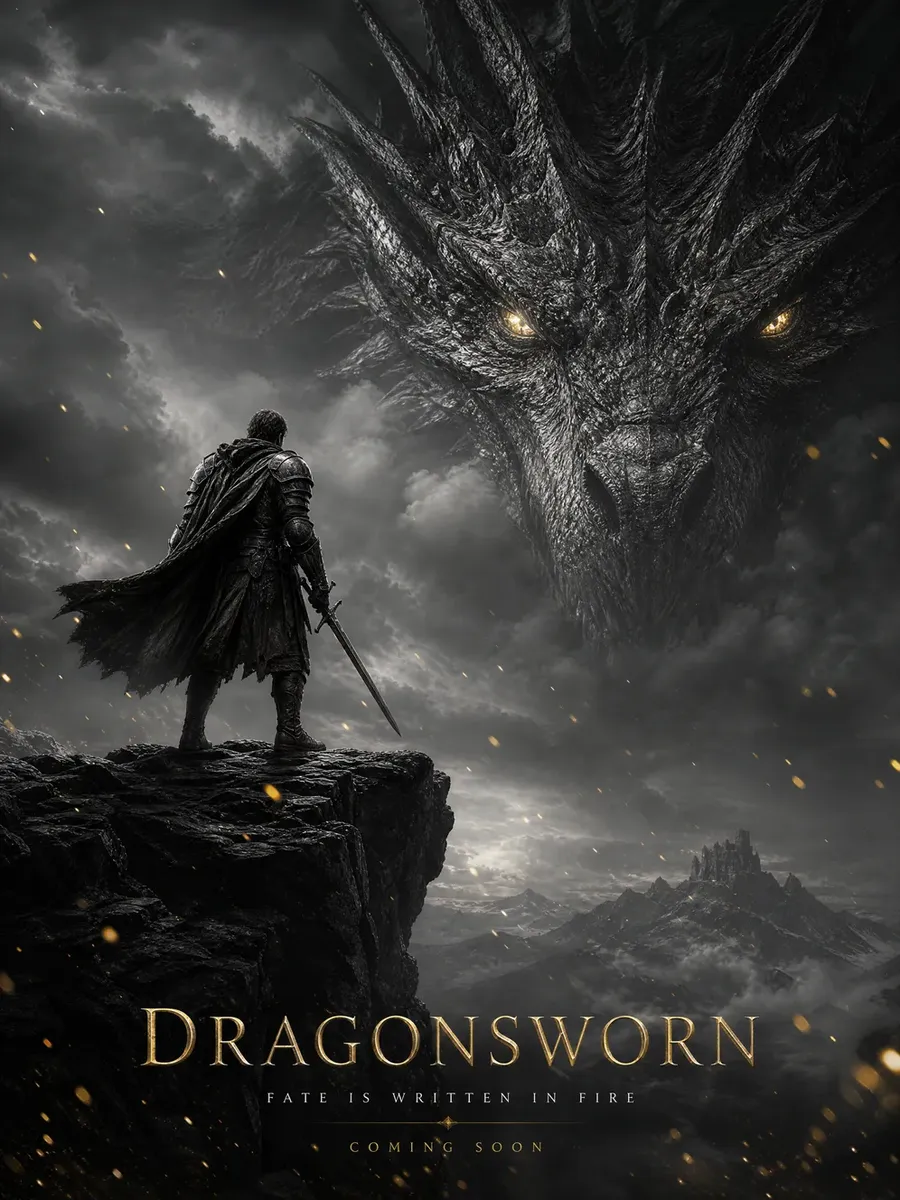
Movie poster artwork vs editable and print-ready poster
These three things get called "a movie poster" and they are not the same file. Knowing which one you are holding saves a painful conversation with a printer or a distributor.
getimg.ai is strongest for cinematic artwork, visual exploration, adaptation and generative editing. Final delivery may still require layout preparation depending on the campaign. A strong workflow can use AI for the key art and a layout editor for final production typography.
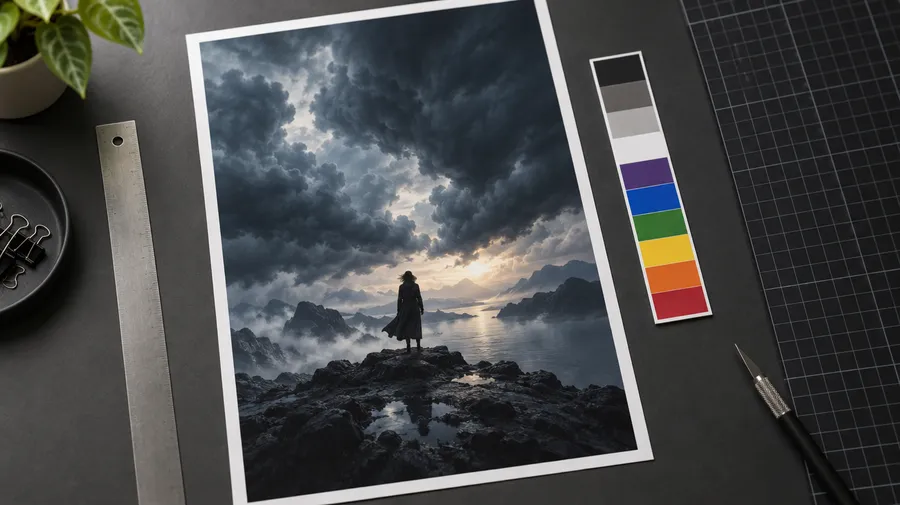
Creative direction and key art exploration in one workspace
Start with the logline, add cast and style references, generate several directions, refine the hero artwork, and adapt it across poster, streaming and social formats before final layout.
Frequently Asked Questions
getimg.ai's AI Movie Poster Generator creates cinematic key art and poster-style images from film briefs, text prompts and visual references. Use it to explore teaser posters, one-sheet artwork, streaming thumbnails, social campaign assets and other film-marketing visuals.
Most AI image generators stop at a single image. A poster campaign needs more: several aspect ratios, recurring cast and style across the artwork, compositions that leave room for typography, and motion variants for streaming and social.
Generated poster artwork is a raster image rather than a layered design file. Final theatrical or festival delivery may still require exact typography, billing credits, official laurels, logos, bleed and print preparation.
Yes. Attach the headshots or stills as references and say which image supplies which person: "the woman from image 1 as the lead, the man from image 2 behind her". Up to 10 reference images can be attached to a single generation, and they can carry a person, a costume, a location, a prop, a palette or a composition.
References guide identity and appearance, but generated output can still alter smaller facial, costume or prop details. Review the cast and production details before anything is published, and make sure you hold the rights to every photo you upload.
Put the exact wording in quotation marks and state where it belongs: title "LAST SIGNAL" in large condensed white serif lettering at the top, tagline "SOME MESSAGES SHOULD STAY BURIED" centered above it. Current models render short titles and taglines well.
Check every generated word before use. For long strings of exact copy, adding the final text during layout is more reliable than asking the model to render it.
You can generate a billing-block-style visual treatment — the dense condensed credit band at the base of the poster — but final cast, crew, company and legal credits should be added as exact text during production layout. Those credits are contractually specified, and generative text is not the right tool for copy that has to be letter-perfect.
A good compromise: prompt for a clean reserved band at the base of the artwork, then set the real billing block over it.
No. Output is a flat raster image in PNG, JPEG or WebP. There are no separate text, logo or background layers to move independently.
You can still change the artwork through image editing — swap a background, adjust lighting, remove an object, restyle the grade — and each edit produces a new version rather than overwriting the original. For layer-level control over typography and credits, take the approved artwork into a layout editor.
getimg.ai generates poster artwork at standard ratios including 2:3, which is close to the classic North American one-sheet proportion, and images can be upscaled up to 2x with added detail.
That is artwork, not a print file. For professional printing, set the final poster to the exact dimensions, bleed, safe area and resolution required by your printer or distributor, and place the mandatory text at that stage.
Use the supplied assets rather than generating them. Festival laurels are official marks with defined usage rules, and a generated lookalike is neither accurate nor licensed.
The reliable workflow is to reserve the space: "leave clean space in the upper-right corner for festival laurels", then drop the official laurel files in during final layout. The same applies to distributor logos and rating marks.
Yes, and it is usually better than regenerating. Resize covers 2:3, 16:9, 9:16, 4:5 and 21:9, and outpainting preserves the original pixels while generating the new area around them when a wider or taller canvas is needed.
One 2:3 hero image can become a 16:9 streaming banner, a 4:5 feed post and a 9:16 story without losing the subject, palette or lighting that got approved.
Elements can help keep recurring cast, style, palette, lighting or composition direction more consistent across multiple images. Save a Person, Style, Color Palette or Composition Element and call it into any prompt with @ElementName.
For exact repeated title typography, keep the final text treatment as a separate production asset or reapply it during final layout. Elements guide visual direction; they are not a typography style token.
A template starts from an existing layout you customise. getimg.ai generates a new key-art direction from your film brief and references.
Templates offer tighter manual text and layout control; generative artwork offers more freedom when the visual concept itself does not exist yet. A strong workflow can use AI for the key art and a layout editor for the final production typography.
Motion sits in the same workspace as image generation. Take approved poster artwork, use it as the first frame in image to video, and describe the motion: a slow push-in, drifting haze, rain, parallax between foreground and skyline.
For exact titles and legal copy, keep typography static or add it during final video editing rather than asking the video model to regenerate the words.
Yes. Keep the key art, change the title and tagline language, adjust the aspect ratio, and swap the localised release copy. Prompts work in 20+ languages.
For real distribution copy, have a local reviewer check the wording and place the final text during layout rather than relying on generated lettering.
Both. Solo filmmakers, festival submitters and designers for hire use it to explore more directions per round without extra overhead.
Studio marketing and agency teams use shared folders, shared Elements and one review space to keep regional variants, alternate crops and poster-to-motion assets aligned to the approved direction across several titles.
Commercial rights are included on paid plans. You can use the artwork on distribution campaigns, festival materials, poster merchandise, pitch decks and client work.
Commercial rights on your getimg.ai plan cover generated output under our terms. You are still responsible for having the necessary rights to cast photos, logos, third-party artwork and other materials you upload or reference. Check for incidental trademarks, watermarks and identifiable likenesses before publishing.