다음을 위한 AI: 사진작가 - 사진 편집, 리터칭 및 보정
사진을 업로드하고 AI를 사용해 방해 요소를 제거하고, 인물 사진을 리터치하고, 배경을 교체하고, 조명과 스타일 변화를 살펴보고, 클라이언트용 시안을 만들고, 형식을 조정하거나 선택한 이미지를 업스케일링해 봐. 원본 파일은 그대로 유지되며, 모든 편집본은 별도의 버전으로 저장돼.
하나의 사진 워크플로우에 담긴 업계 최고 수준의 AI 모델들.
자동 모드는 네 프롬프트를 바탕으로 모델을 선택해 줘. 더 세밀한 제어가 필요할 땐 네가 직접 특정 모델을 고를 수도 있어.


기존 사진으로 할 수 있는 작업들
네 가지 편집을 하나의 워크플로우로 해결할 수 있어. 그중 세 가지는 방해 요소 제거하기, 생성형으로 변경하기, 복원 및 보정하기야. 네 번째인 하나의 사진을 새로운 결과물로 확장하기는 아래 별도 섹션에 있어. 이 차이는 중요해. 제거 작업은 네가 촬영한 장면을 유지하지만, 생성형 변경은 그 장면에 대한 새로운 해석을 만들어 내거든.
제거하기: 방해 요소 지우기
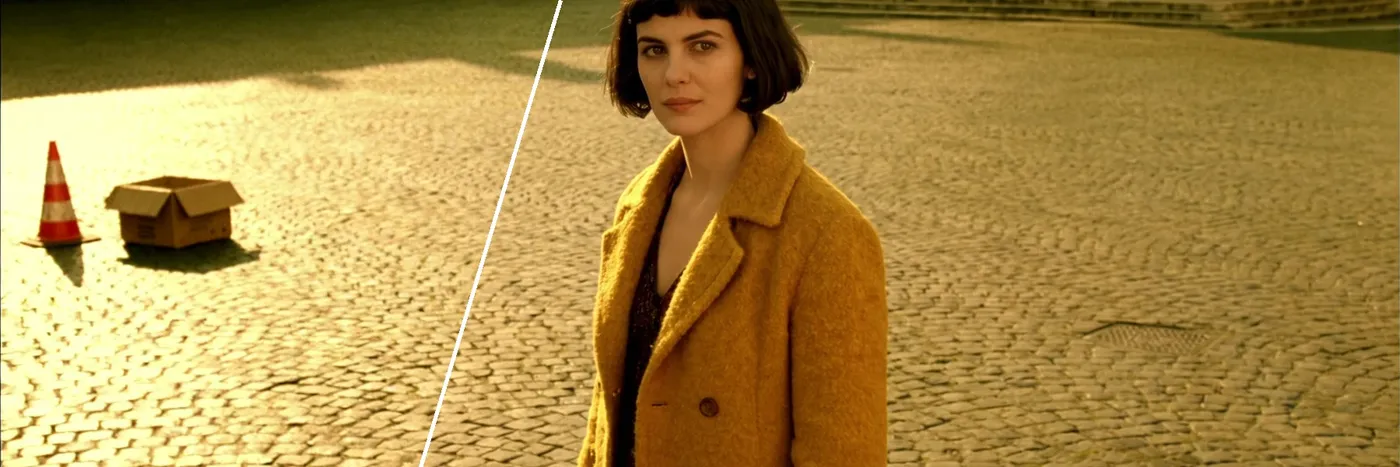
사진에 끼어든 사람, 케이블, 쓰레기통, 표지판이나 지저분한 배경을 지워 봐. 그 뒷부분은 생성형 AI가 다시 만들어 내니까, 복구된 영역은 꼭 실제 크기로 확인해 봐.
-900x300.webp)
제거하기: 피부 및 빛 반사 리터치
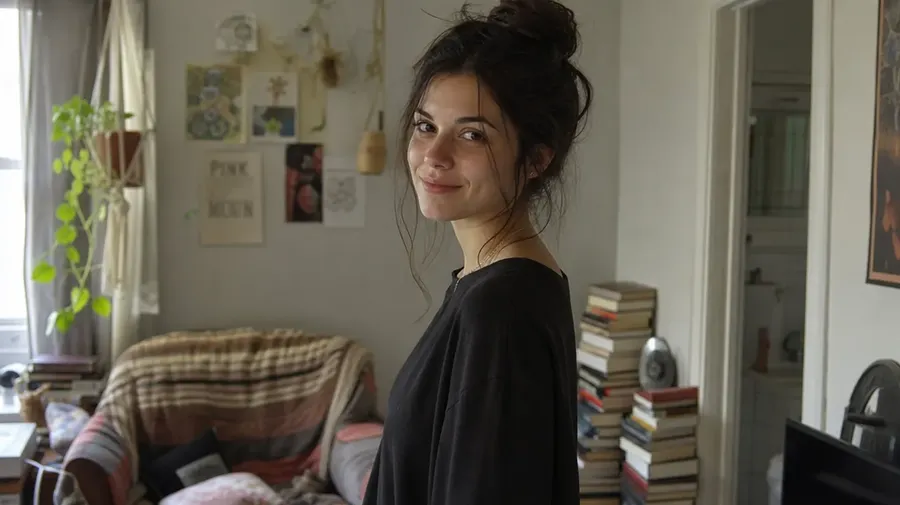
모공과 실제 피부 결은 유지하면서 잡티, 붉은기, 삐져나온 머리카락, 안경의 빛 반사를 줄여 봐.
-900x300.webp)
생성형 변경: 장소 교체
피사체를 스튜디오에서 해변, 옥상, 숲 또는 실내로 옮기고 모델에게 빛의 방향을 맞춰 달라고 요청해 봐.
-900x300.webp)
생성형 변경: 헤어 및 의상 스타일 변경
재촬영을 잡을 필요 없이 다양한 옷, 색상, 헤어스타일, 액세서리를 콘셉트로 시도해 봐.
-900x300.webp)
생성형 변경: 조명 탐색
밋밋한 조명을 방향성 있는 조명, 골든 아워 조명, 또는 드라마틱한 조명으로 바꾸고, 여러 방향의 조명을 나란히 비교해 봐.
-900x300.webp)
생성형 변경: 컬러 그레이딩 방향 탐색
시네마틱, 에디토리얼, 또는 필름 룩을 장면에 적용해 보며 방향성을 찾아봐. 최종적이고 반복 가능한 그레이딩은 여전히 네가 평소 쓰는 도구에서 마무리하면 돼.
-900x300.webp)
복원 및 보정: 오래된 사진 복구
스크래치, 얼룩, 구김을 제거하고 흑백 인화 사진에 색을 입혀 봐. 재구성된 디테일은 복구된 데이터가 아니라 AI의 해석이라는 점 기억해 두고.
복원 및 보정: 더 큰 결과물을 위한 업스케일링
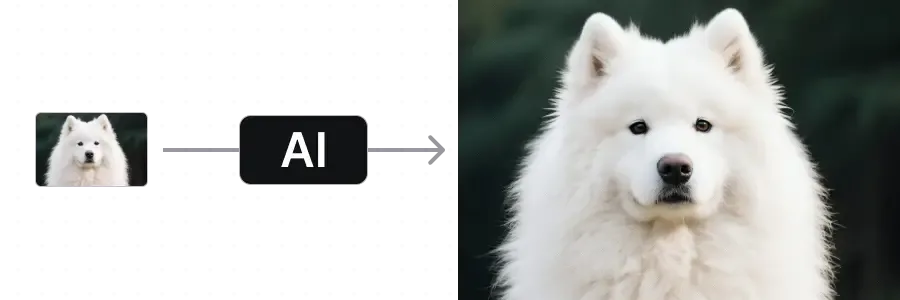
더 큰 결과물을 위해 해상도를 높여 봐. 크리에이티브 업스케일러는 텍스처를 추가할 수 있으니, 결과물을 전달하기 전에 항상 원본과 비교해 보는 게 좋아.
사진작가들의 실제 작업 방식에 맞춰 설계됨
편집이 소프트웨어와 씨름하는 게 아니라, 마치 보조 작업자에게 지시를 내리는 것처럼 느껴지게 해주는 핵심 기능들이야.
자동 모드가 알아서 모델을 선택해 줘
실사 인물 사진, 레퍼런스 기반 합성, 라이프스타일 장면 등 자동 모드가 네 프롬프트에 맞는 모델을 알아서 선택해. 물론 원한다면 언제든 특정 모델로 직접 변경할 수도 있어.
편집을 지원하는 모델들

FLUX 3
실사 인물 사진 및 자연스러운 피부 표현

Nano Banana 2.1
레퍼런스 기반 합성 및 타겟 편집
한 번에 최대 16개의 베리에이션
프롬프트 하나를 실행하고 여러 가지 옵션을 얻어 봐. 같은 편집 방향에 대해 생성된 여러 해석을 나란히 비교한 다음, 가장 마음에 드는 걸 다듬어 나가면 돼.
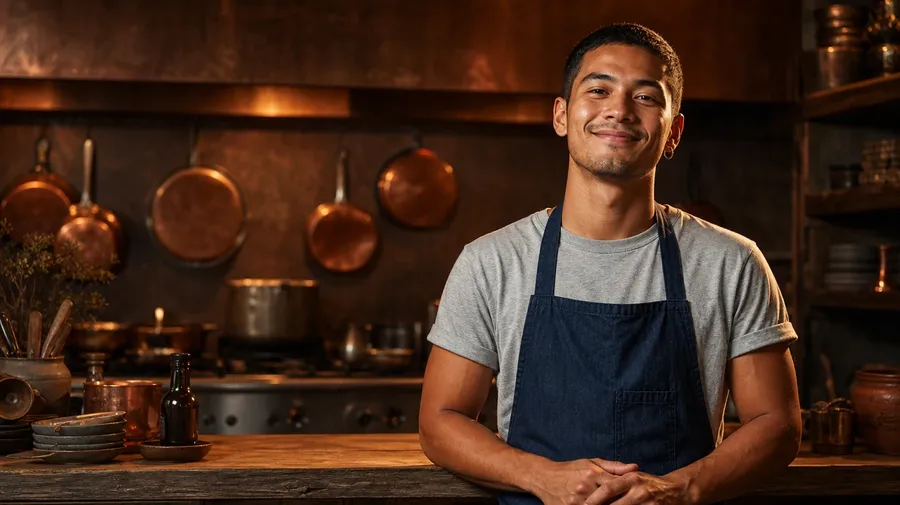
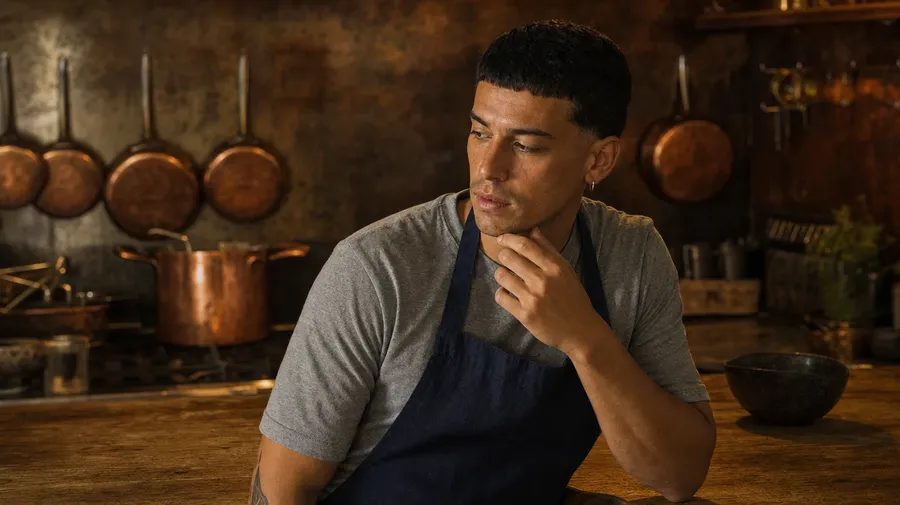
여러 개의 레퍼런스 이미지로 가이드하기
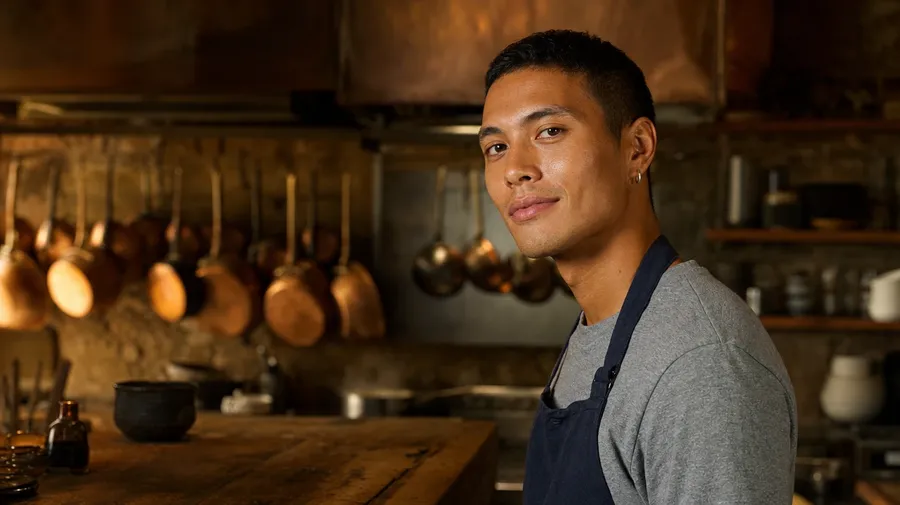
레퍼런스 이미지를 첨부해서 얼굴, 색상 팔레트, 의상, 장소를 가이드해 봐. 모델마다 적용 방식이 다를 수 있고, 자주 쓰는 이미지는 Elements(요소)로 저장해서 이름으로 쉽게 불러올 수 있어.
이미지 업로드
편집하기
다운로드
사진작가들이 getimg.ai를 선택하는 이유
편집 속도는 높이고, 클라이언트의 수정 요청은 덜 고통스럽게 만들어 주는 몇 가지 이유들이야.
일상적인 언어로 편집 내용 설명하기
프롬프트 문법이나 모델 설정을 따로 배울 필요 없어. 리터칭 전문가에게 말하듯이 변경할 내용을 그대로 적기만 하면 돼.
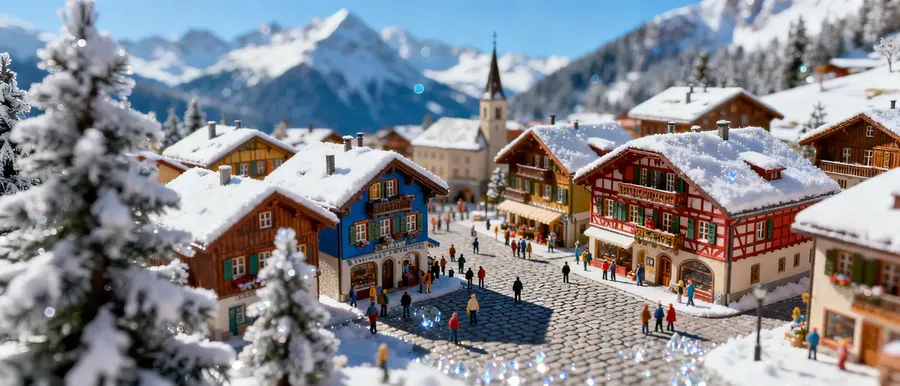
실사 편집 및 생성에 최적화됨
사진적 미학에 맞게 선택된 모델들이야. 클라이언트에게 전달하기 전에 피부, 조명, 질감, 미세한 디테일을 실제 크기로 꼭 확인해 봐.
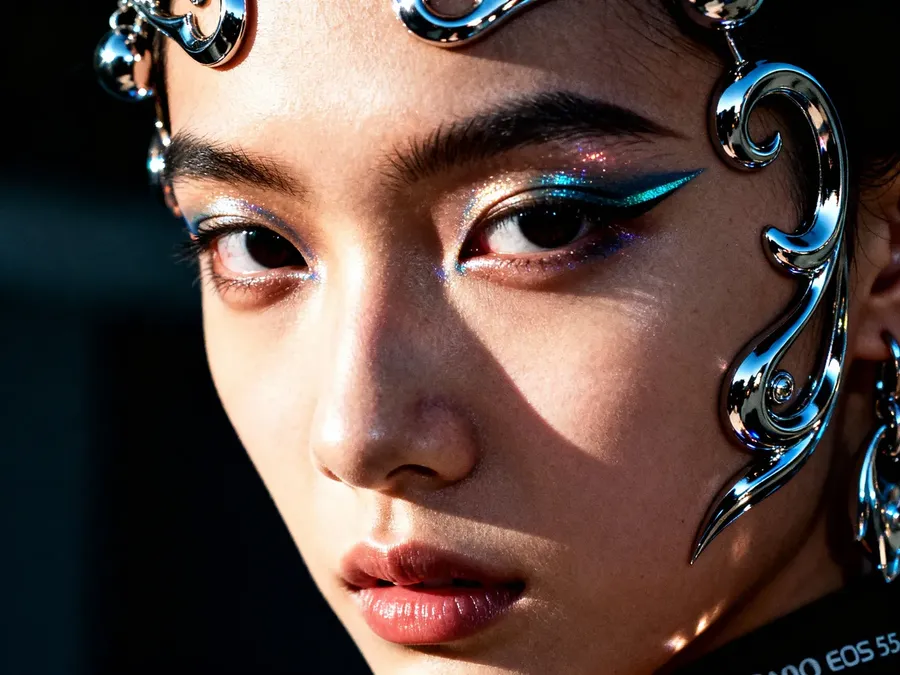
같은 촬영본으로 더 많은 결과물 도출
스튜디오를 추가로 예약할 필요 없이 더 많은 베리에이션, 포맷, 콘셉트를 만들어 낼 수 있어.
-900x900.webp)
한 줄의 프롬프트로 끝내는 1차 편집
사진에 끼어든 사람, 빛 반사, 엉뚱한 물체, 밋밋한 조명 등 평소 같으면 포토샵을 열어야 했을 작은 문제들도 보통 프롬프트 한 줄이면 해결되고, 그 후엔 확인만 하면 돼.
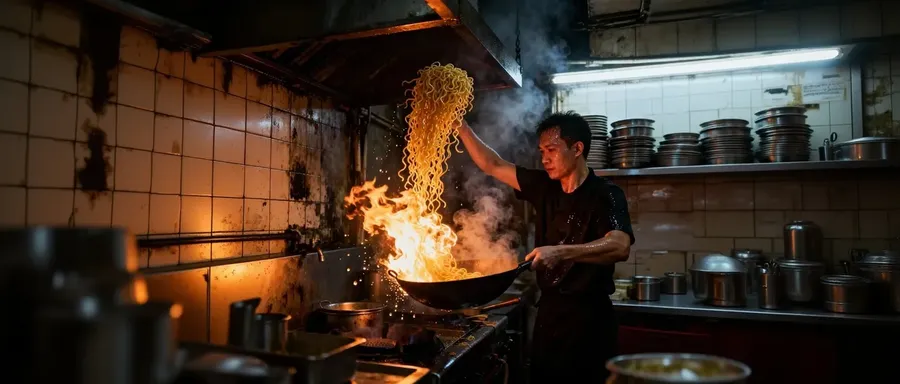
생성형 편집 vs 전통적인 리터칭
둘 다 사진 워크플로우에 필요한 작업이야. 생성형 편집은 속도, 다양한 버전, 아이디어 도출을 위한 거고, 전통적인 리터칭은 정확하고 반복 가능하며 정교하게 조정된 작업을 위한 거지. 작업에 어느 쪽이 필요한지 아는 것이야말로 가장 중요한 스킬 중 하나야.
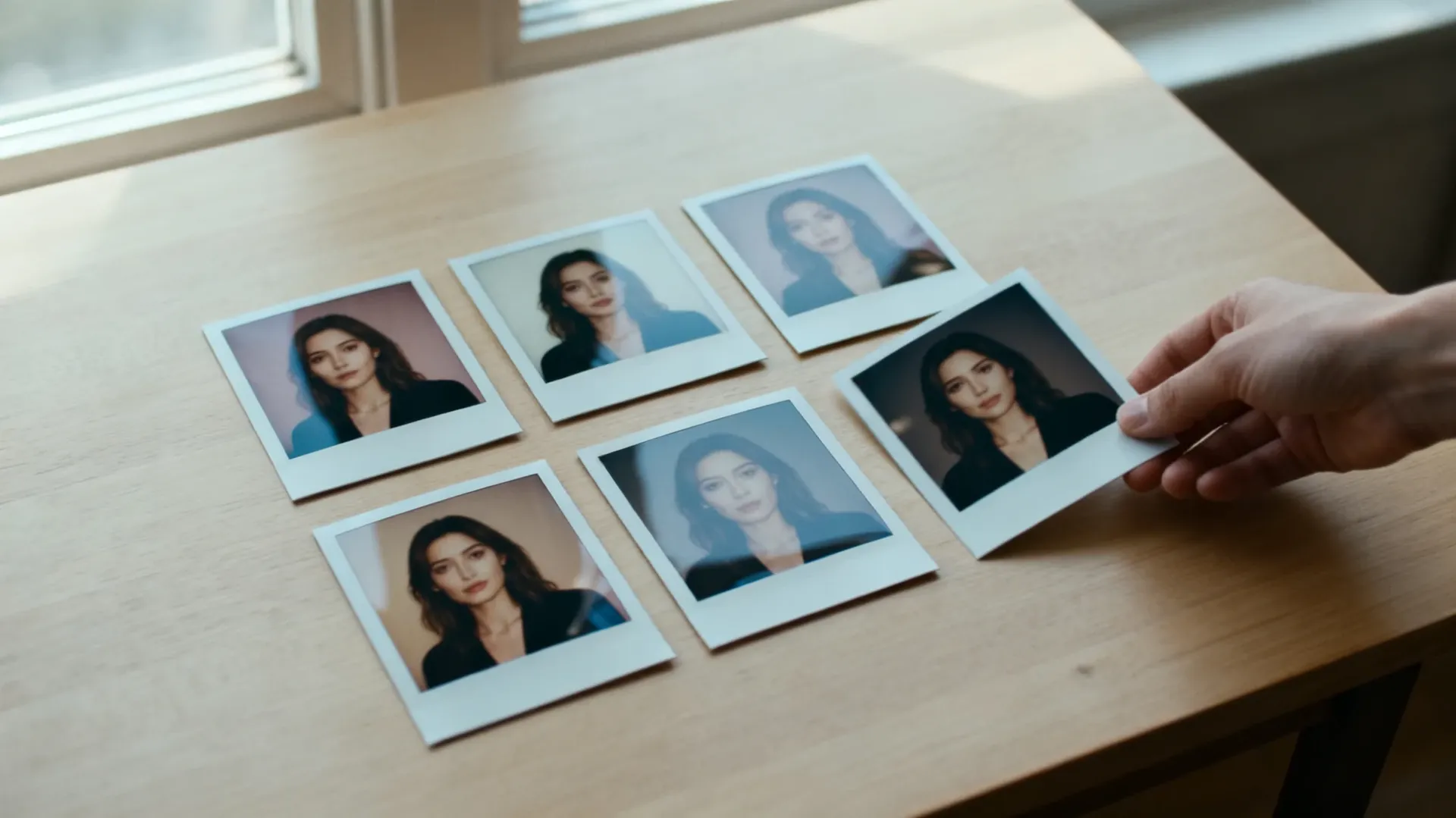
생성형 편집 (getimg.ai)
빠른 베리에이션 및 아이디어 도출
하나의 프레임에서 단 몇 분 만에 여러 방향의 시안을 생성하고, 그중 마무리할 가치가 있는 걸 골라 봐.
장면, 스타일링 및 조명 교체
재촬영 없이 장소, 의상, 계절, 조명 방향을 바꿔 봐.
자연어 기반 지시, 유동적인 결과물
네가 변경 사항을 설명하면 모델이 그걸 해석해. 같은 프롬프트를 두 번 실행하더라도 픽셀 단위로 똑같은 결과가 나오진 않아.
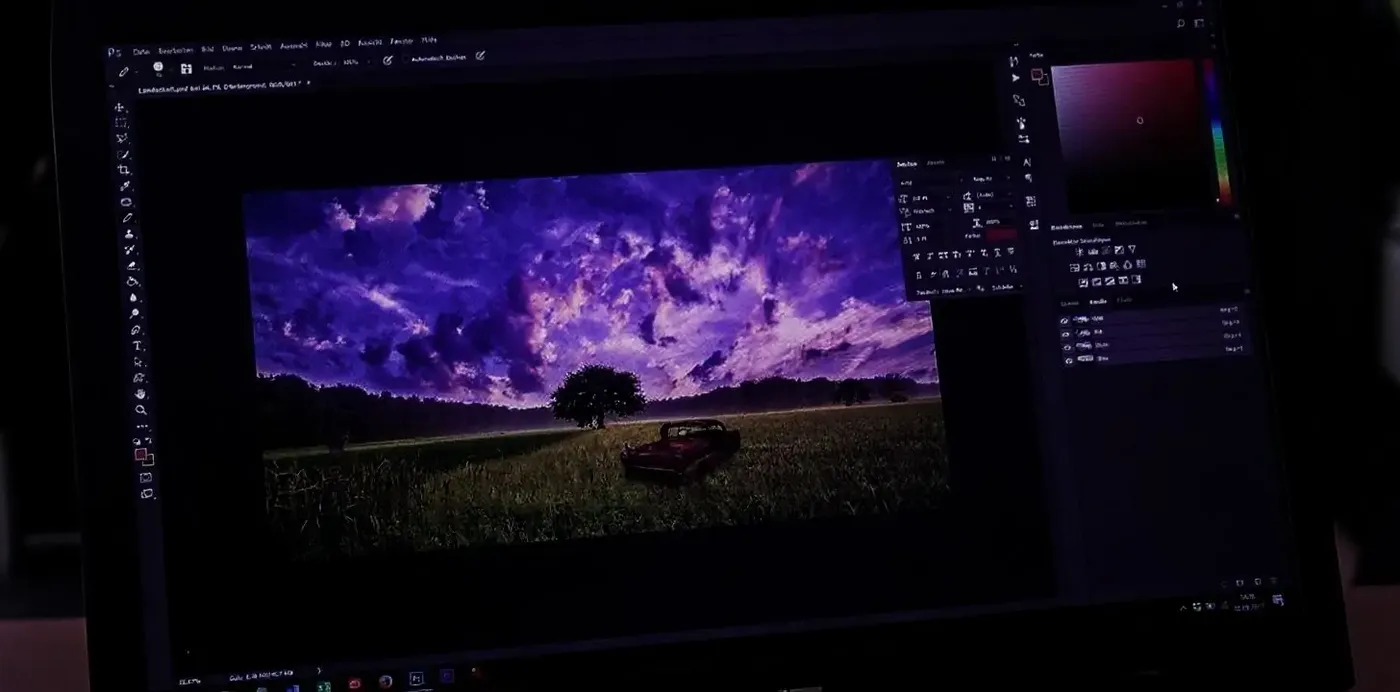
전통적인 리터칭 (Lightroom, Capture One, Photoshop)
- 센서 데이터를 활용한 RAW 현상
- 정교하게 조정되고 반복 가능한 컬러
- 렌즈 및 원근 교정
- 정확한 화이트 밸런스
- 결정론적인 톤 보정
- 정확한 마스크 및 선택 영역
- 픽셀 단위의 제어
- 카탈로그 및 버전 관리
- 최종 마스터 리터치
- 인쇄를 위한 소프트 프루핑
기존 사진에서 AI 편집 버전까지 단 3단계
레이어, 마스크, 프리셋을 관리할 필요 없어. 원본 파일은 그대로 유지되며, 모든 편집은 새로운 버전으로 저장돼.
1. 사진 업로드하기
인물 사진, 제품 사진, 웨딩 사진, 여행 사진을 프롬프트 상자에 드래그해 봐. 표준 웹 형식인 JPEG, PNG, WebP를 지원해. 카메라 RAW 파일은 먼저 내보내기를 해야 해.
2. 일상적인 언어로 변경 사항 설명하기
리터칭 전문가에게 지시하듯이 적어 봐. "뒤에 찍힌 사람을 지워 줘." "골든 아워 느낌으로 만들어 줘." "저녁 분위기에 맞게 의상을 바꿔 줘."
3. 검토, 다듬기, 내보내기
최대 16개의 베리에이션을 생성하고 나란히 비교해 봐. 가장 마음에 드는 걸 짧은 프롬프트로 한 번 더 다듬은 다음, 전체 해상도로 내보내고 결과물에 필요하다면 업스케일링을 진행하면 돼.
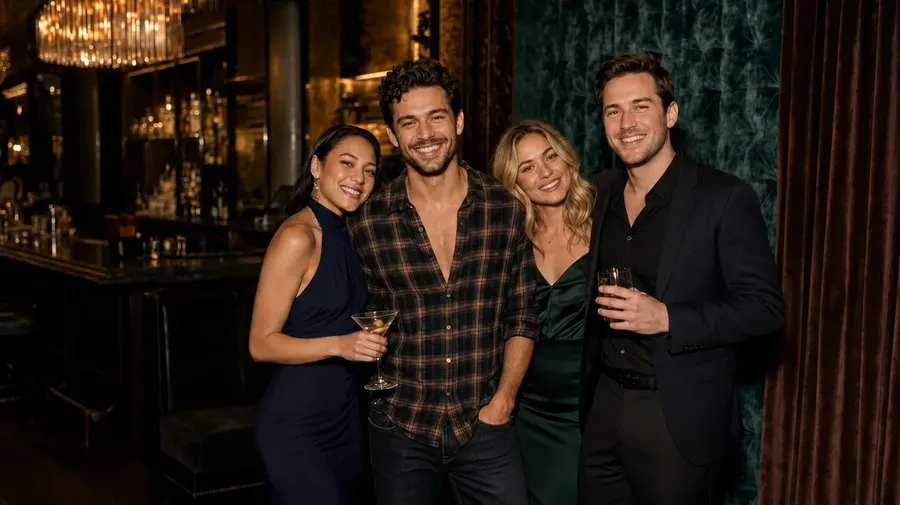
다섯 가지 실제 사진 문제에 대한 AI 편집 테스트 결과
사진작가들이 실제로 자주 요청받는 다섯 가지 작업을 getimg.ai에서 각각 하나의 프롬프트로 실행해 봤어. 아래의 모든 결과는 열 번 중 가장 잘 나온 것이 아니라 첫 번째 결과물이야. 슬라이더를 드래그해서 비교해 보고, 우리가 요청하지 않았는데 변경된 부분도 읽어 봐.
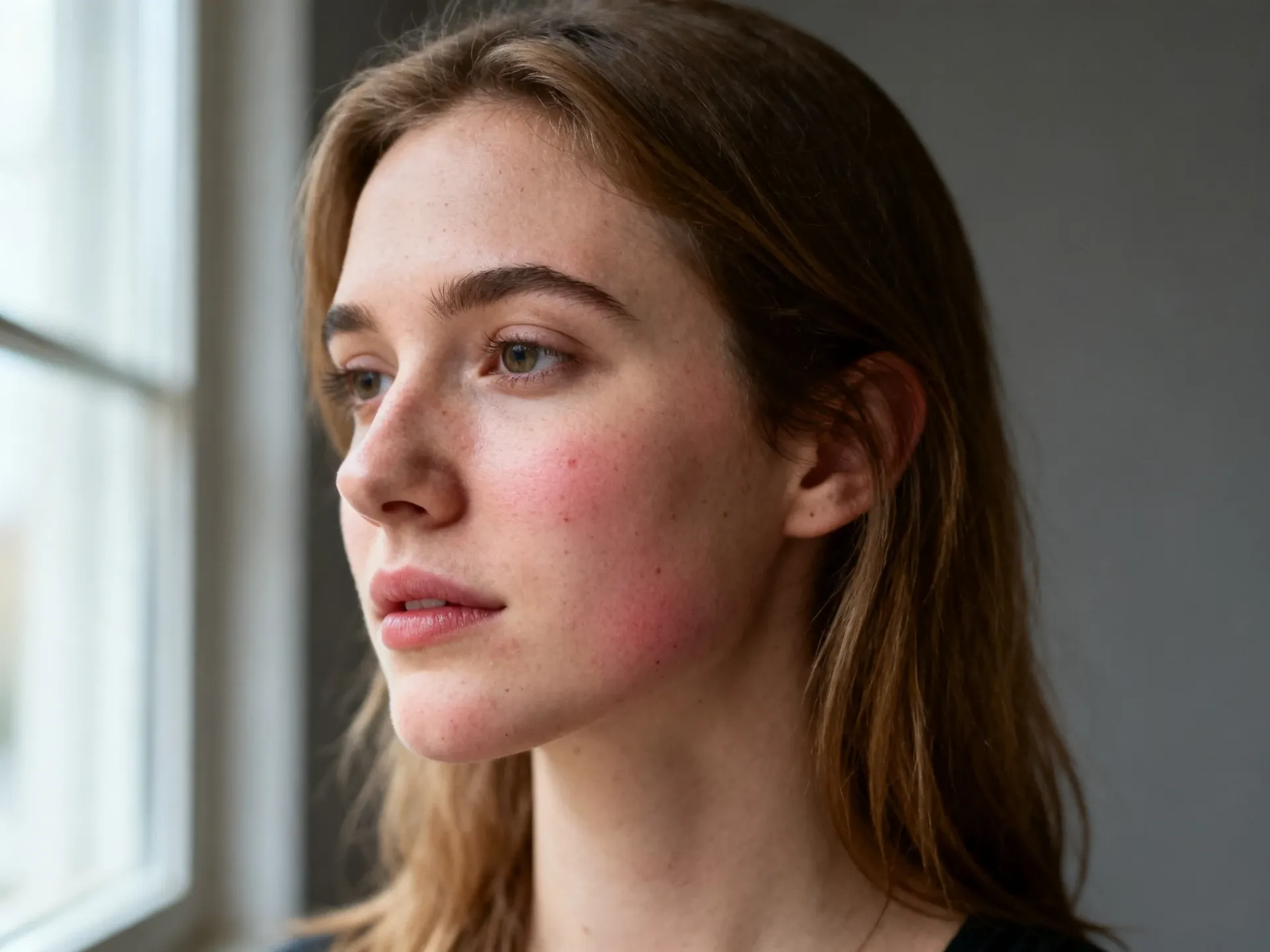
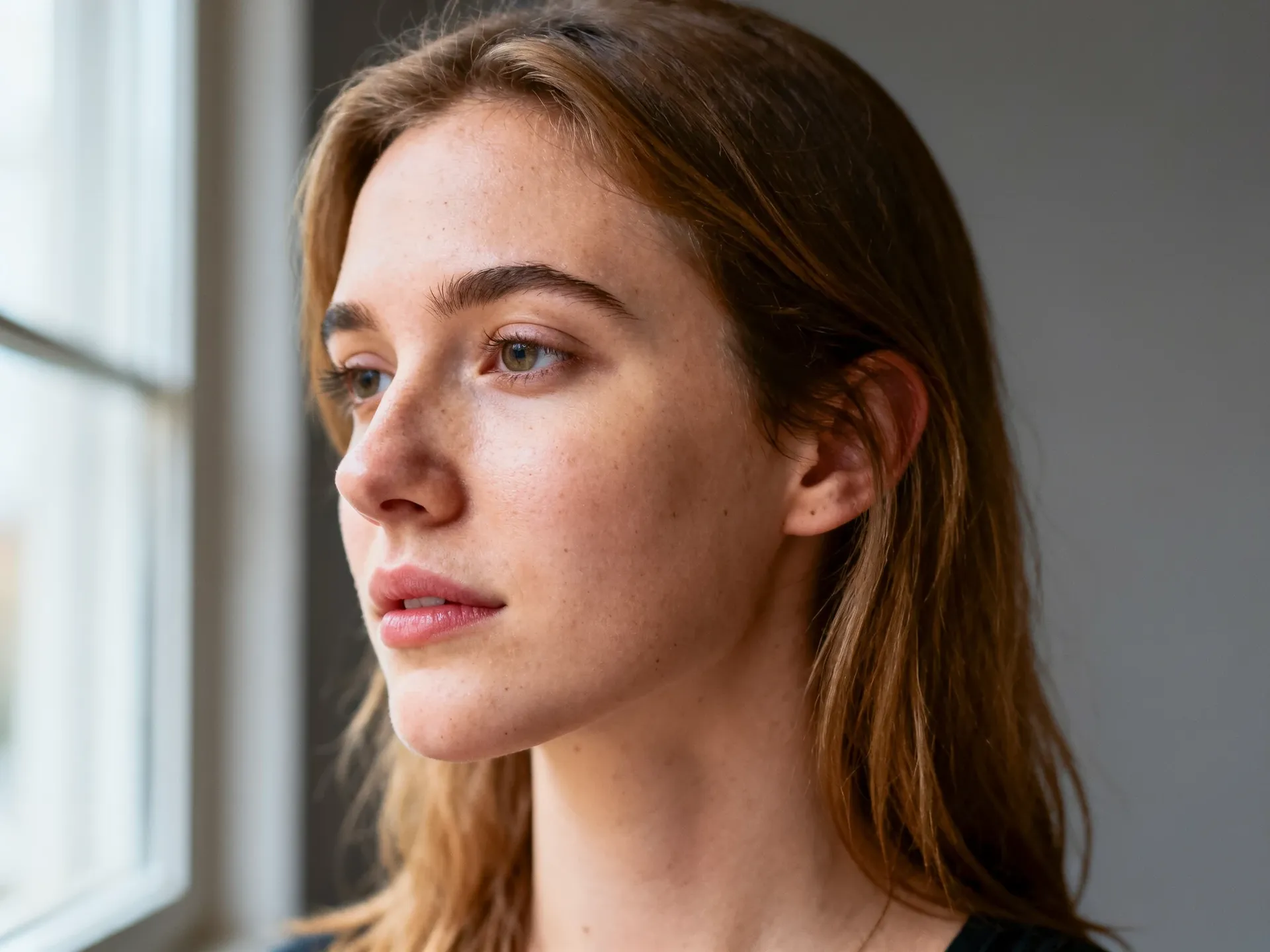
인물 사진: 미세한 잡티 제거
프롬프트: 모공, 주근깨, 피부 결은 유지하면서 붉은기를 줄이고 작은 잡티를 지워 줘. 모델: FLUX 3. 결과: 잡티와 붉은기는 사라지고, 모공과 주근깨는 그대로 유지됨. 예상치 못한 변화: 헤어라인과 삐져나온 머리카락이 다시 그려졌고, 귀 모양이 다르게 자리 잡았으며, 크롭이 약간 타이트해짐.
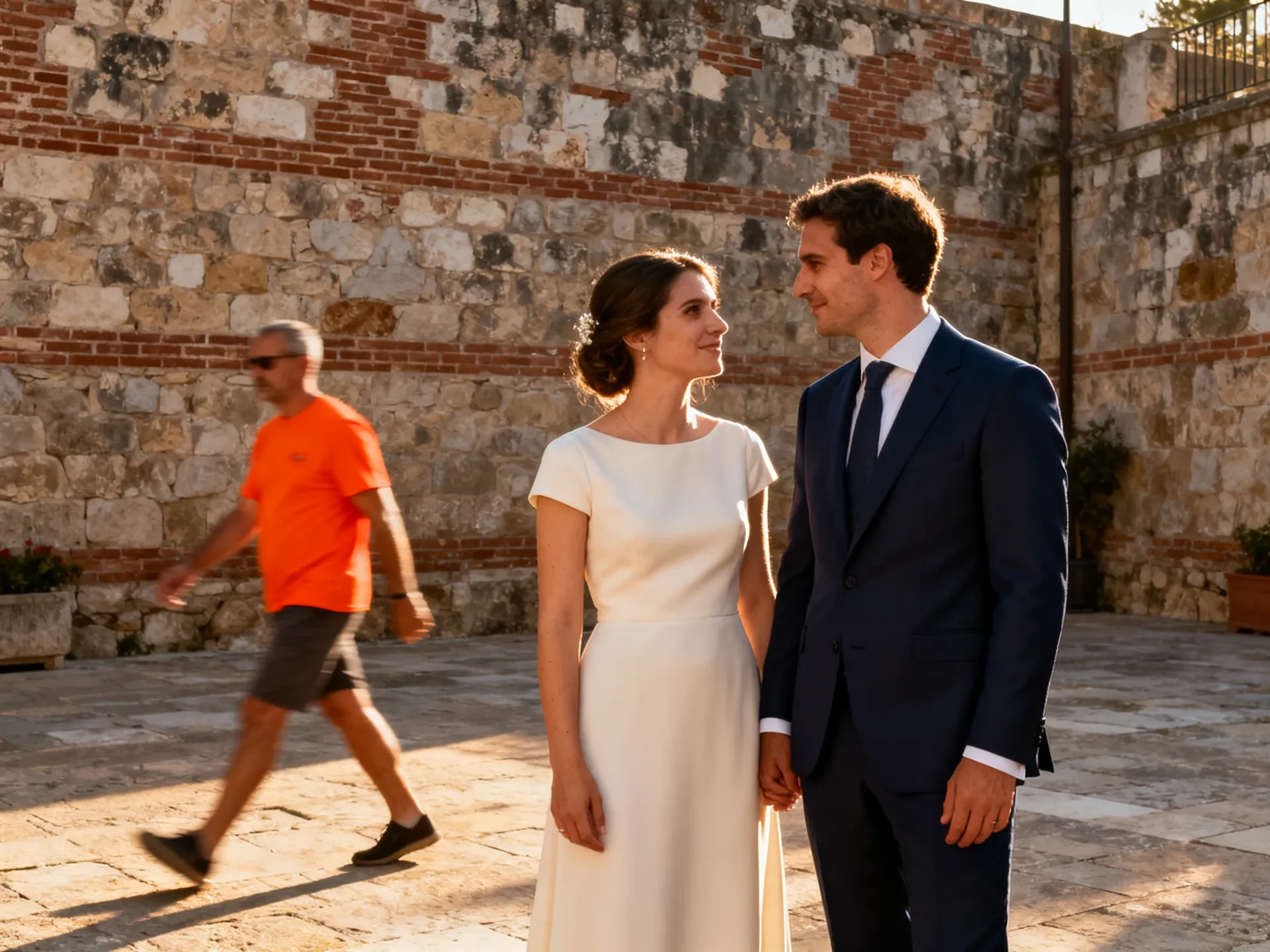
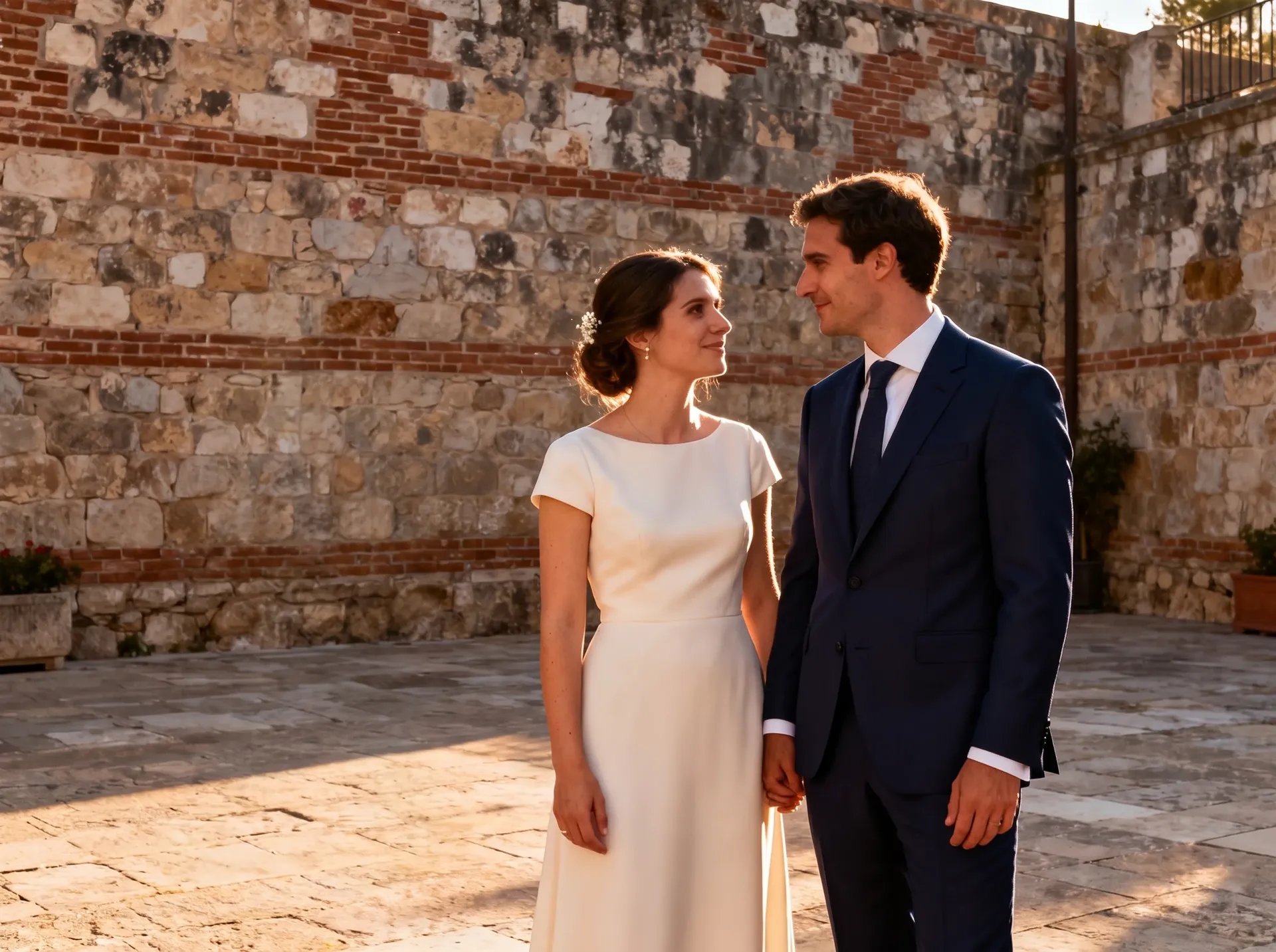
웨딩 사진: 사진에 끼어든 사람 제거
프롬프트: 오렌지색 티셔츠를 입은 남자를 지우고, 그 뒤의 벽과 보도블록을 다시 만들어 줘. 모델: Nano Banana 2.1. 결과: 그림자까지 포함해 깔끔하게 제거됨. 예상치 못한 변화: 보도블록 패턴이 재생성되고 화분의 꽃이 작아졌으며 커플의 얼굴이 다시 렌더링되어서 인물이 누구인지 자세히 확인해야 함.
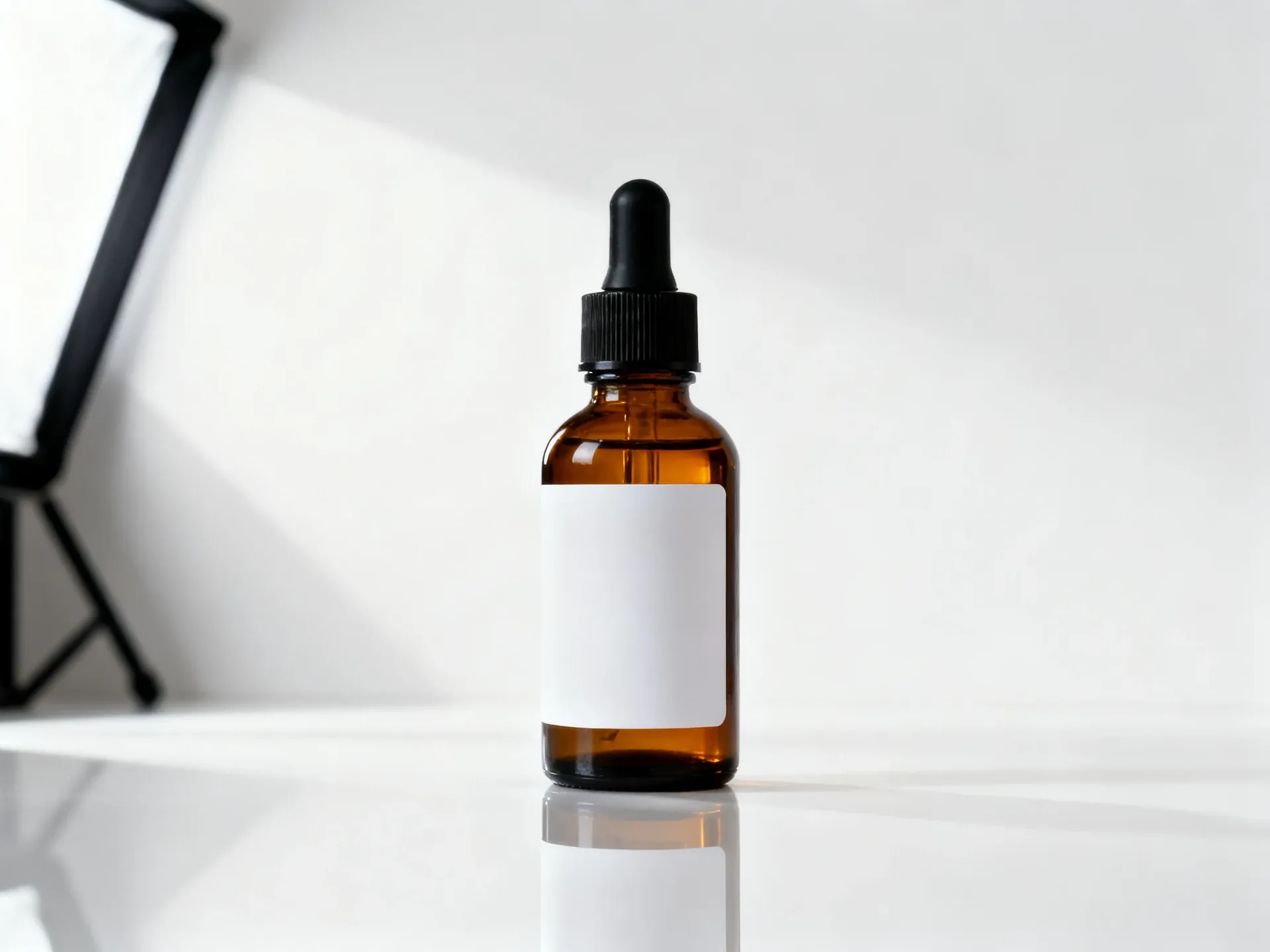
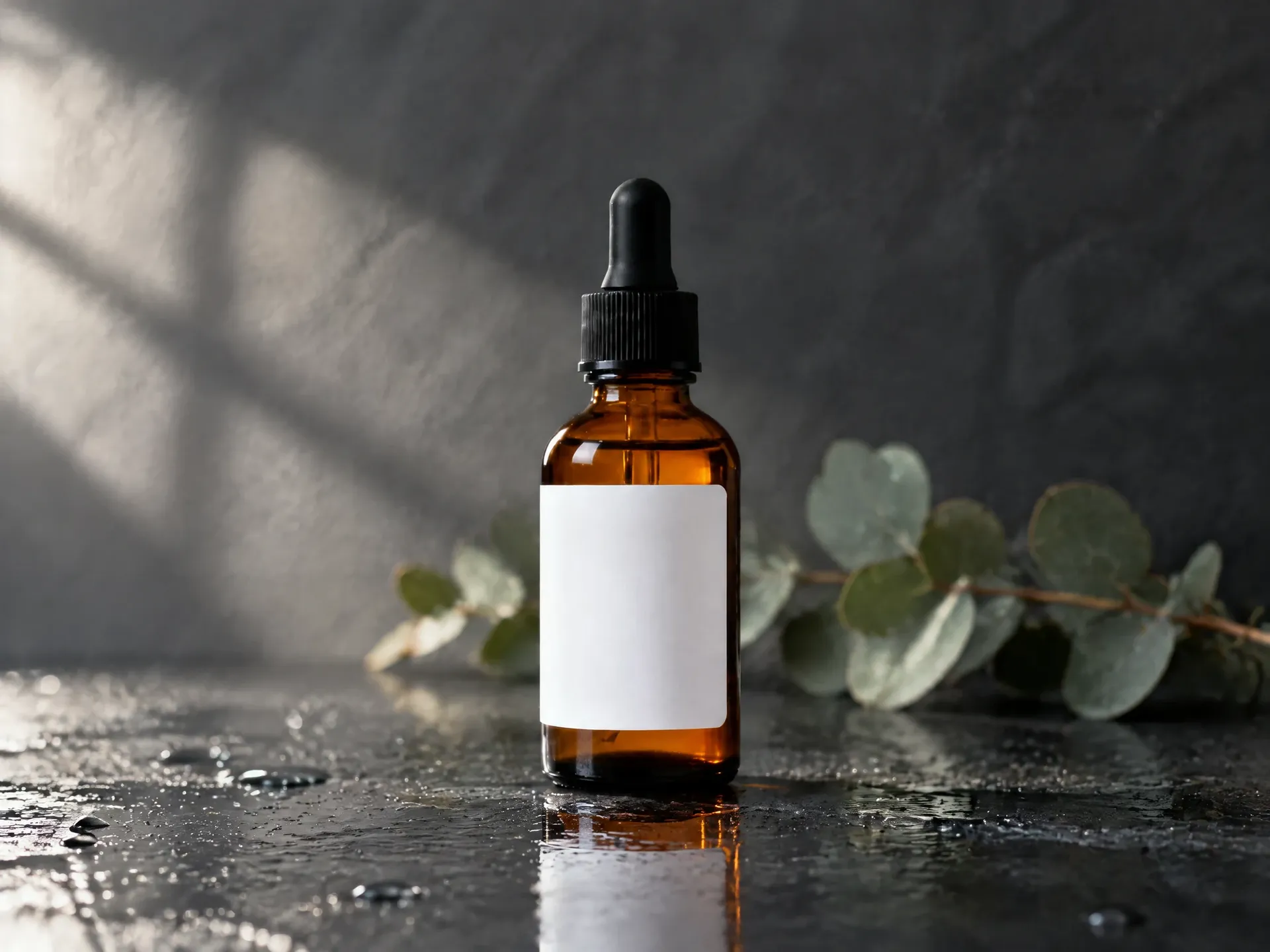
제품 사진: 배경 교체
프롬프트: 병의 위치와 크기를 정확히 동일하게 유지하고, 표면과 배경만 부드러운 햇빛이 비치는 젖은 슬레이트 느낌으로 바꿔 줘. 모델: GPT Image 2.5 Flare. 결과: 위치, 크기, 프레이밍이 유지되어 전후가 일치함. 예상치 못한 변화: 라벨이 약간 길어지고, 스포이트 고무가 조금 길어졌으며, 유리가 더 어둡게 표현되어 카탈로그 샷의 경우 실제 제품과 대조해 확인이 필요함.
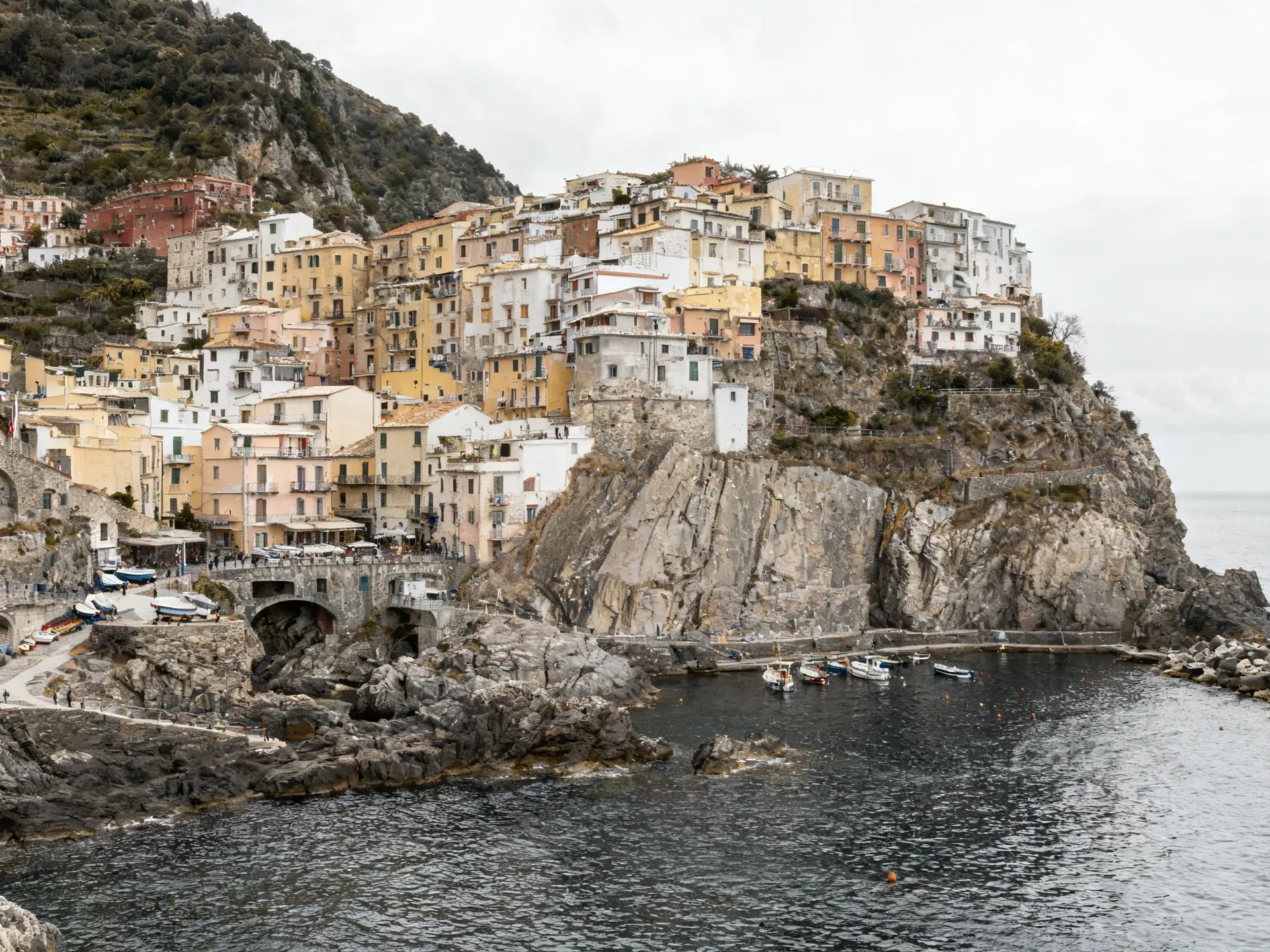
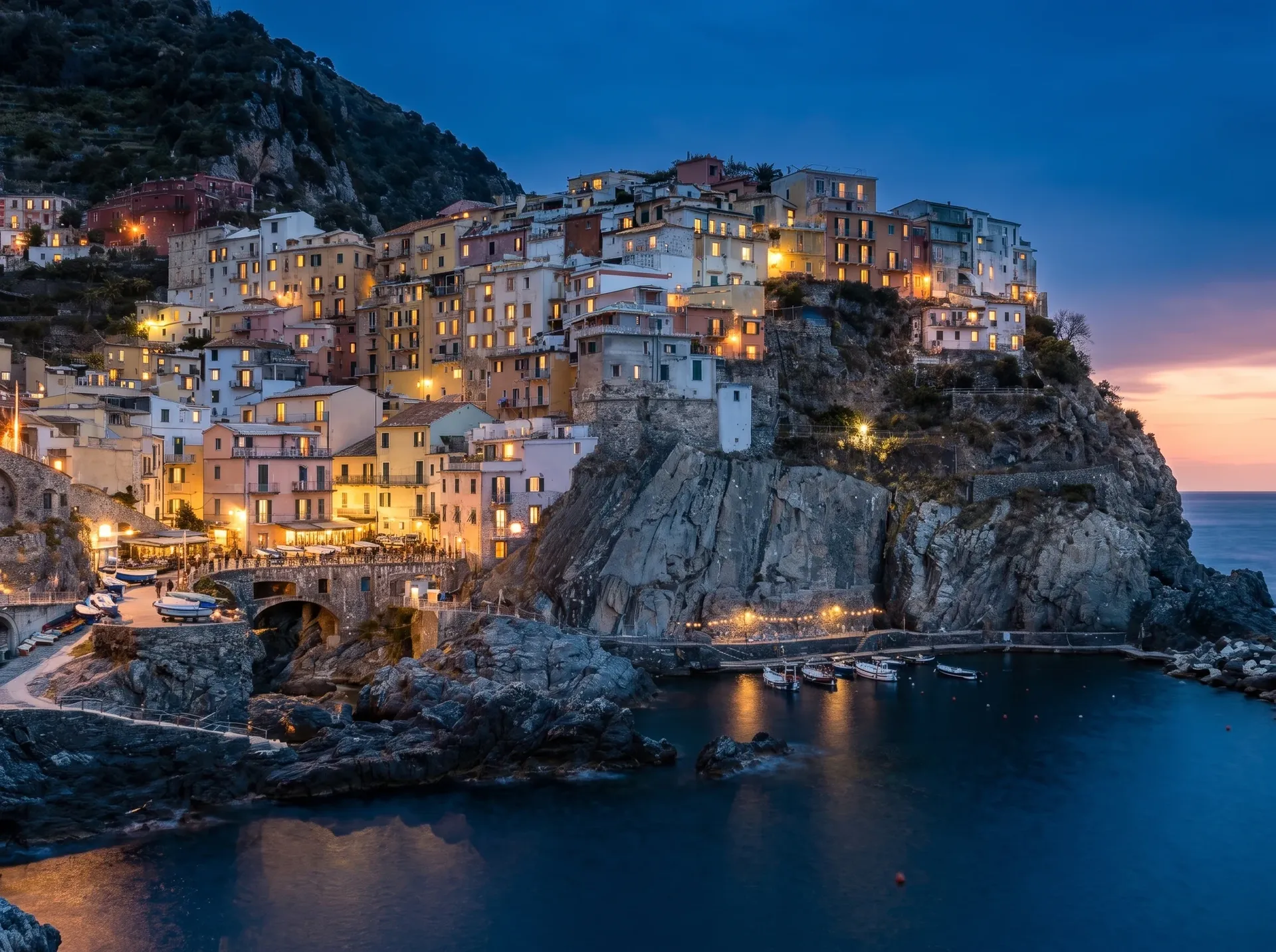
여행 사진: 시간대 변경
프롬프트: 흐린 정오의 이 사진을 조명이 켜진 블루 아워 시간대로 바꿔 줘. 모델: Nano Banana 2. 결과: 블루 아워의 조명과 창문의 빛이 꽤 사실적으로 표현됨. 예상치 못한 변화: 프레이밍이 넓어지고 암벽이 다시 그려졌으며, 항구를 따라 줄조명이 생기고 여러 창문 형태가 변경됨.
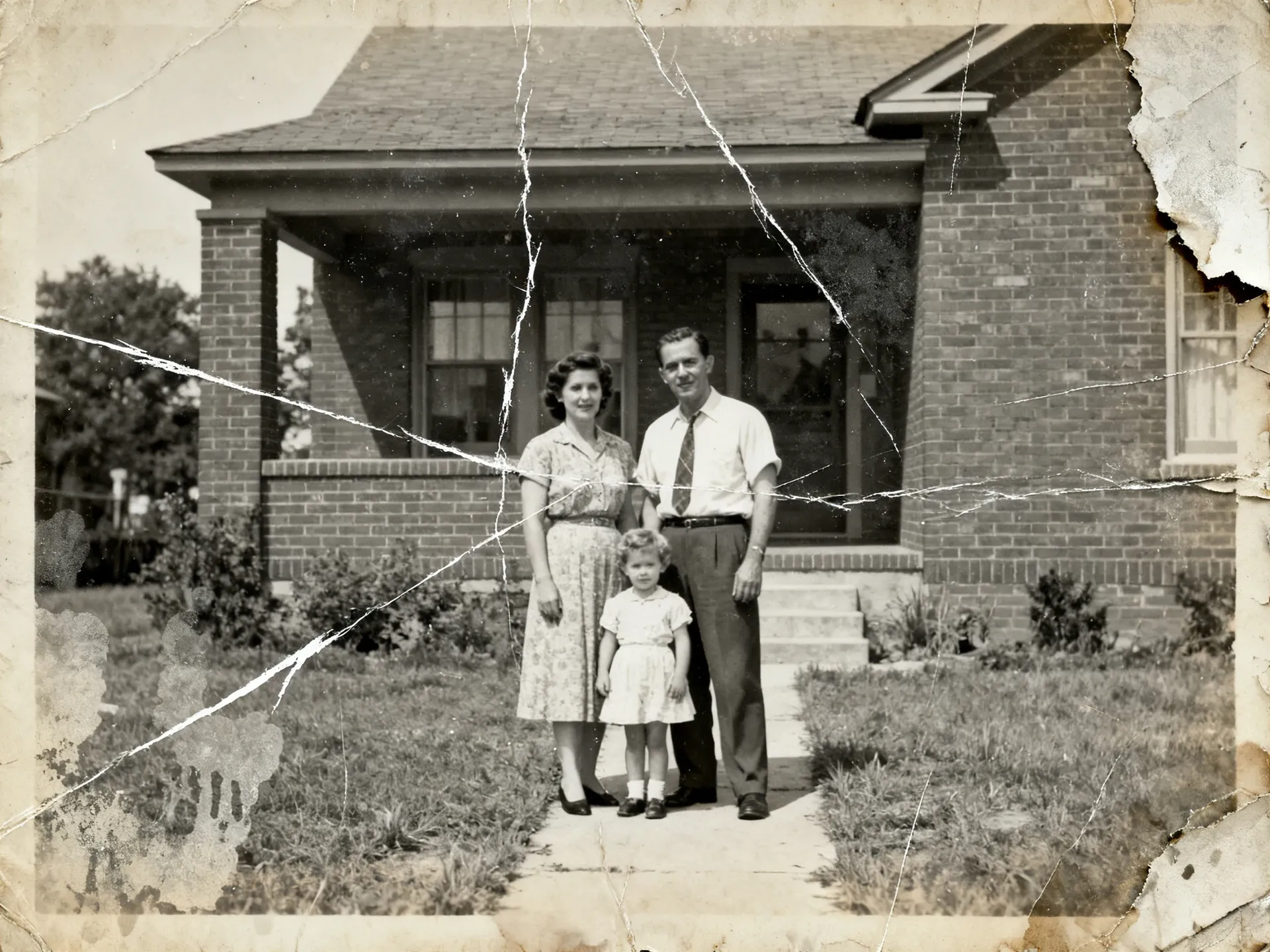
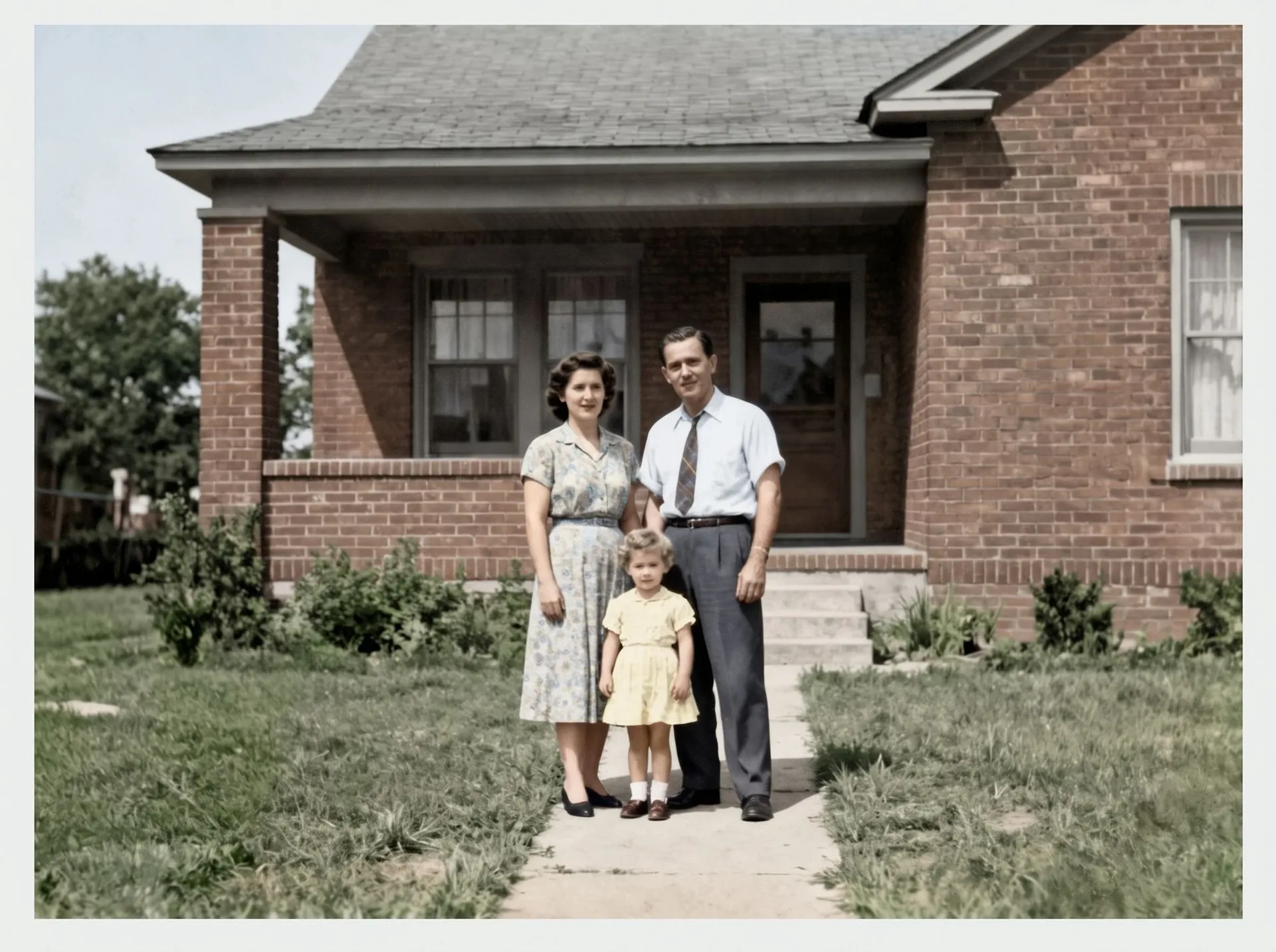
오래된 사진: 복원
프롬프트: 사진 복원(Photo restoration) 액션을 사용해 복원하고 색을 입혀 줘. 결과: 구김, 스크래치, 얼룩, 찢어진 모서리가 사라졌고, 피부, 옷, 정원 전반에 걸쳐 그럴듯한 색상이 입혀짐. 예상치 못한 변화: 원본에서는 얼굴이 흐릿했기 때문에 눈, 입, 머리카락, 넥타이 패턴 등은 모델이 재구성한 것임. 단순한 복구가 아닌 새로운 해석으로 봐야 함.
우리가 모든 테스트에서 확인한 것
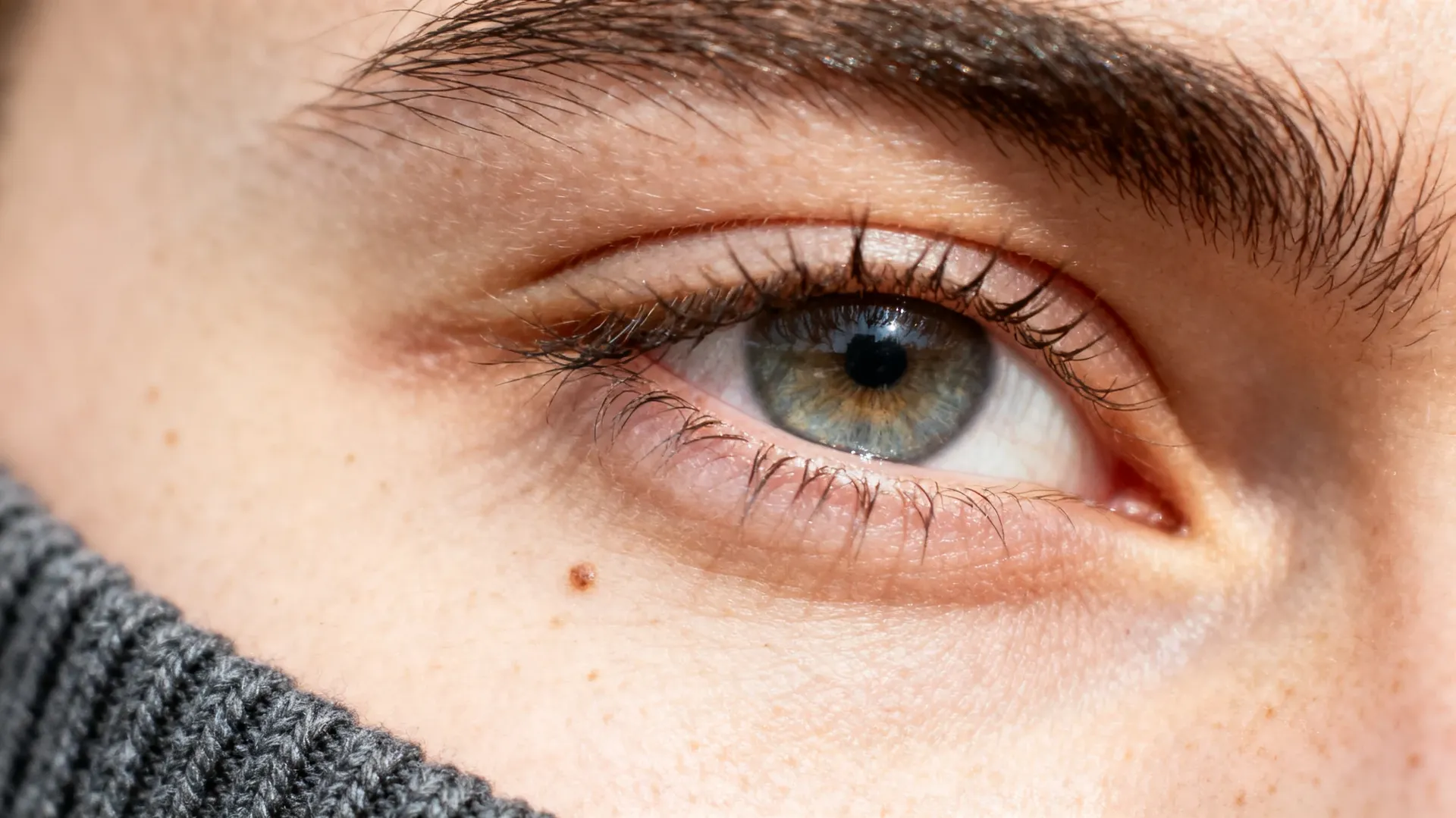
모든 결과물은 100% 배율로 검토했어. 피부 결과 얼굴 윤곽, 손과 옷의 경계선, 제품 형태와 라벨, 재구성된 배경, 프레임 안의 모든 텍스트까지. 클라이언트에게 전달하기 전에 이런 검토 과정은 절대 생략해선 안 돼.
사진작가들은 어떤 이미지 모델을 사용해야 할까?
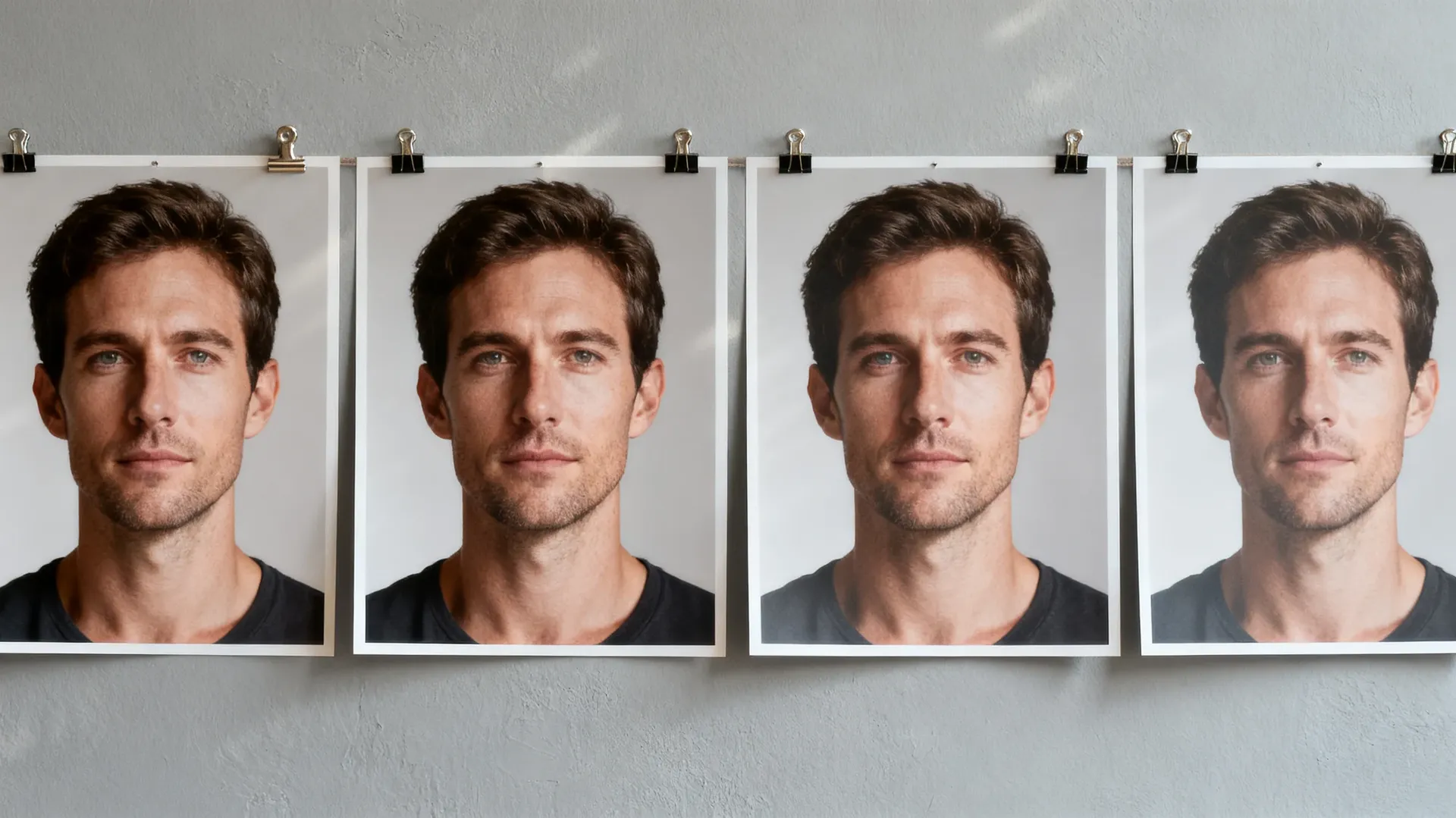
자동 모드는 가장 합리적인 기본 옵션이야. 네 프롬프트에 맞춰 모델을 선택해 주거든. 직접 컨트롤하고 싶다면 위에서 진행한 테스트 결과를 참고해 봐. 모델이 업데이트될 때마다 최적의 결과는 달라지니까, 클라이언트 작업을 확정하기 전에 두세 가지 모델로 똑같이 실행해 보는 걸 추천해.
이런 사진 편집 프롬프트들을 시도해 봐
실제 프레임에서 효과적인 여섯 가지 지시문이야. 하나를 복사한 다음, 네 사진을 첨부하고 명사만 바꿔서 써 봐. 전체 목록을 보려면 다음을 열어 봐: AI 사진 프롬프트 북.
한 가지 알아둘 주의사항이 있어. "피사체는 변경하지 마" 같은 지시문은 모델에게 무엇을 우선시해야 할지 알려주는 역할일 뿐이지, 완벽하게 보장하는 건 아니야. 생성형 편집 후에는 인물의 신원, 텍스트, 제품 형태와 미세한 디테일을 항상 다시 확인해 봐.
혼자 작업하는 게 아니라면?
서브 촬영자, 리터처, 스튜디오 매니저와 하나의 워크스페이스를 공유해 봐. 생성된 이미지, Elements(요소), 폴더를 모두가 똑같이 확인할 수 있어.
미세하게 움직이는 인물 사진 만들기
선택한 스틸 사진을 짧은 영상으로 만들 수 있어. 카메라가 천천히 줌인되거나, 산들바람에 머리카락이 흩날리거나, 옷자락이 움직이거나, 프레임 전반에 걸쳐 조명이 바뀌는 식이지. 움직임을 작게 유지하면 여전히 네 사진의 감성을 그대로 느낄 수 있어. 릴스, 클라이언트 프리뷰, 갤러리 오프닝 영상에 활용하기 좋아.
사진 한 장으로 새로운 결과물 만들기
촬영은 보통 사진 한 장으로 끝나지 않아. 클라이언트들은 메인 컷, 크롭된 이미지, 소셜 미디어용 사진, 때로는 완전히 다른 분위기의 결과물을 원하지. 추가로 스튜디오를 예약하거나 처음부터 다시 편집하지 말고, 이미 전달한 사진에서 다양한 베리에이션을 생성해 봐.
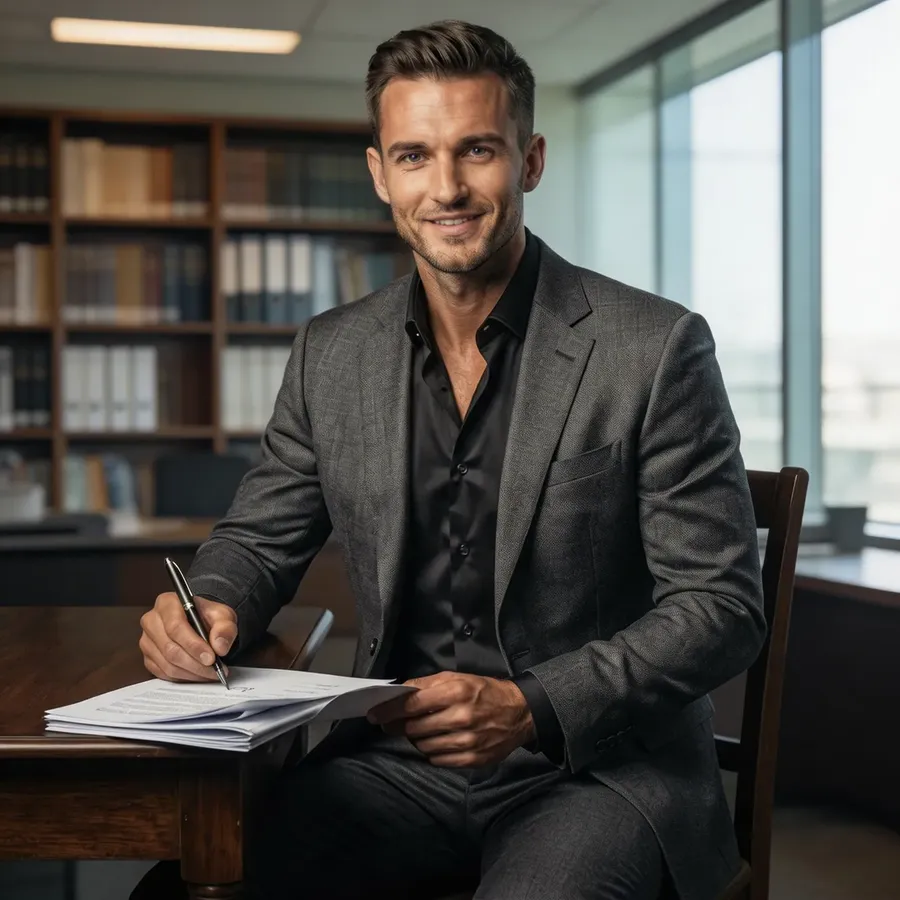
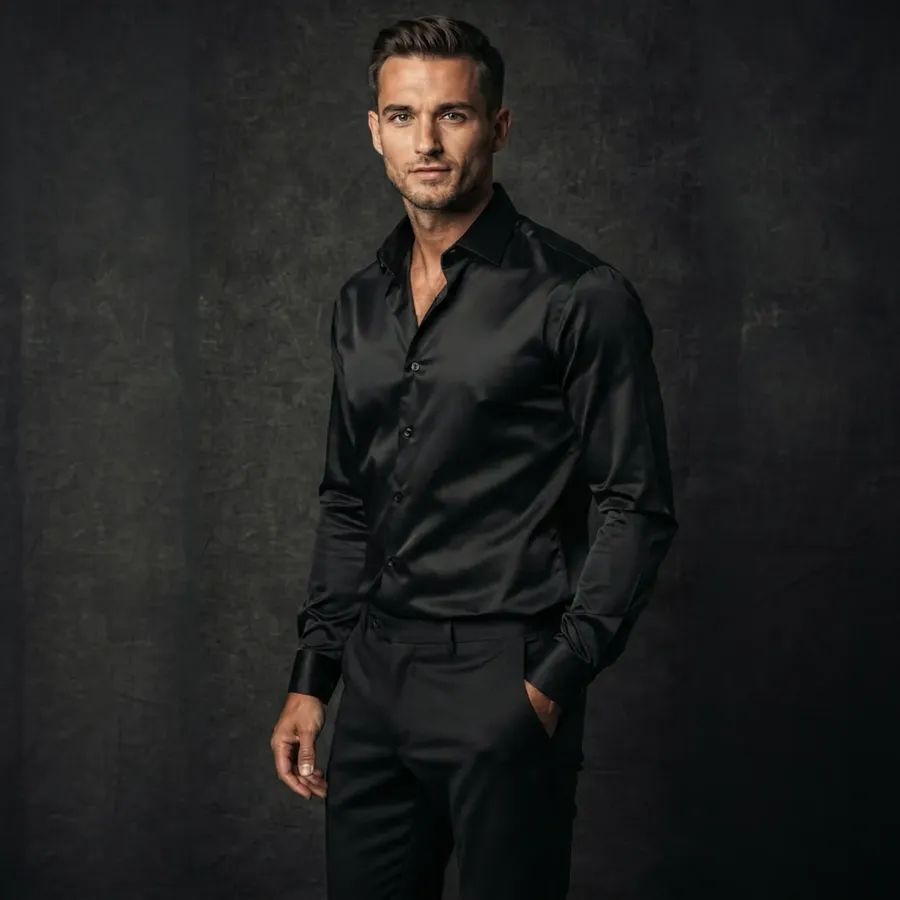
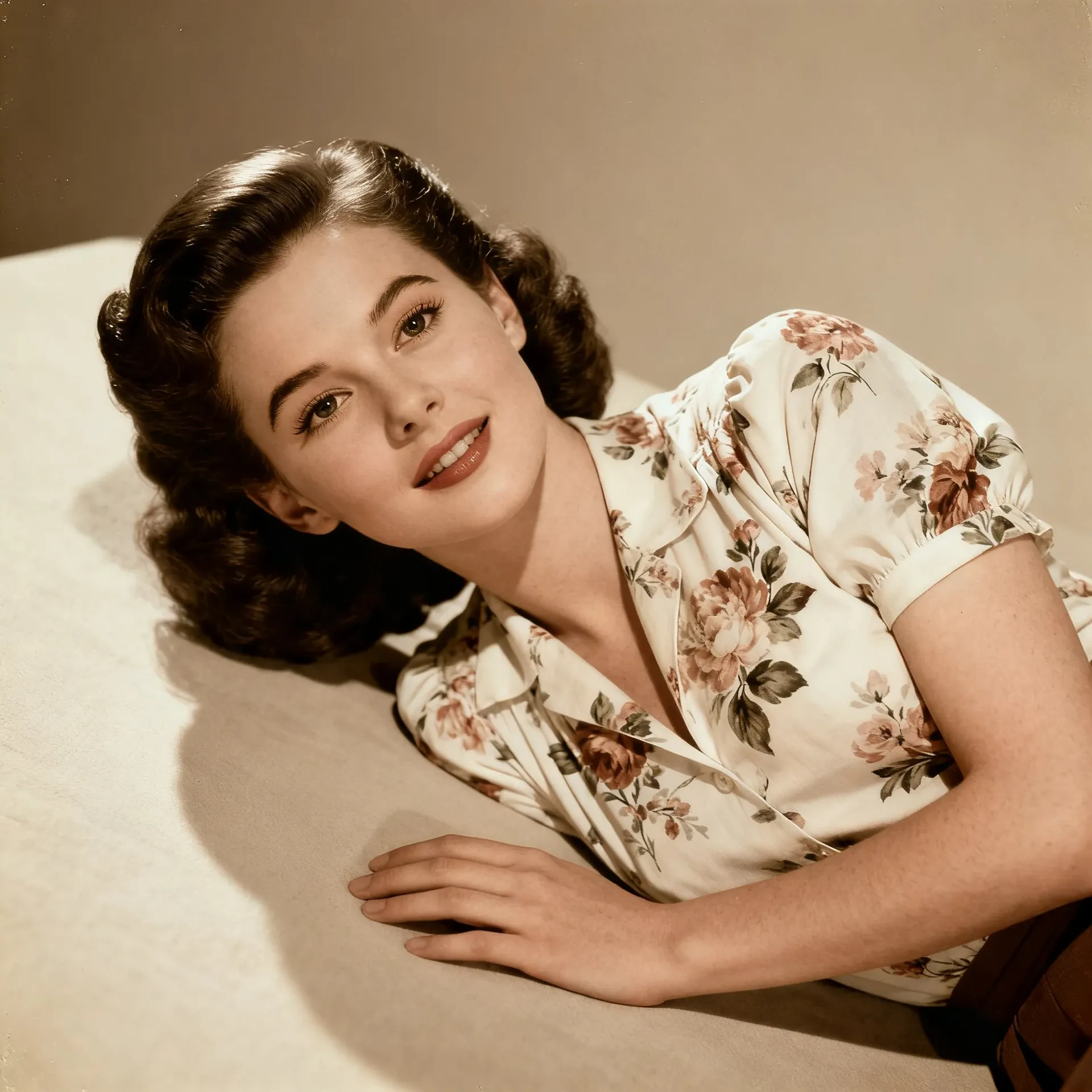
이미 촬영한 사진 복원, 보정 및 크기 조정
오래된 파일, 대형 인쇄물, 다양한 포맷 등 눈에 띄진 않지만 꼭 필요한 작업들이야. 각각의 작업은 새로운 파일로 생성되며 원본은 그대로 유지돼.
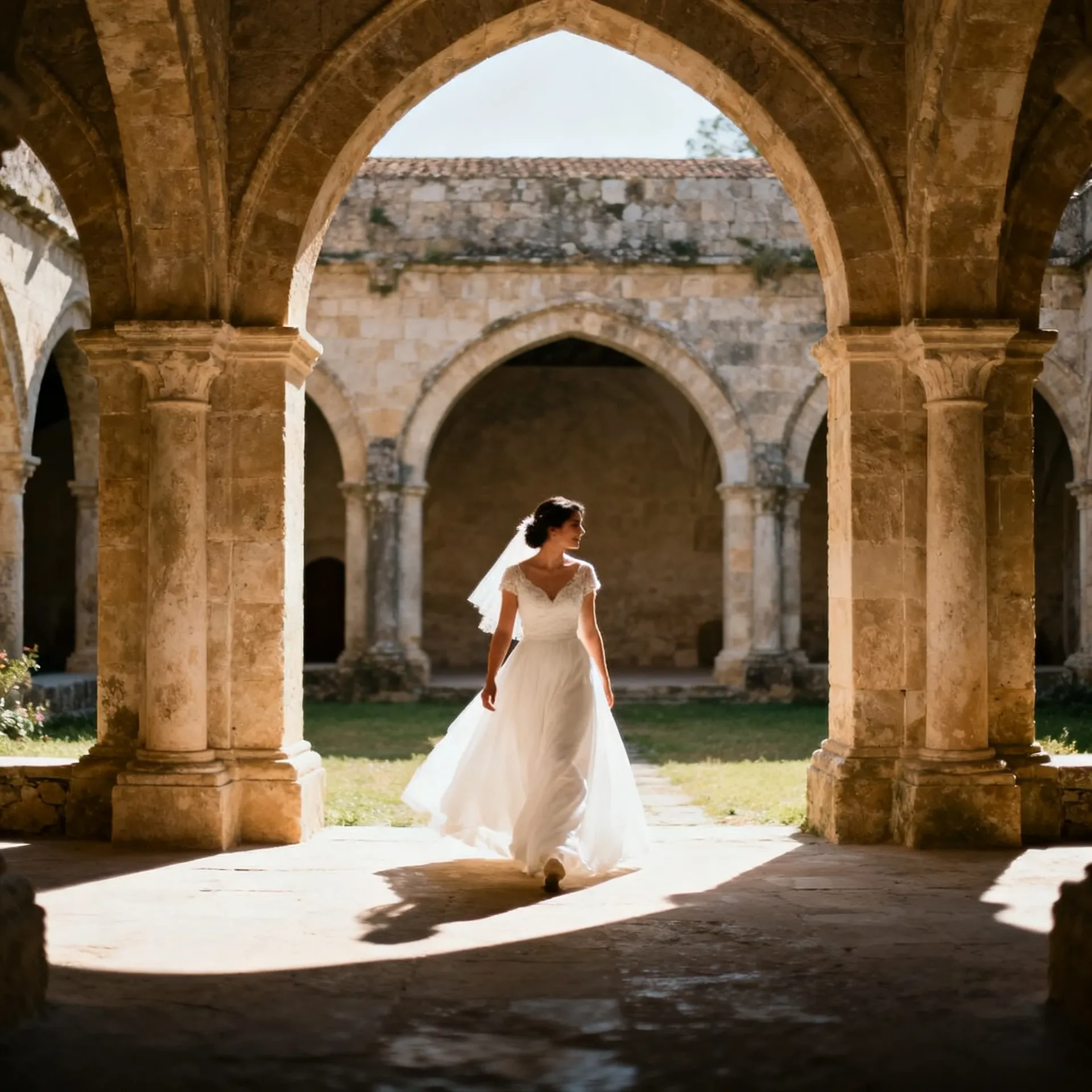
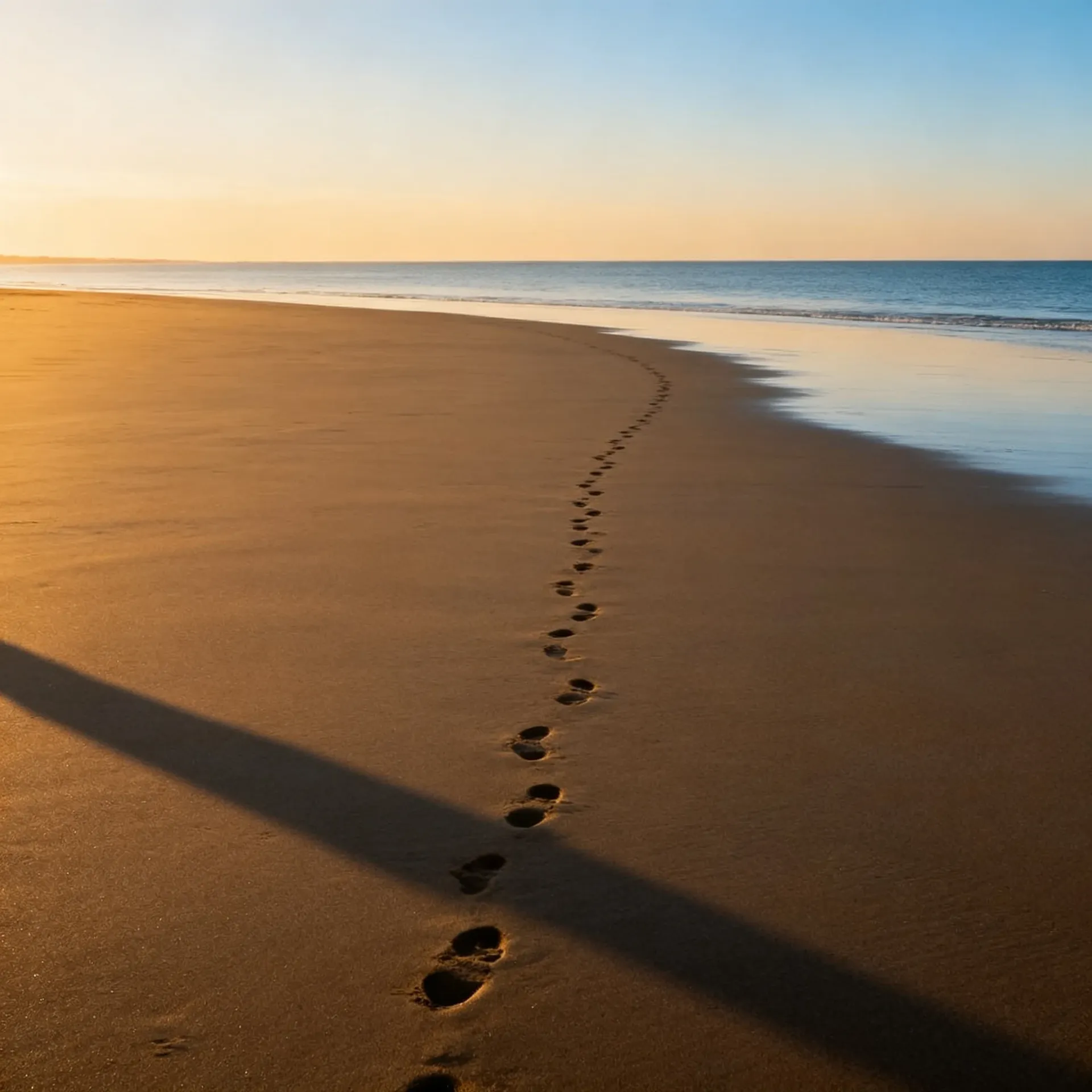
영상 결과물에 보이스오버 및 음악 추가
슬라이드쇼 요약본, 하이라이트 릴, 비하인드 컷 등에 활용해 봐. 스크립트를 작성하고 목소리를 선택한 뒤 트랙의 무드를 설명하면 동일한 워크스페이스에서 오디오가 바로 생성돼.
Wedding Reel Voiceover
Gallery Narration
Indie-Pop for Wedding Reels
Ambient Instrumental for Family Slideshows
다양한 촬영 목적에 어떻게 적용될까
AI가 촬영을 대체하는 건 아니야. 네가 이미 가지고 있는 사진들로 더 많은 것을 탐색하고 만들어 낼 수 있도록 확장해 줄 뿐이지.
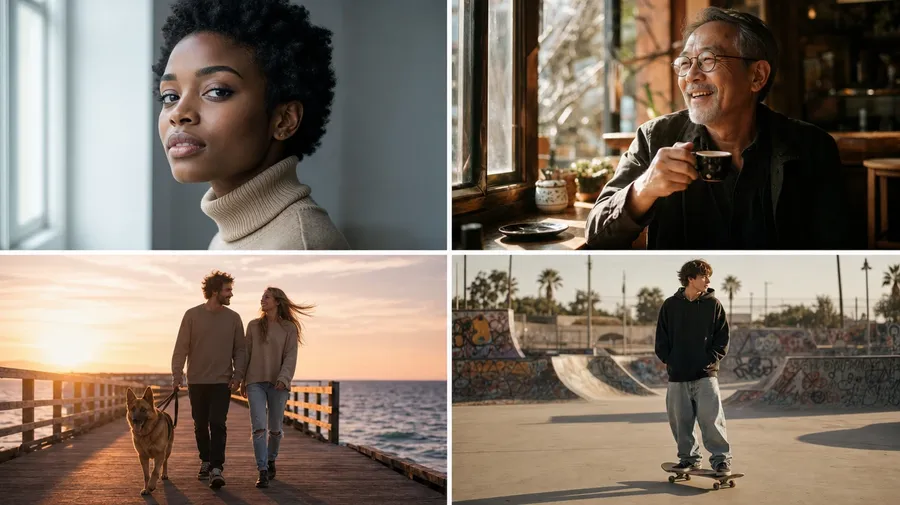
여러 이미지에 나만의 비주얼 방향성 재사용하기
자주 쓰는 레퍼런스를 저장해 두고 이름으로 쉽게 불러와 봐.
반복해서 쓰는 레퍼런스를 재사용 가능한 Elements(요소)로 만들기
자주 쓰는 피사체, 제품, 조명 레퍼런스, 스타일이나 팔레트 방향을 Elements로 저장하고, 어떤 프롬프트에서든 @요소이름을 입력해 봐. 하나의 Element는 최대 20장의 사진으로 만들 수 있어.
세트의 시각적 통일성 유지하기
연관된 이미지들에 같은 Elements를 재사용하면 갤러리, 캠페인, 포트폴리오를 훨씬 더 통일감 있게 만들 수 있어. 완전히 고정시키는 게 아니라 방향을 가이드해 주는 거니까, 최종 결과물 세트를 전달하기 전에 전체적인 컬러 매칭을 한 번 더 확인하는 게 좋아. Elements는 이미지 생성에만 쓸 수 있고 동영상에는 지원되지 않아.
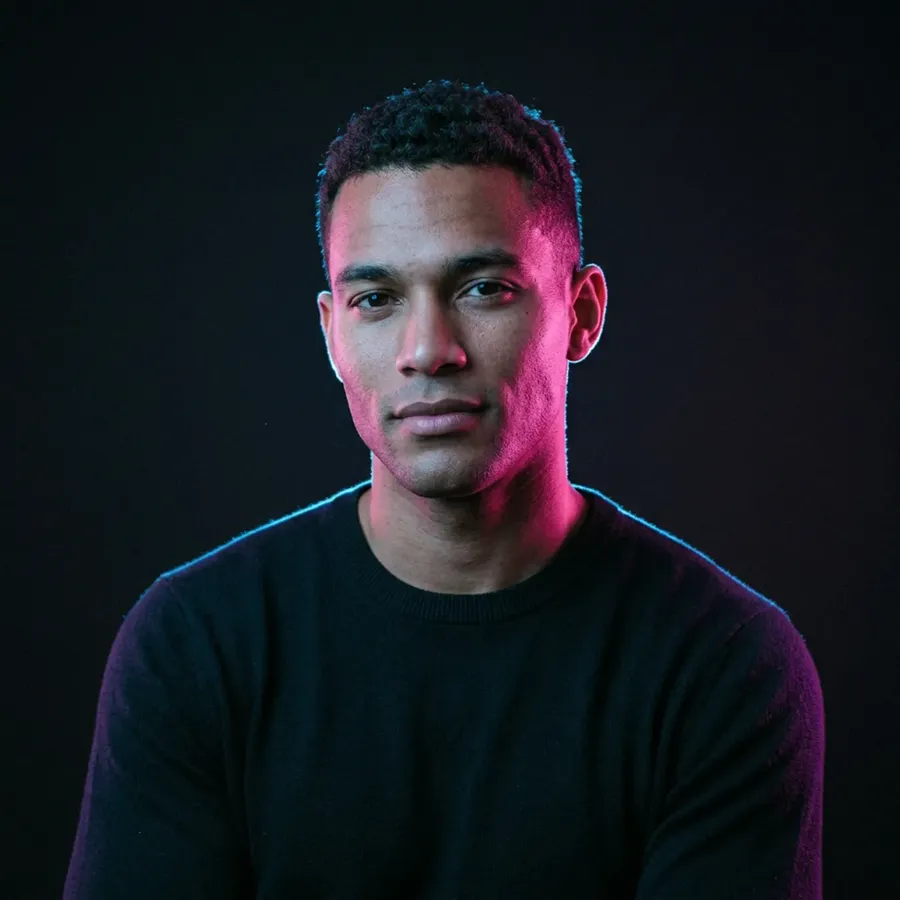
자주 묻는 질문
업로드는 표준 웹 이미지 형식인 JPEG, PNG, WebP만 지원해. CR3, NEF, ARW, RAF, DNG 같은 카메라 RAW 파일은 직접 입력할 수 없어. 라이트룸(Lightroom), 캡처원(Capture One)이나 평소에 쓰는 변환 프로그램에서 먼저 JPEG로 내보낸 다음 그 파일을 가져와서 사용해 봐. 이 페이지의 모든 내용은 RAW 원본이 아니라 내보내기 된 프레임으로 작업한다고 가정하고 설명한 거야.
아니, 달라. RAW 현상은 센서가 캡처한 이미지 데이터(화이트 밸런스, 노출, 톤 커브, 렌즈 교정, 보정된 색상)를 다루며, 모든 게 결정론적이고 반복 가능하지. 반면 생성형 편집은 기존 이미지를 해석해서 네가 바꾸고 싶어 하는 부분에 새로운 픽셀을 만들어 내는 방식이야. 이 둘은 서로 보완적인 관계지. getimg.ai는 RAW 현상 워크플로우를 대체하는 도구가 아니며, 그렇게 주장하지도 않아.
100% 보장하진 않아. 타겟팅된 편집의 경우 모델이 원본 피사체와 구도의 상당 부분을 유지해 주긴 하지만, 생성된 디테일(얼굴 디테일, 머리카락, 손가락, 장신구, 옷감, 빛 반사, 가장자리, 형태 등)은 달라질 수 있어. 레퍼런스 이미지와 명확한 지시문이 방향을 잡는 데 도움이 될 거야. 눈, 표정, 치아, 머리카락이 생성될 때는 인물이 누구인지 민감한 얼굴 디테일을 면밀히 검토하고, 클라이언트에게 전달하기 전에 항상 전체 크기로 확인해 봐.
RAW 현상 프로그램이 의미하는 그런 복구는 아니야. 하이라이트가 완전히 클리핑됐다면 그 정보는 파일에 남아 있지 않아서 센서 데이터에서 복원할 수 있는 방법은 없어. 대신 AI는 시선을 분산시키는 하이라이트를 정리해 주고 원본 정보가 부족한 부분을 시각적으로 그럴듯하게 재구성해 줘. 그 결과물은 복구된 데이터가 아니라 그 영역에 대한 새로운 해석이니까, 단순한 보정이라기보다는 창의적인 수정 작업으로 이해하면 돼.
전체 세트에 비슷한 비주얼 방향을 가이드할 수는 있고, 그 룩을 Element로 저장하면 반복해서 쓰기 더 쉬워져. 하지만 이게 정교하게 보정된 프리셋이나 프로필 워크플로우는 아니야. 이미지마다, 그리고 같은 프롬프트를 실행할 때마다 결과가 달라질 수 있거든. 최종 납품할 갤러리라면 전체 세트를 함께 검토하고 평소에 쓰는 도구에서 그레이딩을 마무리해 봐.
콘셉트를 만들어낼 수는 있어. 하지만 사진 한 장만으로는 제품의 보이지 않는 뒷면, 정확한 포트 위치, 숨겨진 라벨이나 실제 형태를 모델이 알 수 없기 때문에, 그런 측면에서 생성된 모든 것은 AI가 만들어낸 창작물이야. 제품 레퍼런스를 사용해서 라이프스타일 콘셉트, 다양한 구도, 새로운 프레젠테이션 방향을 만들어 봐. 실제 제품과 정확히 일치해야 하는 카탈로그 이미지라면 형태, 라벨, 색상, 디테일을 실제 제품과 철저히 비교해 봐야 해. 더 심도 있는 제품 워크플로우에 대한 내용은 다음을 참고해 봐: 이커머스용 AI.
응, 가능해. 누굴 지울지 설명하면 모델이 그 사람을 제거하고 배경을 생성형으로 다시 만들어 줘. 우리가 직접 해본 테스트에서는 보도블록에 비친 그림자까지 지워 주더라고. 다시 만들어진 영역은 복원된 픽셀이 아니라 완전히 새로운 픽셀이니까, 복구된 부분이나 근처에 있는 손, 옷의 가장자리를 전체 크기로 꼭 확인해 봐. 또한 첫 번째 결과가 깔끔하지 않다면 두 번째 프롬프트로 프레임을 다시 편집할 수도 있어.
우리가 직접 테스트해 본 결과, 미세한 잡티 제거 작업에서는 FLUX 3가 피부 결, 모공, 주근깨를 가장 잘 유지했어. 하지만 헤어라인을 다시 그리고 크롭이 약간 타이트해지기도 했지. 프레임에서 뭔가를 지우고 그 뒤의 배경을 다시 만들어야 할 때는 Nano Banana 2.1이 더 강력한 선택이었어. 비록 주변 인물들의 얼굴이 같이 렌더링되긴 했지만 말이야. 자동 모드를 기본값으로 쓰는 것도 꽤 합리적이고, 클라이언트 작업을 확정하기 전 몇 분 정도 투자해서 같은 프레임을 두 개의 모델로 돌려보는 것도 좋은 방법이야. 모델 순위는 새 버전이 출시될 때마다 바뀌니까, 고정된 리스트를 무조건 믿기보다는 직접 다시 테스트해 보는 걸 추천해.
아직 이 부분에 대해 통제된 테스트를 진행하진 않아서 무조건 이렇다 할 보편적인 규칙을 말하긴 어려워. 하지만 실제 작업에서는 이래. 원본이 작고 흐릿하다면 먼저 업스케일링을 해서 편집 모델이 다룰 수 있는 디테일을 더 많이 제공해 주는 게 좋아. 반대로 원본이 이미 충분히 크다면 리터칭을 먼저 하고 최종 납품할 프레임만 업스케일링하는 거지. 어느 쪽이든 크리에이티브 업스케일러는 원본에 없던 텍스처를 추가할 수 있으니까, 업스케일링된 파일을 반드시 전체 크기로 원본과 꼼꼼히 비교해 봐야 해.
촬영에는 더 많은 시간을, 편집에는 더 적은 시간을.
인물, 웨딩, 제품, 여행 사진 작업을 모두 한 곳에서 처리해 봐. 사진의 요소를 제거하고, 스타일을 바꾸고, 복원하고, 크기를 조정하고, 업스케일링한 다음, 이미 잘 나온 프레임에서 추가적인 결과물까지 만들어 낼 수 있어.