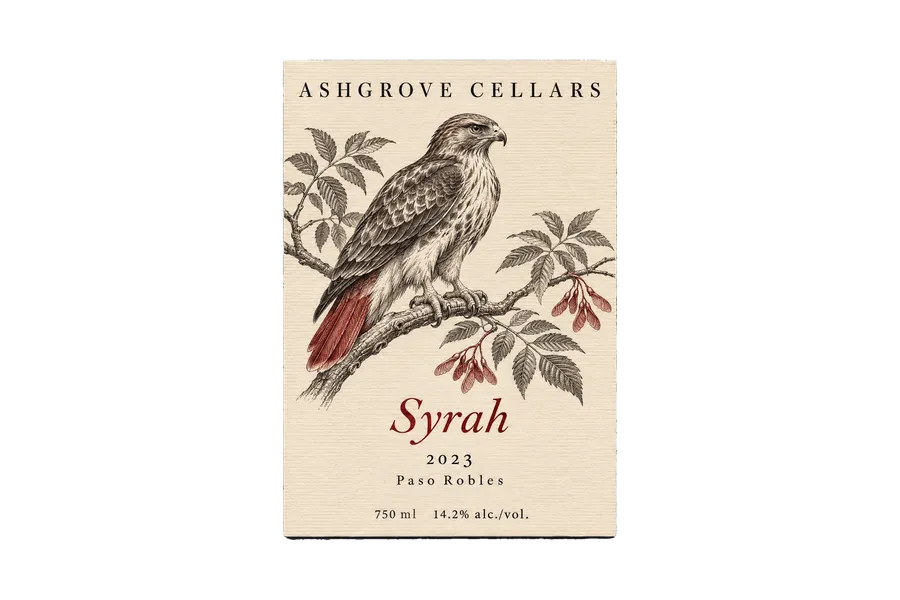
AI Product Label Design for Jars, Bottles, Bags & More
Describe your product, the words on the label and the look you want, from an engraving to Swiss type. You get label artwork with the name, flavor and size set in clean type, then you can see it on a bottle or jar before you print.
Models that set small type cleanly.
Auto picks a model that handles lettering and small print like weights and volumes. Switch the model manually any time if you want to compare.


One product, four label styles
A label gets a second or two on a shelf. The ones people pick up have one clear idea, a short palette and a print style that suits the product.
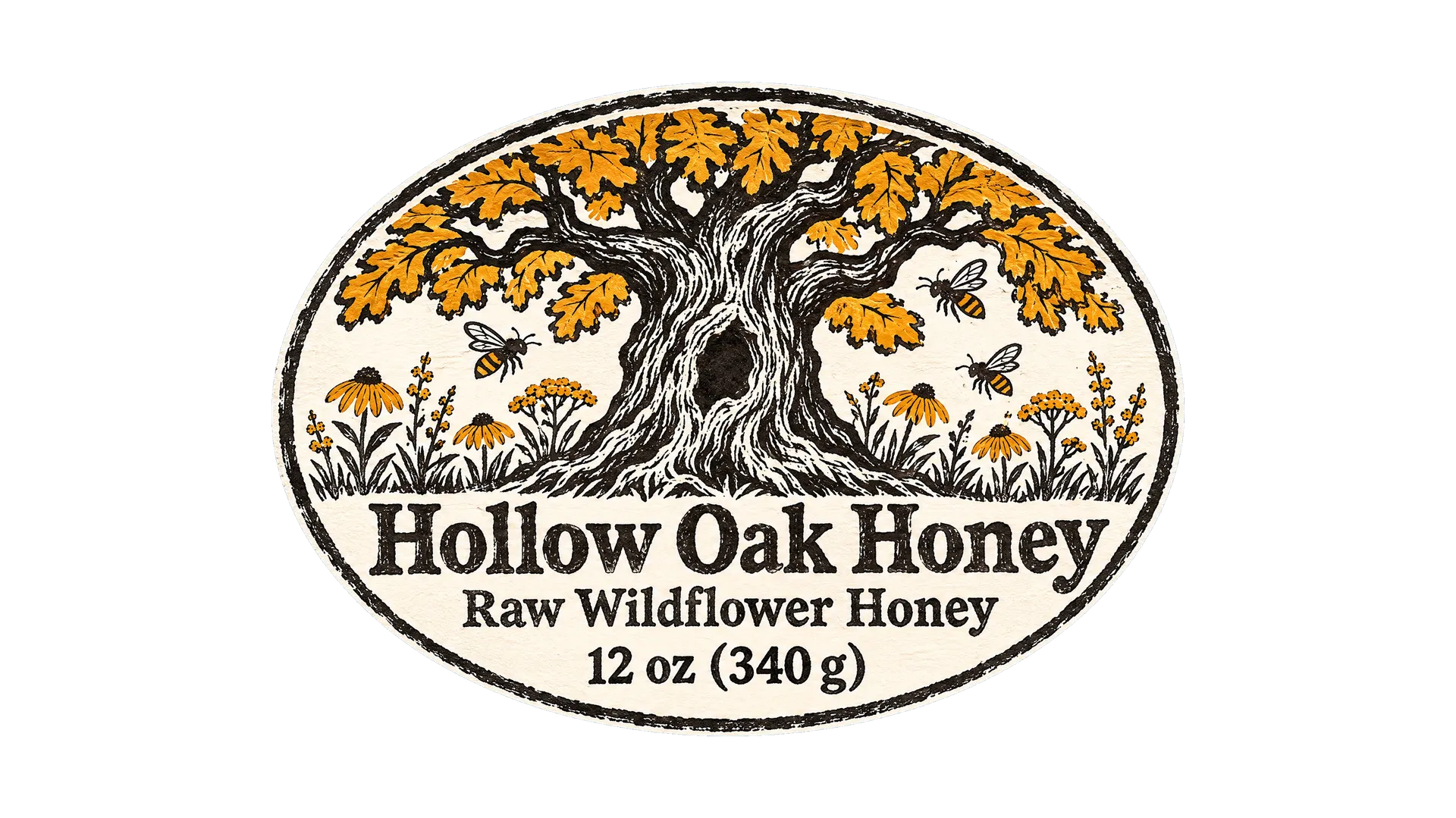
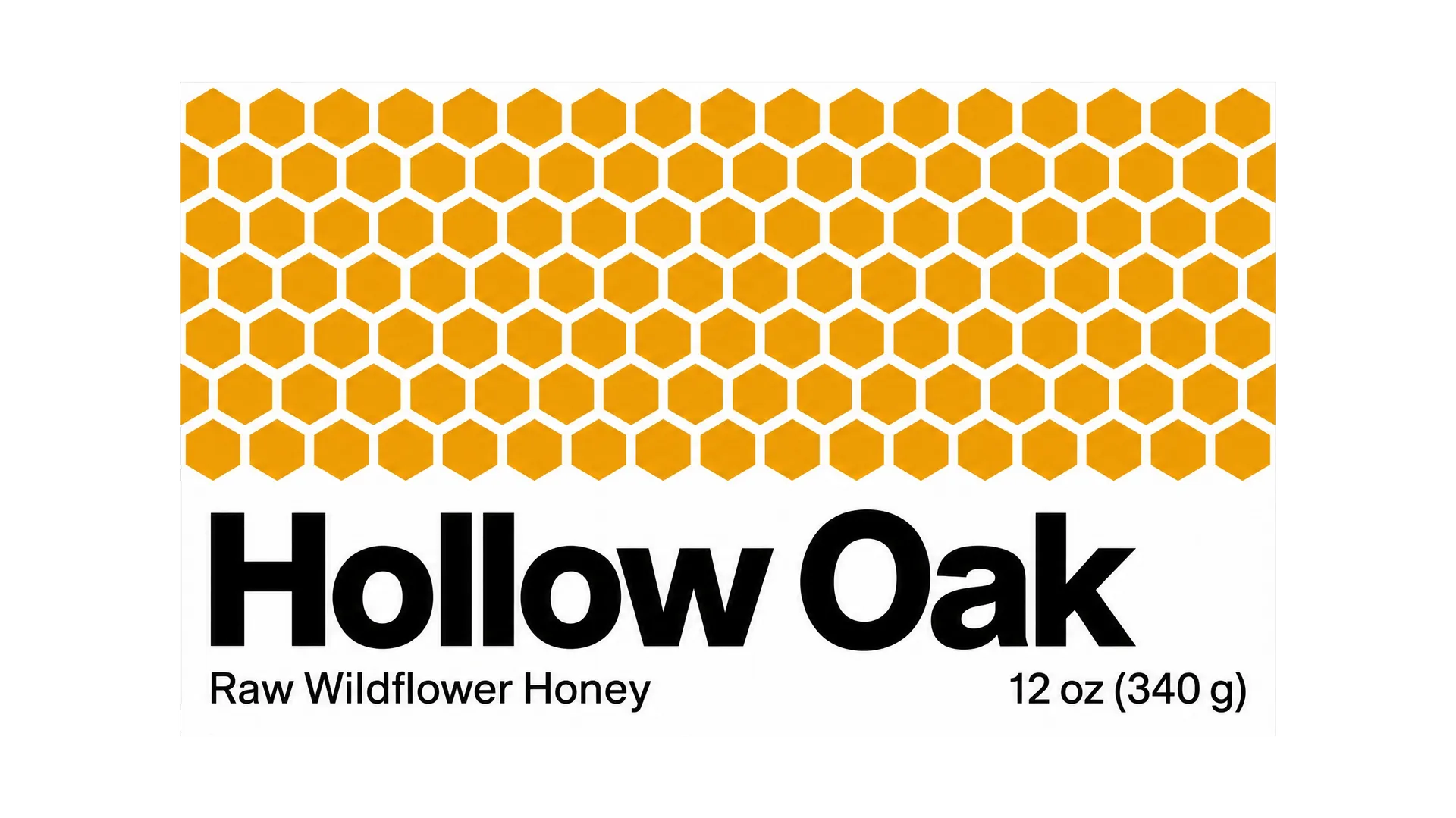
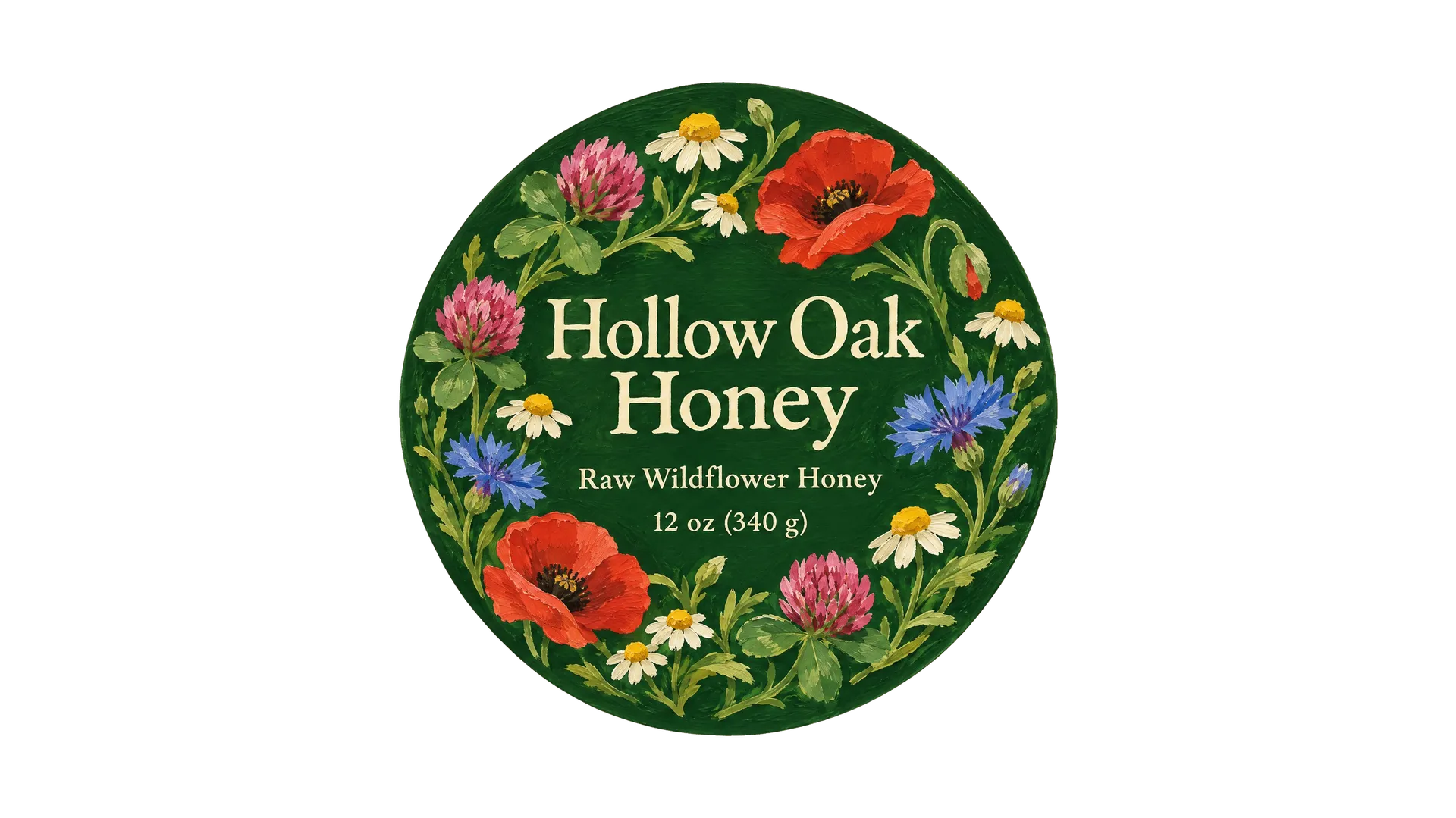
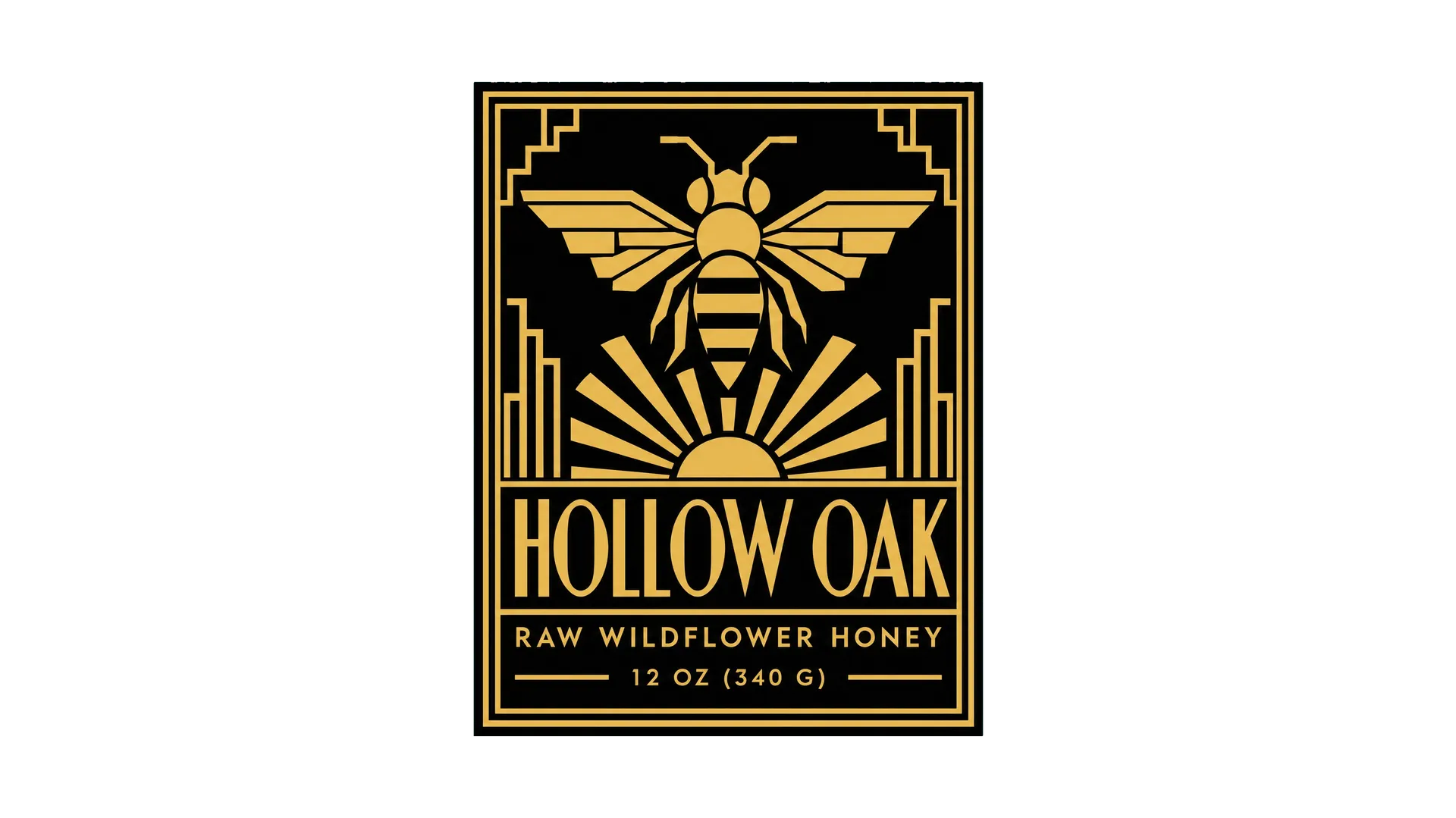
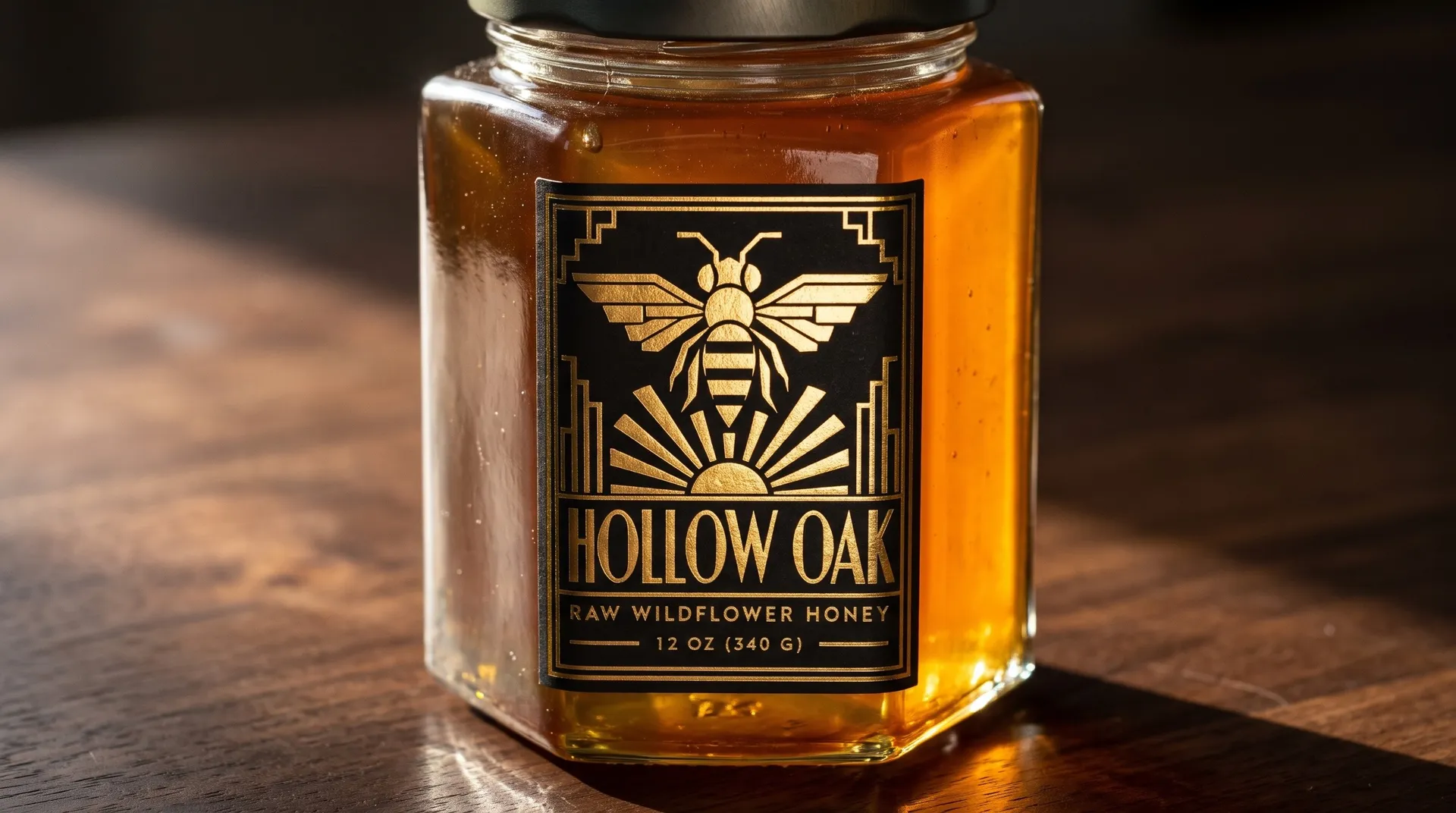
These four are the same jar of honey, from four prompts. The words stayed the same and only the style changed: a two-color woodcut, Swiss grid type, a gouache wreath of wildflowers and black and gold Art Deco.
How to design a product label with AI
A label has a small space and a lot to do: name the product, set the mood and stand out on the shelf. Three steps take you from notes to a label you can see on the product.
Write the label copy
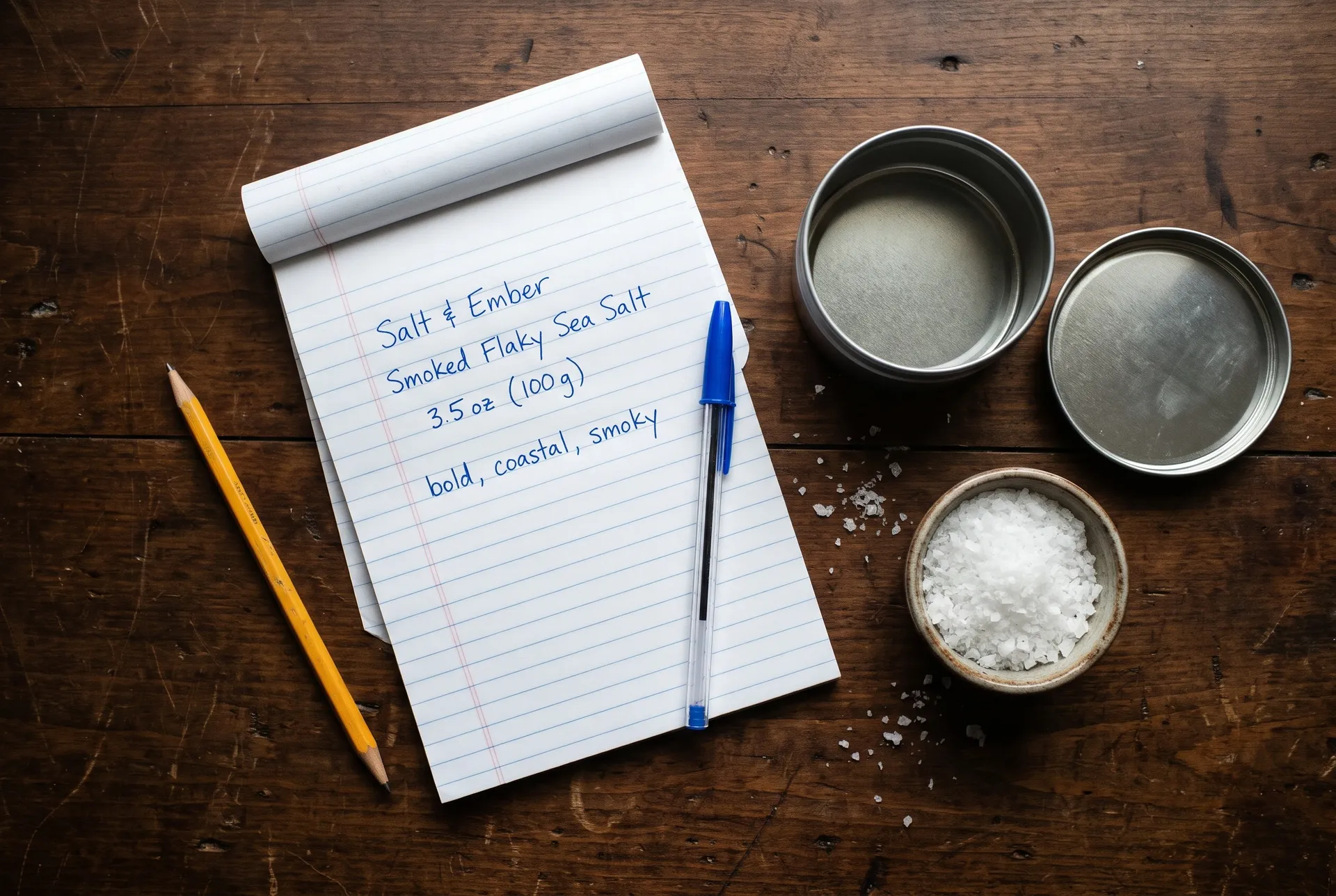
List exactly what goes on the front: brand, product name, flavor or variety, and net weight or volume. Add three words for the feel you want, like bold, coastal and smoky.
Describe the label
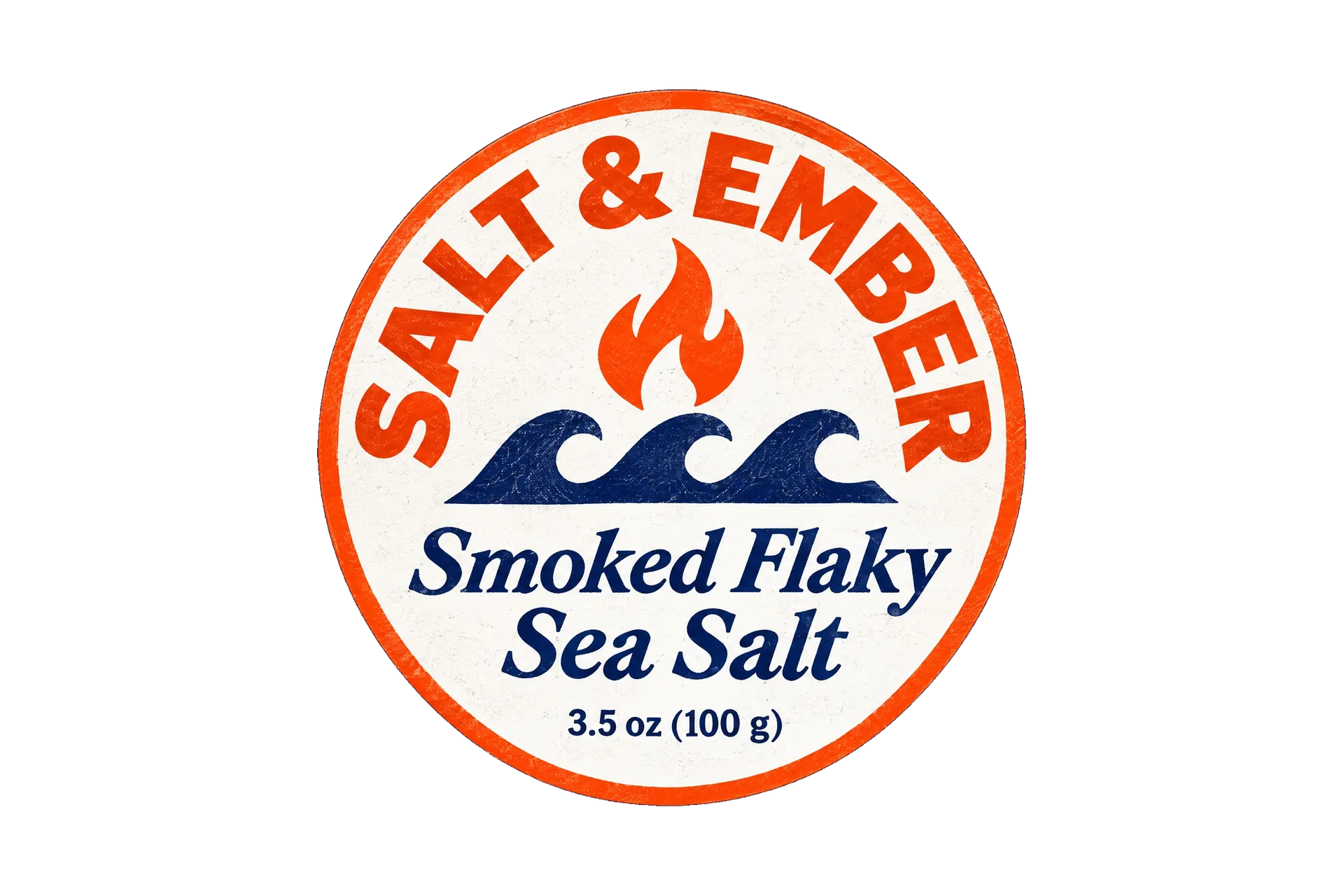
Name the shape, a print style and two or three colors, and put every word in quotes so it's set as written. Generate a few versions and keep the one that reads best from arm's length.
See it on the product
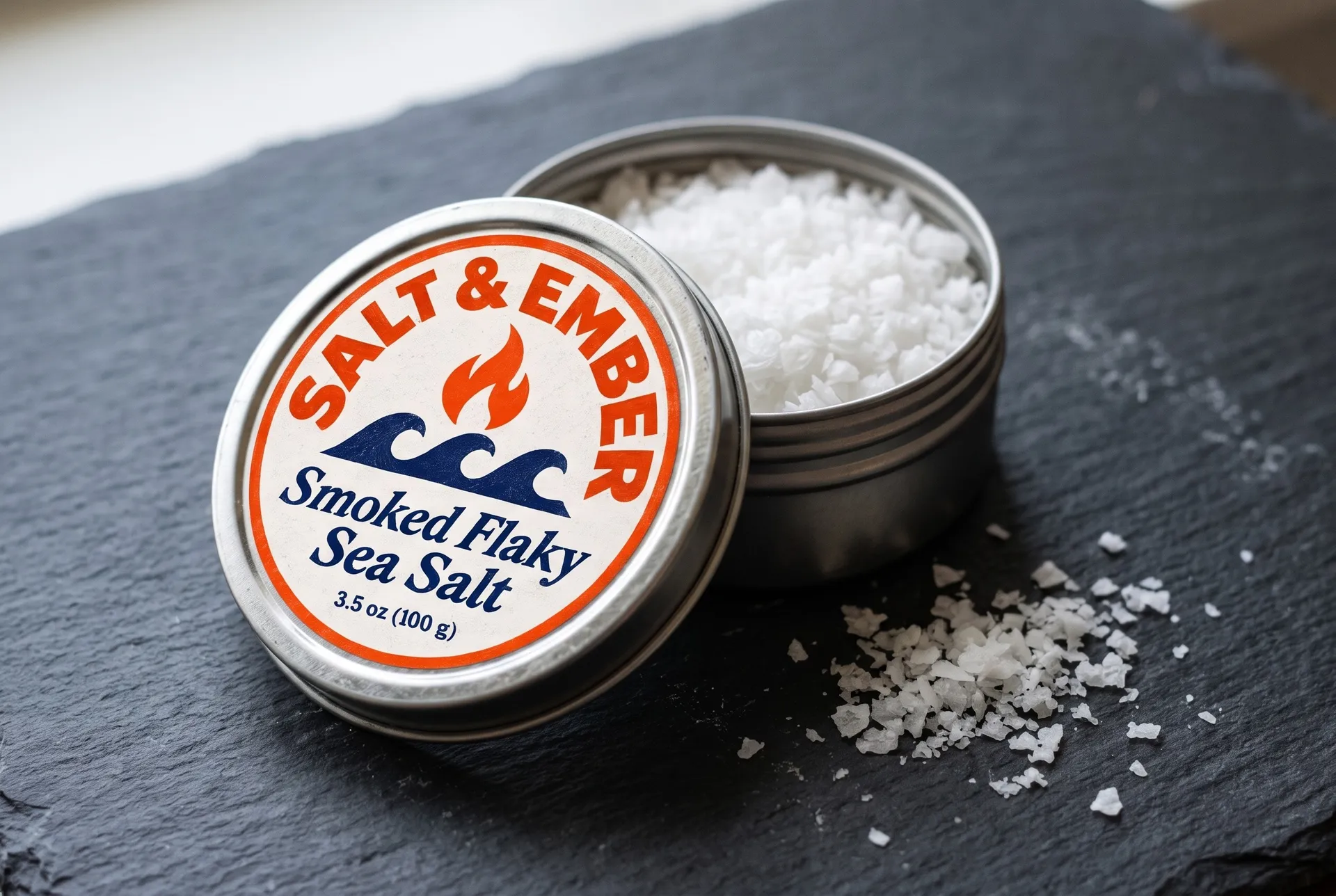
Add the label as a reference image and describe the tin, bottle or jar it goes on. You get a product photo to check the design before you order a print run.
AI product label prompt examples
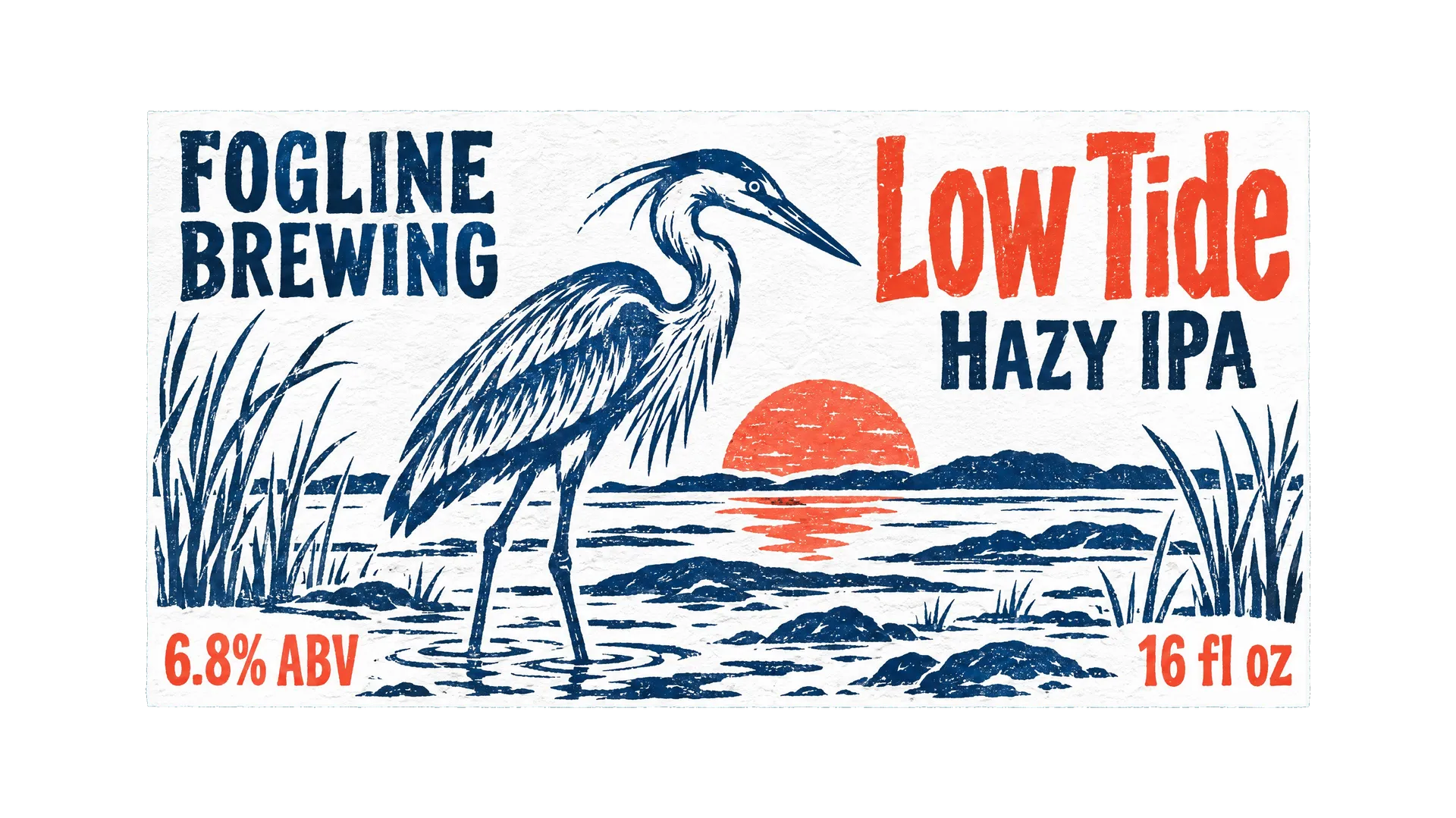
Each label below came from the prompt in its tab. Copy one, swap in your product name, your words and your colors, and generate your own version.
Labels for a whole product line
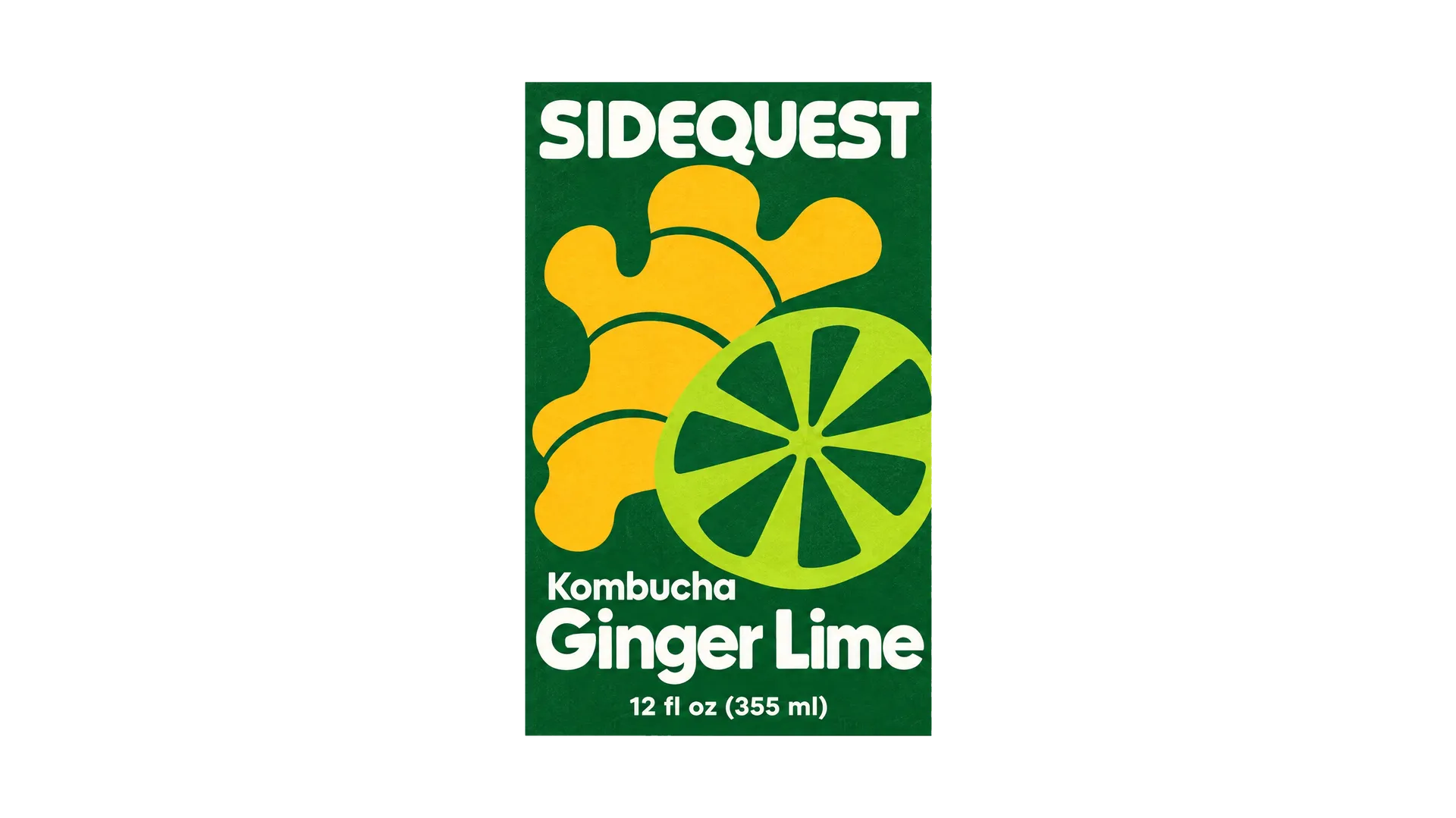
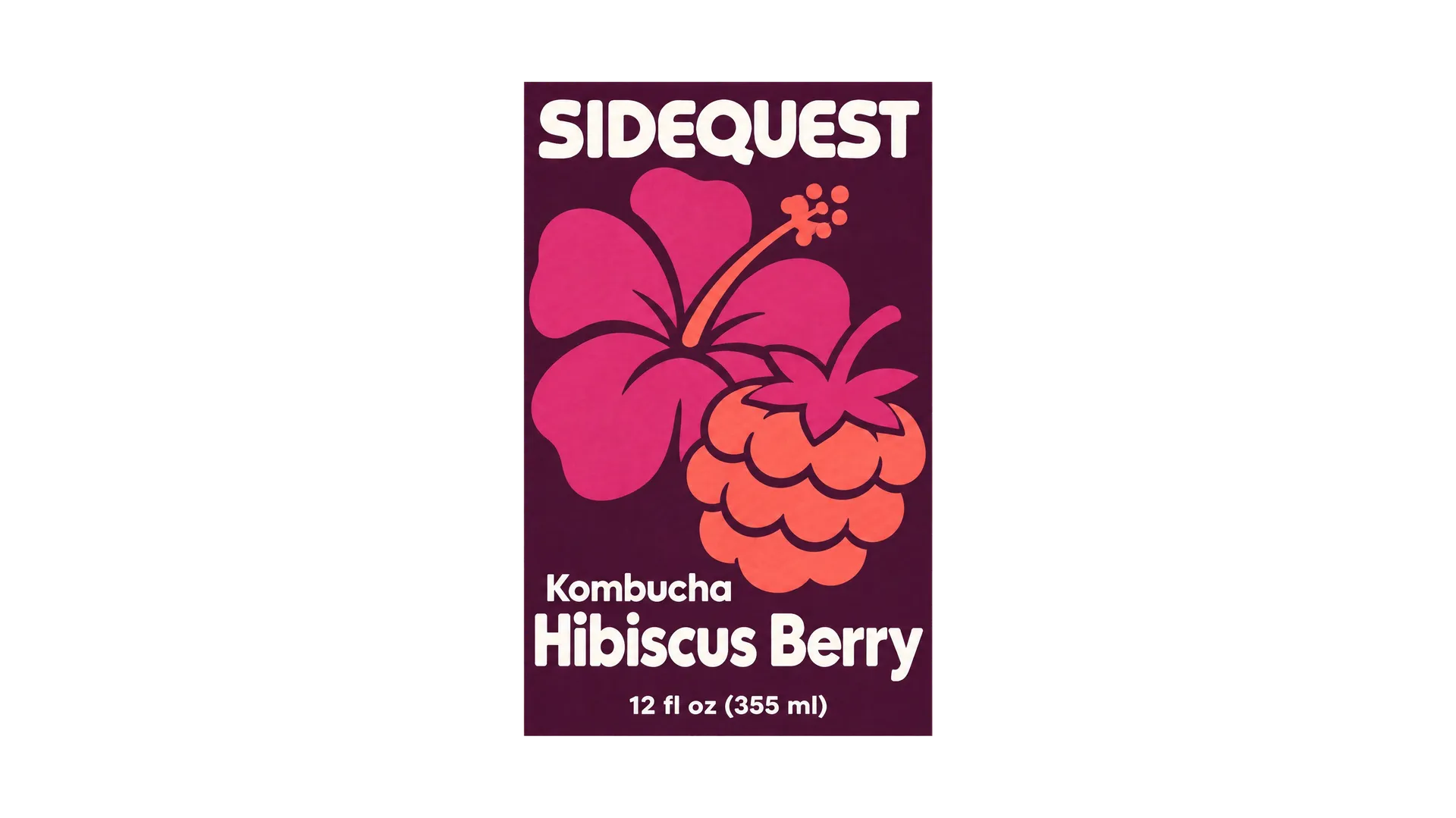
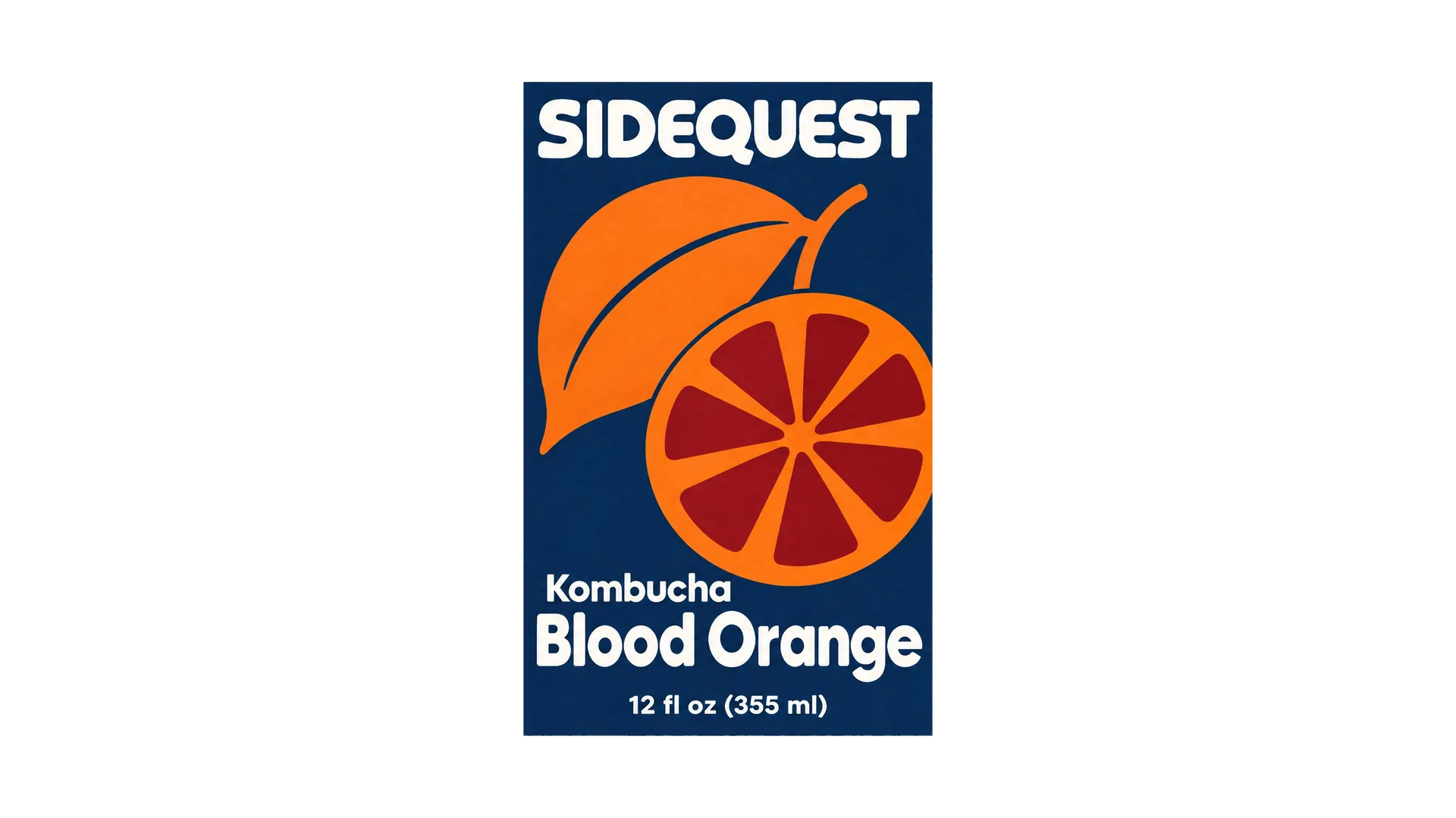
Once one label works, the rest of the range can follow it. Add the first label as a reference image and ask for the next flavor, scent or size, with the new name and colors in the prompt.
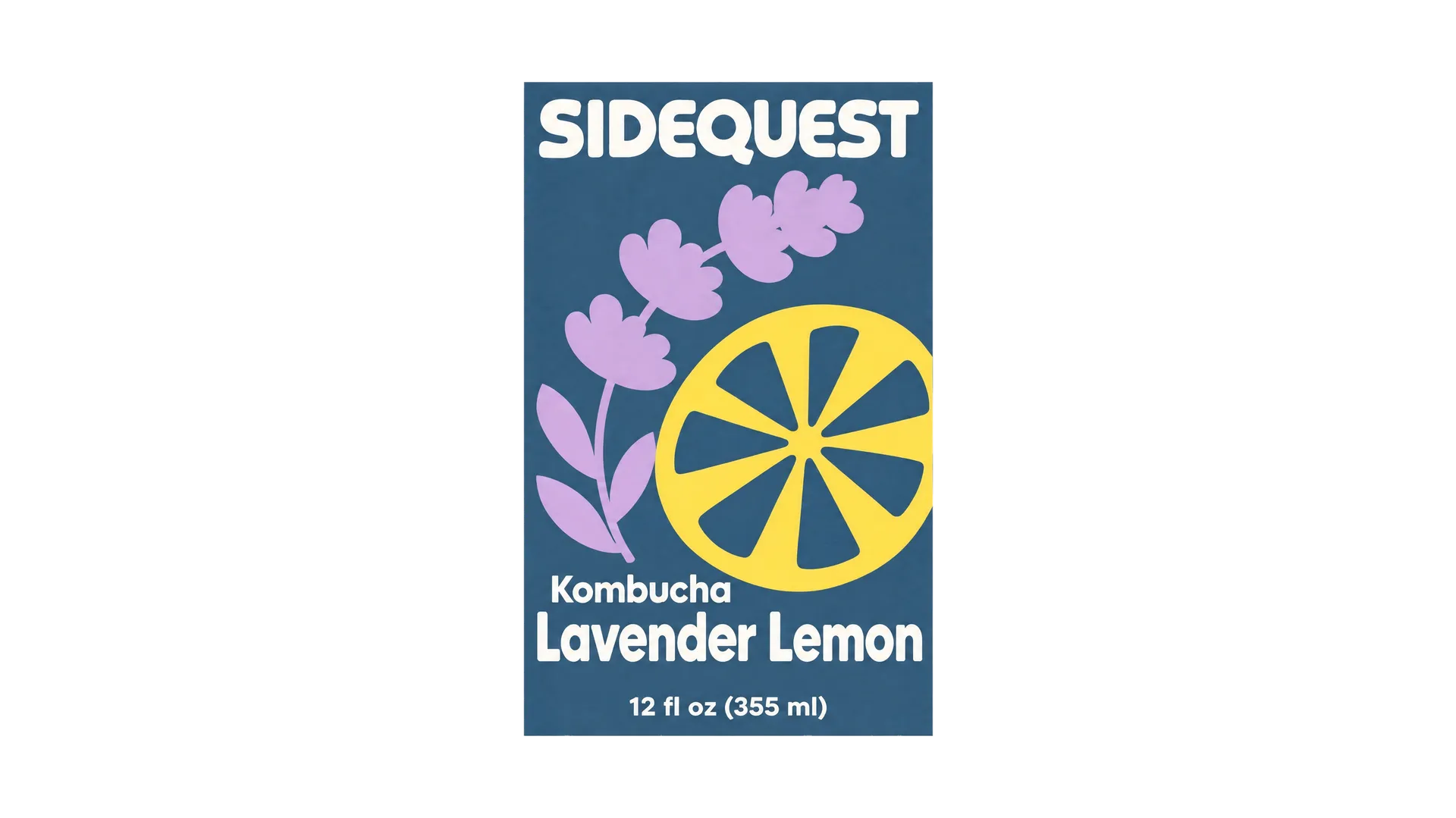
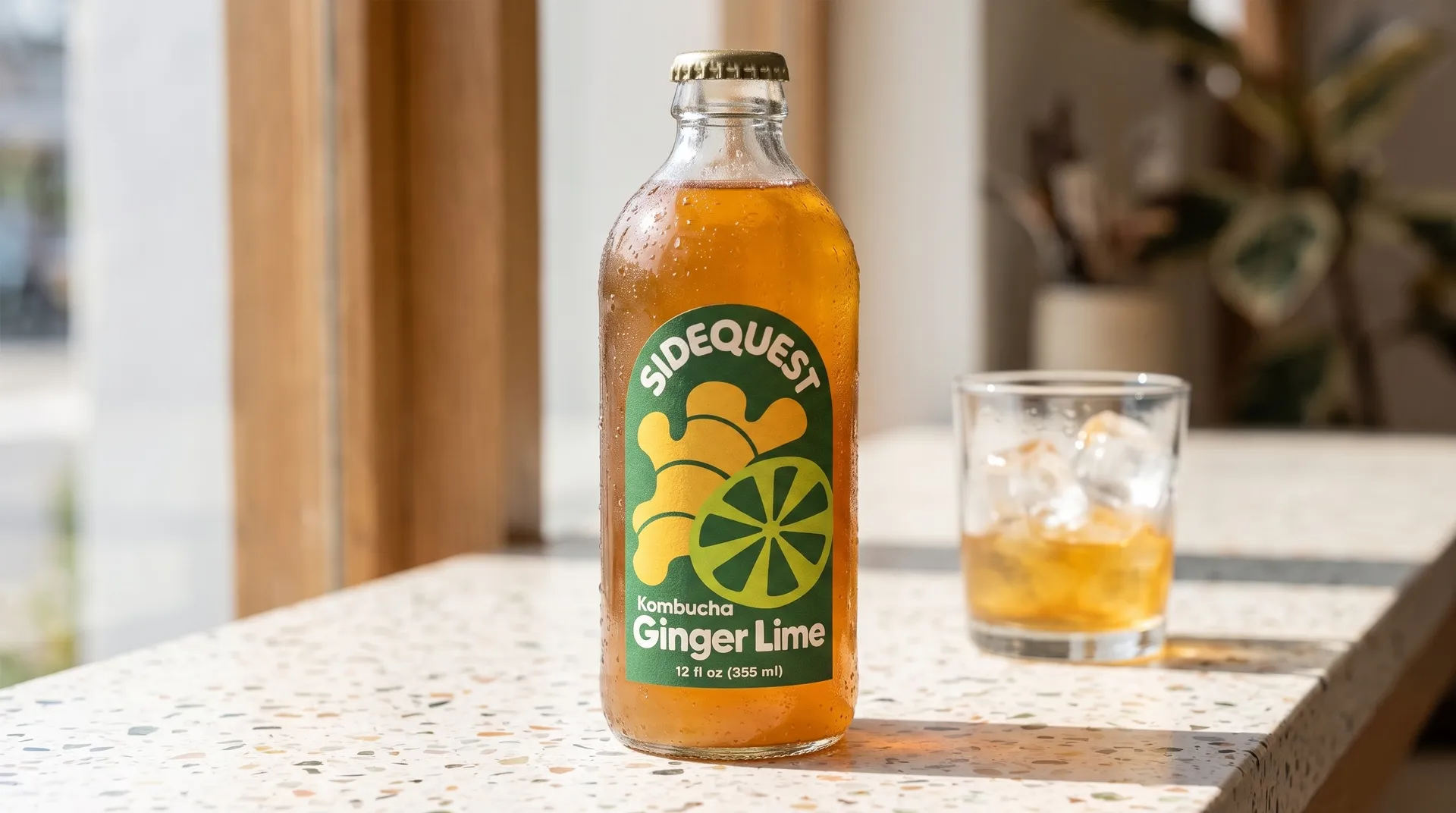
These kombucha labels started from Ginger Lime. Each new flavor kept the layout and the type, and changed the fruit and the colors.
See your label on the product
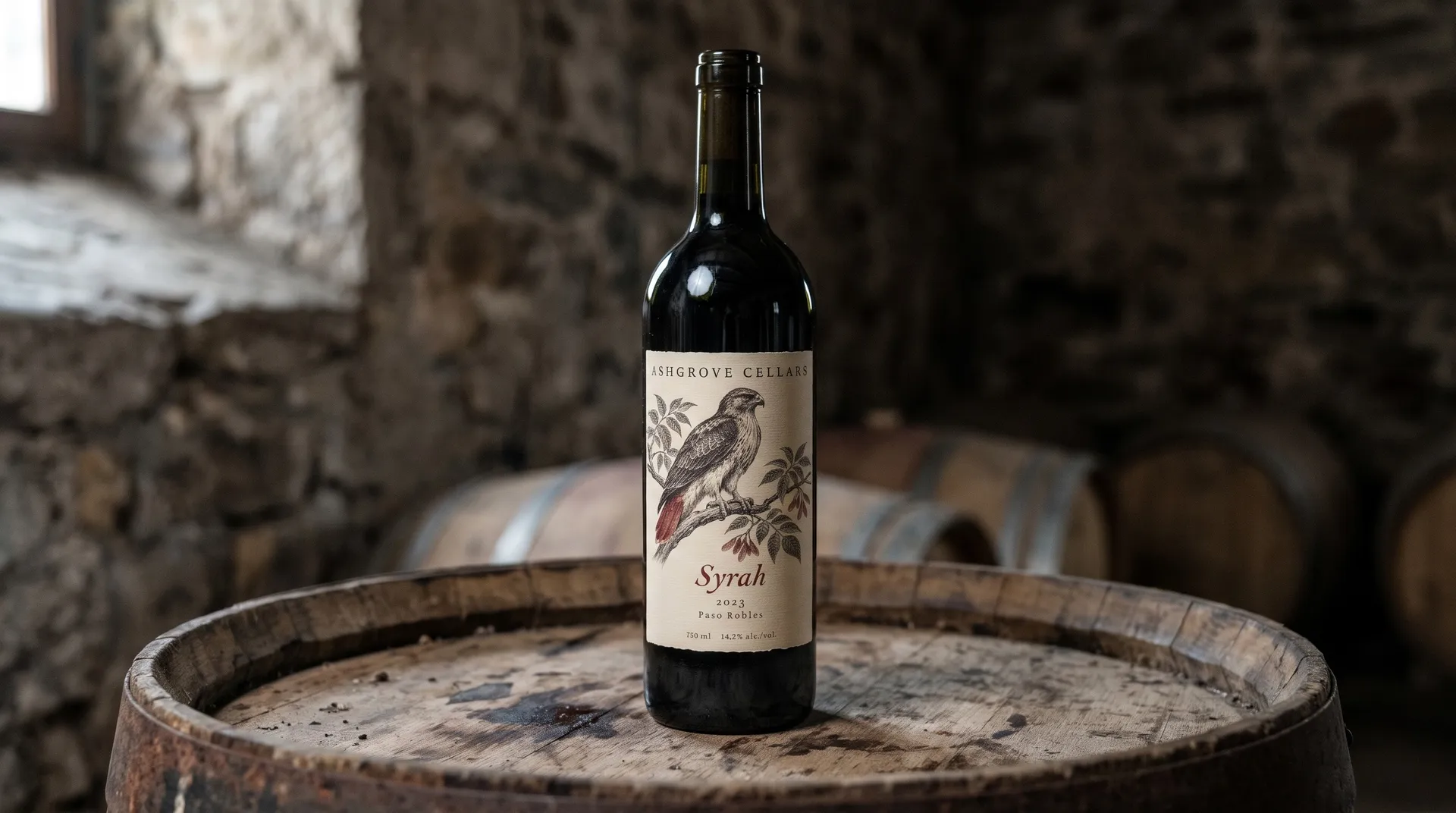
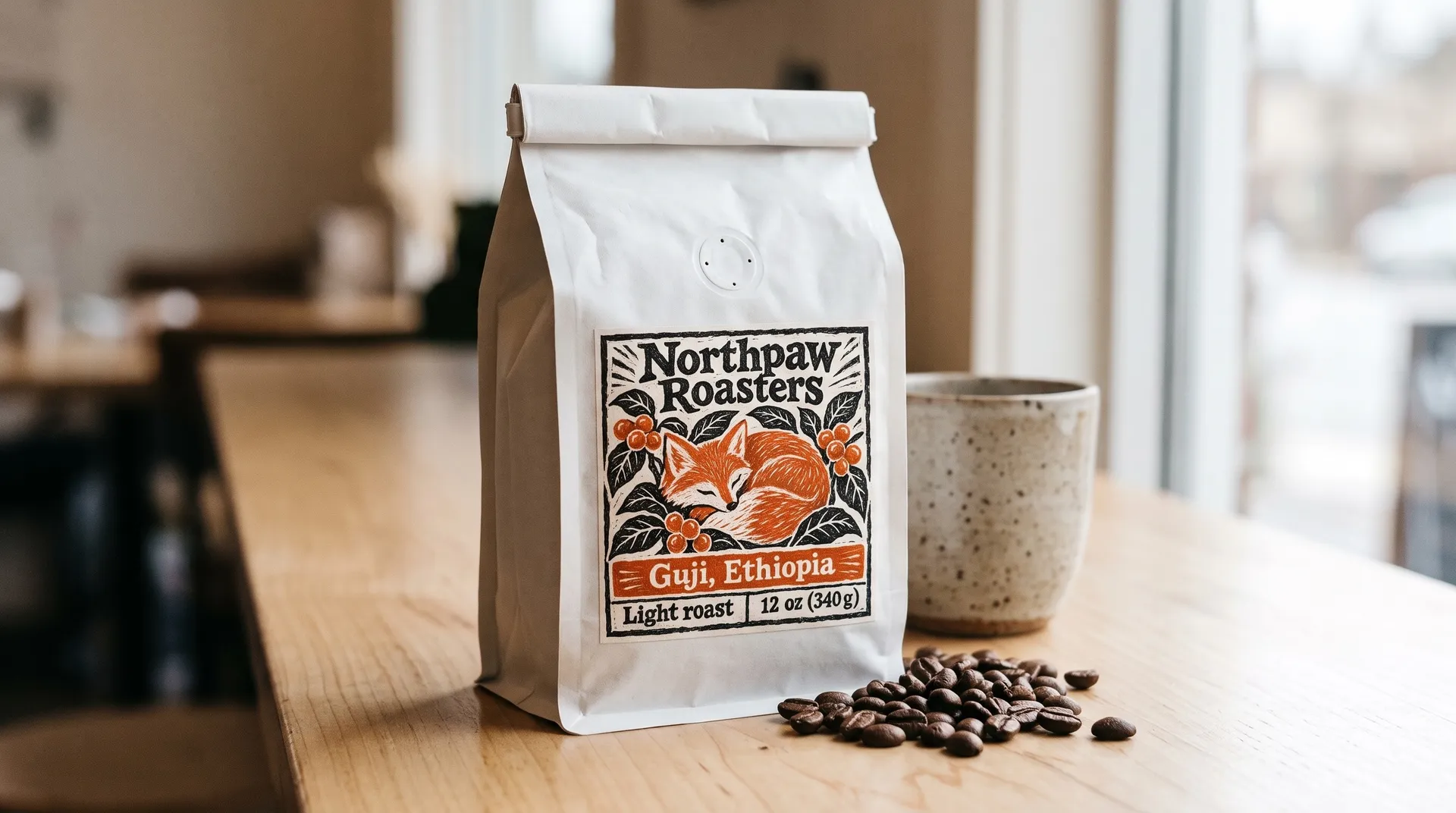
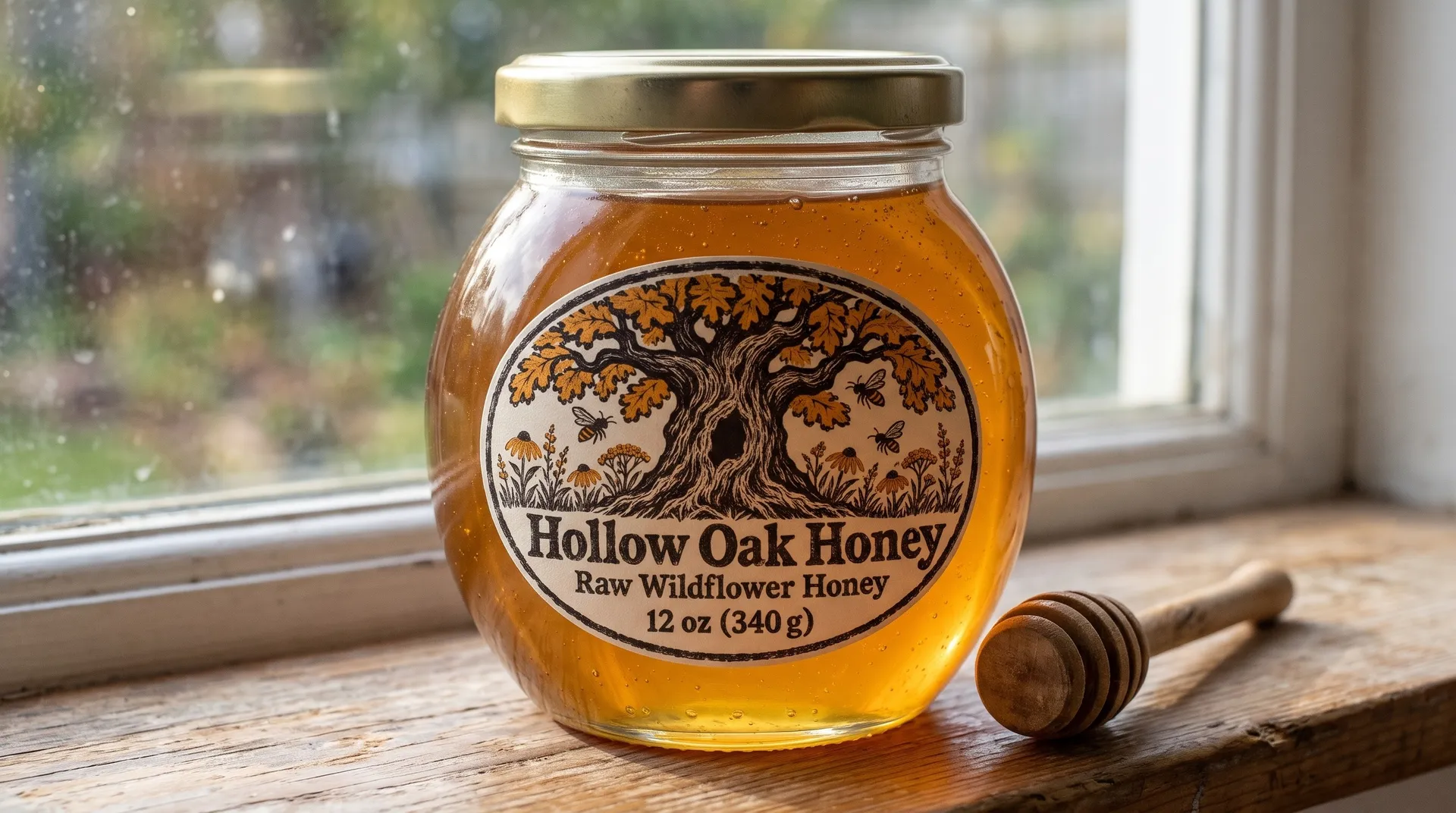
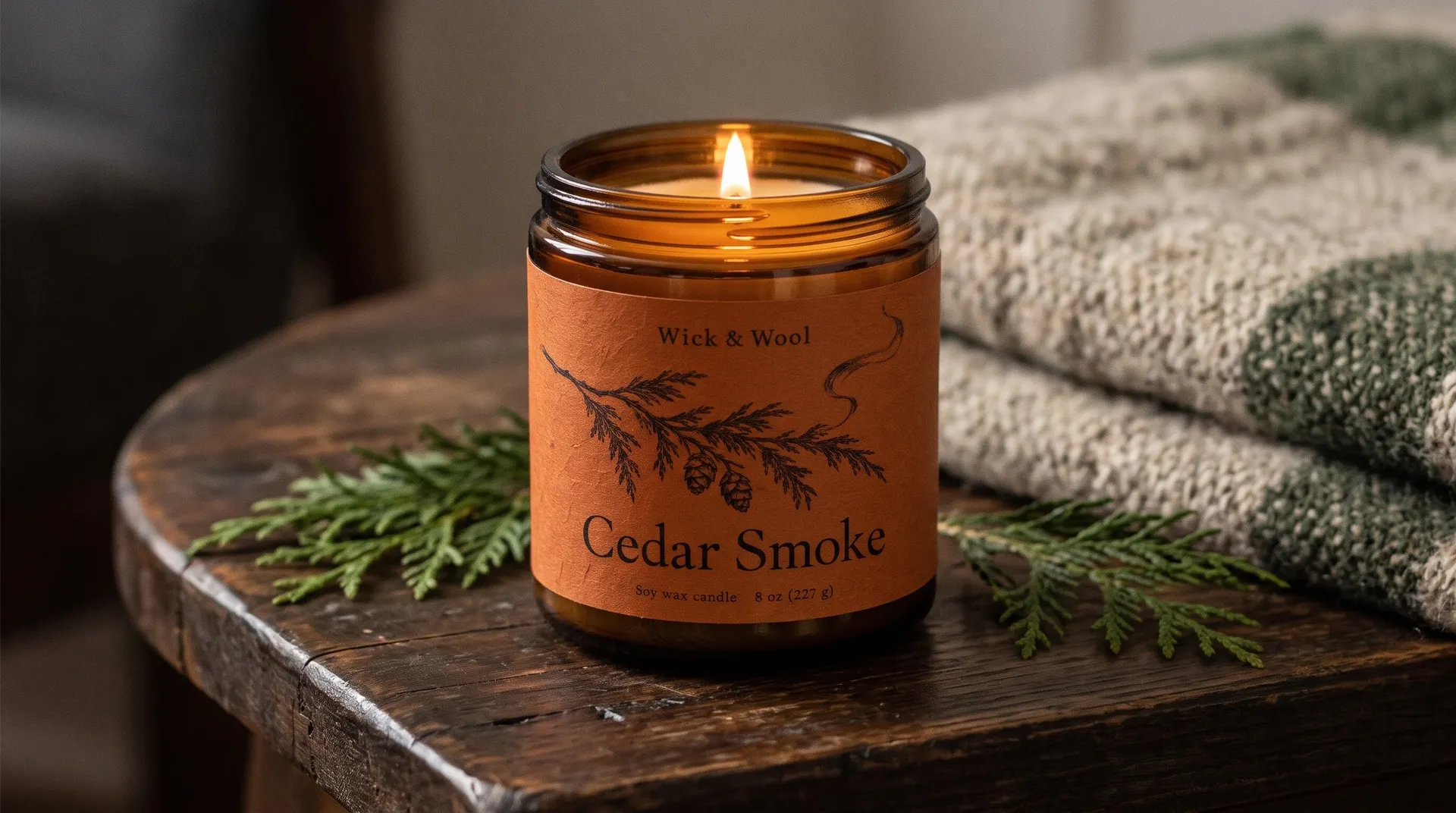
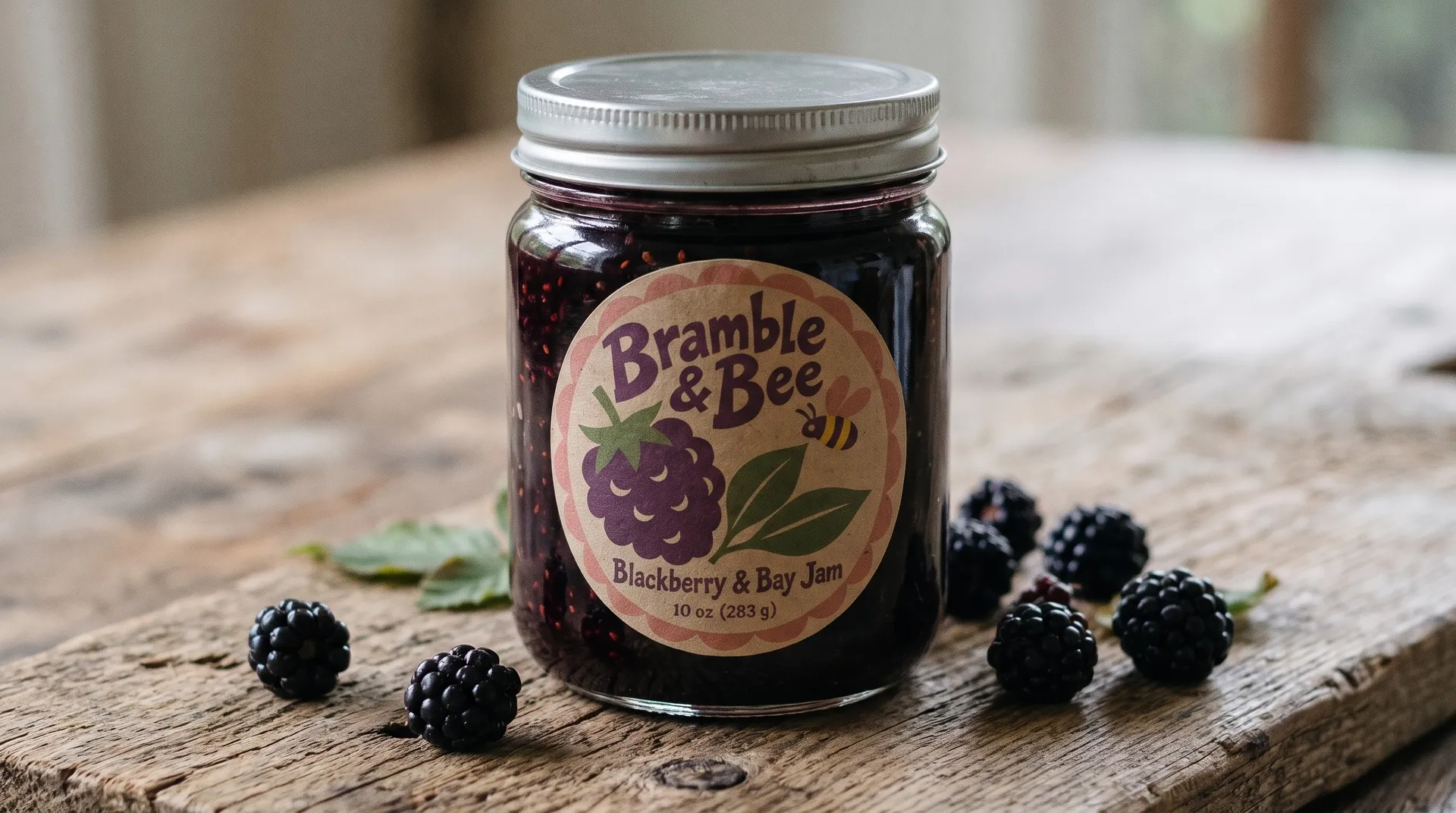
A flat label can look different once it wraps around a jar or sits on a bag. Add your label as a reference image and describe the product, the surface and the light.
These four photos started from the labels higher up the page. For boxes, pouches and other formats, use the packaging mockup generator.
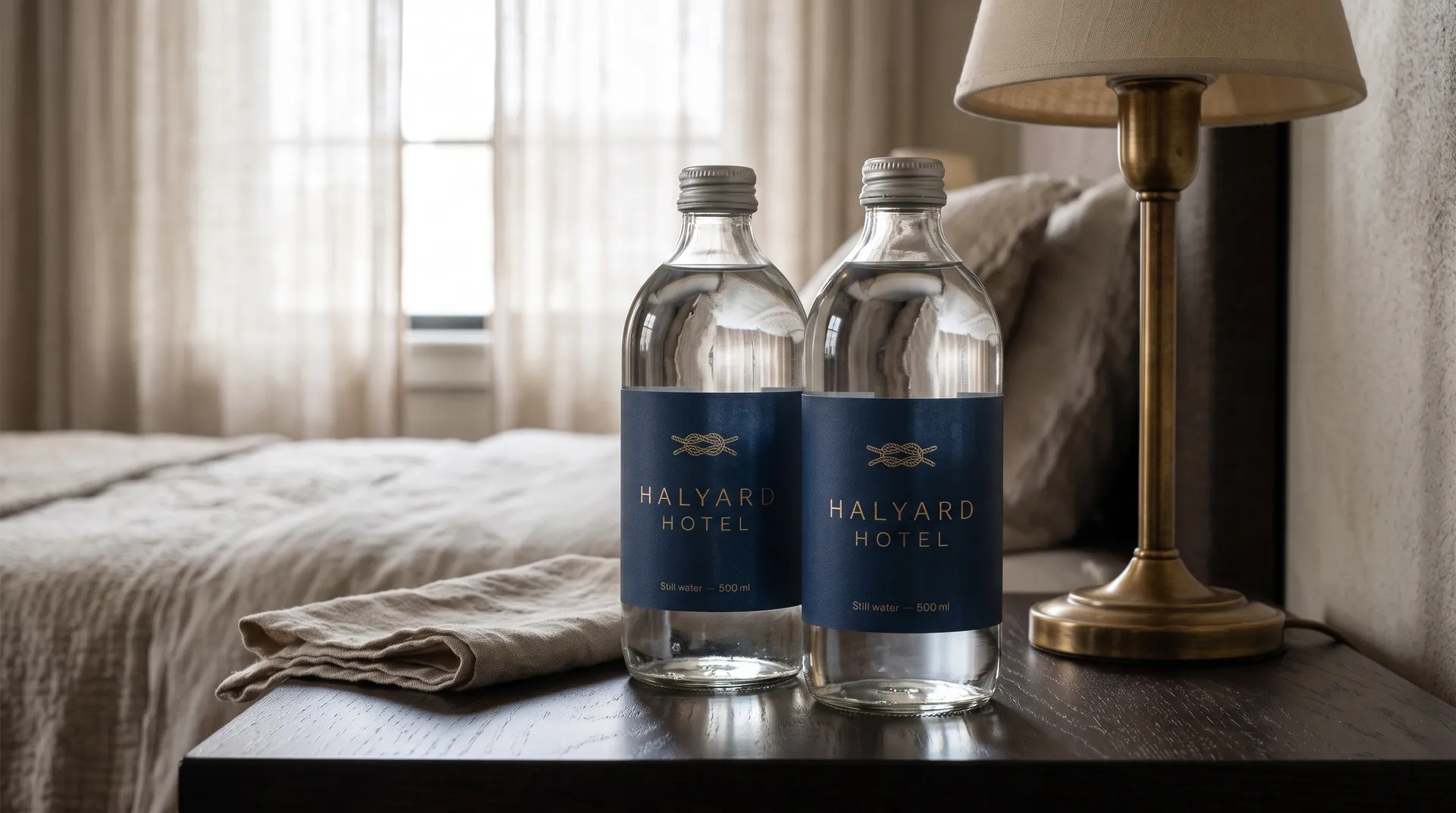
Custom labels for water bottles, house wine and gifts
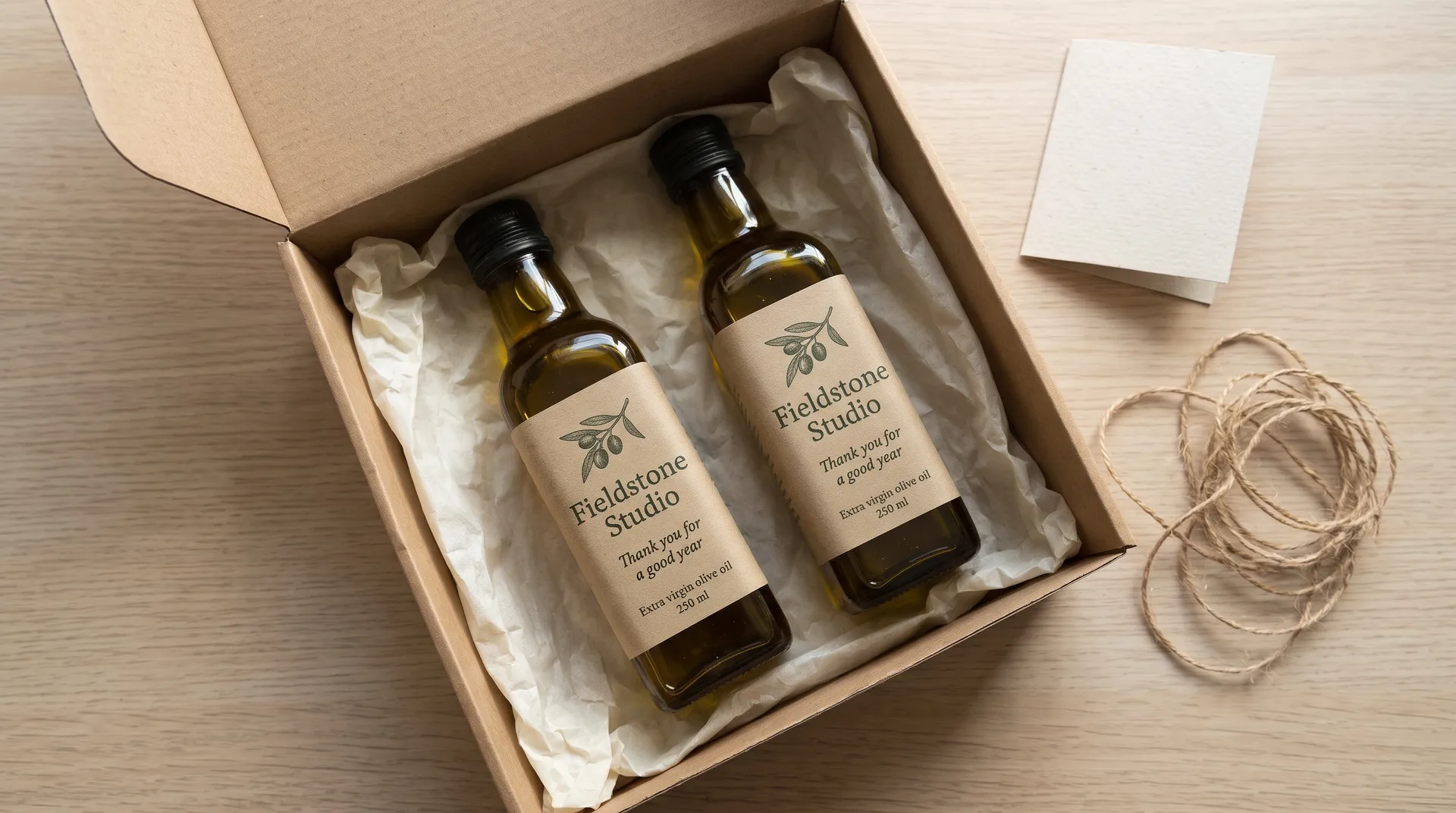
Labels aren't only for products on a shelf. Hotels, venues, restaurants and companies put their own labels on water bottles, house wine and gifts for guests and clients.
Describe the bottle, the occasion and the exact words, such as the hotel name or the event and year, and the label can match the rest of your brand.
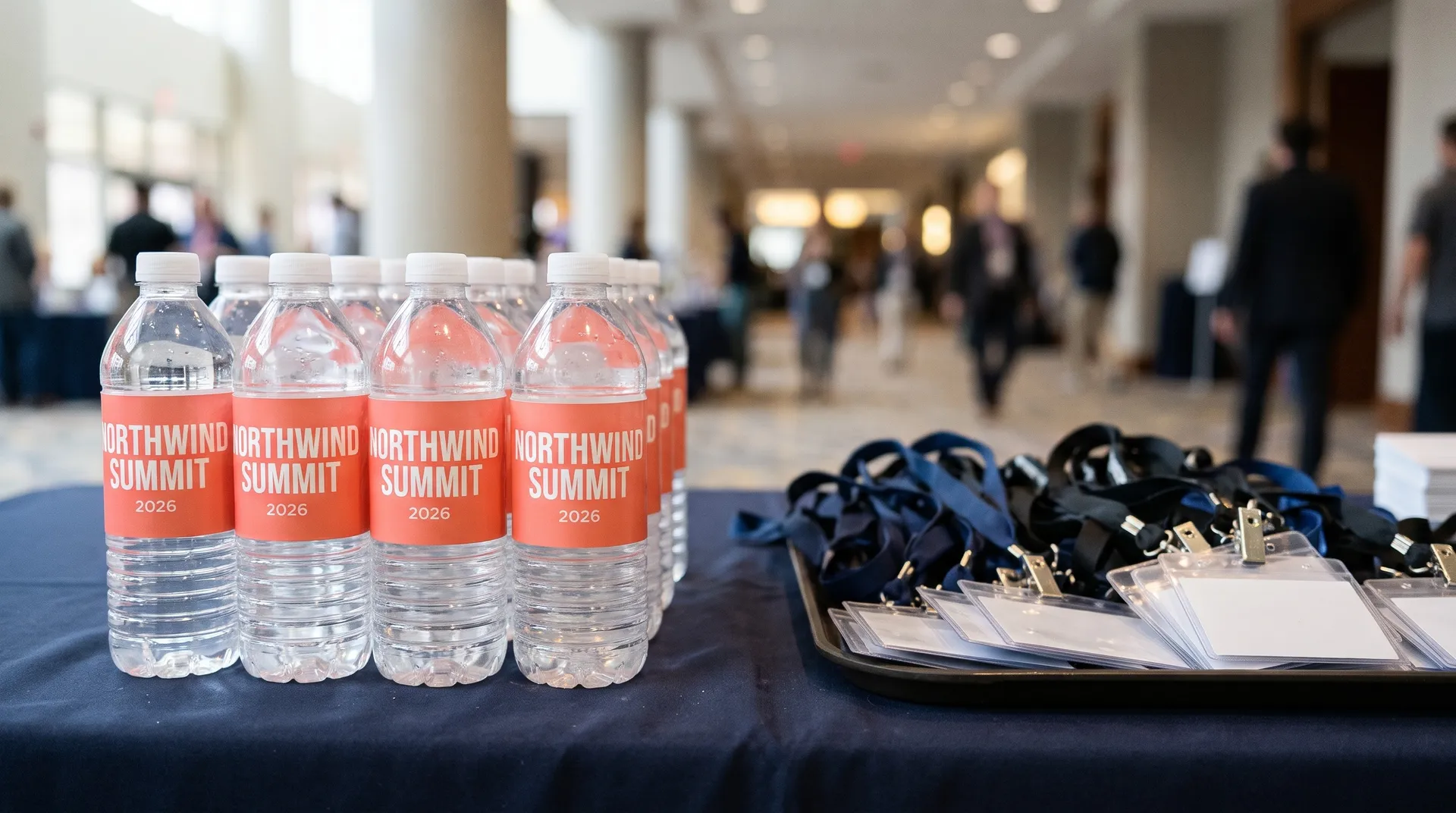
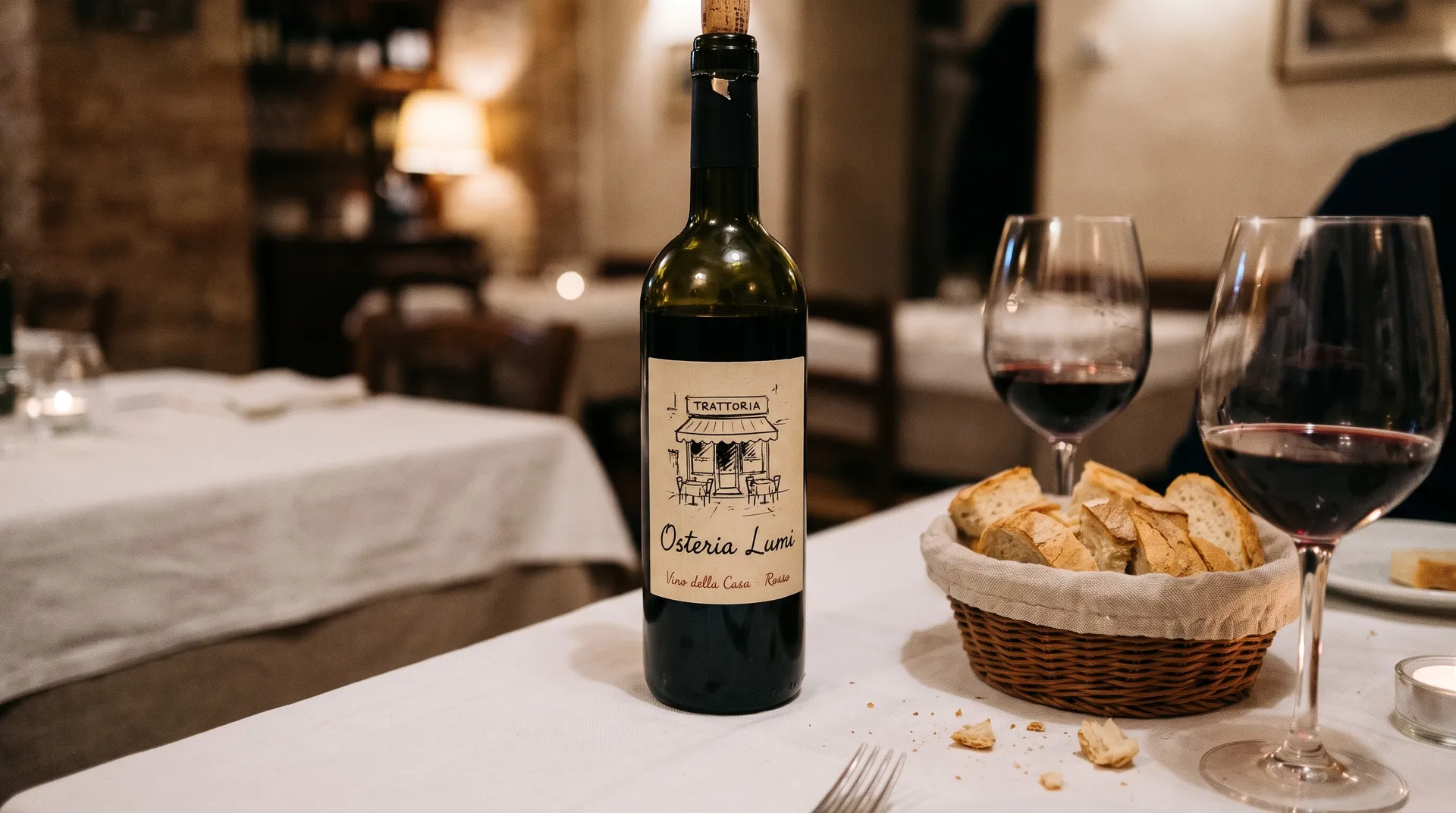
Label ideas by product
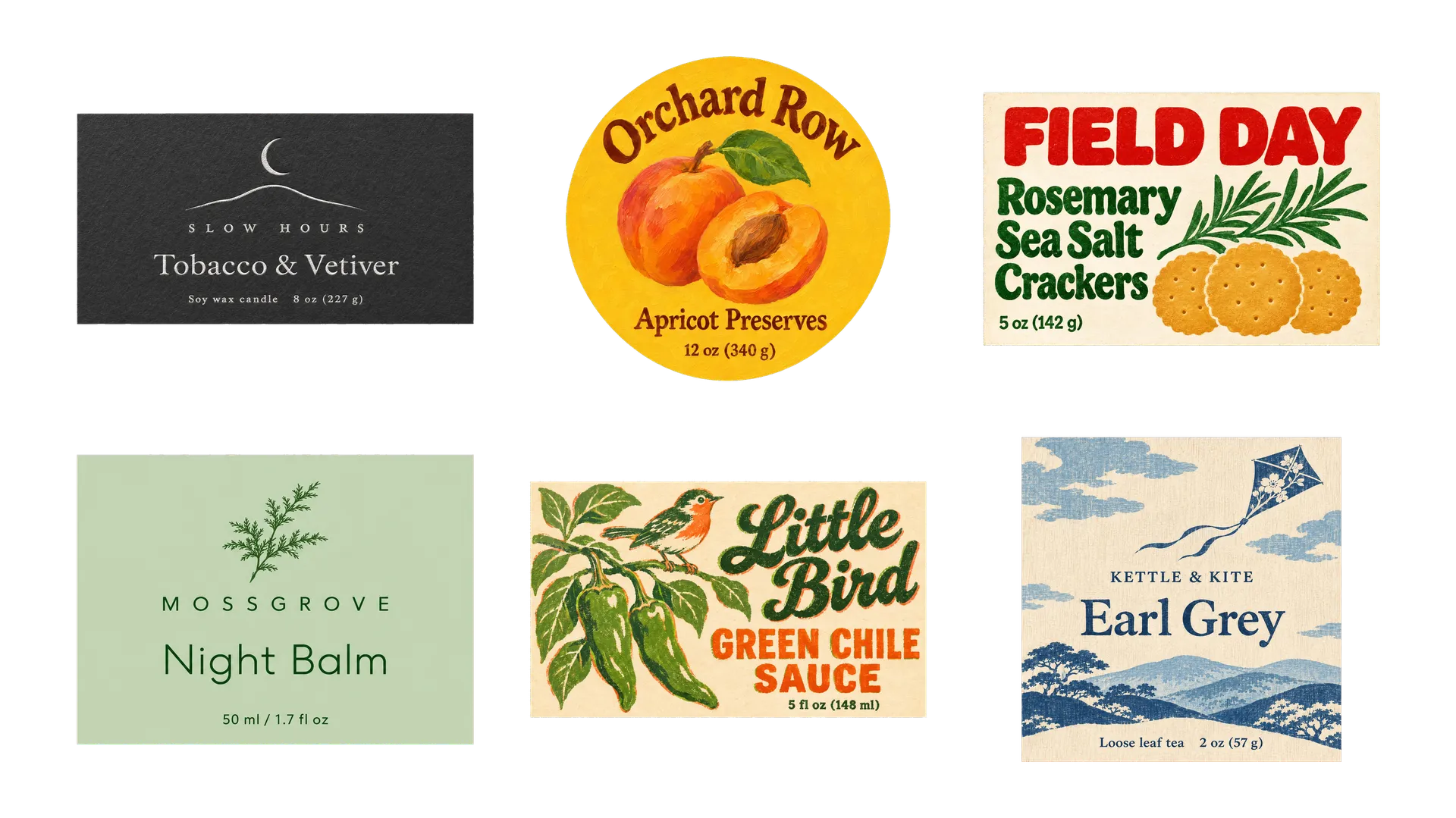
Each kind of product has habits buyers recognize on a shelf. Start from these and change one detail to stand out. Our guide on how to design a product label has a full prompt and example for each.
Clear, kraft, foil and die-cut labels
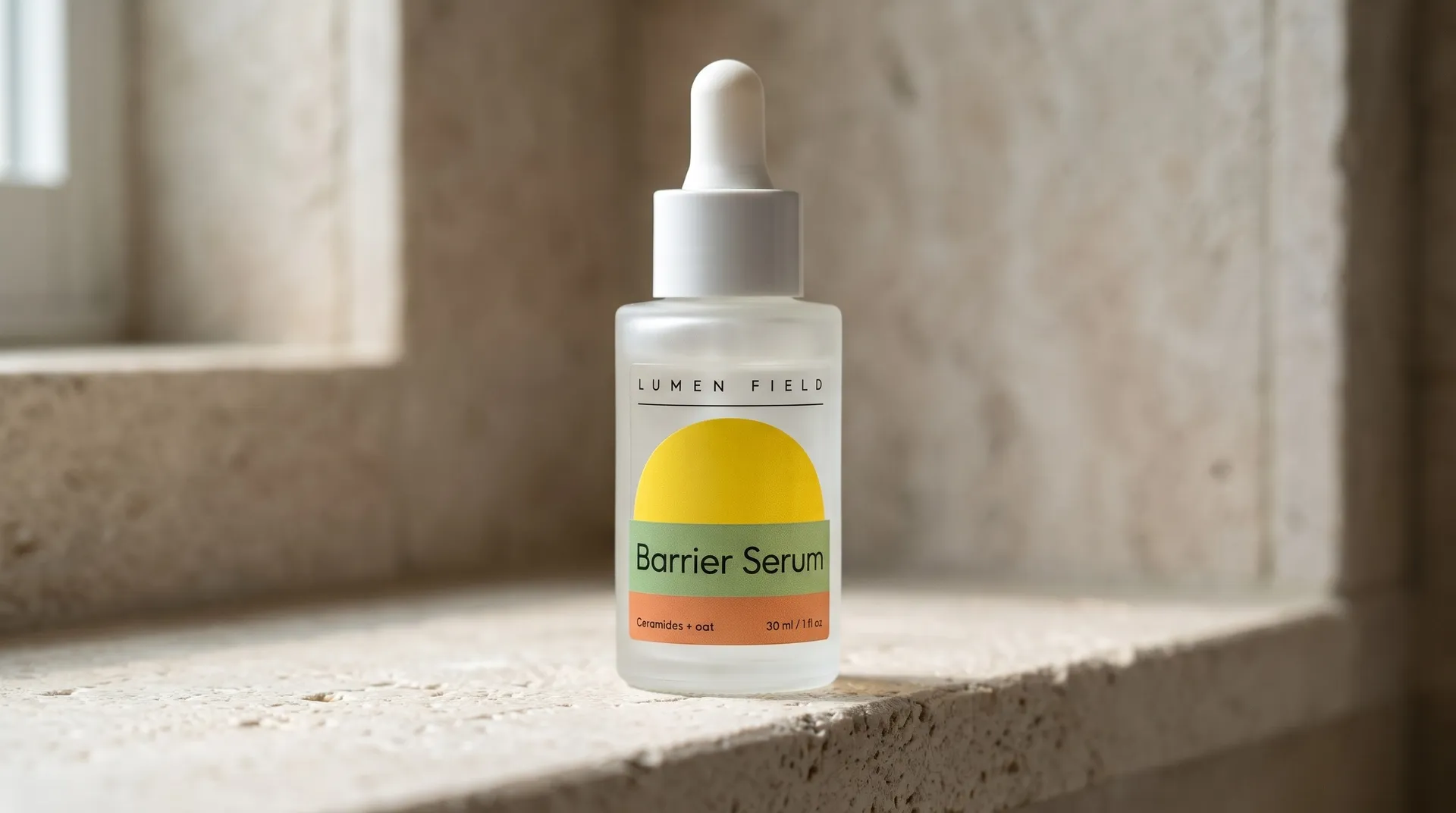
The same design can look very different depending on what it's printed on. Describe the material in the prompt, such as clear film, kraft paper, gold foil or a die-cut shape, and see the effect before you order samples.
These four labels from higher up the page are shown on four different materials.
Who uses AI product label design
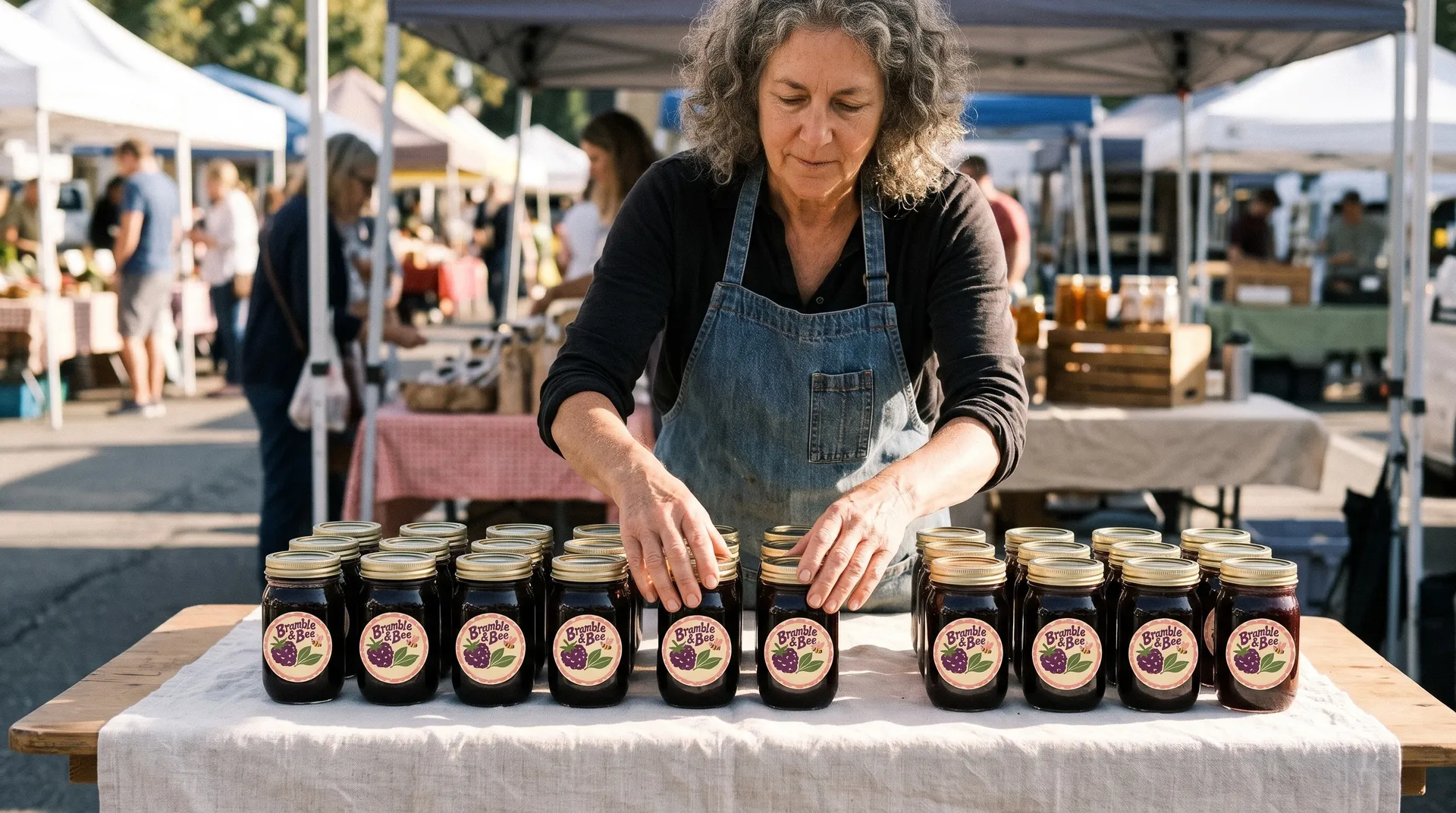
Small brands that want a label that looks professionally designed, and designers who want more directions to show a client.
More tools and guides for your brand
Frequently asked questions
Yes. Describe the product, write every word that should appear in quotes, and name a print style and two or three colors. Generate a few versions and keep the one that reads best. Check every letter and number before you print. Our guide on how to design a product label walks through it for wine, beer, candles, coffee and more.
The front usually carries the brand, the product name, the flavor or variety, and the net weight or volume. Depending on the product and the country, you may also need ingredients, allergens, nutrition facts, a barcode or warnings. Use AI for the front label artwork, then set the required information in a layout tool and check the rules for your market.
Measure the part of the container the label will cover and generate at the closest aspect ratio: tall for a wine bottle, wide for a can wrap or a candle jar, square or round for a jar lid. Your printer can tell you how much bleed they need around the edges.
You get a high-resolution image. For print, you can upscale it and place it in your printer's template. For large runs, foil or embossing, a designer can trace the final version into a vector file.
Yes. Add your logo as a reference image and describe the label around it: the shape, the style, the colors and the words. Say where the logo should sit, for example centered at the top.
Yes. Add your first label as a reference image and describe the next flavor, scent or size. Ask for the same layout and type with a new name and new colors, then compare each new label with the first one.
Images you create on paid plans come with commercial usage rights, subject to our terms and applicable third-party rights. Don't copy another brand's label, logo or trade dress.
Design your label and see it on the product
Write the words, name a print style, pick the version that reads best, then put it on a bottle, jar or bag.