AI Graffiti Generator for Tags, Lettering and Street Art
From wildstyle to bubble letters
Describe a tag, a name, a lettering piece or a full street-art scene. Choose the lettering style, colors, spray effects and surface, generate several directions, then refine the version you want to keep. getimg.ai creates graffiti-style images from text prompts and visual references — generated lettering is part of an image, not an installable font or an editable vector text layer.
Powered by leading AI image models
Auto picks a suitable model for your prompt, or choose one yourself.


How to create graffiti with AI
Three steps inside the Create image generator.
1. Open Create image
Click here to open the Create image generator in getimg.ai.
2. Write the prompt
Decide what you are creating — a tag, a single word, a mural or a street-art scene. Put the exact lettering in quotation marks, then describe the lettering style, fill, outline, effects and surface. Add a photo, sketch or style reference if you have one.
3. Generate and refine
Generate several variations, compare letter shapes, fills and surfaces, then refine the strongest result with a follow-up prompt. Check the spelling before you export.
Create graffiti from text or from a reference
There are two ways in. Describe a completely new tag, word, mural or street-art piece, or upload a photo, sketch or existing visual and reinterpret it in a graffiti direction. You can attach up to 10 reference images per generation — see the Image References guide for how to steer style, color palette, composition or perspective.
Start from text
Describe the lettering, style, fill, outline, effects and surface. Put the exact word in quotation marks so it appears in the image — the [AI Image Generation Prompt Book](/guides/ai-image-generation-prompt-book) covers text placement in detail.
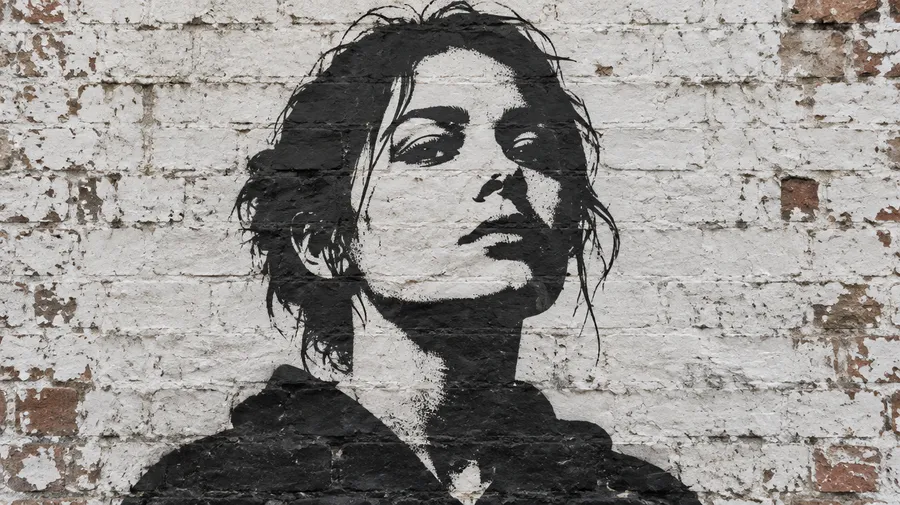
Start from a photo
Upload a portrait or a scene and ask for a stencil, mural or spray-paint treatment. Strong stylization can change facial details and smaller features.
Start from a sketch
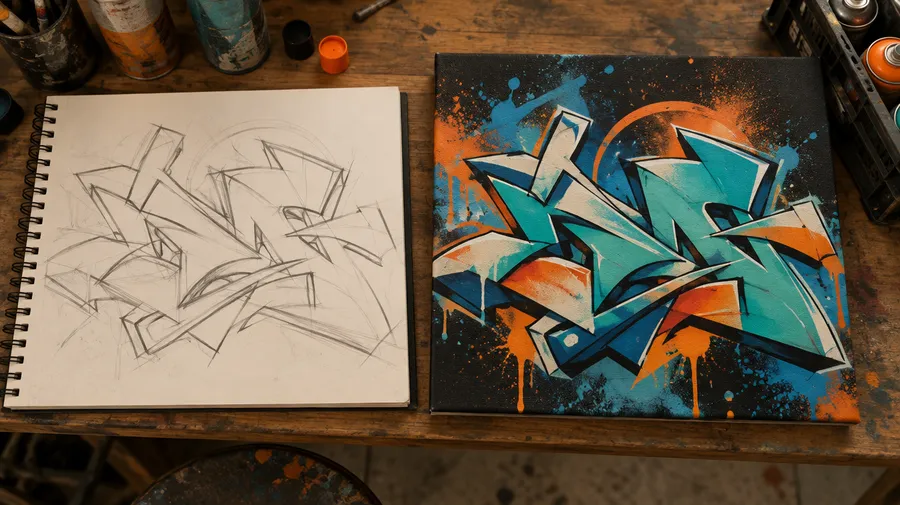
Attach a rough drawing as a reference and let the model build the fills, outlines, highlights and wall texture around your letterforms.
Turn your name into graffiti
Enter a name, nickname or short word, put the exact lettering in quotation marks, then describe the style, fill, outline, effects and surface. Generate several versions to compare how the same letters work in different graffiti directions.
getimg.ai visualizes a name or word as graffiti artwork. It is not primarily a text-only alias or tag-name brainstorming tool — it draws the name you give it.
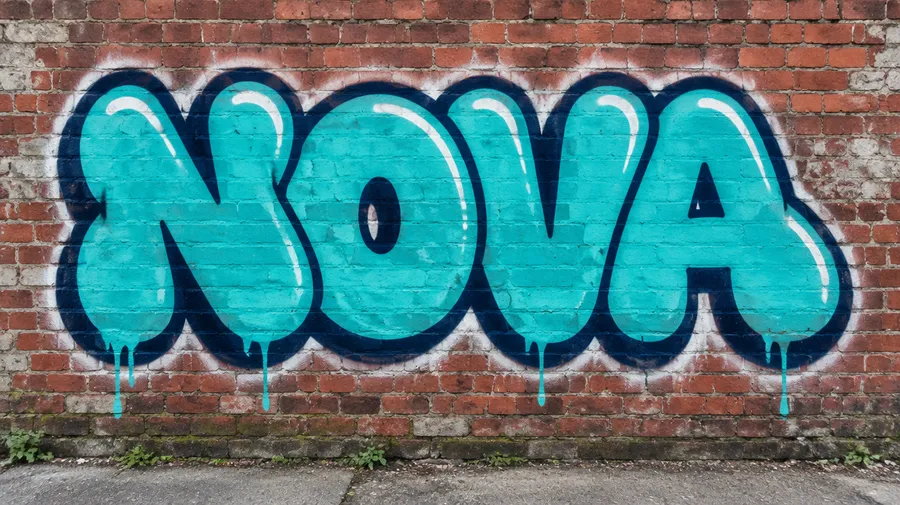
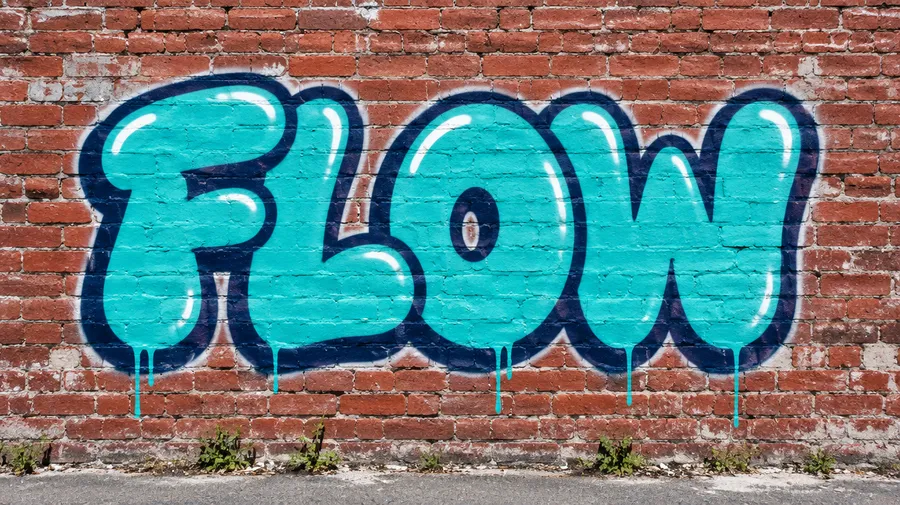
Bubble-letter graffiti spelling NOVA on a red brick wall
Explore multiple graffiti directions before choosing one
Generate several versions of the same word or mural idea to compare letter shapes, color fills, outlines, spray effects and surfaces before refining the strongest result. Batch size depends on your plan, from 2 generations at a time on Entry up to 10 on Ultra.
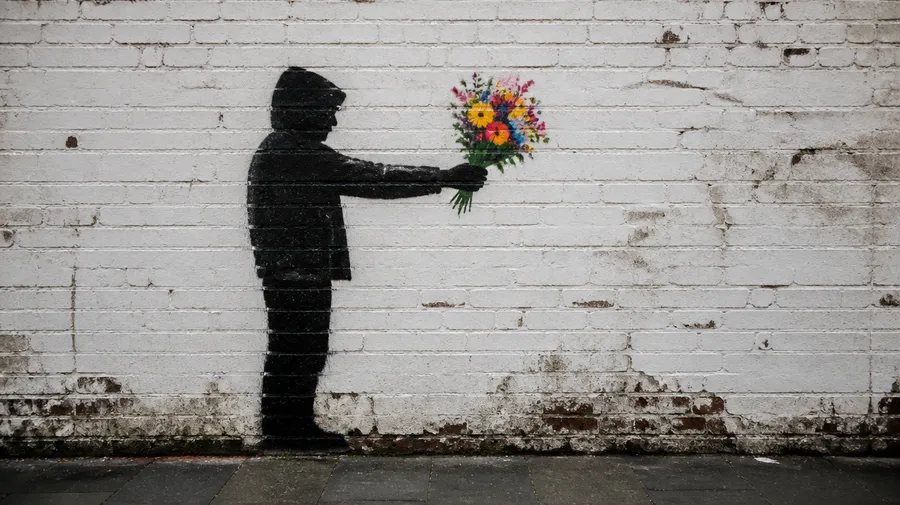
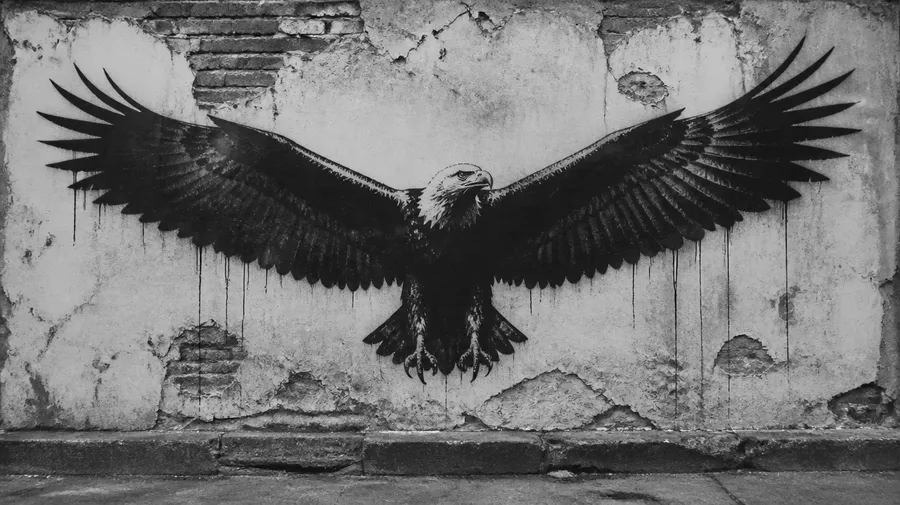
black stencil graffiti piece on a weathered white-painted brick wall, in the iconic style of Banksy. A simple silhouetted figure in a hooded jacket stands in profile, arm extended, holding out a bouquet of colorful hand-painted flowers
Explore different graffiti and street-art directions
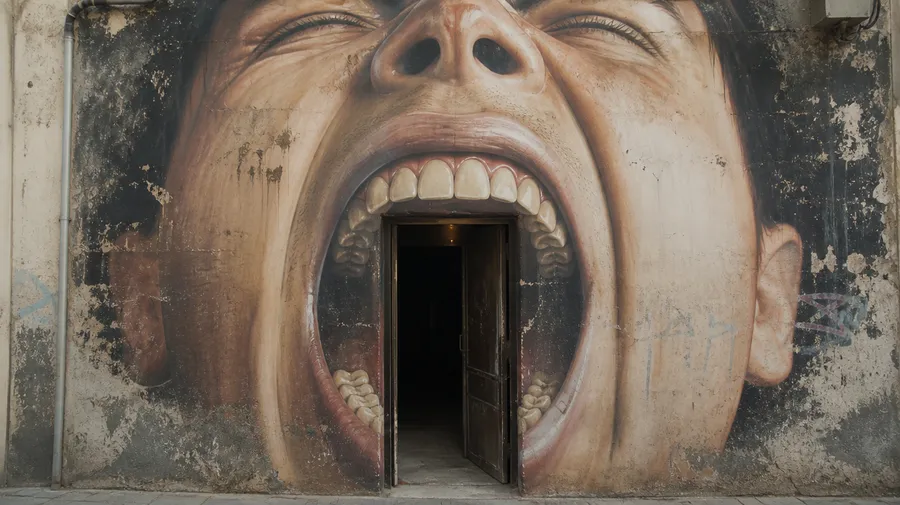
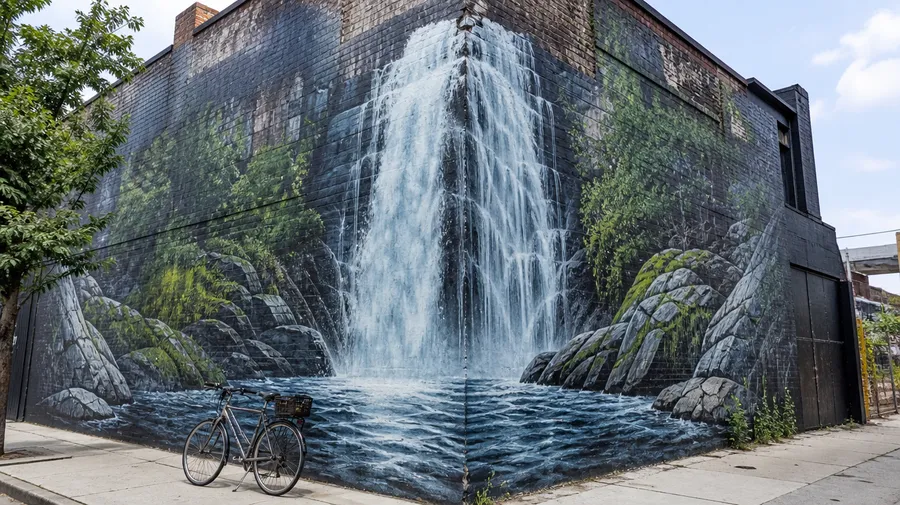
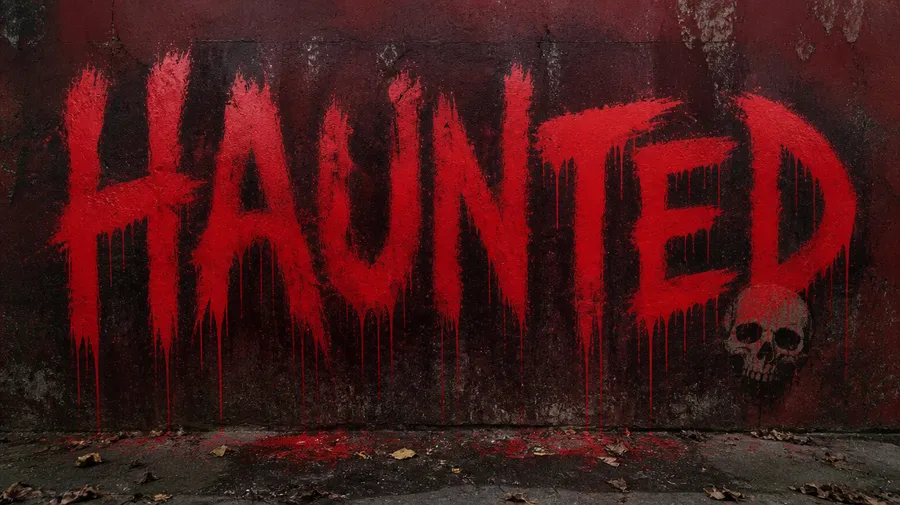
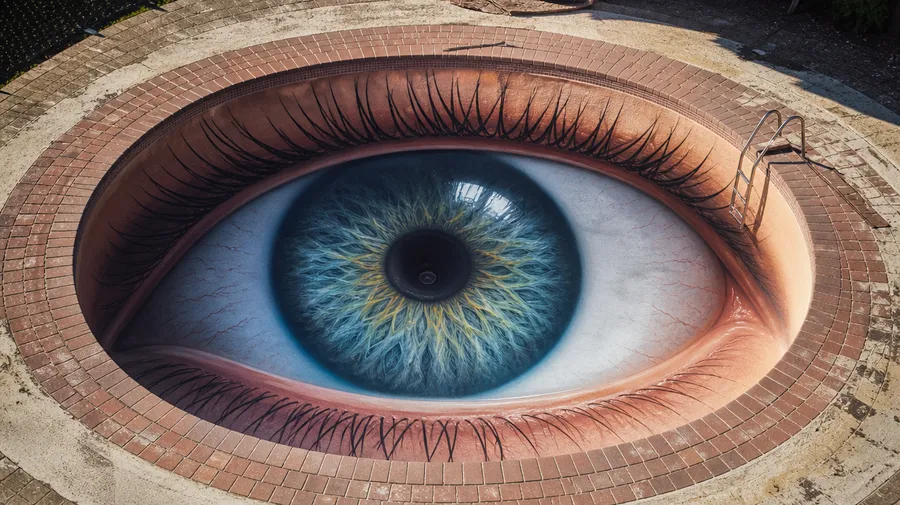
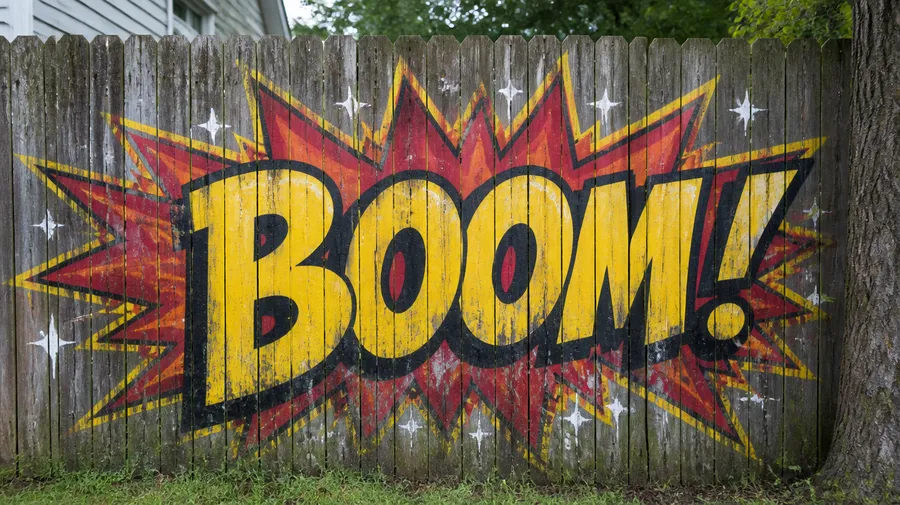
Name the direction in the prompt: bubble, wildstyle-inspired, stencil, old-school, chrome, 3D, neon, minimal, calligraffiti-inspired, grunge, cartoon, gothic, retro or a photorealistic wall mural. Combine a style with a surface and a lighting description to control how the piece reads.
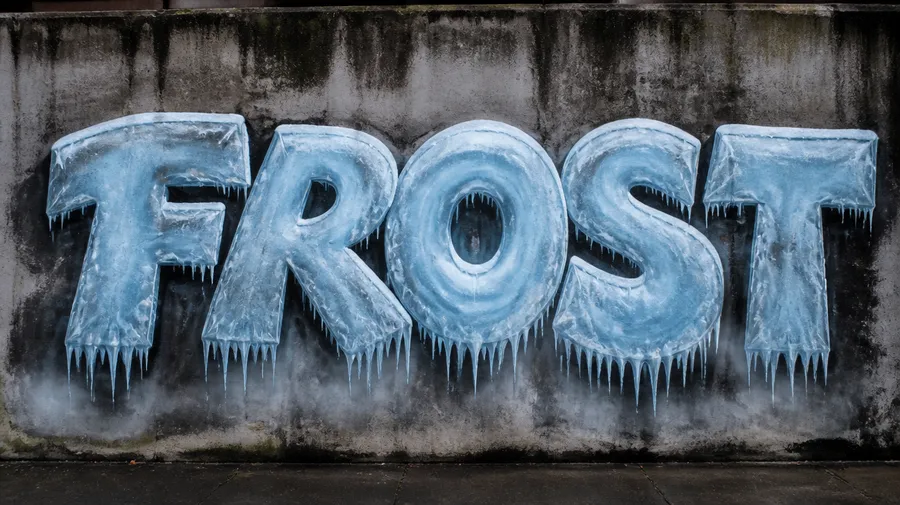
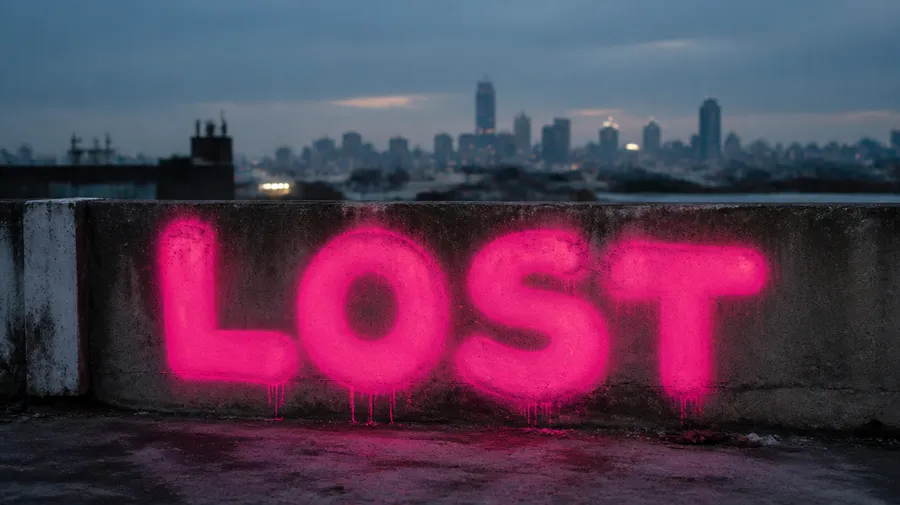
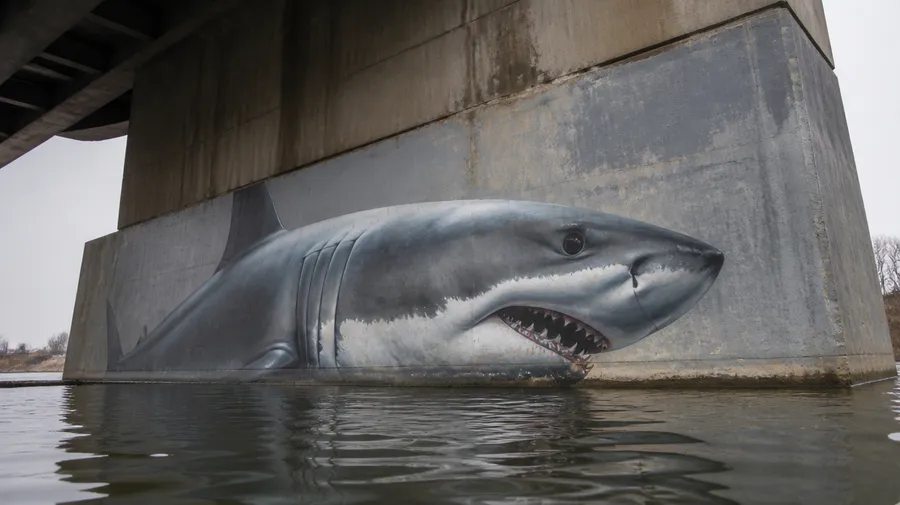
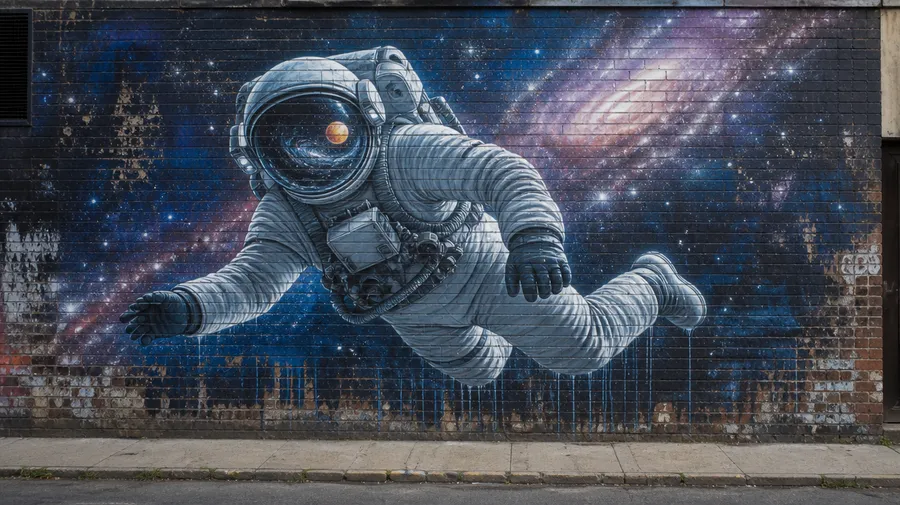
Generate graffiti lettering from any word or name
Put the exact word in quotation marks, then describe the lettering style, fill, outline, drips and surface — for example: graffiti lettering spelling "FROST", large bubble letters, icy blue fill, white highlights, dark outline, paint drips, centered on a weathered concrete wall. Graffiti lettering generated with getimg.ai is part of an image. It is not an installable graffiti font or an editable font file.
AI graffiti prompt examples
The formula: exact text or subject + type of graffiti + lettering style + fill + outline + effects + palette + surface + lighting. Copy one of these into Create image and swap the word for your own.
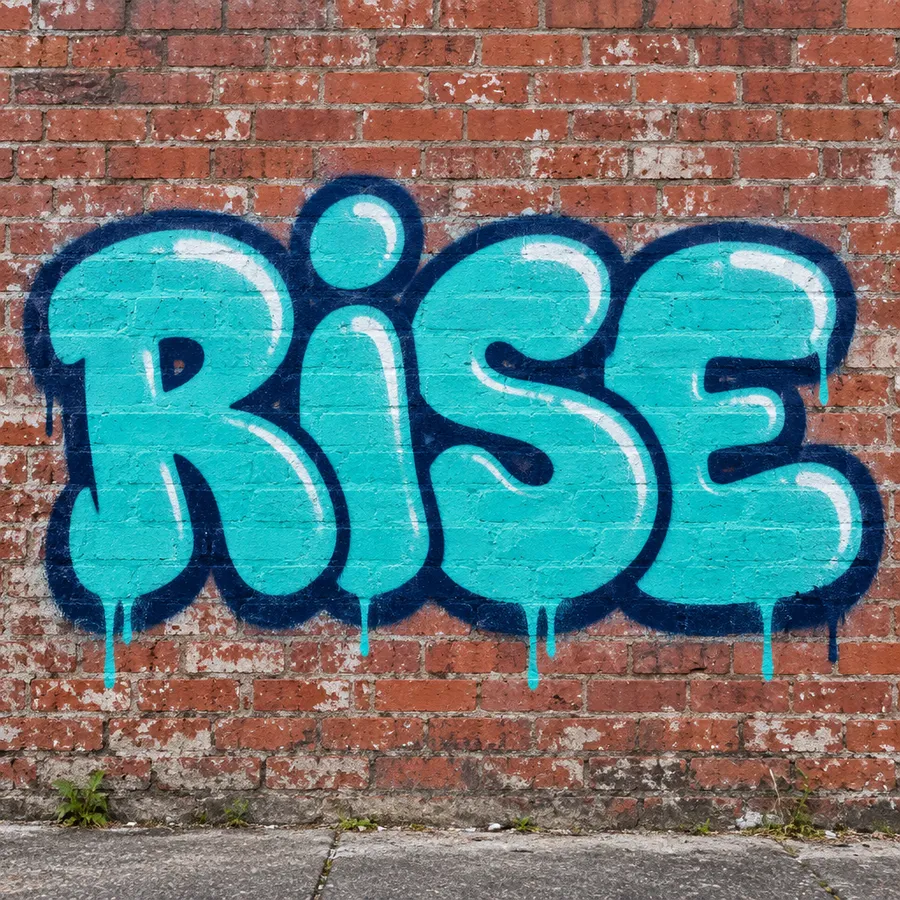
Graffiti name
graffiti piece spelling "NOVA", large rounded bubble letters, turquoise fill, thick navy outline, white highlights, subtle spray drips, centered on weathered red brick, daylight street photography.
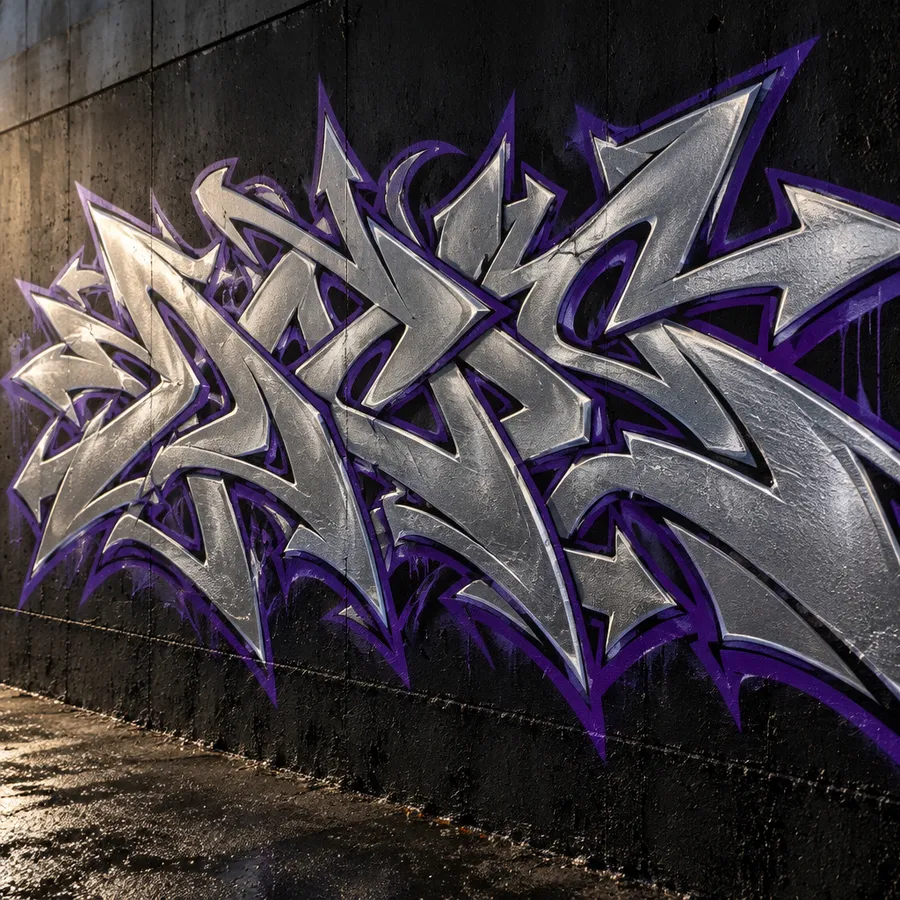
Wildstyle-inspired lettering
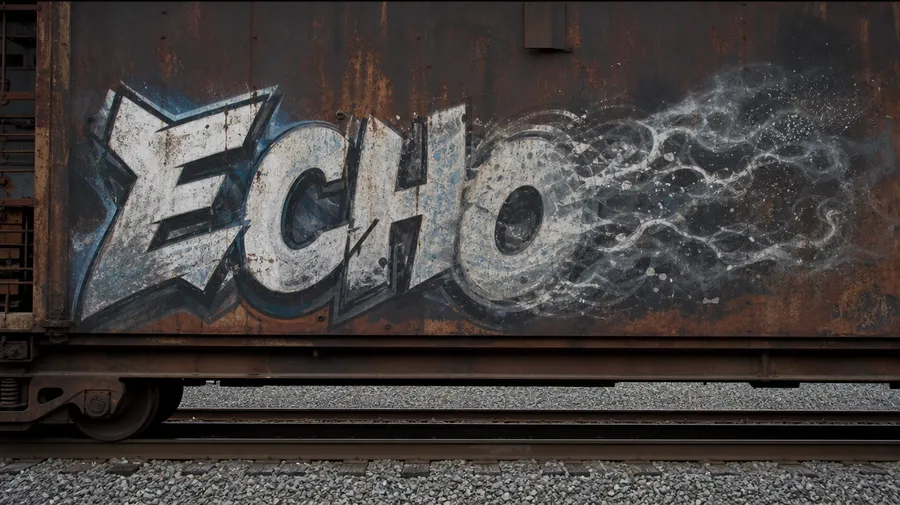
wildstyle-inspired graffiti spelling "ECHO", interlocking angular letters, chrome silver fill, deep violet outline, sharp arrows and extensions, black concrete wall, dramatic side lighting.
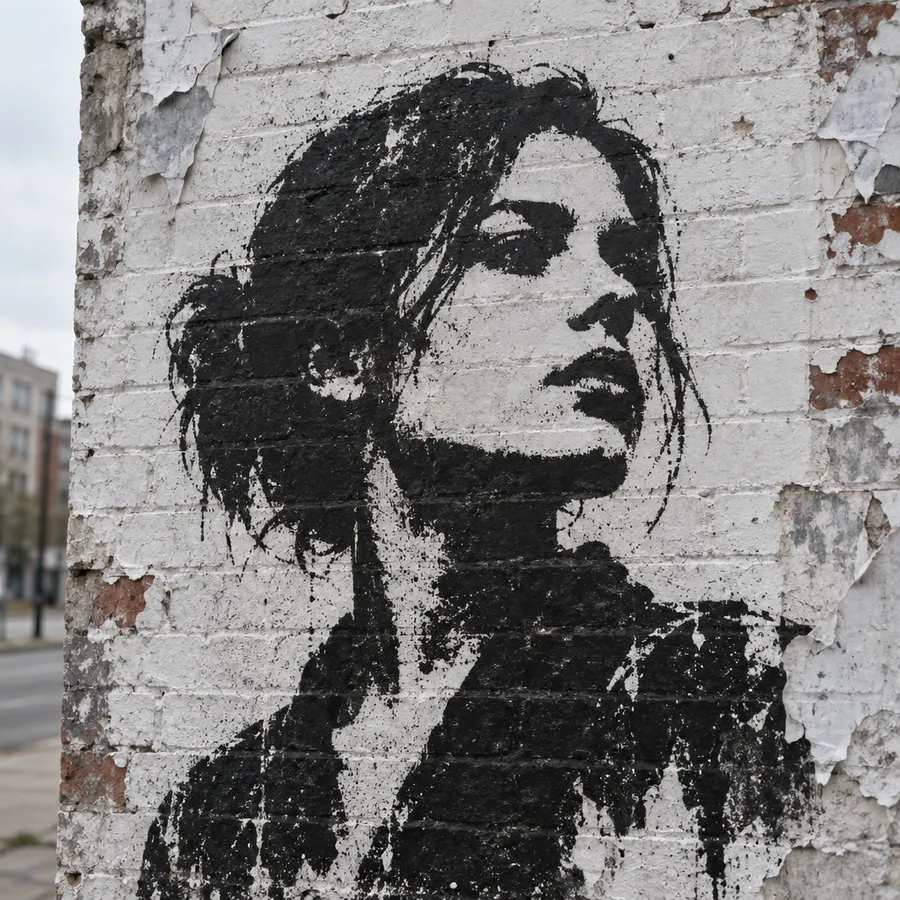
Stencil portrait
black stencil street art portrait on a weathered white brick wall, two-tone high-contrast spray texture, torn paper edges, soft overcast daylight.
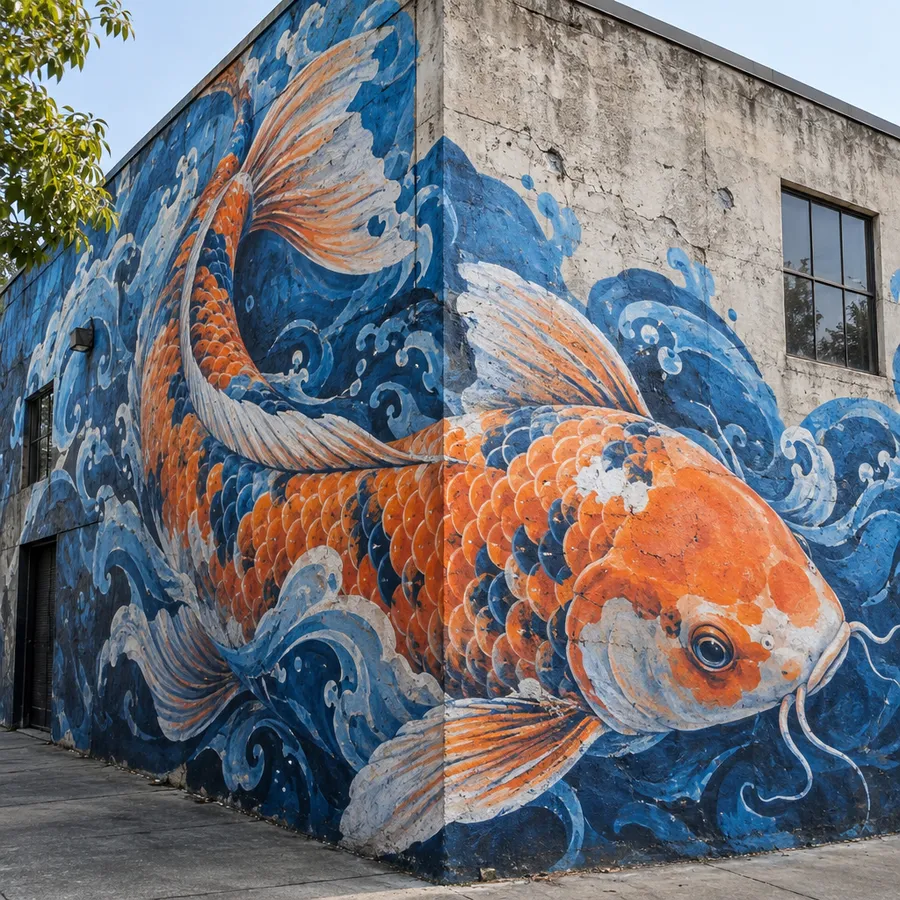
Photorealistic wall mural
photorealistic street mural of a giant koi fish wrapping around the corner of a concrete building, vibrant orange and cobalt blue spray-painted textures, realistic wall cracks and shadows.
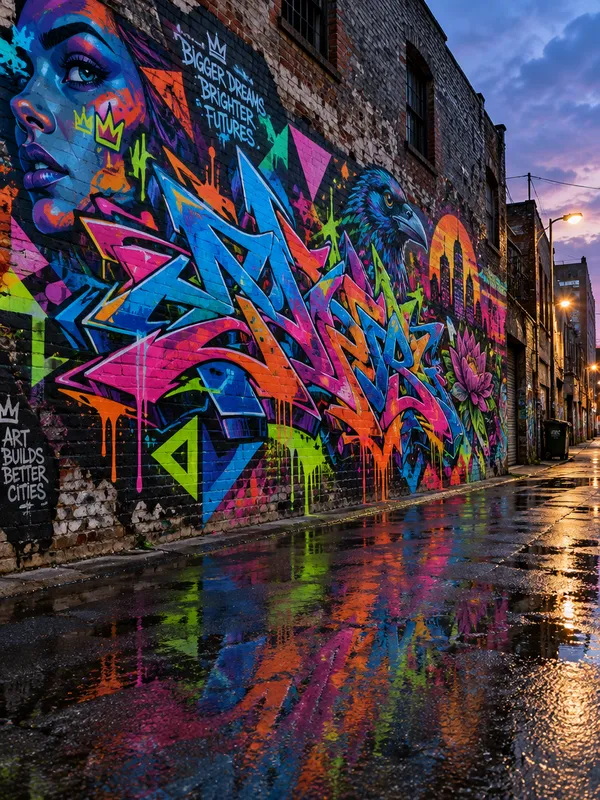
How to get more readable graffiti lettering
Complex wildstyle, long words and heavily distorted letterforms can still affect text accuracy. These adjustments raise the hit rate, and checking spelling before export catches the rest.
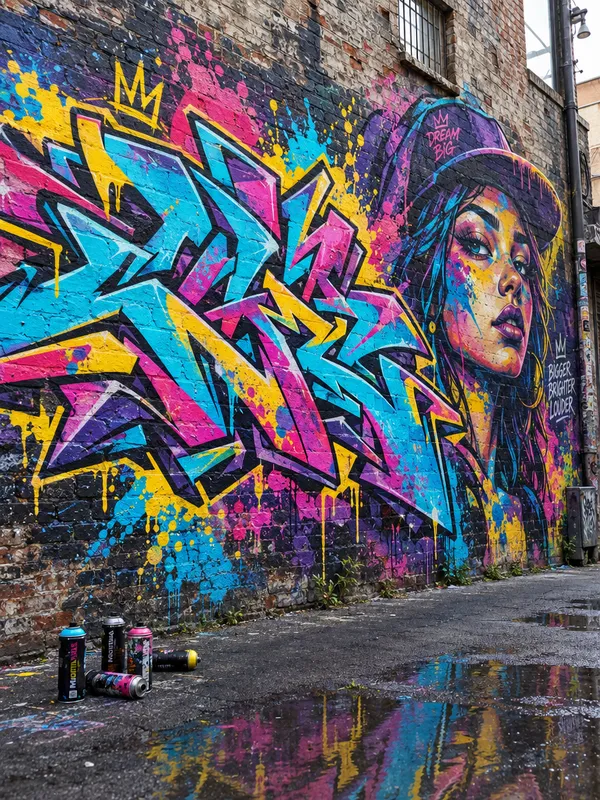
Bubble-letter graffiti spelling RISE with a dark outline on a concrete wall
Create graffiti artwork without the wall
Generate the lettering or character design, remove the background with the Background Remover, and download a transparent PNG you can place on apparel mockups, posters, stickers, social graphics or other layouts.
It is the shortest path from a wall piece to a merch graphic: generate, isolate, reuse. For sticker designs and album artwork the isolated version is usually the one you want.
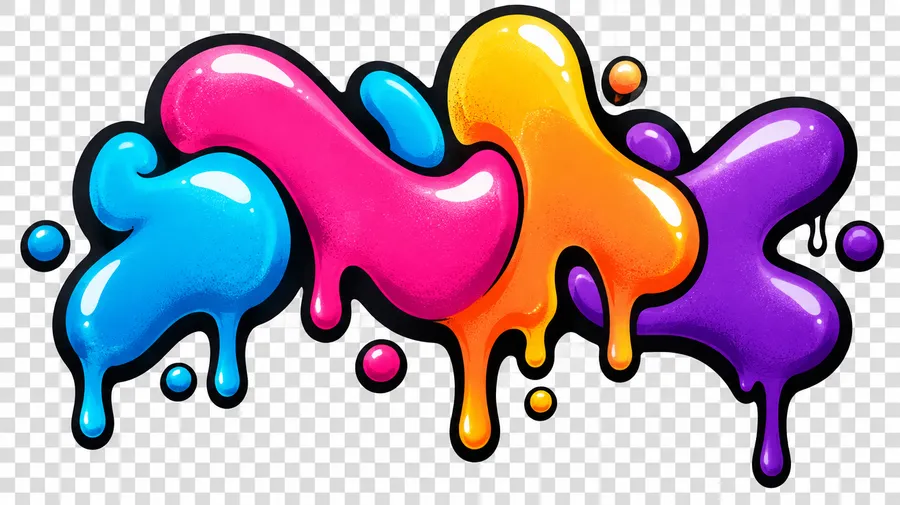
Graffiti lettering isolated on a transparent background checkerboard
Start with a word. End with a graffiti piece.
Describe the tag, mural or lettering you want, generate a batch, and keep the strongest direction. Then download it, or upscale and prepare it for your final print size.
Frequently Asked Questions
Yes. Put the exact word, name or nickname in quotation marks in your prompt — graffiti lettering spelling "FROST" — and then describe the style, fill, outline, effects and surface. Short words render most reliably. The AI Image Generation Prompt Book covers text placement, size and effects in more detail.
Use a short word, quote the exact text, ask for centered lettering, choose simpler bubble or block letterforms, increase contrast between fill and outline, avoid stacking decorative elements over the letters, and generate several versions so you can compare spelling before you export.
Yes. A tag is short, signature-like lettering — usually one word in a single color. Prompt it as a tag rather than a piece or a mural, name the marker or spray look you want, and pick a surface such as a metal shutter or a concrete wall.
A tag is short signature-style lettering. A piece is more developed lettering with fills, outlines, highlights and effects. A mural or street-art scene is a larger composition where lettering may be only one part, or absent altogether. Naming which one you want is the single most useful thing you can add to a graffiti prompt.
No. getimg.ai returns standard raster images — PNG, JPEG or WebP. Graffiti lettering generated here is drawn as part of an image, not as an installable font file such as TTF or OTF, and not as an editable typography layer. For broader typography and text-effect work, see the Word Art Generator.
You can generate graffiti-style logo and wordmark concepts. For a final production logo that needs editable vectors, exact spacing or multiple brand formats, additional design preparation may be required — the AI Logo Generator is the better starting point for brand marks.
Yes. Attach a photo, sketch or existing visual in the Create image generator and describe the graffiti direction you want applied — stencil, mural or spray-paint treatment. Up to 10 reference images can guide style, color palette, composition or perspective. Strong stylization can change facial details and smaller features.
Yes. Generate the lettering or character, then use the Background Remover to export a transparent PNG for apparel mockups, posters, stickers or social layouts.
Save a Style, Color Palette or Texture Element and reuse it when creating more lettering, characters or street-art concepts for the same project — see the Elements guide. Elements guide generative consistency, but individual strokes, letter shapes and spacing can still vary between outputs.
Yes. Commercial rights are included in all of getimg.ai's paid plans, so you can sell designs on print-on-demand platforms, use them in client work or bring them into branding materials, subject to the usage policies.
Decide the physical print size first, then work back to the pixel dimensions it requires. Upscale the artwork with the AI Upscaler to reach those dimensions and check your printer's resolution specifications before export.