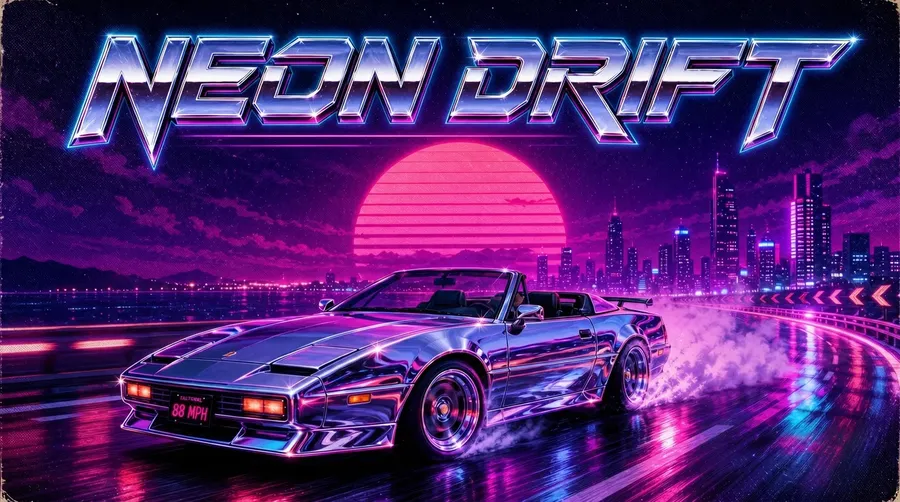
AI Album Cover Generator
Artwork for releases and the campaign around them: singles, albums, mixtapes, streaming covers, tour visuals, and more. One concept, every channel.
Leading image models in one workspace
Painterly, photoreal, halftone, anime, analog film. Auto mode picks the image model that nails the aesthetic you described, and switching manually is one click away.


From concept to cover, in one place
Describe the mood or attach a reference. Auto selects an image model, you get several cover directions back, and every control sits one click away.
Auto picks the image model
Photoreal portraits, painterly oil texture, halftone print poster, analog film grain. Auto selects an image model based on the cover direction you describe.
Auto selection

FLUX.2
Extreme level of detail.

Nano Banana 2
Excellent prompt following.
Several directions at once
Generate multiple cover directions from the same prompt and compare them side by side. Lock the lead, then keep iterating on it.
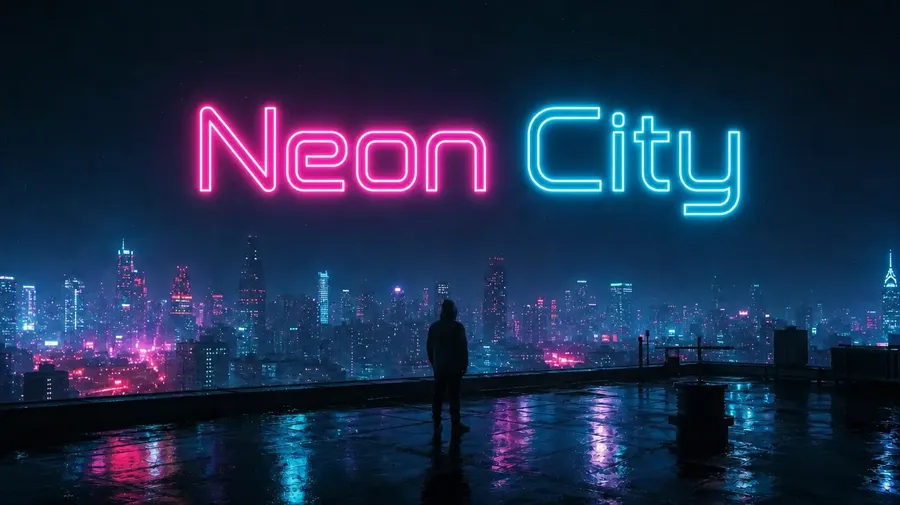
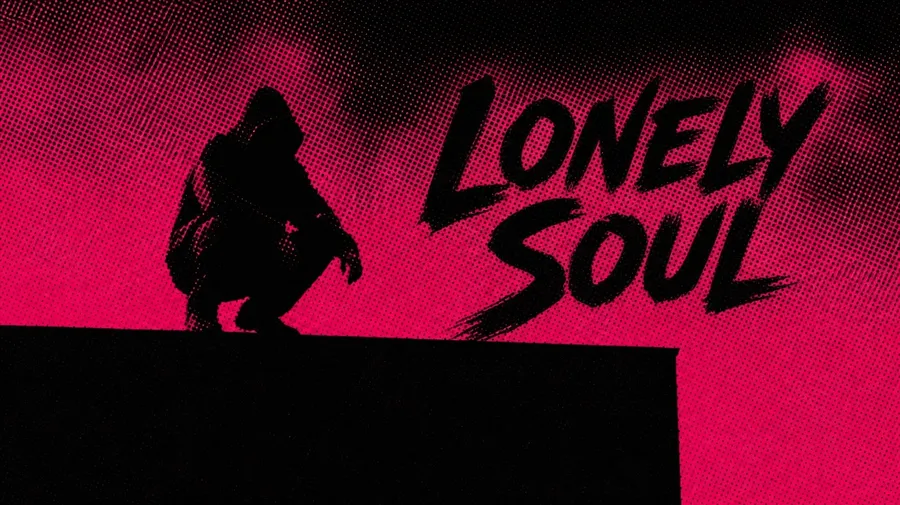
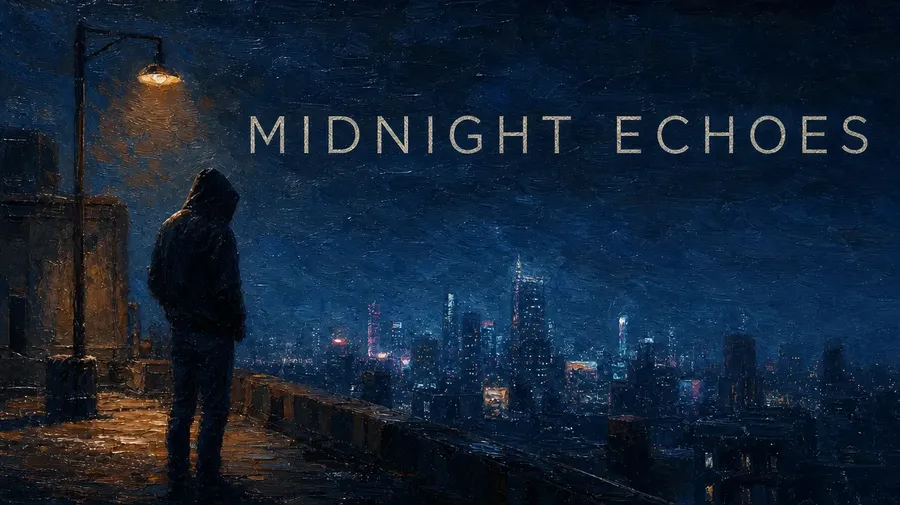
Tweak without restarting
Change the model, the aspect, or the palette and your prompt stays put. One tweak, regenerate, and a fresh direction sits next to the previous one.
Prompt
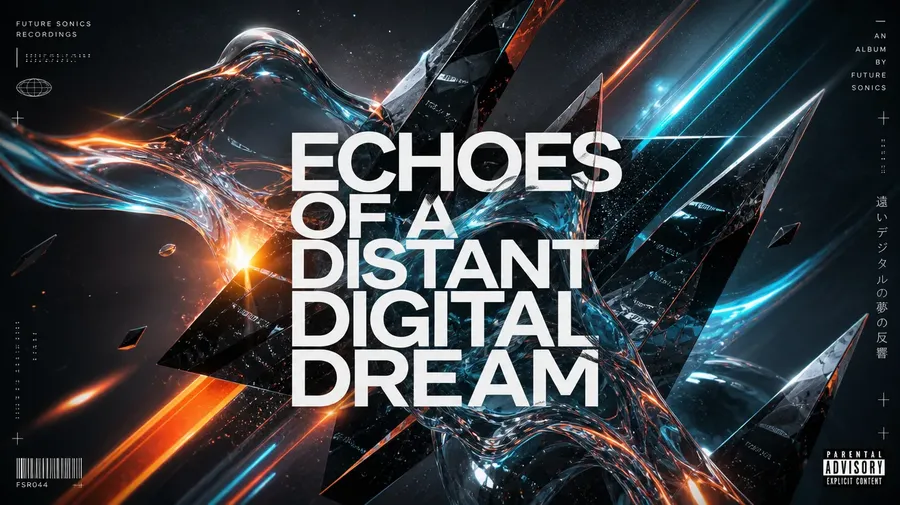
Generate
Download
What the AI Album Cover Generator does
getimg.ai's AI Album Cover Generator turns a text prompt or a visual reference into cover artwork for singles, EPs, albums, and mixtapes. Generate several directions, refine the strongest one, then adapt the artwork for streaming, social, print, and release campaign assets.
It runs in the same workspace as the rest of your visuals, so the cover you land on can move straight into editing with the Image Editor or resizing with the AI Resizer.
How to make an album cover
Three steps from concept to master artwork.
1. Describe or upload
Type the mood, era, palette, and subject in plain language, or attach an artist photo, a moodboard, or earlier release artwork as a reference.
2. Pick the strongest
Generate a batch and compare the directions side by side. Lock the lead, restyle the runners-up, or change the model and run another batch from the same concept.
3. Adapt the master artwork
Keep the 1:1 master for streaming, resize it for social and banners, and upscale it when you need a higher-resolution source for print.
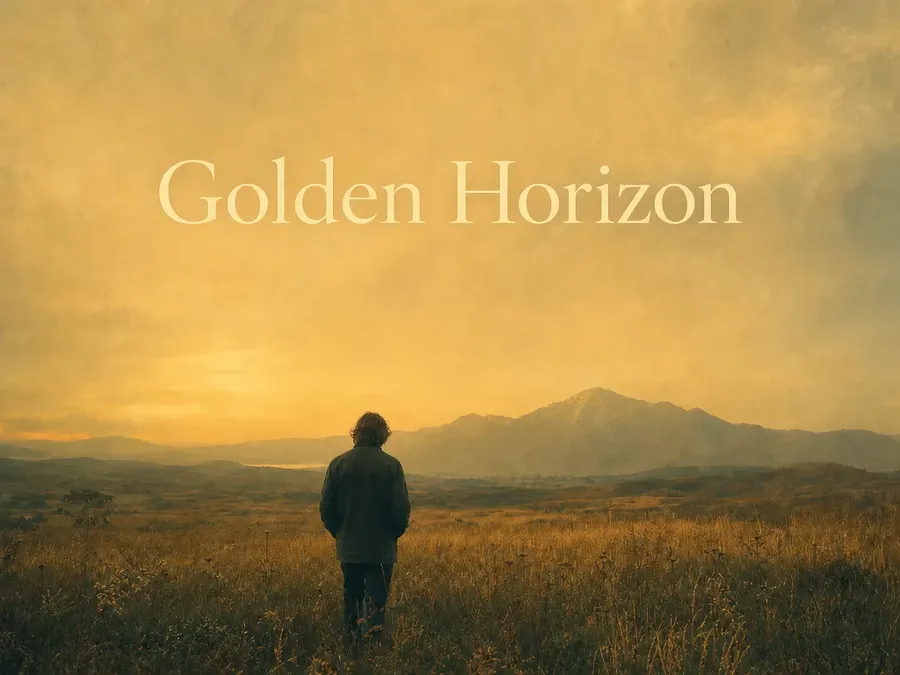
indie-rock LP cover, lone figure facing away in a wide grassy field at golden hour, painterly haze, space left clear for the title
Create from an artist or band photo
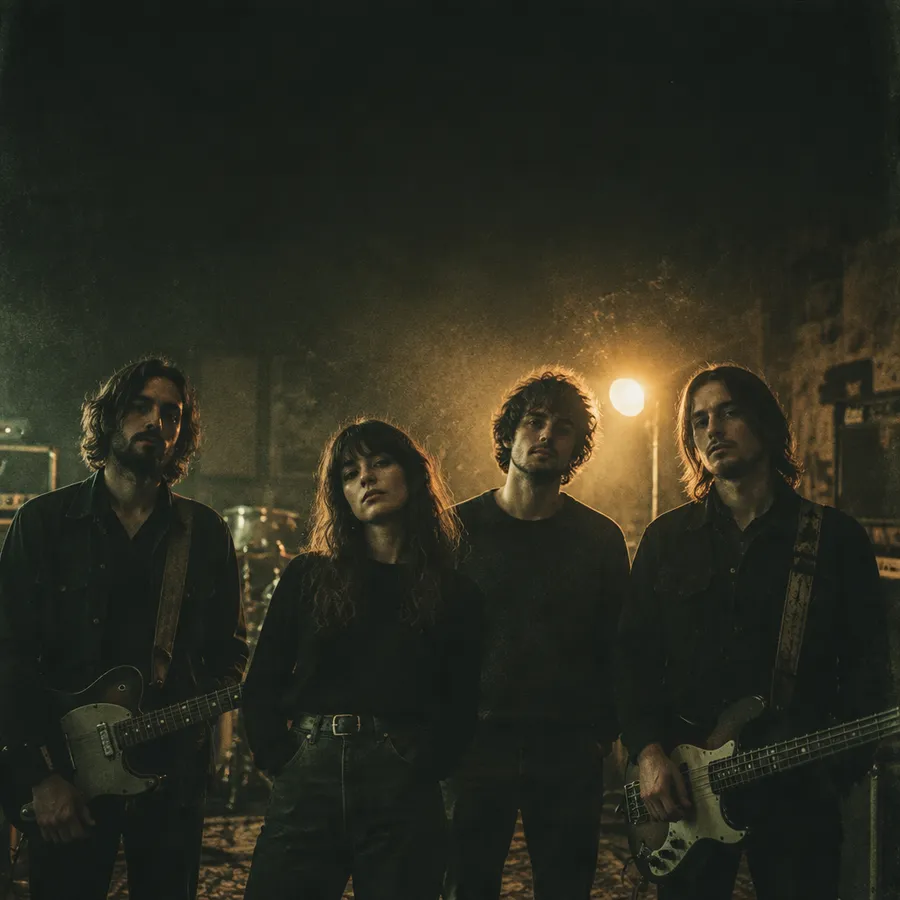
Instead of describing how someone looks, show it. Attach up to 10 image references in Create image: a portrait, a band shot, a moodboard, or the artwork from an earlier release.
Upload the photo, describe the album direction, and generate several visual treatments that keep the artist recognizable. More on how references behave in the image references guide.
Release artwork for every format
Start with the release itself: a single, an EP or album, or a mixtape. Then carry the same direction into the campaign around it.
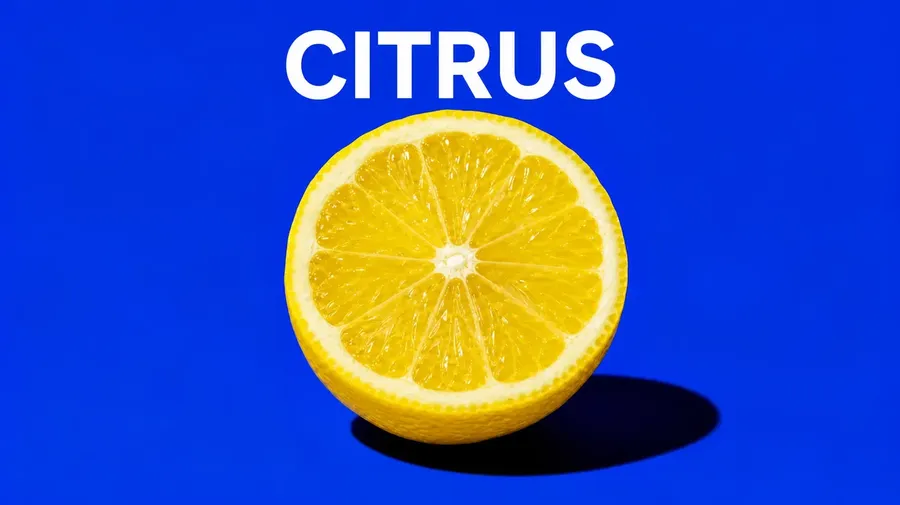
Album cover sizes and formats
Generate the 1:1 master artwork first, then adapt it per destination. When you need a different shape, the AI Resizer reframes the existing artwork instead of making you regenerate it.
Generate the run. Pick the lead.
Spin up a stack of cover ideas from the same concept, lay them out side by side, and lock the lead artwork. Every direction stays exactly where it is, ready to restyle, upscale, or adapt.
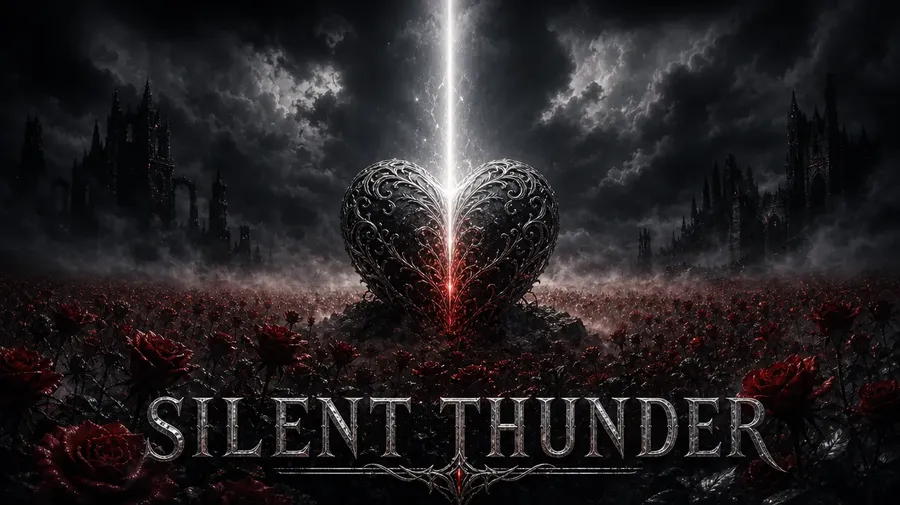
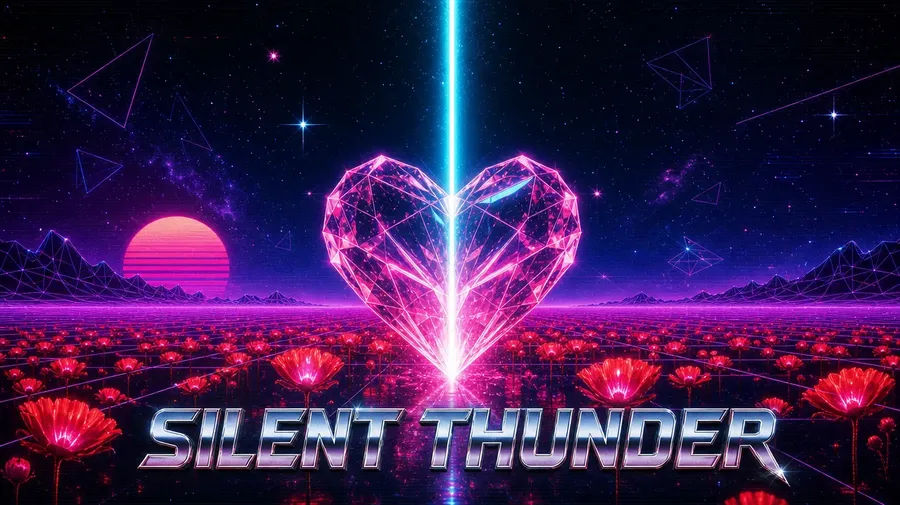
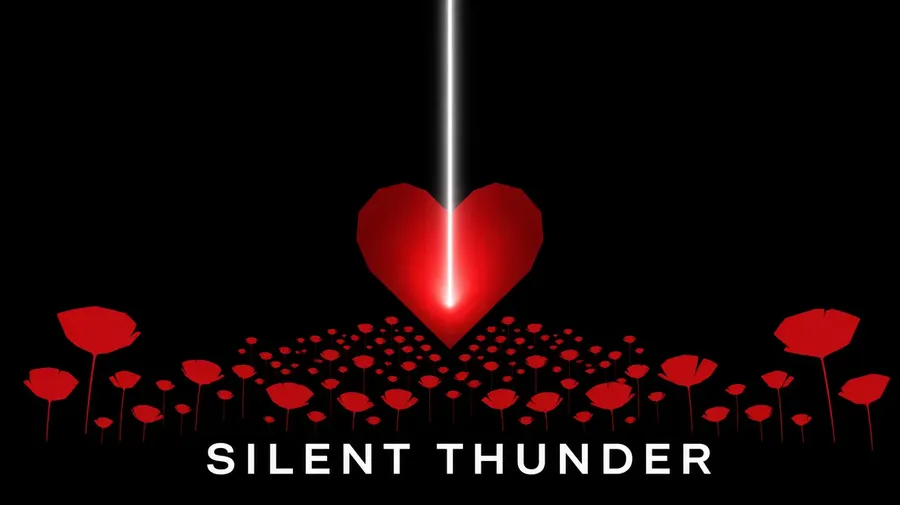
AI album cover prompt examples
Genre shapes visual direction more than almost anything else in album art. A prompt that works is usually: release type + genre or mood + subject + visual medium or style + palette + composition + space reserved for typography.
Indie rock, hip-hop, electronic and techno, metal, R&B, lo-fi, jazz, pop, experimental — each one pulls the artwork somewhere different. More worked examples live in the guide to generating album covers.
Indie rock
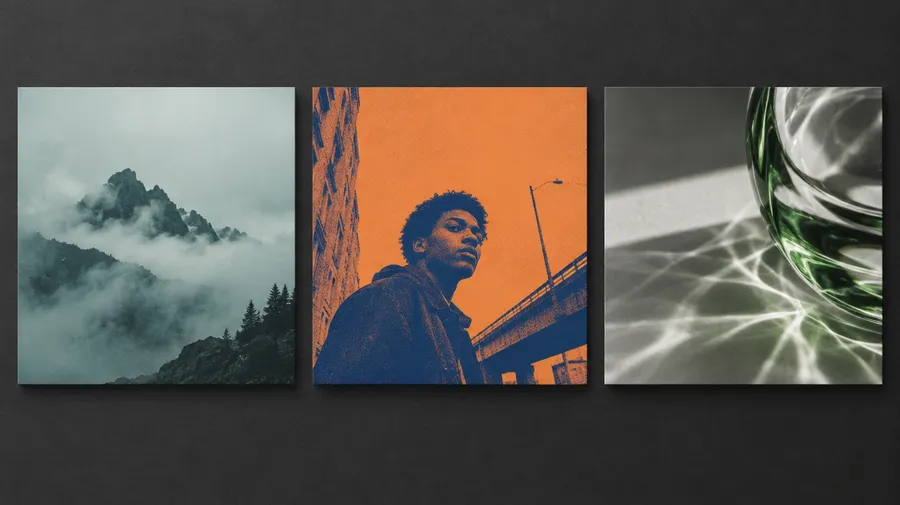
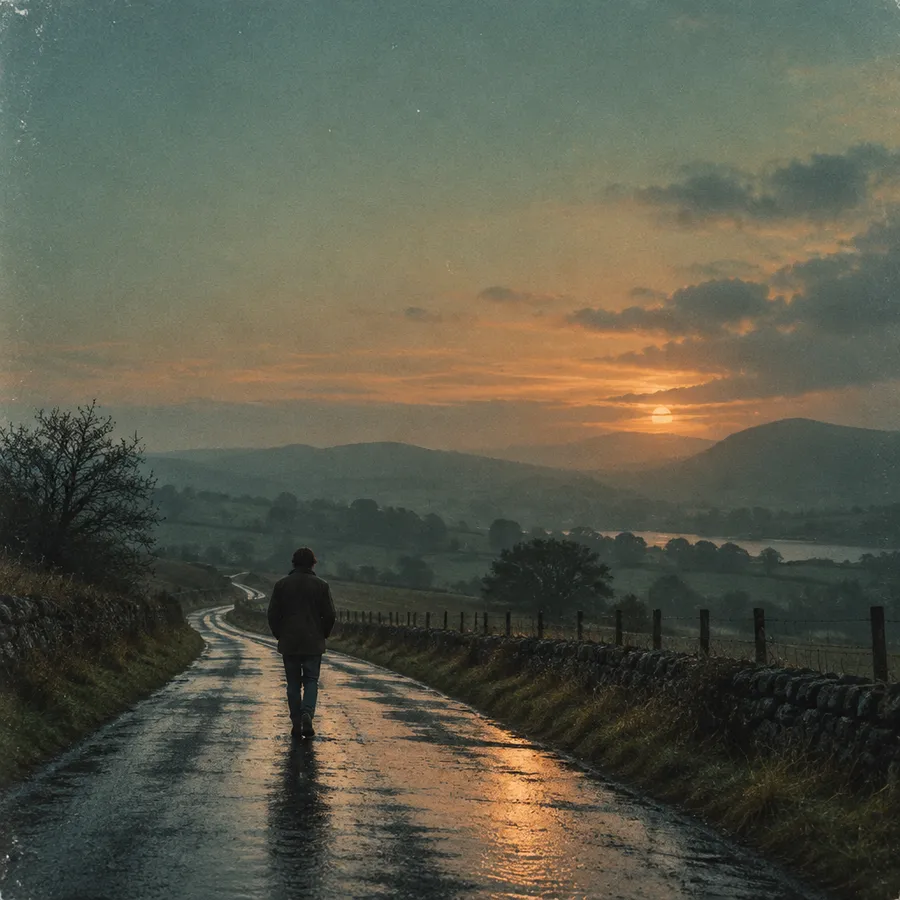
Album cover, indie rock, lone figure on a rain-soaked road at dusk, 35mm film grain, washed teal and amber palette, subject low in the frame with open sky above for the title.
Hip-hop / rap
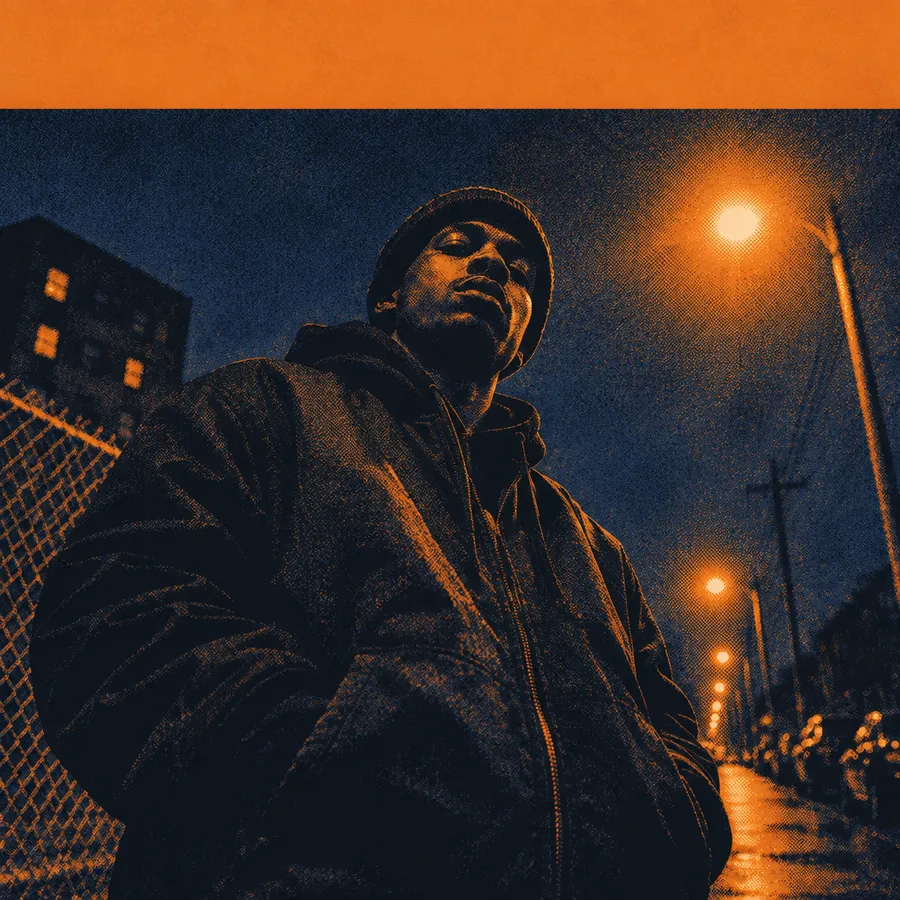
Mixtape cover, hip-hop, low-angle street portrait under sodium streetlights, high-contrast halftone print treatment, deep blue and orange, wide clear band across the top for the title.
Electronic / techno
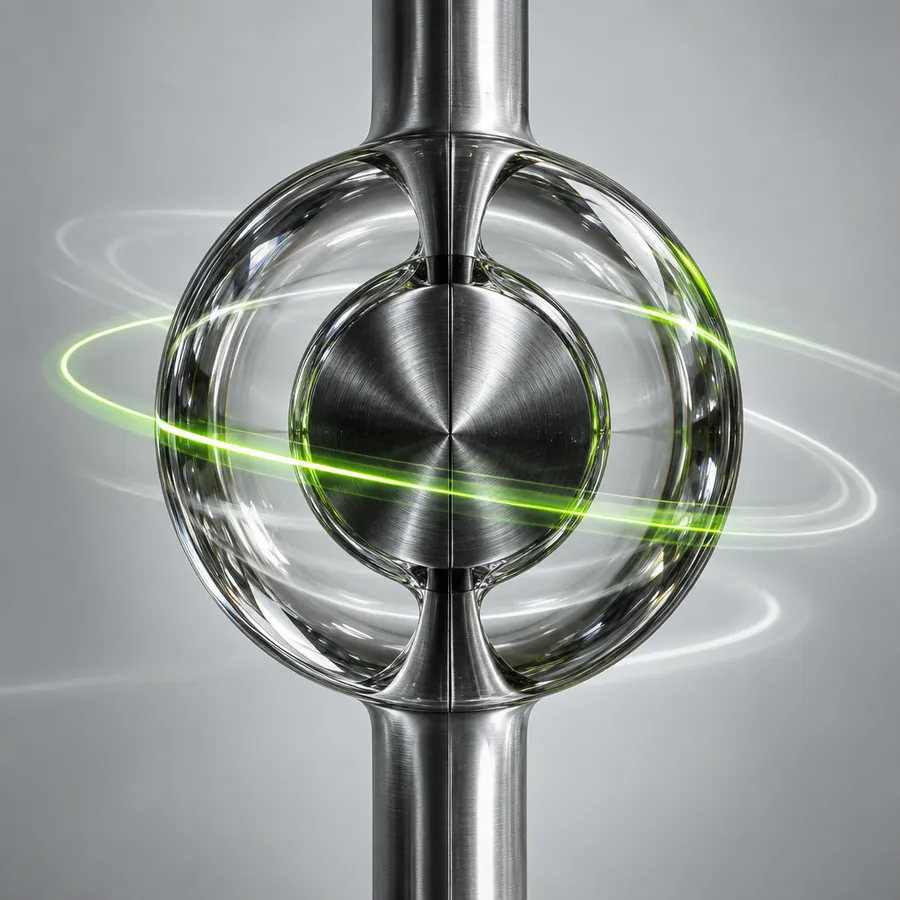
EP cover, techno, close-up of brushed metal and refracted glass, long-exposure light trails, monochrome with one acid-green accent, centered composition with margin left for typography.
Same look. Every release.
Save a reference set as a Style Element. Type @YourStyle in any prompt to guide recurring palette, texture, grain, and visual language across the singles, the EP, the tour artwork, and the press kit.
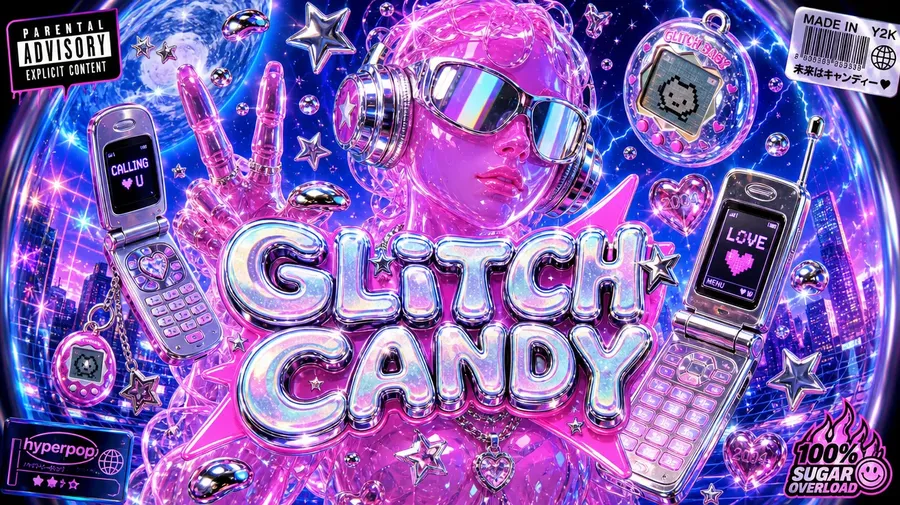
Album cover, @YourStyle, 'Glitch Candy' title.
How to get better album cover results
Start from the mood of the music rather than a list of objects, and commit to one main visual idea per cover. Check how it reads at thumbnail size, because that is where most listeners will see it first.
Two typography routes both work: generate artwork with lettering included, or generate clean artwork with intentional negative space and finalize the exact typography afterwards. Keep titles short, and always review generated lettering before release — a typo in an artist or album name is far more costly than a small artefact in the background.
Animate the cover for release content
Once the still artwork is locked, use it as the starting frame for a short release teaser. Image and video generation share the same workspace, so the cover goes straight into the Image-to-Video flow without re-uploading anything.
That is what makes one concept genuinely travel across channels: the same artwork becomes the announcement post, the banner, and the motion teaser.
Describe the cover. Generate the artwork.
From the first single to the tour press kit, all in one place. Start creating in under 60 seconds.
Frequently asked questions
Yes. Attach an artist portrait, a band shot, a moodboard, or earlier release artwork as a reference — up to 10 images per generation — then describe the album direction. The generator works from the reference instead of asking you to describe a face in words.
Both use square 1:1 artwork. Spotify accepts 640 × 640 px up to 10,000 × 10,000 px and advises against upscaling purely to meet the minimum. Apple Music recommends 3000 × 3000 px with a 1400 × 1400 px minimum, as JPEG or PNG in RGB.
You can prompt for lettering, and it often works. For a release, the safer route is to generate clean artwork with intentional negative space and add the exact typography afterwards. Keep titles short and review any generated lettering carefully before release.
The artwork can be used as the visual source, but a physical vinyl package still needs to be prepared in your pressing plant's production template, with the required dimensions, bleed, spine, and other print specs. Generate the square front artwork, upscale it with the Upscaler when you need a higher-resolution source, then hand it to the plant's template.
Save a reference set as a Style Element and type @YourStyle in each prompt to guide recurring palette, texture, grain, and visual language across a release campaign. See the Elements guide for how to build one.
Yes. Treat the 1:1 cover as the master, then adapt it: 4:5 for an announcement post, 9:16 for a Story, 16:9 for banners and visualizer art. The AI Resizer reframes the existing artwork rather than regenerating the concept.
1:1. It is the format streaming platforms require and it matches the square front of a standard 12-inch LP jacket, so it works as the master artwork for both digital and physical releases.
Commercial rights are included on paid plans. Use the covers for streaming releases, vinyl pressings, merch, marketing, and tour press.