getimg.ai's AI Image Generation Prompt Book
Learn how to write effective prompts for AI image generation in getimg.ai: from photorealism to painting styles, composition, and text.
Introduction: Prompting Made Simple
When you generate images in getimg.ai, you don’t have to write long technical prompts. Simple, natural language works great. Just describe what you want to see, and we’ll fill in the fine details for you.
This guide is here to give you ideas, shortcuts, and practical tips for when you want more control. Use it as inspiration, or as a way to fine-tune your images when you’re aiming for a very specific look.
You don’t have to write in English: you can prompt in your own language.
The Basics: Describe What You Want
Focus on what you’d actually say to a photographer or designer.
Structure to follow:
[subject] + [action] + [style or mood] + [optional details]
Order matters. Start with the main subject (e.g., person, object), then describe what’s happening to it, the style, and small details (like camera settings, textures).
Avoid long, unconnected keyword lists like “dog, park, ball, playing.” Write naturally instead: “a dog chasing a ball across a park at sunset.”
Examples:
-900x900.webp)
-900x900.webp)
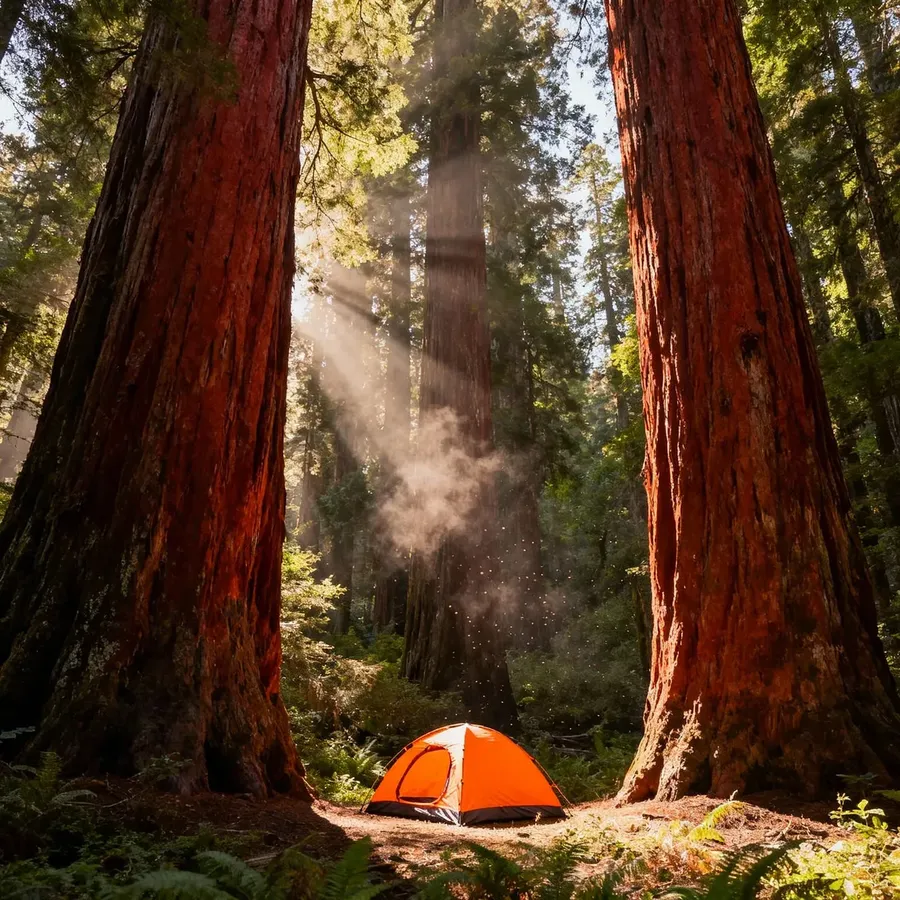
tiny tent pitched in the shadow of towering redwoods, sunlight streaming through canopy, immense scale emphasized
a red mountain train crossing a snow-covered bridge, tilt-shift perspective, sharp alpine sky, bright winter light
a bee collecting pollen on a sunflower, extreme close-up macro, shallow depth of field, soft blurred background
For more artistic or stylized images, you can lead with the medium or mood, and then move on to the subject ( “oil painting of a seaside village, pastel tones, gentle light”).
Don’t describe what you don’t want (“without,” “no”), as it can confuse the AI. Instead, focus on what you do want. Say “clean-shaven man” instead of “man without a beard.”
Editing and Transformations
When you’re editing an image or using one as a reference, switch to active voice.
Use clear verbs like make, turn, remove, add, change. Be precise about what you want to achieve.
Examples:
- remove the text on the wall
- add a cat on the sofa, preserve everything else
- turn this image into a pencil sketch
- change the background to a forest at night.
You can chain multiple instructions in one prompt, e.g., “remove the person in the background and change the style to a watercolor painting”.
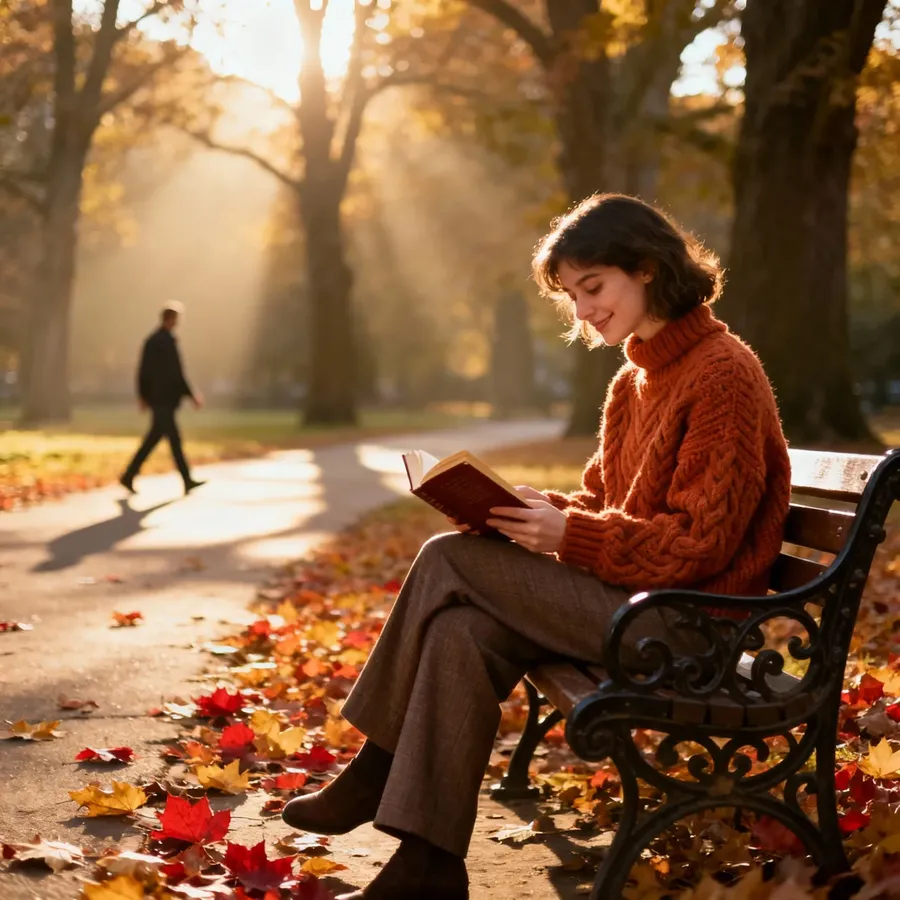
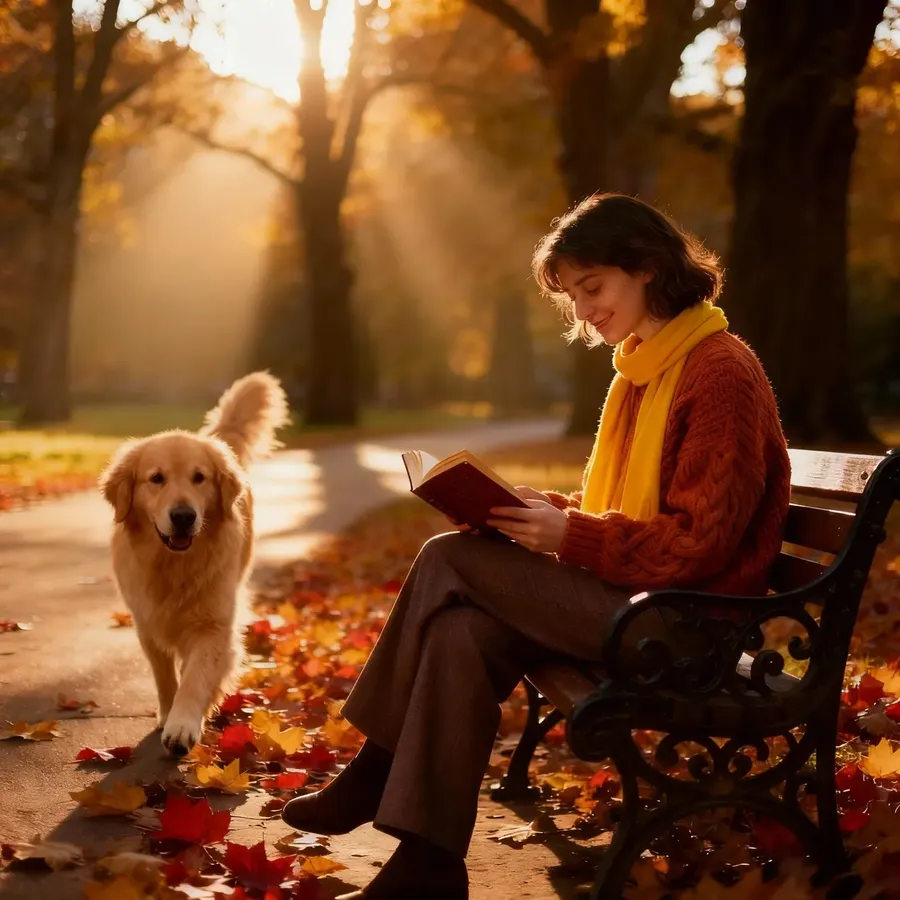
Base Image
remove the person walking in the background, add a bright yellow scarf on the seated reader, shift color grading to dramatic, cinematic tones with high contrast, add a fluffy dog walking along the path
Learn more in the Image Editing Basics Guide →
Combining Prompts, Elements, and References
You can guide the AI using reference images, Elements, or both.
- Use reference images for one-off guidance
- Use Elements when you want the same person, product, or style to stay consistent across many images (e.g., "product shot of @MyBottle, using the color palette from image 1”)
- Combine them when you need consistency plus a specific one-time detail.
When adding multiple reference images, describe their relationship in the prompt:
- product shot of the person from image 1, holding the bag from image 2
- use the product from image 1, but render it in the color palette of image 2.
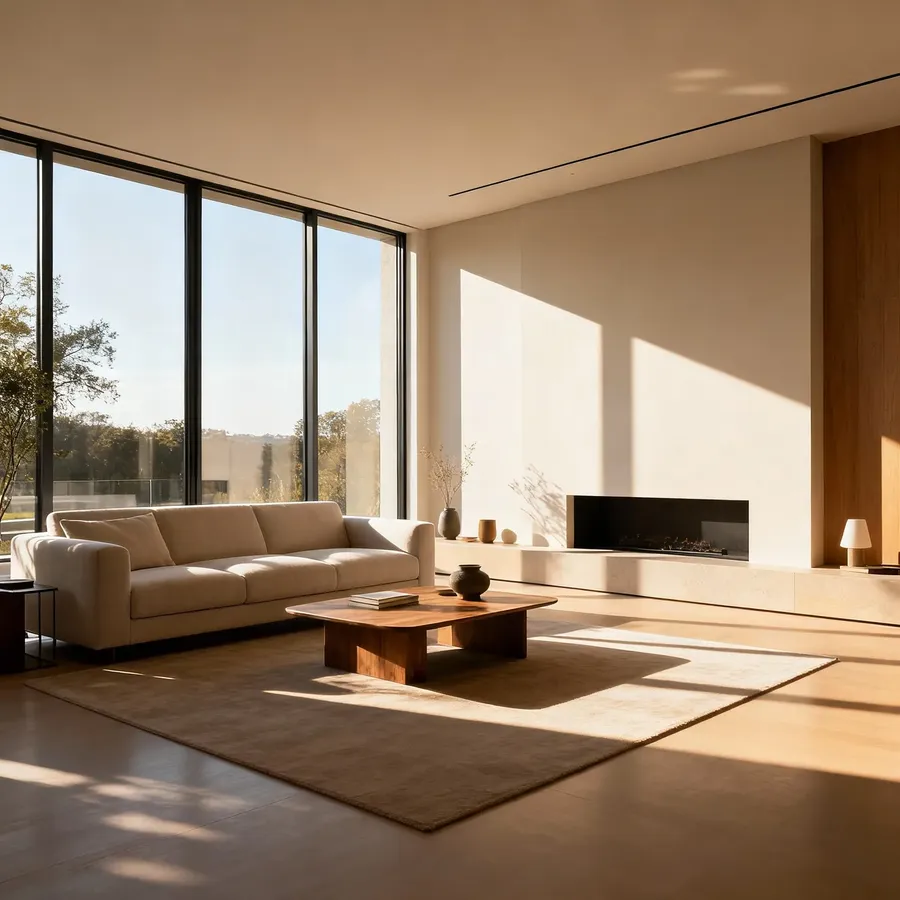
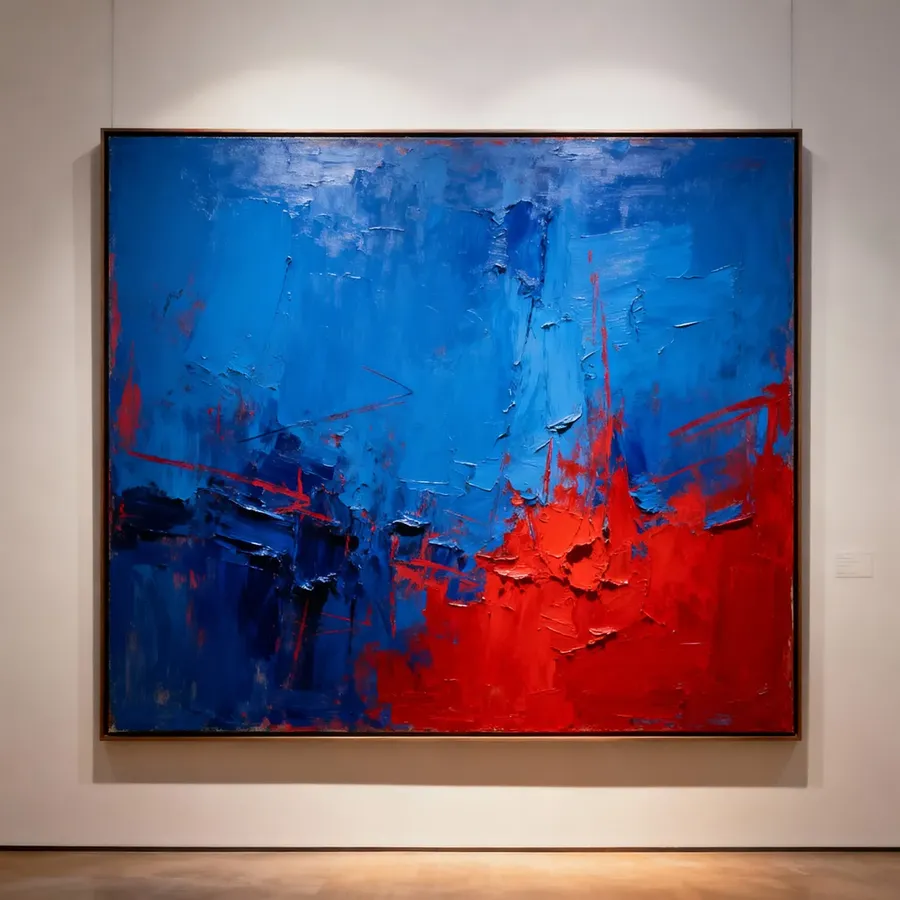
Reference Image 1
Reference Image 2
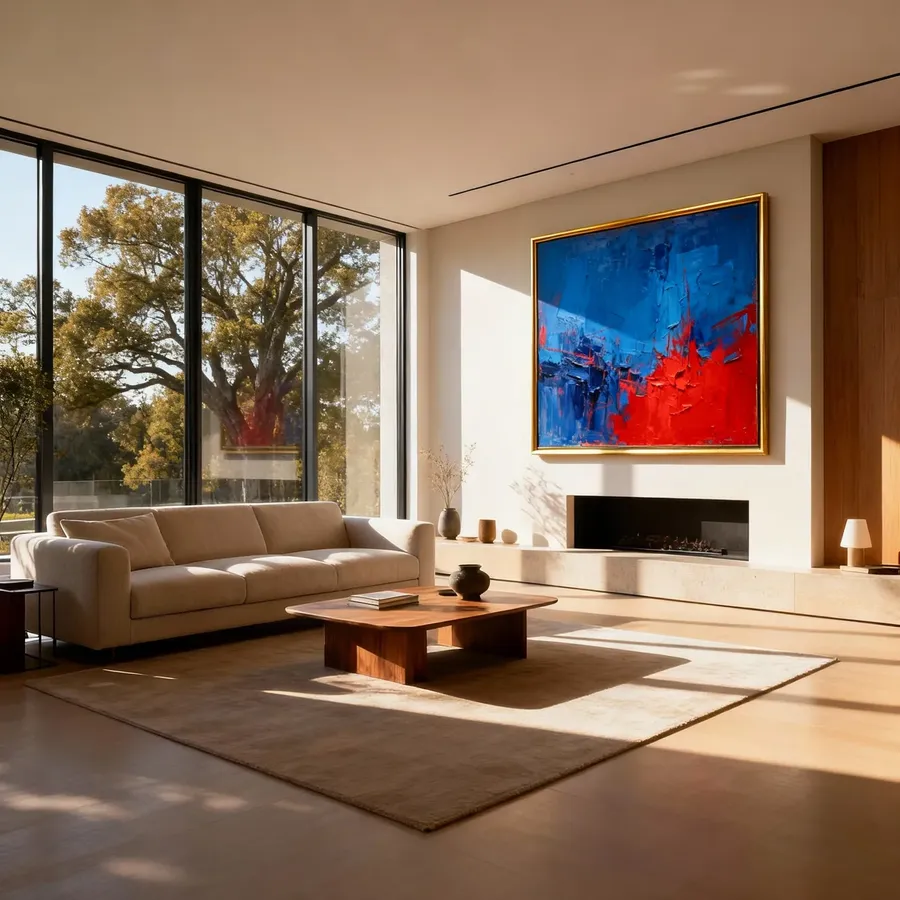
place the painting from image 2 above the fireplace in the room from image 1
See the Image References Guide and the Elements Guide for more details.
Maintaining Consistency Across a Series
If you are building a series, consider creating Elements for anything you reuse frequently (like a character, product, style, color palette, or lighting setup). Then you can reference them in prompts with @ElementName instead of repeatedly attaching the same images.
You can also attach several one-off image references at once, as many as your chosen model supports. For repeated series work, Elements are even faster, because you can reuse the same subject or style without reattaching images.
- Color cards: upload solid-color squares to lock in your palette.
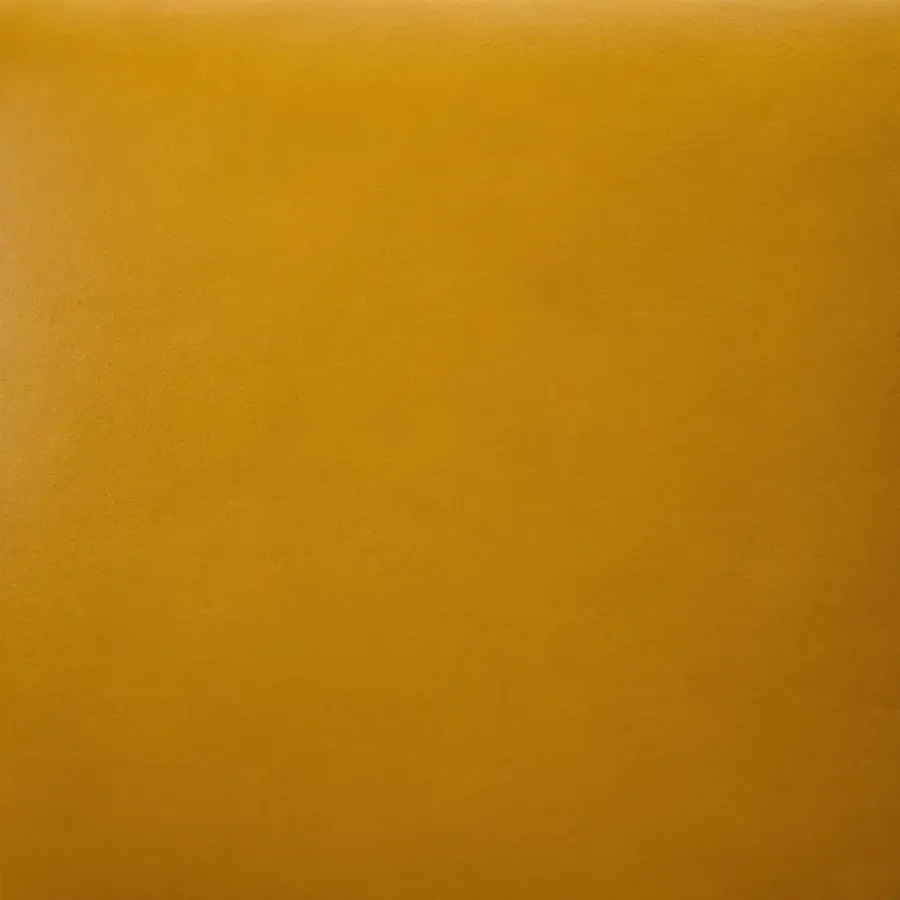
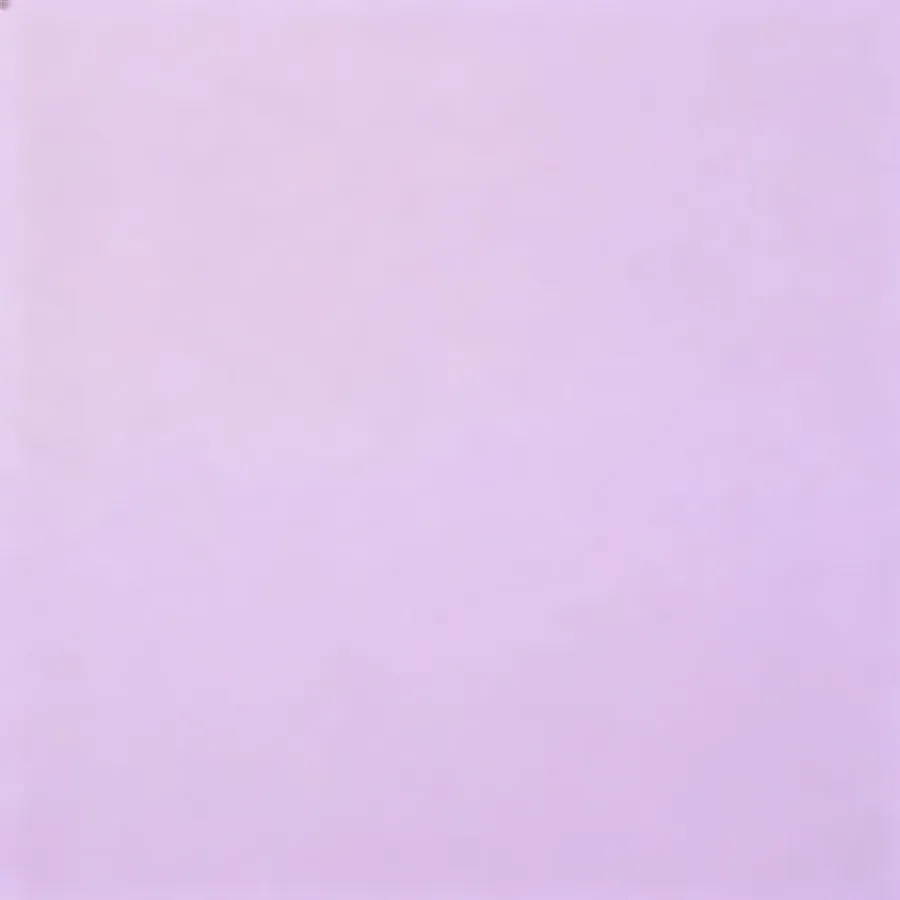
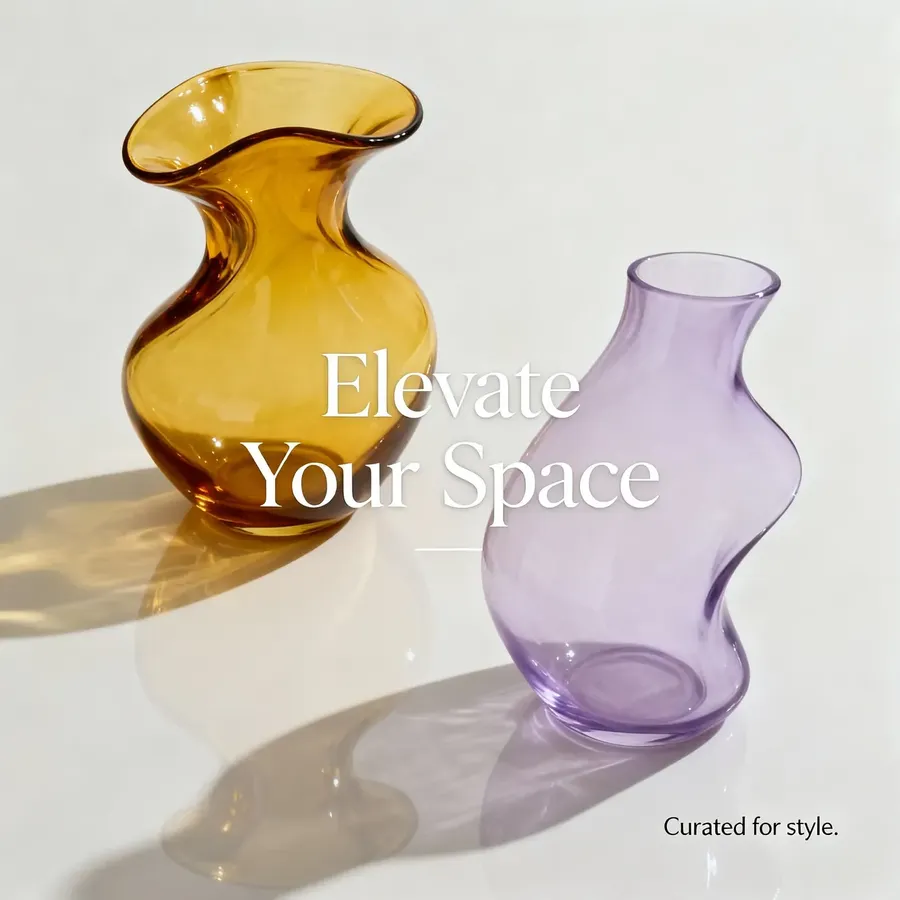
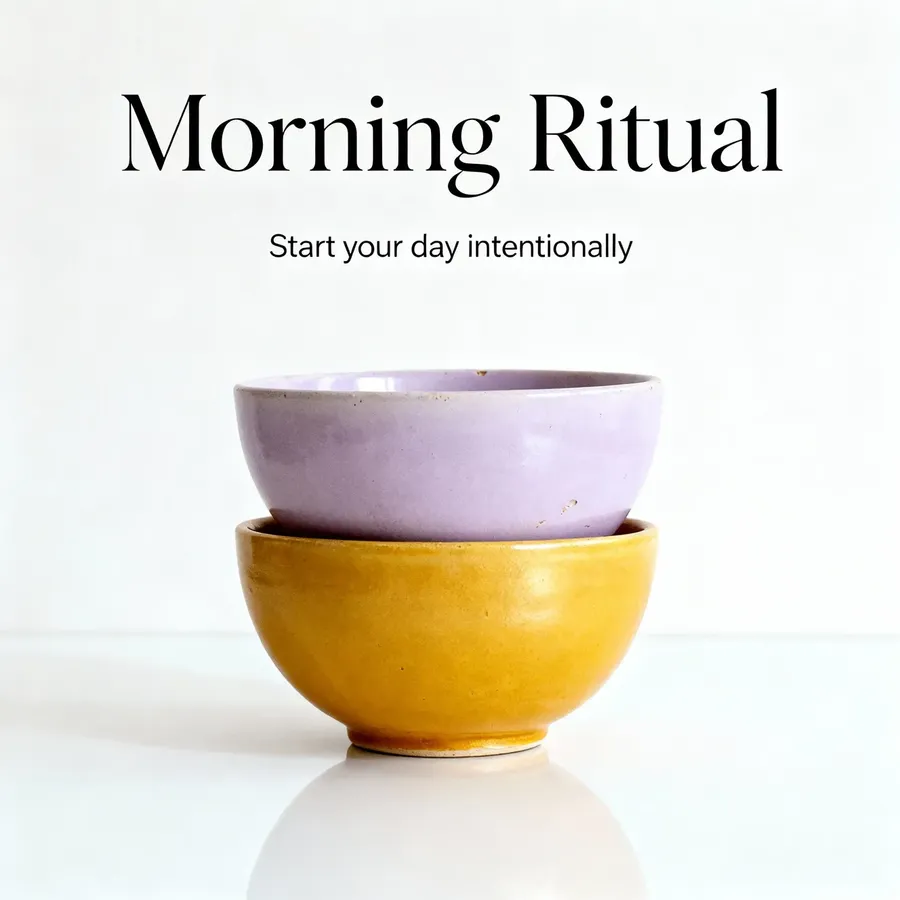
Reference Image 1
Reference Image 2
Example 1
Example 2
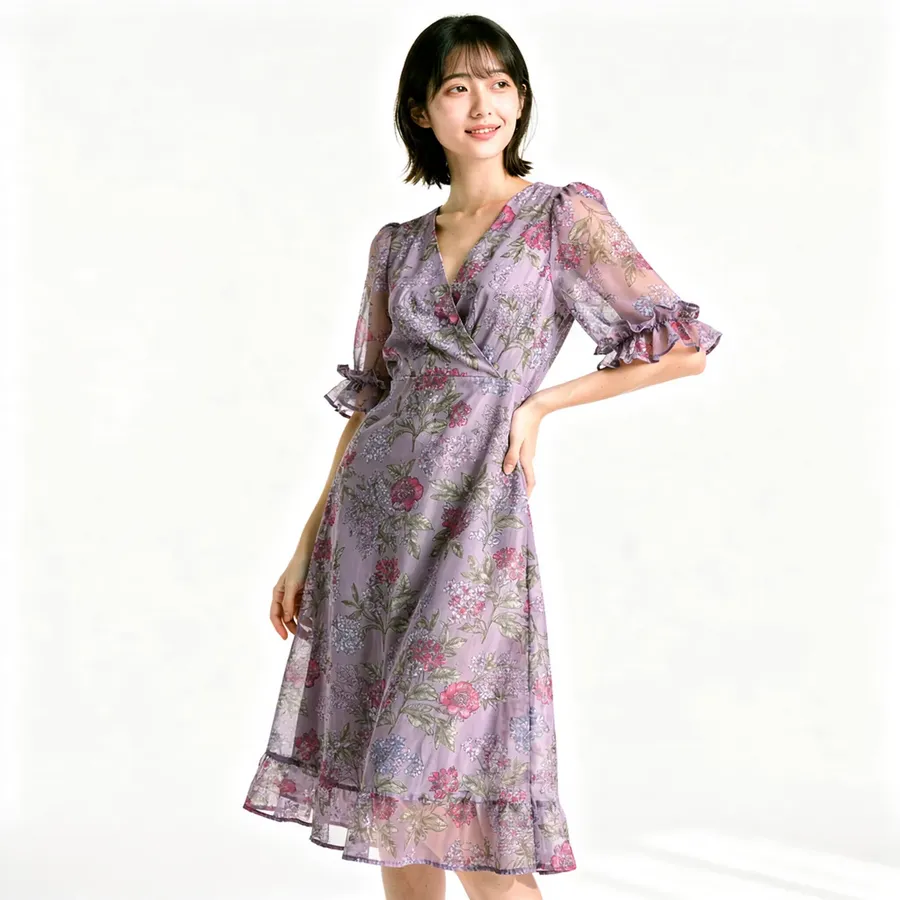
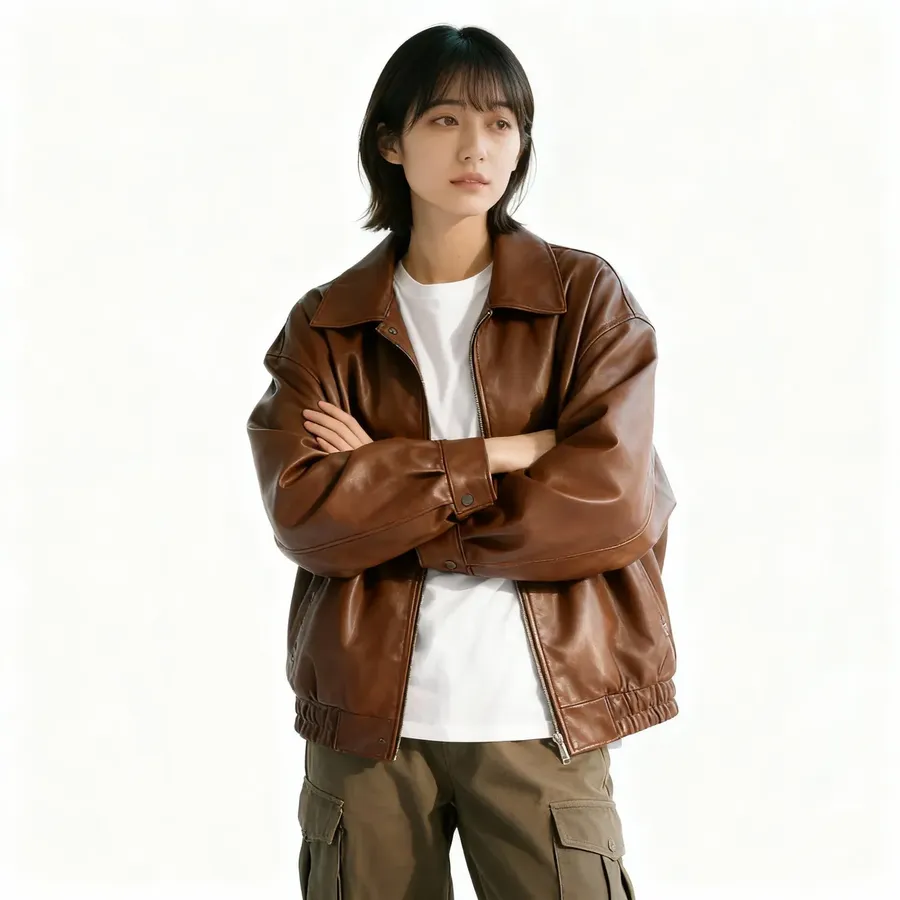
- Face references: keep the same person or pose across multiple scenes
You can upload photos of clothes alongside a face reference to have your very own consistent e-commerce model!
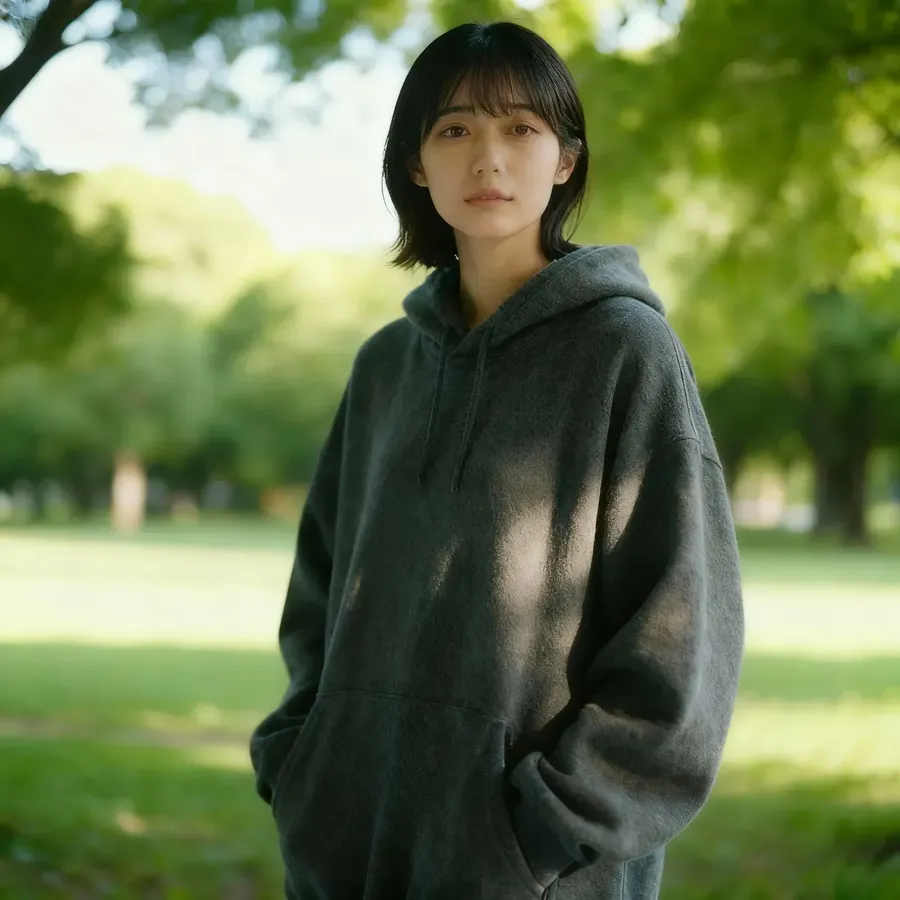
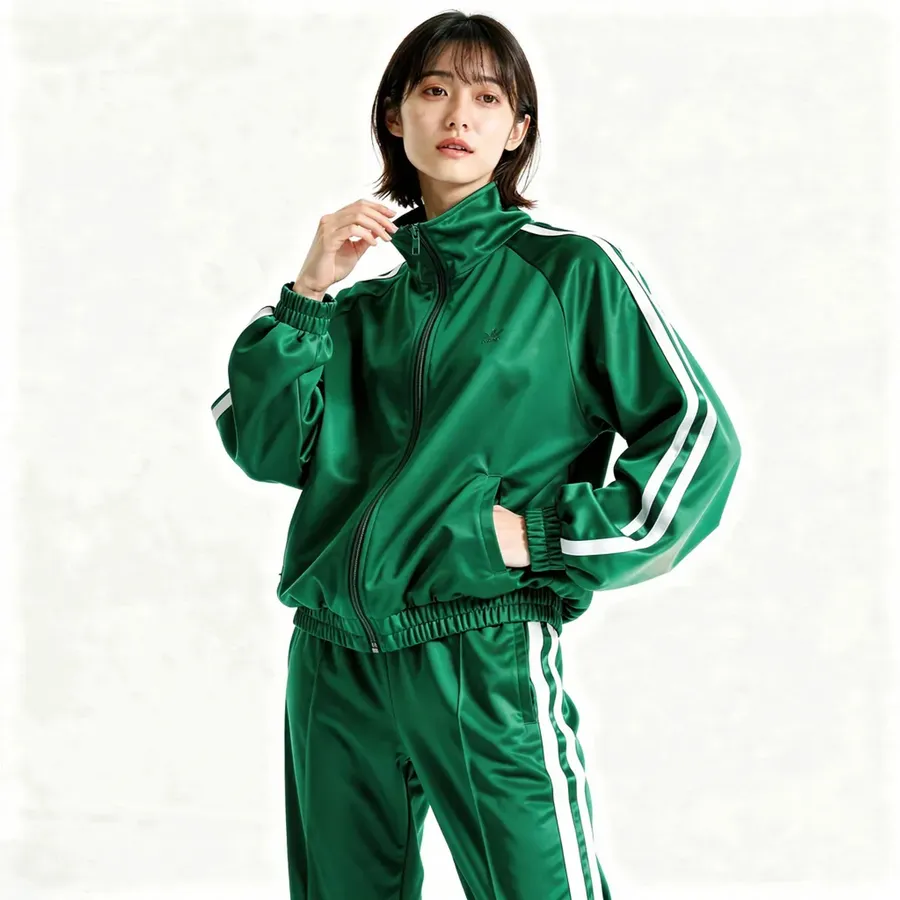
Reference Image
Example 1
Example 2
Example 3
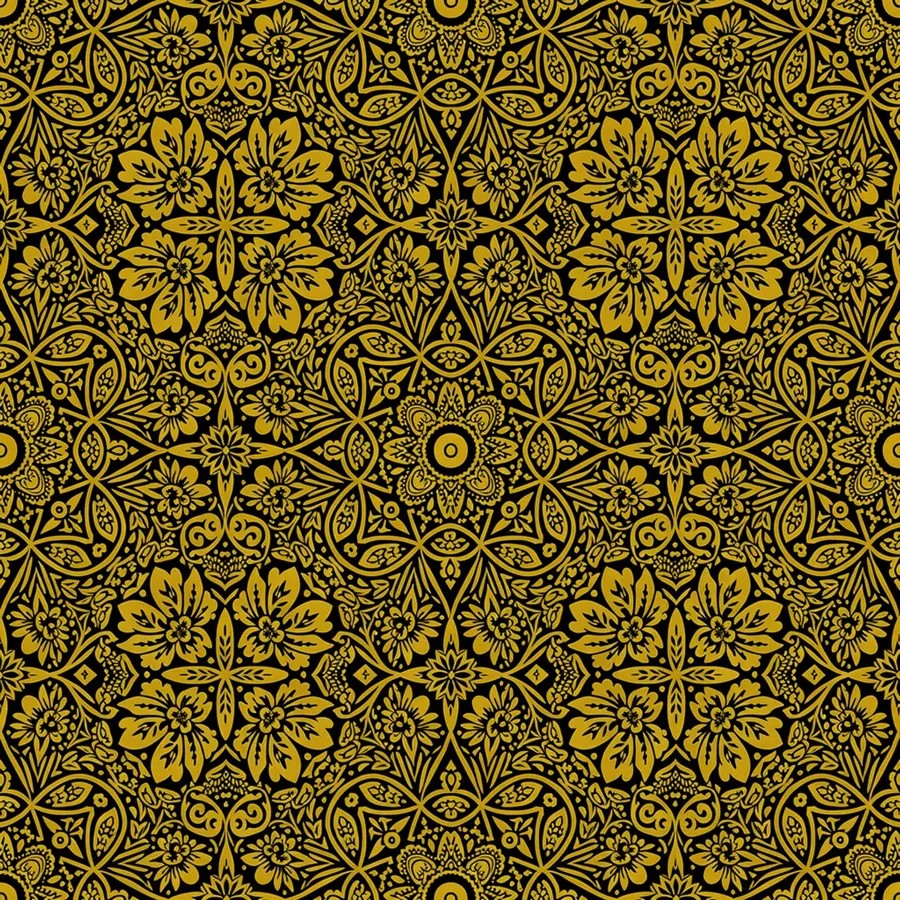
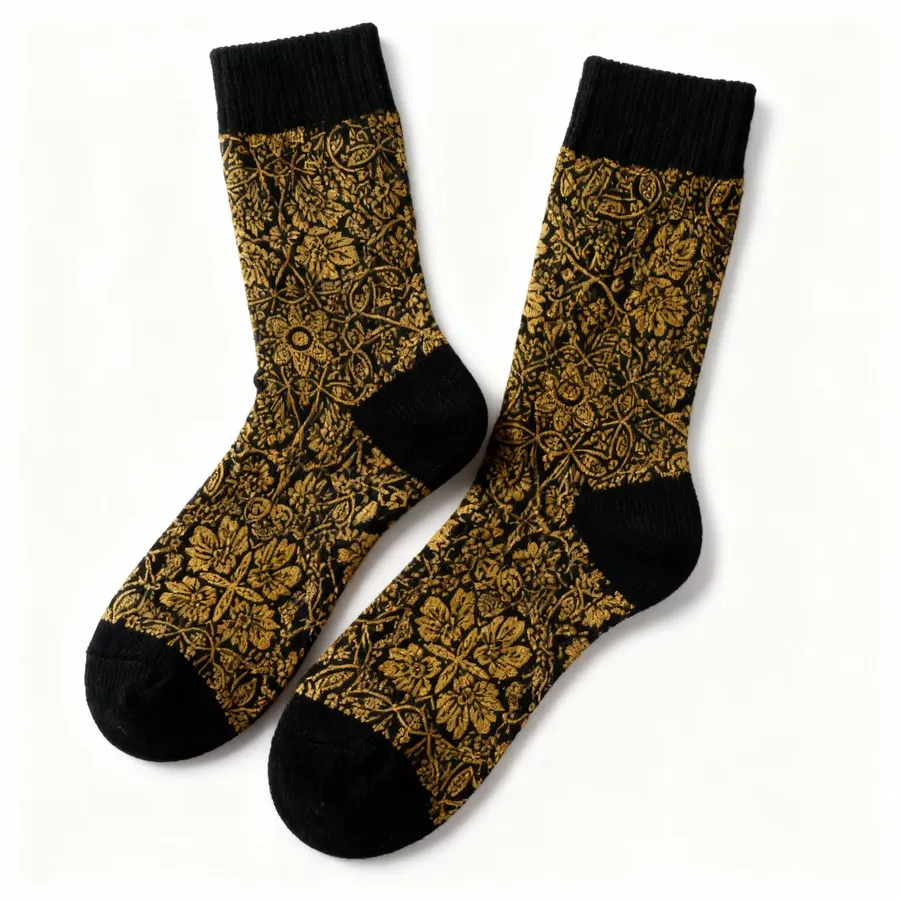
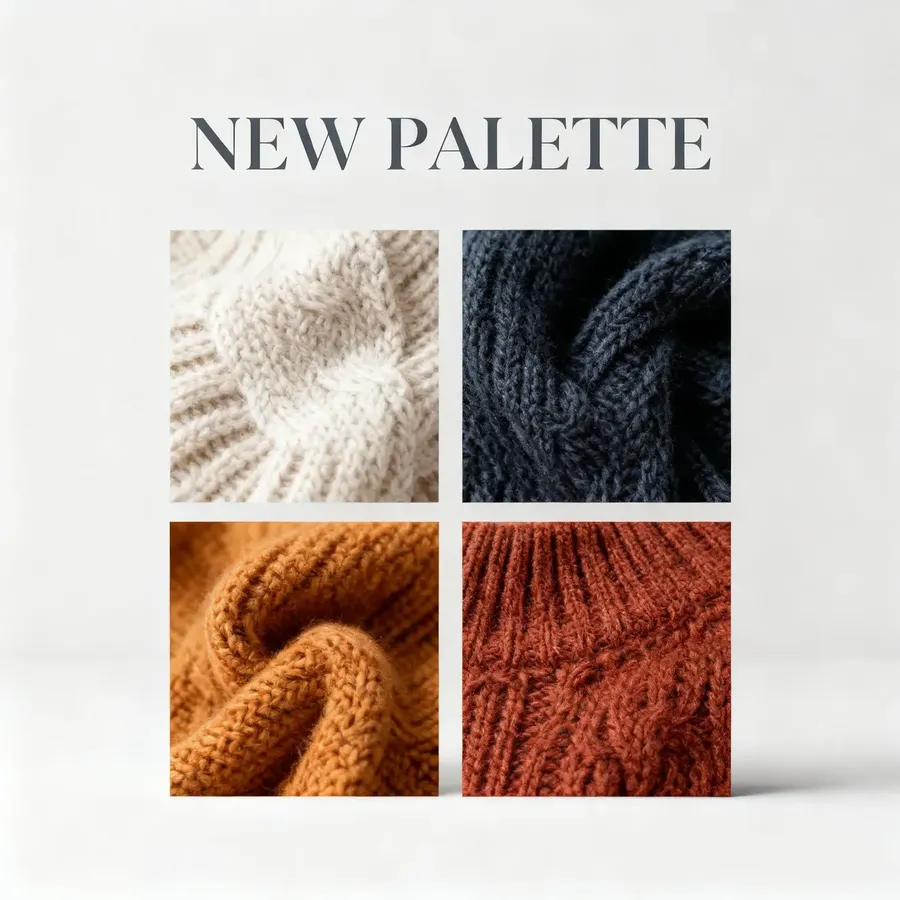
- Material close-ups: show patterns, fabrics, or surfaces you want to reuse.
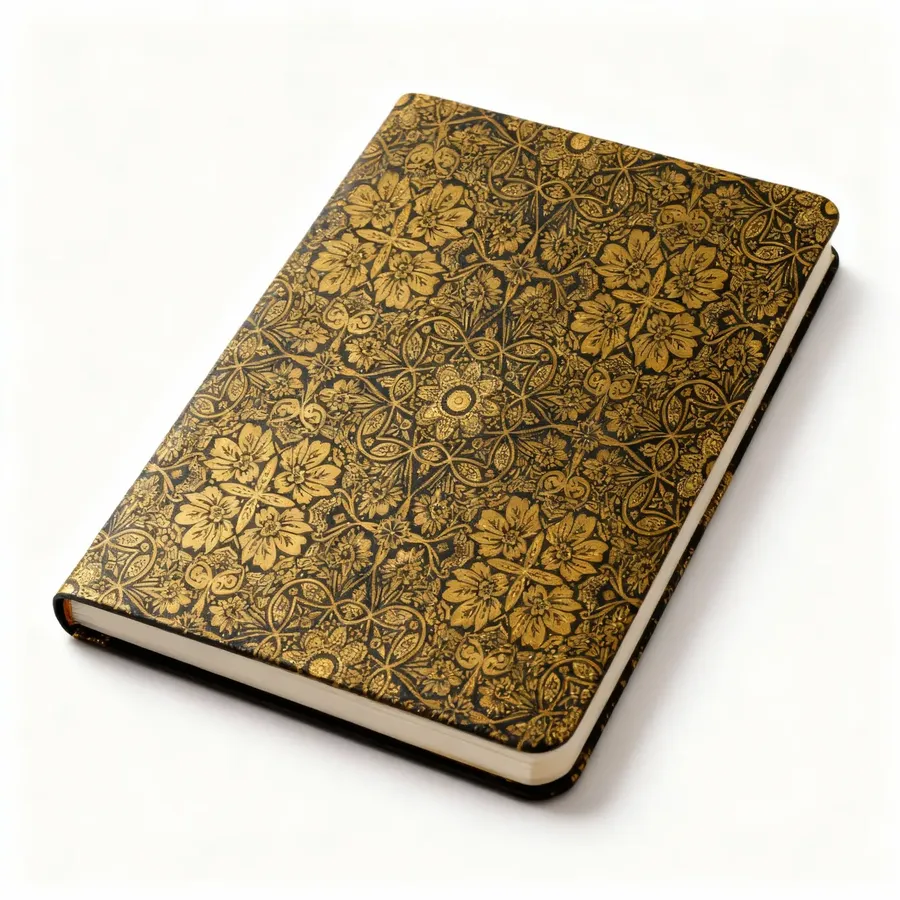
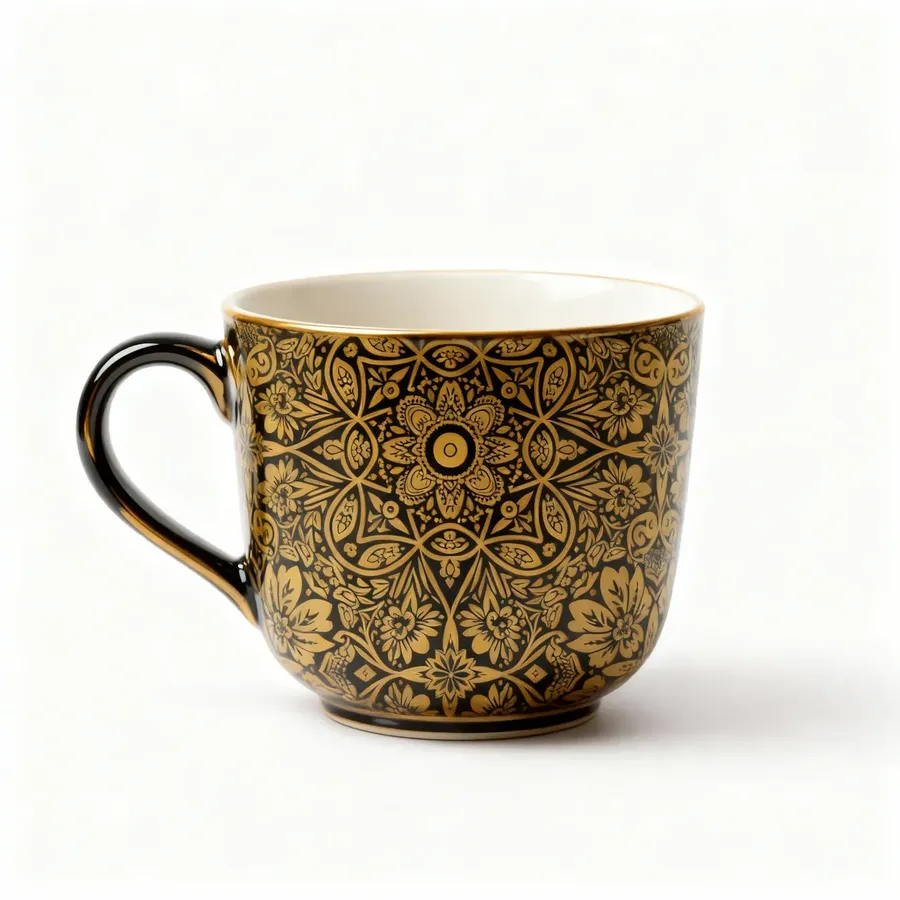
Reference Image
Example 1
Example 2
Example 3
- Layout samples: reuse example designs or compositions for posters and graphics.
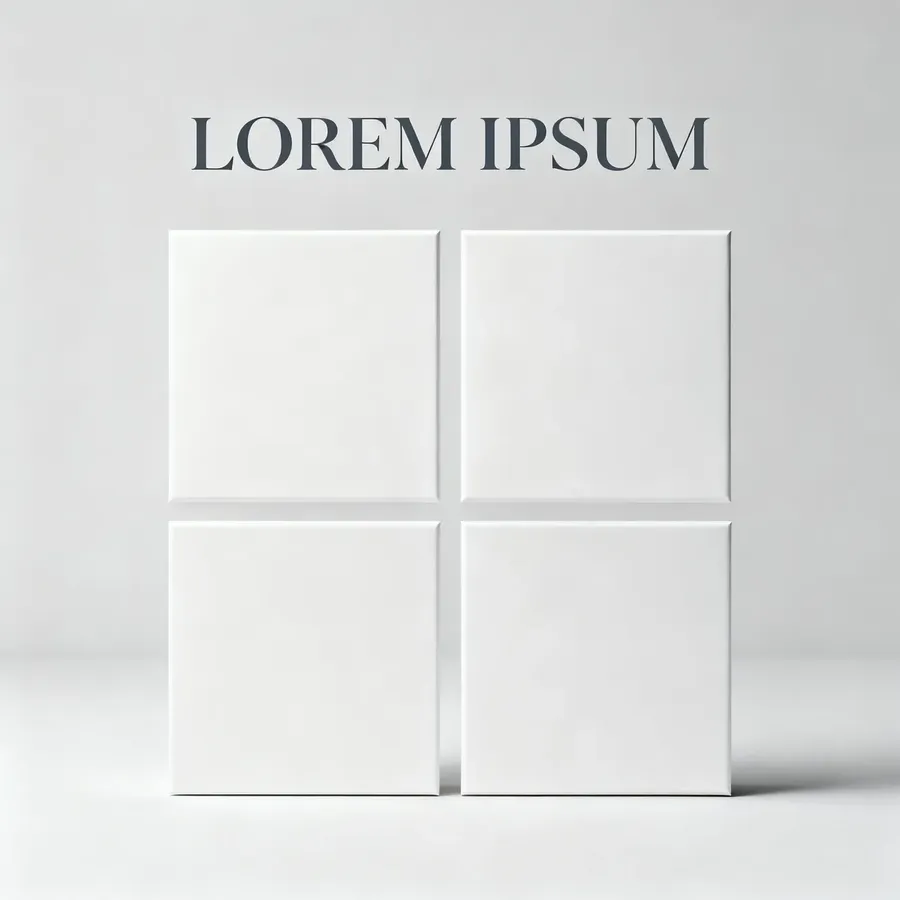
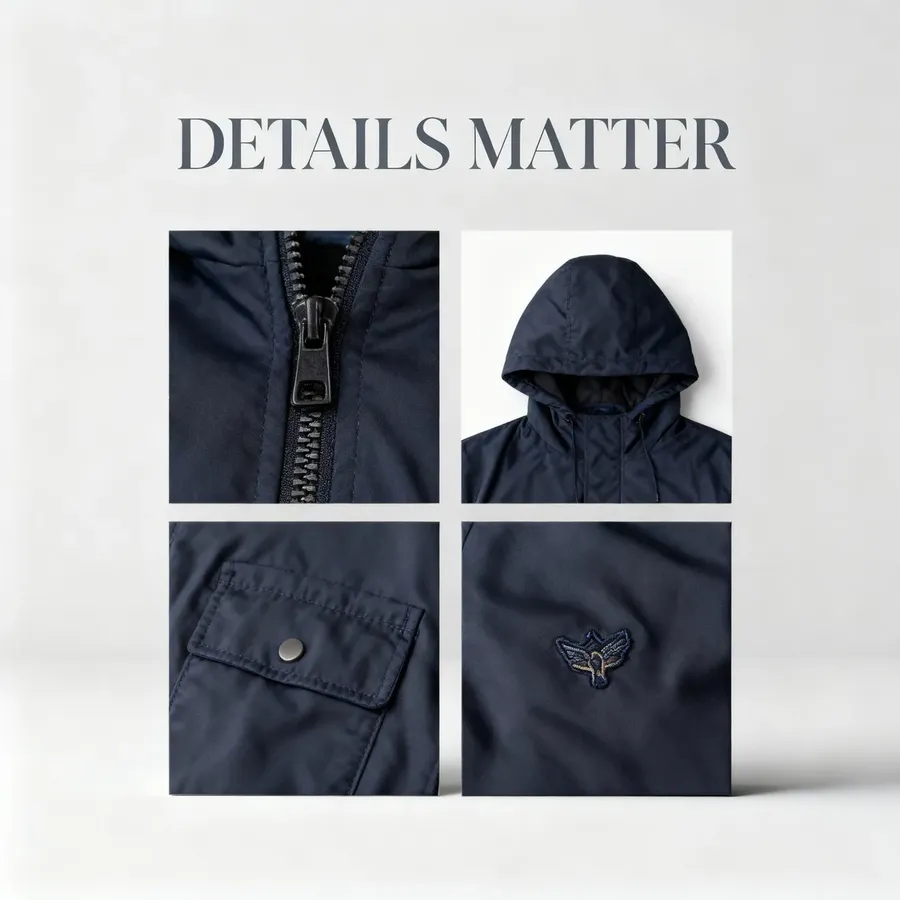
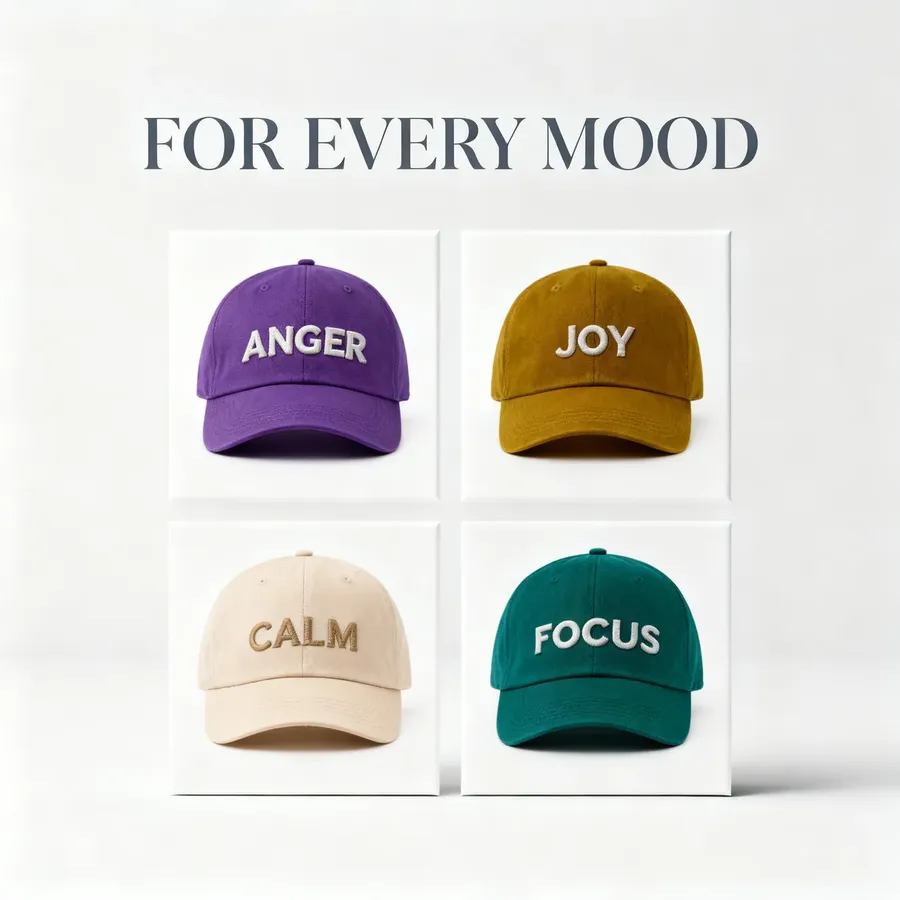
Reference Image
Example 1
Example 2
Example 3
You can attach as many references as your model supports at once: it’s faster and more reliable than describing every detail in text.
Keep your key reference images in a dedicated get folder. That way, you can quickly attach them whenever you start a new series.
Focus, Sharpness & Spatial Control
These cues help the AI understand what should be sharp, what should be soft, and where things sit in the scene, all in just a few words.
Useful phrases:
- Sharpness: crisp detail, high clarity, defined textures
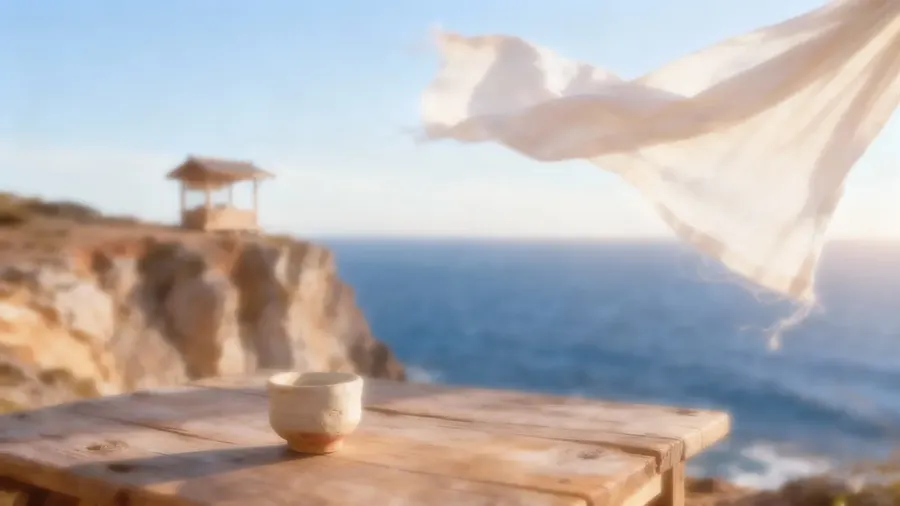
- Softness: soft focus, gentle blur, hazy edges
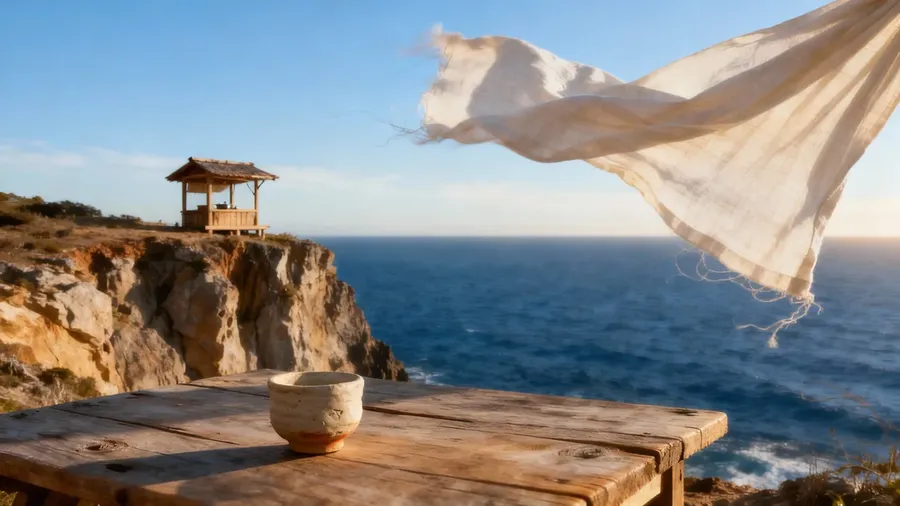
crisp detail, high clarity, defined textures
soft focus, gentle blur, dreamy aesthetic
- Focus priority: focus on the eyes, background out of focus, shallow depth, foreground sharp, midground soft
- Spatial cues: in front of, behind, next to, close to camera, far in background, partially hidden by, reflected in, casting a shadow on.
Small natural imperfections or asymmetry make AI portraits feel far more human. Use words like "natural texture, visible pores, freckles, subtle blemishes" for a more true-to-life look.
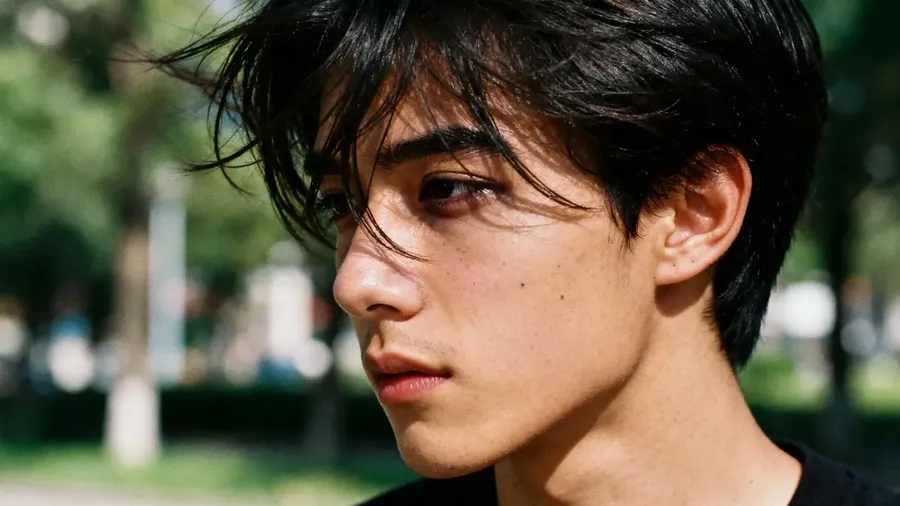
a candid portrait of a young man outdoors, dark circles under the eyes, wind-tousled hair, minor skin texture, natural uneven light on the face, genuine unpolished realism
Photorealistic, Photography-Style Images
Photorealism is about creating images that look like real photos, with natural light, believable textures, and depth.
The goal is realism without an over-polished "plastic" look. Common photography types that you can easily replicate with AI include (but are not limited to):
- portrait photos
- product/commercial
- architecture/interior
- food photography
- nature/landscape
- street photography.
You can mention photo type to nudge the AI in the right direction, e.g., "portrait of a young woman in natural light, shallow depth of field, 85 mm lens look".
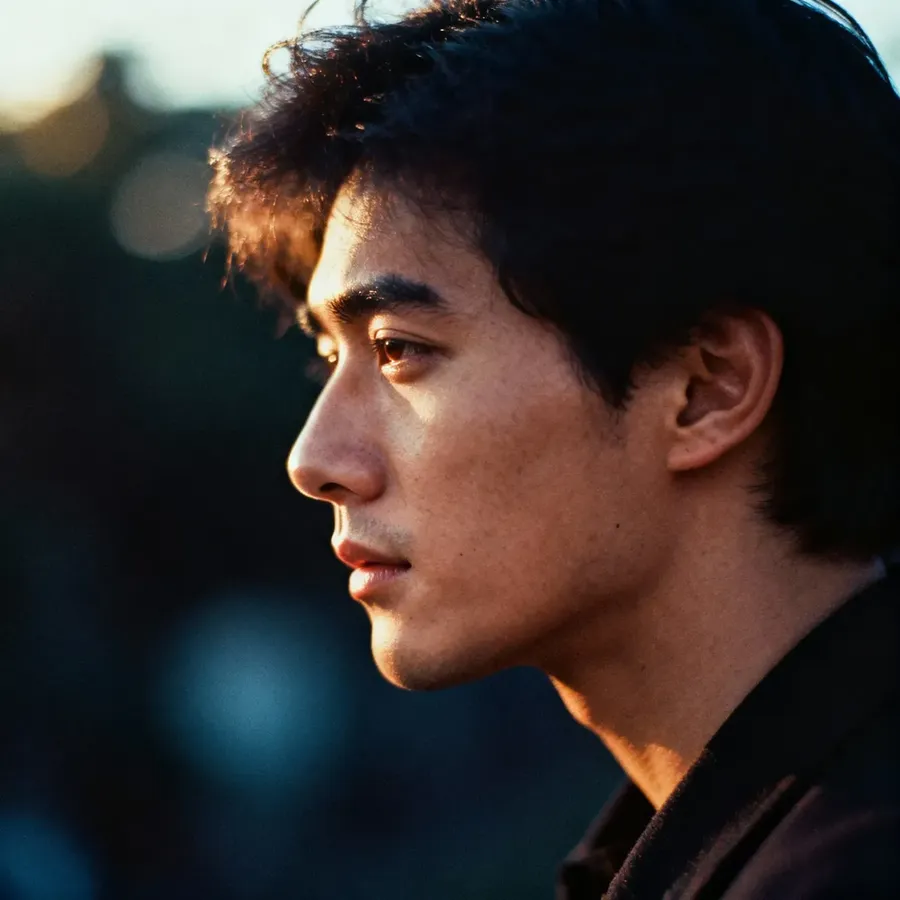
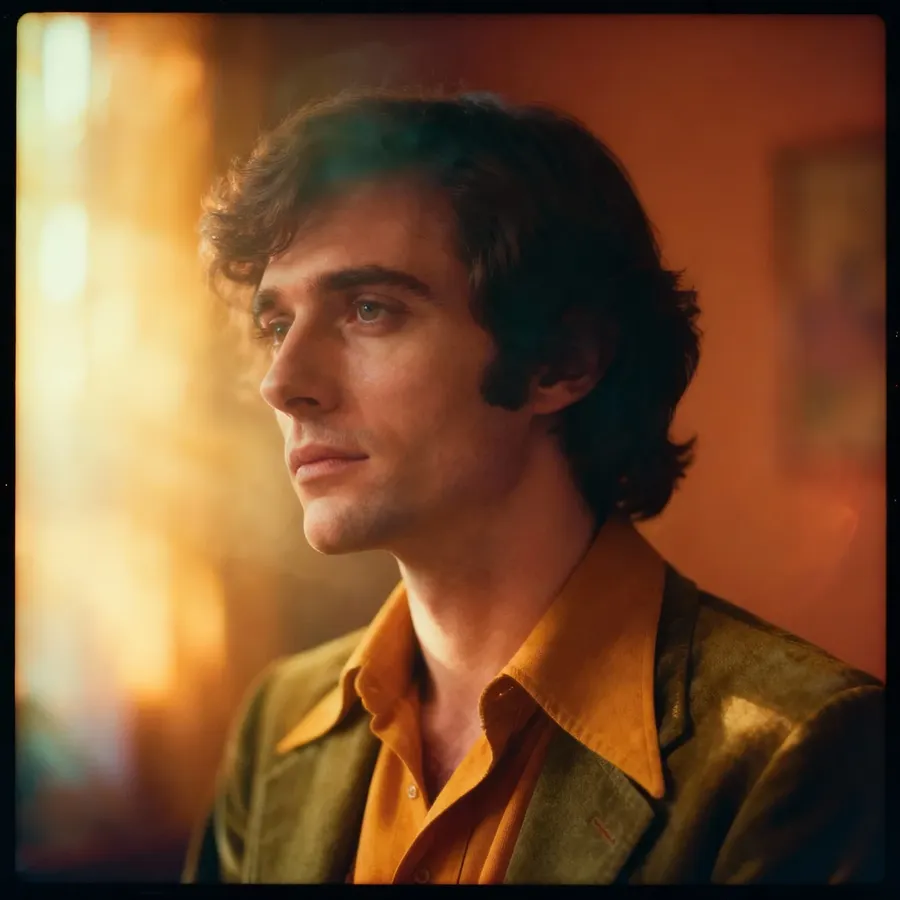
portrait in 1980s film style, strong visible grain, soft focus, desaturated color palette with rich, deep tones and luminous, gentle highlights
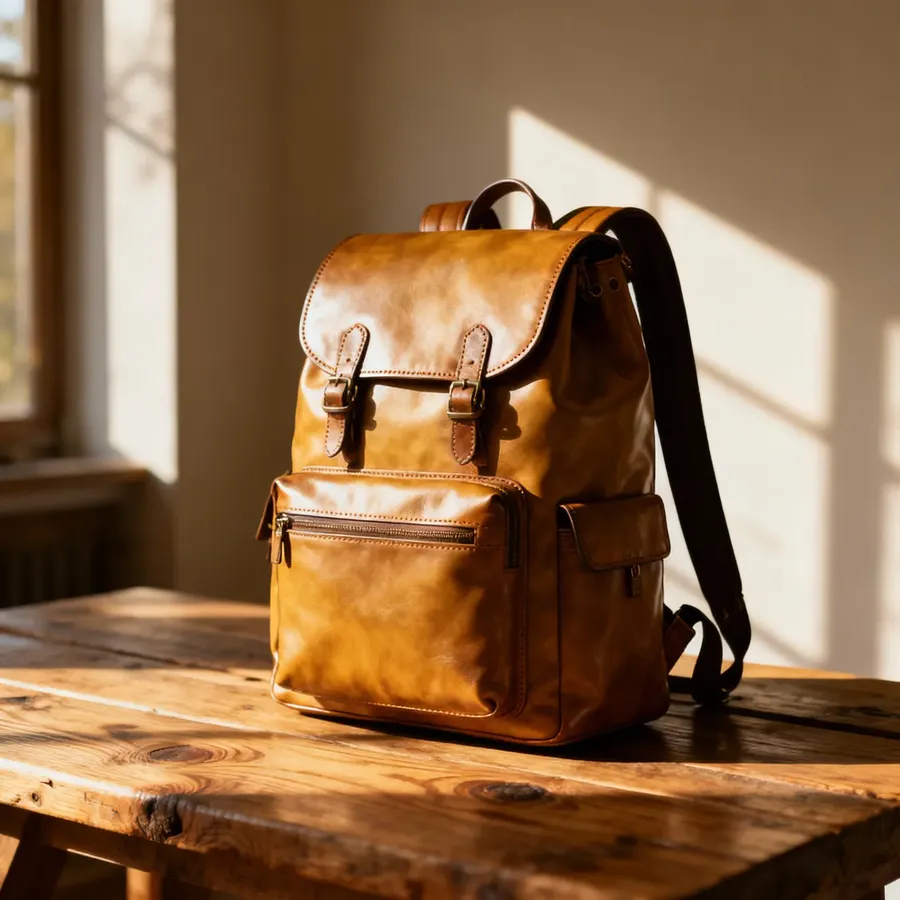
product photo, high-end leather backpack on a rustic wooden table, morning sunlight casting soft shadows, fine leather texture visible
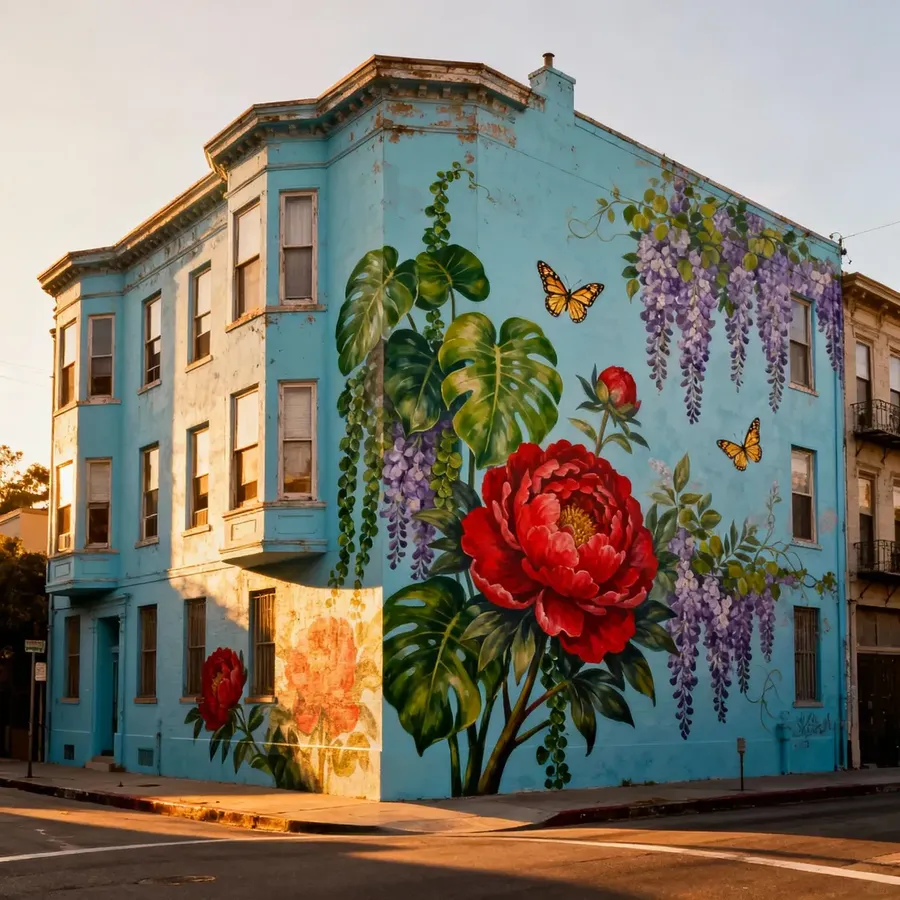
architecture photography, full view of a powder-blue corner tenement, large hand-painted botanical mural wrapping across the side wall
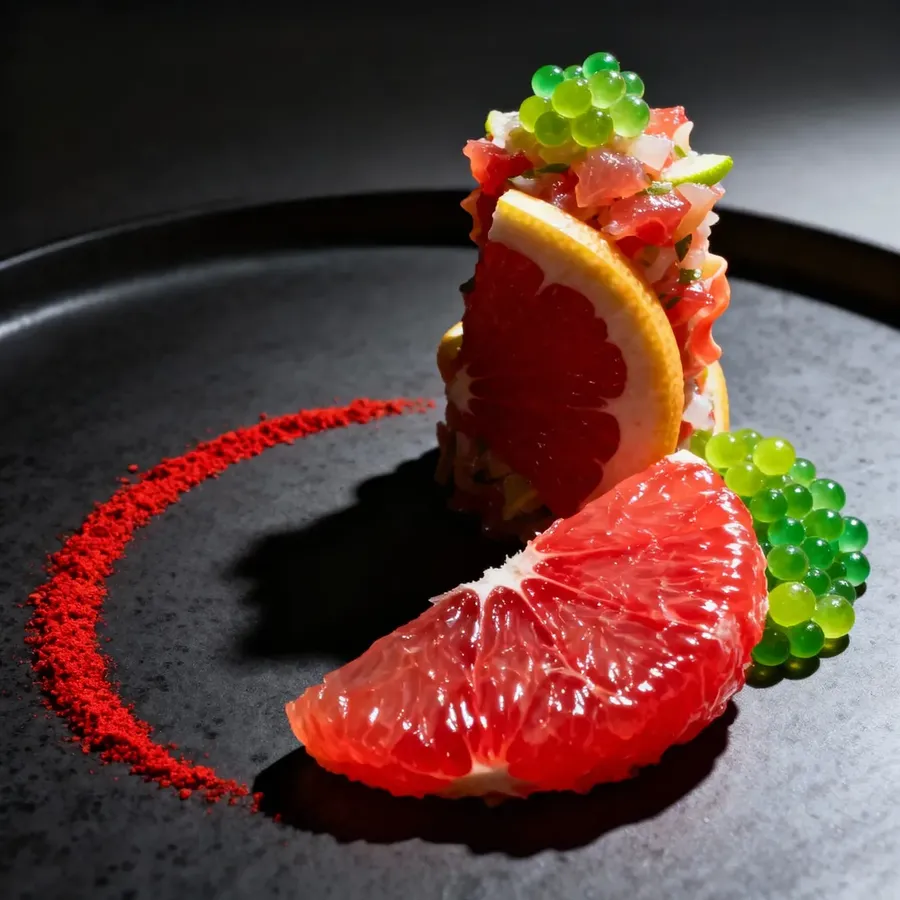
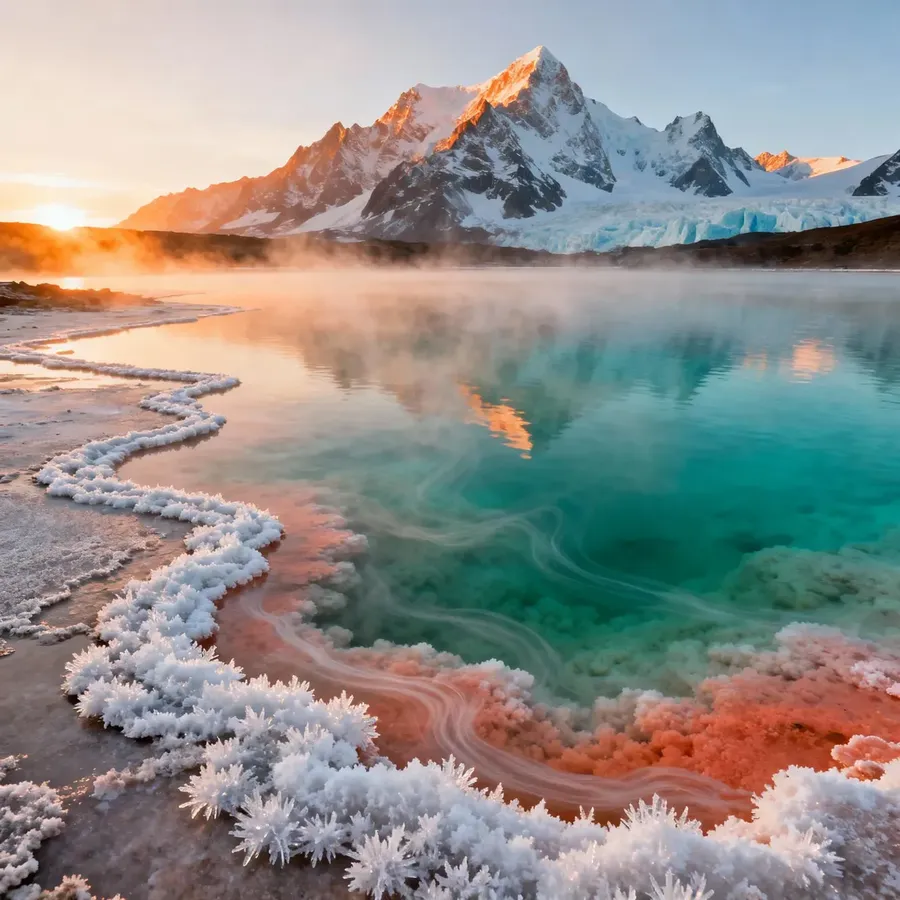
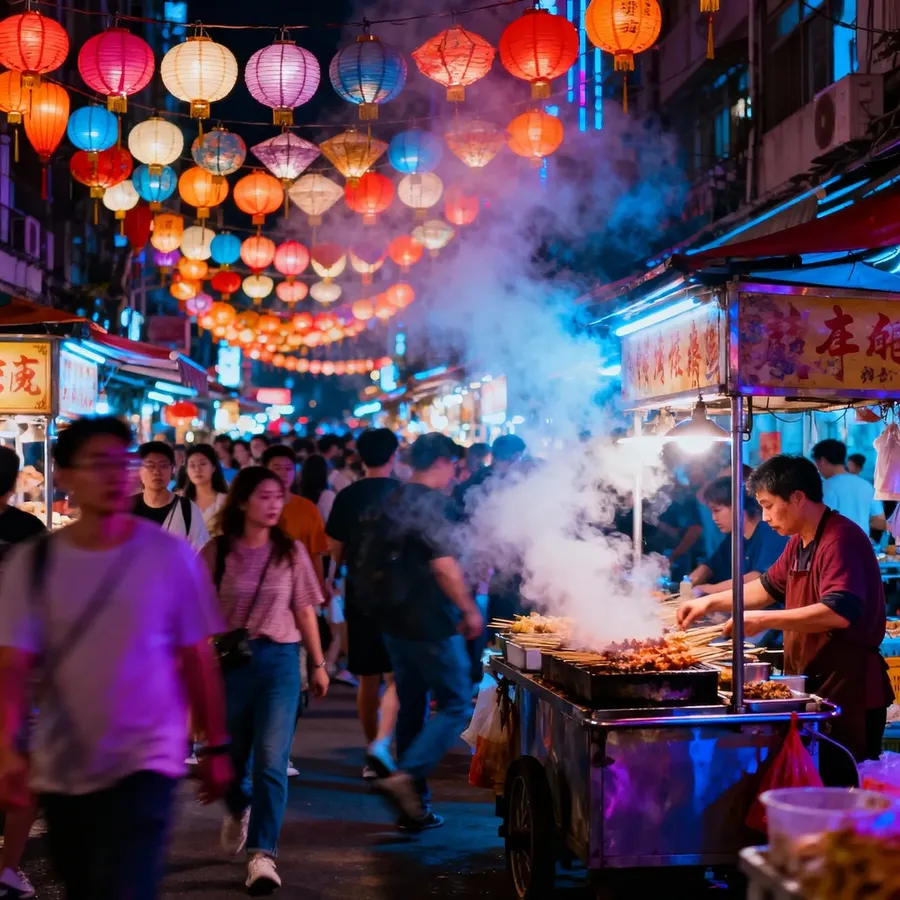
food photography, citrus ceviche arranged as small towers, ruby grapefruit segments and lime caviar glowing against a matte charcoal plate
landscape photography, remote mineral lagoon with turquoise, coral, and jade tones blending naturally, white salt crusts along shoreline
street photography, bustling night market lit by hanging paper lanterns, rich color glow on faces, dynamic movement captured mid-stride
Composition and Perspective
Composition and perspective define how your subject is framed in the image. Adding just one framing cue to your prompt can completely change how the scene feels.
Composition Type | Description |
Close-up / Macro | Focused on a small area or object, fine details visible |
Portrait shot | Chest-up or headshot framing |
Medium shot | Frames the subject from roughly the waist up |
Full-body shot | Entire subject visible |
Wide shot | Shows subject and full background |
Aerial / Top-down | From above, like drone or bird’s-eye view |
High angle | Looking down on the subject, makes it appear smaller or more vulnerable |
Low angle | Looking up at the subject, makes it appear larger or more powerful |
Side view / Profile | Subject turned to the side |
Over-the-shoulder | Seen from behind another person |
POV (point of view) | First-person perspective |
Tilted / Dutch angle | Slightly diagonal framing, cinematic tension or energy |
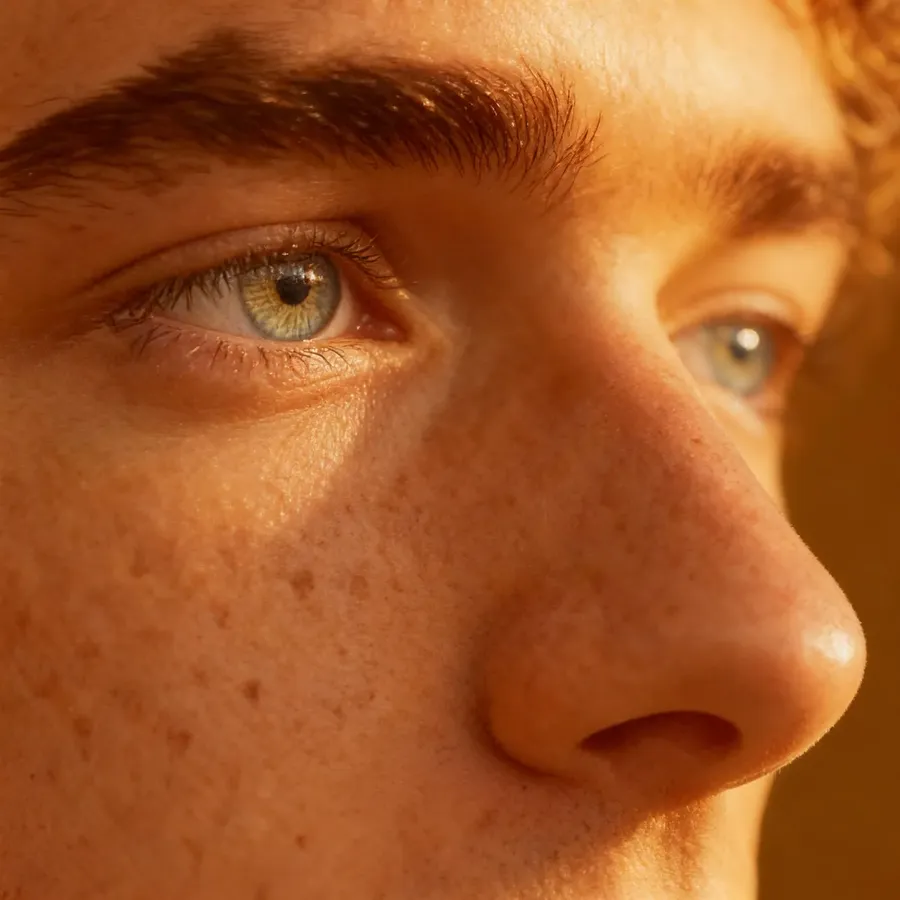
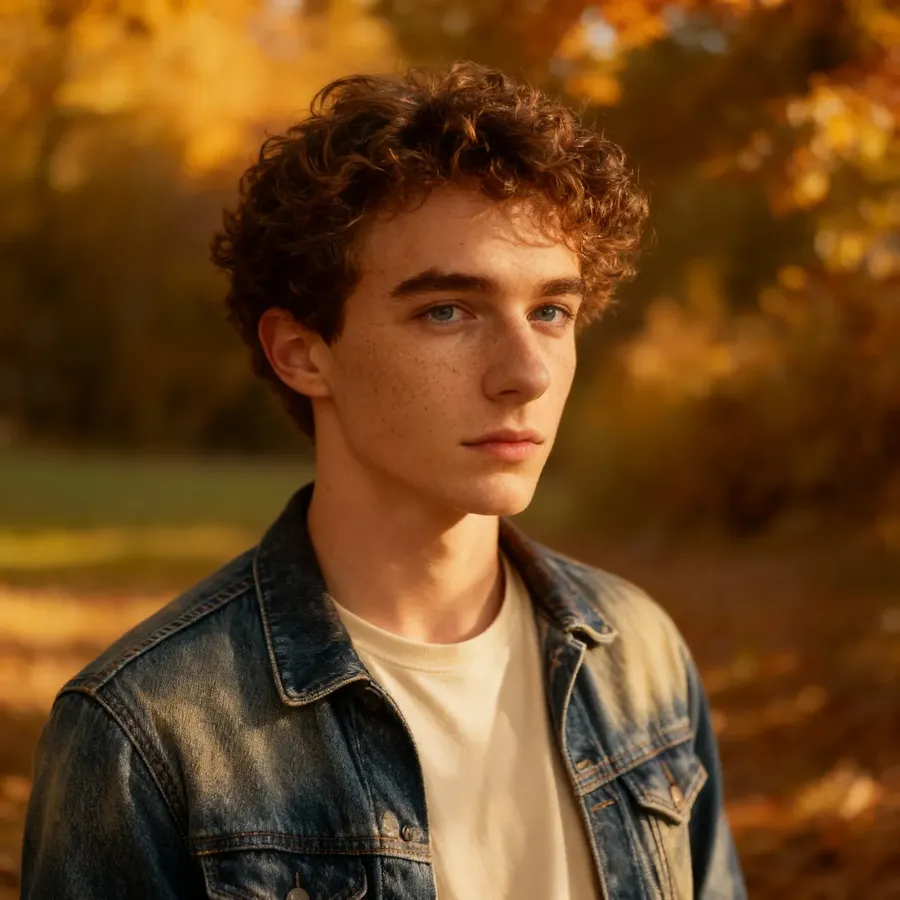
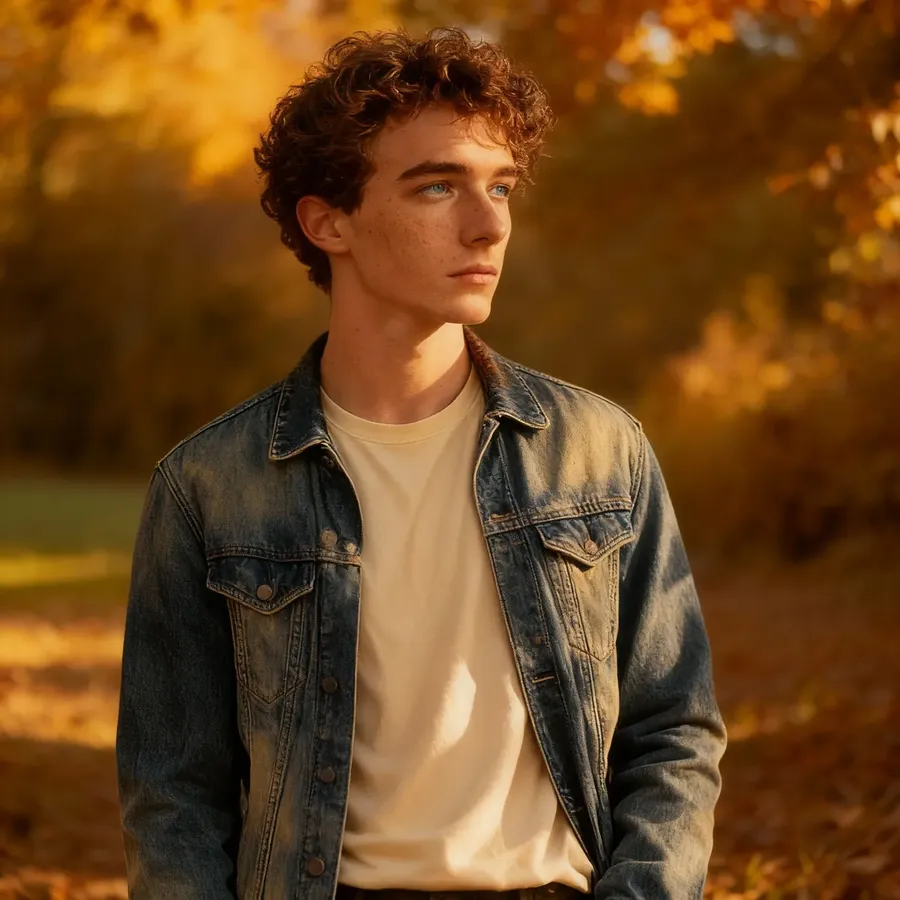
Macro
Portrait
Medium
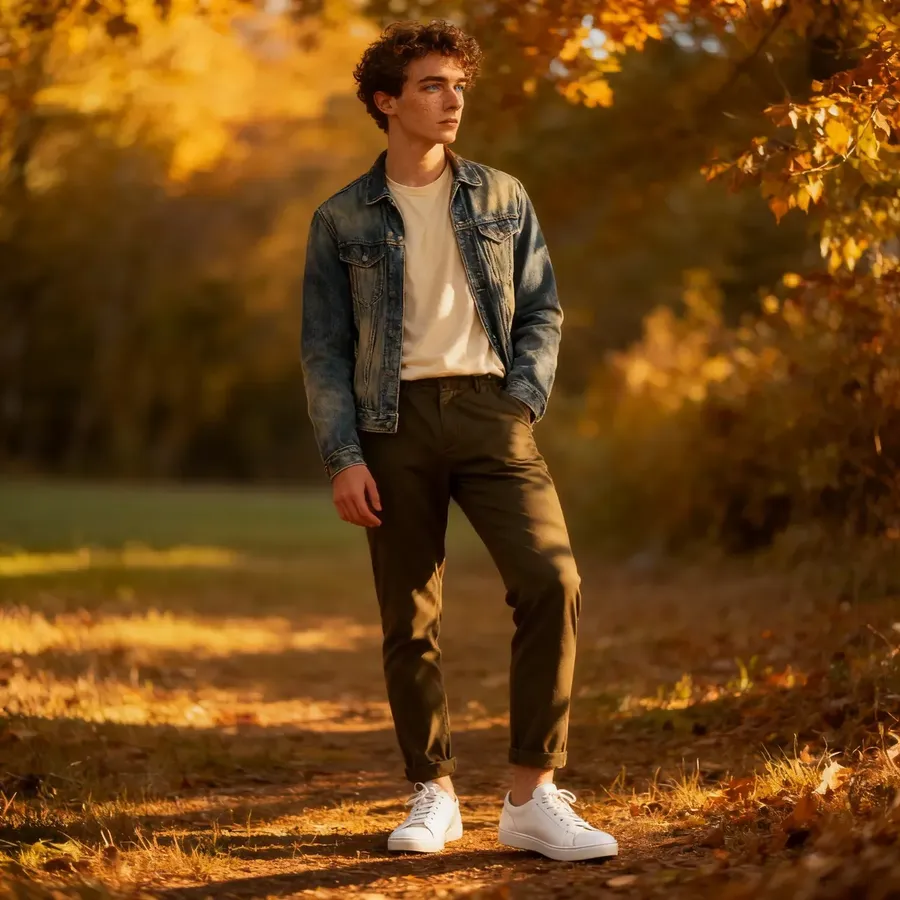
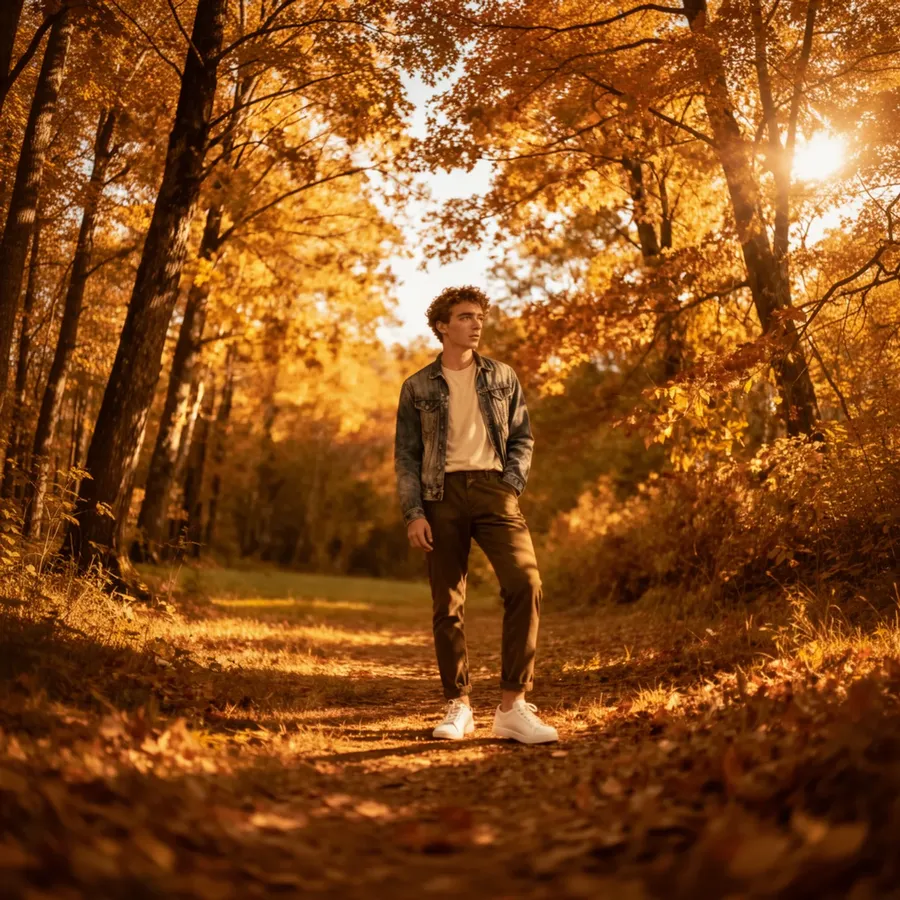
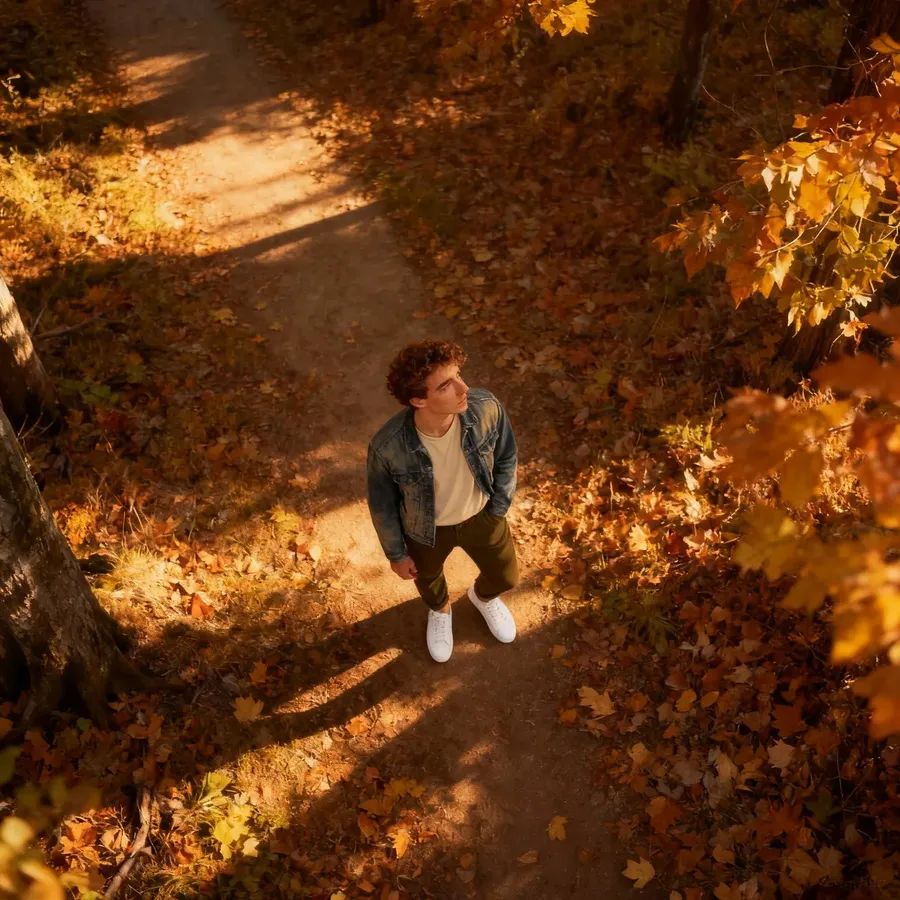
Full-body
Wide
Top-down
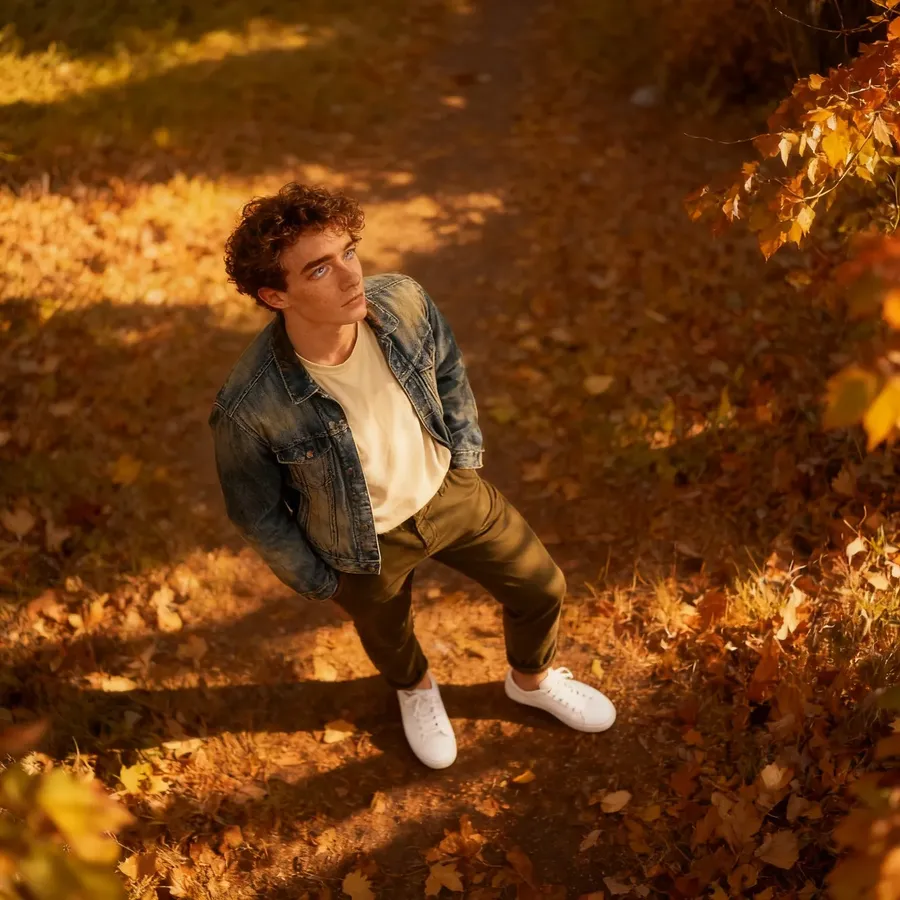
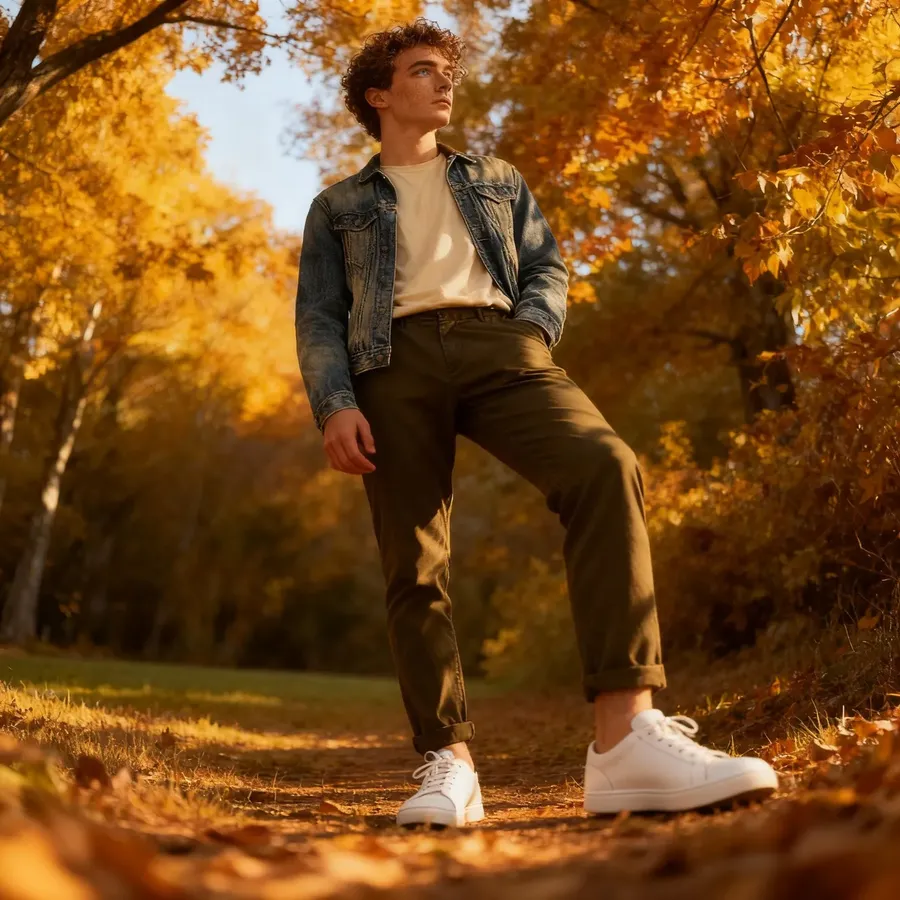
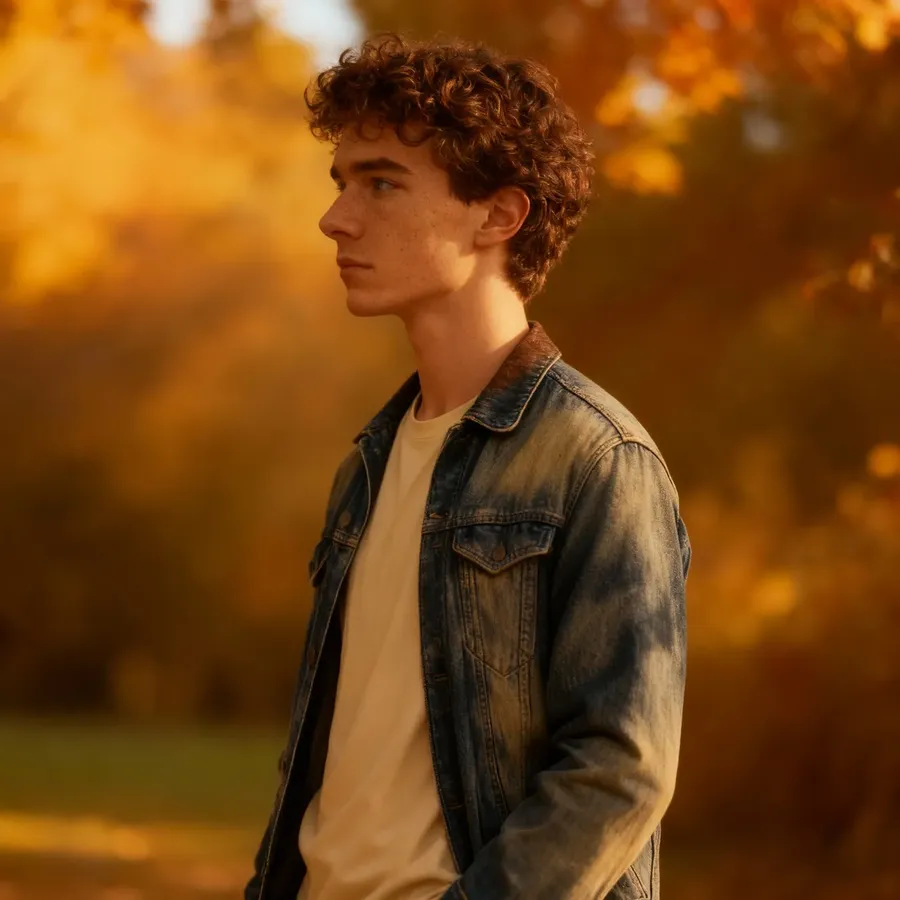
High
Low
Profile
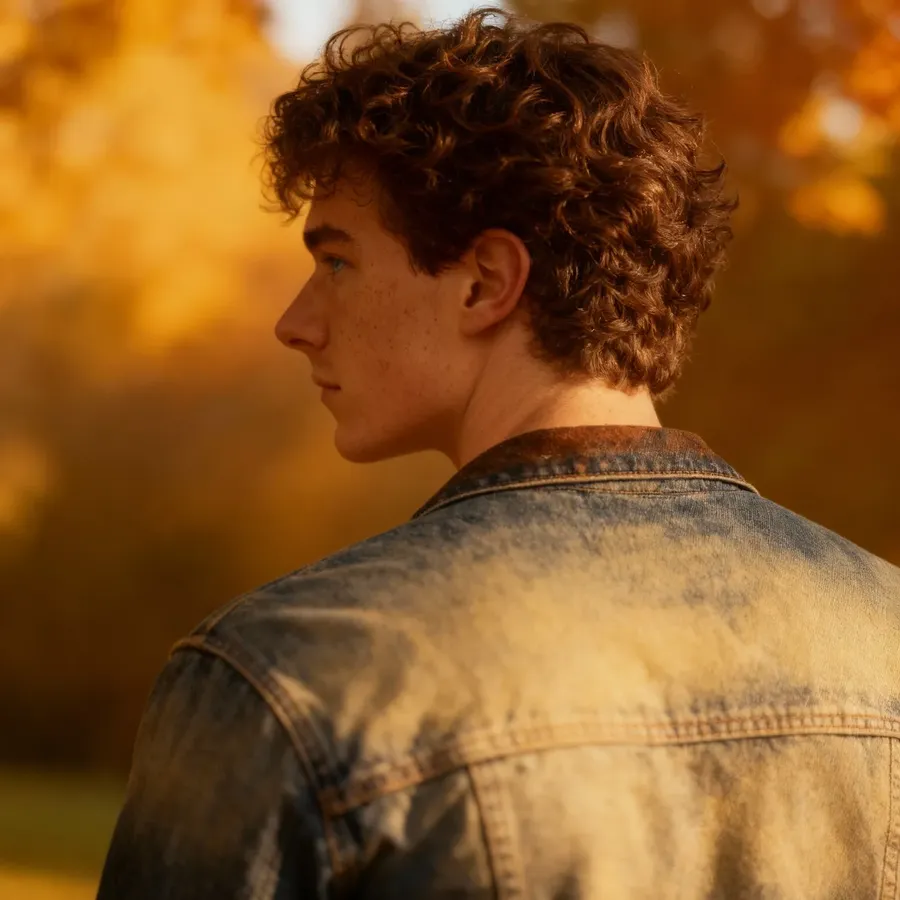
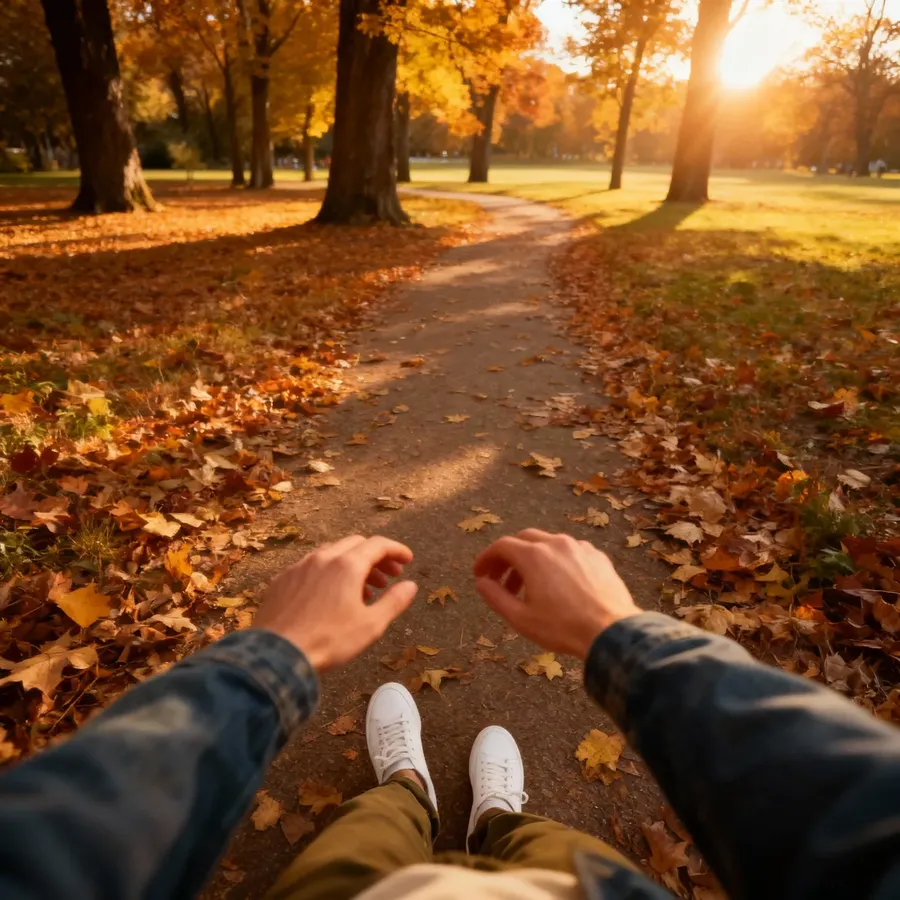
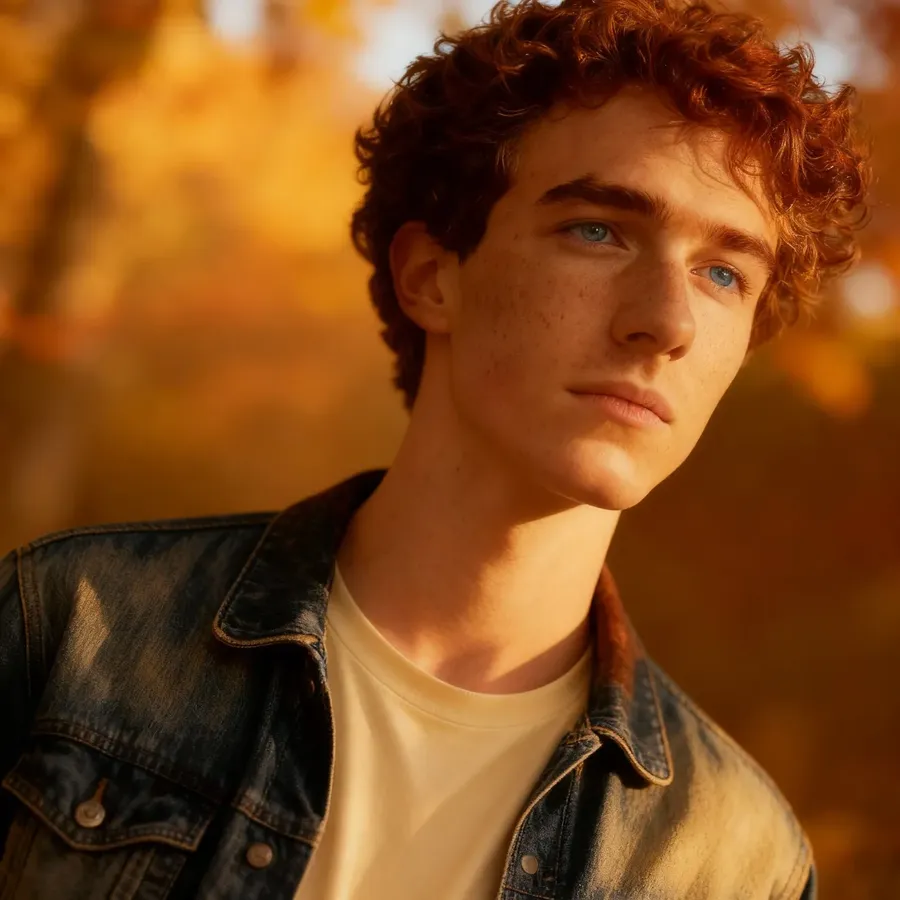
Over-the-shoulder
POV
Tilted (Dutch)
Advanced Composition & Subject Control
Once you’re comfortable with basic framing, these ideas help you move from simple shots to intentional composition.
Composition Type | Description | Example Prompt |
Rule of thirds | Positions key elements off-center | lone wooden hut on the right third of a rolling hillside, horizon positioned on upper third, morning mist covering valleys |
Centered symmetry | Formal, calm, powerful composition | grand spiral staircase viewed from above, figure standing exactly at center, handrails and steps echoing symmetry |
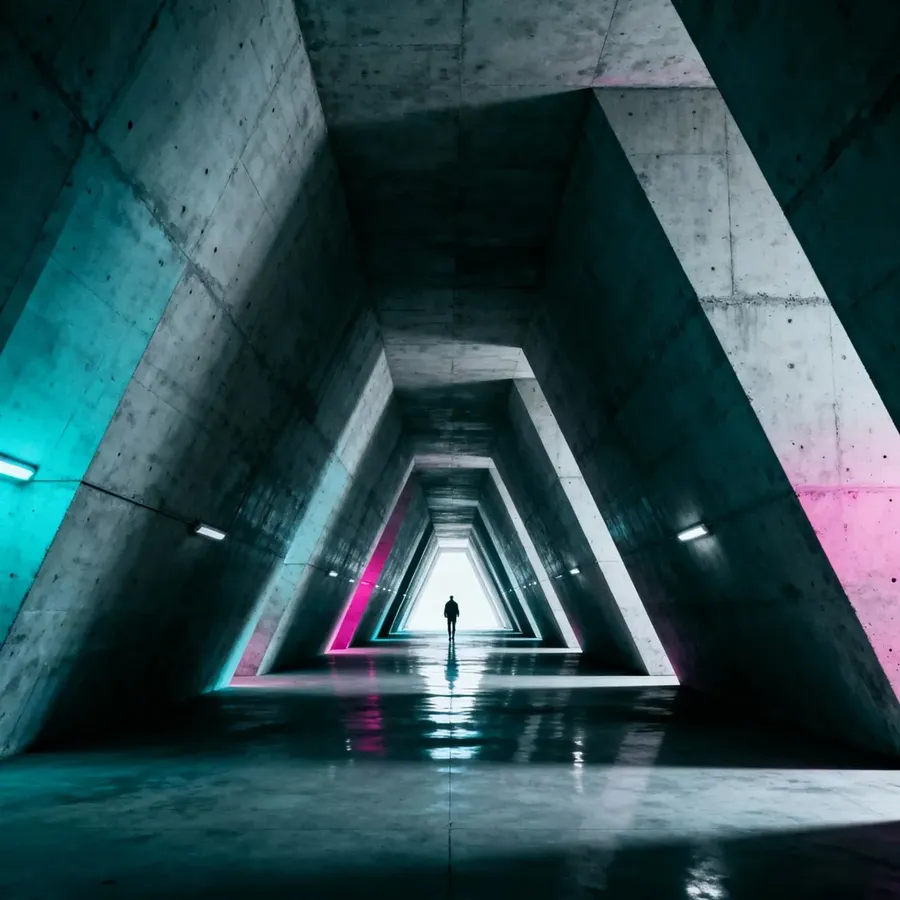
Leading lines | Directs focus through the frame | long hallway with person at end, leading lines, cinematic |
Foreground layer | Adds realism and depth | close-up of frost-covered branches in foreground in soft focus, strong focus on couple walking in snowy park behind |
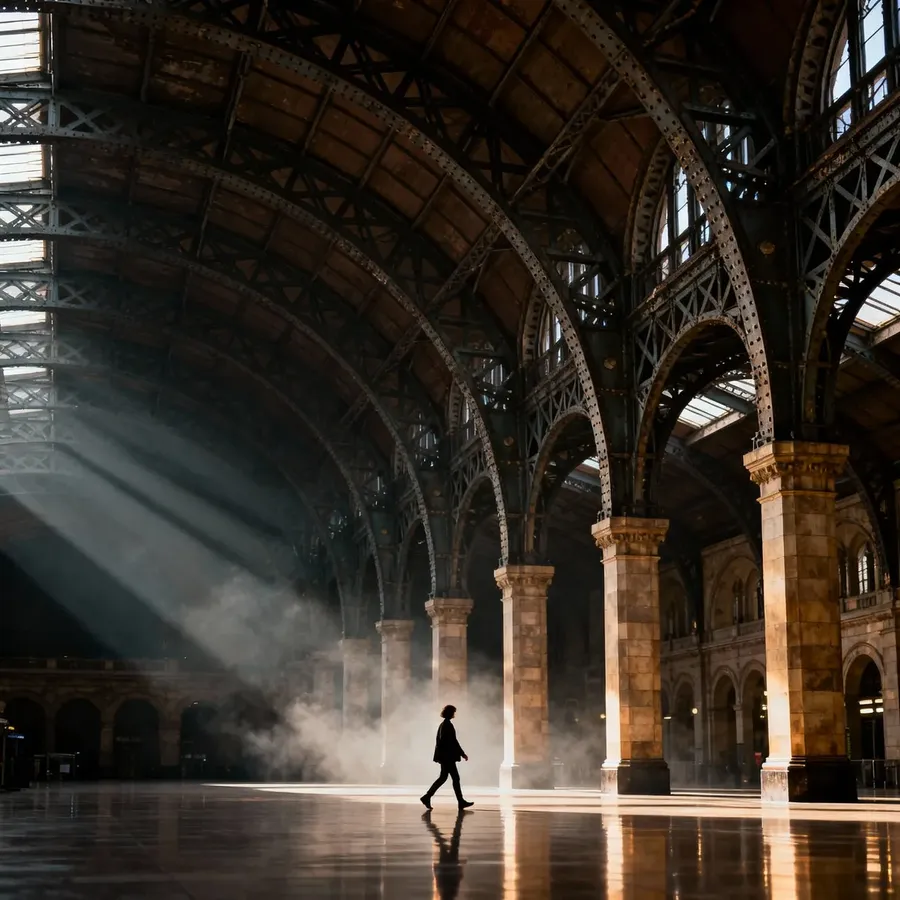
Scale contrast | Small subject in large space | single person walking under massive vaulted train station, beams and arches stretching into shadowed heights |
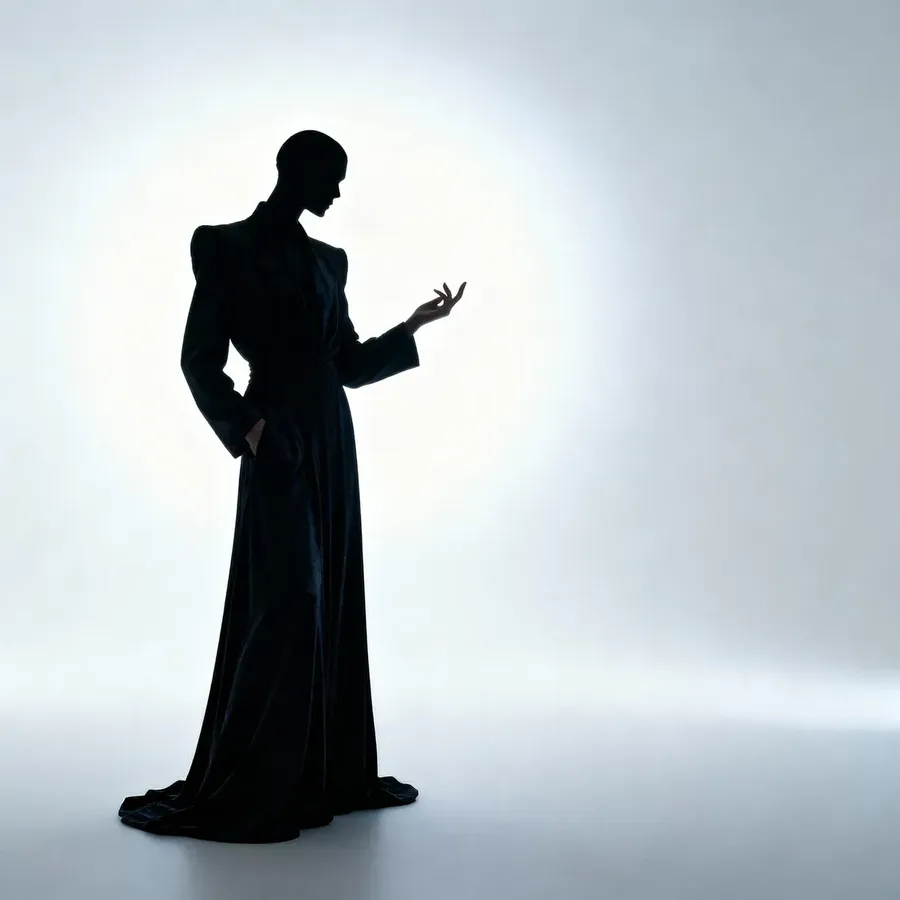
Negative space | Emphasis through emptiness | person in dark clothing against soft off-white background, empty space drawing focus to posture and expression |
-900x900.webp)
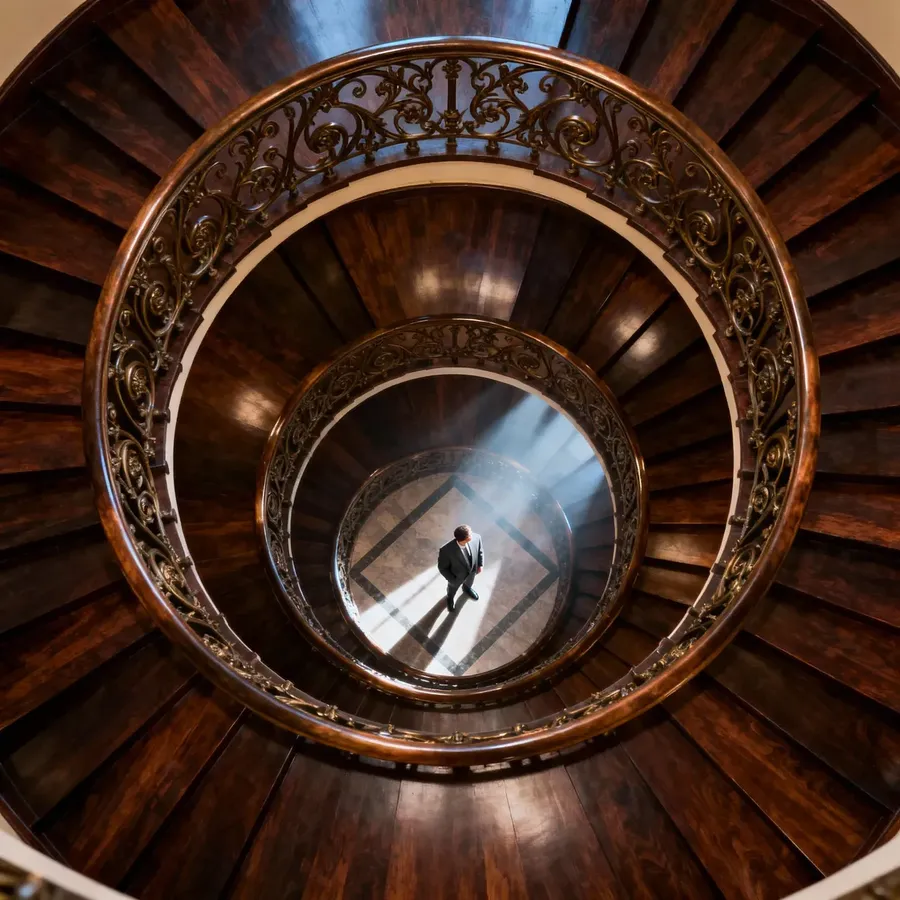
Rule of Thirds
Centered Symmetry
Leading Lines
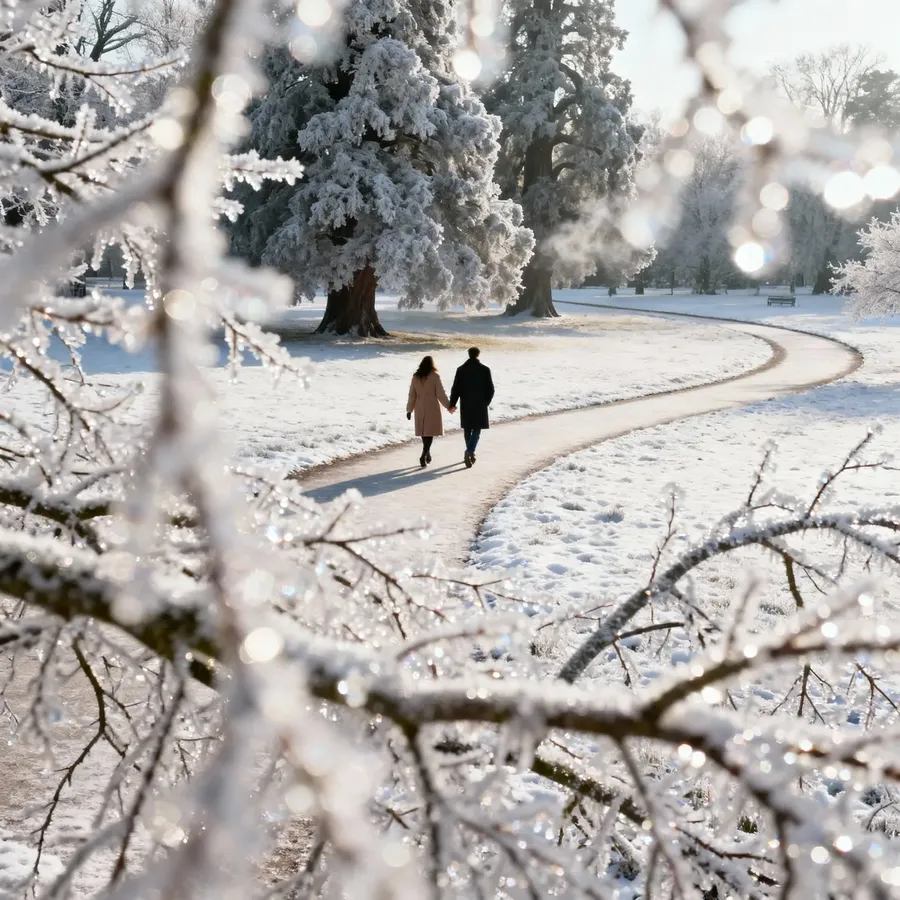
Foreground Layer
Scale Contrast
Negative Space
Aspect Ratios & When to Use Them
Aspect ratio changes how your idea is framed, not just the size of the image. It’s one of the easiest ways to guide composition without adding extra words:
- 1:1 - products, portraits, album covers
- 9:16 - social stories, full-body fashion, vertical posters
- 16:9 - landscapes, cinematic scenes, concept art
- 3:2 - natural photography feel
- 4:5 - Instagram portraits
- 2:1 or 3:1 - banners, panoramas.
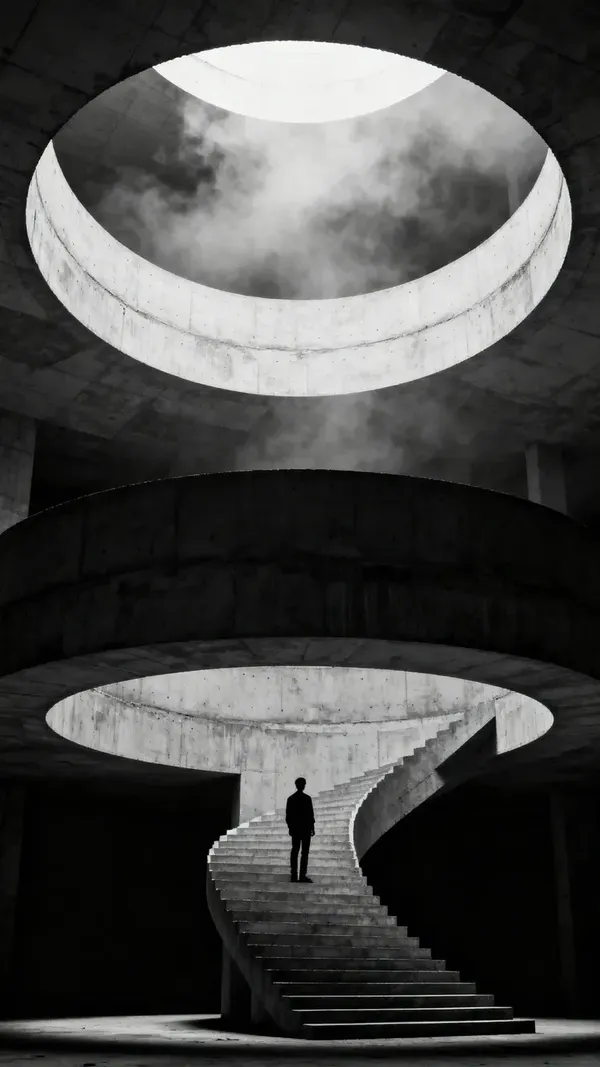
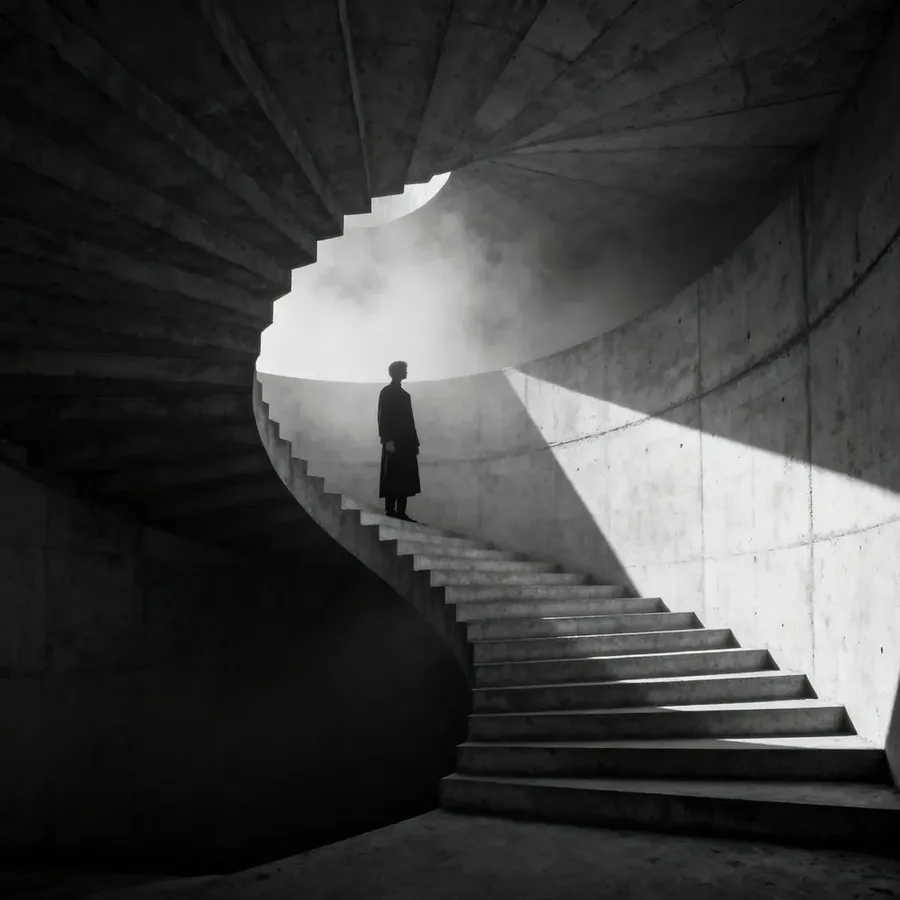
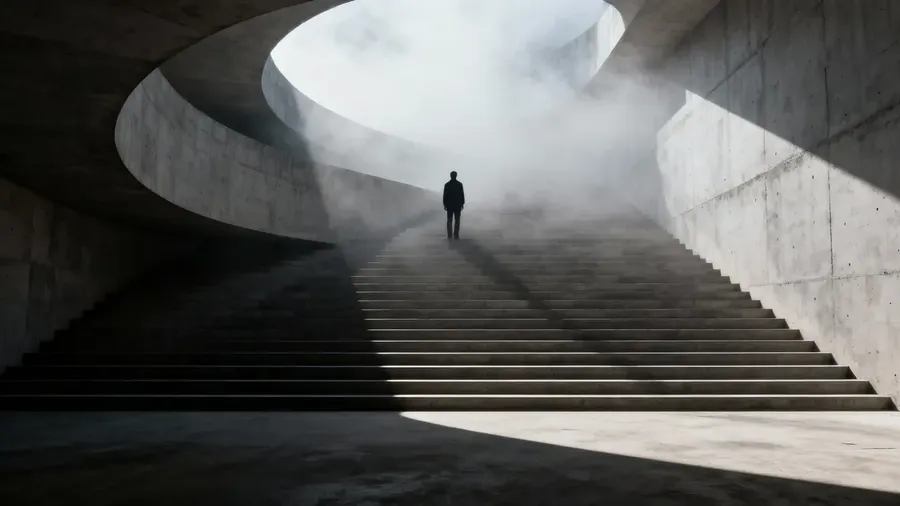
For example, here's the same prompt used across three popular aspect ratios:
dramatic, cinematic still, concrete staircase spiraling into soft mist, sharp geometric shadows, a single figure standing halfway up the steps, minimalist brutalist aesthetic
9:16
1:1
16:9
Switching the aspect ratio alone can change composition more than adding 20 adjectives.
Lighting Styles
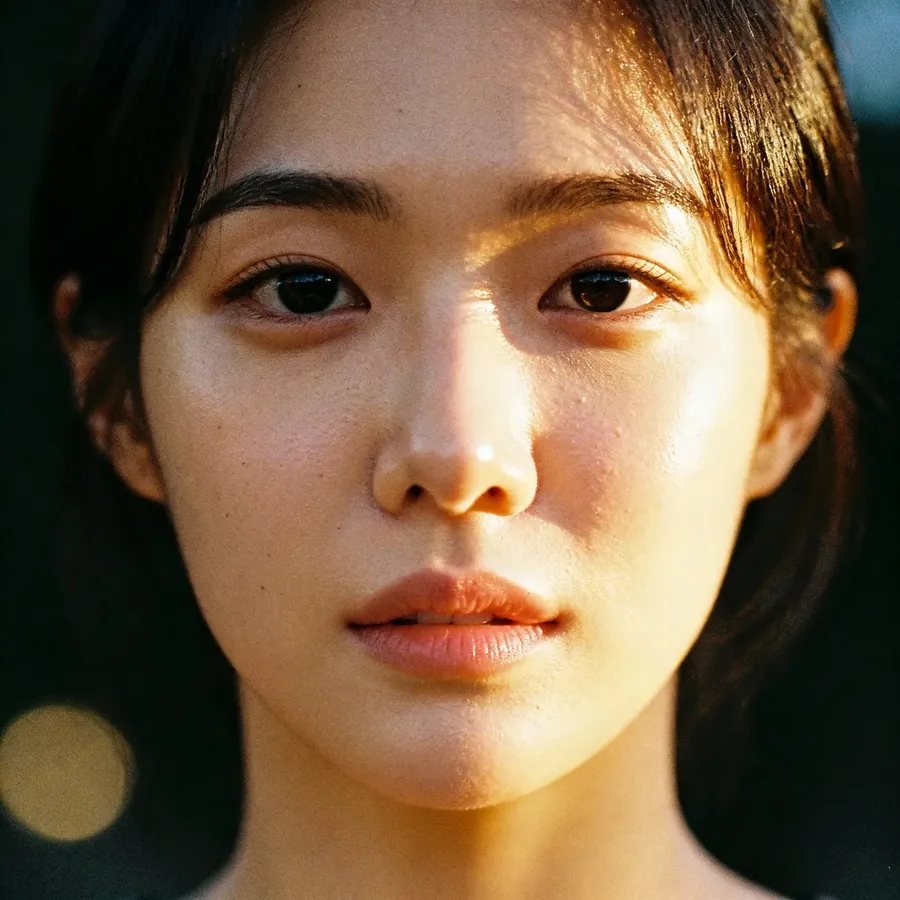
Lighting controls how your subject feels. Use it to set tone as much as to make things visible.
Lighting Type | Effect | Keywords / Examples |
Natural Light | Soft, realistic mood with natural shadows | morning light, sunset glow, golden hour, window light, overcast day |
Studio Light | Controlled and clean, ideal for portraits and products | softbox, key light, rim light, three-point lighting, high-key, low-key |
Cinematic Light | Dramatic, storytelling contrast and atmosphere | chiaroscuro, backlit, volumetric light, spotlight, moody, gradient shadows |
Portrait Lighting Setups | Defines face shape and emotion | Rembrandt lighting, split lighting, butterfly lighting, loop lighting, soft key + rim fill |
Artificial / Ambient Light | Modern or urban tone from man-made sources | neon signs, fluorescent light, tungsten glow, LED strips, city lights |
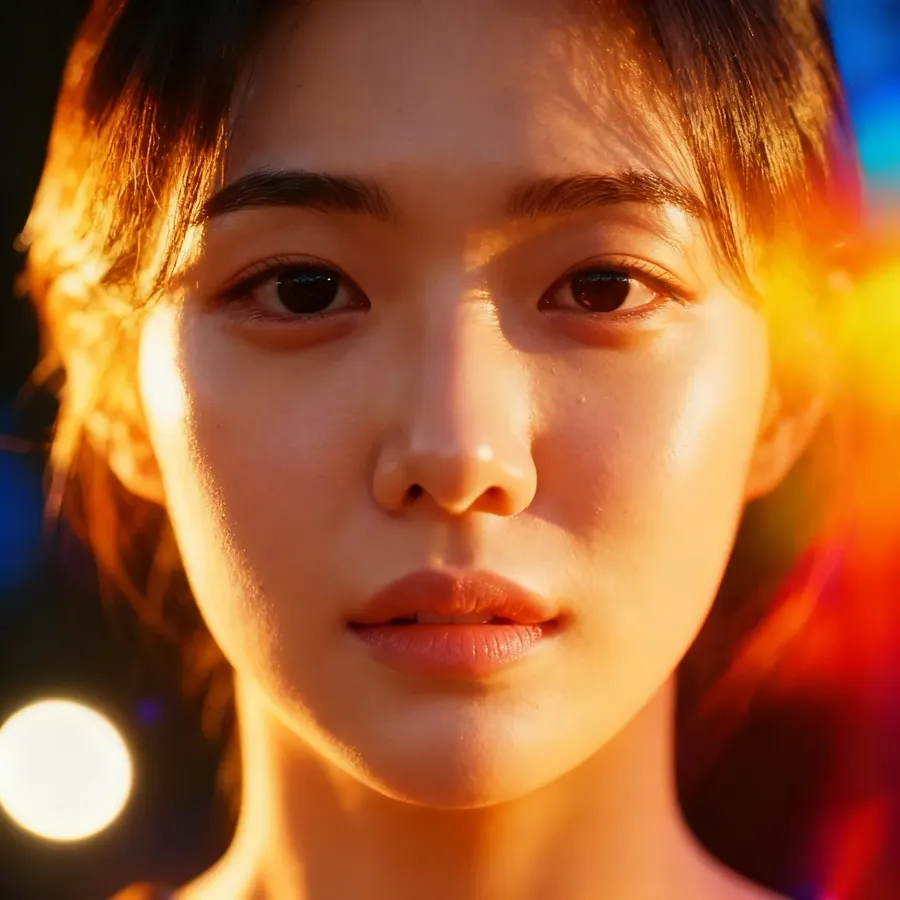
Creative / Experimental Light | Adds color and style for editorial or surreal looks | colored gels, dual-tone lighting, silhouette, hard contrast, light leaks |
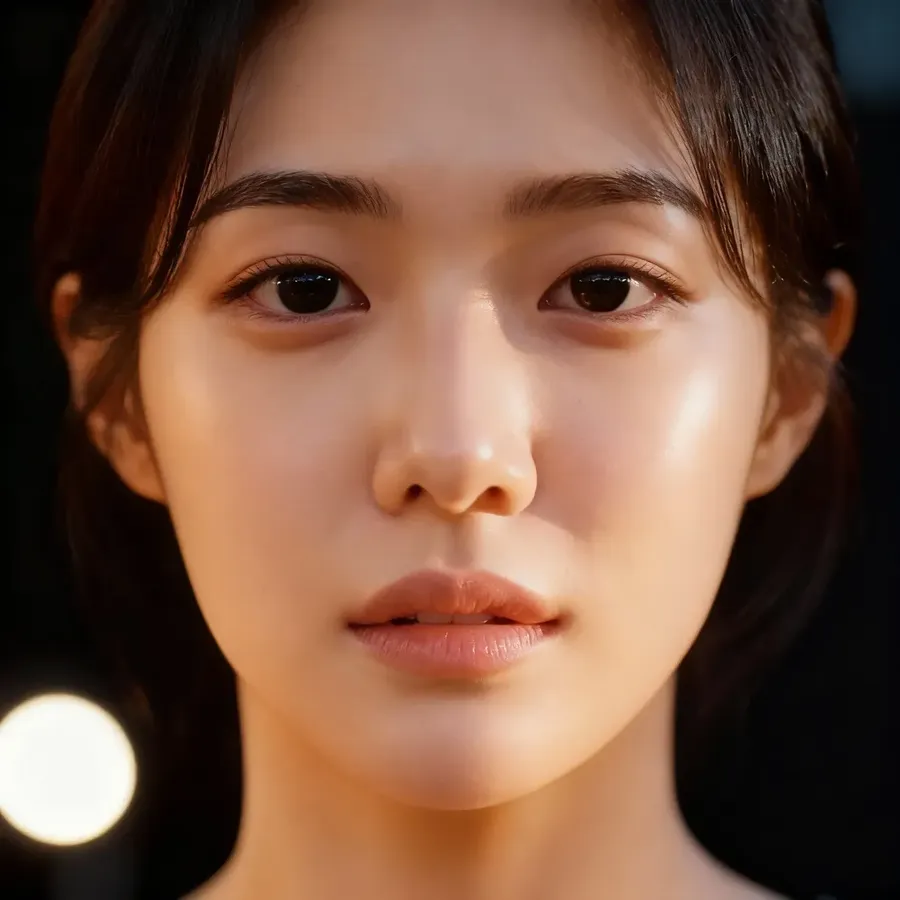
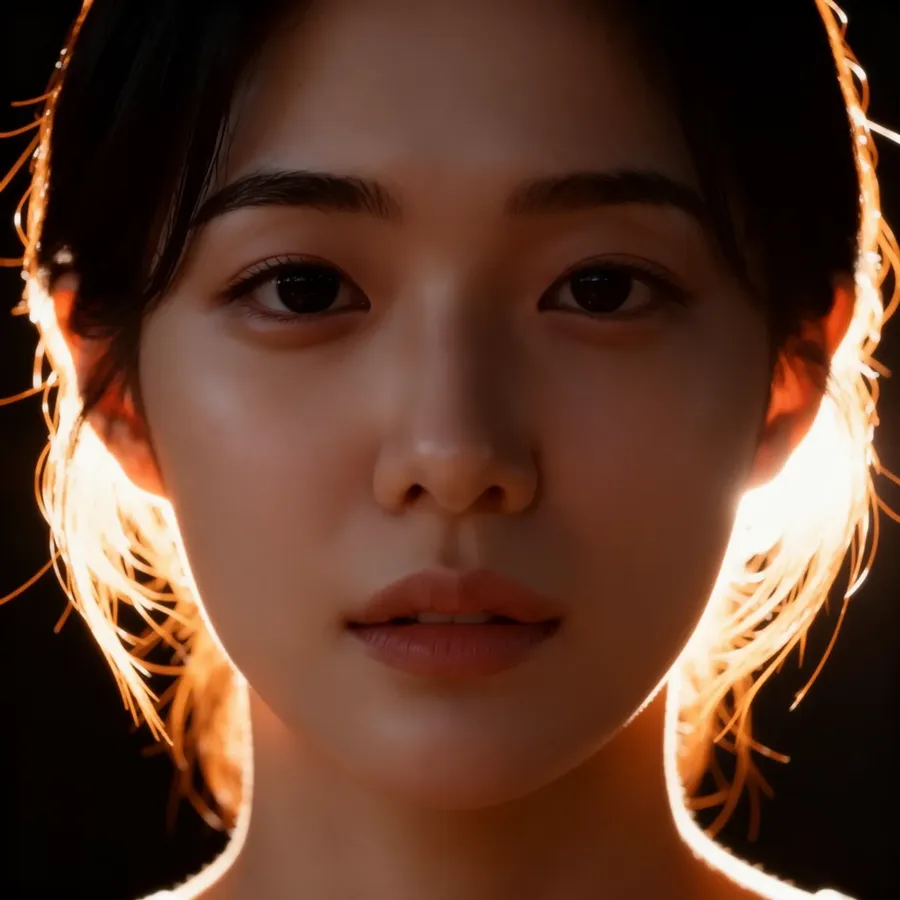
Golden Hour
Three-point
Backlit
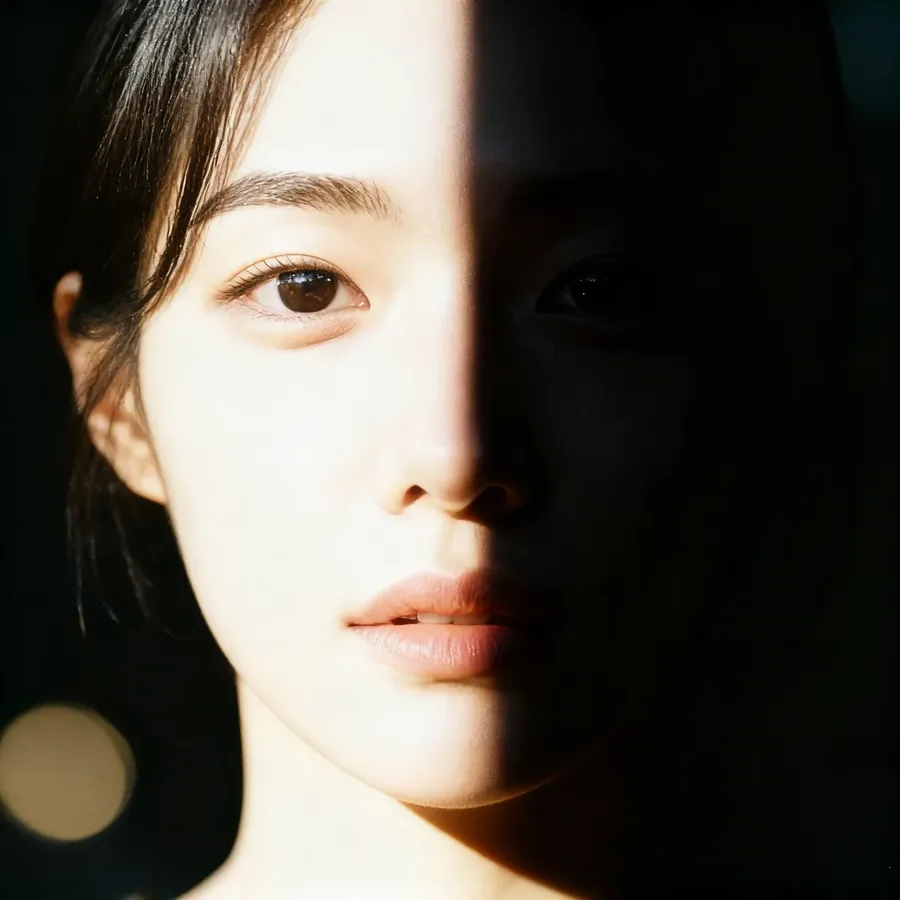
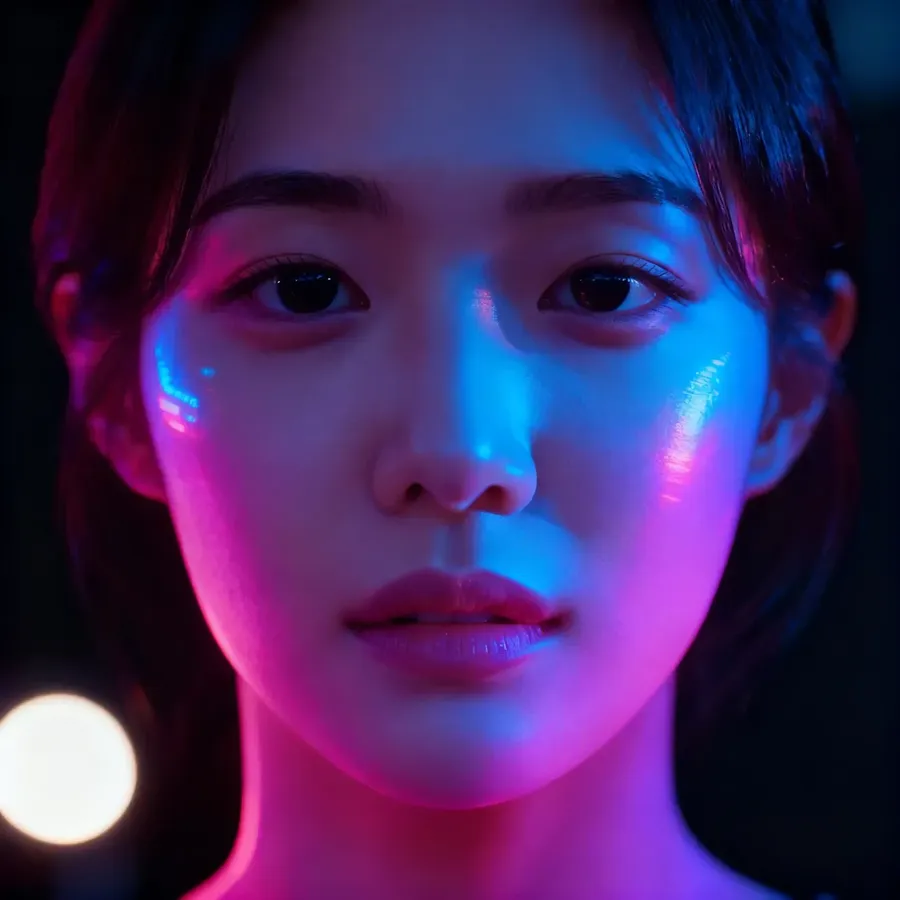
Split
Neon
Light Leaks
Photography Effects & Techniques
These effects recreate what real lenses do: shaping focus, texture, and light for a more authentic (and unique!) photo look.
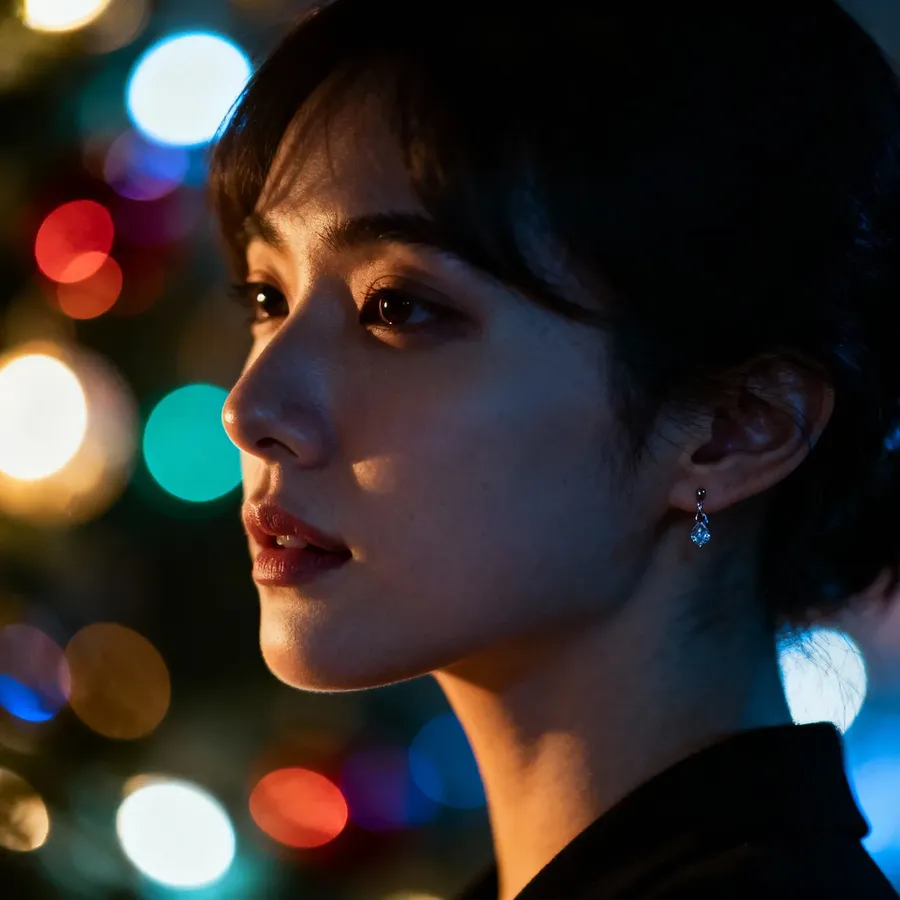
Keyword | What It Does | Example Prompt |
Bokeh | Blurs background with soft light shapes, focuses subject | unique portrait of a woman with a strong bokeh effect |
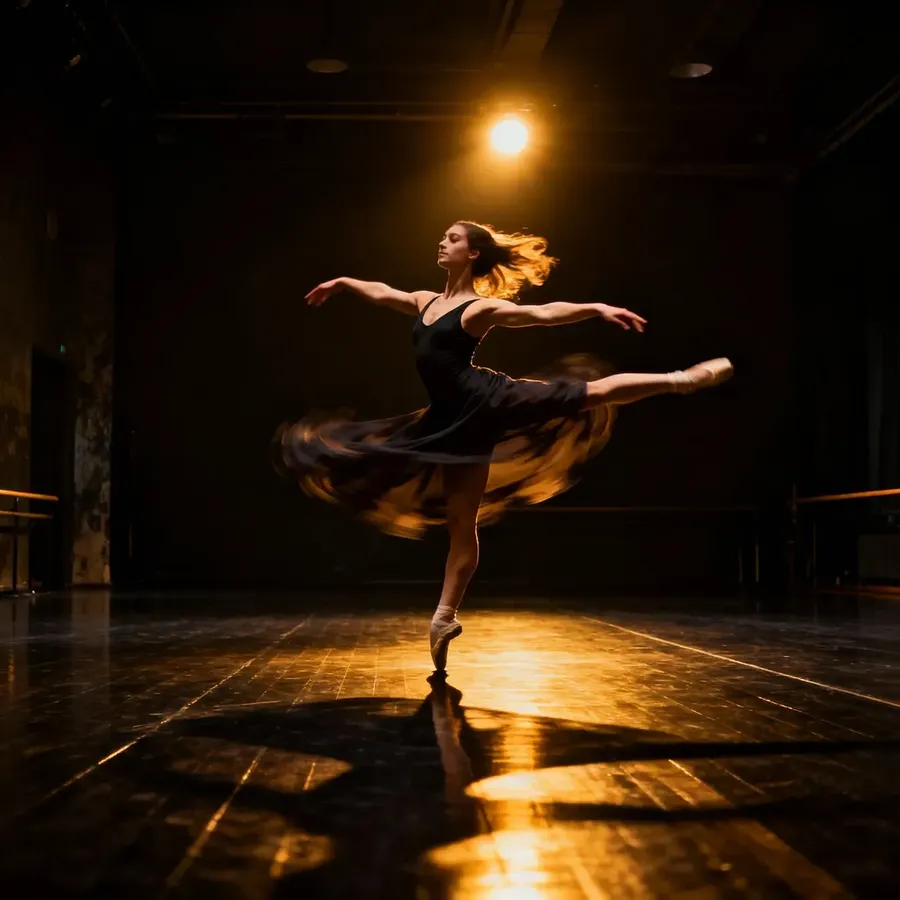
Motion blur | Suggests movement | portrait of a dancer spinning in a dimly lit studio, strong motion blur, soft warm spotlights |
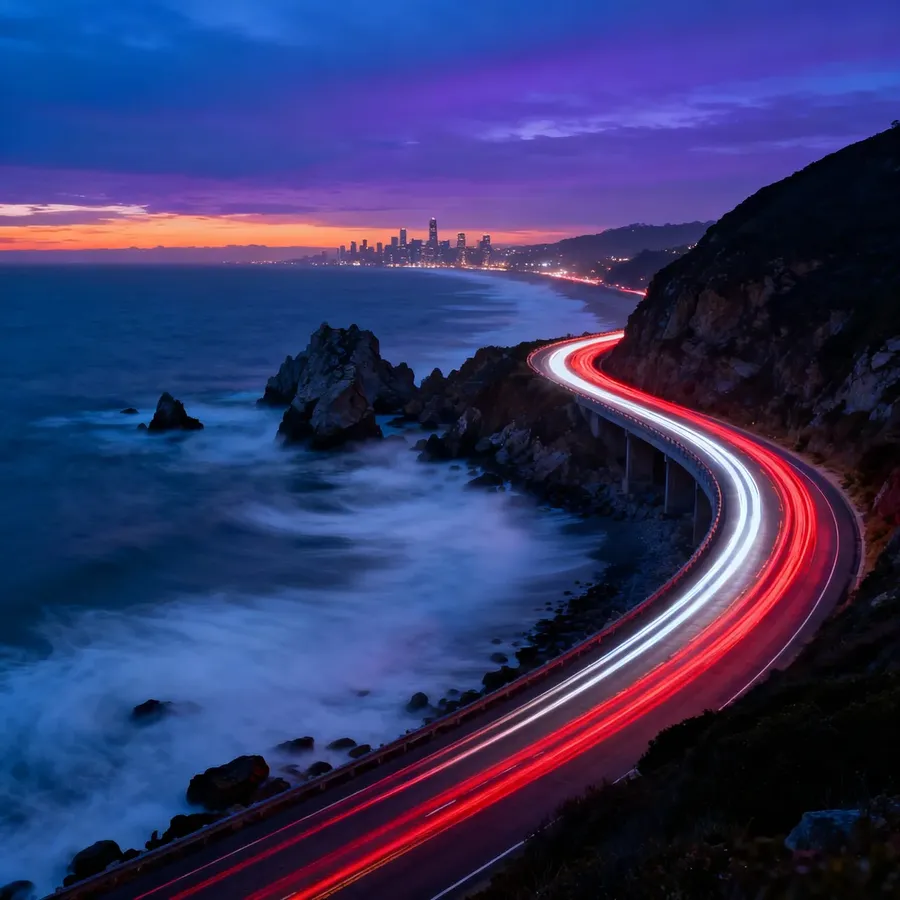
Long exposure | Captures light trails or flowing water | rugged coastline at night, long exposure of streaking red taillights and white headlights of passing cars |
Film grain / analog texture | Adds vintage or cinematic texture | portrait in 1980s film style, visible grain, soft focus |
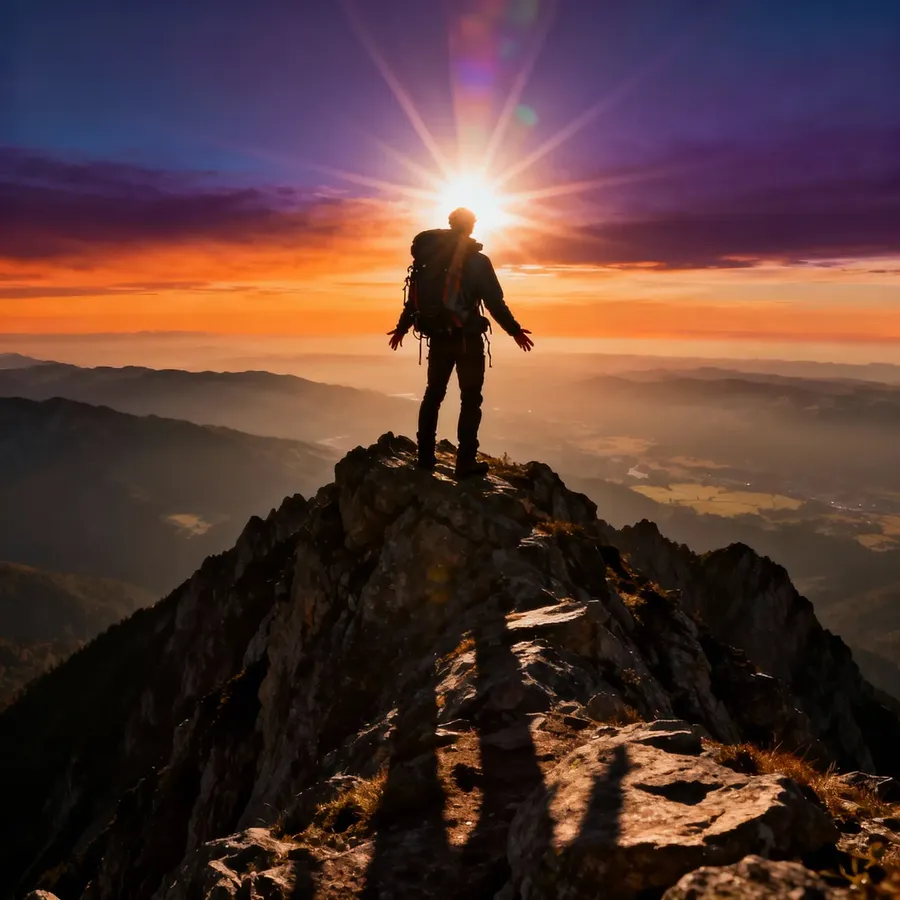
Lens flare / glare | Adds realistic light scatter | photo of hiker against the sun, soft lens flare |
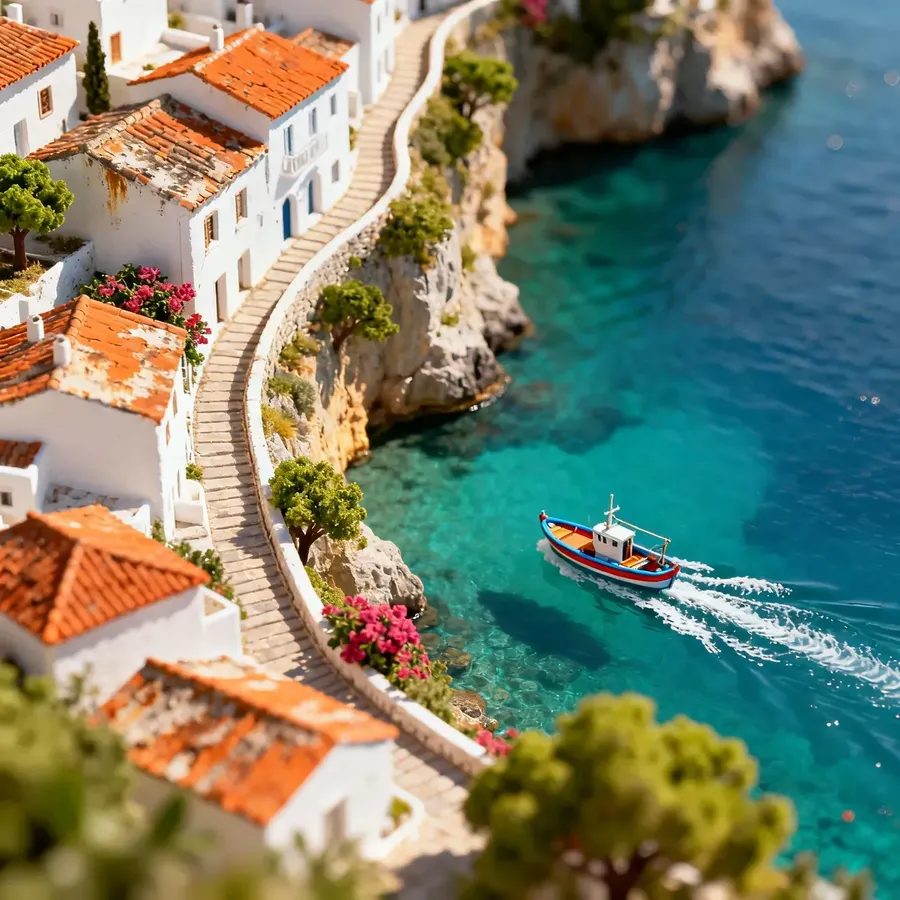
Tilt-shift | Miniature effect | overhead view of a cliffside Mediterranean town, tilt-shift miniature effect |
Bokeh
Motion Blur
Long Exposure
Film Grain
Lens Flare
Tilt Shift
Camera Settings (Advanced)
getimg.ai’s smart prompt enhancement already adds the optimal lens settings automatically.
But if you want to control the look yourself, here's what you need to know.
Setting | What It Does | Best Used For |
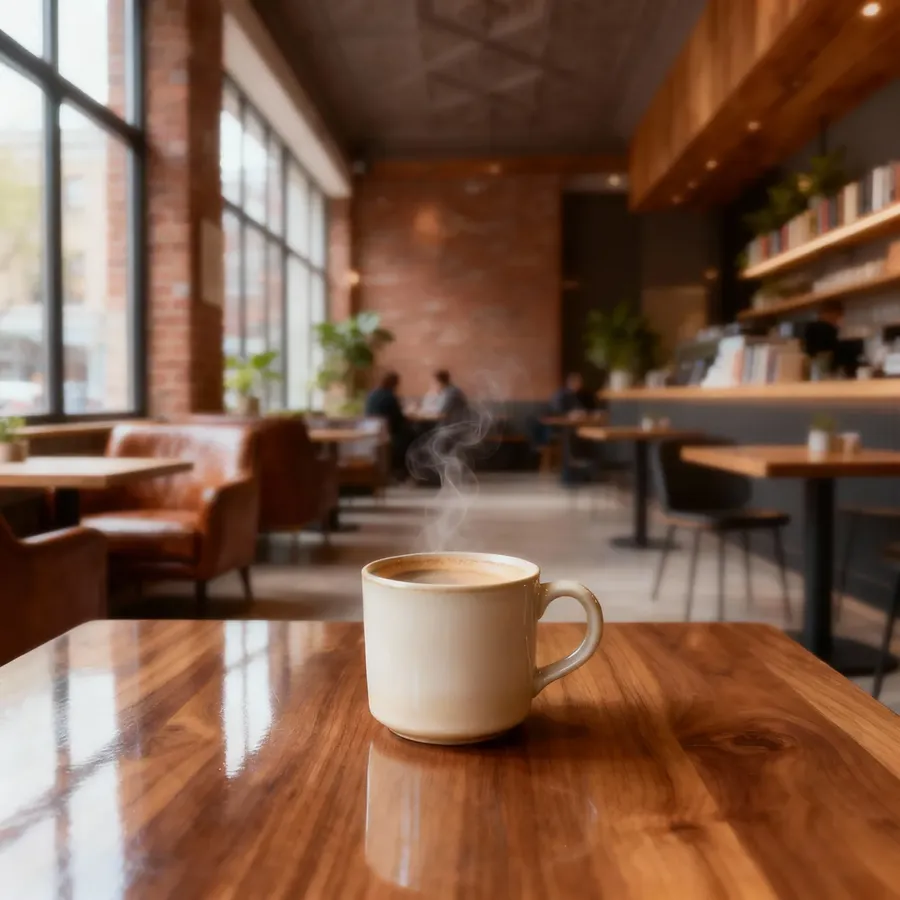
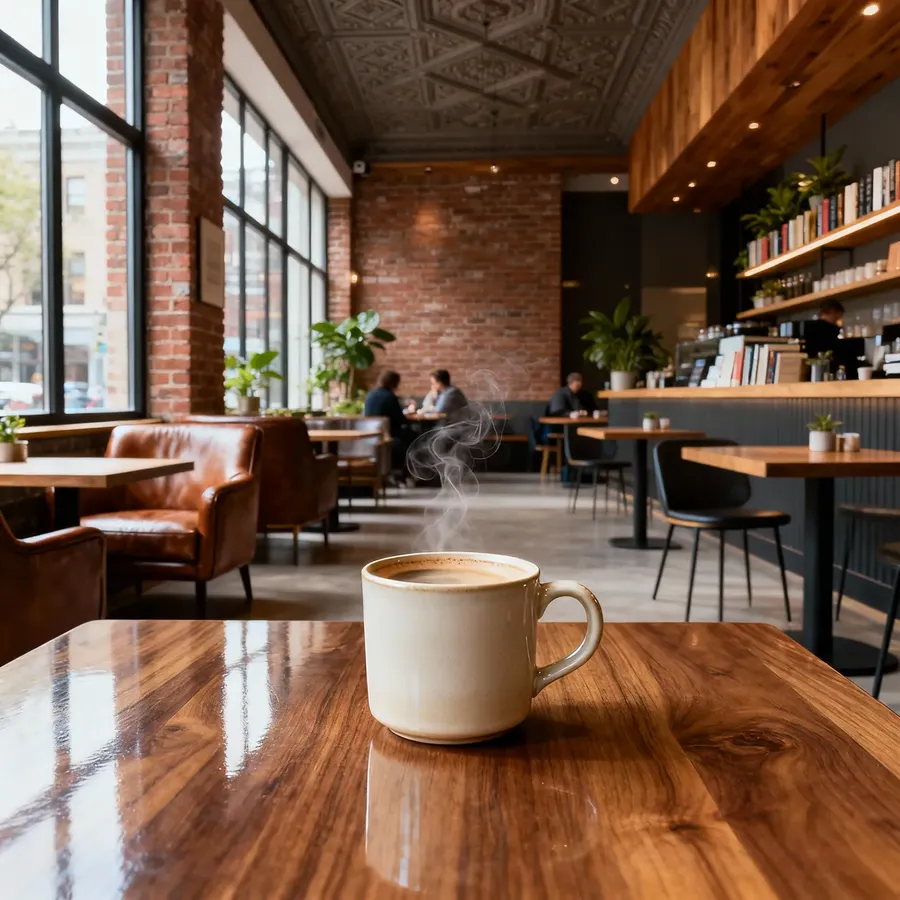
F-number (aperture) | Adjusts how much of the image is in focus. Low values (like f/1.8) create a creamy, blurred background. Higher values (like f/8) keep the whole scene sharp. | f/1.4–f/2.8 for portraits or close-ups; f/5.6–f/11 for landscapes and architecture. |
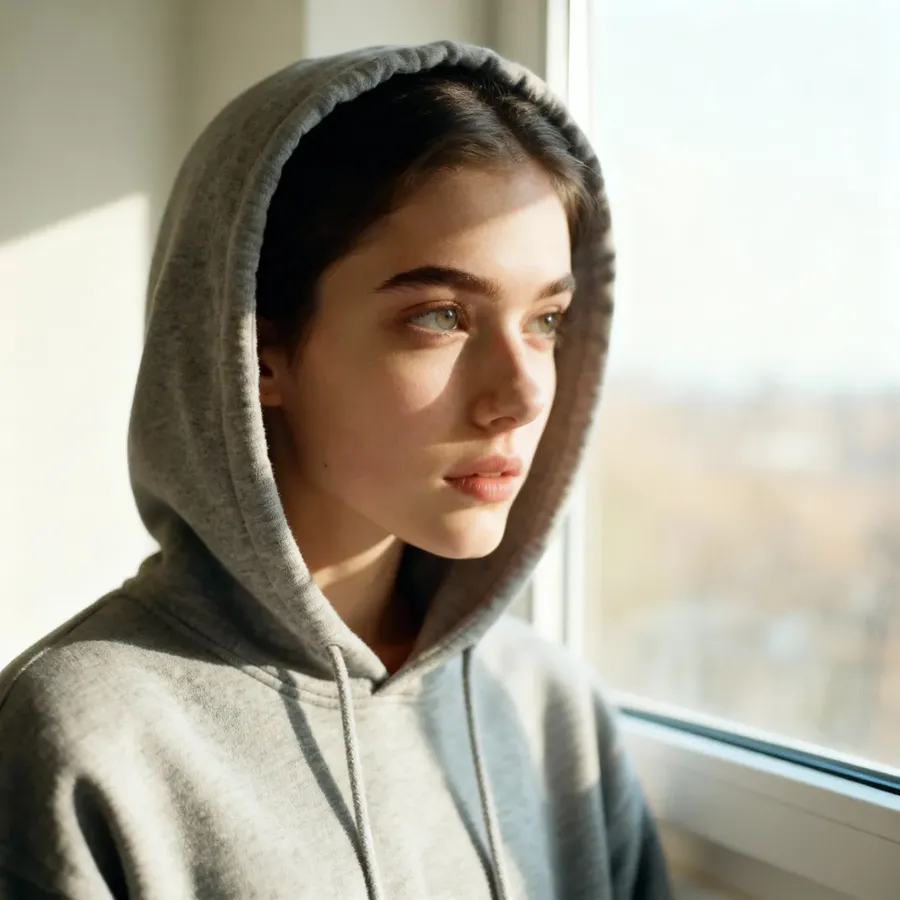
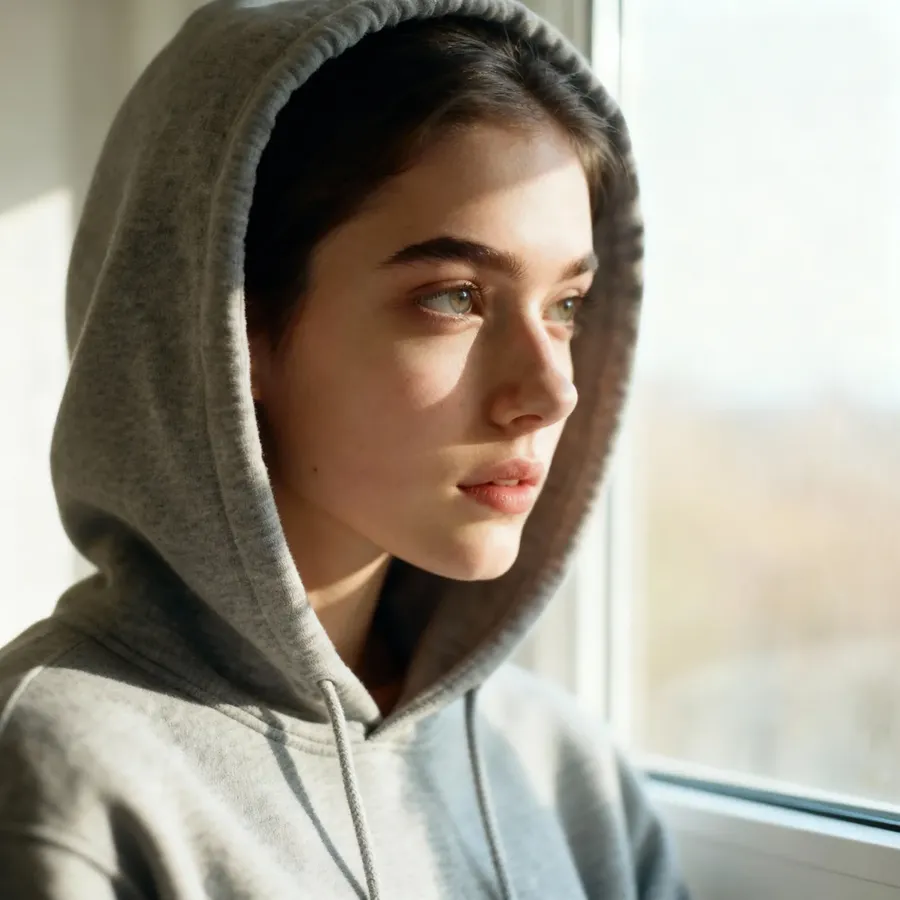
Focal length (mm) | Changes how zoomed-in the image feels. Wide lenses (24–35mm) capture more of the environment. Long lenses (50–100mm) compress distance and focus attention on your subject. | 24mm for landscapes or interiors; 85mm for portraits. |
ISO | Affects brightness and image clarity in low light. Lower ISO gives a clean, detailed look; higher ISO brightens dark scenes but adds grain. | ISO 100 for bright daylight; ISO 800+ for dim or night scenes. |
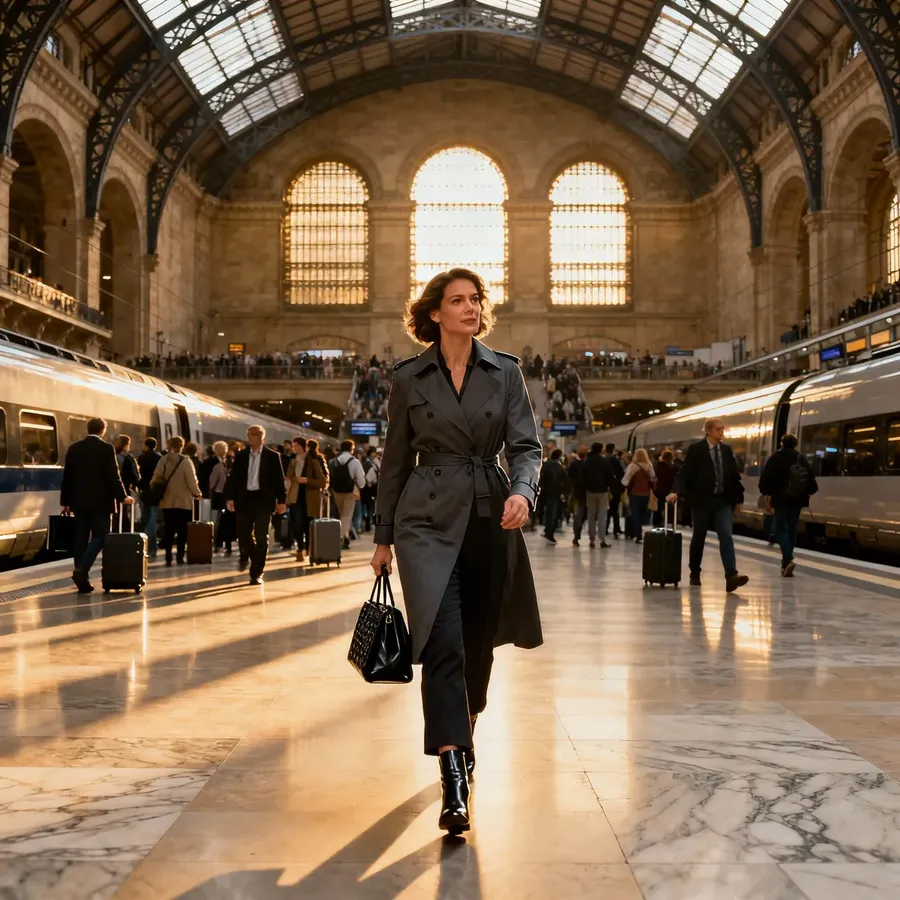
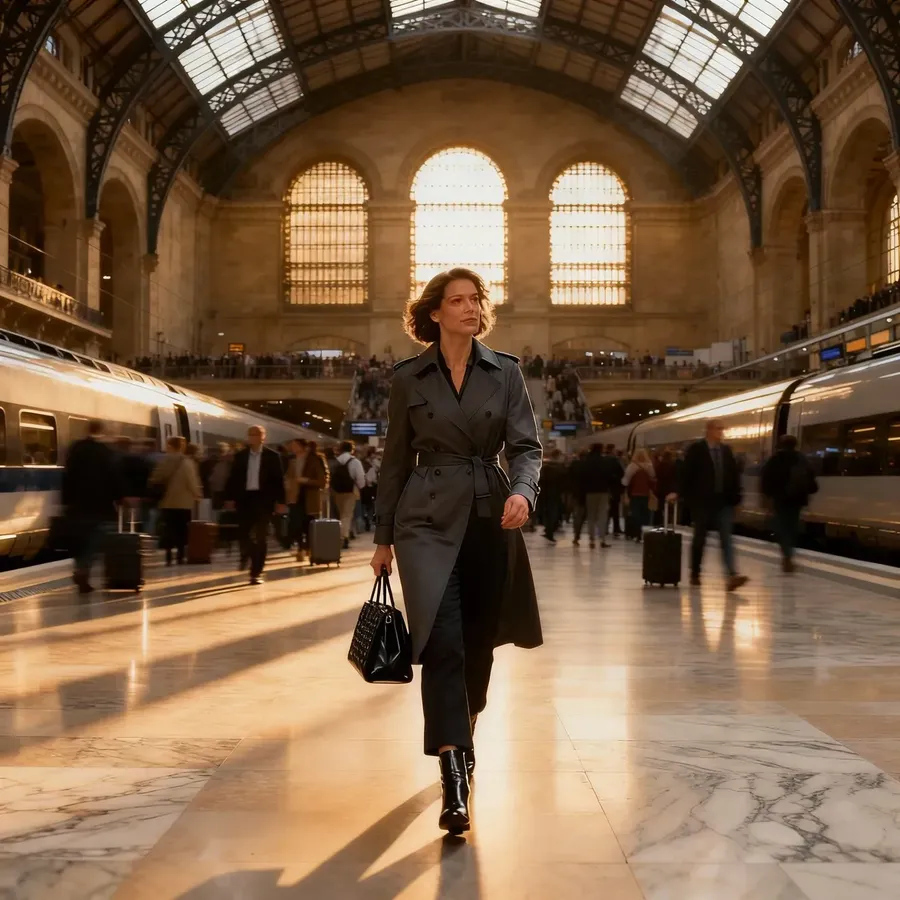
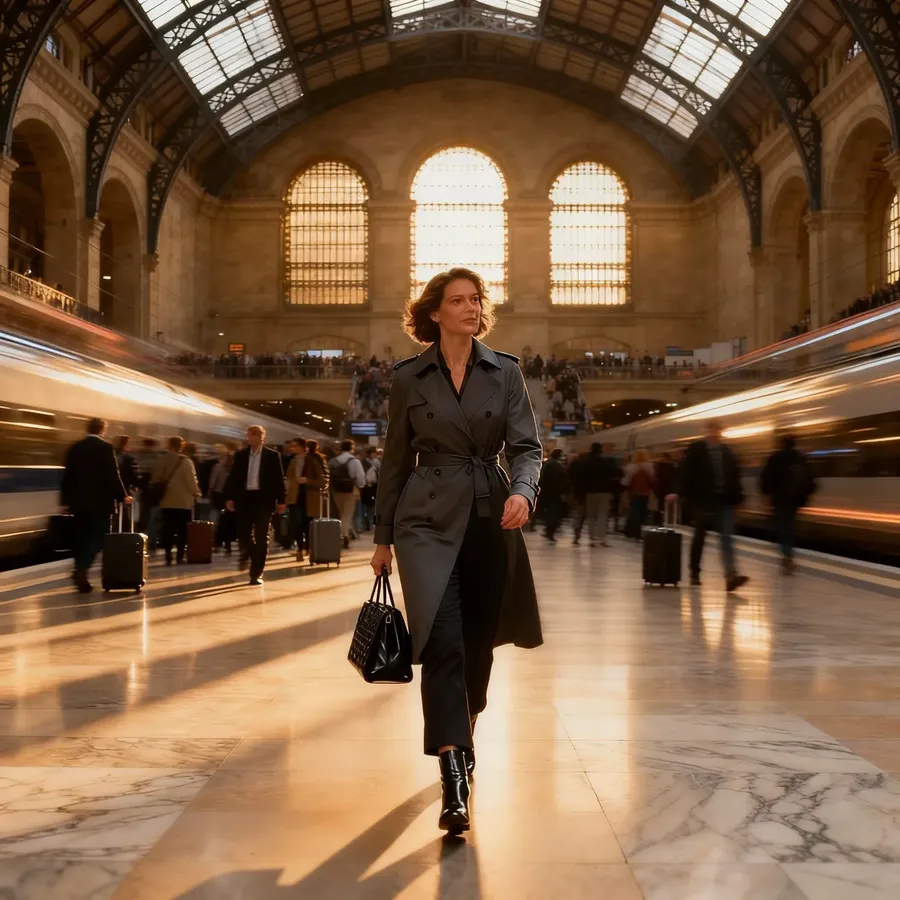
Shutter speed | Controls how motion is captured. Fast speeds freeze action; slow speeds blur movement for a cinematic or dreamy effect. | 1/1000s for sports or movement; 1/15s or slower for light trails or waterfalls. |
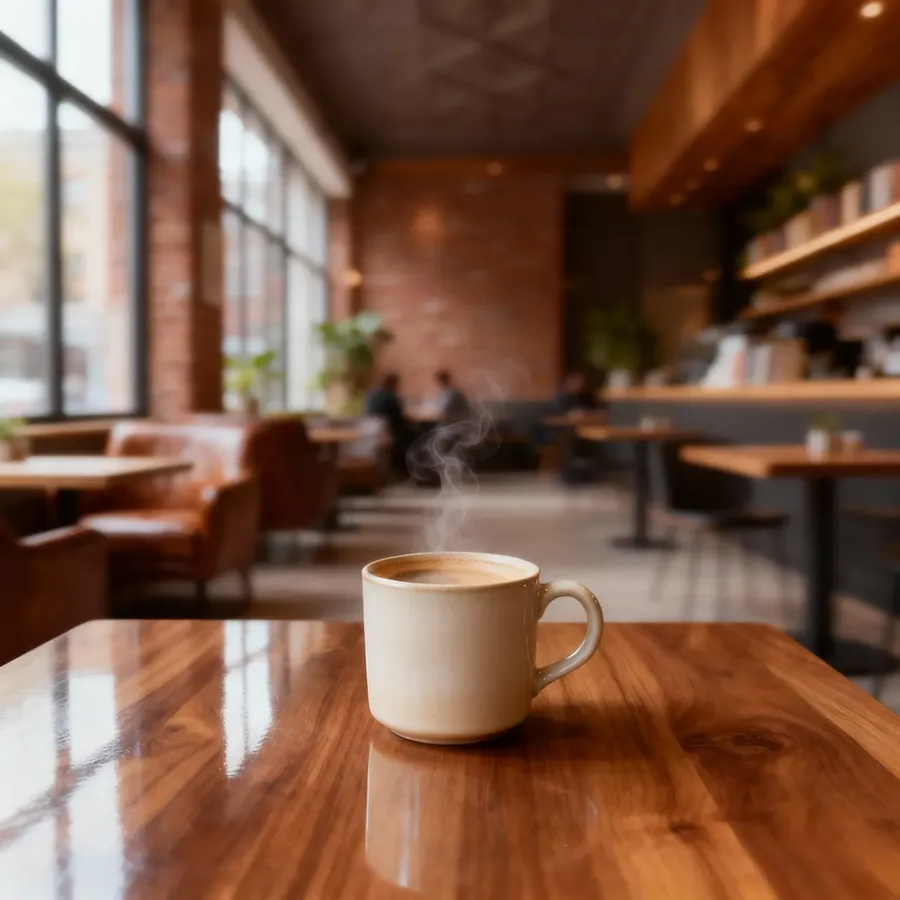
f/1.8
f/4
f/8
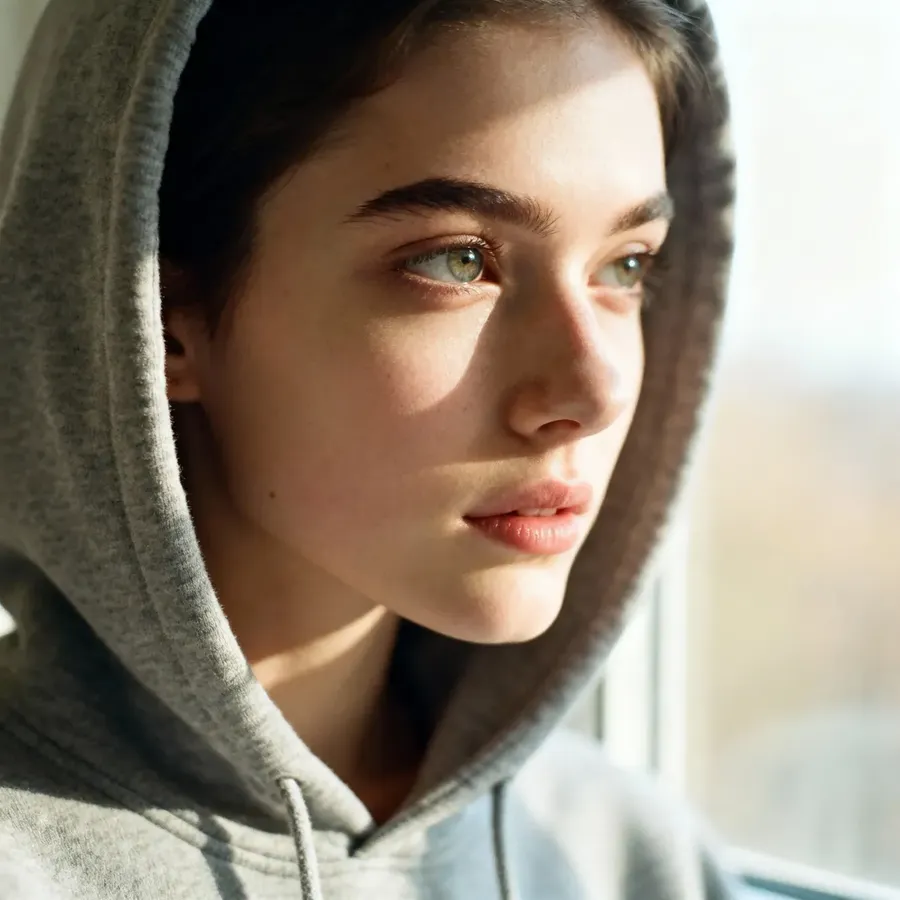
24mm
50mm
85mm
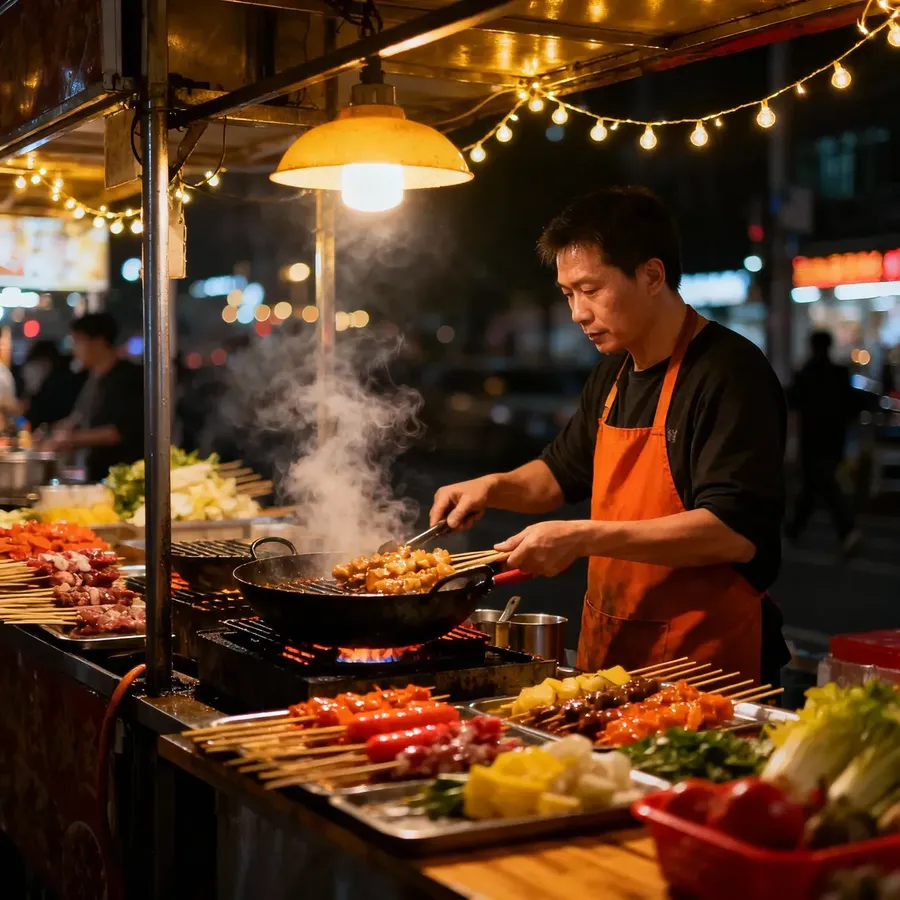
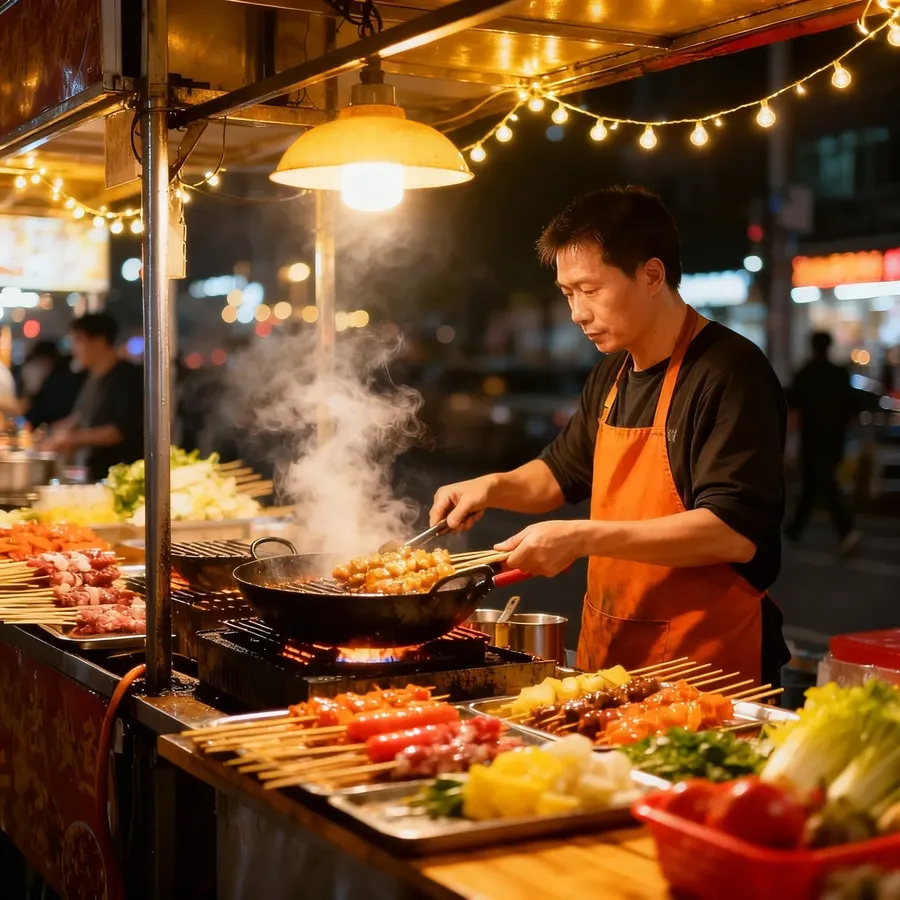
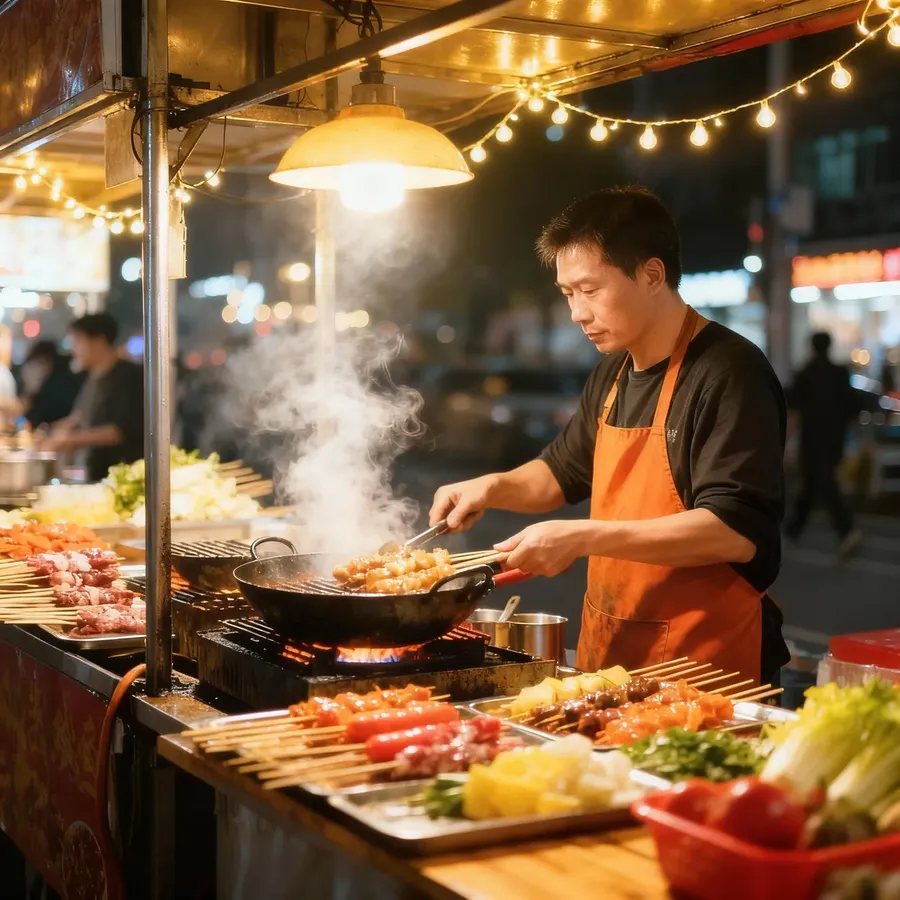
ISO 100
ISO 400
ISO 800
1/1000s
1/60s
1/5s
Color and Tone
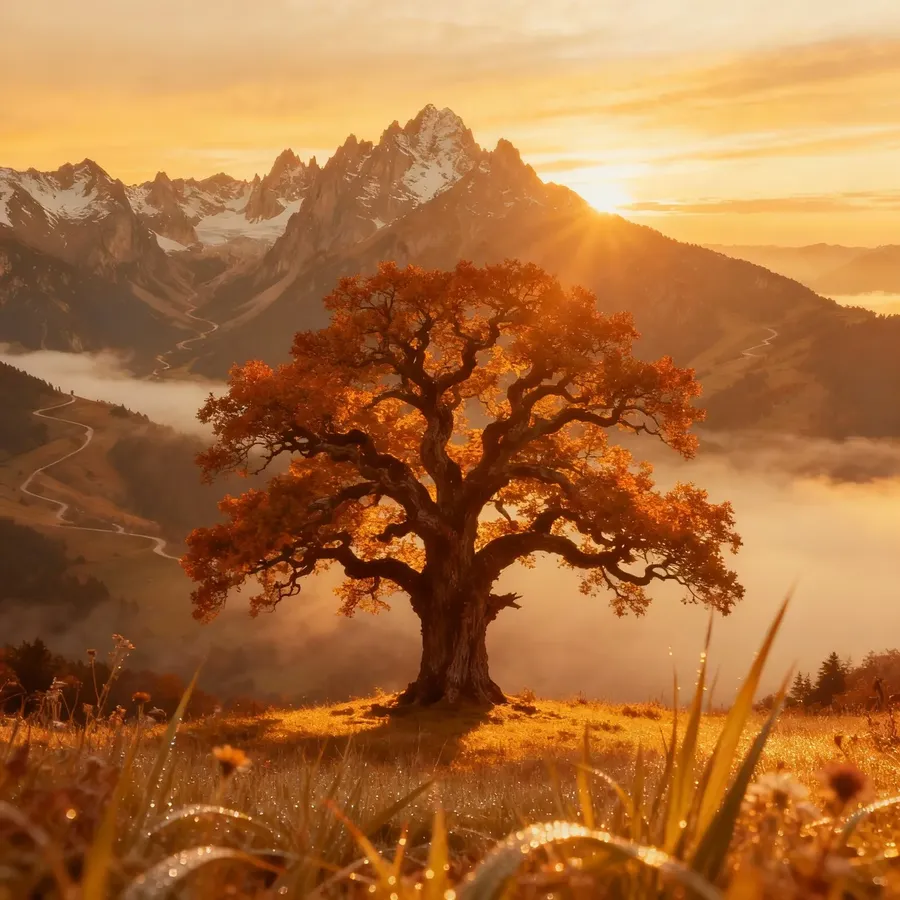
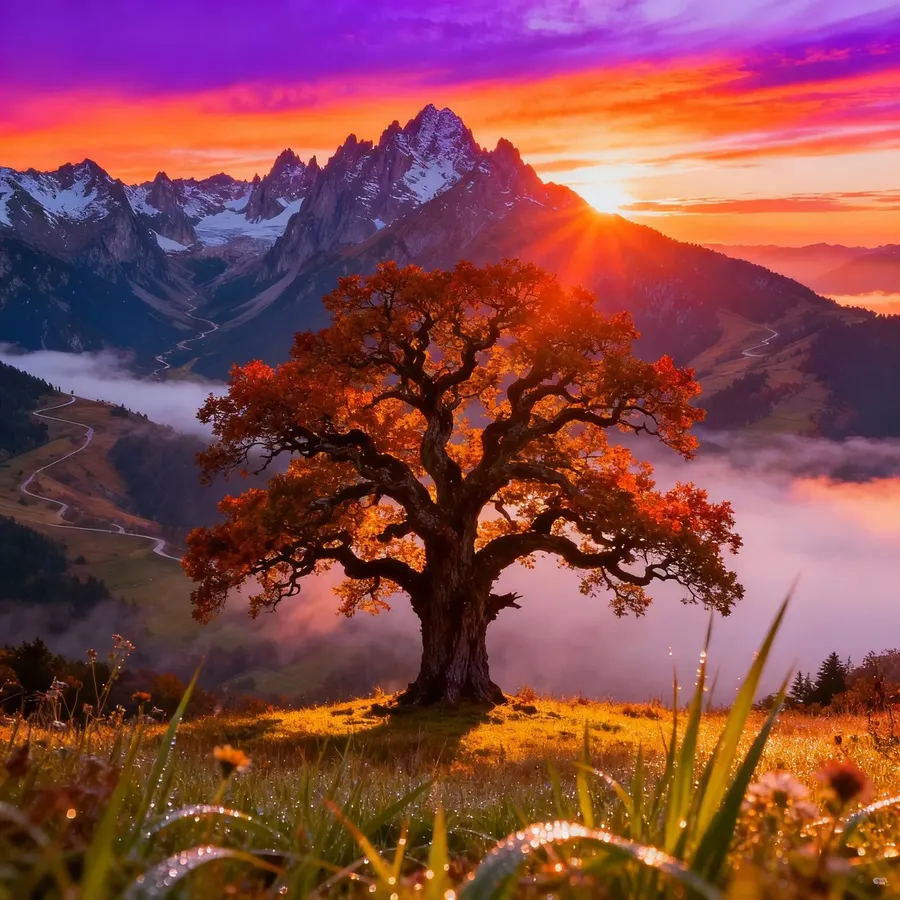
Color sets the emotional temperature: warm, calm, tense, or nostalgic. Use it alongside lighting to fine-tune the atmosphere.
Mood | Keywords |
Warm & Soft | golden light, warm tones, cozy, sunset glow |
Cool & Calm | cool tones, overcast, blue cast, foggy |
Muted | muted, desaturated, pastel, soft palette |
Dramatic | hard shadows, chiaroscuro, spotlight, high contrast |
Vintage | sepia, retro tones, faded, vintage, analog color grading |
Vibrant | bright saturated colors, vivid palette, bold contrast |
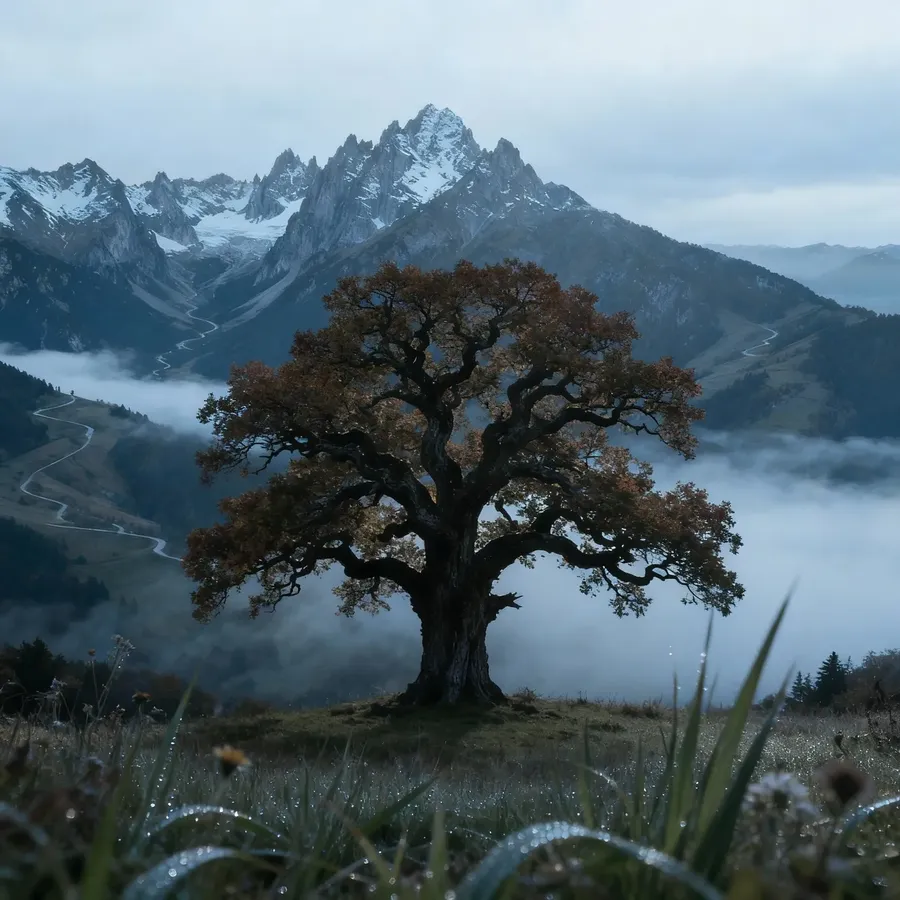
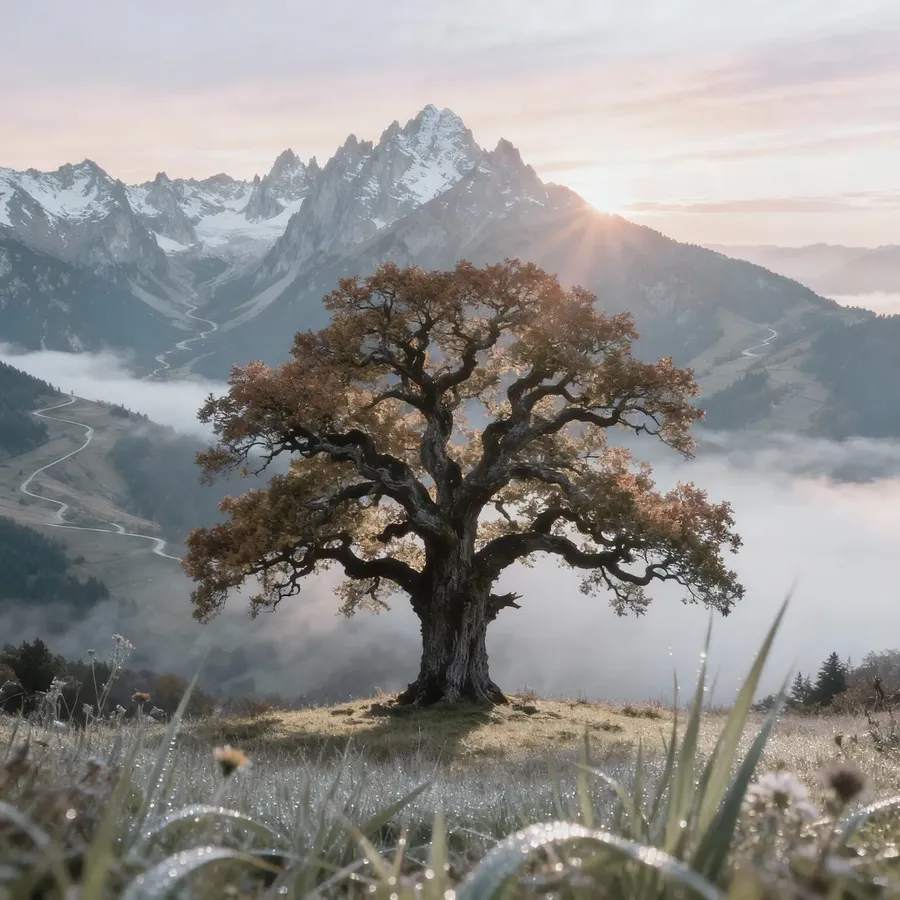
Warm
Cool
Muted
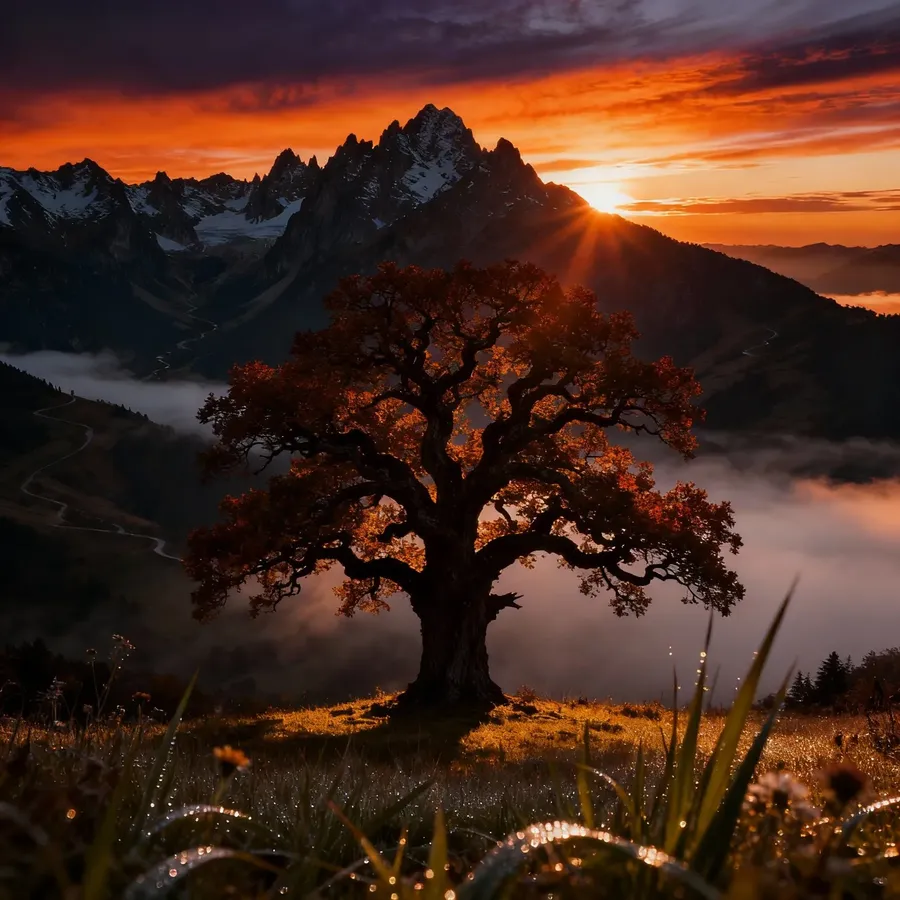
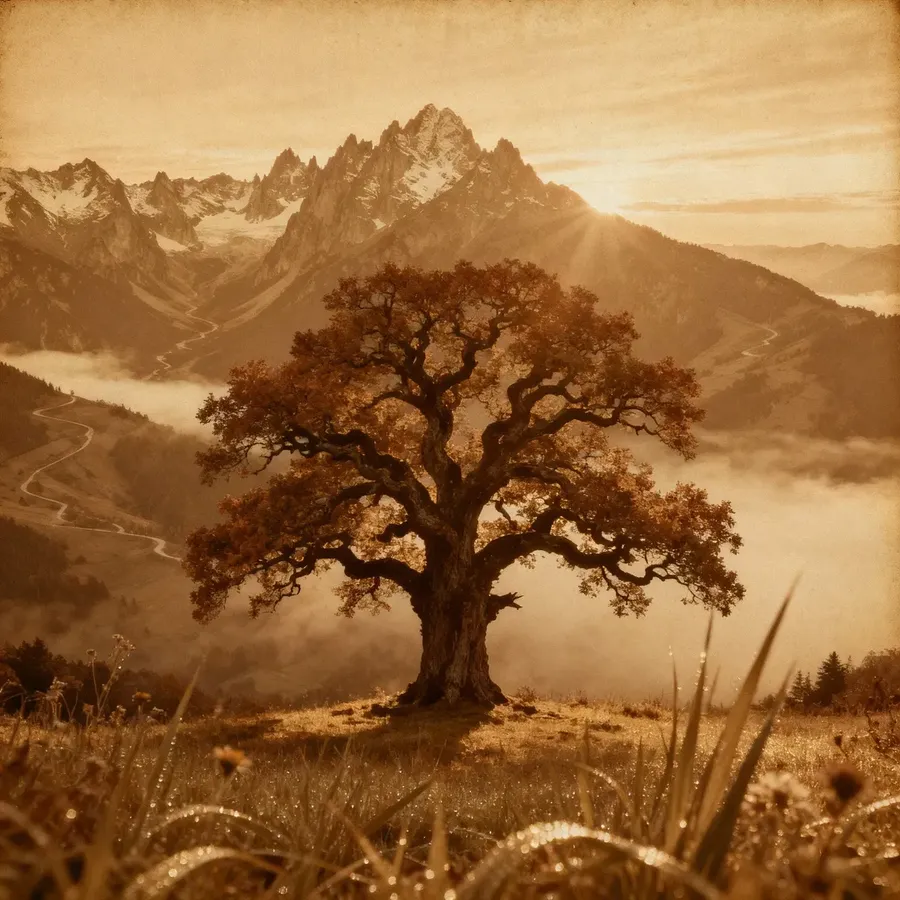
Dramatic
Vintage
Vibrant
Design, Graphic & Abstract
In design and abstract work, composition is everything. You’re arranging shapes, text, and color to make ideas feel deliberate and balanced.
Design-Focused Styles
Intent | Useful Keywords & Phrases |
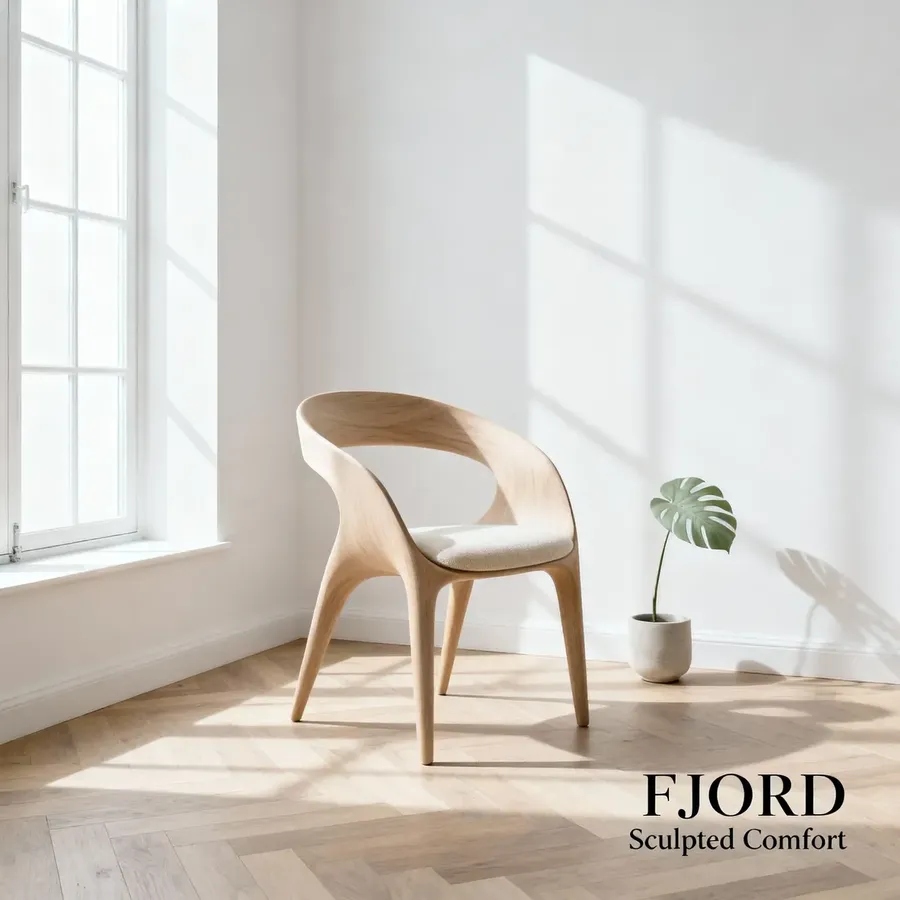
Clean & Modern | minimalist, clean layout, grid design, geometric shapes, neutral palette, sans-serif, modern typography, balanced composition, negative space, flat color |
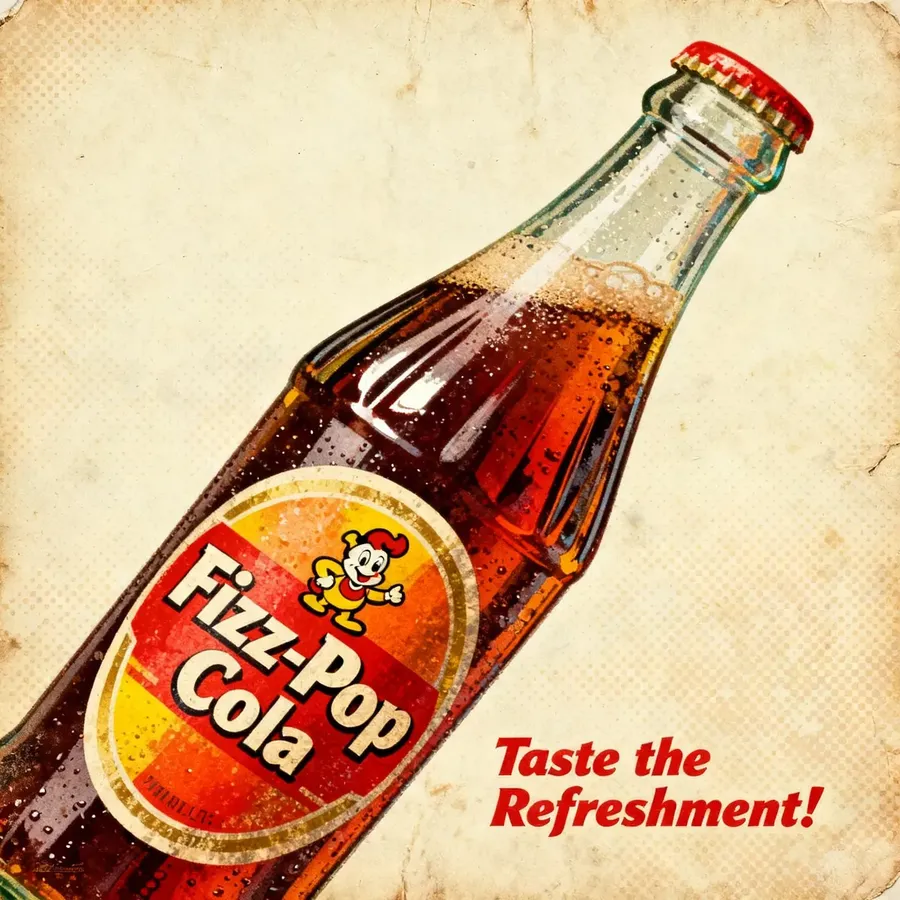
Retro or Nostalgic | retro, vintage, halftone print, 1960s poster, paper grain, faded ink, warm tones, old print texture, distressed, analog, classic typography |
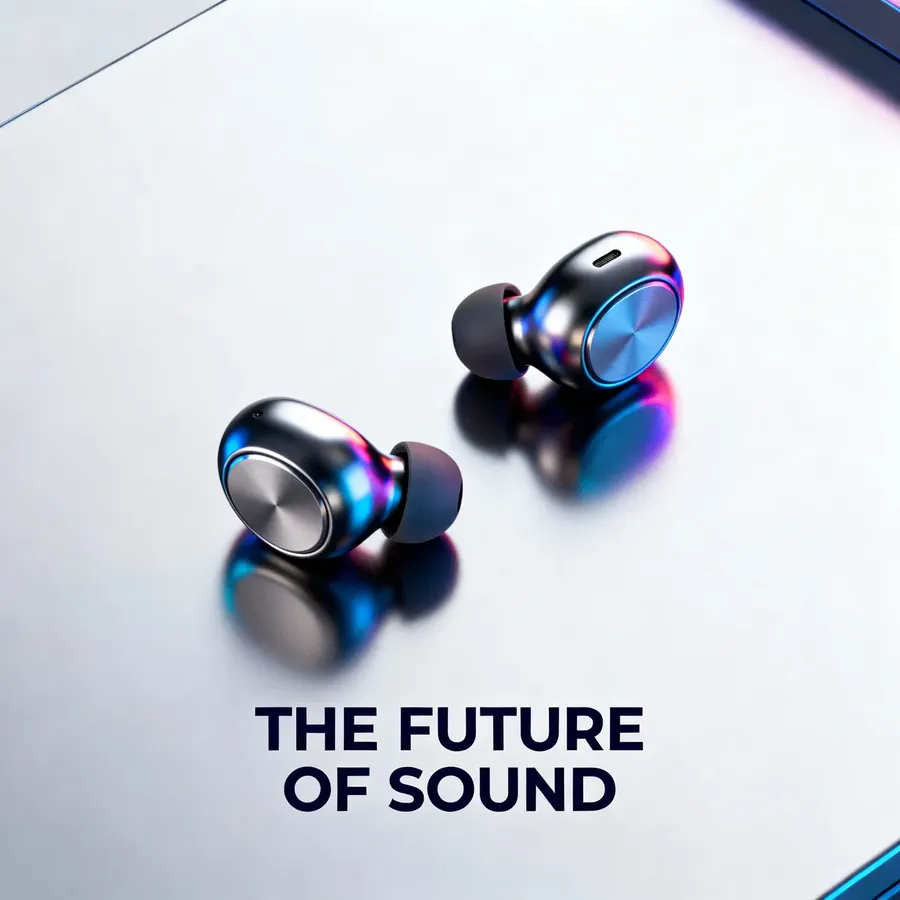
Futuristic & Tech | holographic, neon glow, gradient lighting, chrome, reflective surfaces, blue-purple hues, cyberpunk, sci-fi design, luminous, metallic |
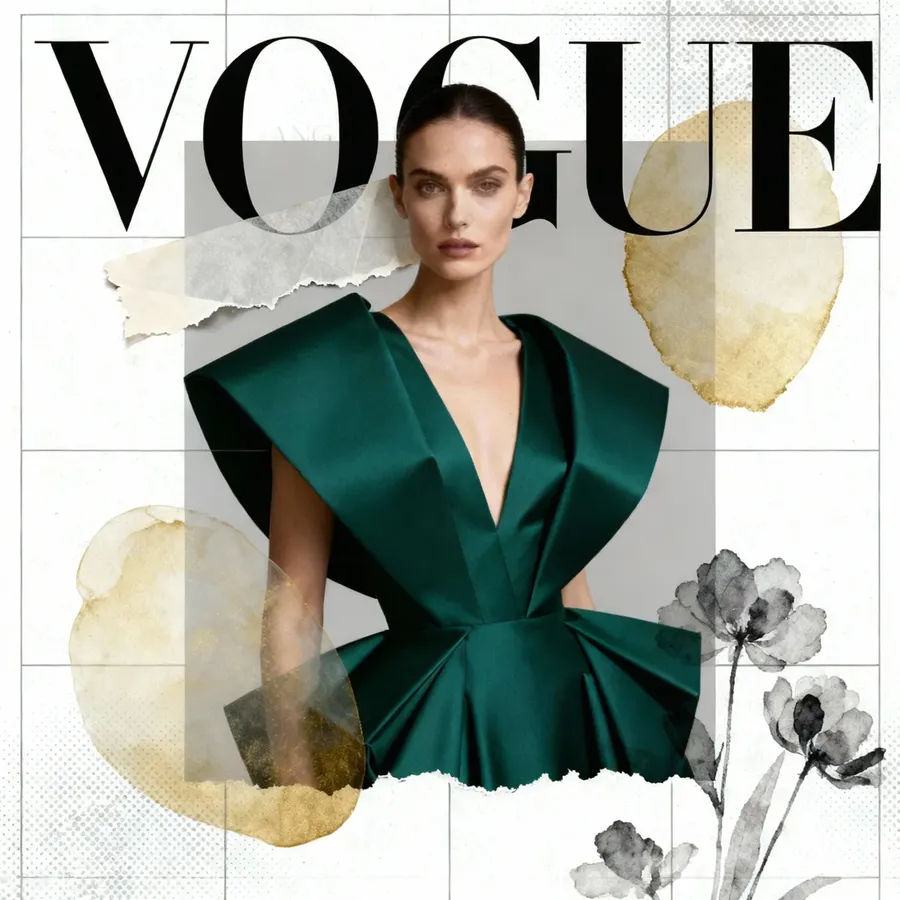
Editorial / Print Feel | magazine layout, serif font, editorial design, collage style, headline text, column grid, print texture, layered composition, fashion editorial |
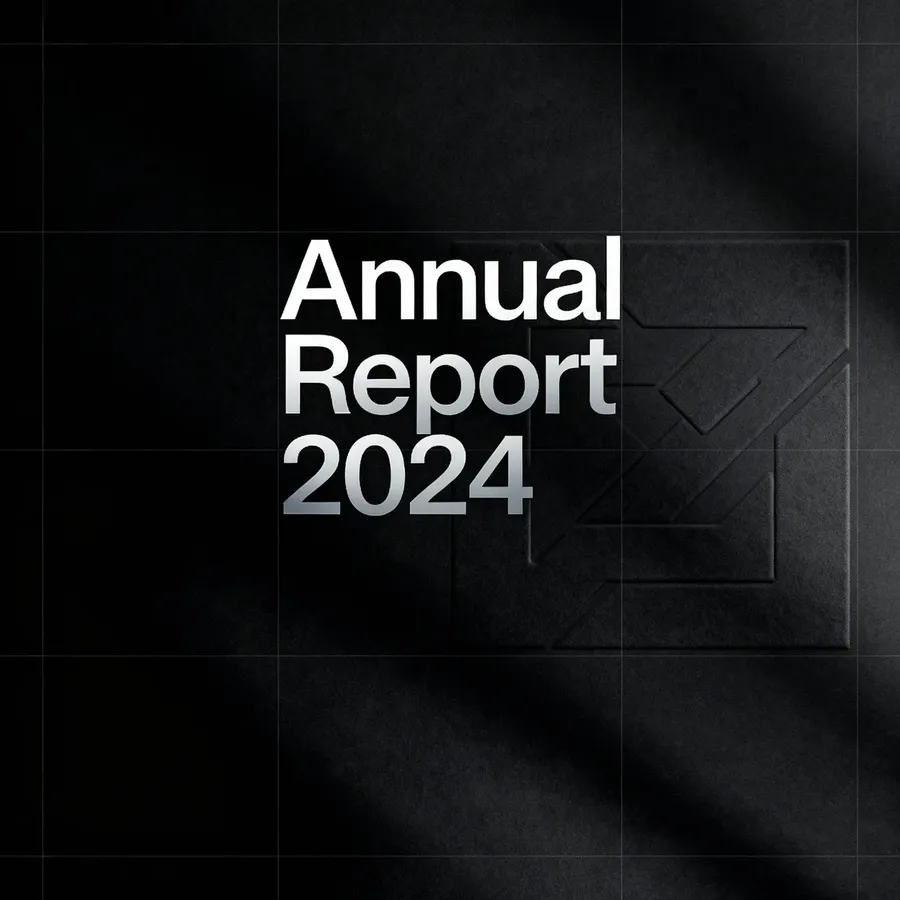
Corporate / Brand Visual | centered logo, tagline layout, clean branding, corporate tone, modern sans-serif, professional composition |
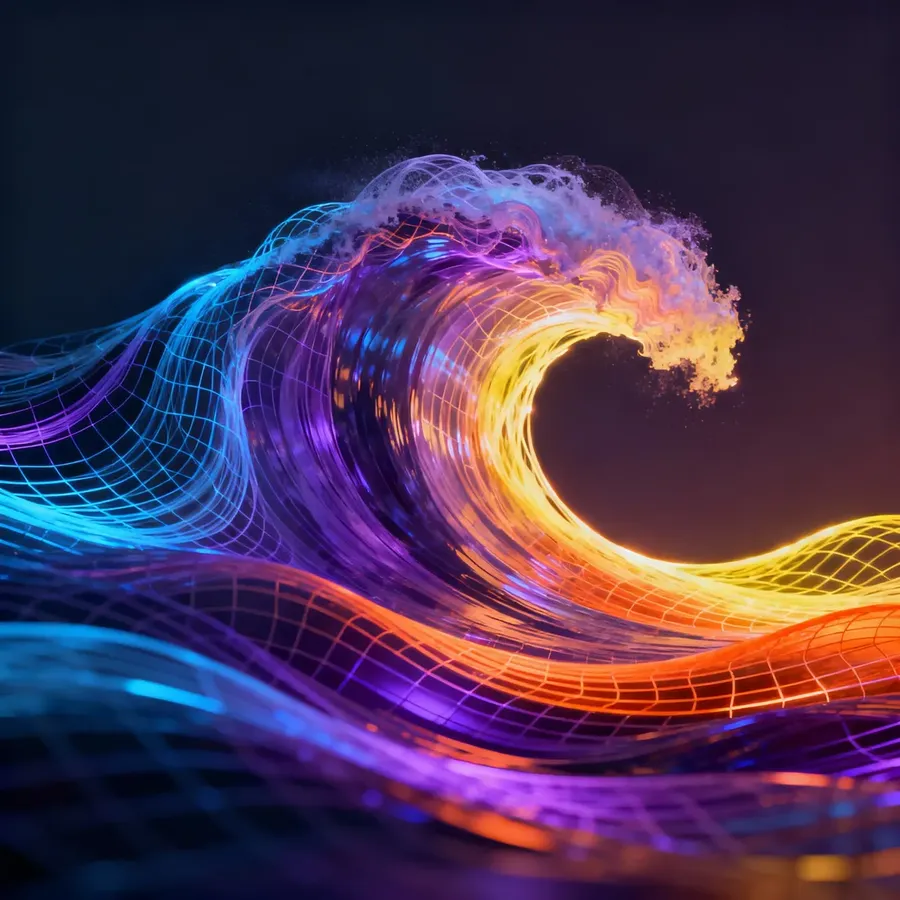
Abstract & Conceptual | abstract geometry, radial symmetry, flowing lines, gradient mesh, colorful shapes, modern art, Bauhaus style, fluid composition, conceptual design, dynamic forms |
Modern
Retro
Tech
Editorial
Corporate
Abstract
Typography and Text Placement
getimg.ai can easily render signs, labels, posters, and more.
Simply specify what the text says, and optionally how it looks or where it’s placed.
Always put the text you want to appear in quotes, so the AI knows it’s part of the image, not an instruction.
For example:
abstract poster with the word "FOCUS" centered in bold white letters
Detail | Useful Keywords & Phrases |
Placement | top-left, centered, across the middle, aligned to bottom edge, wrapped around image, vertical text, curved text |
Font Style | sans-serif, serif, handwritten, script, calligraphic, modern font, gothic, stencil, bold, thin, condensed, outlined |
Size & Emphasis | large headline, small tagline, fine print, bold title, uppercase text, subtle overlay |
Effects & Texture | embossed, engraved, metallic finish, reflective, chrome, holographic, gradient letters, vintage print, halftone, letterpress texture, shadowed, glowing, distorted, torn paper edge, folded text |
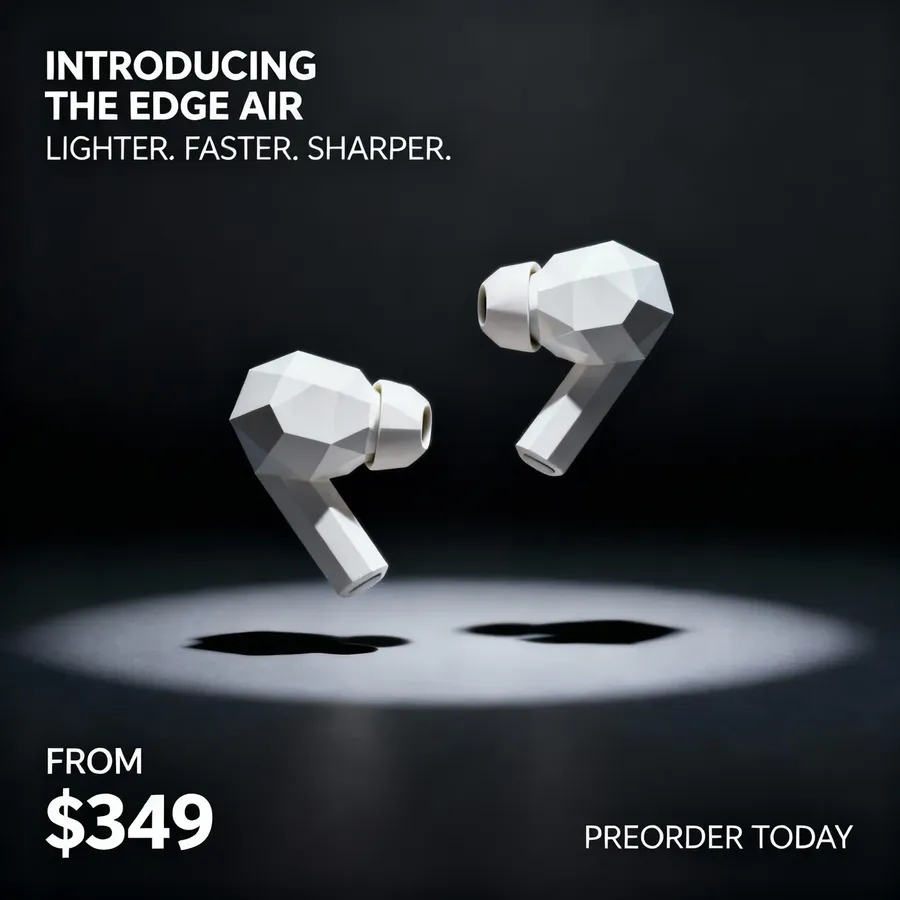
product ad layout with the headline "INTRODUCING THE EDGE AIR" top-left, subheading "LIGHTER. FASTER. SHARPER." below it in smaller font, product specs listed in a clean column on the left, price "FROM $349" bottom-left in bold, call-to-action "PREORDER TODAY" bottom-right, product centered with dramatic lighting
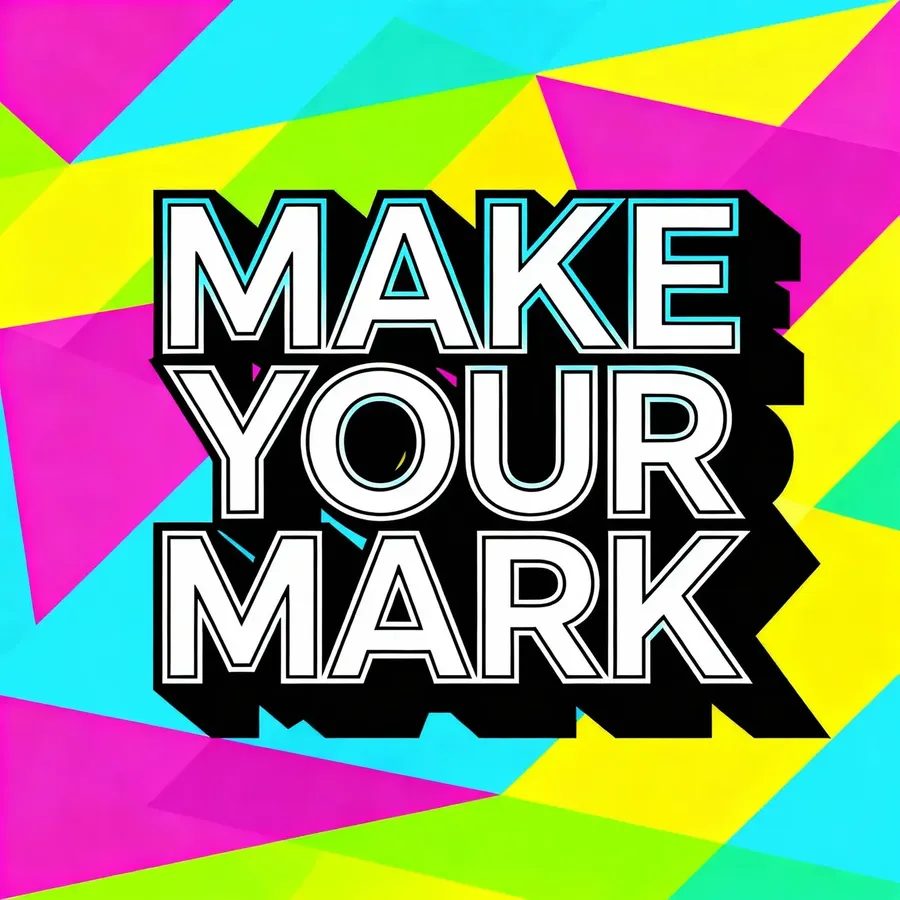
graphic design poster with the phrase "MAKE YOUR MARK" in large outlined letters, centered layout, the background is composed of an array of overlapping geometric color blocks, rendered in an electrifying palette of bright, high-contrast hues
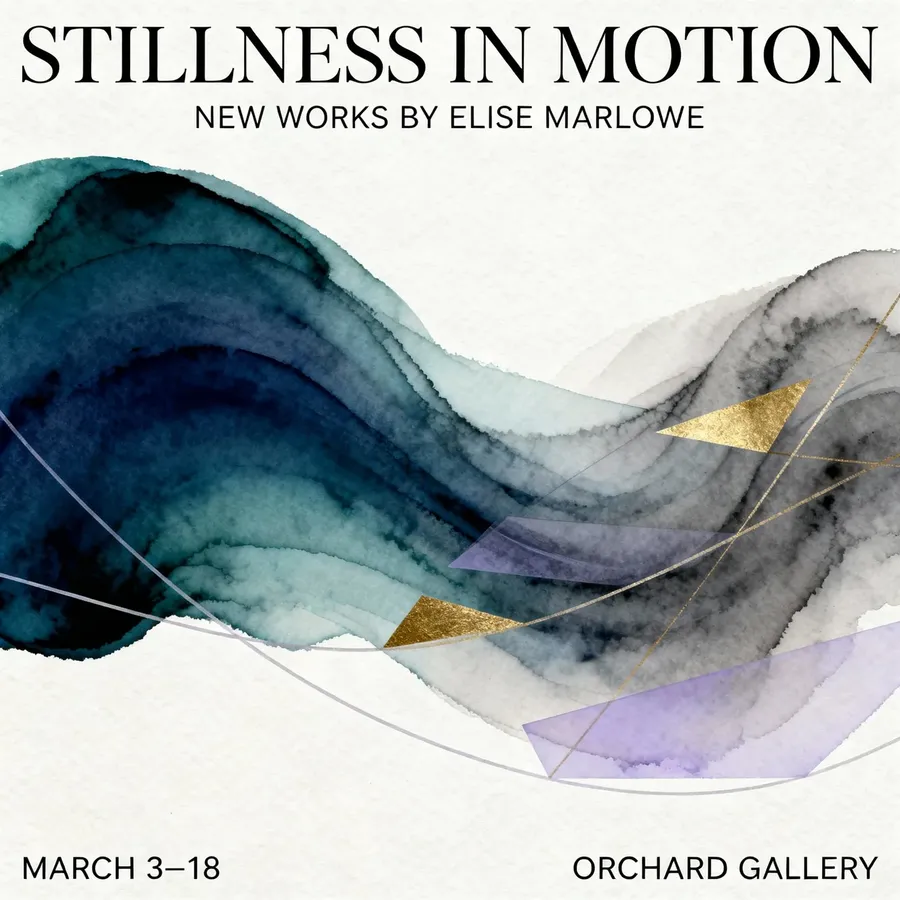
abstract exhibition poster with the title "STILLNESS IN MOTION" centered at the top in refined serif, subtitle "NEW WORKS BY ELISE MARLOWE" just below in small caps, date "MARCH 3–18" aligned bottom-left, venue "ORCHARD GALLERY" aligned bottom-right
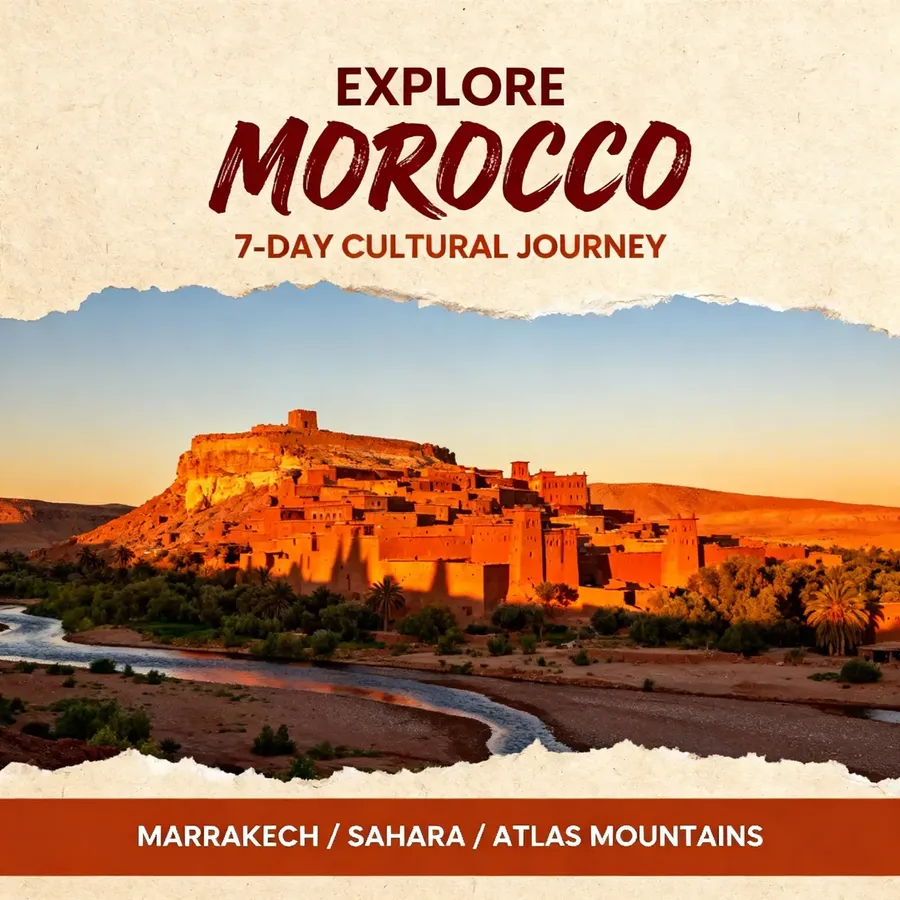
travel brochure cover with handwritten brush font title "EXPLORE MOROCCO" across top, subheader “7-DAY CULTURAL JOURNEY” beneath, large photo framed by torn-paper edges, bottom bar listing highlights: “MARRAKECH / SAHARA / ATLAS MOUNTAINS”
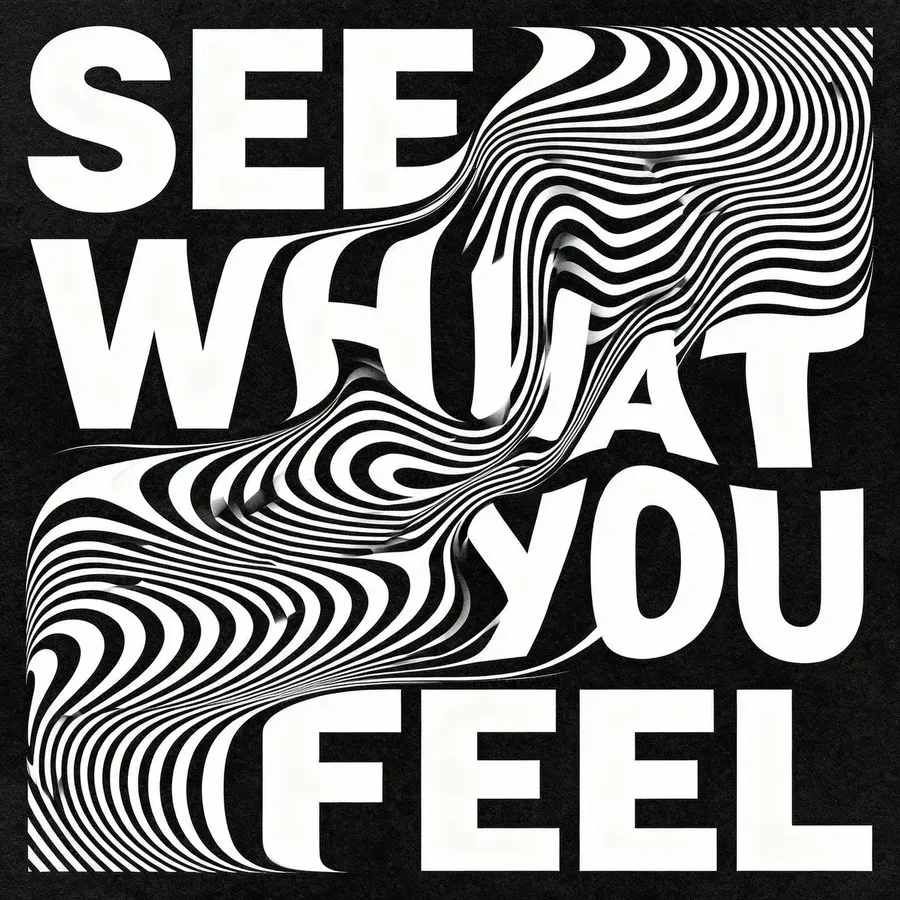
optical illusion poster with the words "SEE WHAT YOU FEEL" integrated into wavy black-and-white lines, text warping into the pattern, hypnotic depth, high contrast
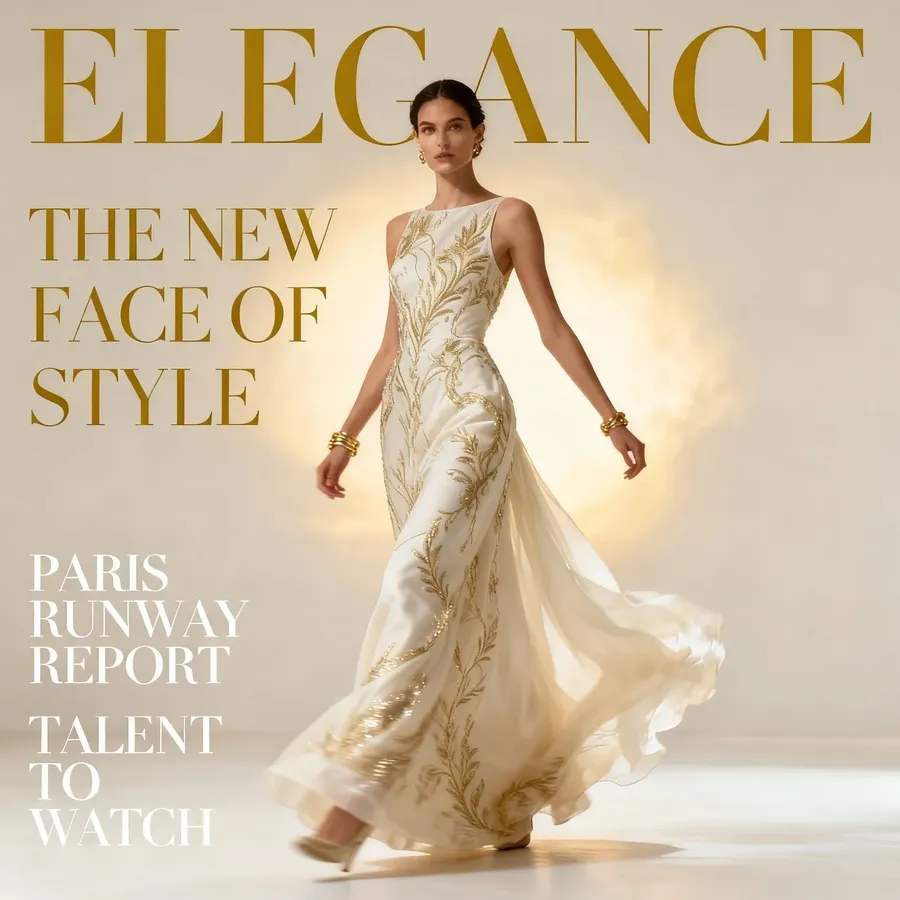
high-end fashion magazine cover with masthead "ELEGANCE" in tall elegant serif at top, main headline "THE NEW FACE OF STYLE" centered in large thin serif, subheadlines along left column “PARIS RUNWAY REPORT,” “TALENT TO WATCH,” ivory and gold palette
Painterly & Illustration Styles
These styles focus on technique and surface detail rather than realism.
Types of Traditional Media
Style | Additional Keywords | Example Prompt |
Oil Painting | Thick brushstrokes, deep colors, realistic shading | oil painting of a woman reading by candlelight, soft shadows, warm tones |
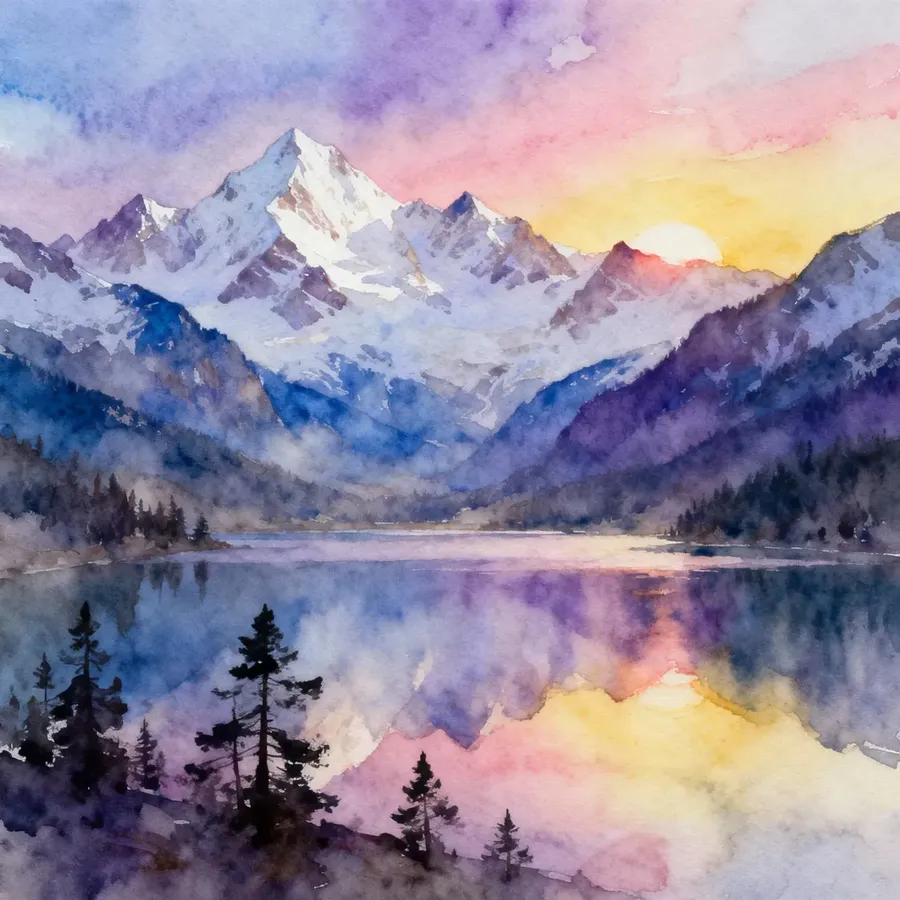
Watercolor | Soft edges, light washes, transparency | watercolor painting of mountain landscape at sunrise, delicate gradients |
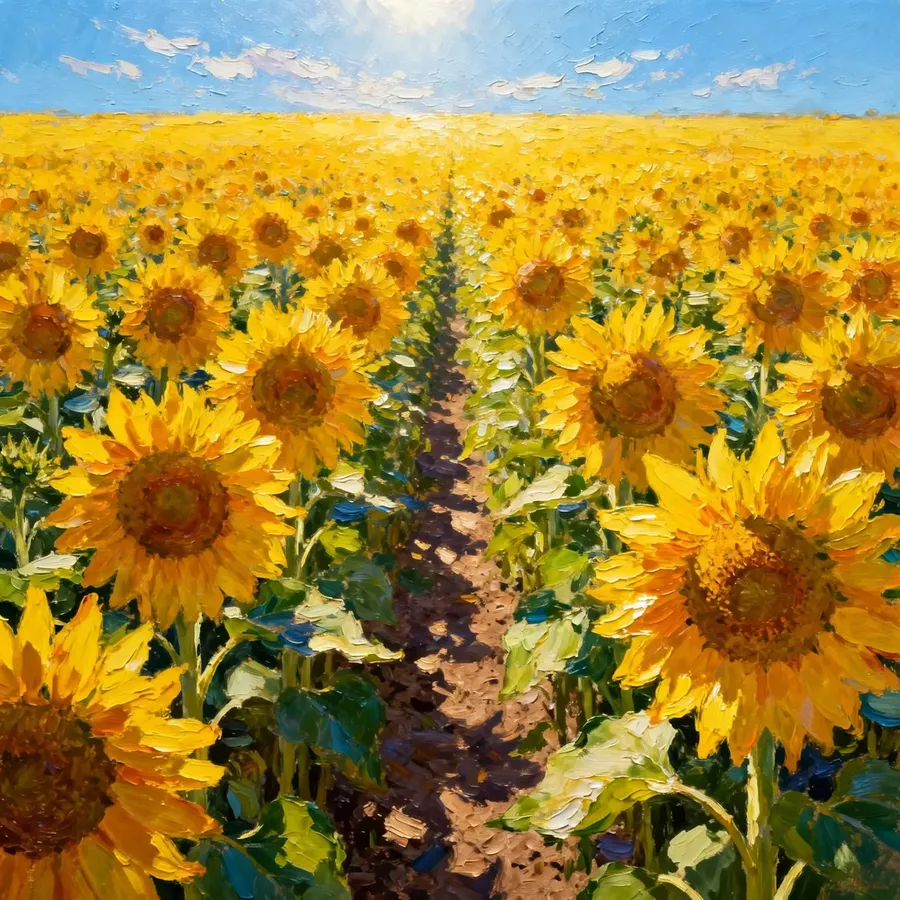
Acrylic | Bold, saturated tones, clean edges | acrylic painting of a sunflower field, bright daylight, vivid texture |
Ink / Pen Drawing | Sharp lines, strong contrast, detailed crosshatching | ink illustration of an old library, intricate linework, vintage tone |
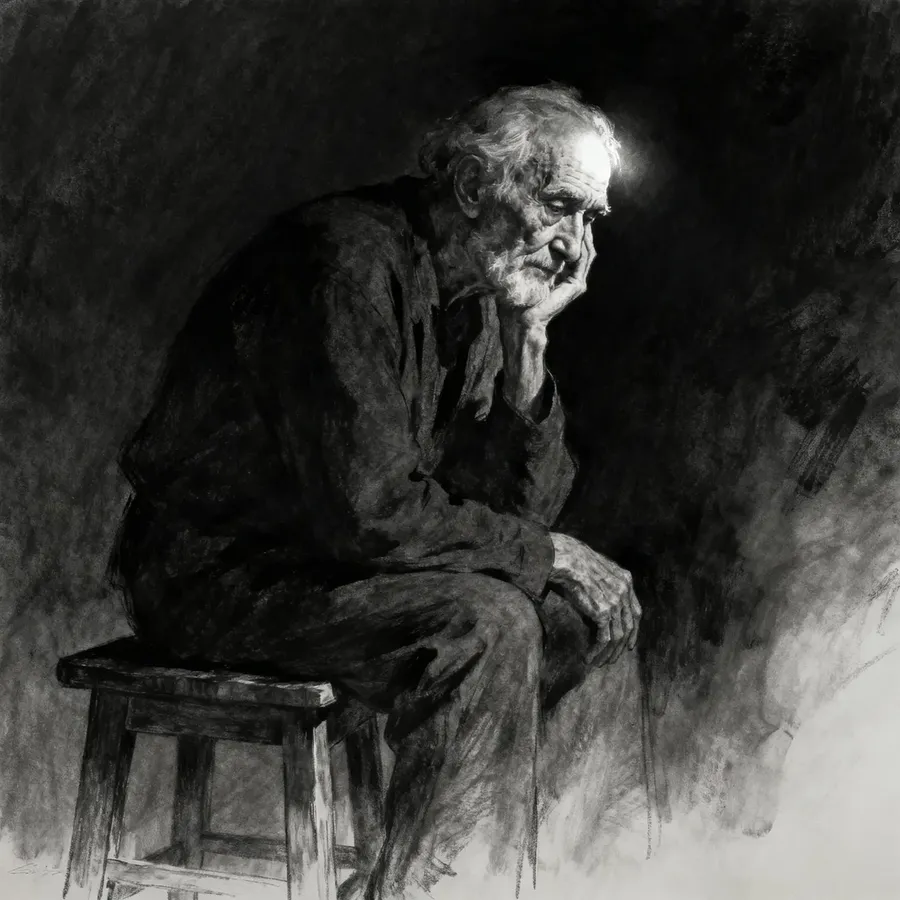
Charcoal / Pencil Sketch | Grayscale, smudged edges, hand-drawn feel | charcoal sketch of a seated figure, chiaroscuro shading |
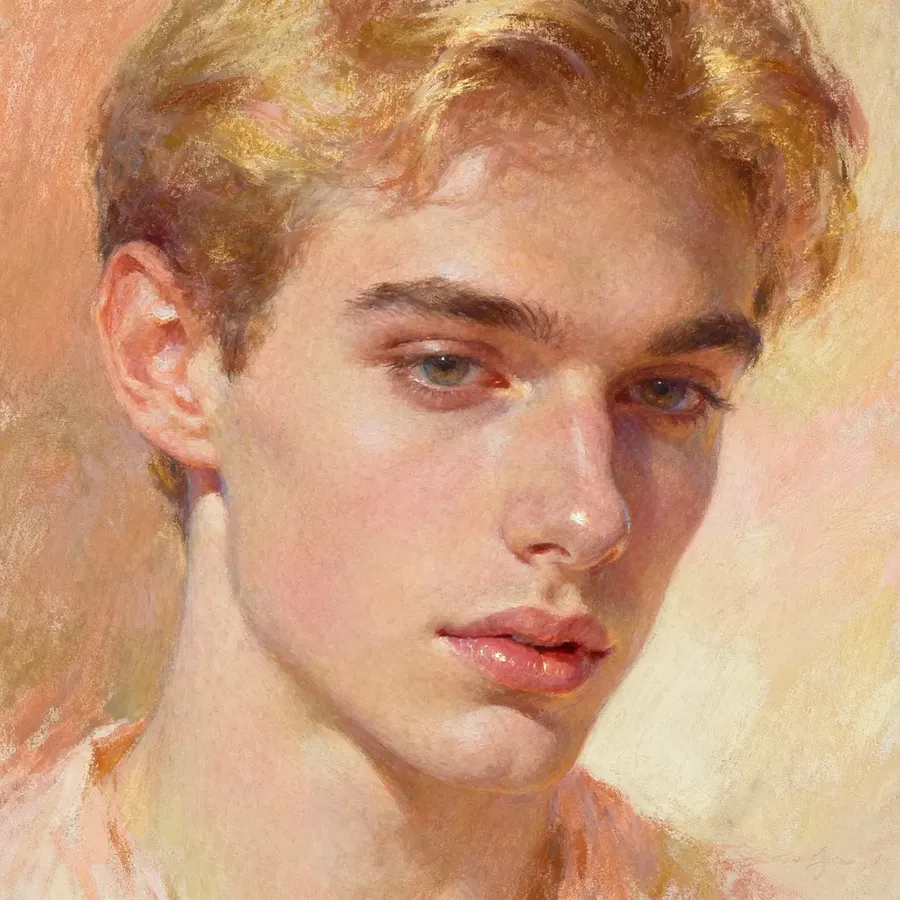
Pastel / Chalk | Soft, dusty color blending, slightly textured paper | pastel portrait of a young man, warm tones, subtle highlights |
Gouache | Matte finish, smooth coverage, opaque tones | gouache painting of still life with fruit, balanced composition |
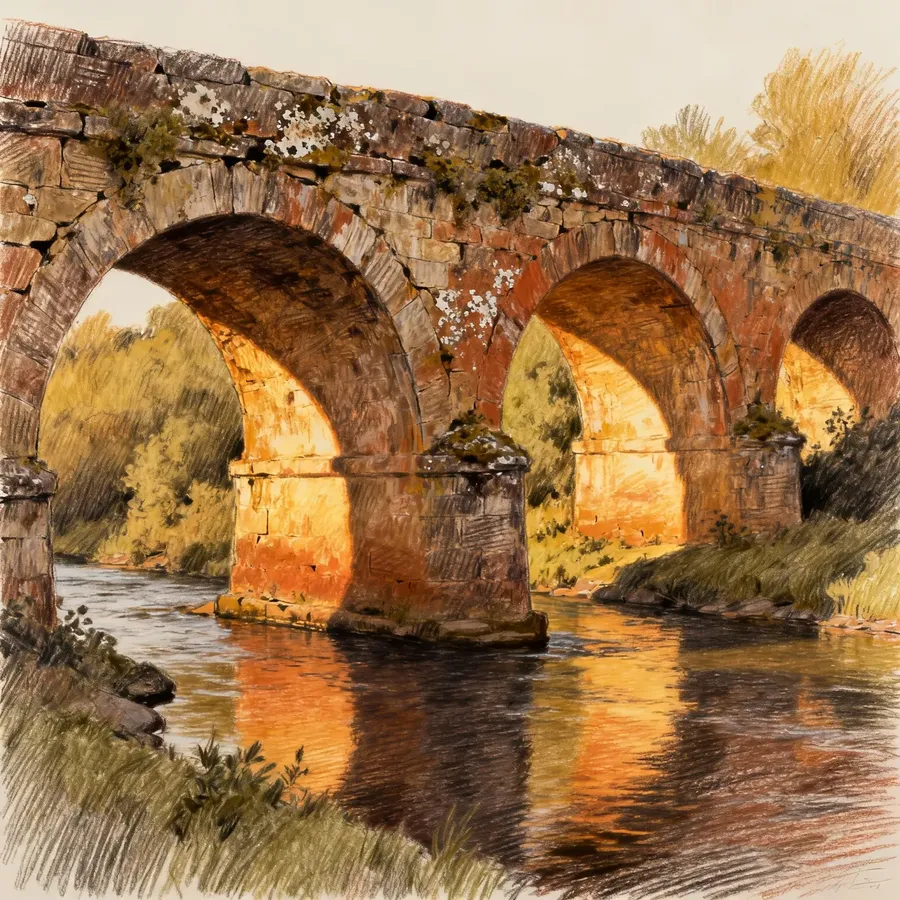
Conte Crayon | Earthy tones, textured strokes, rough shading, warm chalk feel | conte crayon drawing of an old stone bridge, warm earthy palette, textured shading |
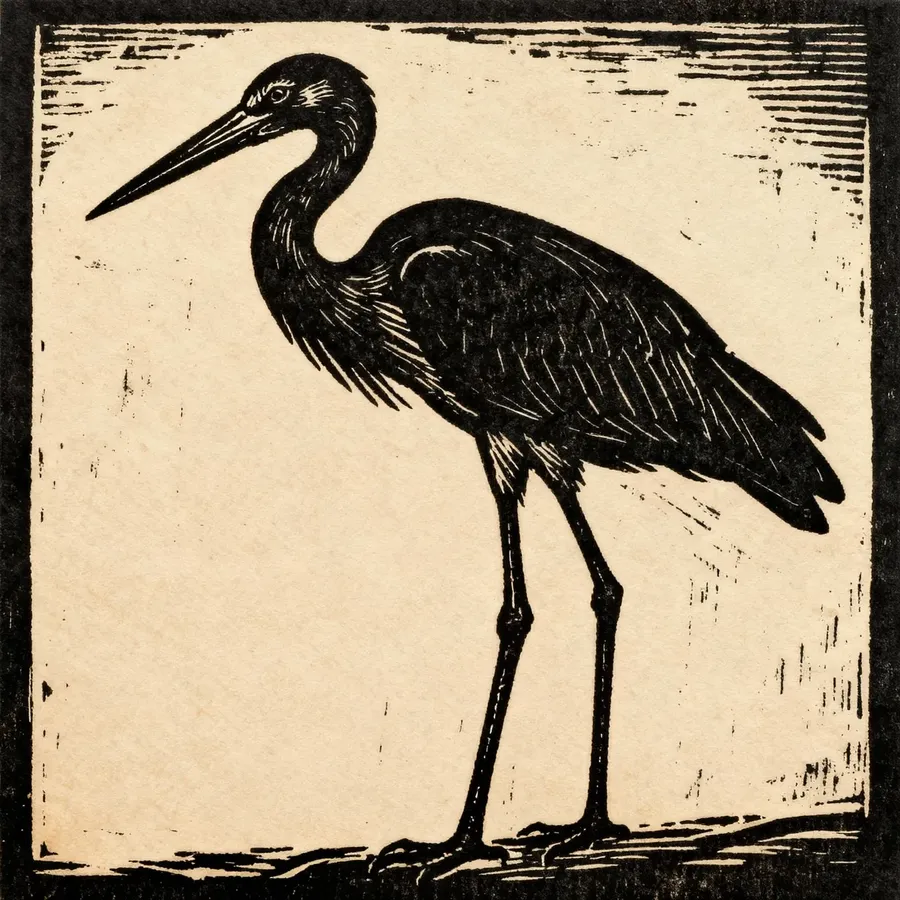
Linocut / Woodcut Print | Bold carved lines, high contrast, block print texture, limited palette | textured linocut print of a stork, heavy black lines, simple two-tone palette |
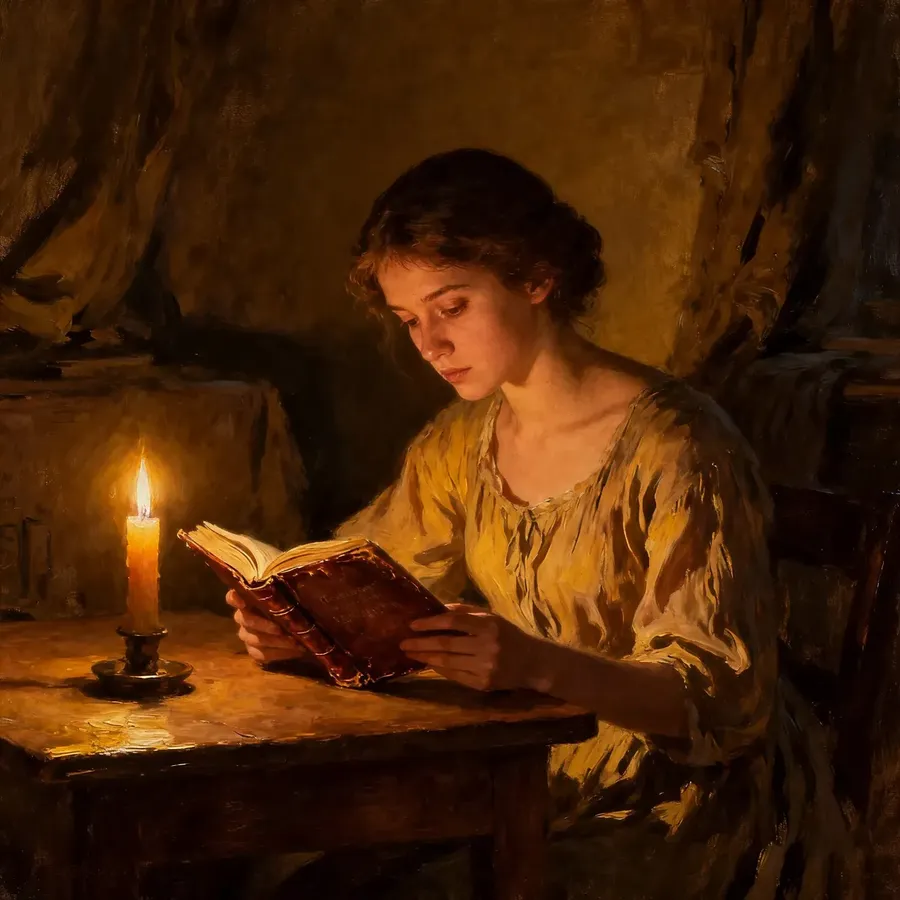
Oil Painting
Watercolor
Acrylic
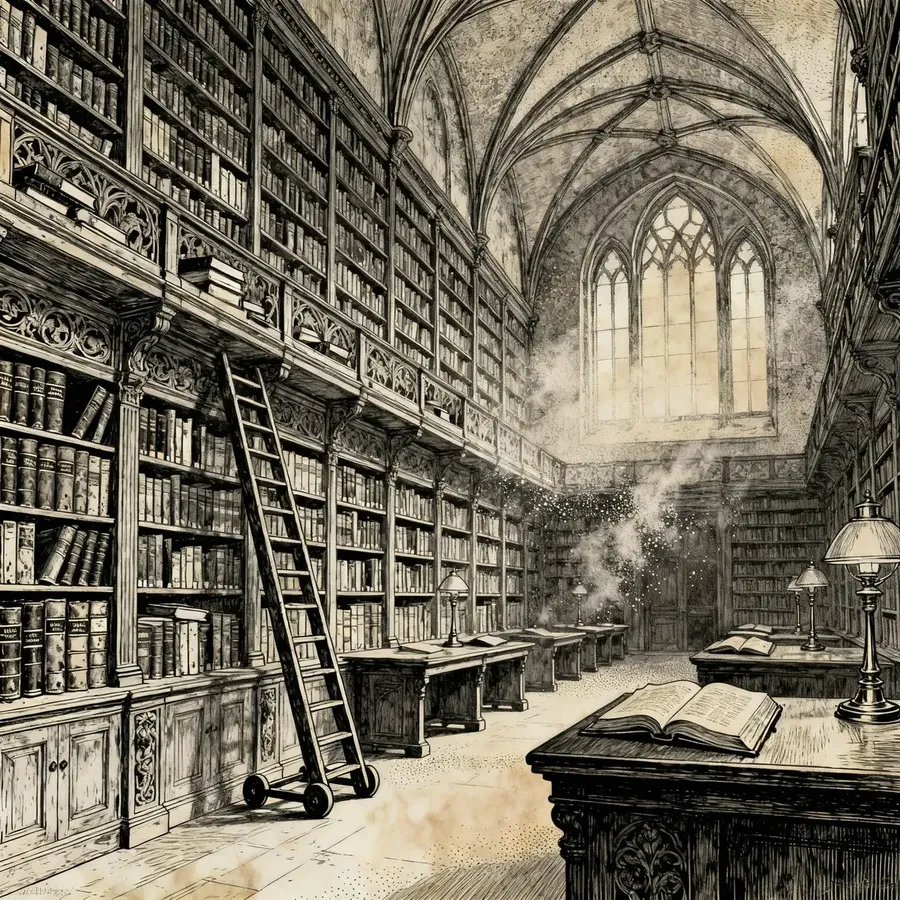
Ink Drawing
Charcoal
Pastel
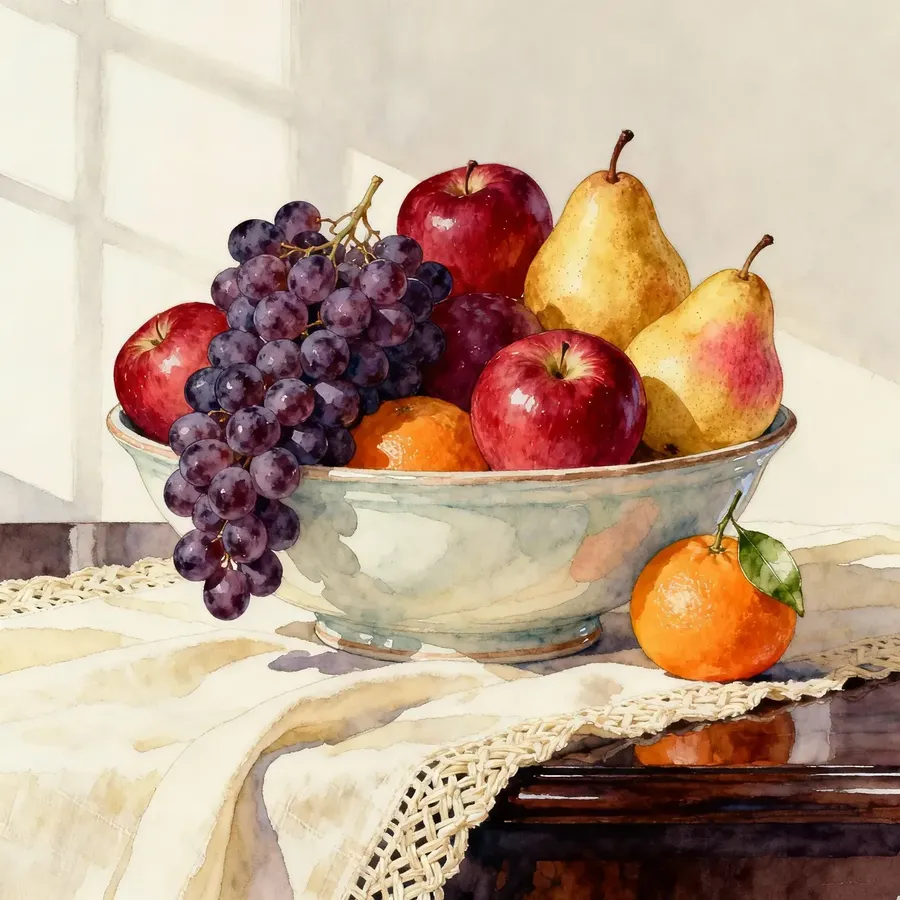
Gouache
Conte Crayon
Linocut
Art Movements & Styles
You can focus on the art movement only, or try this prompt structure:
a medium (like oil or watercolor) + an art movement (like impressionism or surrealism) + a texture or effect that complements your idea.
Movement / Style | Key Traits | Example Prompt |
Impressionism | Loose brushwork, focus on light and movement | impressionist painting of city park in spring, soft color palette |
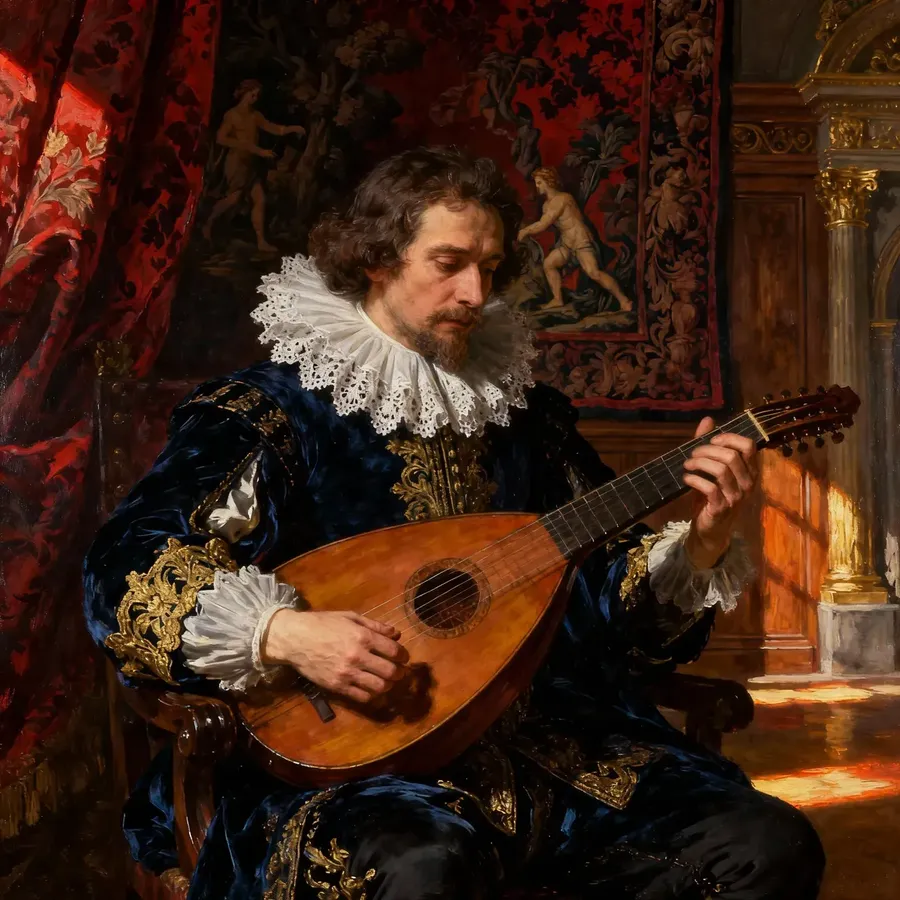
Baroque | Dramatic light, deep contrast, emotion | baroque oil portrait of musician, chiaroscuro, ornate background |
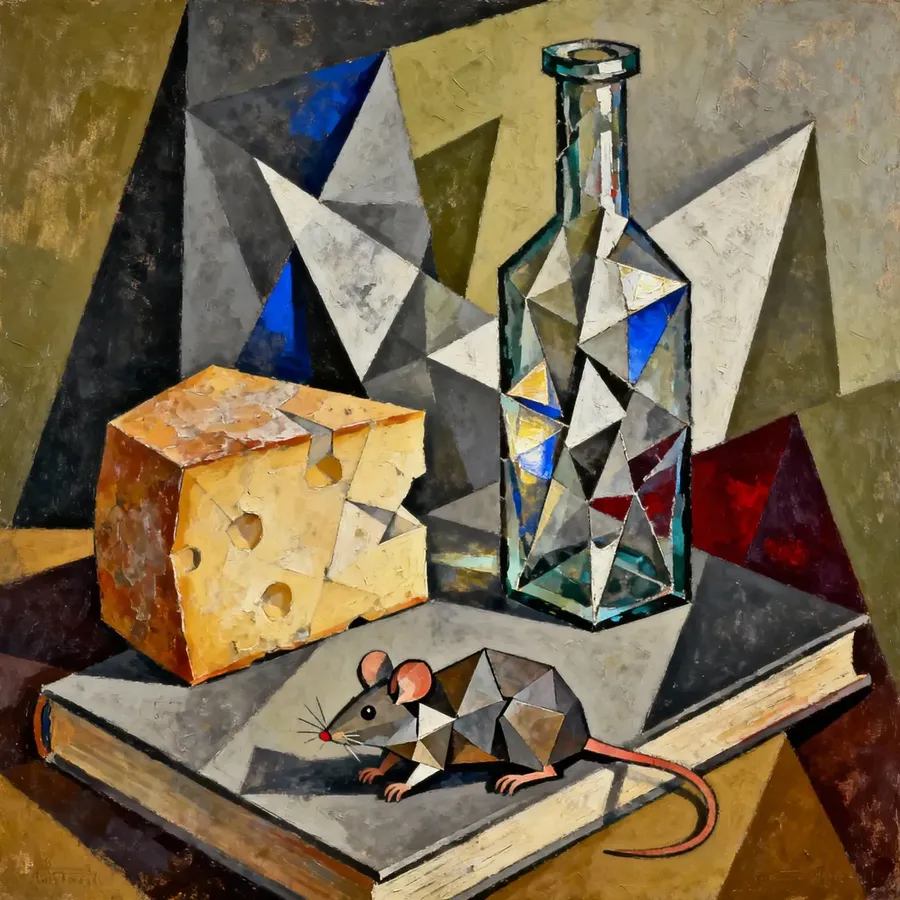
Cubism | Geometric abstraction, multiple angles | cubist still life with guitar, angular forms, abstract geometry |
Surrealism | Dreamlike imagery, strange juxtapositions | surreal painting of floating houses over desert landscape |
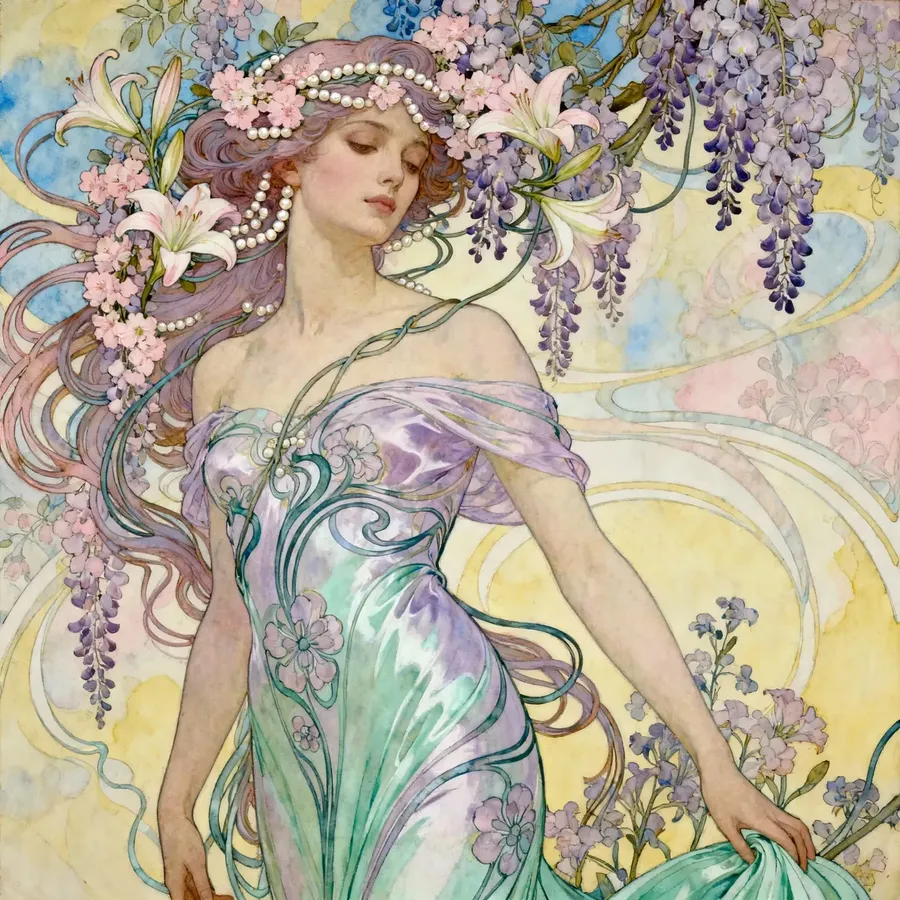
Art Nouveau | Decorative patterns, elegant curves | art nouveau poster of woman with flowers, pastel tones |
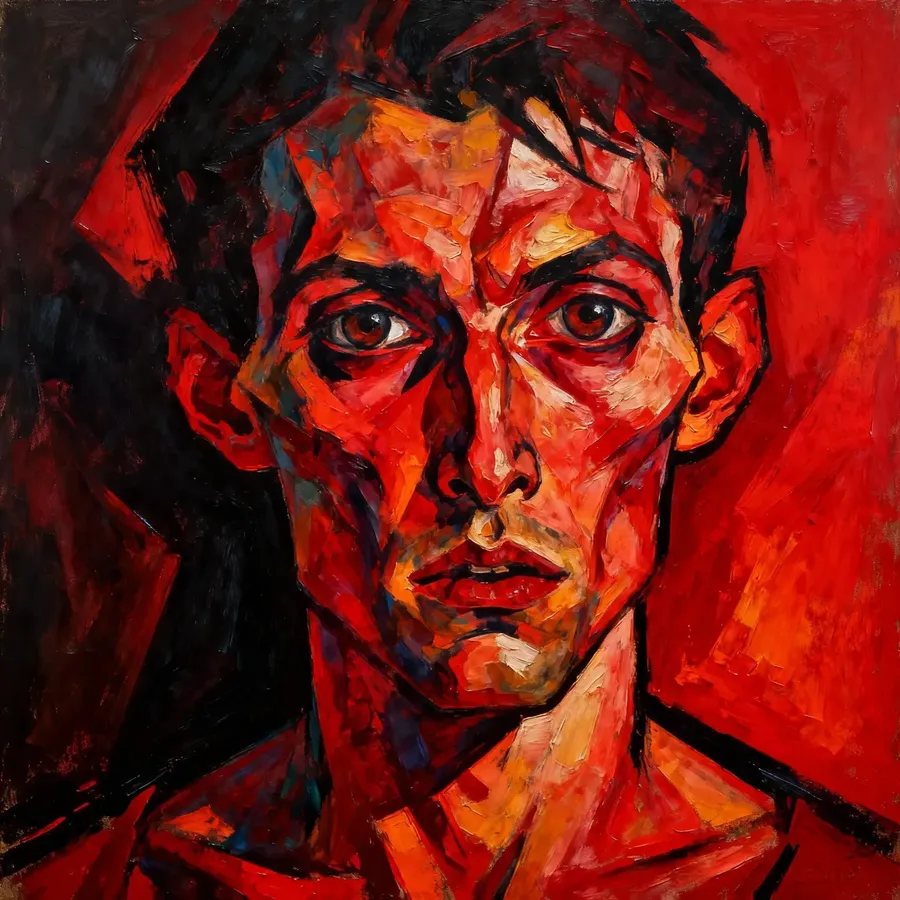
Expressionism | Intense emotion, distorted shapes | expressionist portrait, exaggerated features, bold red tones |
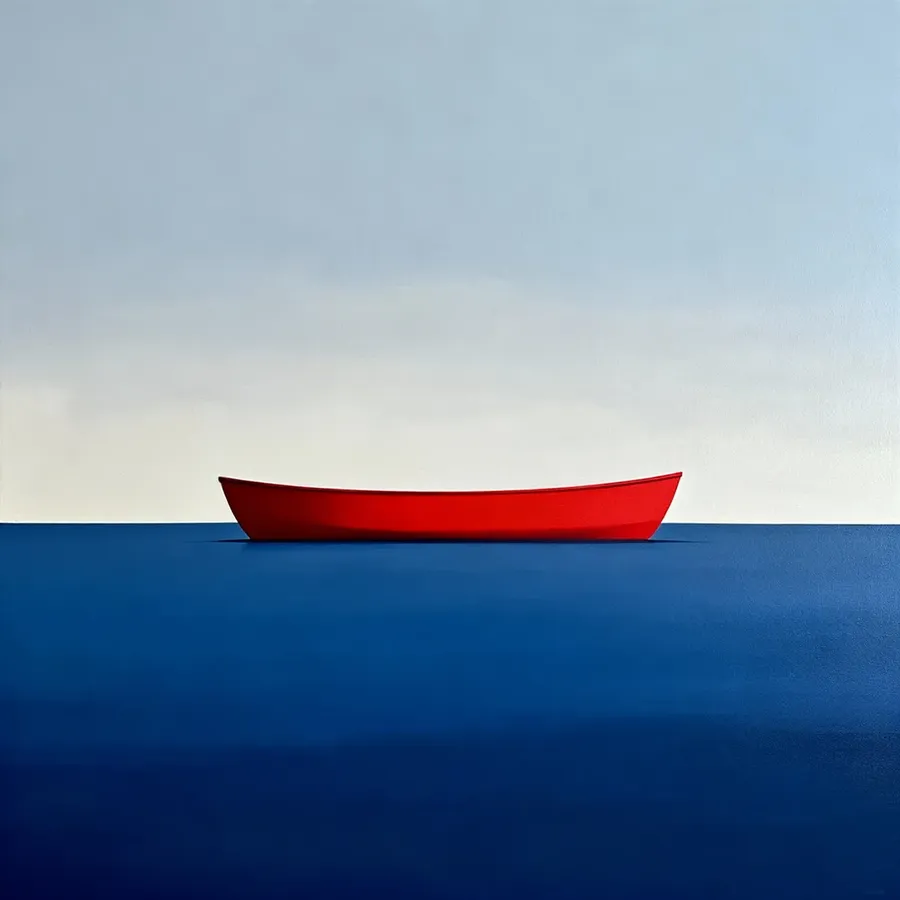
Minimalism | Clean shapes, limited palette | minimalist painting of horizon line, two-tone background |
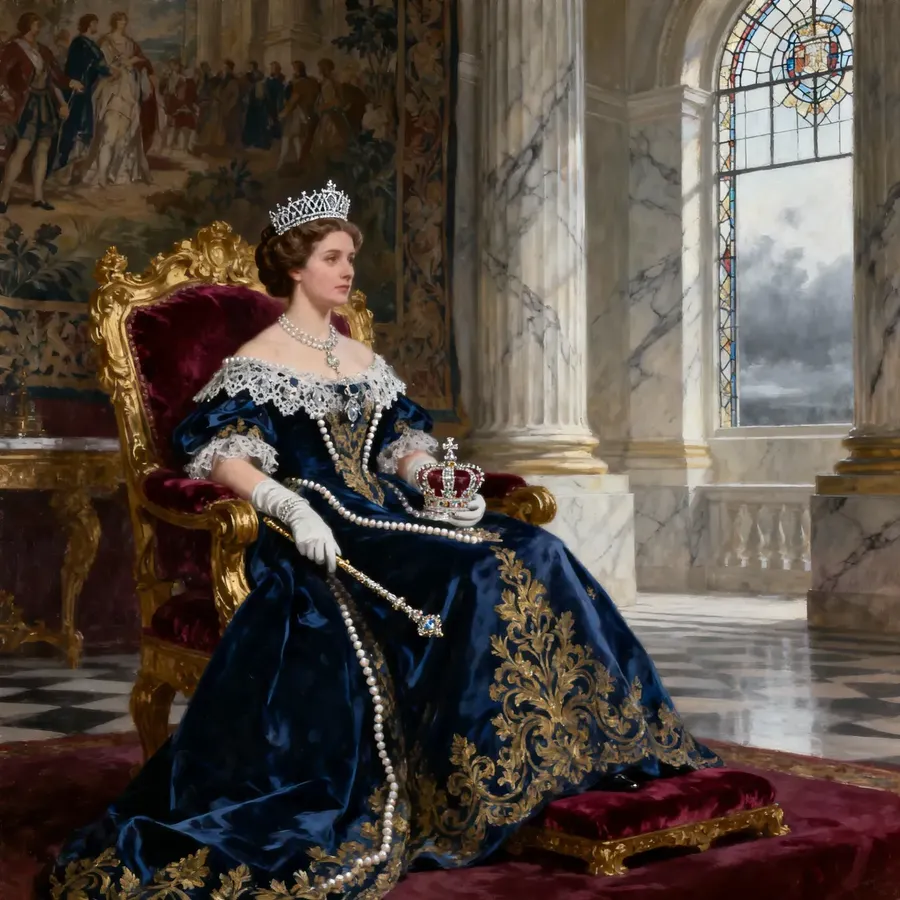
Realism | True-to-life detail, subdued palette | realist oil portrait of a queen on a throne in 19th-century clothing, soft light |
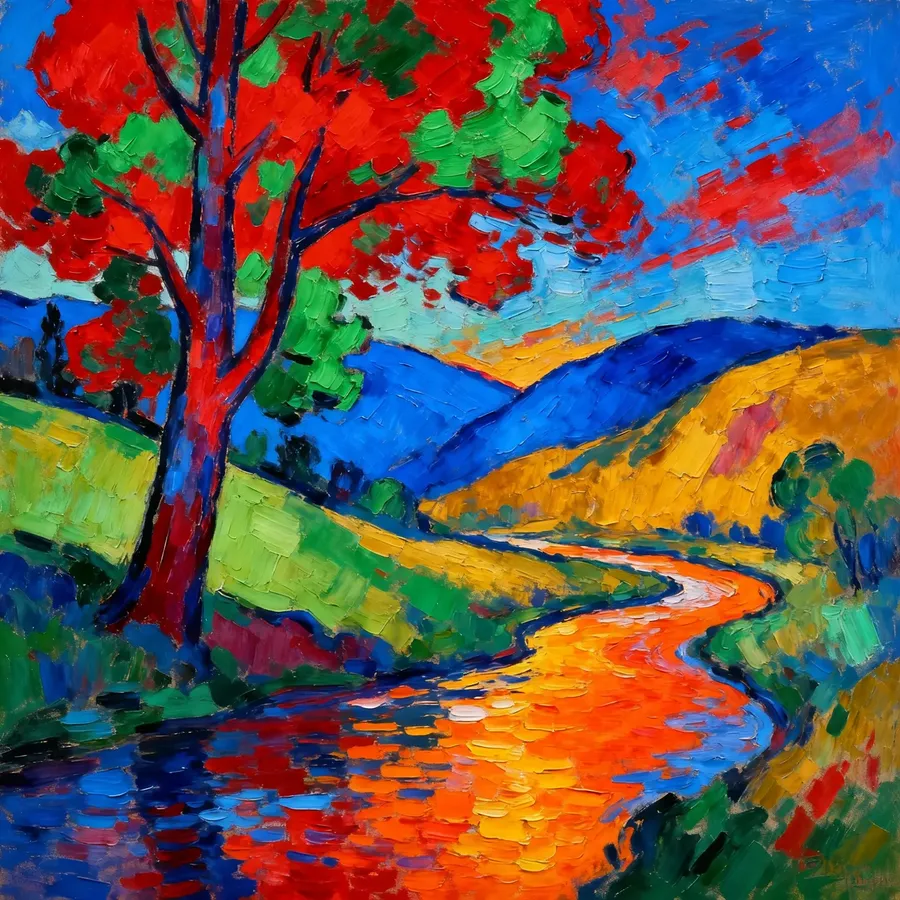
Fauvism | Bold color first, realism second | fauvist landscape with wild saturated reds and greens, loose expressive strokes |
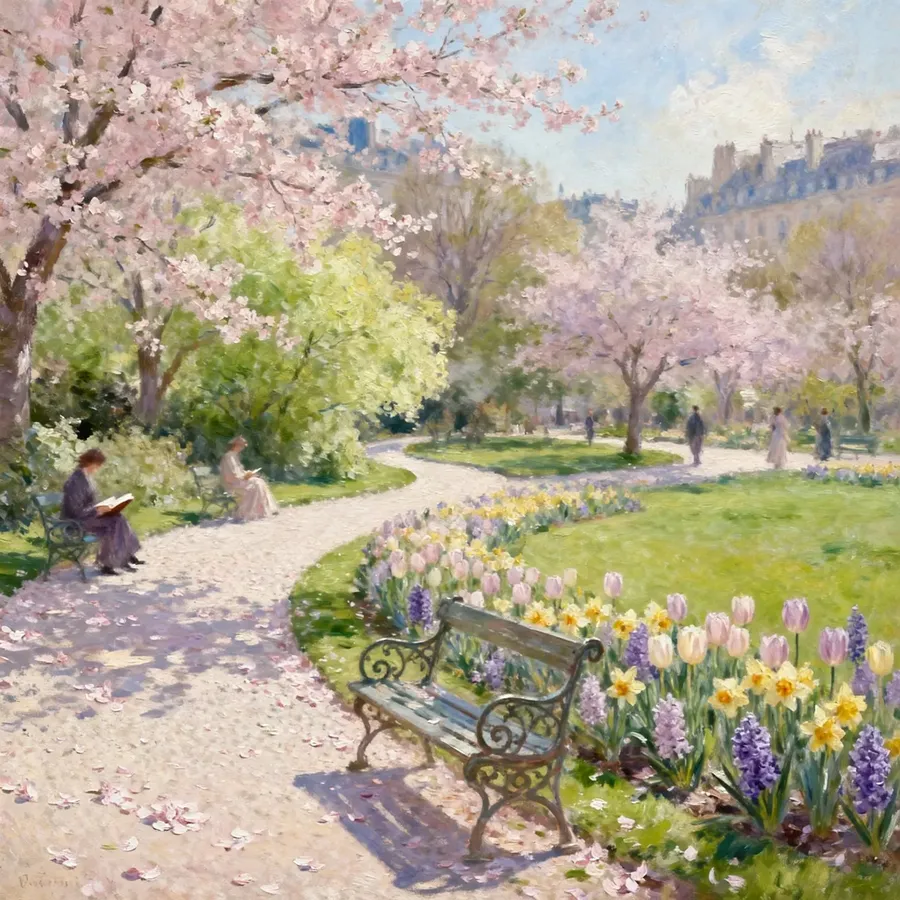
Impressionism
Baroque
Cubism
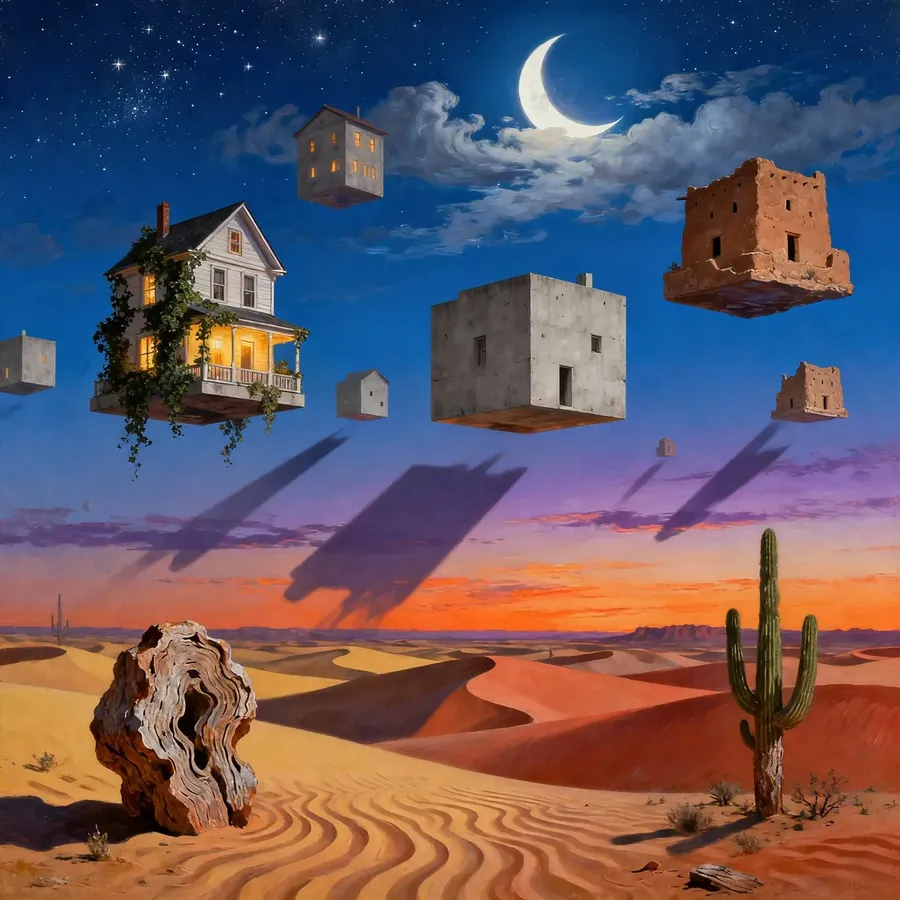
Surrealism
Art Nouveau
Expressionism
Minimalism
Realism
Fauvism
Texture, Surface & Painterly Effects
Painted images are defined by how the marks look on the surface. Use these cues to shape the “handmade” feel:
Category | What It Controls | Useful Keywords |
Brushwork | How bold or subtle the strokes appear | visible brushstrokes, thick impasto, loose strokes, dry brush, textured strokes |
Edge Style | Sharp outline vs. soft blending | bold outlines, inked lines, soft blended edges, feathered edges |
Surface Texture | The material the paint sits on | canvas texture, paper grain, rough sketchbook paper, smooth Bristol board |
Color Handling | How pigments mix and look | muted earth tones, saturated pigments, pastel palette, limited palette |
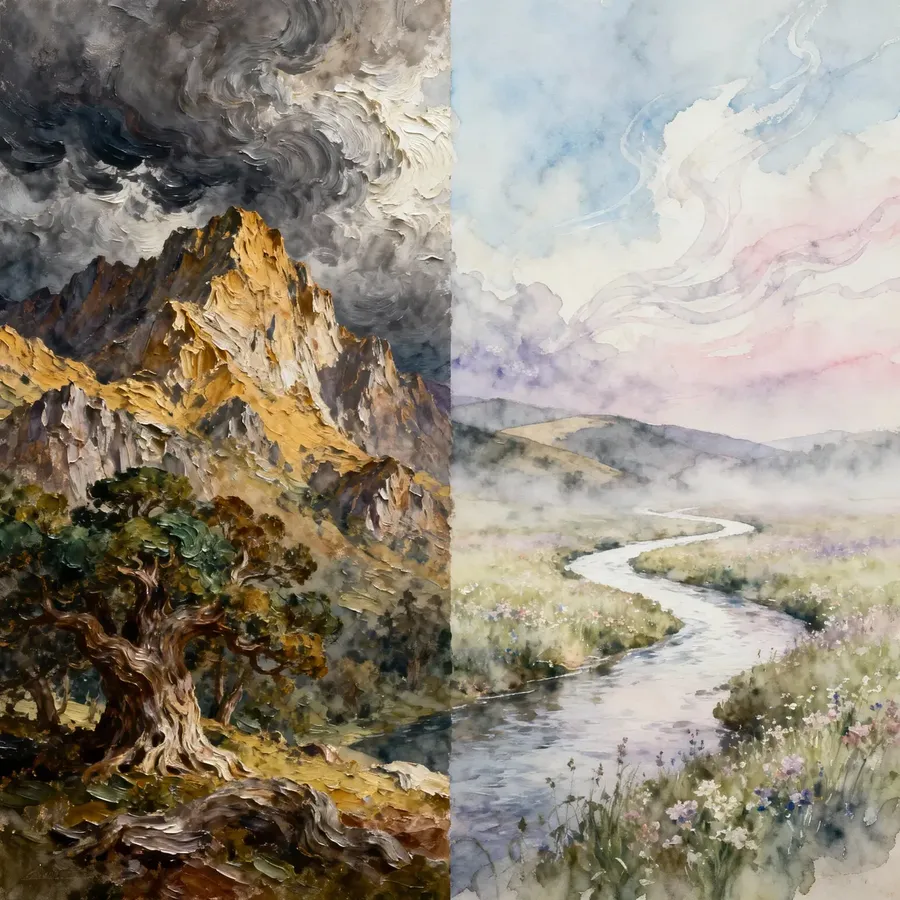
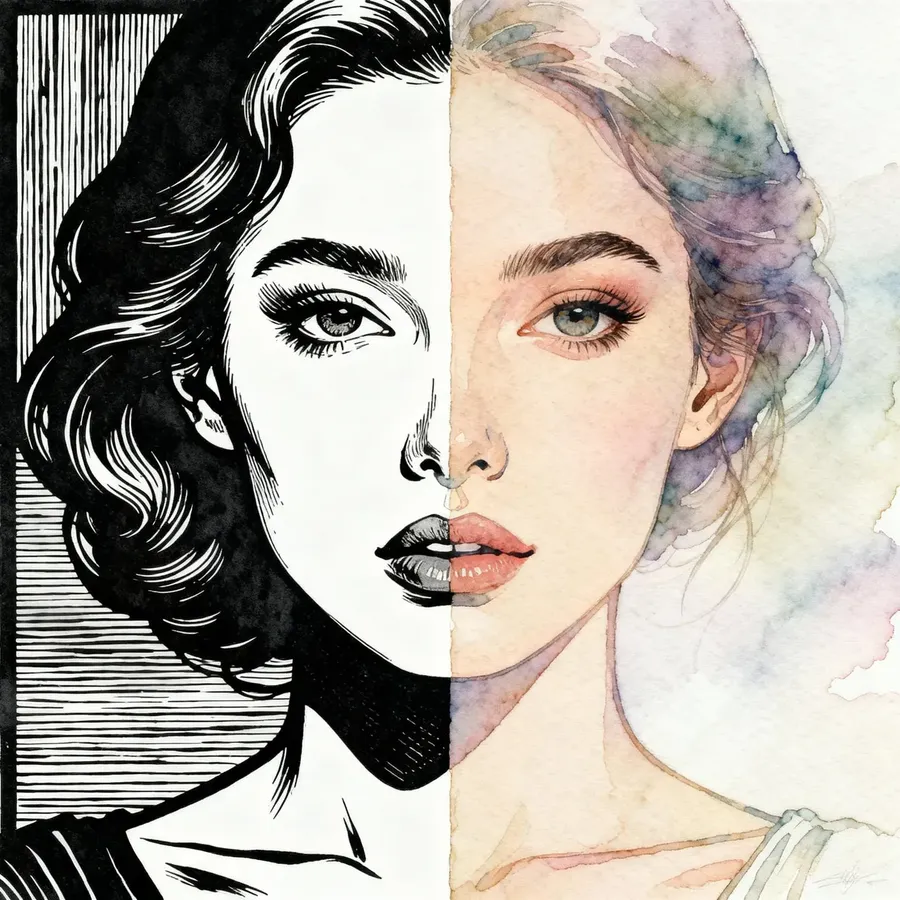
Bold vs Subtle Strokes
Sharp Outline vs Soft Blending
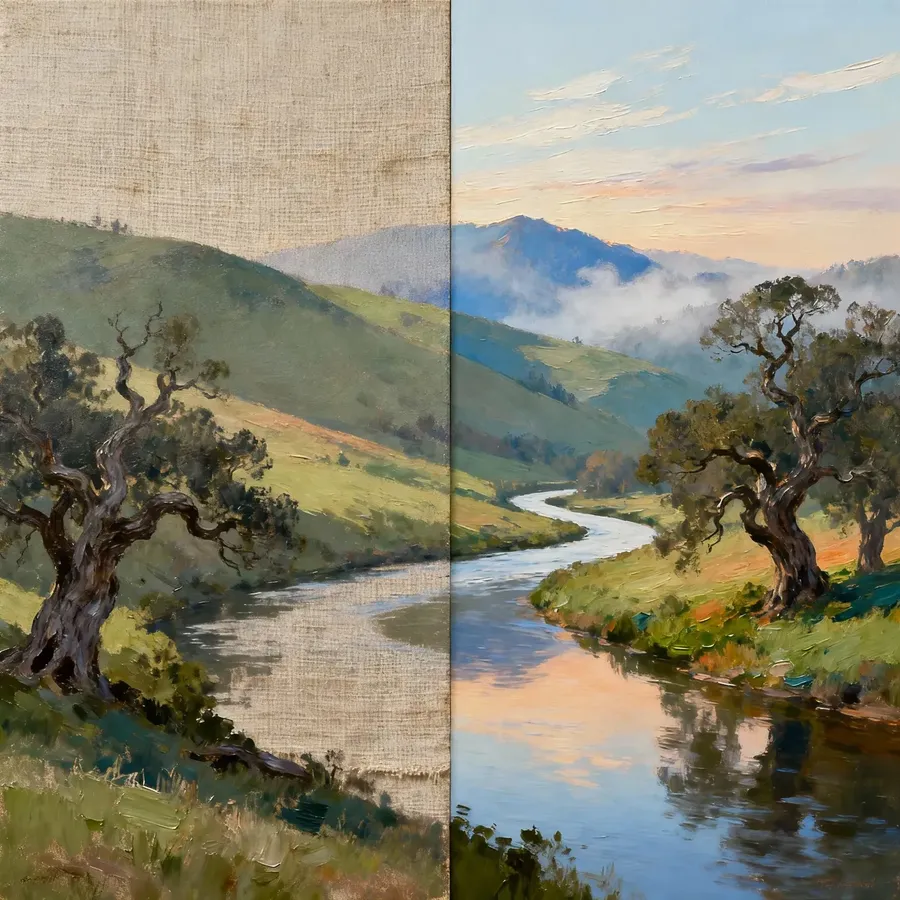
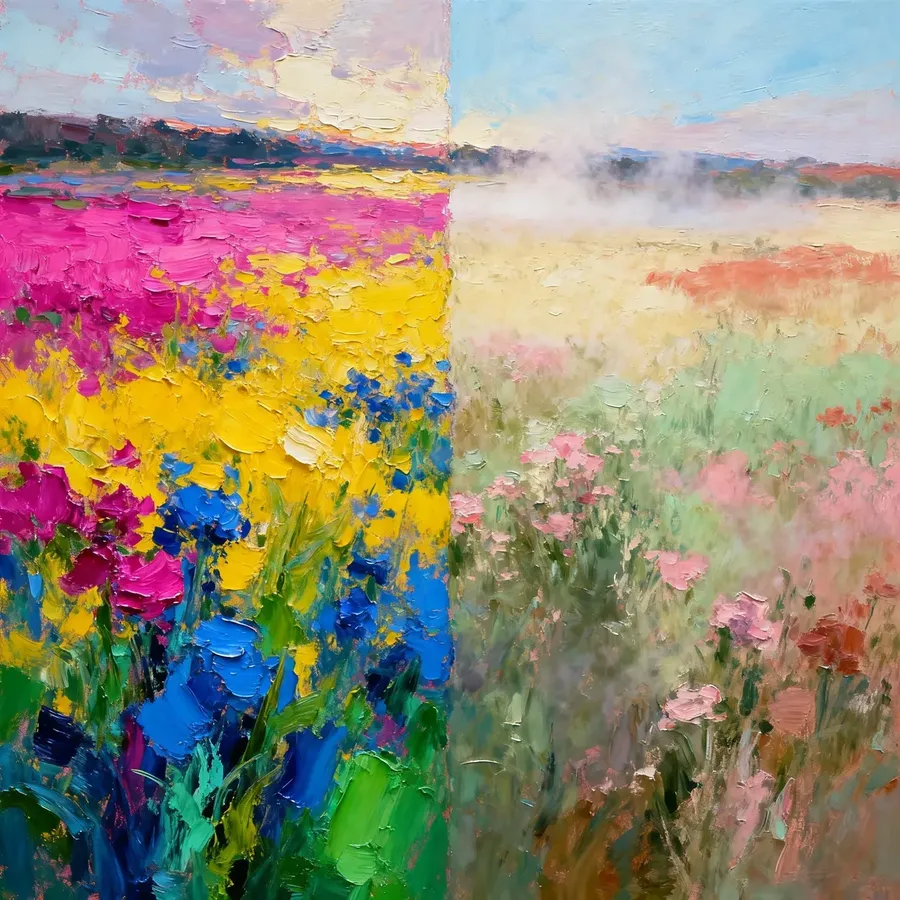
Rough vs Smooth Surface
Saturated vs Muted Pigments
Combined Styles
Try to blend different traditional and digital techniques to get looks that feel more unexpected and unique.
Combo | Example Prompt |
Pencil + Watercolor | hand-drawn sketch colored with watercolor wash, delicate shading |
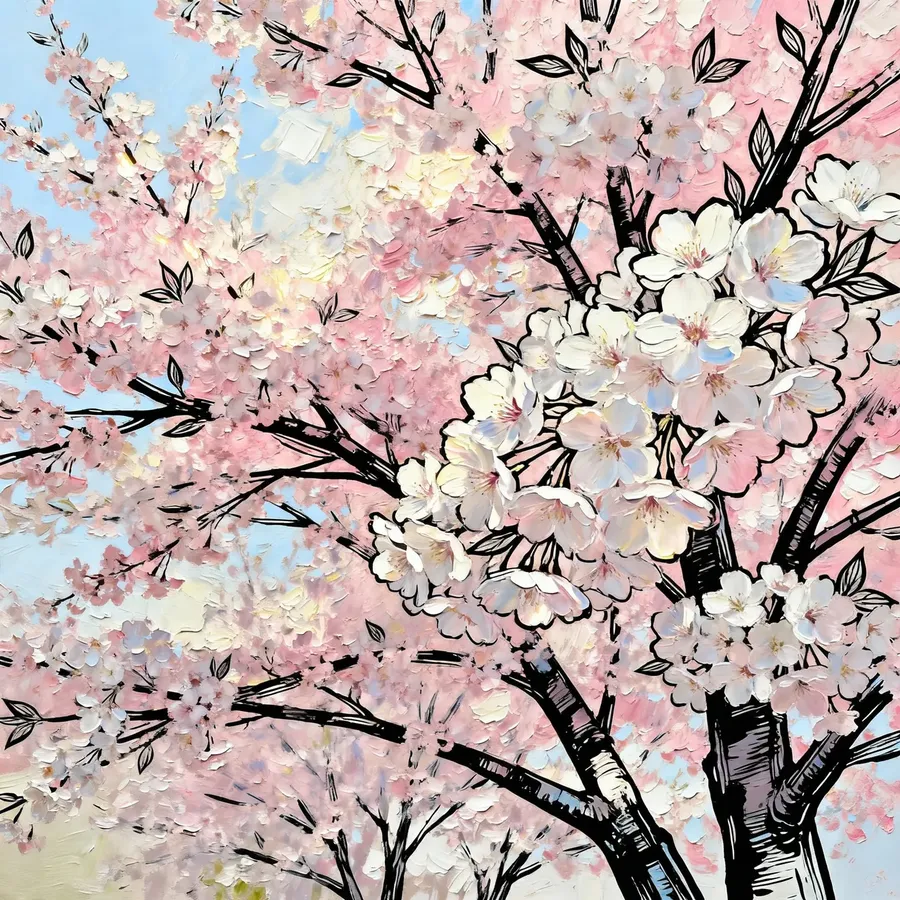
Oil Painting + Contour | oil painting of bright cherry trees, visible brushstrokes, digital black ink contour lines |
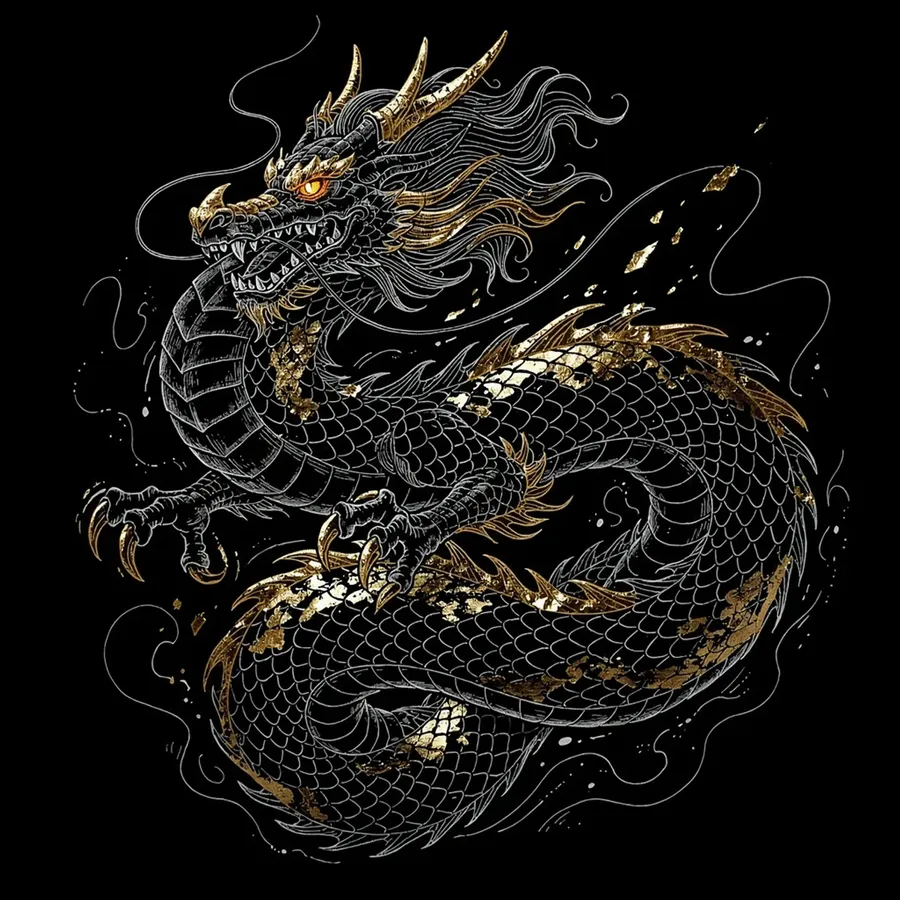
Line Art + Gold Leaf | illustration of dragon, detailed white line art on a black background with strong gold leaf metallic accents |
Linocut Print + Bioluminescence | a linocut-style forest scene, trees carved in sharp relief, bioluminescent flora glowing softly along trunks and branches, animals hiding |
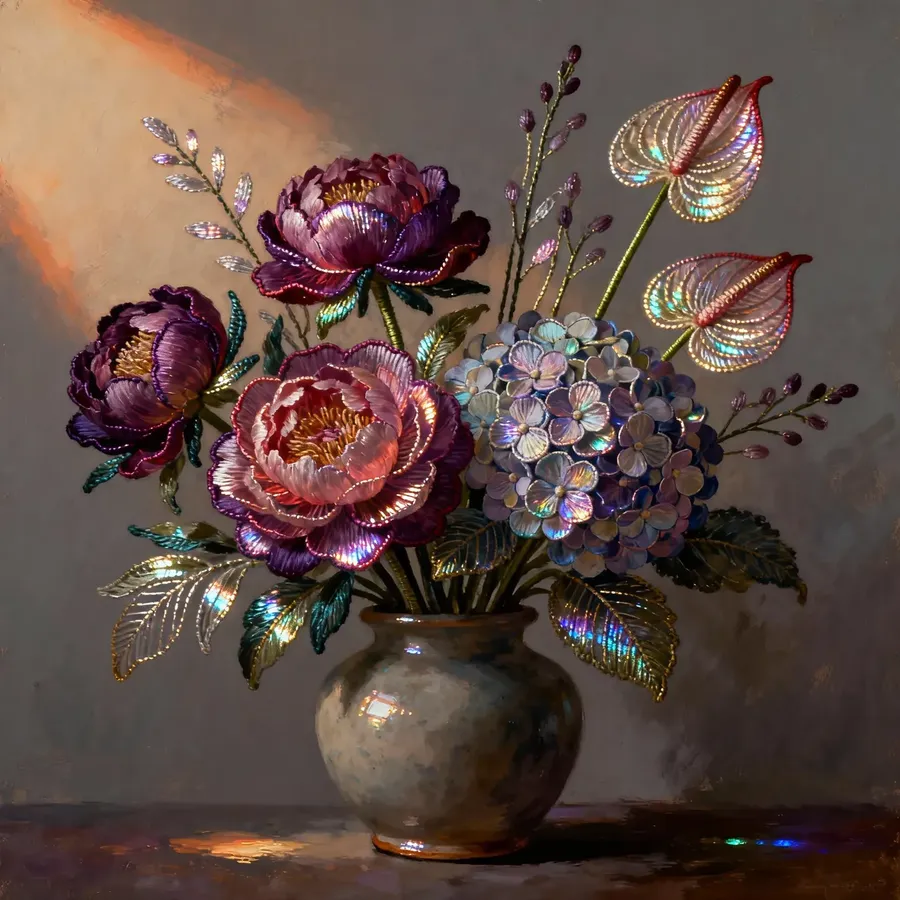
Gouache + Metallic Thread | flowers in a vase painted in gouache, petals and stems highlighted with digital metallic thread effects, giving illusion of stitched, reflective embroidery within the painted forms |
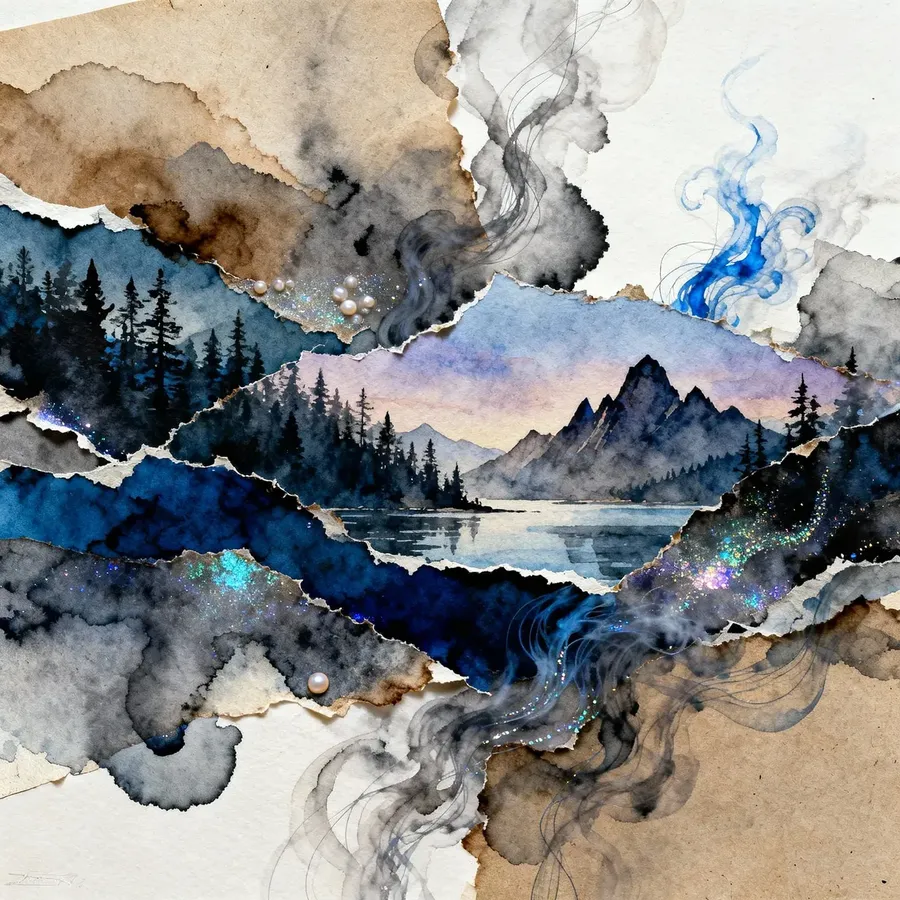
Collage + Smoke/Ink | a surreal collage of torn paper landscapes, with flowing smoke and ink effects weaving through, edges dissolving into ethereal wisps |
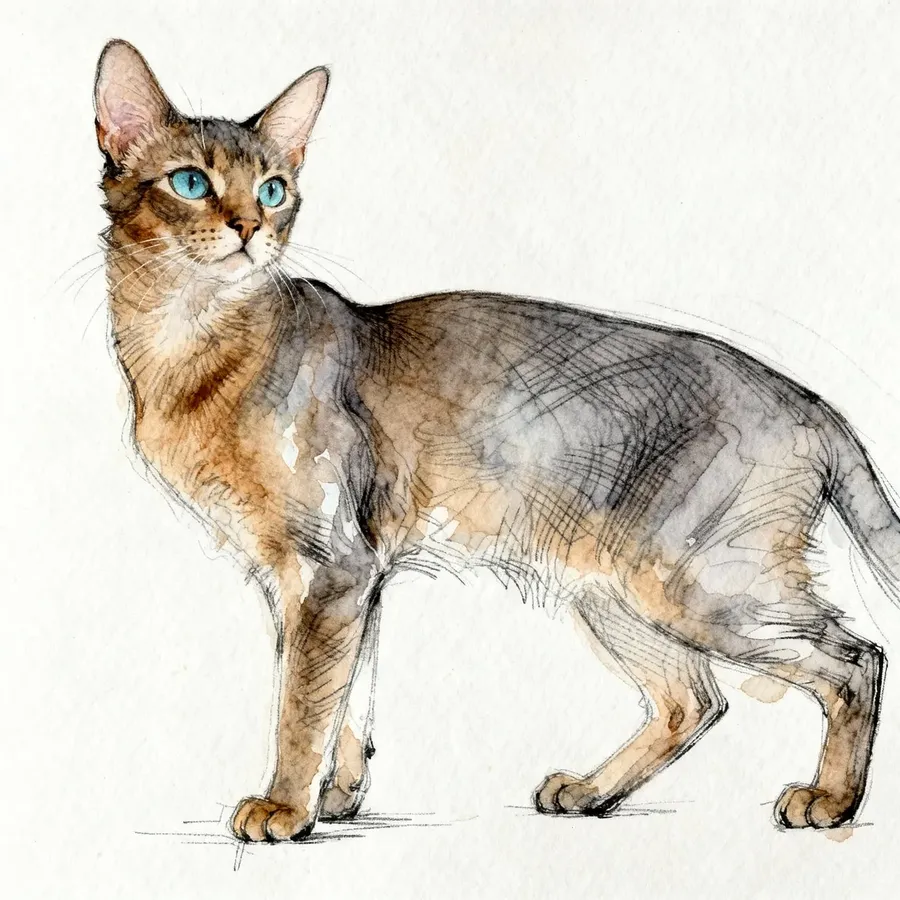
Pencil + Watercolor
Oil Painting + Contour
Line Art + Gold Leaf
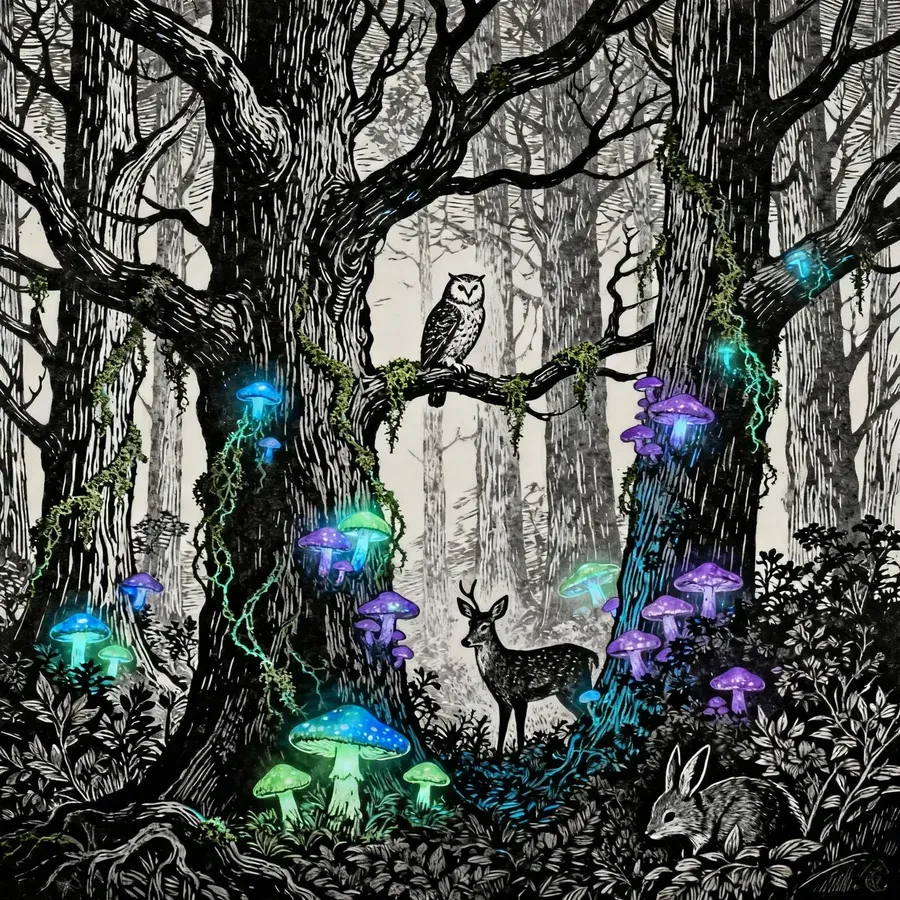
Linocut + Bioluminescence
Gouache + Metallic Thread
Collage + Smoke/Ink
Digital & Stylized Art
Use these styles when you want bolder shapes, stronger colors, or visuals that don’t need real-world accuracy: from concept art to anime to stylized 3D.
Core Digital Art Categories
Style | Additional Keywords | Example Prompt |
Concept Art | cinematic, atmospheric fog, wide shot, rough brushwork, environment concept, character concept | concept art of a cliffside city at dawn, wide shot, atmospheric fog, rough brushwork, cinematic lighting |
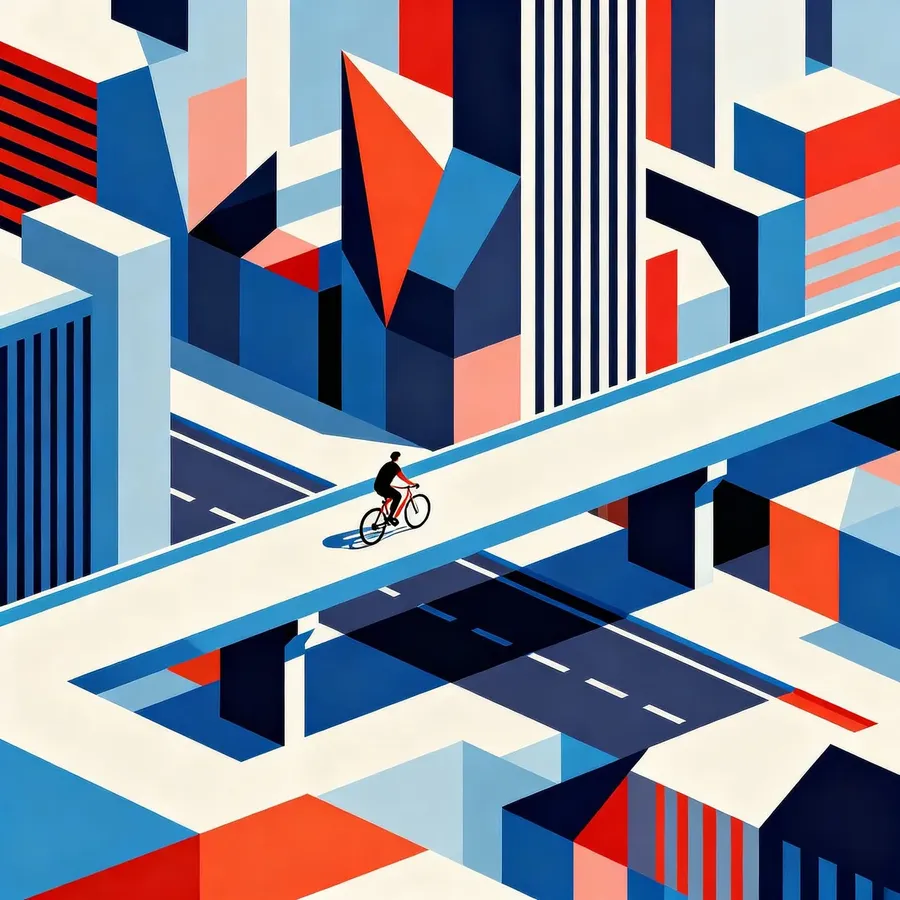
Vector / Flat Design | flat shading, bold shapes, high contrast, geometric layout, clean lines | vector illustration of a cyclist riding through a geometric city, flat shading, bold shapes, clean lines, high contrast |
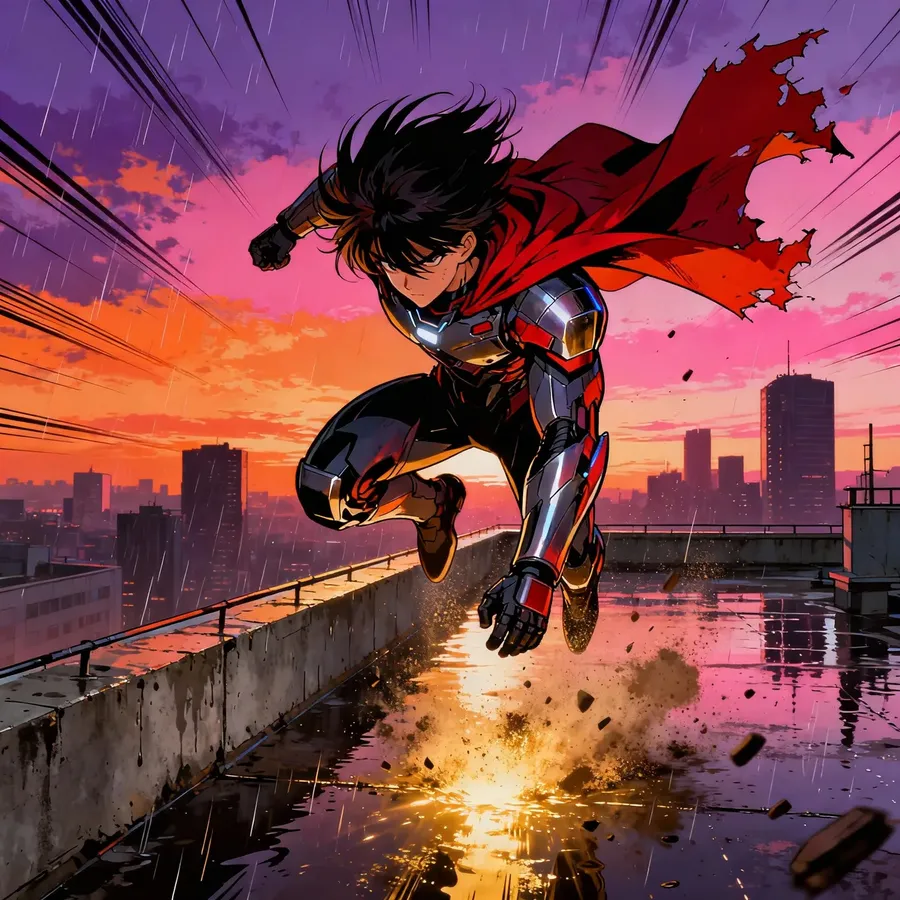
Comic / Manga / Anime | cel-shaded, bold outlines, speed lines, anime eyes, manga panels, dramatic pose | anime hero landing on a rooftop at sunset, bold outlines, cel-shading, dramatic pose, speed lines in the background |
Cartoon / 2D Illustration | bright colors, simplified shapes, thick outlines, squash-and-stretch feel | cartoon-style fox running through a forest, bright colors, simplified shapes, thick outlines, squash-and-stretch motion |
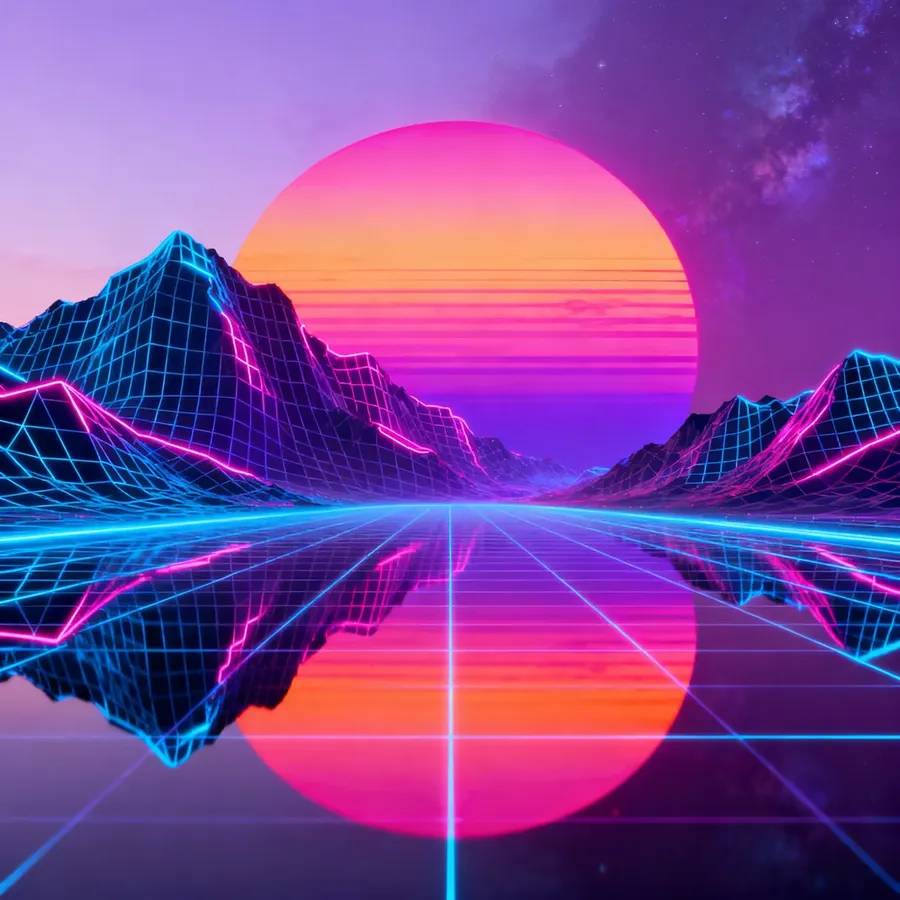
Vaporwave | vaporwave palette, retro grid, chrome text, magenta-teal tones | vaporwave landscape with retro grid mountains, neon sunset sphere |
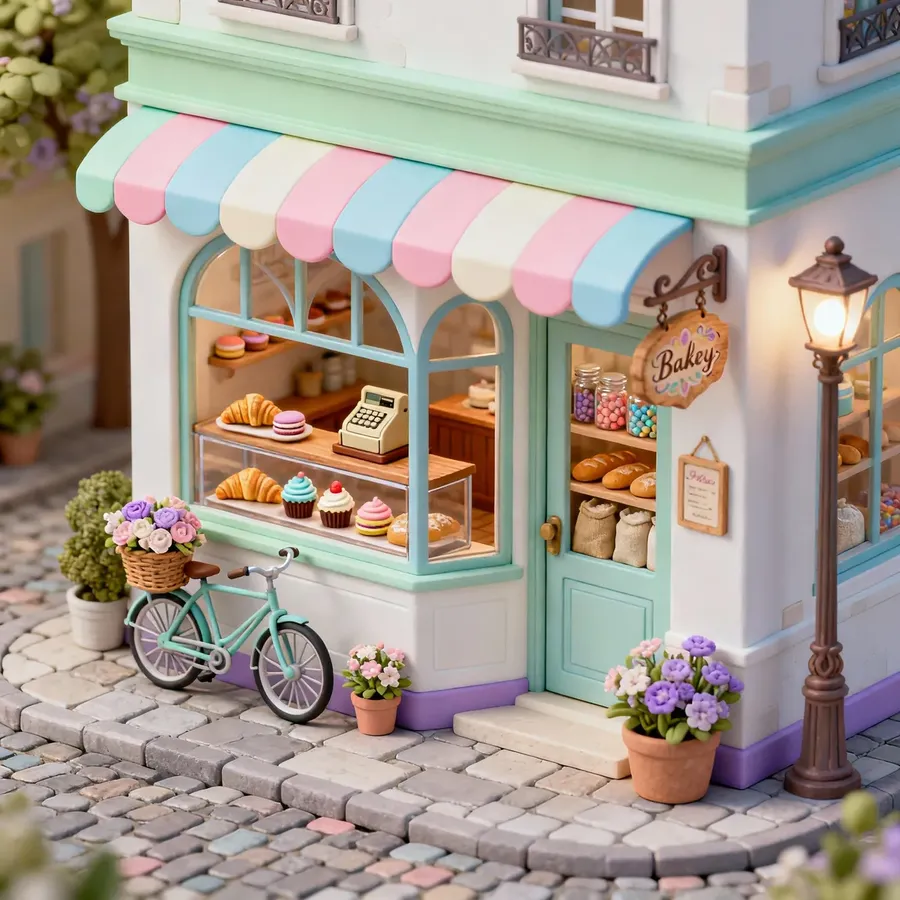
Isometric Art | isometric grid, 45 degree angle, tiny details, pastel palette, game asset style | isometric illustration of a tiny bakery on a street corner, 45-degree angle, pastel palette, small detailed props |
Pixel Art | 8-bit, 16-bit, limited palette, dithering, chunky pixels, sprite sheet aesthetic | pixel art scene of a night market, 16-bit style, limited palette, chunky pixels, warm lantern glow |
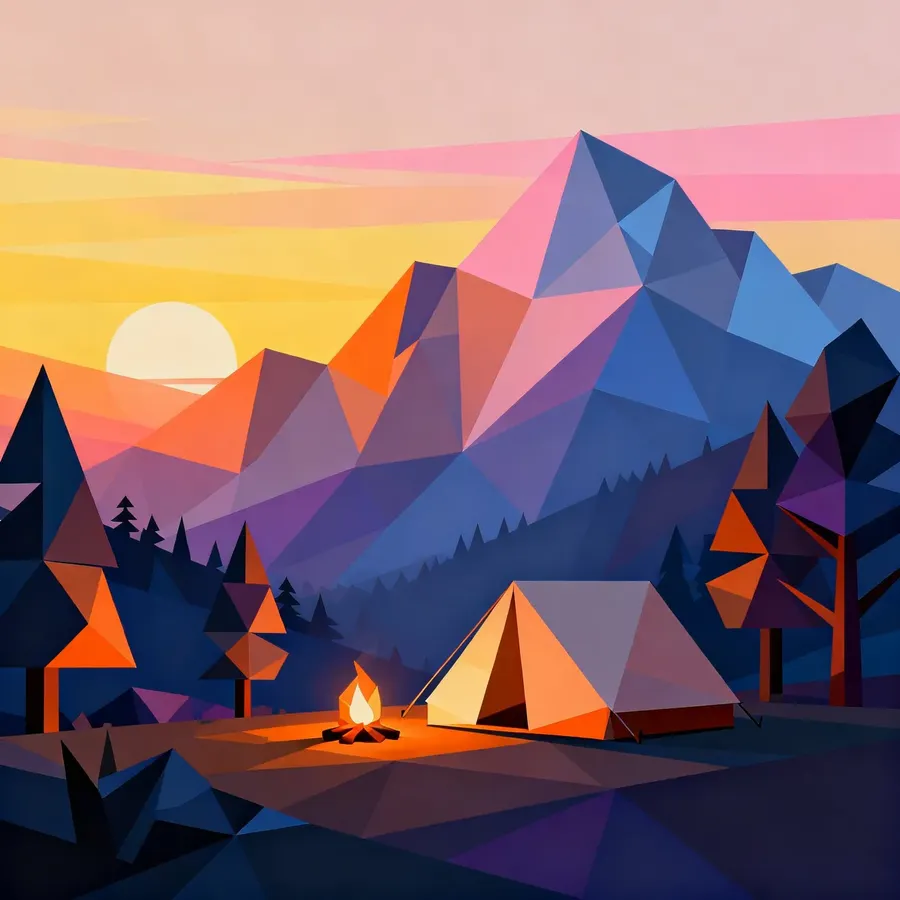
Low Poly | flat facets, minimal polygons, soft gradient lighting, simplified forms | low poly mountain campsite at sunrise, flat facets, minimal polygons, soft gradient lighting, stylized simplified forms |
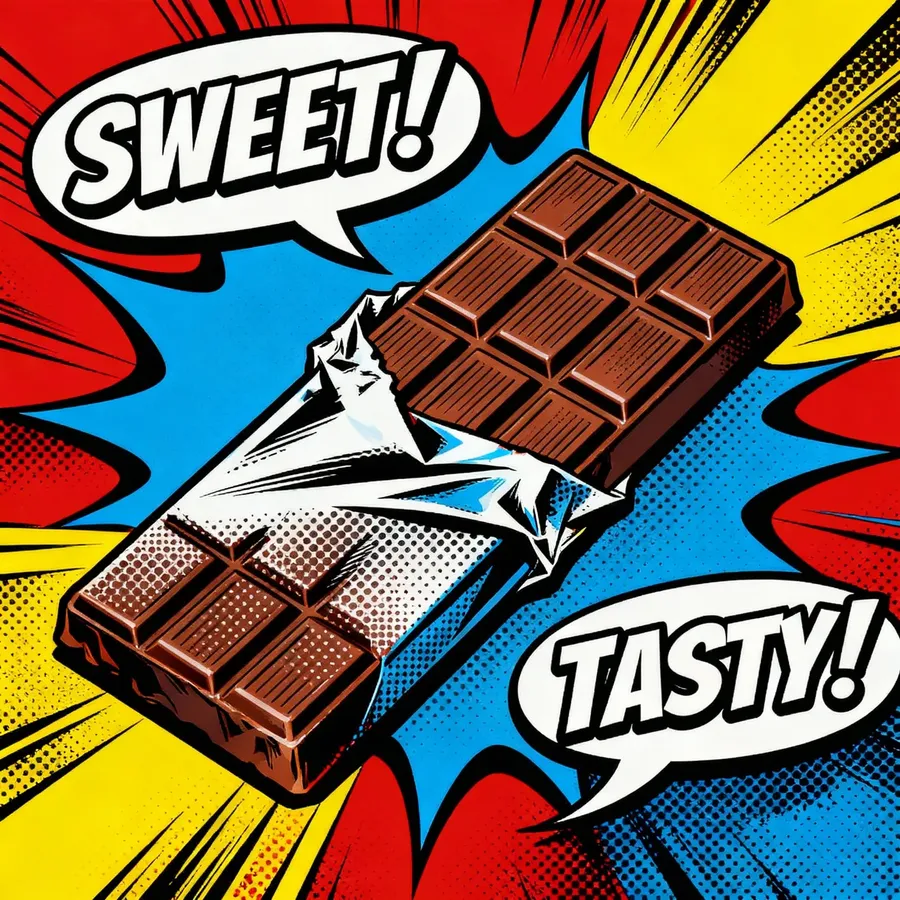
Pop Art / Graphic Pop | halftone dots, comic color blocks, screenprint texture, bold outlines | pop art poster of a chocolatr bar, halftone texture, comic-book colors |
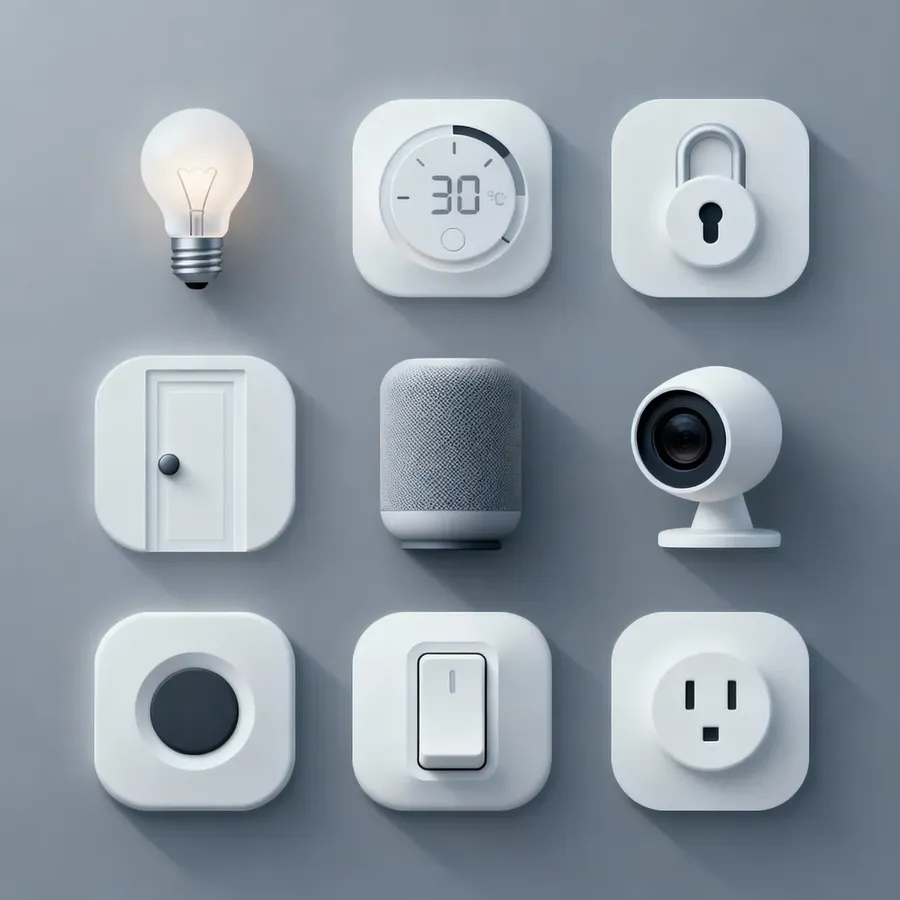
UI / UX Mockup Style | wireframe style, minimal UI, dashboard layout, flat icons | neumorphic icon set for app for smart home controls, soft shadows, raised surfaces, minimal monochrome palette |
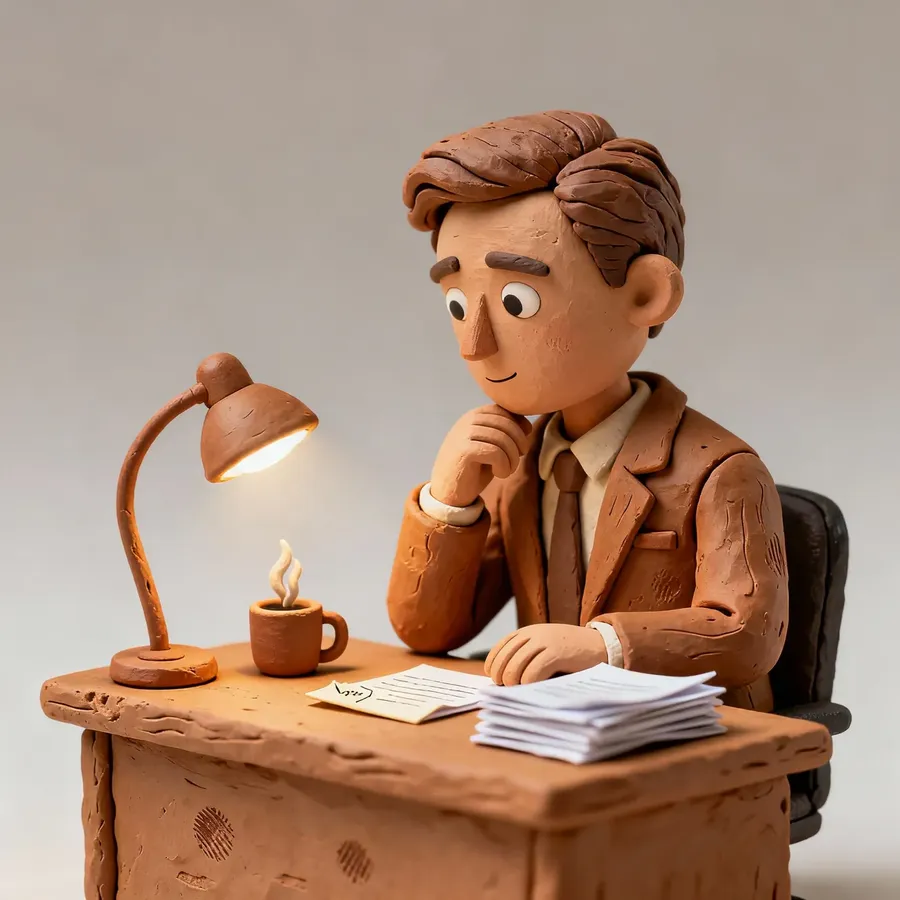
Claymation | neon glow, chromatic edge, holographic accents, dark background | clay-style 3D figure in a suit sitting at a tiny desk, sculpted edges, stop-motion texture |
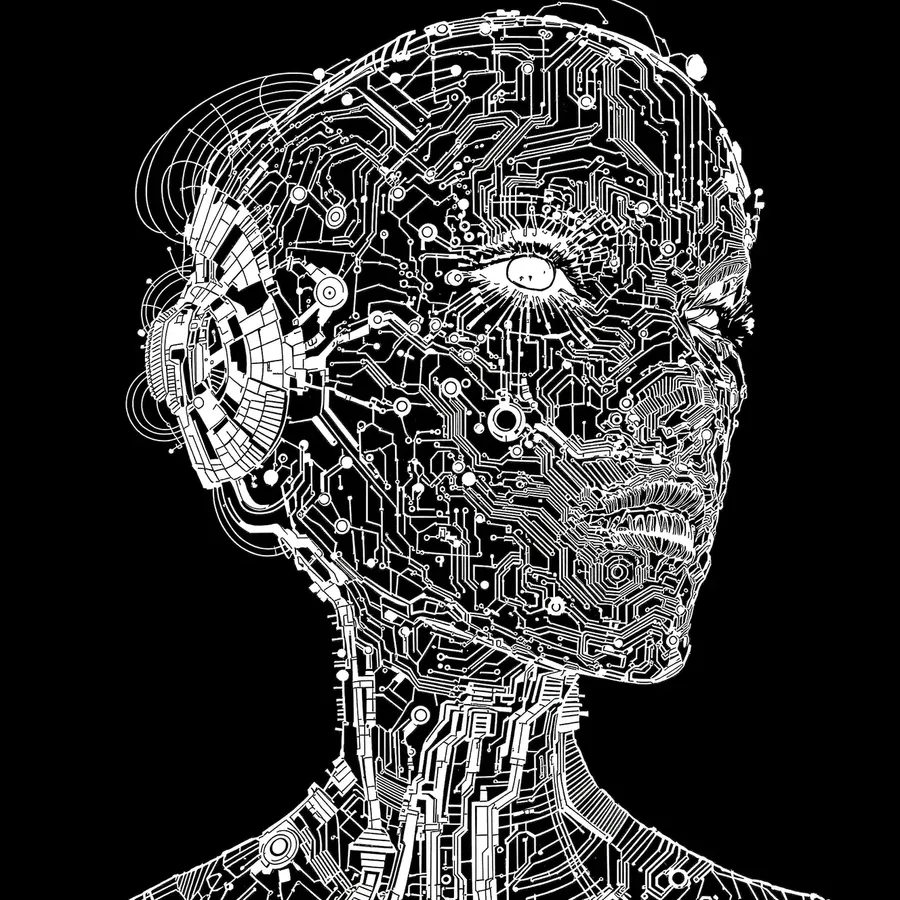
Line Art | painterly textures, saturated highlights, magical glow, stylized foliage | line art, futuristic cyberpunk-style portrait of a woman with circuit-like tattoos and mechanical enhancements, precise ink lines with strong contrast, monochrome, dark background |
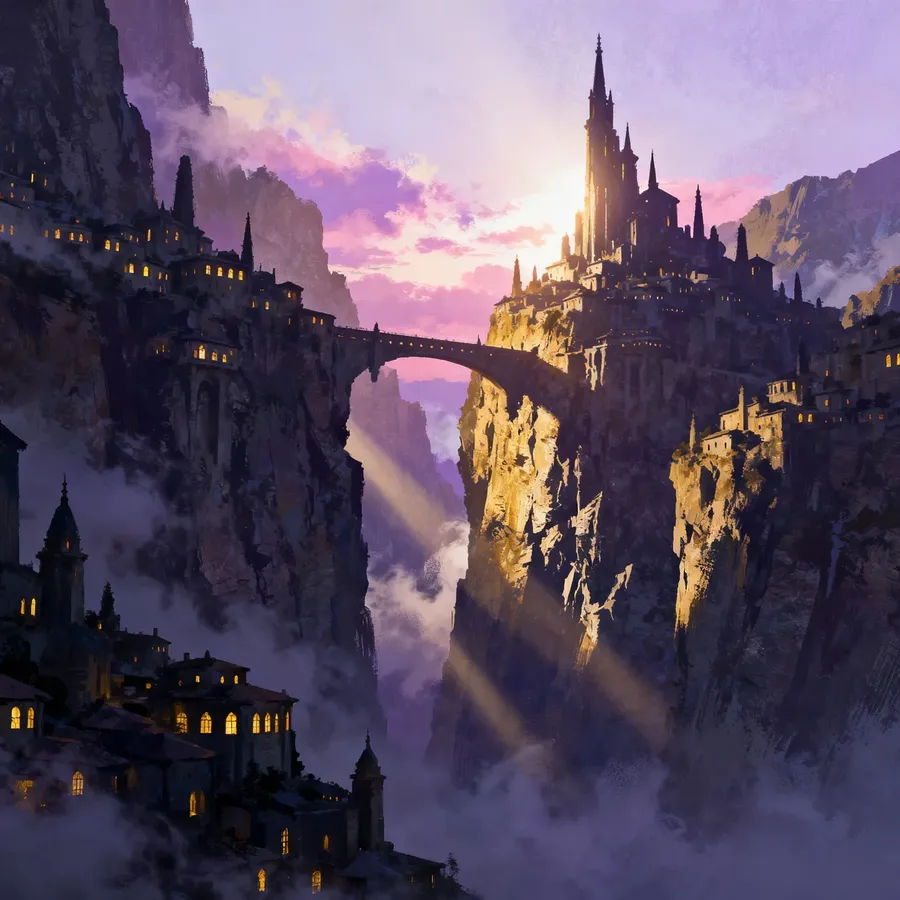
Concept Art
Vector Art
Anime
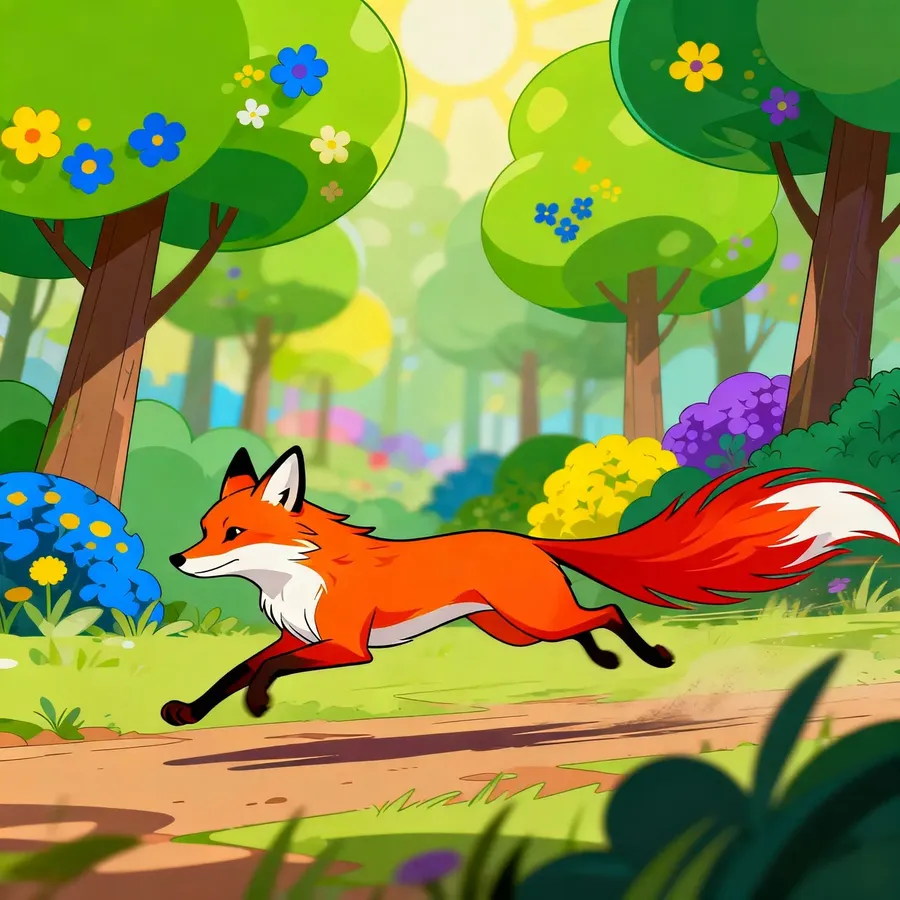
Cartoon
Vaporwave
Isometric Art
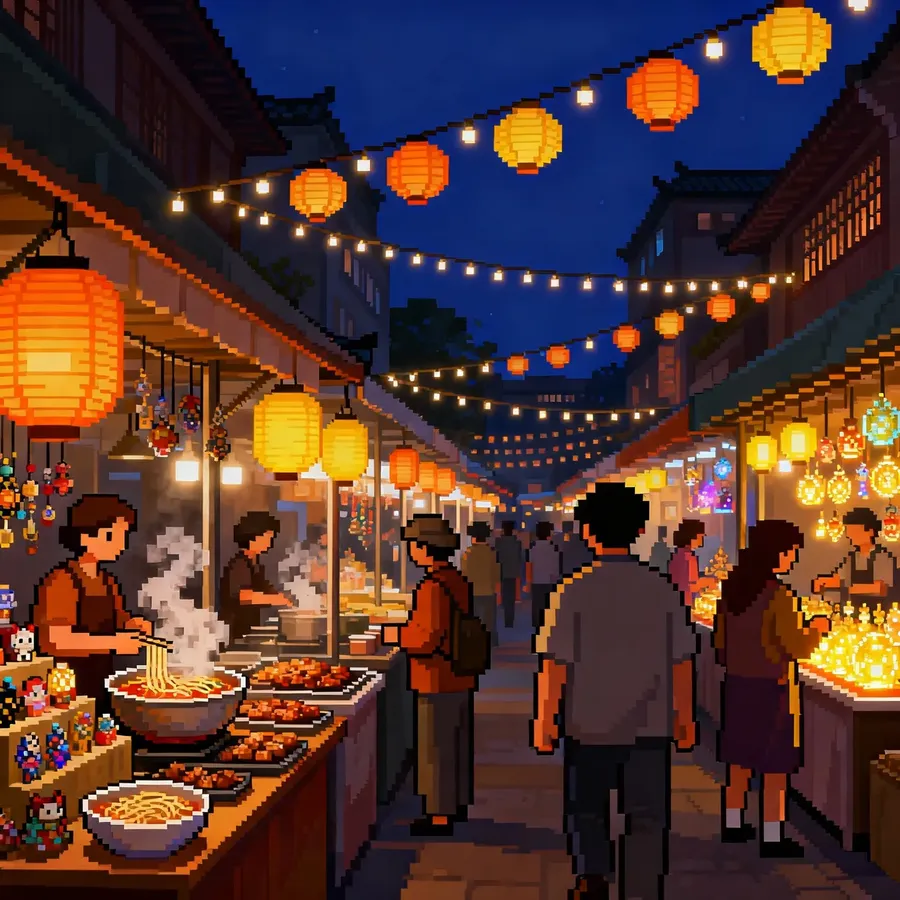
Pixel Art
Low Poly
Pop Art
UI/UX Mockup
Claymation
Line Art
Micro FX (Tiny Details That Transform the Look)
These are one-word or short phrases that instantly create a specific digital style:
- dithering - retro gradient shading
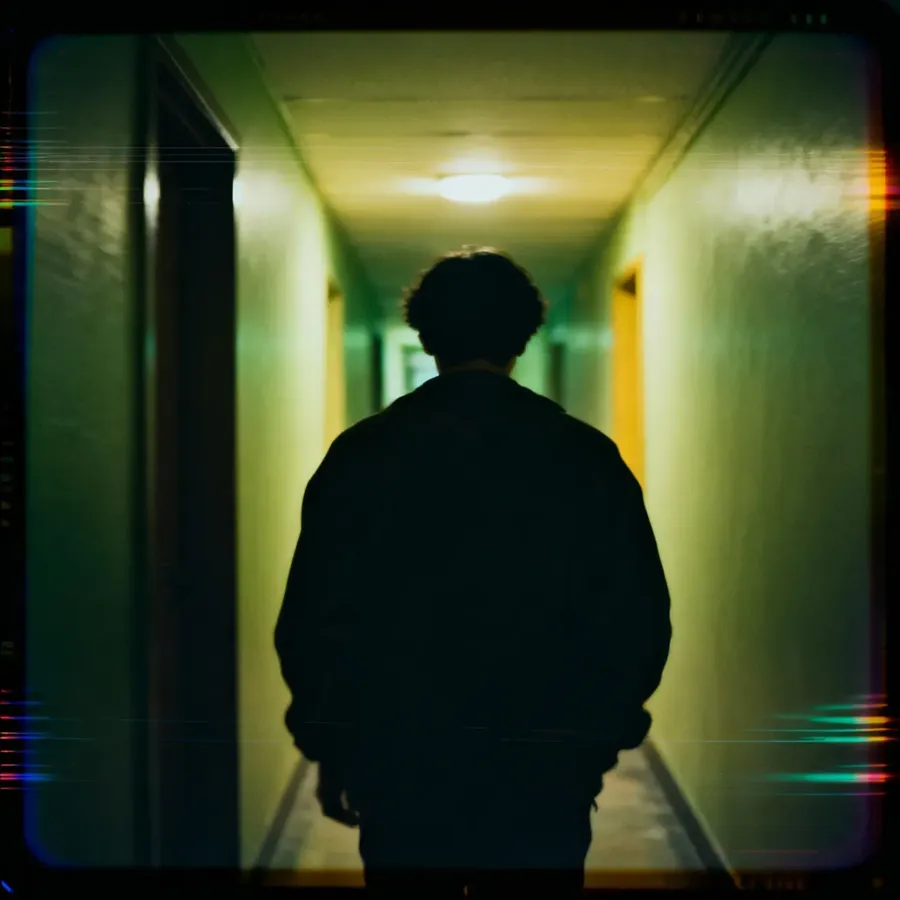
- VHS distortion / VHS noise - analog video aesthetic
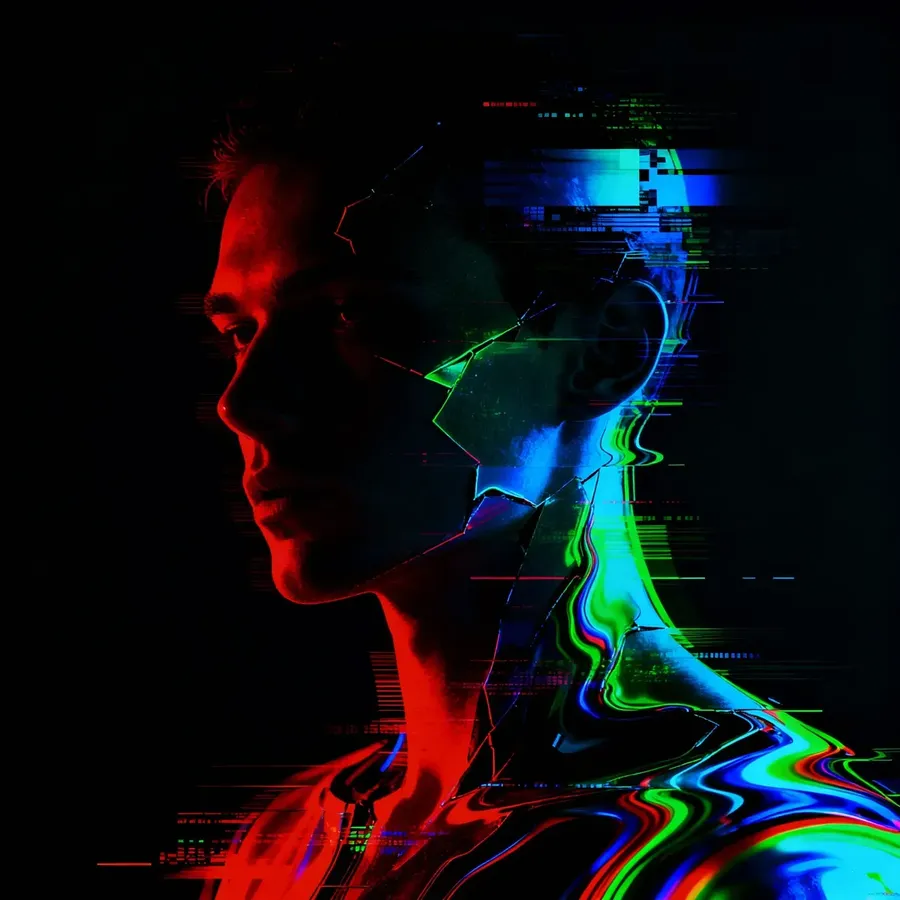
- chromatic aberration / RGB shift - color fringing on edges
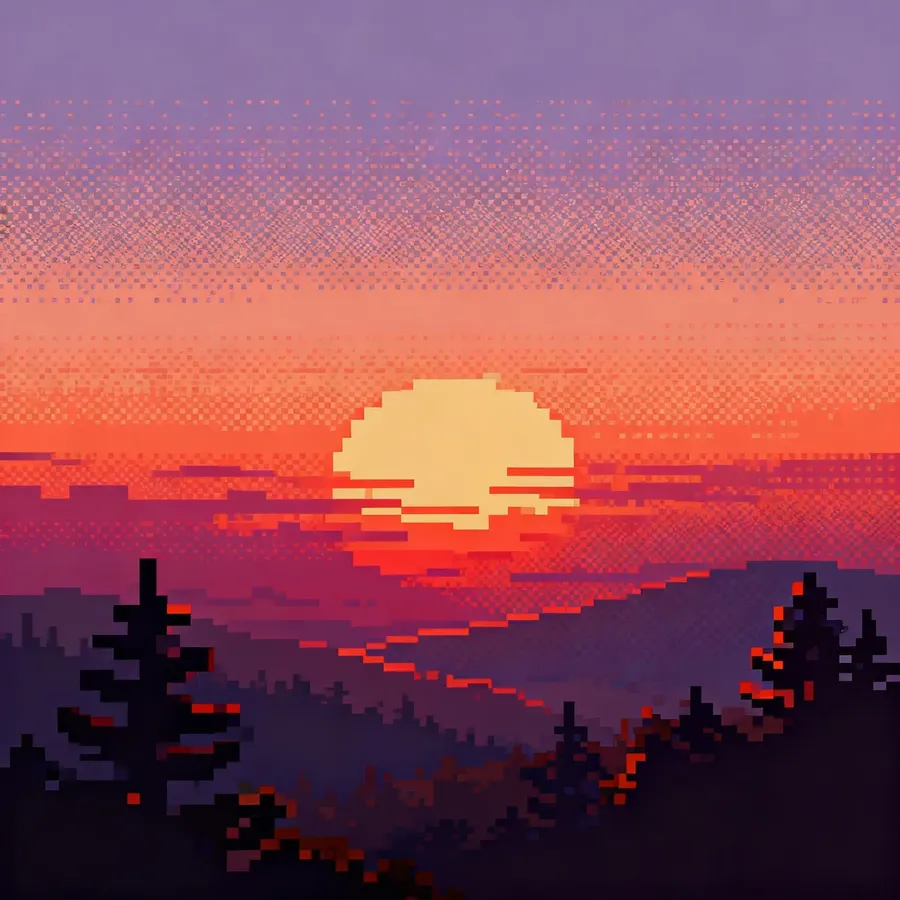
pixel-art landscape at sunset with strong dithering on the sky gradient, 16-bit style, chunky pixels
VHS-style frame of a person walking down a hallway, warped edges, faint tracking lines, soft color bleed, analog tape noise
digital portrait with strong RGB edge shift and chromatic aberration around the silhouette, glitchy modern aesthetic
- noise overlay / film noise - adds grit or texture
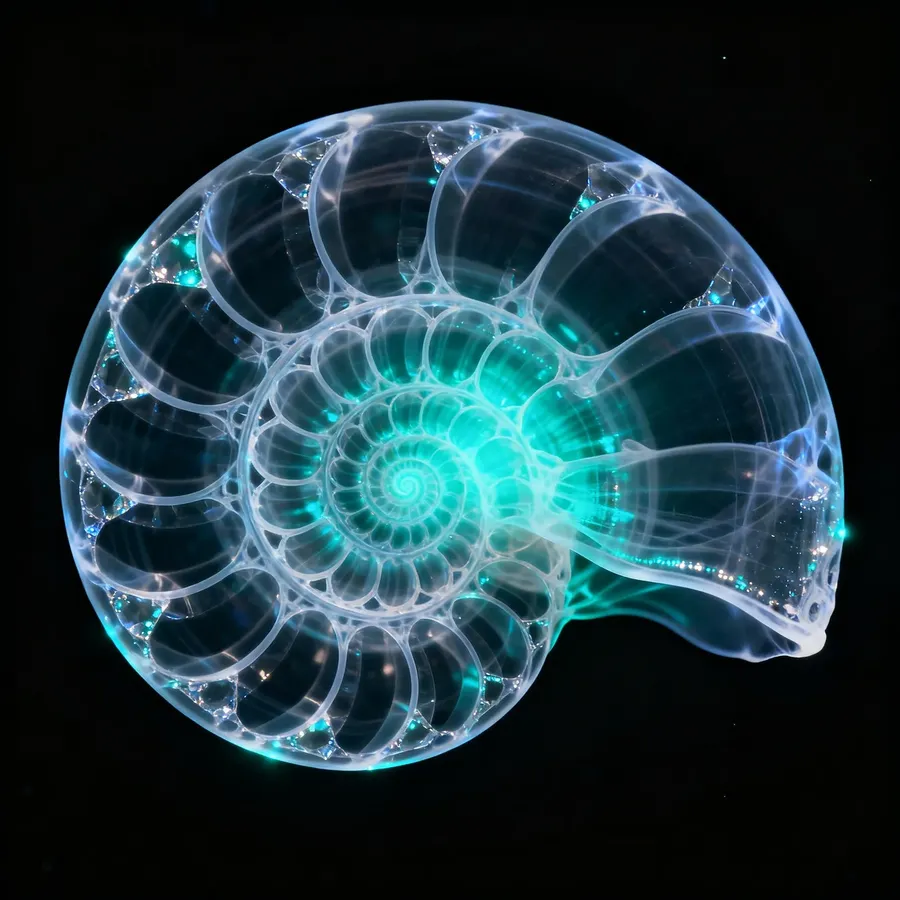
- x-ray translucence - glowing internal structure, skeleton-like transparency
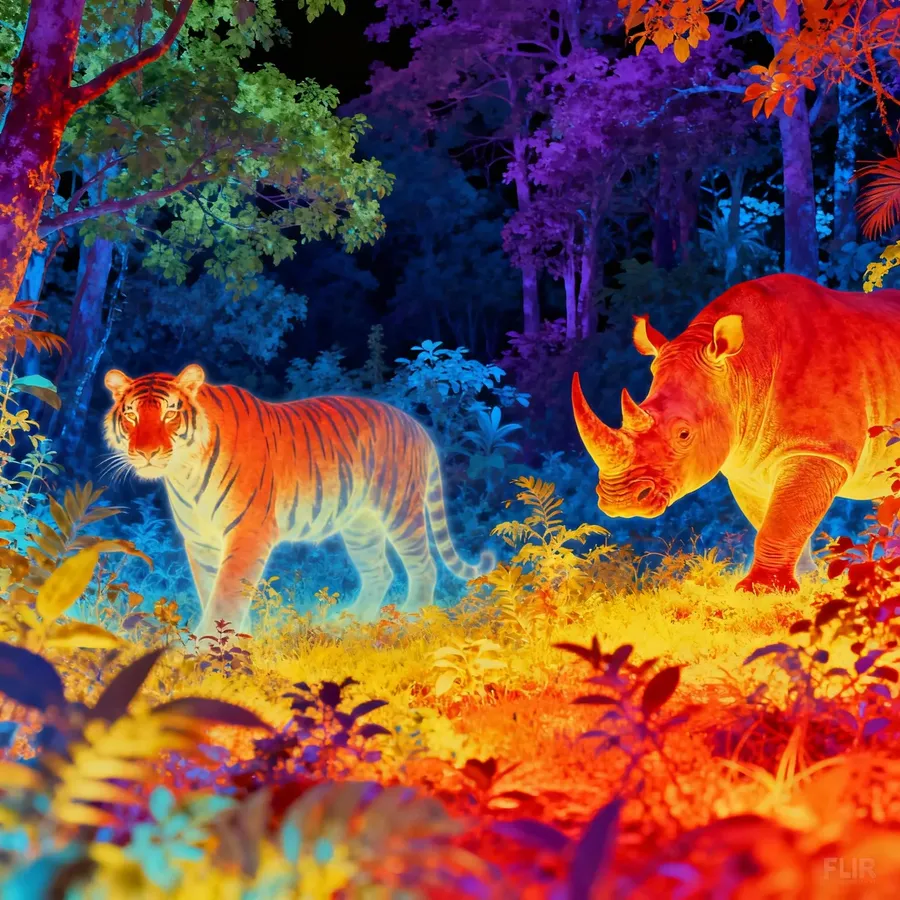
- thermal infrared - heat-map colors with warm–cool gradients
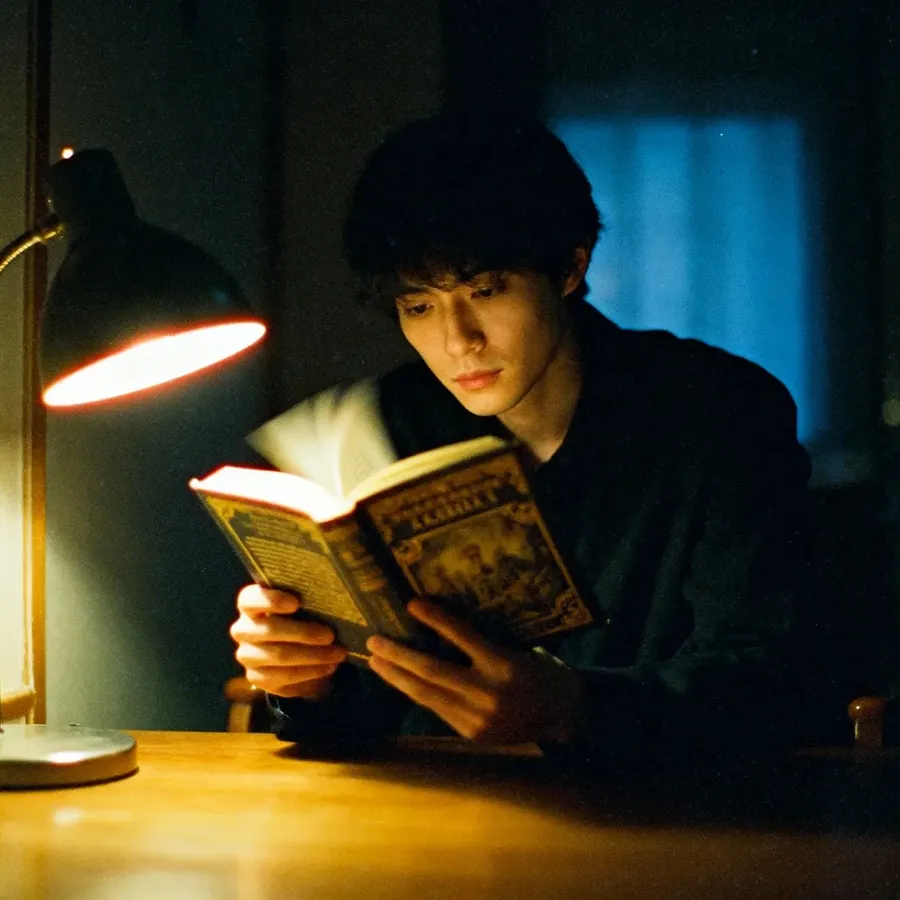
moody candin photo of a person reading with soft lighting and visible strong film-noise grain overlay, analog photography aesthetic
nautilus seashell with stylized x-ray translucence, glowing internal spiral, soft aqua highlights, dark background for contrast
thermal infrared view of a dense forest canopy, a tiger and a rhino outlines hidden among cool foliage, vibrant heat map colors, scientific survey aesthetic
You’ve got plenty to work with now. Try a couple of ideas, see what clicks, and build from there. Drop back into this guide anytime you want a new trick to try!
If you want to dig deeper, here are a few great next steps:
For video:
For specific workflows:
Frequently Asked Questions
To keep a character, product, or style consistent across multiple images, you have two options:
🟣 Use reference images for one-off consistency, especially when you are experimenting
🟣 Use Elements when you want to reuse the same subject or style across many generations without reattaching images
Many people use both: an Element for the recurring subject, plus a reference image when they need a specific pose, layout, or mood for one image.
Yes. You can use the editing features to change specific parts of an image. When writing an editing prompt, switch to "active voice" verbs like remove, add, change, or turn. For example: "Remove the text on the wall" or "Add a bright yellow scarf." You can even chain multiple instructions, like "Remove the person in the background and change the style to a watercolor painting."
To get a photorealistic result without a "plastic" look, focus on lighting and camera terms. Mention the lighting type (e.g., "natural light," "golden hour") and specific camera details like "f/1.8" for a blurred background or "85mm lens" for portraits. Adding words like "visible pores" or "natural uneven light" helps remove the artificial perfection often seen in AI images.
You can control the camera by including specific composition terms in your prompt. Use "Low angle" to make a subject look powerful, "High angle" to make them look vulnerable, or "Top-down" for a flat-lay or map-like view. For a first-person perspective, use "POV."
If you want specific words to appear on a sign or poster, place the text inside quotation marks within your prompt (e.g., poster with the word "FOCUS" in bold letters). This tells the AI that the text is part of the visual content, not an instruction for the scene.