AI Word Art Generator for Custom Typography and Text Effects
Stylized lettering, generated as part of an image
getimg.ai's AI Word Art Generator creates stylized typography images from text prompts. Enter the exact word or phrase you want to display, then describe its lettering style, layout, colors, materials, effects and background. Generate several typography directions at once, refine the strongest one with a follow-up prompt, and reuse the result in posters, social graphics, merch, covers and other designs.
How to create word art with AI
Six steps from exact wording to a finished, downloadable design.
1. Open Create image
In the getimg.ai workspace, go to Image and open Create image. This is the same text-to-image workspace used for every other visual on your project.
2. Put the exact text in quotation marks
Write the wording you want rendered inside quotation marks — the word "DREAM", for example. Everything outside the quotes describes how it should look. The AI Image Generation Prompt Book documents this for text placement, font style, size and emphasis.
3. Describe typography, colors, texture and layout
Name a letterform direction (serif, script, gothic, stencil, chrome, inflated), then the palette, material, lighting effect, composition and background.
5. Refine the strongest result with a prompt
Open the result you like and edit it with a follow-up prompt — change the color, simplify the letterforms, adjust the background. This is generative image editing, not a text layer you retype.
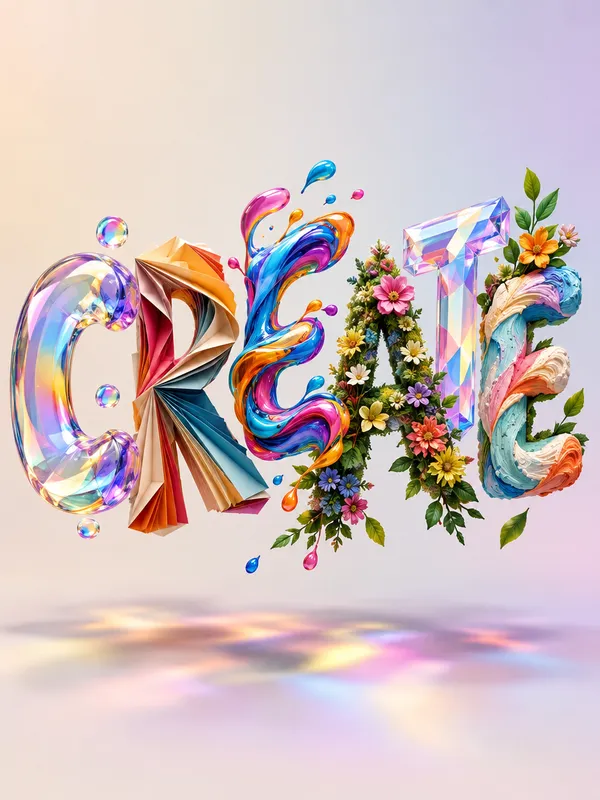
Create word art with exact text
Put the wording you want in quotation marks and the model treats it as the text to render. Everything after that controls the look: letterform direction, placement, size and emphasis, palette, material, lighting and background. The lettering is generated together with the artwork around it rather than applied as a texture over an existing font.
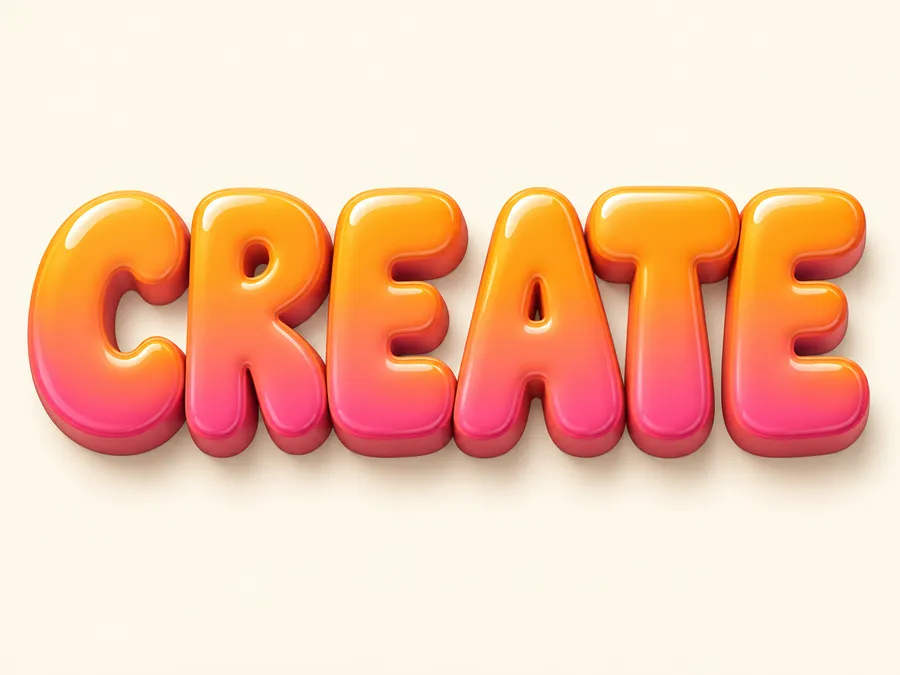
Prompt: poster typography with the word "CREATE" in large uppercase chunky retro bubble lettering, glossy orange and pink gradient, soft 3D extrusion, centered composition, cream background.
Create standalone text art or build typography into a full design
The lettering can be the whole artwork, or one element inside a larger composition. Most simple text-effect tools stop at the first; getimg.ai generates the typography and the visual context together.
Standalone lettering
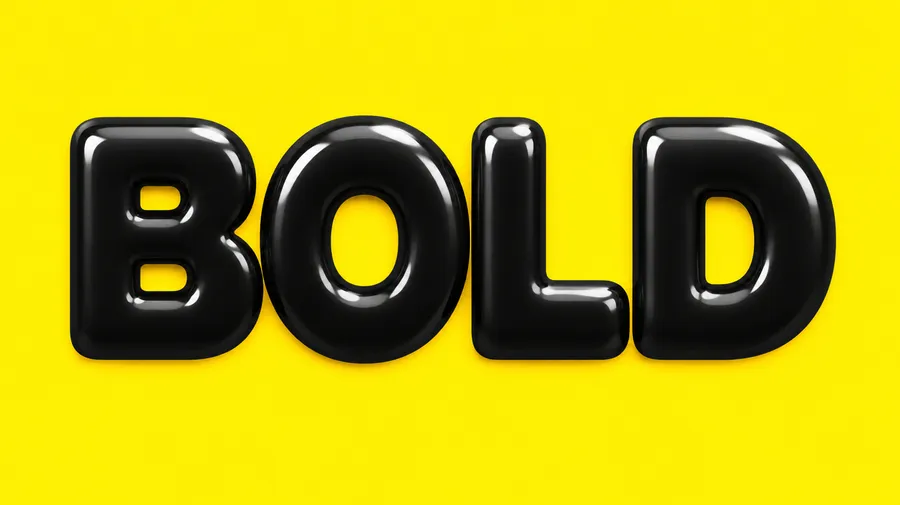
One word or a short phrase as the visual focus, on a clean or minimal background. Useful for stickers, merch graphics and transparent overlays.
Poster and social typography
A headline sitting inside full background artwork — the format behind most [banner](/use-cases/banner-maker) and [YouTube thumbnail](/use-cases/youtube-thumbnail-maker) work.
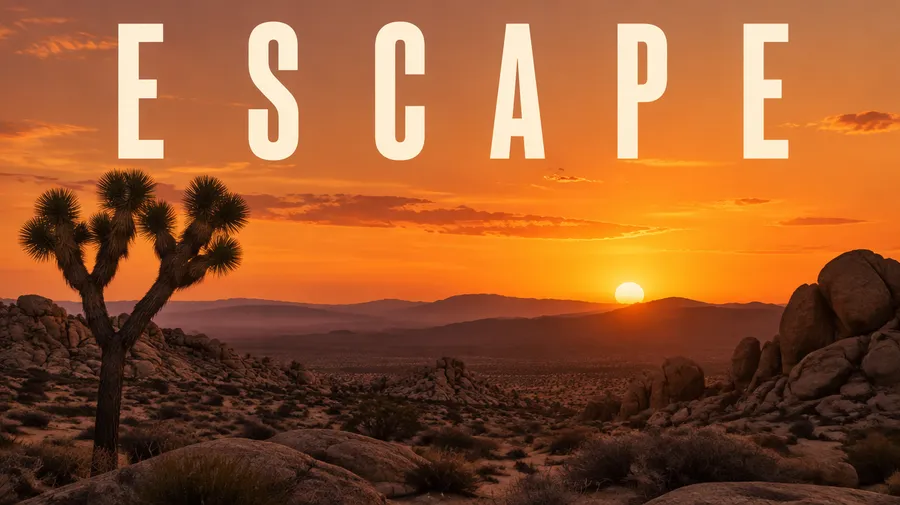
Cover artwork
A title integrated into album, podcast or book-style artwork. See the [AI Album Cover Generator](/use-cases/ai-album-cover-generator) for that workflow end to end.
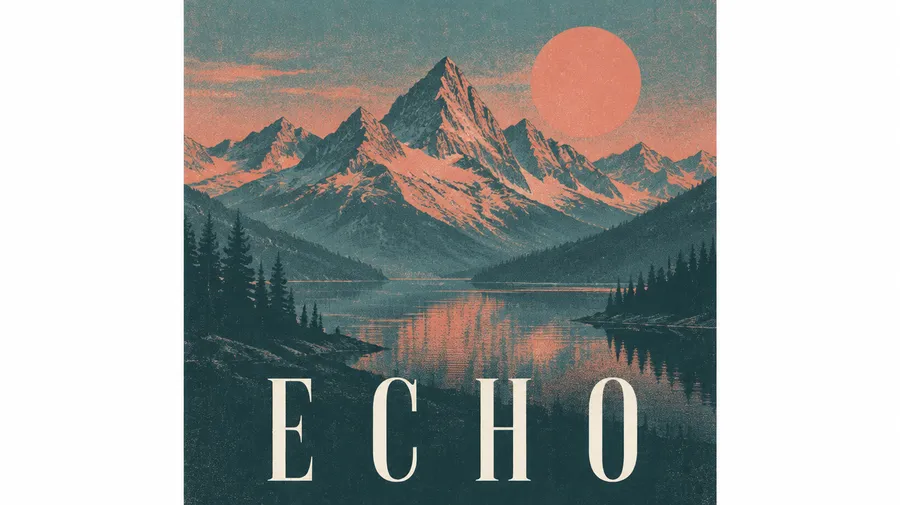
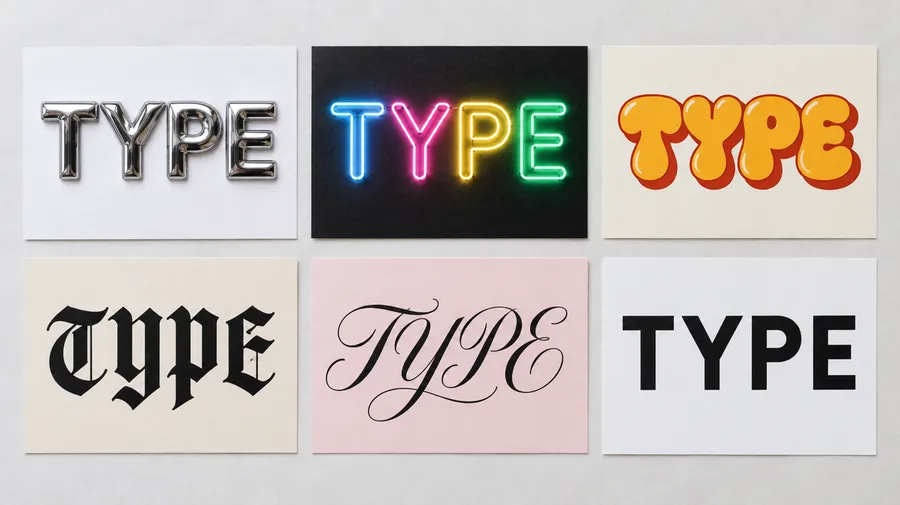
Explore word art styles and text effects
3D lettering, chrome and metallic, retro bubble text, Y2K, neon, gothic, handwritten, calligraphy, editorial serif, minimalist typography, vintage print, letterpress, holographic, liquid and floral lettering. Name the direction in the prompt, generate several interpretations of the same word, then commit to one and refine it. For heavily stylized street lettering, the AI Graffiti Generator covers the same ground with a narrower focus.
AI word art prompt examples
Copy one of these into Create image and swap the word in quotation marks for your own.
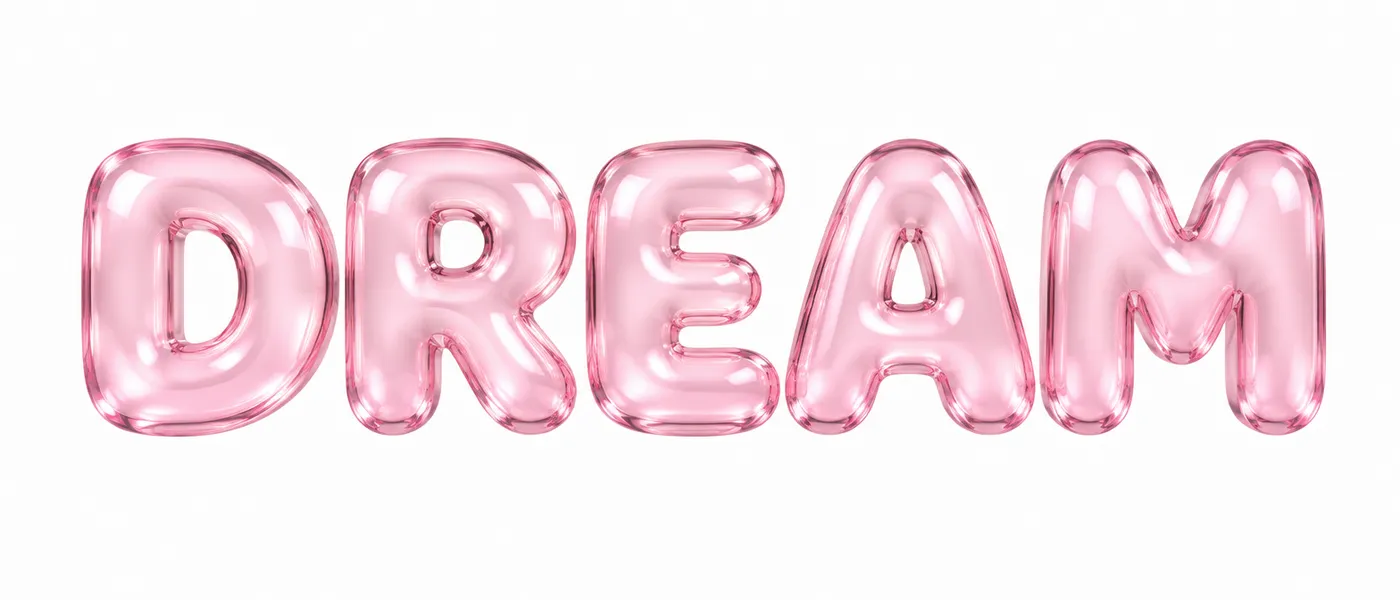
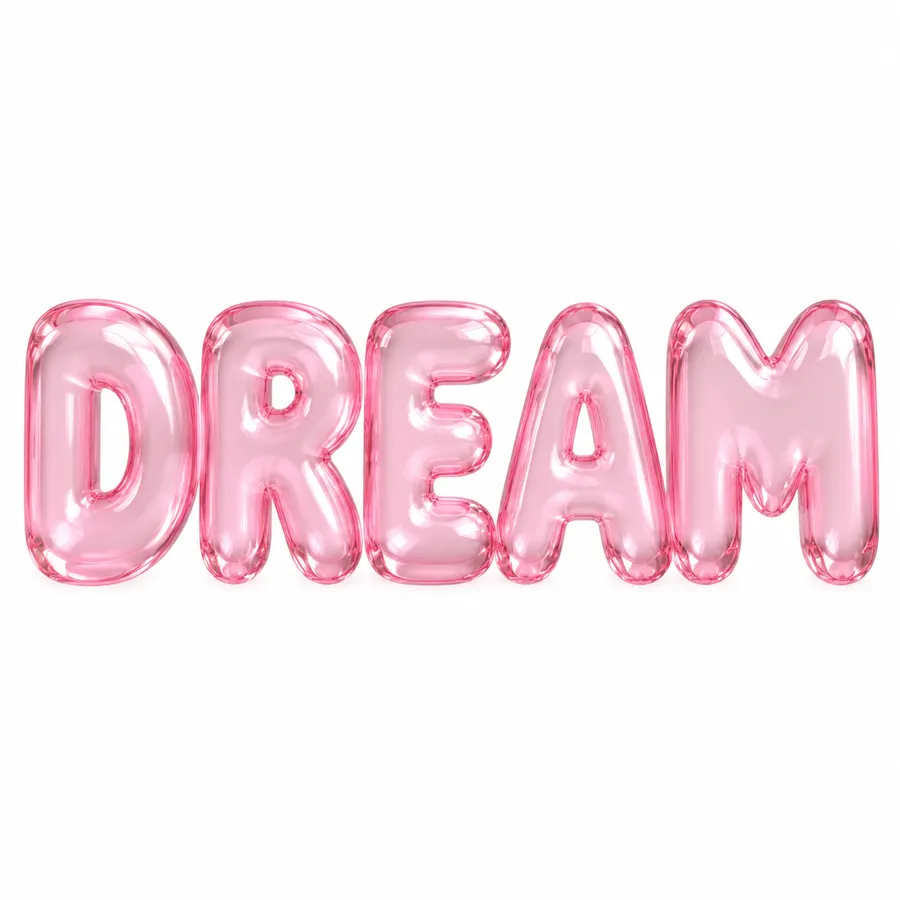
Inflated glass bubble lettering
the word "DREAM" in oversized inflated bubble letters, translucent pink glass material, soft reflections, pastel lighting, centered composition, clean white background
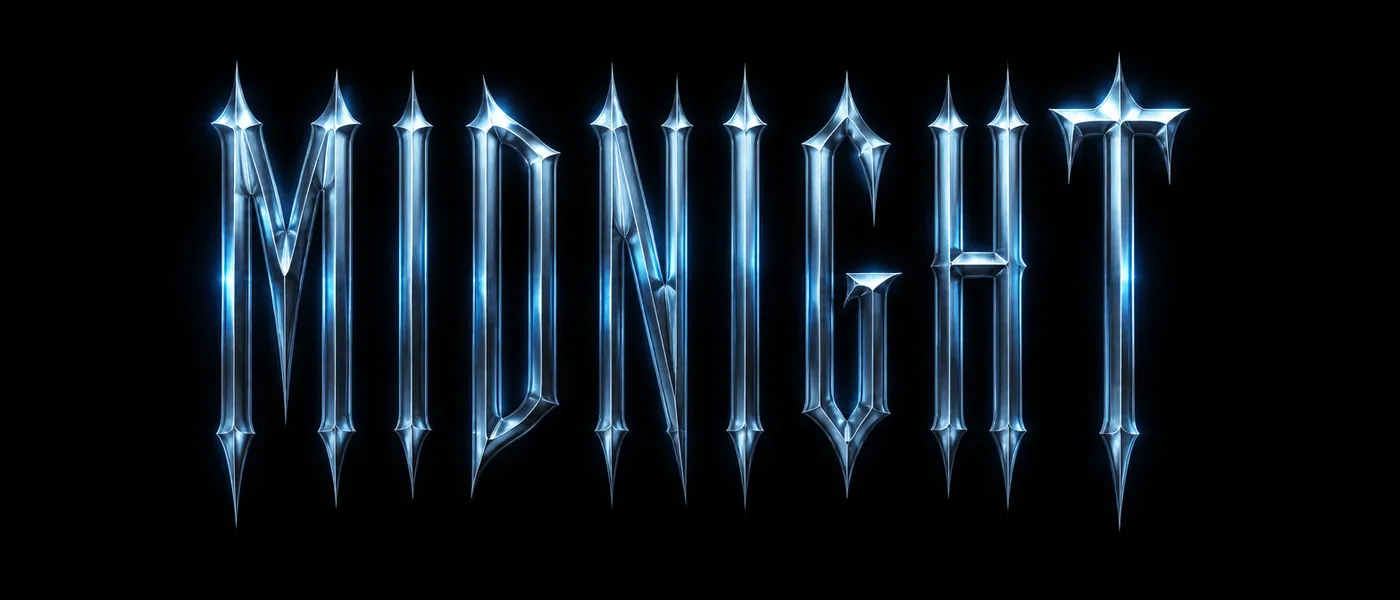
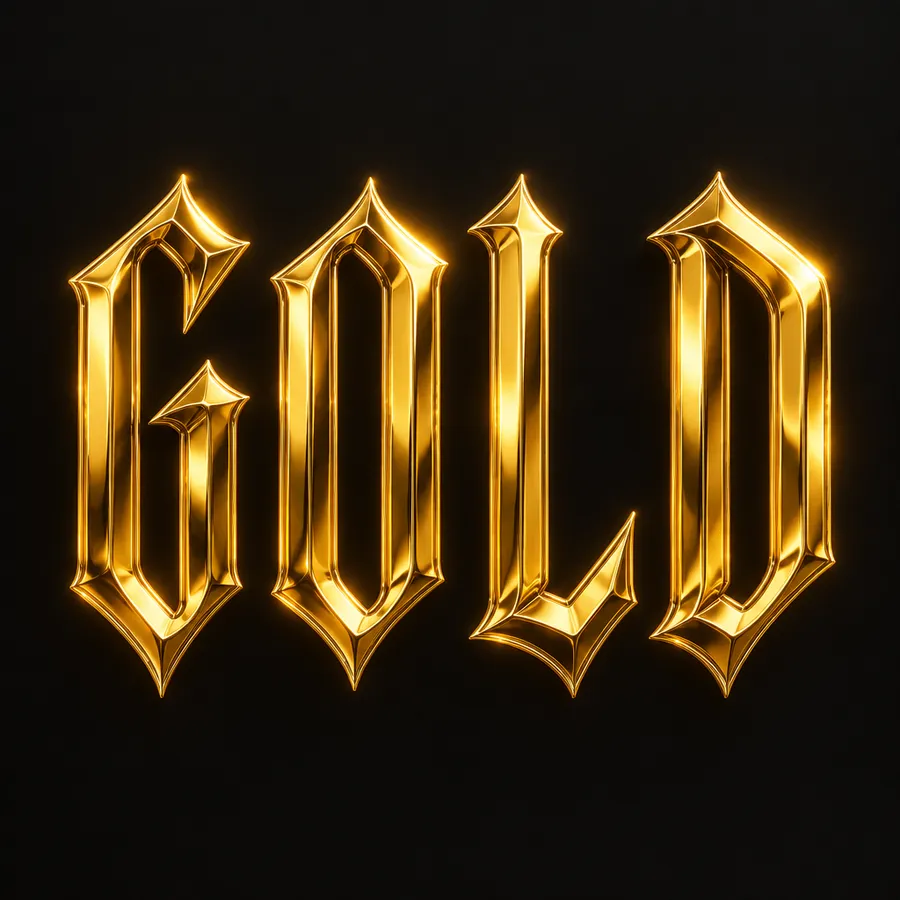
Gothic chrome lettering
the word "MIDNIGHT" in condensed gothic lettering, metallic chrome texture, narrow uppercase characters, cold blue reflections, subtle glow, centered on a black background
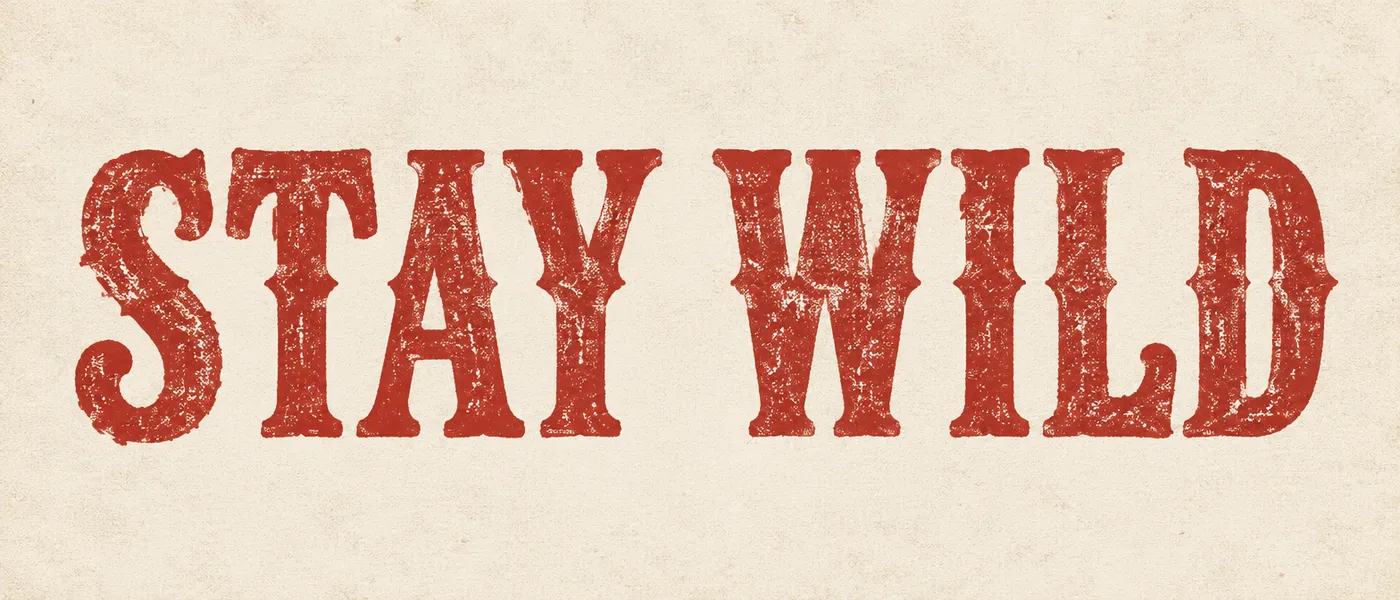
Vintage screen-print t-shirt graphic
the phrase "STAY WILD" in distressed western serif lettering, faded red ink, vintage screen-print texture, cream paper background, centered t-shirt graphic composition
Turn word art into a transparent graphic
Generate the lettering, remove the background, and download a transparent PNG that can be placed over merch mockups, posters, thumbnails, social graphics or other layouts. The full path is generate, refine, remove background, reuse — all in one workspace.
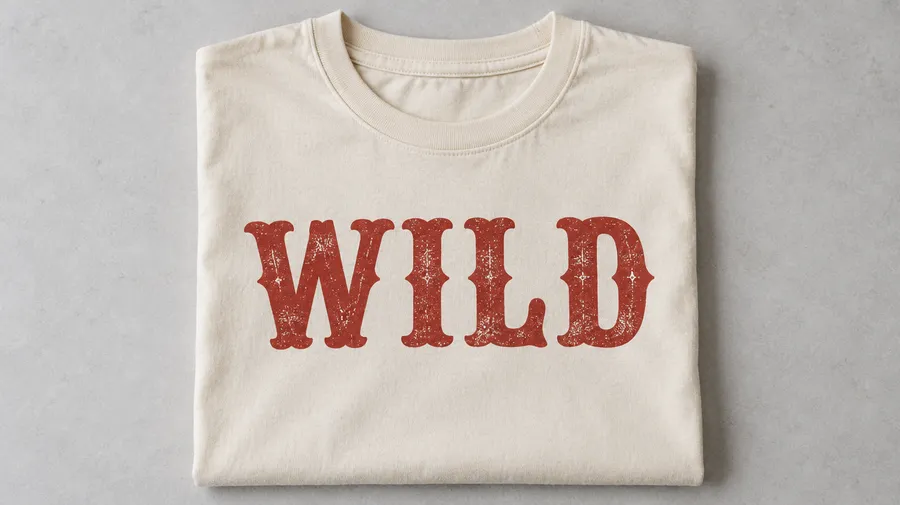
AI word art vs editable typography
This matters before you start. AI word art means the lettering is rendered as part of a generated image. Editable typography means the text stays a traditional text layer, where every character, font setting and spacing value can be changed by hand. getimg.ai produces the first. You can refine the result with prompt-based editing, but you cannot retype a character or adjust tracking numerically.
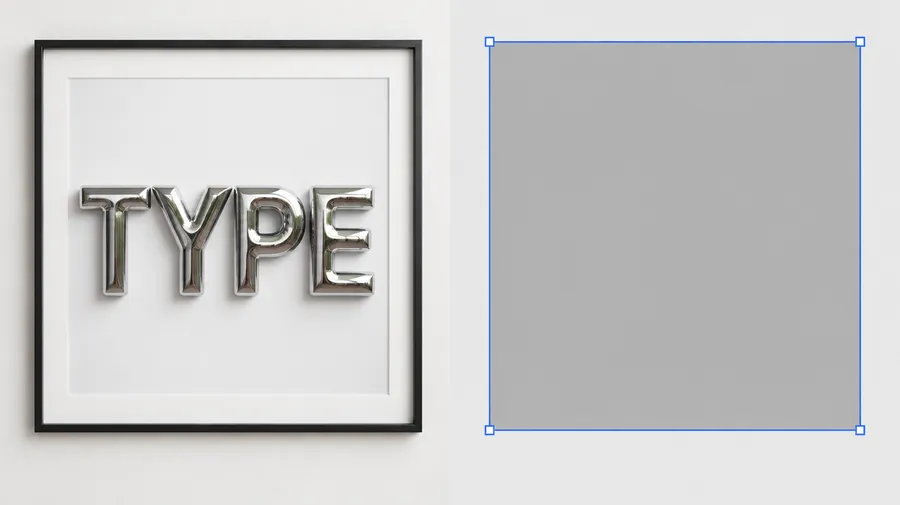
How to get more accurate text results
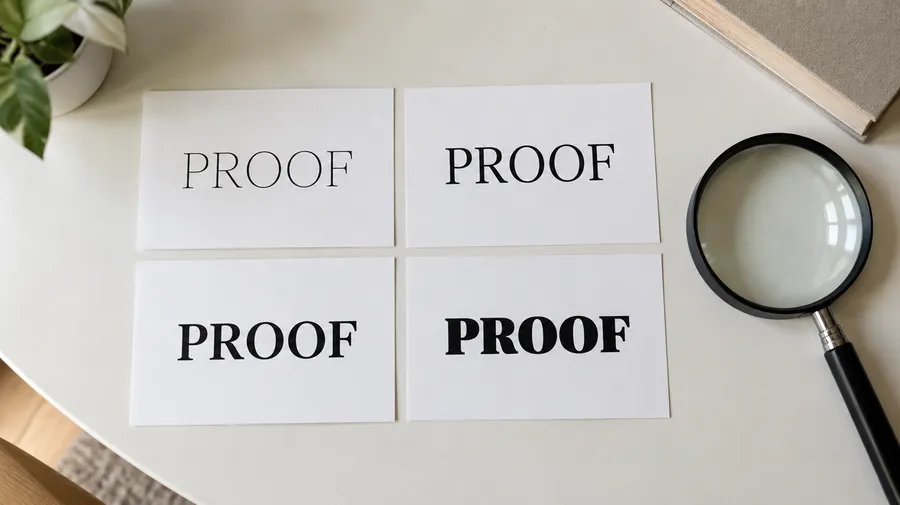
Modern image models are substantially better at rendering readable text and typography than earlier generations, but accuracy is not guaranteed. For important copy, names or longer phrases, review the generated wording before using the final design.
Frequently Asked Questions
Open Create image, put the exact wording you want in quotation marks, and describe the lettering style, layout, colors, material and background. Choose an aspect ratio, generate several versions at once, then refine the strongest one with a follow-up prompt.
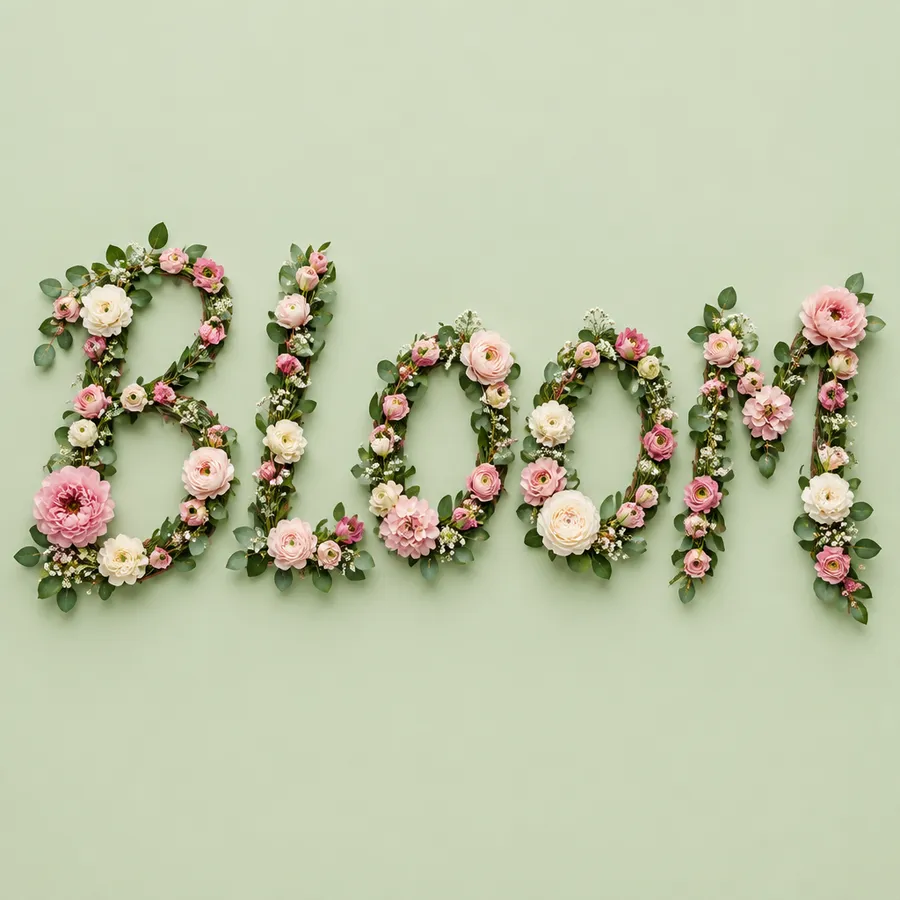
Yes. Put the wording in quotation marks — the word "BLOOM", for example — and the model treats it as the text to render. Short words and short phrases render most reliably.
Keep the wording short, put it in quotation marks, avoid stacking several separate text elements into one composition, and generate multiple variants so you can pick a clean one. Always read the rendered wording before you use the design.
Yes. Ask for 3D extruded lettering, inflated or puffy letterforms, soft shadows and the material you want — glossy plastic, chrome, glass, stone. The depth is part of the generated image.
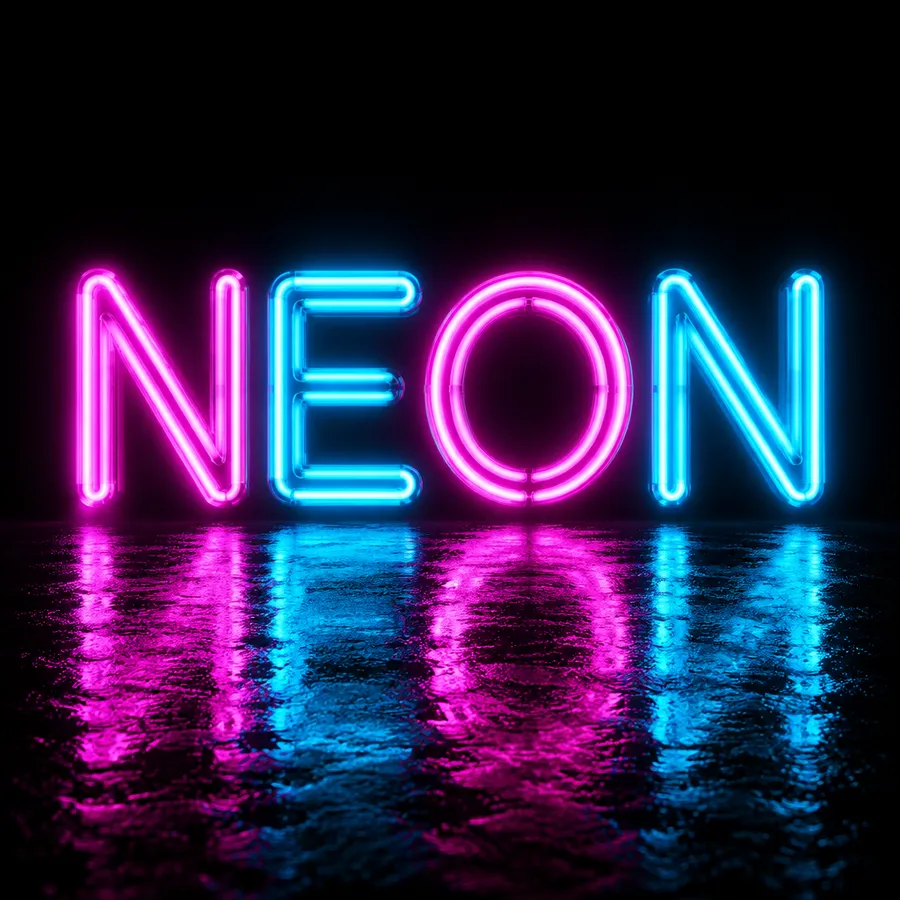
Yes. Name the effect directly in the prompt: liquid chrome, metallic, holographic, neon glow, retro bubble, Y2K, letterpress, engraved, embossed, distressed, glowing. Each is a letterform and material direction the model understands.
Yes. Add a reference image in Create image to guide palette, mood and material — see the guide to image references. References guide the overall visual direction, but generated lettering may not reproduce an existing typeface exactly.
Yes. Generate the lettering, then run the result through the Background Remover to export a transparent PNG for merch mockups, thumbnails and other layouts.
You can refine the result with a prompt — change the color, simplify the letterforms, adjust the background. This is generative image editing, so a correction is a re-render rather than retyping a character in a text box.
No. getimg.ai generates font-inspired lettering styles as images. It does not produce reusable typeface files such as TTF or OTF that you could then type any word with.
No. The lettering is part of a generated image, not a traditional text layer. Character-level editing, font swapping and numeric spacing control belong to vector and layout tools; getimg.ai gives you prompt-based refinement instead.
getimg.ai is primarily designed for generative typography and visual word art rather than data-driven word clouds, where word frequency and placement need to be controlled precisely. You can ask for a cloud-like arrangement of words, but the layout is a generative interpretation, not a computed one.
You can ask for curved, circular, wrapped or vertical lettering in the prompt and the model will interpret it. There is no precise radius, path or spacing control the way a dedicated curved-text editor provides.
Word art is useful for exploring wordmark and lettering concepts, and cut-out lettering works well on merch graphics. A final production logo may still need vector recreation, precise spacing and brand-system preparation — the AI Logo Generator covers that intent more directly.
Use Auto and getimg.ai selects a model for your prompt. When typography accuracy matters most, compare text-focused models such as GPT Image and Nano Banana on the same wording.