AI Image Resizer: AIでアスペクト比を変更
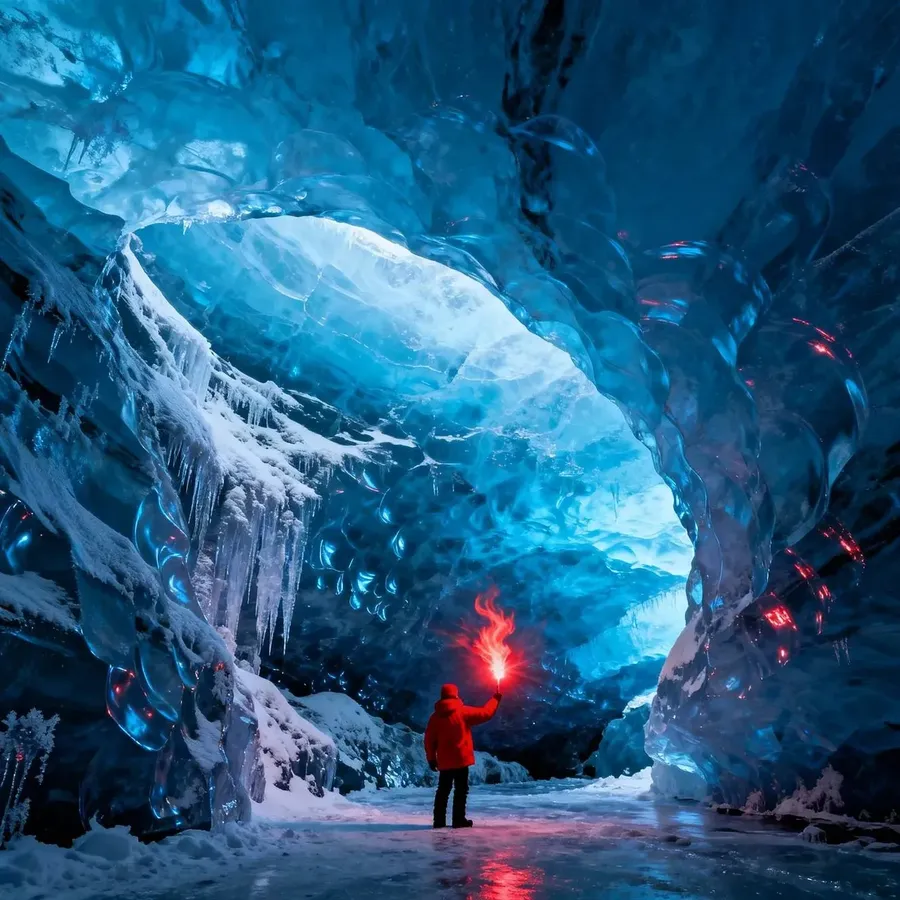
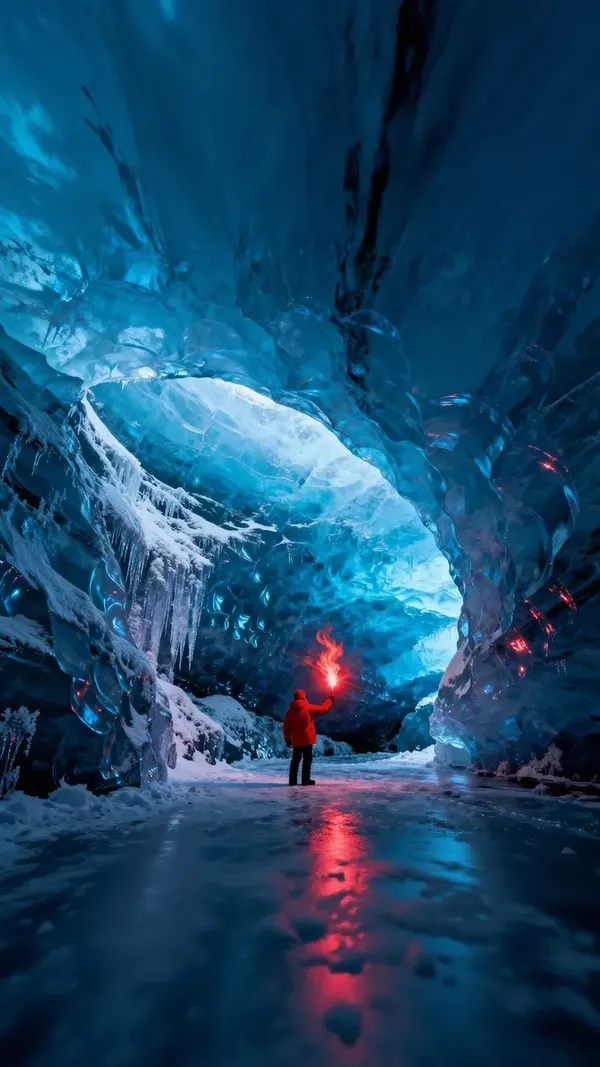
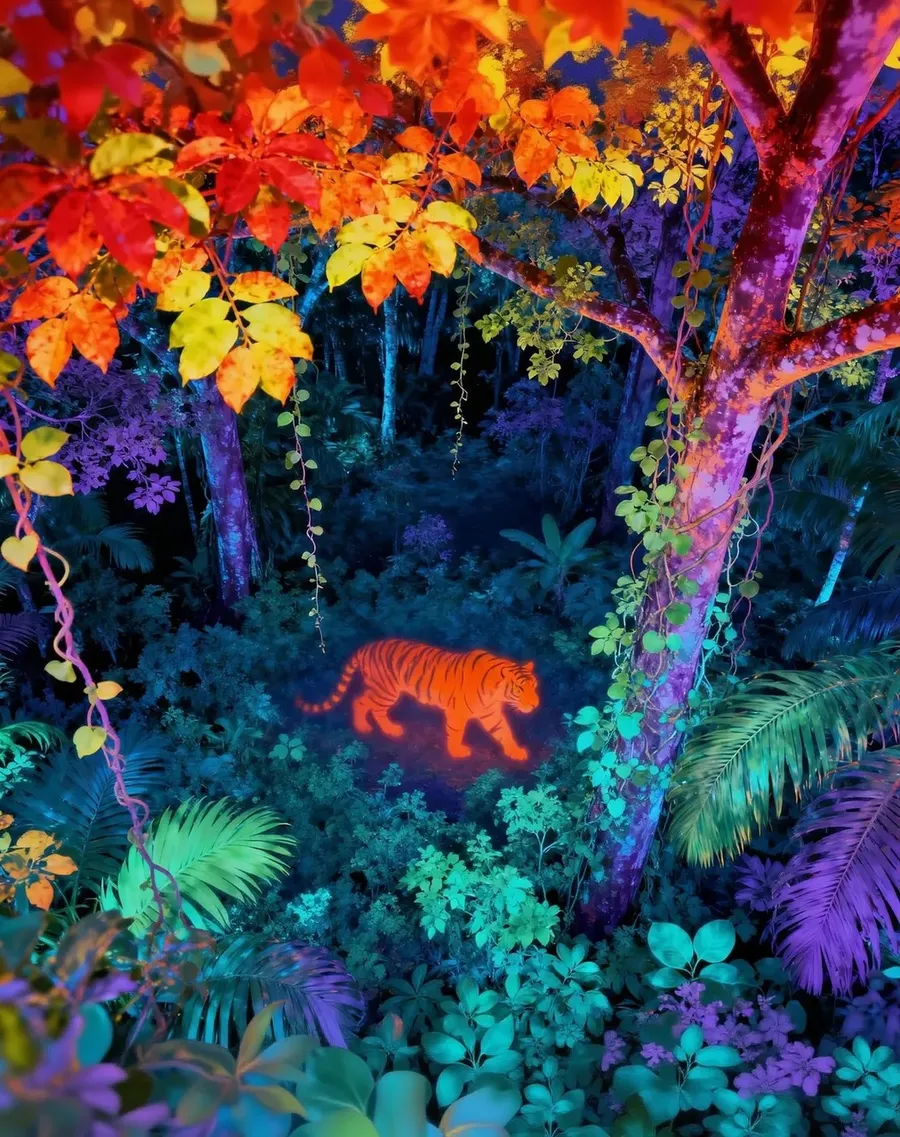
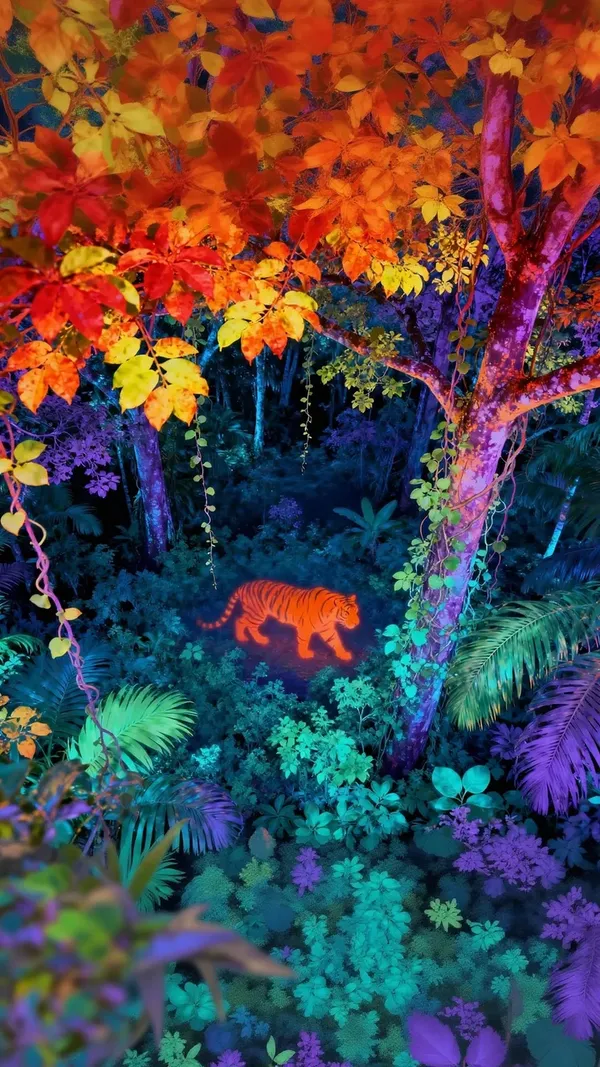
新しいフォーマットを作成する2つの方法。Smart Resizeは、選択した比率に合わせて構図を再生成します。Outpaintingは、元の画像を保持し、その周囲のキャンバスのみを生成します。10種類のアスペクト比に対応し、手動でのトリミングは不要です。
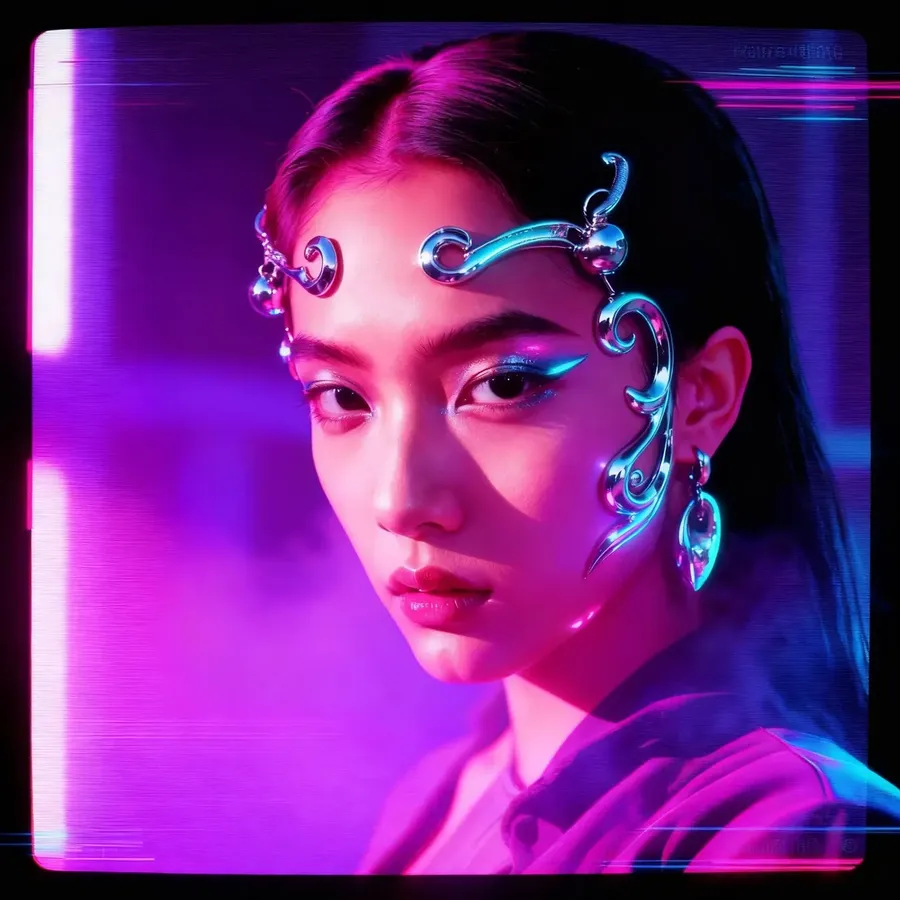
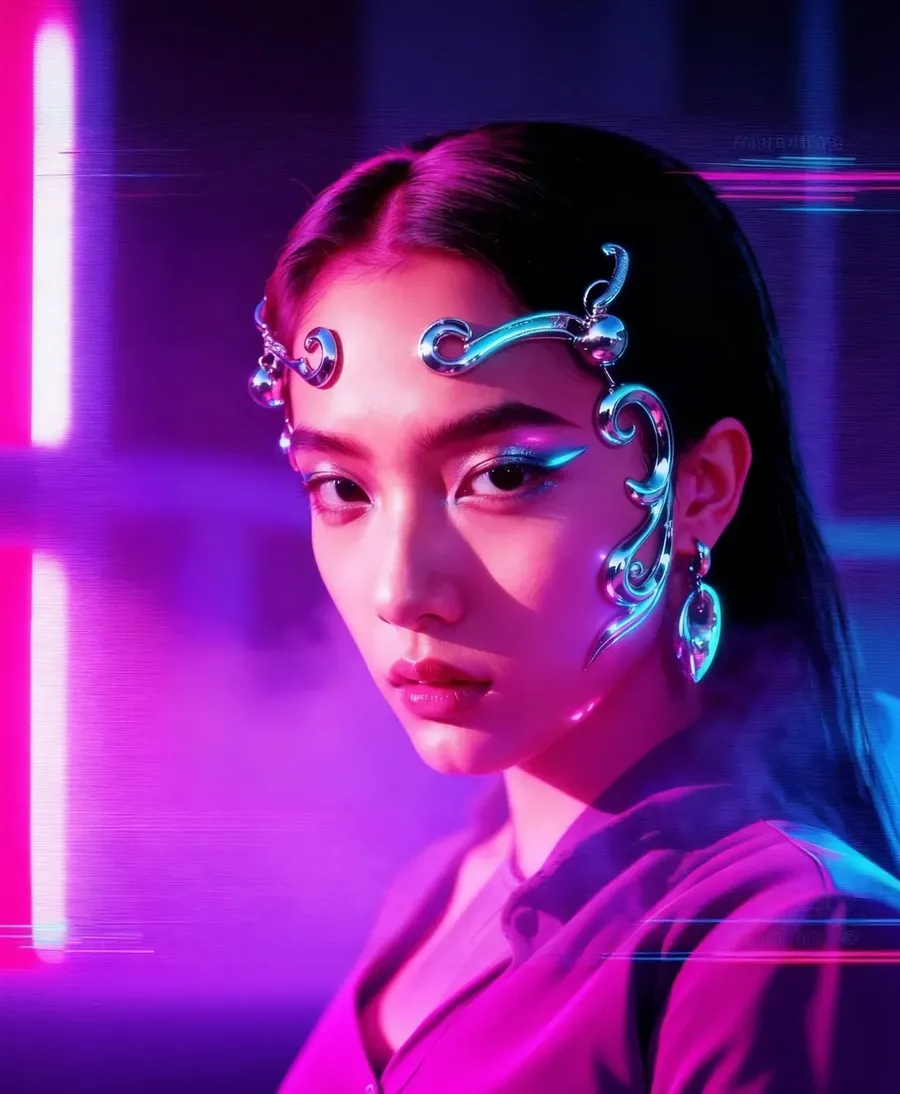
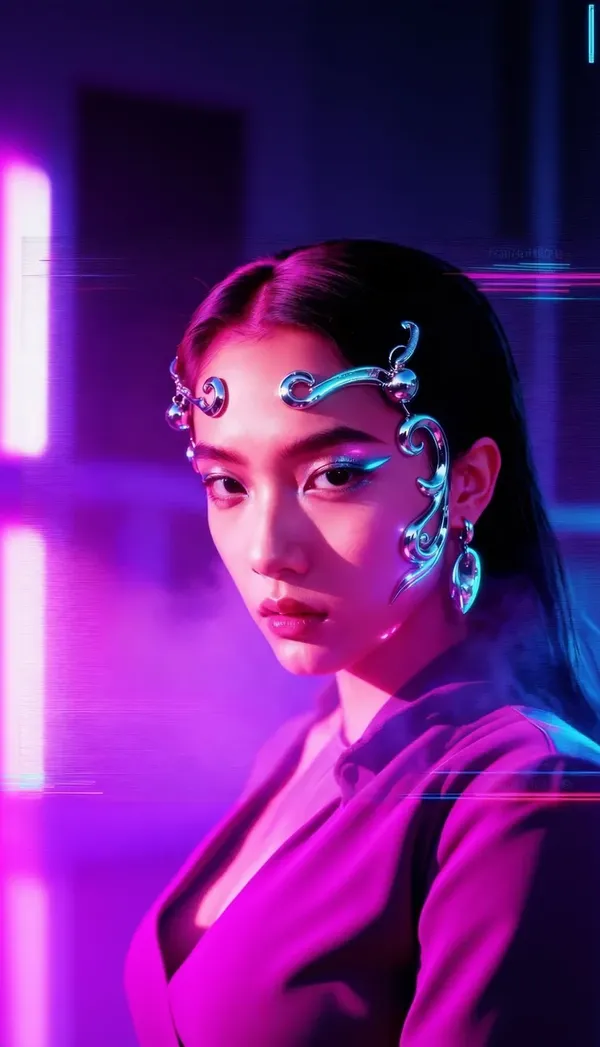
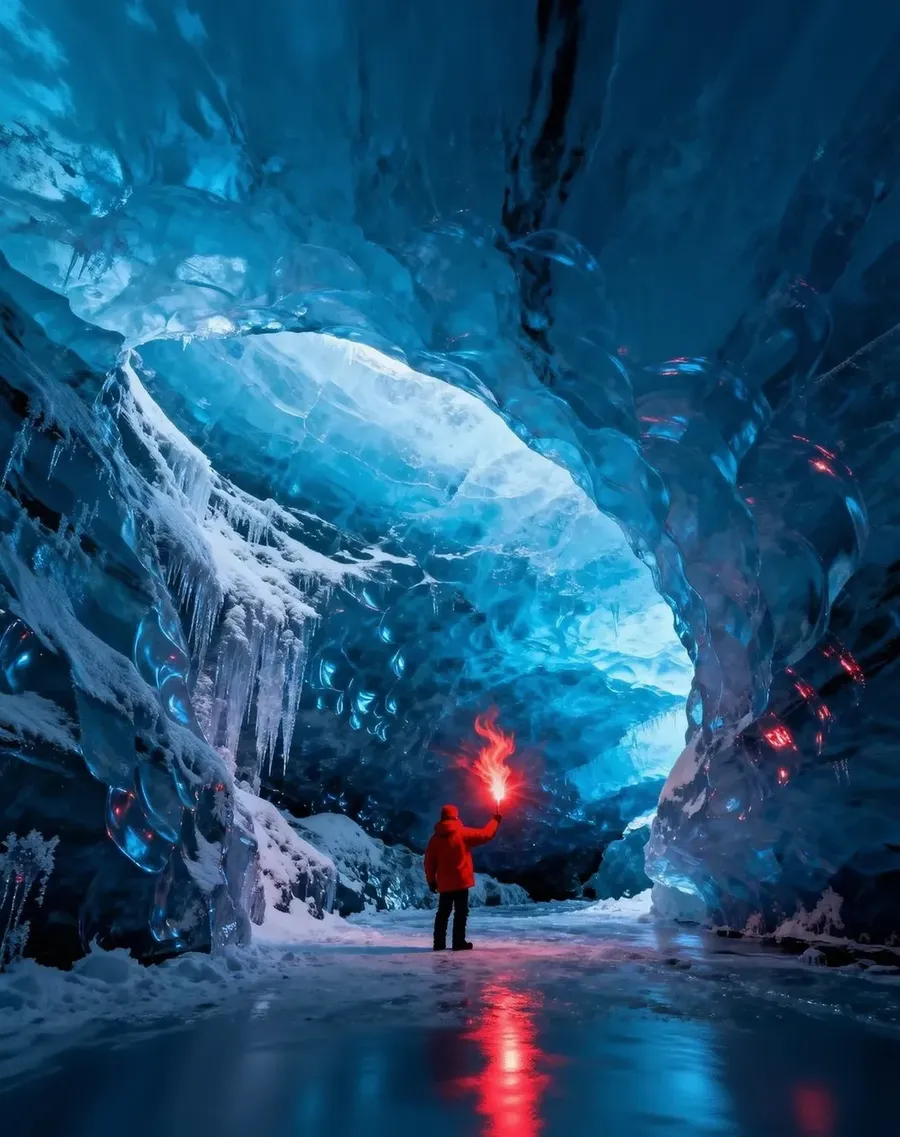
-900x900.webp)
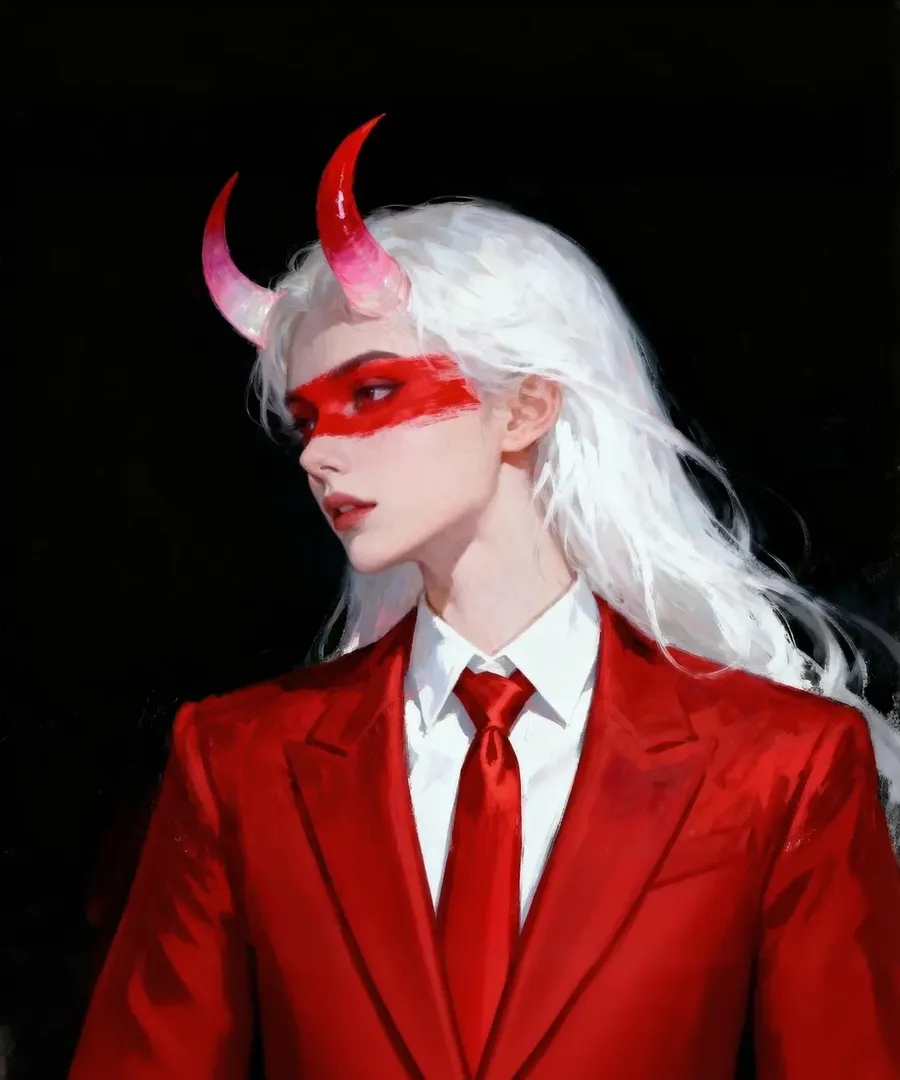
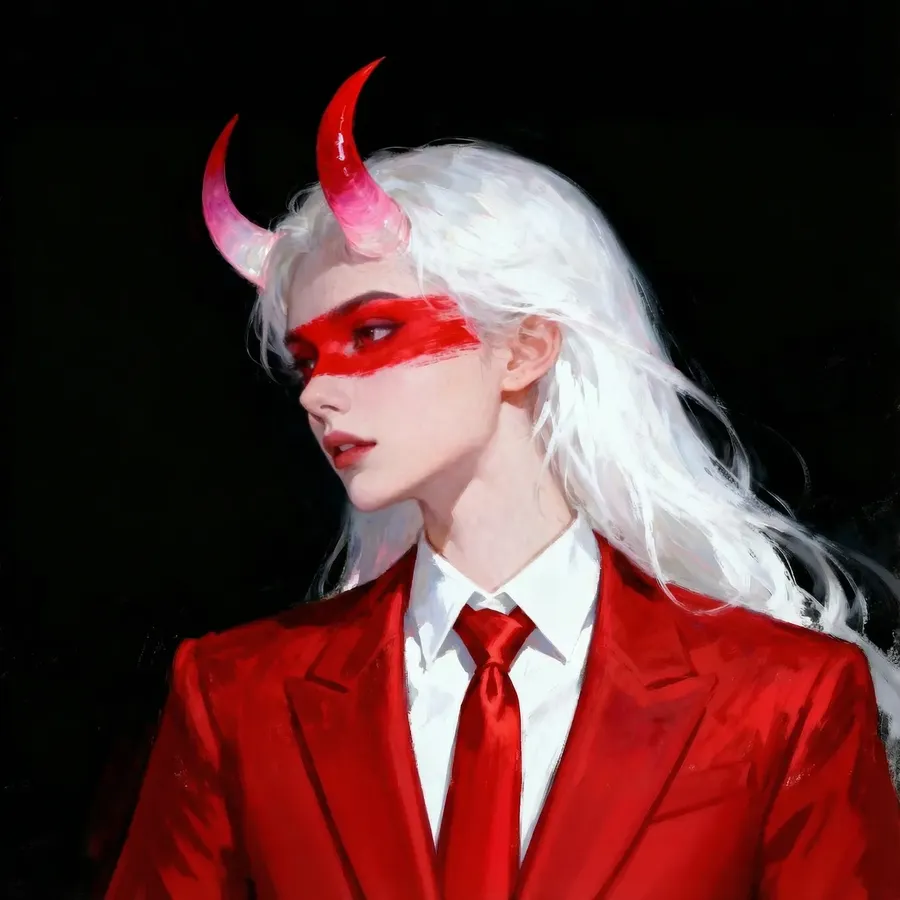
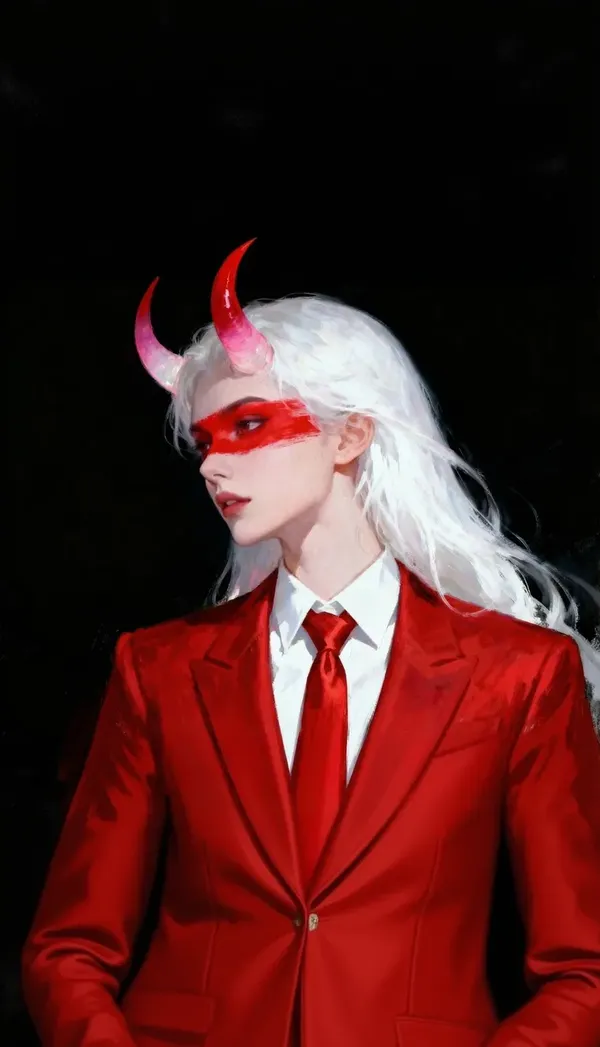
-900x900.webp)
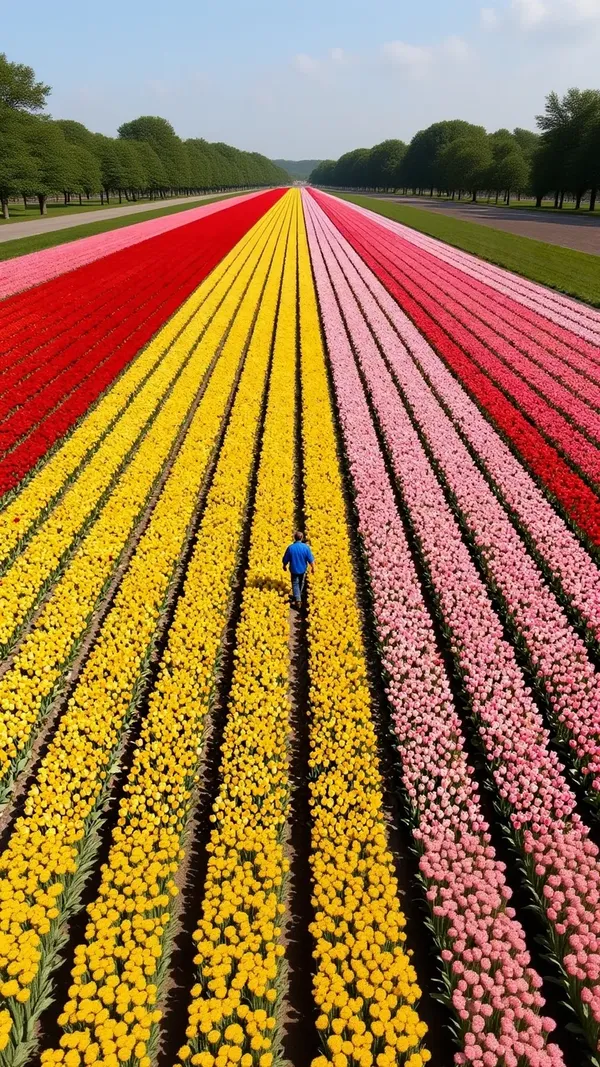
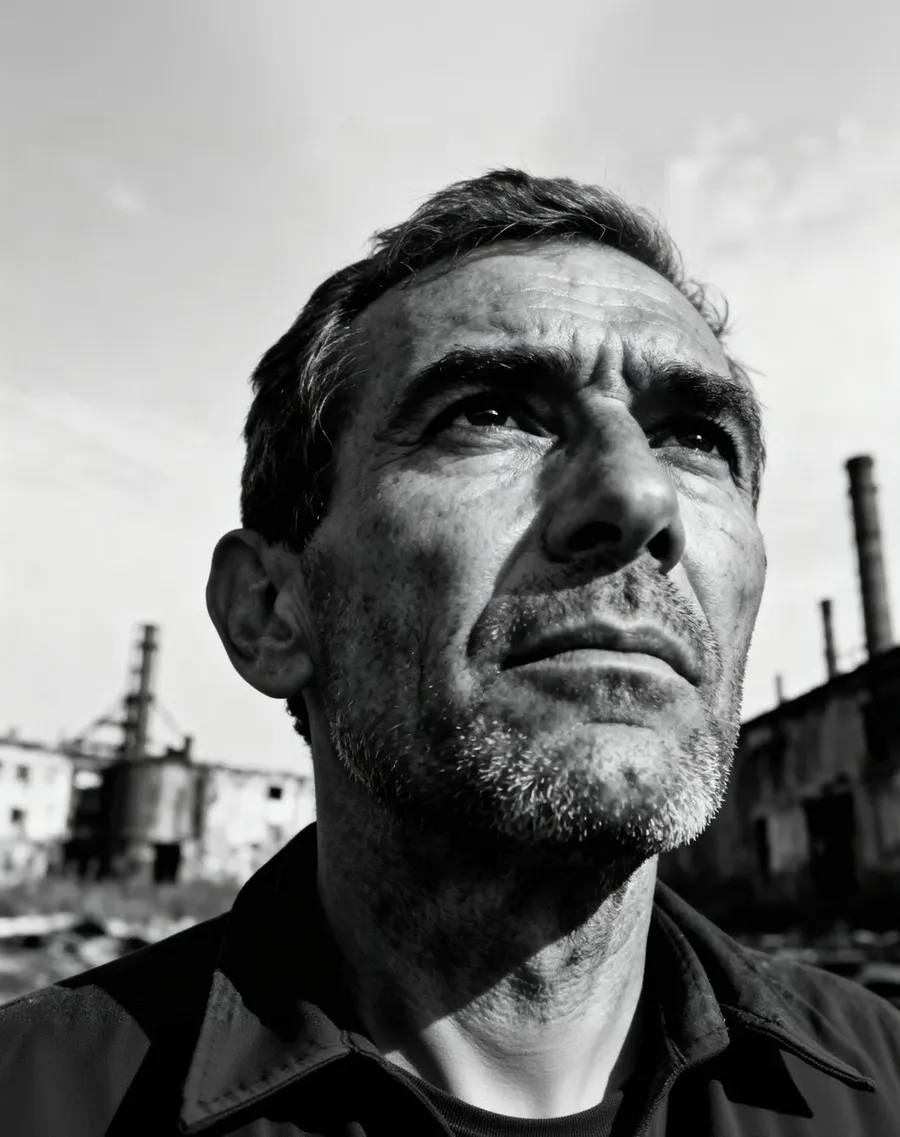
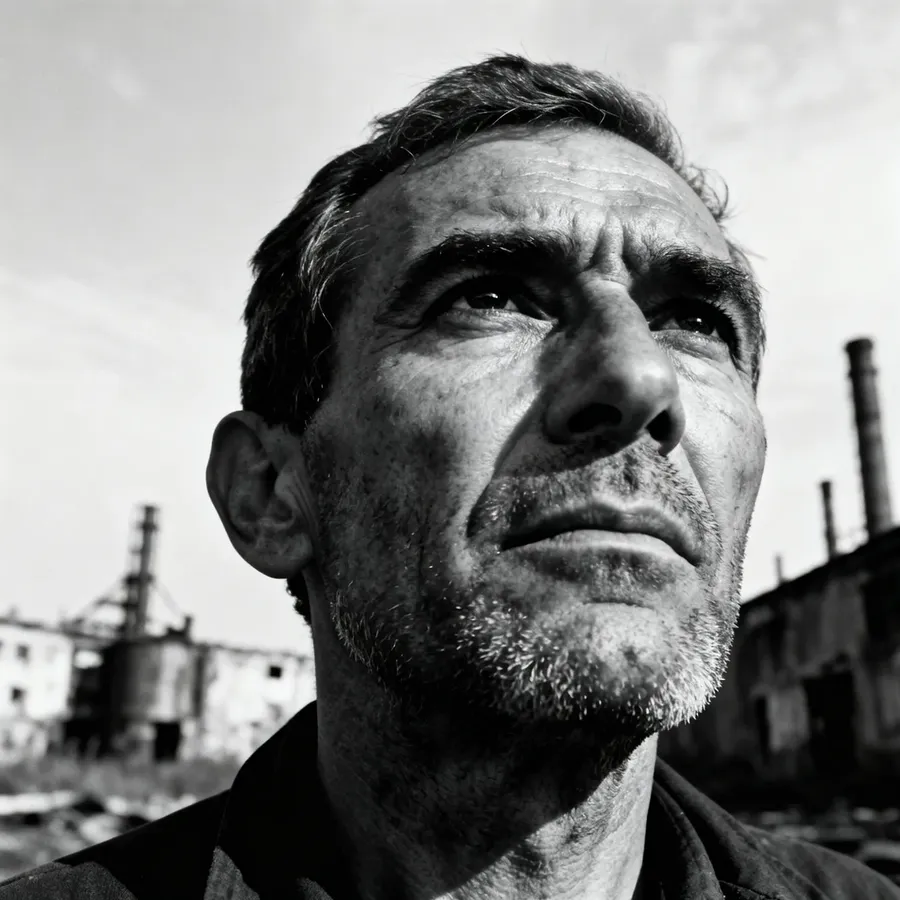
単なる画像リサイズを超えた機能
従来のリサイズツールは、既存のピクセルの寸法を変更するだけです。トリミング、拡大縮小、圧縮して終わり。新しいフレームの枠外にはみ出た部分は完全に失われます。
このツールは違います。目標のアスペクト比を指定すると、AIが構図を再生成するか、元の画像の周囲の領域を生成することで、その形状に合わせて画像を構築します。新しいフォーマットに合わせるために、被写体の端を切り落とす必要はありません。
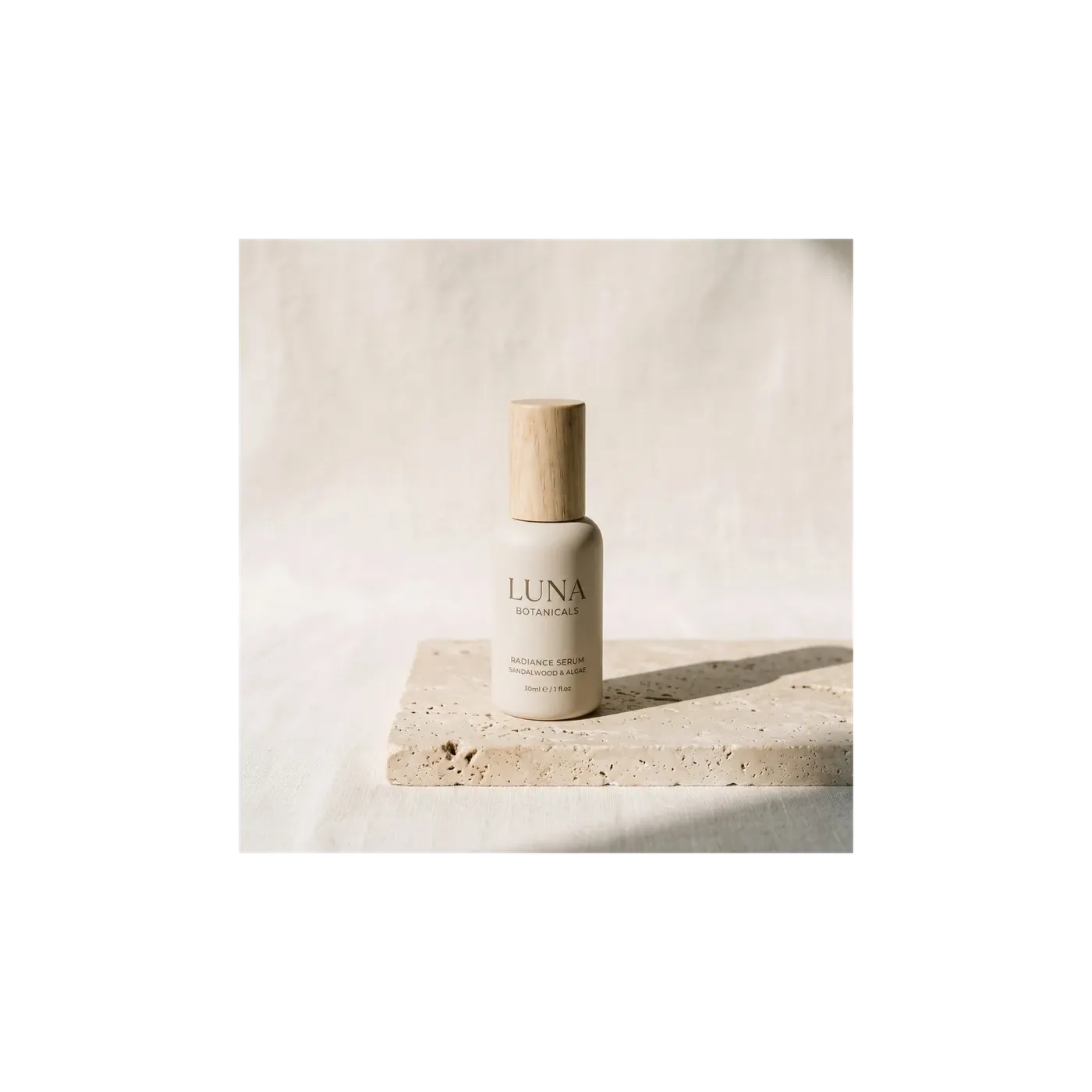
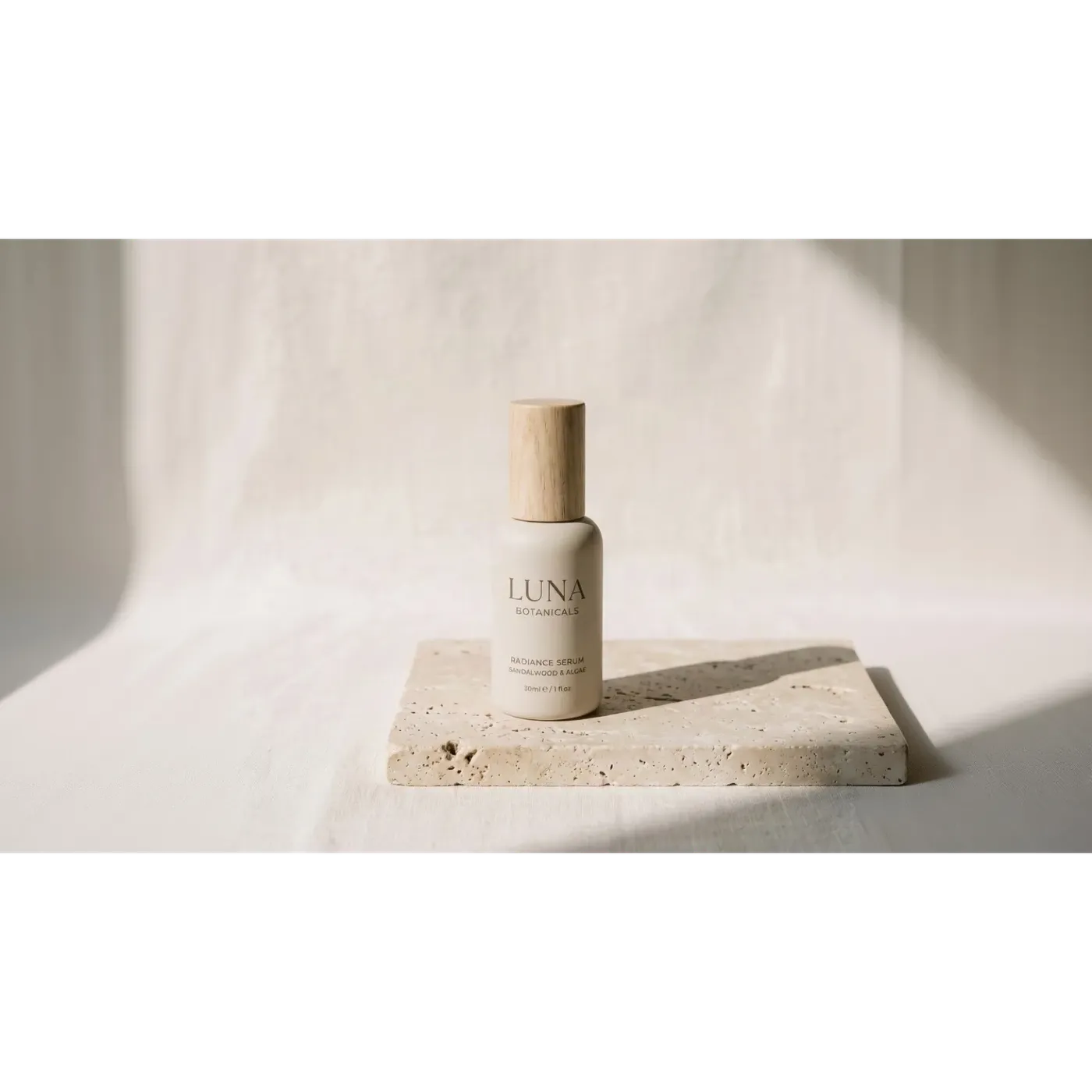
Smart ResizeとOutpaintingの比較
どちらもアスペクト比を変更しますが、解決する課題が異なるため、目的に合わせて選択することが重要です。これらは1つのボタンではなく、2つの独立したワークフローです。
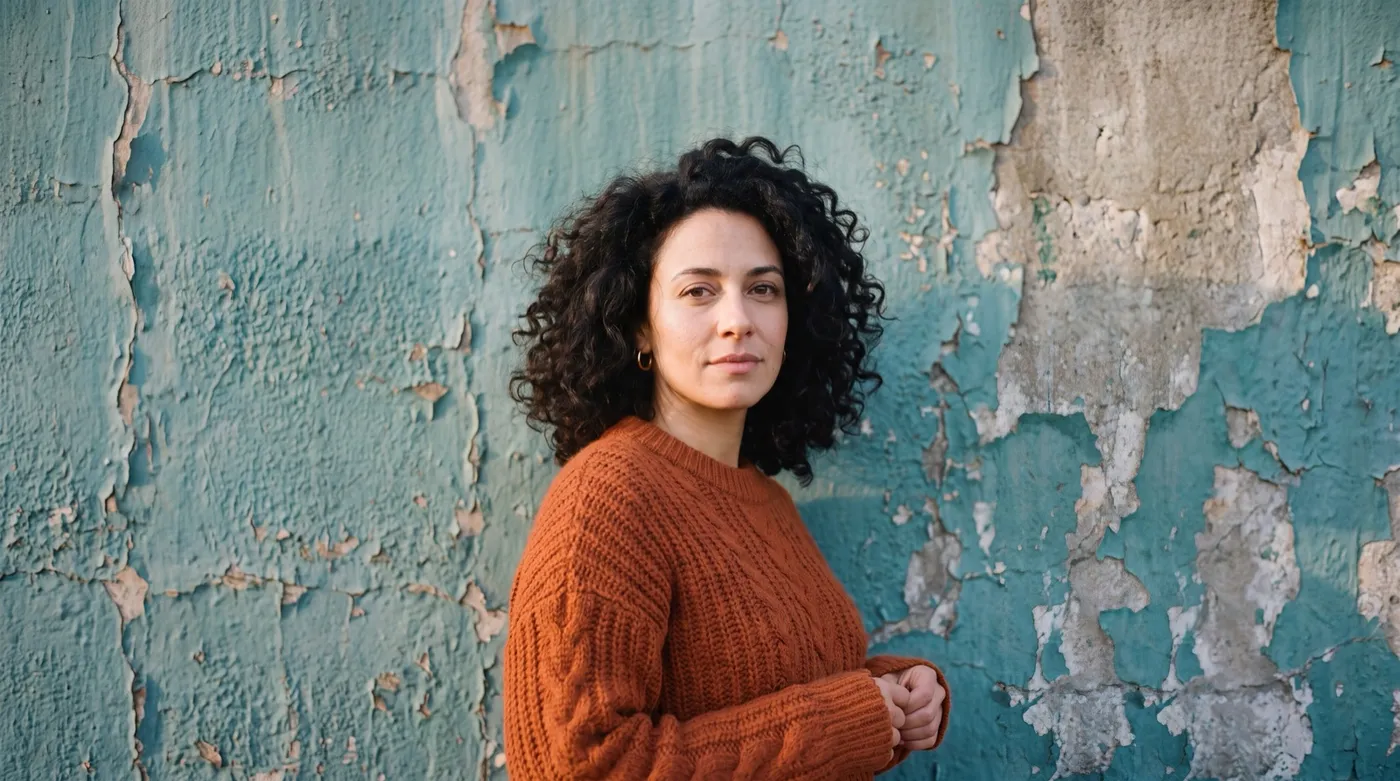
同じ画像、同じ比率:Smart Resize vs Outpainting
正方形(1:1)のポートレート1枚、目標比率16:9、2つのモード。スライダーをドラッグして、getimg.aiで生成された2つの結果を比較してみてください。
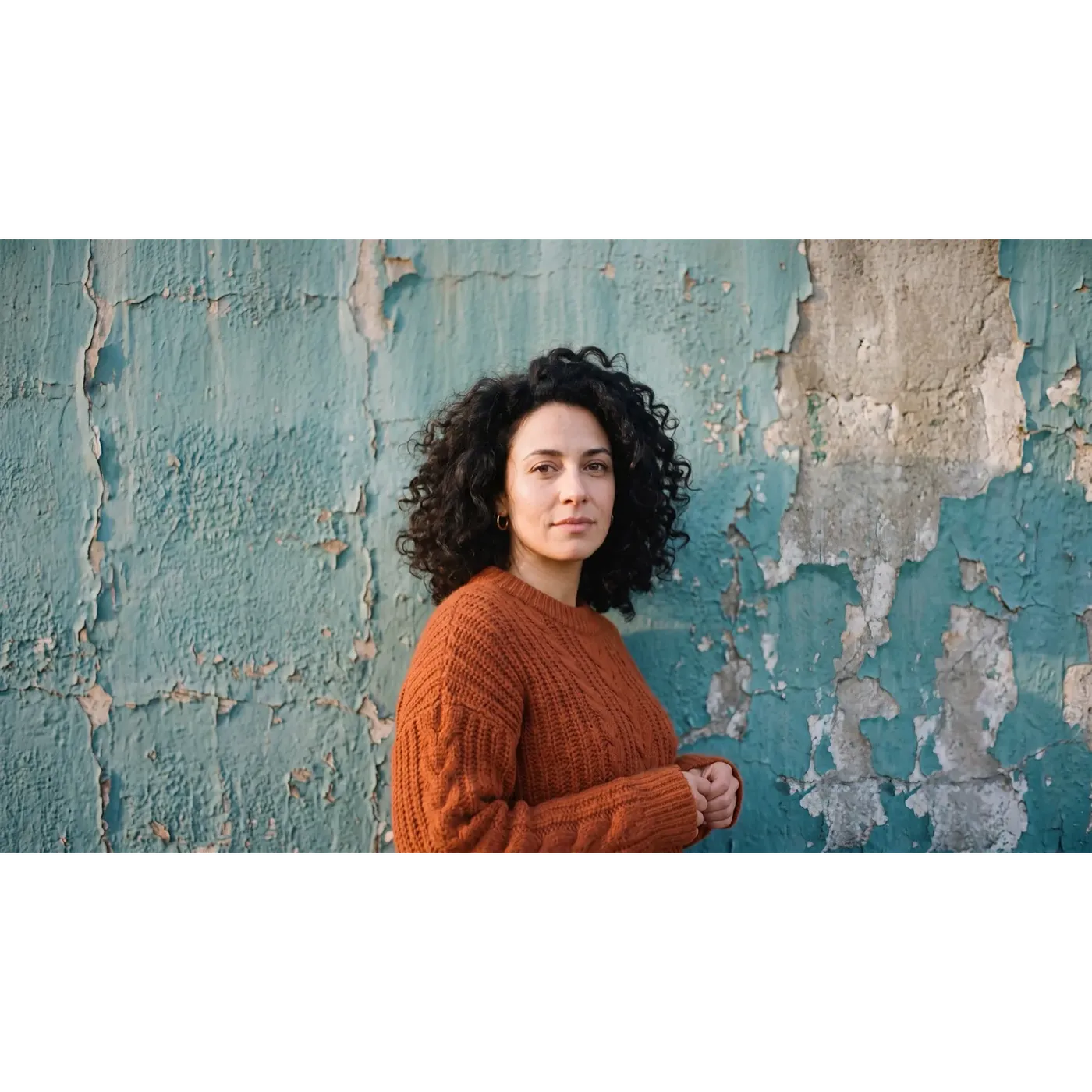
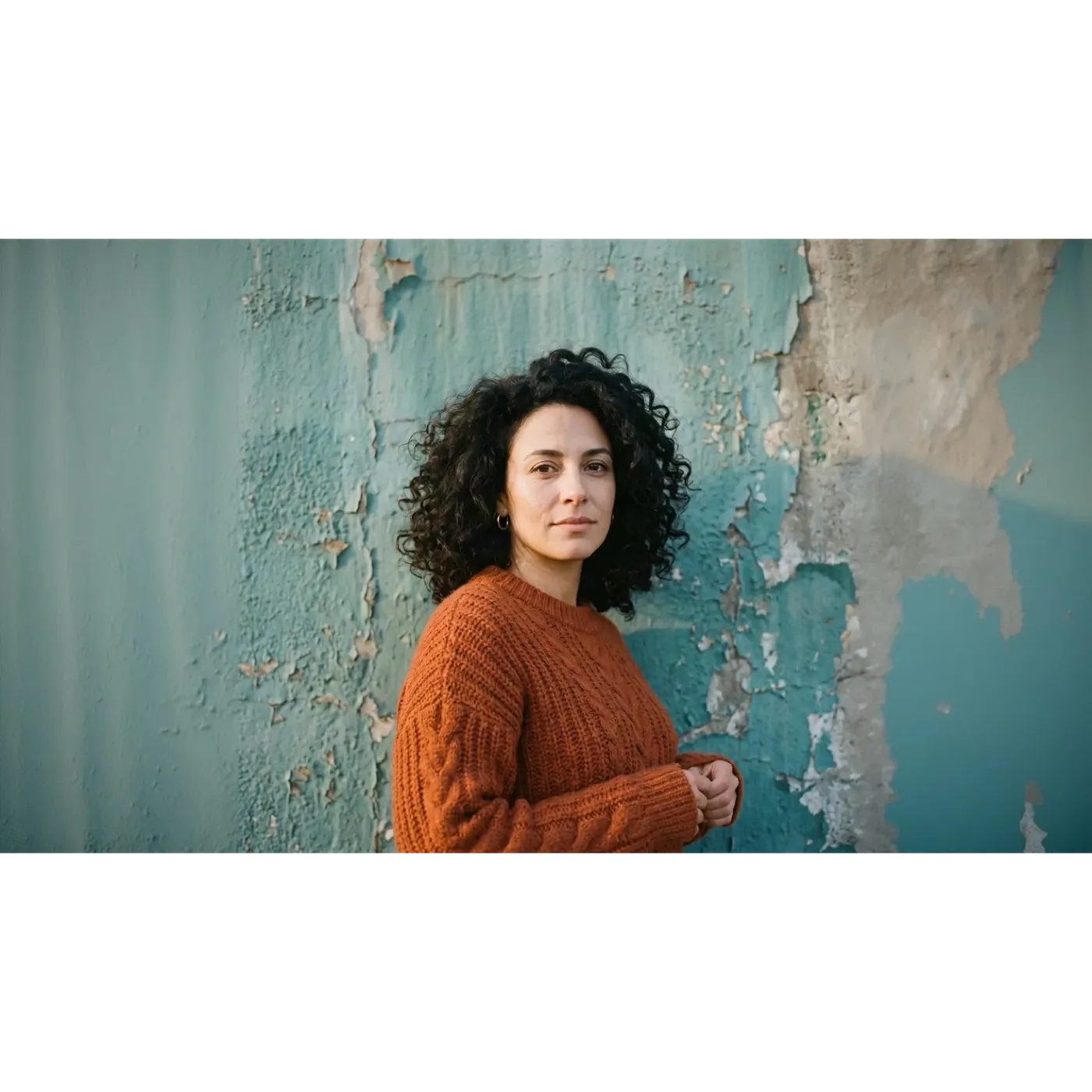
どちらも同じ16:9のフレームを埋めていますが、内容はほとんど一致しません。Smart Resizeは新しいレンダリング結果を返しました。剥がれかけたペンキは別のパターンで再構築され、フレーム全体の光の当たり方も異なり、顔は元の画像に近いものの同一ではありません。一方、Outpaintingは中央の元の正方形をそのまま保持し、左右にのみ新しい壁を生成したため、フレームの中心はアップロードされたファイルと完全に一致しています。
顔、ロゴ、またはテキストの行をリサイズ後もそのまま残す必要がある場合、この違いがどちらのモードを選ぶかの決め手となります。
同じテストを逆から:16:9から9:16へ
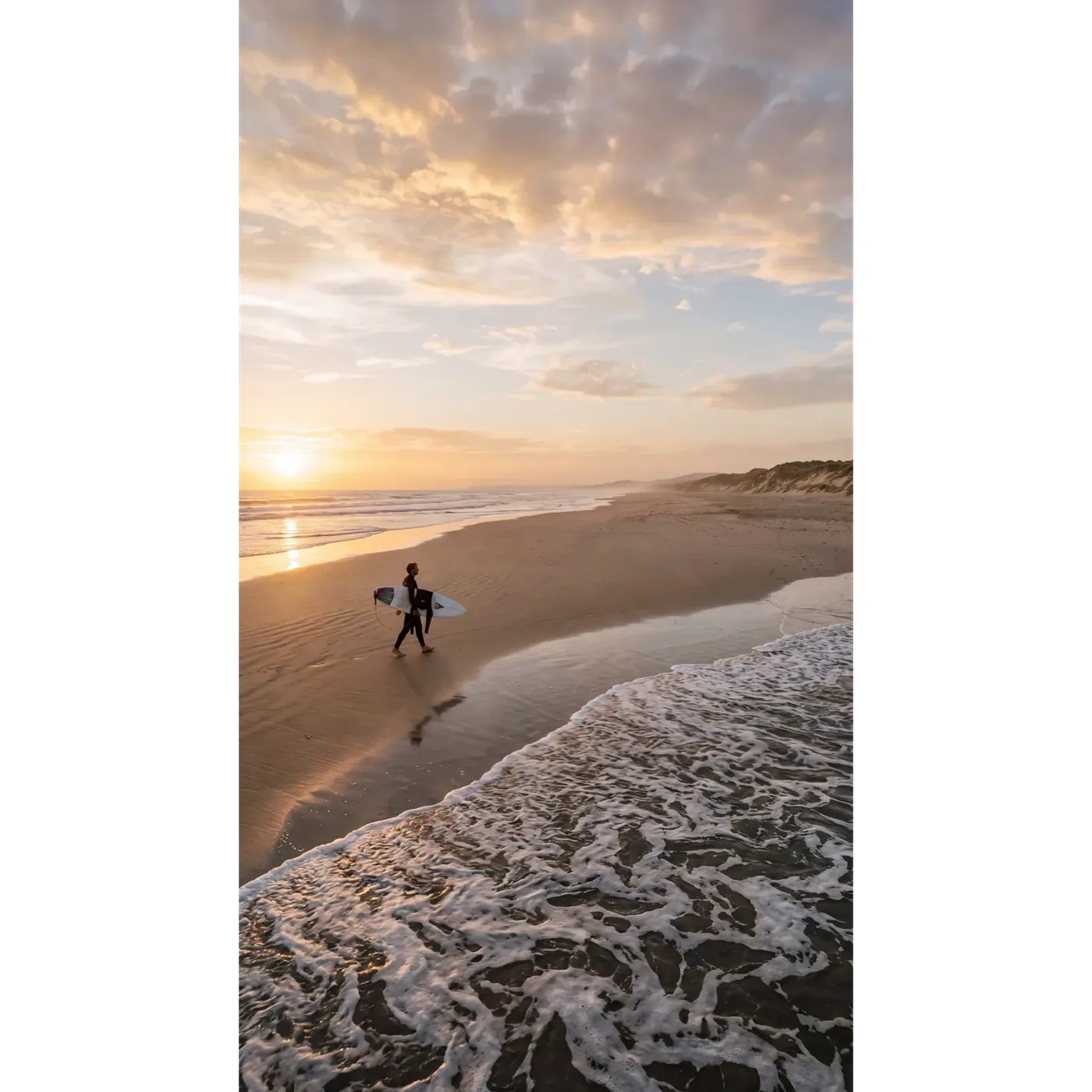
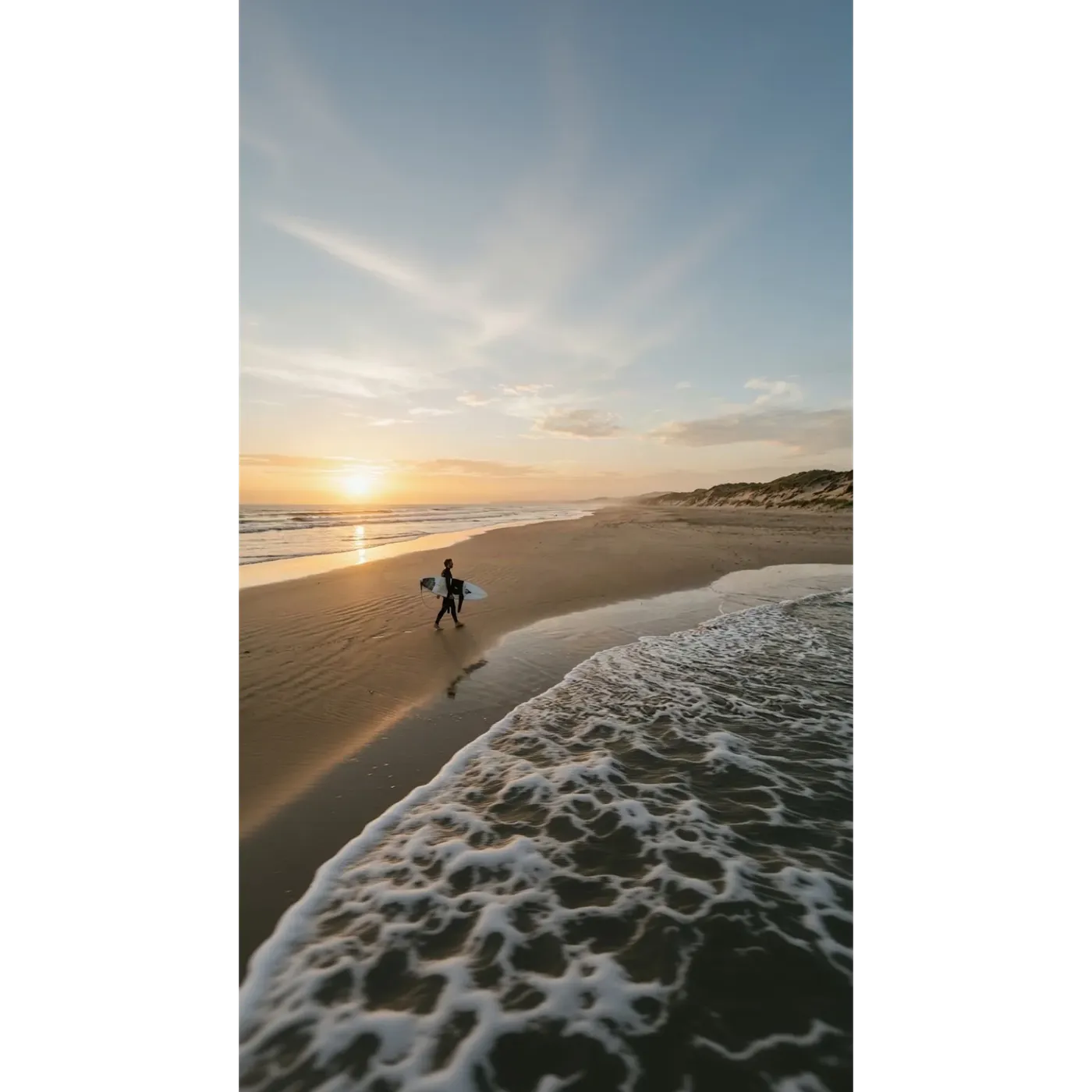
今回は、横長(16:9)のビーチの画像を元に、ストーリーズやリール用の縦長(9:16)を目標にします。同じスライダー、同じ2つのモードを使用します。
Smart Resizeは縦長フォーマットに合わせてシーンを再構築したため、空、雲の形、波しぶきがすべて新しくなっています。Outpaintingは元のビーチの帯を正確に同じ位置に保ち、その上部に空を、下部に水面を生成しました。
どちらが唯一の正解というわけではありません。Smart Resizeは縦長フレーム用に作られた構図を提供します。Outpaintingは、すでに承認済みのショットを、より縦に長いキャンバス内に配置して提供します。
AIリサイズと従来のトリミングの比較
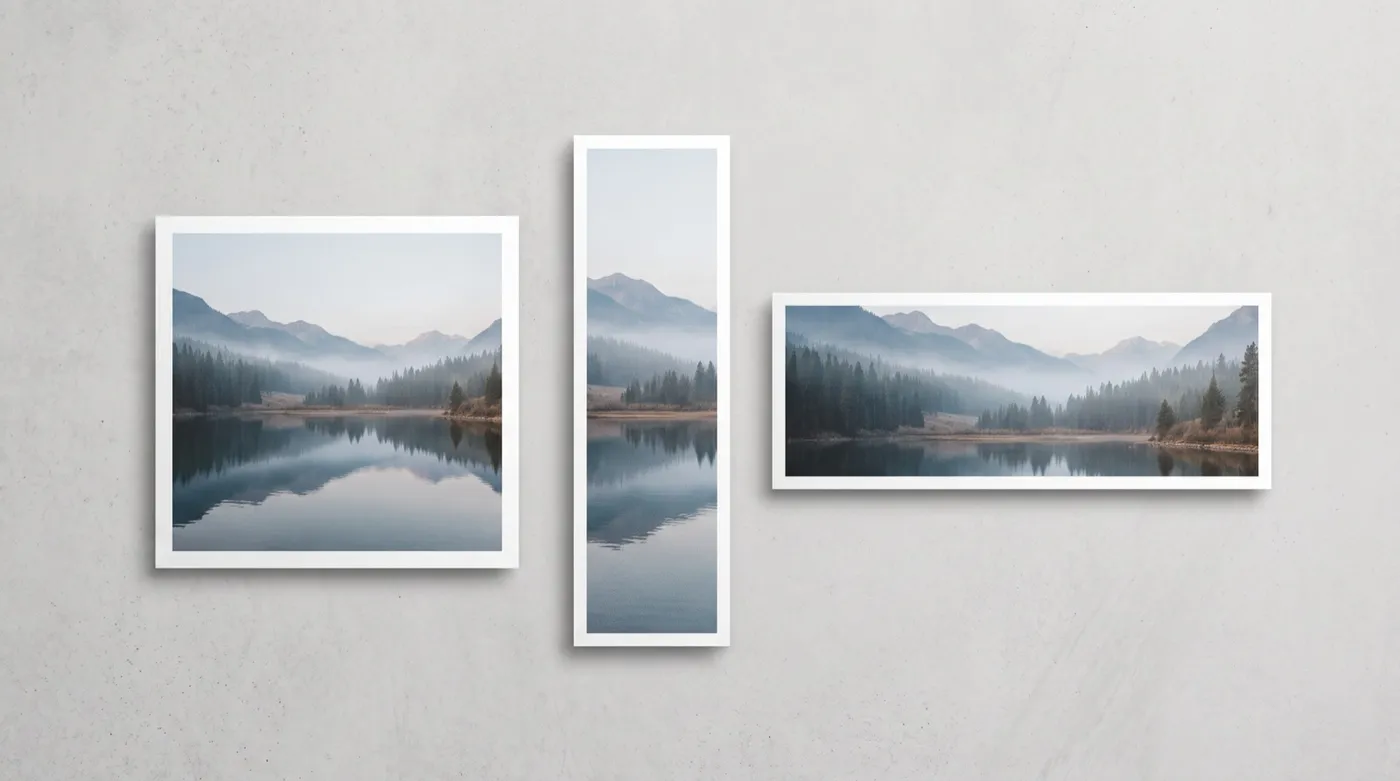
トリミングは既存のピクセルのみを使用します。AIリサイズは、新しいフレームに必要なものを構築できます。これらは異なるトレードオフであり、勝敗を決めるものではありません。
getimg.aiでのリサイズ
「Resize image」を開く
サイドバーの「Resize image」に移動し、ファイルをドロップするか、ギャラリーから選択します。一度に複数の画像を読み込むこともできます。
目標のアスペクト比を選択
1:1、4:5、5:4、3:4、4:3、2:3、3:2、16:9、9:16、21:9の中から選択します。
Smart ResizeかOutpaintingを選択
Smart Resizeは構図を再生成し、1K、2K、4Kの画質切り替えが可能です。Outpaintingは元の画像を保持し、その周囲にキャンバスを拡張します。
生成
元の画像が上書きされることはありません。実行するたびに、元の画像とは別に新しいファイルとして保存されます。
手動でのトリミング
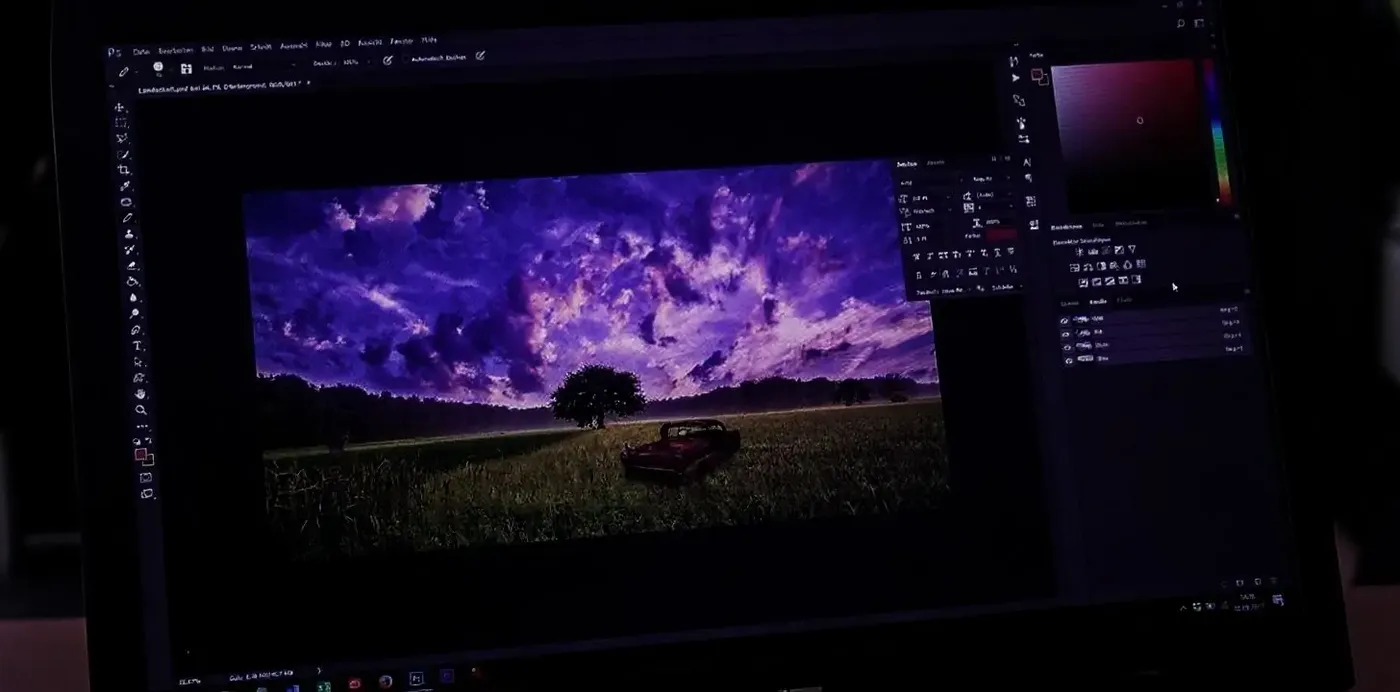
- Photoshop、Figma、またはCanvaでファイルを開く
- 各目標比率に合わせて、1つのフォーマットずつトリミングする
- 新しいフレームの枠外にはみ出た部分は切り取られることを受け入れる
- コピースタンプツールや「コンテンツに応じた塗りつぶし」で不足している背景を再構築する
- 焦点や、テキスト・ロゴの配置を再確認する
- フォーマットごとに個別のファイルをエクスポートする
- 次の画像で同じ作業を繰り返す
- メリット:完全に予測可能であり、フレーム内の何も生成されないこと
リサイズとアップスケーリング:異なる役割
この2つは頻繁に混同されますが、それぞれ異なる役割を持つ別々のツールです。
リサイズは画像の形状(アスペクト比やフレーム内に収まる内容)を変更します。1:1の写真が9:16のストーリーズや16:9のバナーになります。アップスケーリングは形状を変えずに解像度を上げるため、同じフレームのままピクセル数が増え、細部まで鮮明になります。正方形の投稿からストーリーズへの変換は「リサイザー」を使います。すでにあるフレームのままで、より大きく高解像度のファイルが必要な場合はImage Upscalerを使用します。
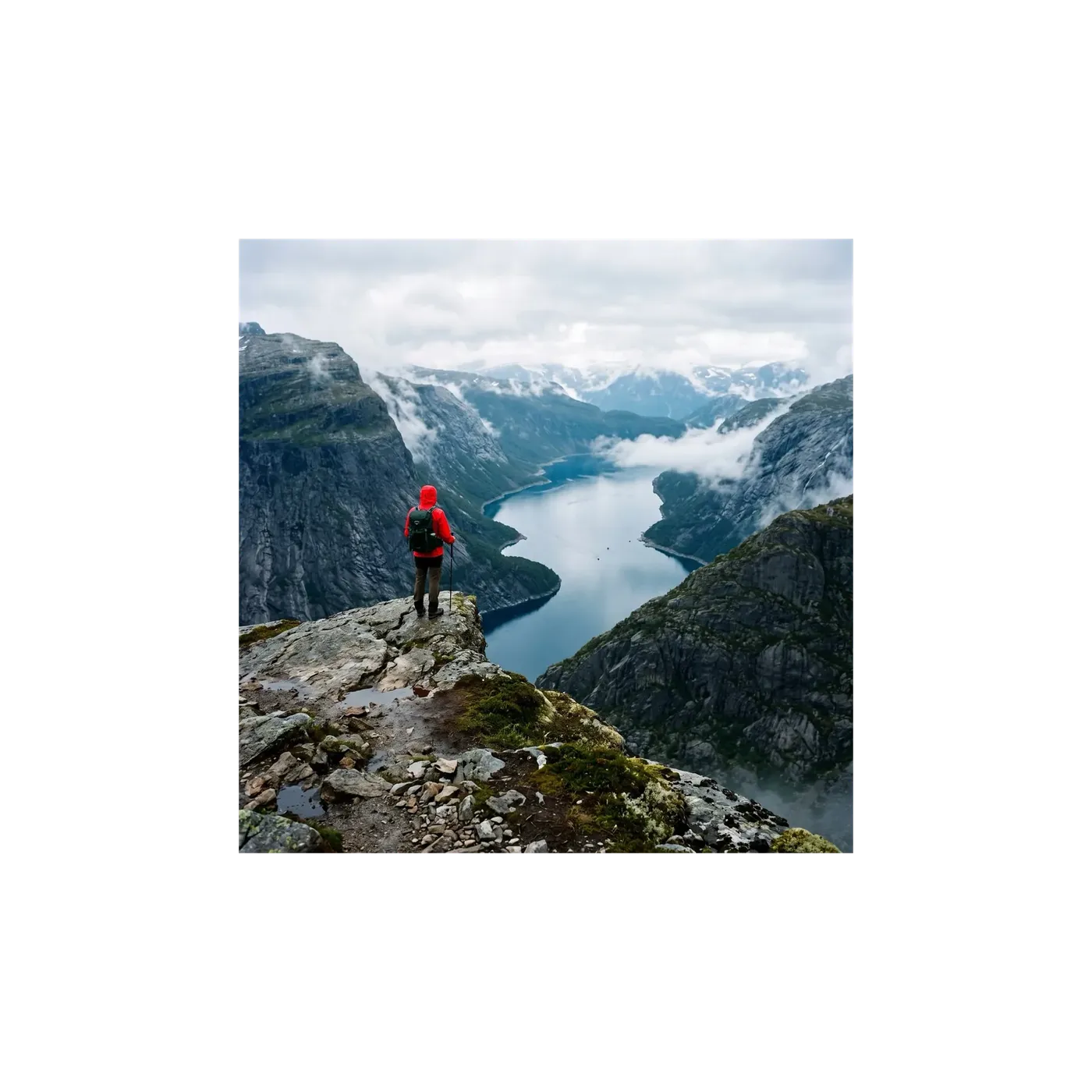
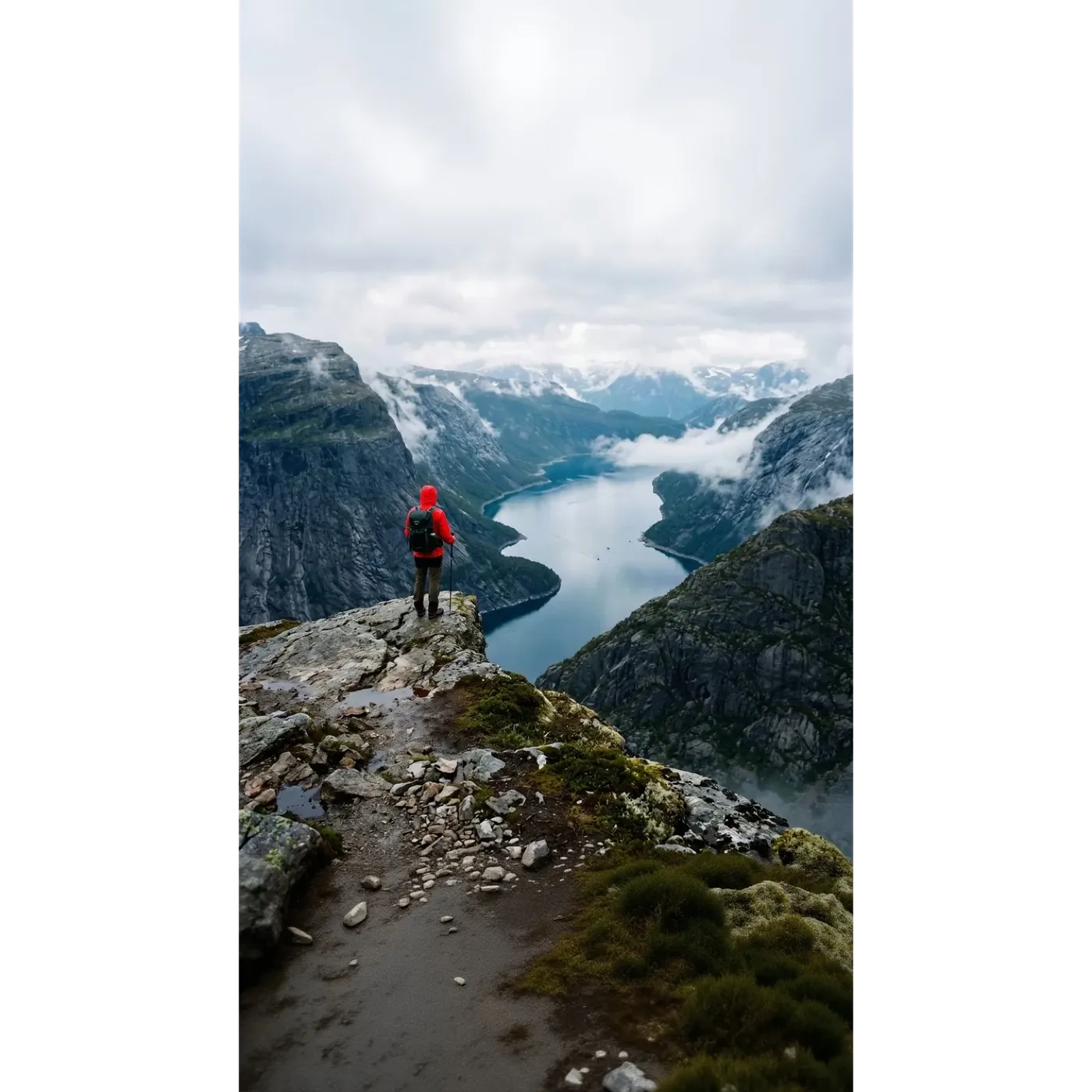
チームがgetimg.aiリサイザーを使用する理由
1枚の元画像から、手作業でフレームを再構築することなく、チャネルに必要なあらゆるフォーマットを作成できます。
1つのツールに2つのモード
クリエイティブな再構成にはSmart Resizeを、元の画像をそのまま残す必要がある場合はOutpaintingを使用します。同じ画像上で切り替えることが可能です。
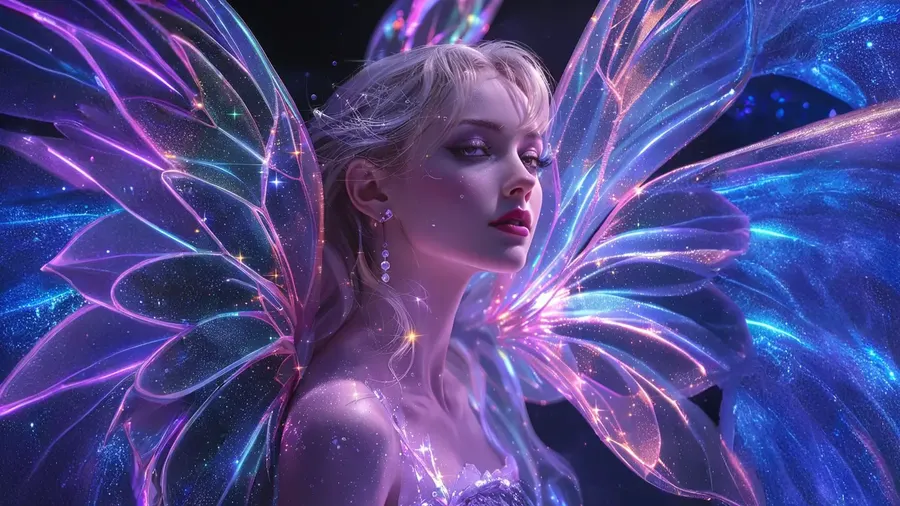
引き伸ばすのではなく、生成する
画像が潰れたり複製されたりすることはありません。Outpaintingは画像の周囲に新しいキャンバスを生成します。Smart Resizeは目標の形状に合わせた新しいバージョンを構築します。
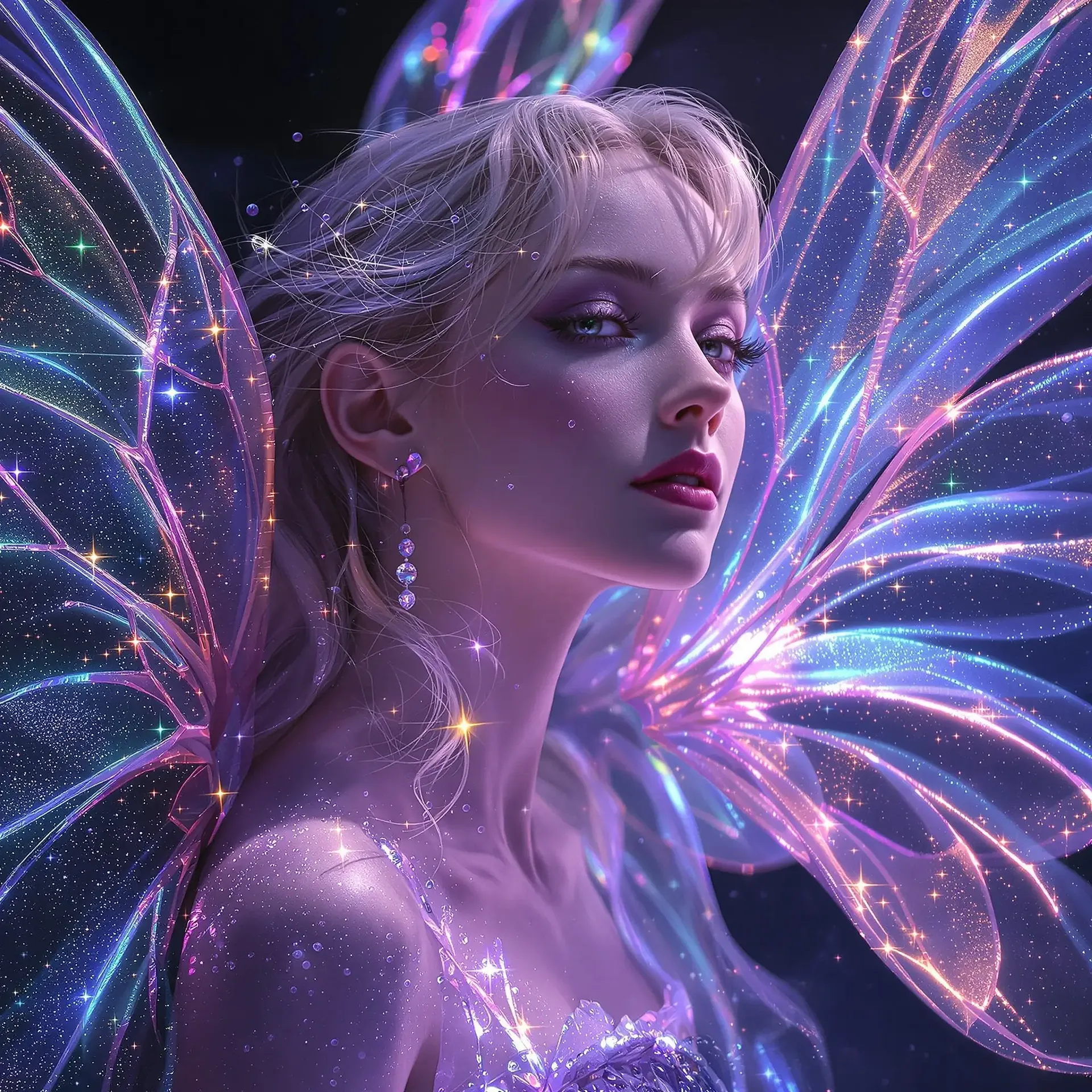
チャネルに必要なあらゆる比率に対応
フィード用の1:1と4:5、ストーリーズやリール、TikTok用の9:16、サムネイルやバナー用の16:9、ワイドなヒーロー画像用の21:9。
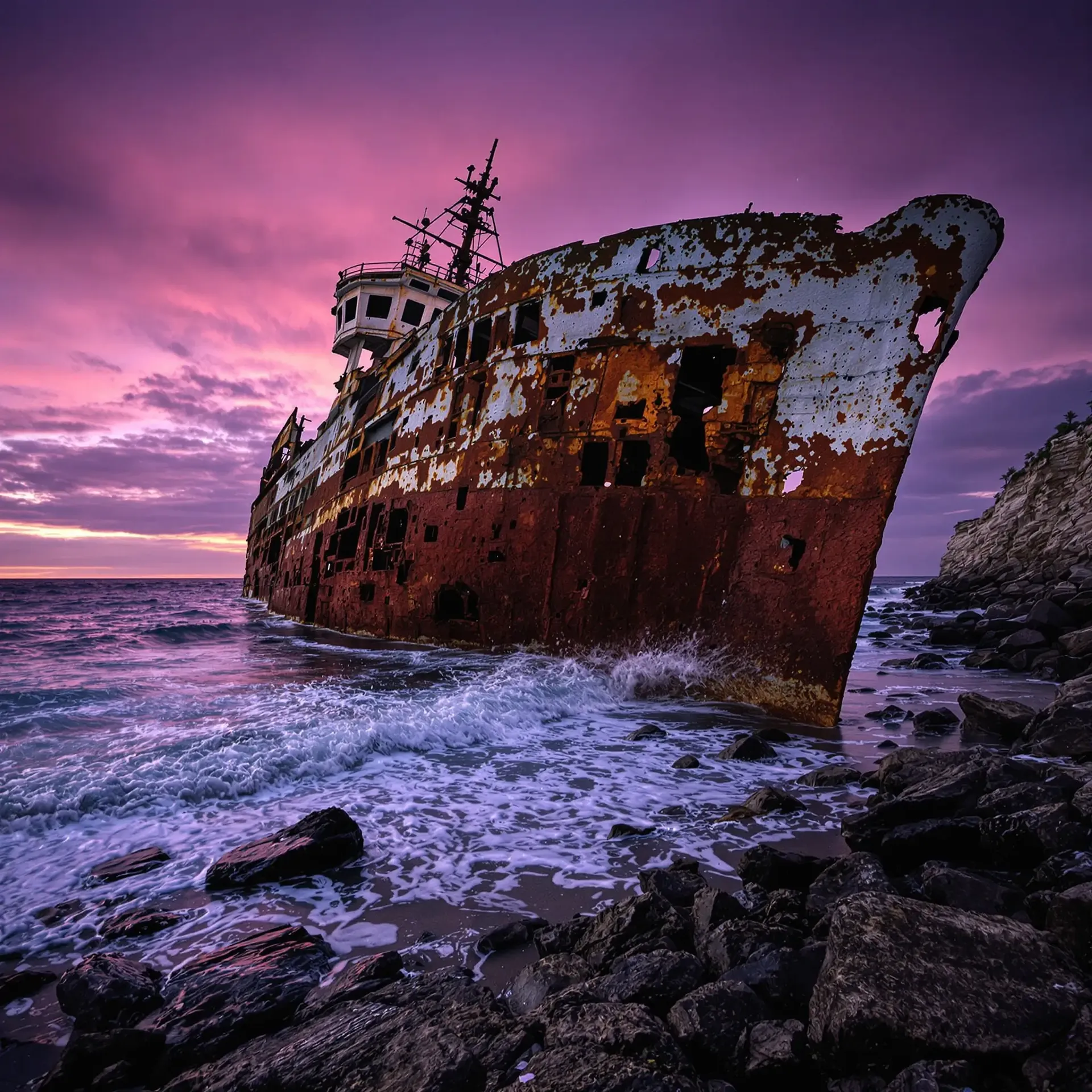
一括処理で、元の画像はそのまま
一度に複数の画像をドロップできます。実行するたびに新しいファイルが保存され、元画像はそのままの状態で残ります。
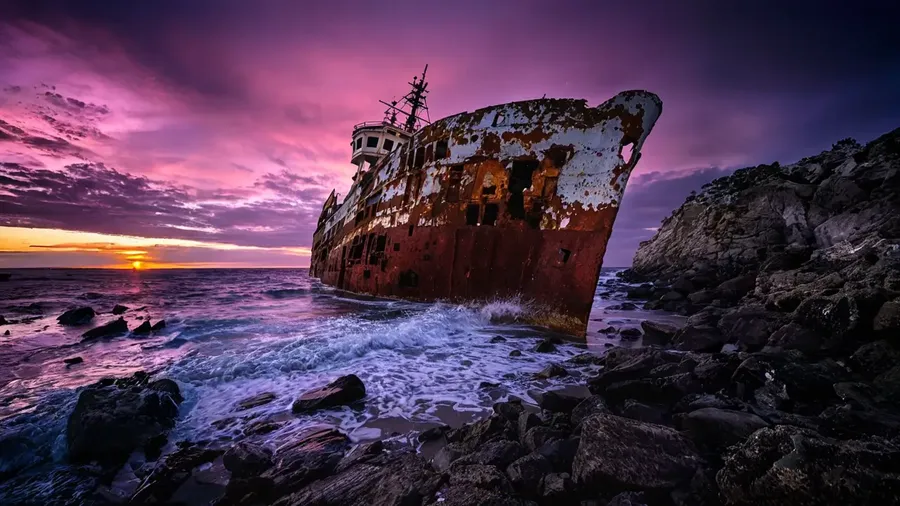
クリーンで高品質な再構成のための設計
Smart Resizeは、選択した比率で画像の新鮮なバージョンをレンダリングするため、結果はピクセル単位でコピーするのではなく、元の画像に沿ったものになります。Outpaintingはその逆のアプローチをとり、元の画像をそのまま残し、その周囲の領域のみを生成します。そのため、同じファイルでもモードによって仕上がりが大きく異なる場合があり、目的に合わせてモードを選択する価値があるのです。
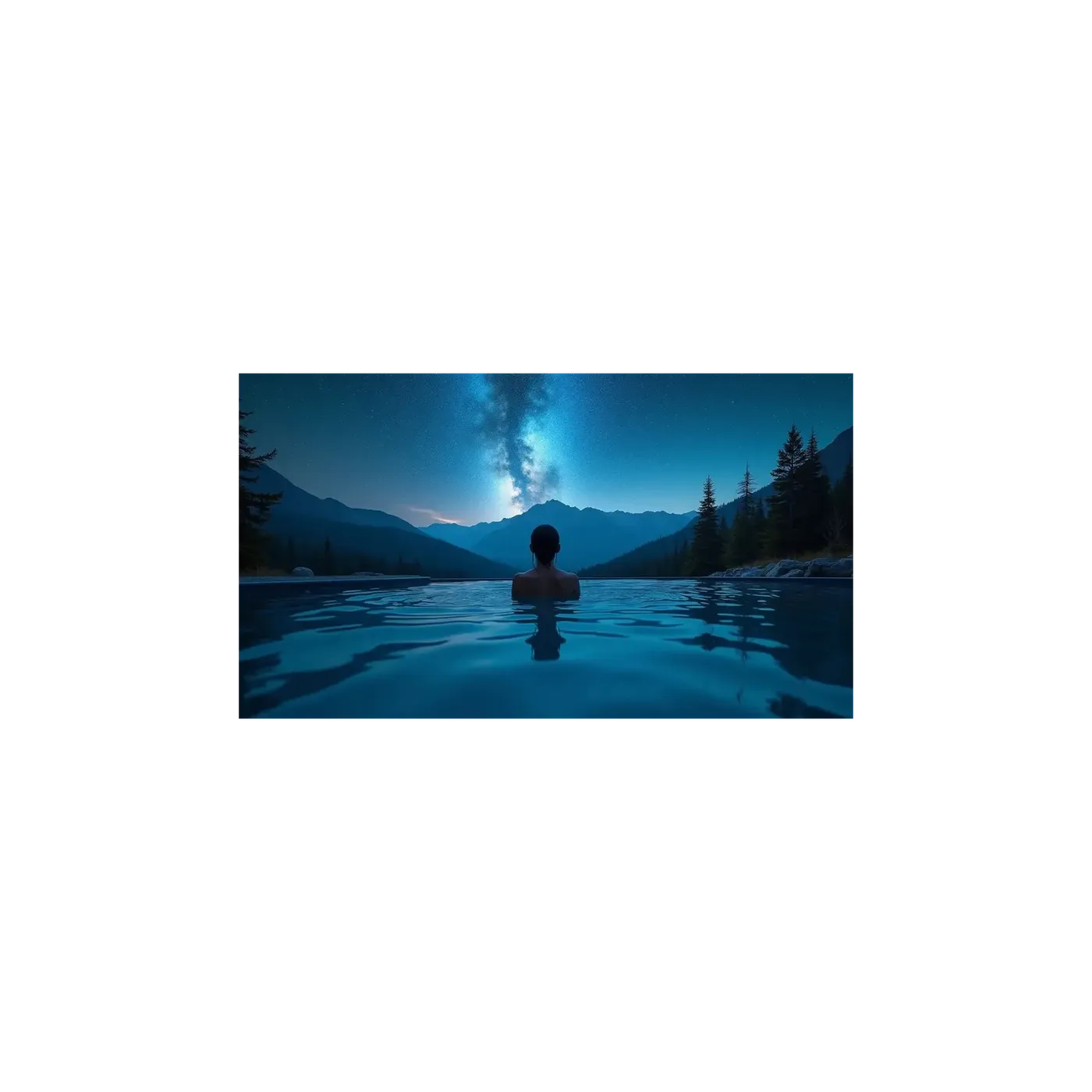
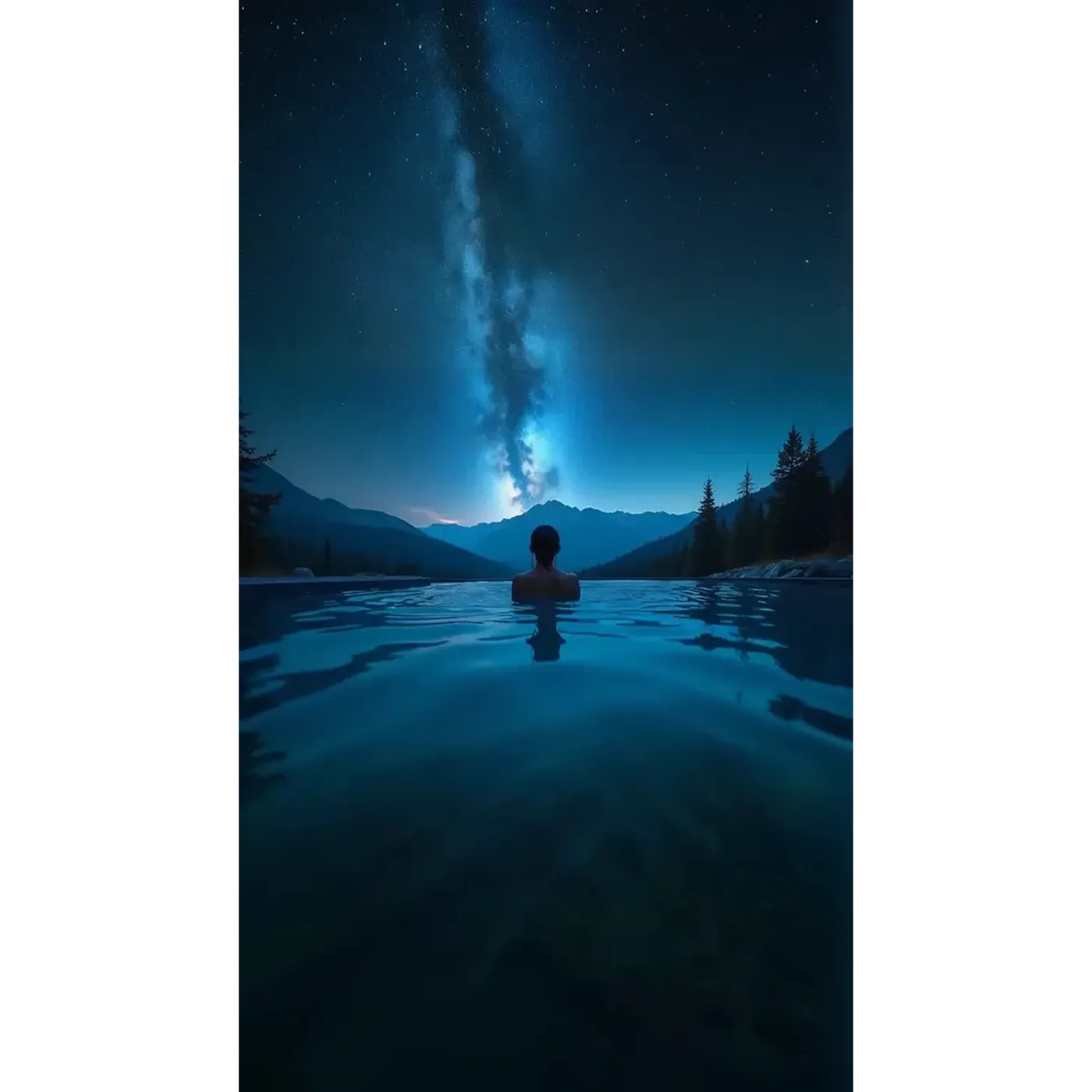
あらゆるプラットフォーム向けのアスペクト比
Smart Resizeは1:1、4:5、5:4、3:4、4:3、2:3、3:2、16:9、9:16、21:9の10種類のアスペクト比をカバーしています。Outpaintingは5:4を除く同じリストをカバーしています。
実際には、Instagramの投稿(1:1または4:5)、ストーリーズやリール(9:16)、TikTok(9:16)、YouTubeのサムネイル(16:9)、ウェブサイトのバナー(16:9または21:9)、ポスターや本の表紙(2:3または3:4)に対応します。固定のピクセル寸法ではなく比率であるため、プラットフォームが仕様を変更しても、アセットは正しい状態を保ちます。
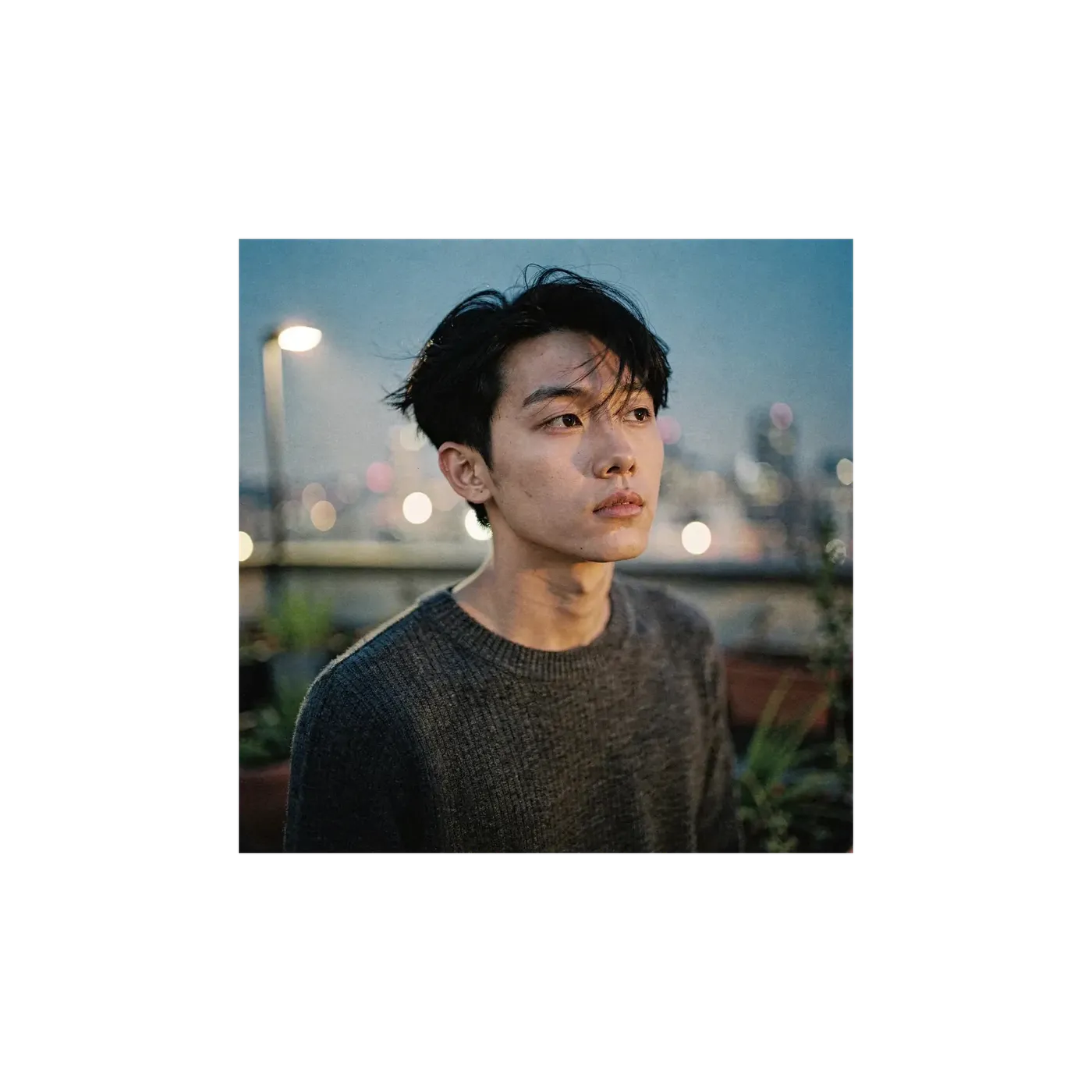
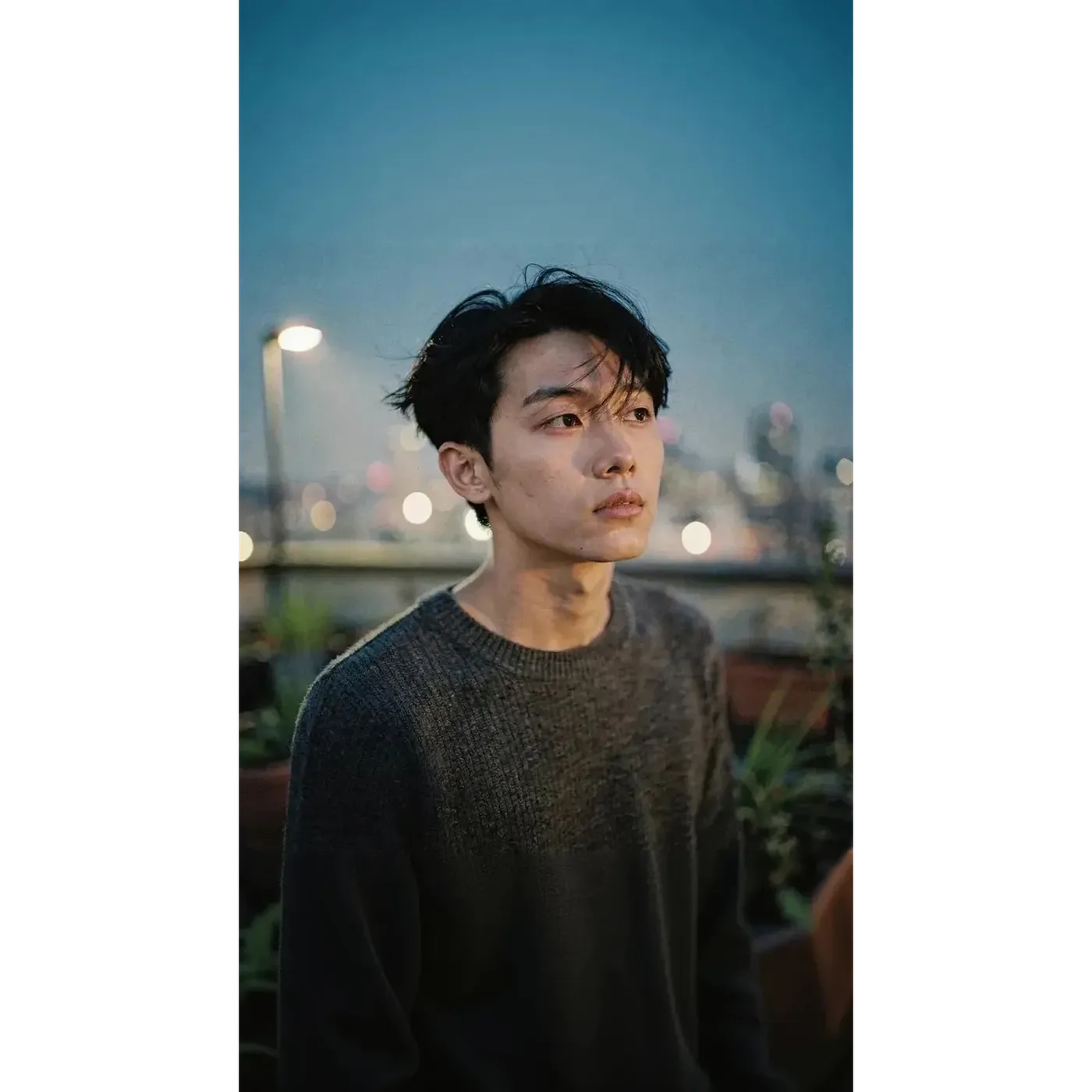
1枚の元画像から、すべてのチャネルへ
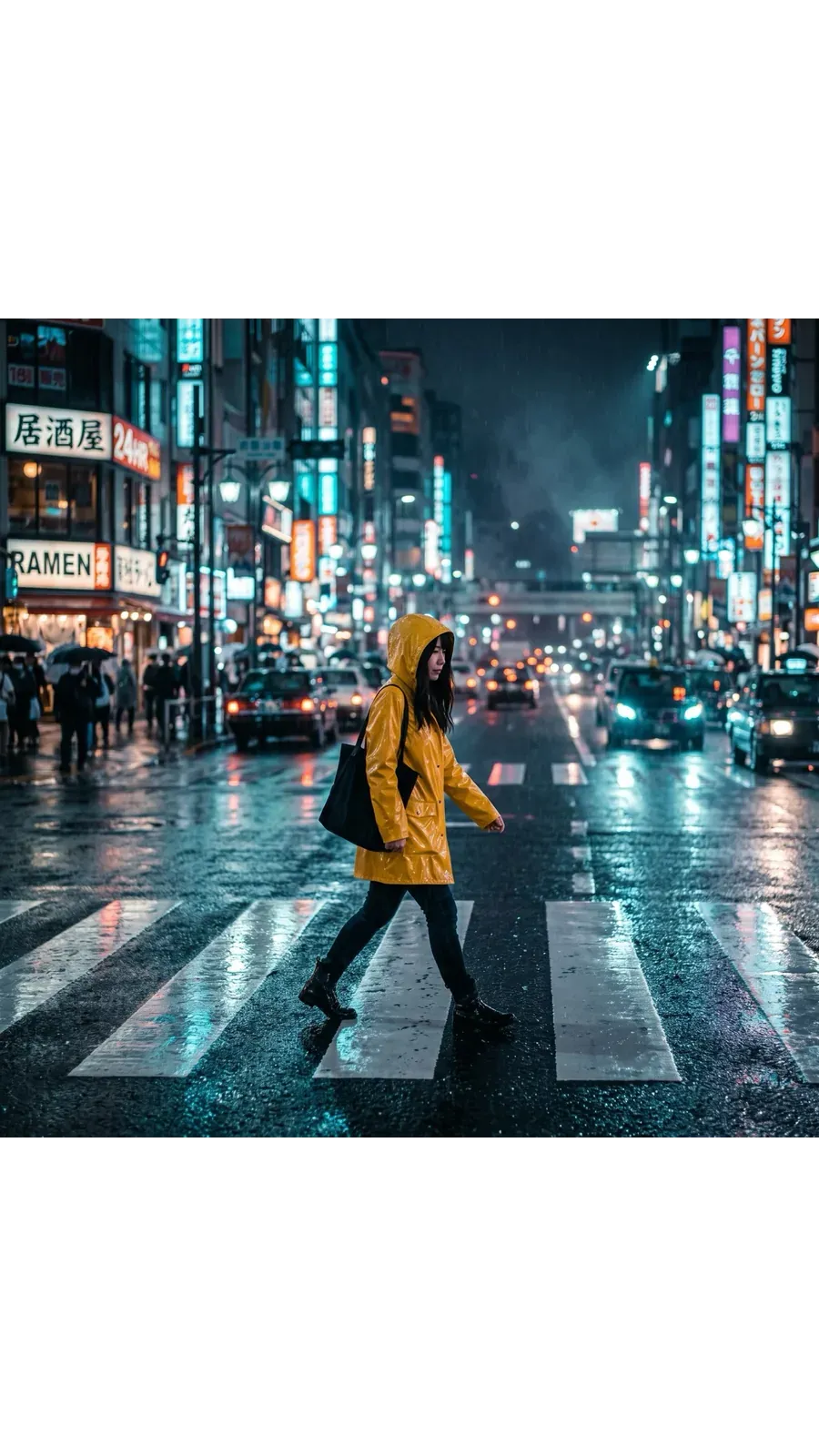
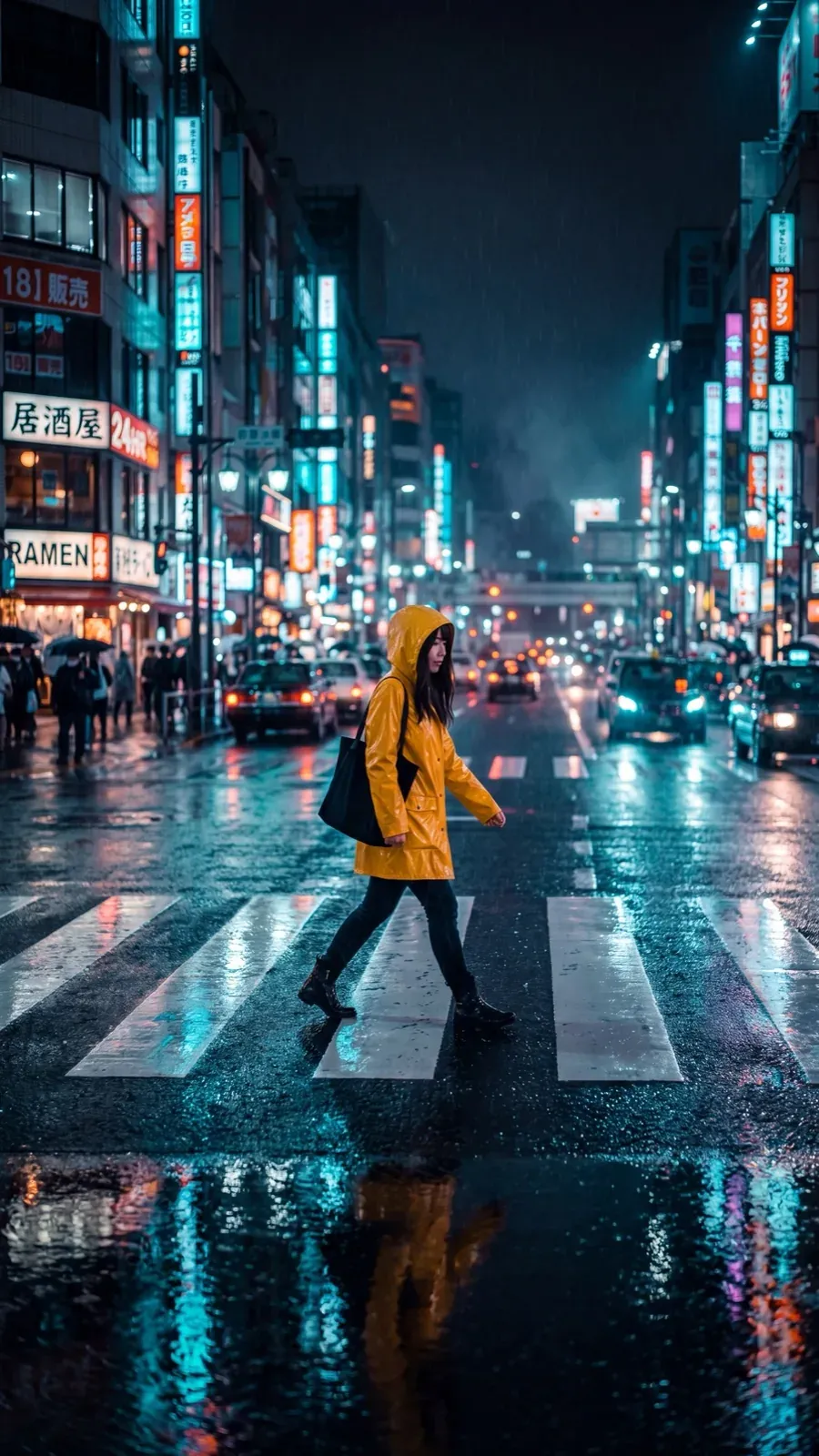
同じ夜のストリート写真を2回リサイズしました。再撮影は一切行わず、手動でのトリミングもしていません。
フィード用の1:1
元のフレームです。Instagram、Facebook、LinkedIn用の正方形の投稿。フィードで高さを出したい場合は4:5に切り替えます。
ストーリーズやリール用の9:16
Smart Resizeで縦長用にシーンを再構築しました。正方形をトリミングしたものではなく、スマートフォンの全画面向けに作られた構図の中に同じ被写体が配置されています。
サムネイルやバナー用の16:9
YouTubeのサムネイル、ウェブサイトのバナー、メールのヘッダー用のワイドバージョン。ヒーロー画像をさらに幅広くしたい場合は21:9にします。
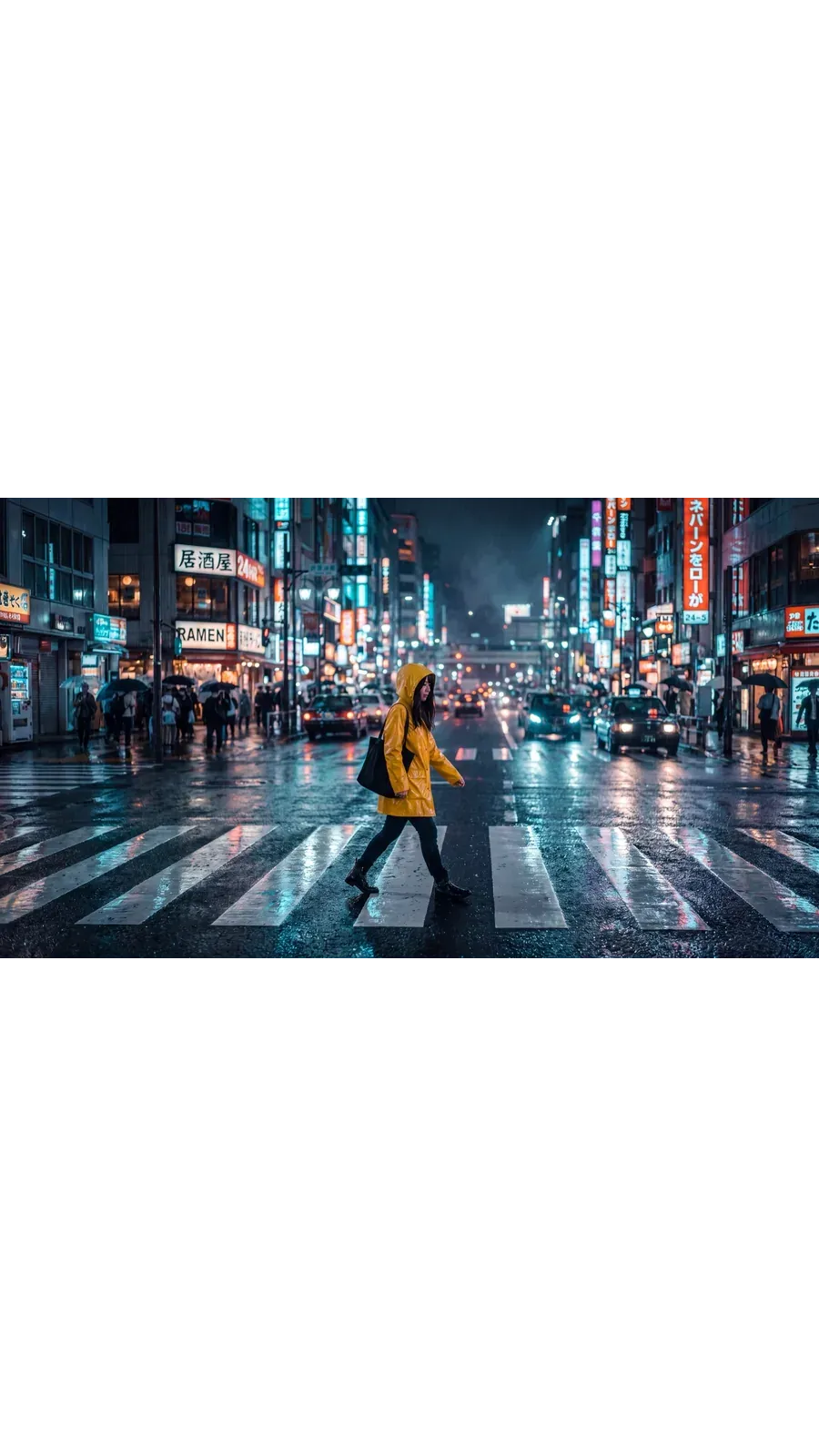
チームの実際の活用方法
あらゆるキャンペーンで発生する、既存の画像から始まる6つのワークフロー。
他のAIツールや機能を探索する
よくある質問
getimg.aiのサイドバーで「Resize image」を開き、ファイルをドロップするかギャラリーから選択し、目標のアスペクト比を選びます。その後、Smart ResizeまたはOutpaintingを選択して生成します。ブラウザ上で動作するため、Windows、macOS、iOS、Androidのいずれでも手順は同じです。
どちらのモードも、合わせるためにトリミングすることはありません。Outpaintingは元のピクセルをすべて保持し、その周囲に追加のキャンバスを生成します。Smart Resizeは新しい比率で画像を再生成するため、構図はその形状に合わせてトリミングされるのではなく、新しく構築されます。
どちらのモードも、写真、イラスト、リアルなAI画像のいずれにも同様に機能します。元画像の種類の違いよりも、どちらのモードを選ぶかが重要になります。
モードによって異なります。Outpaintingは画像の端を読み取り、フレーム内の既存の照明や遠近法に合わせてシーンを外側に向かって拡張します。Smart Resizeは隙間を埋めるわけではありません。目標の比率で画像全体の新しいバージョンを生成するため、構図の一部が移動することがあります。
例えば、Outpaintingで正方形のビーチの写真をワイド画面にする場合、海が拡張されたり、砂浜が増えたり、あるいは元の画像にはなかった要素(追加の海水浴客など)が導入されたりする可能性があります。これは意図通りの生成的な動作であり、バグではありません。特に画像に人物、製品、テキスト、または事実に基づくものが含まれている場合は、公開前に生成された領域を確認してください。これはAIアートと写真のどちらにも当てはまります。
写真、イラスト、レンダリング、デジタルアート、またはAIタトゥーデザインのようなPNGファイルなどがすべて機能します。ファイルの種類よりも、選択するモードの方が重要です。
Smart Resizeは画像全体を再生成するため、ロゴ、パッケージ、UIスクリーンショット、図解、テキストの多いデザイン、正確な製品ラベルにはリスクが伴います。これらについてはOutpaintingを使用してください。元の画像はそのままの状態で、周囲の領域のみが生成されます。
トリミングは既存のピクセルのみを使用します。フレーム内の切り取る範囲を選択すると、その外側はすべて破棄されます。これは完全に予測可能ですが、画像の一部が失われます。AIリサイズは、元画像にはなかったコンテンツを生成できます。Outpaintingは画像の周囲の領域を生成し、Smart Resizeは目標の形状に合わせて新しいバージョンを生成します。シーン全体を維持できる代わりに、実行するたびに結果が異なります。
元の正確なディテールが重要となる場面では、Outpaintingを使用してください。ロゴ、パッケージ、テキストの多いデザイン、UIスクリーンショット、図解、製品ラベル、認識可能な顔などはすべて元のピクセルを残す必要があり、Outpaintingであればその周囲にのみキャンバスを生成します。
構図の一部が変化しても構わず、新しいフォーマットに合わせたフレームを作成したい場合は、Smart Resizeを使用してください。アップロードした画像のピクセル単位の正確なコピーではなく、ぴったり合うレイアウトが目的の場合、こちらの方がより速いアプローチとなります。
いいえ。実行するたびに新しいファイルが保存され、元画像はそのままの状態で残ります。Outpaintingは、新しく拡張されたフレーム内に元のピクセルを維持します。Smart Resizeは、目標の比率で新しく生成された別のバージョンを作成します。どちらの場合でも、アップロードしたファイルはギャラリーに変更されずに残ります。
リサイズはアスペクト比、つまりフレームの形状とそこに収まる内容を変更します。アップスケーリングは形状を維持したまま解像度を上げるため、同じフレームでピクセル数が増えた状態になります。正方形の画像をストーリーズやバナーにしたい場合はリサイザーを使用します。すでにあるフレームのままで、より大きく高解像度のファイルが必要な場合は、Image Upscalerを使用します。一部のモデルでは2K、4K、最大16Kまで到達可能です。
Smart Resizeは1:1、4:5、5:4、3:4、4:3、2:3、3:2、16:9、9:16、21:9の10種類に対応しています。Outpaintingは5:4を除く同じリストに対応しています。また、Smart Resizeには1K、2K、4K出力の画質切り替え機能がありますが、Outpaintingは元画像が持っている解像度をそのまま使用して動作します。
はい。「Resize image」で複数のファイルをドロップまたは選択すると、そのすべてが選択した比率で処理されます。各画像からそれぞれ新しいファイルが生成され、すべての元画像はギャラリーにそのまま残ります。
比率は変える。重要な部分はそのままに。
目標のフォーマットを選び、Smart ResizeまたはOutpaintingを選択して生成するだけ。元画像はそのまま残ります。