Redimensionneur d'images par IA : Modifie le ratio d'aspect avec l'IA
Deux façons d'obtenir un nouveau format. Smart Resize régénère la composition pour le ratio que tu as choisi. L'Outpainting conserve ton original et génère uniquement la toile autour. Dix ratios d'aspect, aucun recadrage manuel.
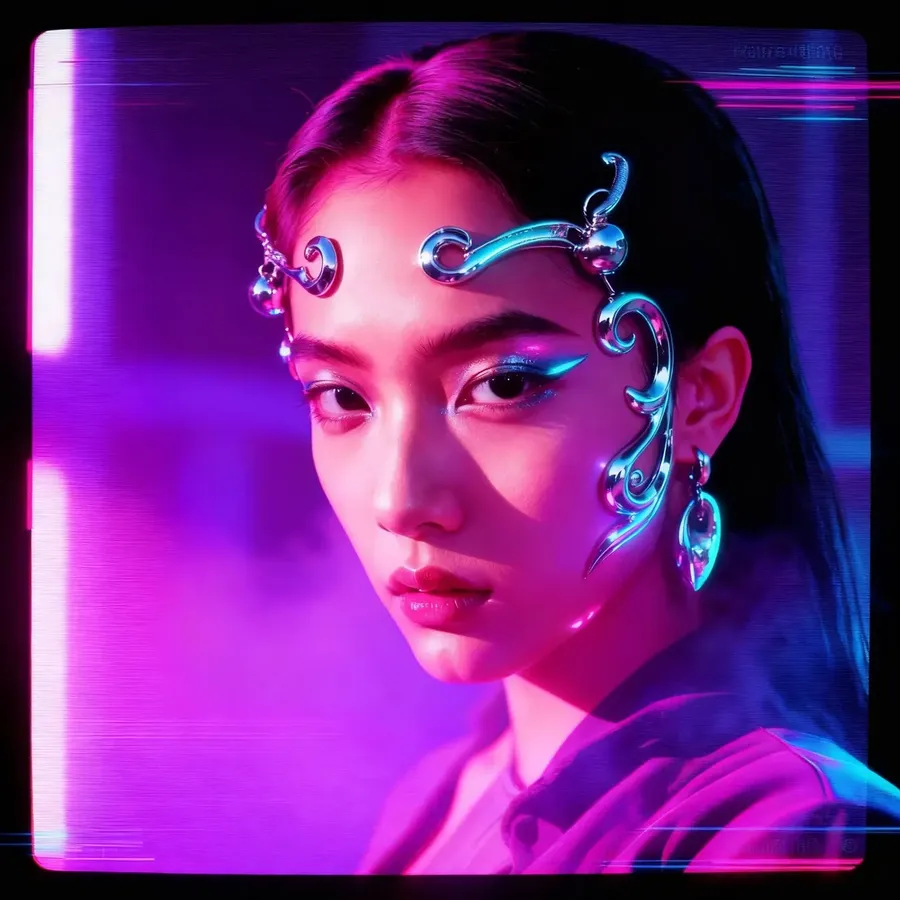
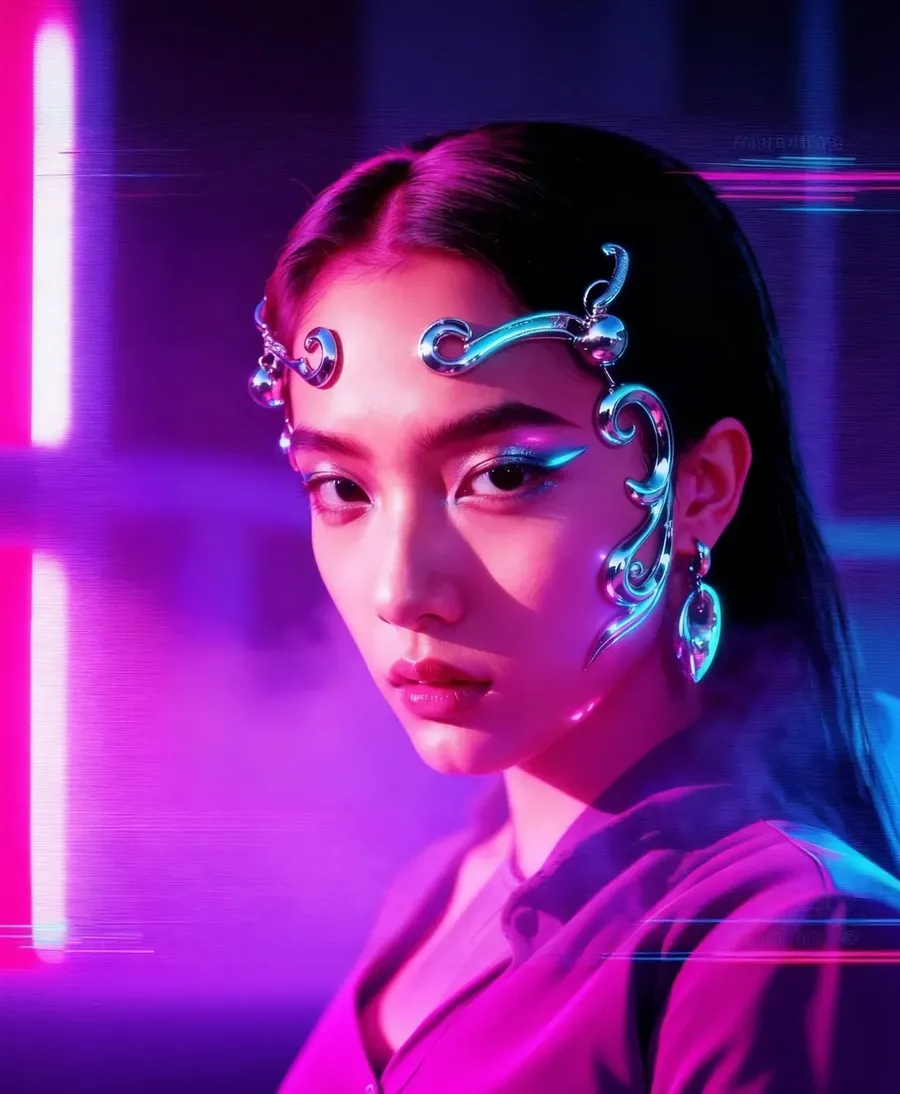
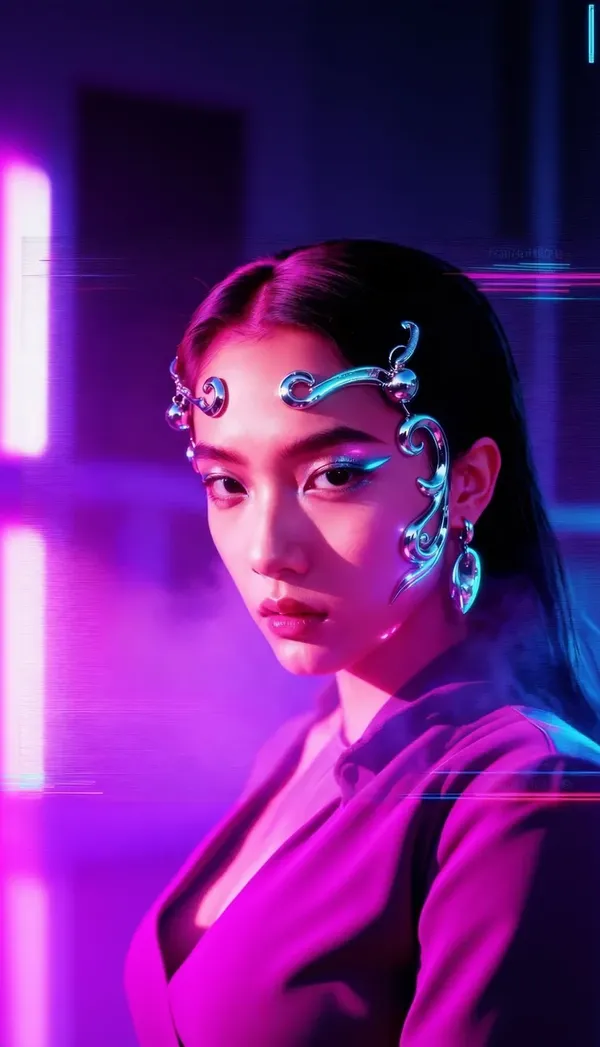
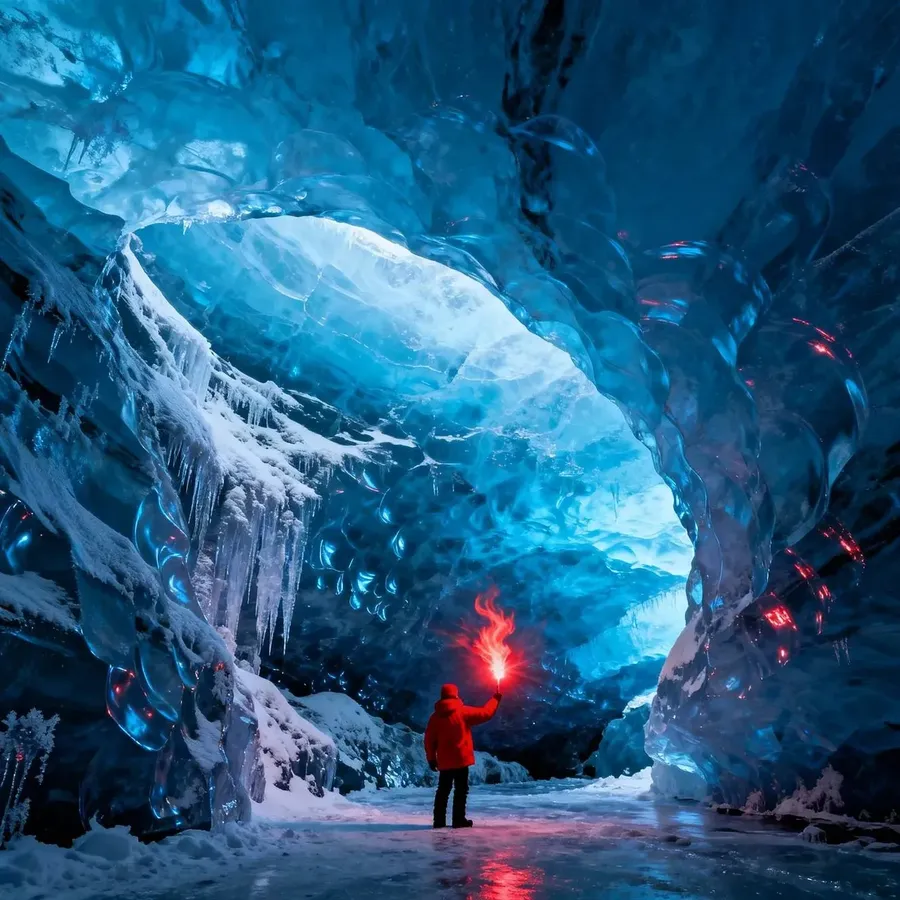
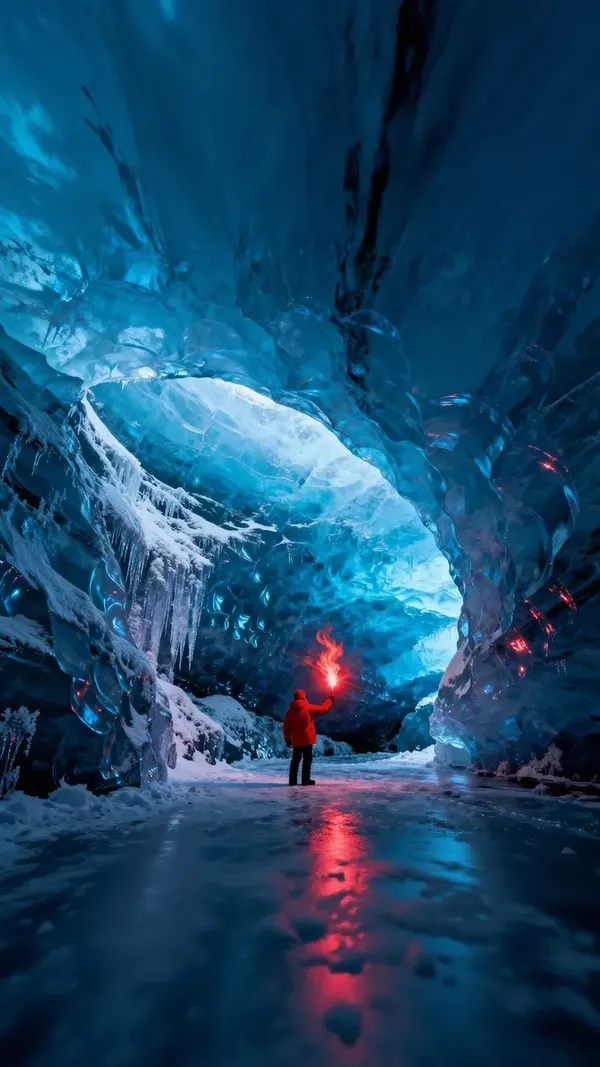
-900x900.webp)
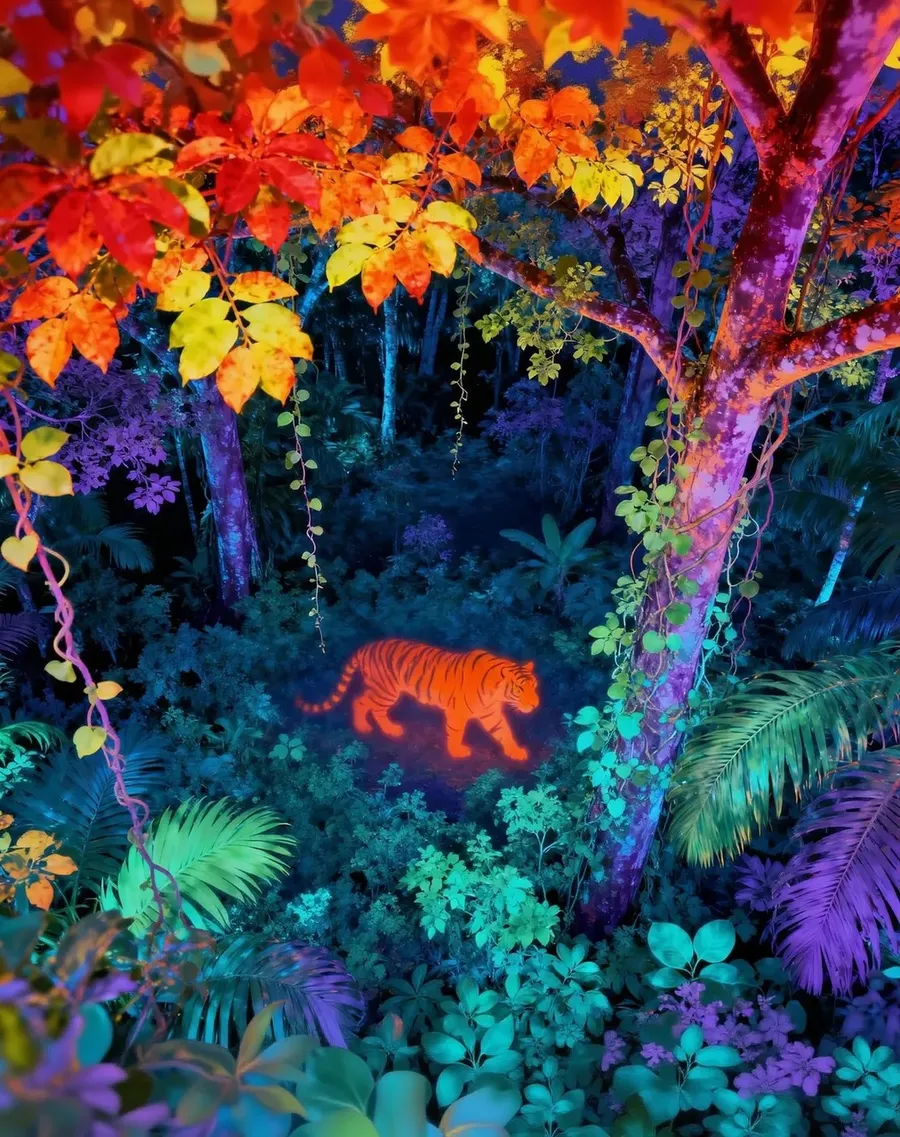
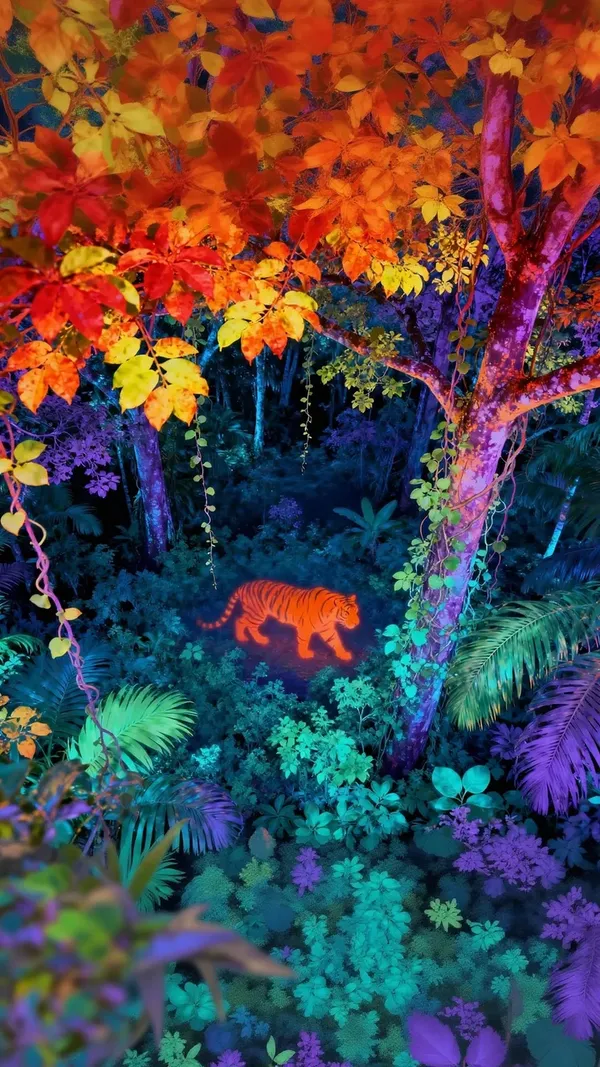
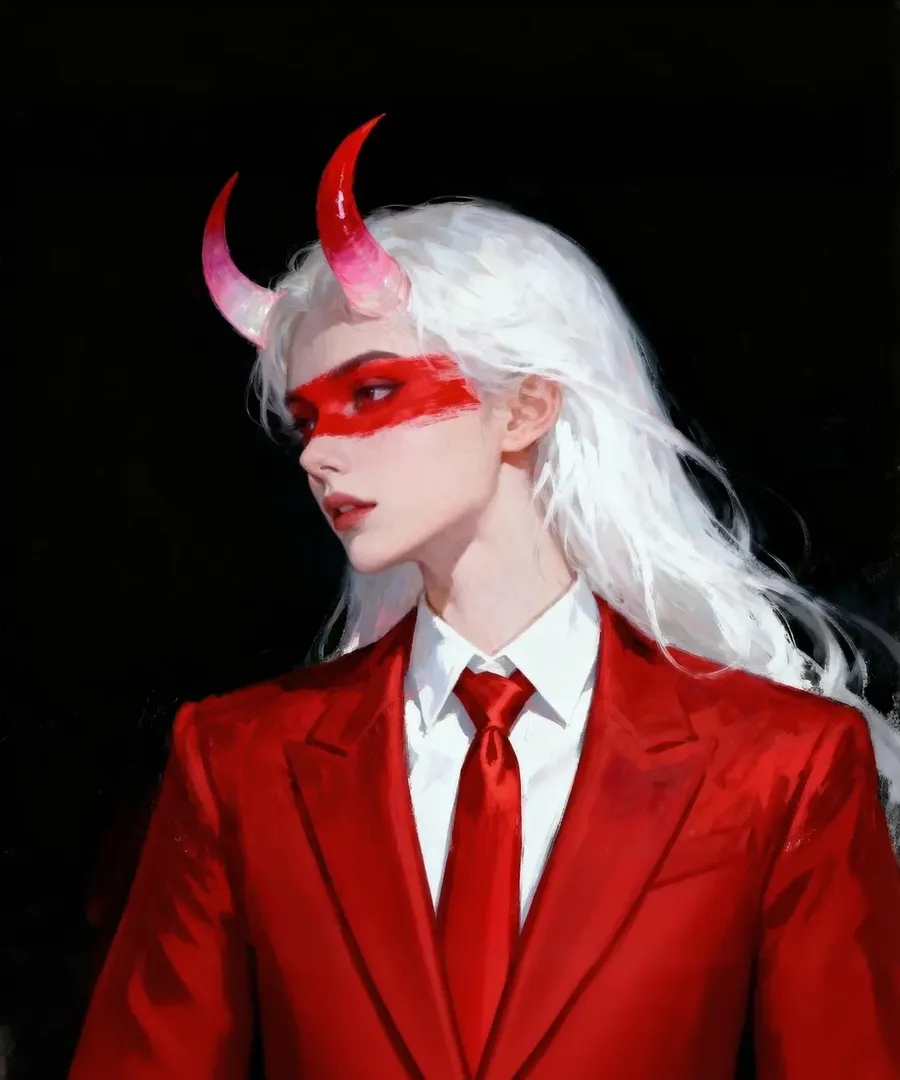
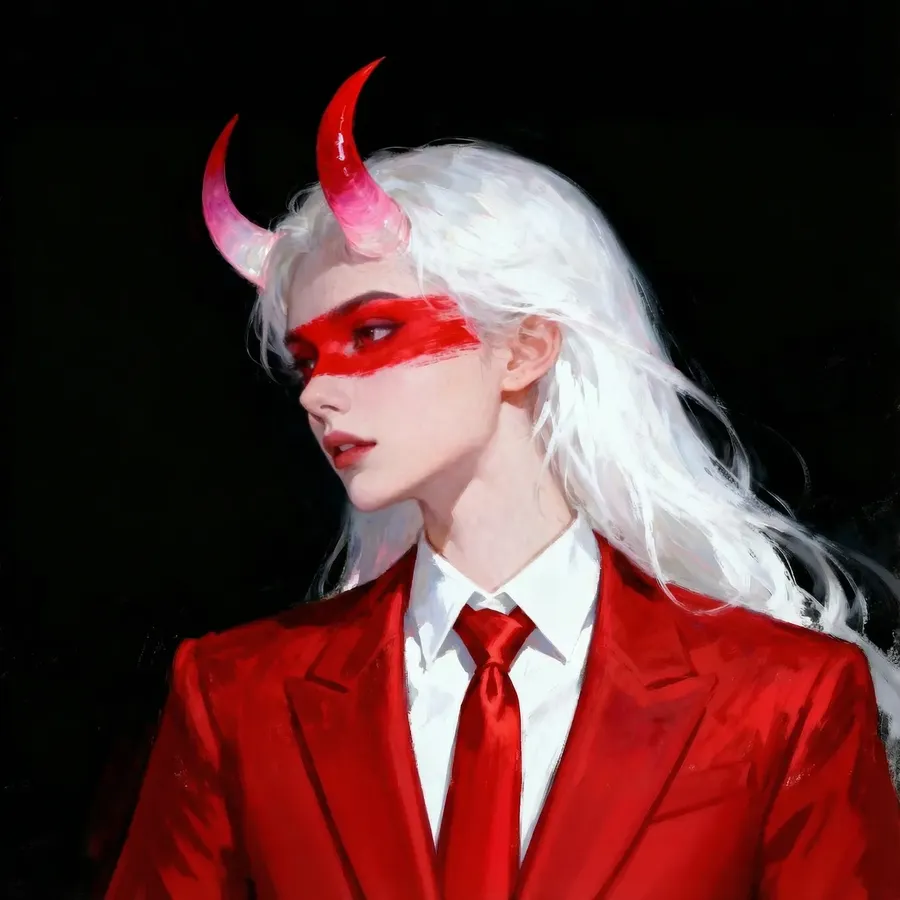
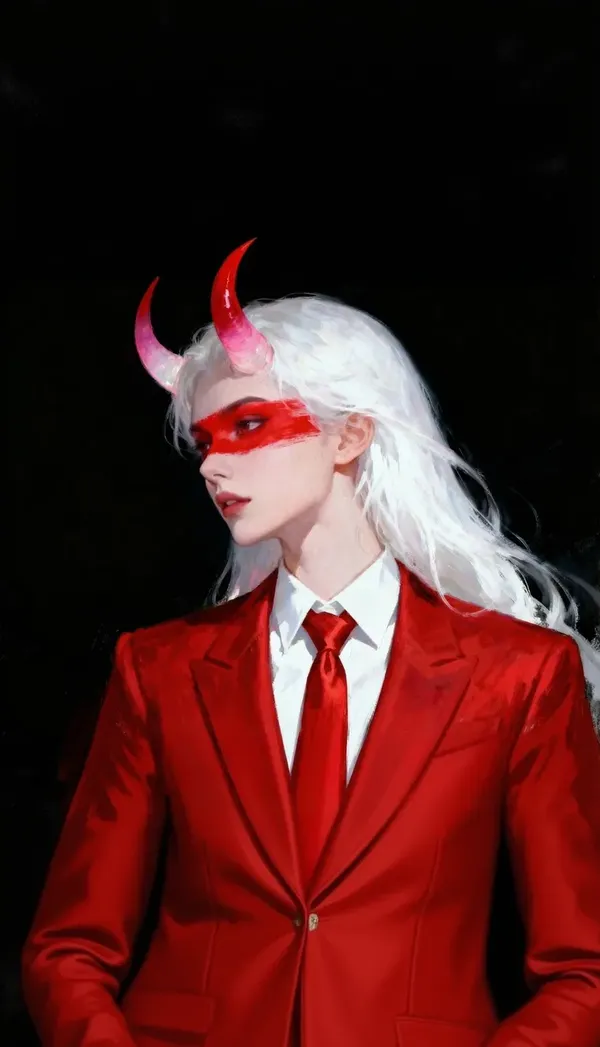
-900x900.webp)
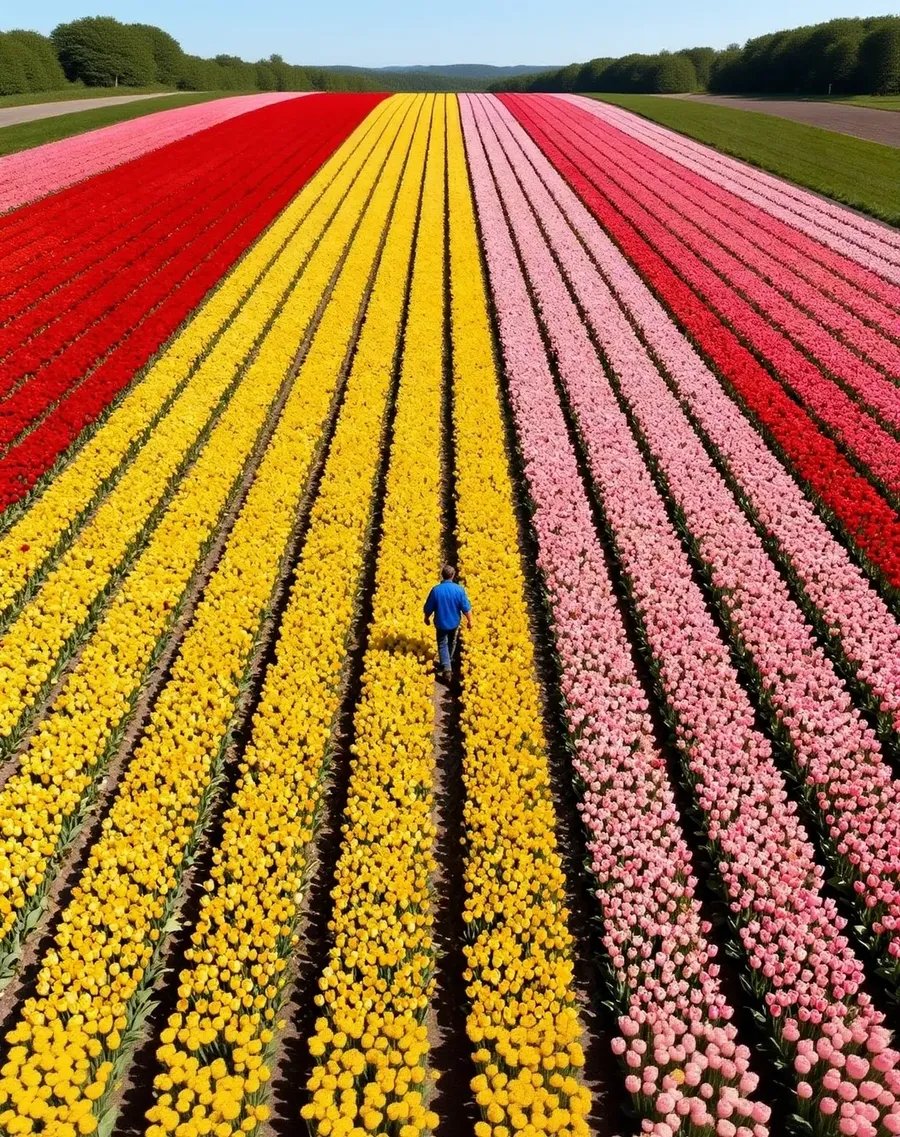
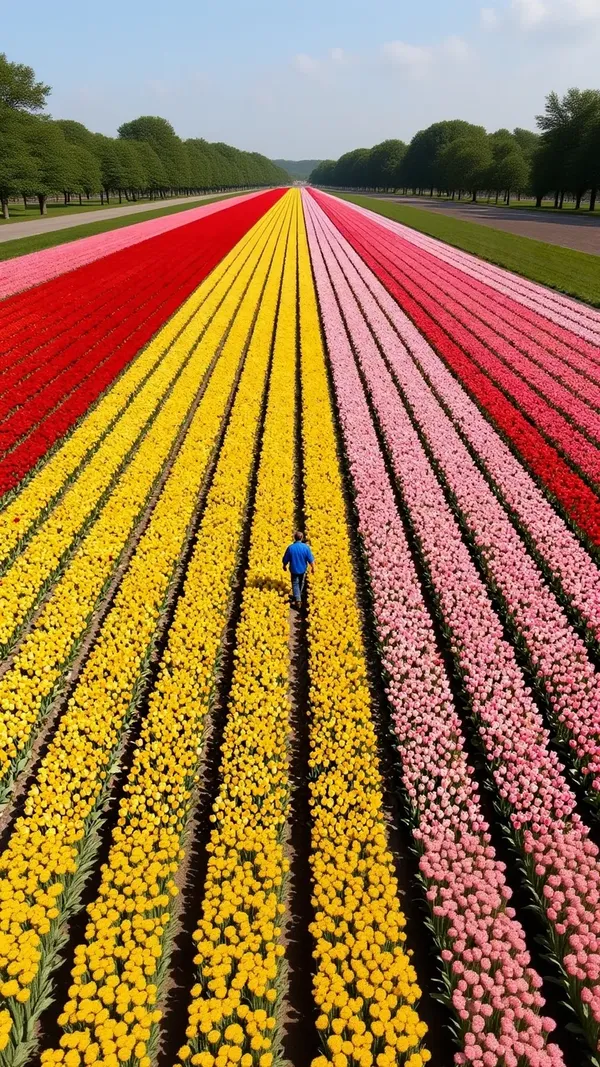
Bien plus qu'un simple redimensionnement d'image
Un outil classique modifie les dimensions des pixels que tu possèdes déjà. Recadrage, mise à l'échelle, compression, et c'est tout. Tout ce qui dépasse du nouveau cadre est perdu à jamais.
Celui-ci fonctionne différemment. Donne-lui un ratio d'aspect cible et l'IA construit l'image pour cette forme, soit en régénérant la composition, soit en générant la zone autour de ton original. Ton sujet n'a plus besoin de perdre ses bords pour s'adapter à un nouveau format.
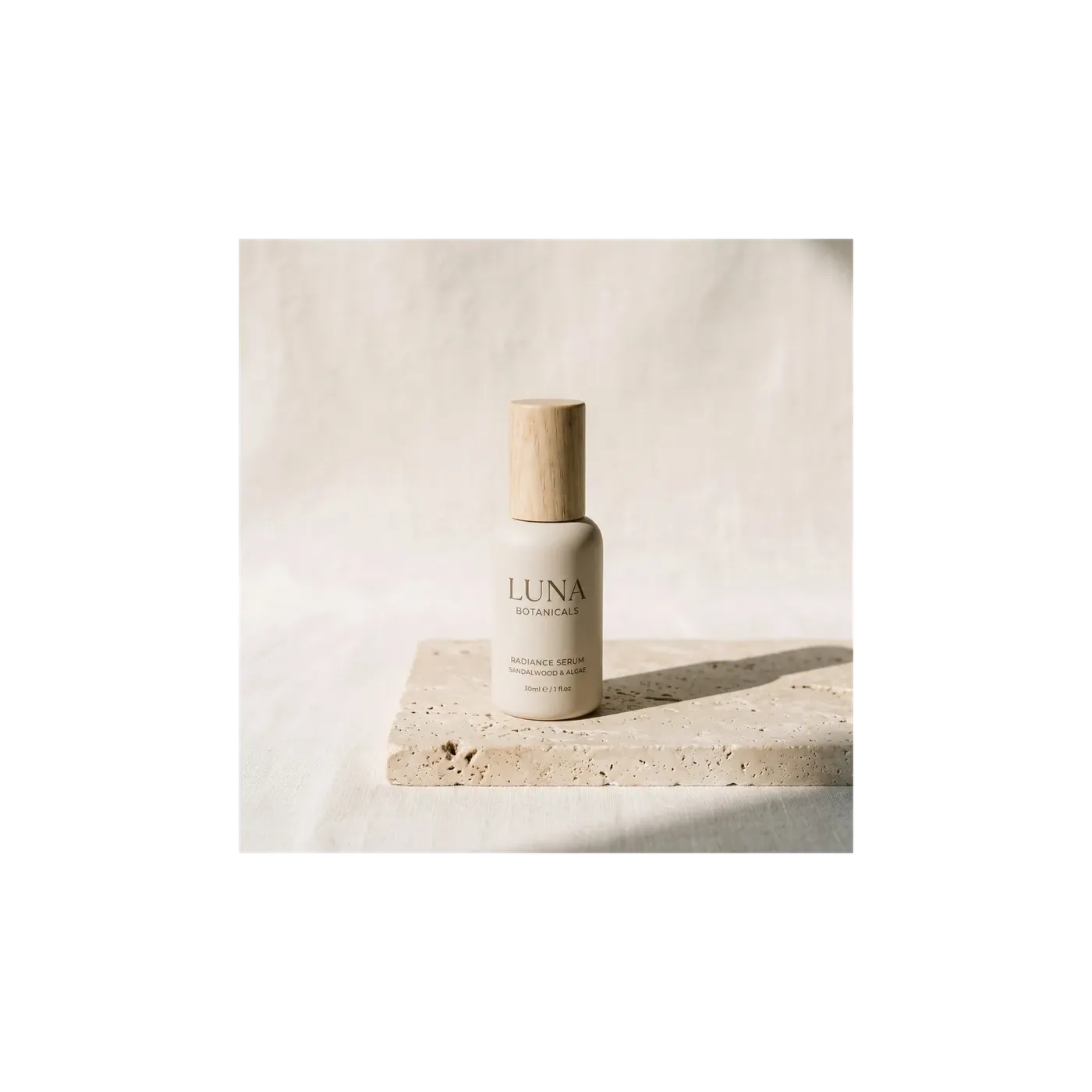
Smart Resize vs Outpainting
Les deux modifient le ratio d'aspect. Ils résolvent des problèmes différents, le choix doit donc être fait en connaissance de cause. Ce sont deux flux de travail distincts, pas un simple bouton.
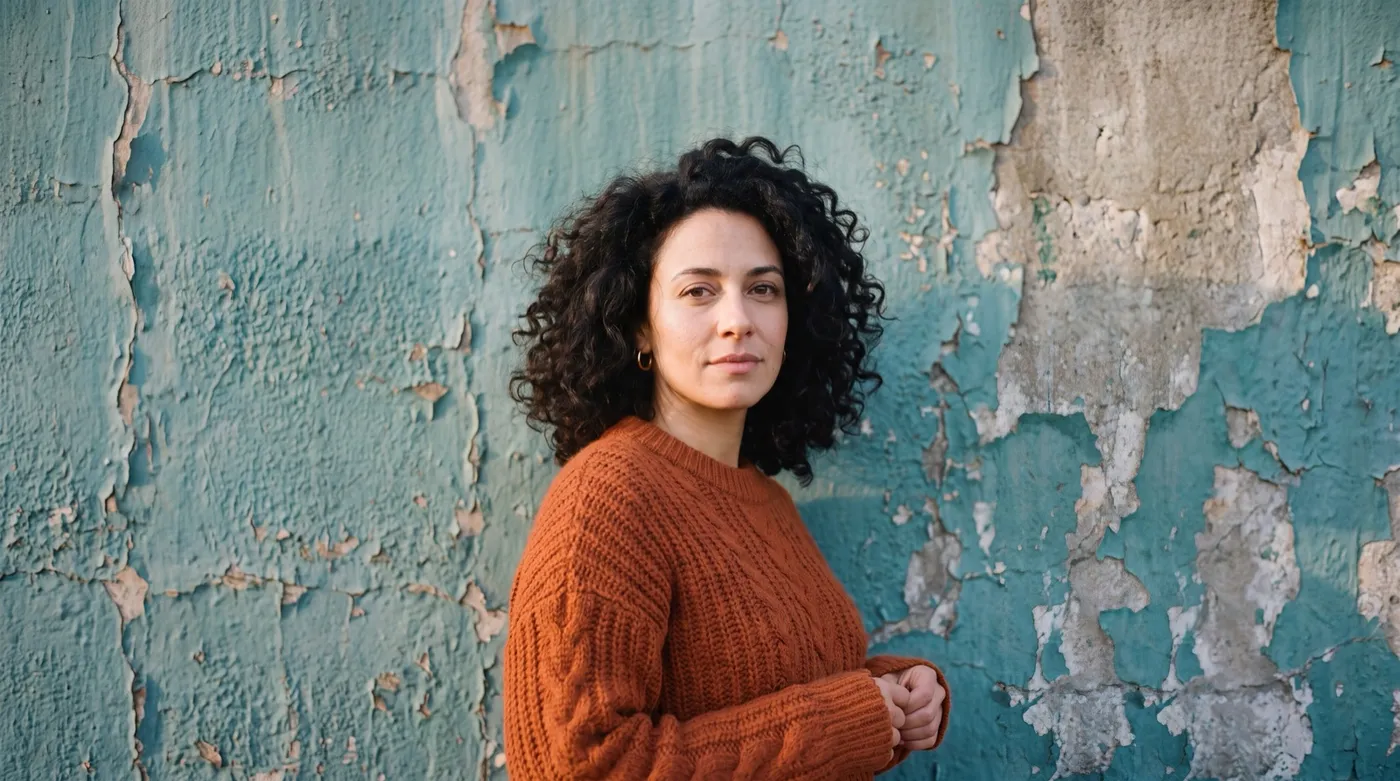
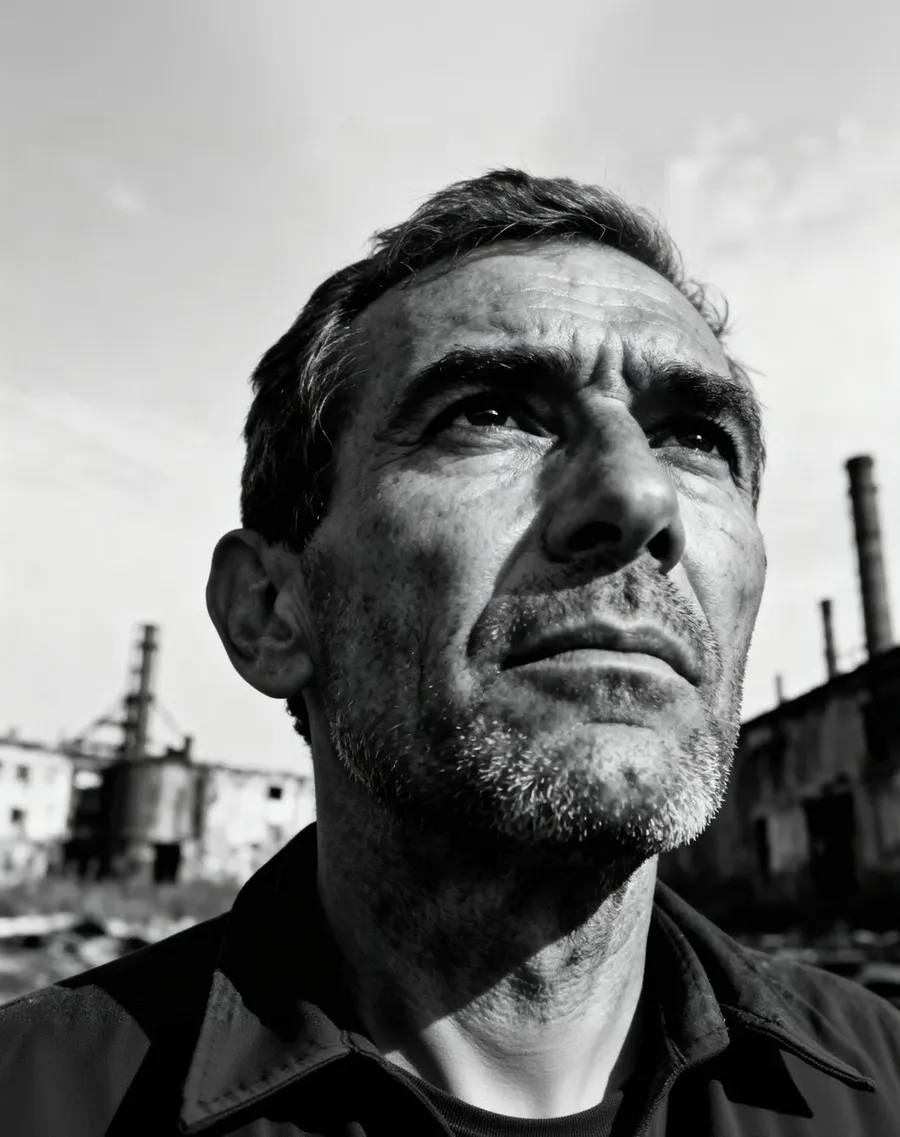
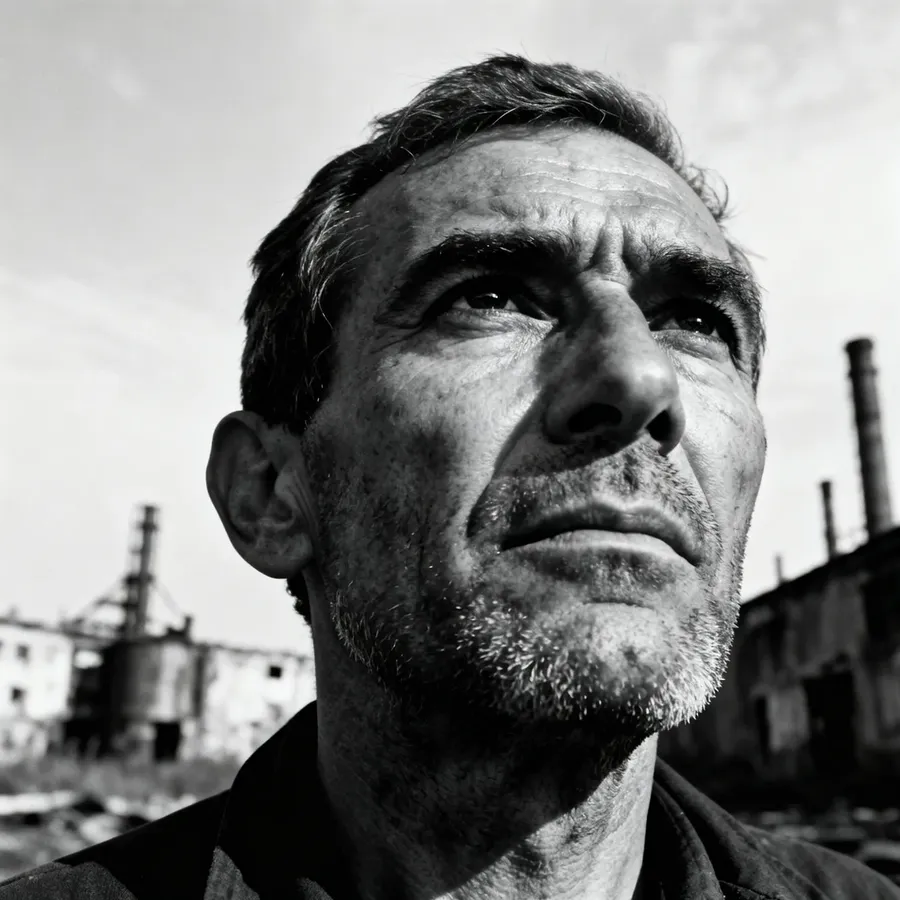
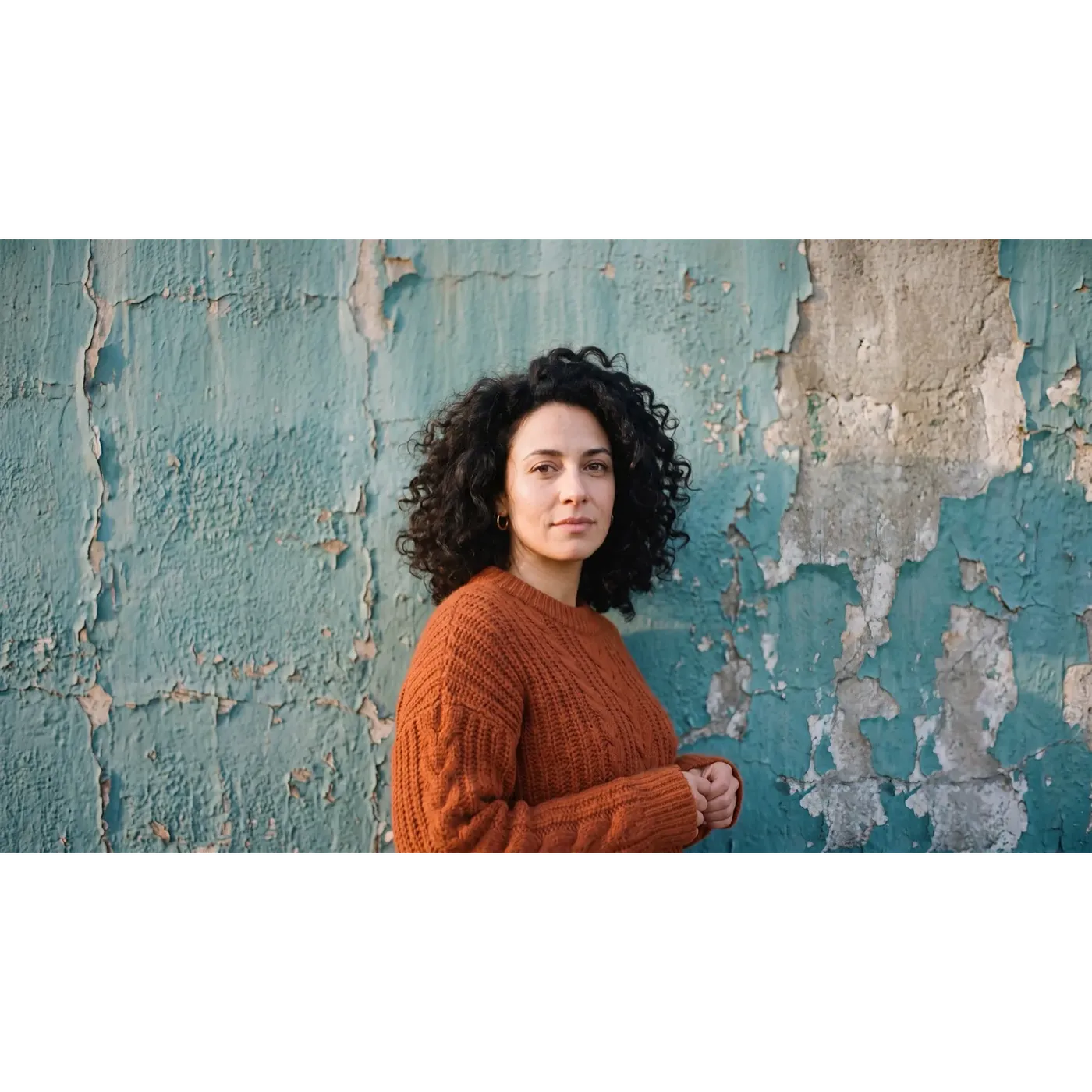
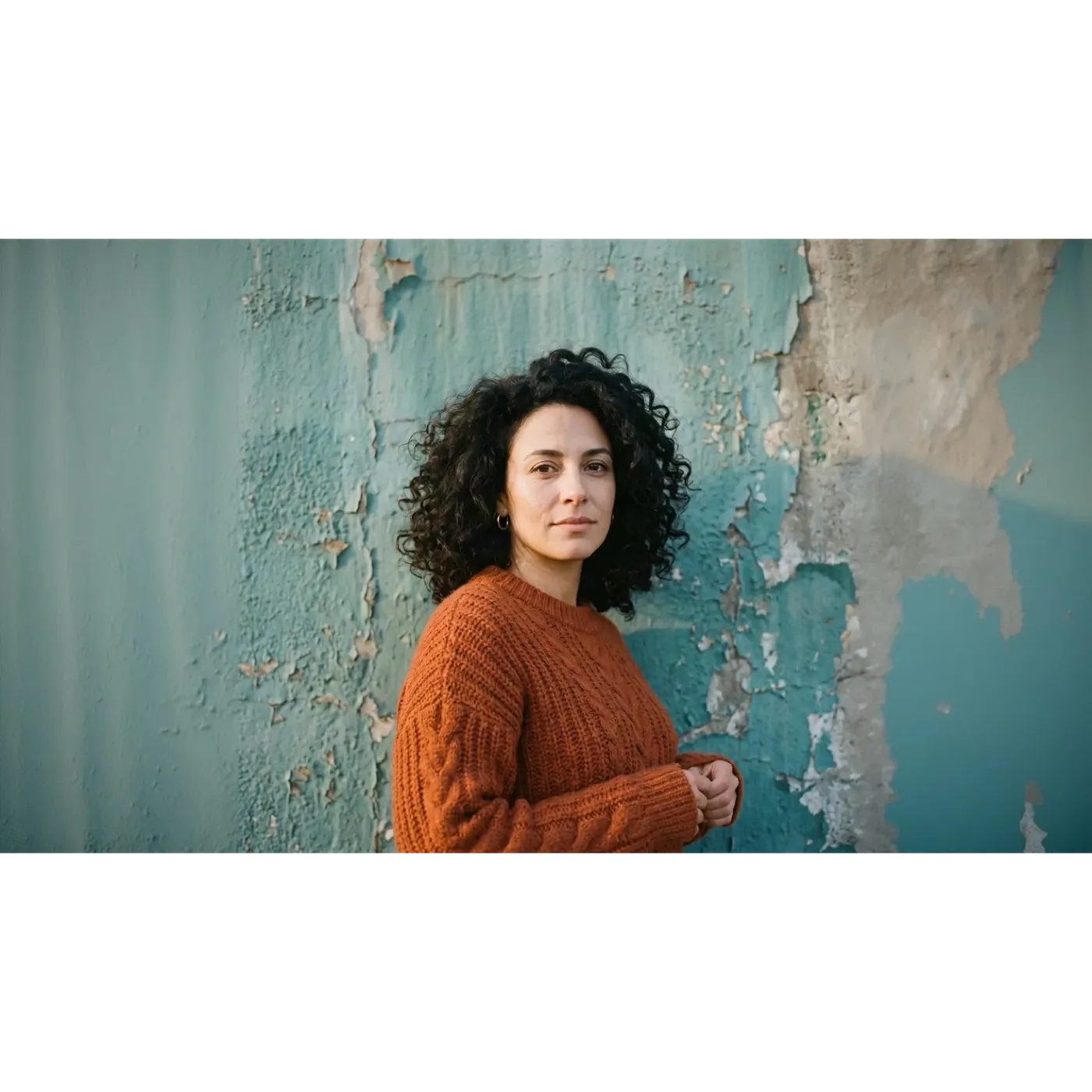
Même image, même ratio : Smart Resize vs Outpainting
Un portrait carré 1:1, une cible en 16:9, deux modes. Fais glisser le curseur pour comparer les deux résultats, tous deux générés sur getimg.ai.
Les deux remplissent le même cadre 16:9, mais presque rien ne correspond entre les deux. Smart Resize a produit un nouveau rendu : la peinture écaillée est reconstruite avec un motif différent, la lumière traverse le cadre différemment, et le visage est proche de l'original sans lui être identique. L'Outpainting a gardé le carré d'origine intact au centre et a généré un nouveau mur uniquement à gauche et à droite, de sorte que le milieu du cadre correspond toujours au fichier importé.
Si un visage, un logo ou une ligne de texte doit survivre au redimensionnement, c'est cette différence qui détermine le mode que tu dois choisir.
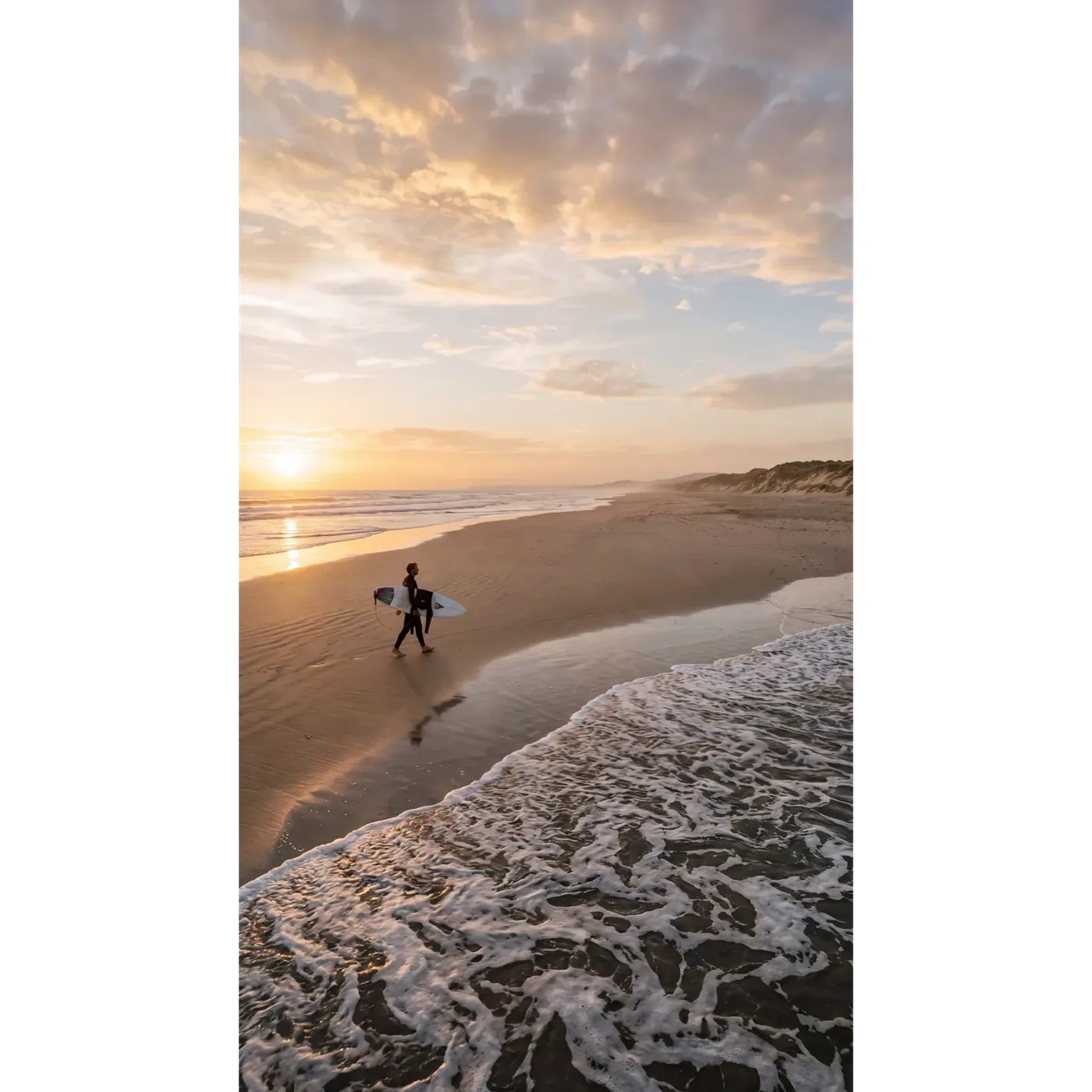
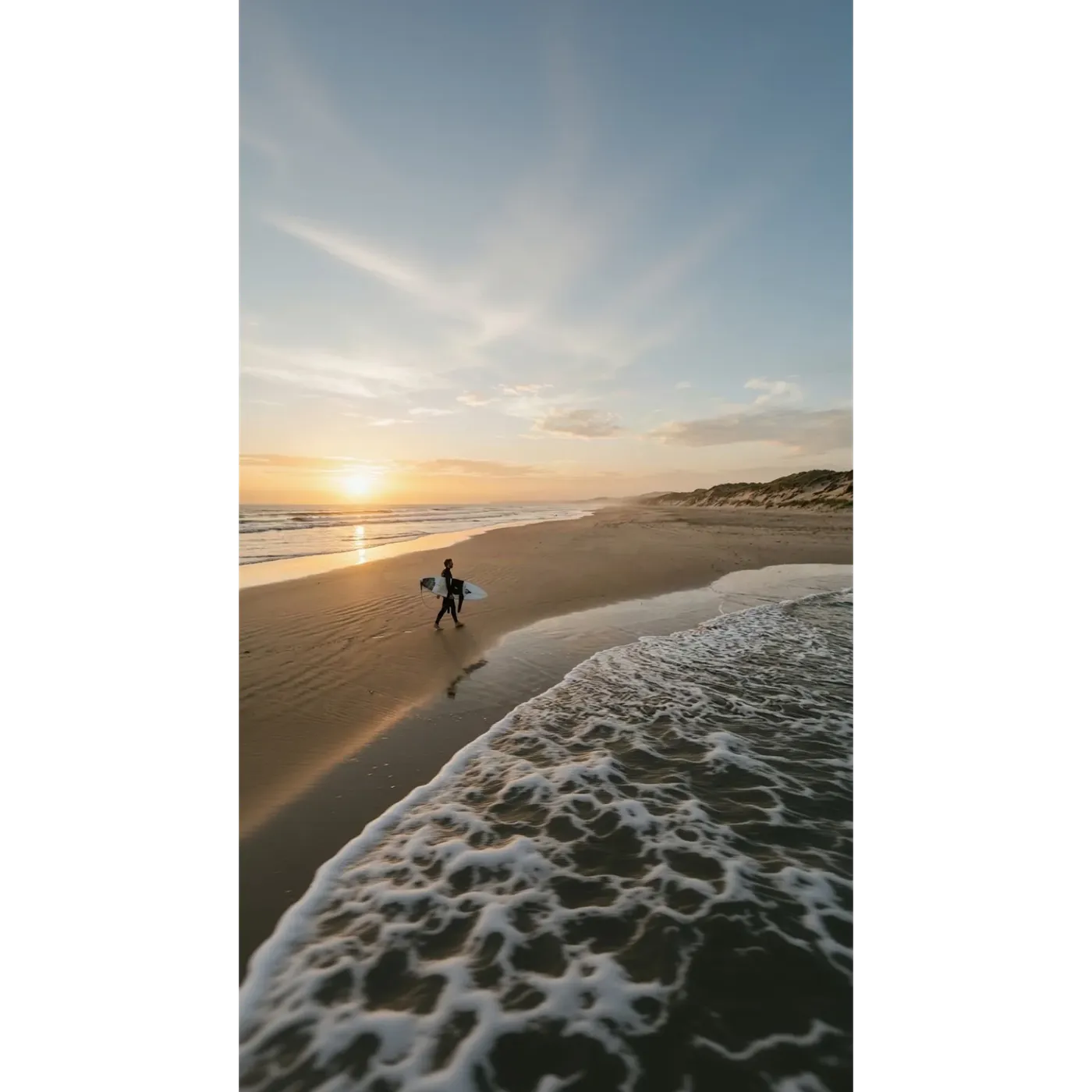
Le même test, inversé : de 16:9 à 9:16
Cette fois, la source est une grande image de plage en 16:9 et la cible est un format vertical 9:16 pour les Stories et les Reels. Même curseur, mêmes deux modes.
Smart Resize a reconstruit la scène pour le format allongé, le ciel, la structure des nuages et les vagues sont donc tous nouveaux. L'Outpainting a gardé la bande de plage d'origine exactement là où elle était et a généré du ciel au-dessus et de l'eau en dessous.
Aucun des deux n'est la bonne réponse dans l'absolu. Smart Resize te donne une composition faite pour le cadre vertical. L'Outpainting te donne l'image que tu as déjà validée, dans une toile plus grande.
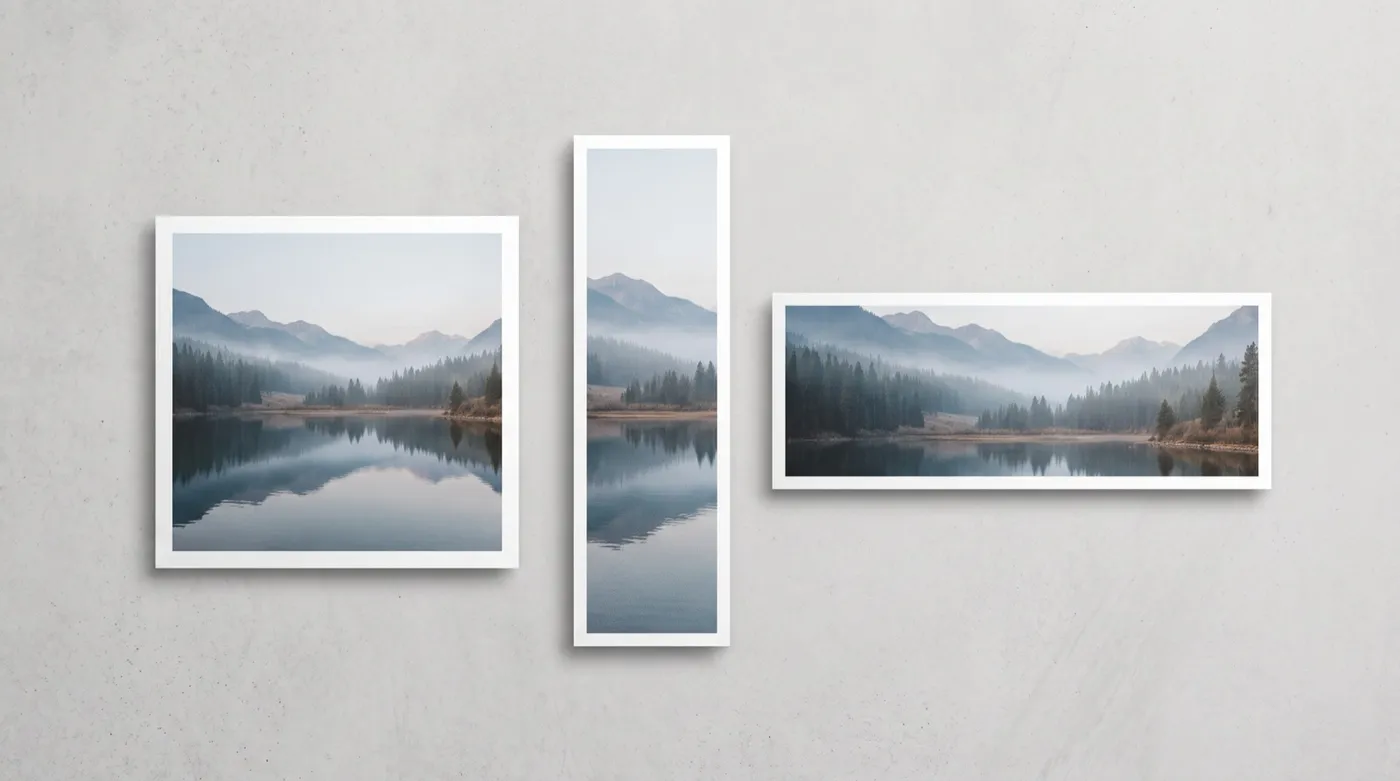
Redimensionnement par IA vs Recadrage traditionnel
Le recadrage n'utilise que les pixels que tu possèdes déjà. Le redimensionnement par IA peut construire ce dont le nouveau cadre a besoin. Des compromis différents, et non un gagnant et un perdant.
Redimensionner avec getimg.ai
Ouvre Redimensionner l'image
Rends-toi sur Redimensionner l'image dans la barre latérale, puis dépose un fichier ou choisis-en un dans ta galerie. Tu peux en charger plusieurs à la fois.
Choisis le ratio d'aspect cible
Choisis parmi 1:1, 4:5, 5:4, 3:4, 4:3, 2:3, 3:2, 16:9, 9:16 et 21:9.
Choisis Smart Resize ou Outpainting
Smart Resize régénère la composition et propose un réglage de qualité 1K, 2K ou 4K. L'Outpainting conserve l'original et étend la toile tout autour.
Génère
Ton original n'est jamais écrasé. Chaque génération sauvegarde un nouveau fichier à côté de celui avec lequel tu as commencé.
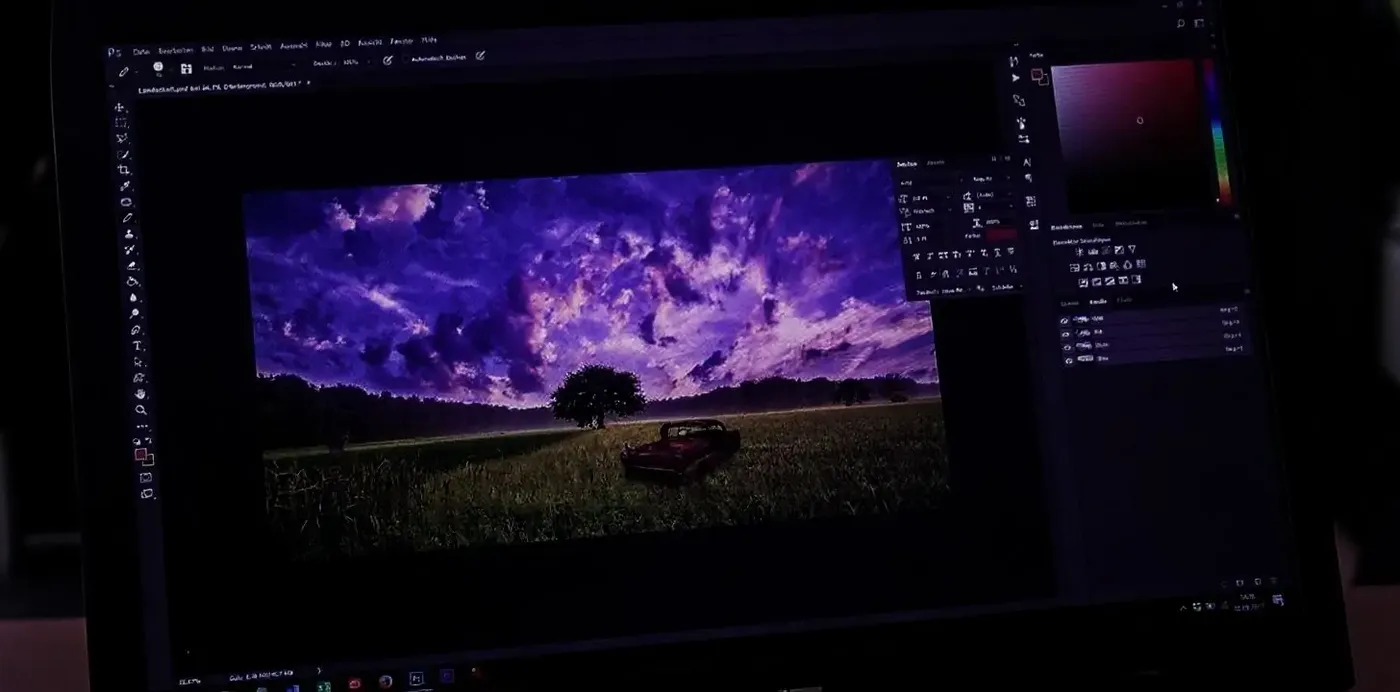
Recadrage manuel
- Ouvre le fichier dans Photoshop, Figma ou Canva
- Recadre vers chaque ratio cible, un format à la fois
- Accepte que tout ce qui se trouve en dehors du nouveau cadre soit coupé
- Reconstruis l'arrière-plan manquant avec le tampon de duplication ou le remplissage basé sur le contenu
- Revérifie le point focal et le placement de tout texte ou logo
- Exporte un fichier séparé pour chaque format
- Répète l'opération pour l'image suivante
- L'avantage : une prévisibilité totale, et rien dans le cadre n'est généré
Redimensionnement vs Upscaling : Deux rôles différents
Ces deux-là sont constamment confondus, alors que ce sont des outils distincts qui font des tâches distinctes.
Le redimensionnement modifie la forme de l'image : le ratio d'aspect et ce qui rentre dans le cadre. Une photo 1:1 devient une Story 9:16 ou une bannière 16:9. L'upscaling ne touche pas à la forme mais augmente la résolution, de sorte que le même cadre te revient avec plus de pixels et plus de détails. Passer d'un post carré à une Story, c'est le rôle du redimensionneur. Avoir besoin d'un fichier plus grand et en plus haute résolution du cadre que tu possèdes déjà, c'est le rôle de l'Image Upscaler.
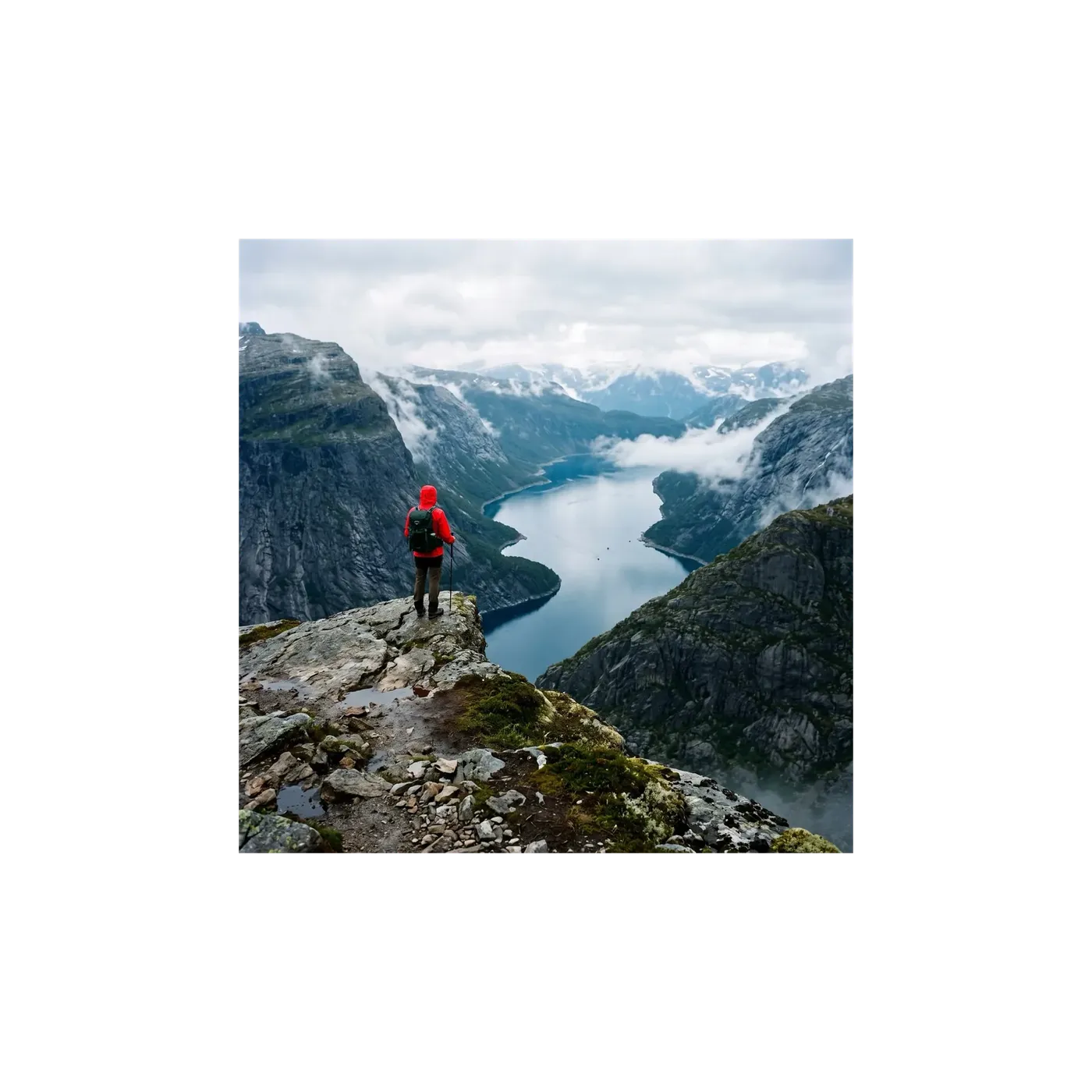
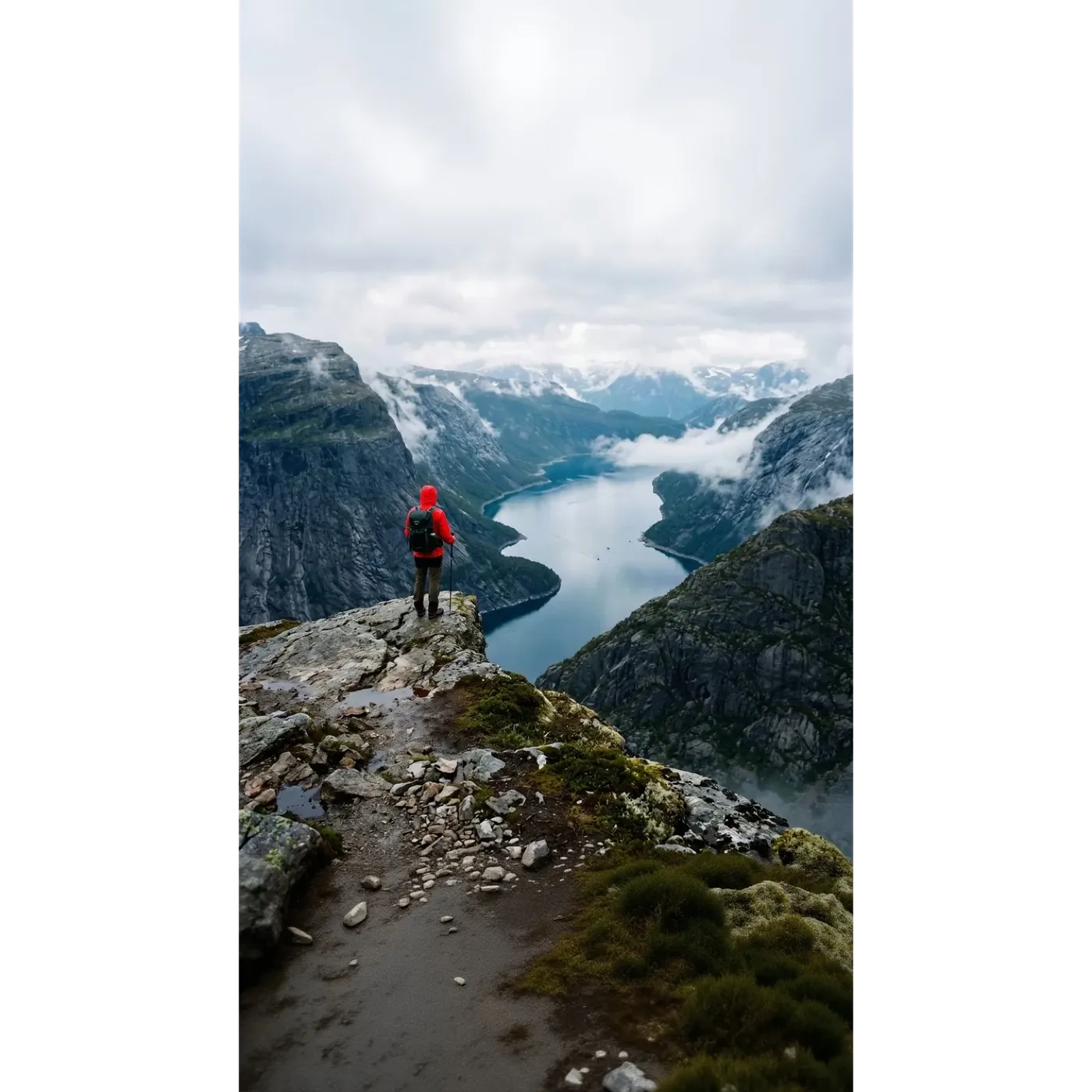
Pourquoi les équipes utilisent le redimensionneur de getimg.ai
Une seule image source, tous les formats dont tes canaux ont besoin, sans reconstruire le cadre à la main.
Deux modes, un seul outil
Smart Resize pour un recadrage créatif, l'Outpainting quand l'original doit rester intact. Bascule de l'un à l'autre sur la même image.
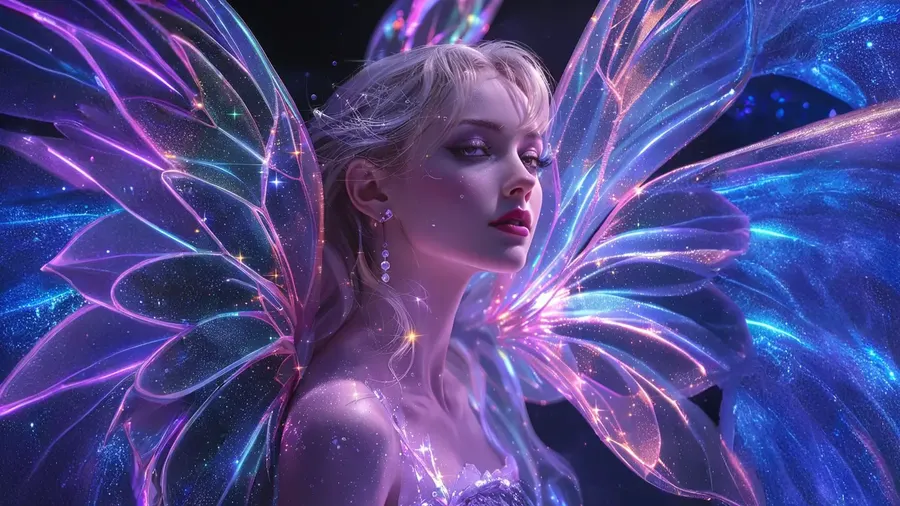
Généré, pas étiré
Rien n'est écrasé ni dupliqué. L'Outpainting génère une nouvelle toile autour de ton image. Smart Resize construit une nouvelle version adaptée à la forme cible.
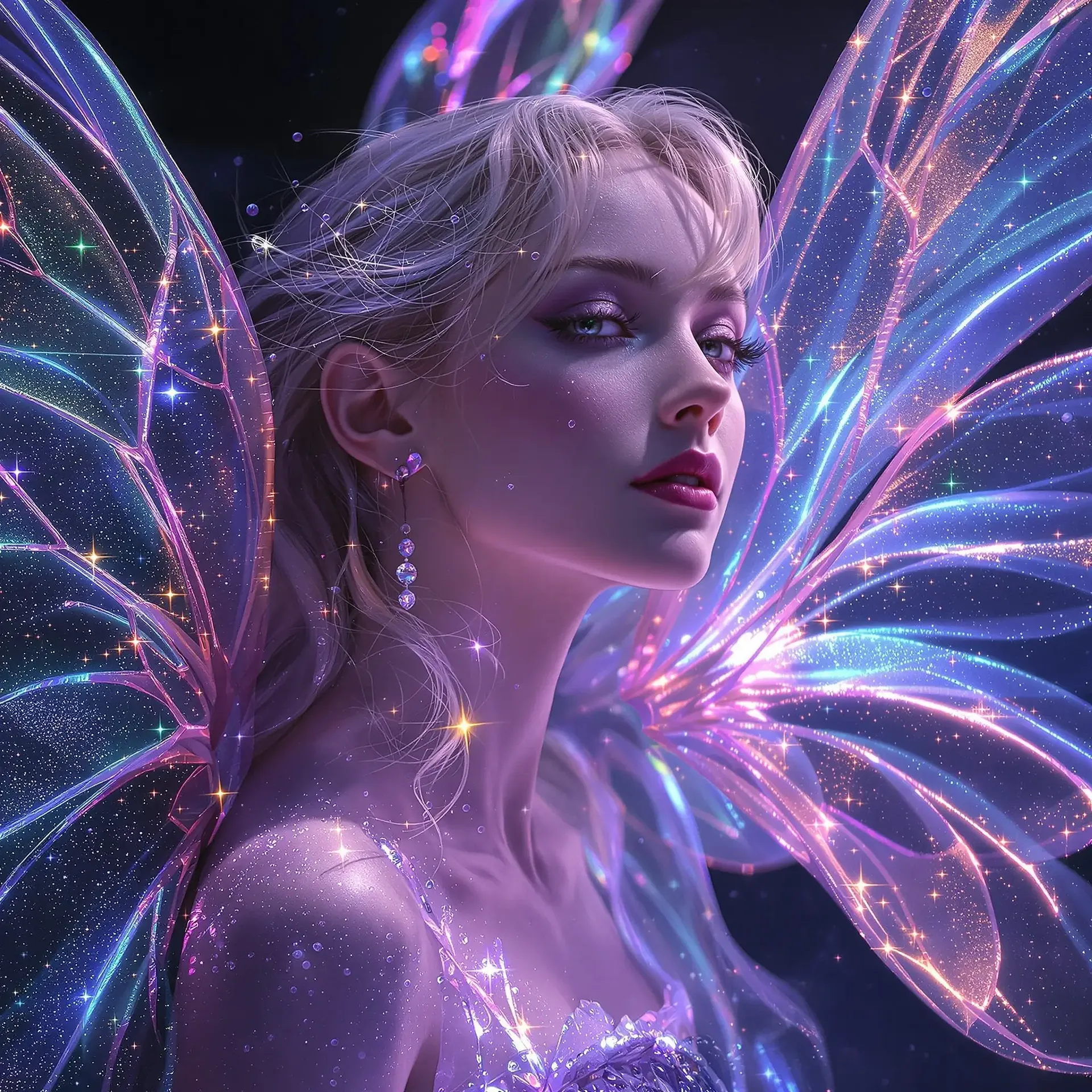
Tous les ratios dont tes canaux ont besoin
1:1 et 4:5 pour les fils d'actualité, 9:16 pour les Stories, Reels et TikTok, 16:9 pour les miniatures et bannières, 21:9 pour les grandes images hero.
Traitement par lots, originaux intacts
Dépose plusieurs images à la fois. Chaque génération sauvegarde un nouveau fichier et laisse la source exactement là où elle était.
Conçu pour un recadrage propre et de haute qualité
Smart Resize produit une nouvelle version de ton image au ratio de ton choix, le résultat suit donc de près l'original plutôt que de le copier pixel par pixel. L'Outpainting prend le chemin inverse et laisse ton original intact, en générant uniquement la zone qui l'entoure. C'est pourquoi le même fichier peut revenir avec un aspect très différent selon le mode, et pourquoi il vaut la peine de choisir le mode en toute connaissance de cause.
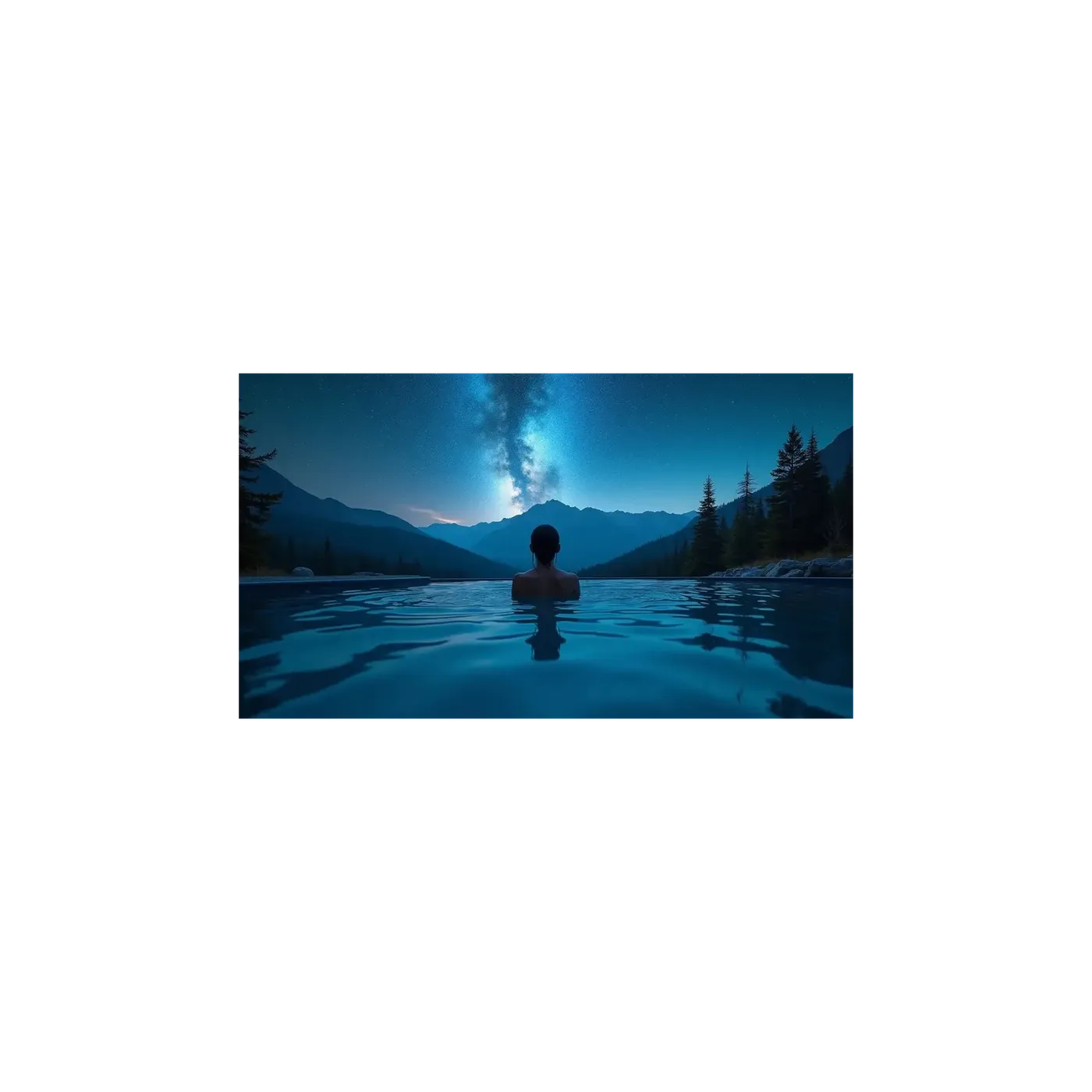
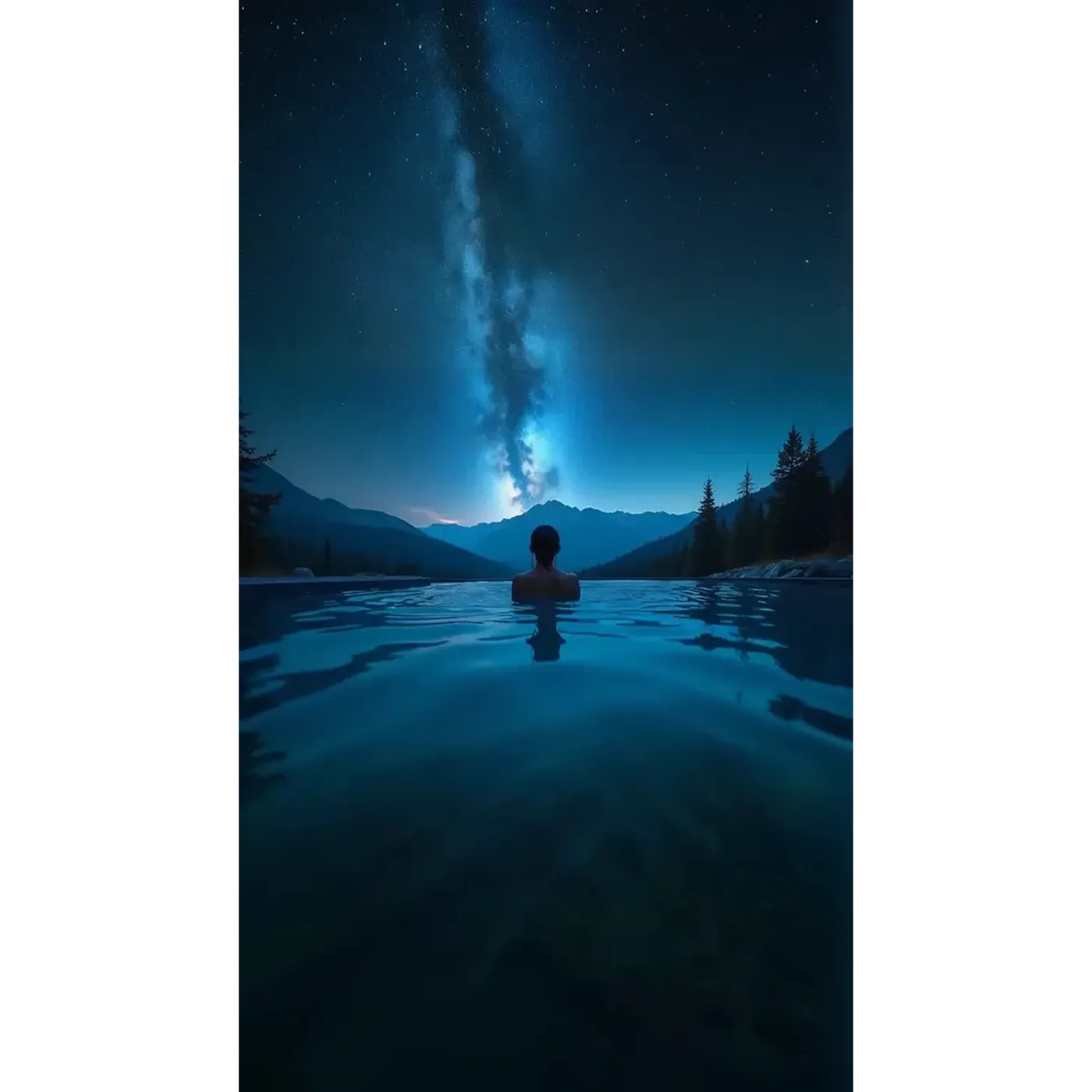
Des ratios d'aspect pour chaque plateforme
Smart Resize couvre dix ratios d'aspect : 1:1, 4:5, 5:4, 3:4, 4:3, 2:3, 3:2, 16:9, 9:16 et 21:9. L'Outpainting couvre la même liste à l'exception du 5:4.
En pratique, cela correspond à un post Instagram en 1:1 ou 4:5, une Story ou un Reel en 9:16, un TikTok en 9:16, une miniature YouTube en 16:9, une bannière de site web en 16:9 ou 21:9, et une affiche ou couverture de livre en 2:3 ou 3:4. Des ratios plutôt que des dimensions fixes en pixels, pour que tes visuels restent corrects lorsqu'une plateforme modifie ses spécifications.
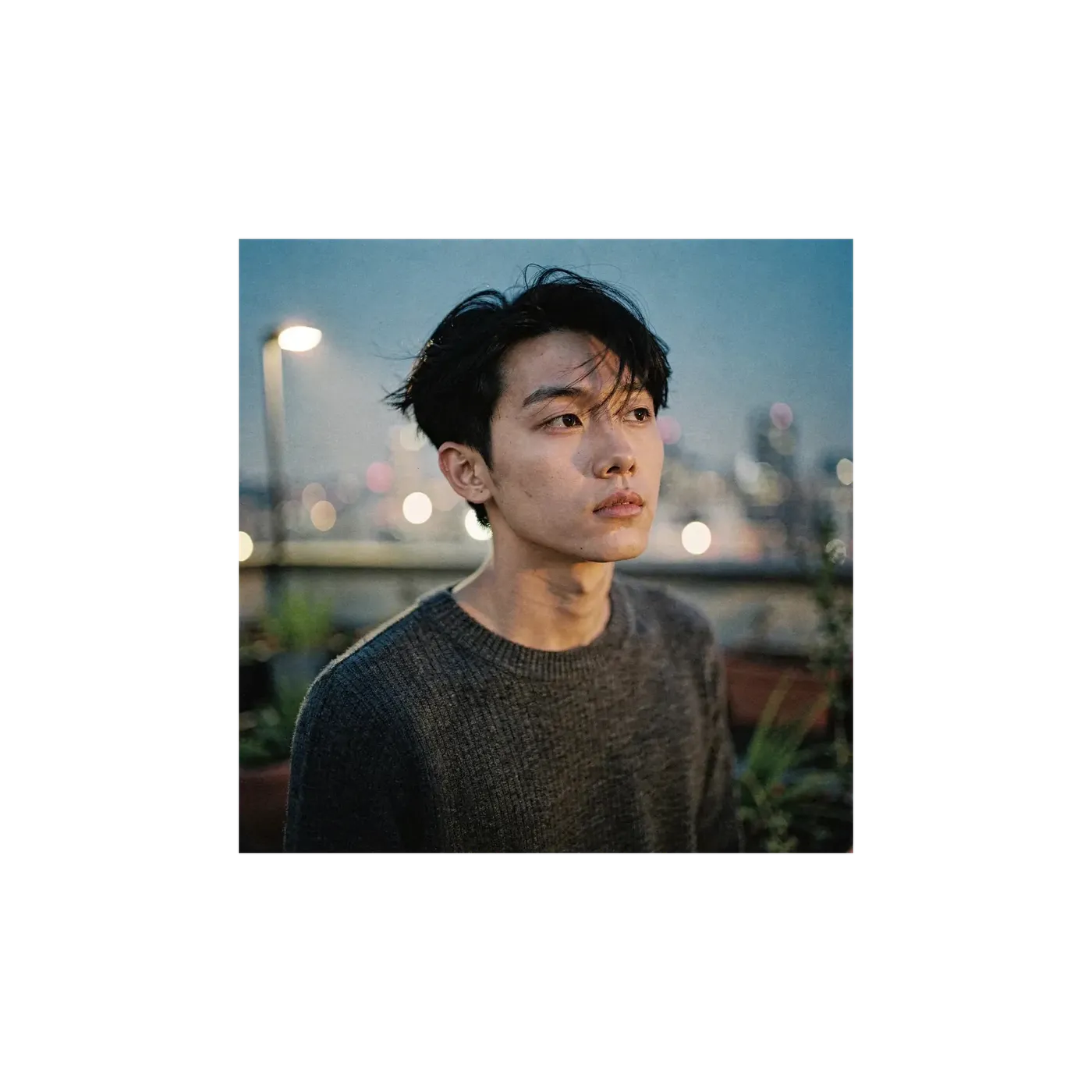
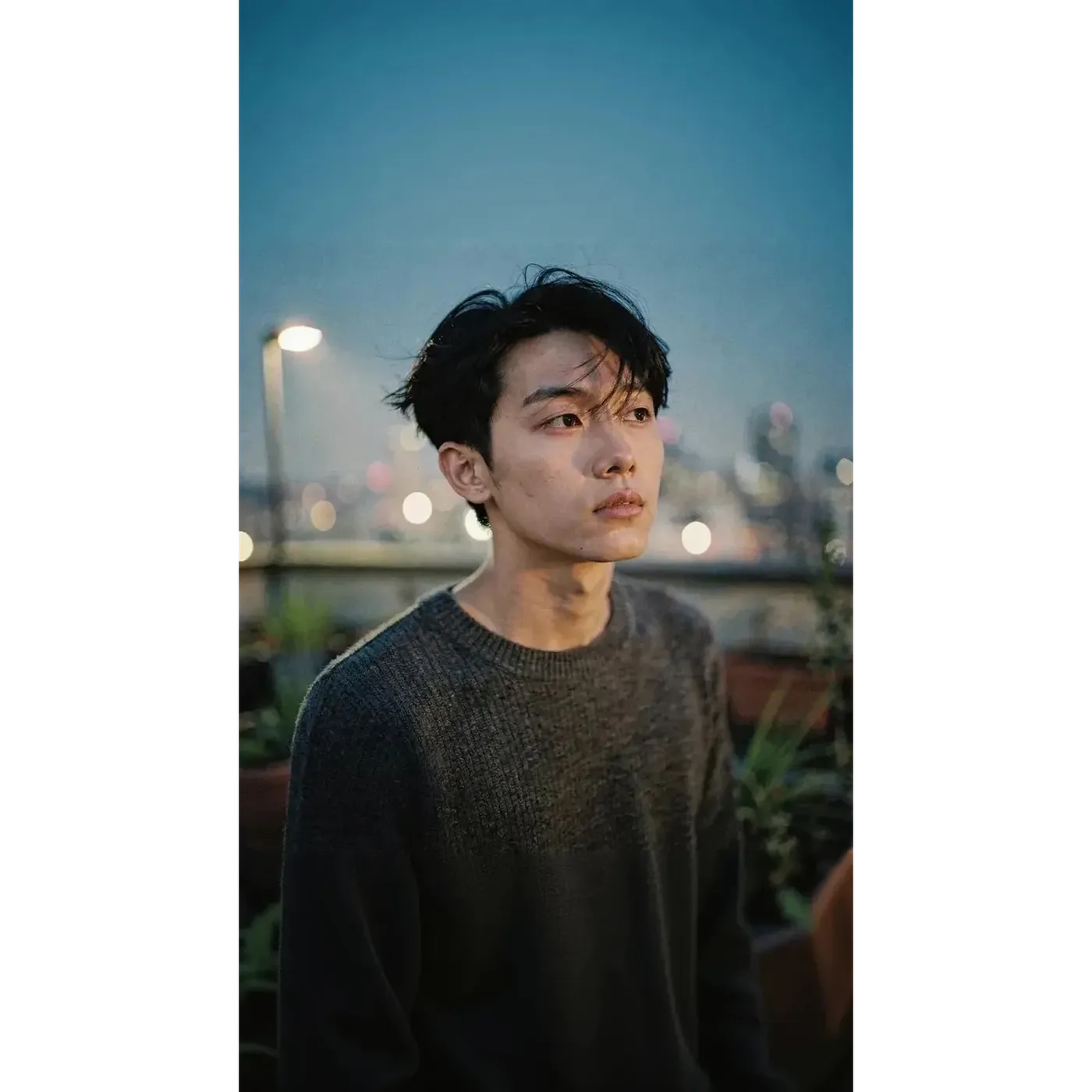
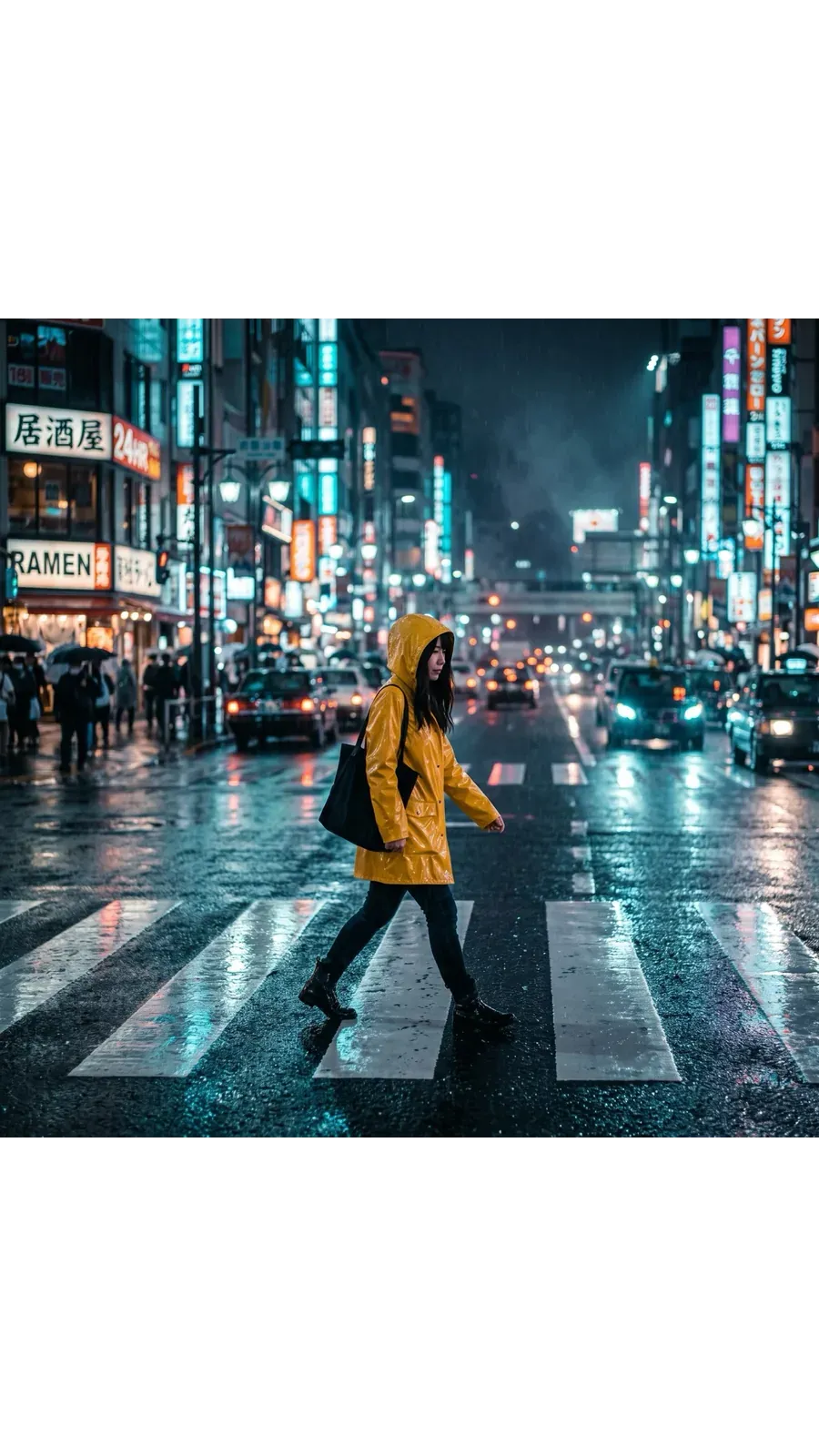
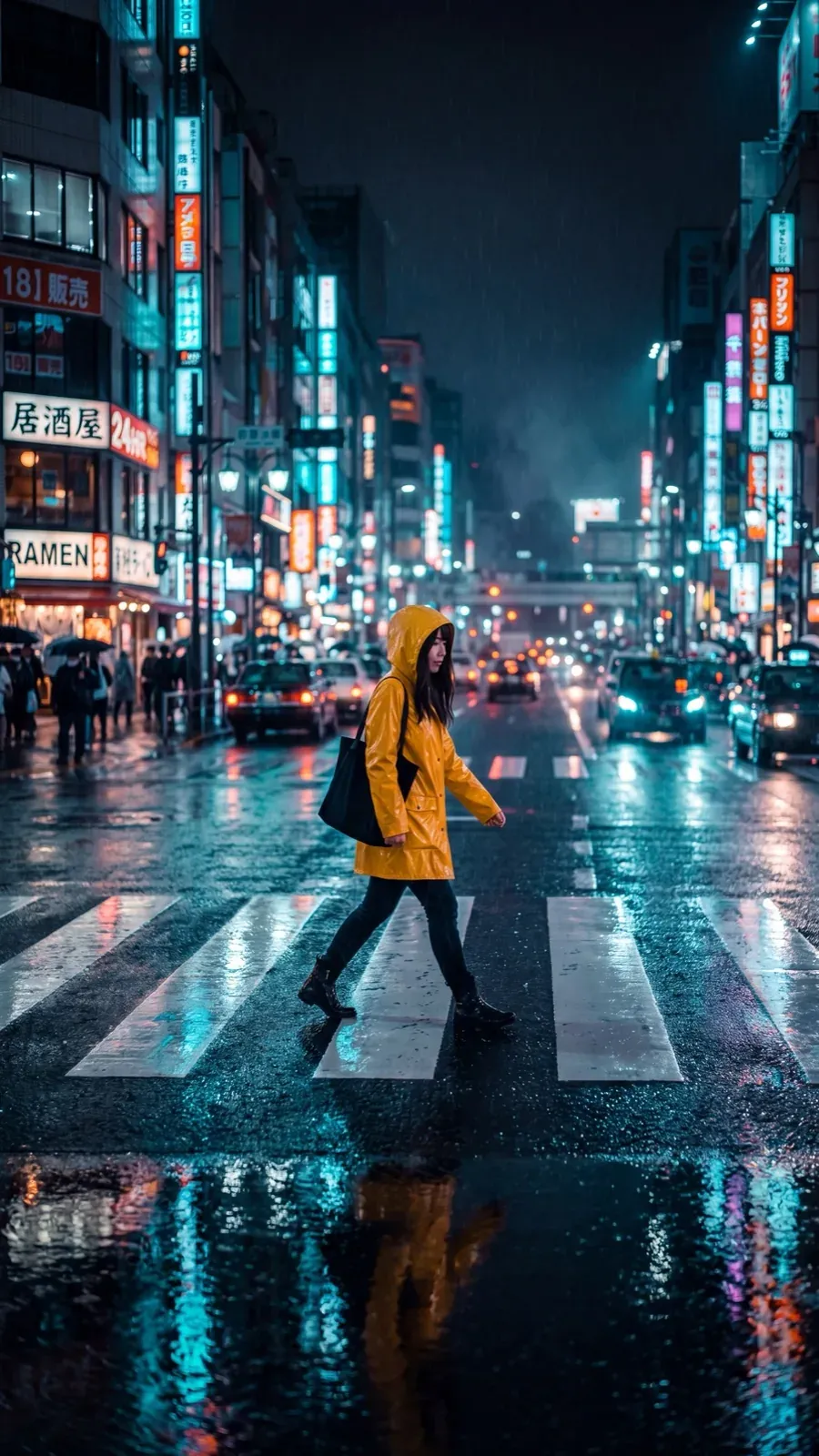
Une seule image source, tous les canaux
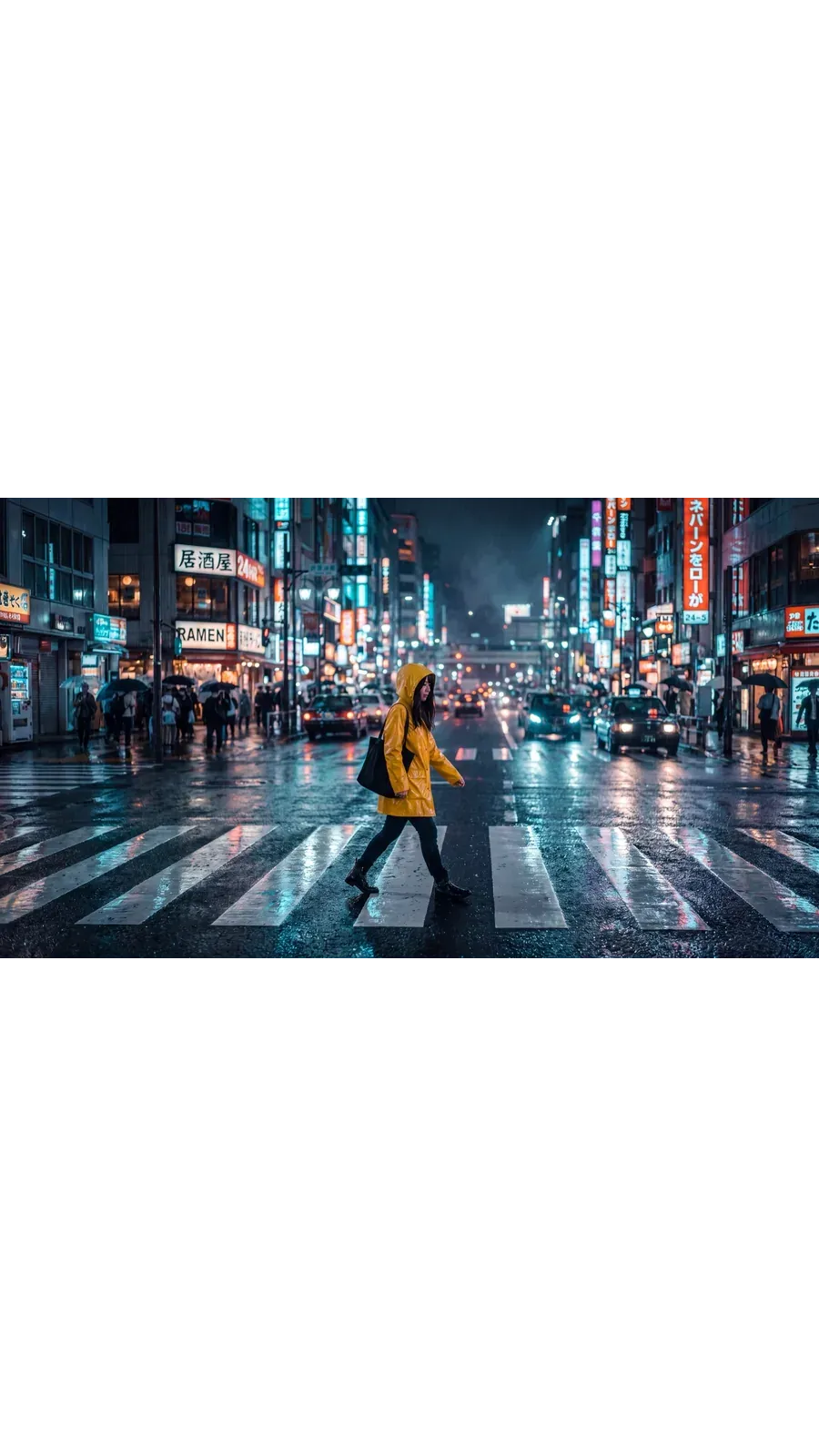
Le même cliché de rue nocturne, redimensionné deux fois. Rien n'a été re-photographié, et rien n'a été recadré à la main.
1:1 pour le fil d'actualité
Le cadre d'origine. Des posts carrés pour Instagram, Facebook et LinkedIn. Passe au 4:5 quand tu veux plus de hauteur dans le fil d'actualité.
9:16 pour les Stories et Reels
Smart Resize a reconstruit la scène pour le format vertical. Le même sujet dans une composition faite pour un écran de téléphone complet, plutôt qu'un recadrage du carré.
16:9 pour les miniatures et les bannières
La version large pour les miniatures YouTube, les bannières de sites web et les en-têtes d'e-mails. Passe au 21:9 quand l'image hero doit être encore plus large.
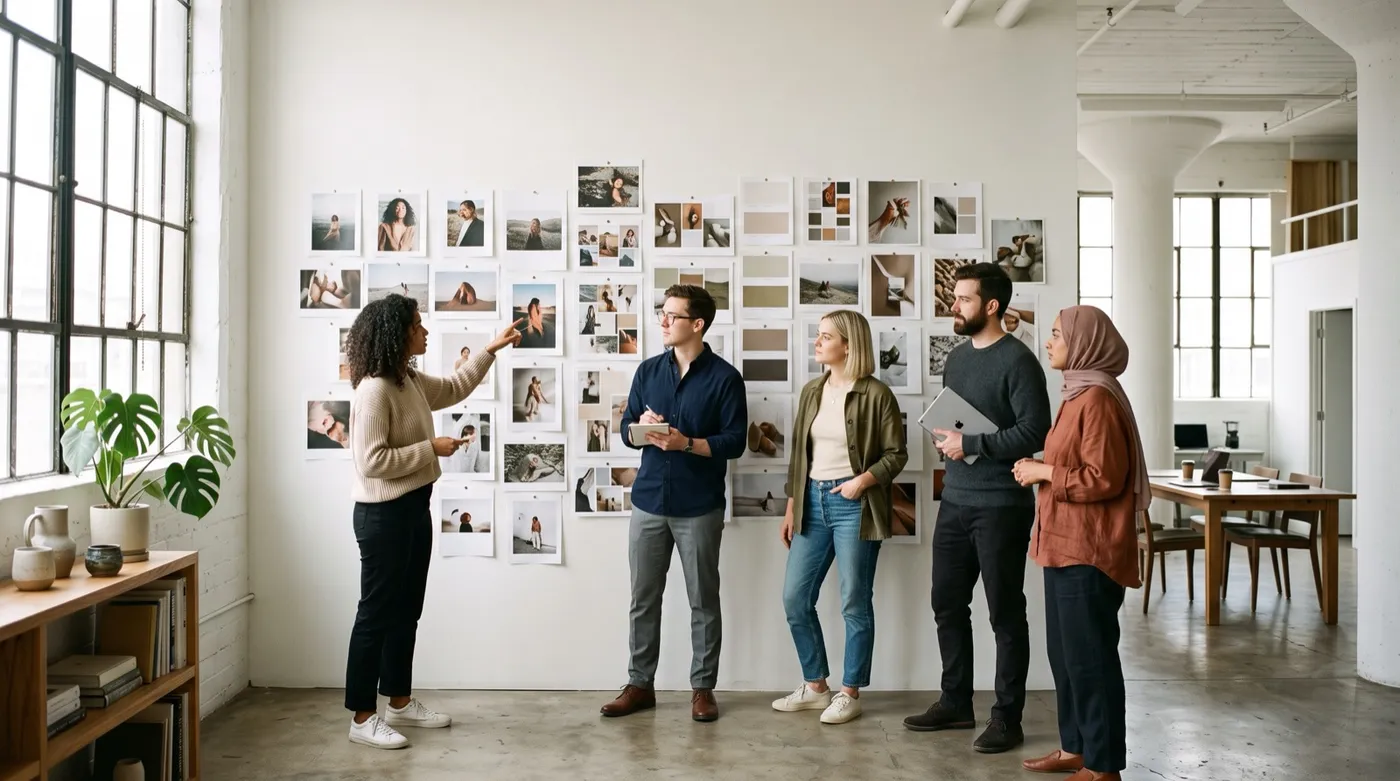
Ce pour quoi les équipes l'utilisent vraiment
Six flux de travail qui reviennent à chaque campagne, chacun partant d'une image qui existe déjà.
Explore d'autres outils et fonctionnalités d'IA
Foire aux questions
Ouvre Redimensionner l'image dans la barre latérale de getimg.ai, dépose ton fichier ou choisis-en un dans la galerie, choisis un ratio d'aspect cible, puis sélectionne Smart Resize ou Outpainting et génère. Cela fonctionne dans le navigateur, les étapes sont donc identiques sur Windows, macOS, iOS et Android.
Aucun des deux modes ne recadre pour s'adapter. L'Outpainting conserve chaque pixel de ton original et génère la toile supplémentaire tout autour. Smart Resize régénère l'image au nouveau ratio, de sorte que la composition est construite pour cette forme au lieu d'être rognée pour y correspondre.
Les deux modes fonctionnent sur les photographies, les illustrations et les images d'IA réalistes de la même manière. Le choix du mode importe plus que le type d'image avec lequel tu commences.
Cela dépend du mode. L'Outpainting lit les bords de ton image et prolonge la scène vers l'extérieur, en respectant l'éclairage et la perspective déjà présents dans le cadre. Smart Resize ne remplit aucun vide : il génère une nouvelle version de toute l'image au ratio cible, certaines parties de la composition peuvent donc se déplacer.
Passer d'une photo de plage carrée à un format large avec l'Outpainting, par exemple, pourrait étendre l'océan, ajouter plus de sable ou introduire des éléments qui n'étaient pas dans l'original, comme des baigneurs supplémentaires. C'est un comportement génératif normal, pas un bug. Vérifie les zones générées avant de publier, surtout quand l'image contient des personnes, des produits, du texte ou tout élément factuel. Il en va de même pour l'art généré par IA comme pour les photographies.
Les photographies, les illustrations, les rendus, l'art numérique et les fichiers PNG tels que les designs de tatouage par IA fonctionnent tous. Le mode que tu choisis est plus important que le type de fichier.
Smart Resize régénère l'image entière, ce qui le rend risqué pour les logos, les emballages, les captures d'écran d'interface, les diagrammes, les designs riches en texte et les étiquettes de produits précises. Pour ces cas, utilise l'Outpainting : l'original reste intact et seule la zone environnante est générée.
Le recadrage n'utilise que les pixels qui existent déjà. Tu choisis une fenêtre à l'intérieur du cadre et tout ce qui se trouve en dehors est jeté. C'est totalement prévisible, et cela te coûte une partie de l'image. Le redimensionnement par IA peut produire du contenu qui n'était pas dans la source : l'Outpainting génère la zone autour de ton image, Smart Resize en génère une nouvelle version dans la forme cible. Tu conserves la scène complète, et en échange, les résultats varient d'une génération à l'autre.
Utilise l'Outpainting chaque fois que les détails exacts de la source sont importants. Les logos, les emballages, les designs riches en texte, les captures d'écran d'interface, les diagrammes, les étiquettes de produits et les visages reconnaissables ont tous besoin que les pixels d'origine survivent, et l'Outpainting se contente de générer la toile autour d'eux.
Utilise Smart Resize quand ça ne te dérange pas qu'une partie de la composition change et que tu veux un cadre conçu pour le nouveau format. C'est la voie la plus rapide quand l'objectif est une mise en page adaptée, et non une copie au pixel près de ce que tu as importé.
Non. Chaque génération sauvegarde un nouveau fichier et laisse la source là où elle était. L'Outpainting conserve tes pixels d'origine à l'intérieur du nouveau cadre plus grand. Smart Resize crée une version séparée, nouvellement générée au ratio cible. Dans les deux cas, le fichier que tu as importé est toujours dans ta galerie, inchangé.
Le redimensionnement modifie le ratio d'aspect : la forme du cadre et ce qui y rentre. L'upscaling conserve la forme et augmente la résolution, le même cadre revient donc avec plus de pixels. Si tu veux qu'une image carrée devienne une Story ou une bannière, utilise le Redimensionneur. Si tu veux un fichier plus grand et en plus haute résolution du cadre que tu possèdes déjà, utilise l'Image Upscaler, qui atteint 2K, 4K et jusqu'à 16K sur certains modèles.
Smart Resize en prend en charge dix : 1:1, 4:5, 5:4, 3:4, 4:3, 2:3, 3:2, 16:9, 9:16 et 21:9. L'Outpainting prend en charge la même liste à l'exception du 5:4. Smart Resize dispose également d'un réglage de qualité pour une sortie en 1K, 2K ou 4K ; l'Outpainting fonctionne à partir de la résolution que possède déjà ta source.
Oui. Dépose ou sélectionne plusieurs fichiers dans Redimensionner l'image et l'ensemble est traité au ratio de ton choix. Chaque image produit son propre nouveau fichier, et chaque original reste dans ta galerie.
Modifie le ratio. Garde l'essentiel.
Choisis un format cible, sélectionne Smart Resize ou Outpainting, et génère. Ton original reste là où il est.