AI 이미지 리사이저: AI로 종횡비 변경하기
새로운 포맷을 만드는 두 가지 방법이 있어요. 스마트 리사이즈(Smart Resize)는 선택한 비율에 맞게 구도를 다시 생성해요. 아웃페인팅(Outpainting)은 원본을 유지하면서 그 주변의 캔버스만 생성하죠. 10가지 종횡비를 지원하며, 수동으로 크롭할 필요가 없어요.
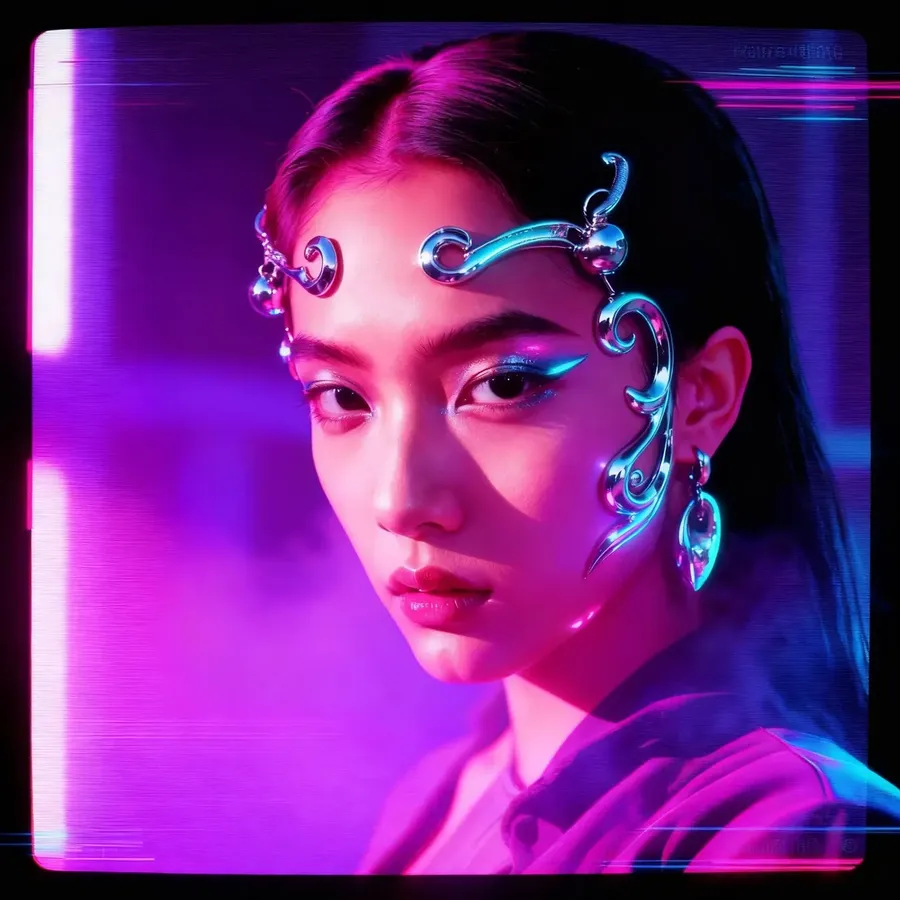
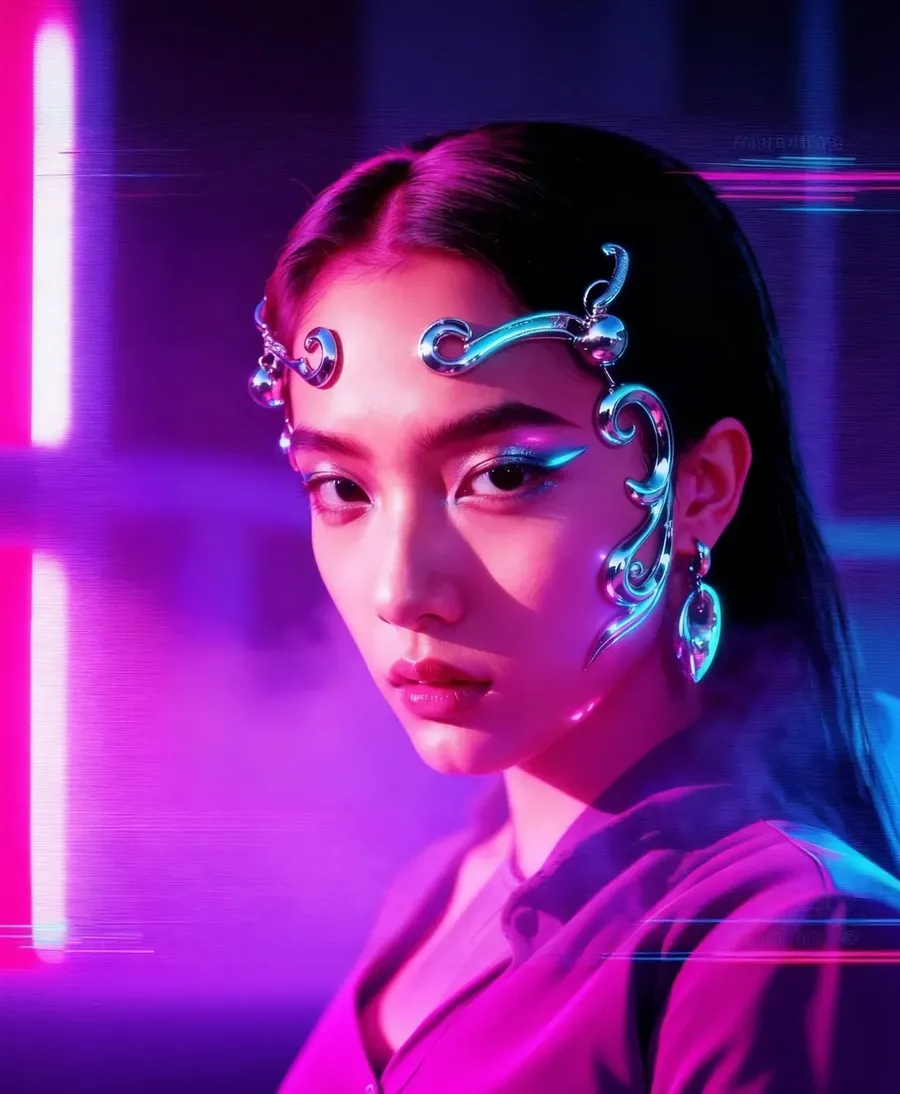
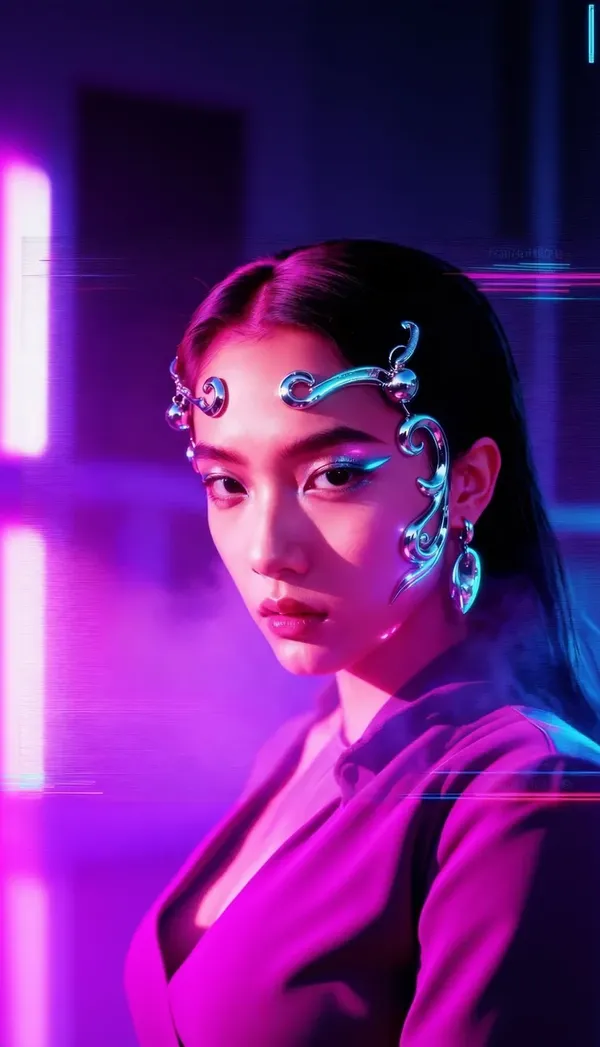
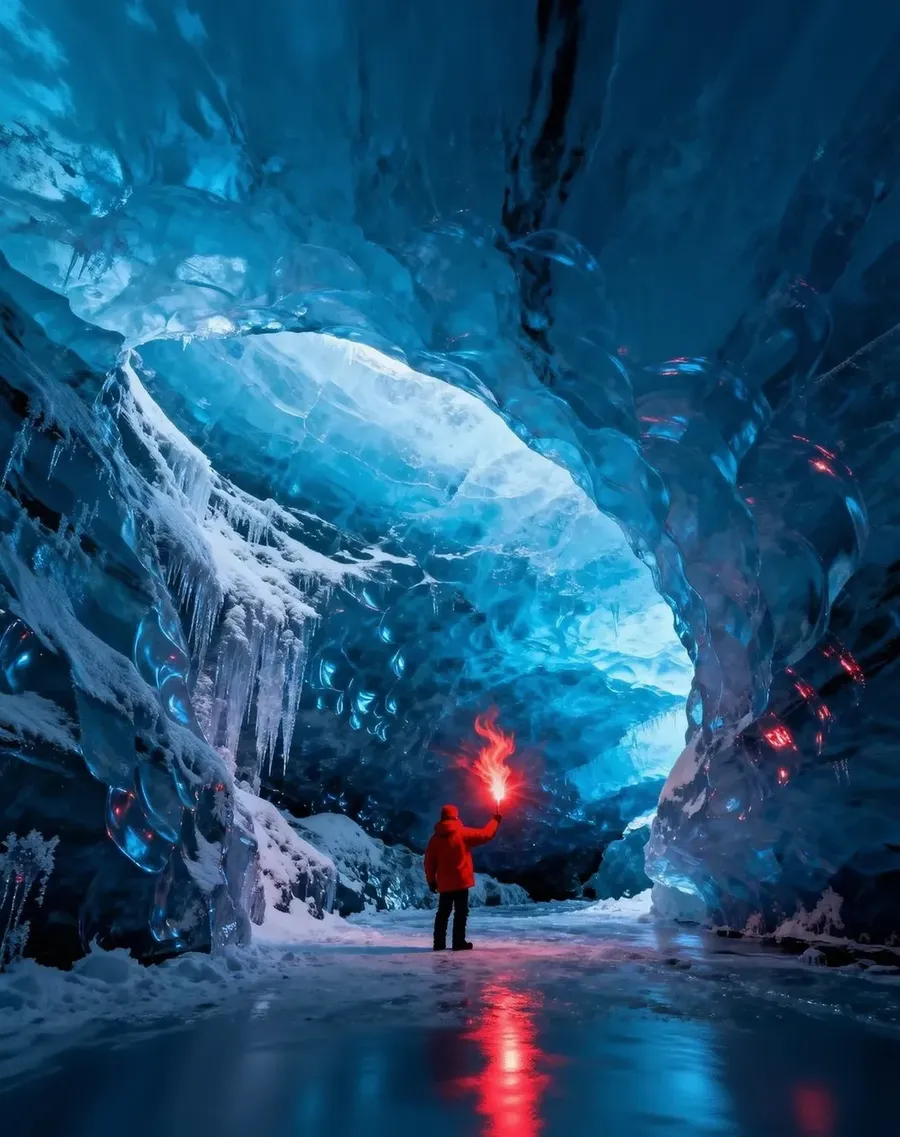
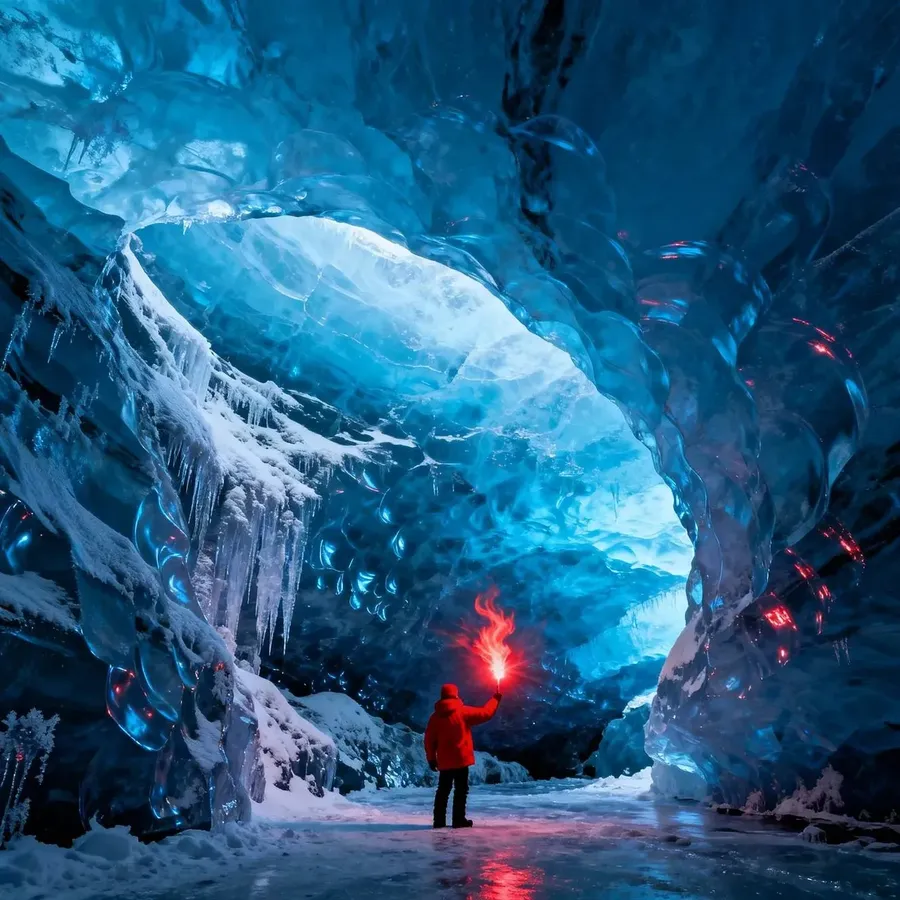
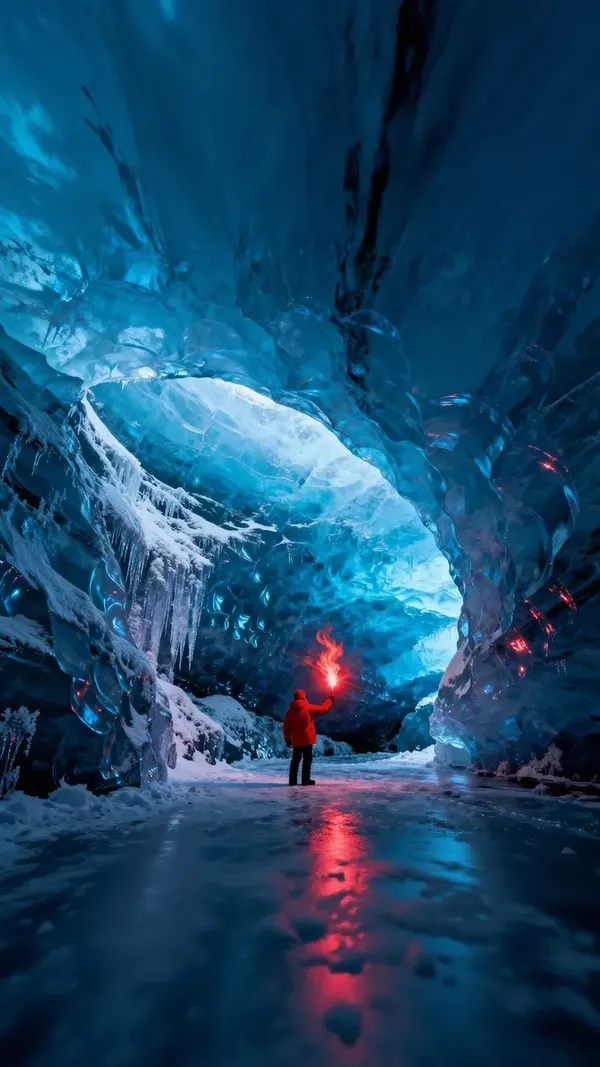
-900x900.webp)
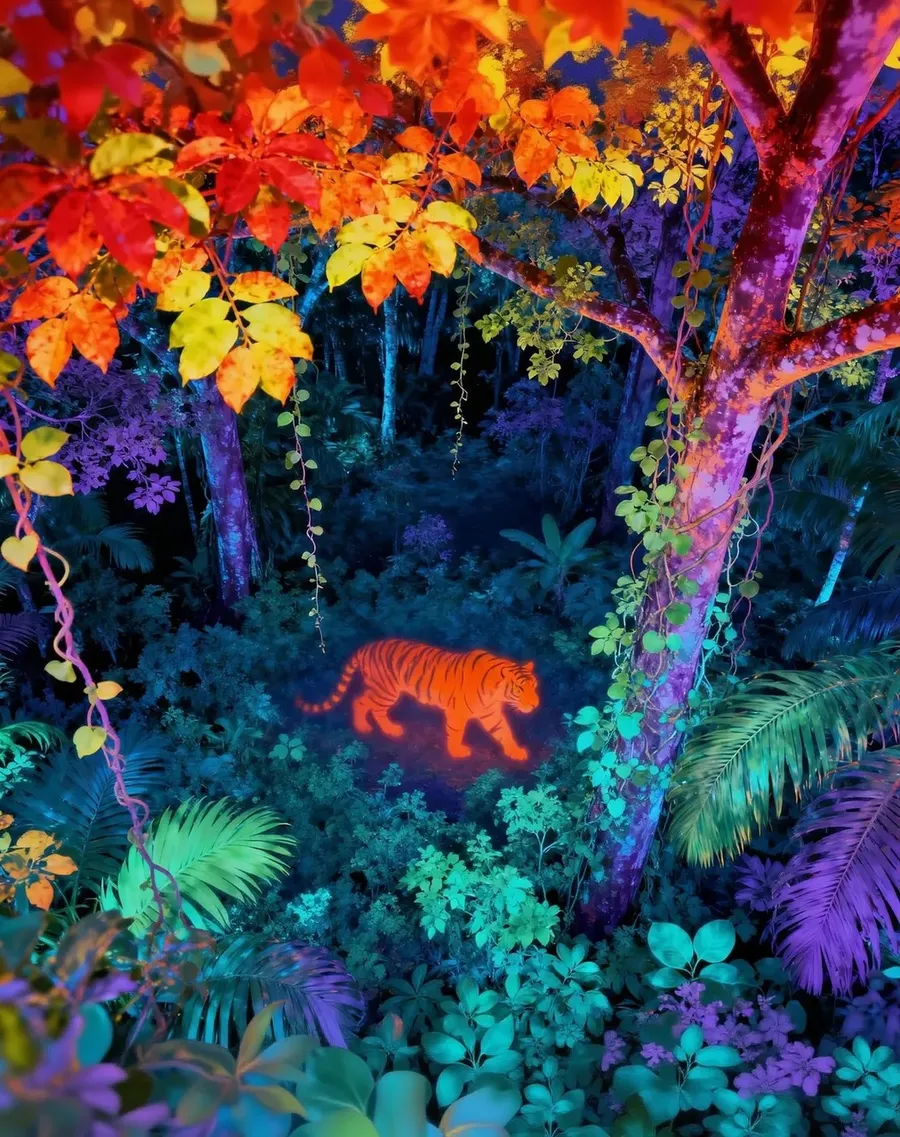
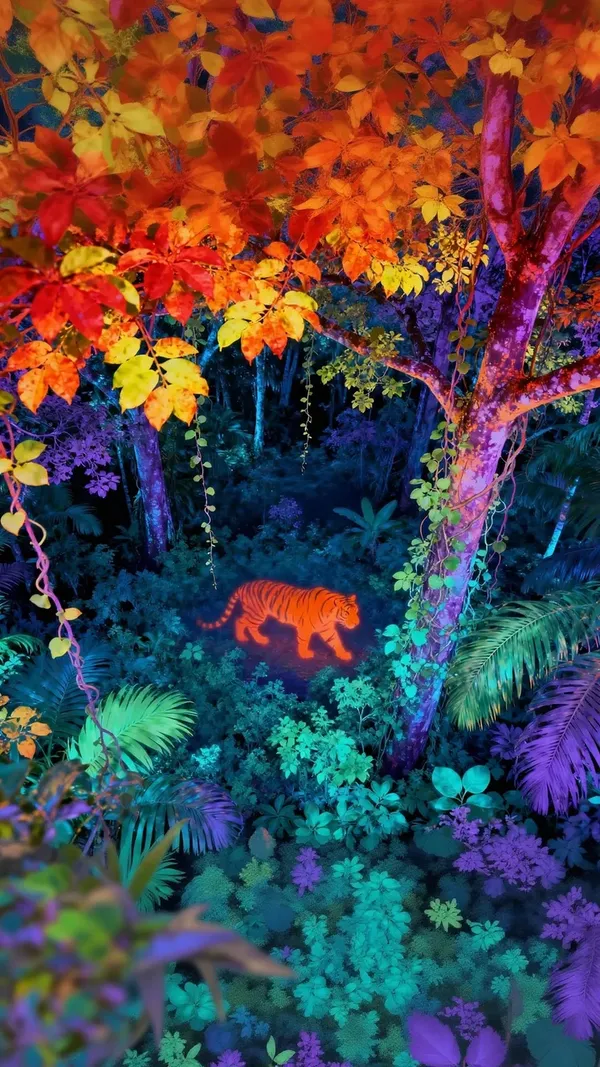
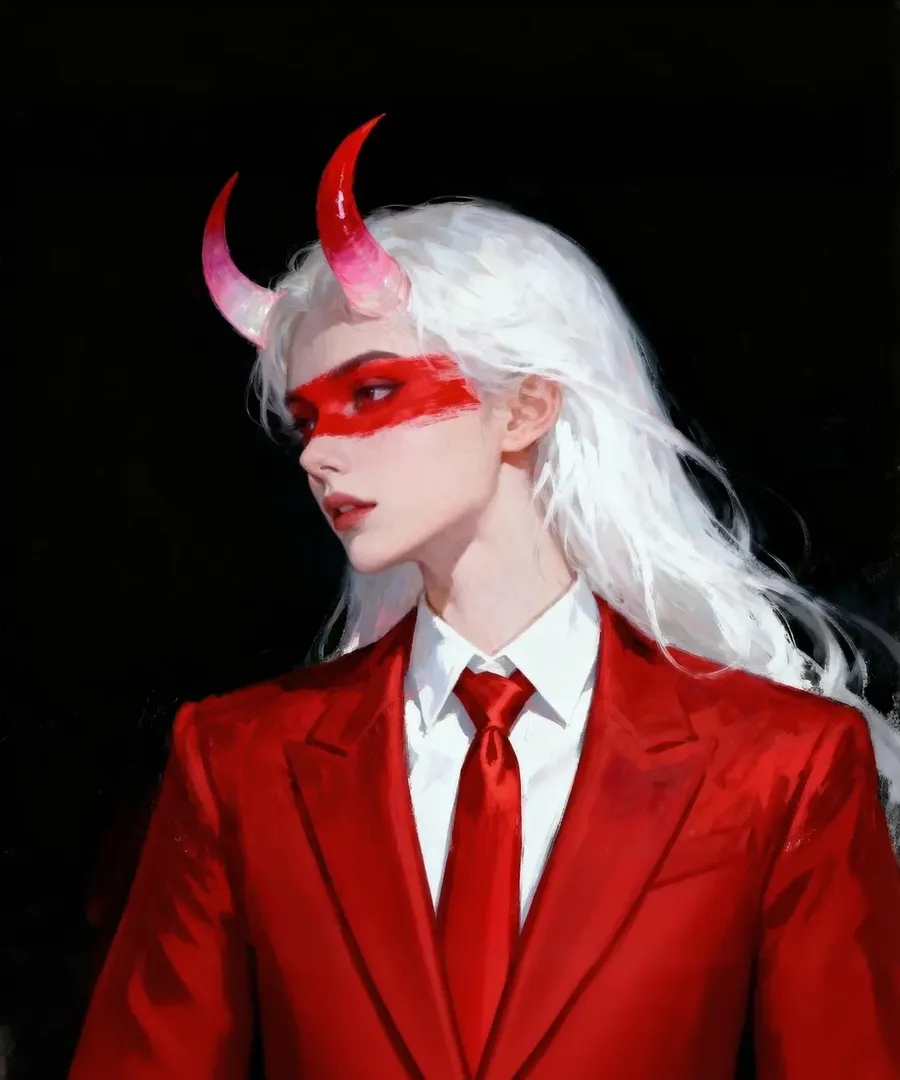
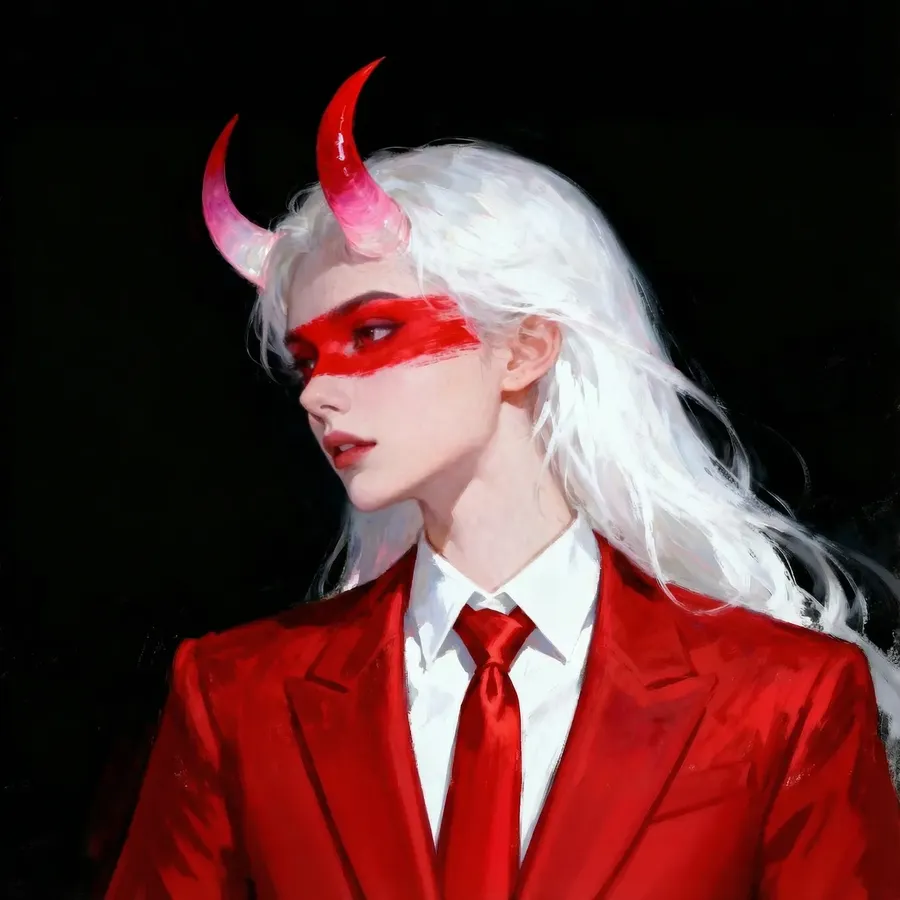
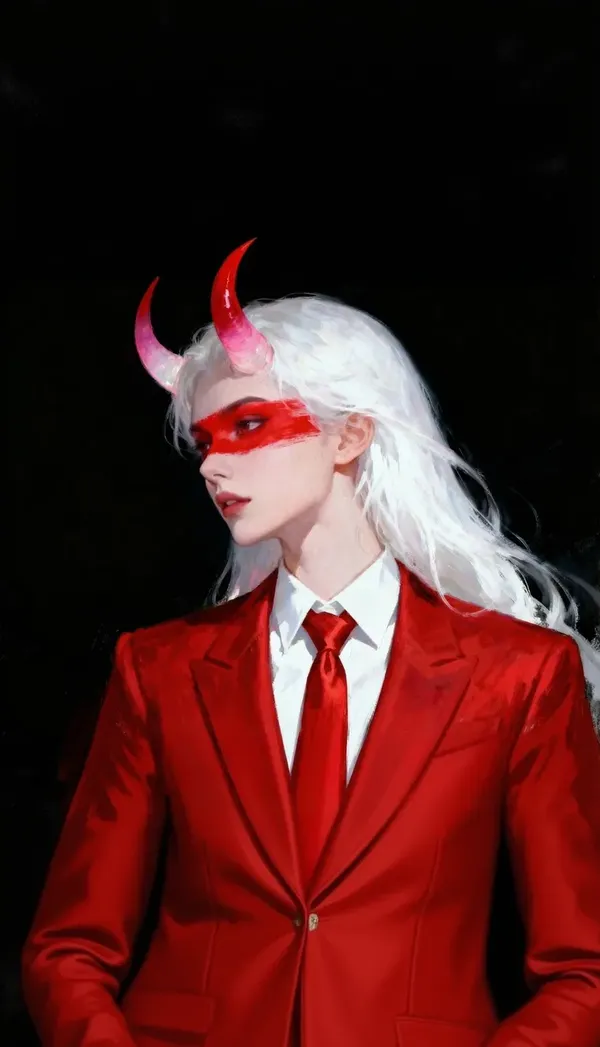
-900x900.webp)
단순한 이미지 리사이징 그 이상
기존 리사이저는 이미 가지고 있는 픽셀의 크기만 변경해요. 크롭, 스케일(비율 조정), 압축하면 끝이죠. 새로운 프레임 밖으로 벗어난 부분은 영영 사라지고 말아요.
이 도구는 다르게 작동해요. 목표 종횡비를 지정하면 AI가 구도를 다시 생성하거나 원본 주변 영역을 생성하여 해당 형태에 맞는 이미지를 만들어내죠. 새로운 포맷에 맞추기 위해 피사체의 가장자리를 잘라낼 필요가 없어요.
스마트 리사이즈 vs 아웃페인팅
둘 다 종횡비를 변경하지만, 해결하는 문제가 달라요. 따라서 목적에 맞게 선택하는 것이 중요해요. 이 둘은 하나의 버튼이 아니라 완전히 다른 두 가지 워크플로우랍니다.
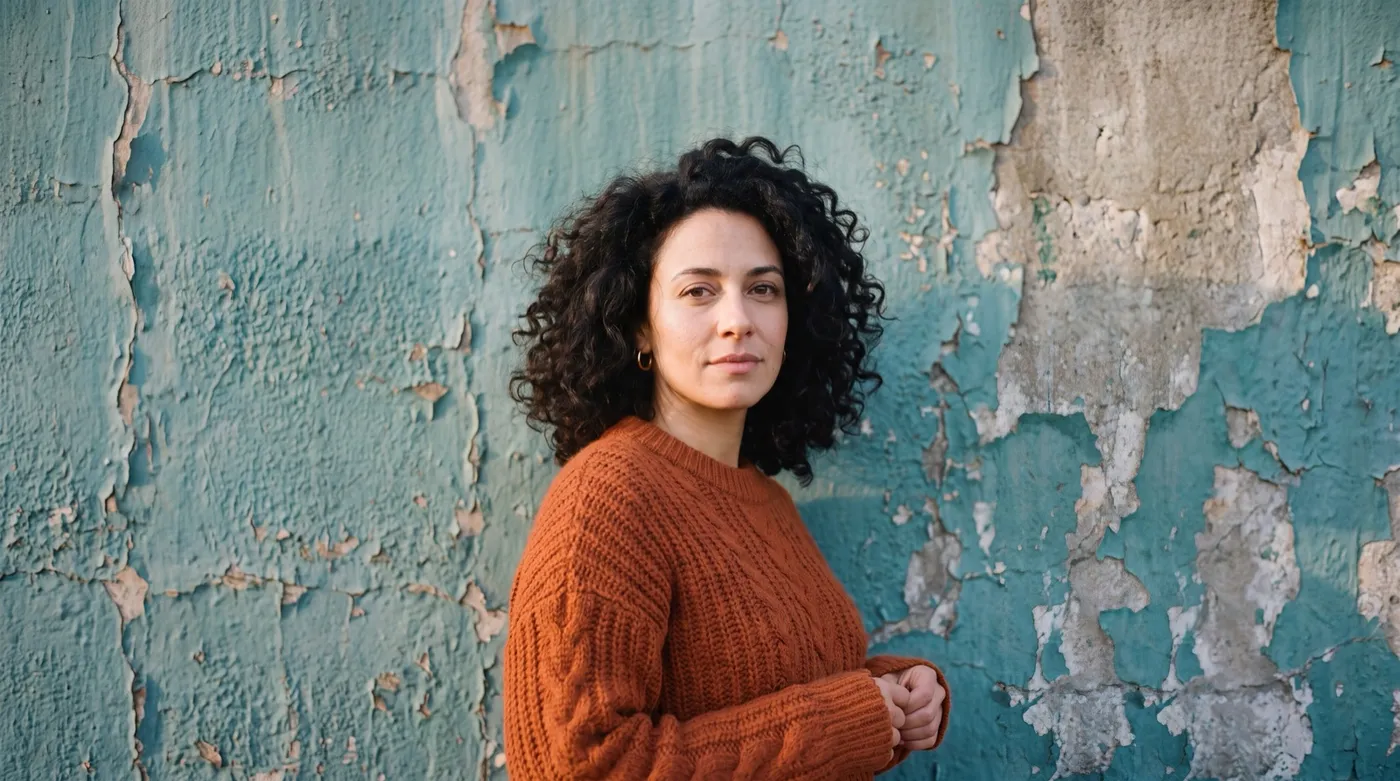
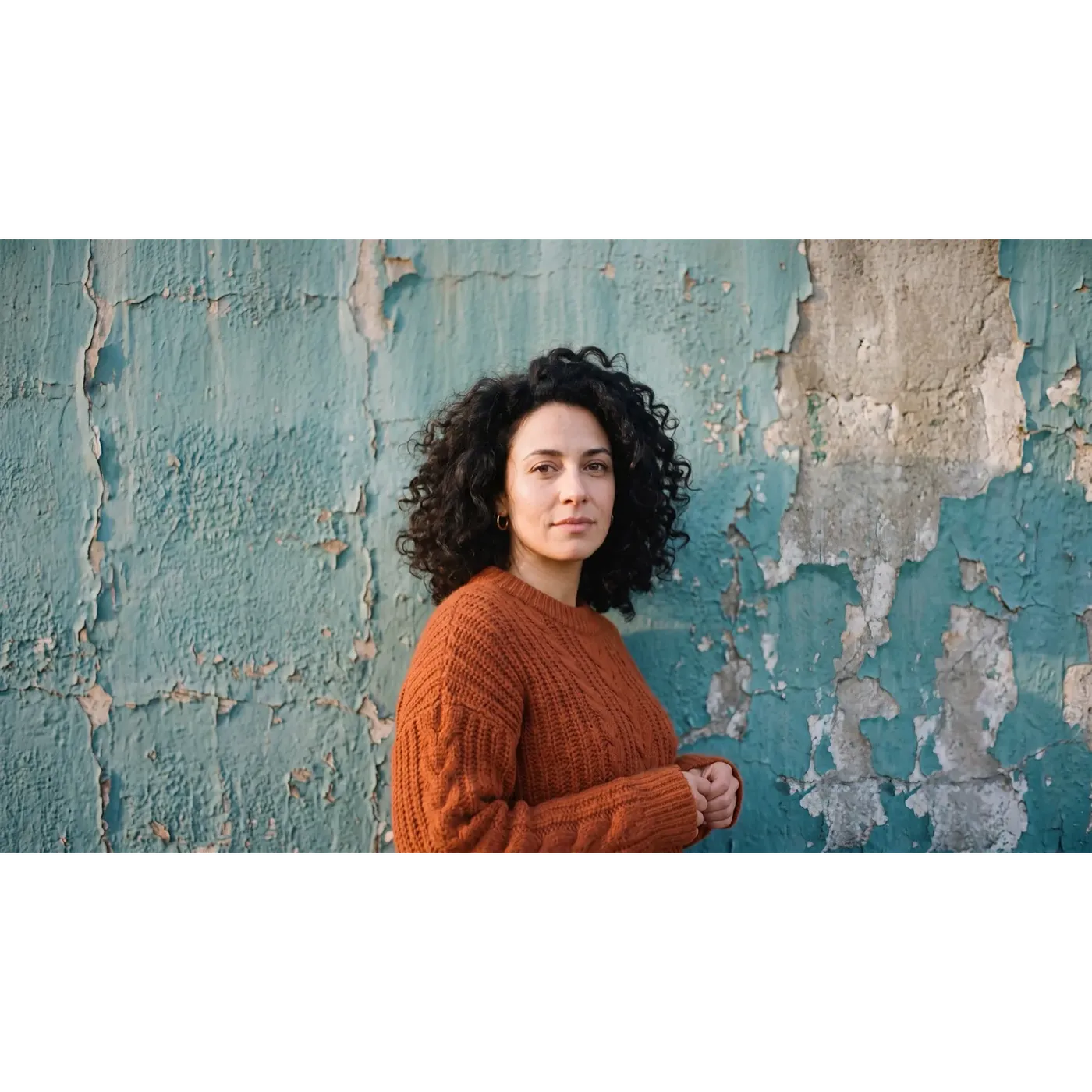
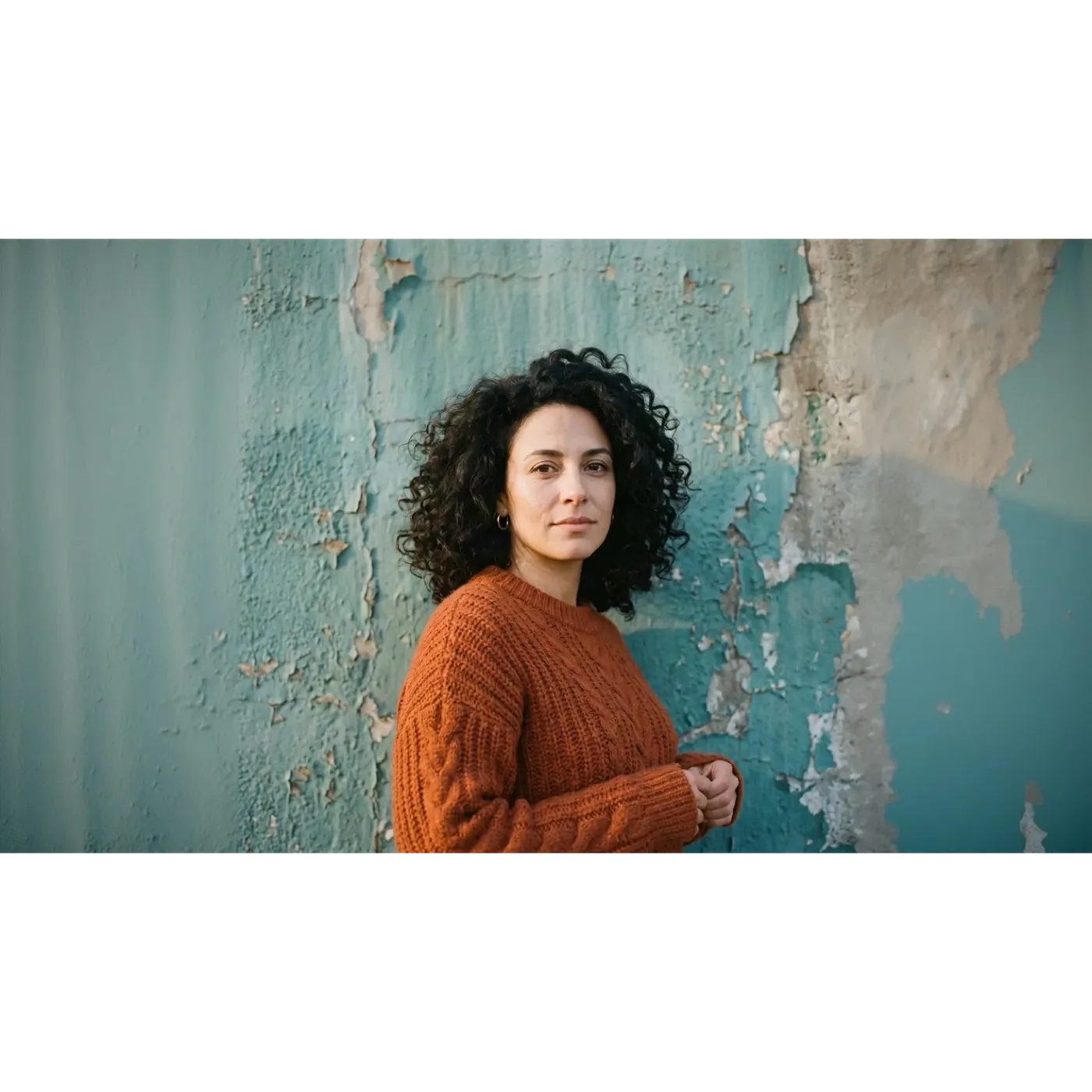
같은 이미지, 같은 비율: 스마트 리사이즈 vs 아웃페인팅
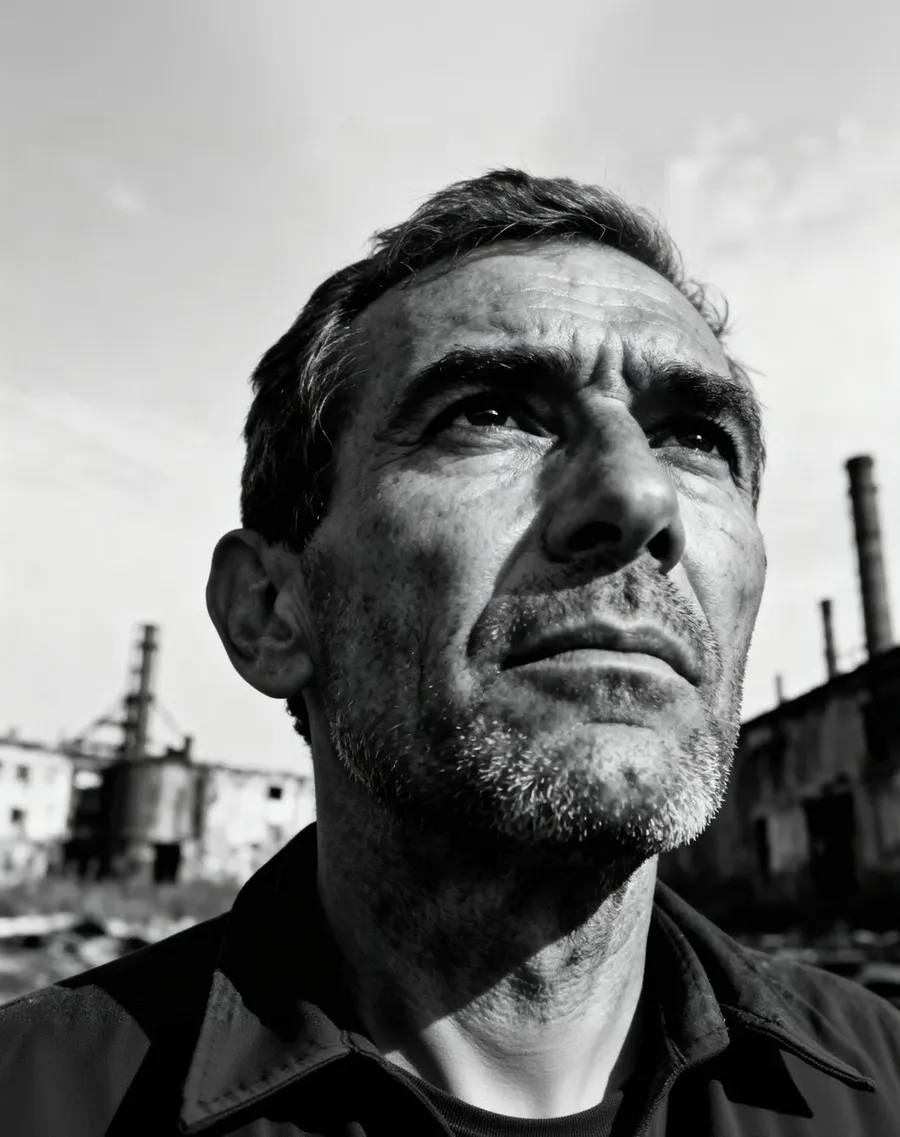
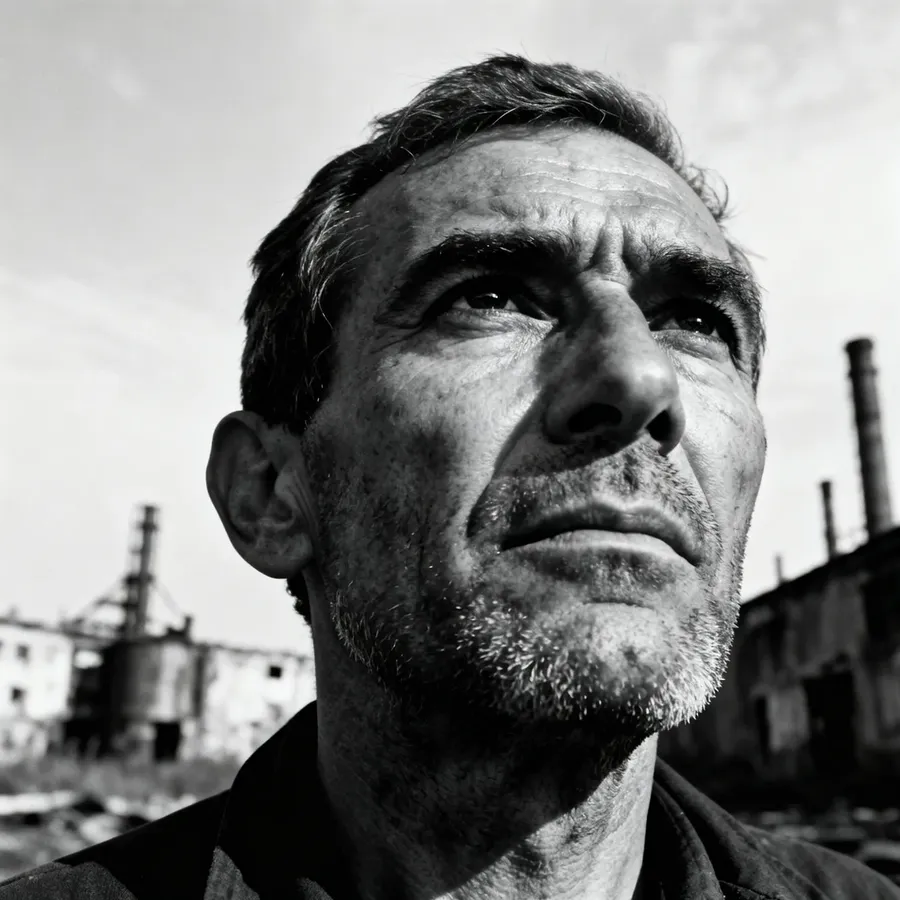
1:1 정방형 인물 사진 하나, 16:9 목표 비율, 두 가지 모드. 슬라이더를 드래그하여 getimg.ai에서 생성된 두 결과를 비교해 보세요.
둘 다 동일한 16:9 프레임을 채우지만, 세부적인 부분은 거의 일치하지 않아요. 스마트 리사이즈는 완전히 새로운 렌더링을 반환했어요. 벗겨진 페인트가 다른 패턴으로 재구성되고, 프레임 전체에 떨어지는 빛이 달라지며, 얼굴은 원본과 비슷하지만 완전히 동일하지는 않죠. 반면 아웃페인팅은 중앙의 원본 정방형을 손대지 않고 유지한 채 왼쪽과 오른쪽에만 새로운 벽을 생성했어요. 따라서 프레임 중앙은 업로드한 파일과 여전히 일치해요.
얼굴, 로고, 또는 텍스트 한 줄이 리사이즈 과정에서 살아남아야 한다면, 이 차이점이 어떤 모드를 선택할지 결정하는 기준이 돼요.
동일한 테스트, 반대 상황: 16:9에서 9:16으로
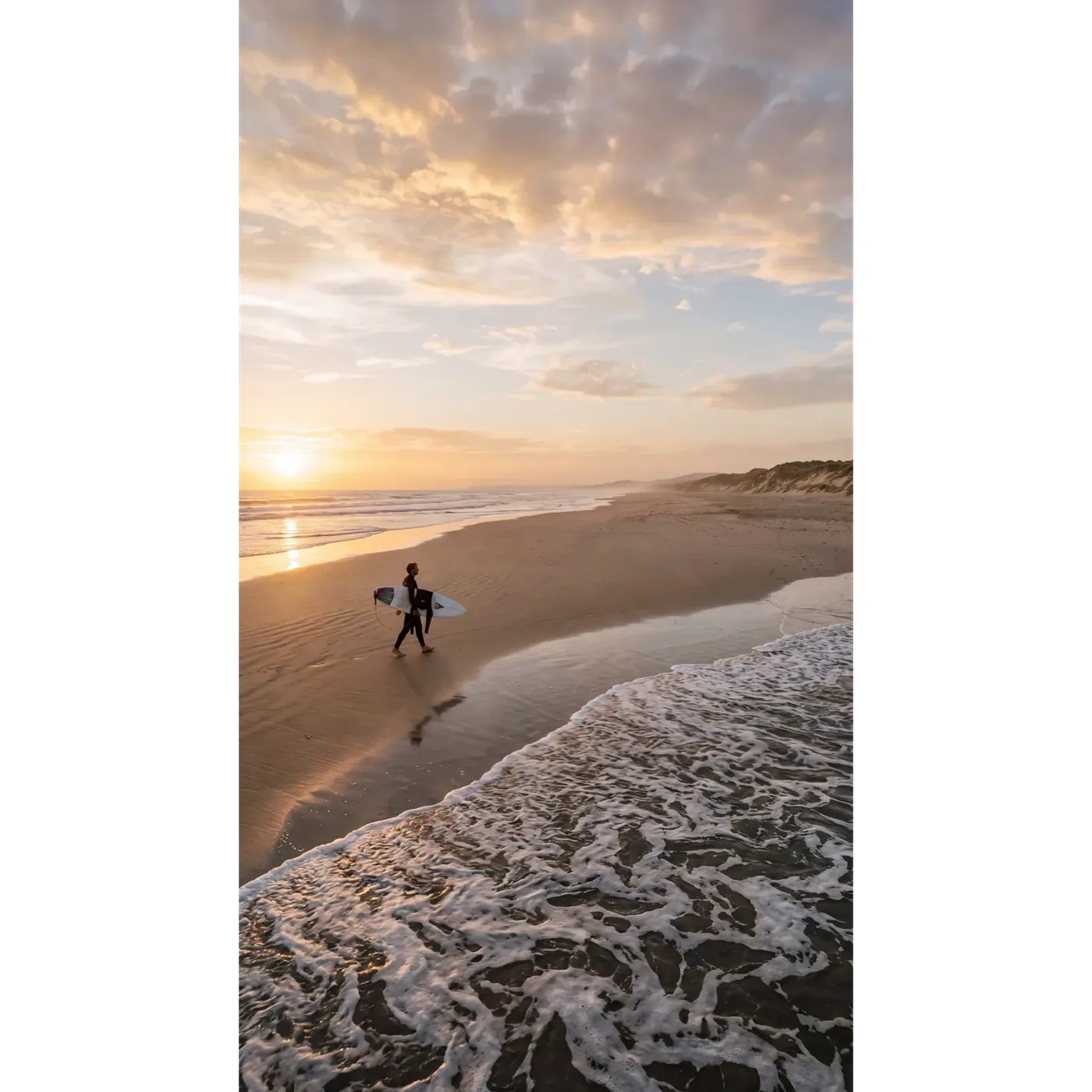
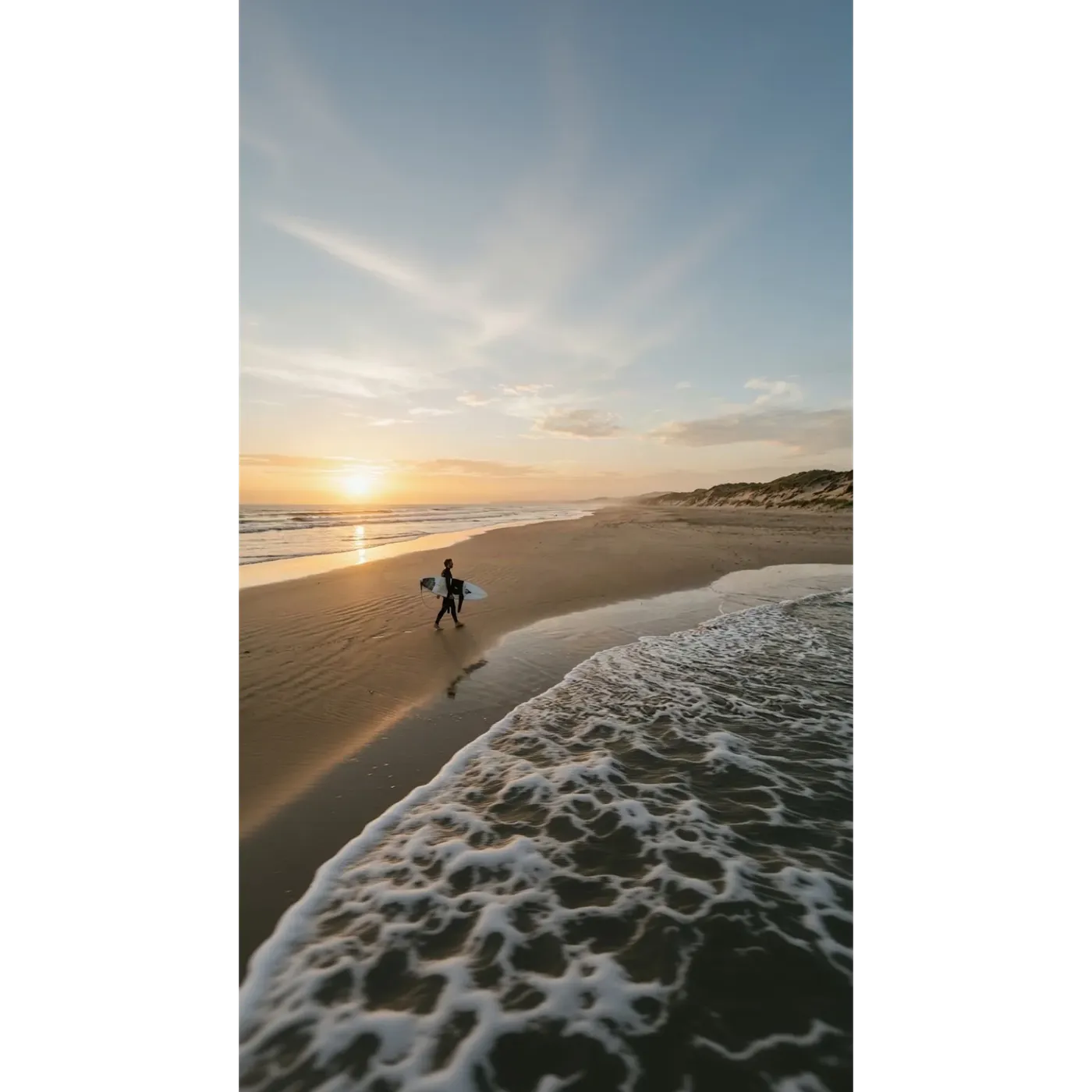
이번에는 가로 16:9 해변 프레임이 원본이고, 목표는 스토리(Stories)와 릴스(Reels)를 위한 세로 9:16 프레임이에요. 동일한 슬라이더와 두 가지 모드를 확인해 보세요.
스마트 리사이즈는 길쭉한 포맷에 맞춰 장면을 재구성했기 때문에 하늘, 구름 구조, 파도 등이 모두 새롭게 만들어졌어요. 아웃페인팅은 원래의 해변 띠를 그 자리에 정확히 유지하고 위에는 하늘을, 아래에는 물을 생성했어요.
둘 중 어느 것도 완벽한 단일 정답은 아니에요. 스마트 리사이즈는 세로 프레임에 맞게 만들어진 구도를 제공하고, 아웃페인팅은 이미 승인된 컷을 더 긴 캔버스에 담아 제공하죠.
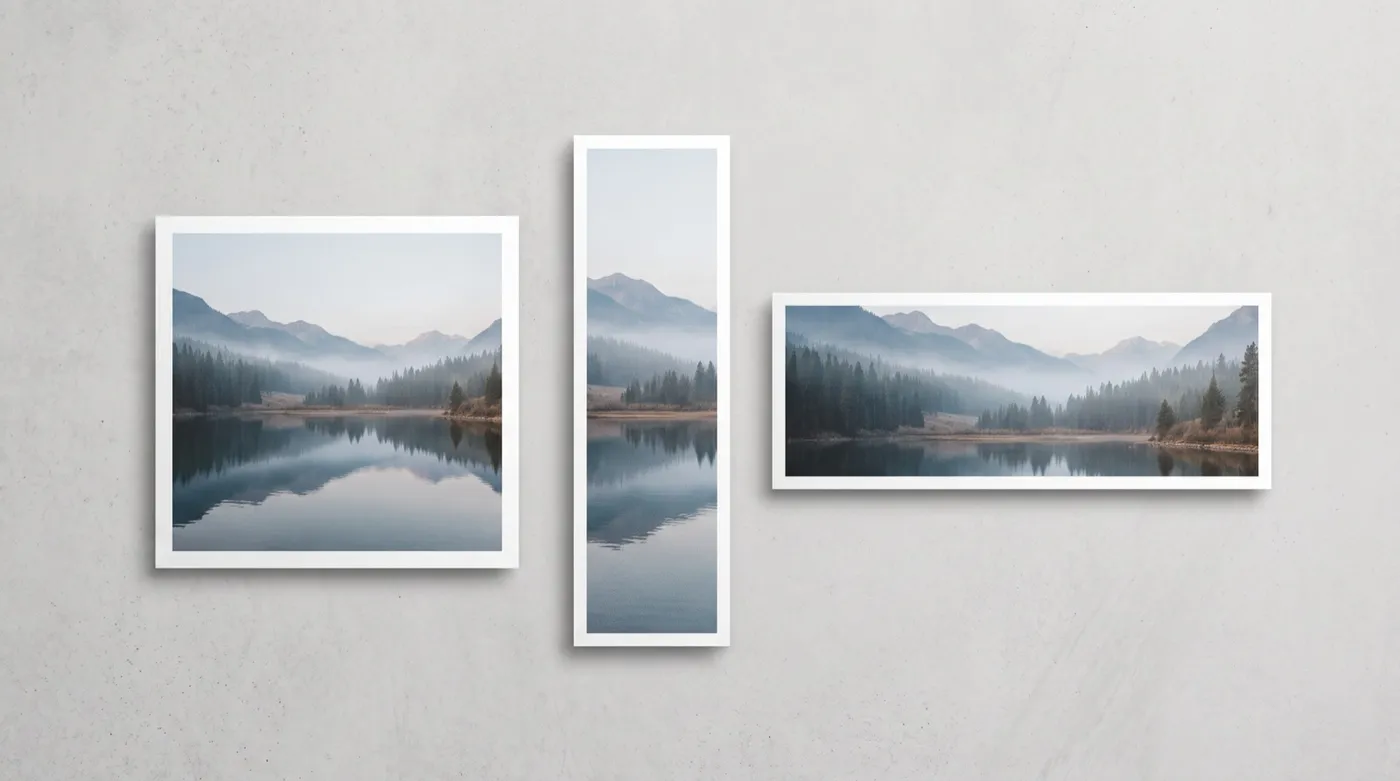
AI 리사이징 vs 기존 크롭 방식
크롭은 이미 존재하는 픽셀만 사용해요. 반면 AI 리사이징은 새로운 프레임에 필요한 것을 직접 만들어낼 수 있죠. 각각의 장단점이 있을 뿐, 승자와 패자가 있는 것은 아니에요.
getimg.ai로 리사이징하기
이미지 리사이즈 열기
사이드바에서 이미지 리사이즈로 이동한 다음, 파일을 드롭하거나 갤러리에서 하나를 선택해요. 여러 개를 한 번에 불러올 수도 있어요.
목표 종횡비 선택하기
1:1, 4:5, 5:4, 3:4, 4:3, 2:3, 3:2, 16:9, 9:16, 21:9 중에서 선택하세요.
스마트 리사이즈 또는 아웃페인팅 선택하기
스마트 리사이즈는 구도를 다시 생성하며 1K, 2K, 4K 화질 옵션을 제공해요. 아웃페인팅은 원본을 유지하고 그 주변의 캔버스를 확장해요.
생성하기
원본은 절대 덮어쓰이지 않아요. 실행할 때마다 원래 작업하던 파일 옆에 새 파일이 저장돼요.
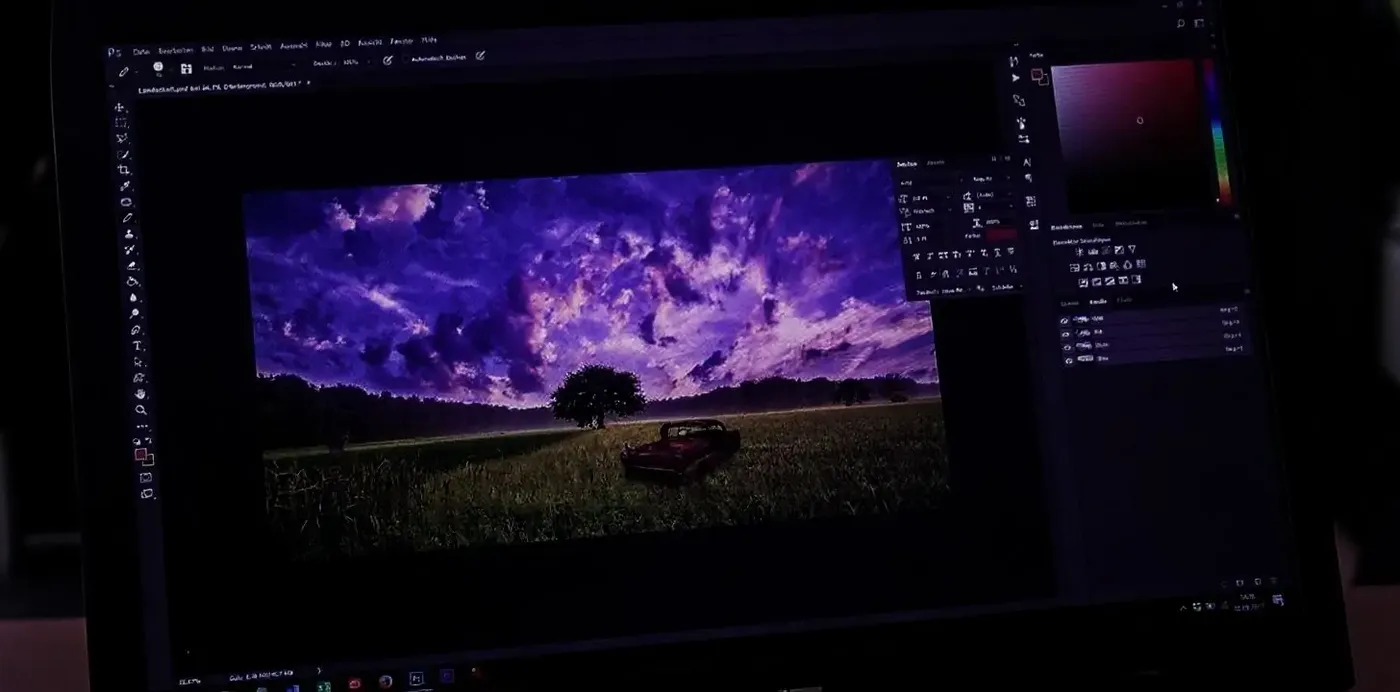
수동으로 크롭하기
- Photoshop, Figma 또는 Canva에서 파일 열기
- 한 번에 하나의 포맷씩, 목표 비율에 맞춰 크롭하기
- 새로운 프레임 밖으로 벗어나는 부분이 잘리는 것을 감수하기
- 복제 도장이나 내용 인식 채우기로 부족한 배경 재구성하기
- 초점과 텍스트 또는 로고 배치를 다시 확인하기
- 모든 포맷마다 개별 파일로 내보내기
- 다음 이미지에 대해 반복하기
- 장점: 완벽한 예측 가능성, 그리고 프레임 내에 인위적으로 생성되는 내용이 없음
리사이징 vs 업스케일링: 완전히 다른 작업
이 둘은 종종 혼동되지만, 각기 다른 작업을 수행하는 별개의 도구예요.
리사이징은 이미지의 형태, 즉 종횡비와 프레임 안에 들어갈 내용을 변경해요. 1:1 사진이 9:16 스토리나 16:9 배너가 되는 식이죠. 업스케일링은 형태는 그대로 둔 채 해상도를 높여서, 동일한 프레임을 더 많은 픽셀과 디테일을 갖춘 상태로 반환해요. 정방형 게시물을 스토리로 변환하려면 리사이저(Resizer)가 필요하고, 이미 가지고 있는 프레임의 더 크고 고해상도인 파일이 필요할 때 사용하는 것이 이미지 업스케일러(Image Upscaler)예요.
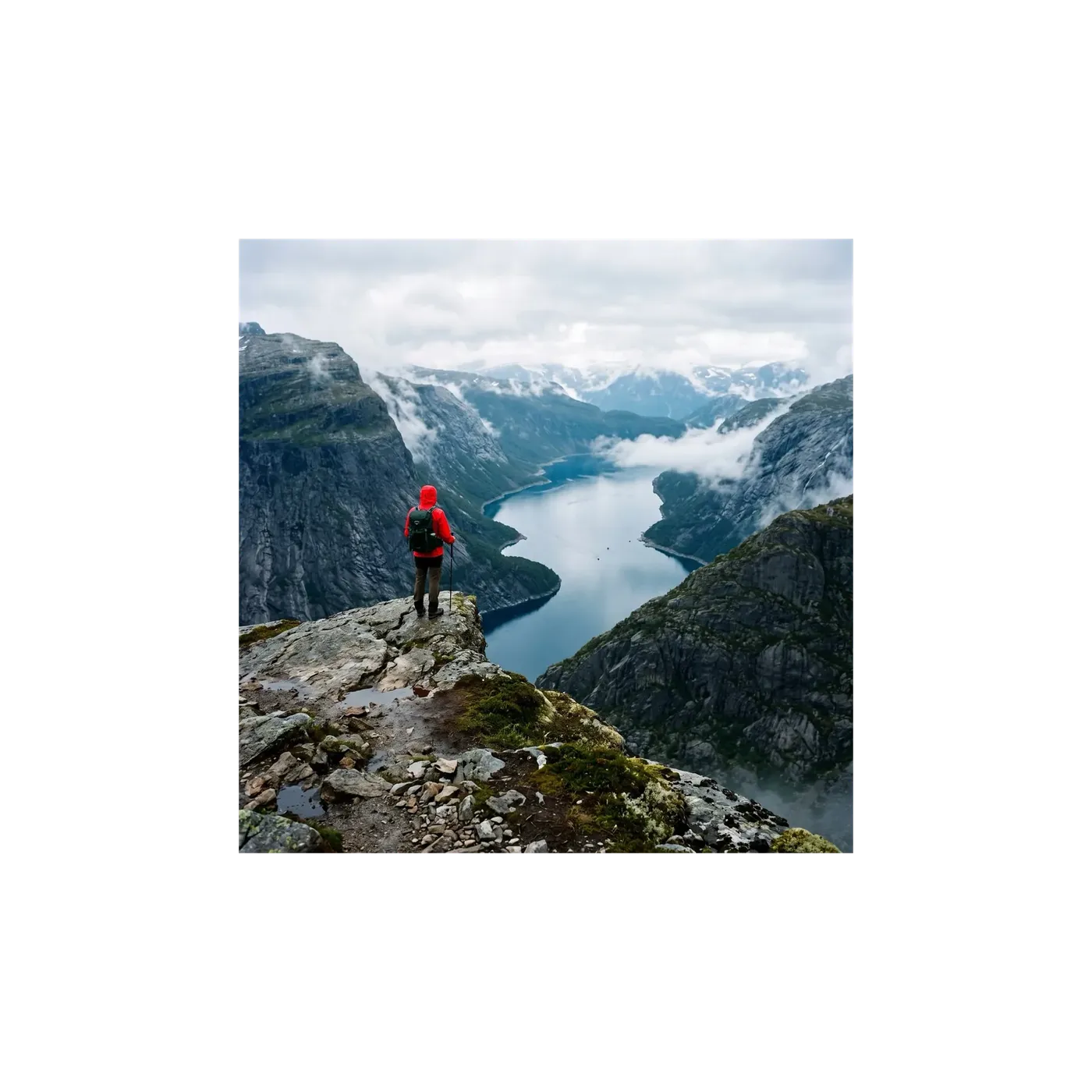
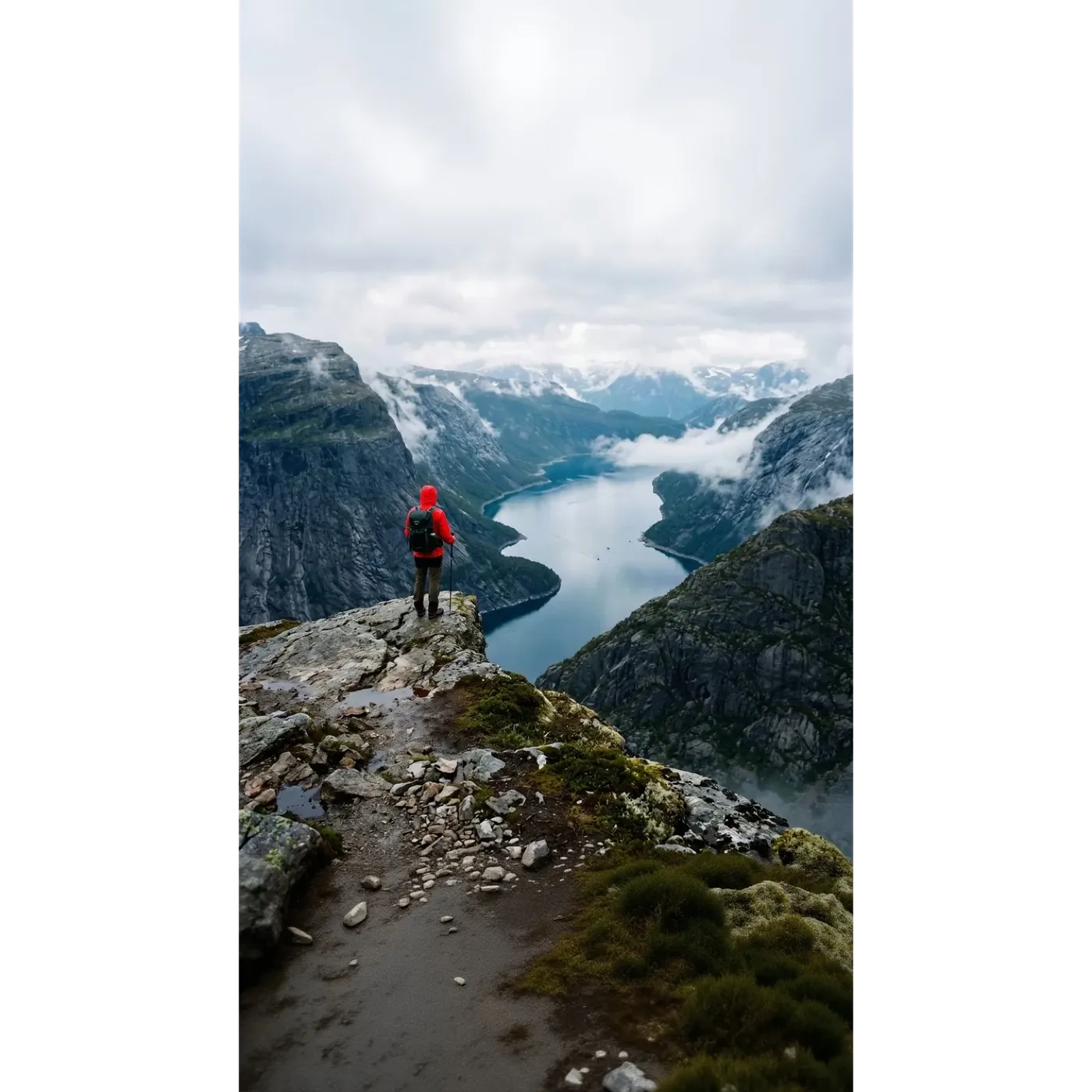
팀들이 getimg.ai 리사이저를 사용하는 이유
하나의 원본 이미지로 수동으로 프레임을 다시 작업할 필요 없이 각 채널에 필요한 모든 포맷을 만들 수 있어요.
하나의 도구, 두 가지 모드
창의적인 리프레이밍에는 스마트 리사이즈를, 원본을 그대로 유지해야 할 때는 아웃페인팅을 사용해요. 같은 이미지에서 두 모드를 쉽게 전환할 수 있어요.
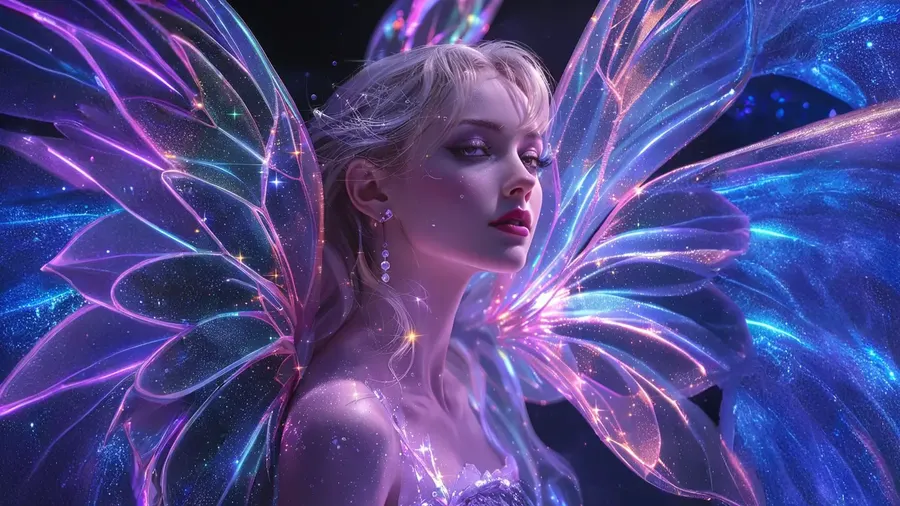
늘리는 것이 아닌 생성하는 방식
찌그러지거나 중복되는 부분이 없어요. 아웃페인팅은 이미지 주변에 새로운 캔버스를 생성하고, 스마트 리사이즈는 목표 형태에 맞춰 완전히 새로운 버전을 구축해요.
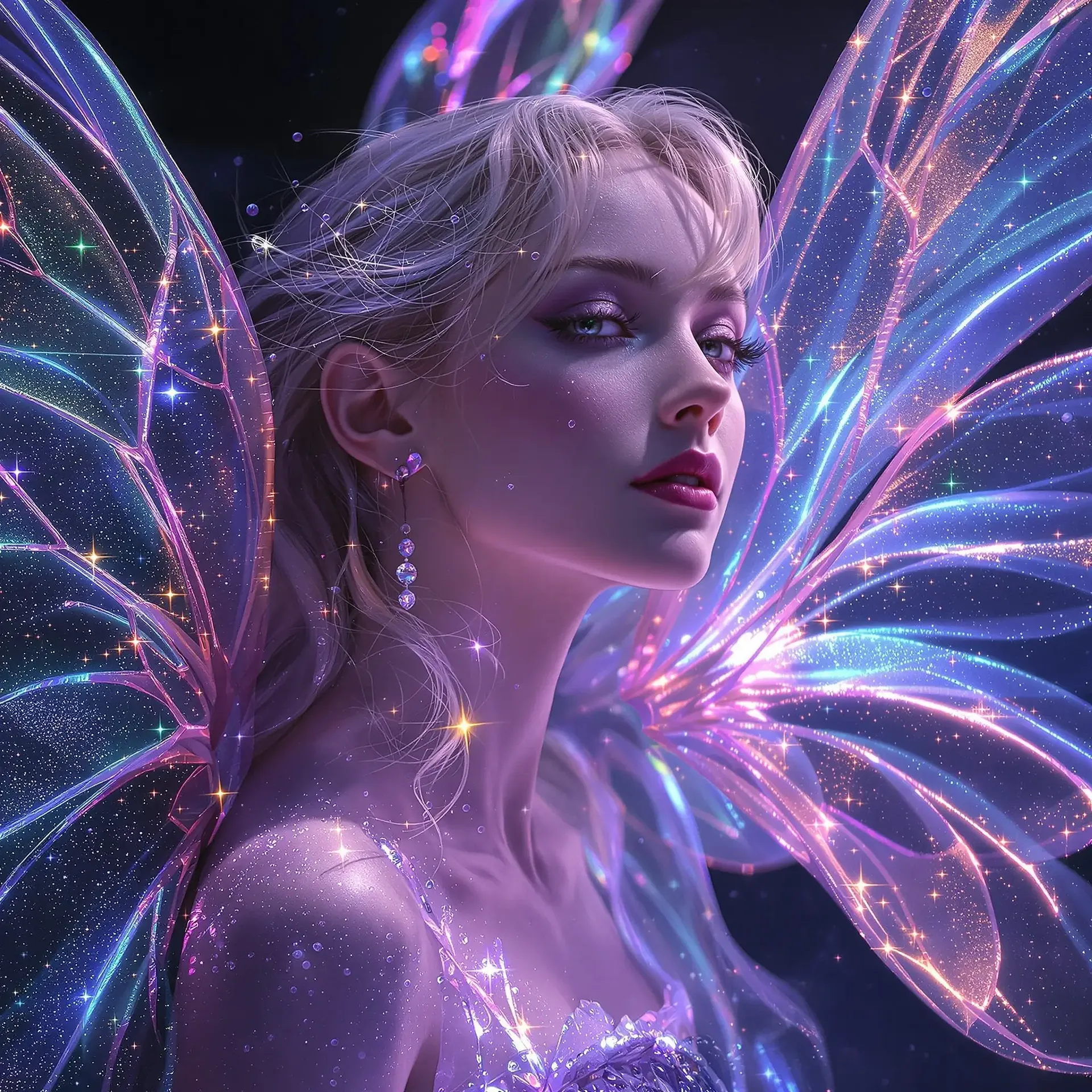
채널에 필요한 모든 비율
피드용 1:1 및 4:5, 스토리, 릴스, 틱톡용 9:16, 썸네일 및 배너용 16:9, 와이드 히어로 이미지용 21:9를 지원해요.
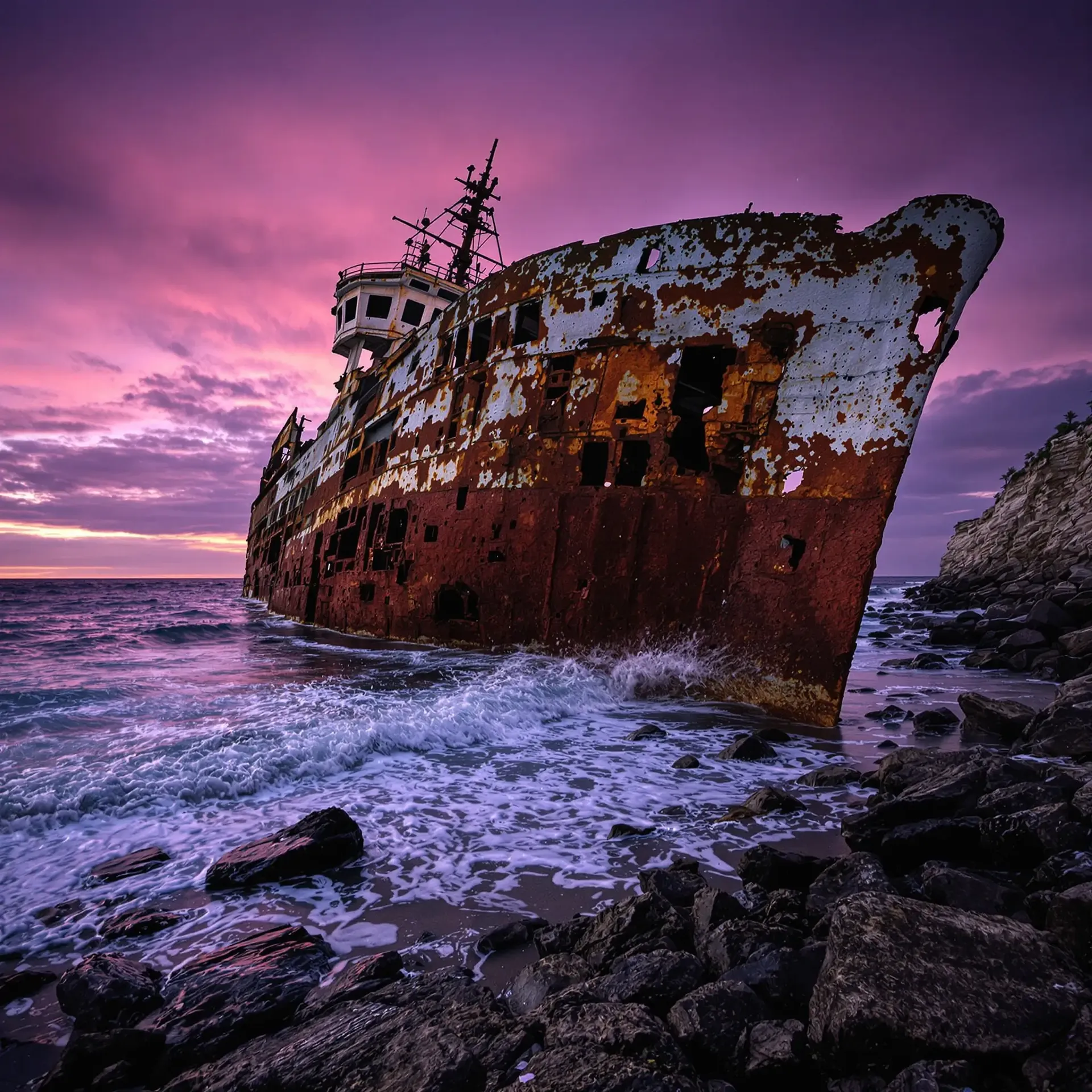
일괄 처리, 손상 없는 원본
여러 이미지를 한 번에 드롭하세요. 실행할 때마다 새 파일이 저장되며, 원본은 원래 상태 그대로 보존돼요.
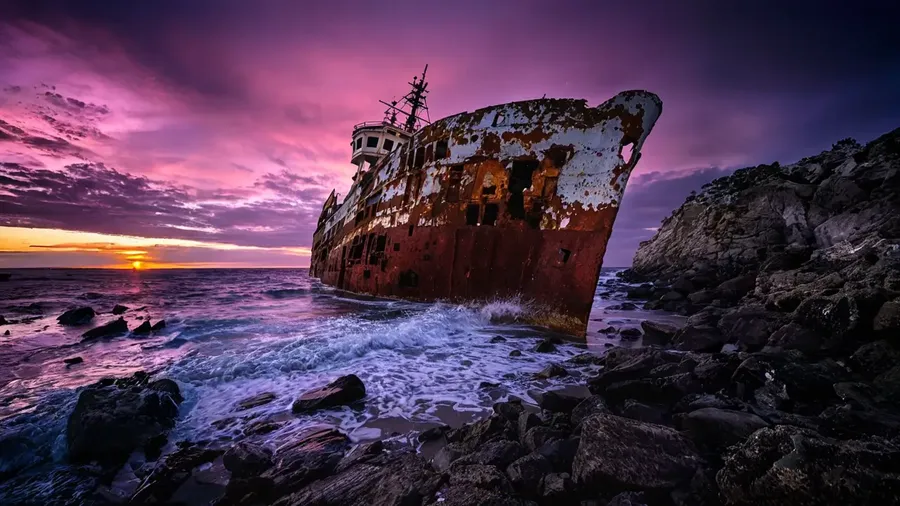
깔끔하고 완성도 높은 고품질 리프레이밍을 위한 설계
스마트 리사이즈는 선택한 비율로 이미지의 새로운 버전을 렌더링하기 때문에, 픽셀 단위로 복사하는 대신 원본의 느낌을 가깝게 따라가요. 반면 아웃페인팅은 원본을 그대로 둔 채 주변 영역만 생성하는 정반대의 방식을 취하죠. 그렇기 때문에 같은 파일이라도 모드에 따라 전혀 다른 결과물이 나올 수 있으며, 목적에 맞게 모드를 선택하는 것이 그만큼 중요해요.
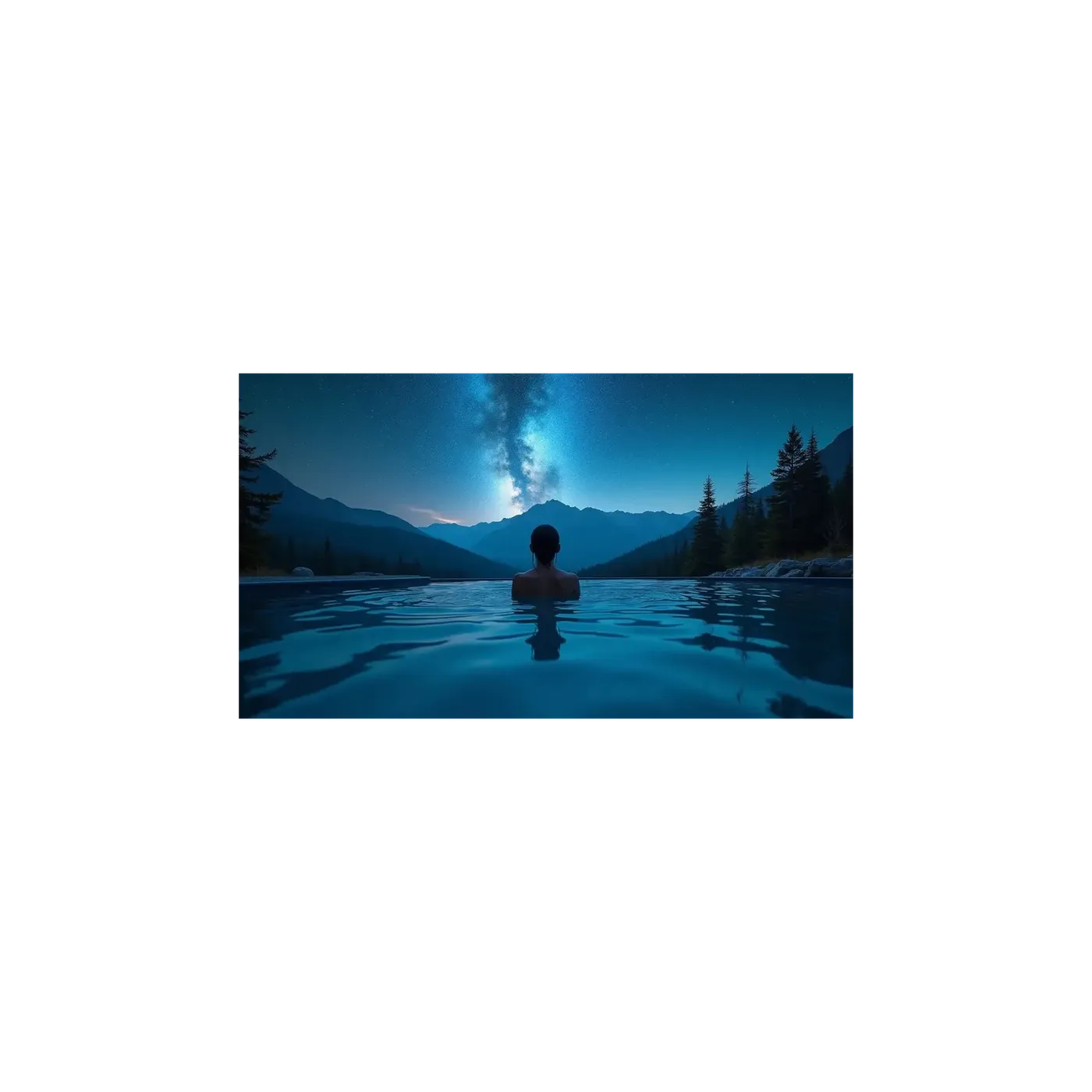
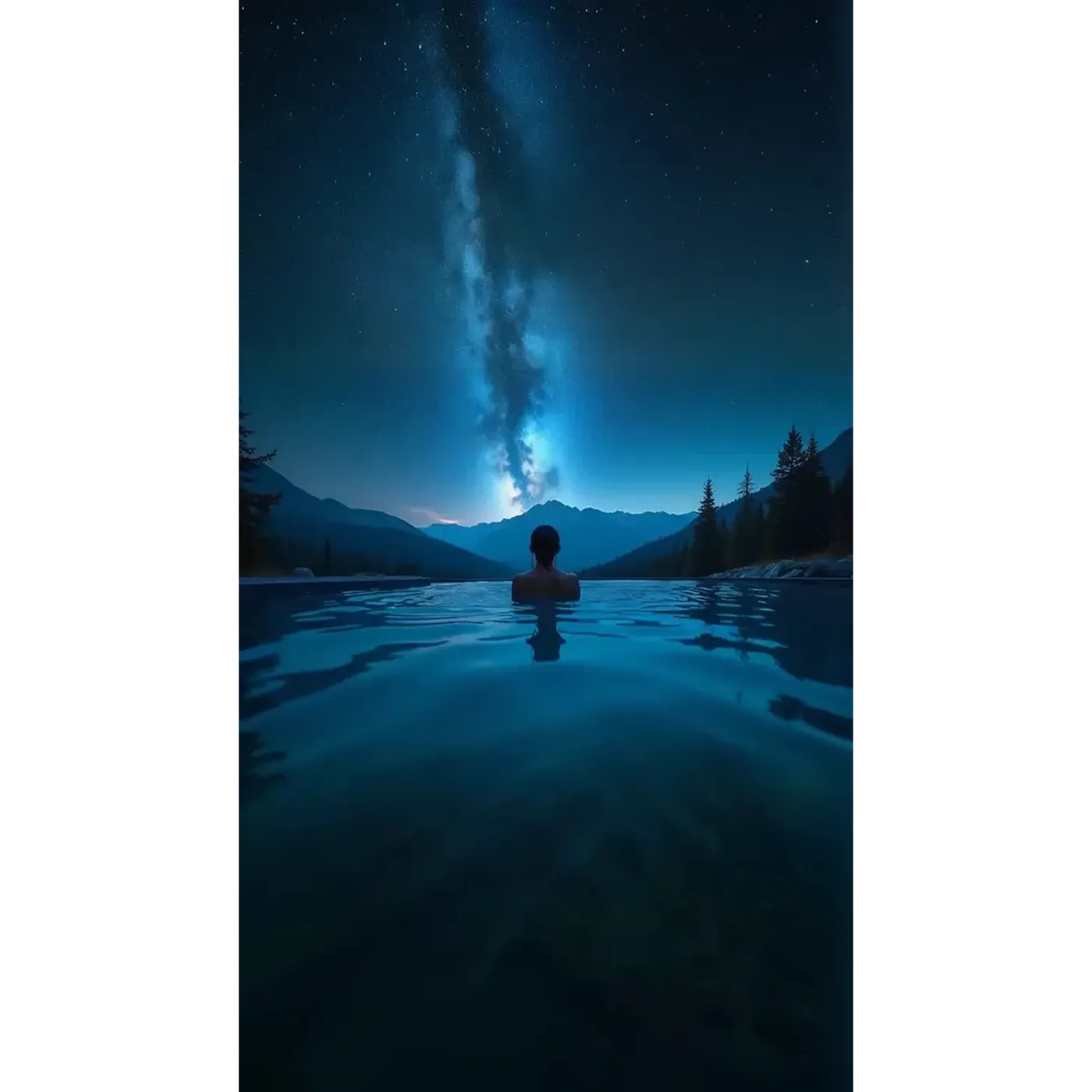
모든 플랫폼을 위한 종횡비
스마트 리사이즈는 1:1, 4:5, 5:4, 3:4, 4:3, 2:3, 3:2, 16:9, 9:16, 21:9의 10가지 종횡비를 지원해요. 아웃페인팅은 5:4를 제외한 동일한 비율을 지원하죠.
실무에서는 인스타그램 게시물의 경우 1:1 또는 4:5, 스토리나 릴스는 9:16, 틱톡은 9:16, 유튜브 썸네일은 16:9, 웹사이트 배너는 16:9 또는 21:9, 포스터나 책 표지는 2:3 또는 3:4로 매핑돼요. 고정된 픽셀 크기가 아닌 비율을 기준으로 하기 때문에, 플랫폼의 스펙이 변경되어도 애셋을 올바르게 유지할 수 있어요.
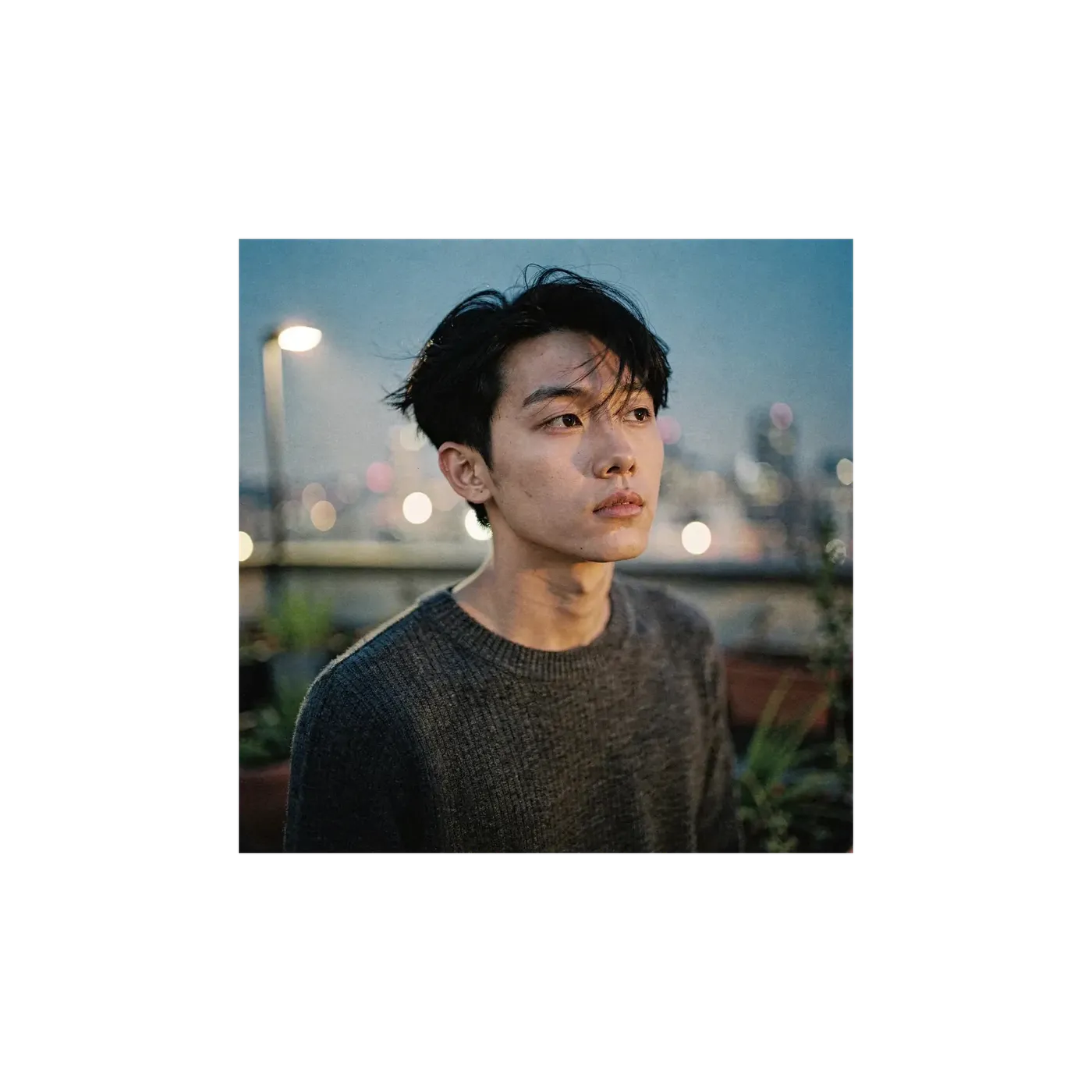
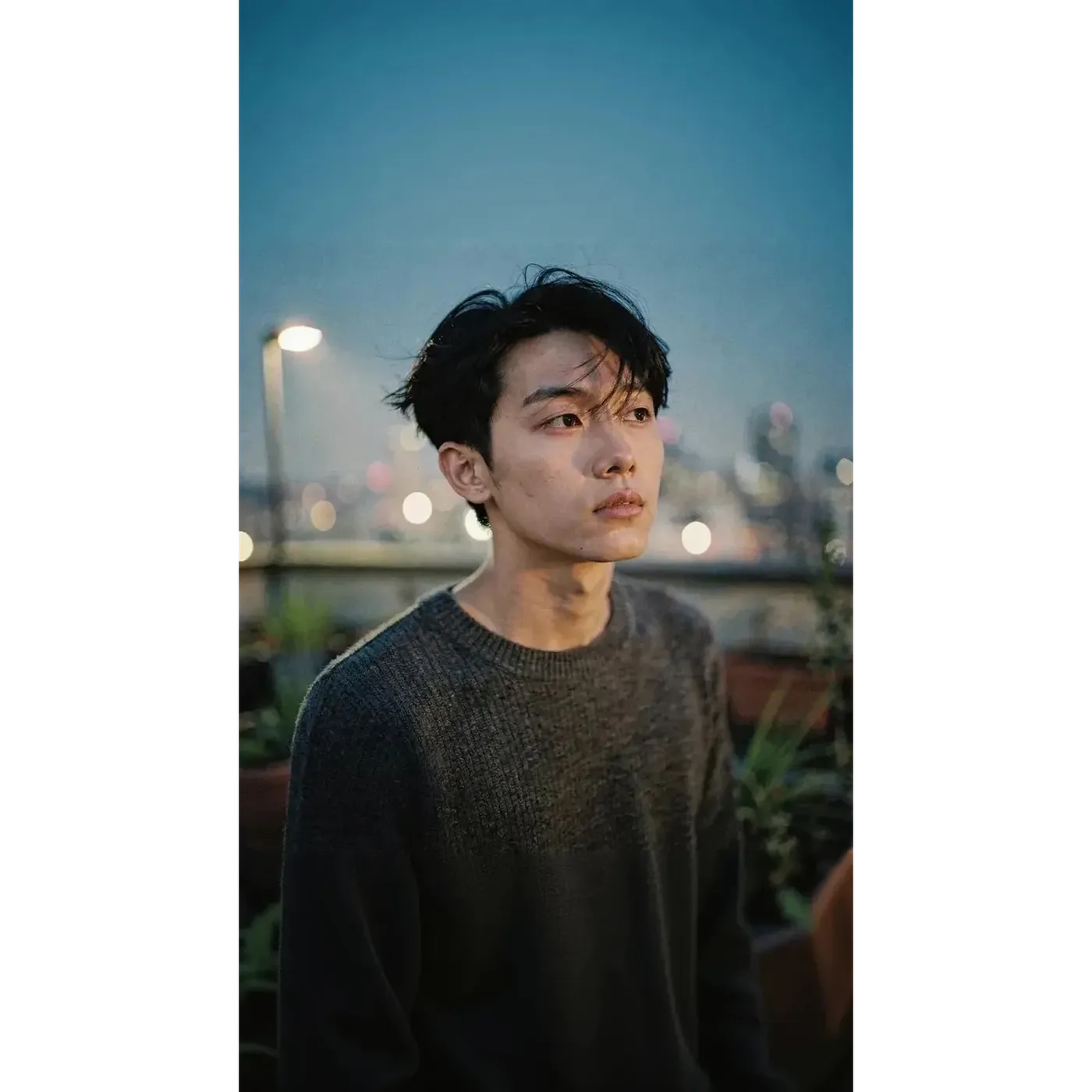
하나의 원본 이미지로 모든 채널에 맞게
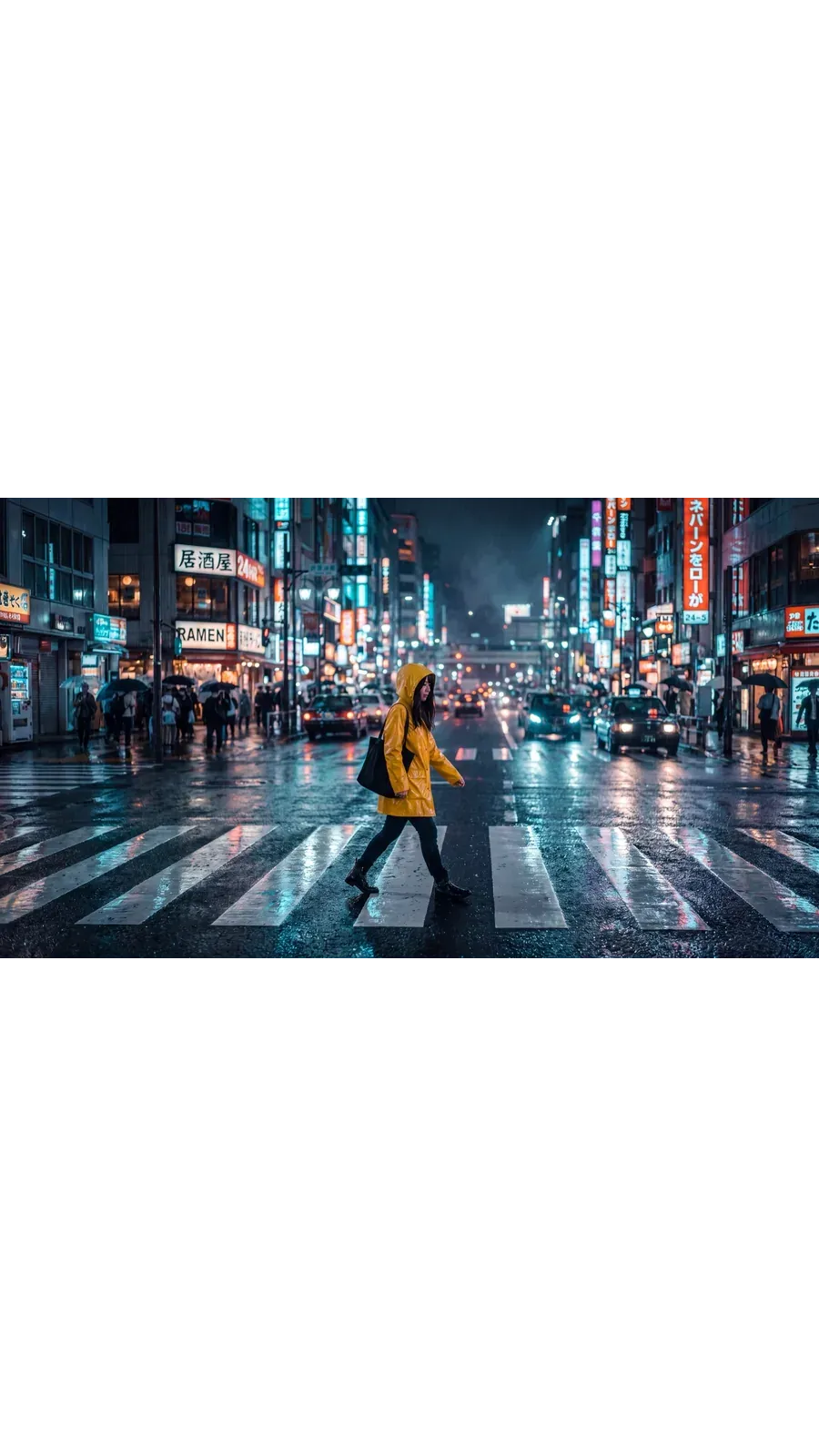
같은 야간 거리 사진을 두 번 리사이징했어요. 다시 촬영하거나 수동으로 크롭한 부분은 전혀 없답니다.
피드용 1:1
원본 프레임이에요. 인스타그램, 페이스북, 링크드인용 정방형 게시물에 적합하죠. 피드에서 더 긴 세로 형태를 원한다면 4:5로 전환해 보세요.
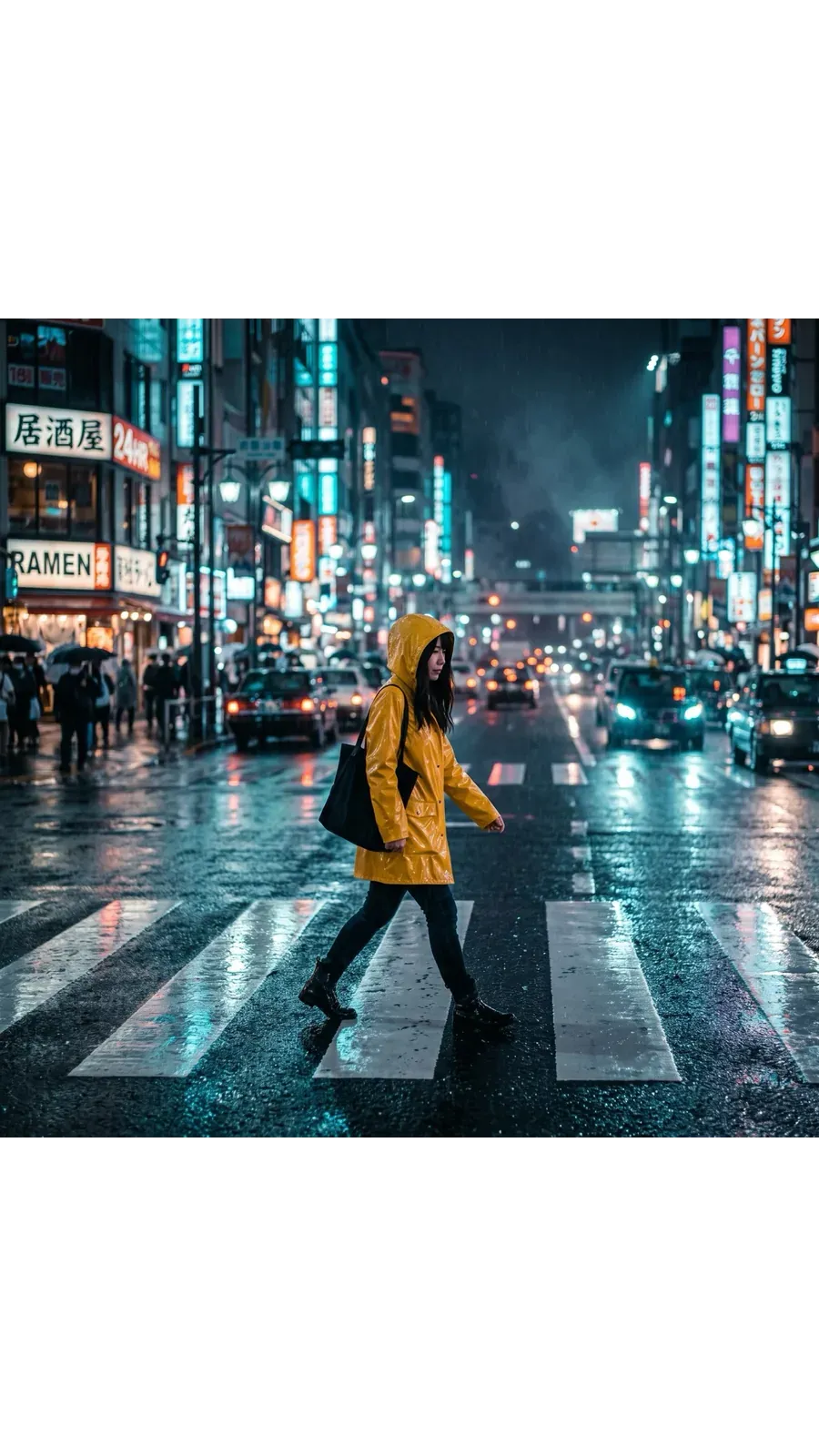
스토리 및 릴스용 9:16
스마트 리사이즈가 세로형에 맞춰 장면을 재구성했어요. 정방형을 크롭한 것이 아니라, 스마트폰 전체 화면용으로 만들어진 구도 안에 동일한 피사체가 담겨있죠.
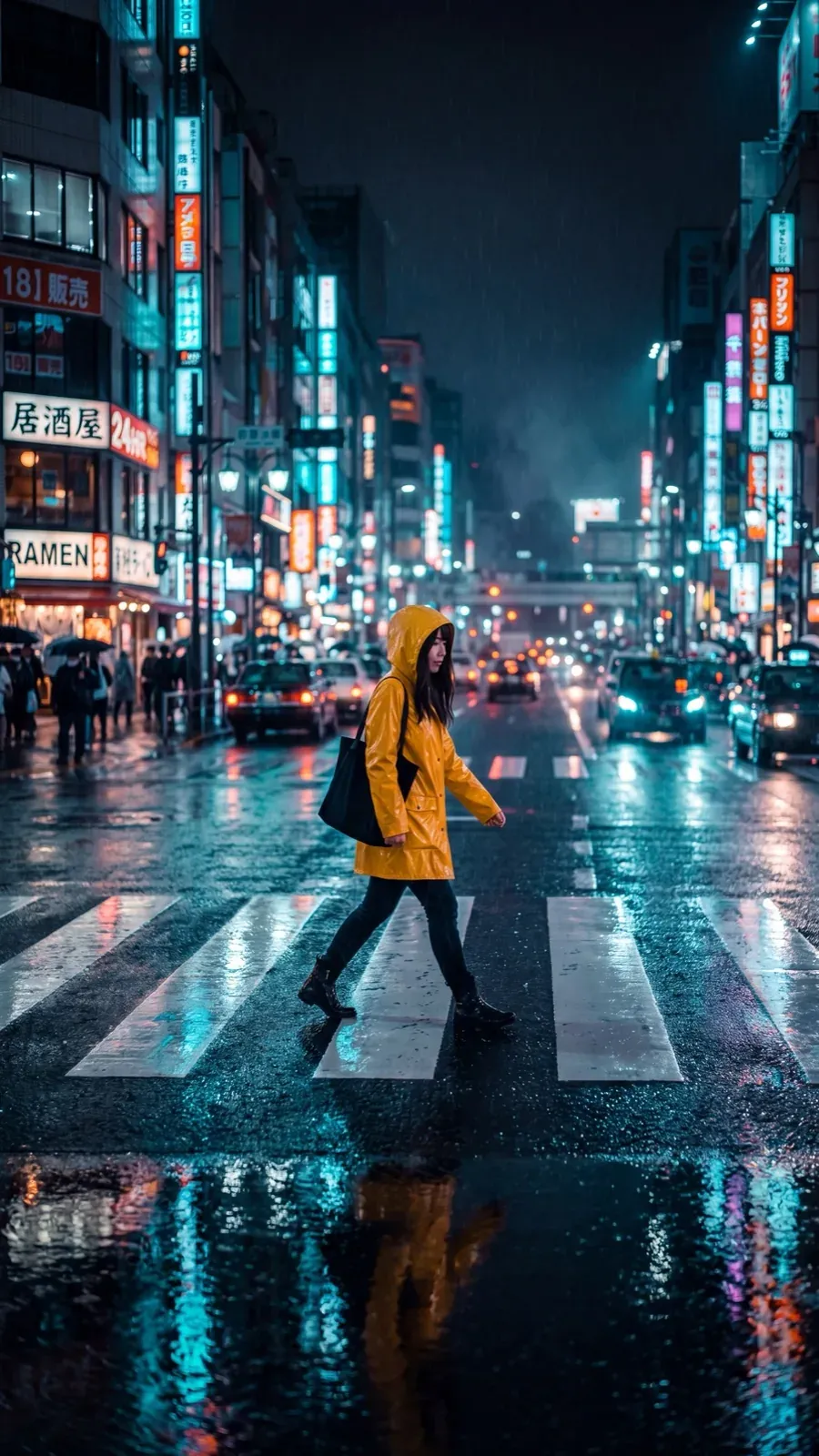
썸네일 및 배너용 16:9
유튜브 썸네일, 웹사이트 배너, 이메일 헤더를 위한 와이드 버전이에요. 히어로 이미지가 더 넓어야 한다면 21:9를 선택하세요.
팀들이 실제로 활용하는 사례
모든 캠페인에서 자주 등장하는, 이미 존재하는 이미지에서 시작하는 6가지 워크플로우를 소개해요.
다른 AI 도구 및 기능 둘러보기
자주 묻는 질문
getimg.ai 사이드바에서 이미지 리사이즈를 열고, 파일을 드롭하거나 갤러리에서 선택하세요. 목표 종횡비를 고른 뒤 스마트 리사이즈나 아웃페인팅 중 하나를 선택하고 생성하면 돼요. 브라우저에서 실행되므로 Windows, macOS, iOS, Android 모두 동일한 과정으로 이용할 수 있어요.
두 모드 모두 프레임에 맞추기 위해 크롭하지 않아요. 아웃페인팅은 원본의 모든 픽셀을 유지하고 주변에 캔버스를 추가로 생성하죠. 스마트 리사이즈는 새로운 비율로 이미지를 다시 생성하여, 잘라내는 대신 그 형태를 위한 새로운 구도를 만들어냅니다.
두 모드 모두 사진, 일러스트레이션은 물론 사실적인 AI 이미지에도 완벽하게 작동해요. 어떤 종류의 이미지에서 시작하는지보다 어떤 모드를 선택하는지가 더 중요하답니다.
선택한 모드에 따라 달라요. 아웃페인팅은 이미지의 가장자리를 읽고 이미 프레임에 있는 조명과 원근감에 맞춰 장면을 바깥쪽으로 이어나가요. 반면 스마트 리사이즈는 빈 공간을 채우는 방식이 아니에요. 목표 비율로 전체 이미지의 새로운 버전을 생성하므로 구도의 일부가 변경될 수 있어요.
예를 들어, 아웃페인팅으로 정방형 해변 사진을 와이드스크린으로 변환하면 바다를 연장하거나 모래를 더 추가할 수도 있고, 원본에 없던 해변의 사람들 같은 새로운 요소를 도입할 수도 있어요. 이는 버그가 아니라 의도된 생성형 AI의 동작 방식이랍니다. 특히 사람, 제품, 텍스트 또는 사실적인 내용이 포함된 이미지의 경우, 퍼블리싱하기 전에 생성된 영역을 꼼꼼히 확인해 주세요. 이는 사진뿐만 아니라 AI 아트에도 동일하게 적용돼요.
사진, 일러스트레이션, 렌더링 이미지, 디지털 아트를 비롯해 AI 타투 디자인과 같은 PNG 파일까지 모두 작업할 수 있어요. 파일 유형보다 어떤 모드를 선택하는지가 훨씬 더 중요해요.
스마트 리사이즈는 전체 이미지를 다시 생성하기 때문에 로고, 패키징, UI 스크린샷, 다이어그램, 텍스트가 많은 디자인, 그리고 정확한 제품 라벨 작업에는 적합하지 않을 수 있어요. 이러한 작업에는 아웃페인팅을 사용해 보세요. 원본은 그대로 유지된 채 주변 영역만 새롭게 생성된답니다.
크롭은 이미 존재하는 픽셀만 사용해요. 프레임 안에서 특정 영역을 선택하면 그 밖의 모든 부분은 버려지죠. 완전히 예측 가능하지만, 사진의 일부를 잃게 돼요. 반면 AI 리사이징은 원본에 없던 콘텐츠를 만들어낼 수 있어요. 아웃페인팅은 이미지 주변 영역을 생성하고, 스마트 리사이즈는 목표 형태에 맞춰 새로운 버전을 생성하죠. 전체 장면을 온전히 유지하는 대신, 실행할 때마다 결과가 조금씩 다르게 나타나요.
정확한 원본 디테일이 중요할 때는 아웃페인팅(Outpainting)을(를) 사용해 보세요. 로고, 패키징, 텍스트가 많은 디자인, UI 스크린샷, 다이어그램, 제품 라벨, 쉽게 알아볼 수 있는 얼굴 등은 원본 픽셀이 반드시 유지되어야 하며, 아웃페인팅은 그 주변의 캔버스만 생성하니까요.
구도의 일부가 변경되어도 괜찮거나 새로운 포맷에 딱 맞는 프레임이 필요할 때는 스마트 리사이즈를 사용하세요. 업로드한 이미지와 픽셀 단위까지 똑같은 복사본이 아니라 비율에 맞는 레이아웃을 얻는 것이 목표라면 이 방법이 훨씬 빠르답니다.
아니요. 실행할 때마다 새로운 파일이 저장되며 원본은 그대로 보존돼요. 아웃페인팅은 더 커진 새 프레임 안에 원본 픽셀을 그대로 유지해요. 스마트 리사이즈는 목표 비율에 맞춰 완전히 새롭게 생성된 버전을 별도로 만들어내죠. 어느 쪽이든 업로드한 원본 파일은 갤러리에 변경되지 않은 상태로 남아있어요.
리사이징은 프레임의 형태, 즉 종횡비와 그 안에 들어갈 내용을 변경해요. 반면 업스케일링은 형태는 그대로 유지하면서 해상도를 높여, 동일한 프레임을 더 많은 픽셀로 반환하죠. 정방형 이미지를 스토리나 배너로 만들고 싶다면 리사이저(Resizer)를 사용하세요. 이미 가지고 있는 프레임의 더 크고 해상도가 높은 파일이 필요하다면 이미지 업스케일러(Image Upscaler)를 사용해 보세요. 일부 모델에서는 2K, 4K, 최대 16K까지 올릴 수 있어요.
스마트 리사이즈는 1:1, 4:5, 5:4, 3:4, 4:3, 2:3, 3:2, 16:9, 9:16, 21:9의 10가지를 지원해요. 아웃페인팅은 5:4를 제외한 동일한 목록을 지원합니다. 또한 스마트 리사이즈는 1K, 2K 또는 4K 출력을 위한 화질 옵션이 있지만, 아웃페인팅은 원본의 해상도를 바탕으로 작업이 이루어져요.
네. 이미지 리사이즈에 여러 파일을 드롭하거나 선택하면 전체 세트가 선택한 비율로 일괄 처리돼요. 각 이미지마다 새로운 파일이 생성되며, 모든 원본은 갤러리에 그대로 남아있어요.
비율은 바꾸고, 중요한 부분은 지켜주세요.
목표 포맷을 선택한 뒤, 스마트 리사이즈 또는 아웃페인팅을 고르고 생성해 보세요. 원본은 원래 위치에 그대로 보존돼요.