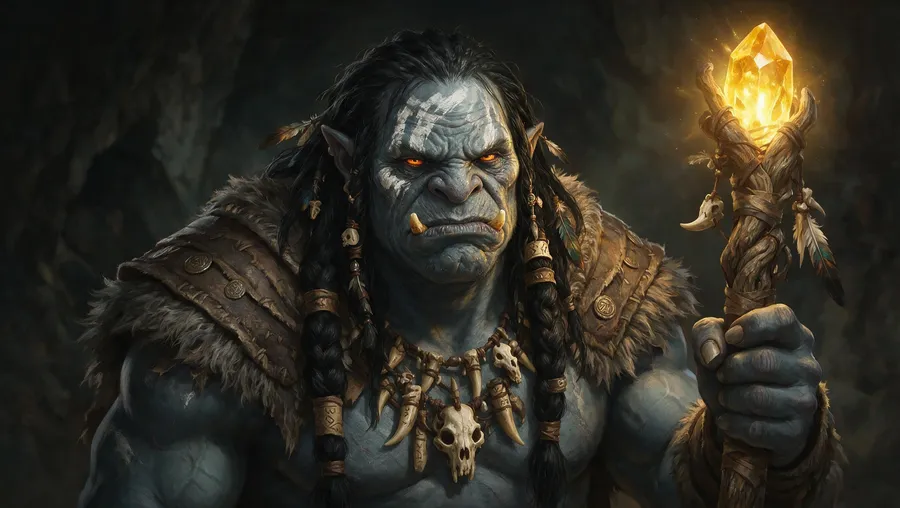
AI Avatar Generator: Create Avatars from Photo or Text
Create profile, gaming, social, and character avatars
getimg.ai's AI Avatar Generator creates profile-style avatars from a text description or a reference photo. Start from a prompt or upload a photo, describe the style, generate several directions, then refine the one you want to keep. For recurring avatars, save the person or character as an Element and reference it again in future prompts.
Generate avatars with leading image models in one workspace
Auto can select an image model based on the avatar you describe, or you can pick one yourself. Which image models you can use depends on your plan.


Two ways to make an avatar
Start from a written description, or start from a photo you already have. Both paths run in the same Create image Action.
Start from text
Describe an original avatar and generate it from scratch. Nothing is uploaded, so you control every detail: subject, framing, expression, outfit, style, background and lighting.
Best for
Original characters, mascots, gaming personas, and anyone who does not want a photo of themselves online.
What to write
"Head-and-shoulders avatar of a fox ranger in a green hood, 3D render style, plain slate background." Then change one detail at a time. More patterns in the prompting guide.
How to create an AI avatar
Five steps, from prompt to finished profile picture.
1. Open Create image
Go to Image and open the Create image generator here. Set the aspect ratio to 1:1 if the avatar is going to be a profile picture.
2. Write a prompt or attach a photo
Describe the avatar, or attach a reference photo and describe how it should change. Include the details that matter most: appearance, outfit, expression, background, and visual style.
3. Generate and compare
Generate a few directions, compare them, then edit or upscale the one you keep with the Upscaler when you need a higher-resolution file.
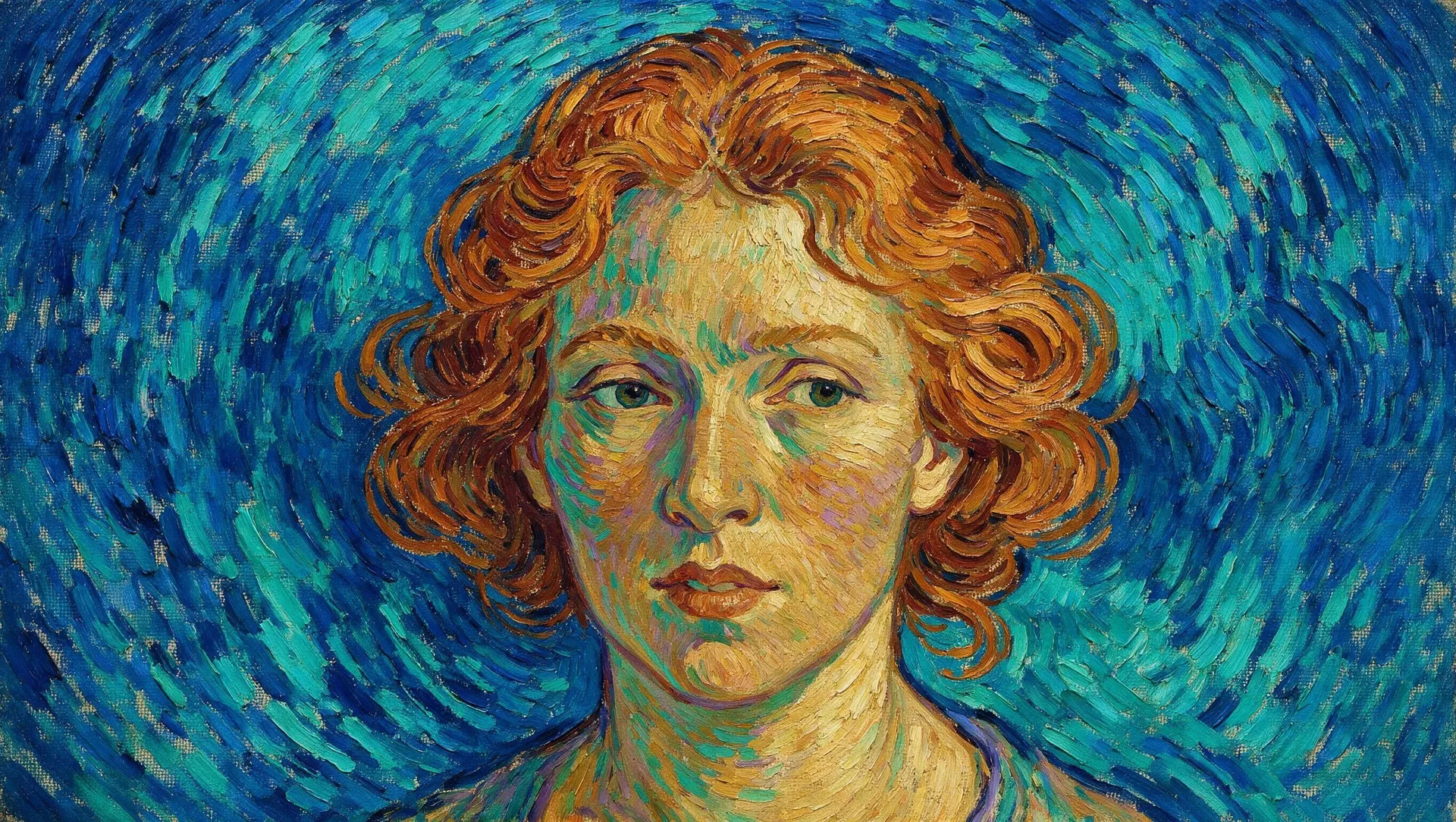
Text-to-avatar in one prompt
Write what the avatar should look like and generate it. A workable avatar prompt has six parts: subject, framing, expression, outfit, style, and background. For example: "head-and-shoulders avatar of a woman in her thirties, calm expression, black turtleneck, 3D render style, plain navy background, soft studio lighting." Change one part at a time to steer the result.
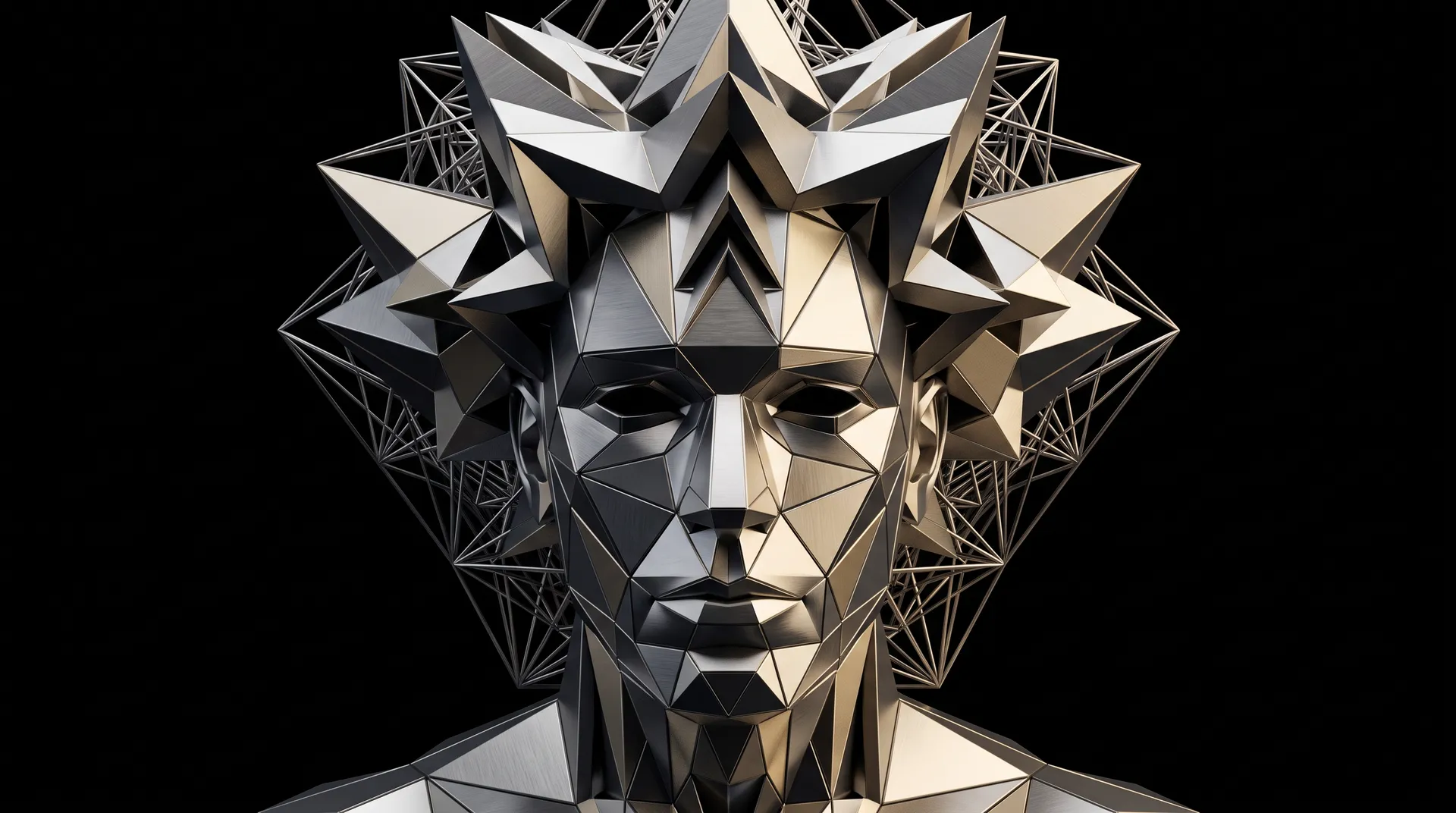
A unique and visually striking male avatar, a being born from complex algorithms, its form a constantly shifting and evolving geometric structure, intricate patterns, fractals, and transformations, abstract, digital art, a palette of metallic colors, set against a dark void, masterpiece
Explore different avatar styles
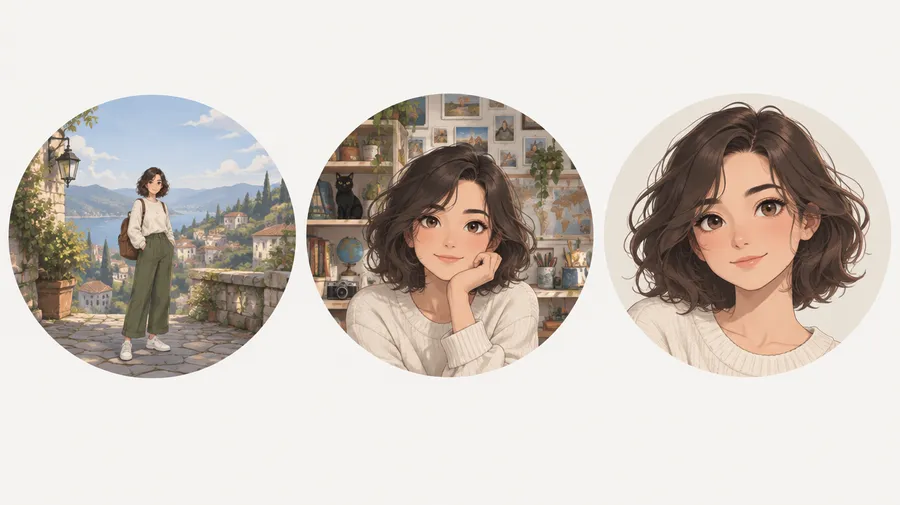
Name the style in the prompt and the generator follows it: realistic, anime, 3D, cartoon, pixel art, low-poly, fantasy, minimalist, or illustrated. The same subject description works across all of them, so you can generate one avatar in several styles and pick the one that fits the platform you're posting on.
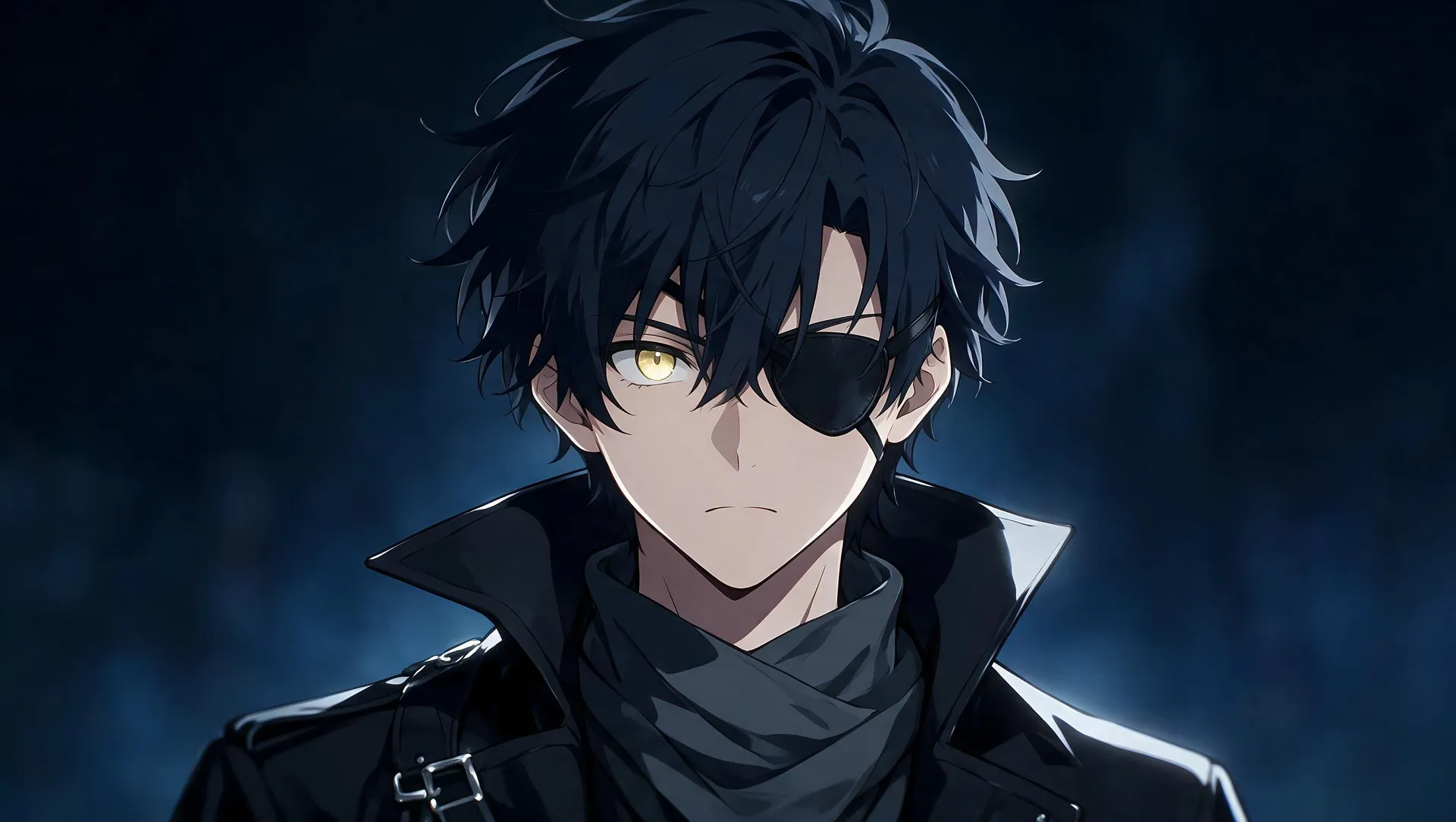
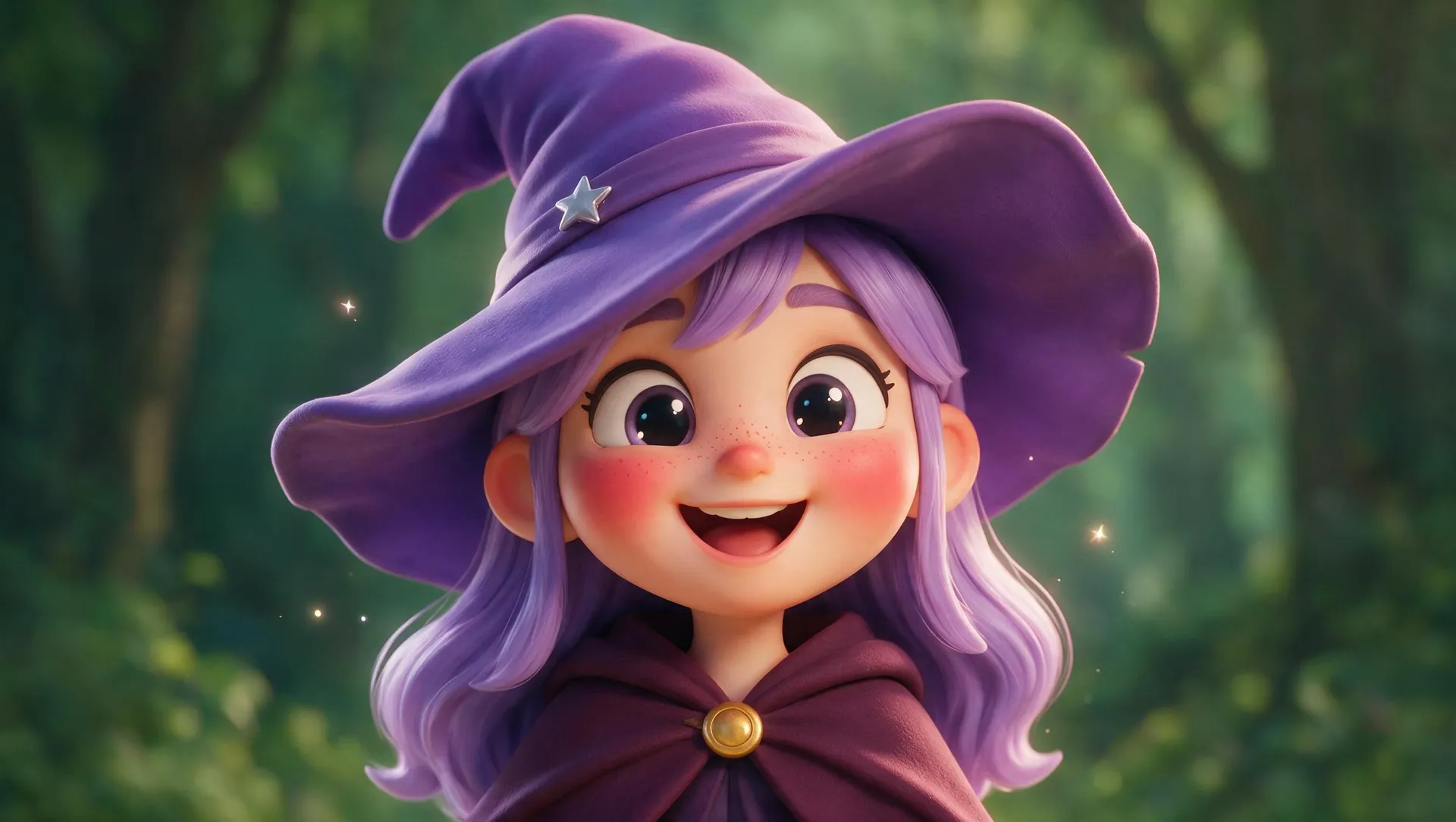
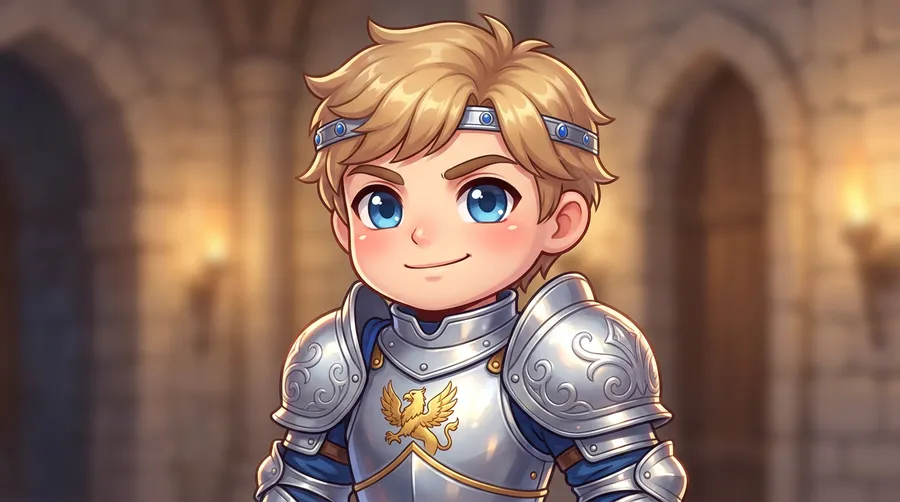
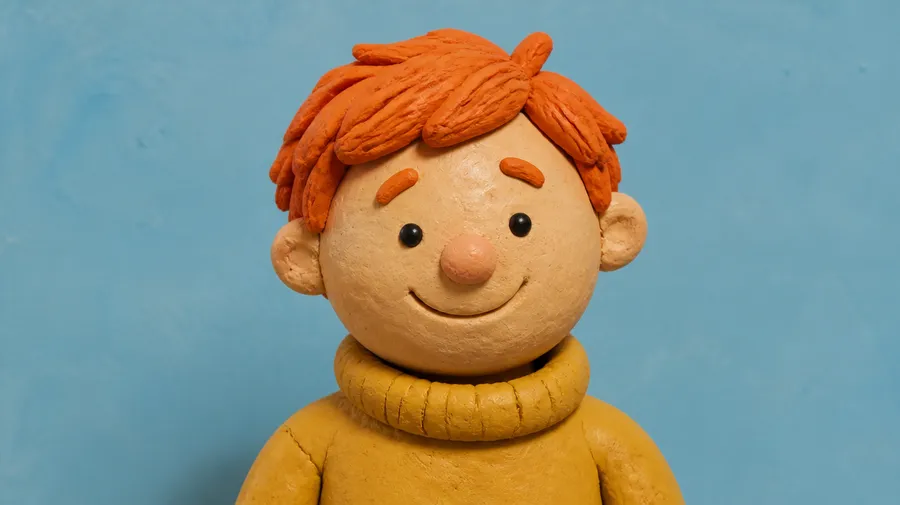
Photo to avatar
Turn a photo into a stylized avatar
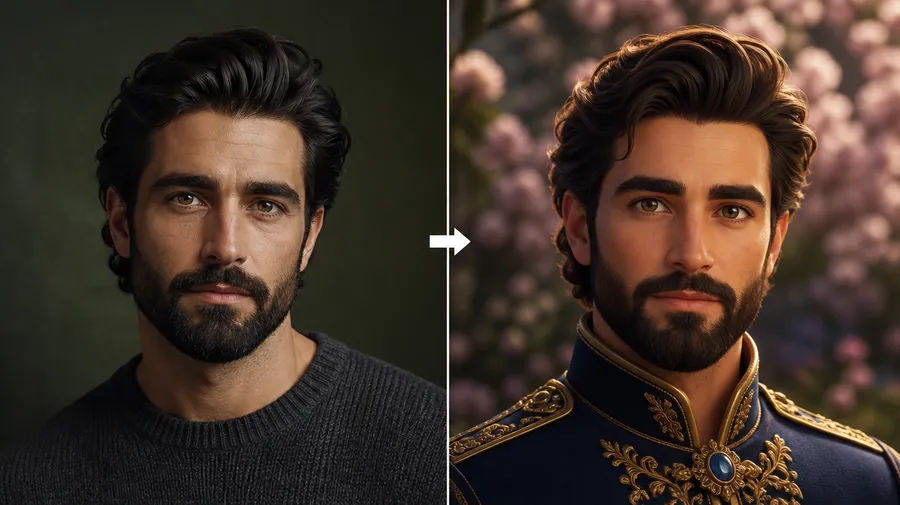
Attach a clear, well-lit portrait in Create image and describe the style you want, for example "pixel art avatar of the person in the reference image, plain background." A reference image guides likeness, but stronger style changes will alter facial details, so treat the output as a stylized version of you rather than a one-to-one copy. Use a close-up or head-and-shoulders crop and keep the background simple if the result is going to be shown at profile-picture size.
AI avatar prompt examples
A workable avatar prompt has six parts: subject, framing, expression, outfit, style, background, and lighting direction. Copy one of these and swap the details. The AI Pixel Art Generator and Anime AI Art Generator go deeper on individual looks.
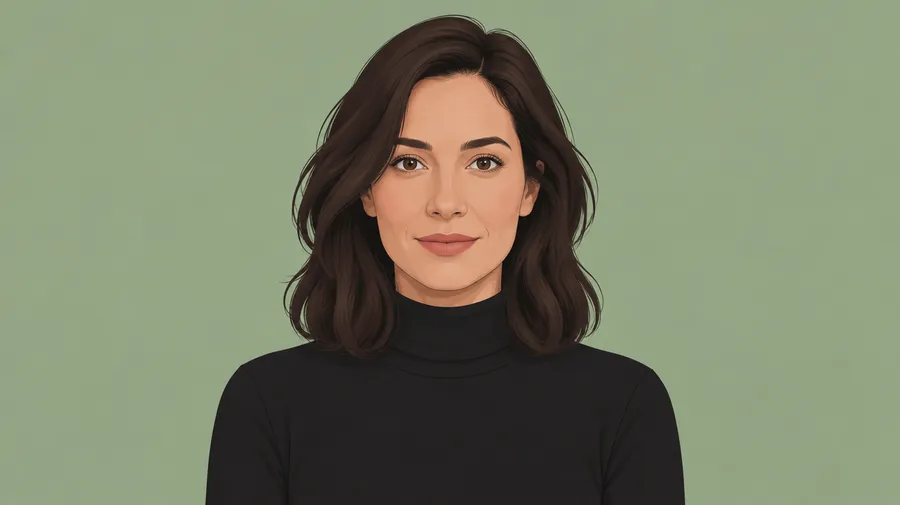
Professional creator avatar
Head-and-shoulders avatar of a woman in her thirties, calm expression, black turtleneck, clean illustrated style, flat sage background, soft even lighting.
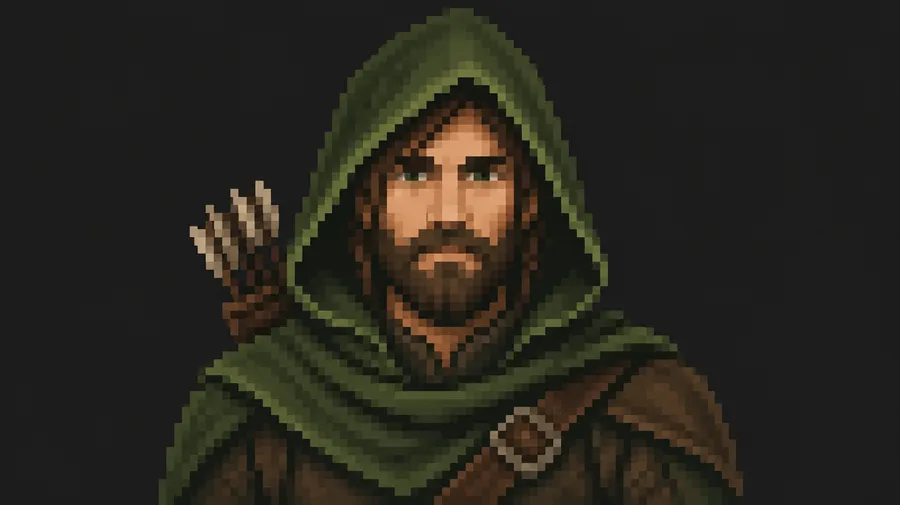
Pixel art gaming avatar
Square pixel art avatar of a bearded ranger in a green hood, neutral expression, chunky 32-pixel look, dark charcoal background, high contrast.
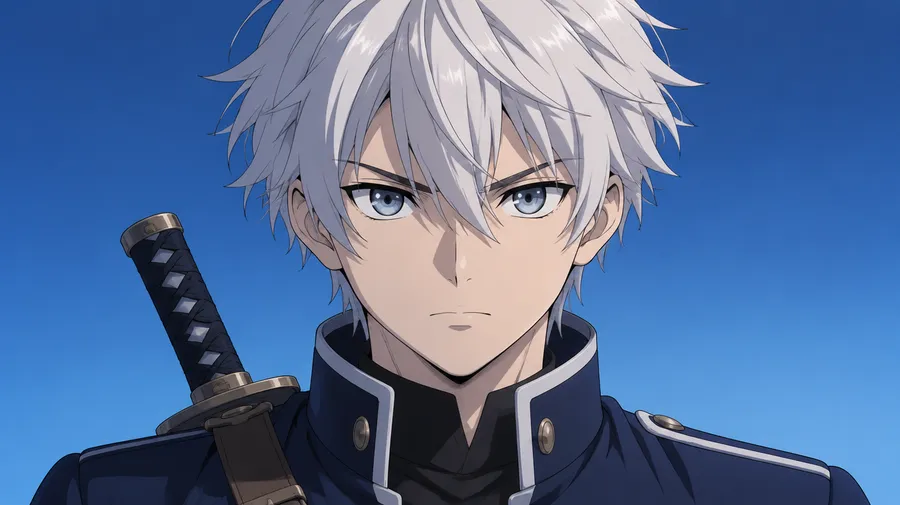
Anime avatar
Close-up anime avatar of a teenage swordsman with silver hair, determined expression, navy uniform, cel-shaded style, simple gradient background.
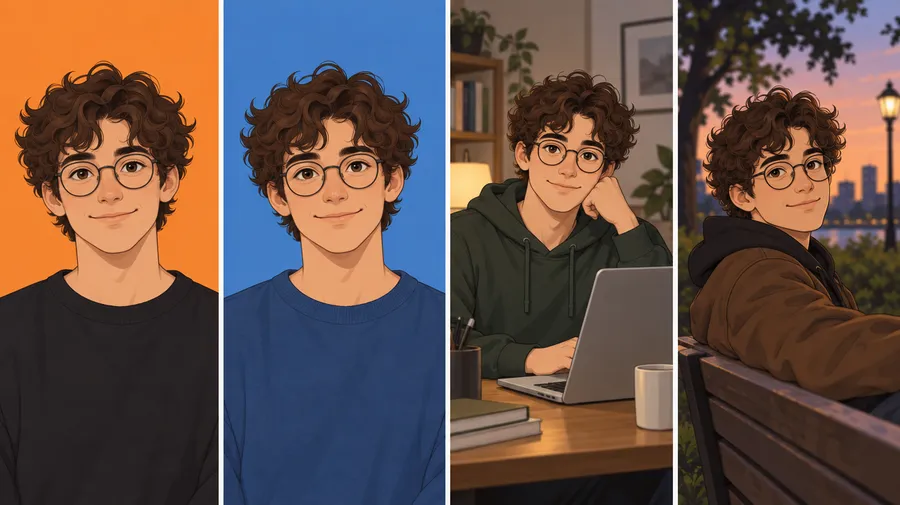
Keep the same avatar across different images
One avatar is rarely enough. The same persona usually has to show up on Discord, on a YouTube banner, in thumbnails, and in the next batch of posts. Save the avatar as a Person Element from 1 to 20 reference images, then type @ and its name in any new prompt to help keep it recognizable across different scenes and styles. Read more about Consistent AI Characters or the Elements guide.
Where people use AI avatars
An avatar is a profile identity: one recurring image that stands in for a person, a creator, or a brand. Paid plans include commercial rights, so the same avatar can also run across campaign assets. Animate a finished still with Image to Video, or build an expression set with the AI Sticker Creator.
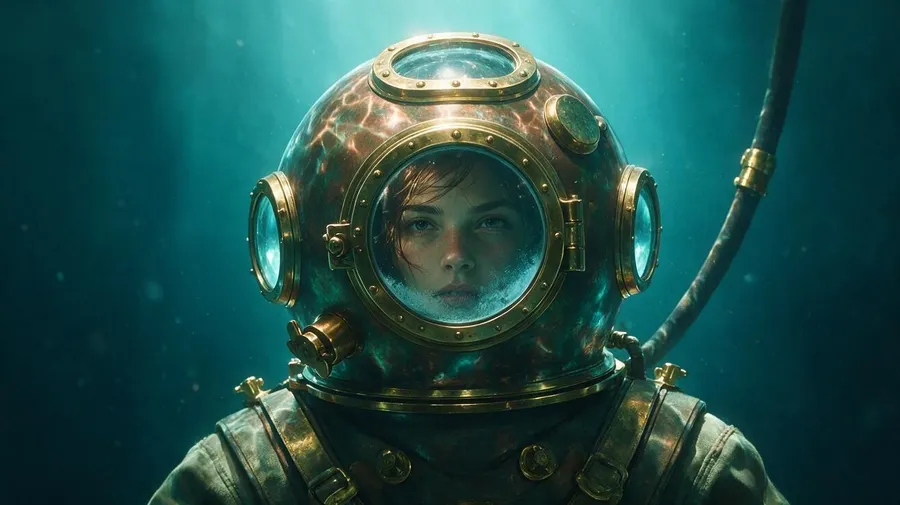
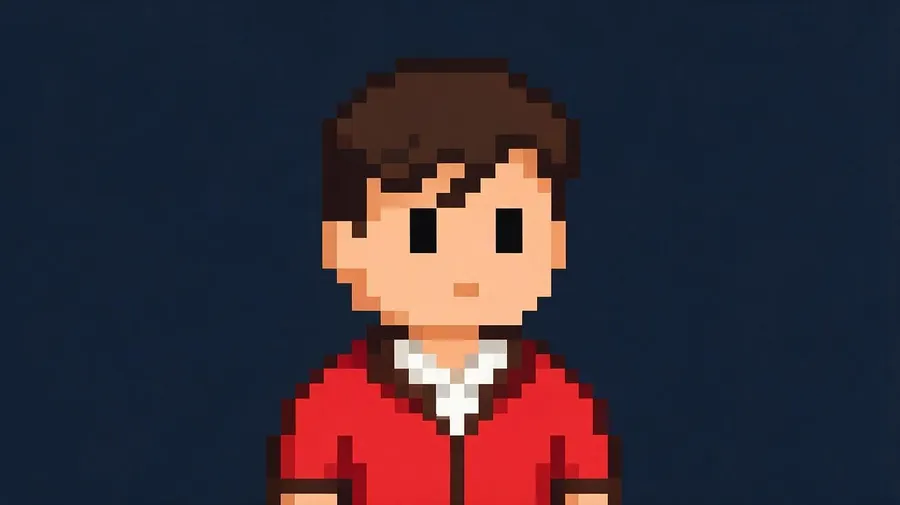
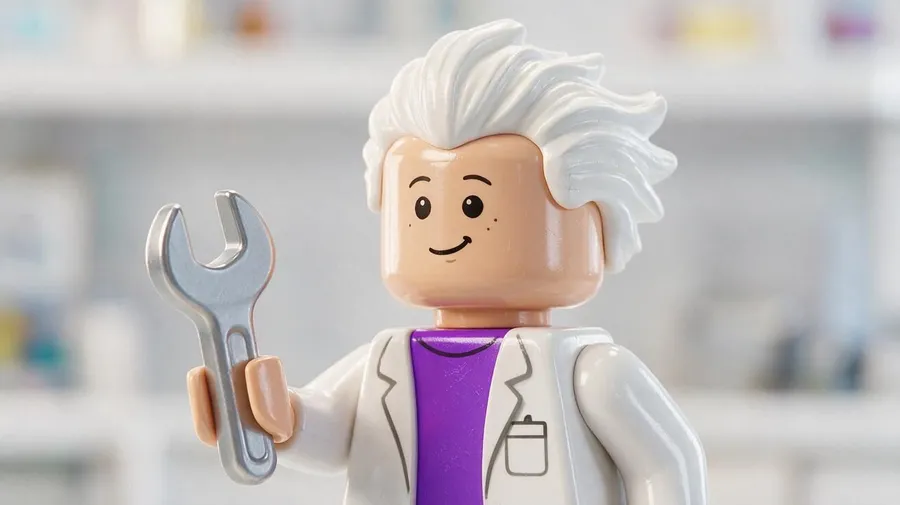
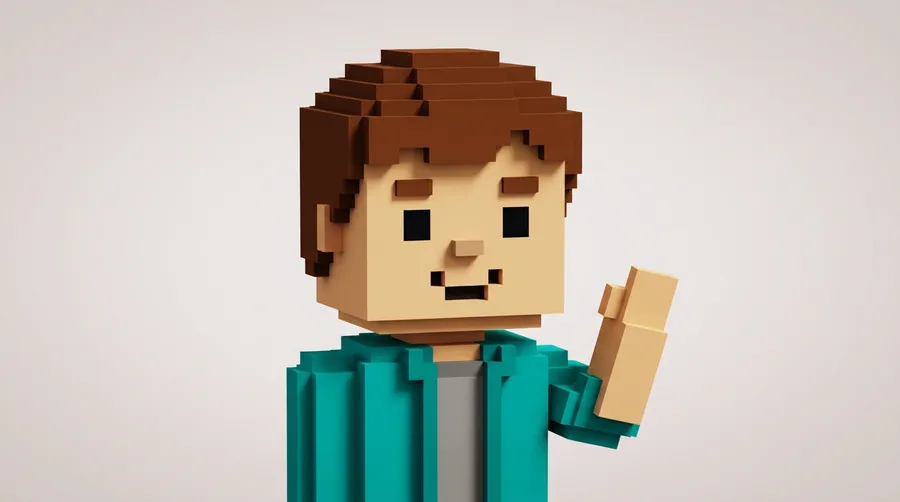
Avatar, portrait, or character?
Three related intents, three different outputs. Pick the one that matches what you actually need.
Avatar
A profile identity: a persona for social, gaming, communities and creator branding. Usually square or portrait-oriented, close-cropped, and readable at small sizes.
Use this page
Start from text or a photo in Create image and generate a profile-style avatar you can reuse.
How to get better avatar results
Most weak avatars come from the same three problems: no clear reference, framing that is too wide, and a background that competes with the face. Decide the final use case first, then write the prompt around it. Edit or upscale the one you keep in the Image Editor.
Frequently Asked Questions
Yes. Open Create image, attach a clear, well-lit portrait, and describe the style you want, for example "pixel art avatar of the person in the reference image, plain background." Mention outfit, expression, framing and lighting if they matter to the result.
Yes. No upload is needed. Describe the subject, framing, expression, outfit, style, background and lighting, and generate a few directions before choosing one. This is the usual path for original characters, mascots and gaming personas.
Yes. You can generate realistic, cartoon, anime, pixel-art, 3D, fantasy, low-poly, minimalist and illustrated avatar styles from either a text prompt or a reference photo. Describe the look, outfit, expression, background and lighting you want to guide the result. Style-specific pages such as the AI Cartoon Generator and Anime AI Art Generator cover individual looks in more depth.
Save the avatar as a Person Element from 1 to 20 reference images, then type @ and its name in any new prompt. This helps keep the avatar recognizable across different scenes, outfits and styles. See Consistent AI Characters for how the workflow runs end to end.
Generate at a 1:1 aspect ratio for most profile pictures, since almost every platform crops to a square or a circle. Keep the face centered and leave a small margin so a circular crop does not cut into it. Upscale up to 2x with the Upscaler if you need a larger file.
Not exactly. A reference image guides likeness, but a stylized avatar is an interpretation, and stronger style changes will alter facial details. Treat the output as a recognizable stylized version rather than a one-to-one copy. If you need photographic accuracy, the AI Headshot Generator is the closer fit.
Yes. Generation is not the end of the workflow. Open the image and describe the change to swap the background, adjust the outfit, change the expression or shift the style. Edits create a new version and the original is kept. You can also remove the background or upscale the result in the Image Editor.
Yes. Use your finished avatar as the first frame in Image to Video and describe the motion you want, such as a slow head turn or a subtle idle loop. This is a common next step for channel intros, banners and community assets.
Auto can select an image model based on the avatar you describe, so you do not have to choose one. You can also pick a model manually. getimg.ai gives you access to 29+ image and video models under one subscription, so the list stays current without switching tools.
All paid plans include commercial rights, subject to the usage policy. That covers brand mascots, creator branding, channel art and community assets. Note that getimg.ai generates 2D image artwork, not rigged or animated 3D avatars, so the output is an image you can publish rather than a model you can drive in a game engine.
An avatar is a stylized version of you built to represent you online, so it stays clean and readable at small sizes. A caricature exaggerates your features on purpose. Use an avatar for a profile picture, and a caricature when you want an obvious visual joke.
Yes. Once you have an avatar you want to keep, describe a few expressions or poses to build a set, then turn them into a sticker pack or custom emoji for chat apps and Discord. Simplified, high-contrast versions read better at sticker size.
Your next profile picture is a prompt away.
Describe the avatar you want, or attach a photo and describe the style. Generate a few directions, keep the one that fits, and reuse it across new images.