
Consistent AI Character Generator.
Save your character once with Elements. Reference them by @YourCharacter in any prompt to generate the same person across new scenes, outfits, poses, and styles, with consistent features every time.
16+ leading AI image models. One platform built for character work.
Auto-selected per task. Elements work across image models, so the character carries through every generation.


Why getimg.ai keeps AI characters consistent across every image.
More control than a one-shot prompt
Most generators give you a character once, then someone else next prompt. With Elements, you save the character and reference them with @YourName in any prompt. The same person carries through every image.
Person Element
Prompt
Consistent Output
Faster setup than fine-tuning a model
Custom-trained character models take dozens of photos and hours of compute. Elements take minutes. Upload between 1 and 20 photos, name your Element, and start generating. No training step, no waiting.
Top AI models

Nano Banana 2
Strong identity preservation, faithful @Element rendering.

Seedream 5.0 Lite
Reliable character work across realistic and stylized prompts.
Built for repeat character work
Visual novel cast. Recurring brand mascot. Personal headshots. Anything you generate more than once. Save it as an Element, share it with your team, and keep the look identical across hundreds of generations.

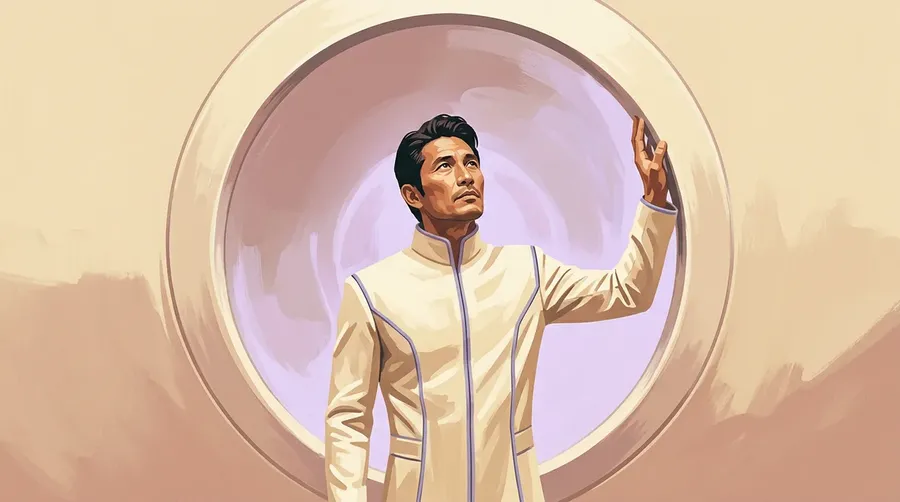
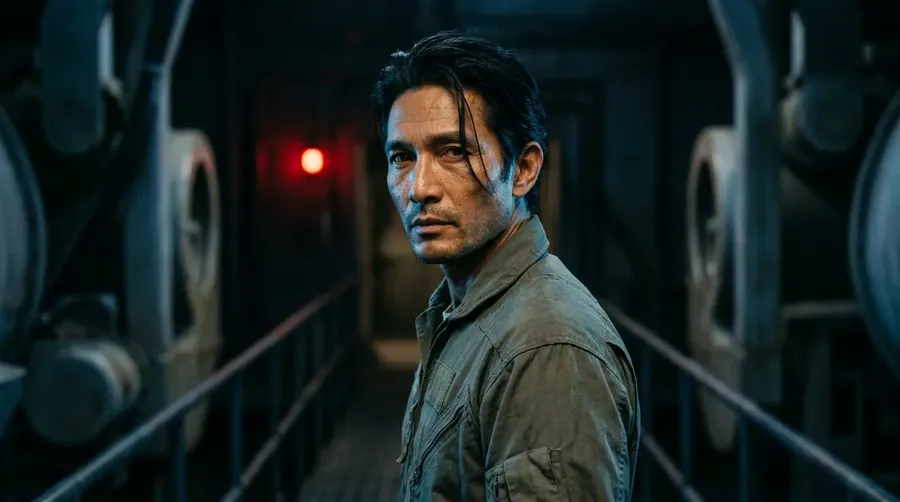
How to generate consistent AI characters in three steps.
1. Create a Person Element
Open the Content Generator, go to Elements, and upload 1 to 20 photos of your character. Name the Element and choose the Person type.
2. Reference them in any prompt
Type @ followed by the Element name anywhere in the prompt. Autocomplete picks it up. Combine with style, scene, lighting, or pose instructions like any other prompt.
3. Generate consistent images
Each generation pulls the same face, skin tone, and identity. Try new outfits, environments, and styles without losing the character between prompts.
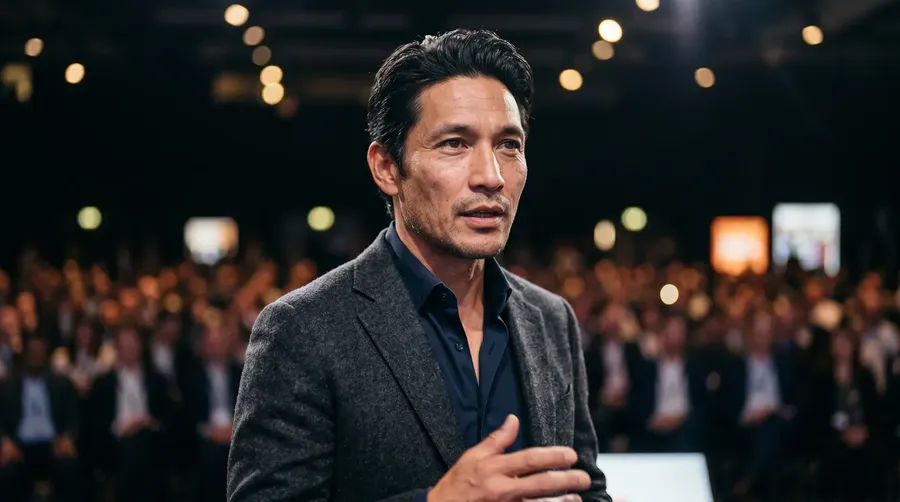
What you can build with consistent AI characters.
One Element. Unlimited scenes.
Once your character is saved, drop them into any environment, outfit, or art style. The face stays. The setting changes. No re-uploading source photos. No re-describing what they look like every time.
Add new prompts as you go. Character traits hold across the whole library, not just the next generation.
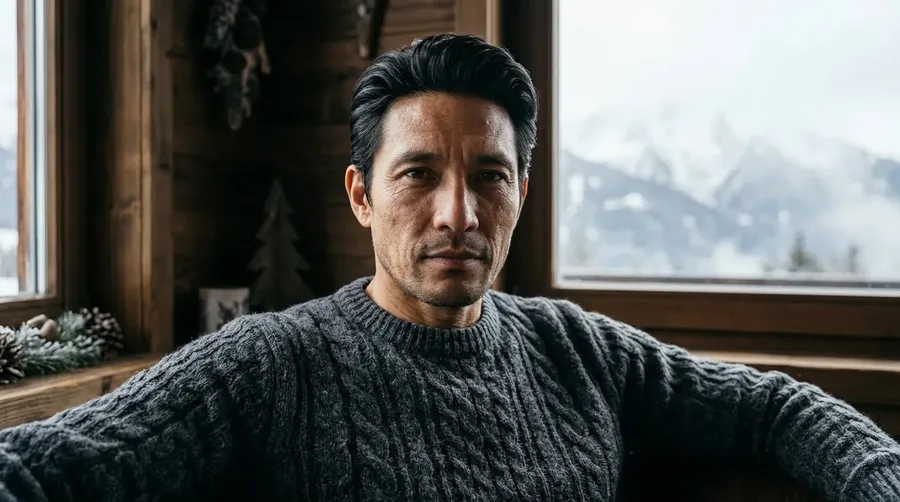
@Mark in a snowy alpine cabin, soft window light, knit sweater
Make an AI version of yourself or your client.
Person Elements work for real people too. Upload selfies or client photos, save them as a character, and pose, dress, or place them anywhere. Useful for:
- Polished headshots without booking a studio
- Client previews before a real shoot
- Personal branding visuals at scale
- Testing a look before you commit to it
The AI uses the actual face, skin tone, and hairline as the base for every generation. Instead of describing yourself in a prompt, you reference yourself.
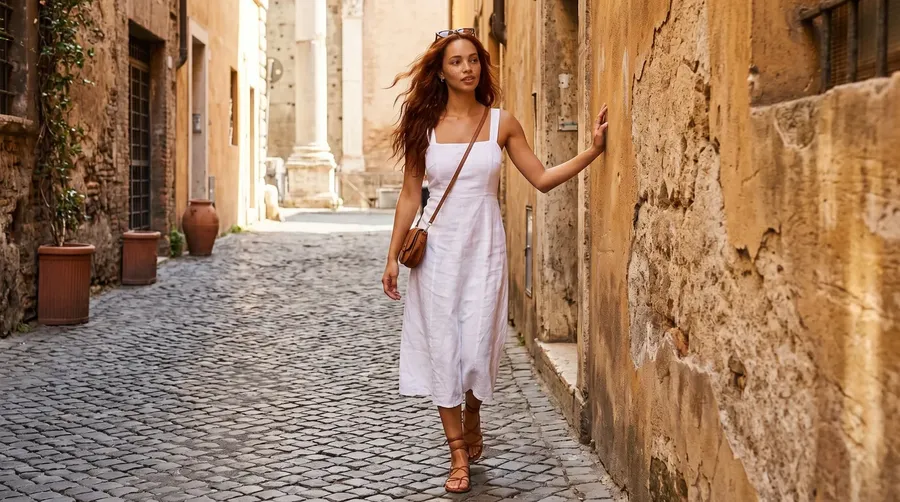
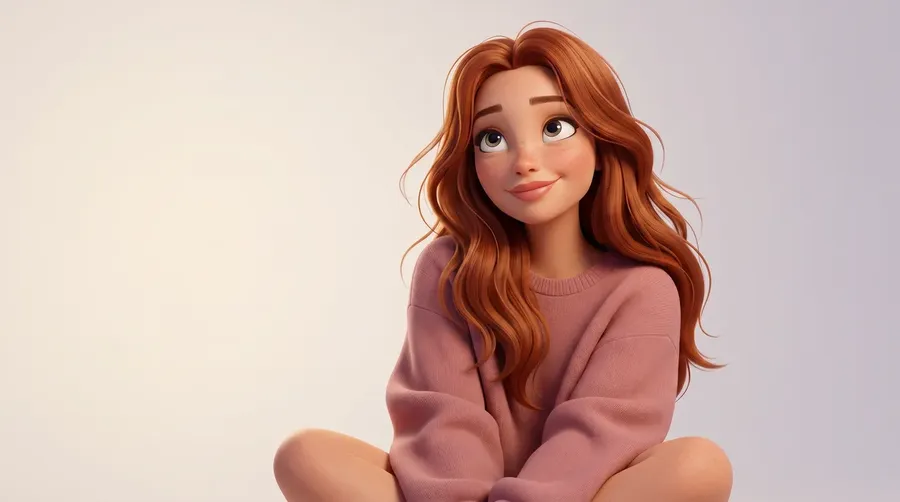
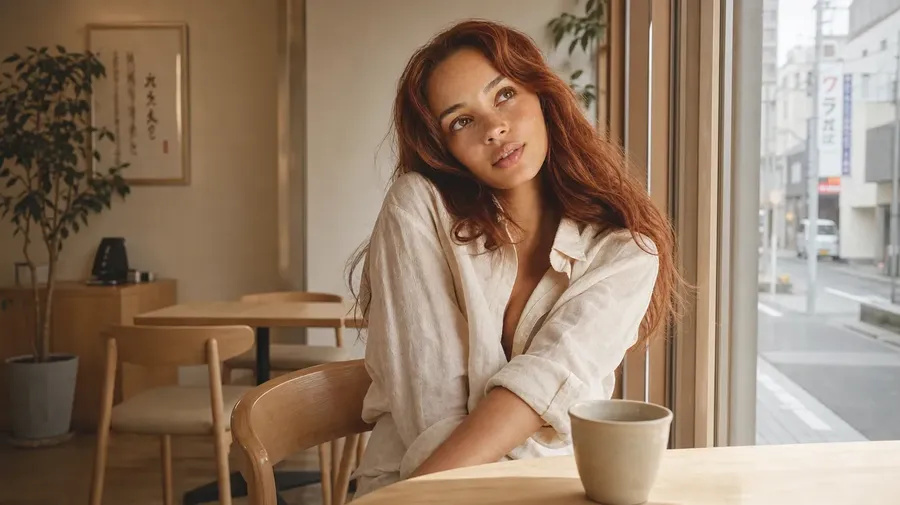
On-brand characters that don’t drift between assets.
Brand mascots, recurring spokespeople, and product avatars work best when they look identical across every campaign. With a saved Element, the same character carries from social to email to landing page without slowly turning into a different person.
Share the Element with your team so everyone generates from the same source:
- One avatar, used by every team member
- Style and Color Palette Elements alongside the character
- Consistent identity across simultaneous campaigns
- No more re-describing the brand in every prompt.
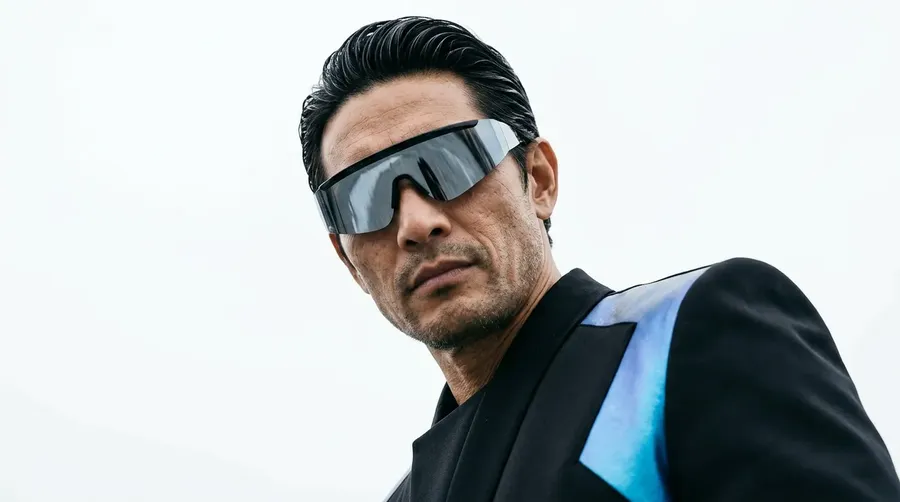
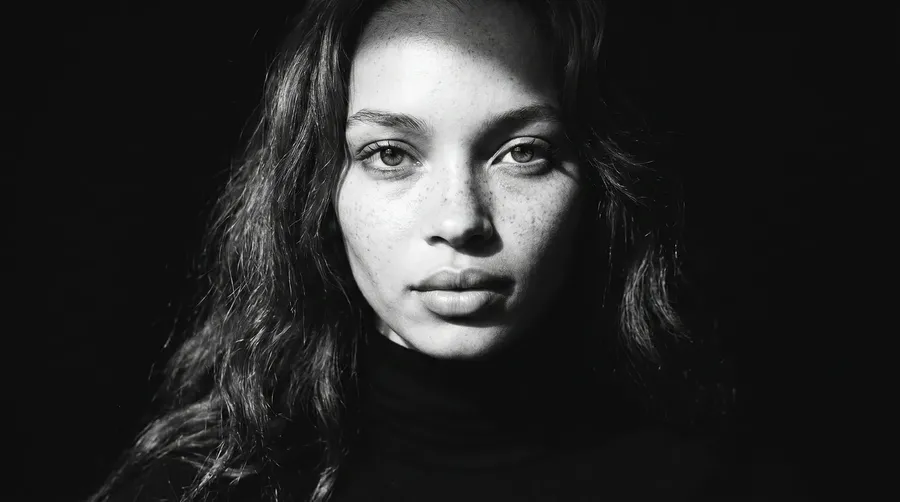
@Mark, hair slicked back tight against head, high fashion futurist editorial photography, shot on Hasselblad, photographed from below looking up
Combine Elements with reference images for one-off scenes.
Some shots need both a consistent character and a specific pose, outfit, or background. Elements handle the recurring part. Reference images handle the one-off.
For example:
- “@Maya wearing the jacket from Image 1, on a foggy pier”
- “@Maya in the pose from Image 1, dramatic side lighting”.
You hold the character. The reference shapes the rest of the scene. Up to 10 reference images can be attached per generation.
-900x505.webp)
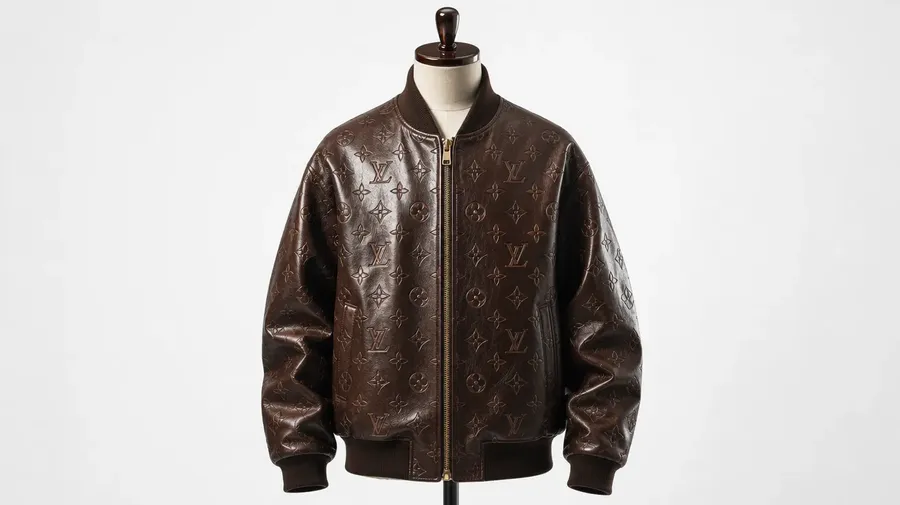
@Maya as a streetwear model wearing the jacket from Image 1, neon city, golden hour, motion blur
Frequently Asked Questions
Elements are reusable visual references stored in your getimg.ai account. You upload between 1 and 20 photos of a character, name the Element, and choose the type (Person covers most character work).
After that, typing @ElementName in any prompt tells the AI to use that character as the identity for the generation. Faces, skin tone, and key features stay consistent across every image. Autocomplete picks the Element up as soon as you type @.
Custom-trained models take dozens of photos, hours of compute, and technical setup. Elements take minutes. There’s no training step. Upload your photos, name the Element, and start generating.
Between 1 and 20. One photo works for simple cases. For Person Elements specifically, more photos help: face shape, skin tone, and hair are easier for the AI to capture when you provide multiple angles. Five to ten photos covers most cases well.
Yes. The character carries through realistic photos, anime illustrations, 3D renders, line art, paintings, and any other style your prompt specifies. Type the style instruction normally and reference the Element with @ElementName. The identity stays. The aesthetic changes.
Yes, on Core, Plus, and Ultra plans. Teams share Elements alongside generations and assets, so every member uses the same character, style, or product reference. One Element, used consistently across the team.
Up to 2 teams on Core, 5 on Plus, and 10 on Ultra.
Yes. Use the Element for the recurring subject and a reference image for the one-off. A common pattern: @ElementName as the consistent character, plus a reference image of a specific pose, outfit, or background. The Element holds the identity. The reference shapes the rest of the scene. Up to 10 reference images can be attached per generation.
All paid plans include commercial rights. Generated images are yours to use in client work, social campaigns, e-commerce, merchandise, and any other professional context. Subject to use policies. Commercial rights are included from the Entry plan upward.
Save the character once. Generate them as many times as the work needs.
Stop re-uploading source photos. Stop re-describing the same person in every prompt. Save your character once, reference them with @, and keep the cast consistent across every image you generate.