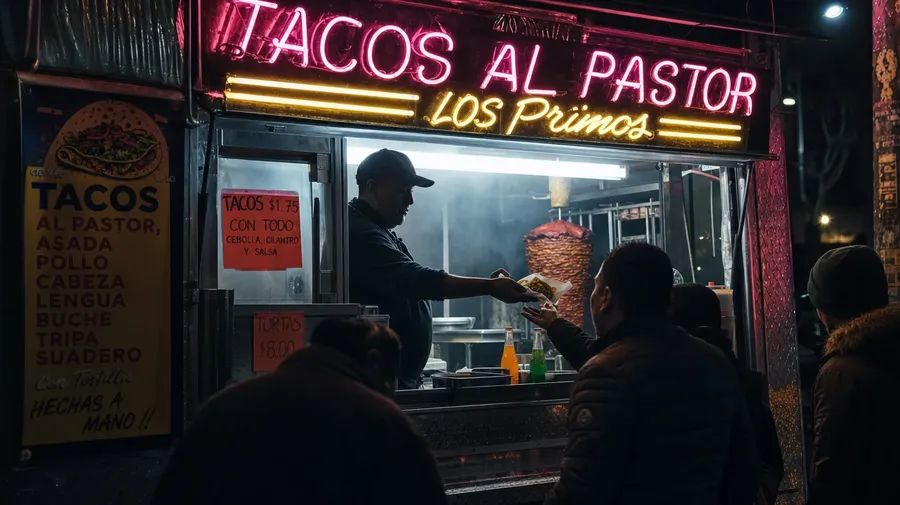
AI Stock Fast Food Pictures Generator
Some briefs need the ad-perfect hero. Others need the diner at 2 am with melted ice in a cup. Generate fast food images for either, in one prompt box. Commercial rights on every paid plan.
Every leading image model, one subscription.
The Auto mode picks the best one for your prom


How to generate custom fast food images with getimg.ai
Most fast-food briefs hinge on three cues: the item, the venue, and the hour. Name them in the prompt.
1. Type the order
Open the Content Generator and describe the fast-food scene: the item, the venue, the hour. A simple prompt produces a usable baseline; name the chain, the specific cut of meat, or the light register when you want exact control over those details.
2. Run a count
Generate anywhere from one to sixteen variations at a time, then read the results for steam off the patty, char on the bun, melt on the cheese, and the way grease catches the light. Pick the version that lands.
3. Change a detail
A first run picks one of many valid fast-food interpretations from your prompt. If you'd rather end up at a Southern California burger chain parking lot than the diner booth the model chose, or a smash burger instead of a stacked one, name the swap and run again. Several changes fit one prompt; download when it lands.
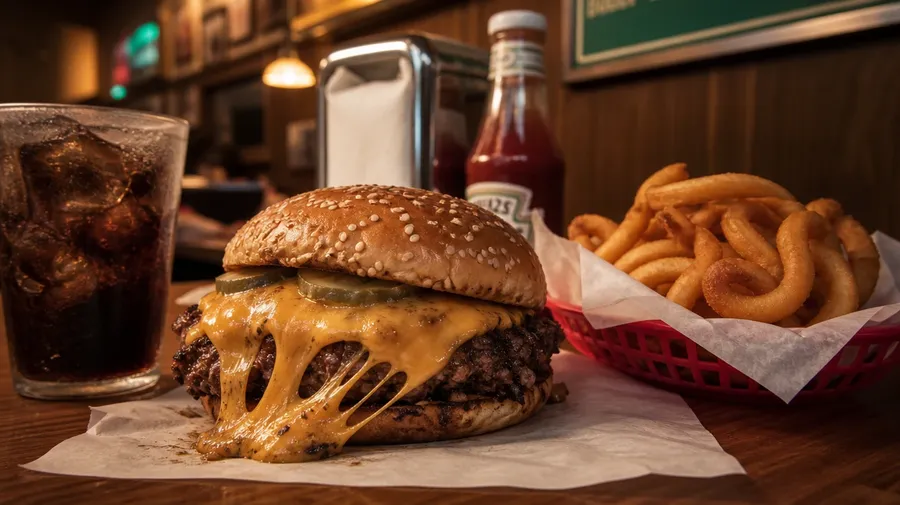
smash burger with melted cheese on parchment paper at a diner counter, golden curly fries on the side, soft warm tungsten light
Beyond the menu-board photo
Real fast-food briefs span items, venues, and the hours between the studio key light and the 2 am drive-thru.
What's on every menu, photographed
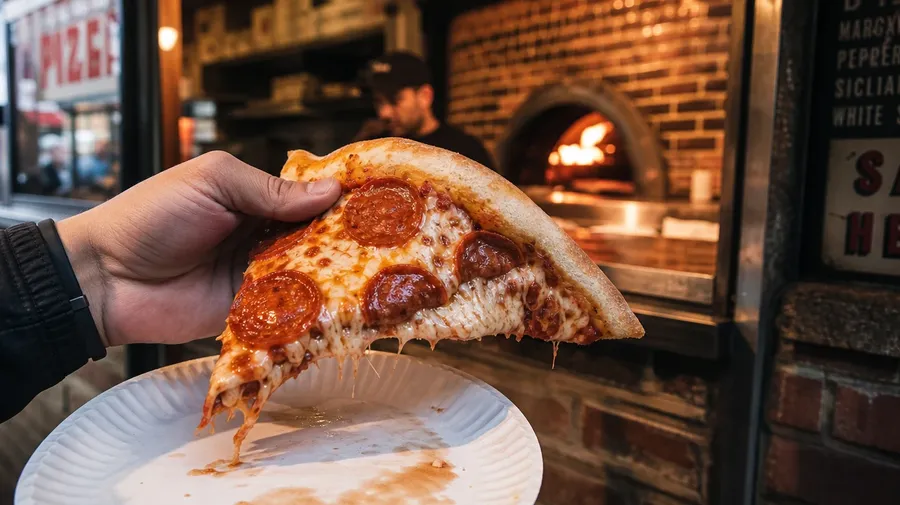
Cover the full menu: a quarter-pounder smash burger with cheese pull, a stacked carne asada taco with cilantro and onion, a slice of New York pepperoni, a paper bag of curly fries leaking grease, a strawberry milkshake with whipped cream. Each item brings its own texture, gloss, and steam.
The light decides the register
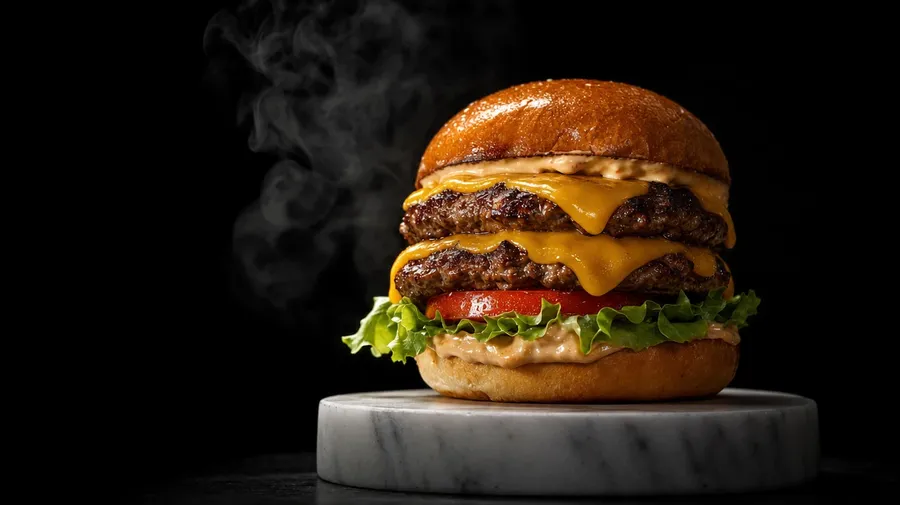
Cover both lighting registers: an ad-style hero burger under hard studio key light with controlled steam, a candid 2 am diner booth where a fry box leaks under fluorescent light, a neon-lit late-night drive-thru window with a paper bag handoff. Different registers, same prompt box, the model handles the gloss and the haze.
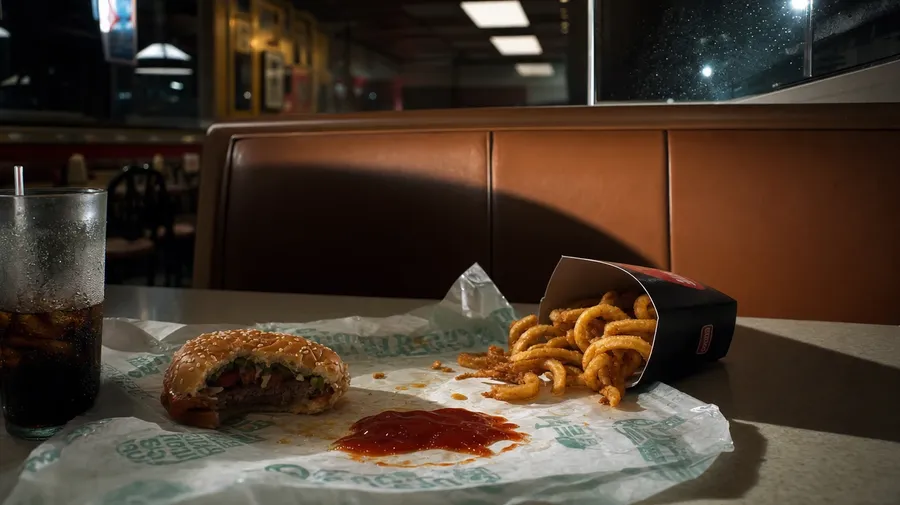
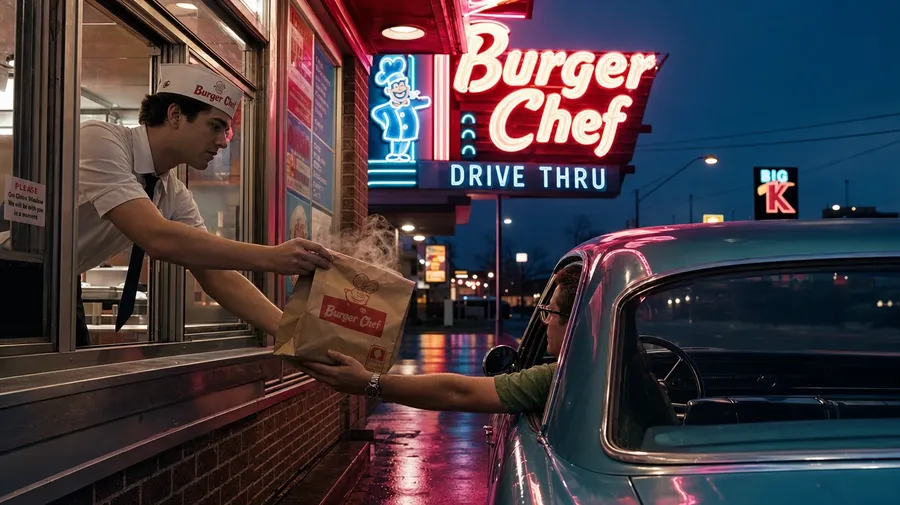
Drive-thrus, food trucks, late-night counters
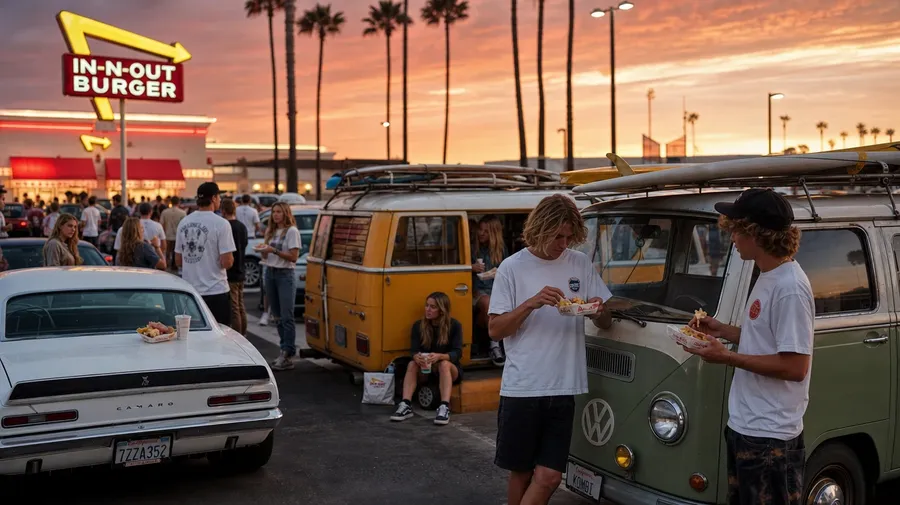
Catalog fast food stops at the ad-shot hero. Real briefs span the venues that make people queue: a 2 am drive-thru with a flickering menu board, a lunchtime food truck with a line, a 24-hour diner counter at last call, a packed Southern California burger chain parking lot. Most briefs sit between kitchen and parking lot.
Frequently Asked Questions
Yes. Name the item, the chain or regional style, and the surface. A quarter-pounder smash burger with cheese pull on parchment reads very differently from a New York pepperoni slice on a counter window, a stacked al pastor taco at a Mexico City stand, or a paper basket of fried chicken at a Korean late-night counter. The model handles the gloss, the steam, the char on the meat, and the way the sauce catches the light. Generate up to 16 at a time, compare the item cues, pick the version that lands.
Yes, when the prompt names them. A glossy ad-style burger with controlled steam reads differently from a candid 2 am diner burger with grease on the wrapper, a Brooklyn pizza slice with strings of melted cheese, or a fresh-from-the-fryer basket of curly fries. Specify the item, the texture, and the moment of capture, and the model handles the highlight on the bun, the heat haze, and the way the cheese pulls.
Yes. Specify palette, contrast, light direction, and grain in the prompt: ad-hero studio key, neon-noir late-night, sun-bleached drive-thru lot, retro 1970s diner. For multiple items in one register, save the look as a custom Element and reuse it across prompts. The Element carries treatment between shots so the campaign reads as one body of work.
Name the venue and the hour. A flickering 2 am drive-thru menu board with a lone car waiting, a Brooklyn food-truck line at lunchtime, a fluorescent-lit 24-hour diner counter at last call, a Southern California burger chain parking lot full of beach kids at sunset: each carries different cues that the model honors when you spell them out in the prompt.
Yes. Every paid plan covers commercial use across ads, social, web, print, packaging, and presentations. Fast-food chains, delivery apps, beverage brands, regional restaurant groups, food publications, and lifestyle media all qualify under the same license, and so does every other category of AI stock photos.
Yes. Different categories run on the same prompt approach. Name the subject, the surface, and the light, and the same logic that produces vegetable pictures produces fast food: swap heirloom tomato for stacked patty, wooden board for parchment, morning market light for hard studio key. A field-fresh kale leaf becomes a basket of crisp fried onions; a Provençal tomato cluster becomes a smash burger with the same painterly attention. A multi-category campaign runs through one prompt box.
As specific as you want. A simple prompt like "a smash burger and curly fries at a diner counter" produces a usable baseline; the model fills in the typical details (the parchment paper, the wood-laminate counter, the soft tungsten light, the salt-shaker just out of frame). Add specifics for the parts that matter to your brief: a particular cut of meat, a regional chain, a specific decade, a sauce drip. The model honors named details without overriding the rest.
Generate fast food pictures you won't find on generic stock sites.
Type the item, the venue, and the hour, and the model handles the gloss, the steam, and the way the neon catches the wrapper.