AI Voice Generator for Narration, Characters & Ads
Turn text into spoken audio with selectable AI voices, multilingual scripts, and inline controls for tone and pace. Generate narration, character dialogue, ads, explainers, and other voice tracks directly from your script.
Choose a voice, direct the delivery with cues like [warm, conversational], generate, and download the result as WAV.
What a Real AI Voice Generator Should Let You Control
A voice track is three separate decisions: who speaks, how they speak, and what language the script is in. The Create speech tool puts all three in your hands, in one pass.
Pick the Voice
Choose from 30 voices, 15 male and 15 female, each with a name and a descriptor for its character such as soft, smooth, upbeat or warm. The voice decides who is speaking before you touch the delivery.
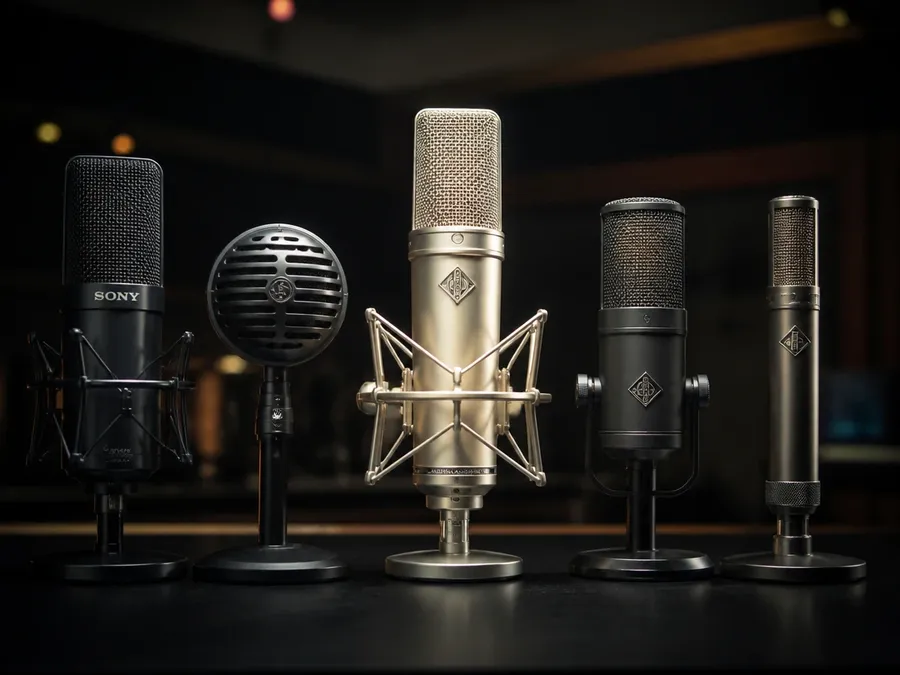
Direct the Delivery
Add bracketed cues inside the script to set tone, pace and emotion. [calm, confident] asks for a different read than [bright, energetic], and the direction can change between lines.
Generate in Different Languages
Write the script in the language you need and the output follows it. There is no language picker to set, and accents are directed in brackets, for example [in a British accent].

Same Voice. Every Line.
Scripts keep moving after the first pass. Pick a voice once and reuse it for the lines that come later.
Reuse the Selected Voice
Generate new lines, revisions or additional scenes with the same selected voice instead of rebuilding the read from scratch each time.
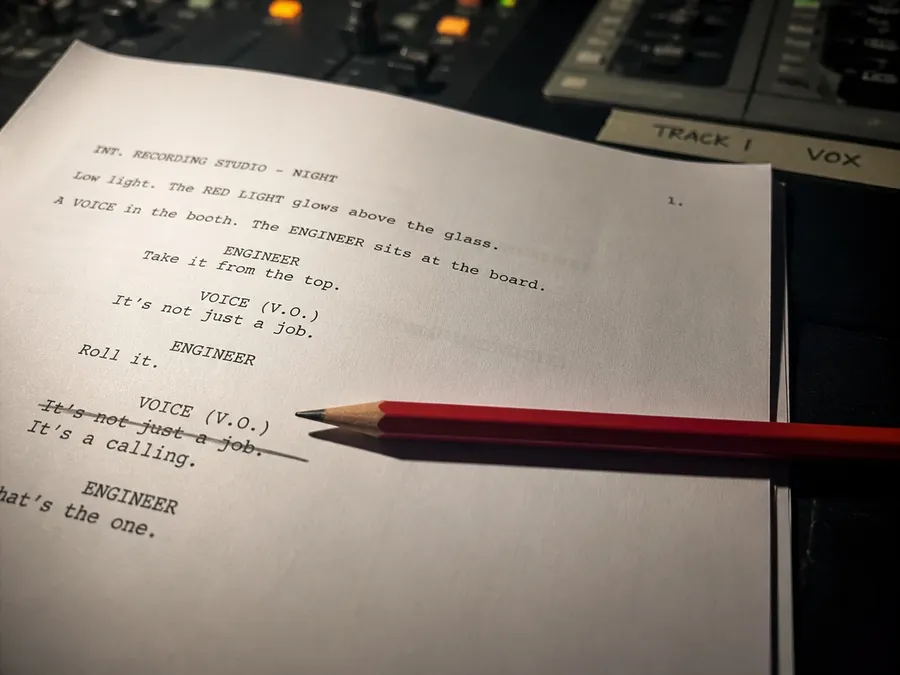
Revise Without Re-recording
Edit the script, generate again, and you have the new line. No session to rebook and no one to re-brief because a date or a price changed.
Build the Project in Sections
Generate a long project chapter by chapter or scene by scene, keep the same selected voice across them, and assemble the WAV files in your editor.
Same Script. Different Direction.
One script, one voice, four takes. The only thing that changes between them is the cue in square brackets at the top of the line. All four were generated on getimg.ai with the Schedar voice.
How to Generate an AI Voice
Four steps from a written script to a downloaded WAV, in the order the Create speech tool actually works.
1. Write the script
Type or paste the script into the prompt box. The output language follows the language you write in, so a Spanish script returns Spanish speech. Pricing follows the number of characters you generate, so the script length is also the cost.
2. Add delivery direction
Put cues in square brackets where you want them: [warm, conversational] at the top to set the whole read, [more energetic] in front of the line that needs to lift. Tone, pace and emotion can change several times inside one script.
3. Choose a voice
Pick from the 30 voices by name and descriptor. The voice sets the speaker and the cues set the performance, so a warm voice can still read a tense line and a firm voice can still read a soft one.
4. Generate, listen, download
Generate, play it back, and if the read is not there yet, adjust the script or the cues and generate again. When it lands, download the result as a WAV and take it into your edit.
Narration for Longer Projects
Generate narration for documentaries, audiobooks, museum guides, training content, and other longer-form projects. Reuse the selected voice when generating additional sections.
How to Direct an AI Voice
Delivery cues go inside the script, in square brackets, at the point where you want the change to happen. Here is the same line without them and with them, read by the same voice.
How to Write Delivery Cues
A cue is plain words in square brackets. There is no syntax to learn, but a few patterns are more reliable than others.
The shape of a cue
Square brackets, one to three words, placed in front of the text they apply to. [warm, conversational] Welcome back. Everything outside the brackets is read aloud, everything inside them is direction.
Where to put them
At the top of the script to set the whole read, or in front of a specific line to change the delivery from that point on. You can use several in one script, which is how a read shifts between lines.
What a cue can change
Tone, pace and emotion. [calm, confident] for a level brand read, [bright, energetic] for a promo, [soft, conversational] for an aside, [slow, intimate] for a narrator, [excited, playful] for a character.
Accents are directed, not selected
There is no accent dropdown. Write it as a cue, for example [in a British accent] How are you, mate? Because the direction lives in the script rather than in the voice, a voice is not locked to one accent.
Change the Script Without Re-recording
Copy changes late. When the voice track is generated, the fix is an edit to the script and one more generation instead of a new session. Same voice, one word different.
Generate Voice Alongside Images and Video
Create speech in the same getimg.ai workspace as your image and video assets, then download the WAV for your final edit.
Find a Voice for the Script
Eight of the 30 voices, each reading a different kind of line. Name, gender and descriptor are what the picker shows you, and no voice is tied to a single language. The cue in the script does the rest. Every sample below was generated on getimg.ai.
What You Can Control
The whole Create speech surface in one view, from what goes in to what you download.
AI Voice Generation vs Traditional Voice Recording
Two ways to get a voice track made. They are good at different things, and plenty of projects use both.
AI voice generation
Fast script revisions, several variants of the same line, easier localization, and a sensible fit for content you produce in volume. Because the read comes from direction, output can vary between generations.
Traditional voice recording
A human performance, actor-directed takes, bespoke character work, and a native performer you can direct in the room. More control over one specific read, and a session to schedule.
Which one fits the project
Use AI voice generation where speed, iteration and content volume matter. Use traditional recording where exact performance or actor direction is central to the project.
Speech Generation Specs
What the Create speech tool does today.
Generate Speech in Another Language
The output language follows the language of your script. These are the languages we have written up so far.





Related Voice and Speech Tools
Where the rest of the voice workflow lives on getimg.ai.

Frequently Asked Questions
An AI voice generator turns a written script into spoken audio using a speech model and a selected voice. You write the words, choose who reads them, and direct how they are read.
On getimg.ai that happens in the Create speech tool: paste the script, choose from 30 voices, add bracketed cues for tone, pace and emotion, generate, and download the result as a WAV.
This page is about the voices: which ones there are, how they differ, and how to direct them. The script to speech workflow, from input to pronunciation to pacing, sits on the AI text to speech generator page. Building a finished voiceover for video, ads and explainers sits on the AI voice over generator page.
Six things decide whether a voice tool fits a real project: the voices you can choose from, the languages it can read, how much control you have over delivery, the file you get at the end, the commercial usage terms, and how quickly you can revise a script after the first generation. In the Create speech tool that means 30 named voices, a script in the language you write, inline cues for tone, pace and emotion, a WAV download, commercial usage rights on paid plans, and a revision loop that is one edit and one regeneration. If the end product is a voiceover for video, that workflow is covered on the AI voice over generator page.
There are 30 voices, 15 male and 15 female. Each has a name and a descriptor for its character, such as soft, smooth, upbeat or warm. Treat the descriptor as a starting point rather than a fixed personality: the cues you write into the script are what set tone, pace and emotion for a given line.
There is no language picker. The output language follows the language of the script you write, so a Spanish script returns Spanish speech and a Japanese script returns Japanese speech. We have written up dedicated pages for Spanish, French, German, Italian, Portuguese, Polish, Dutch, Japanese and Korean, and accents inside a language are directed with a bracketed cue rather than selected from a list.
Paid plans include commercial usage rights for eligible generated speech under our terms.
Rights to scripts, third-party intellectual property, voice likenesses and other protected material still need to be considered. A generated voice does not clear the words it reads or the brand it speaks for.
Speech pricing is calculated per 1,000 characters of script. Speech generation runs on the same getimg.ai subscription that covers image, video and music generation, so it does not need a separate plan. Current rates and plan allowances live on the pricing page.
Turn Your Next Script Into a Voice Track
Choose a voice, direct the delivery, generate the speech, and download the WAV.